The Automatic Translation Tool provides a simple and efficient solution for translating custom modules. It automates the generation of translation files, ensuring quick setup and smooth integration with multilingual capabilities.
Automatically creates the i18n directory in the selected module.
Generates and updates .po files in the target language.
Reduces manual steps required for handling translations.
Wizard-driven interface to select module and language for translation.
Works seamlessly with both Community and Enterprise editions.
Save time: Automates translation file creation, avoiding repetitive manual work.
Boost productivity: Developers and users can focus on more critical tasks.
Consistency: Ensures all translations follow standard format.
Ease of use: Simple wizard interface allows non-technical users to manage translations.
Module Automatic Translation Tool.
By following a few simple and fast procedures, you can use the Translate tool module to translate custom modules. As it stores the file in your module directory and retrieves it each time a translation request is made, it reduces the time needed to complete the translation.
- Create an i18n directory inside the module using the PO file for the language of your choice; if it already exists, it will be added to the i18n directory.
- Translate any custom module automatically
- Reduce the time spent translating the PO files
- Optimise the translation process to cut down on translation expenses
- Support community & enterprise
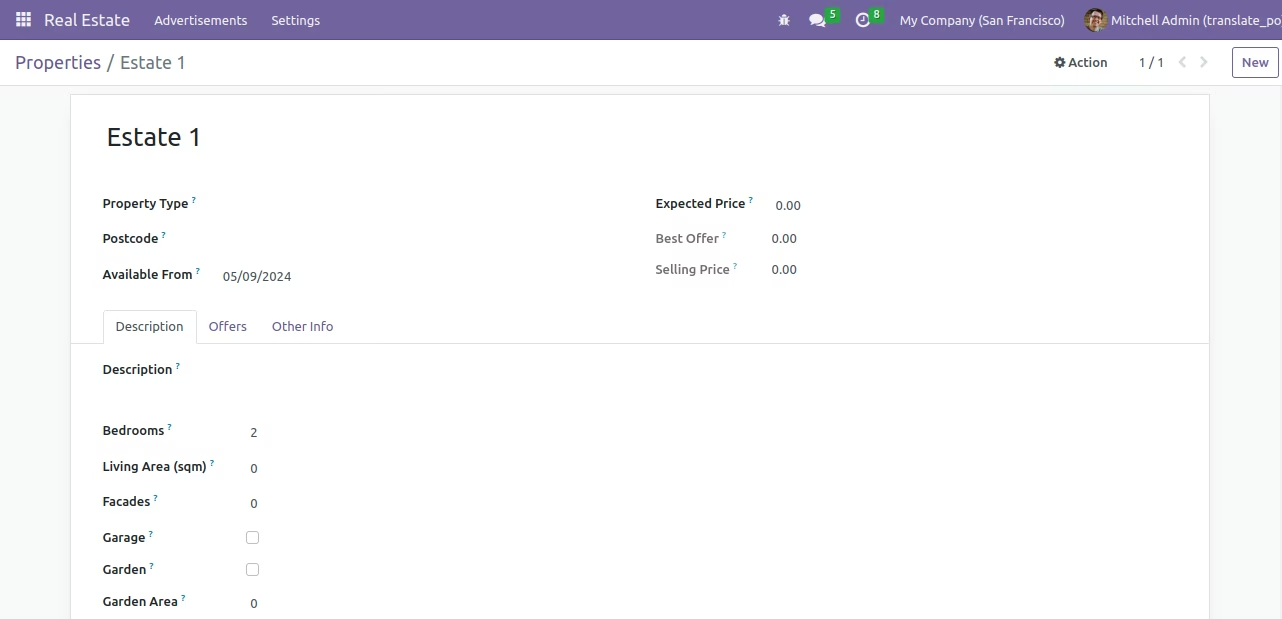
We shall now use the English language before the translation.
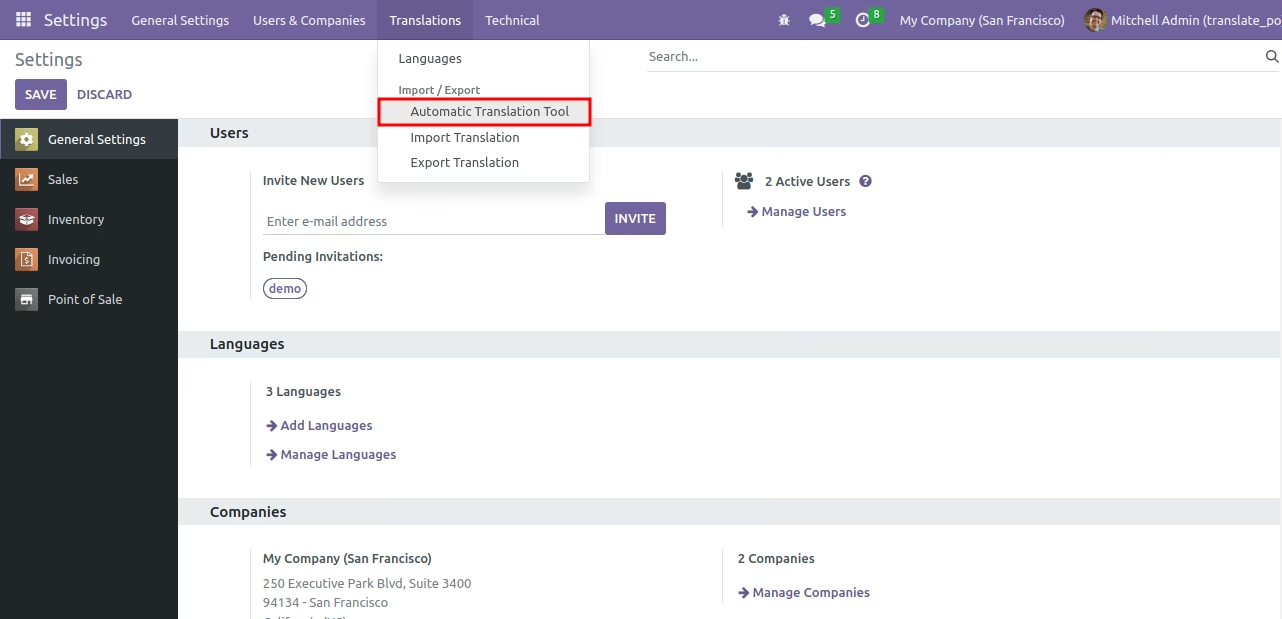
From Settings / Translations / Automatic Translation Tool menu.
The wizard will launch. Select the module you want to use and the language for the translation and click on translate.
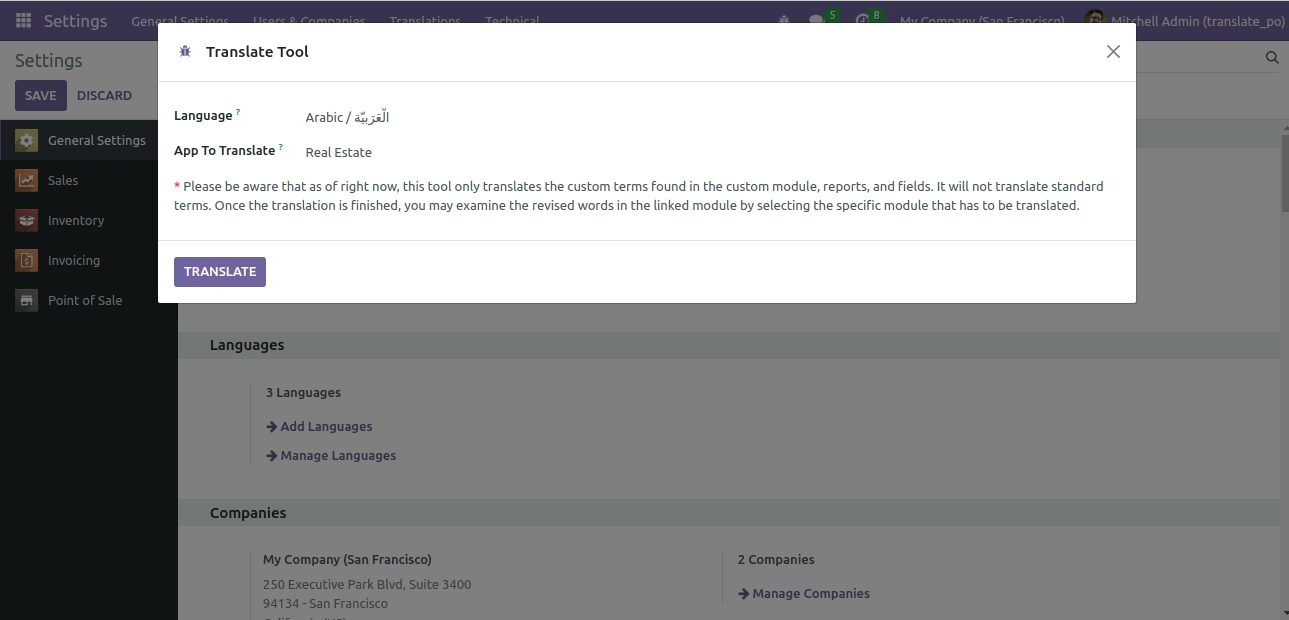
An i18n directory and a po file in the selected language will be generated.
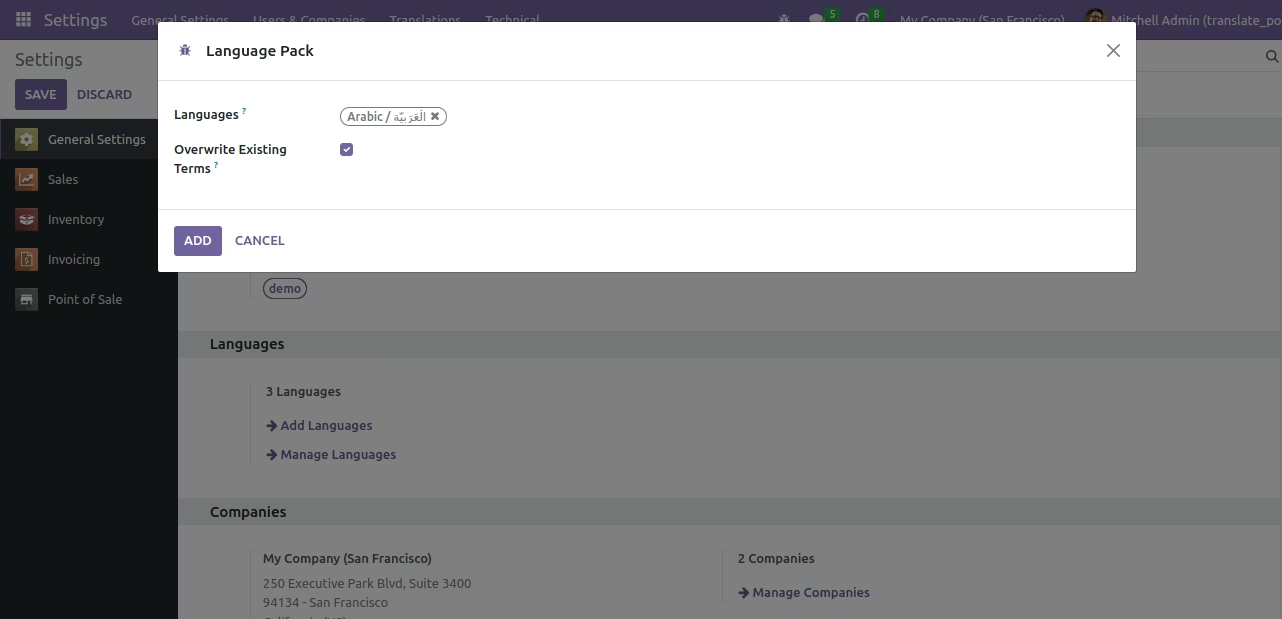
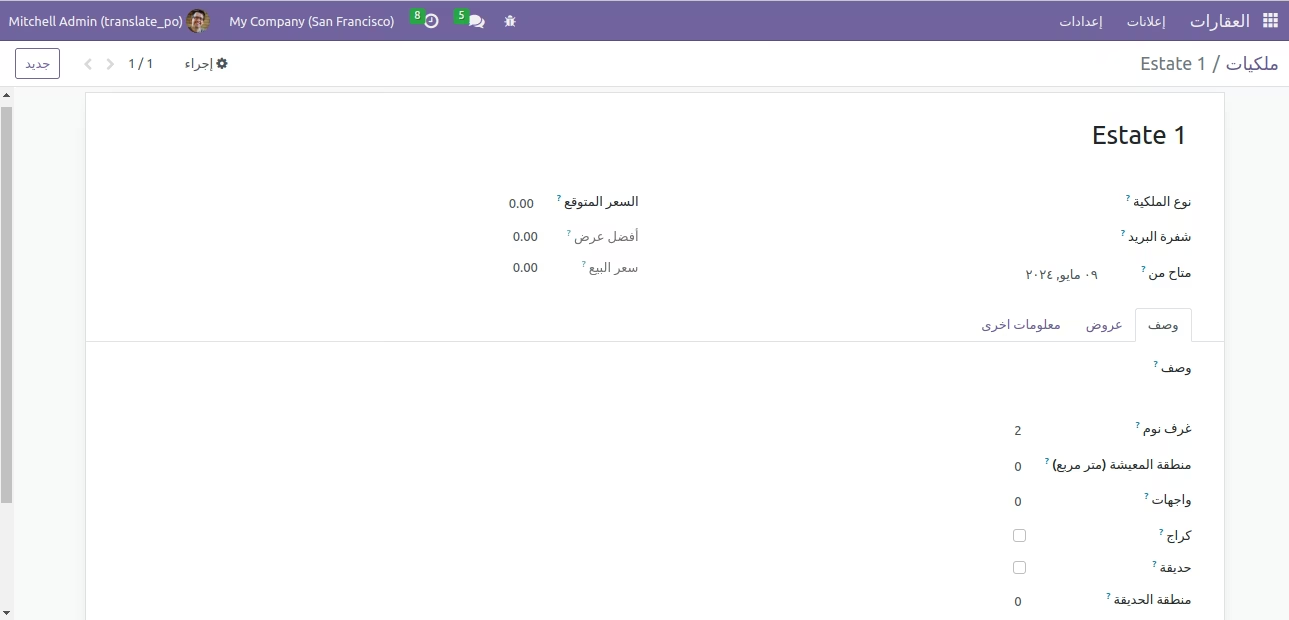
Modify the system's language.
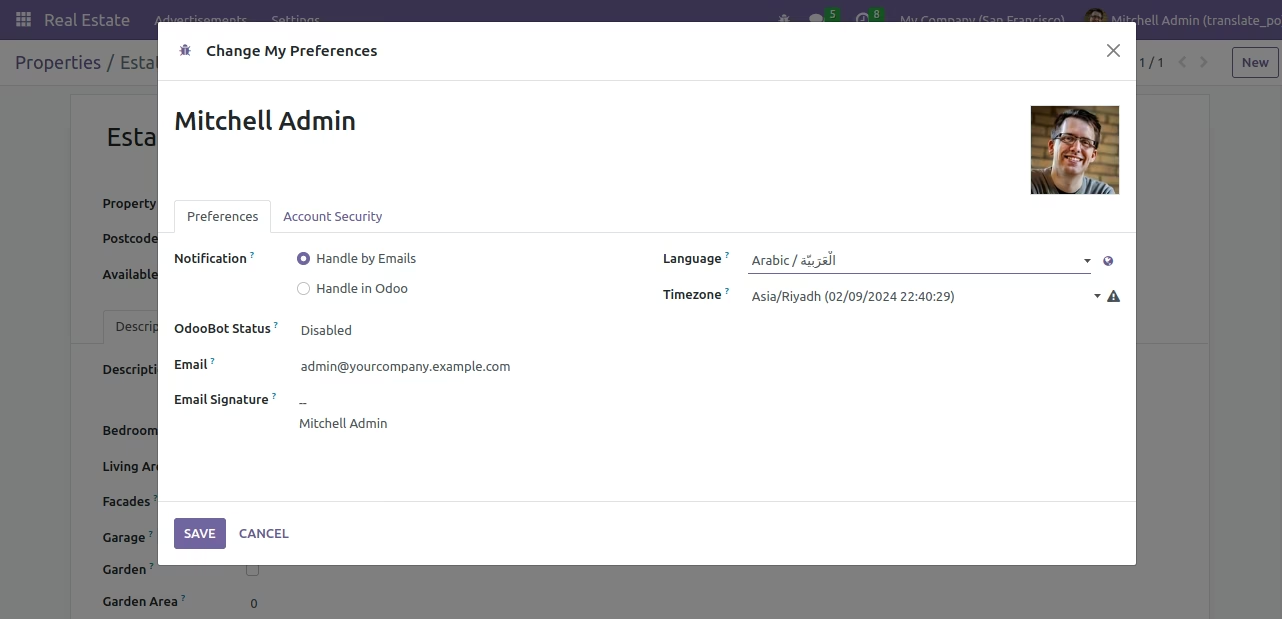
Your customised module will now be translated into the language of your choice.