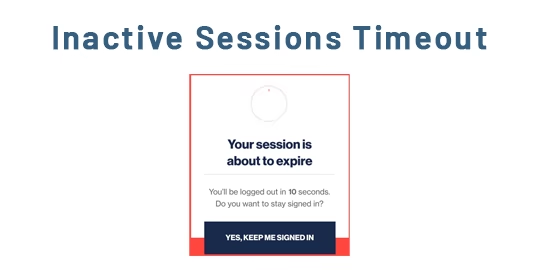
The module improves the security and efficiency of your environment by automatically terminating user sessions that remain inactive for a specified duration. This feature minimizes unauthorized access risks and keeps system performance optimized by clearing inactive sessions systematically.
Automatically log out sessions after a configurable period of user inactivity
Improve security in shared or unattended workspaces by preventing open idle sessions
Reduce server load by clearing sessions that are no longer active
Manage session timeouts centrally through system configuration parameters
Enhance data protection by ensuring users are logged out after inactivity
Strengthen overall system security, especially in multi-user or public settings
Improve system performance by freeing up resources occupied by idle sessions
Simplify administrative control with easy configuration of session timeout policies
Auto Session Timeout Timer Odoo Apps
Automatic Session Expiry Odoo
Odoo Session Auto Timeout Module
Inactive Sessions Timeout Odoo Apps
Set Timeout for Inactive Sessions Odoo Apps
Inactive Sessions Timeout Timer Odoo app helps administrators gain the capability to establish specific timeout limitations for inactive sessions, all measured in minutes. This feature ensures optimal security and resource management by automatically terminating idle sessions after a predefined period.
This app equips administrators with efficient ways to monitor and oversee active sessions. Inactive sessions are handled easily in accordance with the system parameters you configure. Users will find it convenient to reactivate their sessions simply by logging in again, allowing for a smooth and continuous workflow.

Set Inactive Sessions Parameters
Admin can set limitation of timeout(In Minute) for the sessions which are inactive.

Manage Active Sessions
Admin can easily manage and track the active sessions.
Set System Parameters
Goto Settings -> Technical -> Parameters -> System Parameters, Admin can set limitation of timeout(In Minute) for the sessions which are inactive.

Inactive Session Timeout
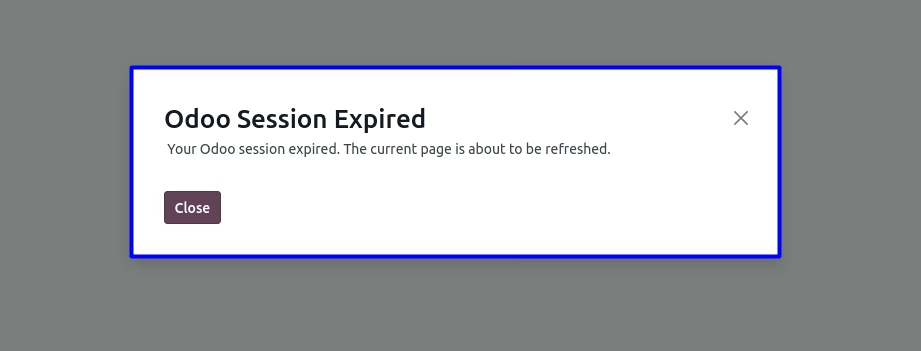
You can see inactive session are timeout according to configure system parameters and login again to reactivate the session.