Revolutionize your file management strategy with the Google Drive Attachment module. This powerful integration bridges the gap between your ERP system and Google's robust cloud storage, allowing you to automatically store all attachments directly in your Google Drive. By leveraging the power of Google Drive, you can free up valuable server space, enhance data accessibility, and benefit from advanced features like file sharing, version control, and collaborative editing. This module is the perfect solution for businesses looking to streamline their document handling processes and create a more efficient, secure, and scalable work environment.
Automatically uploads all new attachments to a specified Google Drive folder.
Provides seamless, real-time synchronization Google Drive.
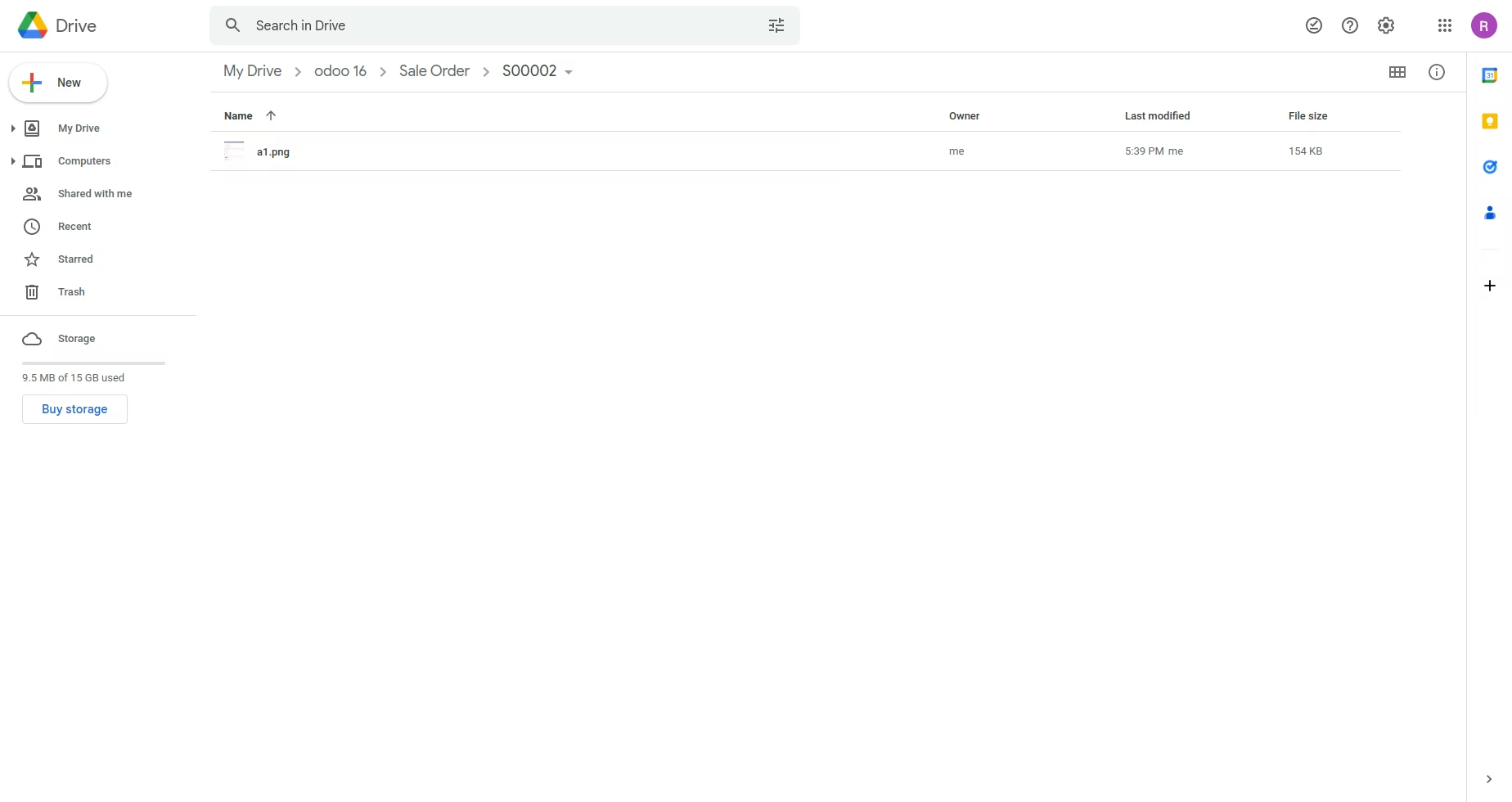
Allows for the creation of record-wise folders in Google Drive for organized storage.
Supports the upload, update, and deletion of documents, ensuring both systems are always in sync.
Offers flexible folder management options, including single-folder or multi-folder structures.
Includes a user-friendly configuration process to connect your instance with your Google Drive account.
Maintains a link to the Google Drive file within for easy access.
Scalable Storage: Utilize Google Drive's generous and cost-effective storage to manage your growing number of attachments.
Enhanced Accessibility: Access your files from anywhere, at any time, using any device with a Google Drive connection.
Improved Collaboration: Leverage Google Drive's powerful sharing and collaboration tools to work on documents with team members.
Reduced Server Load: Offload file storage to the cloud, improving the performance and speed of your instance.
Data Security: Benefit from Google's world-class security infrastructure to protect your important business documents.
Automated Workflow: Save time and eliminate manual file transfers with automatic synchronization.
Centralized Document Hub: Create a single source of truth for all your business-related files and documents.
This module is used for upload attachment directly on google drive and get download url.
You can upload all type of document.
Whenever you Delete or Update document from system at that time that document Delete or Update on Google Drive.
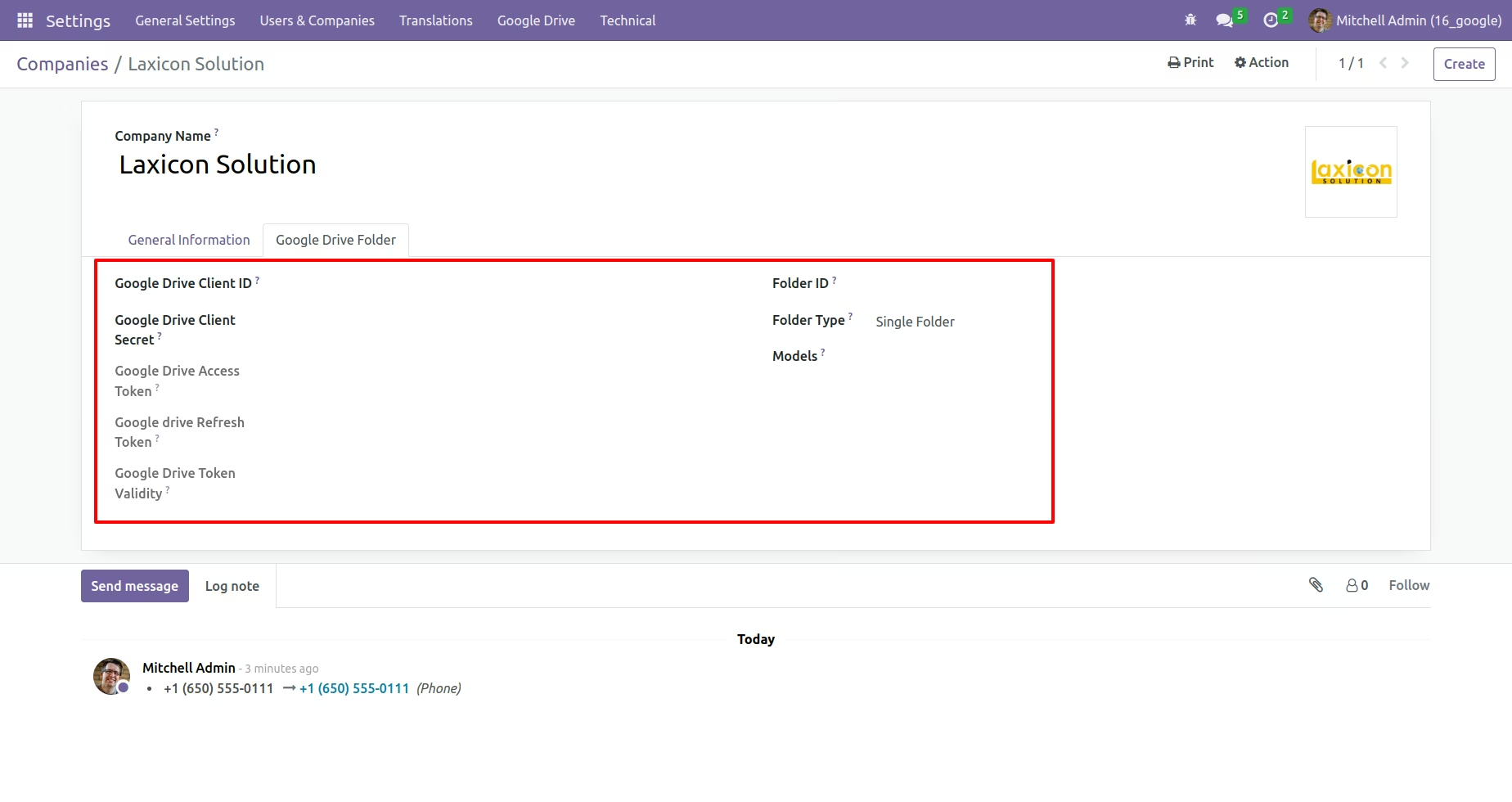
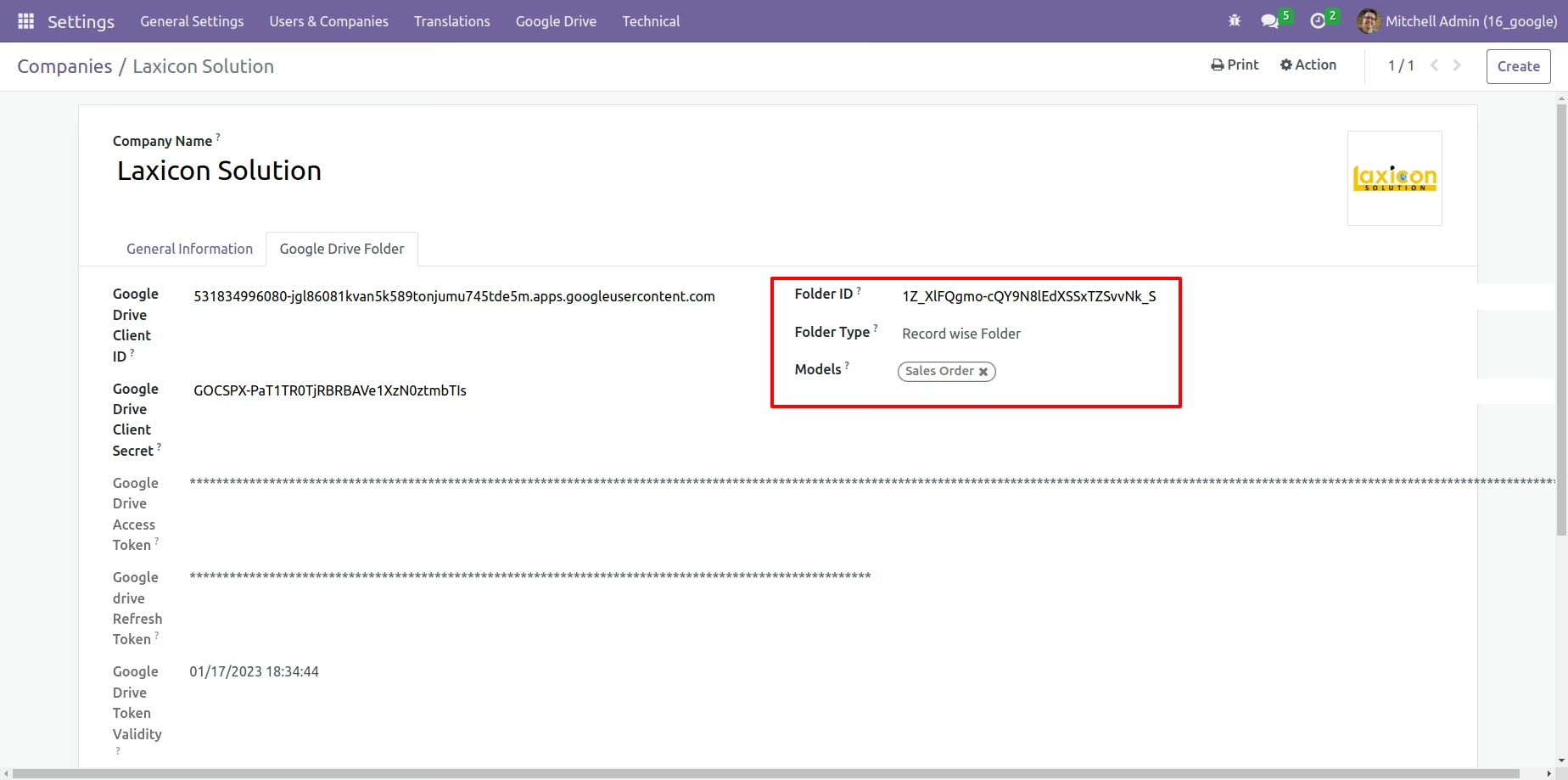
Goto Settings -> Users & Companies -> Companies -> Google Drive Folder
Store Backup to Google Drive
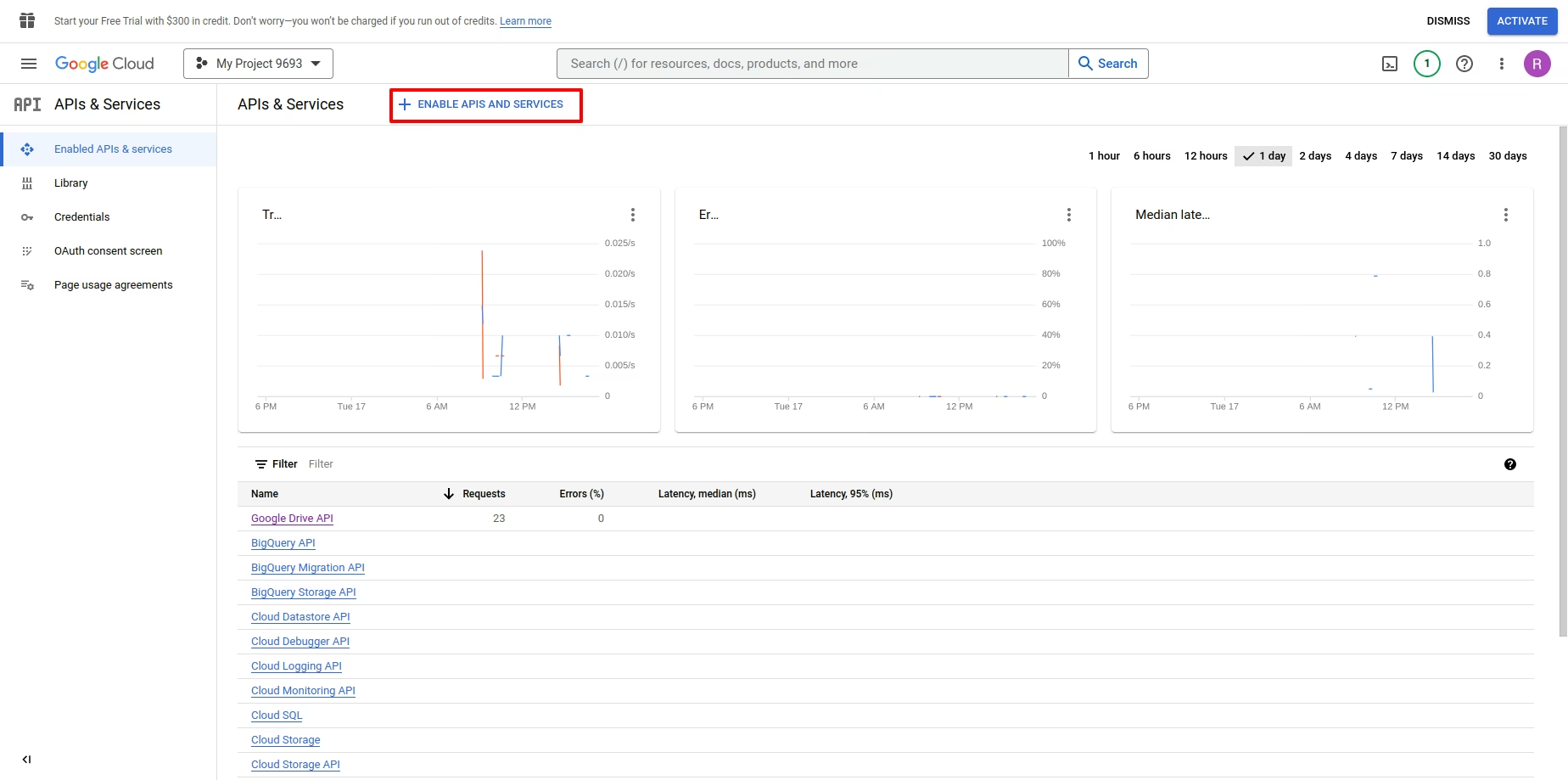
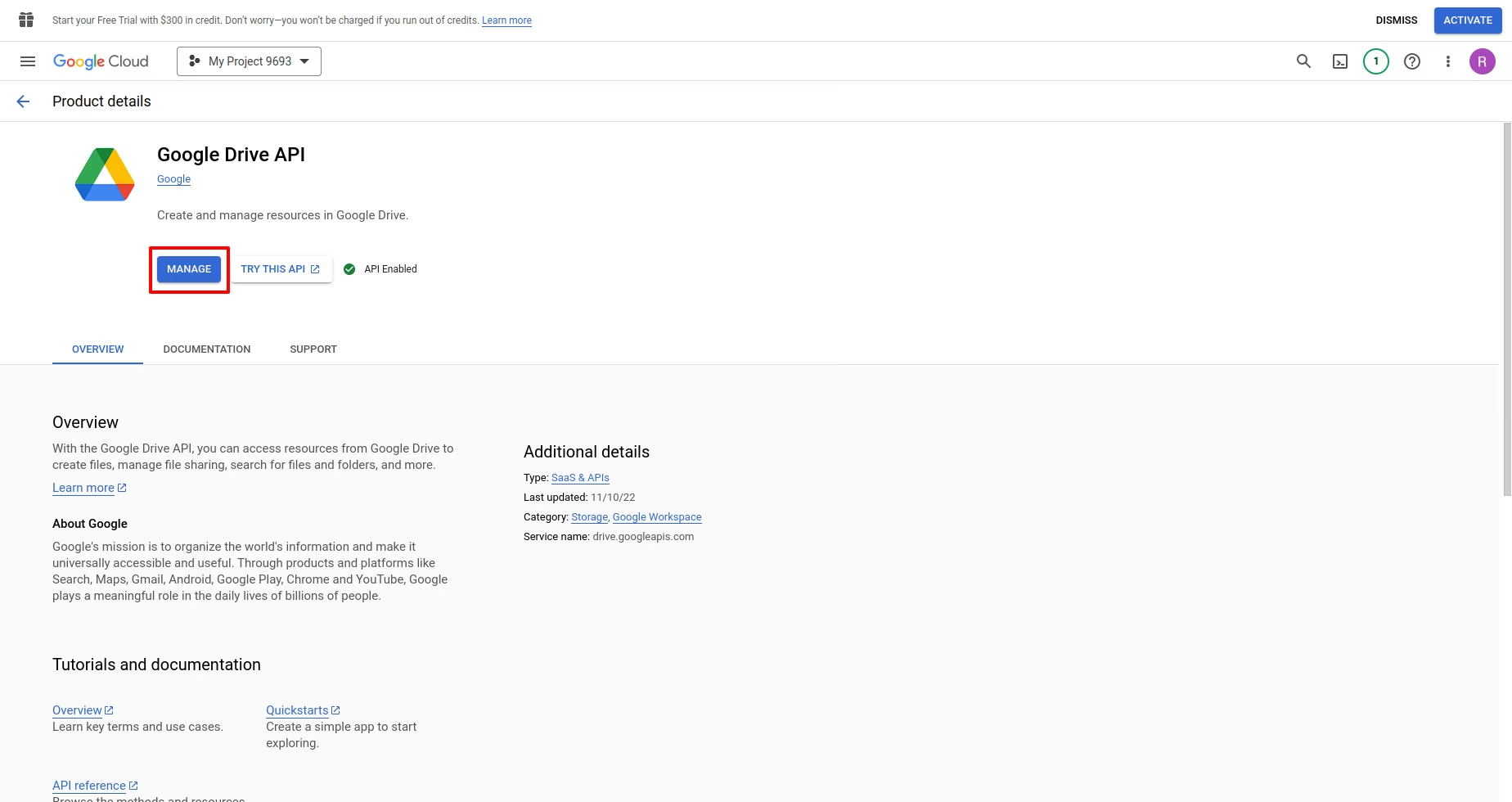
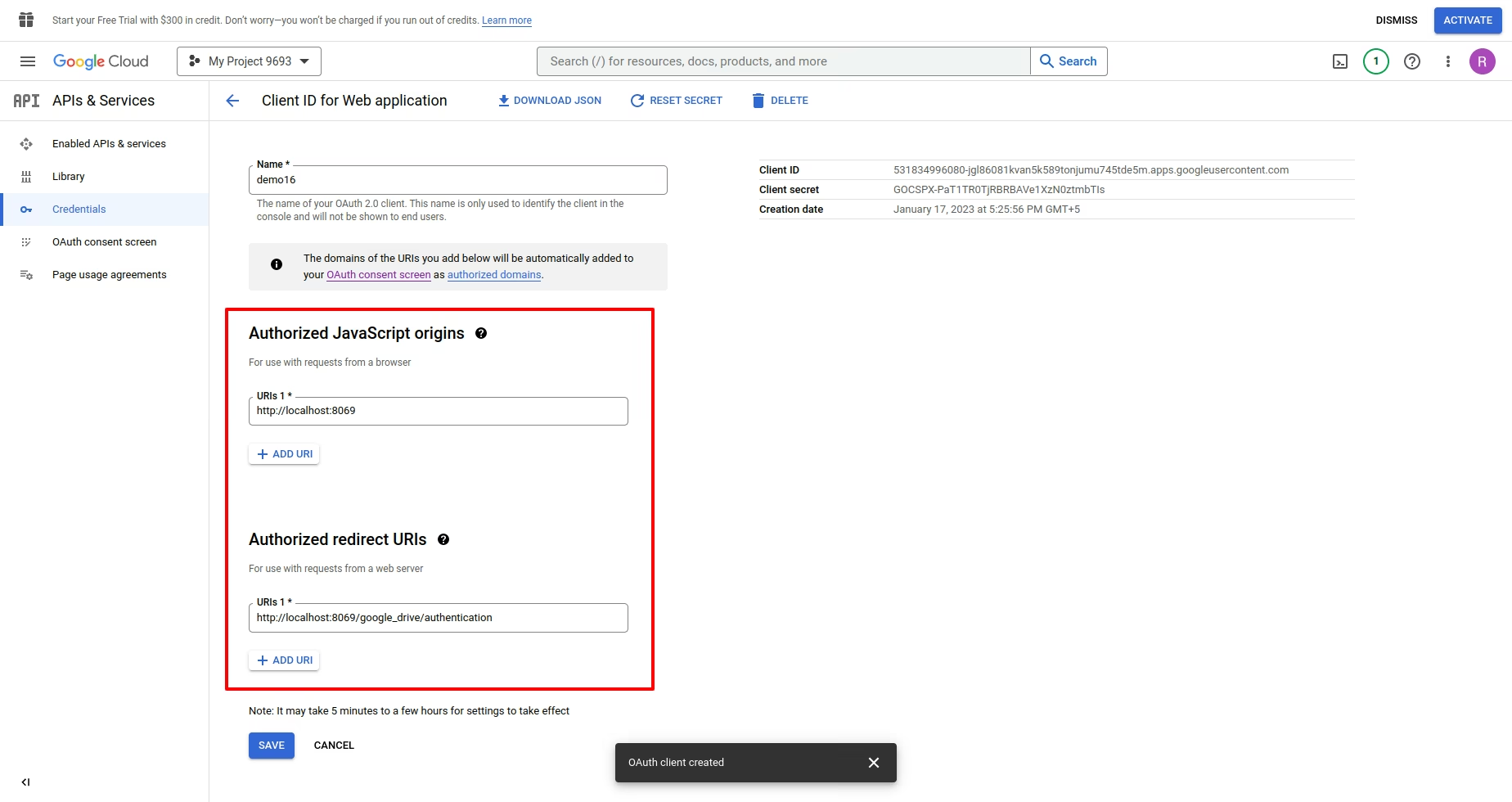
you'll need to create a new Google API project and enabling the Google Drive API, Go to the Google API Console and log into your account. While creating the project, for the Redirect URI restrictions, copy your database URI followed by /g_drive/authentication. Example:
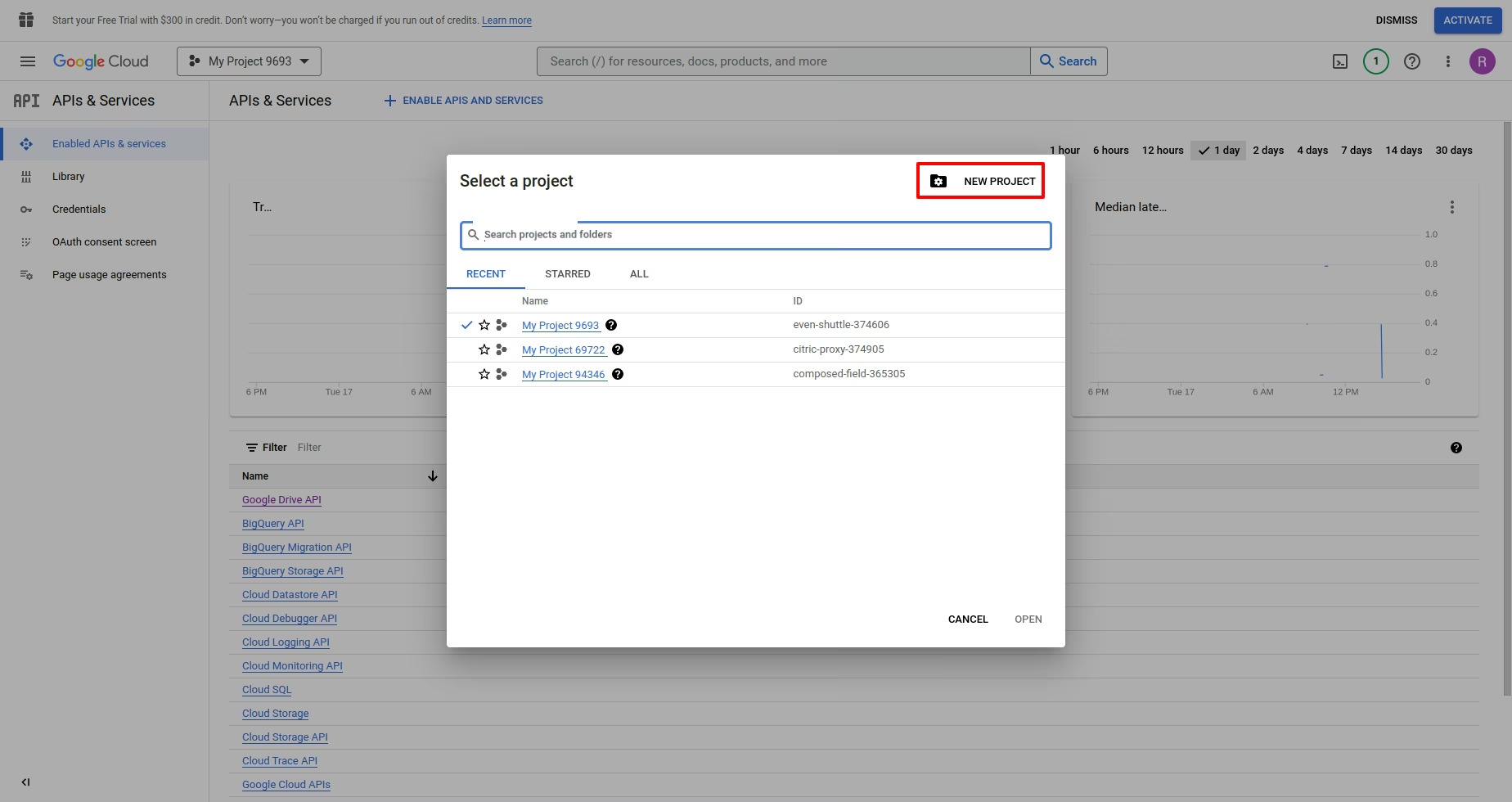
Enable Google Drive API
Create Credentials, Follow the steps, select Website application for the Application Type.
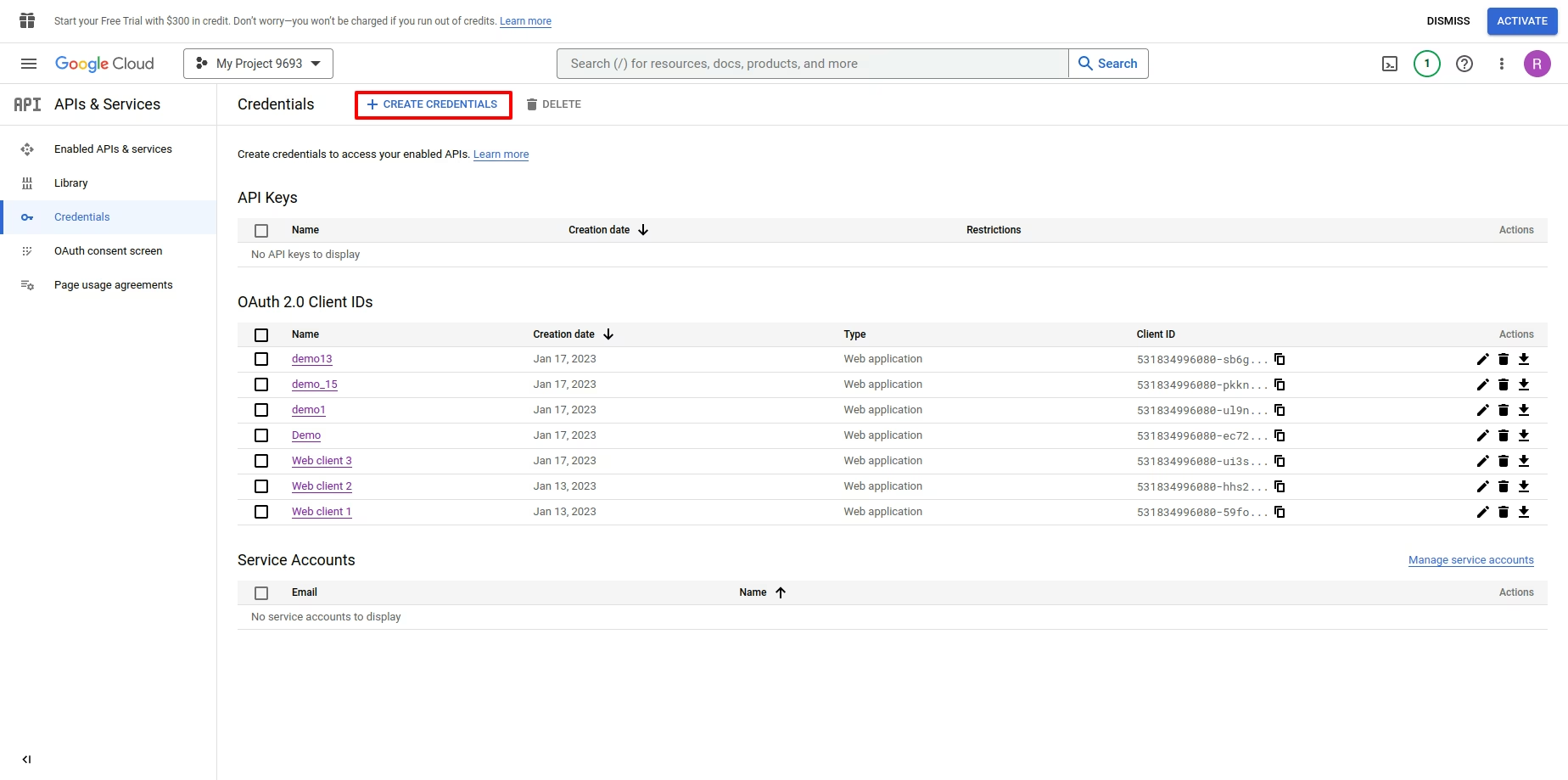
Under the Authorized JavaScript Origins section, click + Add URI and type your companies URL address. Under the Authorized redirect URIs section, click + Add URI and type your companies URL address followed by /google_drive/authentication. After all the steps are completed, A client ID and Secret will be given, copy the credentials
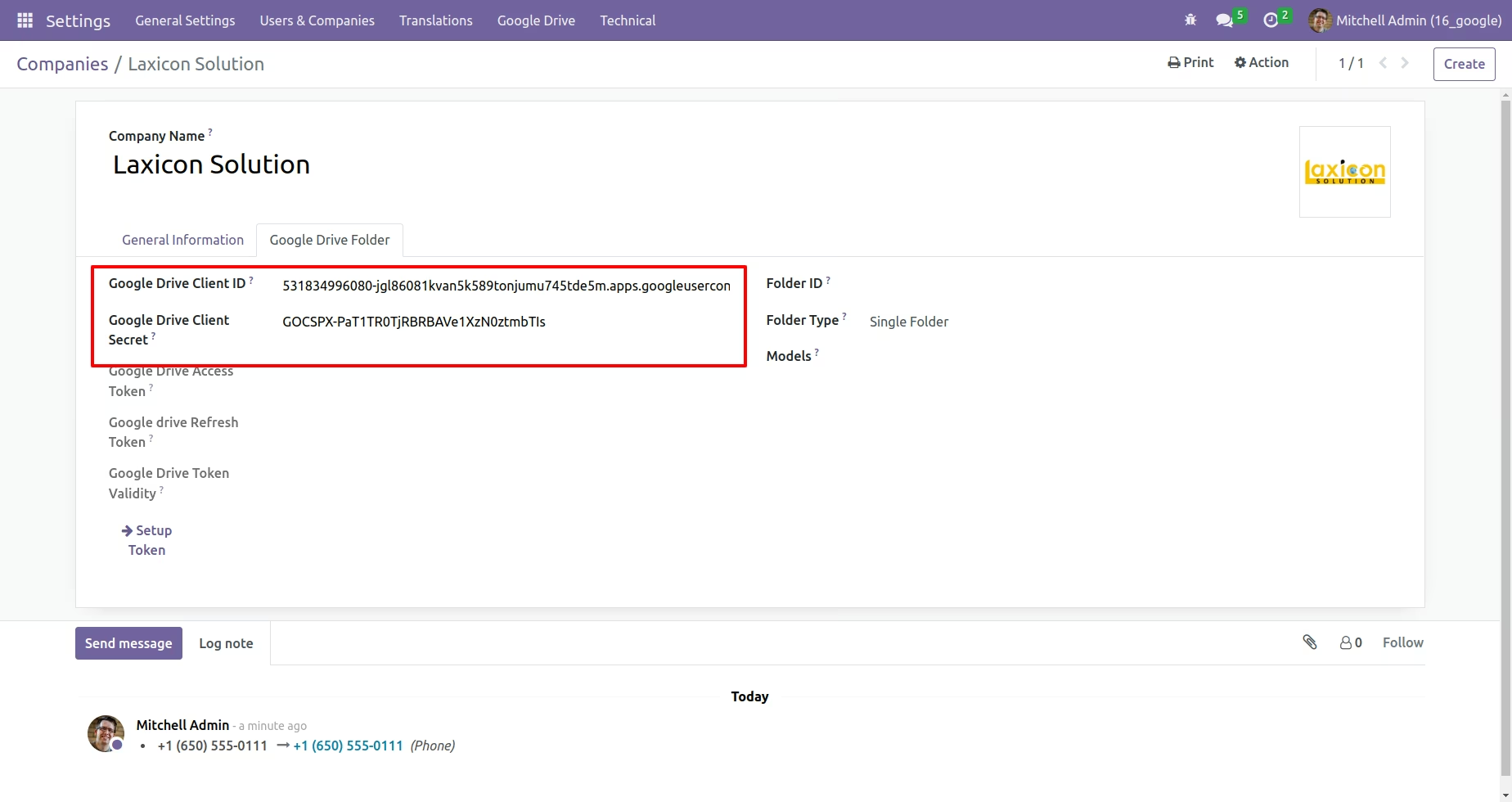
Configure Backup, Copy Client ID and Client Secret from Google Drive API Credentials page into their respective fields.
Setup Tokens, it will be redirected to an authorization page.
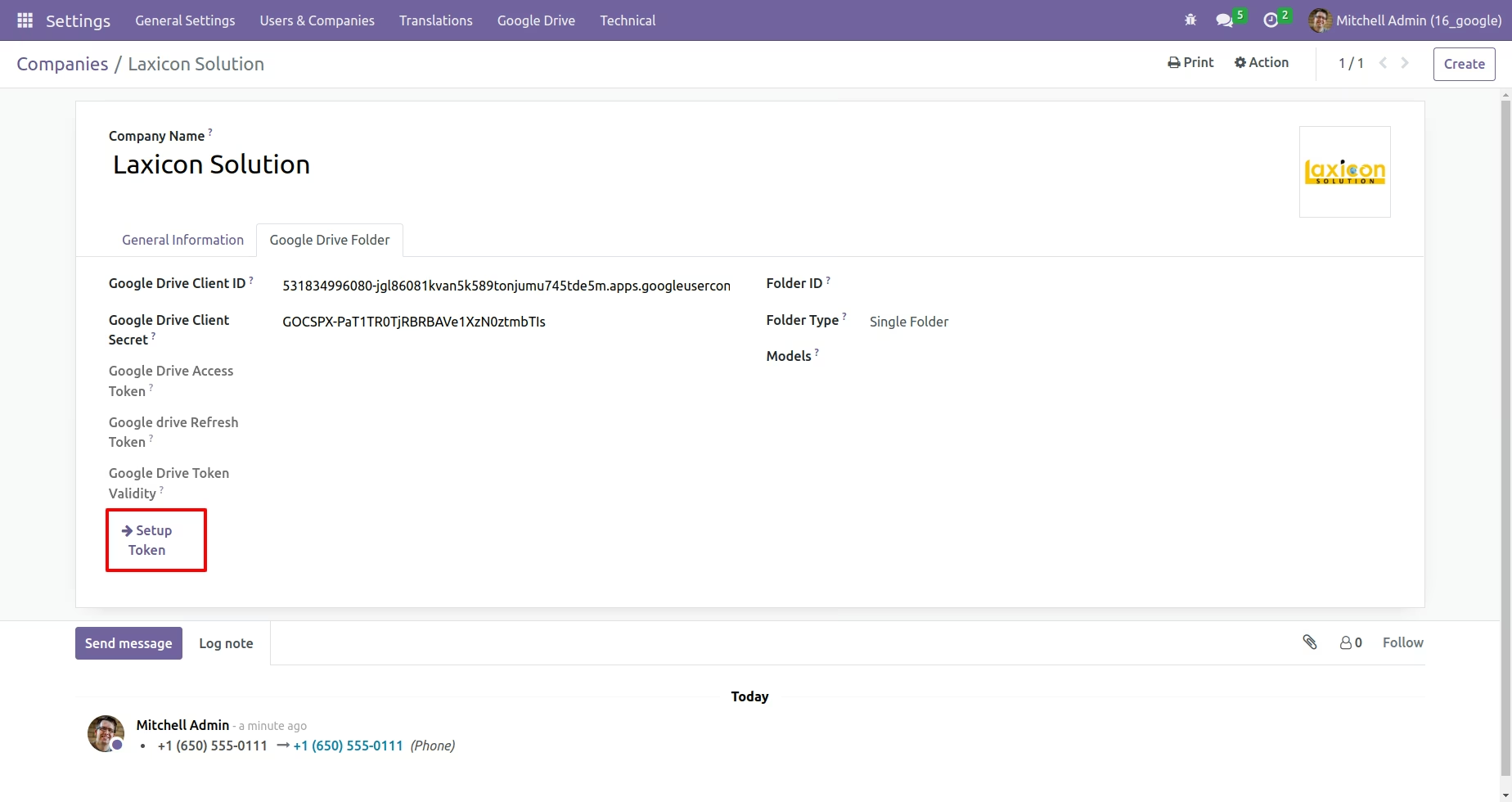
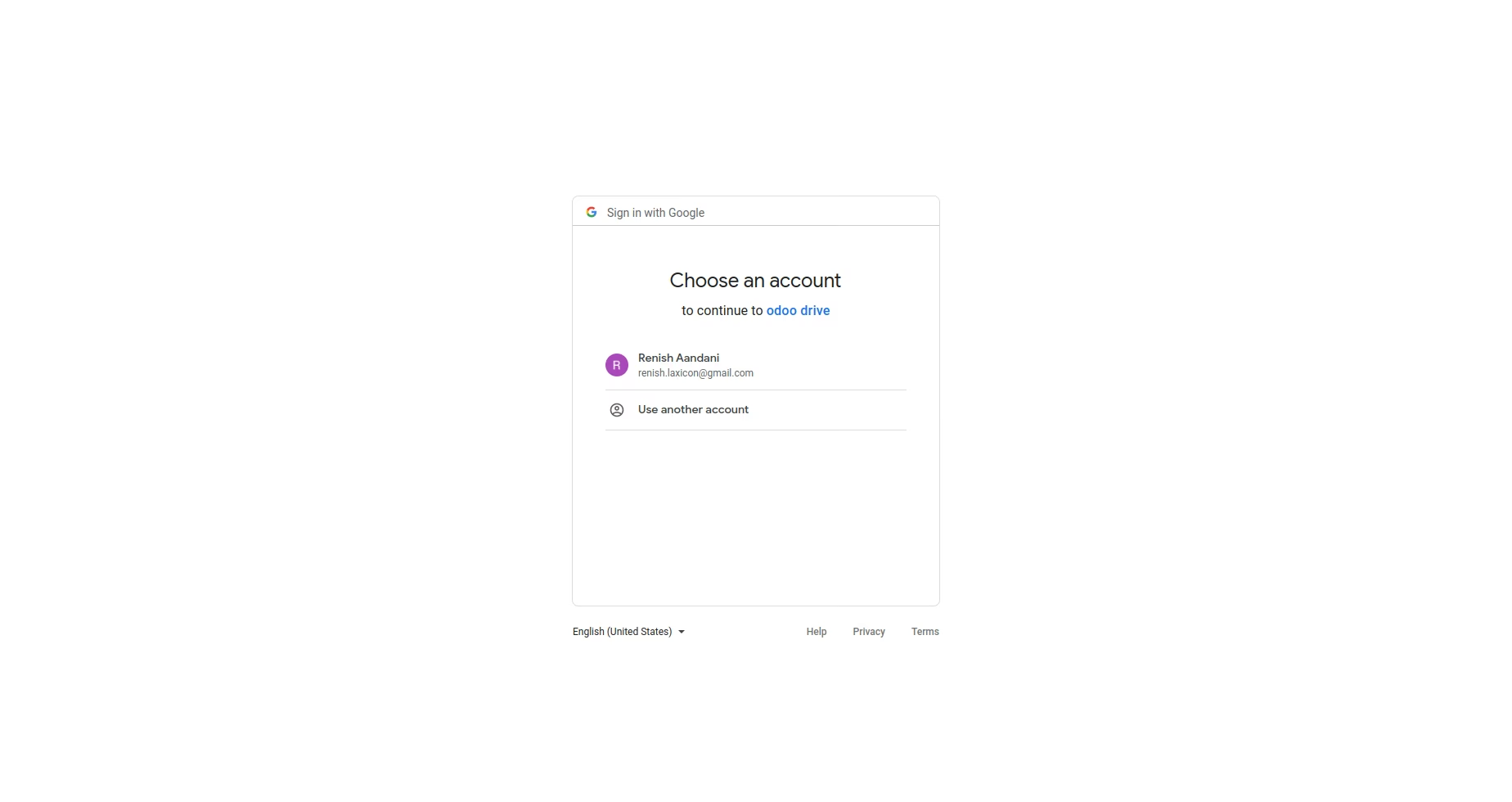
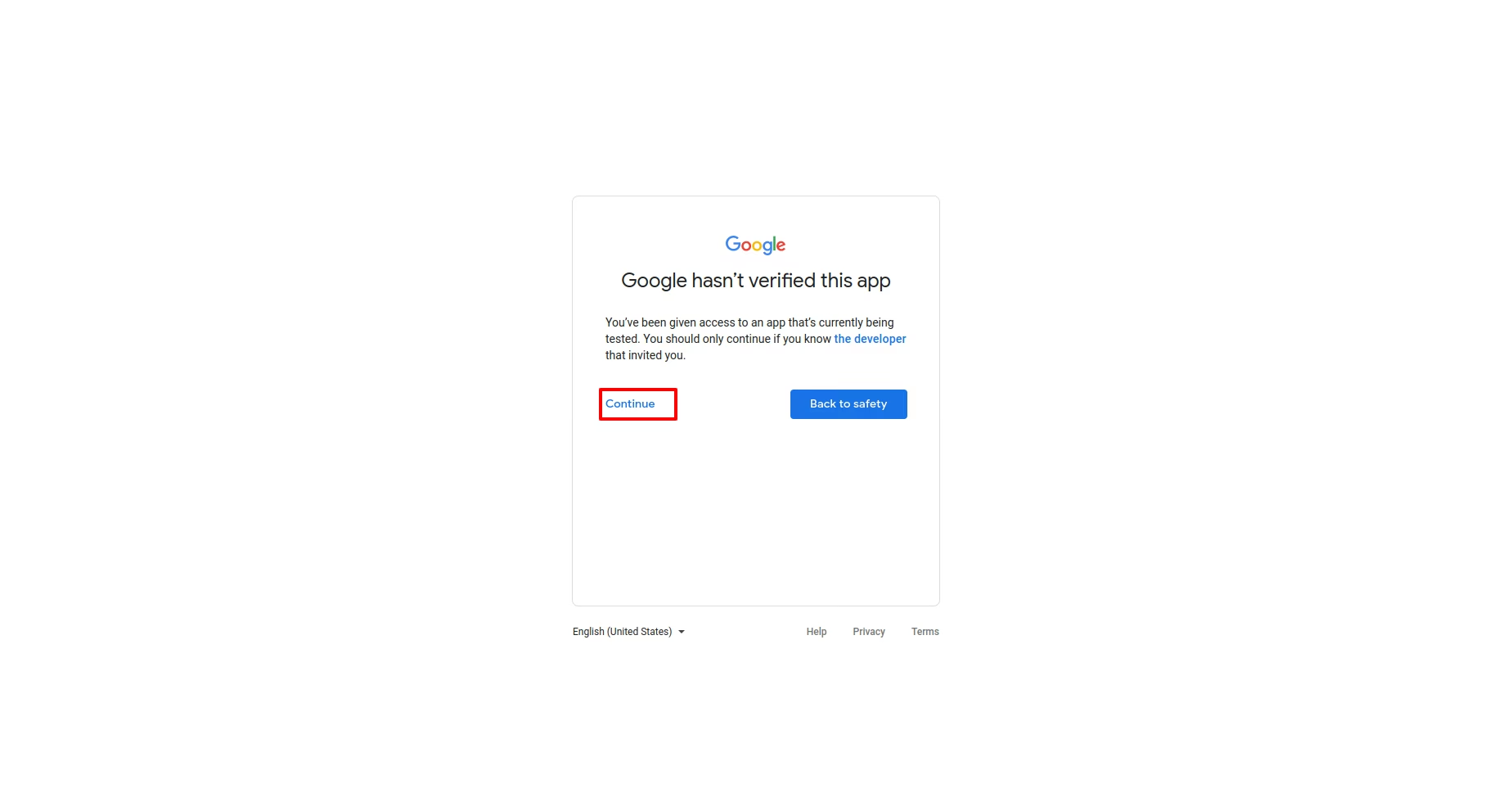
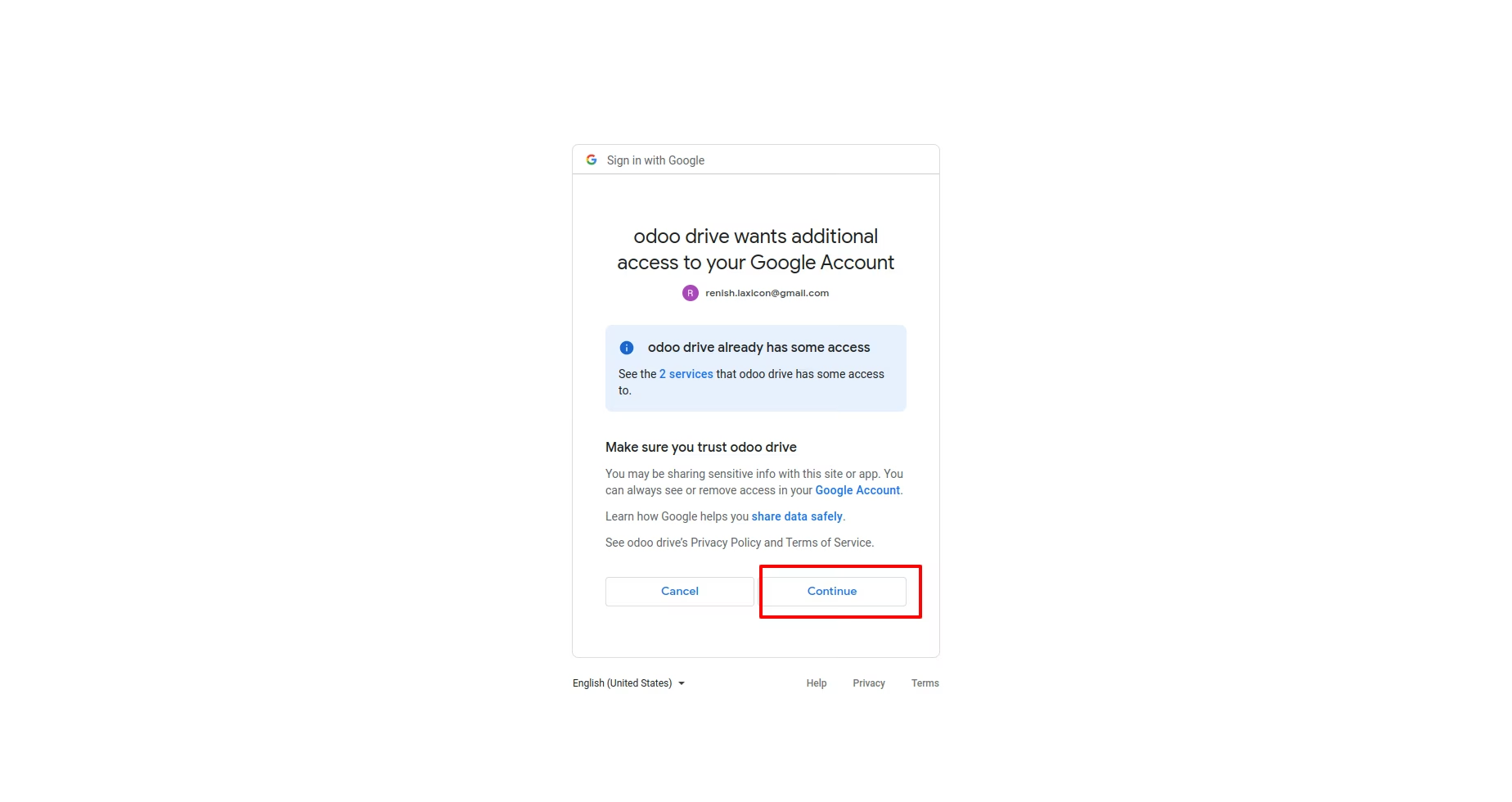
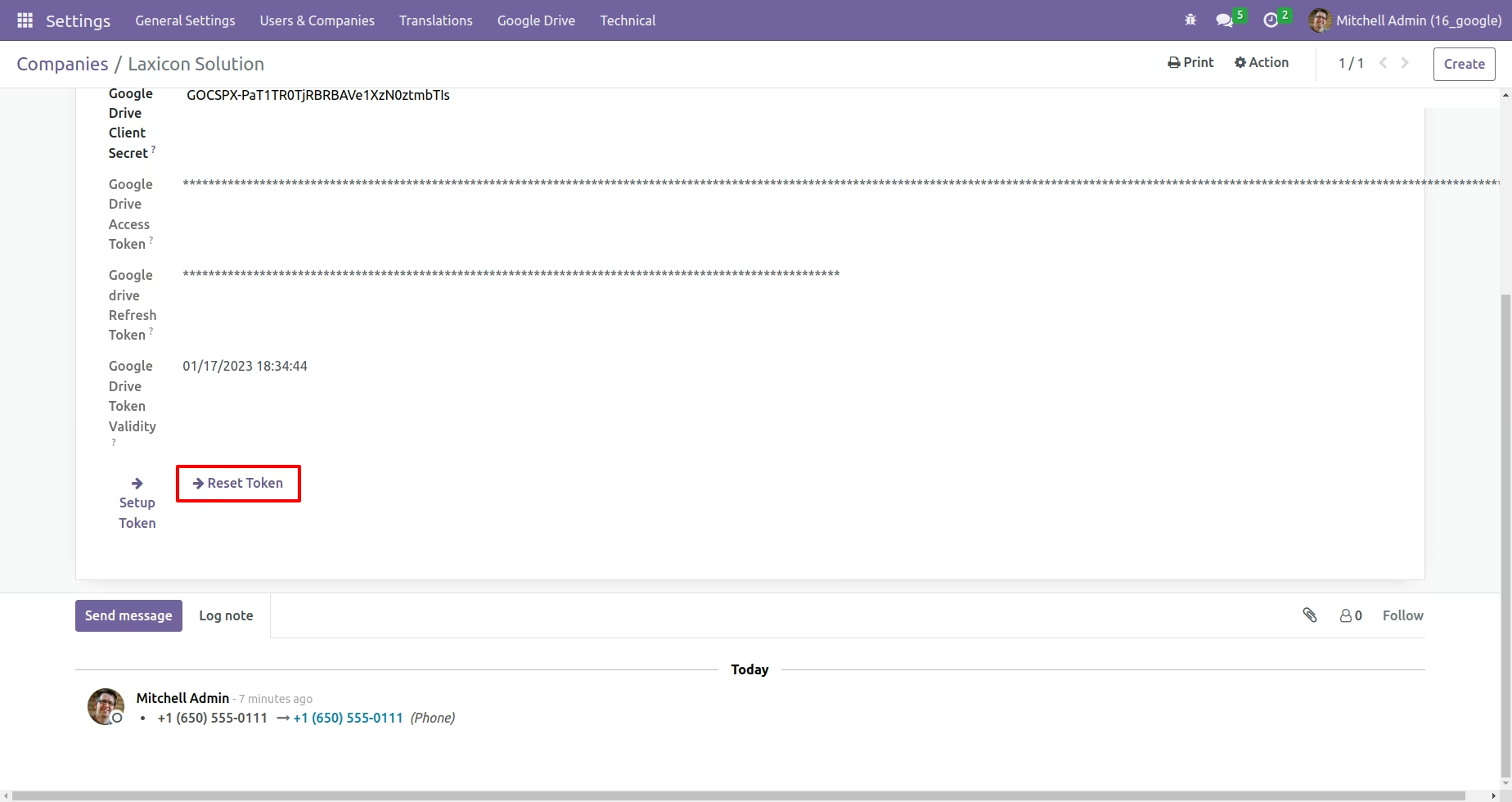
Reset the token if required
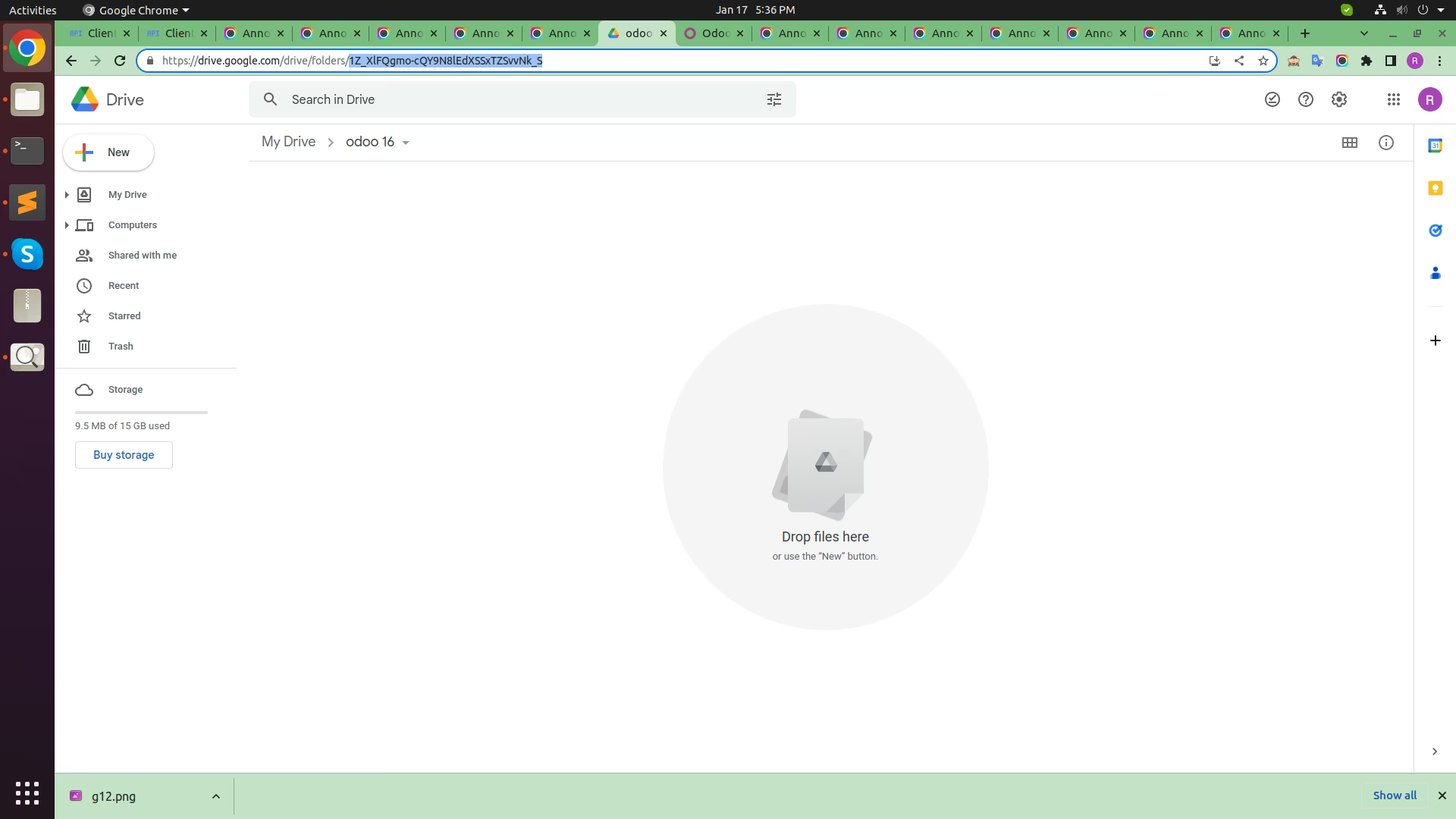
Create Folder in Google Drive and copy that Folder Id. see below image
==> If you select Sinlge Folder option then document upload in Parent Folder only.
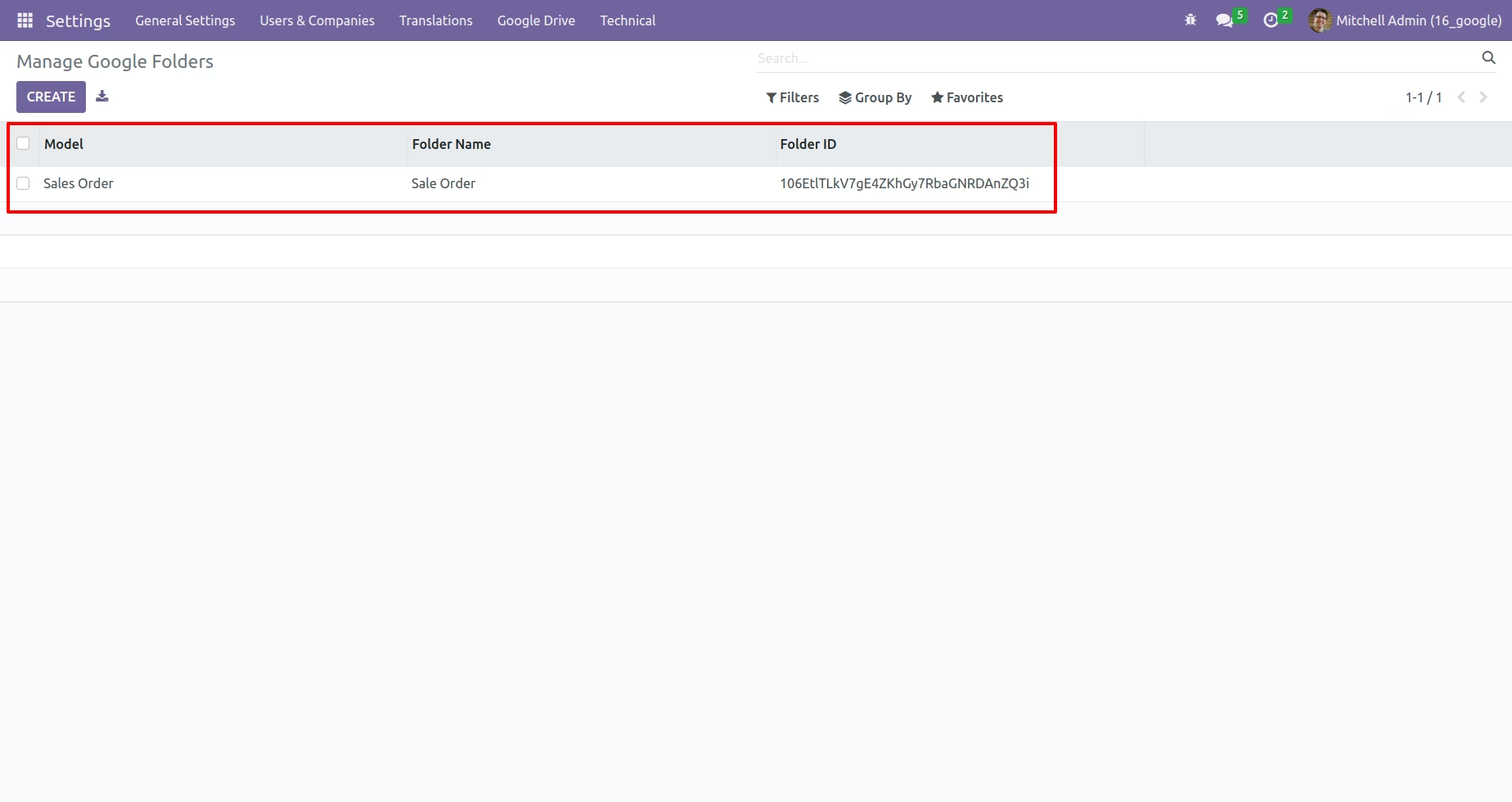
==> If you want to upload document in Multi Folder then you have to select Multi Folder option and Goto Settings -> Google Drive -> Manage Google Folder and Create Folder. Document upload on created folder(Objectwise).
==> If you want to upload document on Record Wise Folder then select Record Wise Folder Option and document upload on Parent folder --> Sub folder --> Record folder --> file.
Manage Folder Object wise . See below Image
Select Object for upload document on Record Wise Folder. See below Image
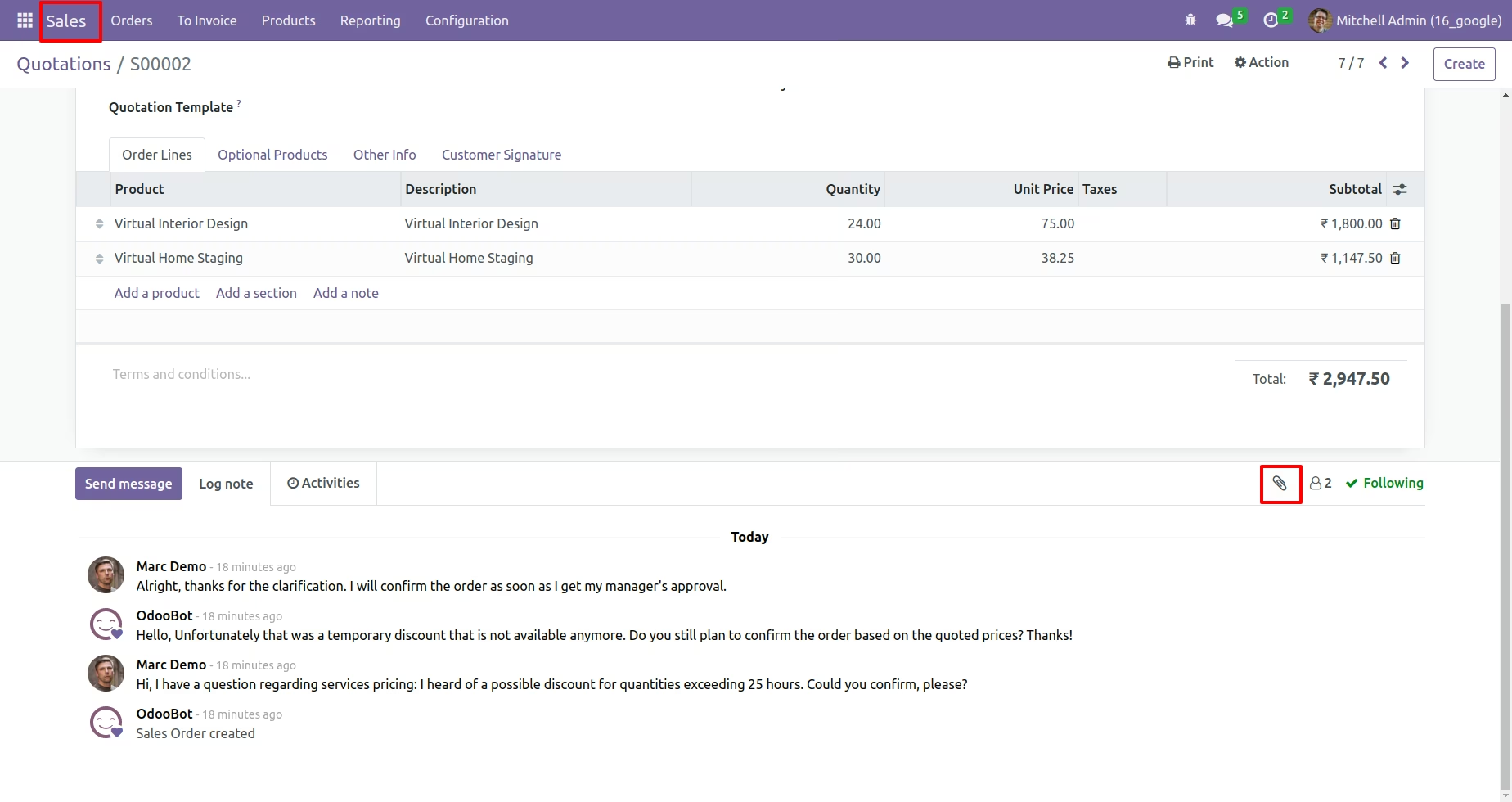
Add Attachment from Sale Order . See below Image