This module enables seamless inclusion of both external video links and local video files within eLearning course content, enhancing multimedia integration and user engagement. Designed for flexibility, it lets instructors enrich lessons with diverse video resources from YouTube or other external platforms, as well as locally stored media without relying solely on embedded links. The result is a more robust eLearning experience that supports varied content formats and boosts learner engagement through dynamic visual content.
Enable embedding of external video URLs directly within eLearning slides for rich multimedia delivery
Support uploading and serving local video files within course content for reliable access
Maintain flexibility in content creation by accommodating both external and internal video sources
Operate within the eLearning platform seamlessly, ensuring cohesive multimedia integration
Preserve compatibility with standard video formats, improving accessibility for learners
Enhances course engagement by offering diverse multimedia options in lessons
Improves content reliability by supporting locally hosted videos without link dependency
Provides flexibility to educators by allowing use of both external and internal video resources
Elevates the quality of eLearning materials with versatile video integration
Supports uninterrupted learning experience even if external sources become unavailable
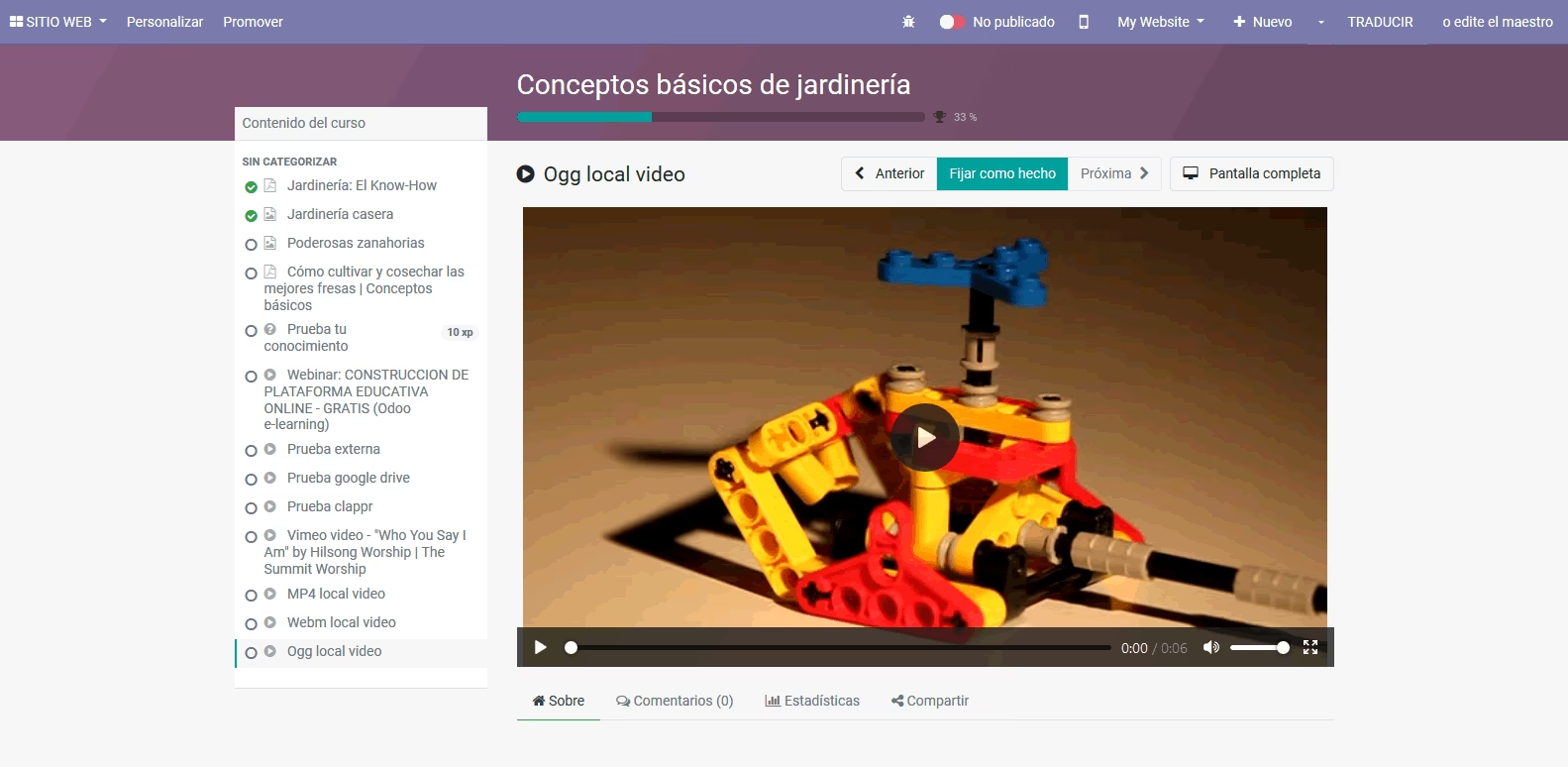
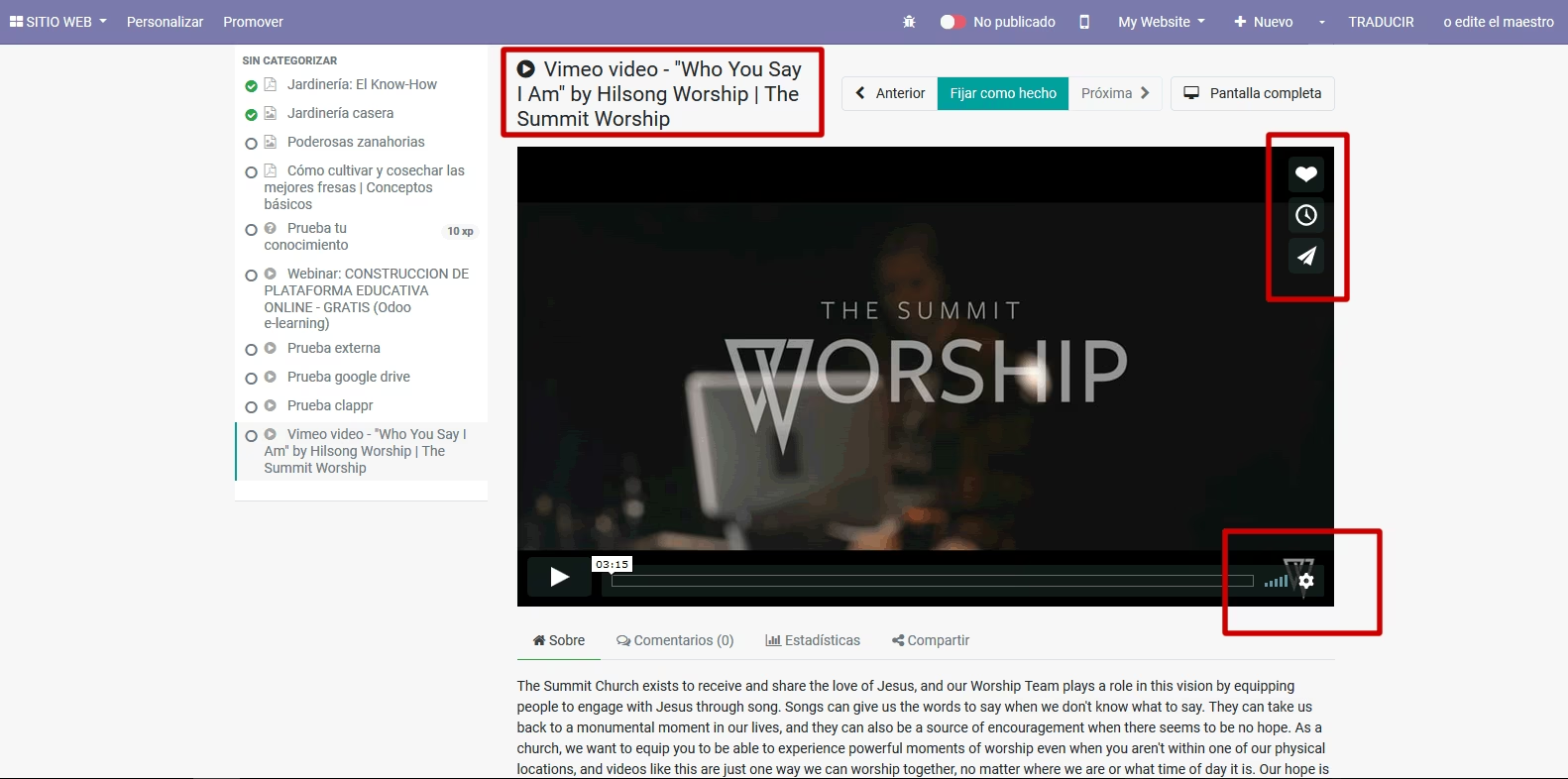
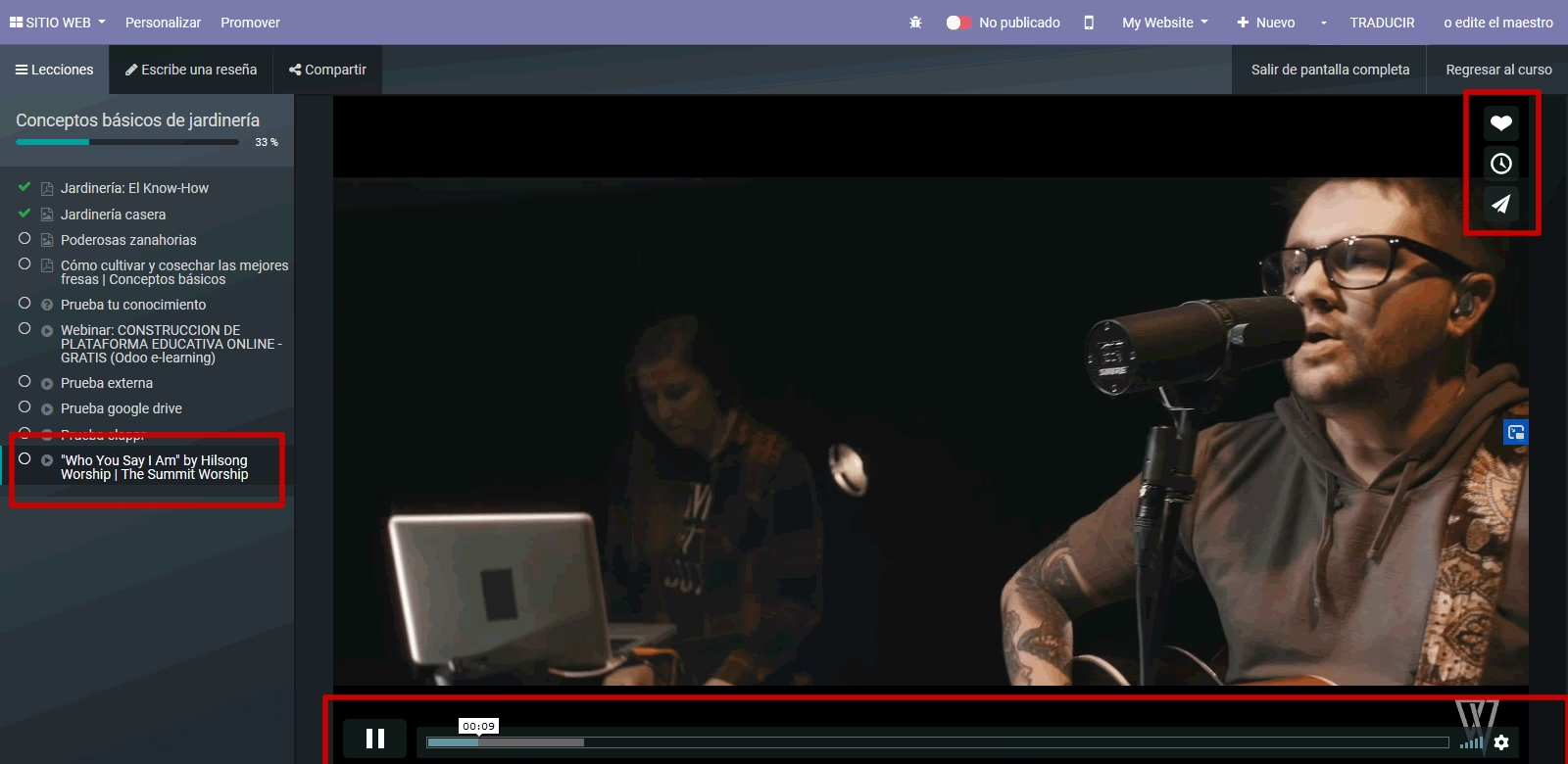
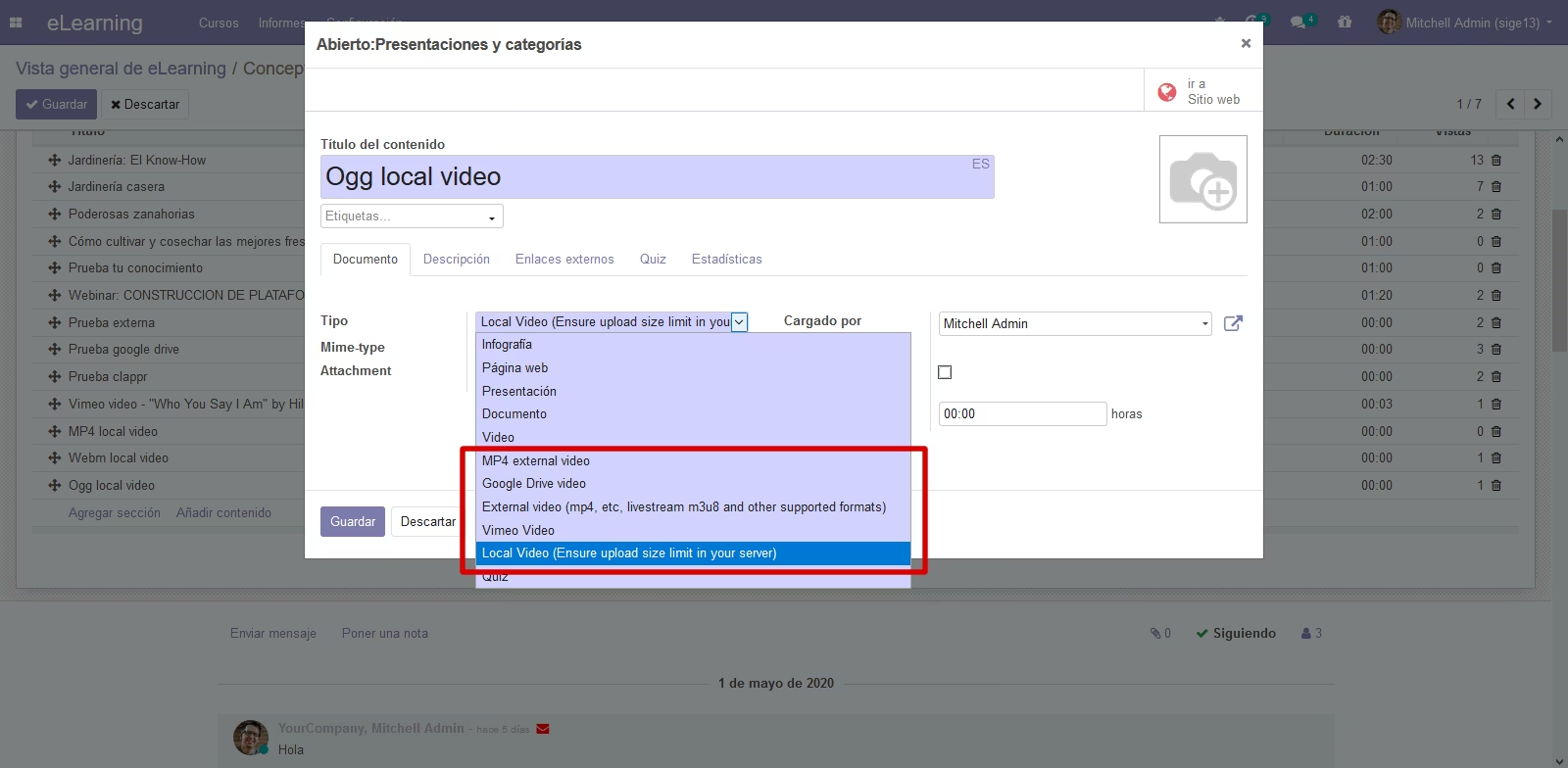
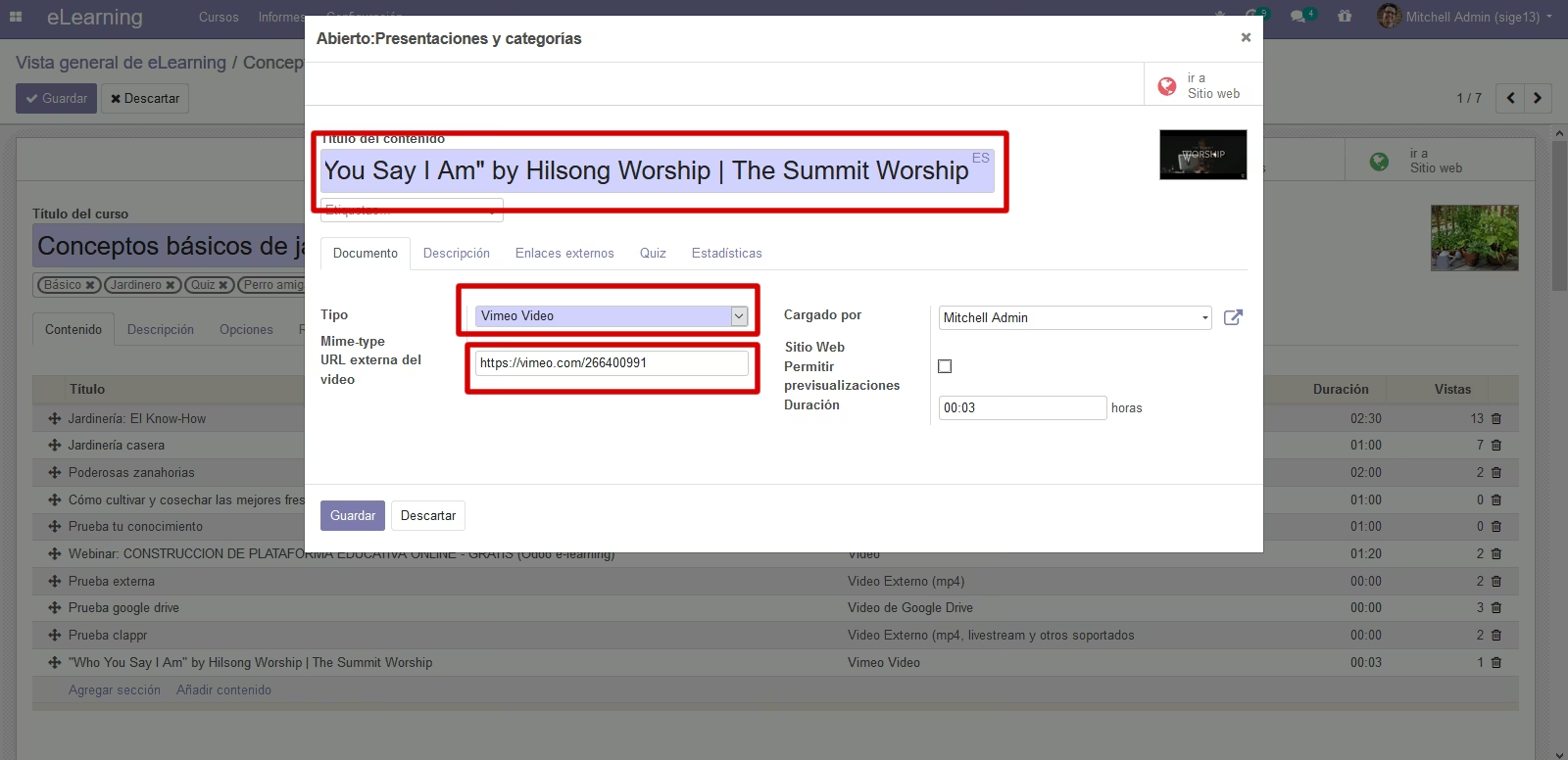
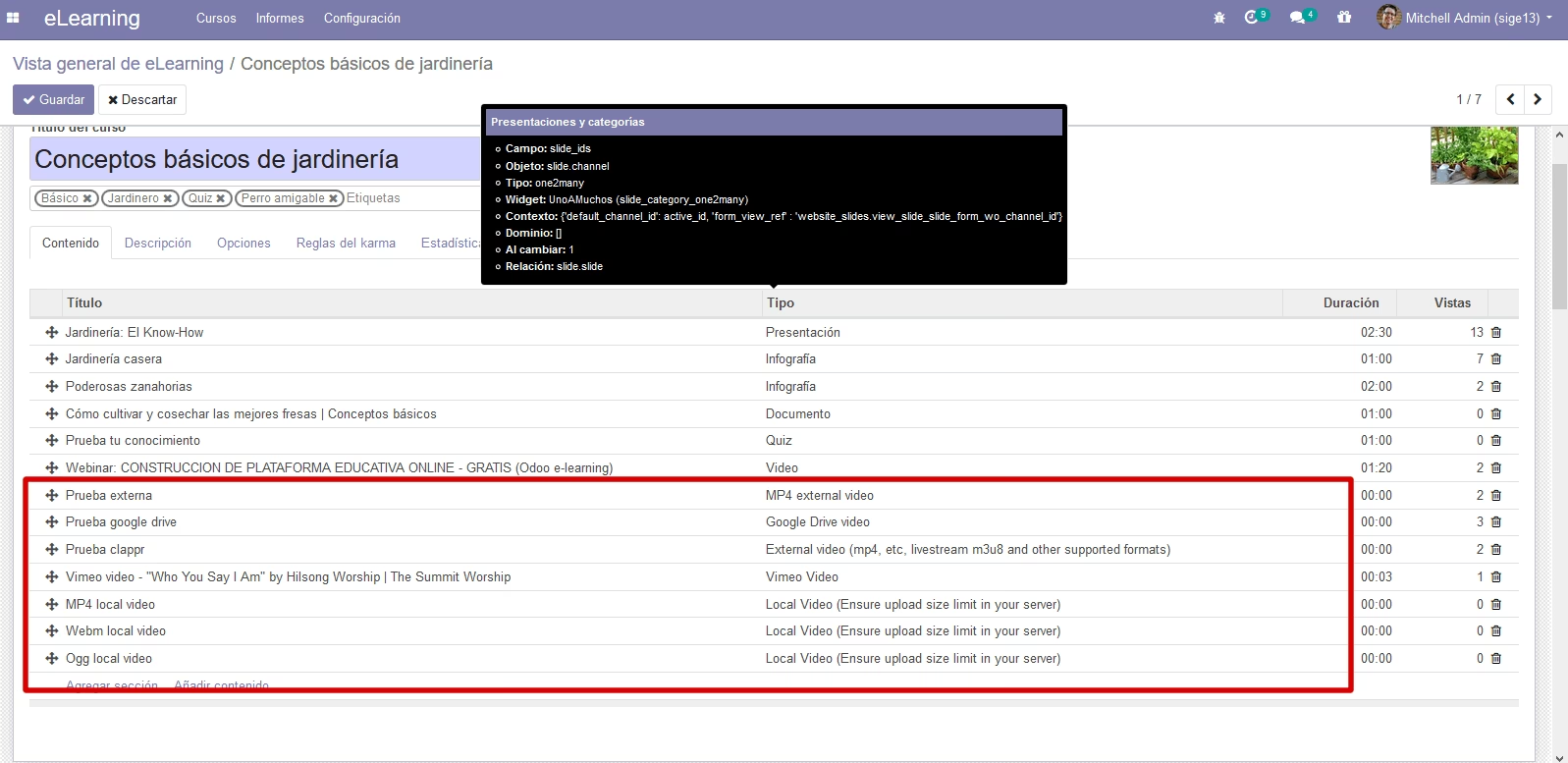
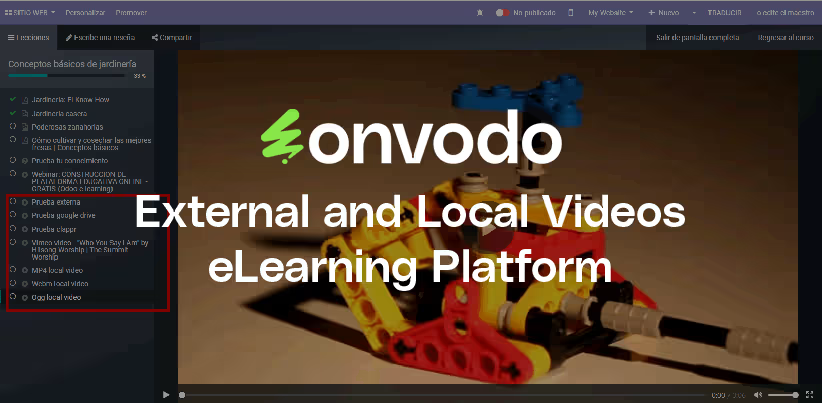
Now you can embed local uploaded videos, external videos from external storage, Google Drive videos, livestreaming broadcast and Vimeo videos.
eLearning by default only allow embed Youtube videos, but now you can take control of videos can you insert in every slide.
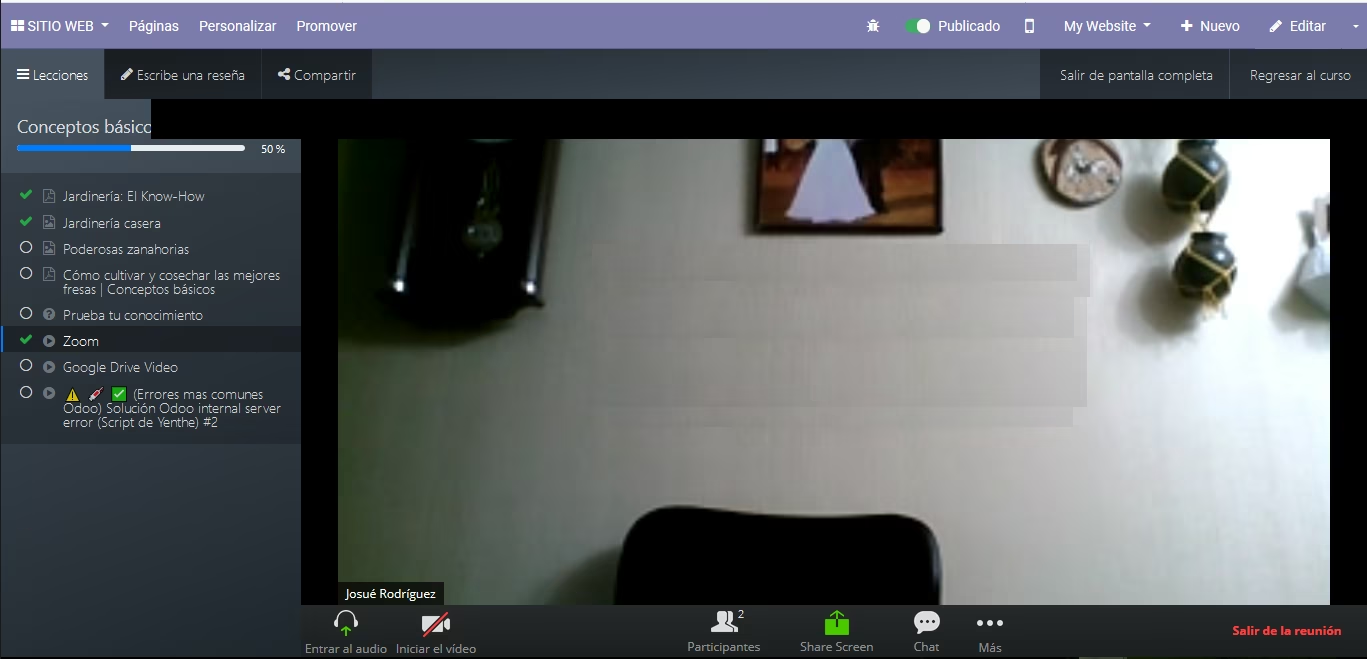
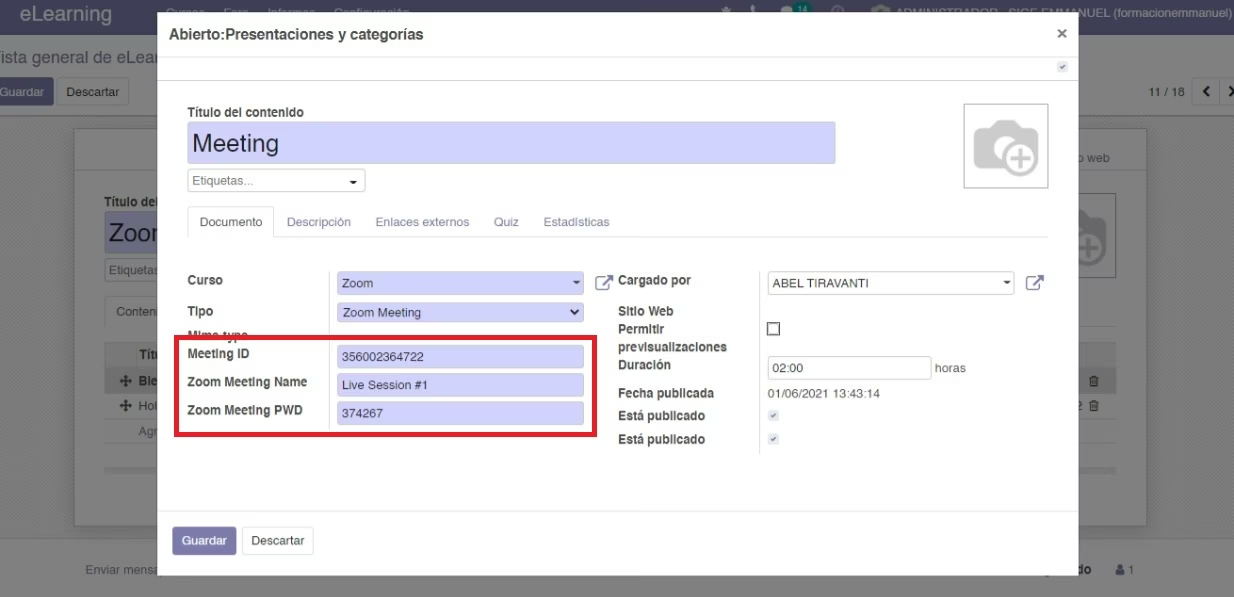
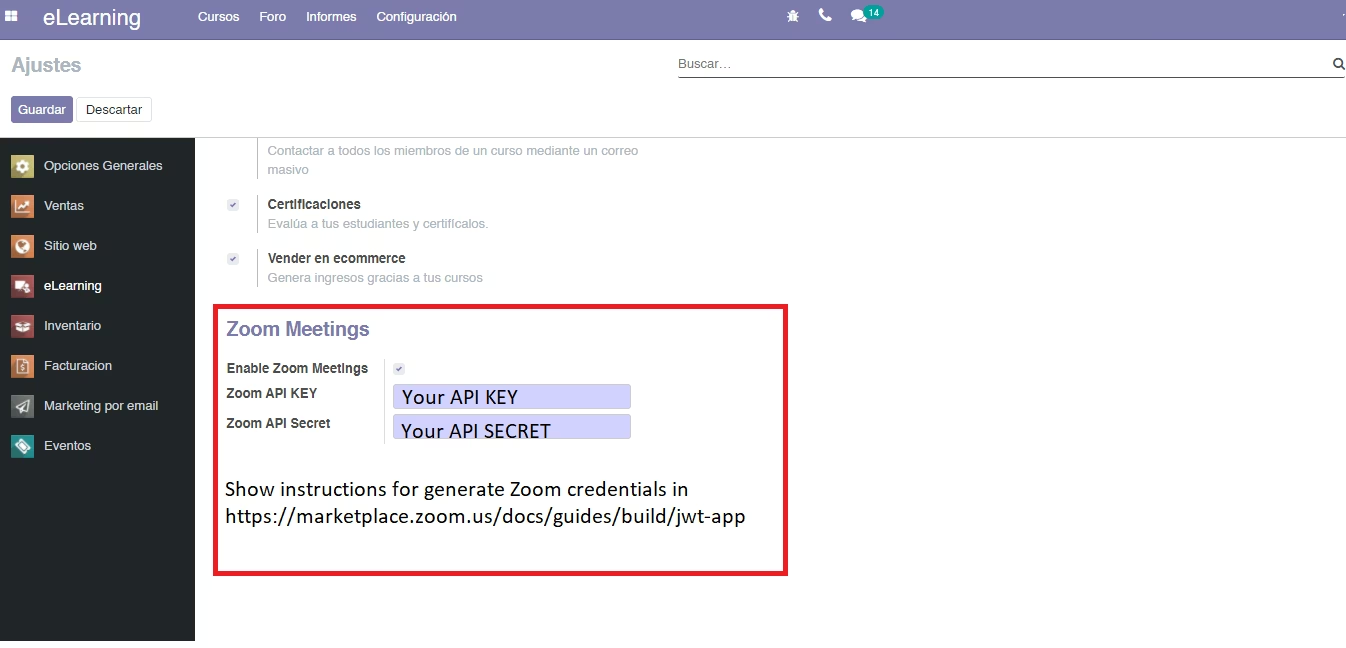
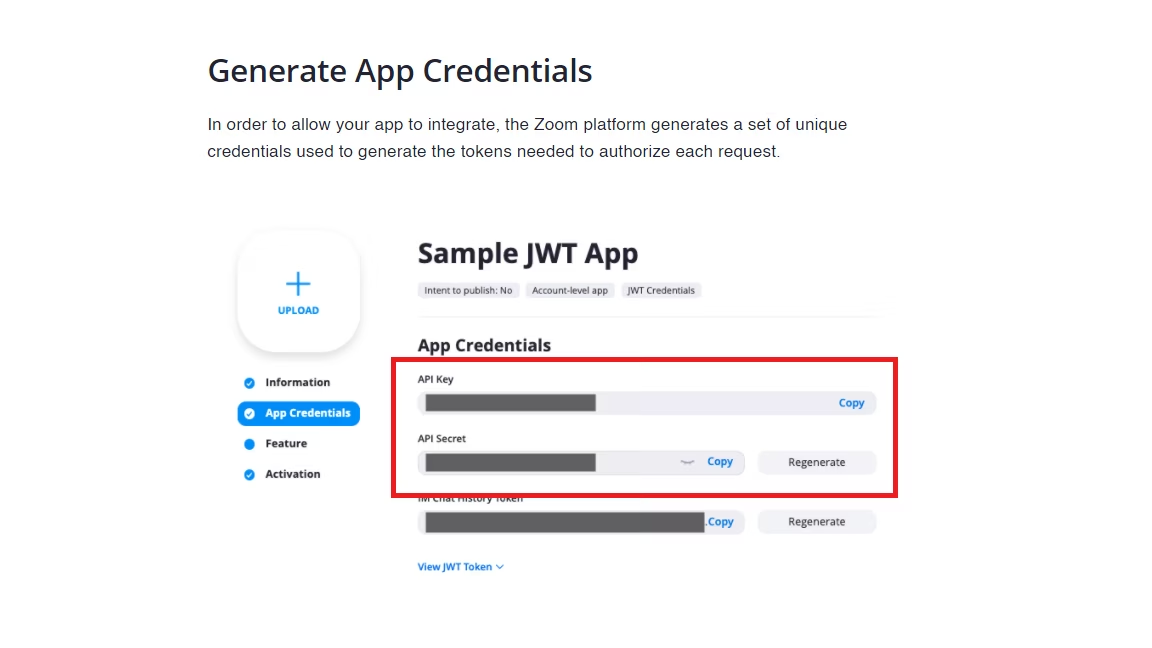
Now you can too embed a Zoom meeting in content slide, using Zoom Web SDK. Copy and paste the zoom meeting ID and Zoom Access code. In Elearning/Settings, you must enable Zoom Meetings writting your API KEY and API Secret. Show instructions to generate in https://marketplace.zoom.us/docs/guides/build/jwt-app.
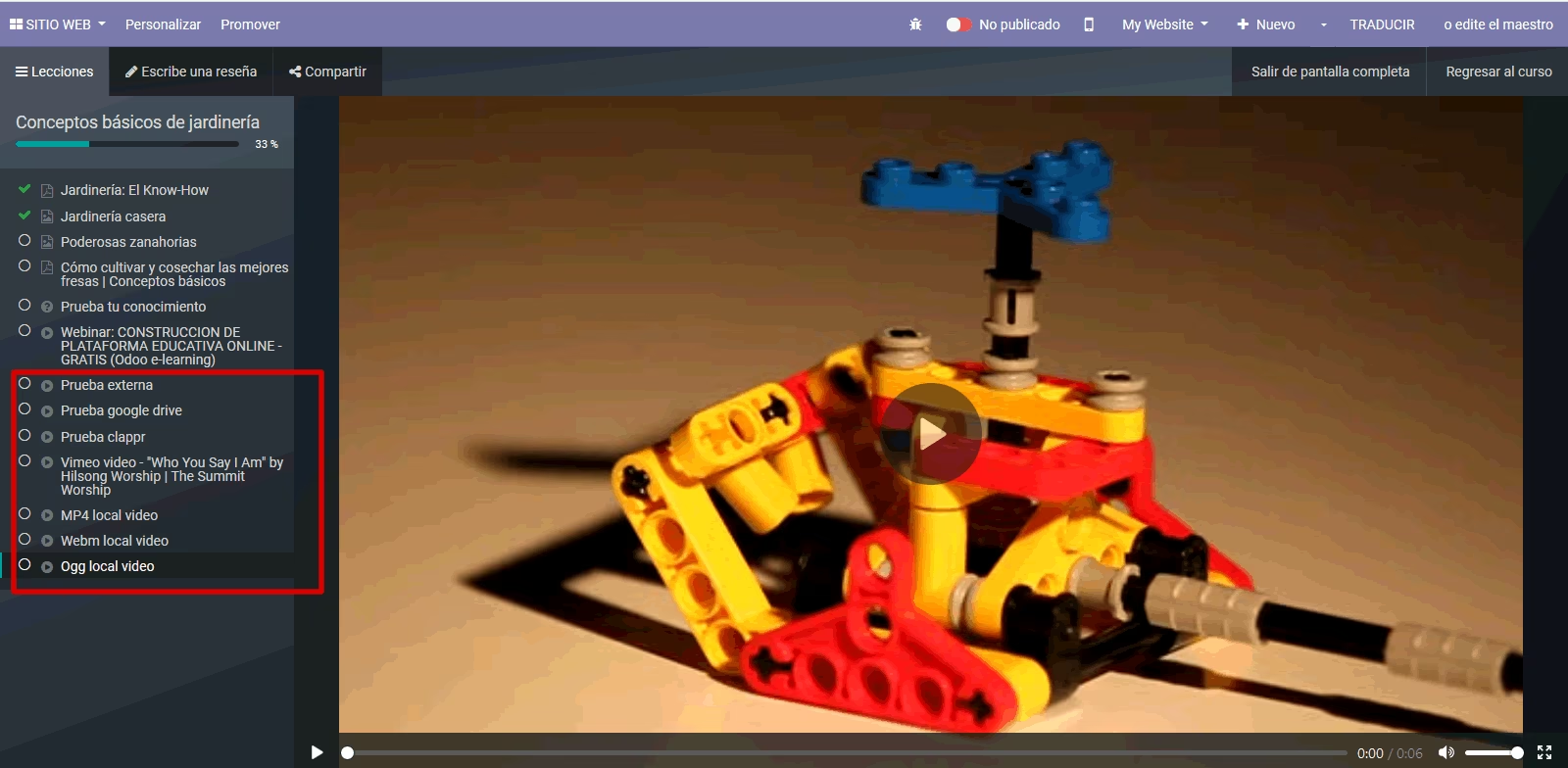
- MP4 external videos
- Livestreaming origin (m3u8 stream and other supported)
- Support Google Drive Videos
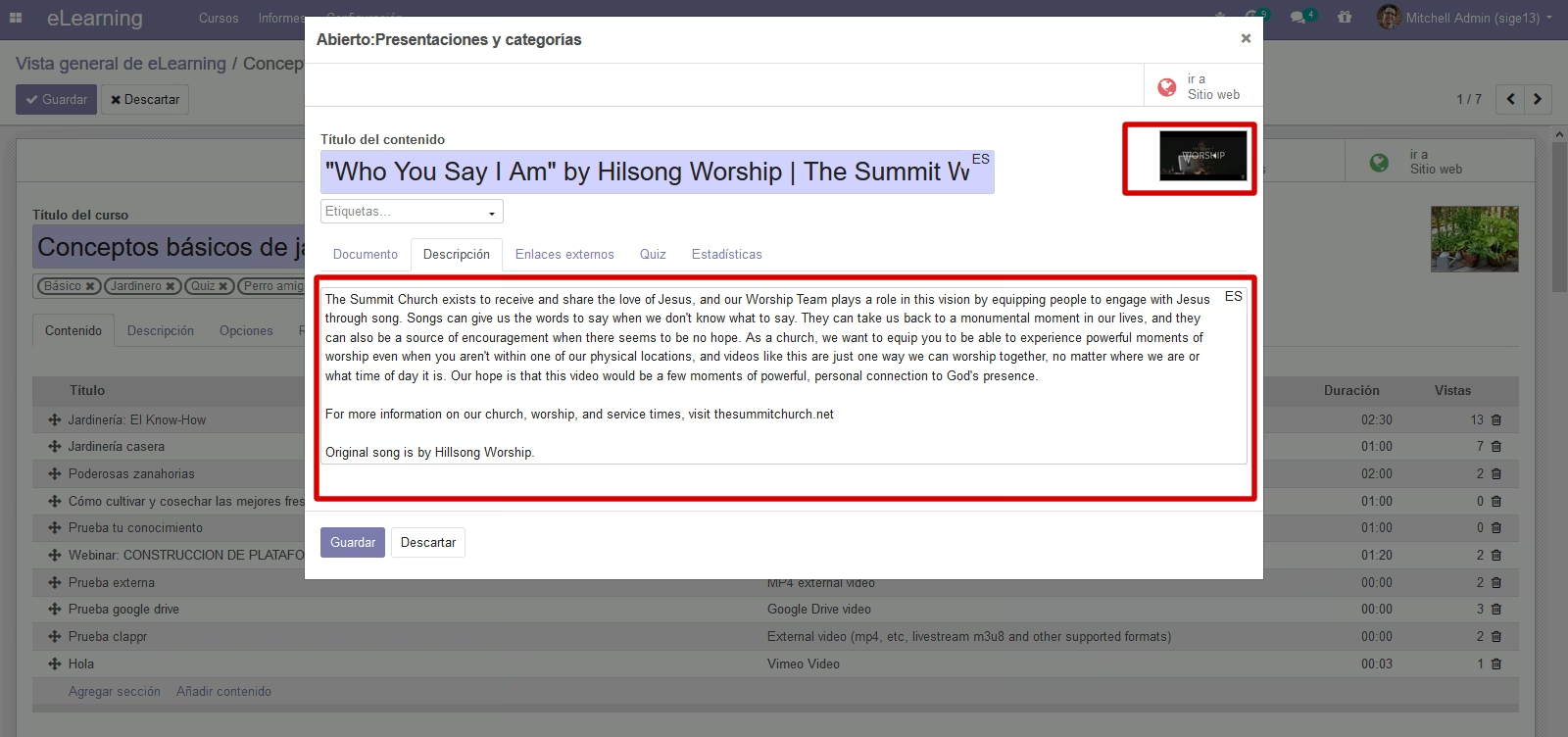
- Support Vimeo Videos
- Support Local Videos: mp4, ogg and webm
- Support embed Zoom Meeting (updated!)