This module enables customers to submit and monitor expense entries directly through the customer portal, offering a seamless interface for clients to log expenses independently. By integrating portal-based expense submission into your workflow, businesses can enhance operational transparency and streamline expense tracking while keeping all financial data consolidated and visible in real time.
Allow customers to submit expense entries via the customer portal, improving ease of use
Seamlessly integrate portal-submitted expenses into central expense workflows for unified tracking
Provide clients with visibility into their expense reports for greater transparency
Support integration with existing employee expense structures to maintain consistent data flow
Enhance the collaborative expense management process between clients and internal teams
Boosts customer engagement by offering self-service expense submission through the portal
Increases accounting efficiency by consolidating all expenses including portal entries into unified workflows
Improves transparency for clients with real-time visibility into their submitted expenses
Reduces manual data entry by capturing expenses directly from client submissions
Enhances collaboration and trust between clients and internal processes through simplified expense handling
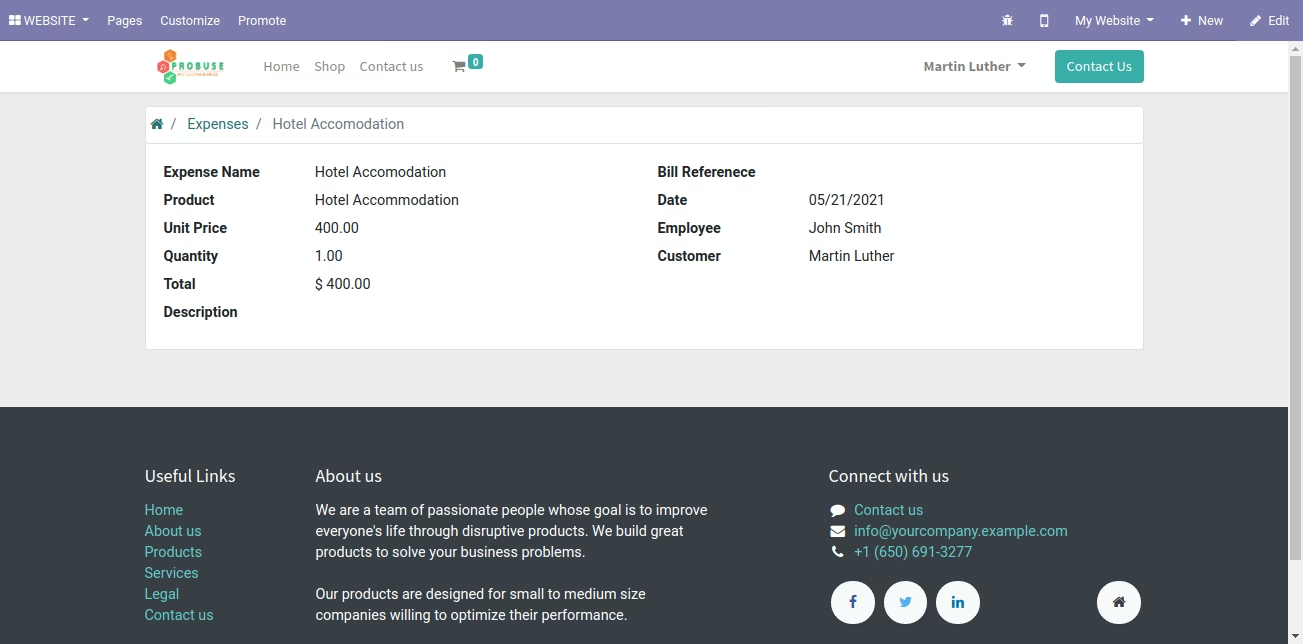
This app allows your customers to view expenses on the my account portal of your website.
Main Features :
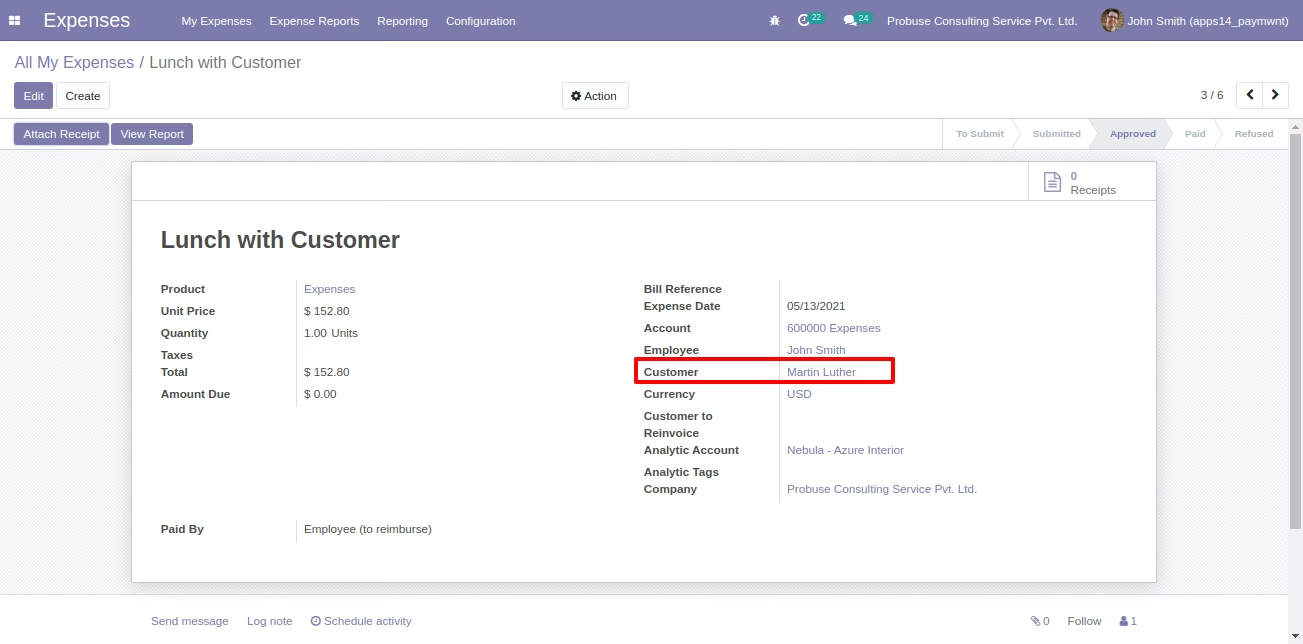
- Allow your user to set the customer on the expense form in the backend.
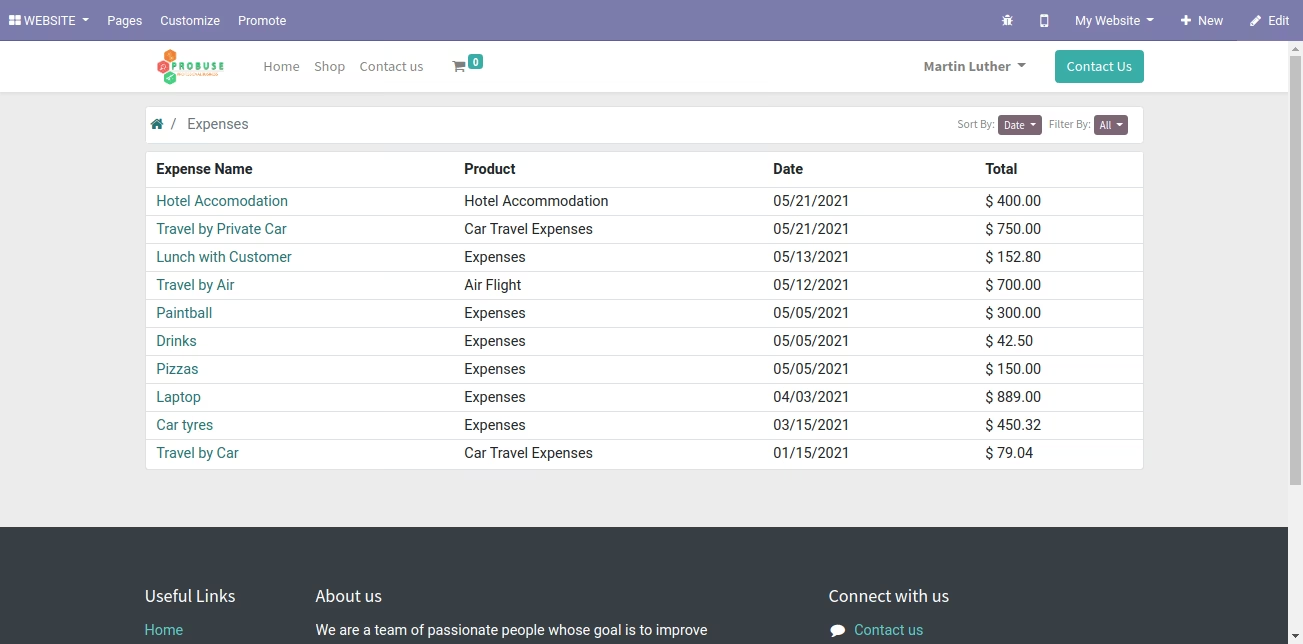
- Allow your customers to view expenses on the portal website of my account on your website.
- Customers can view expenses in my account portal of your website where they have been set as a customer on expense form.
- For more details please watch the video and check below screenshots.
Expense Form View [Standard] with Customer
Expenses on My Account with Customer Portal
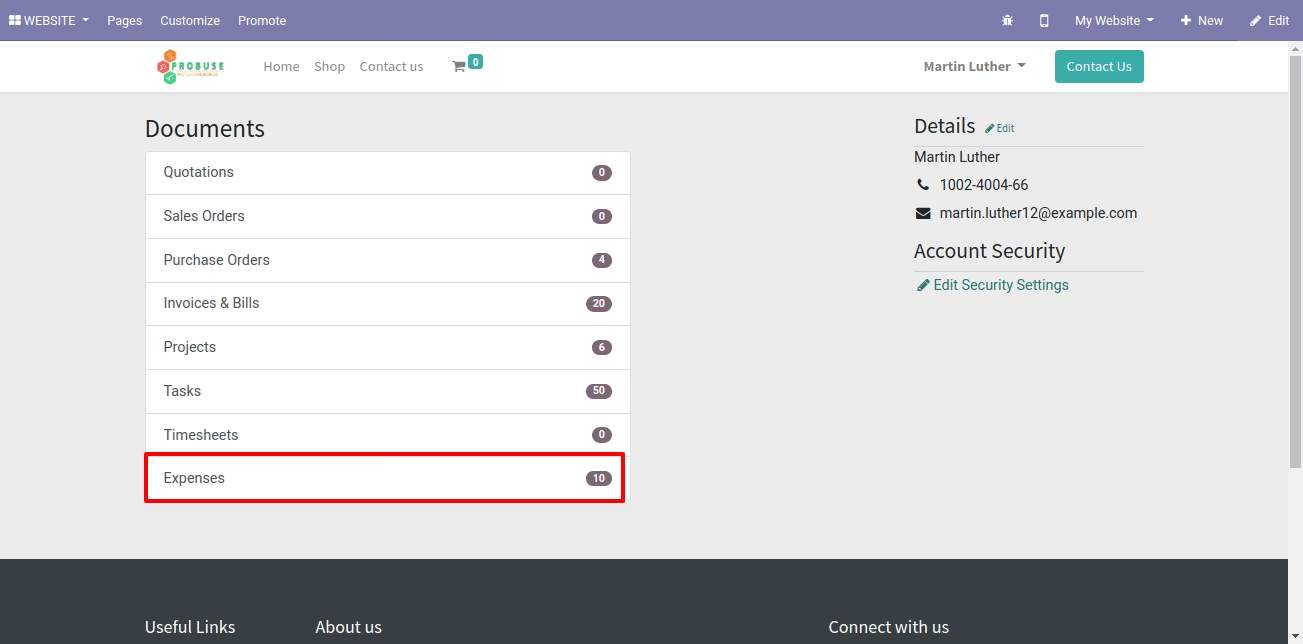
Expenses List on Website Portal on My Account
Expense Form on Website Portal on My Account