The module enables seamless advance request management within employee expense workflows. Employees can easily submit advance requests for anticipated expenses, and designated officers can review and approve these requests. Once approved, accounting can process the advance and integrate it into the standard expense reporting flow. This enhances control, visibility, and efficiency across expense operations.
Allow employees to submit advance payment requests for future expenses
Enable expense officers to approve, validate, and finalize advance requests
Allow accounting users to manage payment of approved advance requests
Display advance status clearly within the expense workflow for transparency
Allow users to select active advances when submitting actual expenses for reconciliation
Streamlines financial workflows by integrating advances into expense processing
Enhances control through structured approval steps for advance requests
Improves tracking and reconciliation of advances against actual expenses
Reduces administrative overhead by consolidating request, approval, and processing in one module
Provides clear visibility of advance status to employees, expense officers, and accounting users
Petty Cash Advance for Employee
This module allows your employee(s) to create advance requests for expenses. This module supports multi currency.
Main Features:
- Allow your employee to create an expense advance request.
- Allow your expense officer to approve the expense advance request from the employee.
- Allow your accounting department to pay expenses in advance to employees.
- Allow your expense officer to finish/done expense advance request.
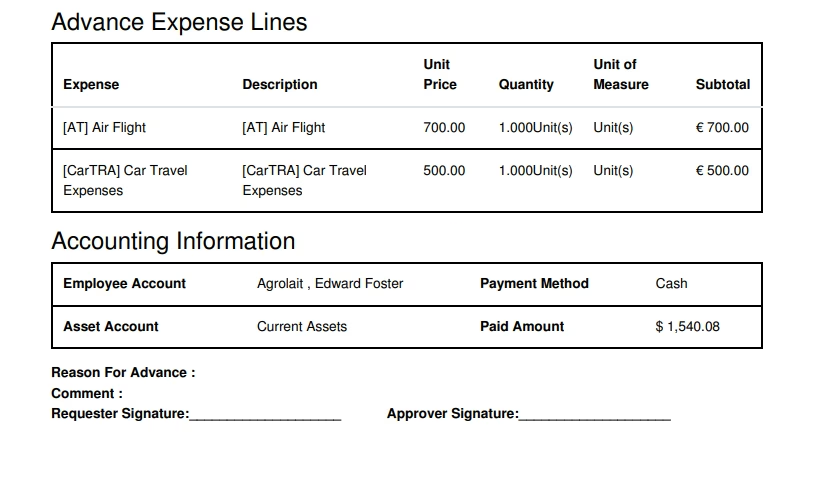
- Allow them to print expense advance requests in PDF format.
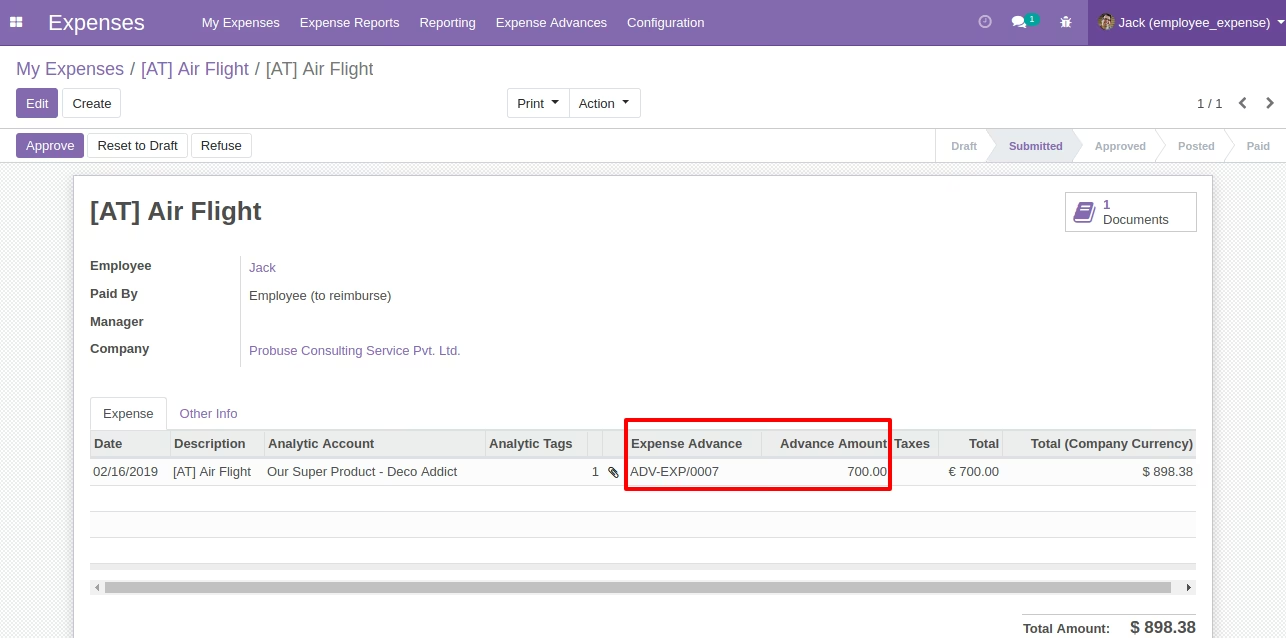
- Allow users to select expense advance (which are not still reimbursement) during submitting expense to the expense officer.
- For more details please see below screenshots and video.
Note: We have not changed any accounting entries for expense or expense sheet, we are just showing advance taken for that expense by employee.
Menus Available:
- Expenses
- Expense Advances
- Expense Advance Requests
- Advance to Approve
- Advance to Pay
Defined Reports
- Print Advance Expense
Roles by Users:
- 1. Employee
- Employees can request for expense advance requests.
- Expense Officer can approve and done the expense Advance Requests.
- Account users can see all the requests which need to be paid.
- Account users can pay and done expense advance requests.
2. Expense Officer
3. Account User
Role of Employee
Role of Expense Officer
Role of Account User
Expense Advance Request Form
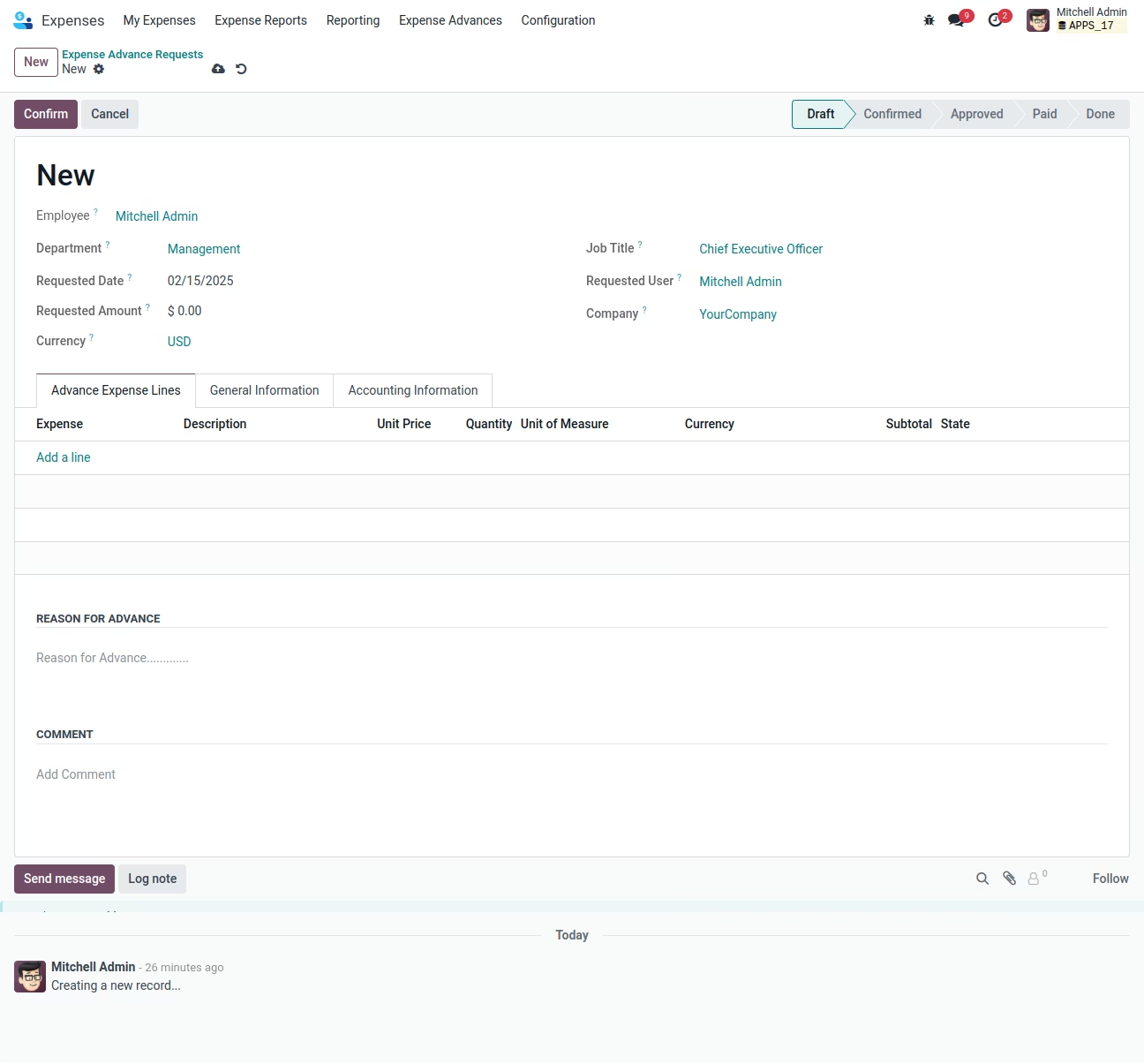
Login With Employee Jack Expense Advance Request Form
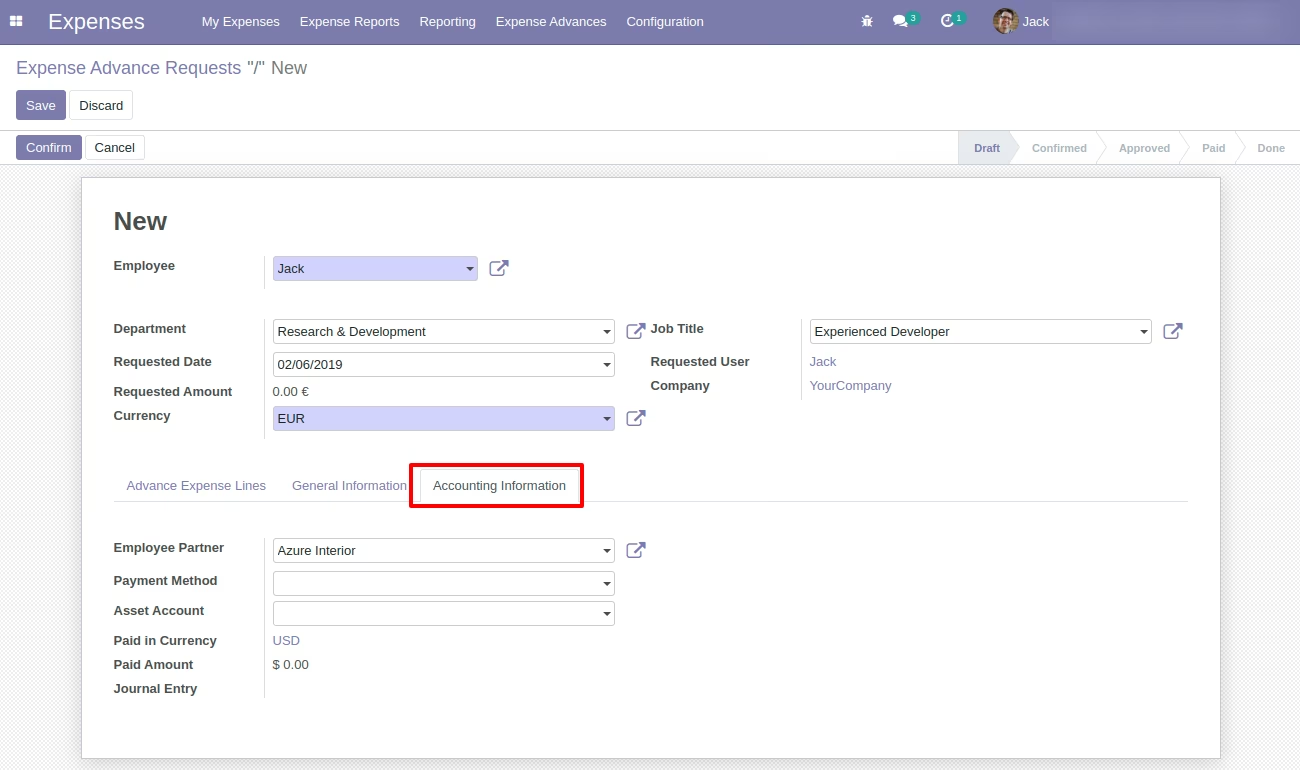
Login With Employee Jack Create Expense Advance Request
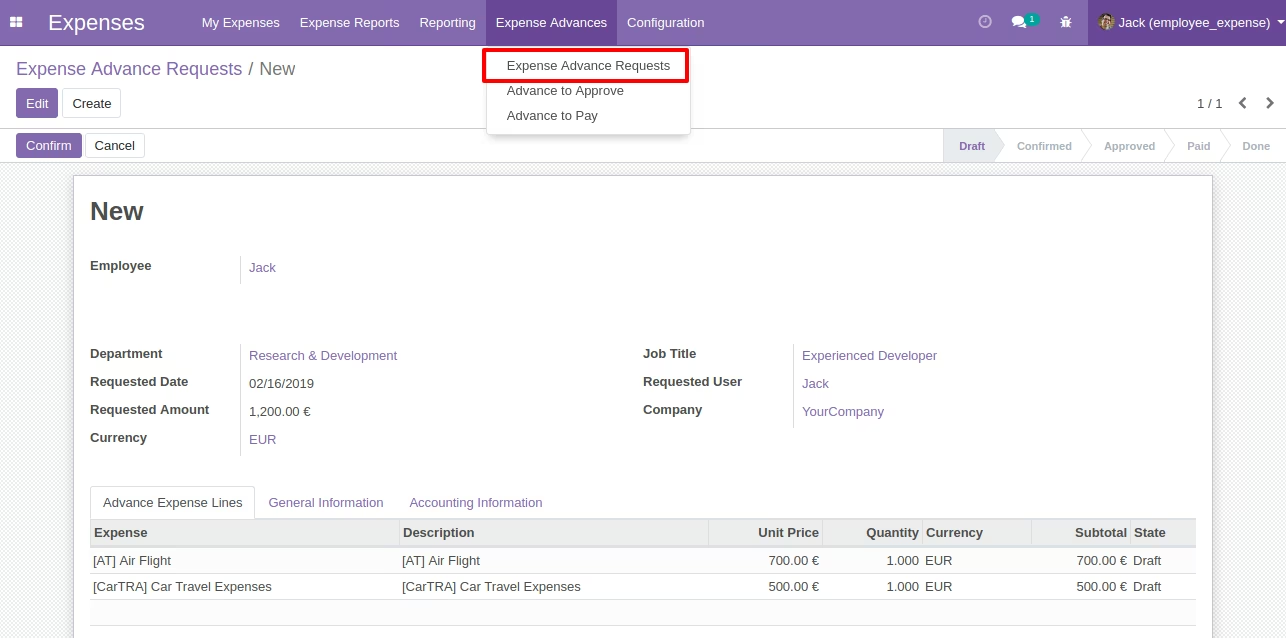
Employee Jack Confirmed Expense Advance Request
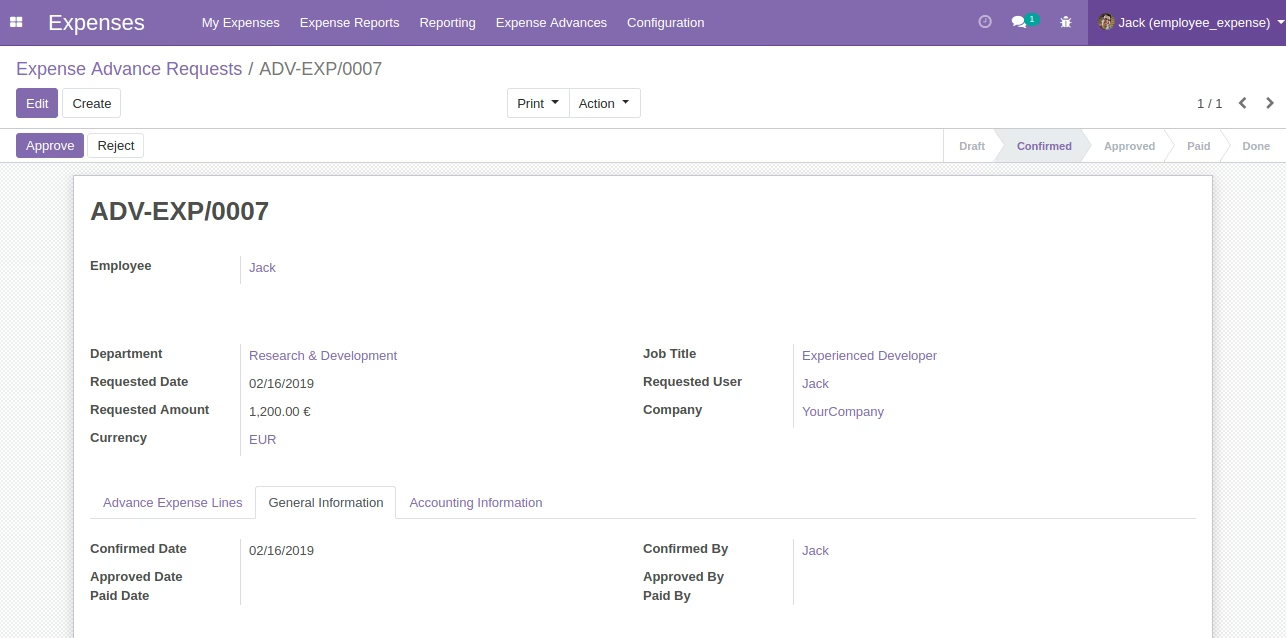
Login With Expense Officer John Showing Confirm - Expense Advance Request
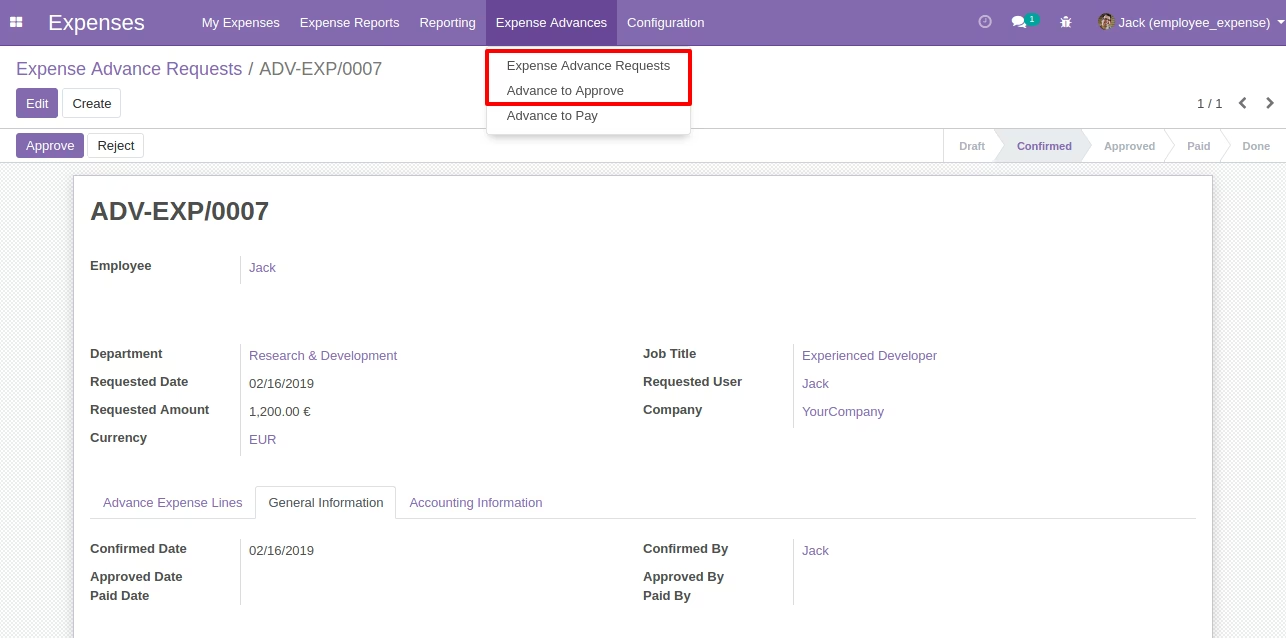
Login With Expense Officer John Approved - Expense Advance Request
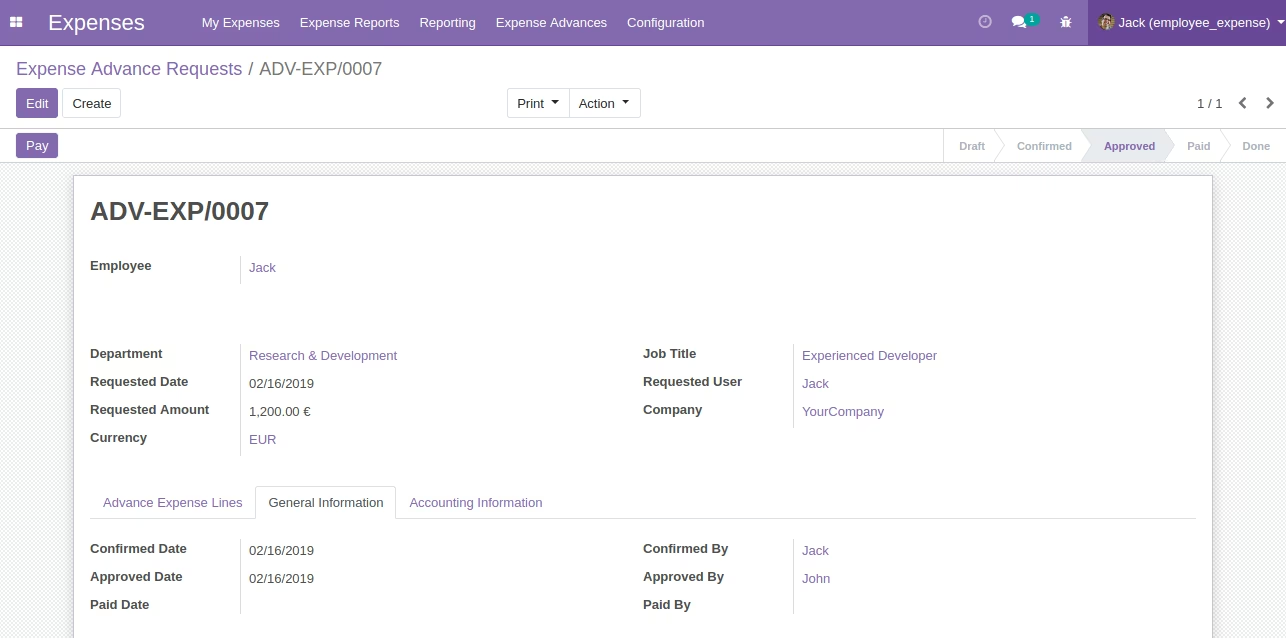
Login With Account Officer Jimmy Show Approved - Expense Advance Request
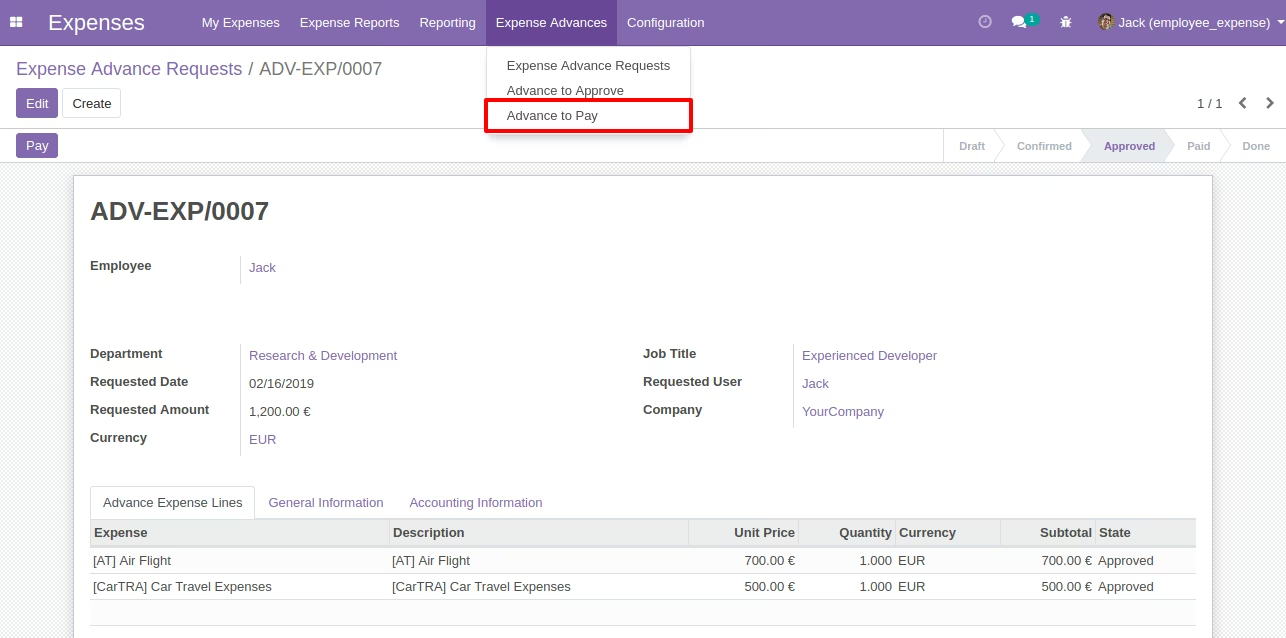
Login With Account Officer Jimmy Paid - Expense Advance Request
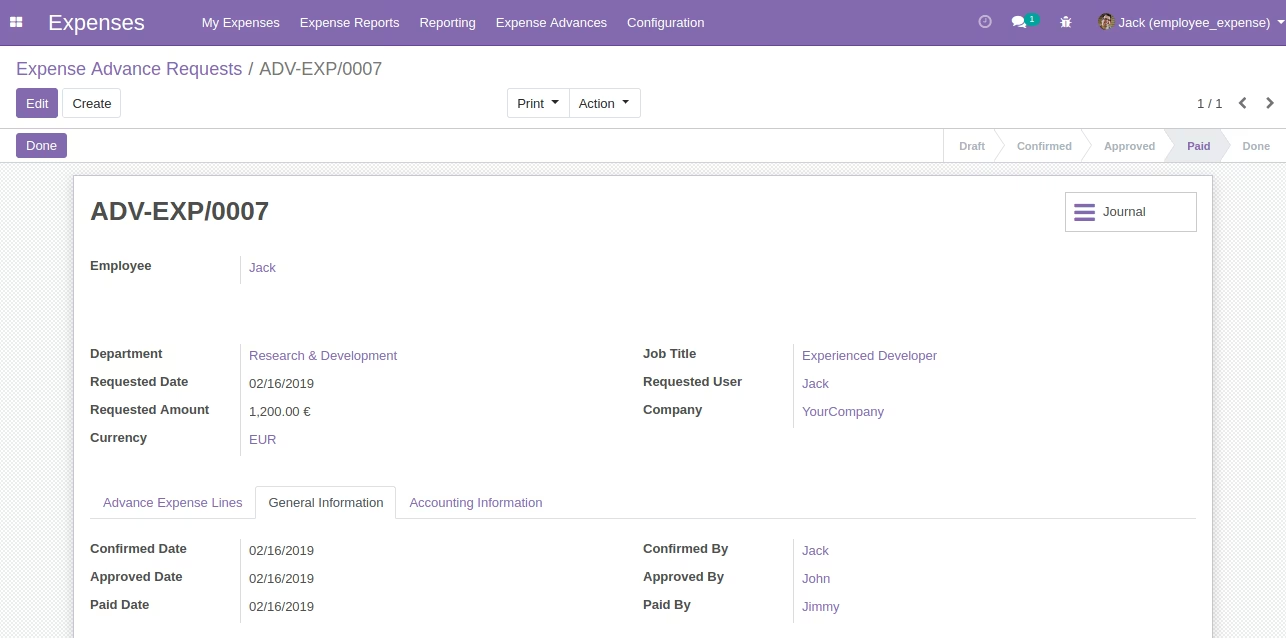
Journal Entry - Expense Advance Request
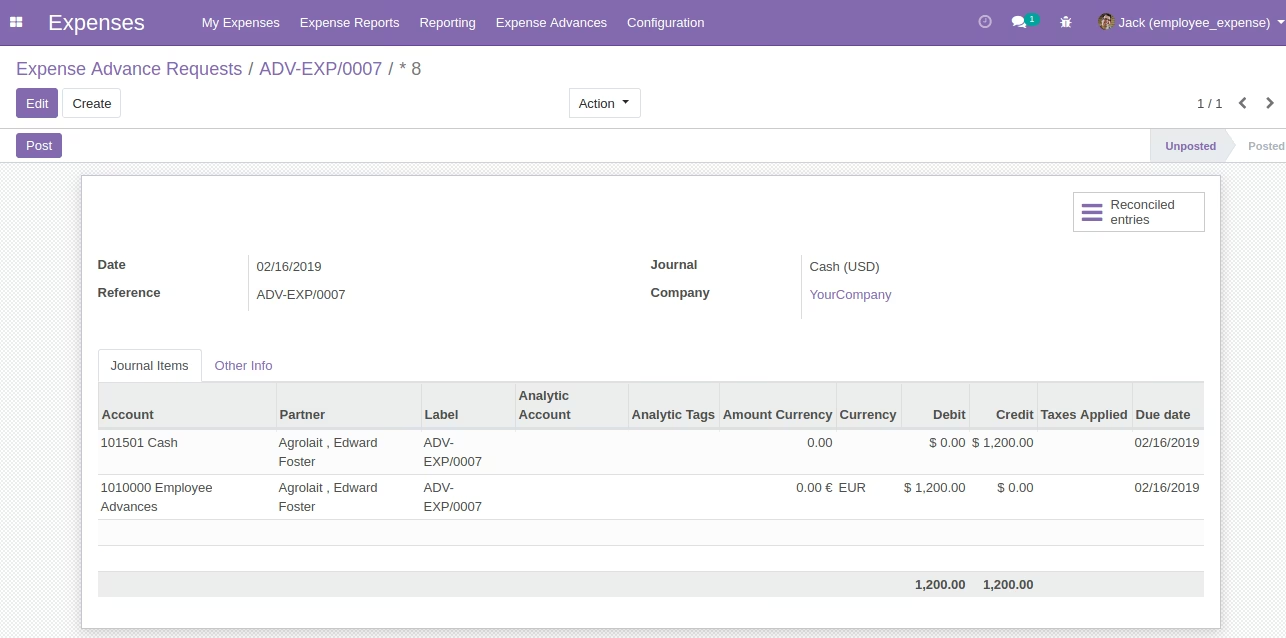
Print PDF Report - Expense Advance Request

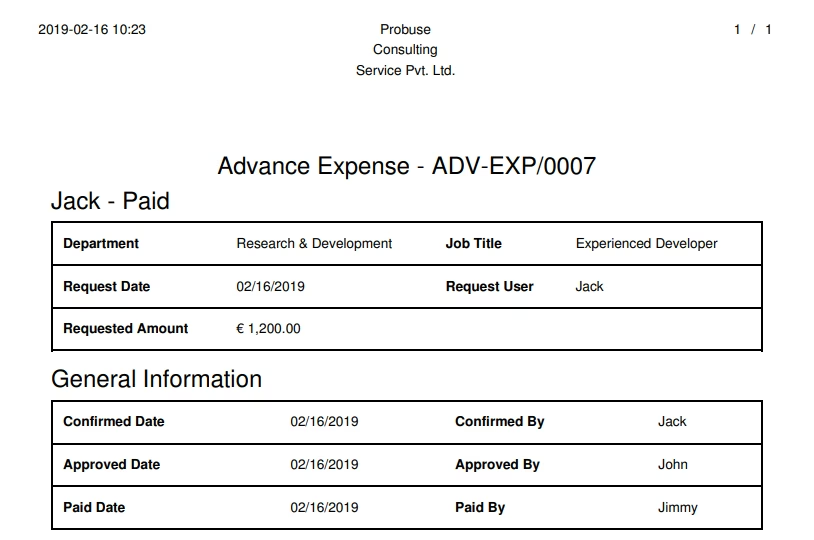
Showing Advances to Expenses to Submit
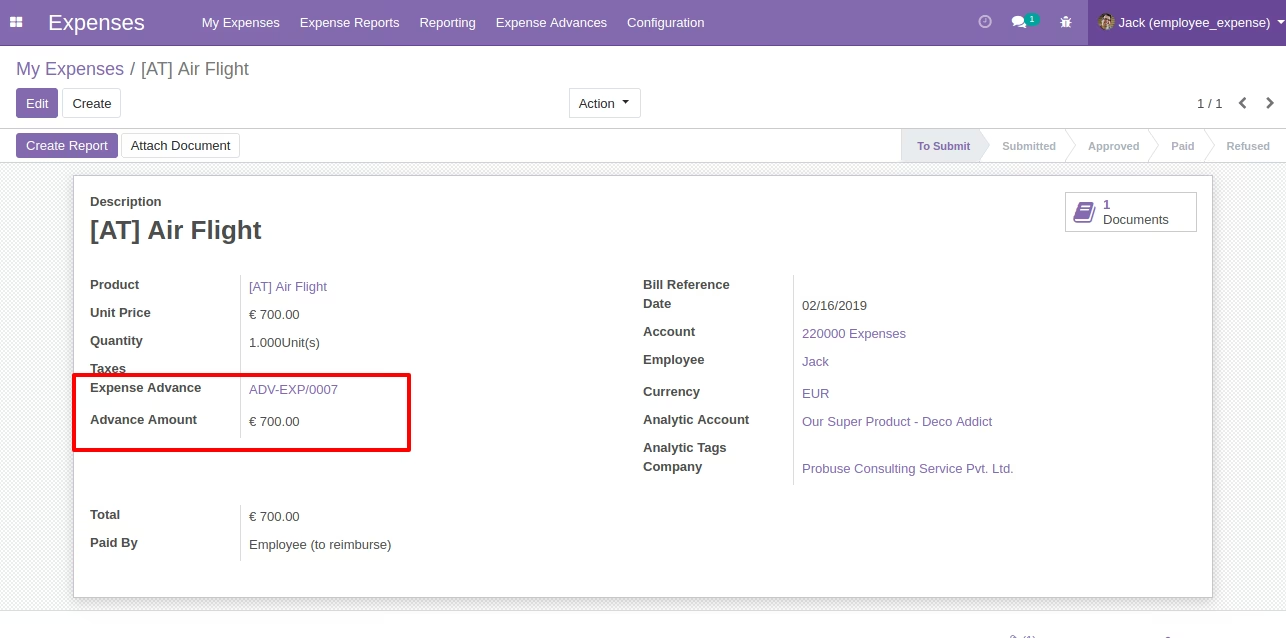
Showing Advances to Expenses Sheet