
The enables robust, seamless export data directly into MS Excel or LibreOffice Calc without requiring API setup. Using customizable export templates and tokenized URLs, this module ensures real-time access to data from any module. With synchronizable exports via ODC files or direct URL, it offers flexible, secure, and efficient data handling for reporting and analysis.
Export data from any module to Excel or LibreOffice Calc using template-based configuration
Create export templates with model selection, custom fields, filters (domain), company, language, and assigned responsible user
Generate secure tokenized URLs and ODC files to link dynamic spreadsheets without APIs
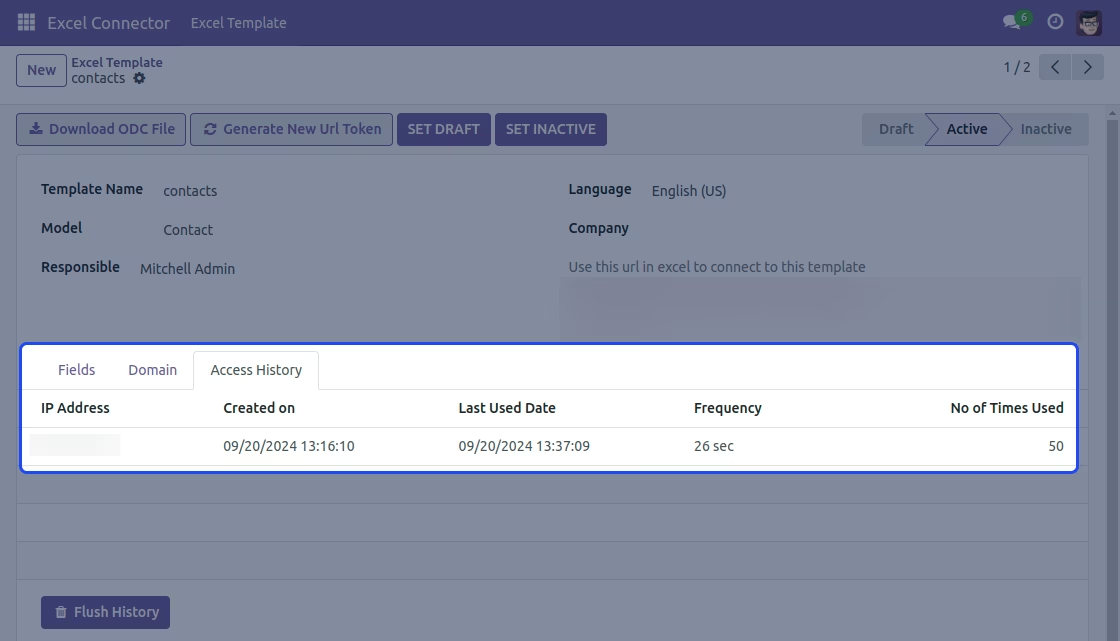
Manage access history: track IPs, usage frequency, last accessed timestamps, and flush history as needed
Refresh access tokens to immediately invalidate existing connections and secure export access
Simplifies data export and analysis by integrating with familiar spreadsheet tools effortlessly
Eliminates need for complex API integrations or manual export/import workflows
Enhances security with tokenized access and history control
Enables real-time data synchronization between spreadsheets
Saves time by automating template-based and filterable exports directly into Excel or Calc
Excel Connector links your ERP with Excel and LibreOffice Calc, making it easy to sync and manage data. Excel Connector offers secure templates, real-time updates, and flexible filtering for exporting and organizing data smoothly.

Sync Data Effortlessly

Secure Data Transfer & Management

Customizable Templates for Dynamic Exports
Highlighted features of Excel Connector
Below is the detailed list of features for Excel connector

It connects with Excel

It keeps access secure with tokens

Lets you filter the data to be exported

View Tracks the ip addresses of the user

It allows you to create custom excel templates

Generate ODC files to connect with Excel
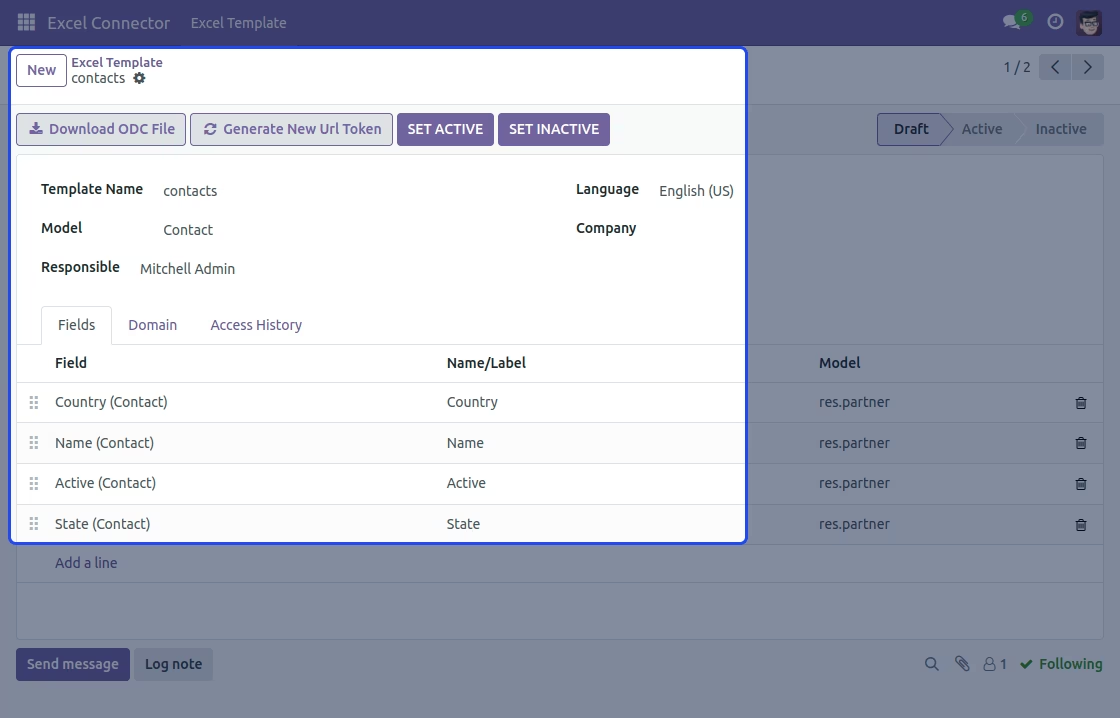
Configuring export.
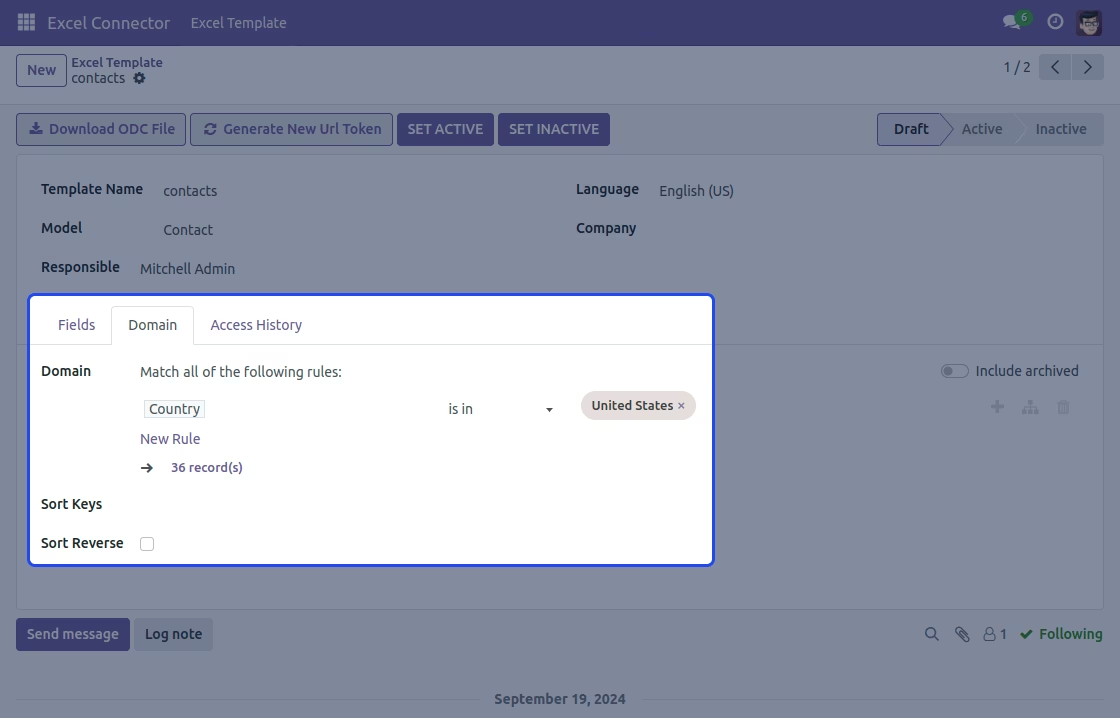
Adding filters for data export.
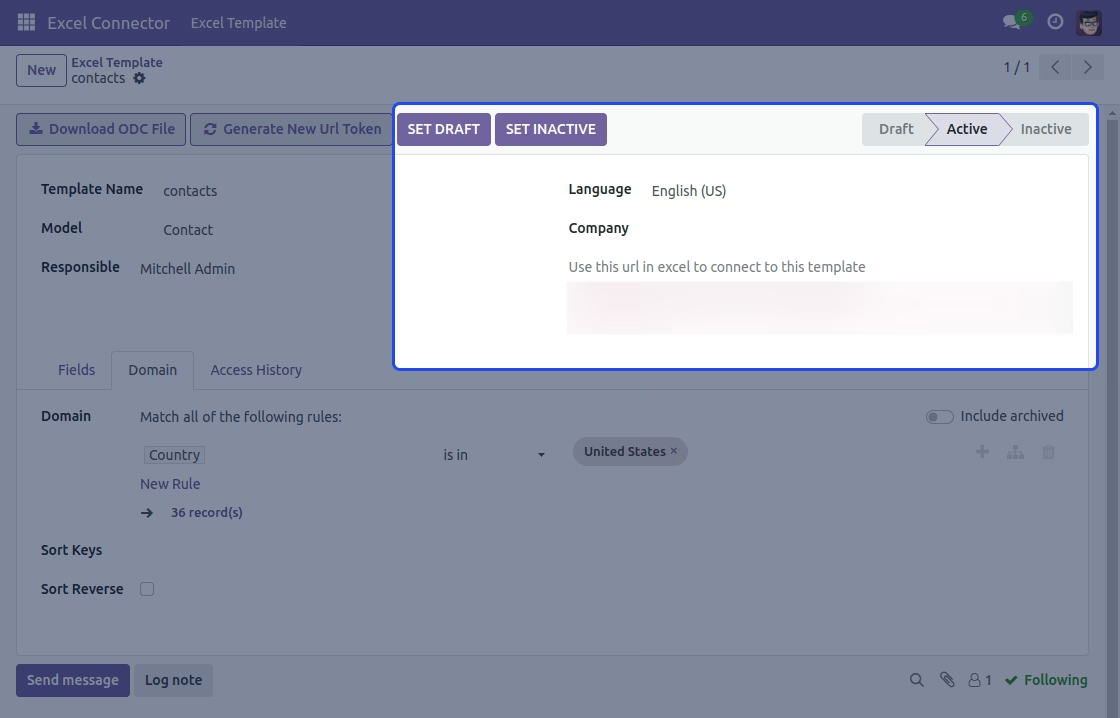
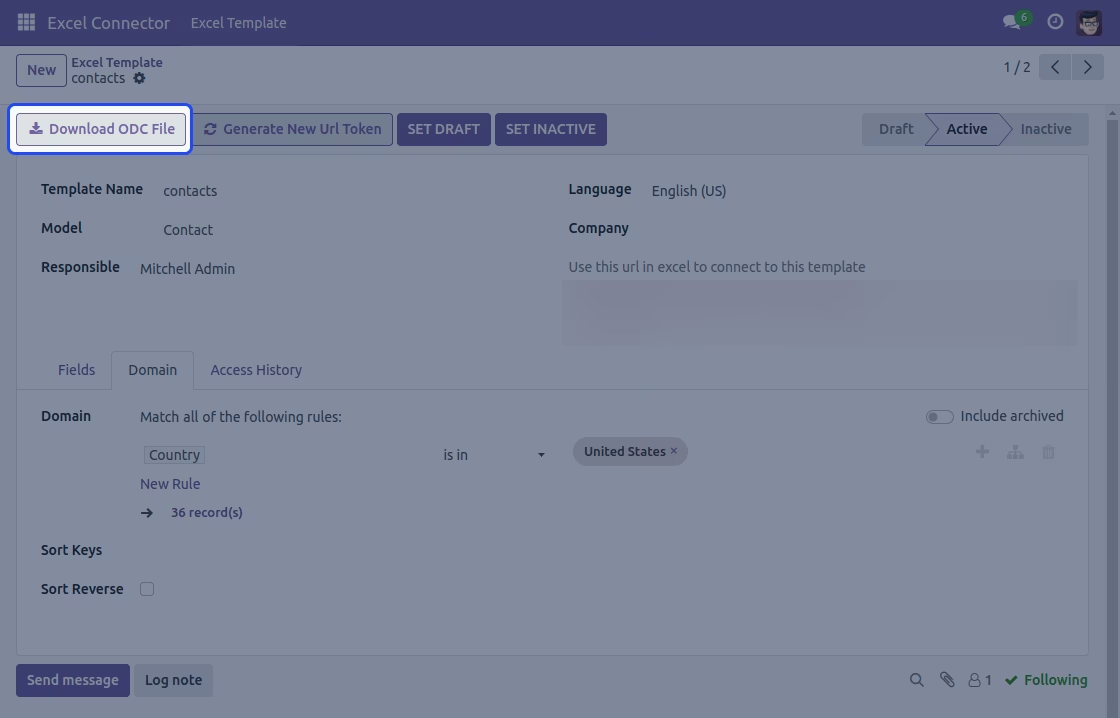
Managing State and Downloading ODC files.
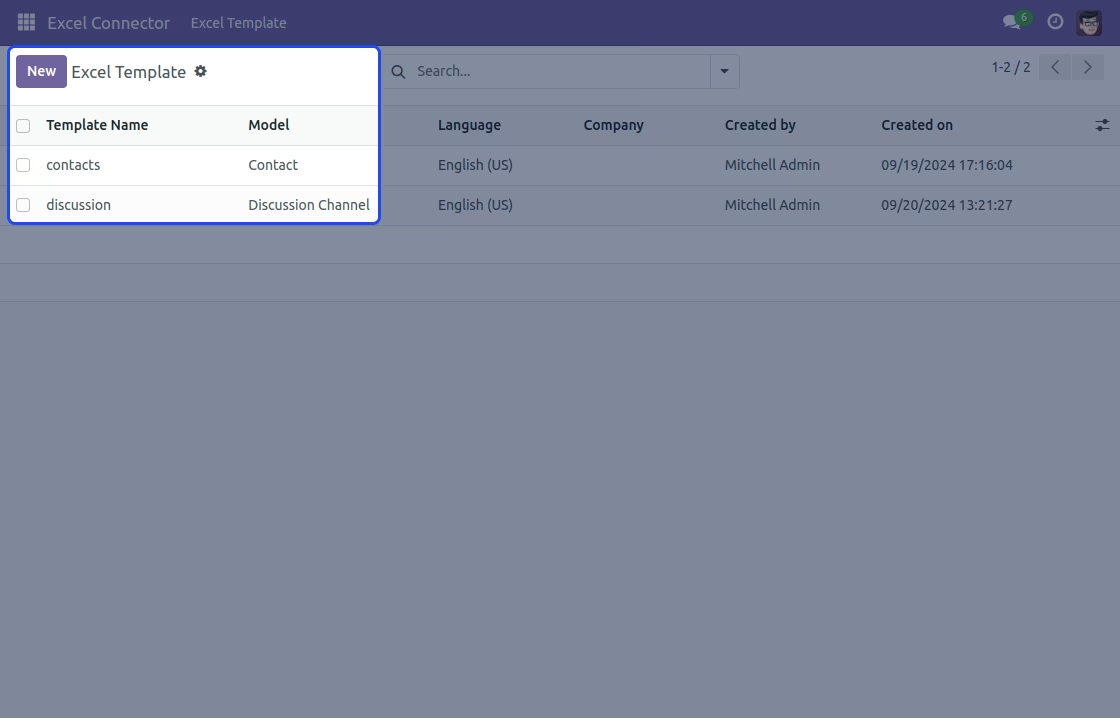
Listing of templates.
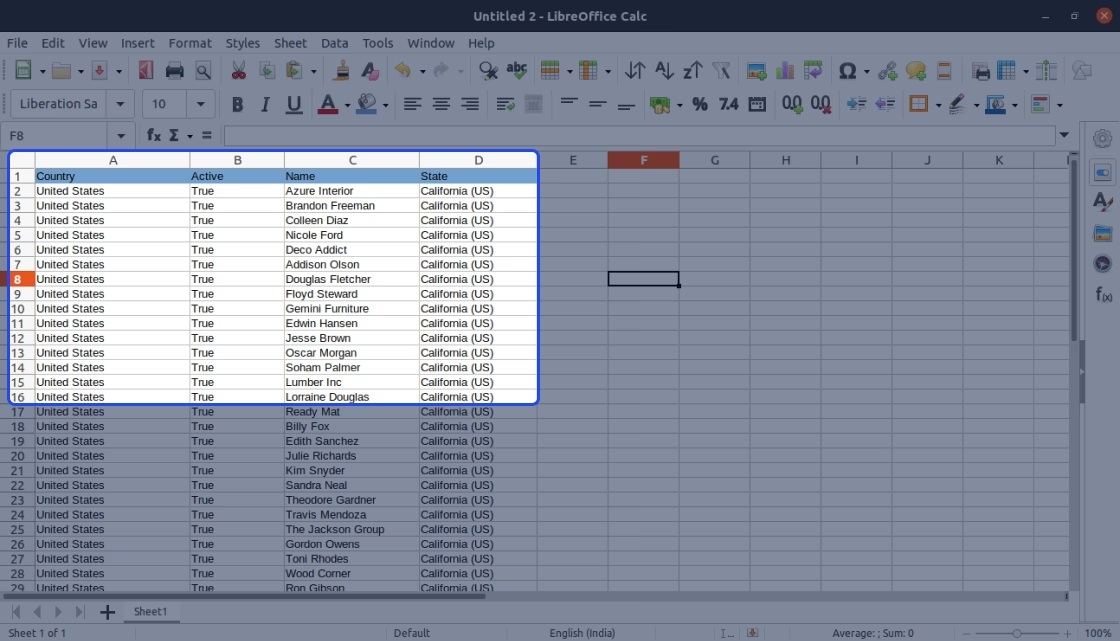
Exported data in Libre Office.
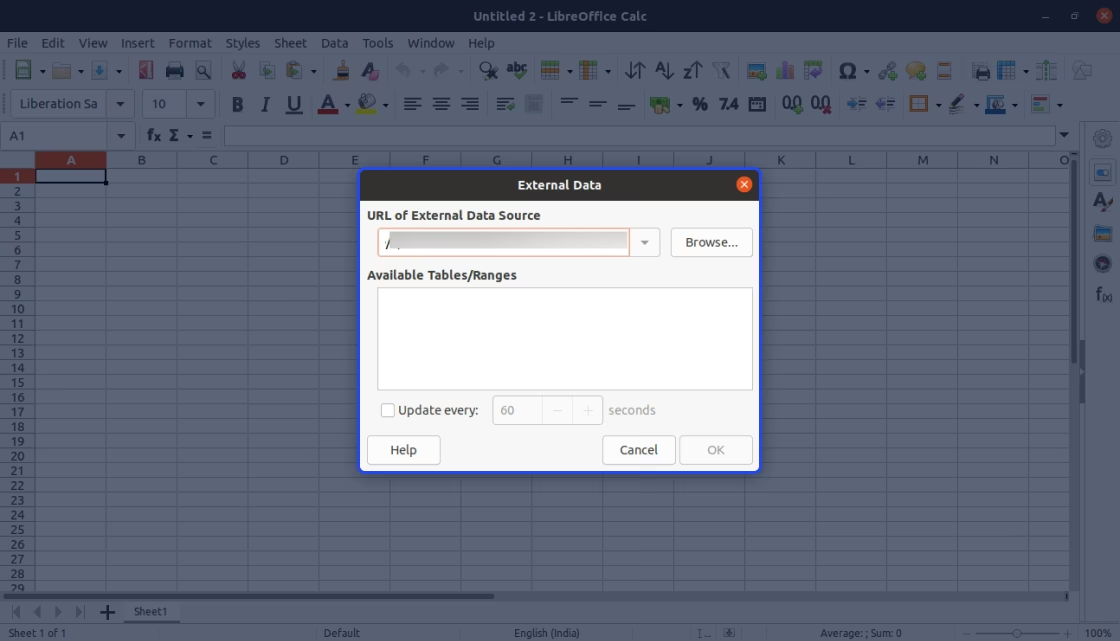
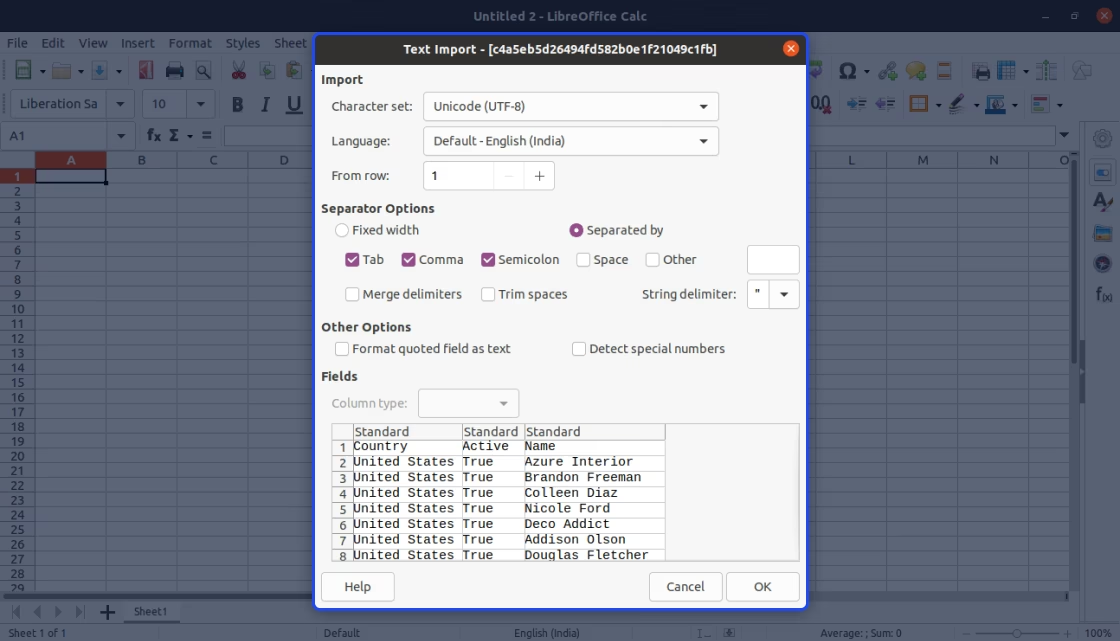
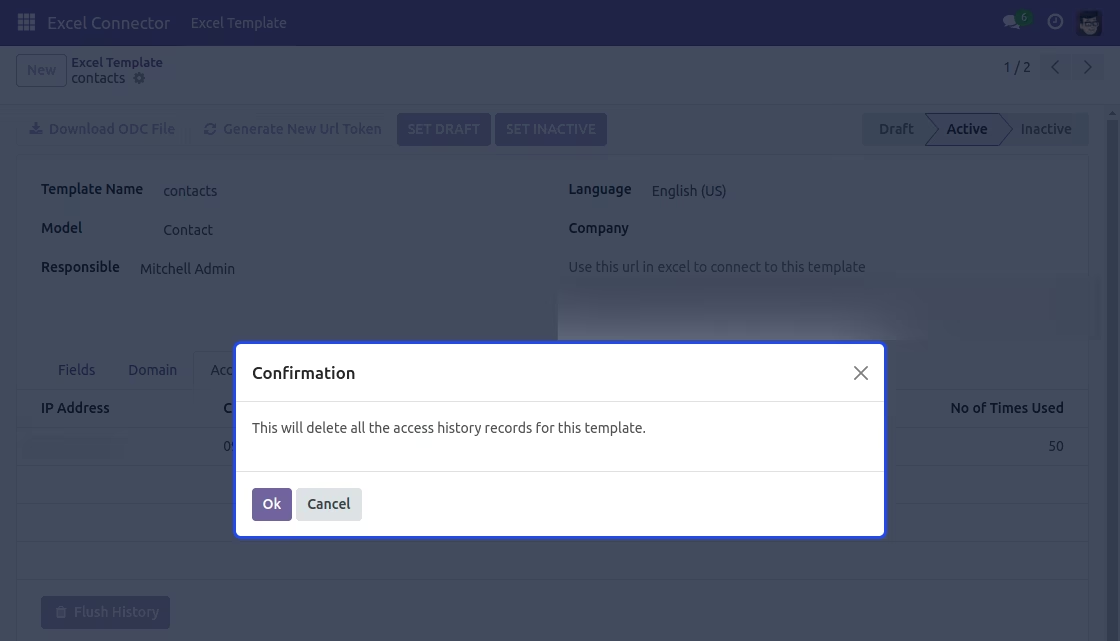
Checking access history and delete all the access history.
Detailed Features List
Below is the list of features of Excel Connector.
Customizable excel templates
- Create templates for specific modules like sales, accounting, and customer data.
- Set rules for the data you want to export, giving you full control over what is exported.
- Excel Connector lets you quickly switch templates between active and inactive states.
Data Filtering and Export Flexibility
- Add filters to narrow down the data you want to export, making it easier to manage.
- Pick which fields to include in your export, so your report only shows what’s important.
- Use special rules to customize the data you export, getting exactly.
Secure Token-Based Access
- Creates a unique access token for every export to keep the connection safe.
- You can refresh the token anytime to block old connections and stop unauthorized access.
- It tracks all connections and shows IP logs in the access history tab.
Seamless Data Connection with Excel and LibreOffice
- Download an ODC file to connect Excel directly with your for real-time data updates.
- Create a URL to sync data automatically with Excel and LibreOffice Calc.
- Easily export and sync data across both platforms for simple reporting and data management.