This module offers a seamless way to manage equipment requests and handle IT operations effectively. By integrating equipment request workflows with HR, inventory, expenses, invoicing, and discussion tools, it ensures smooth coordination across departments. Designed for efficiency, this solution helps businesses streamline equipment management, automate request approval, and enhance resource allocation with unified processes and clear workflows.
Automated equipment request submission integrated with HR and inventory systems
Expense tracking linked to equipment requests for accurate cost monitoring
Inventory synchronization to ensure real-time visibility of available items
Invoicing integration for seamless billing and accounting of equipment usage
Built-in discussion channel for internal communication and request follow-up
Reduces delays in equipment allocation with automated workflows
Enhances cost control by tracking expenses tied to equipment usage
Improves resource management through synchronized inventory data
Simplifies billing processes via direct invoicing integration
Boosts internal collaboration through centralized discussion tools
This module allows your employees to send requests to the HR department for equipment type of hardware and software as equipment requests and equipment damage expense reimbursement requests. Followed by employee officer and department manager approval workflow for equipment request and equipment damage request.
Main Features:
- Allow your employees to request for hardware/software equipment resources from your HR department.
- Allow your employees to request for repair damage hardware and reimbursement of expenses for that damage repair.
- HR officers can generate expenses for damages for employee damage equipment requests.
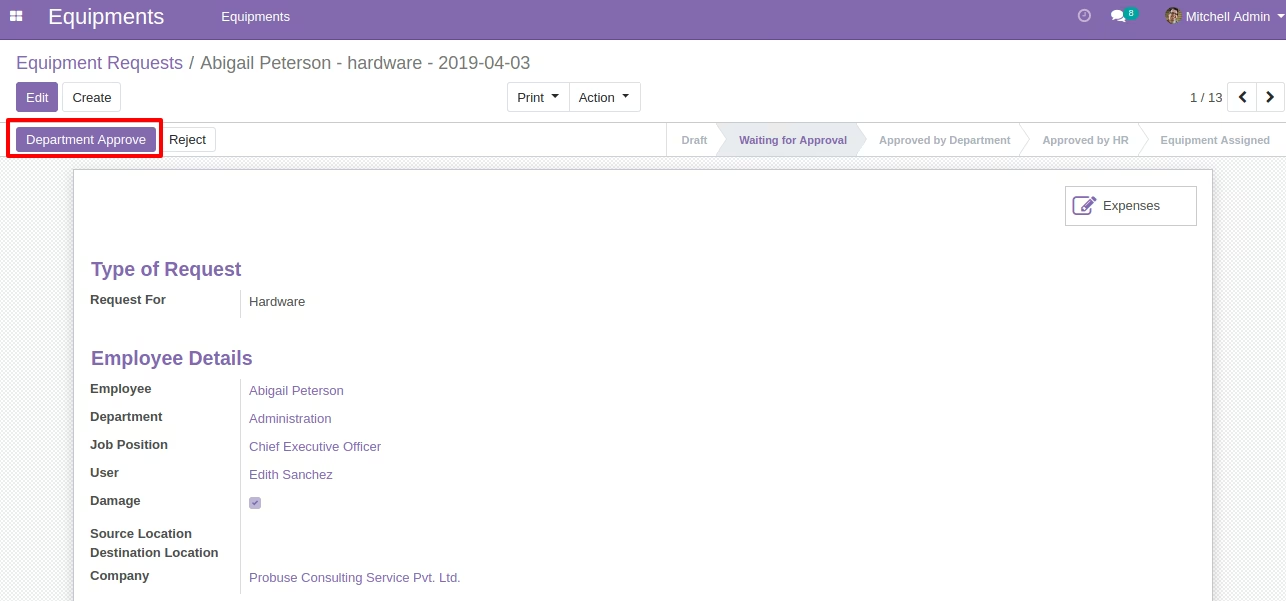
- Department manager can approve as department approval of expense requests.
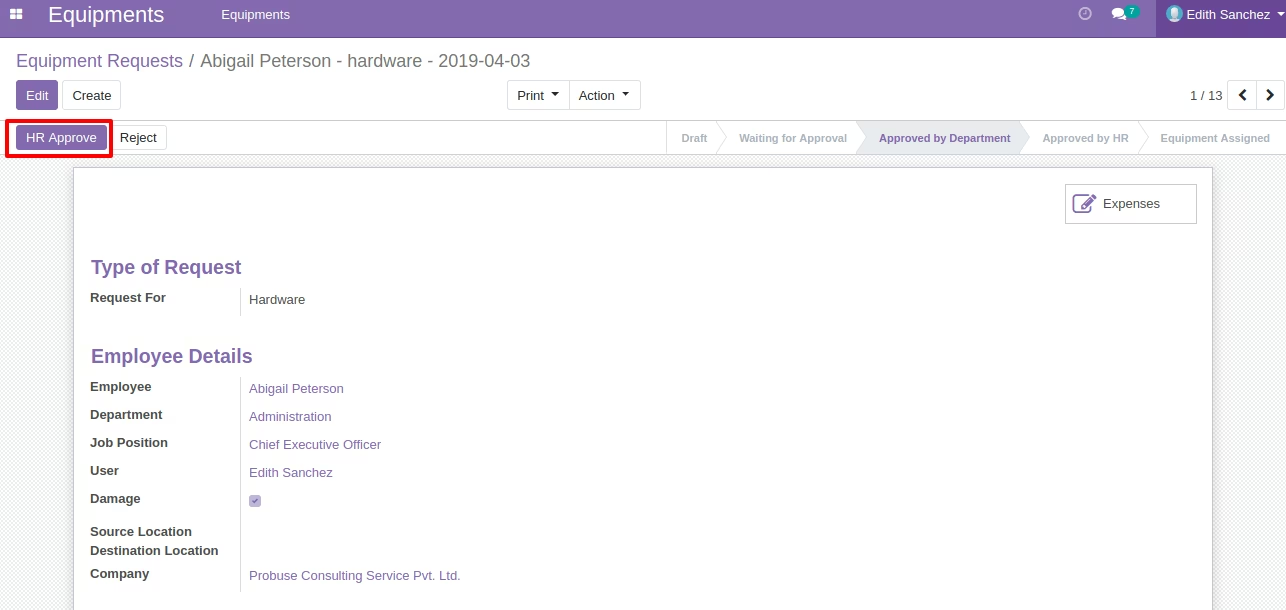
- HR/Employee Officer can approve as HR approval of equipment expense requests.
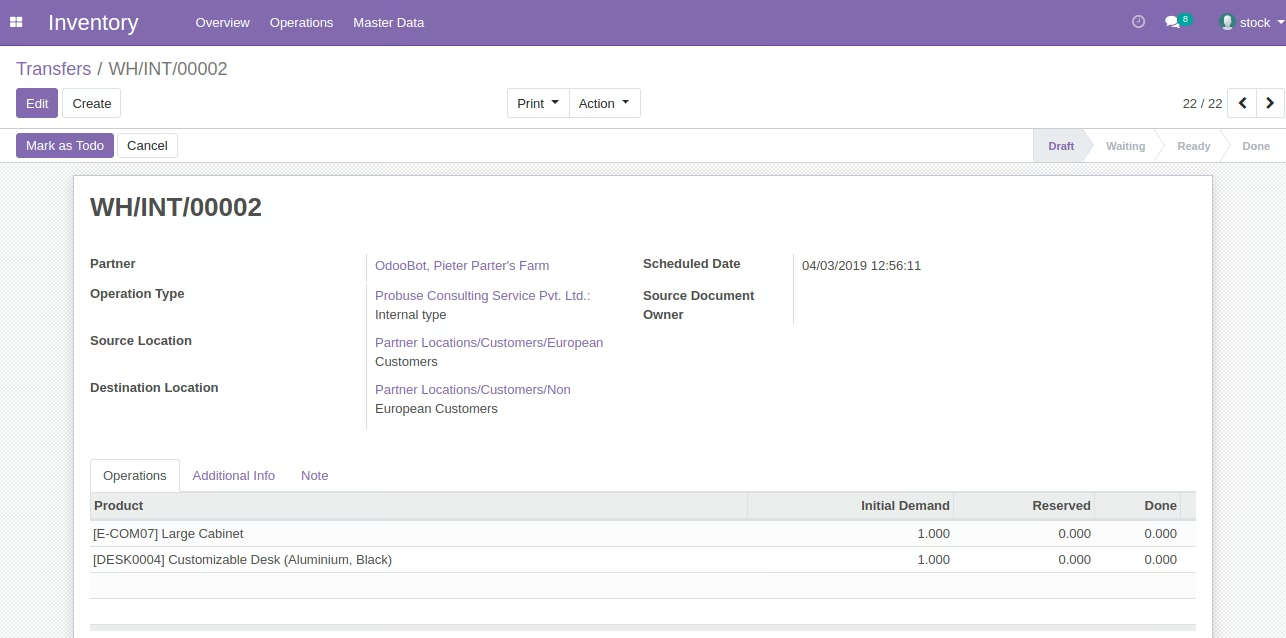
- Stock/Inventory users can create internal transfer (internal picking) for equipment requests to transfer requested equipment/product to employee location.
- Integrated with stock inventory to allocate equipment/products to your employee.
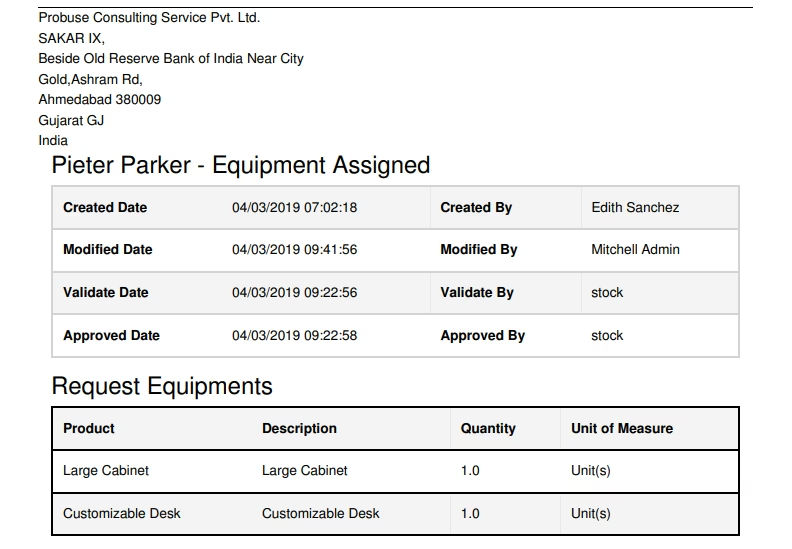
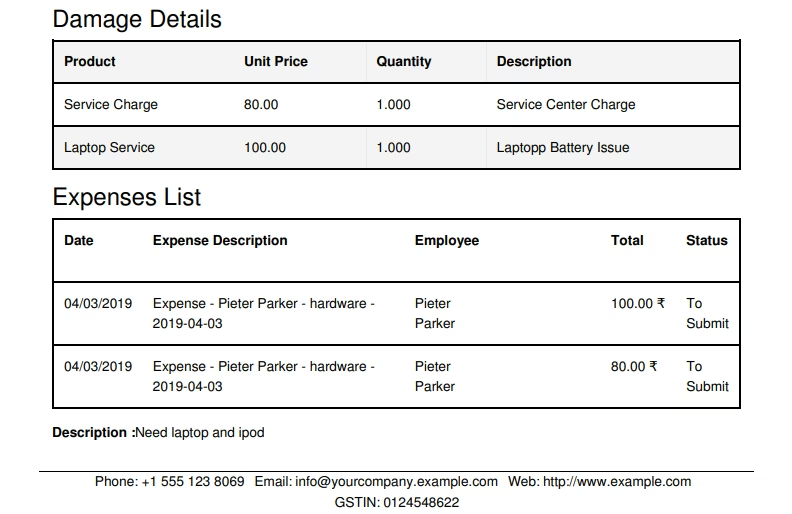
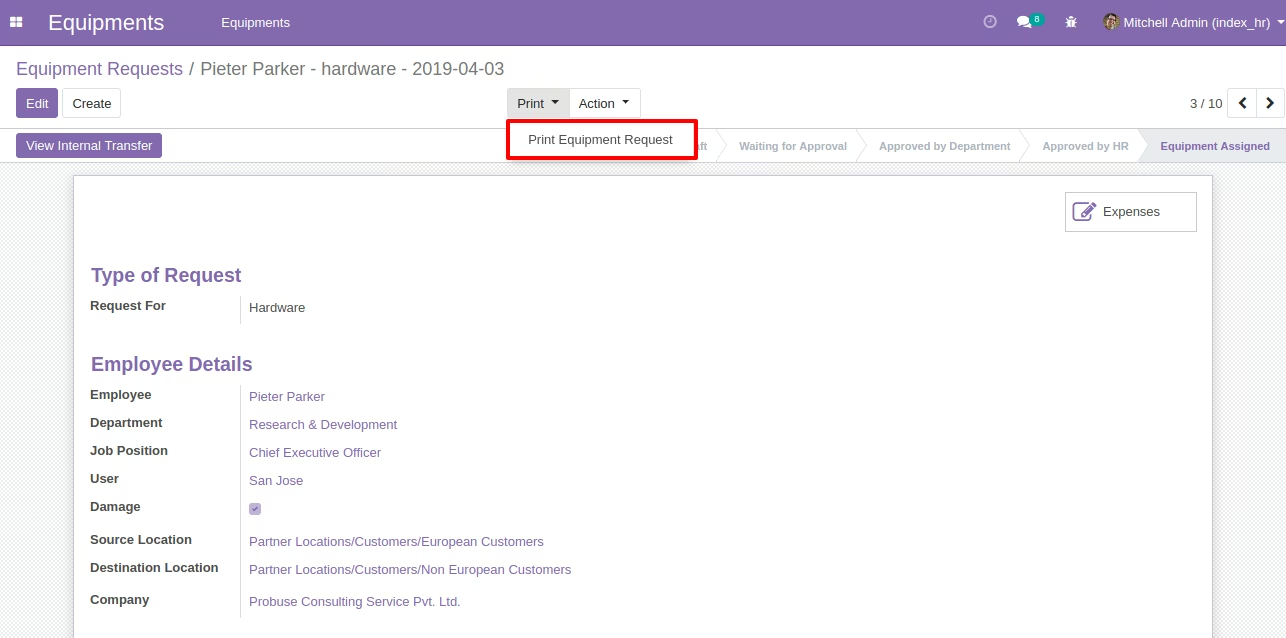
- Allow you to print PDF report of equipment requests as shown in the below sample.
- For more details please see below screenshots and watch the video.
- Draft -> Waiting for Approval -> Approved by Department -> Approved by HR Officer -> Equipment Assigned -> Refused -> Rejected
- Equipments
- Equipments
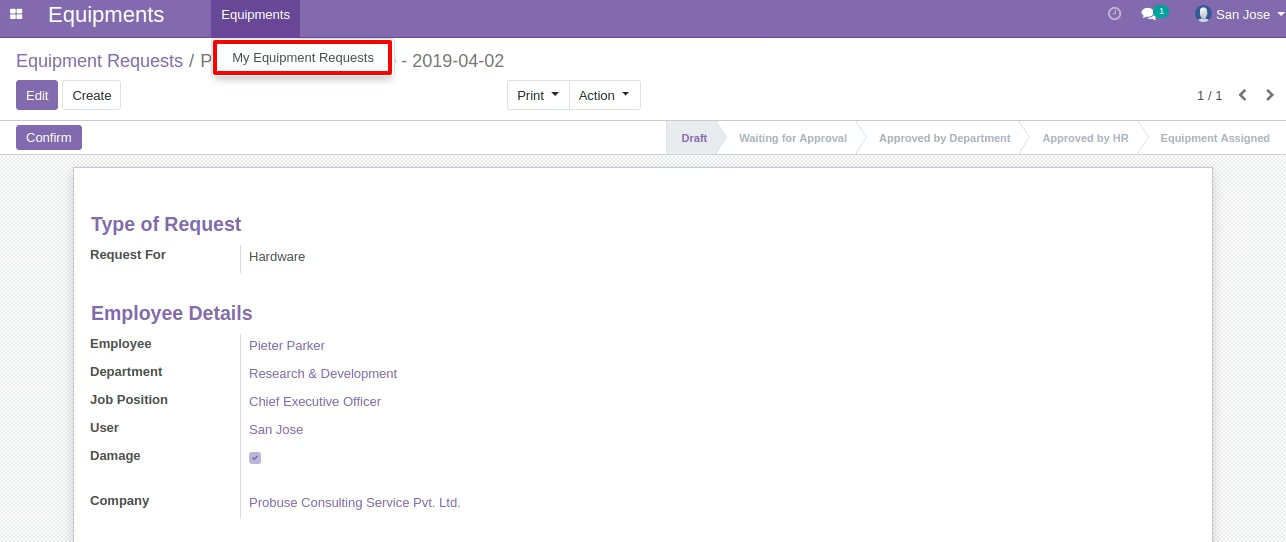
- My Equipment Requests
- Department Equipment Requests to Approve
- HR Equipment Requests to Approve
- Stock Equipment Requests to Approve
Users Sample Examples for Screens Below
- Employee: San Jose
- Department Manager: Mitchell Admin
- HR Officer: Edith Sanchez
- Stock User: Stock
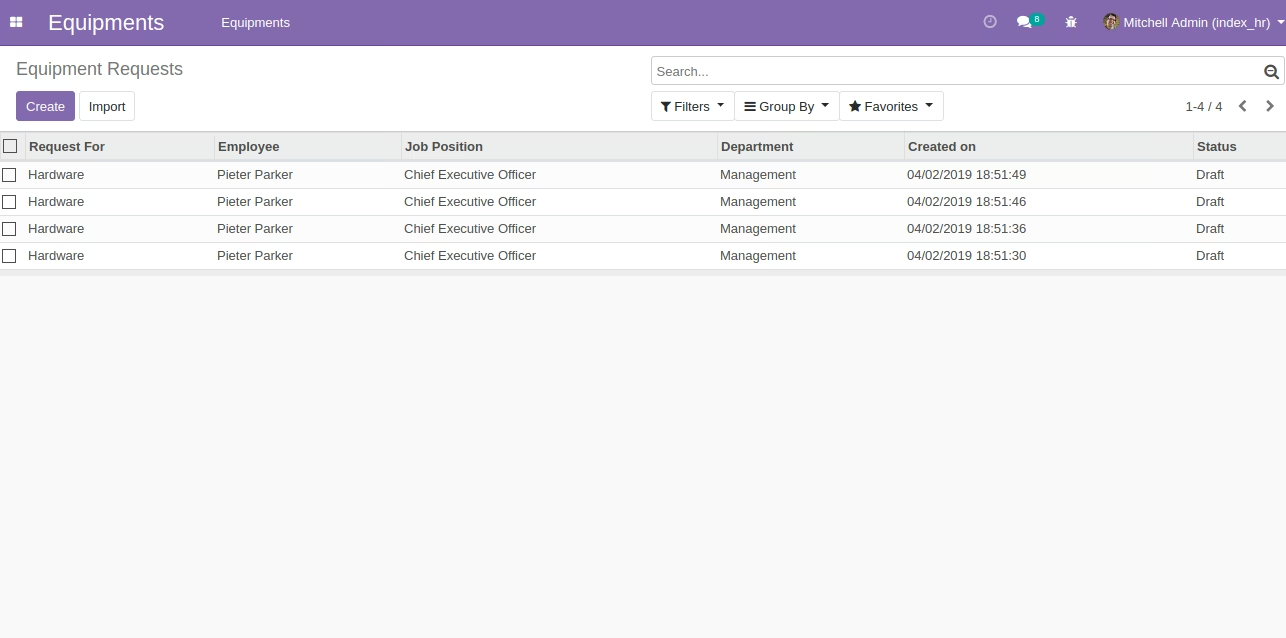
Equipment Requests - Menu For Admin
Equipment Requests - Menu For Employee(San Jose)
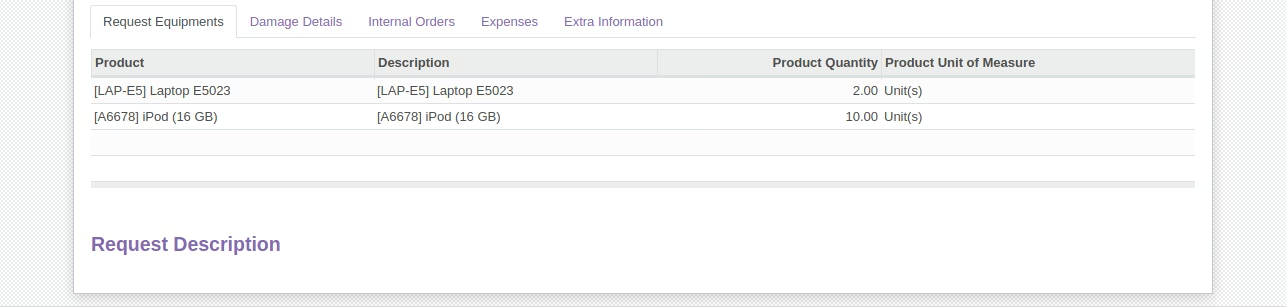
Equipment Damage Requests - Waiting For Approval Of Department
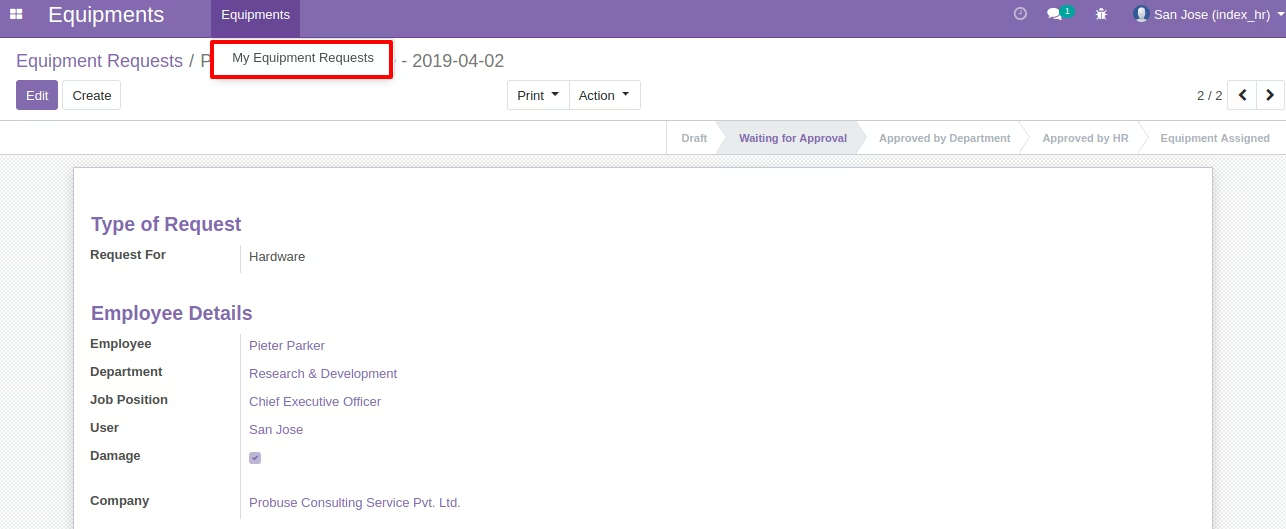
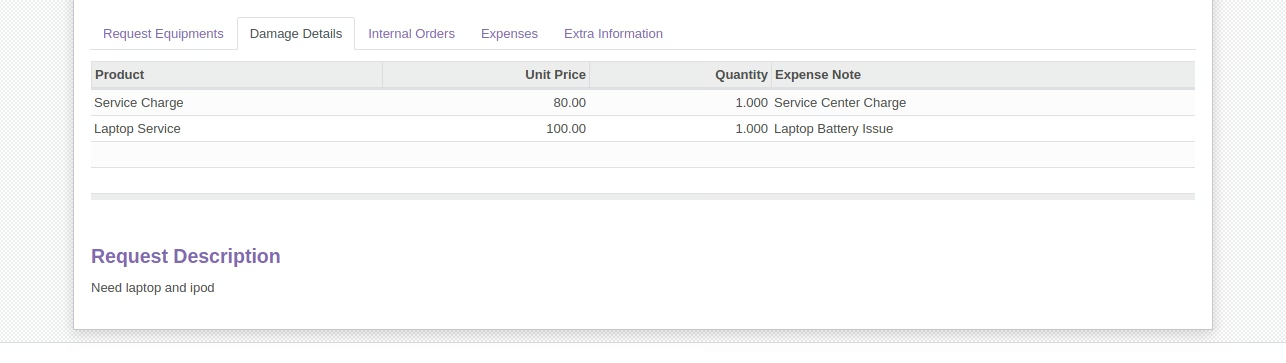
Generate Expense Button - Visible On Damage Request (Only For HR Officer)(Edith Sanchez)
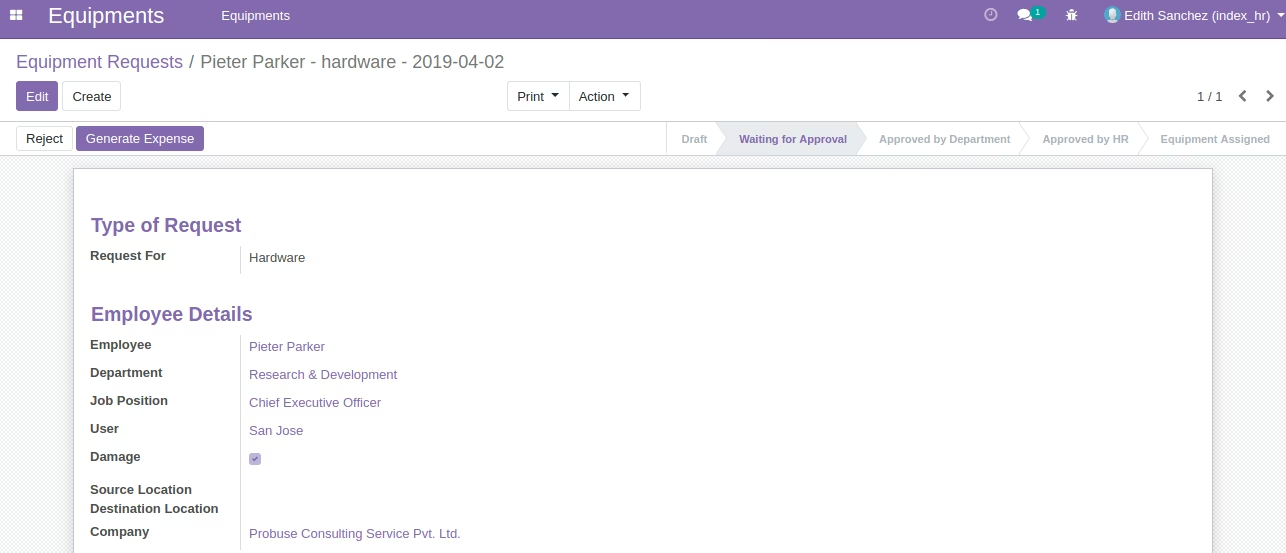

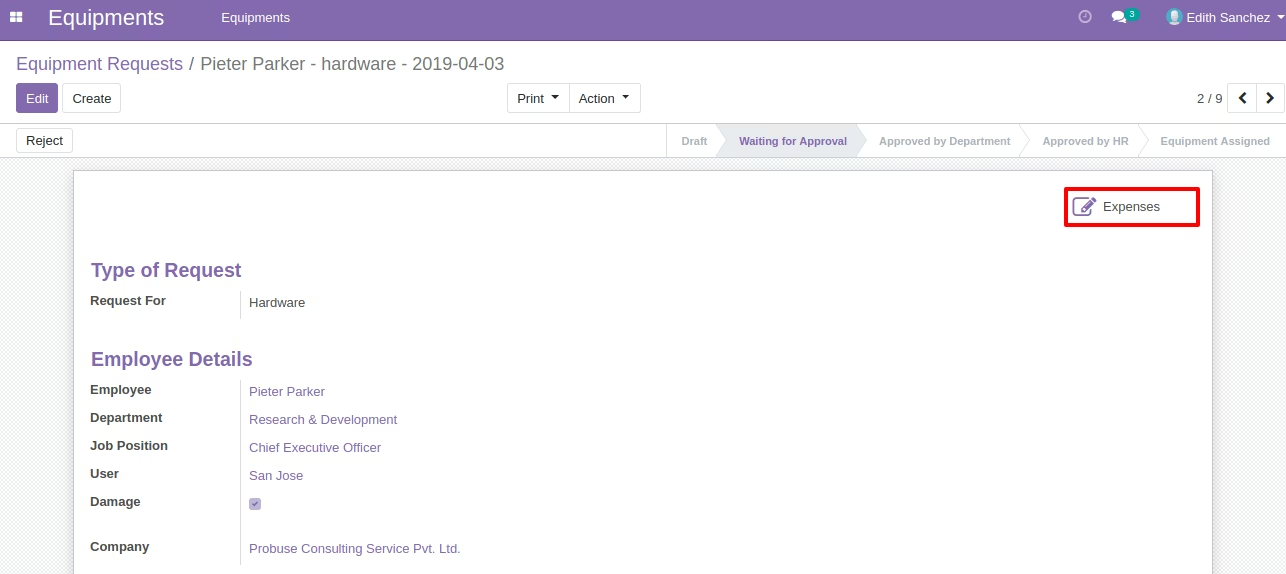
Expense Smart Button
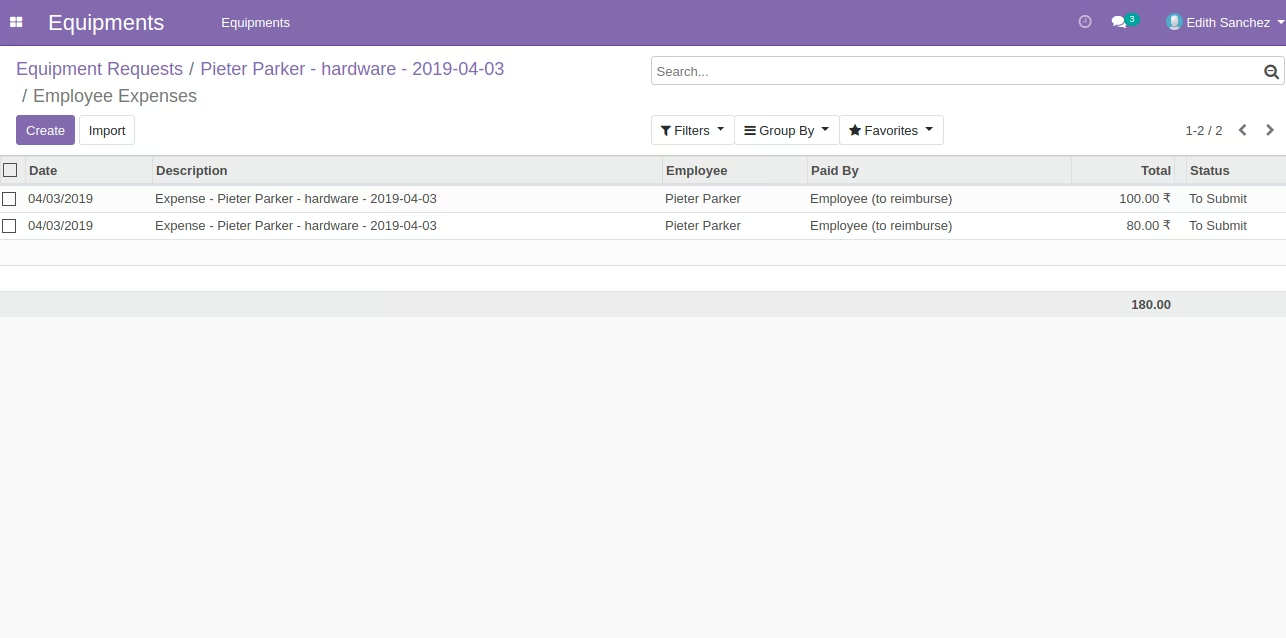
List of Generated Expenses
Approved By Department(Mitchell Admin)
Approved By HR Department(Edith Sanchez)
Create internal transfer button for stock/warehouse user which will create internal picking.
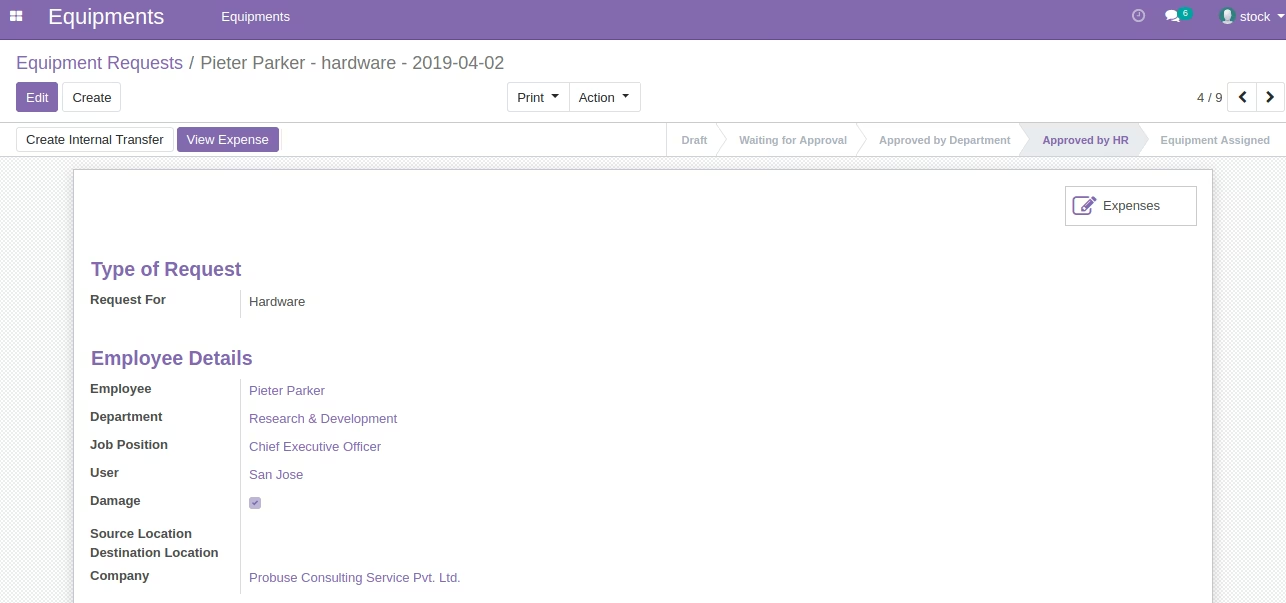
View Internal Transfer
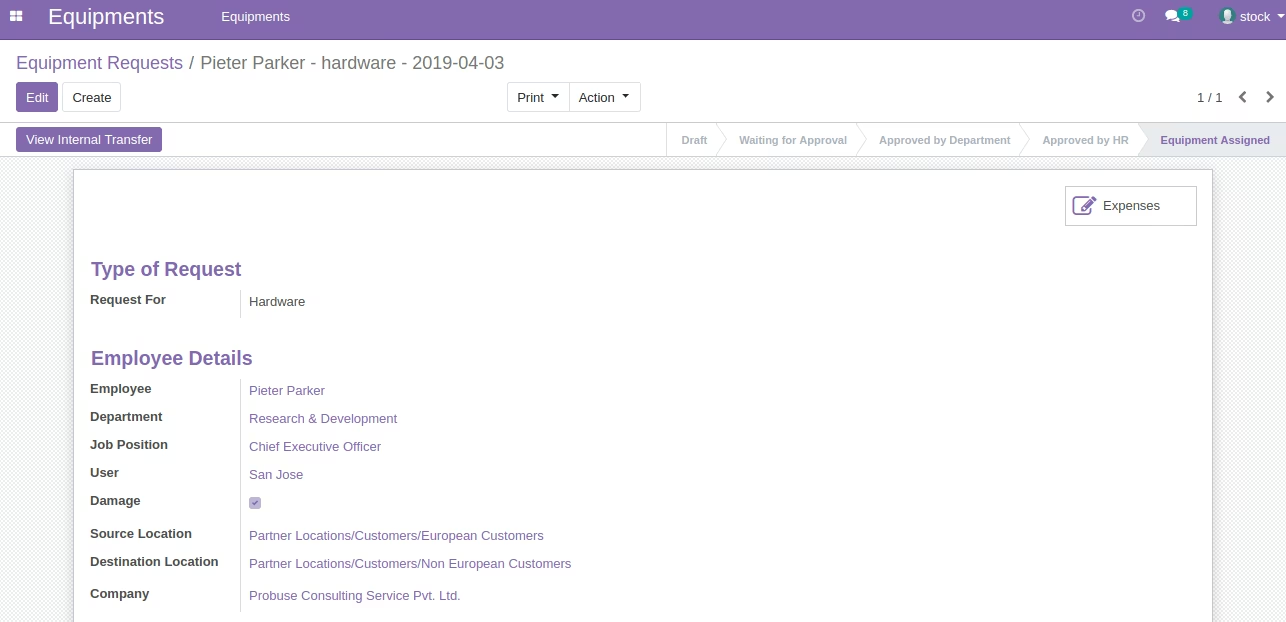
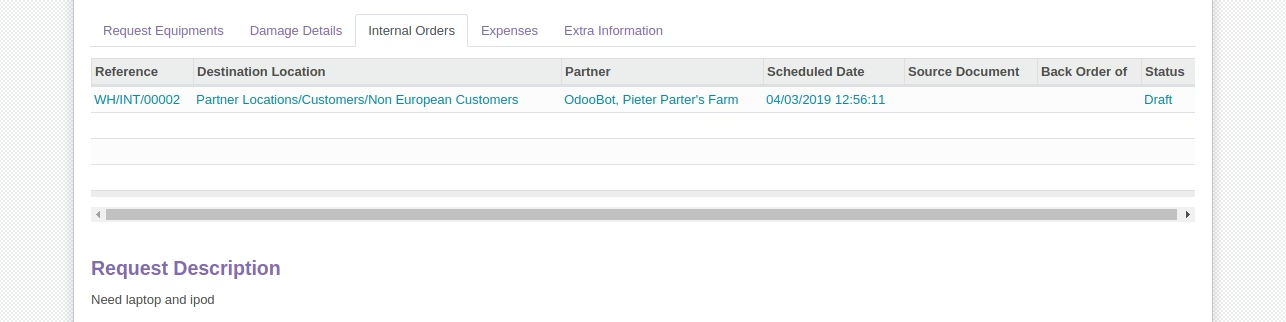
Internal Transfer Form
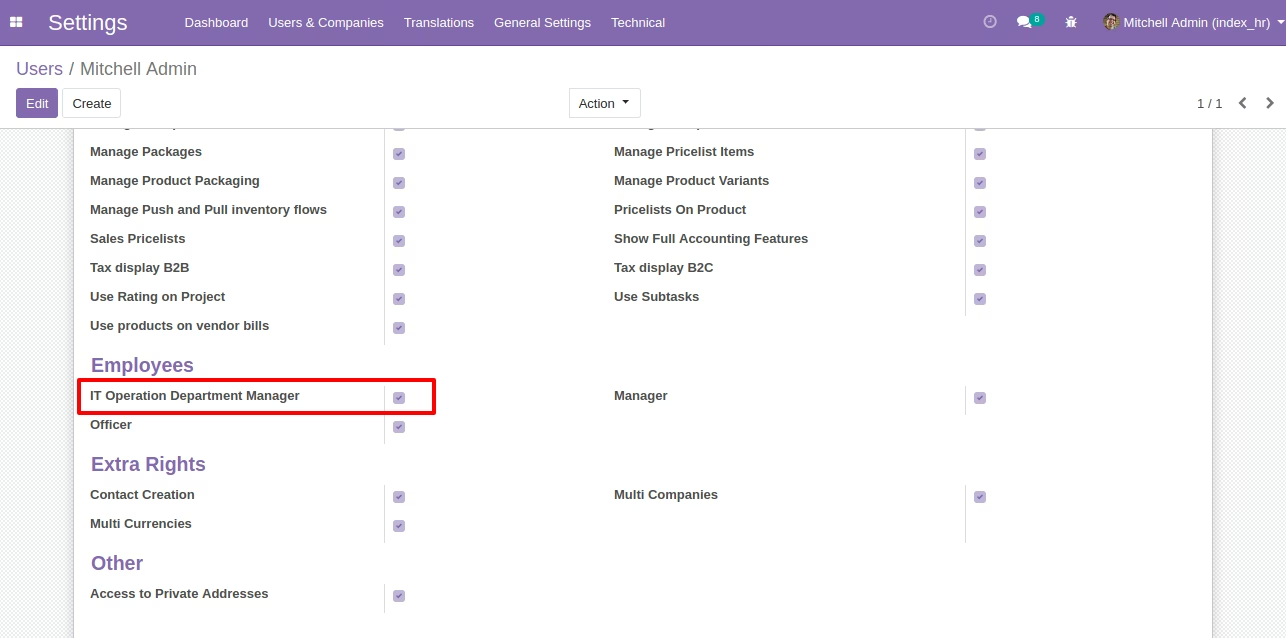
Department Manager Configuration
Print Equipment Request
PDF Report