-- HTTPS is recommended --.
HR Attendance Face Recognition
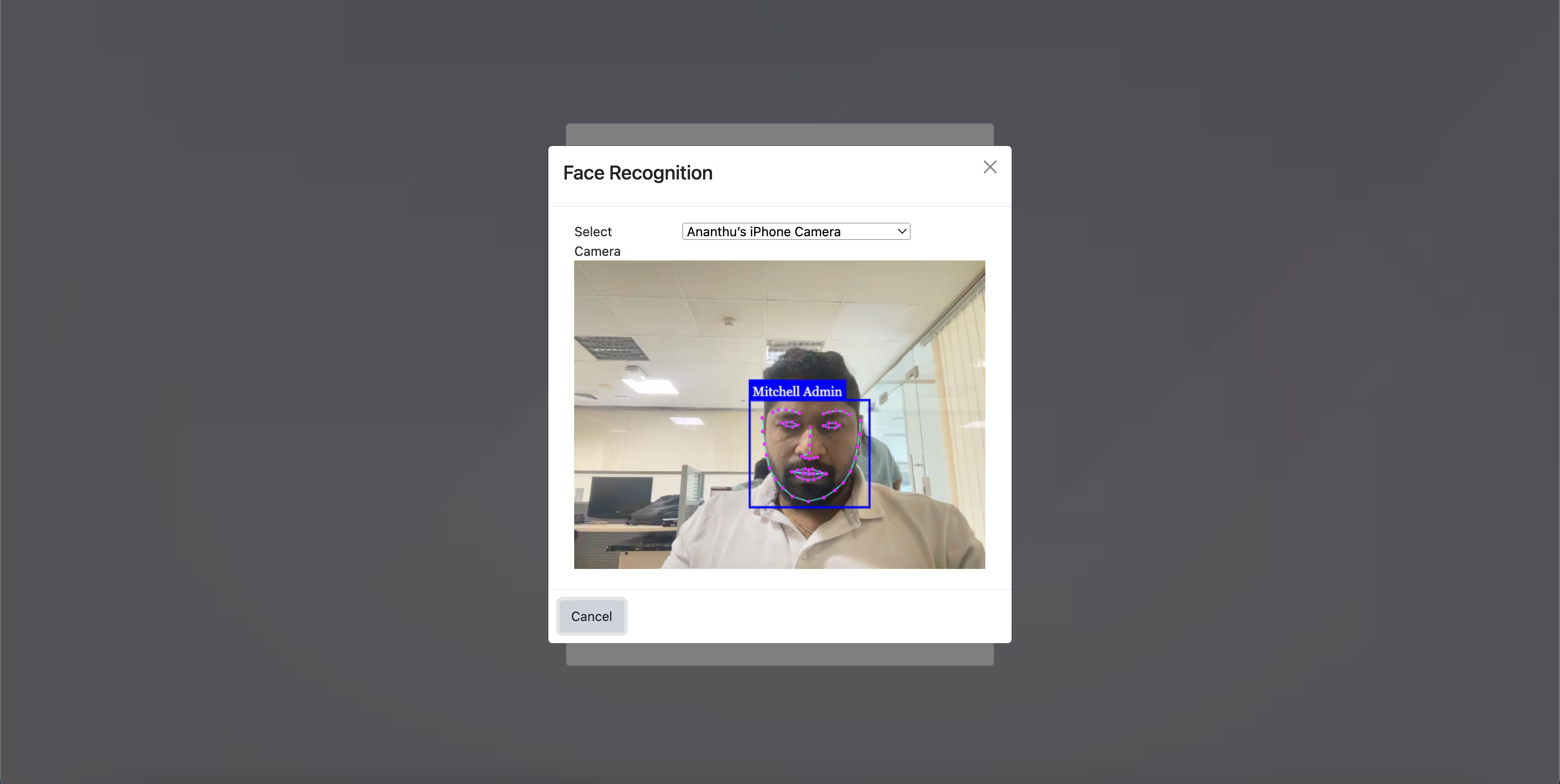
This module allows you to log employee attendance check-ins and check-outs utilizing Face Recognition. This functionality works in conjunction with Record Employees Photograph while check in/out.
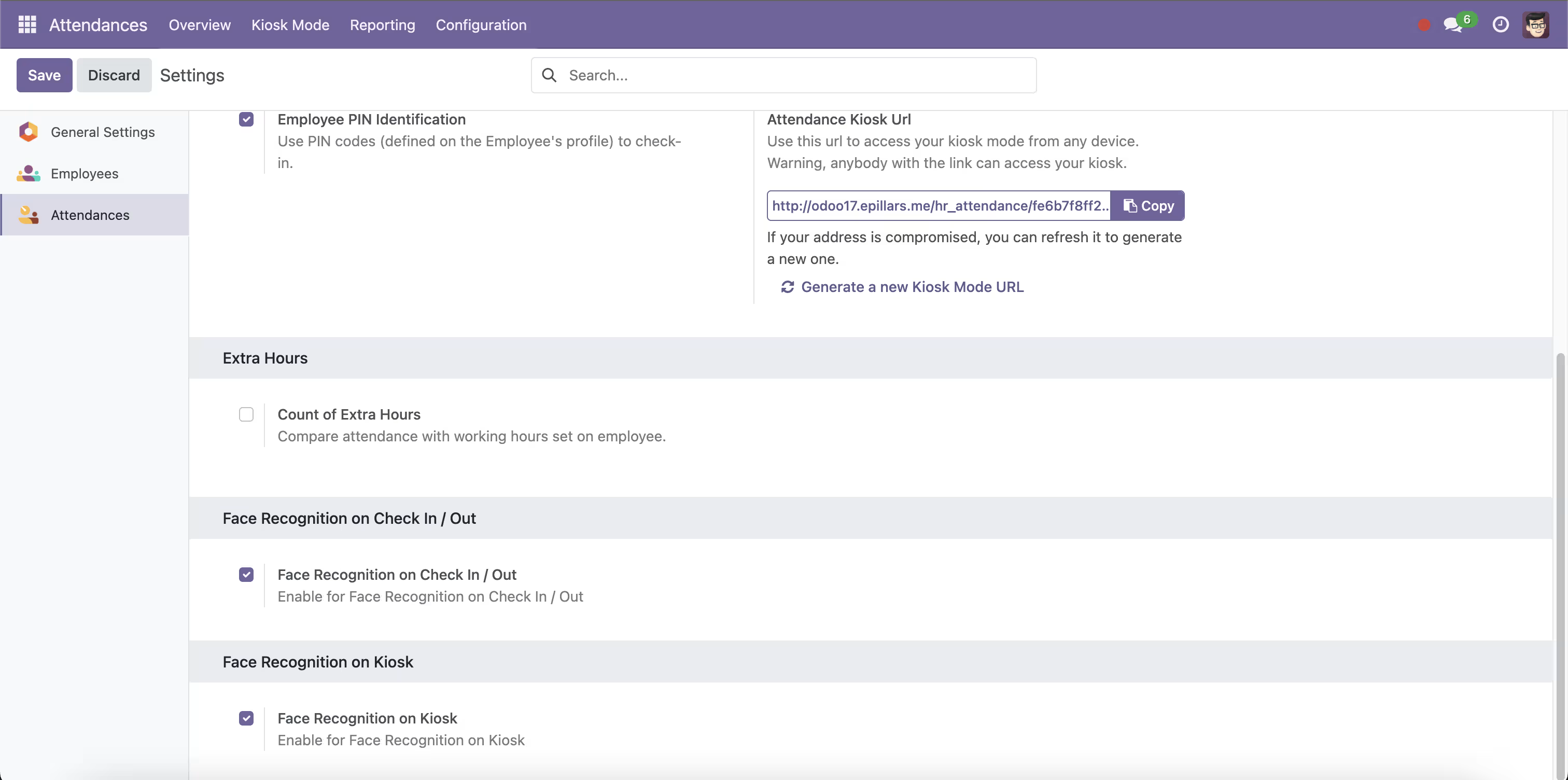
4. Enable Face Recognition on Kiosk
Features
- Check-ins and Check-outs utilizing Face Recognition
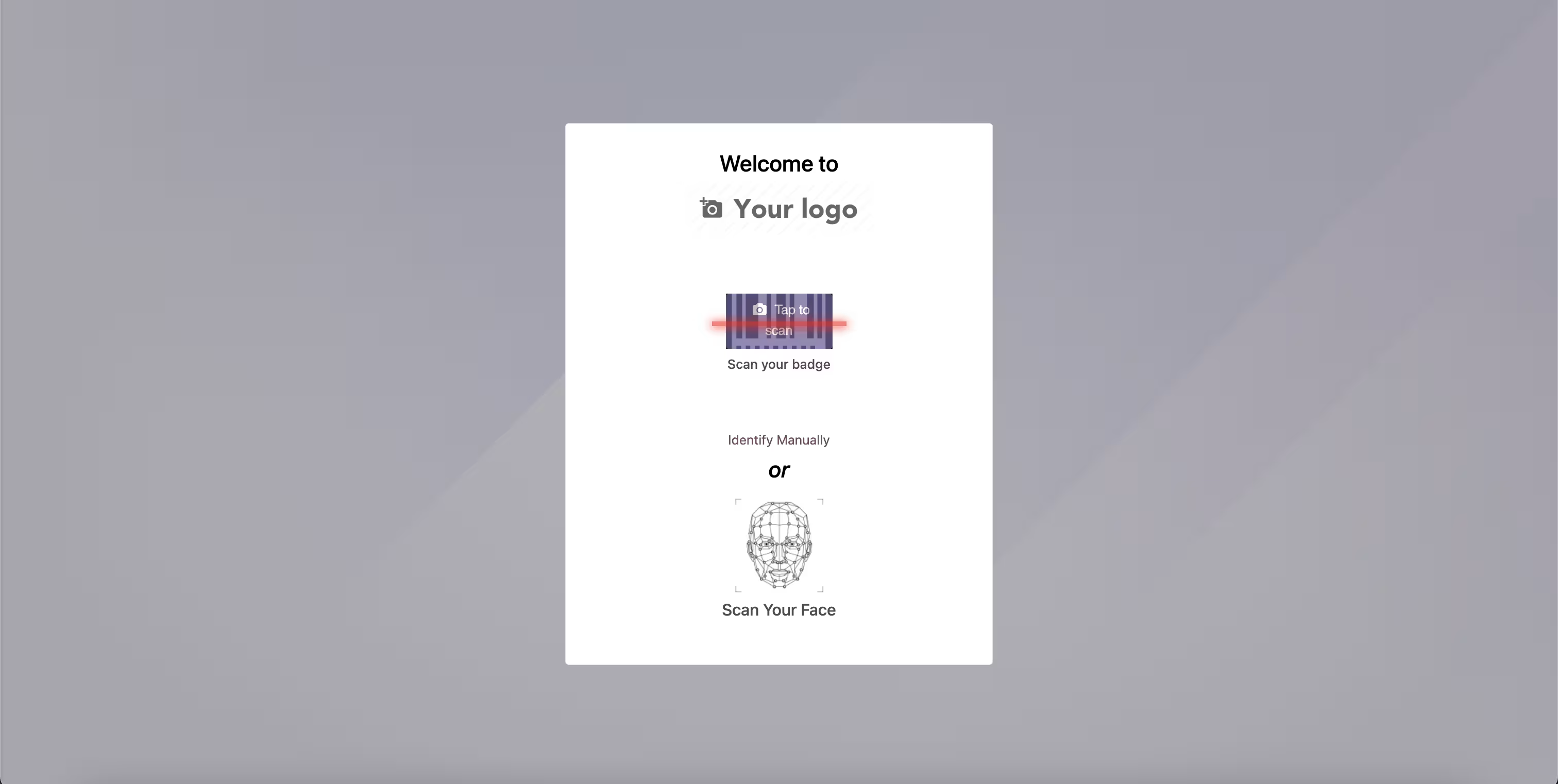
- Face Recognition On Kios Mode
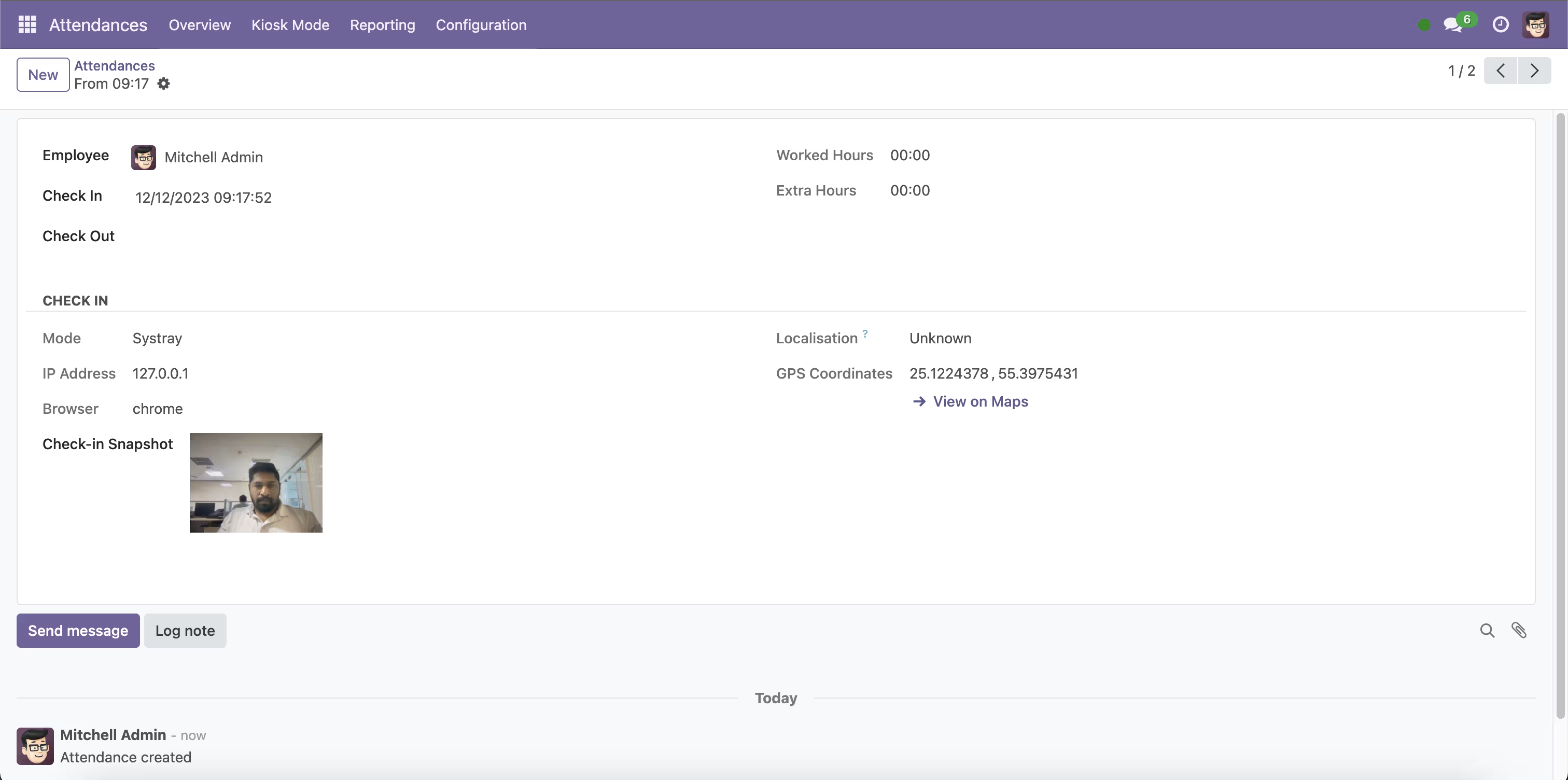
- Capture Photograph while Log Attendance
Installation
- Copy attendance_face_recognition module to addons folder
- Install the module normally like other modules
1. Configuration
Face Recognition on Check In / Out and Face Recognition on Kiosk
2. Capture / Upload Employee Photographs on Employee Master
Employees --> Employee --> Face Recognition - Add
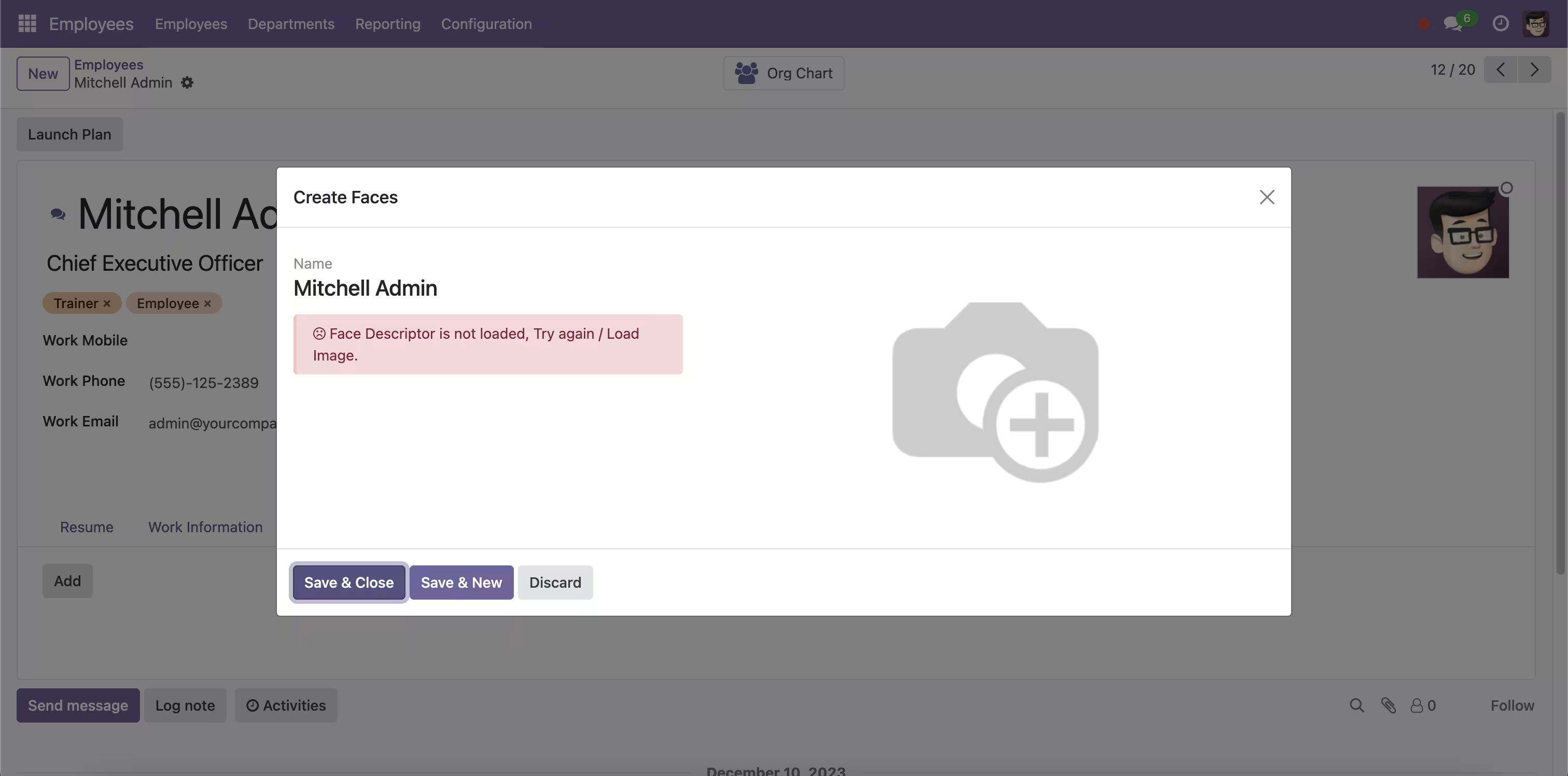
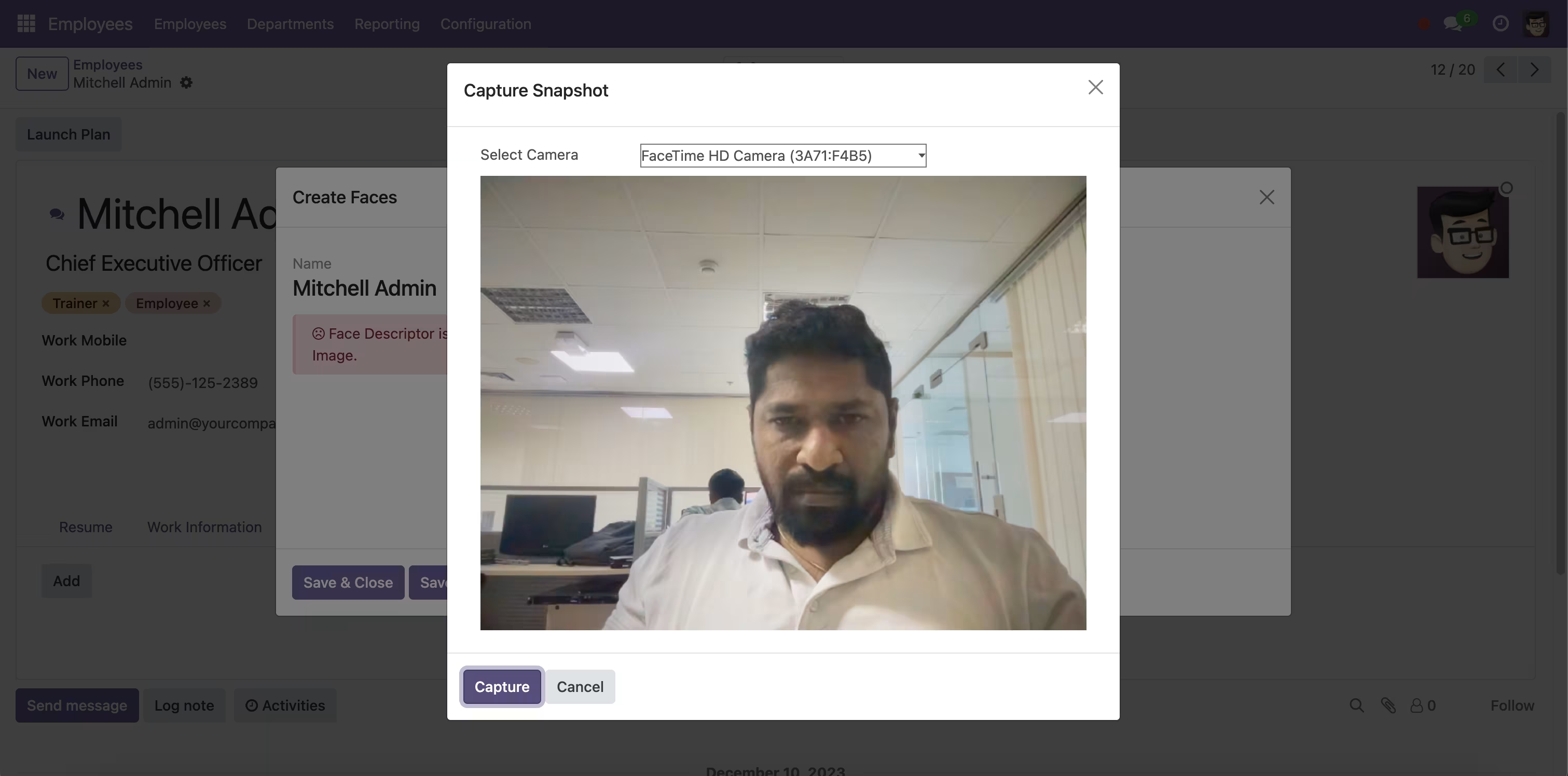
Capture Snapshot and wait for Load the Face Descriptors. (It will take some time to capture the Photo)
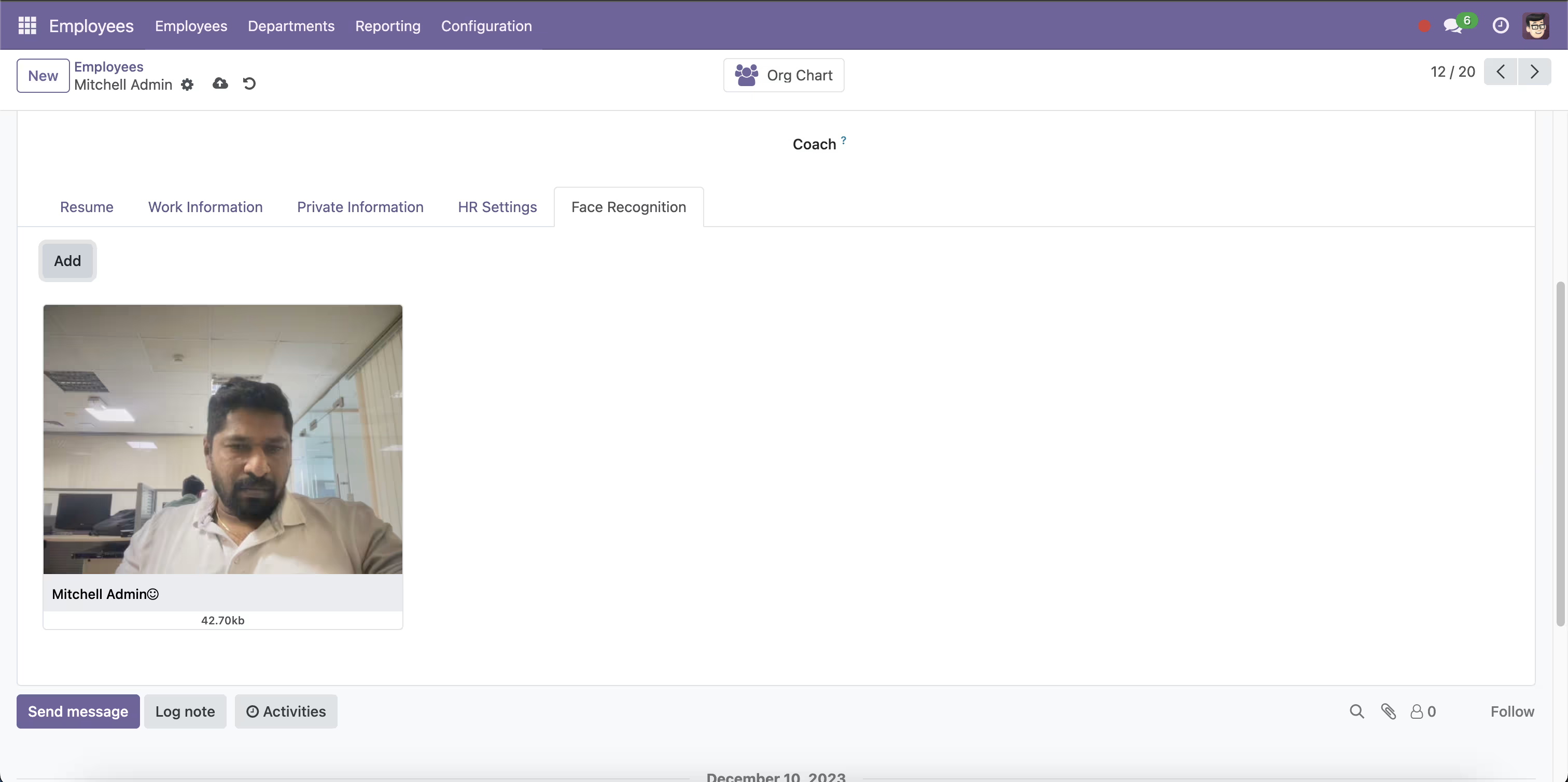
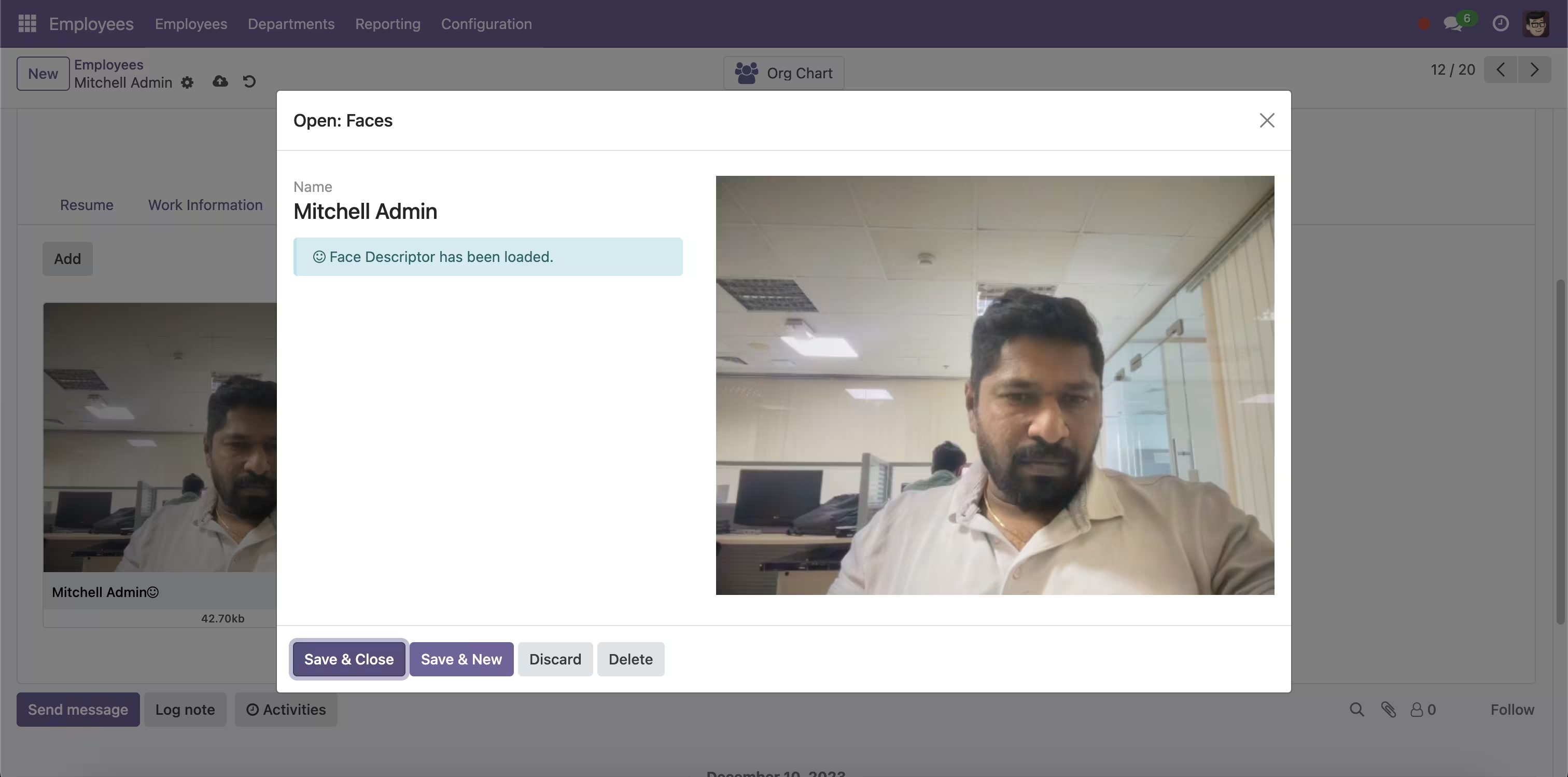
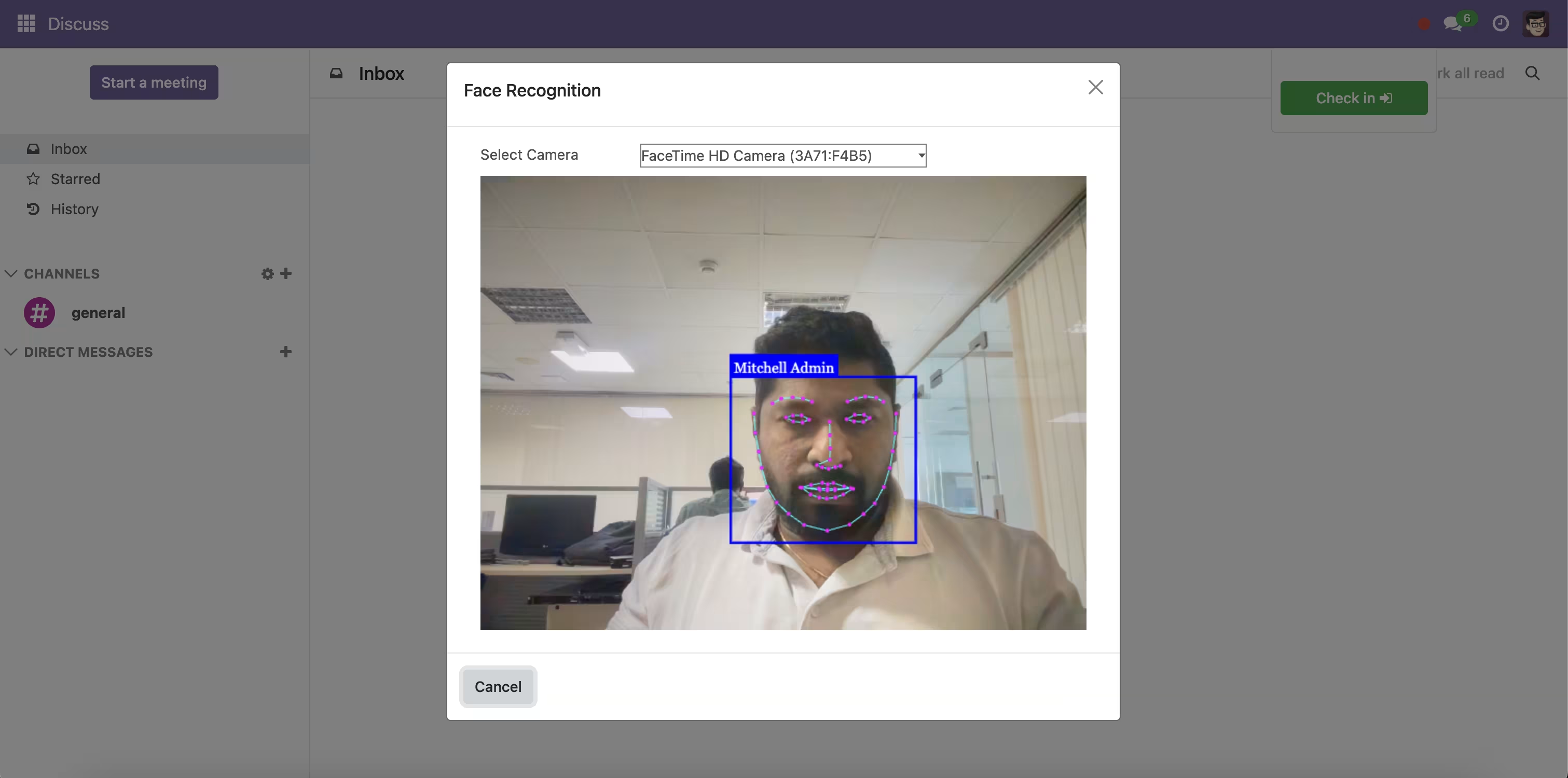
3. Attendance Using Face Recognition
Attendances -> Check In / Check Out
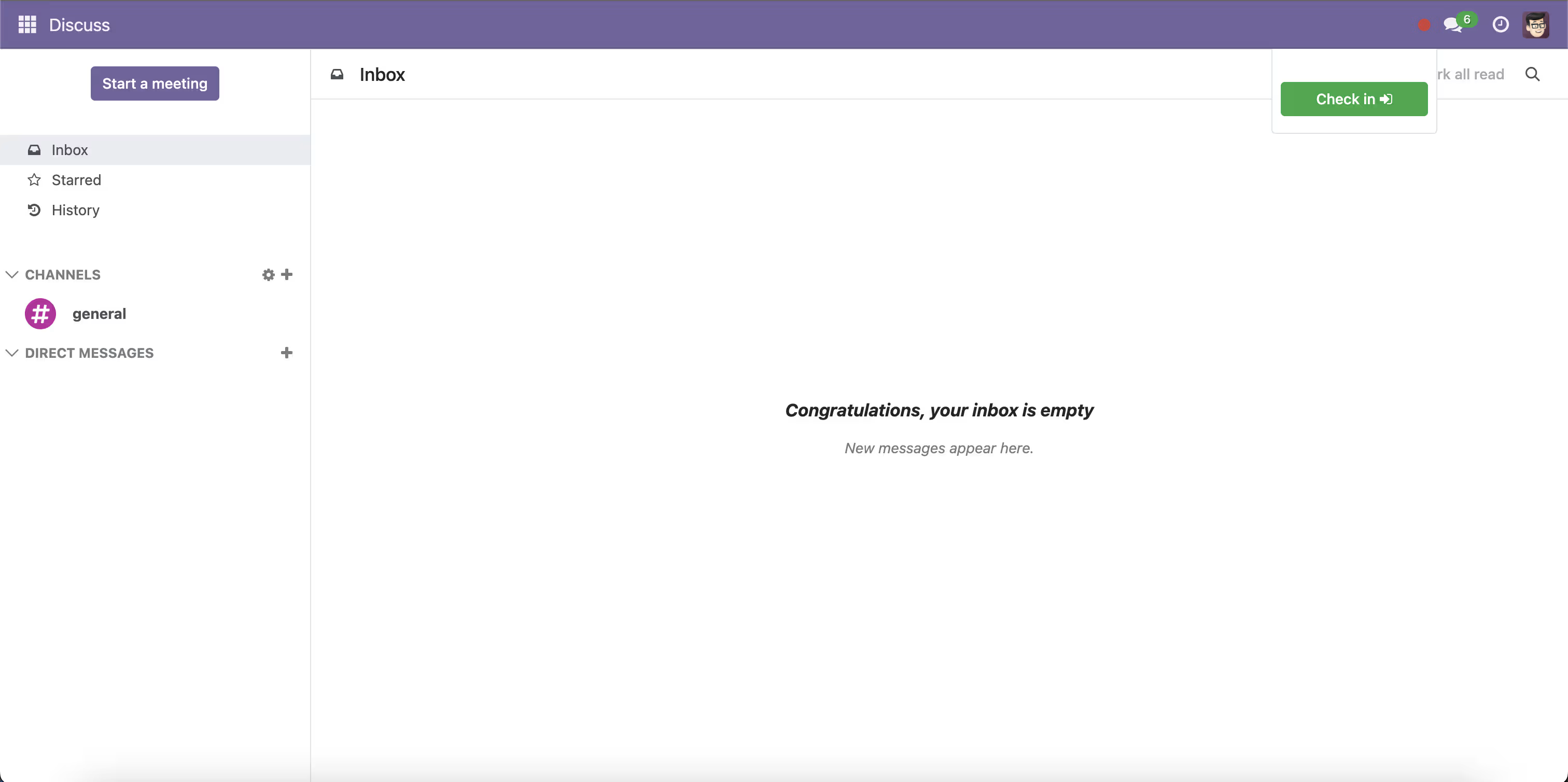
Popup will open for Recognise Employee Face
Attendance Check-ins and Check-outs save Captured images on Attendance
4. Recognition on Kiosk
Attendances -> Kiosk