The module provides businesses with an advanced solution to plan, assign, and manage employee shifts seamlessly. With customizable shift templates, interactive scheduling views, and automated planning options, it ensures workforce allocation is efficient, transparent, and adaptable to organizational needs. This tool helps managers streamline scheduling, avoid conflicts, and give employees clear visibility of their assigned shifts.
Define reusable shift templates with roles, timings, and color coding
Assign shifts through drag-and-drop planning in a visual kanban or calendar view
Generate weekly or recurring shift plans automatically from templates
Configure default working weeks and employee-specific scheduling rules
Detect and resolve conflicts such as overlapping shifts or employee leaves
Copy or regenerate planning periods to simplify recurring schedules
Provide employees with a “My Shifts” view for personal schedule visibility
Simplifies workforce planning with automated scheduling and clear templates
Increases accuracy by preventing conflicts and overlapping assignments
Saves time through reusable planning and quick shift generation tools
Enhances workforce transparency with centralized scheduling data
Improves employee satisfaction by providing clear and accessible schedules
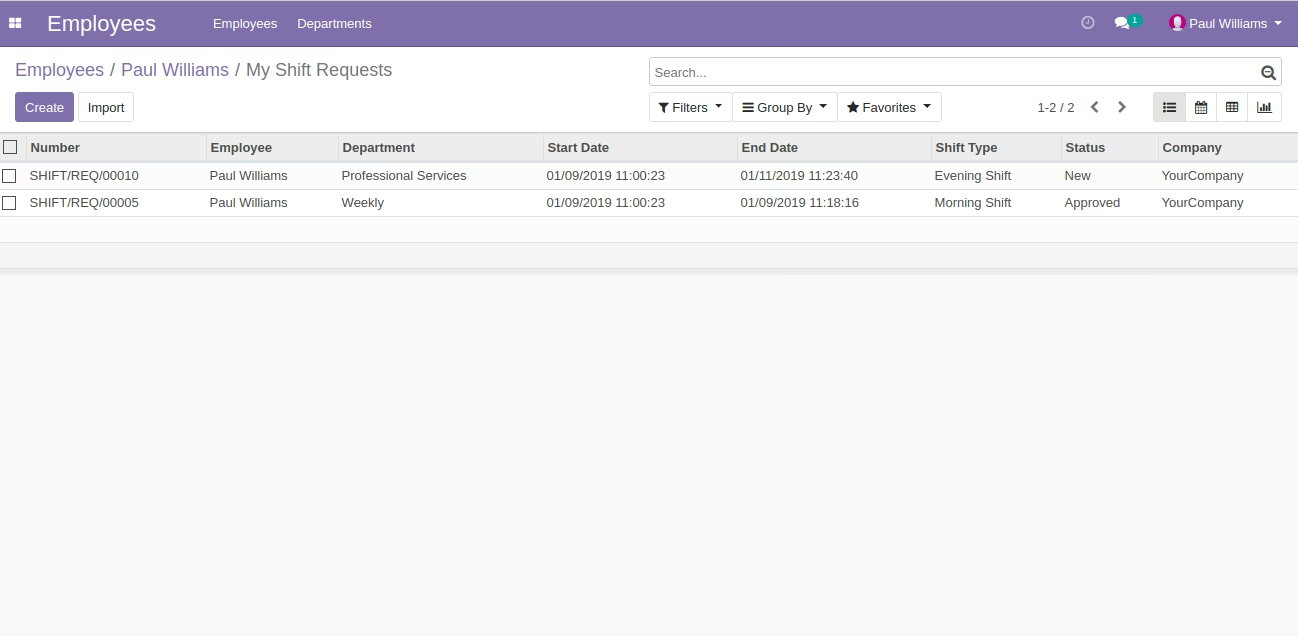
This module Allow to manage shifts of employees using Shift Management Section of Human Resources.
Shift Management section of Human Resources helps your Organization manage shifts of your employees.
Main Features:
Menus Available:
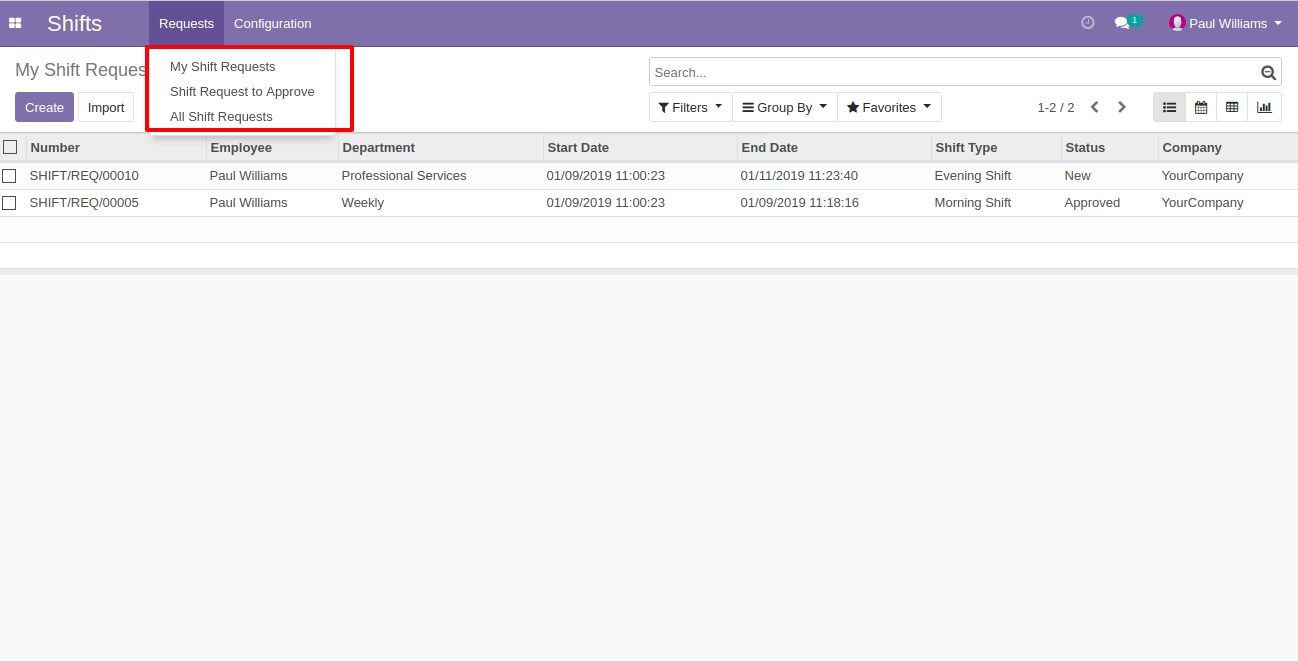
- Requests
- My Shift Requests
- Shift Request to Approve
- All Shift Requests
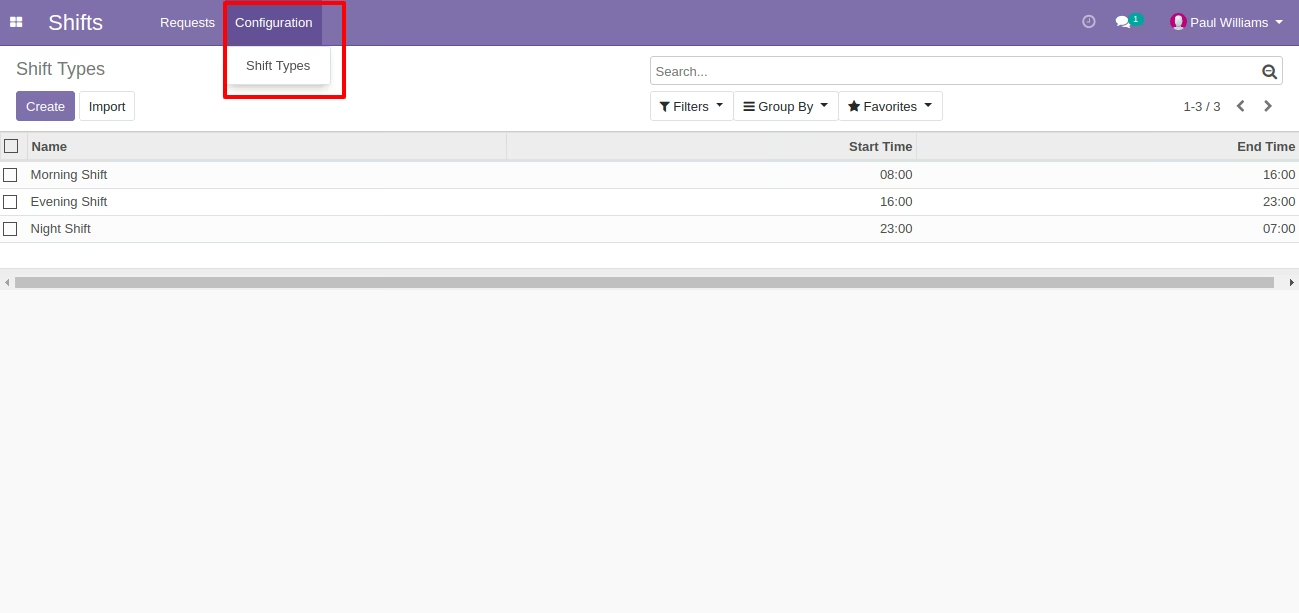
- Configuration
- Shift Types
Menu of Shift Request Approve
Configuration of Shift Type
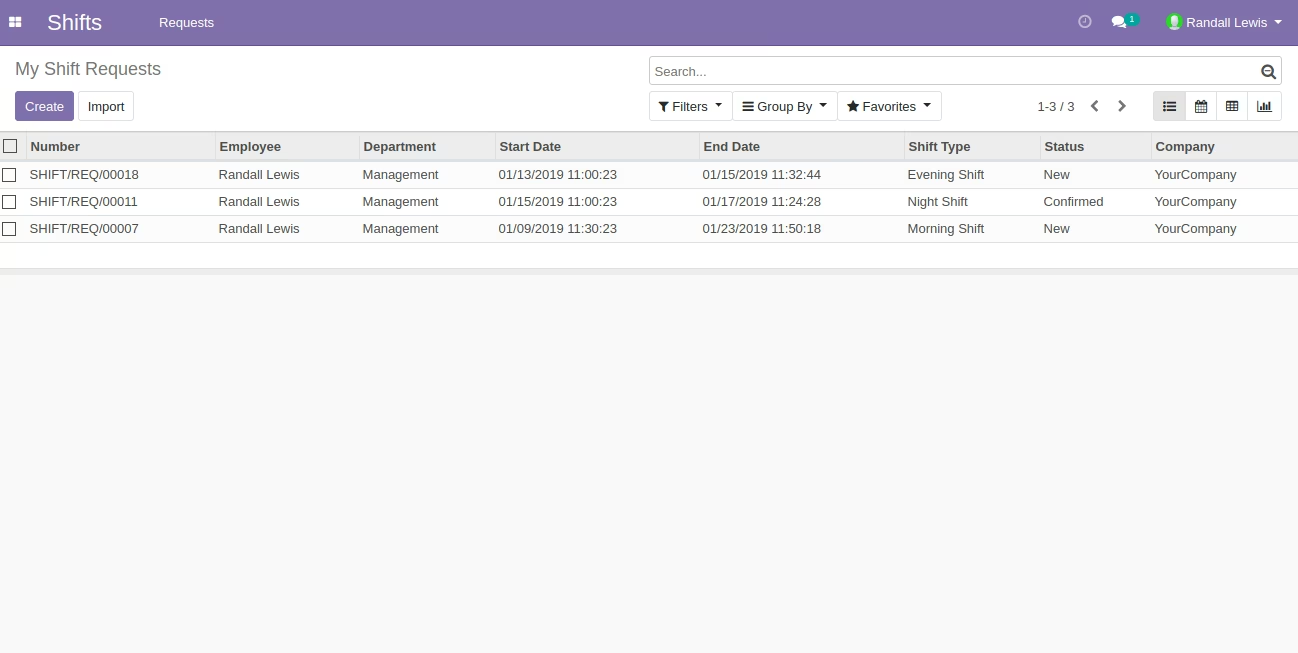
List View of My Shift Requests
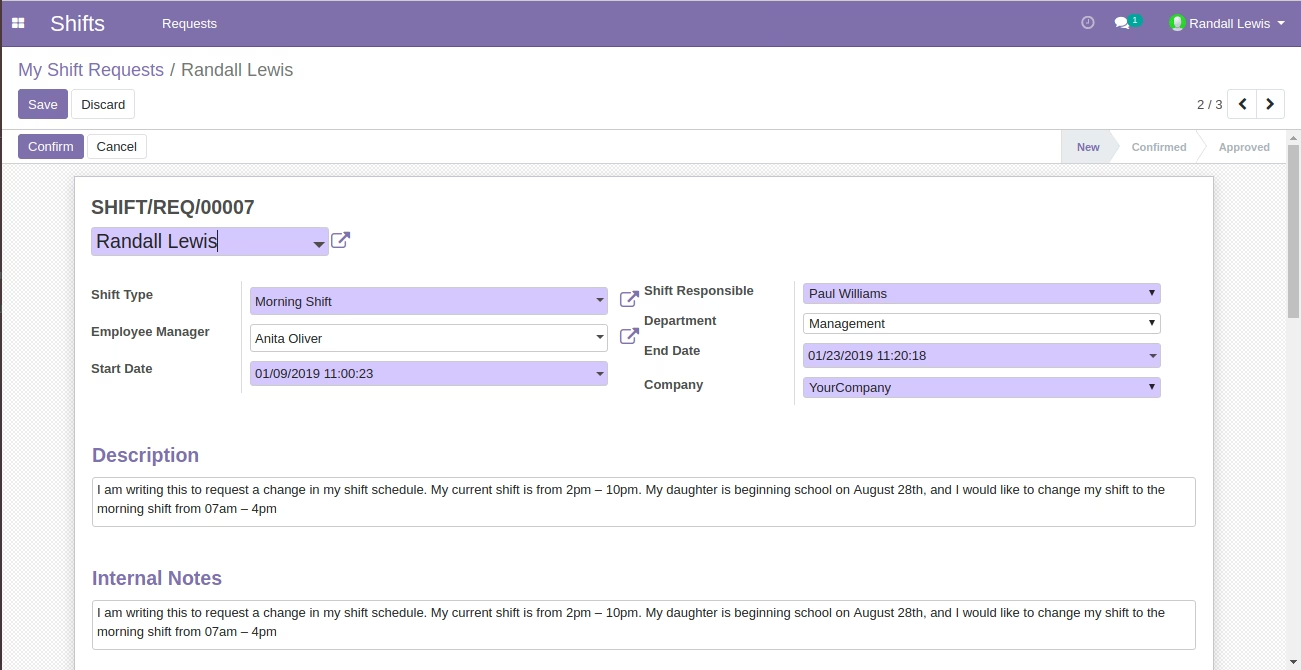
Form View of My Shift Request
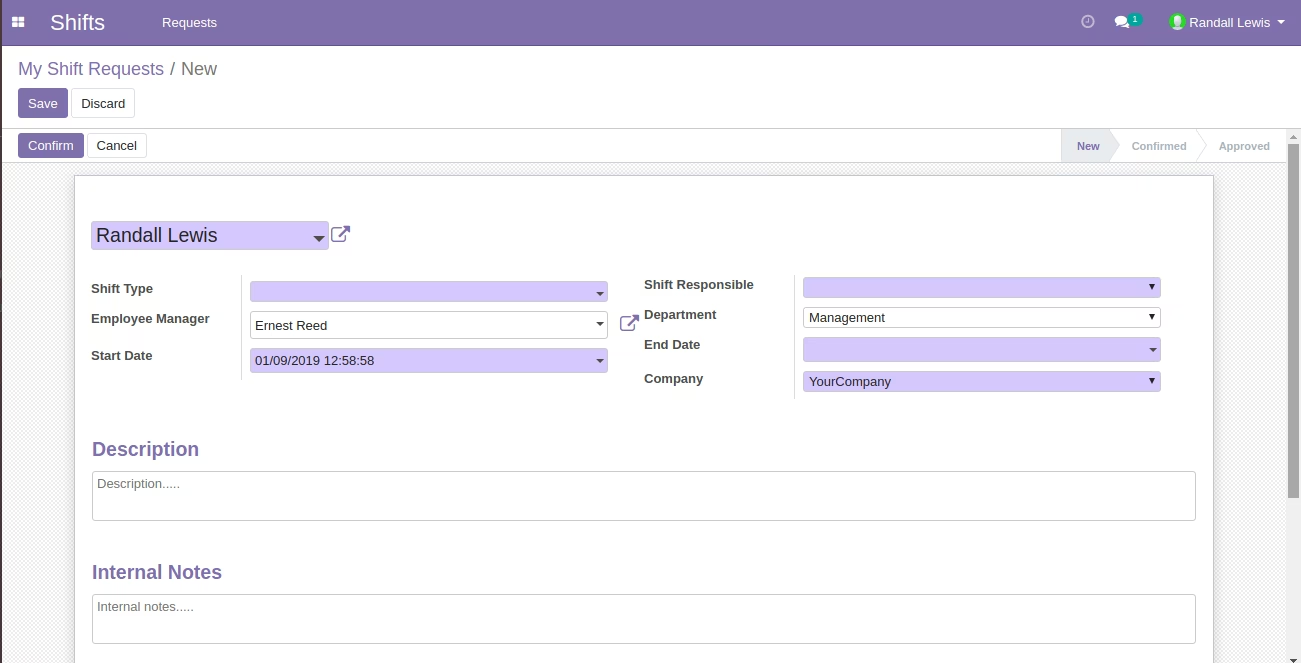
Form View of My Shift Request
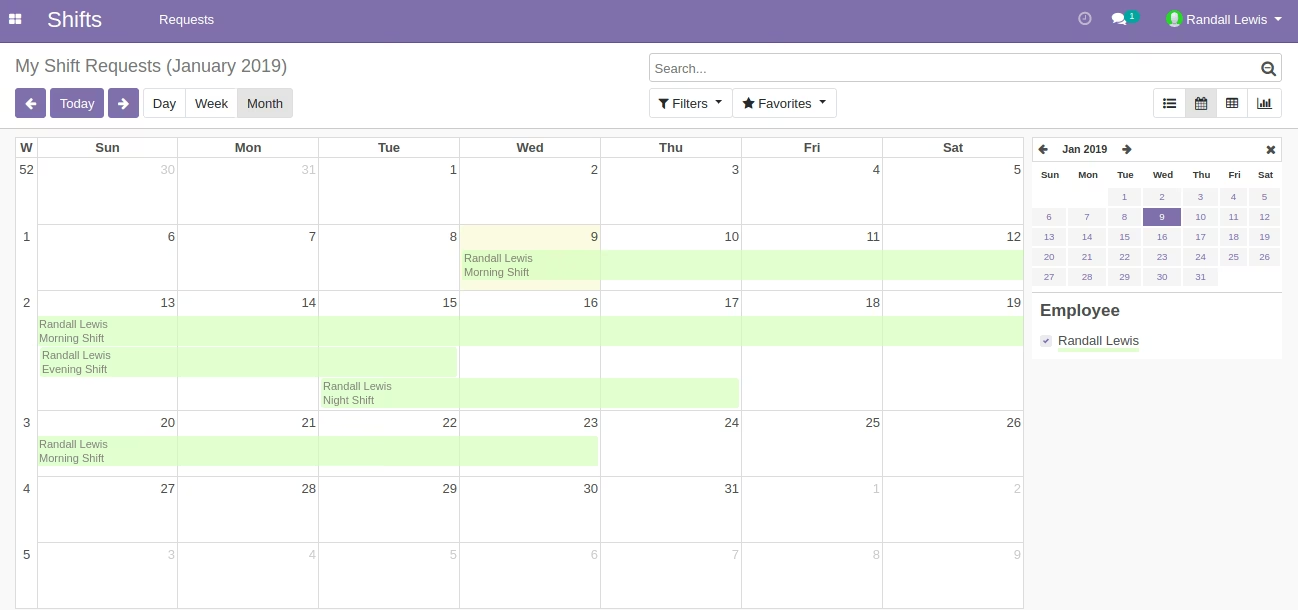
Calender View of My Shift Request
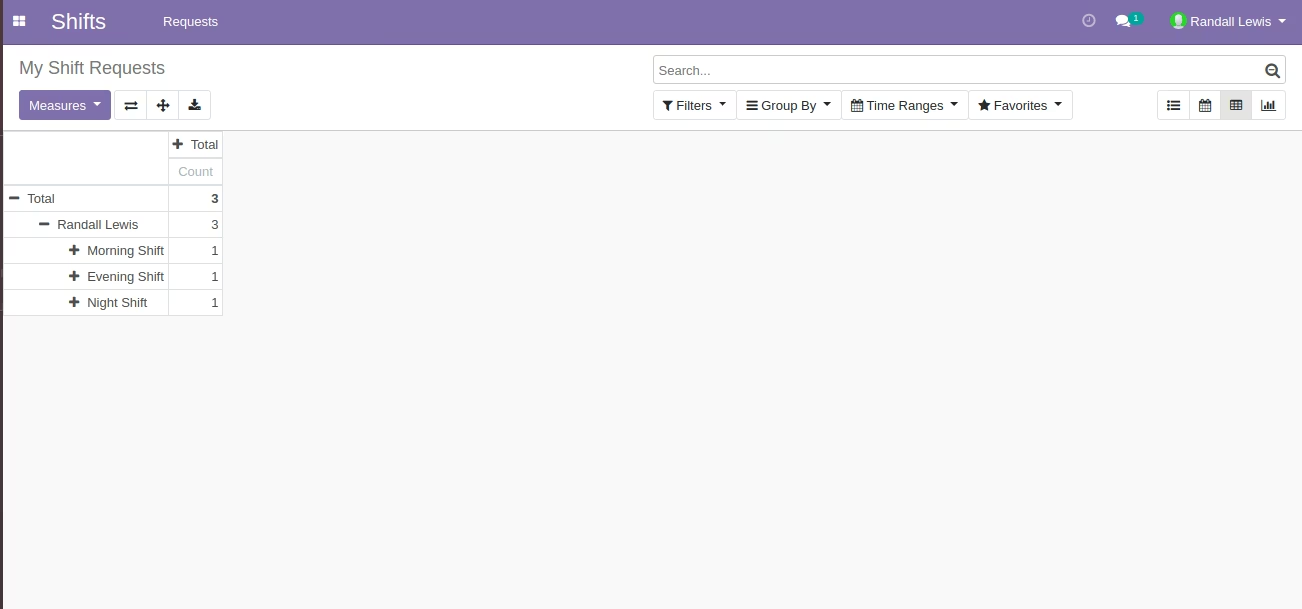
Pivot View of My Shift Request
List View of Shift Request to Approve
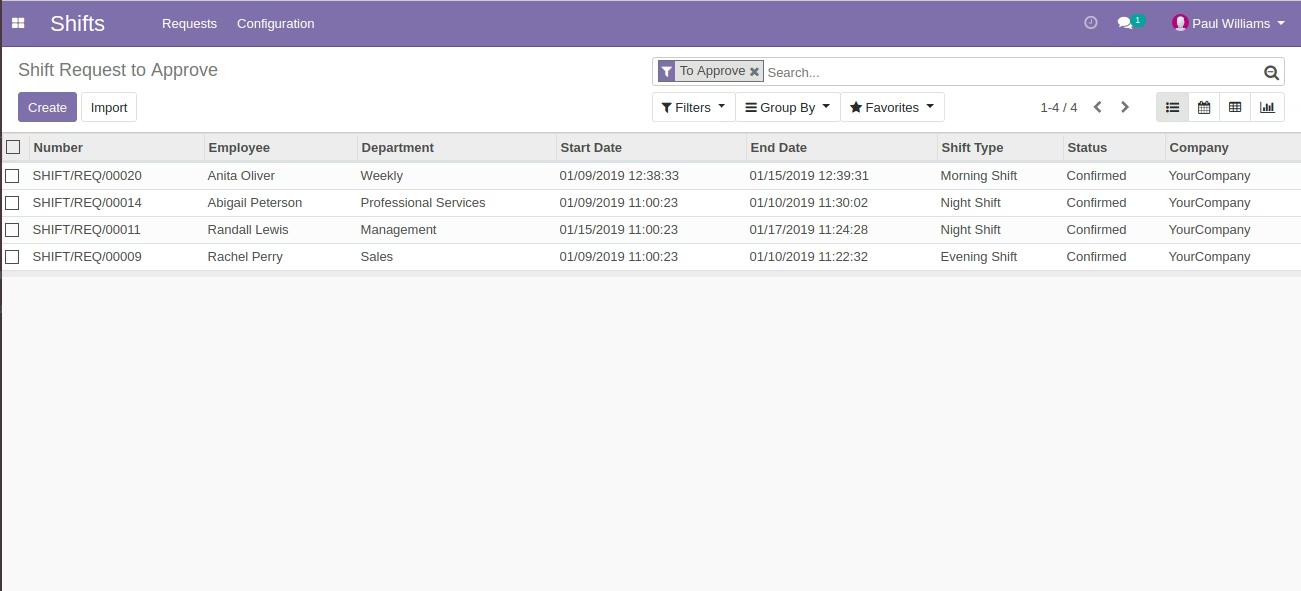
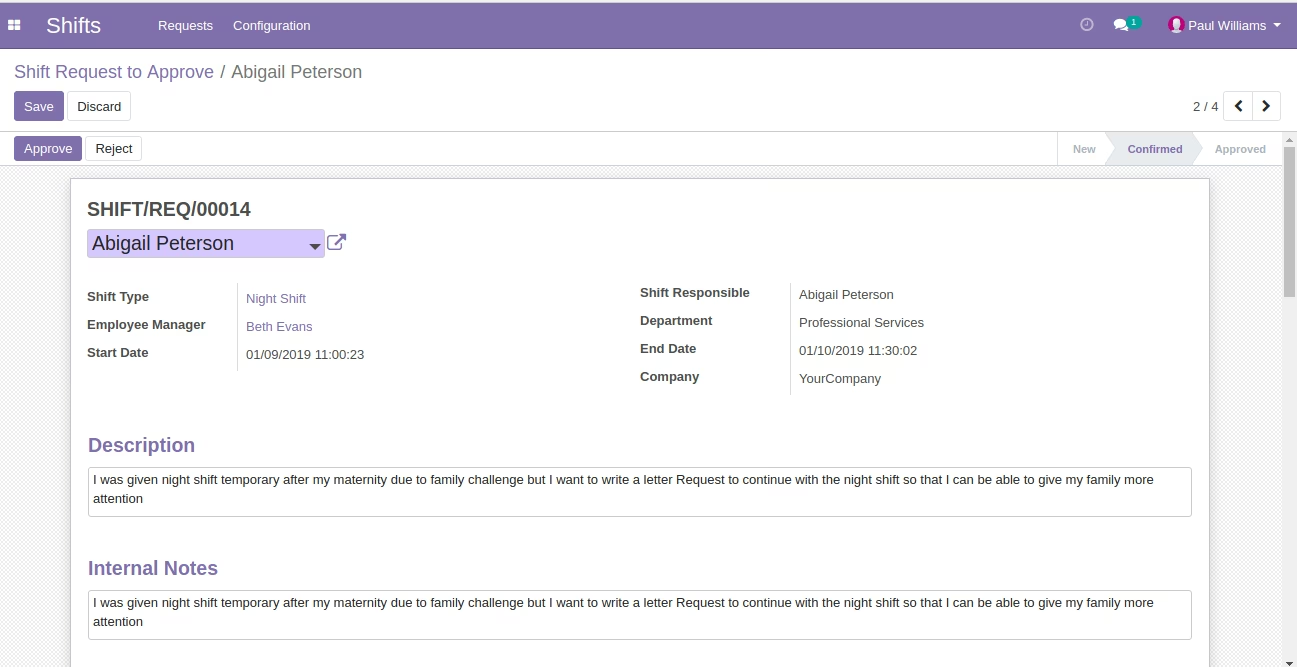
Form View of Shift Request to Approve
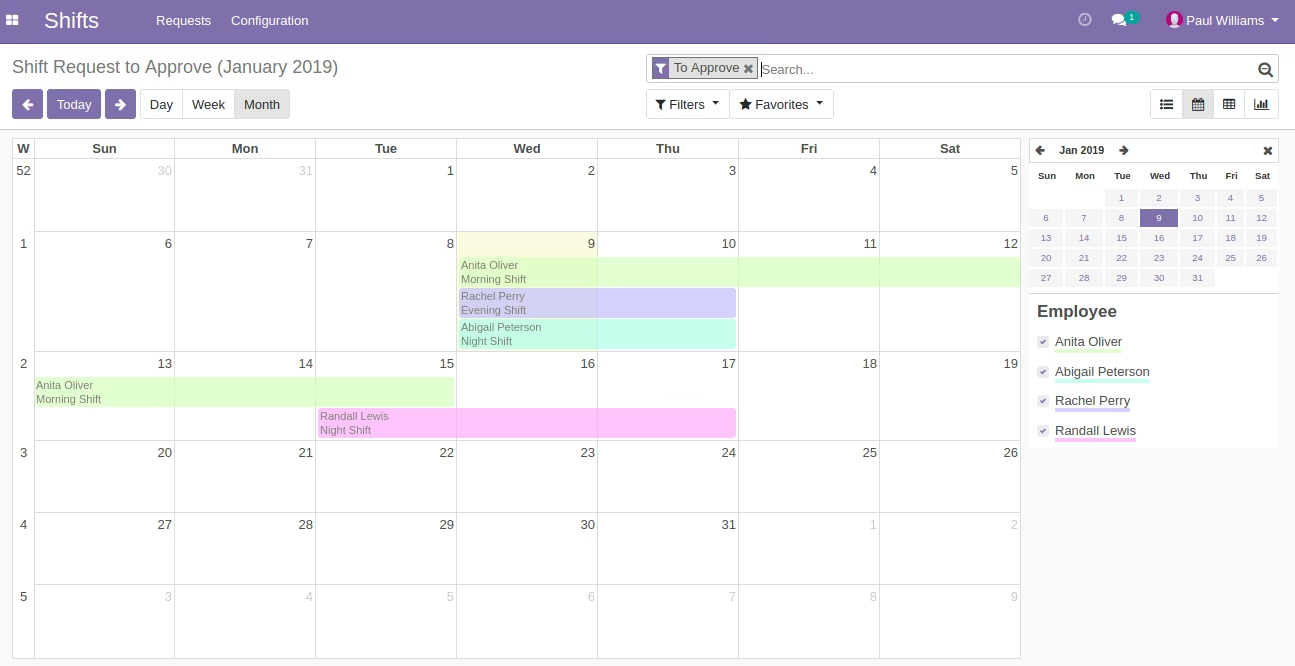
Calender View of Shift Request to Approve
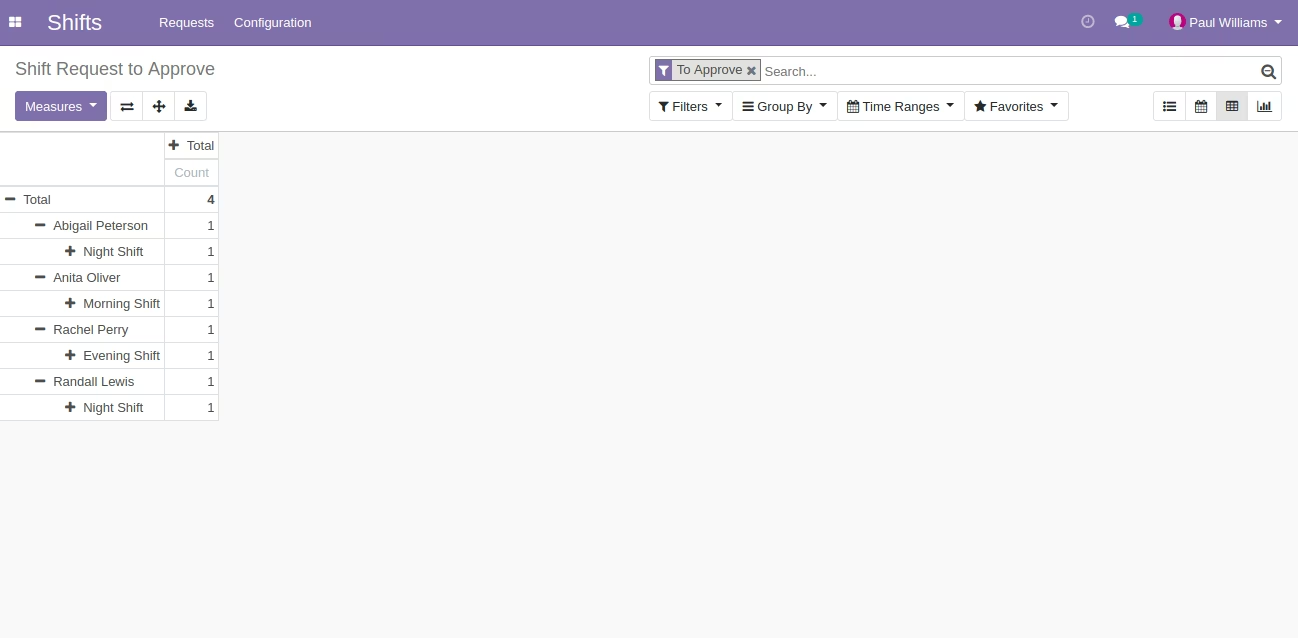
Pivot View of Shift Request to Approve
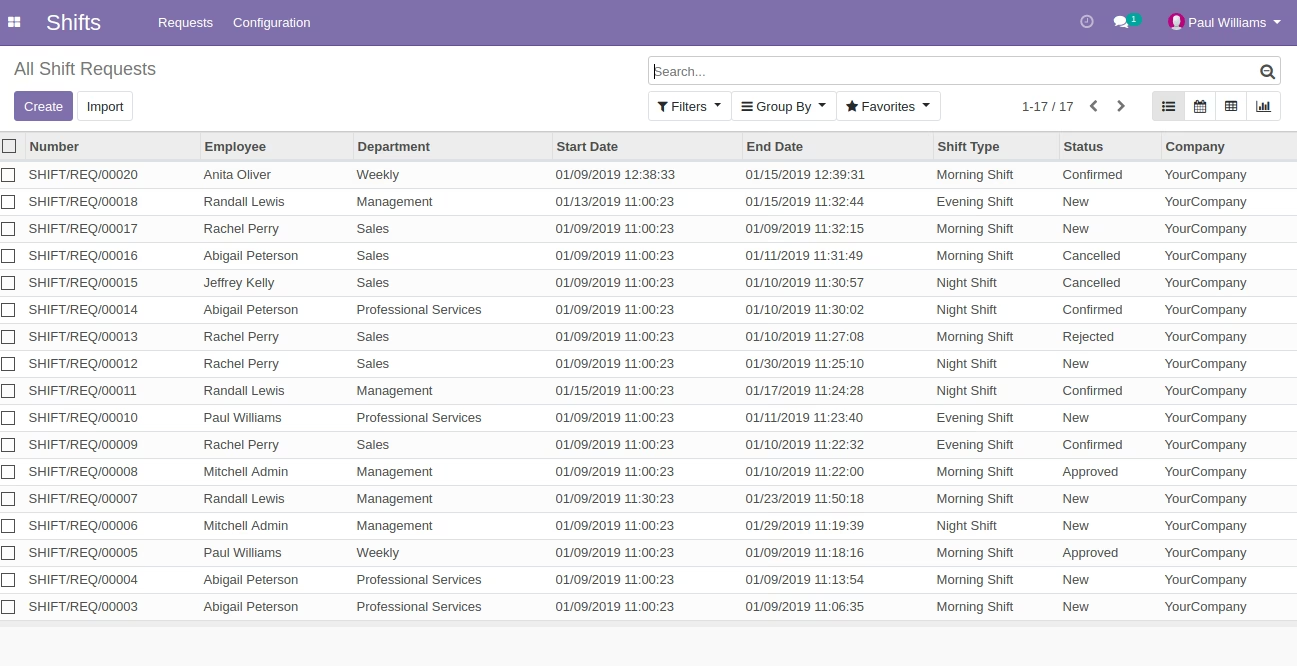
List View of All Shift Request
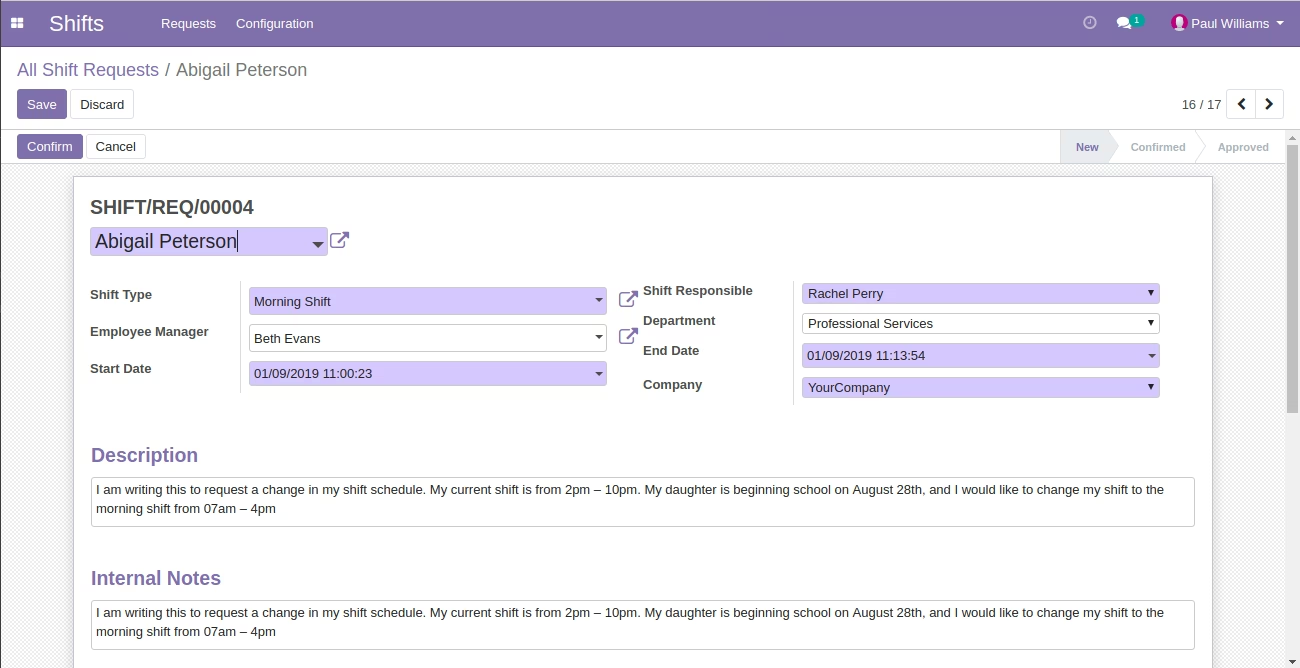
Form View of All Shift Request
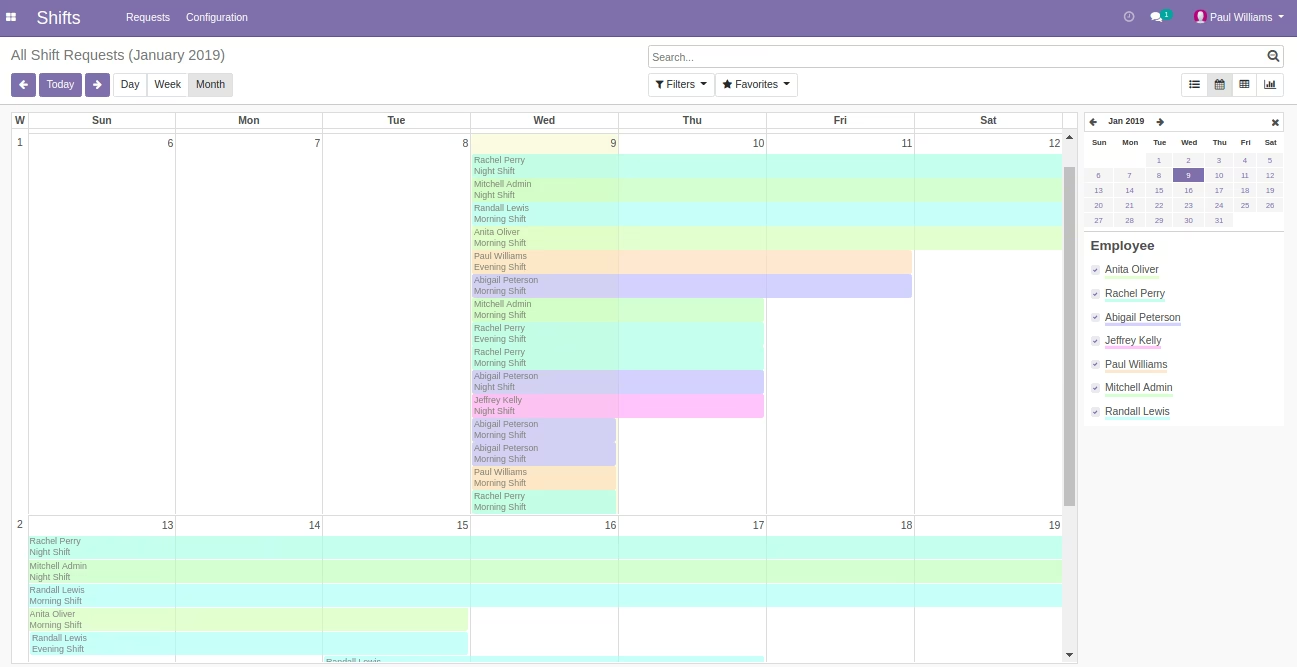
Calender View of All Shift Request
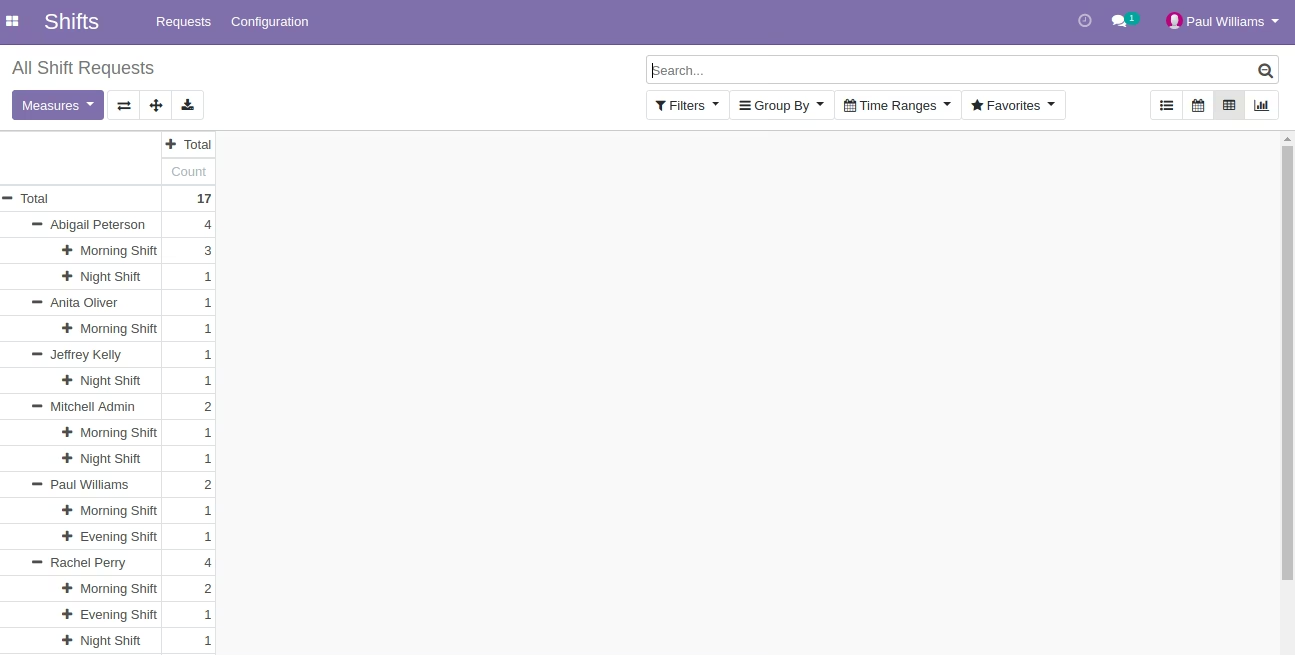
Pivot View of All Shift Request
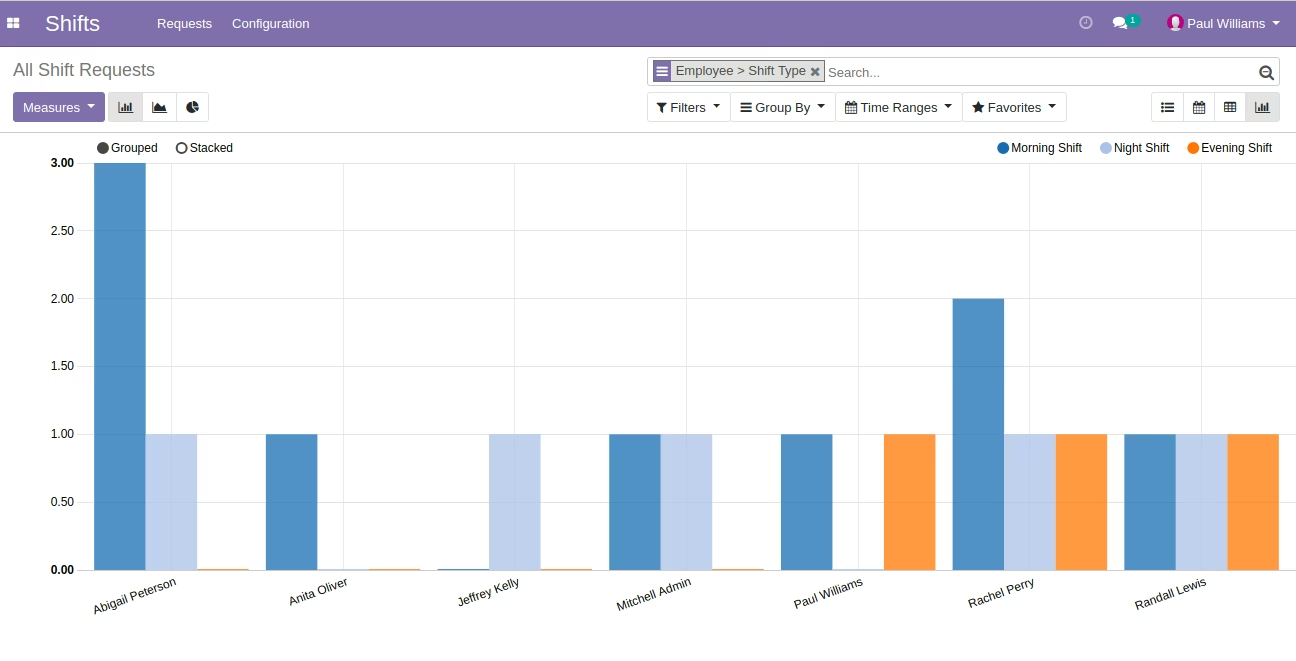
Bar Chart of Graph View for All Shift Request
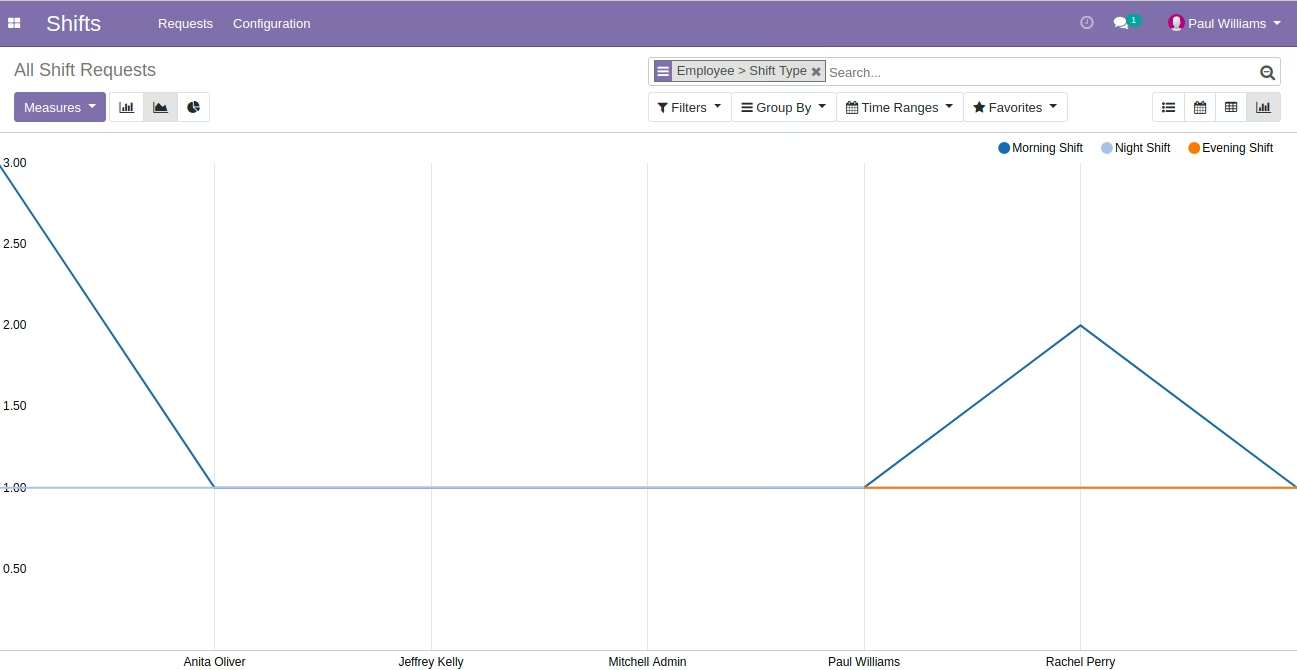
Line Chart of Graph View for All Shift Request
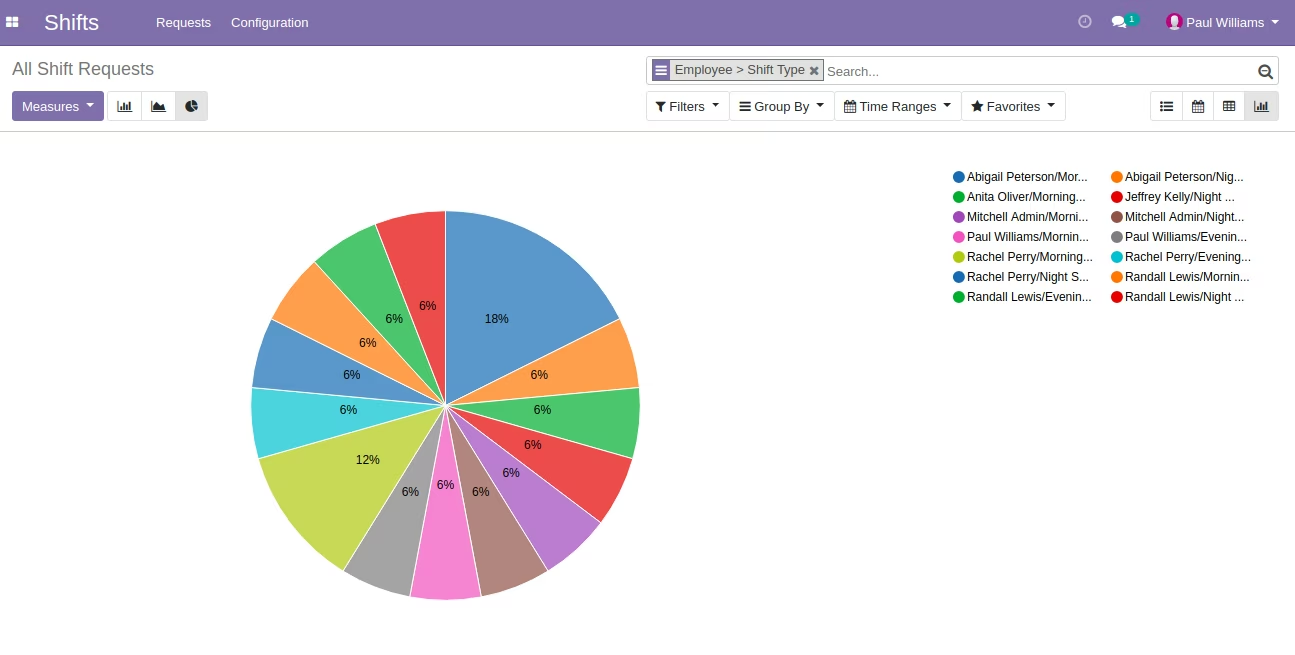
Pie Chart of Graph View for All Shift Request
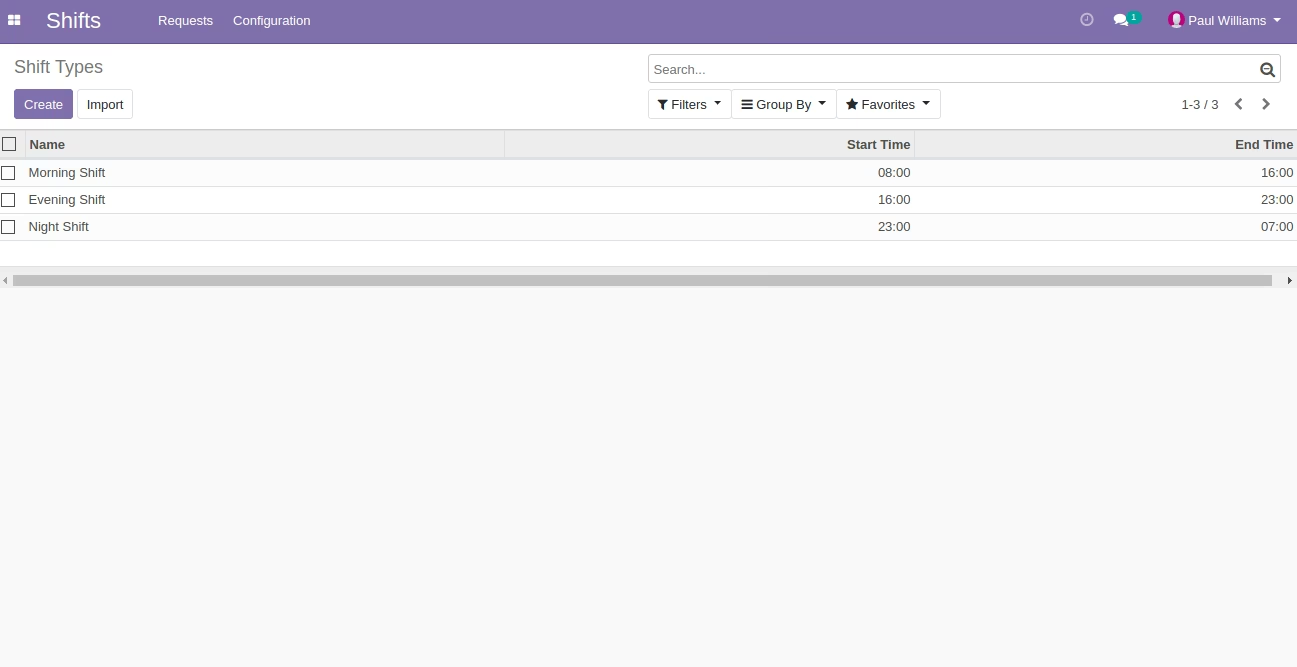
List View of Shift Type
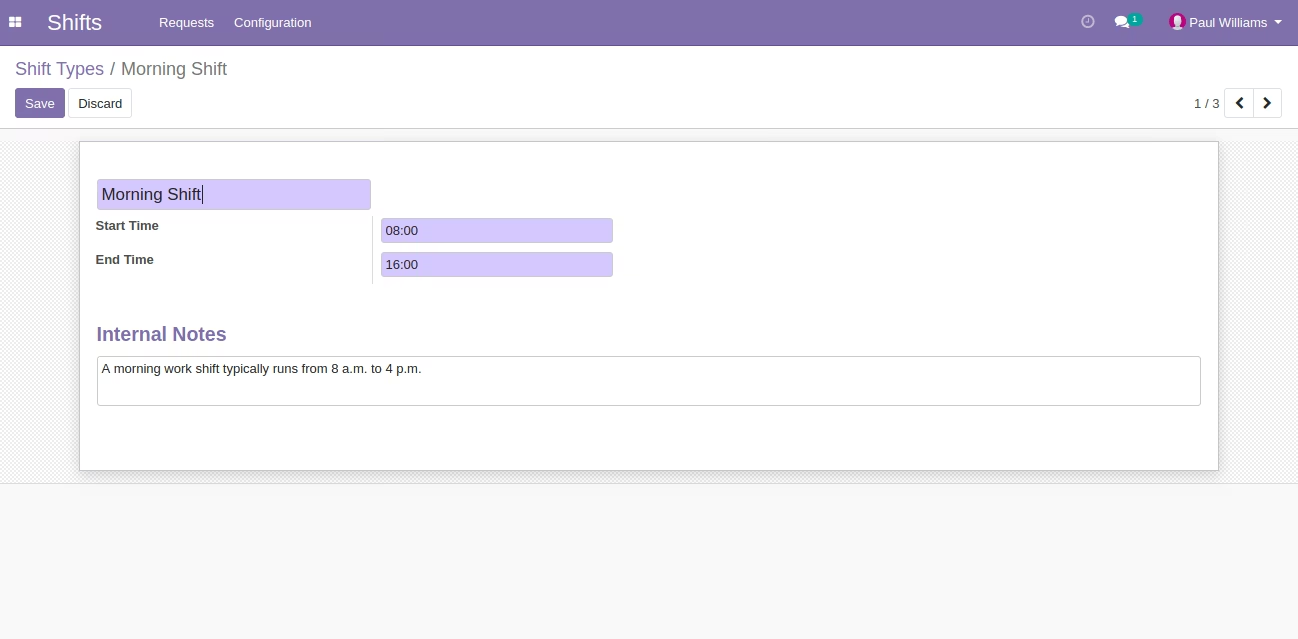
Form View of Shift Type
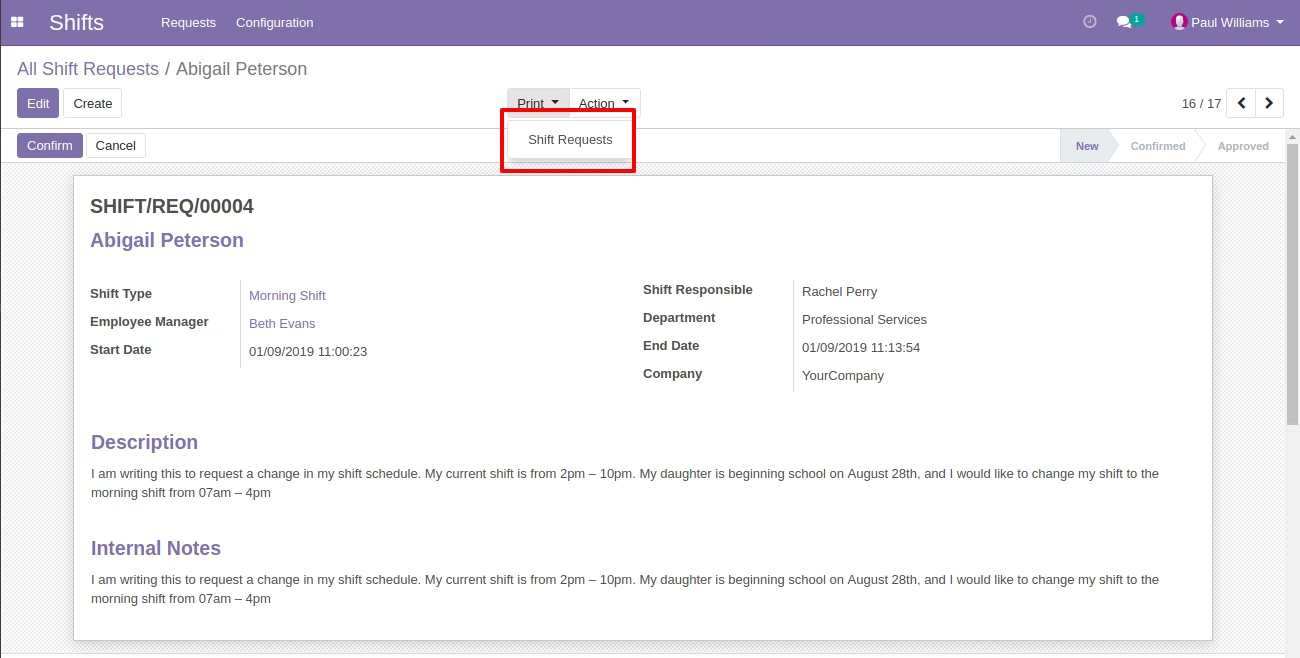
Menu of Print Report
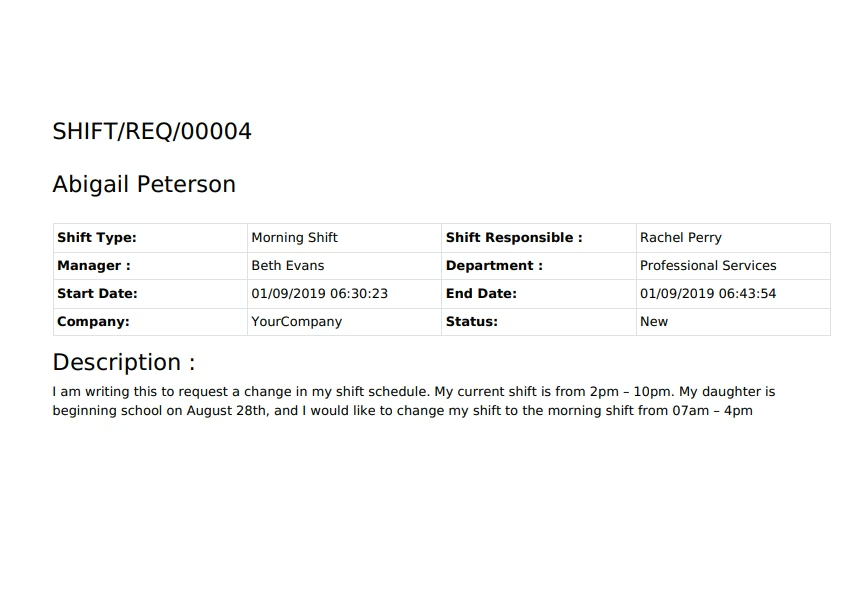
Report of Shift Request
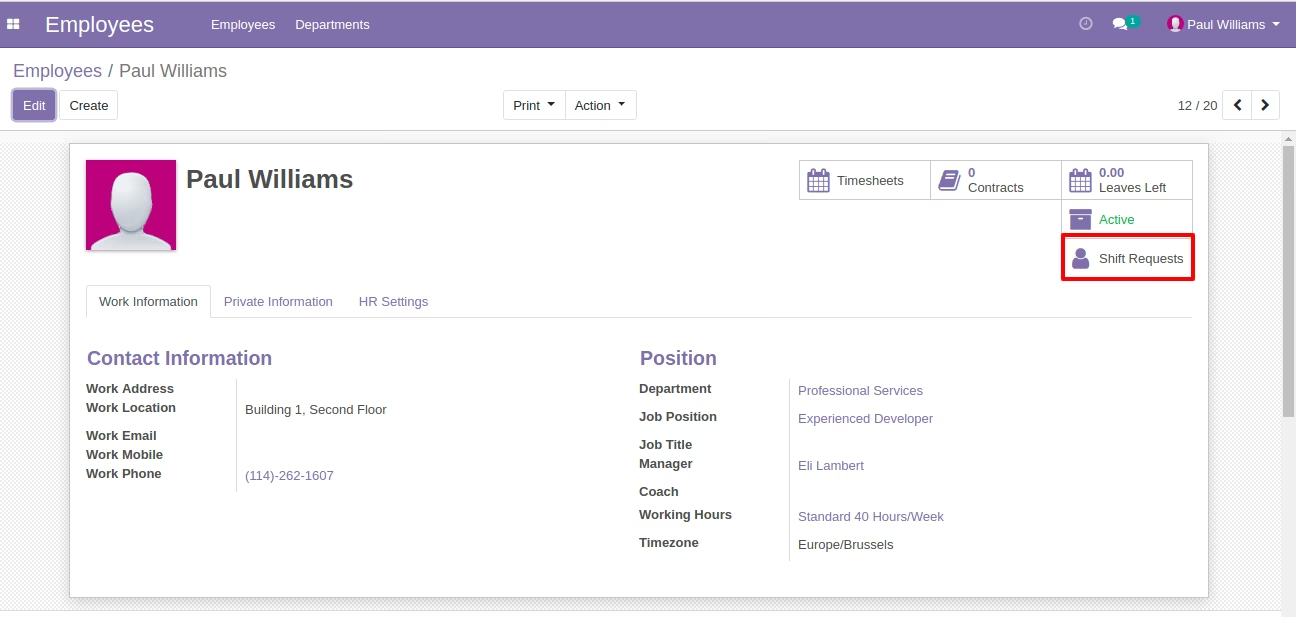
Smart Button on Employee
Show Shift Request button From Given Button.
Employee Can see this Shift Request