The module simplifies the process of managing extra working hours. Employees can submit requests directly, while managers review and validate them for accuracy and relevance. With integrated timesheet verification and automated notifications, the module enhances transparency, reduces administrative tasks, and ensures reliable overtime tracking.
Employee self-service overtime request submission
Structured approval workflow for managers and HR
Timesheet verification to cross-check submitted hours
Automatic notifications for submission, approval, or rejection
Audit trail and request history for compliance and reporting
Saves time by automating the overtime request process
Improves payroll accuracy with validated timesheet data
Enhances transparency and accountability in approvals
Reduces administrative workload for HR teams
Strengthens compliance with detailed request records
Employee Overtime Request Management
Manage Overtime Requests from Employee App
Manage Overtime Request
This app allows your employees to make their own overtime request and also allow you to create multiple overtime request as shown and explained below.
Main Features:
- Options
- Option 1 - Overtime Requests: This will be requested by the employee for their own overtime request.
- Option 2 - Multiple Overtime Requests: This request can be created and managed by the HR Manager or Department Manager on behalf of multiple employees together.
- This module adds a new group called "Department Manager (Overtime)" on users' form settings.
- Employees can create their own overtime requests and confirm them which will go through the approval process as shown.
- Employee HR Officer / Manager (Administrator) can approve overtime requests from employees.
- Employee HR Officer / Manager (Administrator) can create multiple overtime requests for multiple employees as shown.
- Department managers can approve overtime requests from employees.
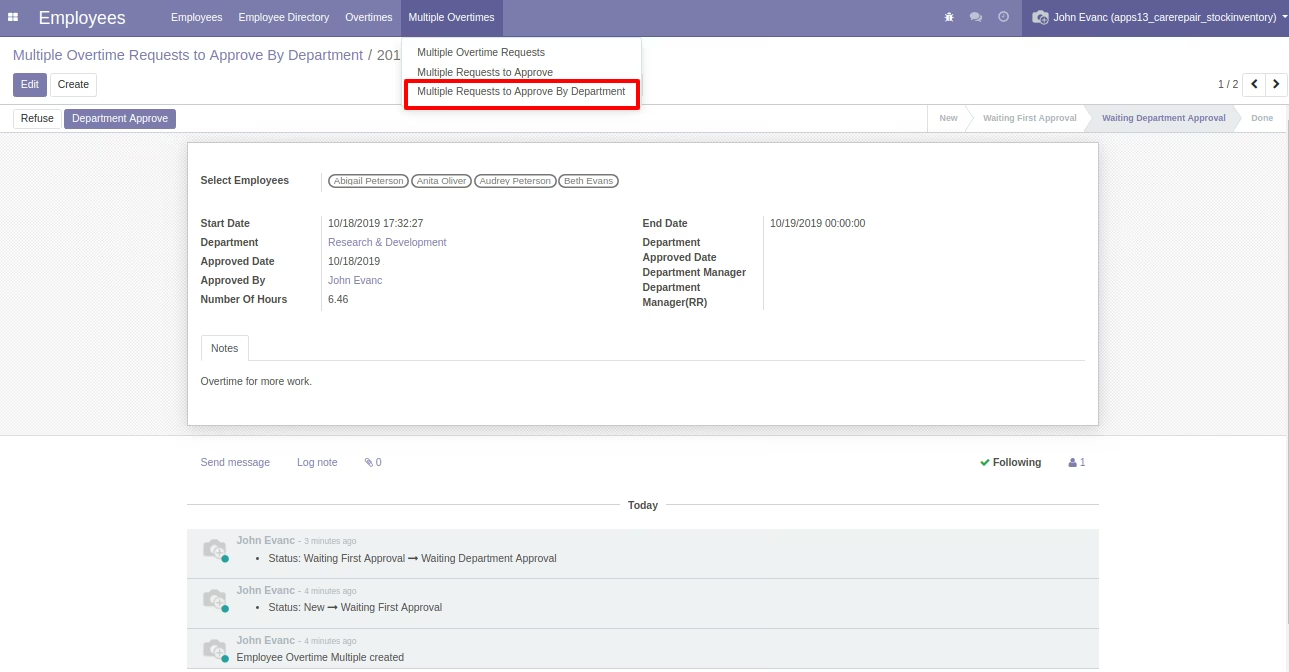
- Department Manager employees can approve multiple overtime requests as shown.
- For more details, please check the video and below screenshots.
Available Menus:
- Employees
- Overtimes
- Overtime Requests
- Overtime Requests to Approve
- Overtime Requests to Approve By Department
- Multiple Overtimes
- Multiple Overtime Requests
- Multiple Overtime Requests to Approve
- Multiple Overtime Requests to Approve By Department
- Overtimes
Employee Overtime Request Approval by Employees/Users Entities.
- Employee
- HR Officer / Manager
- Department Manager
Role of Employee
- Employees can create and manage their own overtime requests and confirm them for the approval process.
Role of HR Officer / Manager(Administrator)
- Employee HR Officer / Manager (Administrator) can approve overtime requests.
- Employee HR Officer / Manager (Administrator) can create multiple overtime requests for multiple employees.
Role of Department Manager
- Department Managers can approve overtime requests from employees.
- Department Manager can approve multiple overtime requests/group overtime requests.
Flow 1: Overtime Request by Employee
Overtime Request Form
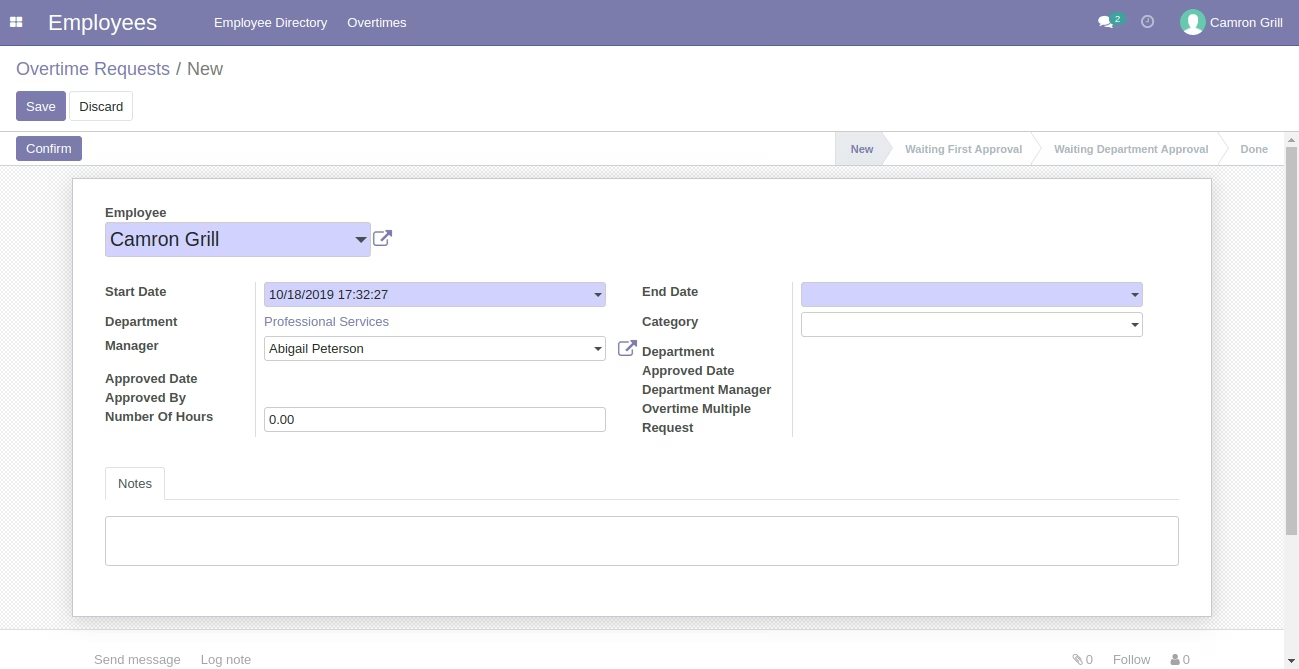
Overtime Request Form
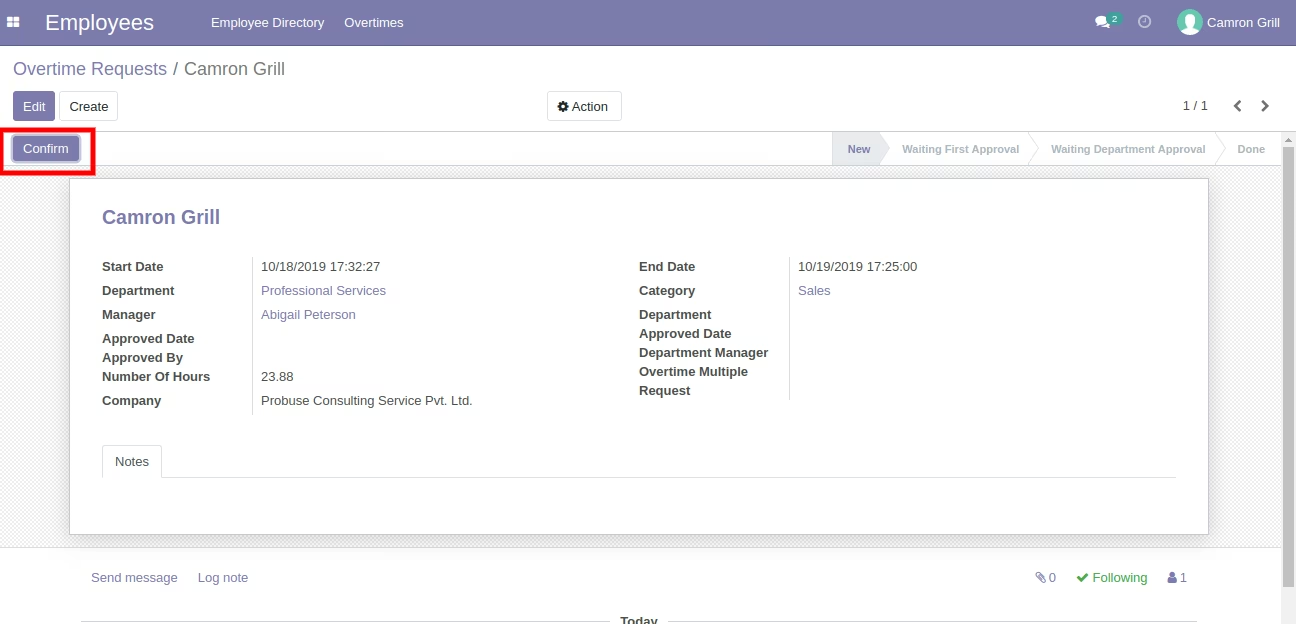
Overtime Request Form Confirmed by Employee and Sent for Approval
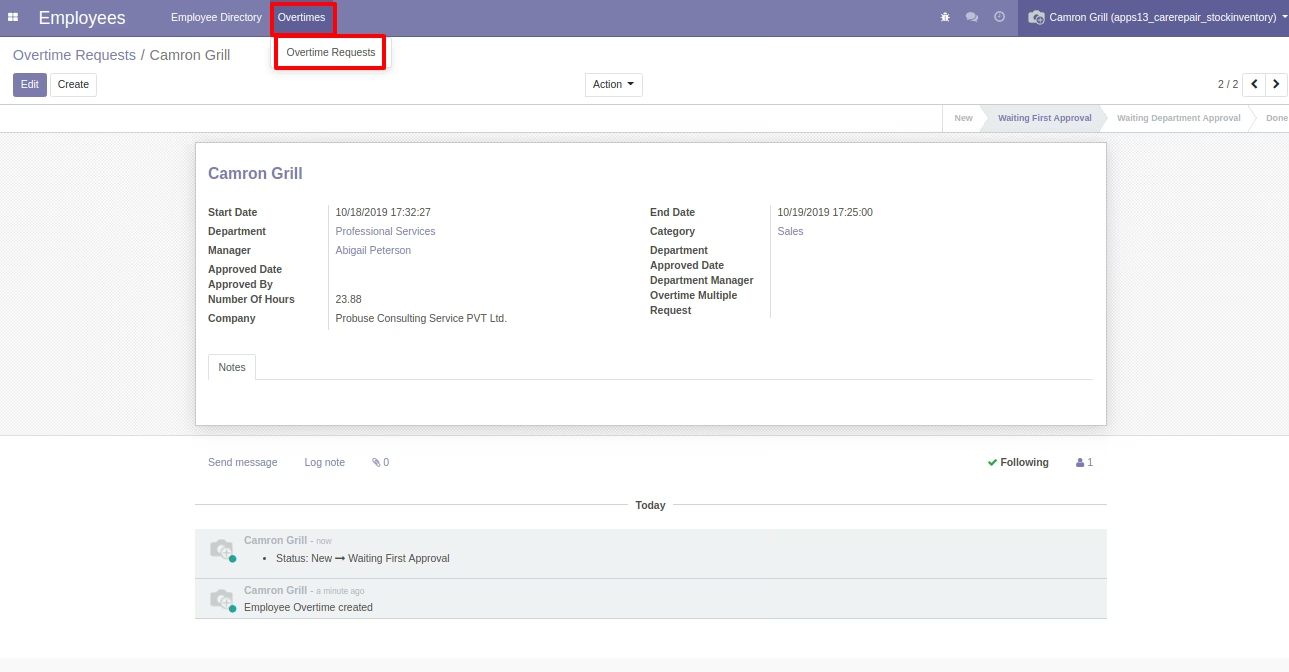
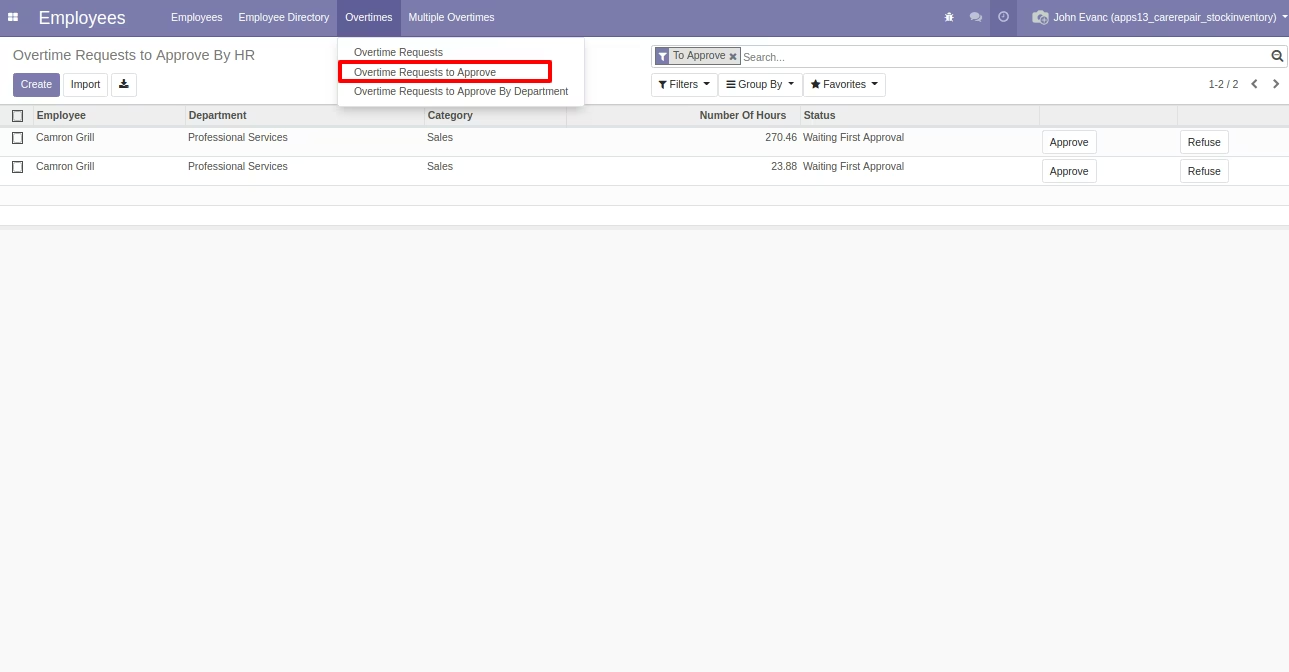
Overtime Request to Approve Menu
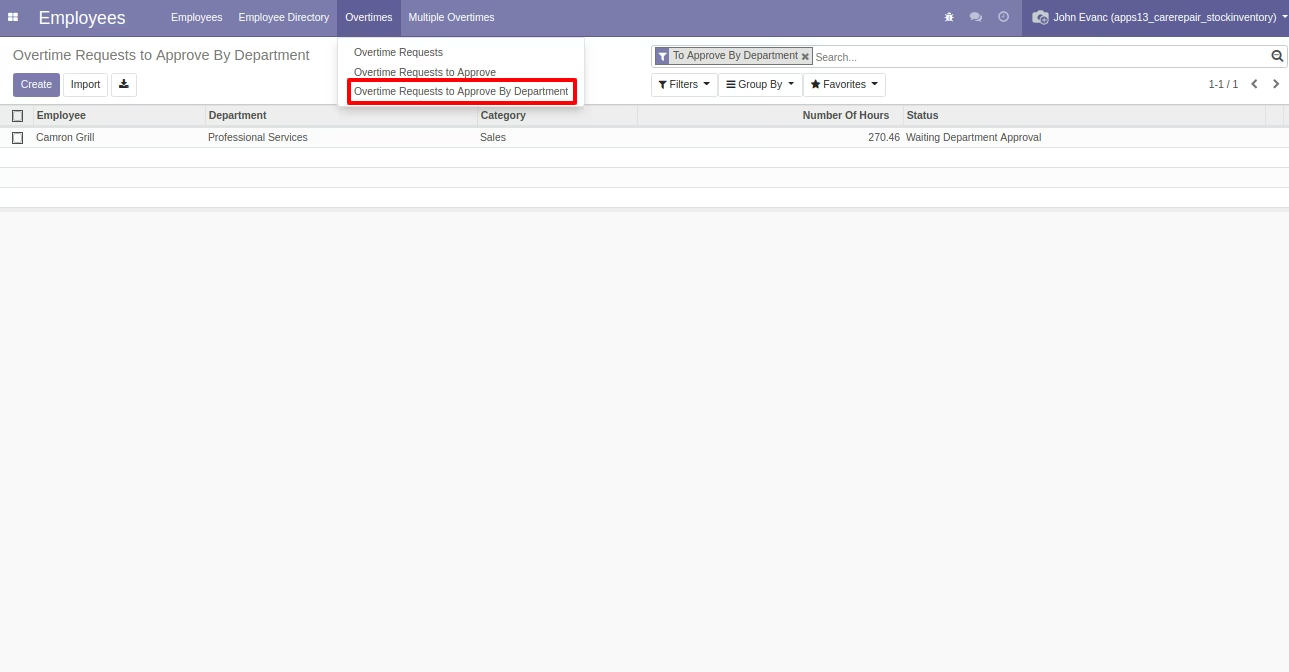
Overtime Request to Approve by Department Menu
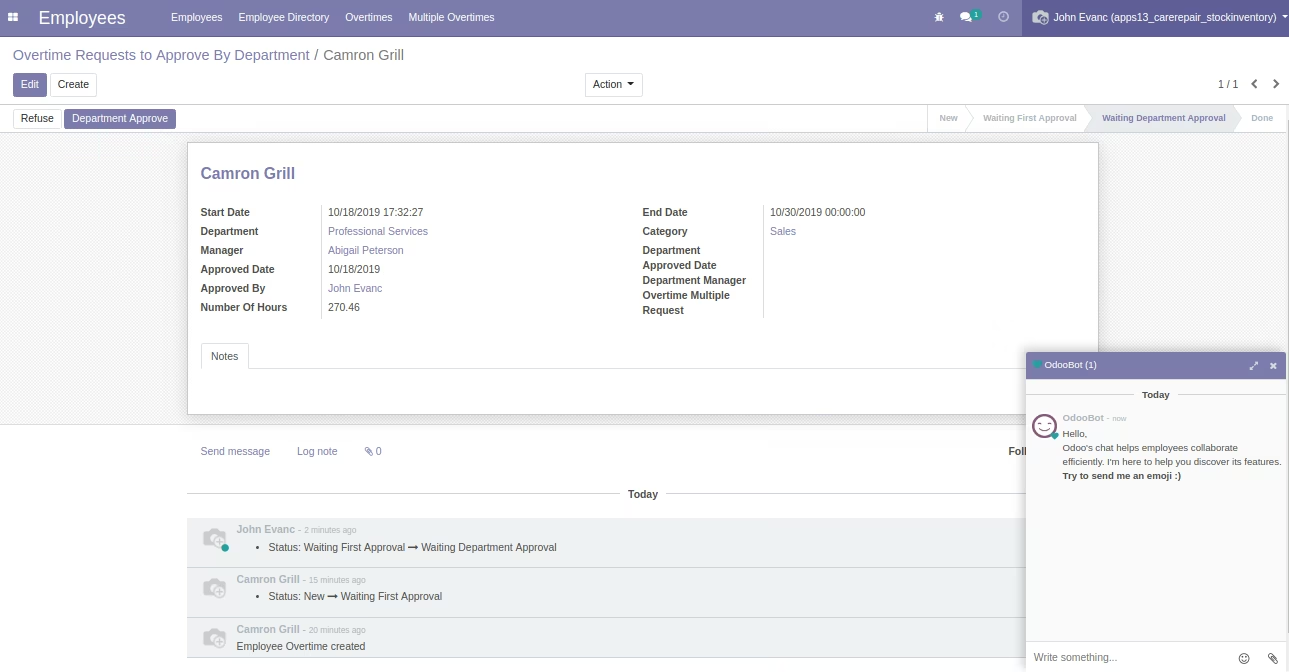
Employee Overtime Request Approved by Department Manager
Flow 2: Multiple Overtime Request for Multi Employees
Multiple Overtime Request Form View
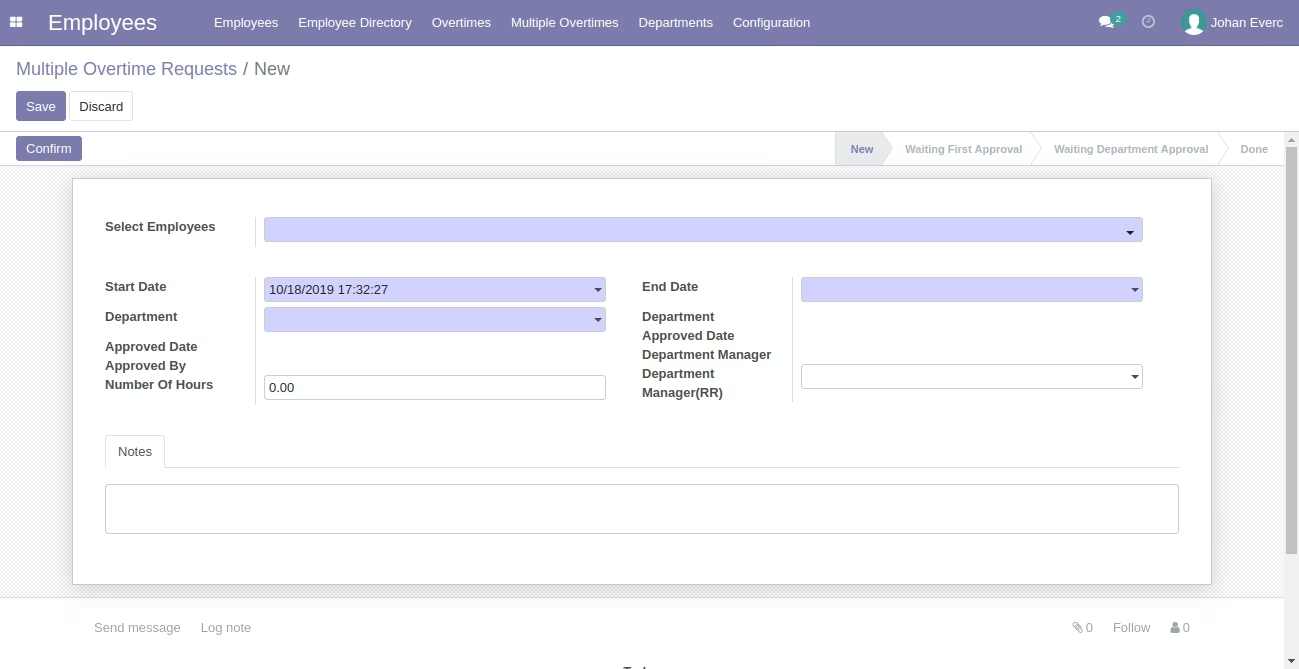
Multiple Overtime Request Form View
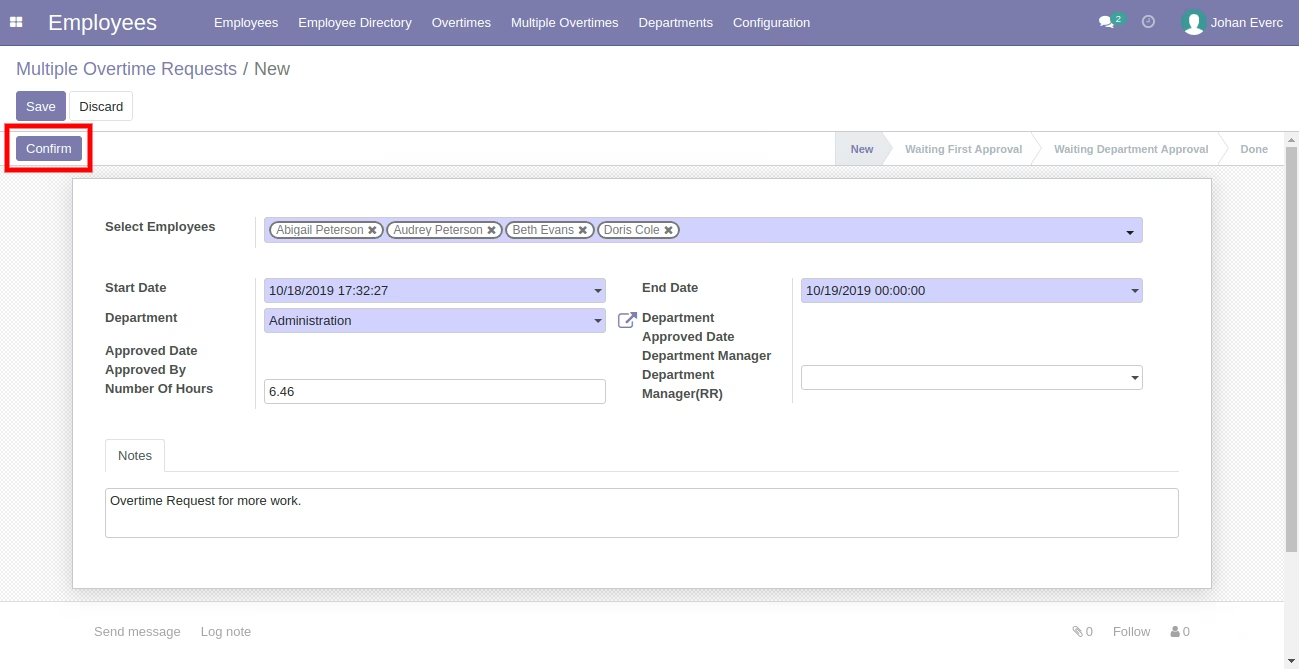
Multiple Overtime Request Form View
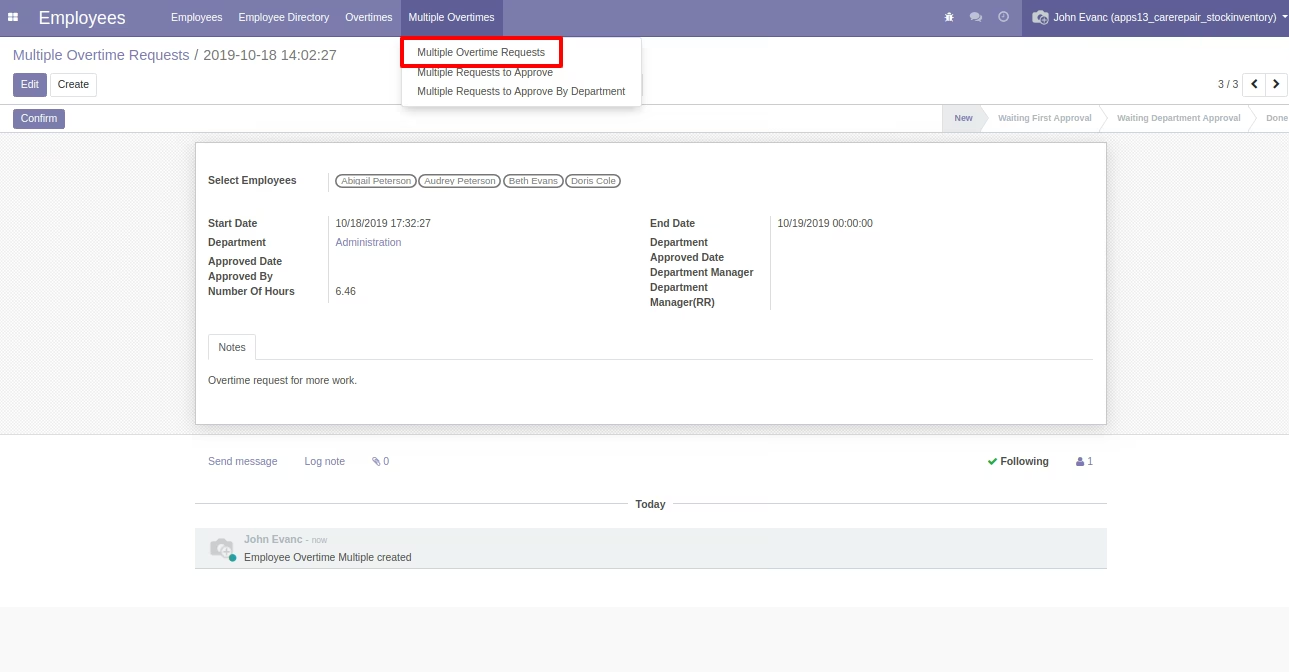
Multiple Overtime Request to Approve Menu
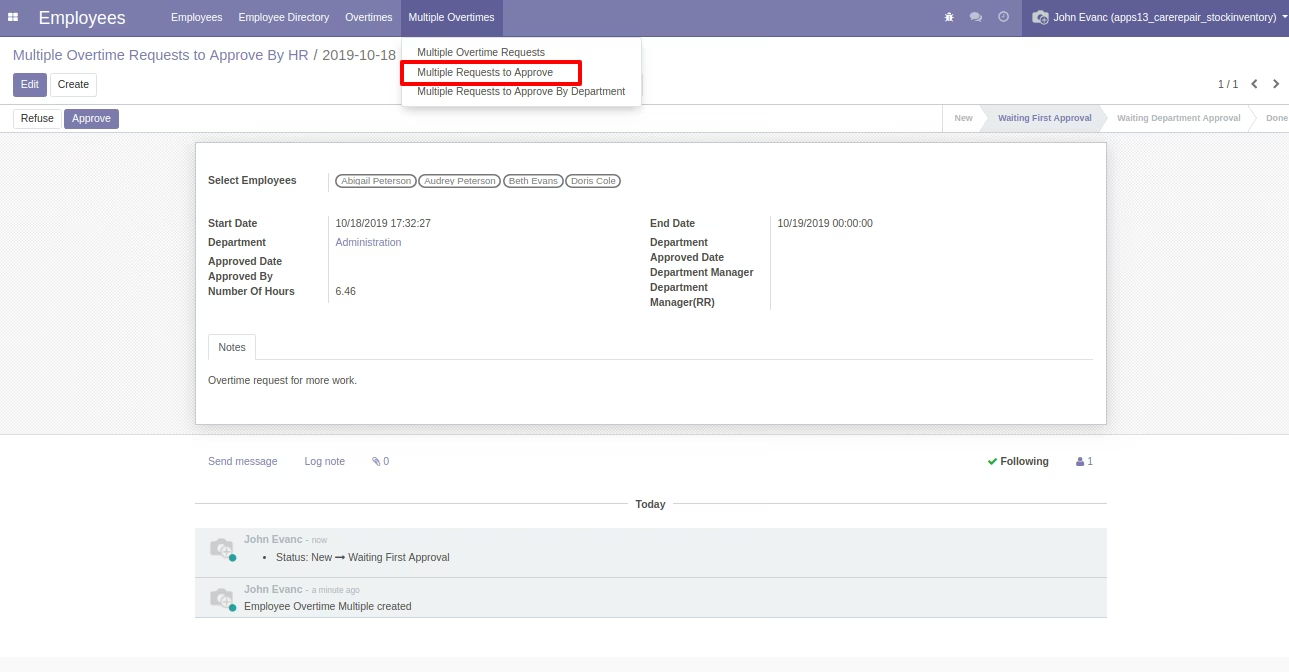
Multiple Overtime Request to Approve By Department Manager Menu
Multiple Overtime Request Done Stage
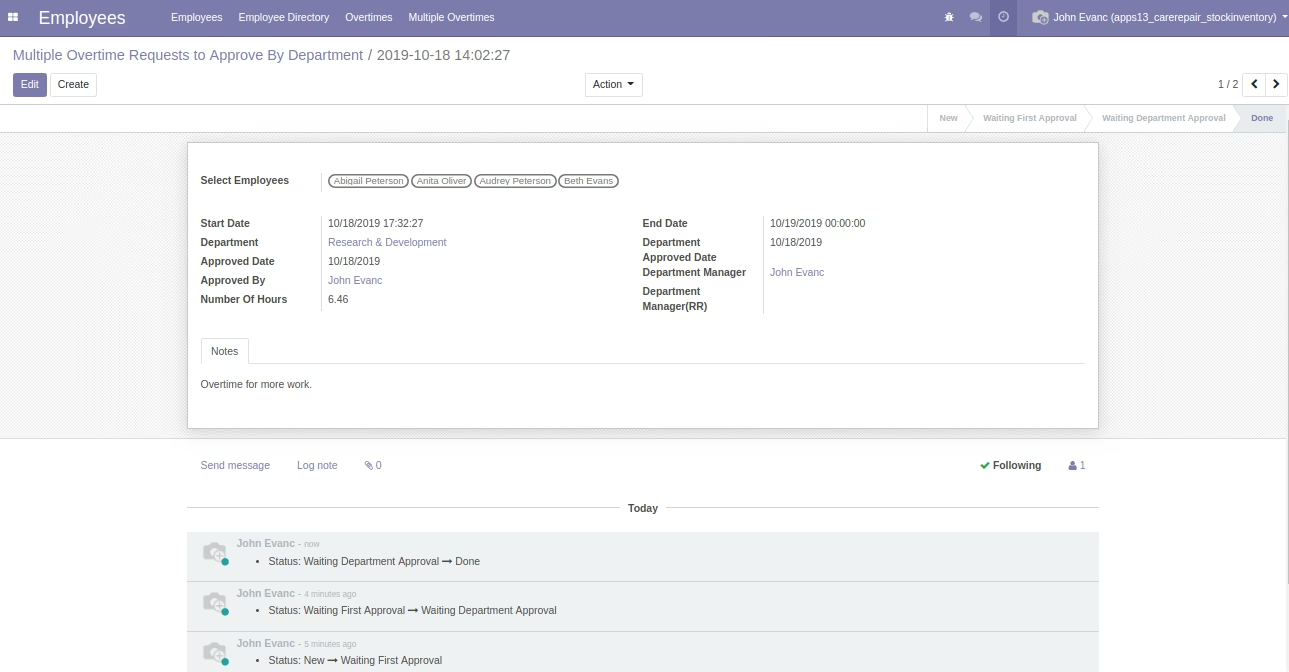
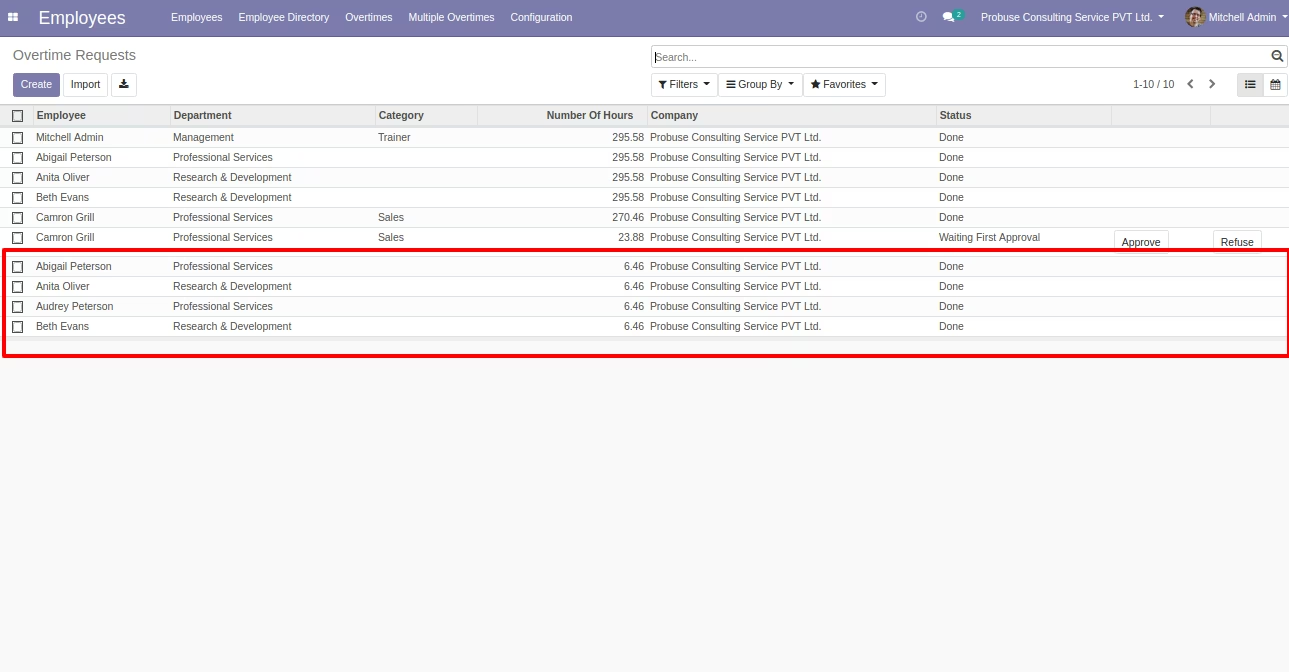
Separate Overtime Request Created Automatically - When Multiple Overtime Request Done by Department Manager