The module helps HR teams welcome new hires through guided onboarding workflows. By enabling structured orientation checklists and automated task generation, this module ensures every new employee receives a smooth and consistent onboarding experience. With its checklist-driven process, HR can ensure compliance and improve new hire satisfaction.
HR or managers can create orientation records for new employees with a clear checklist framework
Checklist lines can be preconfigured and automatically populated for easy onboarding
Launch orientation tasks directly from employee records via intuitive wizards or dashboards
Define roles and responsibilities for each checklist item to ensure task ownership and completion
Monitor onboarding progress through task tracking and completion status updates
Provides a consistent onboarding experience across new hires
Simplifies HR workload through automated checklist population
Enhances compliance by ensuring no onboarding step is overlooked
Increases new hire satisfaction via structured and transparent onboarding
Improves accountability with clear task delegation and progress tracking
Employee Orientation Process by HR
New Employee HR Orientation Process with Checklist of Orientation App
1. Employee orientation is part of a long-term investment in a new employee. It is an initial process that provides easy access to basic information, programs, and services, gives clarification, and allows new employees to take an active role in their organization.
2. Effectively orienting new employees to the campus and to their positions is critical to establishing successful, productive working relationships. The employee's first interactions with you should create a positive impression of your department and the campus. The time you spend planning for the new person's first days and weeks on the job will greatly increase the chance for a successful start.
An effective orientation will:
1. Foster an understanding of the campus culture, its values, and its diversity.
2. Help the new employee make a successful adjustment to the new job.
3. Help the new employee understand his/her role and how he/she fits into the total organization.
4. Help the new employee achieve objectives and shorten the learning curve.
5. Help the new employee develop a positive working relationship by building a foundation of knowledge about campus mission, objectives, policies, organization structure, and functions.
Workflow:
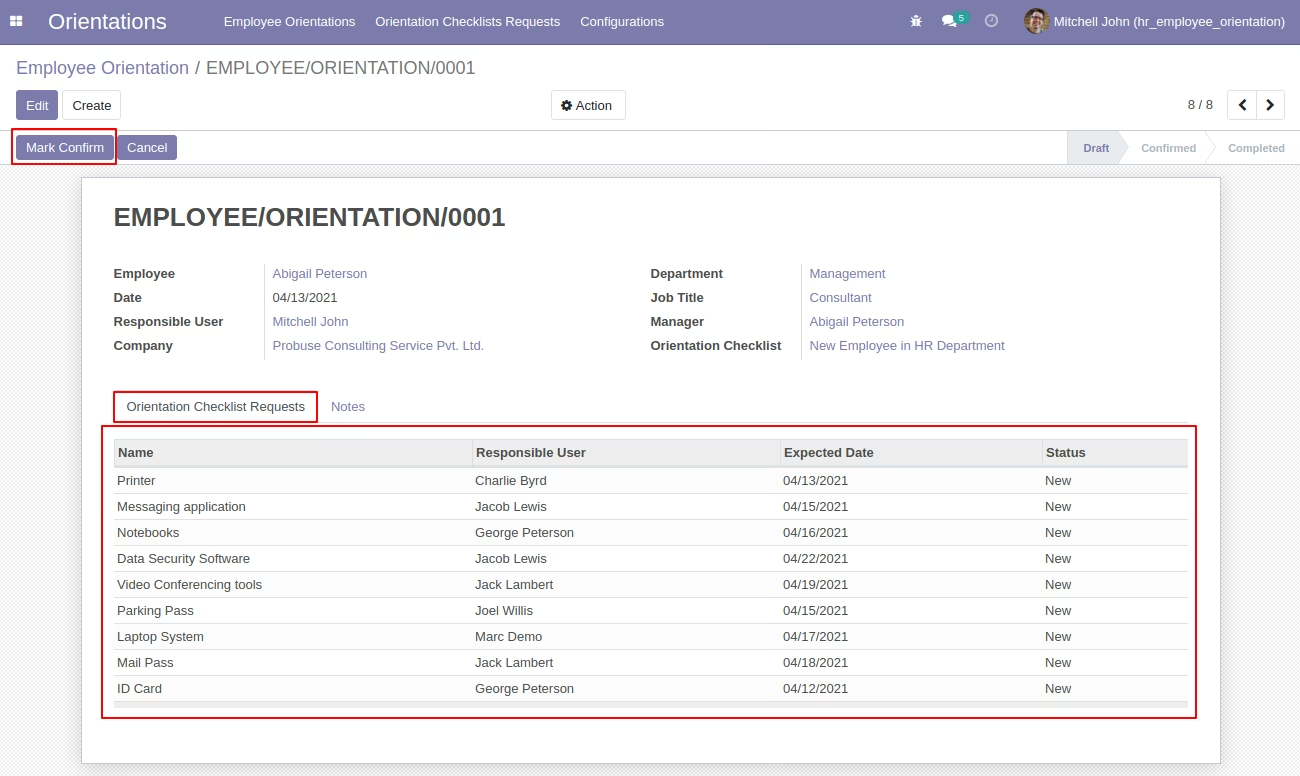
1. HR Officer/Manager creates an employee orientation (Orientations/Employee Orientations) for new employees coming into an organization and by selecting the orientation checklist field on the orientation form that time it will fill all orientation checklist lines automatically.
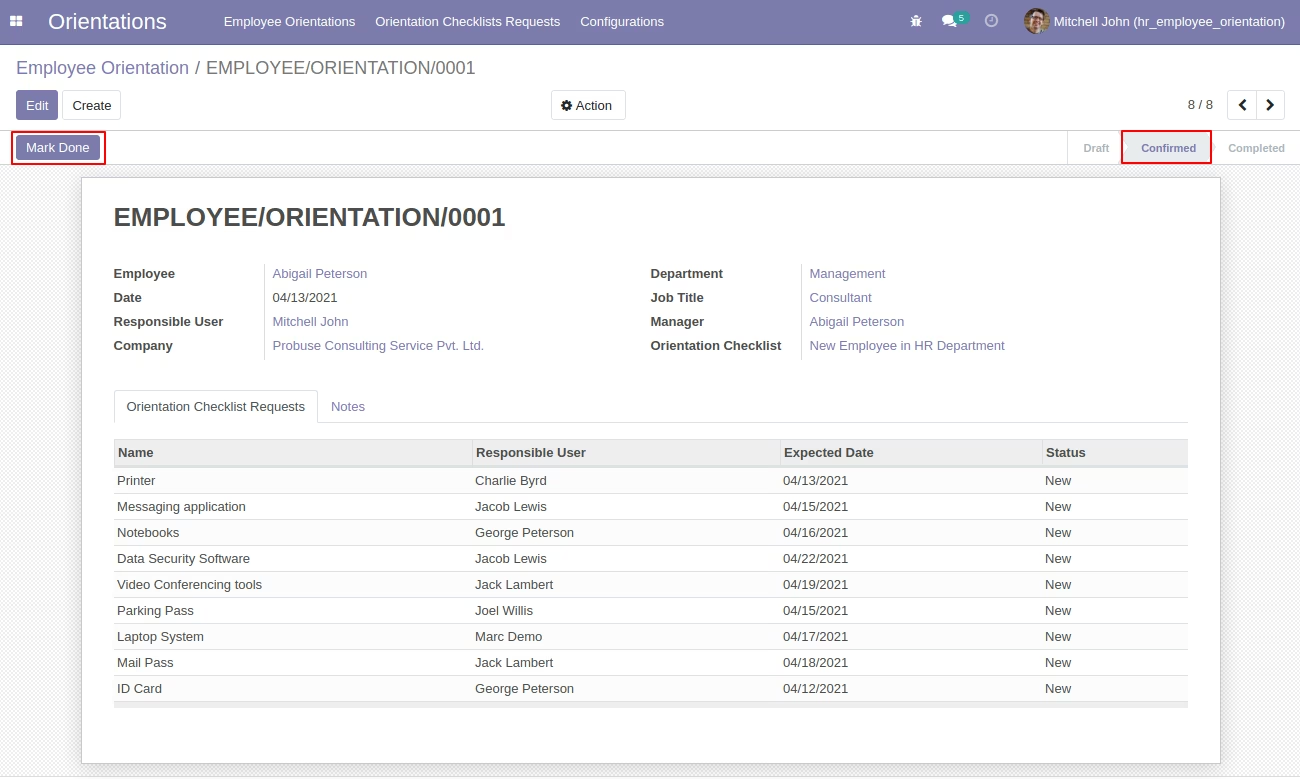
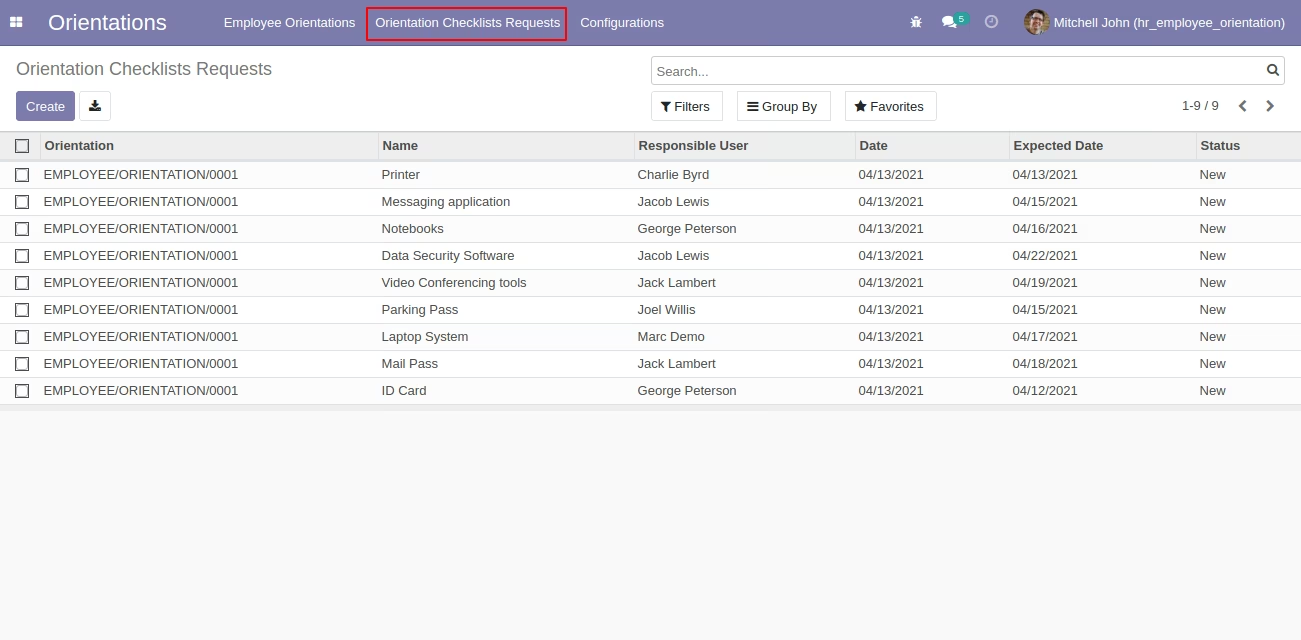
2. Now once the HR Officer/Manager confirms Employee orientation the time system will create Checklist requests and allocate jobs to the responsible person associated with that checklist/task.(Orientations/Orientation Checklists Requests)
3. Now when the responsible person logs in to the system, he/she will find a job allocated under Orientations/Orientation Checklists Requests and finish it.
4. Note that Orientation Checklist Configuration will be configured by department, for example, newcomer joins the IT department then he/she has to process under the Orientation Checklist Configuration of the IT department.
This module allows you to manage the employee orientation process.
* Employee Orientations
* Orientation Checklists Requests
* Configurations
Menus Available:
- Orientations
- Employee Orientations
- Orientation Checklists Requests
- Configurations
- Orientation Checklists
- Orientation Checklists Lines
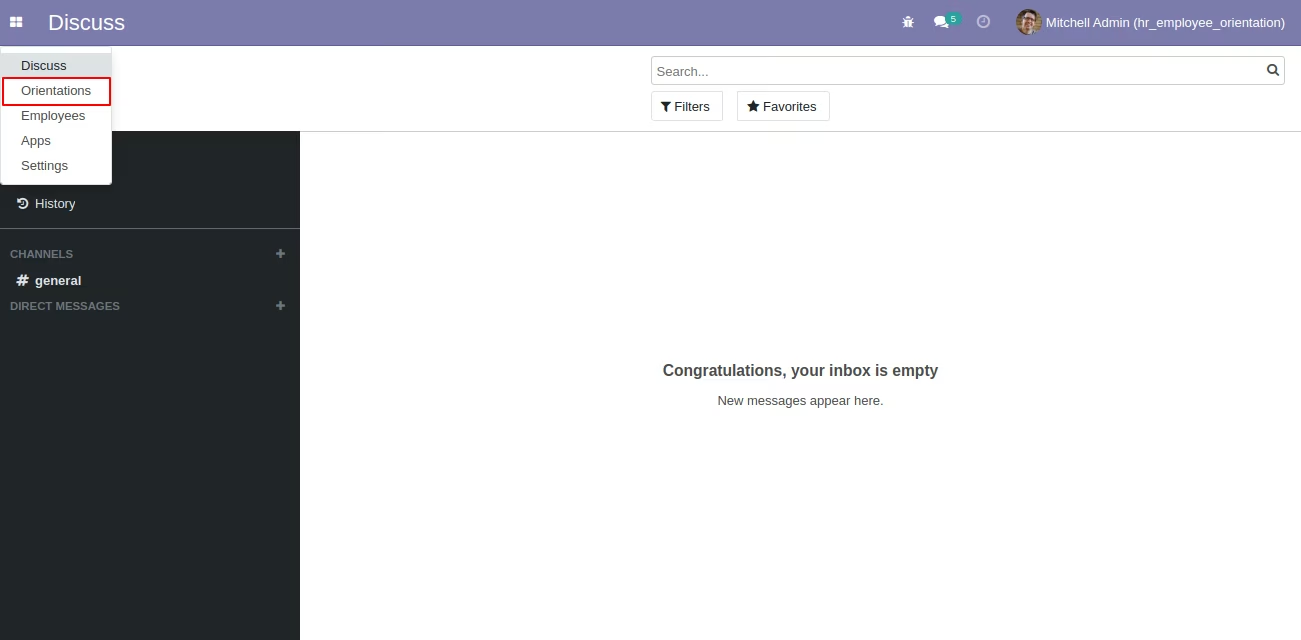
New Employee Orientation Menu
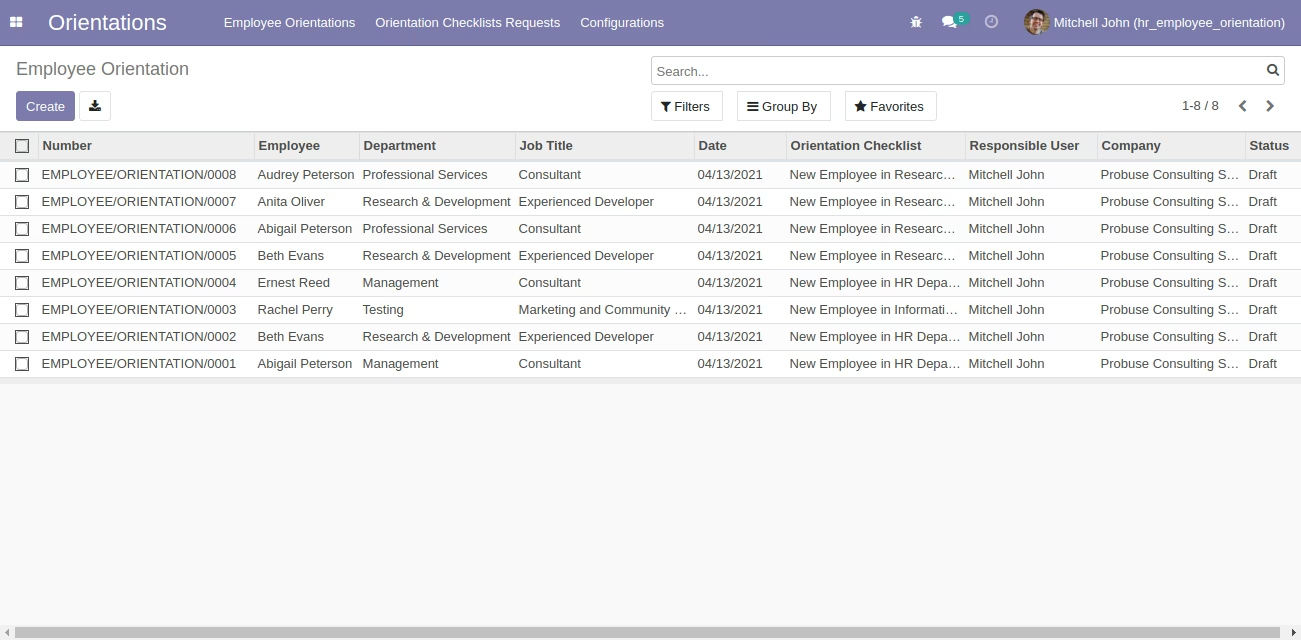
Employee Orientations Tree View
Employee Orientation Form View
Employee Orientation Form in Confirmed Stage
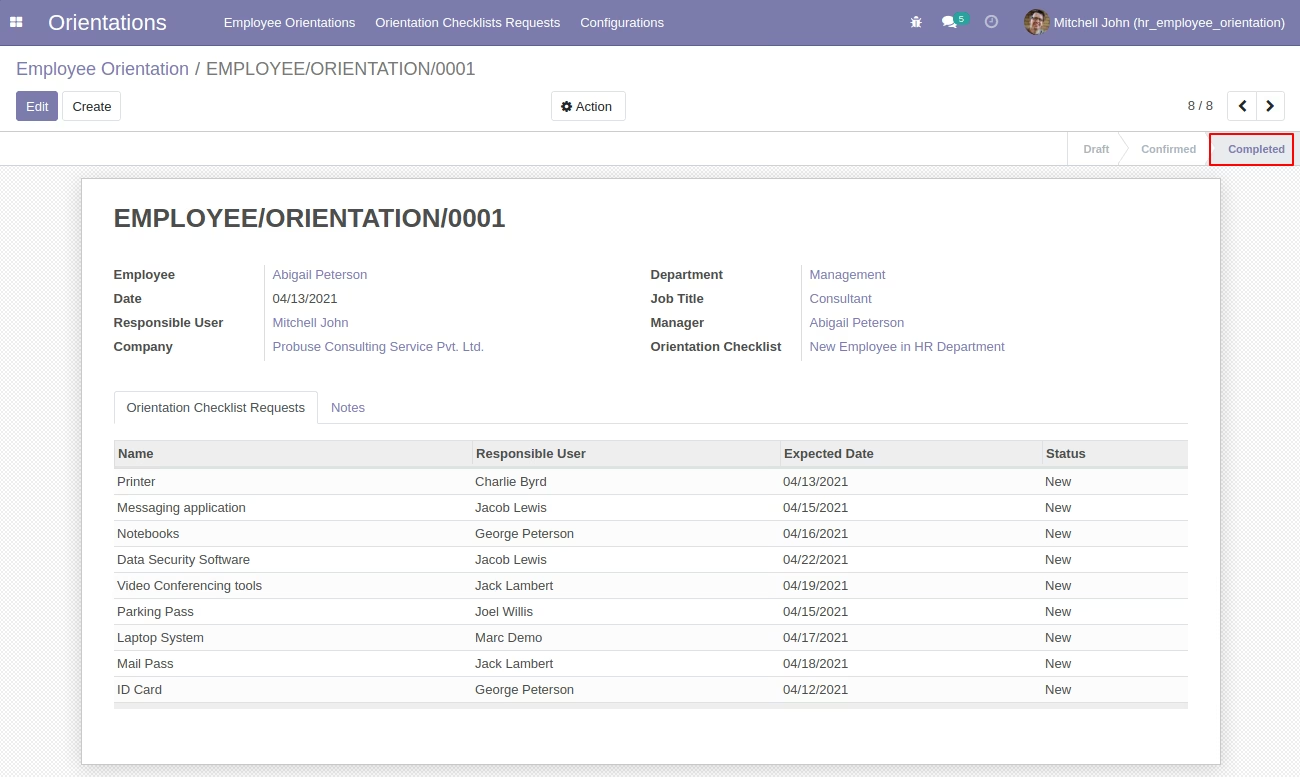
Employee Orientation Form in Completed Stage
Orientation Checklists Requests Tree View
Orientation Checklists Requests Form View
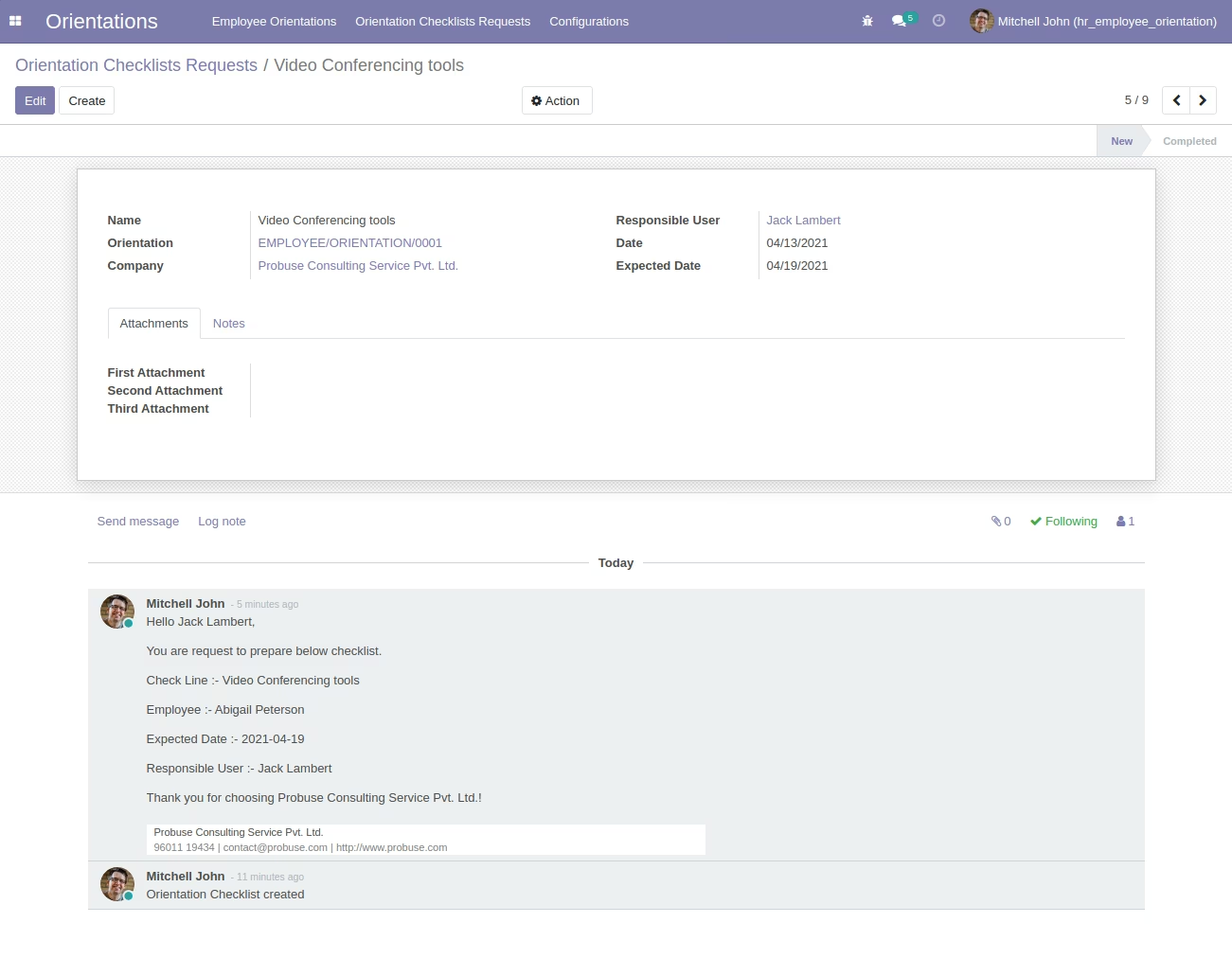
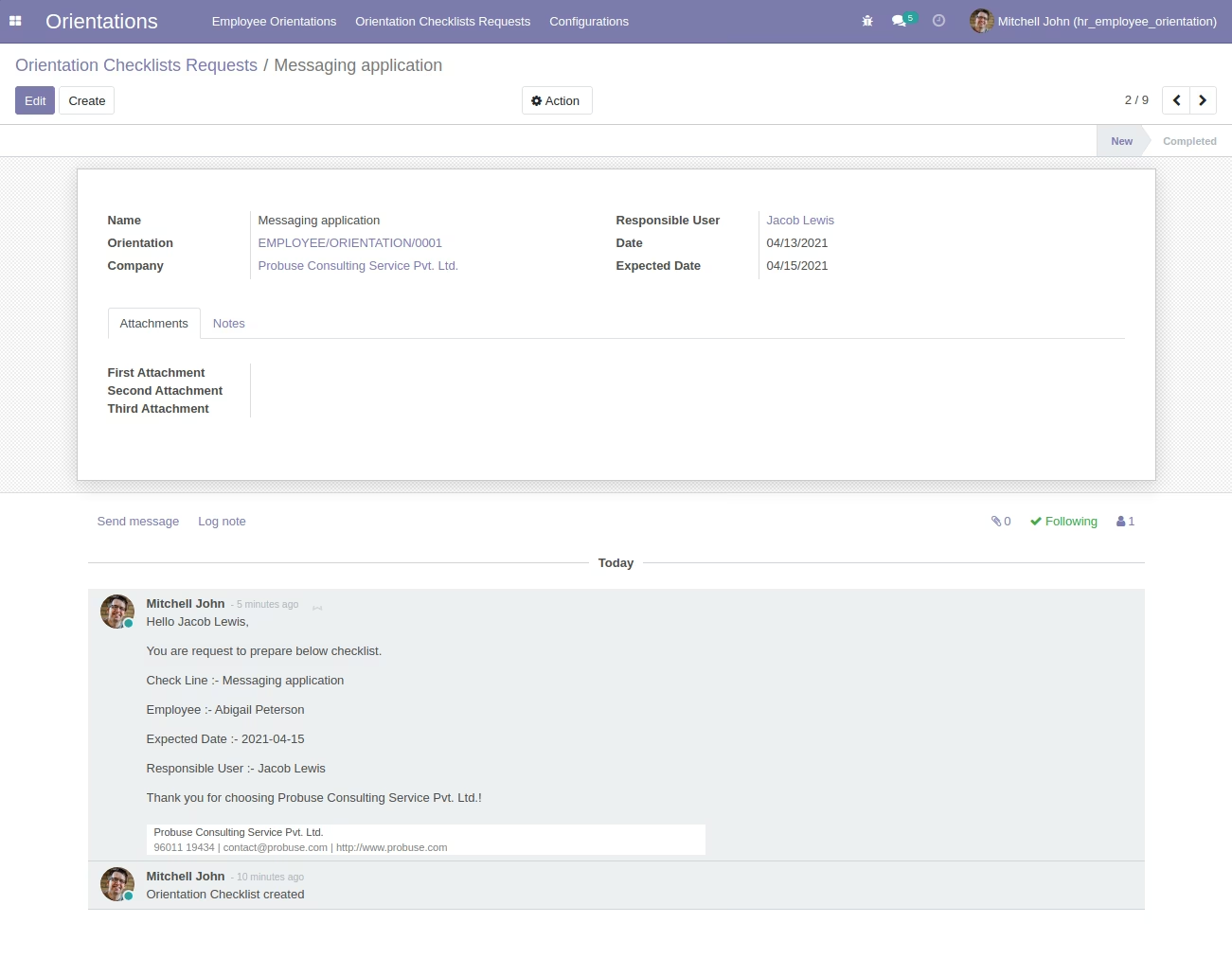
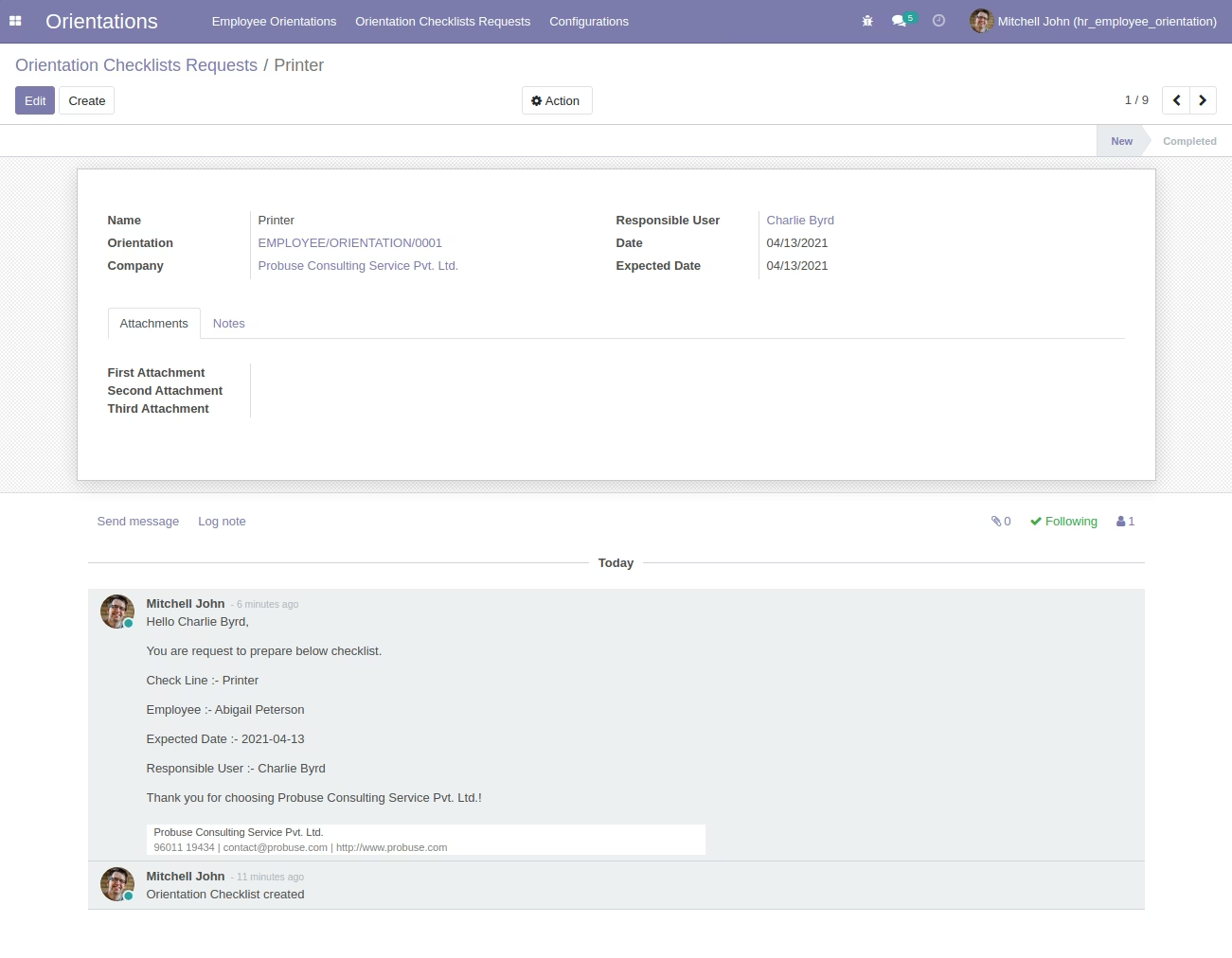
Orientation Email to Responsible
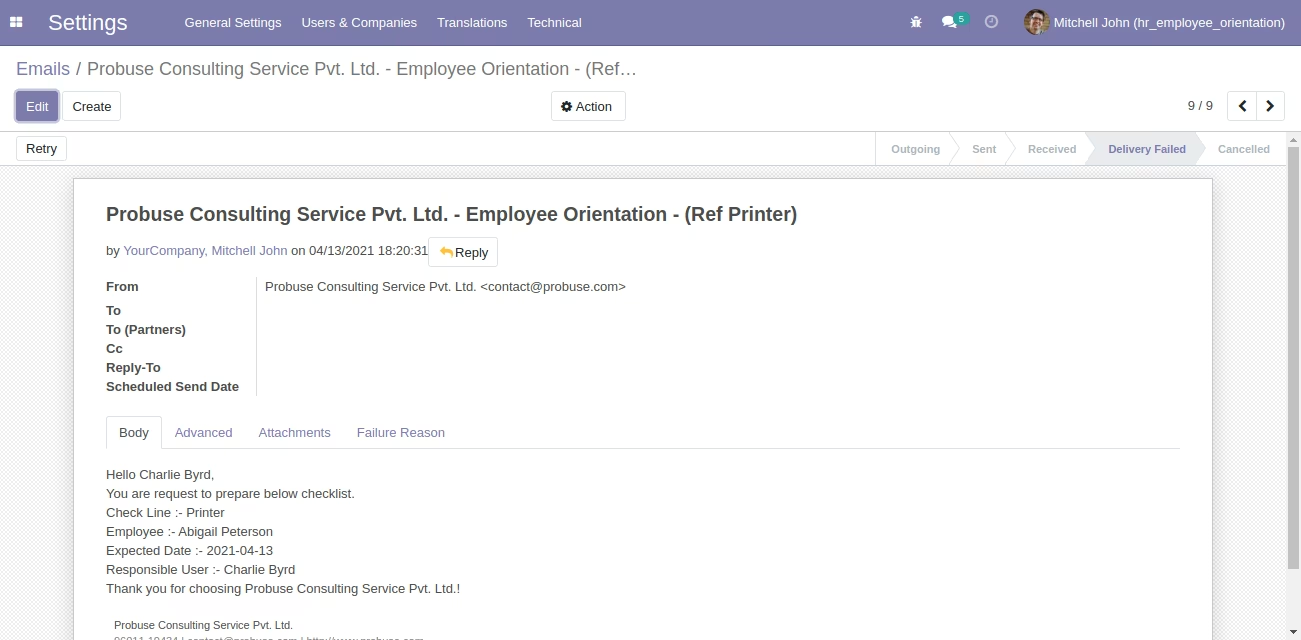
Responsible User can see Own Orientation Checklists Requests
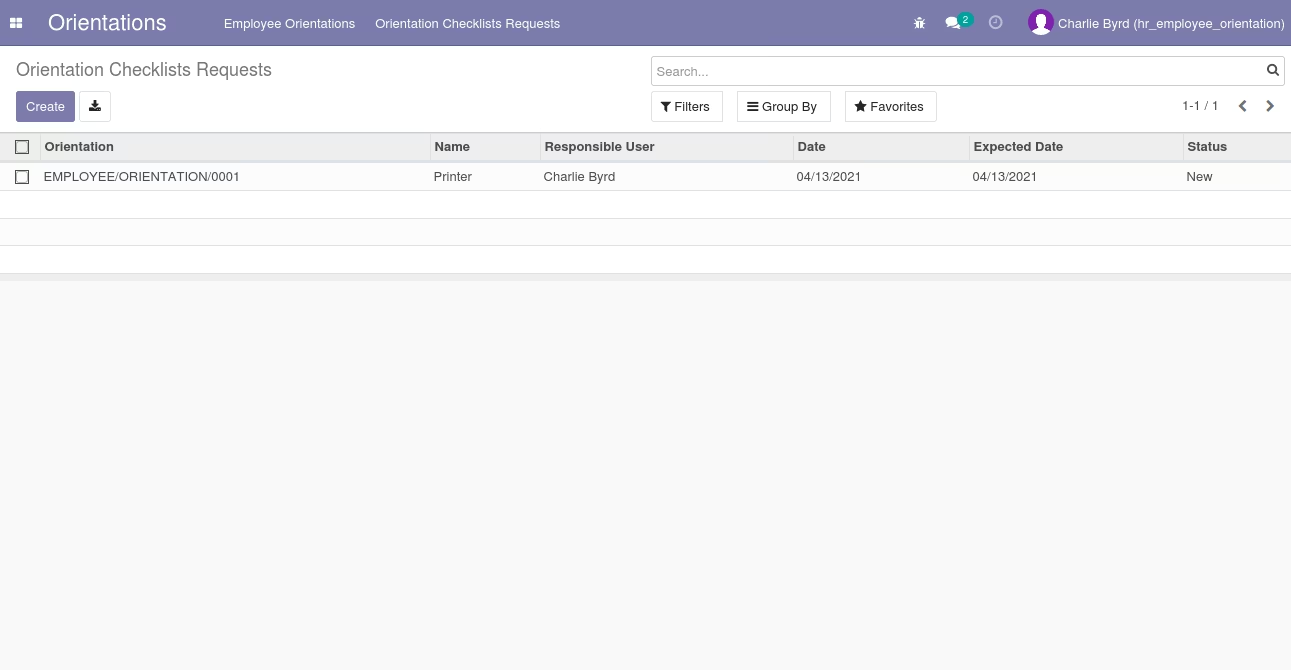
Responsible User can see own Orientation Checklists Requests
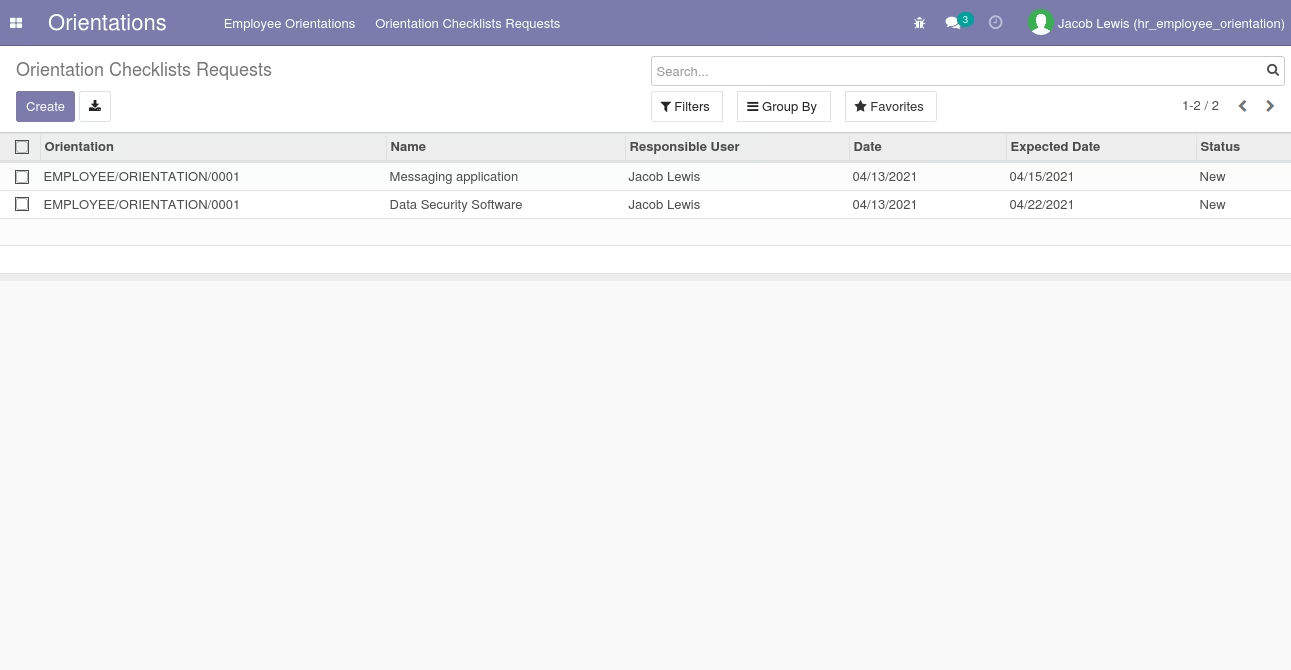
Responsible User can see own Orientation Checklists Requests
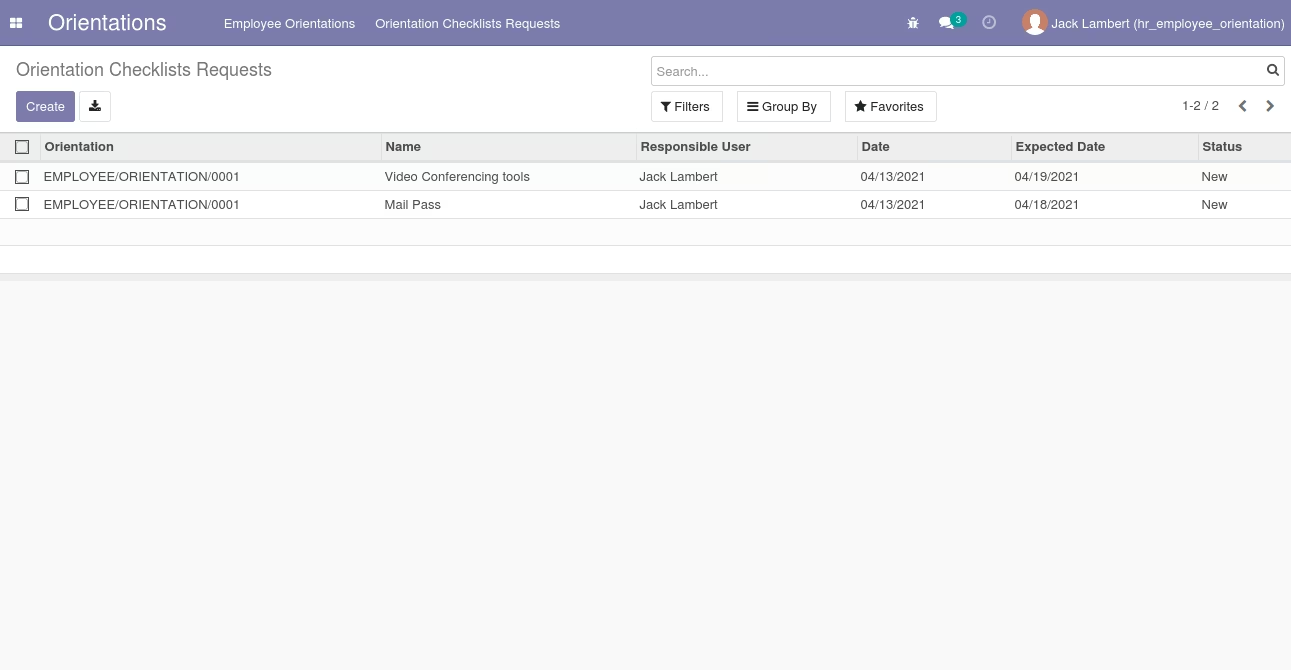
Orientation Checklist Configuration Tree view
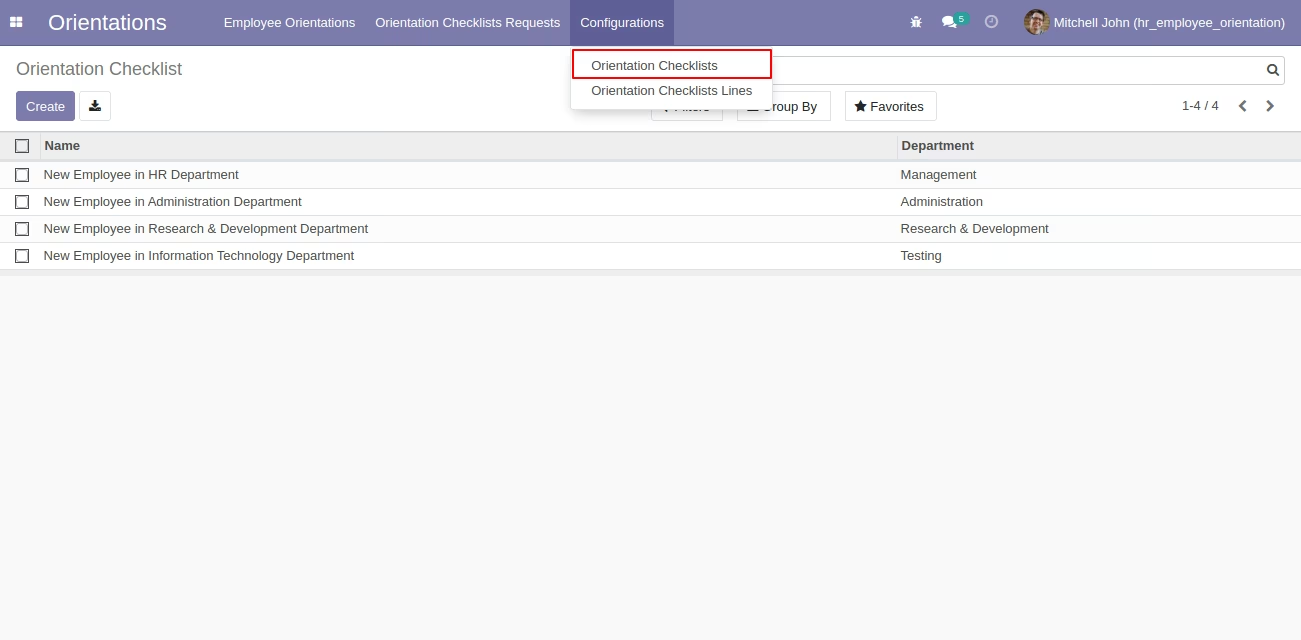
Orientation Checklist Configuration Form View
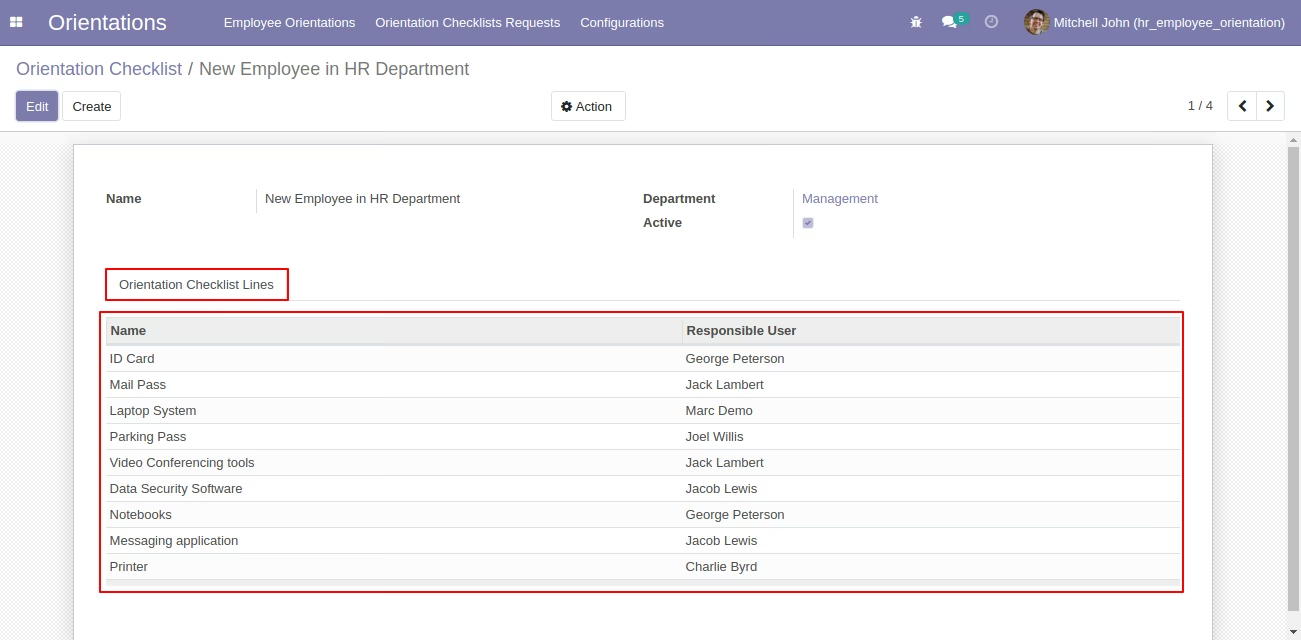
Orientation Checklists Lines Tree View
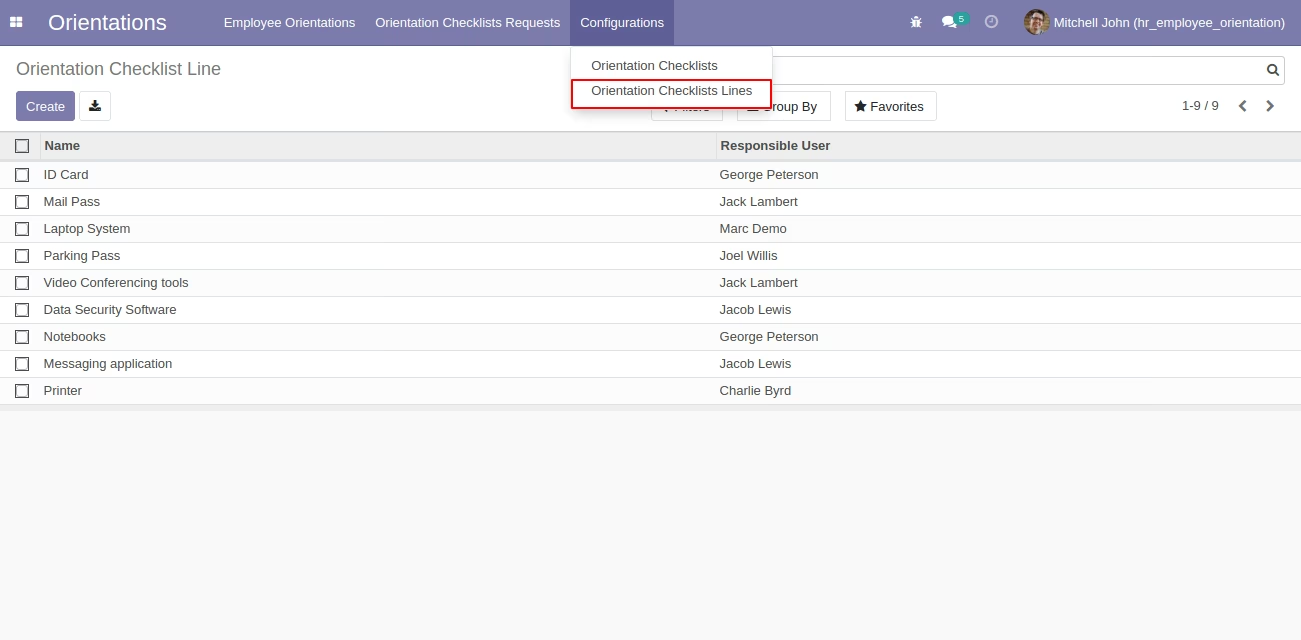
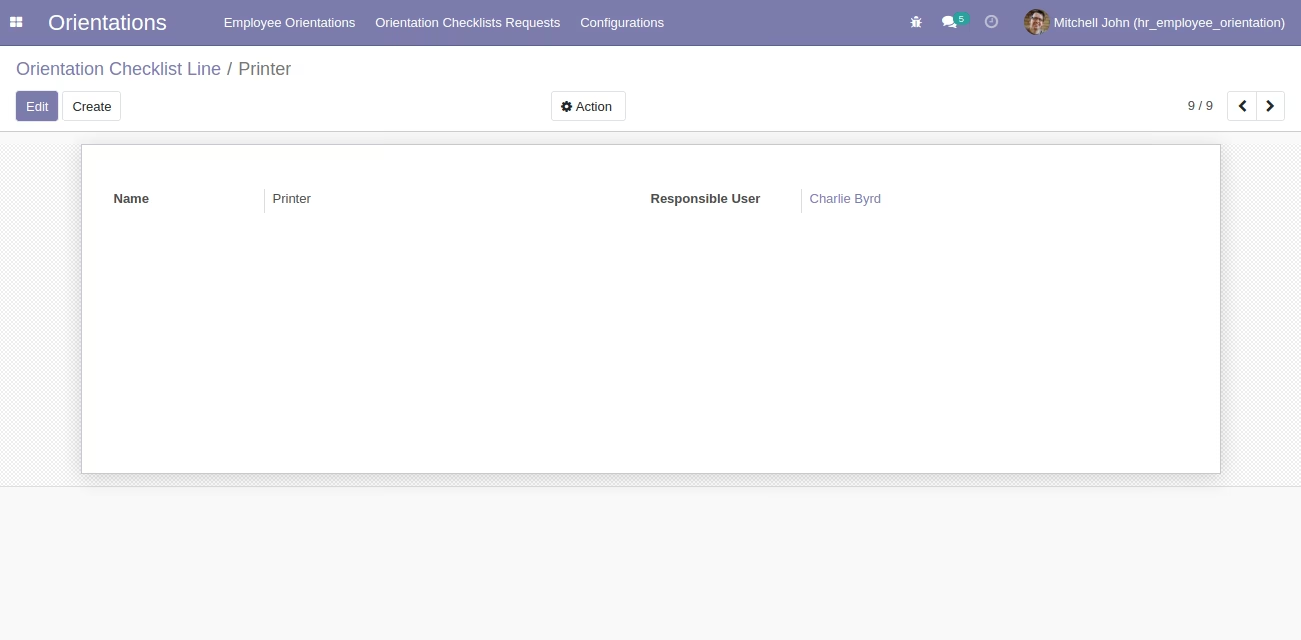
Orientation Checklists Lines Form View