This module empowers internal employees to submit innovative ideas directly through the system and enables peers to engage by voting on approved suggestions. It encourages idea sharing, enhances employee engagement, fosters a culture of innovation, and supports collaborative idea management. With a clear and intuitive flow from submission to HR approval to peer voting this solution streamlines idea-driven collaboration and boosts motivation and participation.
Employees can submit ideas directly through the platform in a structured format.
HR officer reviews and approves submitted ideas before they become visible.
Approved ideas are made available for voting by colleagues.
Peer voting enables collaborative evaluation of employee suggestions.
Integrates seamlessly with employee and mail/discussion features for smooth communication.
Fosters a culture of innovation and employee involvement.
Encourages collaboration and idea sharing within the organization.
Streamlines idea collection and evaluation through a clear workflow.
Boosts engagement by empowering employees to contribute and vote.
Reduces administrative overhead through structured approval and voting processes.
Employee Ideas and Votes App
Employee Ideas and Employee Votes App
This app allows your employees (internal users) in the company to raise and create ideas using the app and after approval of ideas from the HR Officer then other employees in the department(s) can vote for that idea.
Main Features:
- This app allows your employee to create and post the idea for approval to the HR Officer.
- HR Officers can create different idea types which employees can select and create ideas under that.
- HR Officers can see all ideas by employees and they can decide which ideas can be approved or rejected. Once getting approval from HR Officer, Other Employees can now give vote to this idea.
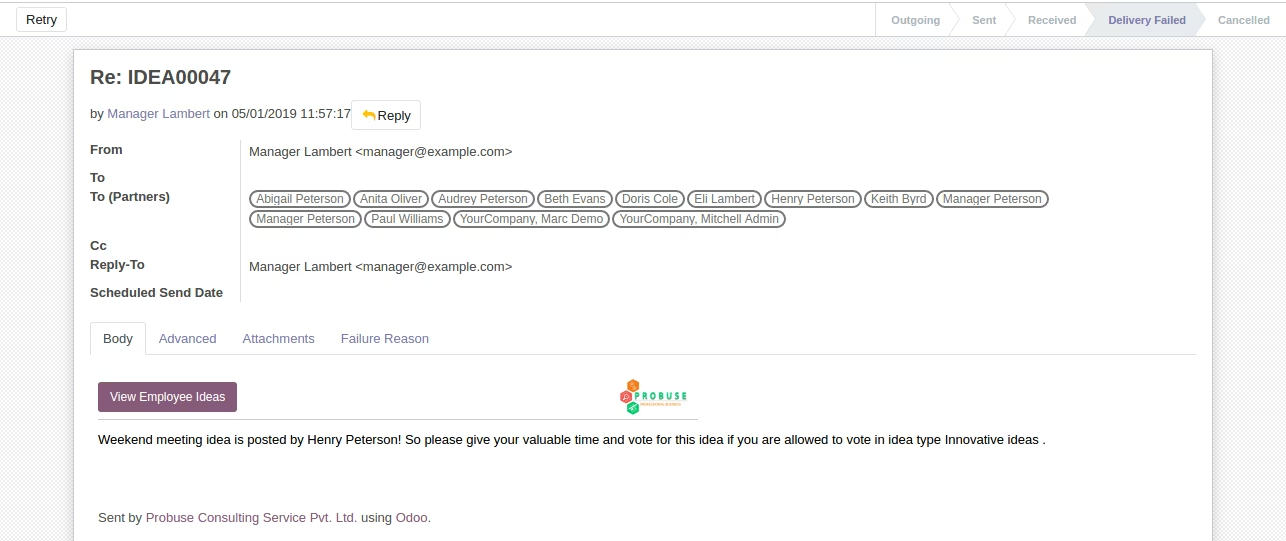
- Upon approval by HR Officer email will be broadcast to all users of the system.
- The department allows giving a vote. Please note that department configuration is available on Idea type settings.
- For more details please see the below screenshots and watch the video.
Menus Available:
- Ideas
- Employee Ideas
- Ideas
- Configurations
- Idea Types
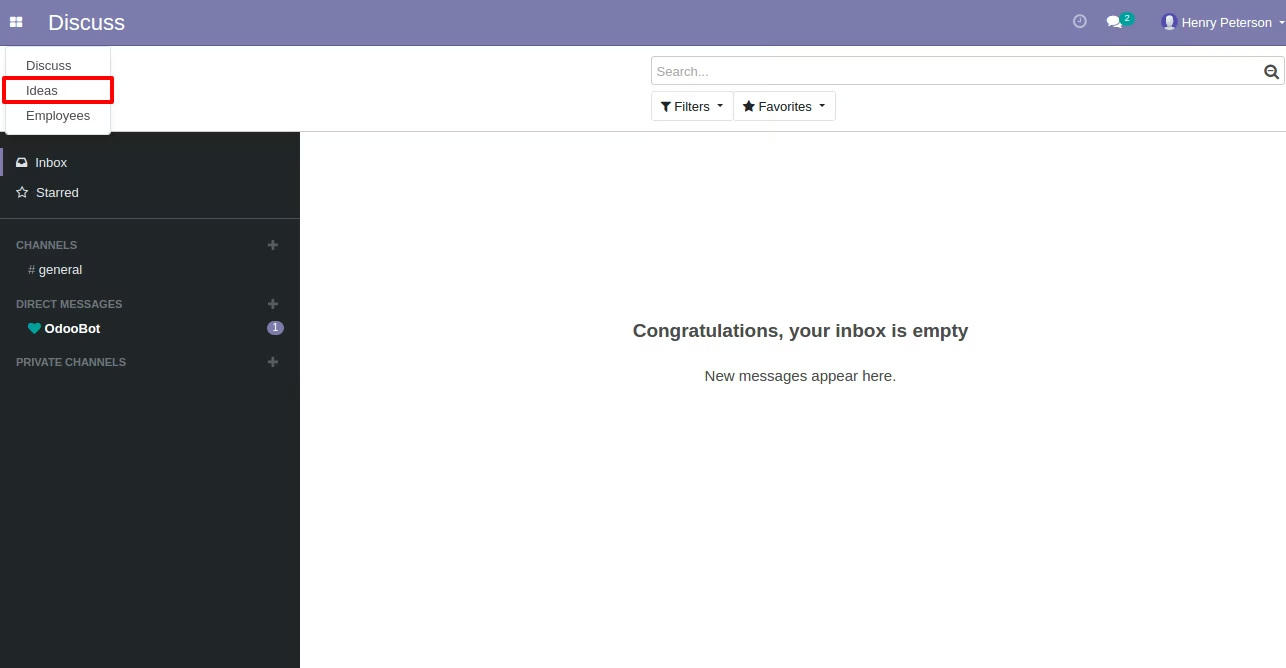
New Ideas Menu
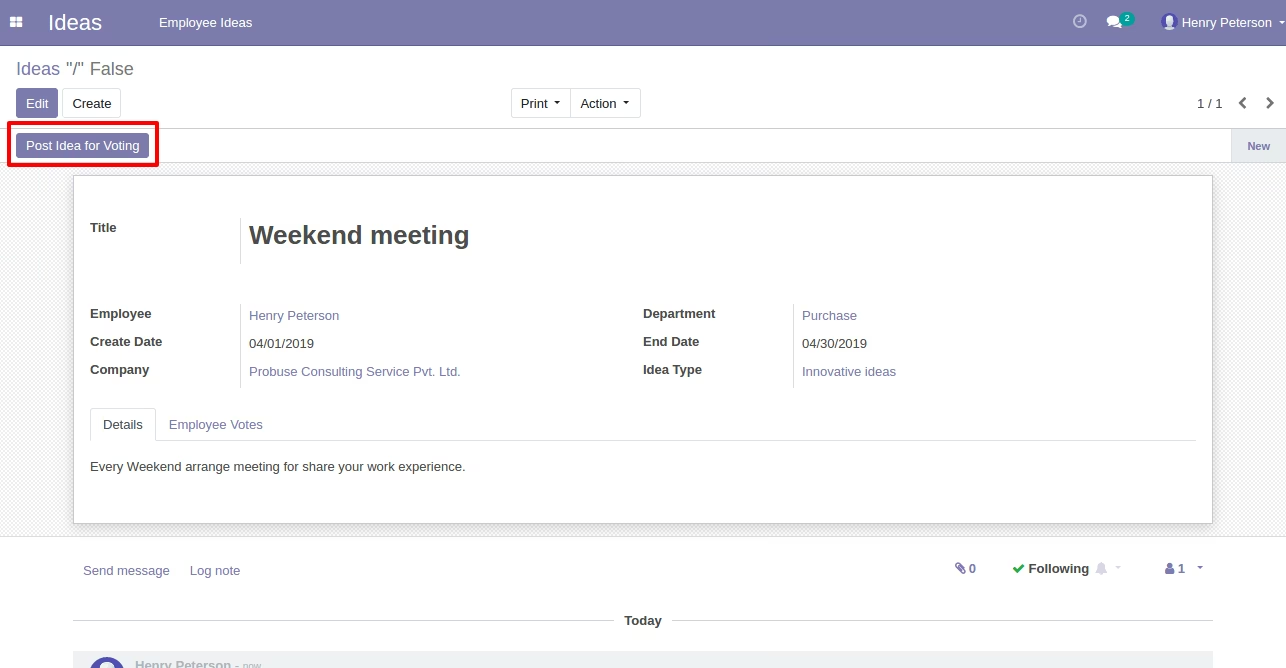
Employee Idea Request Form View
- Employees can create and post idea for approval.
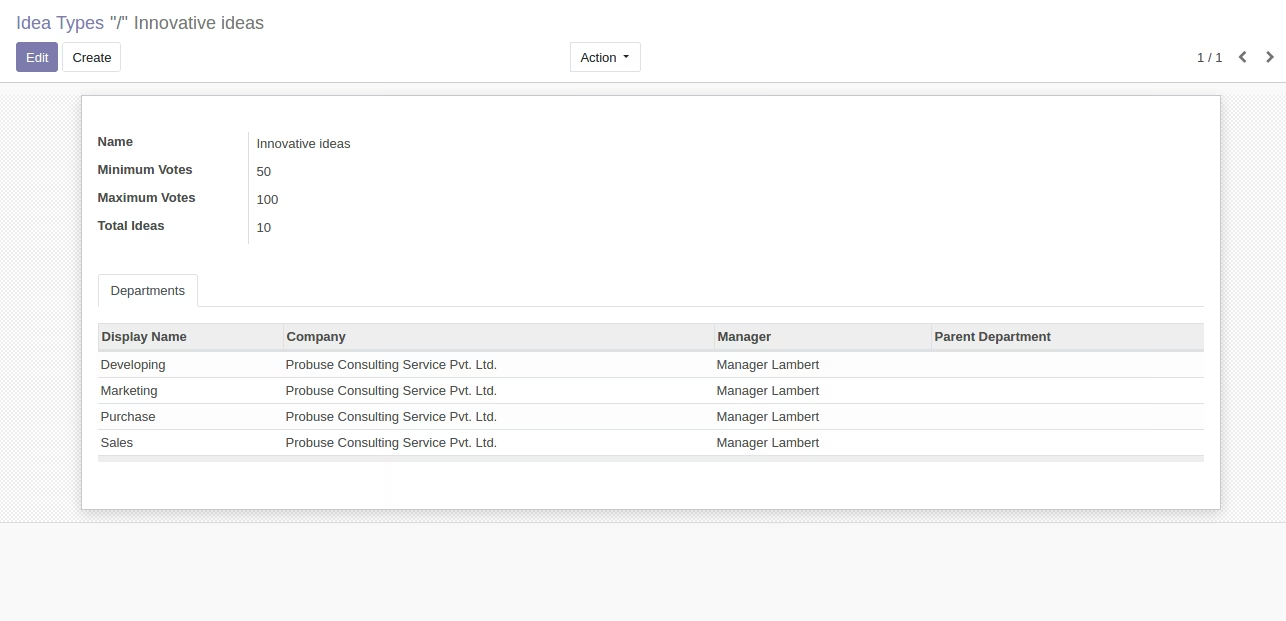
Employee Idea Type Settings
- HR Managers can create different idea types which employees can select and create ideas under that.
Employee Idea Types Settings Tree View
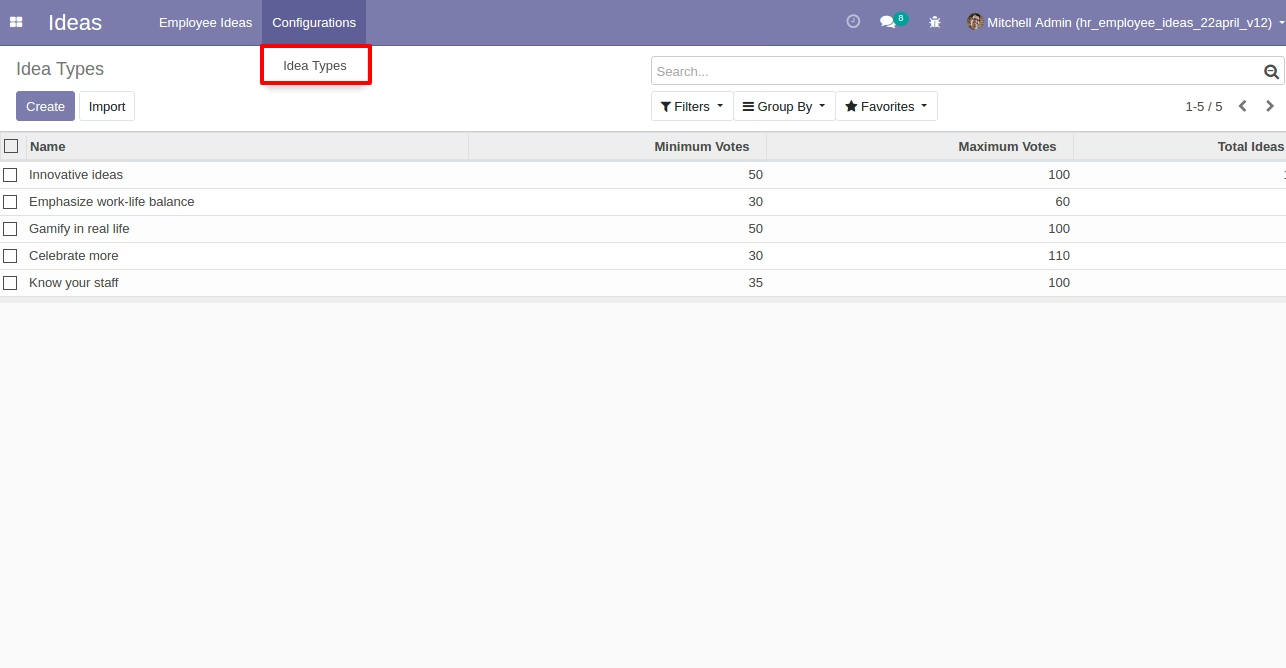
HR Manager can Approve / Reject Ideas
- HR Manager can see all ideas by employees and he/she can decide which idea can be approved/rejected. Once getting approval from the HR Manager, Employees can now give a vote to this idea.
- On approval of the HR manager email will be broadcast to all users of the system.
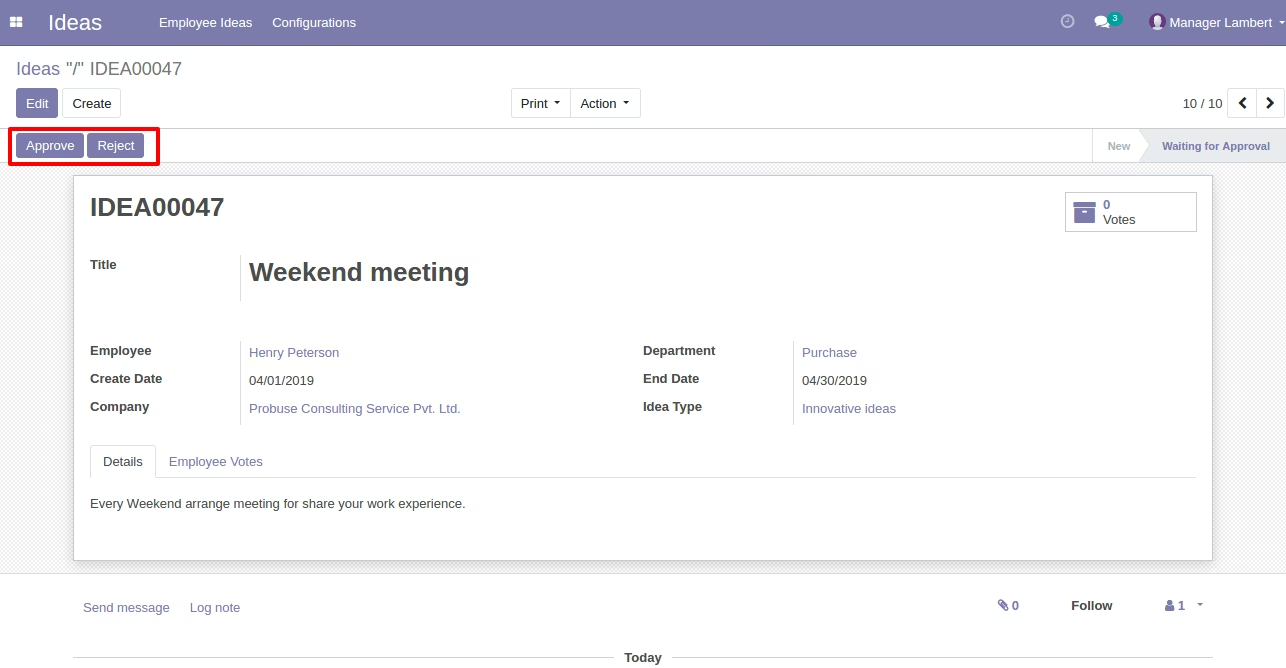
Other Employees can Give Votes using Button on Idea
- The department allowed to give vote can give a vote. Please note that department configuration is available on Idea type settings.
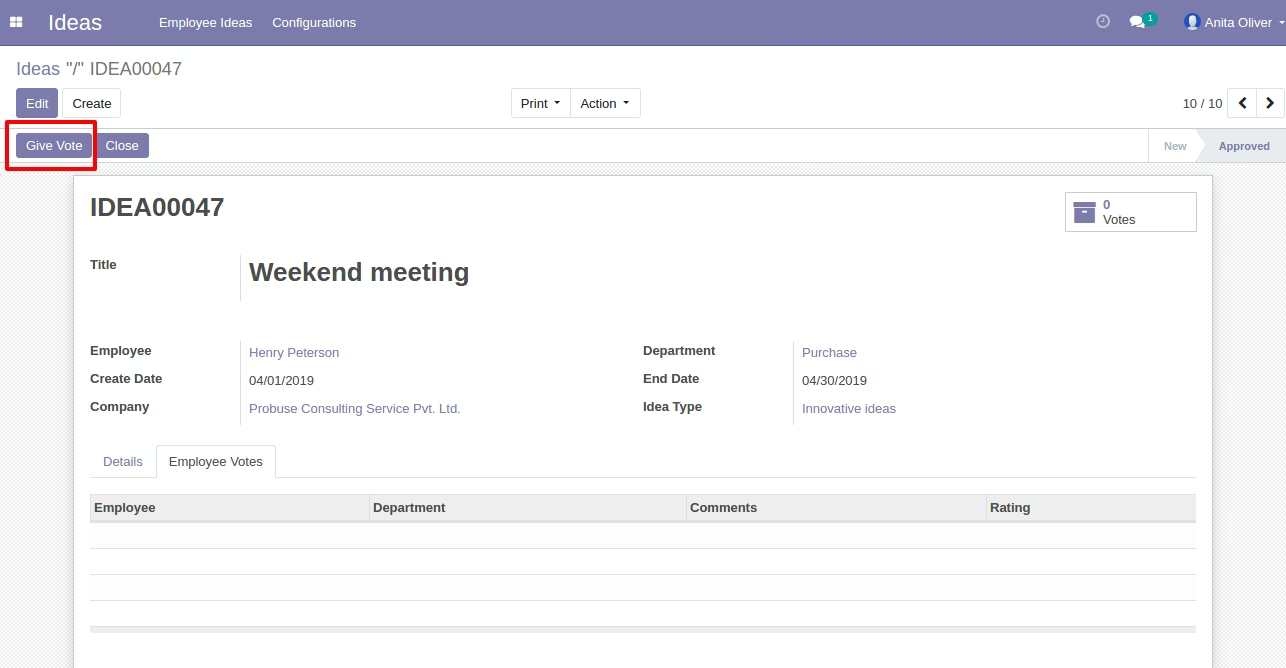
Clicking on Give Vote Button Open Wizard
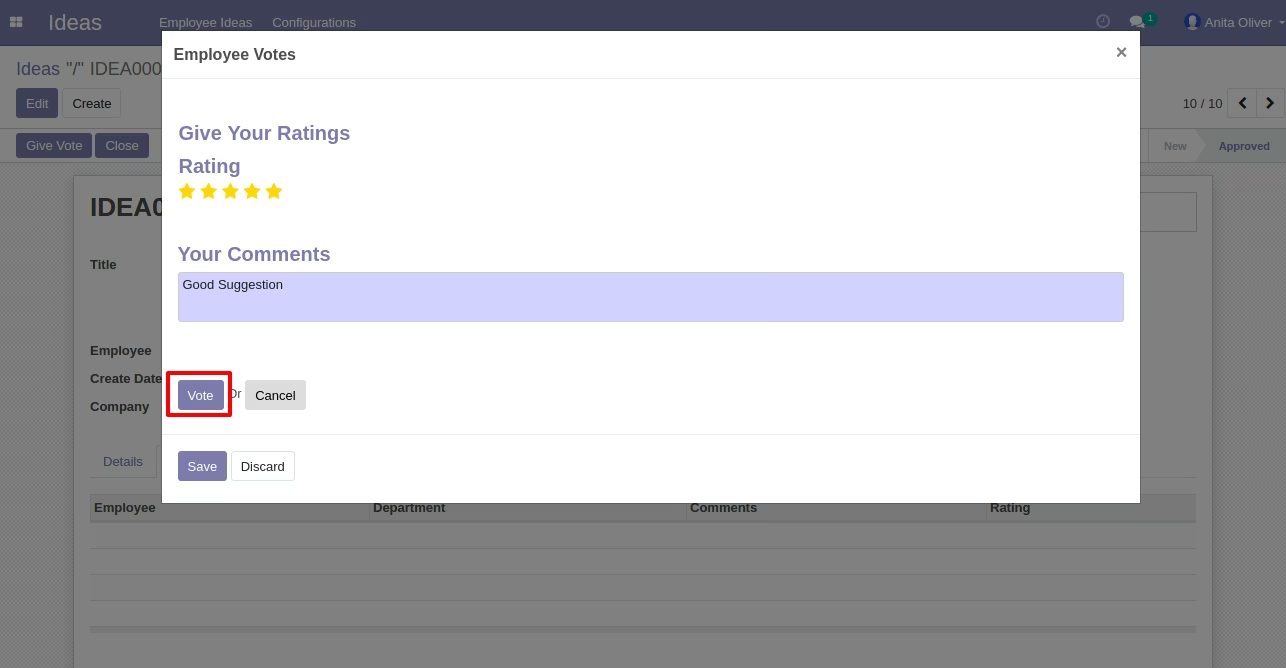
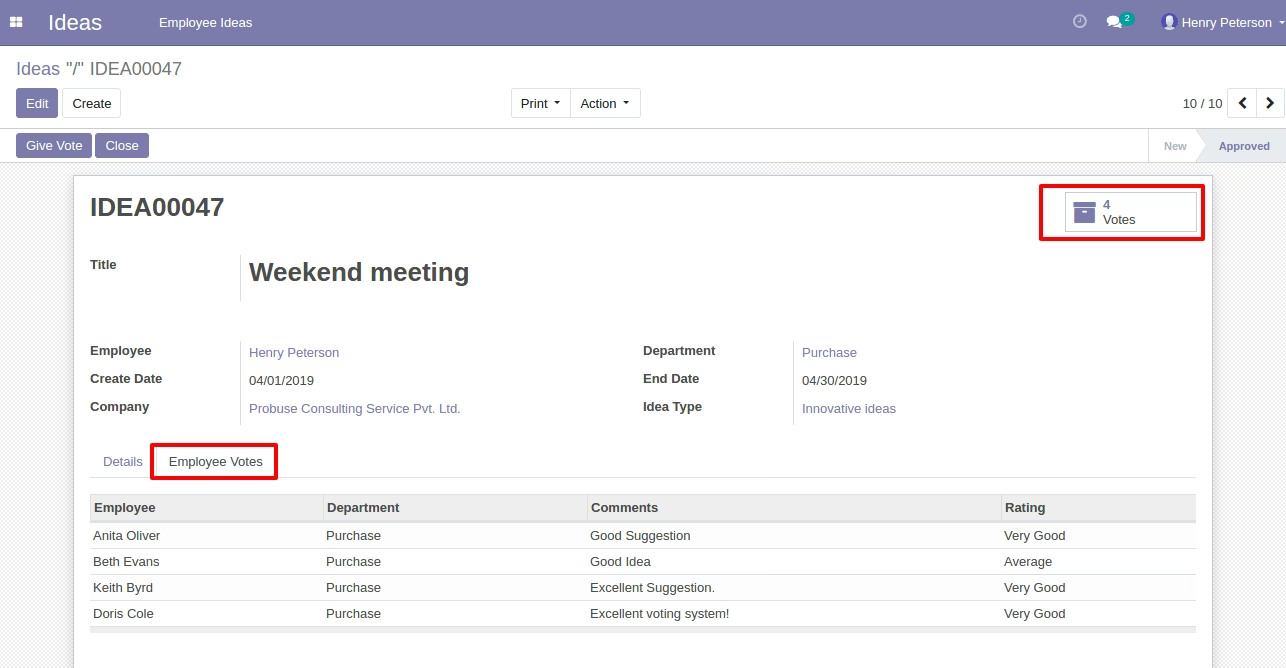
Employee Idea Request Form View with Employee Votes Tab
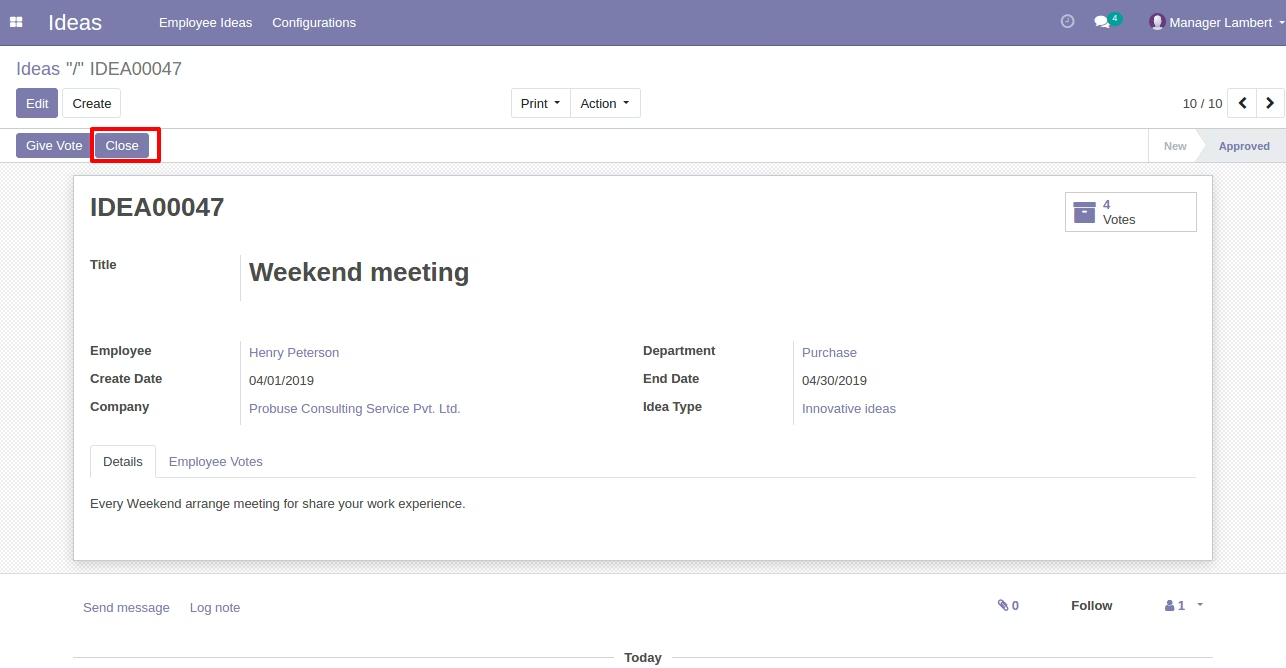
Employee Idea Request Close Button in Form View
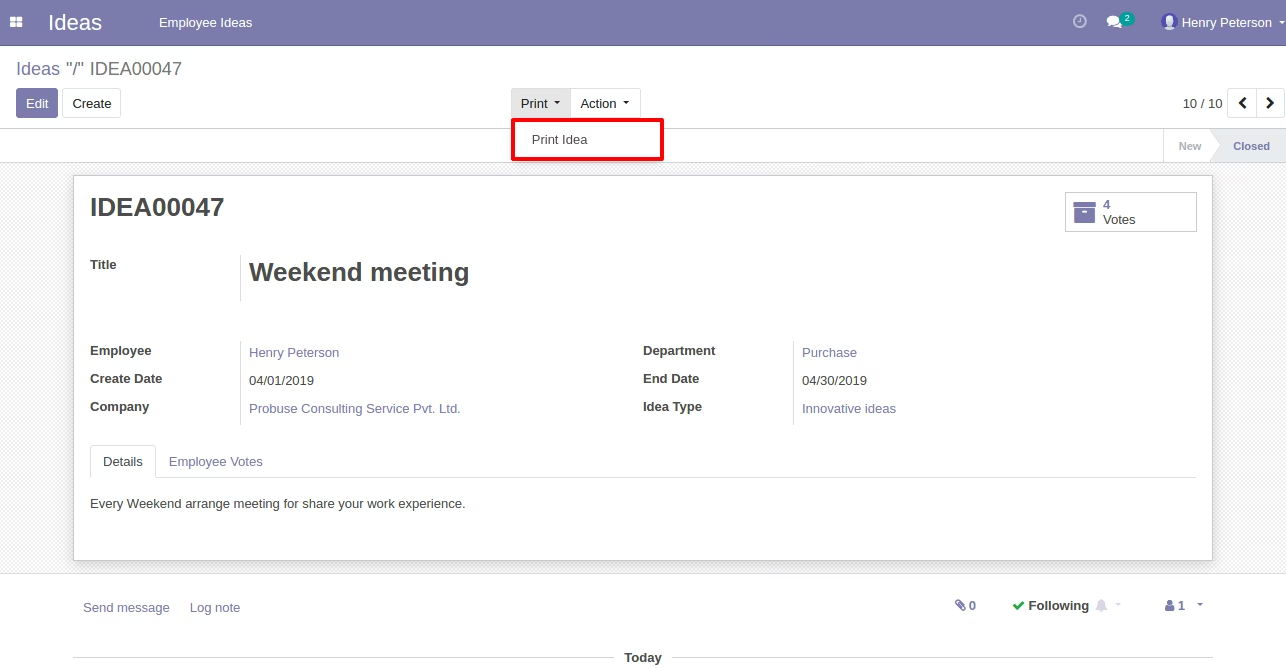
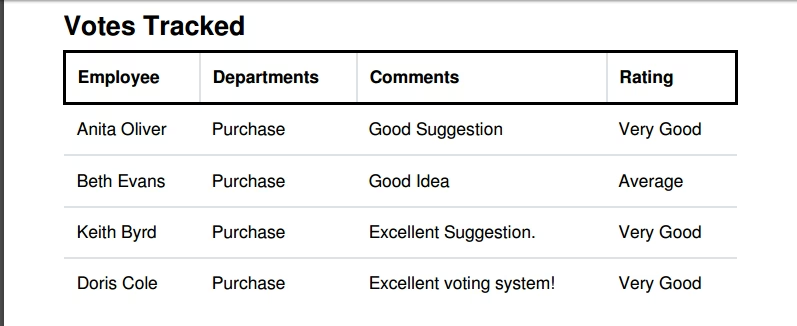
Print Idea in PDF
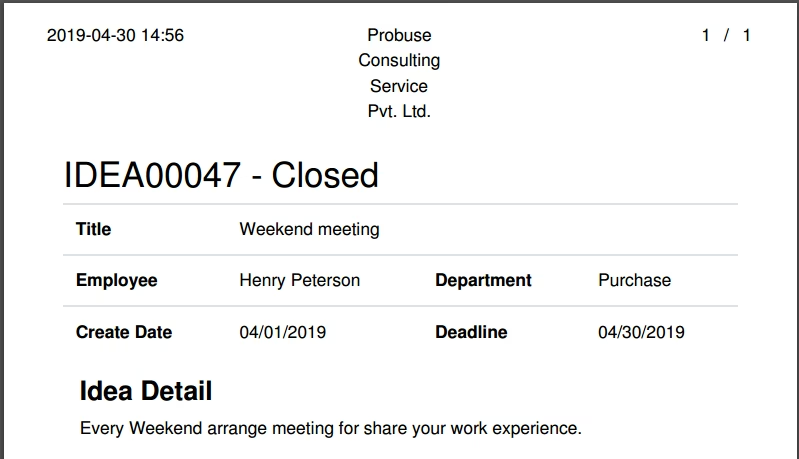
Print Idea PDF Report Sample
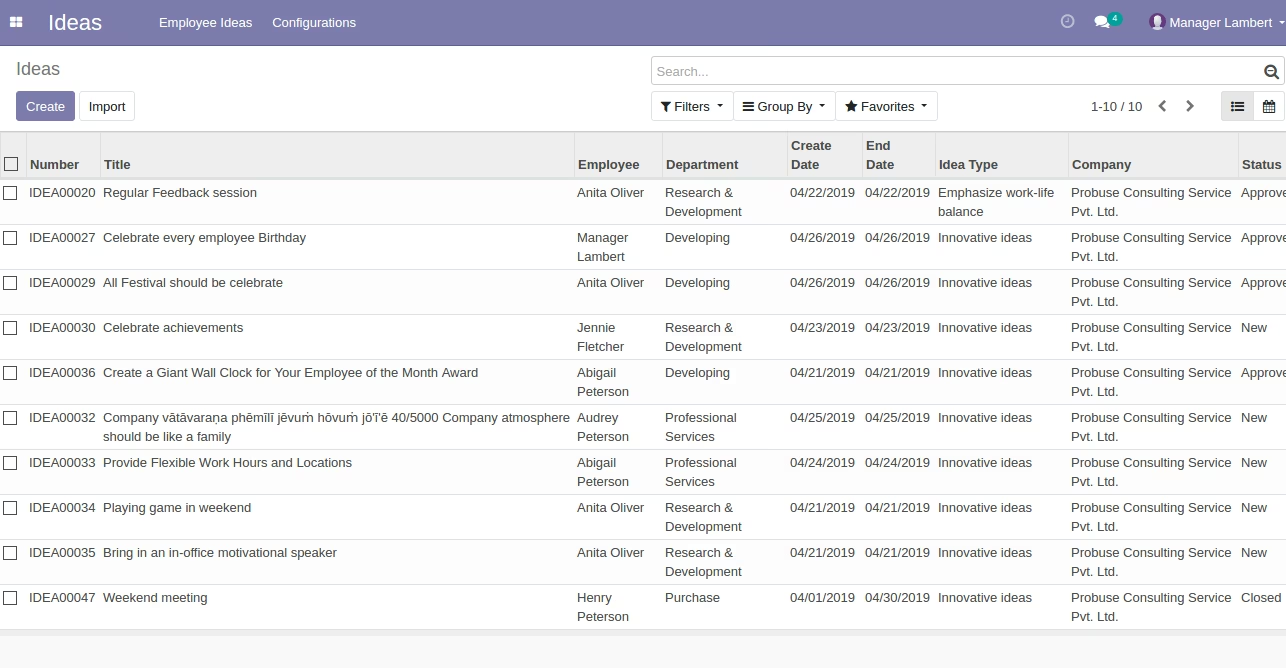
Employee Idea Request Tree View
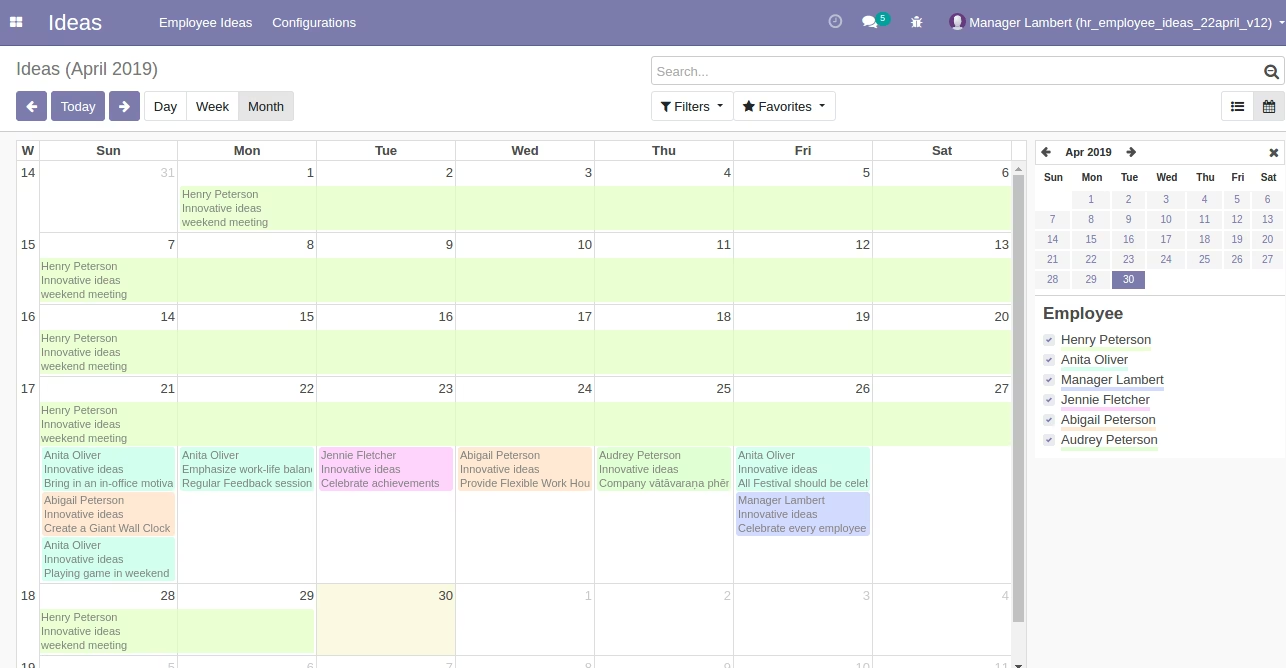
Employee Idea Request Calendar View
Send Mail to Users for Request for Vote on Idea