The module enables businesses to generate and print Saudi-compliant electronic invoices featuring embedded QR codes. This functionality ensures compliance with the Zakat, Tax and Customs Authority (ZATCA) regulations in Saudi Arabia, facilitating the issuance of VAT invoices, credit notes, and refund invoices with the required QR codes.
QR Code Generation: Automatically generates QR codes containing VAT and transaction details.
Invoice Types Supported: Supports VAT invoices, credit notes, and refund invoices.
ZATCA Compliance: Ensures invoices meet the requirements set by the ZATCA.
Customizable Templates: Allows customization of invoice templates to match business branding.
Multi-Language Support: Supports Arabic and English languages for invoices.
Regulatory Compliance: Ensures adherence to Saudi Arabia's electronic invoicing regulations.
Enhanced Efficiency: Automates the generation of compliant invoices, reducing manual errors.
Improved Customer Experience: Provides customers with clear and compliant invoices.
Brand Consistency: Customizable templates maintain consistent branding across invoices.
Seamless Integration: Works smoothly with existing modules, enhancing workflow efficiency.

Configure Additional Details and QR Code
Configure partner additional details and invoice qr code.
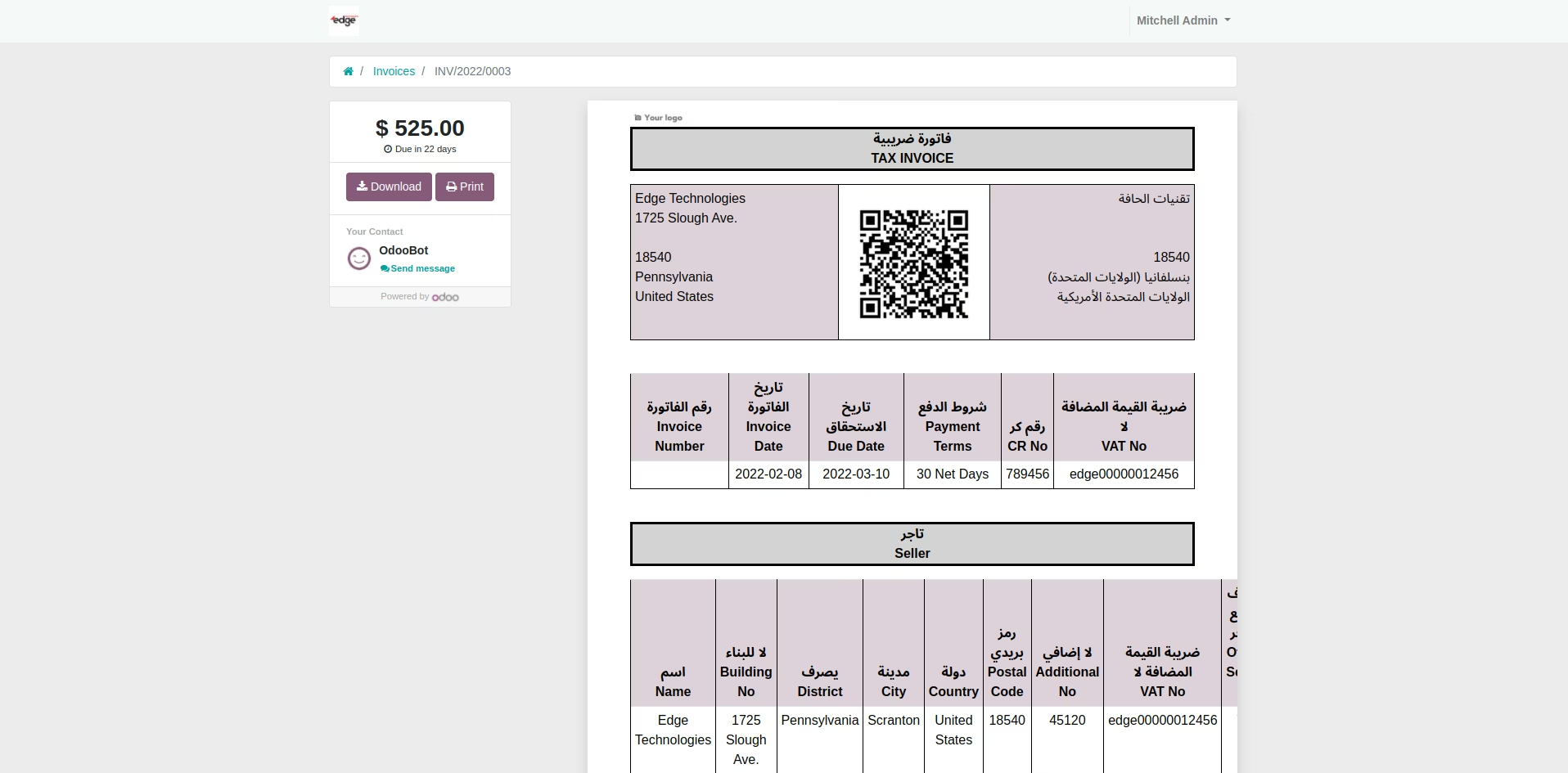
KSA invoice Portal View
Electronic KSA invoice website portal view.
Credit Note With QRCode
Configured qr-code in credit note

KSA Credit Note Portal View
KSA credit note website portal view.

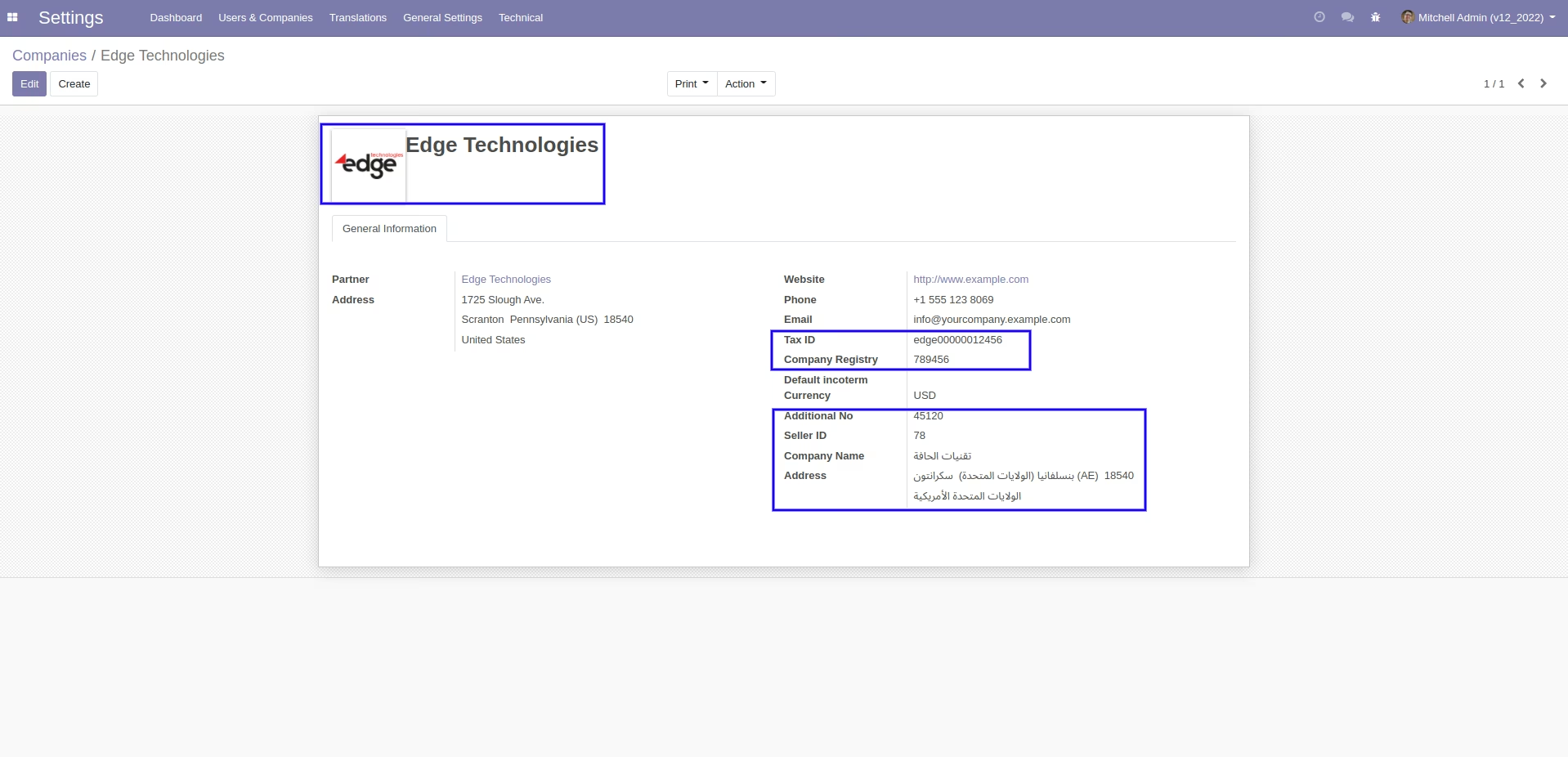
Configure Company Additional Details
Configure company number, seller id,name,address.

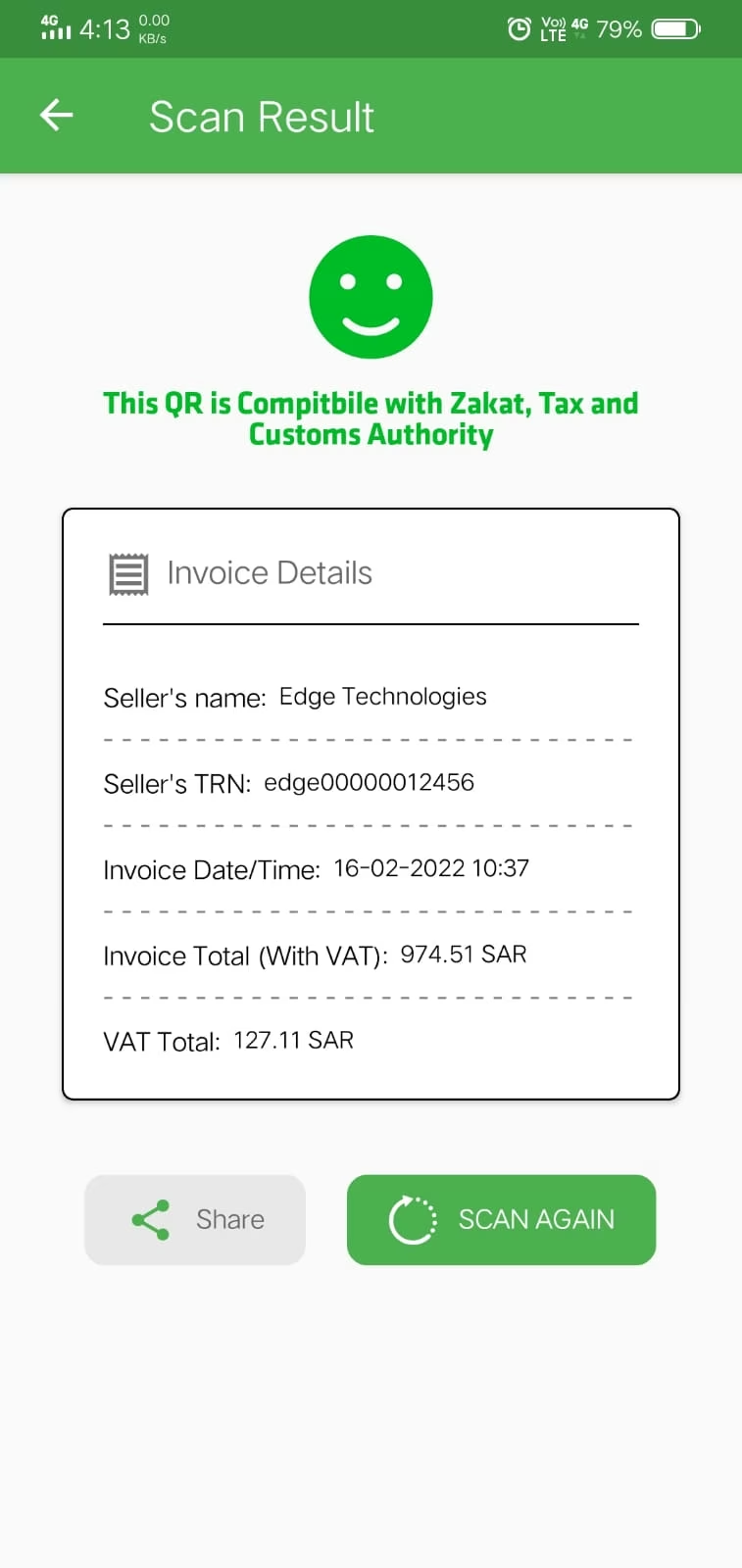
QR Code Verified with E-Invoice QR Reader
TLV base64 qr code verified with E-invoice qr reader KSA.
Configure Company Details
Company name, tax and other information
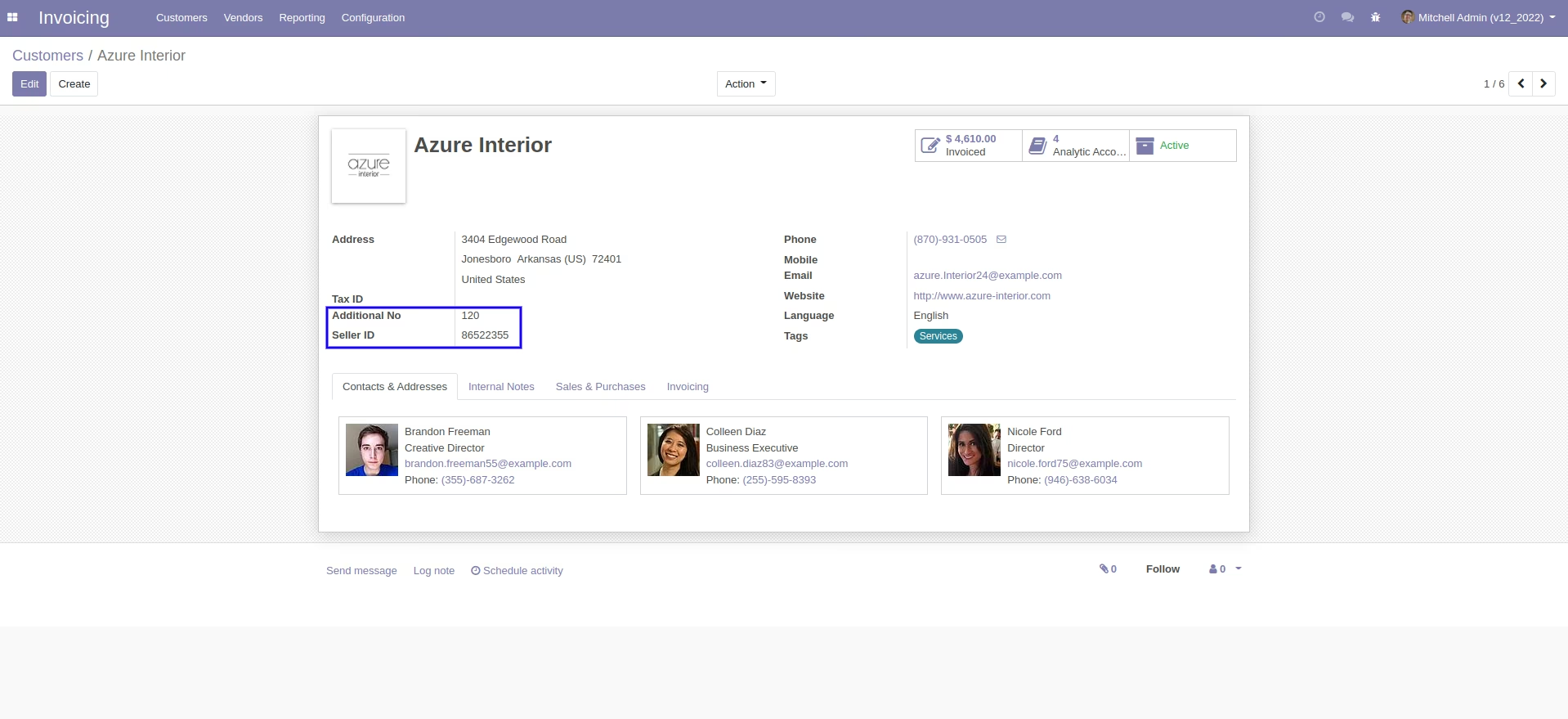
Configure Details in Customer Form
Customer form view with additional number and other seller id
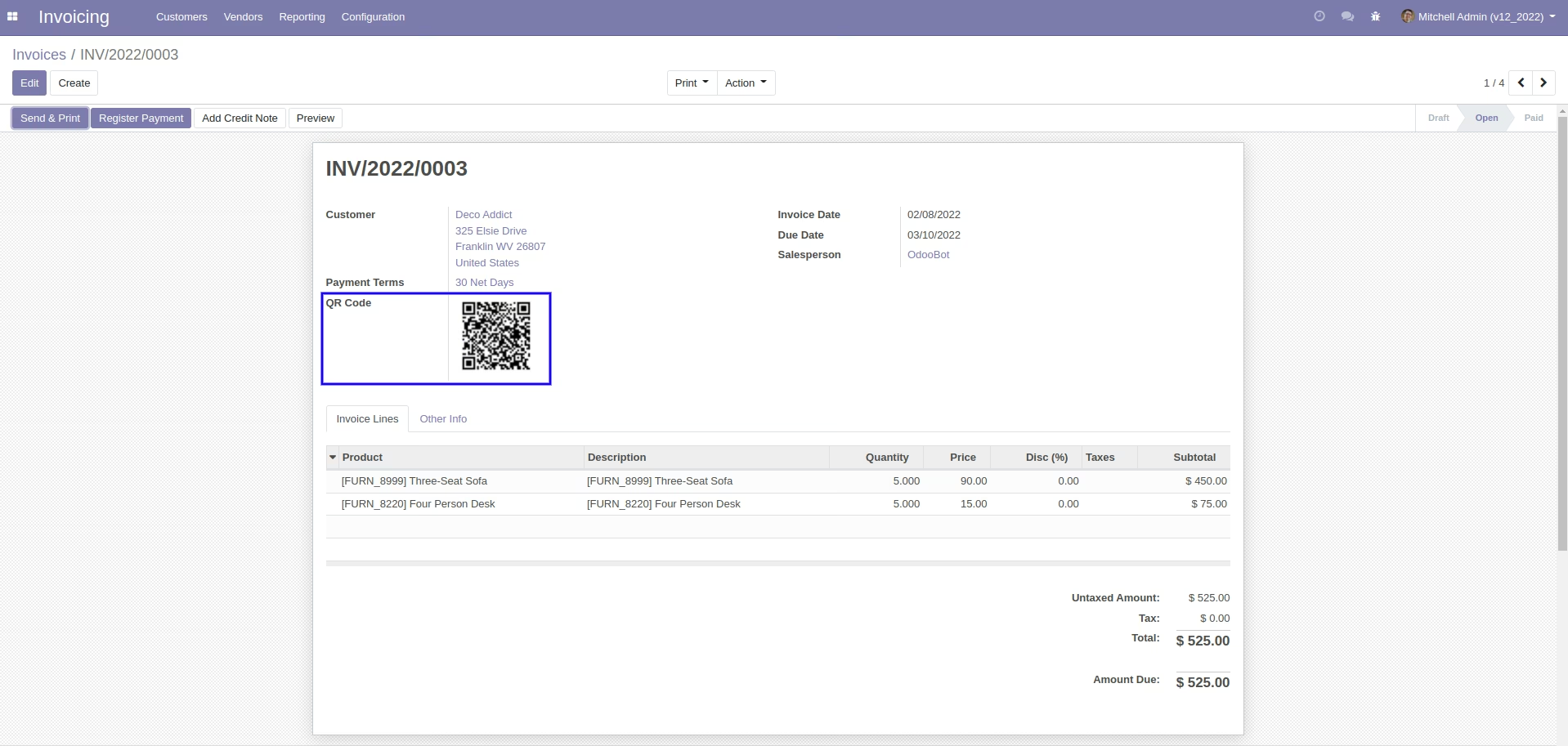
Invoice with QRCode
Customer invoice with qr code.
KSA Invoice Portal View
KSA invoice website portal view.
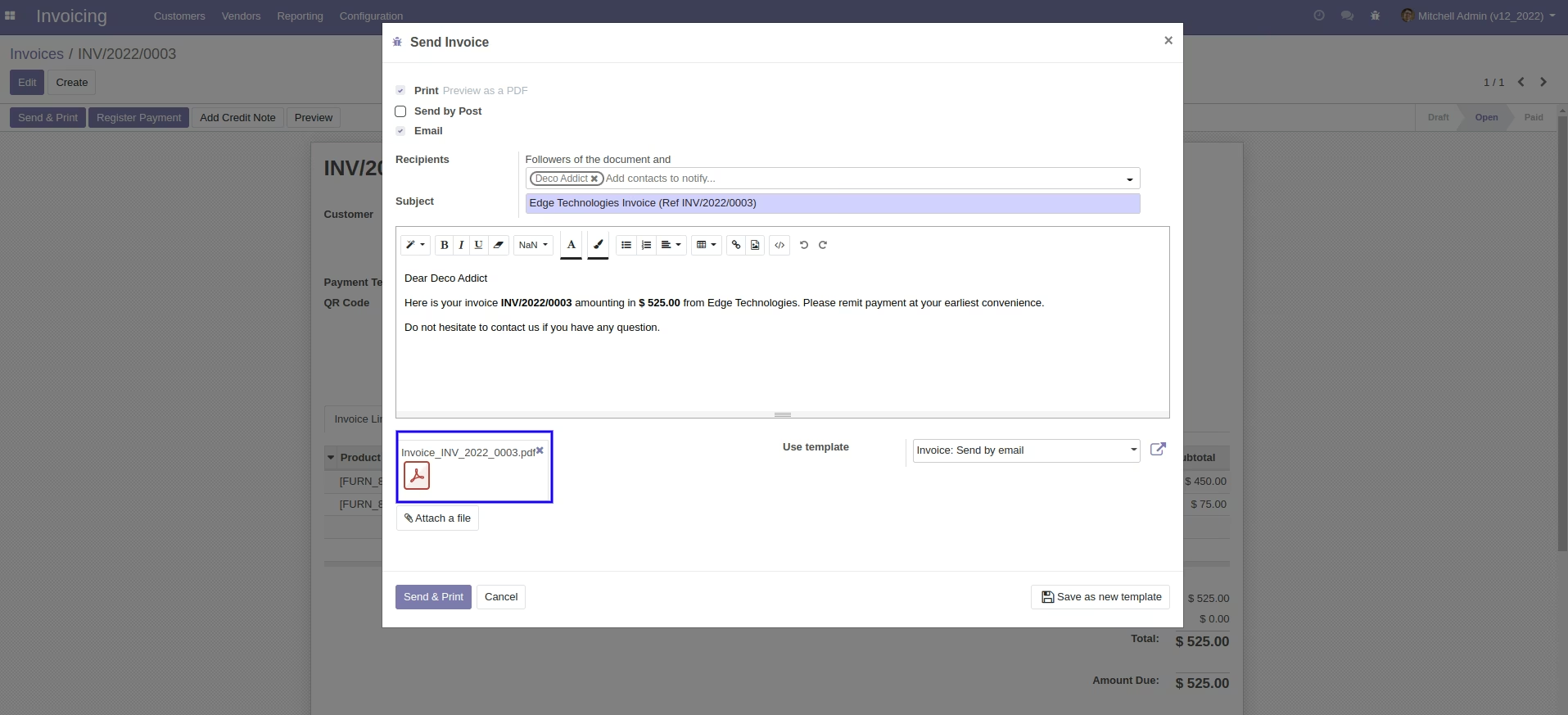
Default Attachment if Customer is Company.
Default invoice attachment if customer is company.
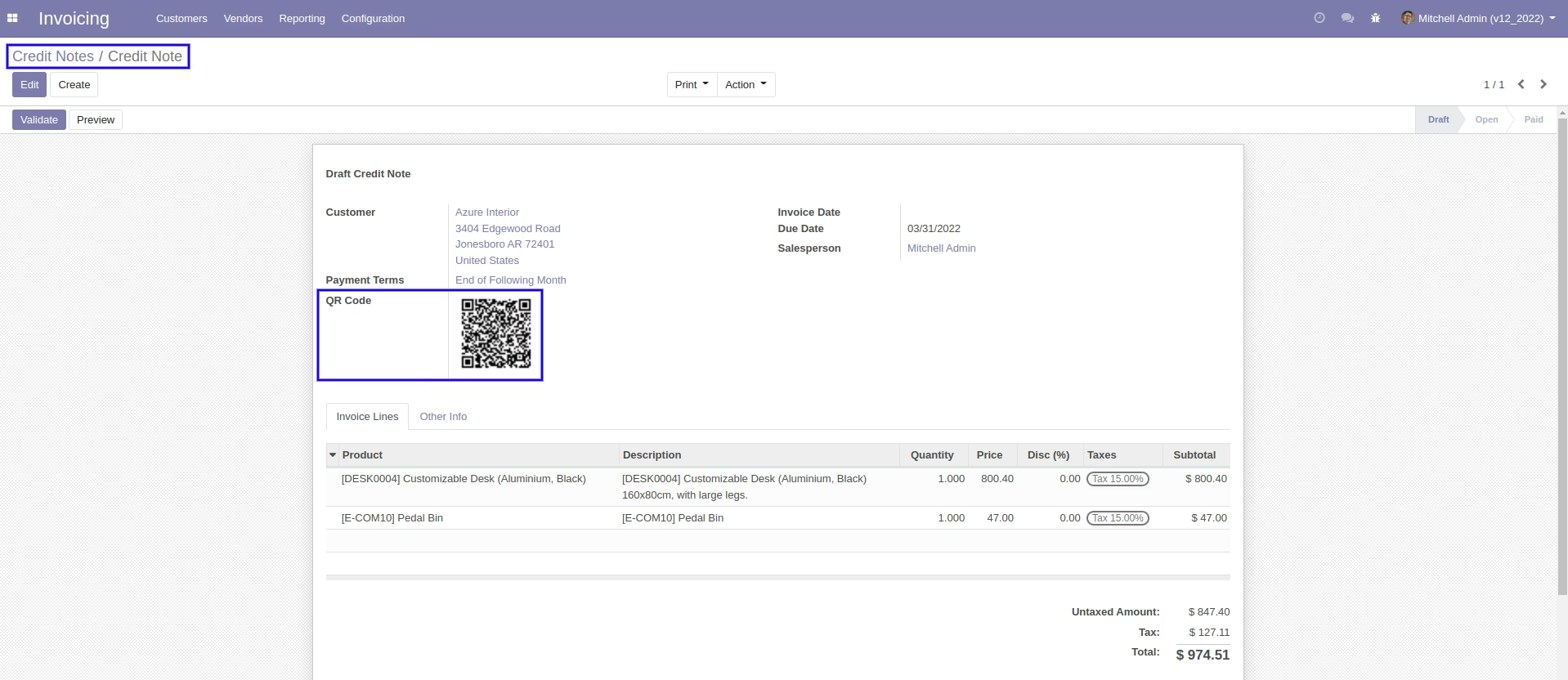
Credit Note with QRCode.
Credit note with qr code.
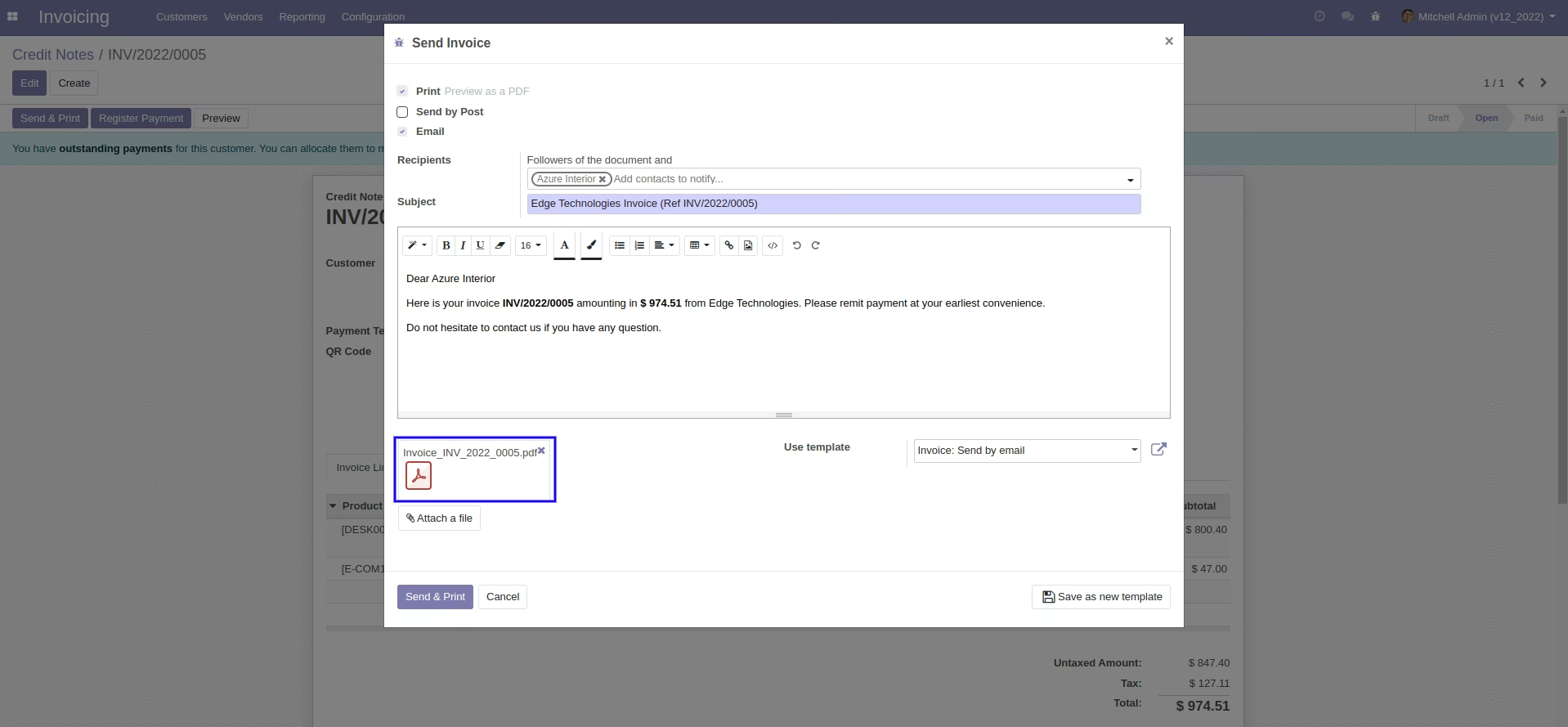
Default Attachment if Customer is Company
Default attachment if customer type is company.
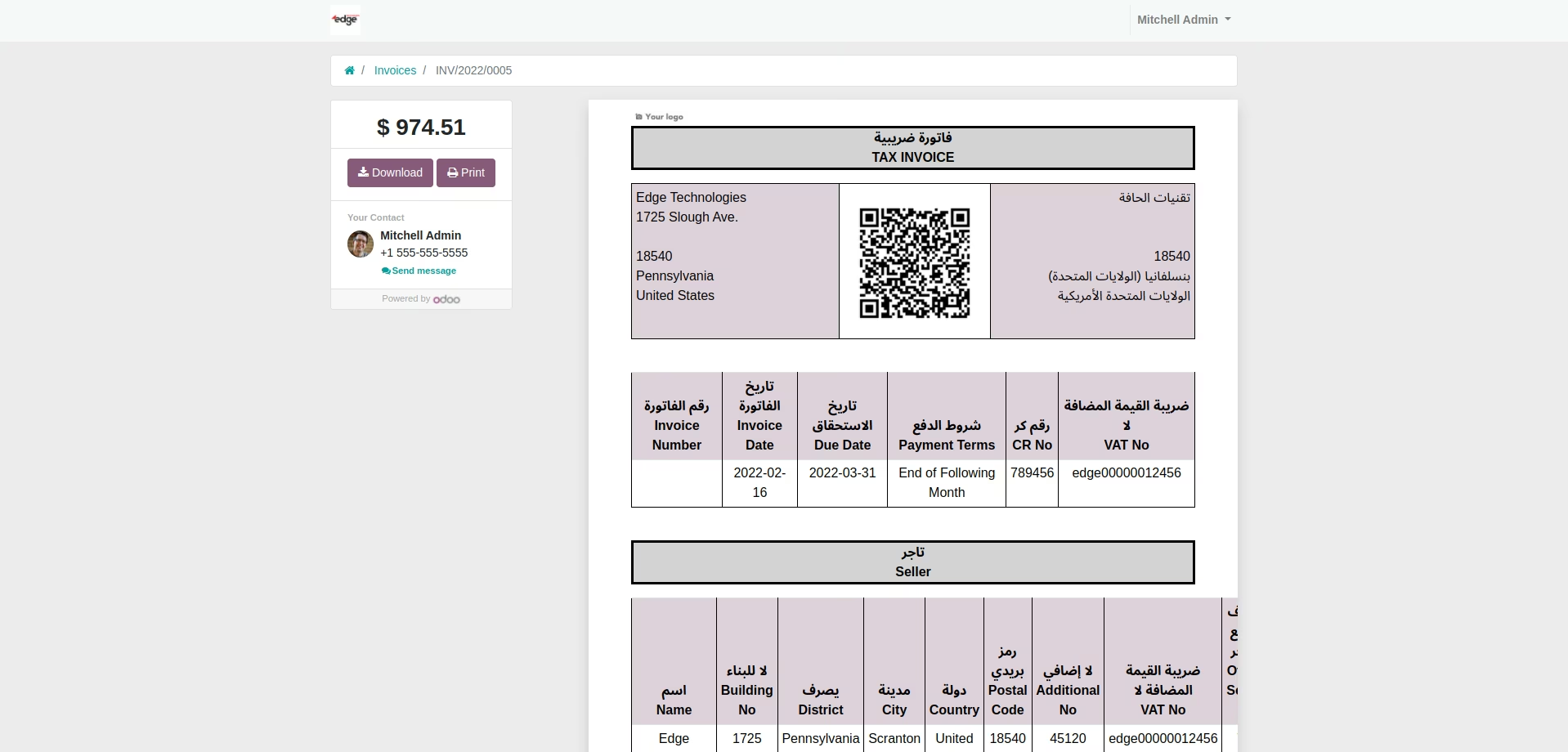
KSA Credit Note Portal View.
KSA credit note website portal view.
"TLV Base64 QR Code Verified with E-Invoice QR Reader KSA"
"TLV base64 qr code verified with e-invoice qr reader KSA"