The module allows customers to browse and order agricultural crops directly from your eCommerce website. Upon order confirmation, the system automatically generates a crop request in the backend, streamlining the order fulfillment process and integrating seamlessly with farm management workflows.
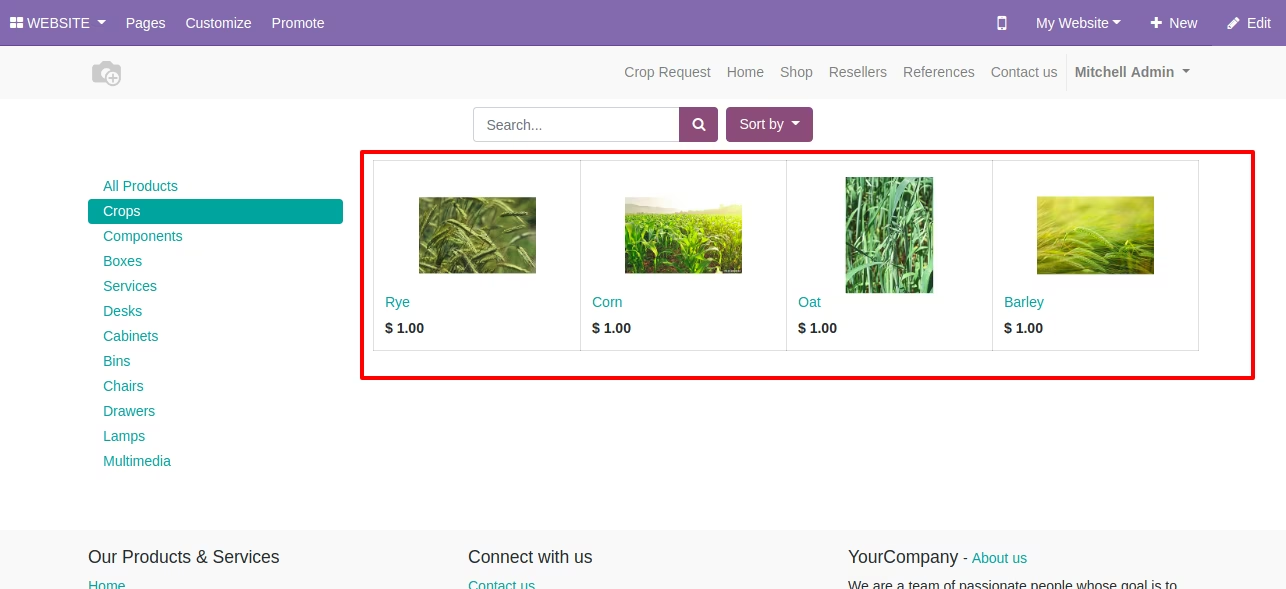
Online Crop Catalog: Display a variety of crops available for sale on your eCommerce platform.
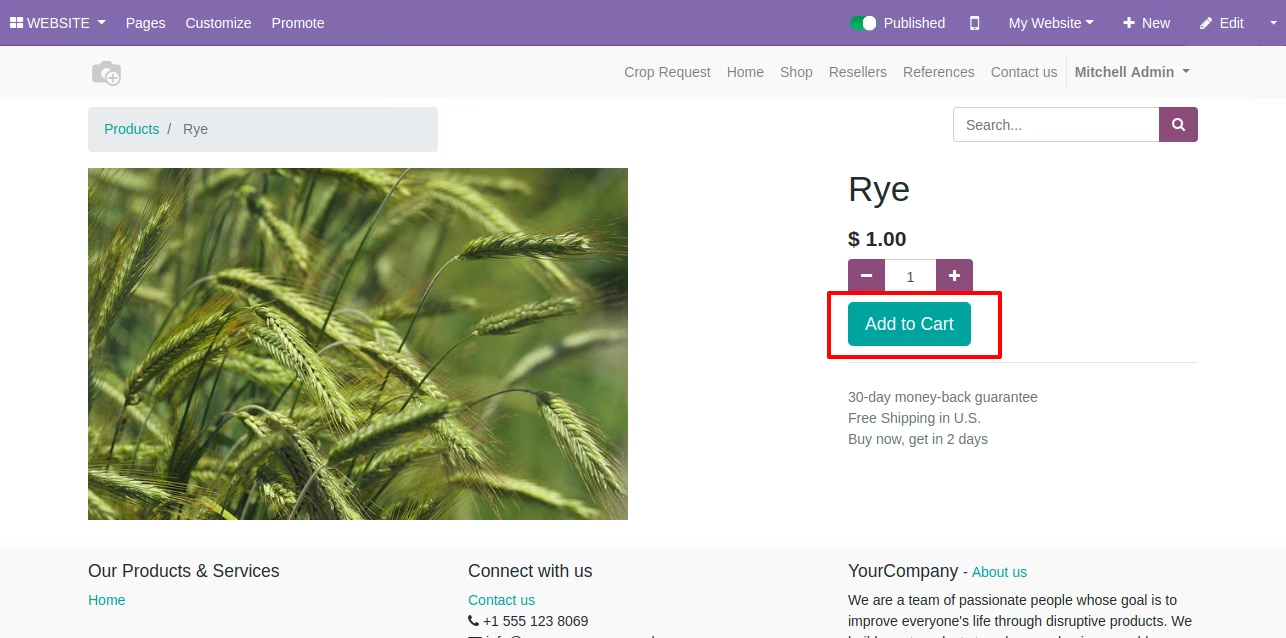
Shopping Cart Integration: Customers can add selected crops to their shopping cart for easy checkout.
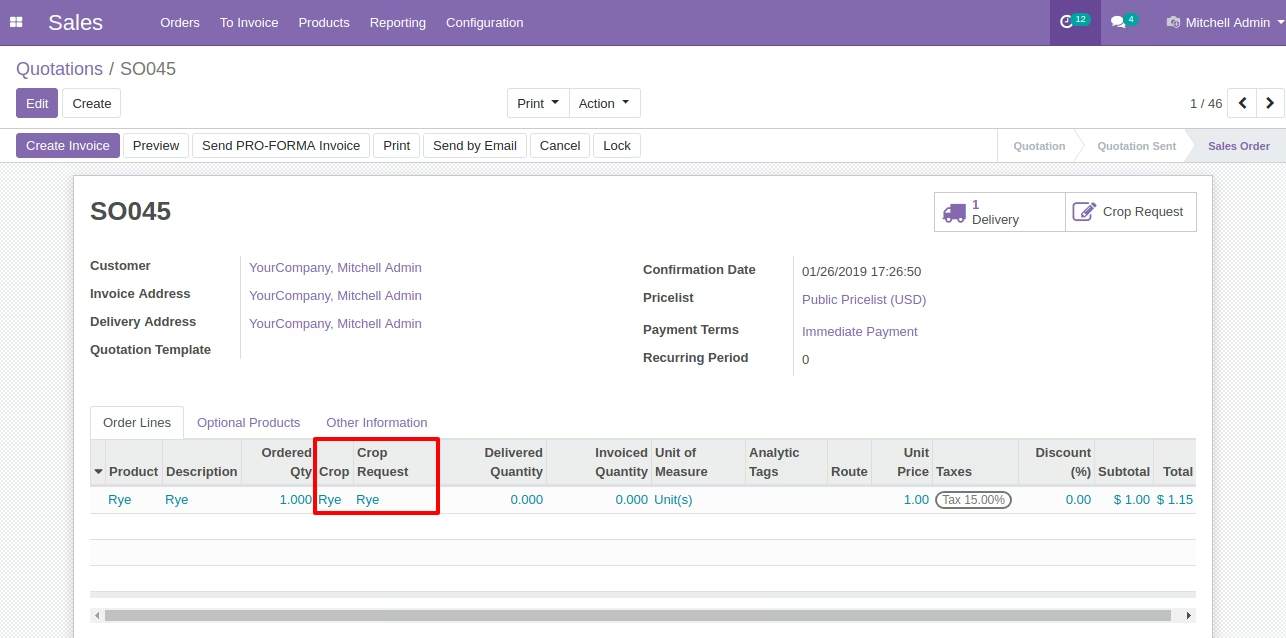
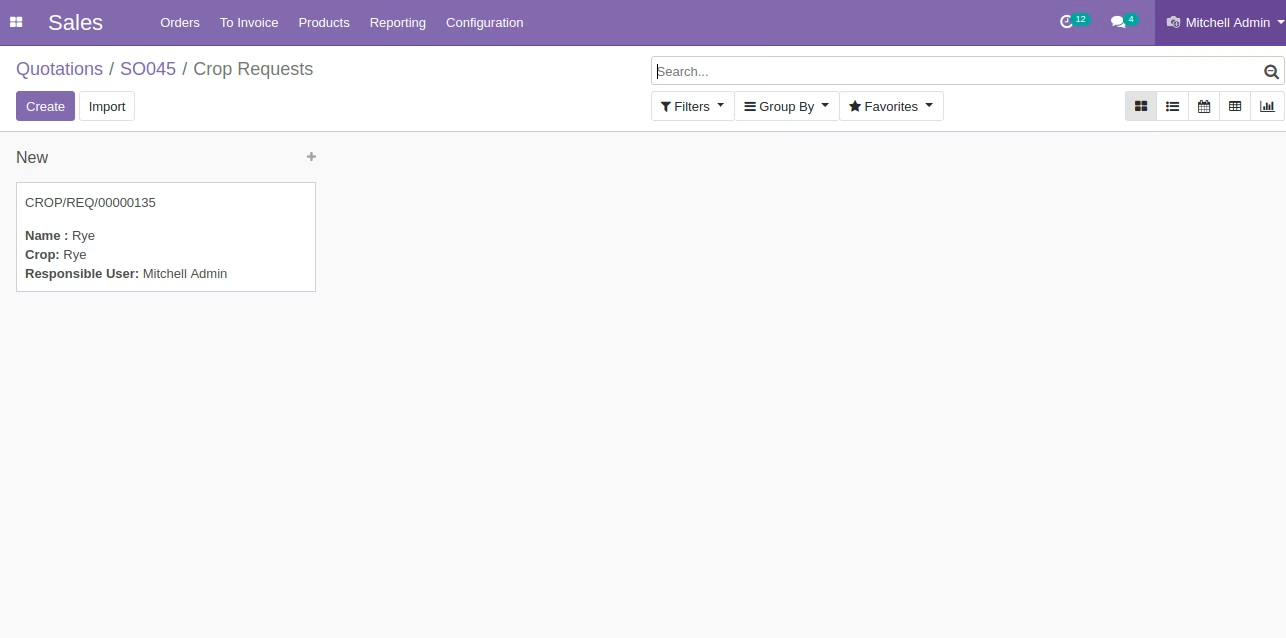
Automatic Crop Request Generation: Upon order confirmation, the system creates a crop request in the backend for processing.
Seamless Integration: Works in conjunction with other modules such as Inventory, CRM, and Invoicing.
User-Friendly Interface: Provides an intuitive and responsive interface for customers to browse and order crops.
Enhanced Customer Experience: Provides a convenient online platform for customers to order agricultural products.
Streamlined Operations: Automates the crop request process, reducing manual intervention and errors.
Improved Inventory Management: Integration with the Inventory module ensures accurate stock levels and efficient order fulfillment.
Increased Sales Opportunities: Expands your reach by offering online ordering capabilities to a broader audience.
Comprehensive Reporting: Generates detailed reports on crop sales and requests, aiding in decision-making and planning.
This app allows your customer to select crops in ecommerce / shop and allow them to add to the shopping cart and then the system will create a crop request on confirmation of sales order in the backend.
Main Features:
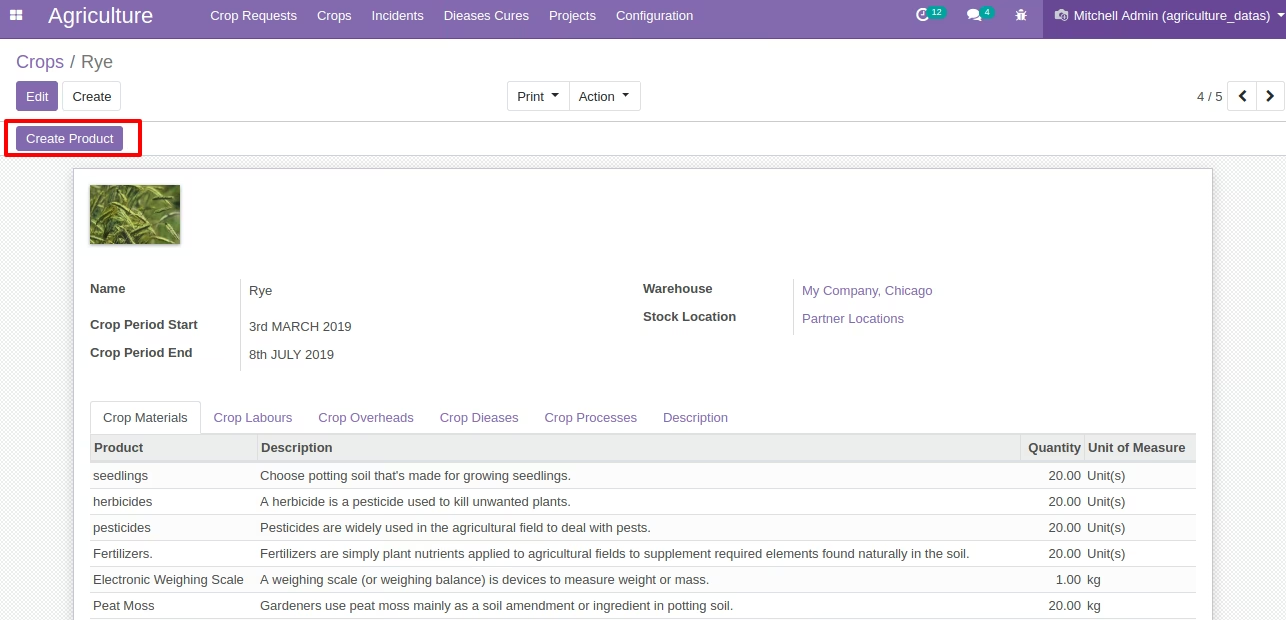
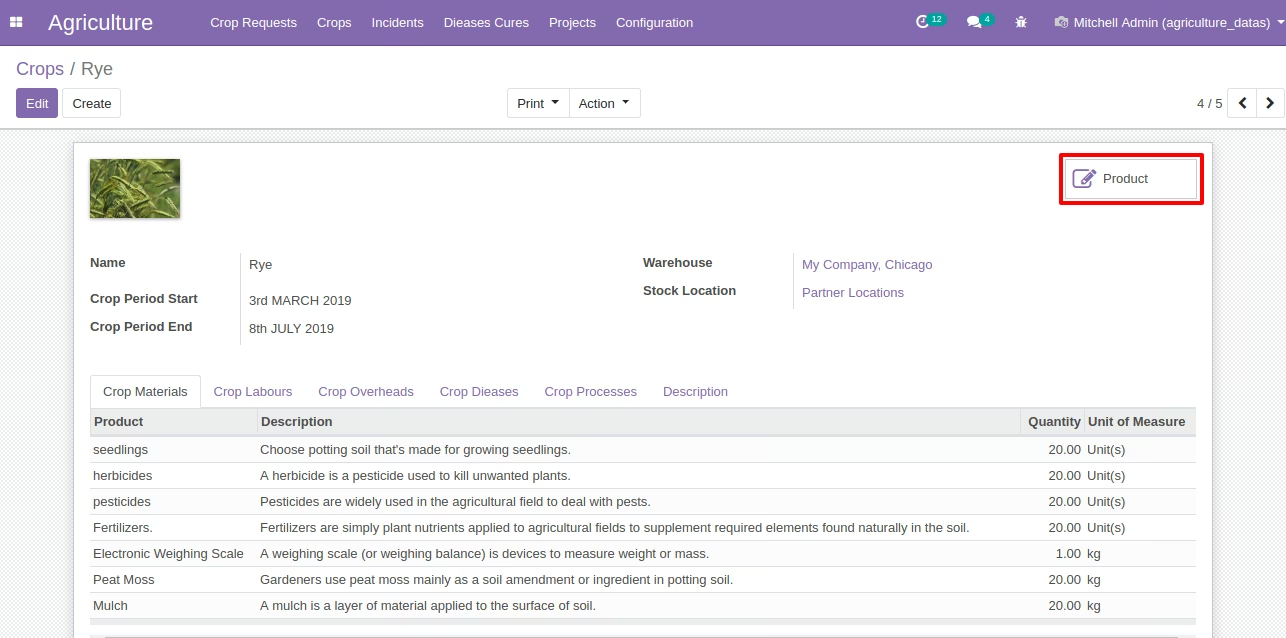
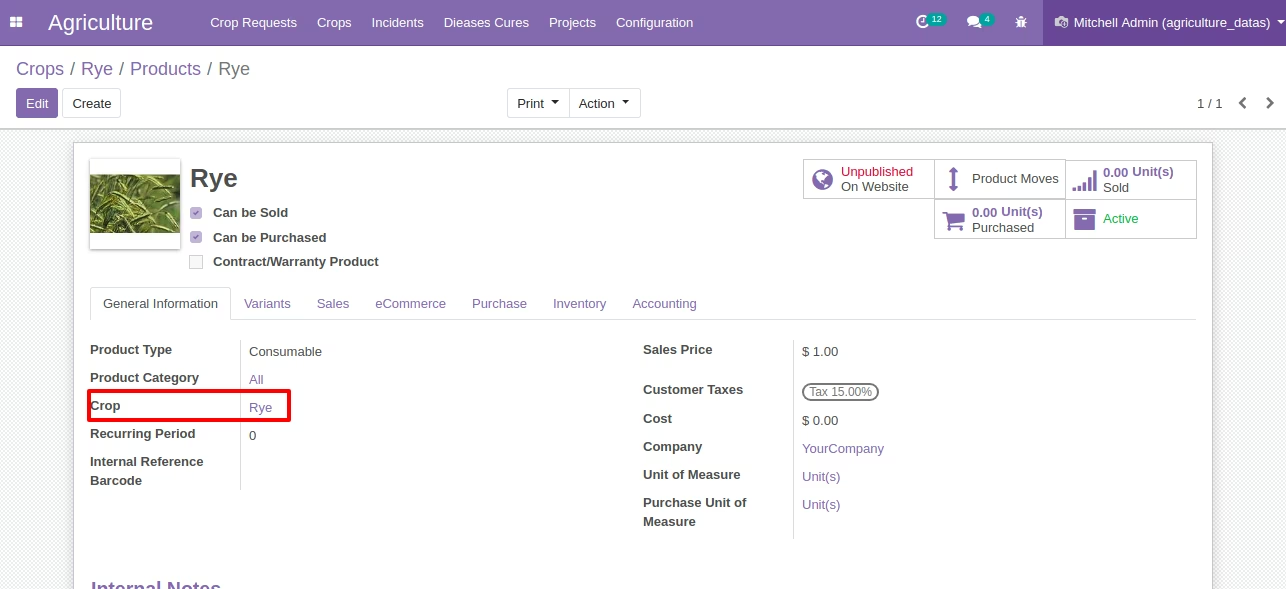
- Product link with crop in the backend so you can create products from crop.
- Crop reference on product form view as shown.
- Customers can select crops in the shop and add them to cart and once they pay it will create a crop request in the backend on sales order confirmation.
- For more details please check below screenshots and watch the video.
Create Product Button from Crop Form in Backend
Product Smart Button On Crop Form in Backend
Crop Reference on Product Form View [Standard]
Crops as Product on Website Ecommerce / Shop [Standard Shop Feature]
Add to Cart Crop on Website [Standard Shop Feature]
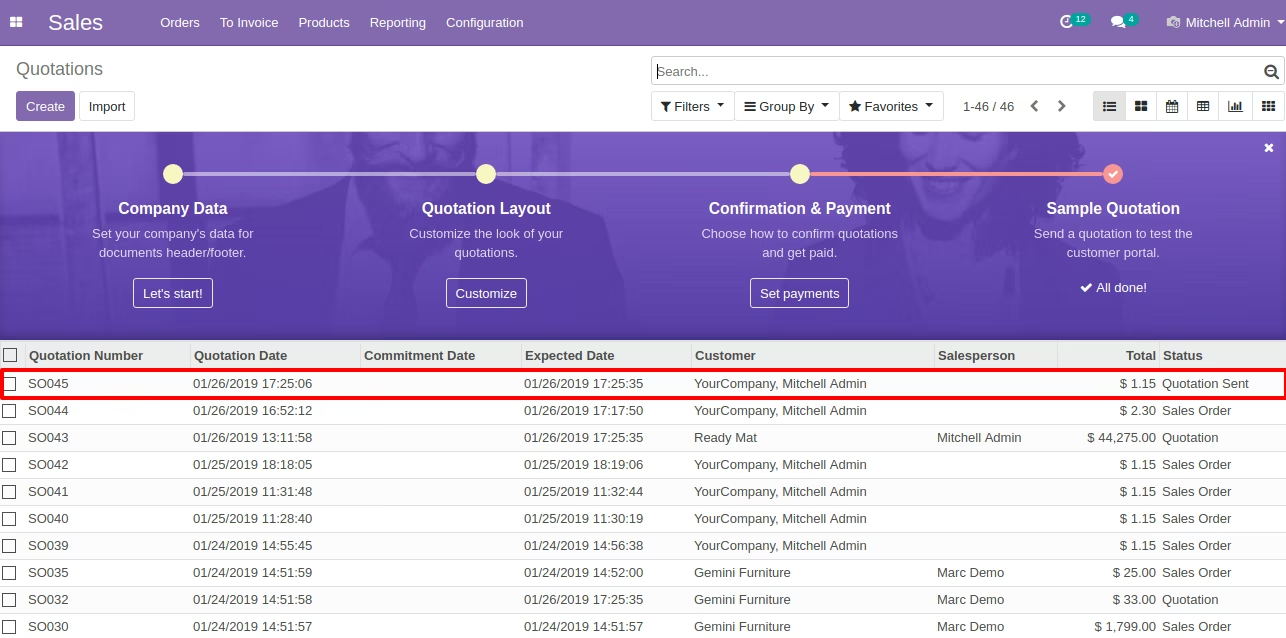
Sales Order in List in Backend [Standard]
Sales Order Form View [Standard]
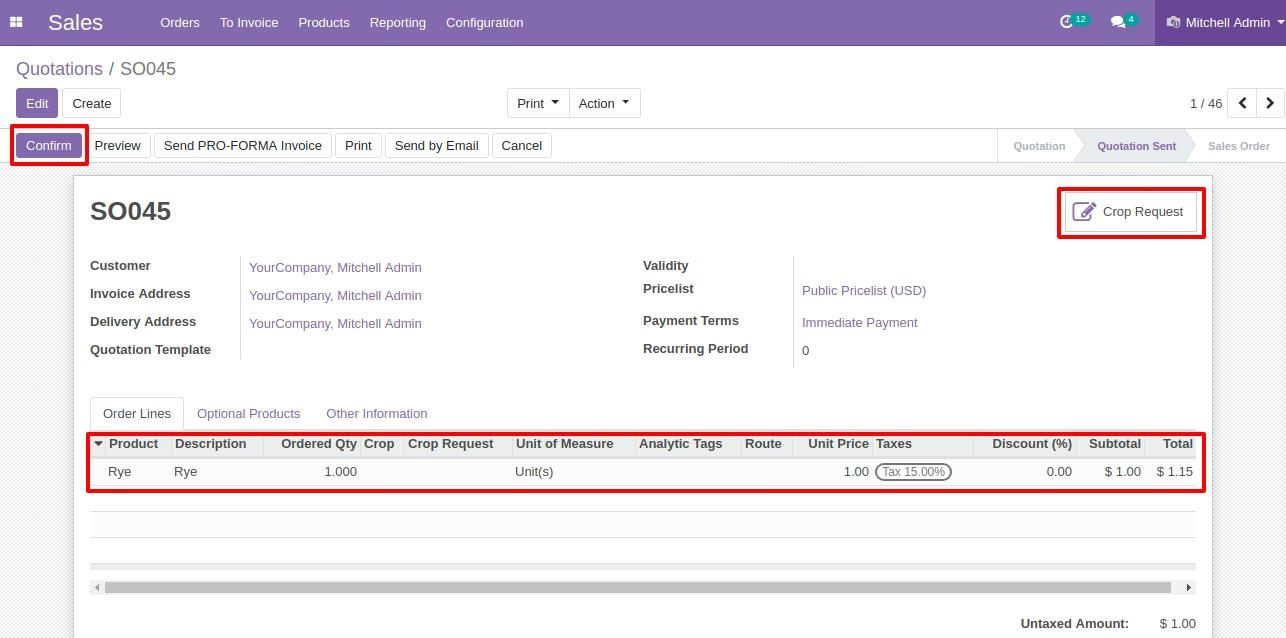
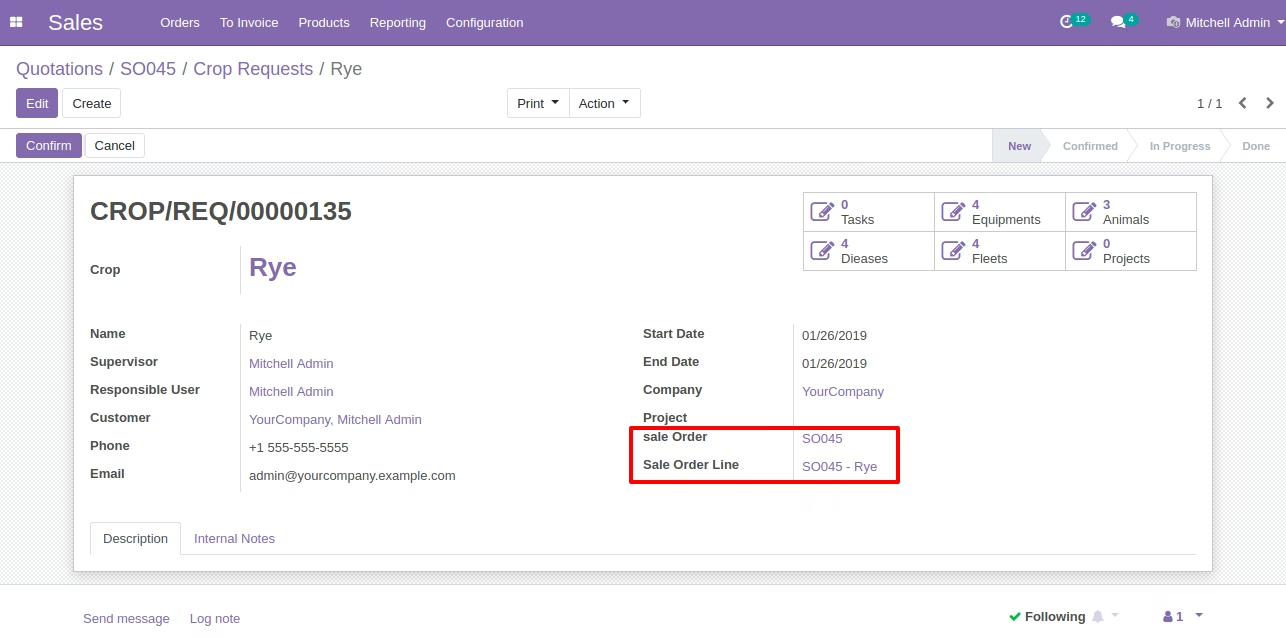
After Confirm Sales Order then System will Create Crop Request Automatically.
Created Crop Request Kanban View
Created Crop Request Form View