Introduction
The Dynamic Print Cheque module for Odoo enhances the cheque printing capabilities within Odoo. It allows businesses to customize cheque layouts, manage cheque numbers, and automate the cheque printing process, ensuring efficiency and compliance with financial standards.
Cheque Layout Customization: Design and customize cheque layouts to meet specific requirements.
Cheque Number Management: Automatically manage and sequence cheque numbers to prevent duplication.
Automated Cheque Printing: Print cheques directly from Odoo, streamlining the payment process.
Integration with Accounting: Seamlessly integrates with Odoo's Accounting module for efficient payment processing.
Support for Multiple Bank Accounts: Manage and print cheques for multiple bank accounts.
Audit Trail: Maintain a comprehensive audit trail of all cheque-related activities for compliance purposes.
Enhanced Efficiency: Automates the cheque printing process, reducing manual effort and errors.
Improved Compliance: Ensures cheque number sequencing and layout customization align with financial regulations.
Streamlined Operations: Integrates cheque printing seamlessly into existing Odoo workflows.
Better Control: Provides tools for managing and tracking cheque-related activities effectively.
Scalability: Supports businesses of all sizes with its flexible and customizable features.
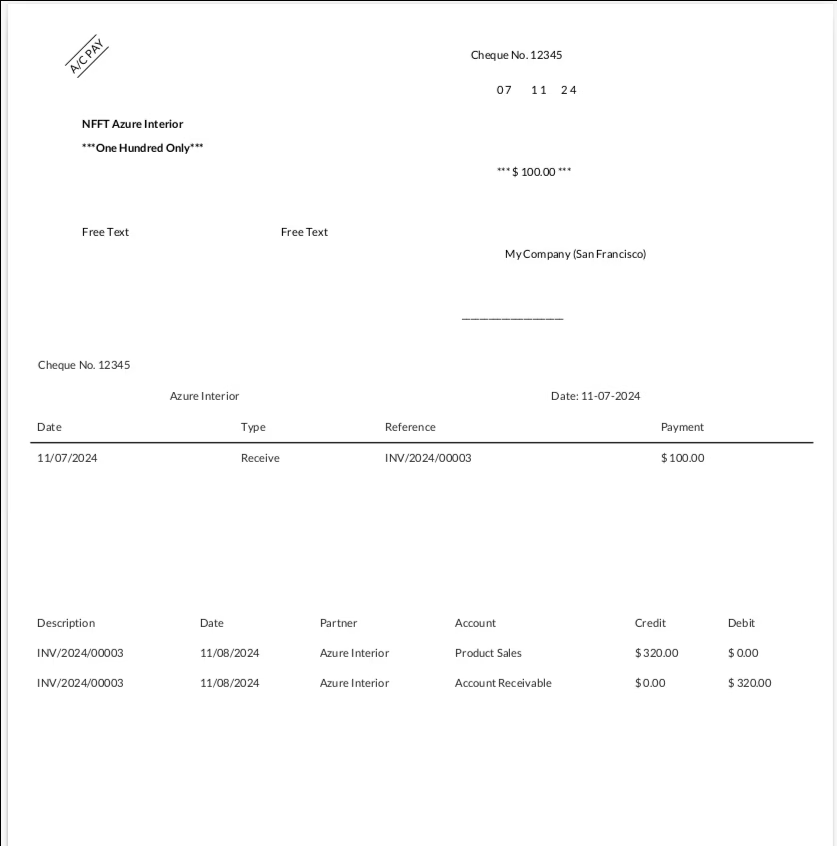
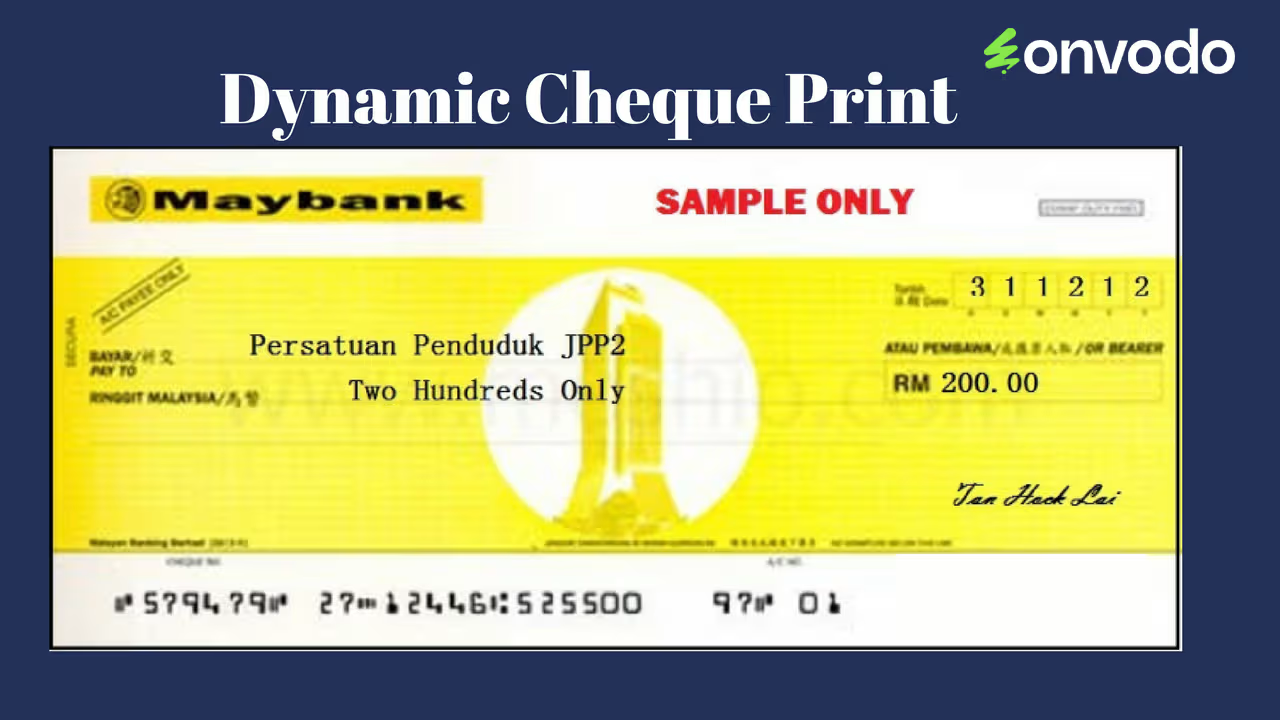
Dynamic Print Cheque Odoo app allows you to configure and print cheques for any bank, adapting to various cheque formats with ease. This app provides flexibility in adjusting essential details, such as customer name, date, amount, amount in words, and signature placement, based on your specific format requirements. You can customize the appearance by adjusting font size, font color, and enabling bold text for important values. The app also supports adding free text at the bottom of the cheque, printing stub lines with cheque numbers, and including journal entries with transaction details on the lower half of the page. This tool is ideal for businesses that need to manage cheques across multiple banks and formats, ensuring accuracy and a professional appearance for all printed cheques.
- Configure and print cheque/check for any bank with different Cheque format.
- Adjust all possible values like customer name, date, amount, amount in words, signature based on your needs/Format.
- Print bold format values.
- Adjust font size.
- Adjust font color.
- Print Free text on bottom.
- Print Free text on bottom.
- Print Stub Lines with cheque no in below half page.
- Print journal entires with transatation in below half page.
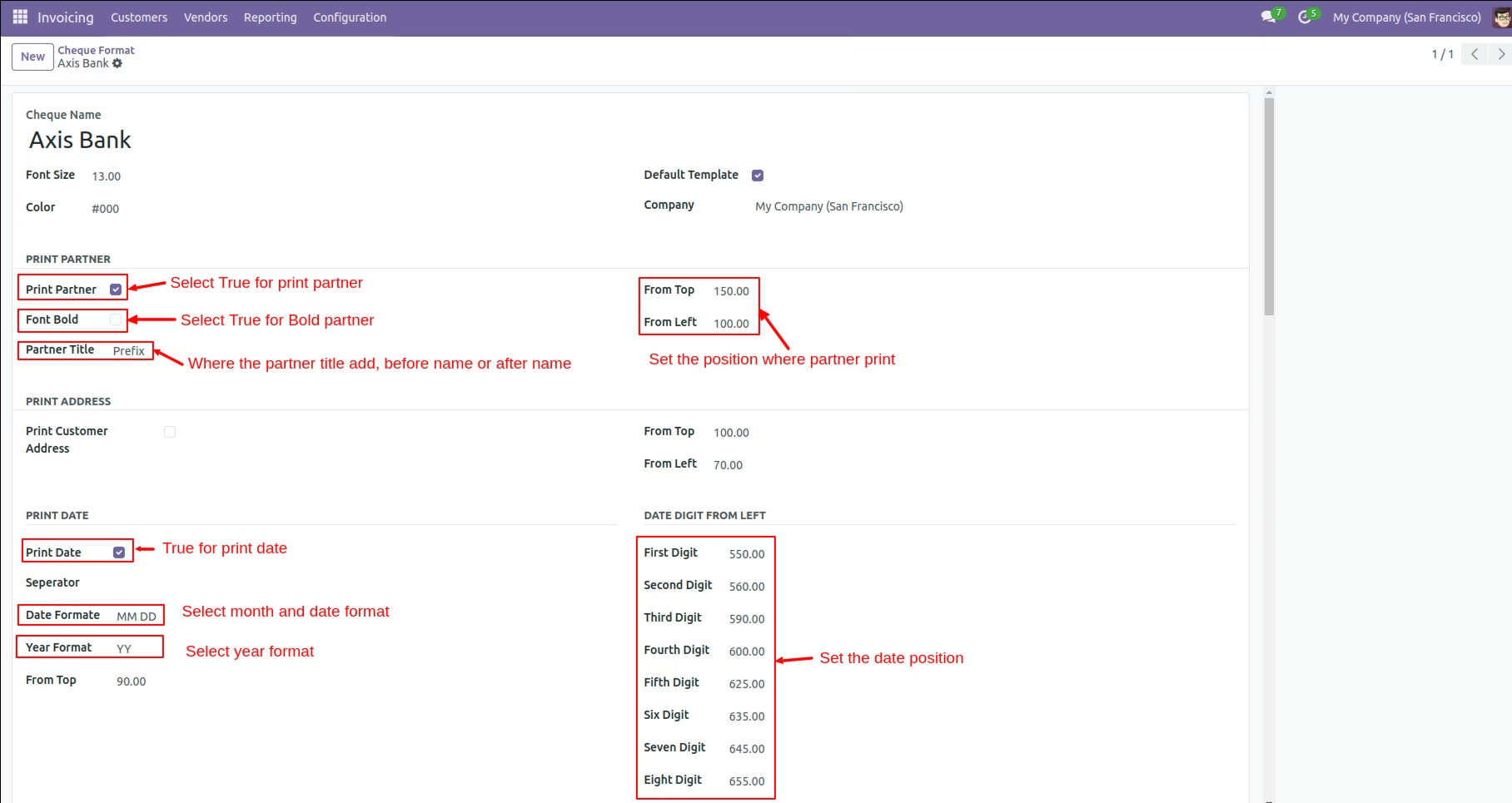
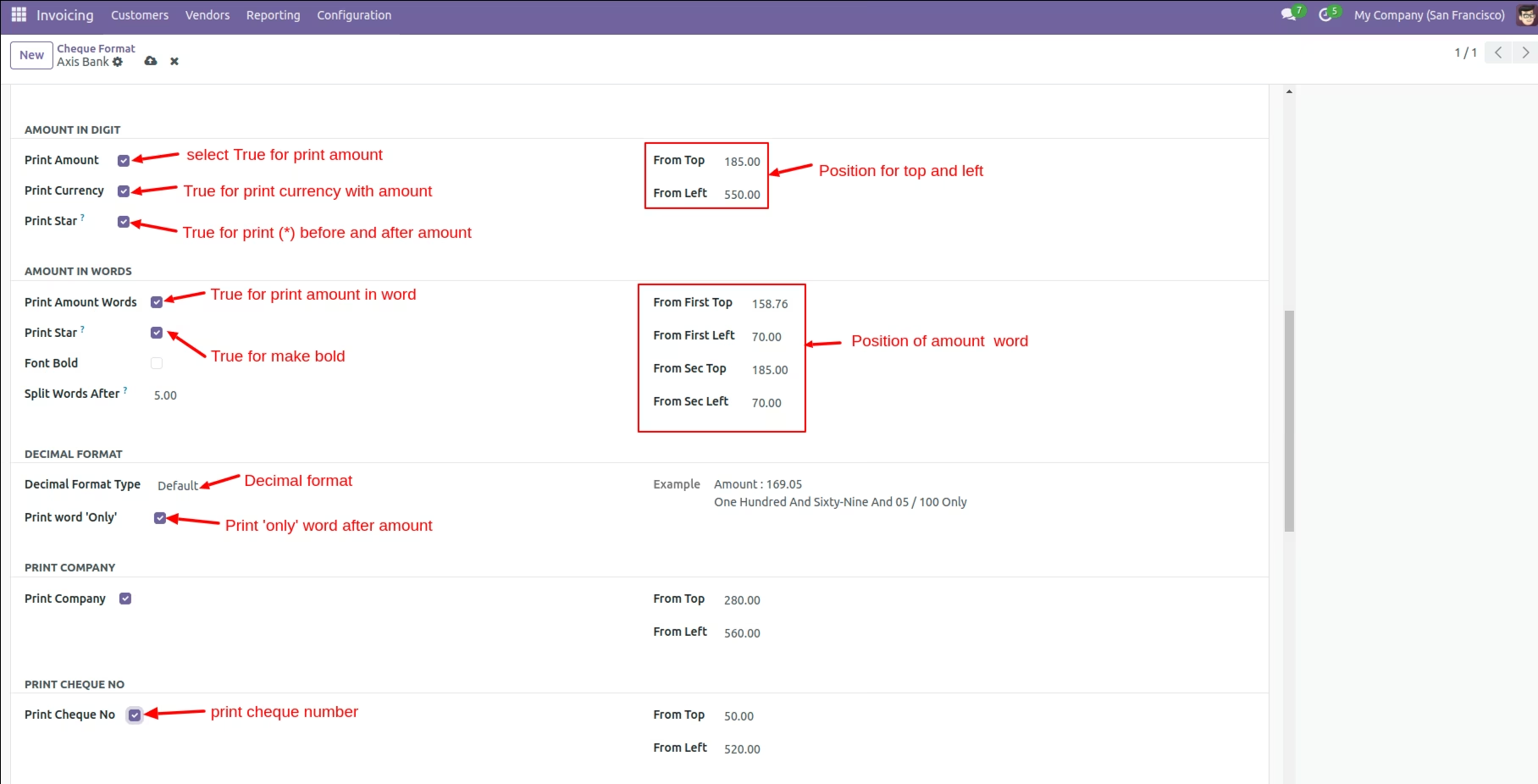
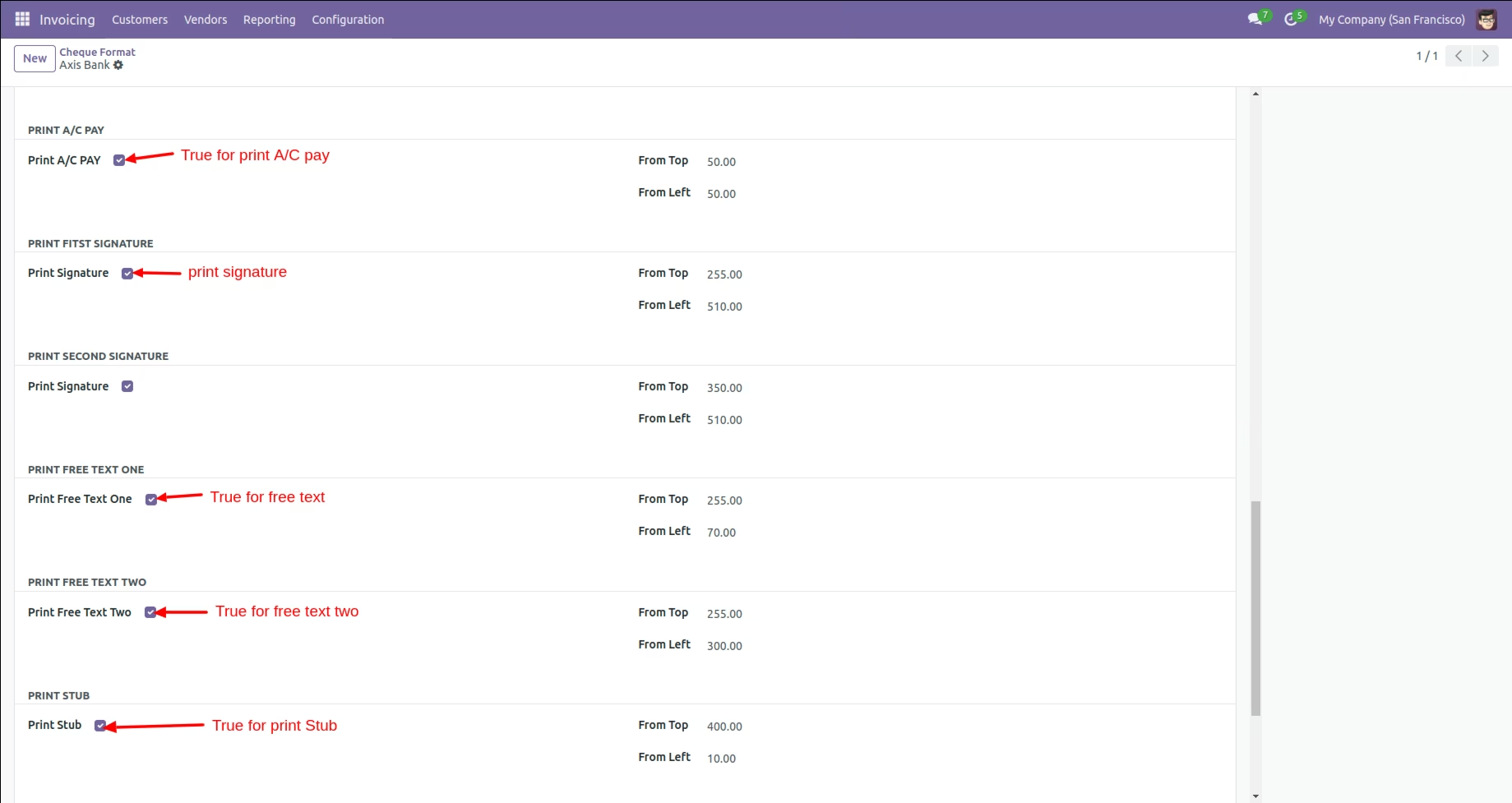
Create Cheque Format
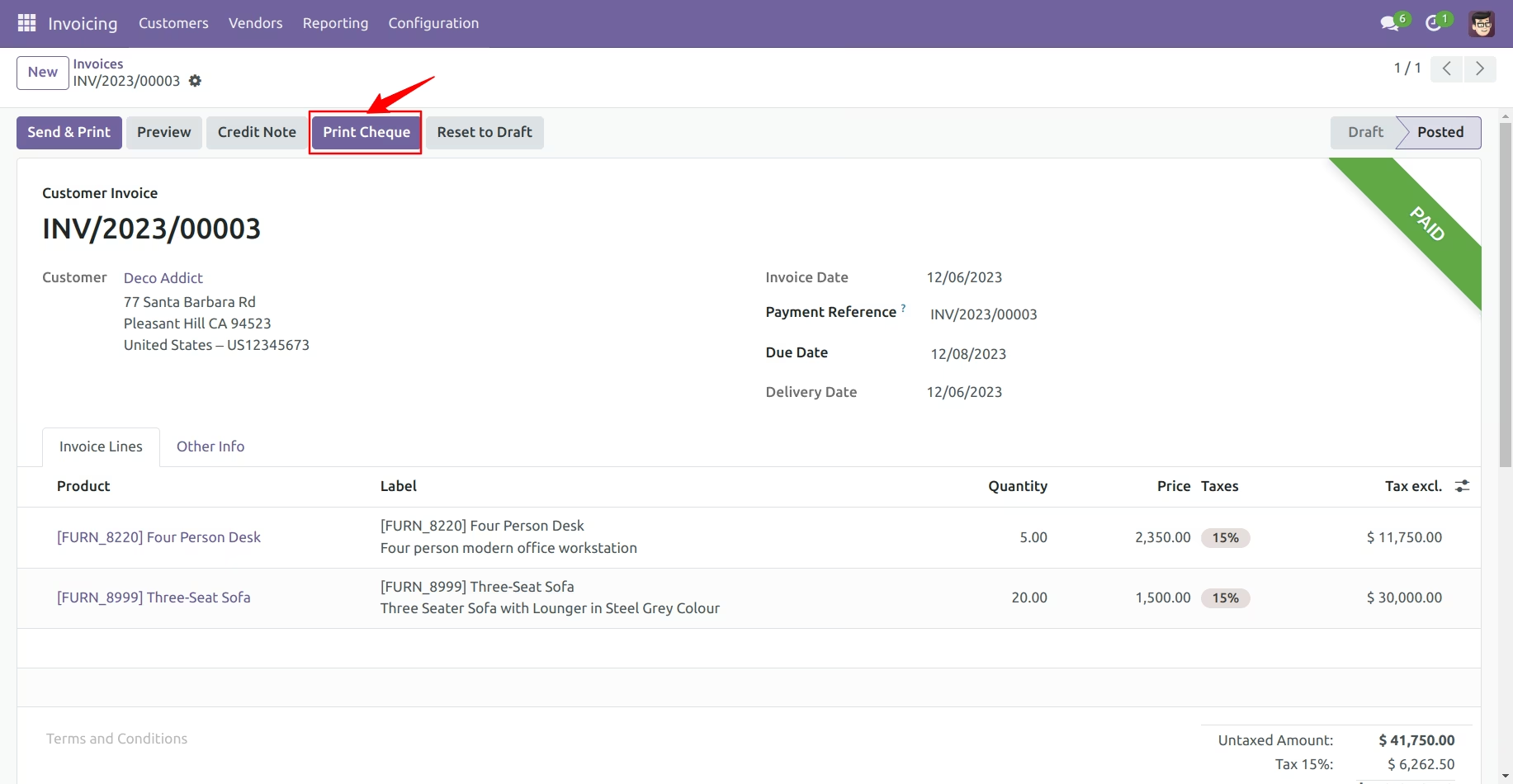
Account Move Form
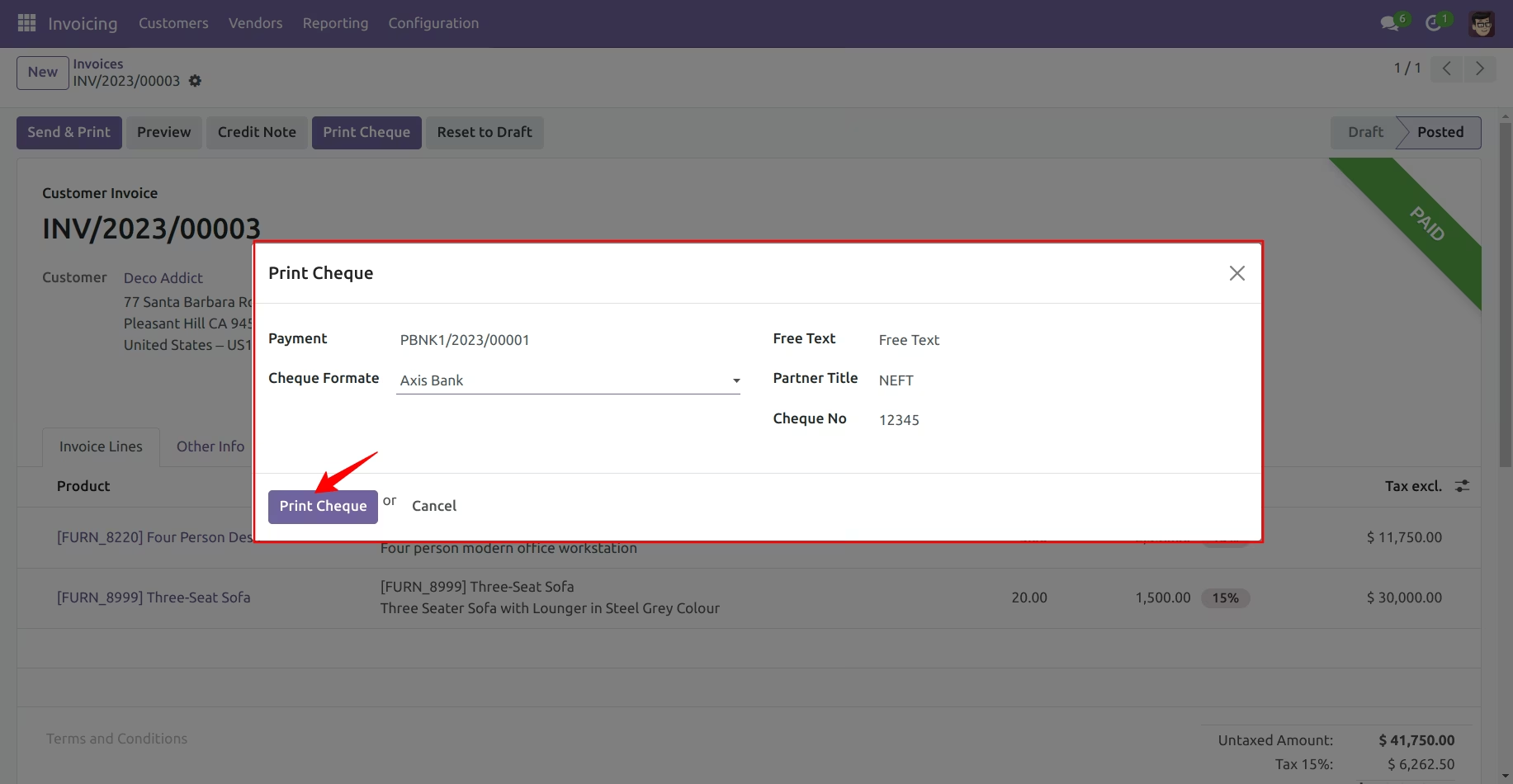
Print Cheque Window
Full Report