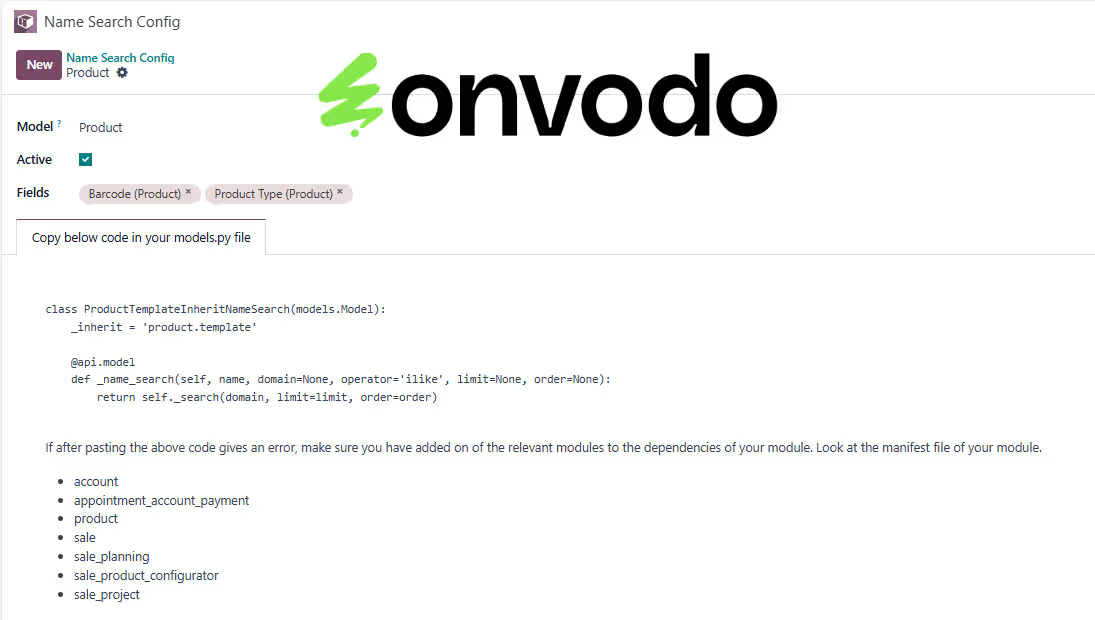
The module for enhances the default search functionality in Many2One fields. It allows users to search records using multiple fields, such as name, email, phone, and other custom fields, providing a more flexible and efficient search experience.
Multi-Field Search: Enable searching across multiple fields within Many2One relationships.
Customizable Search Fields: Configure which fields to include in the search criteria.
Enhanced User Experience: Improve search accuracy and speed by allowing searches on various fields.
Seamless Integration: Integrate smoothly with existing modules and workflows.
User-Friendly Interface: Provides an intuitive interface for configuring and using enhanced search capabilities.
Improved Search Accuracy: Locate records more efficiently by searching across multiple fields.
Increased Productivity: Save time by reducing the need to navigate through multiple records.
Enhanced Flexibility: Customize search criteria to fit specific business needs.
Better User Experience: Provide a more intuitive and responsive search interface.
Seamless Workflow Integration: Enhance existing workflows without disrupting current operations.
Enhance the functionality of Many2One fields in Odoo with dynamic multi-field search capabilities. This app allows users to search within Many2One fields using multiple fields. With a user-friendly configuration interface, you can easily specify the fields to be included in the search criteria, making it more efficient and flexible for finding records.
- Dynamic Multi-Field Search:Search within Many2One fields using multiple fields.
- Easy Configuration:Specify the fields for each model through a simple configuration interface.
- Enhanced Search Accuracy:Improve search results by including additional relevant fields.
- Seamless Integration:Works with all Many2One fields across different Odoo interfaces.
- Active/Inactive Toggle:Easily activate or deactivate the search configuration for any model.
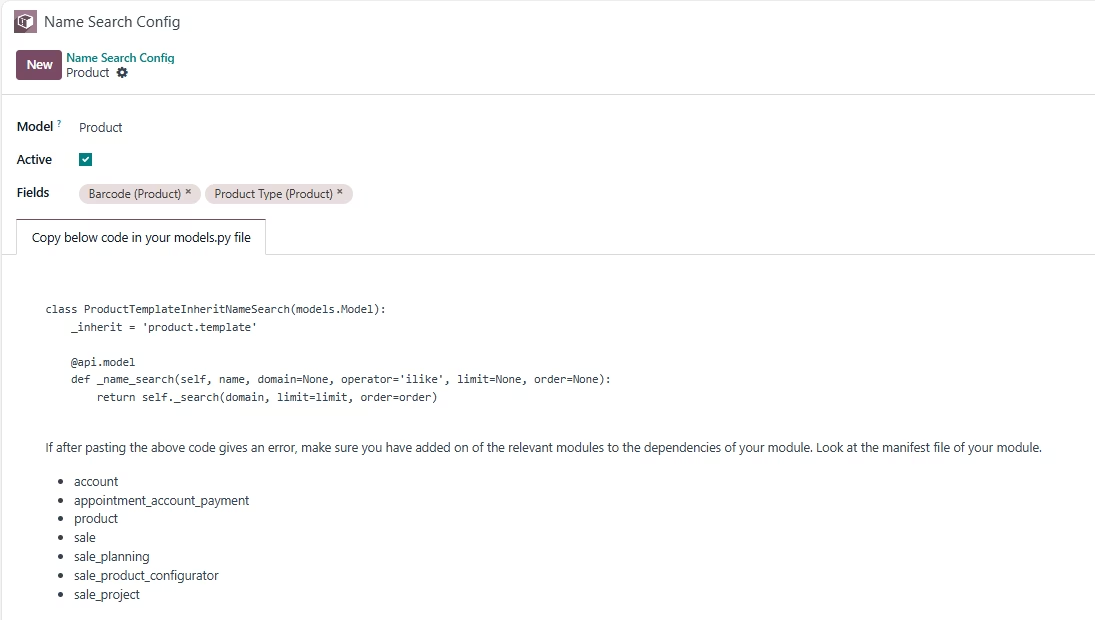
Configuration
- Navigate to Name Search Config:Go to the Odoo menu and click on the "Name Search Config" menu.
- Create New Configuration:Click on "Create" to add a new configuration record.
- Choose Model:Choose the model (e.g., res.partner) for which you want to enable multi-field search.
- Choose Fields:Add the fields (e.g., email, phone) on which you want to perform the search in the Many2One field.
- Active/Inactive Toggle:Activate or deactivate the search configuration for any model.
- Update models.py File Once:No technical and programming knowledge is required. You just need to copy and paste the code into the relevant models.py file once.