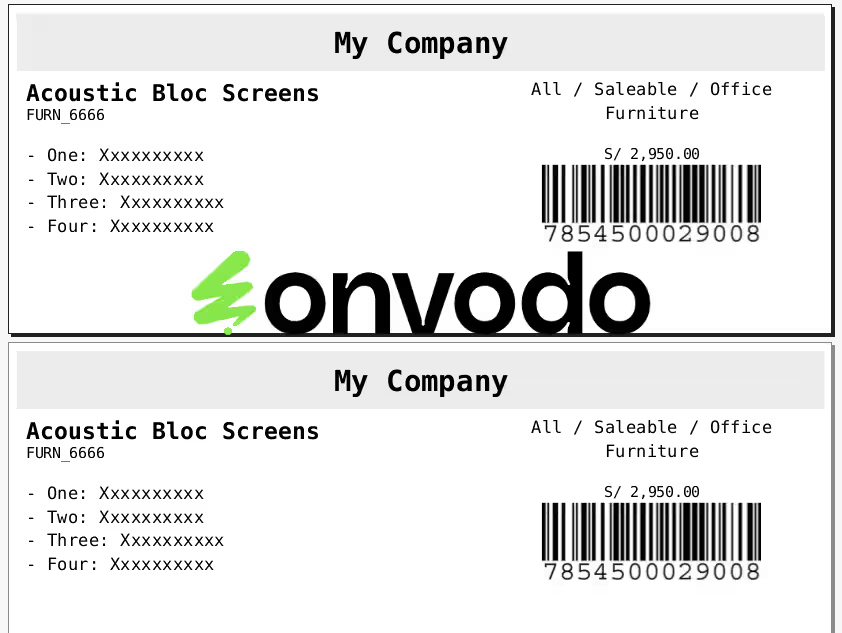
Streamline your document and product tracking with the Dynamic Barcode Generator for all models. This versatile module empowers you to create and embed barcodes on any report throughout your system, from sales and purchase orders to inventory and invoicing documents. By enabling dynamic barcode generation on a wide array of models, this tool significantly enhances operational efficiency, reduces manual data entry errors, and simplifies the tracking of items and documents. Whether you are managing warehouse operations, processing sales, or handling accounts, this module provides a seamless solution for integrating barcodes into your standard reports.
Generate dynamic barcodes for any model.
Integrates seamlessly with sales, purchase, inventory, and accounting modules.
Adds barcodes to a variety of reports, including sales orders, purchase orders, and invoices.
Supports the creation of custom barcode labels for diverse business needs.
Facilitates easy tracking of documents and products with scannable barcodes.
Highly configurable, allowing for tailored barcode solutions across different applications.
Improves accuracy by minimizing manual data entry and human error.
Increases efficiency in tracking and managing documents and inventory.
Accelerates workflows in sales, purchasing, and warehouse operations.
Enhances professionalism with standardized, barcoded reports.
Simplifies the process of information retrieval with quick barcode scanning.
Provides a cost-effective solution for comprehensive barcode integration.
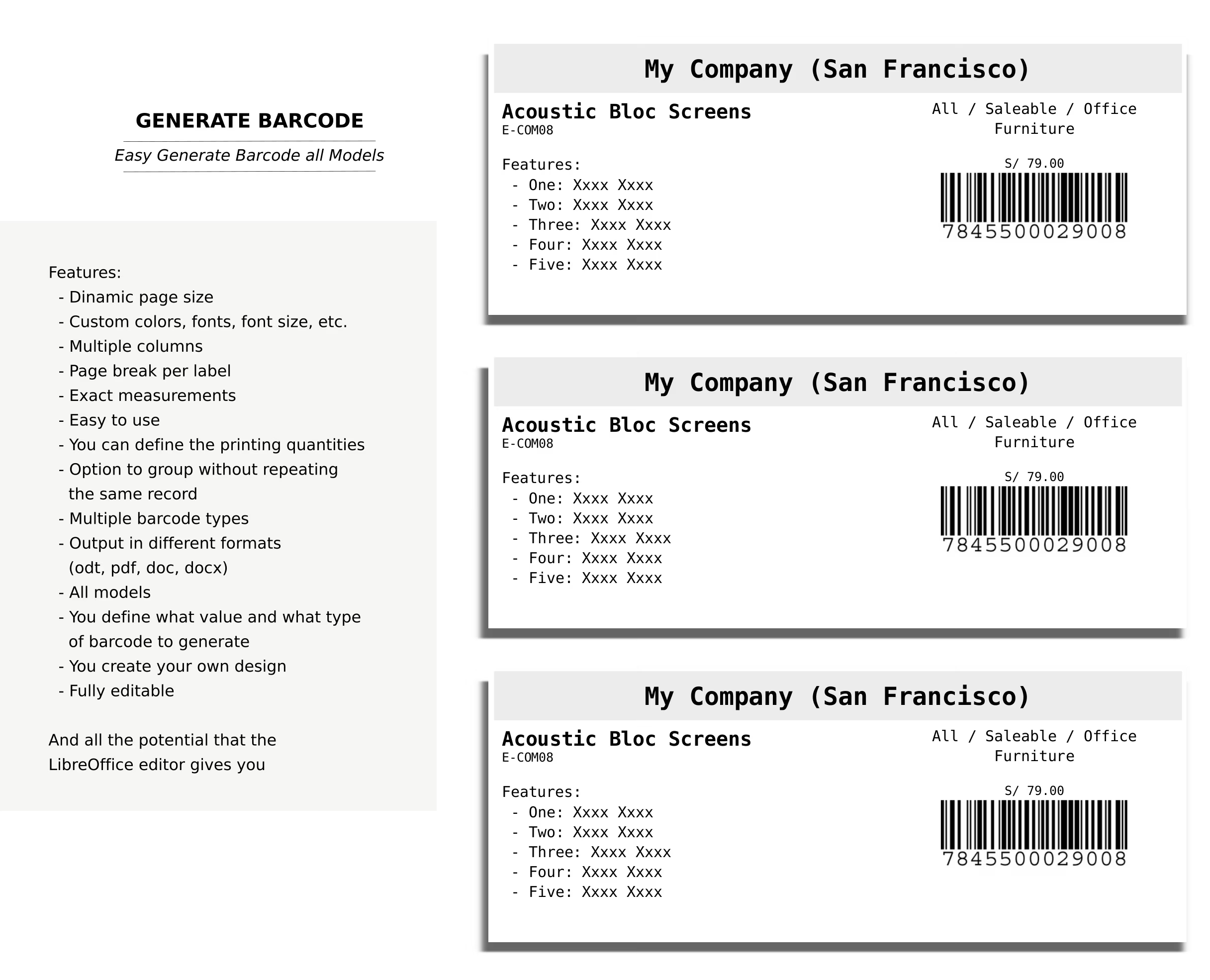
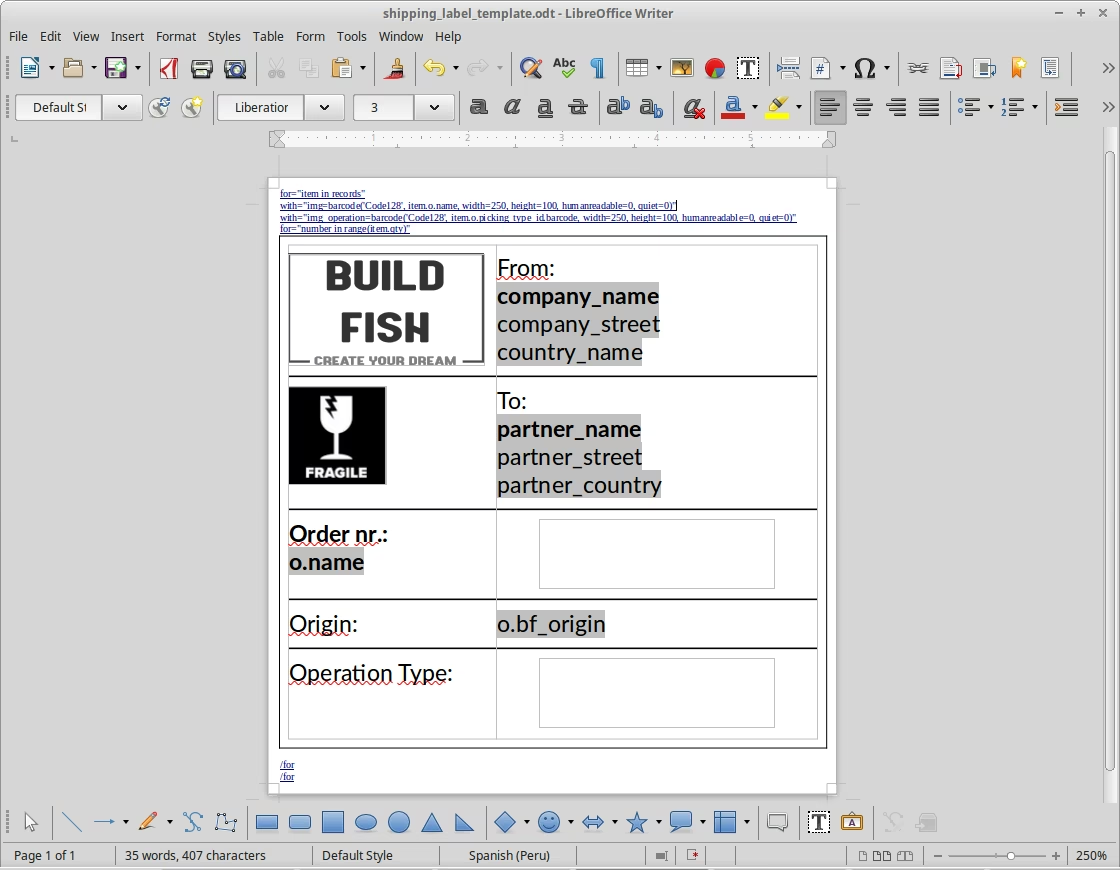
Template file
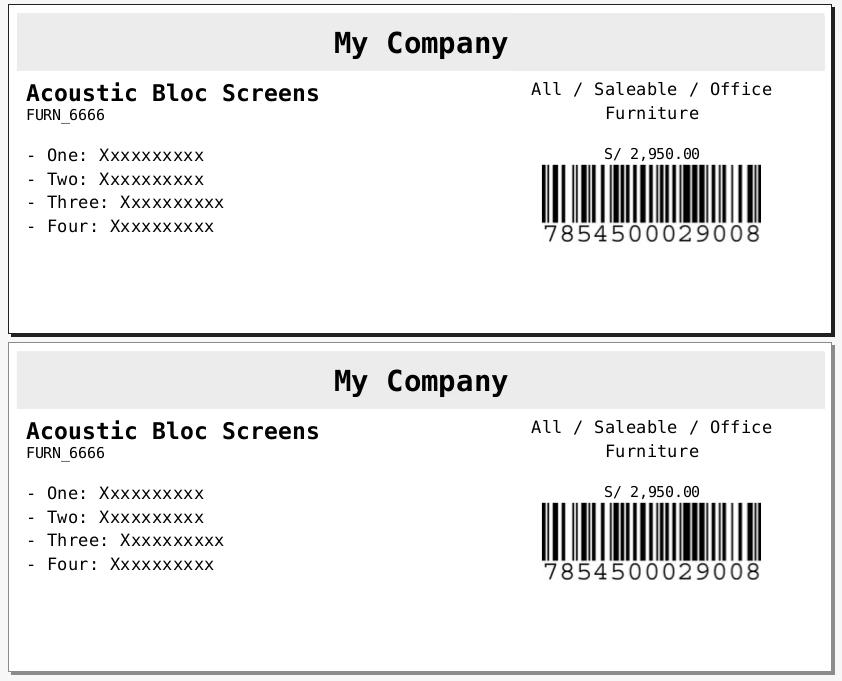
Out file
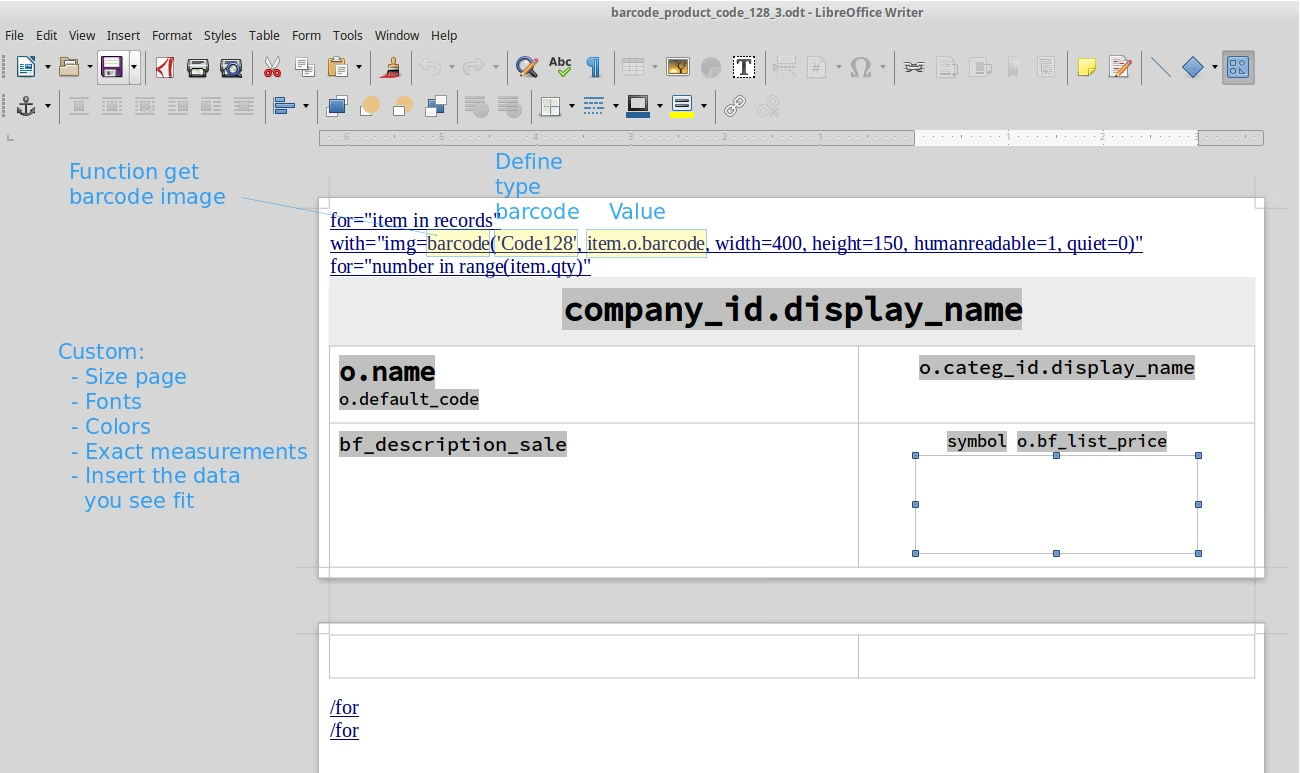
Edit template file in LibreOffice
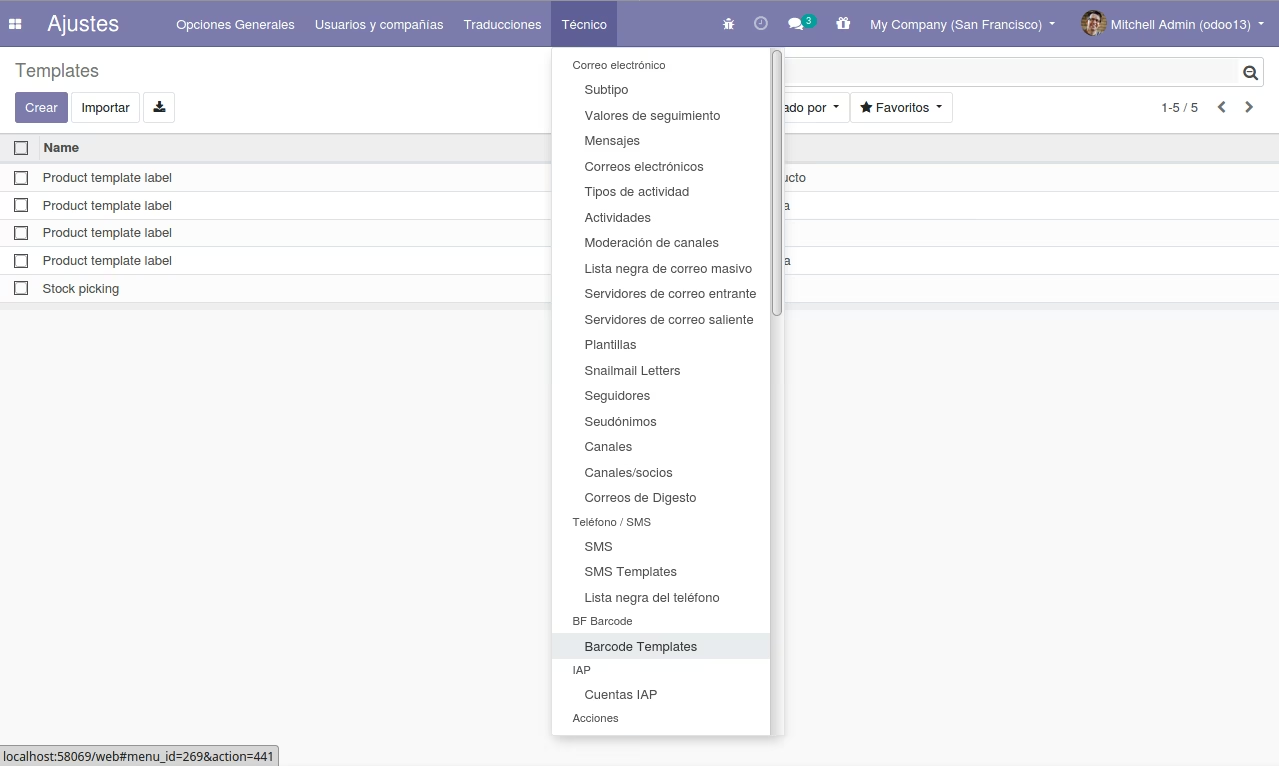
List templates
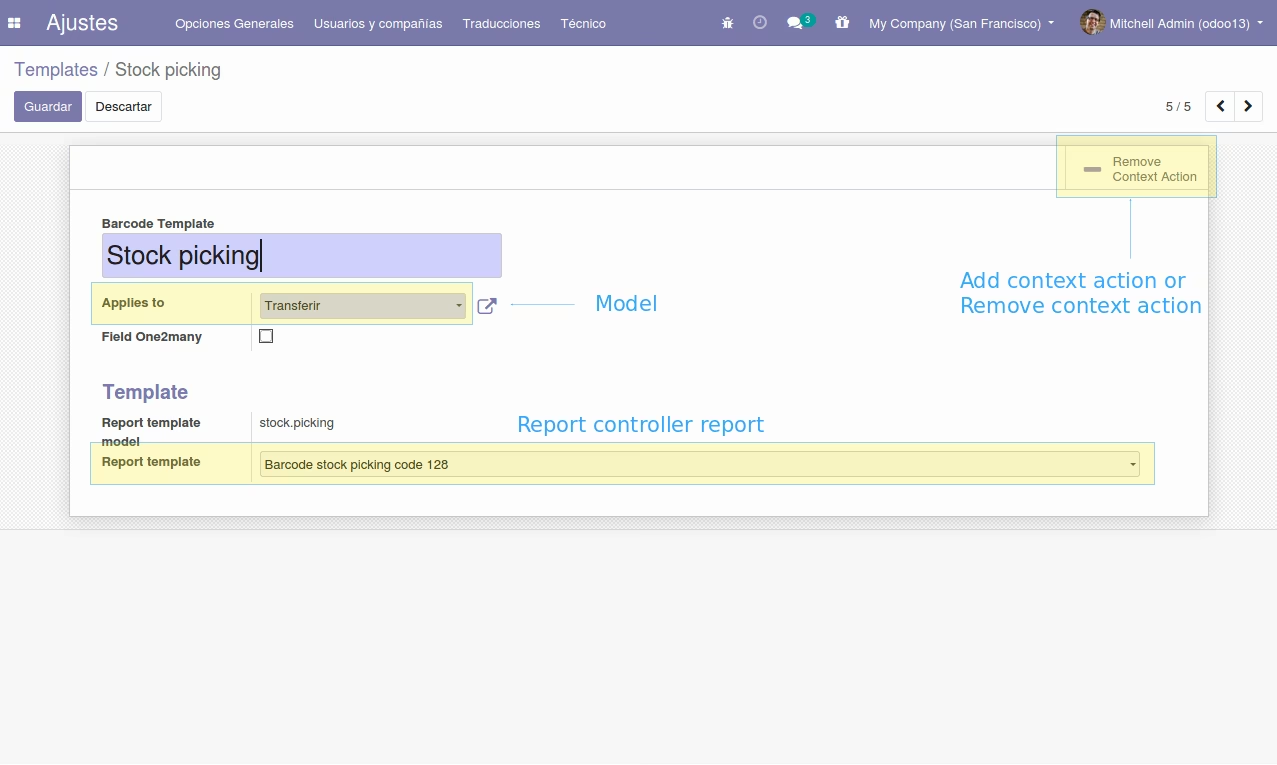
Form templates
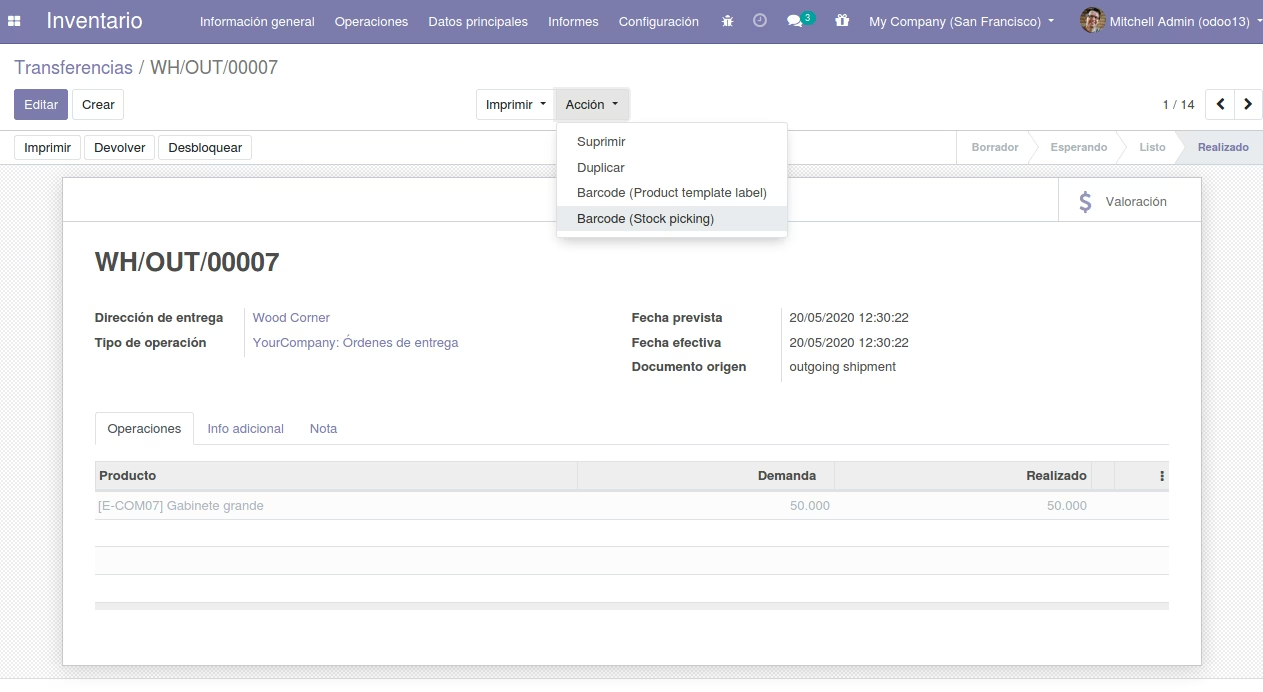
Action barcode
Wizard generate barcode
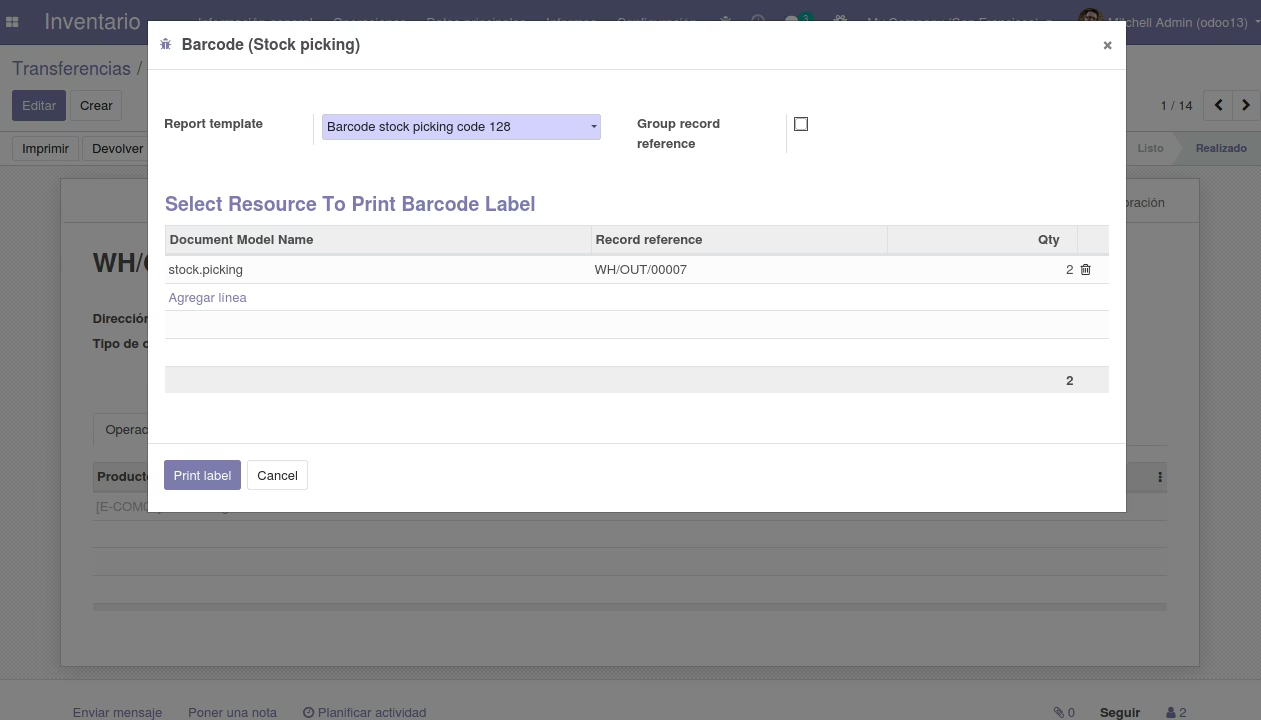
Out barcode
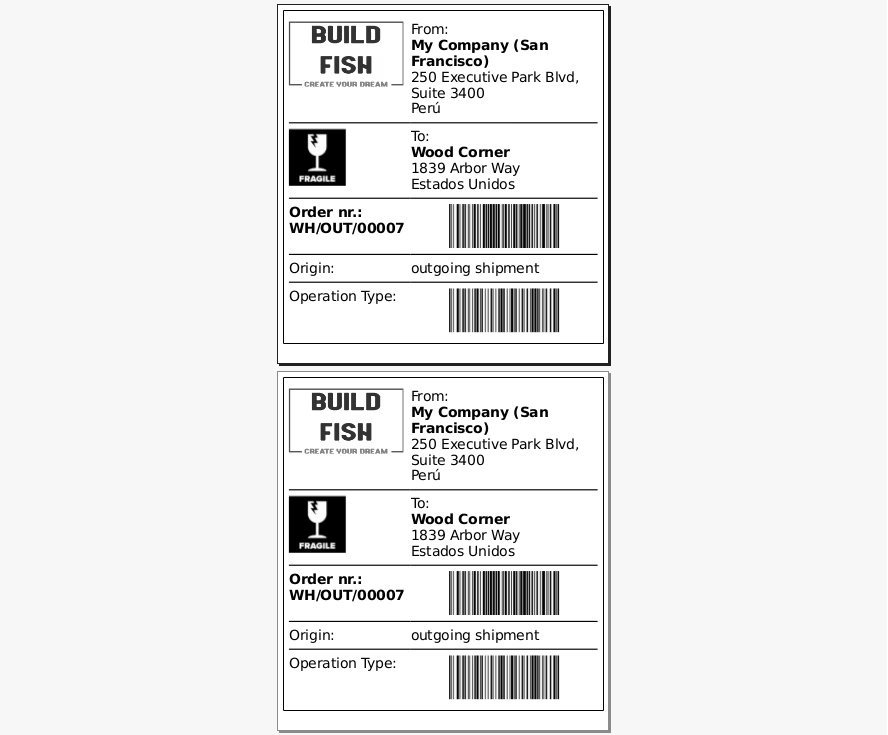
Example barcode product
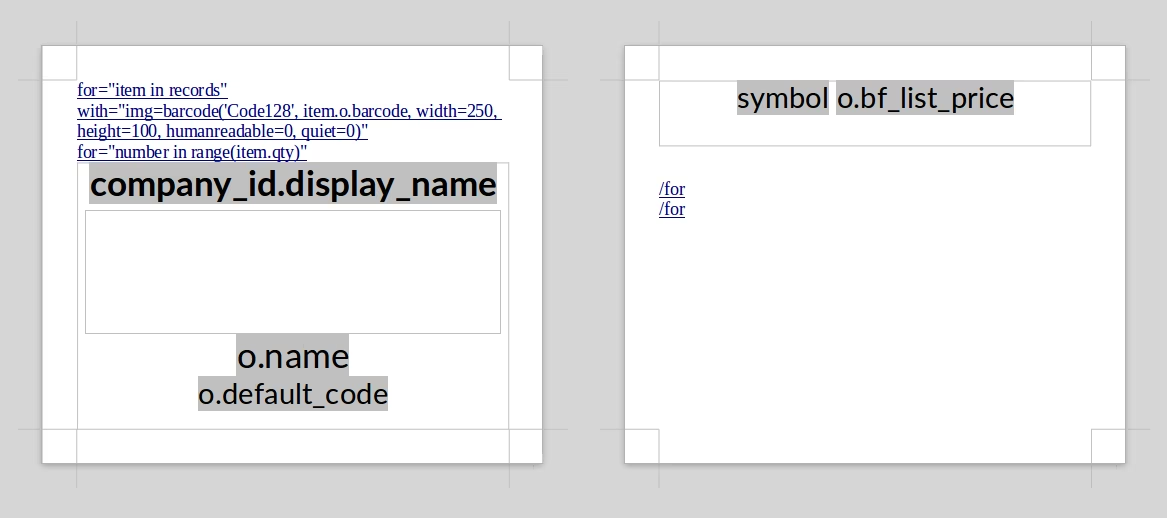
Form template product barcode
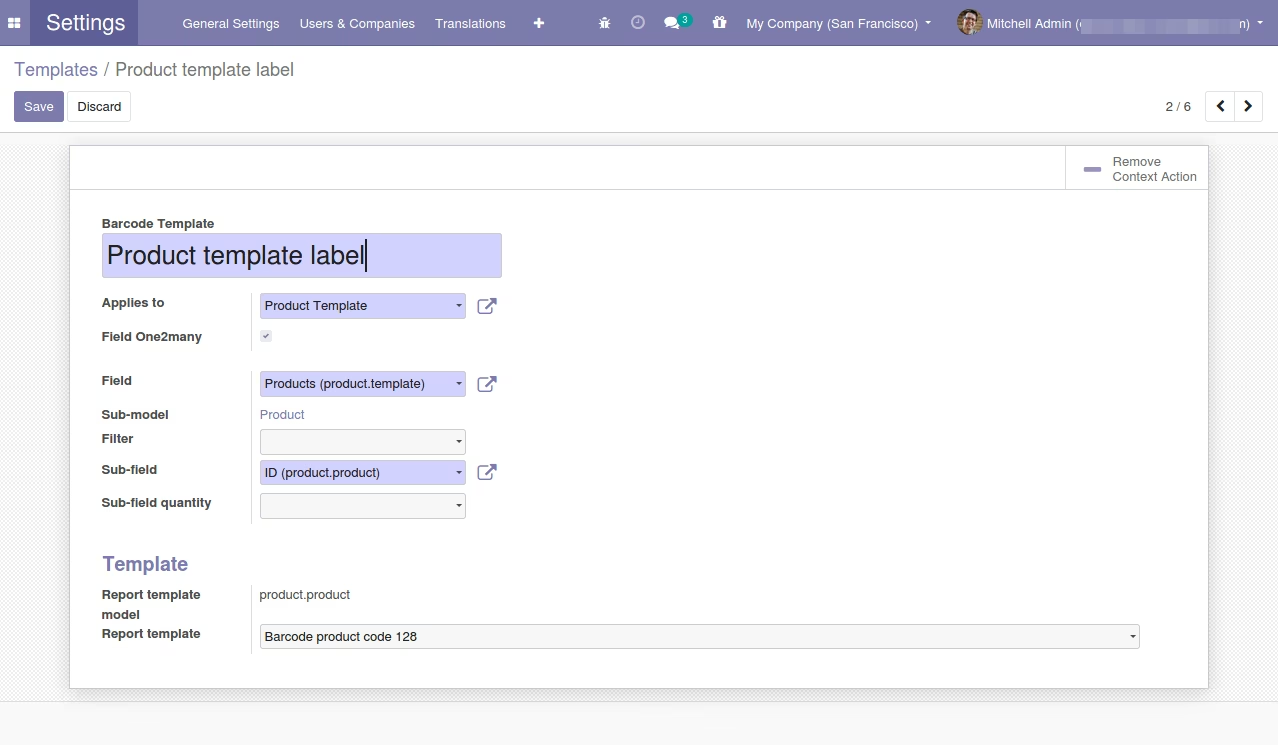
List products
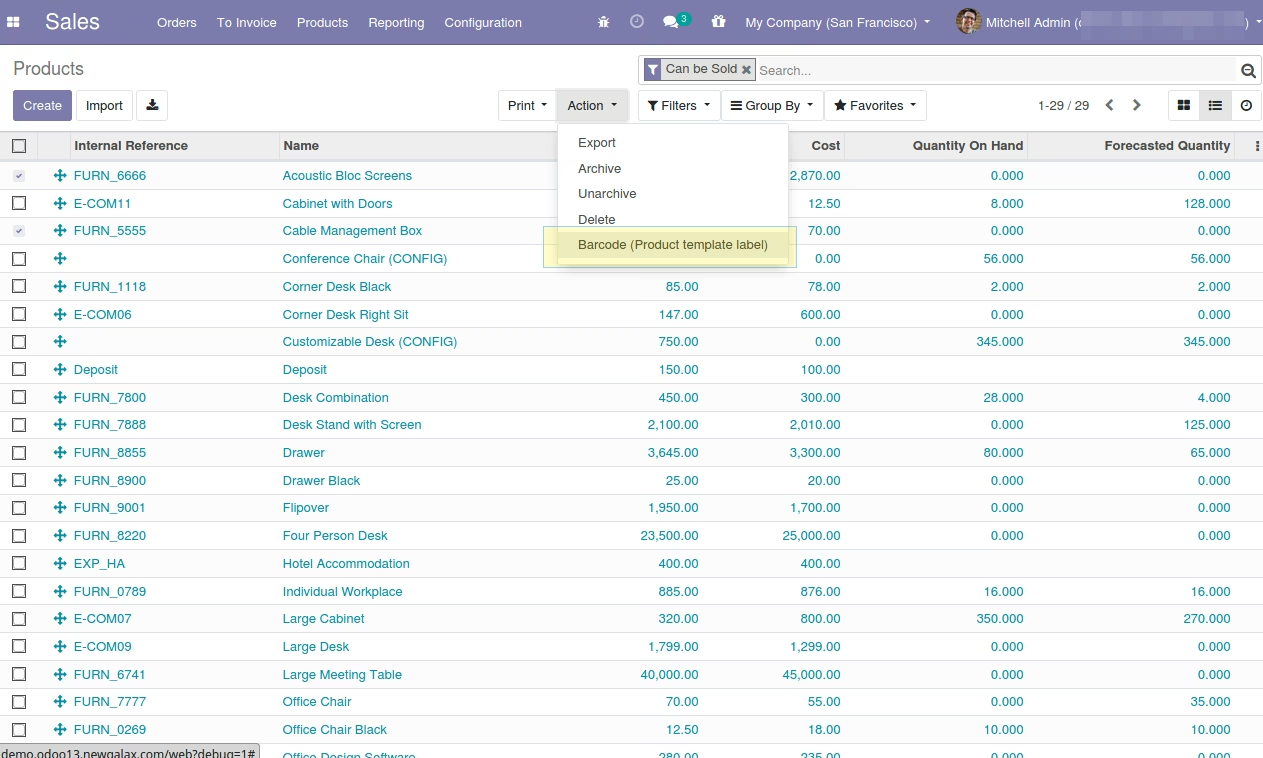
Wizard product
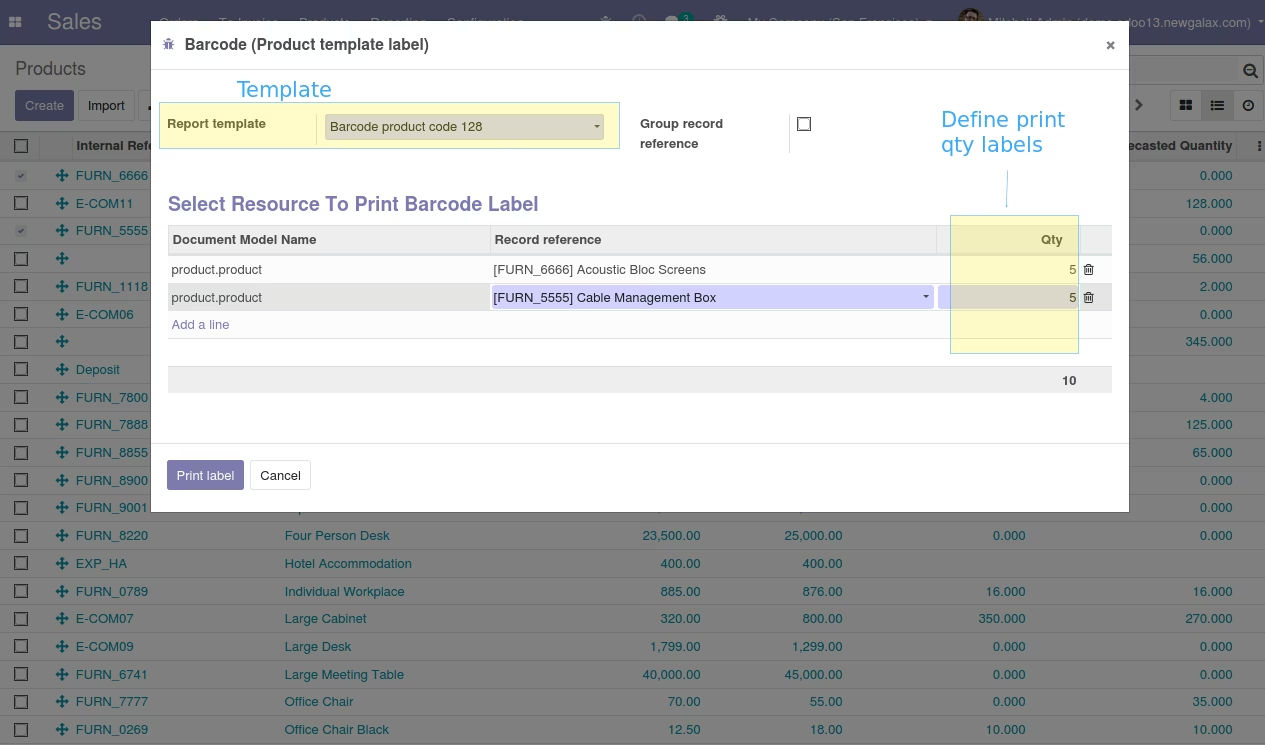
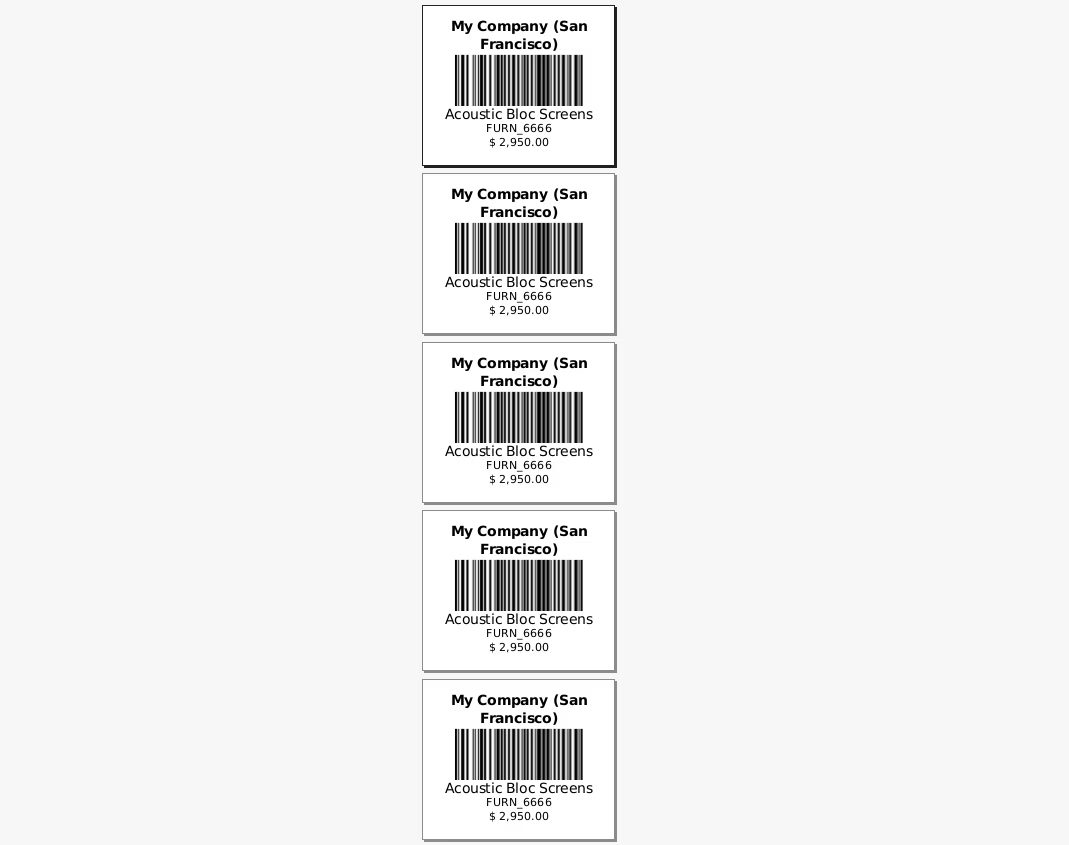
Out product labels
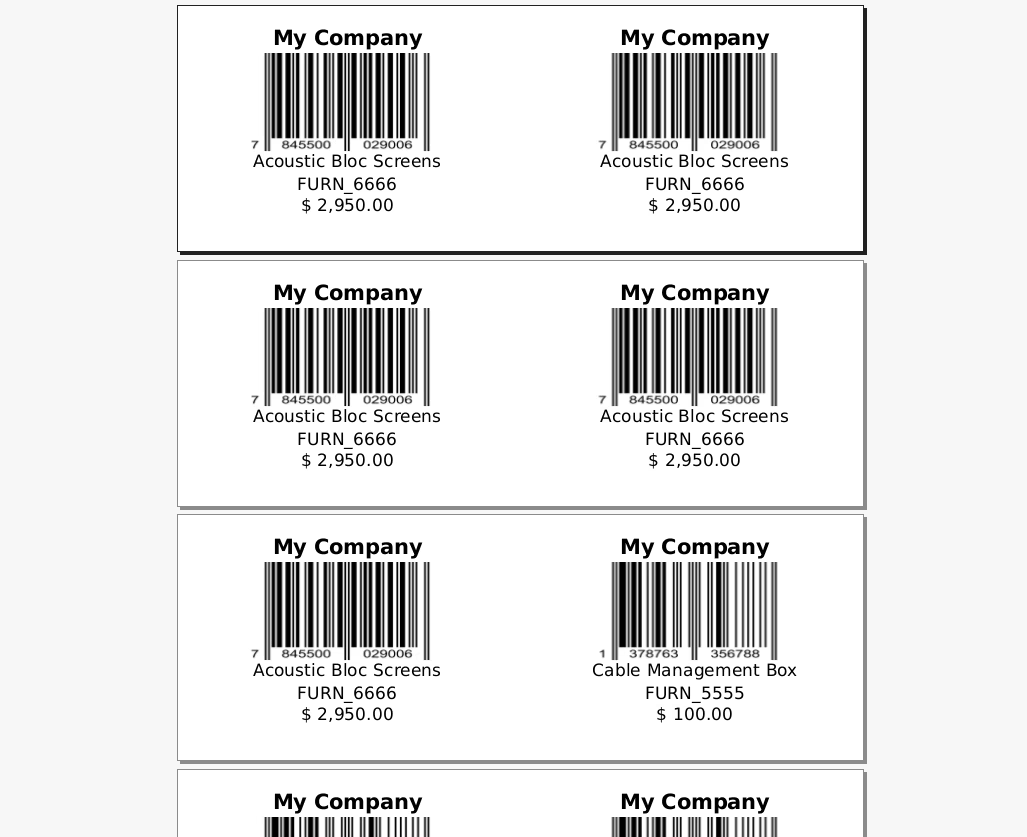
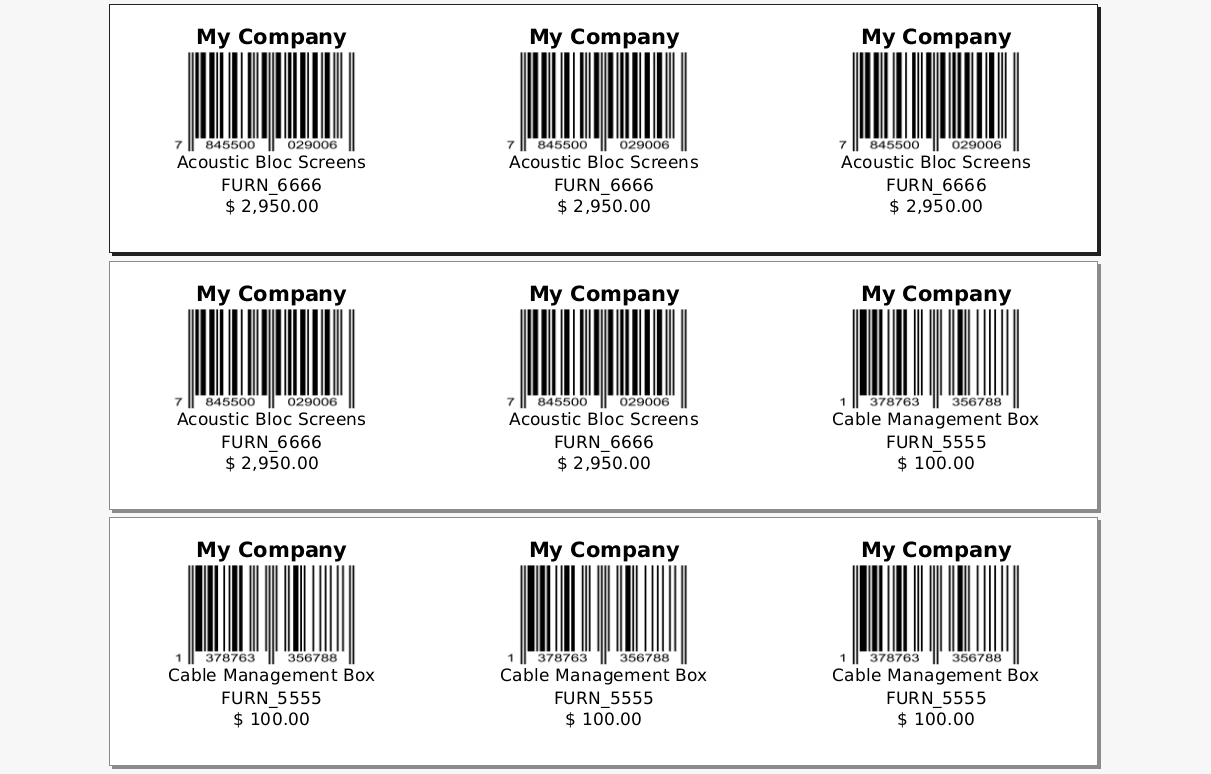
Example out multi columms (Define in template)
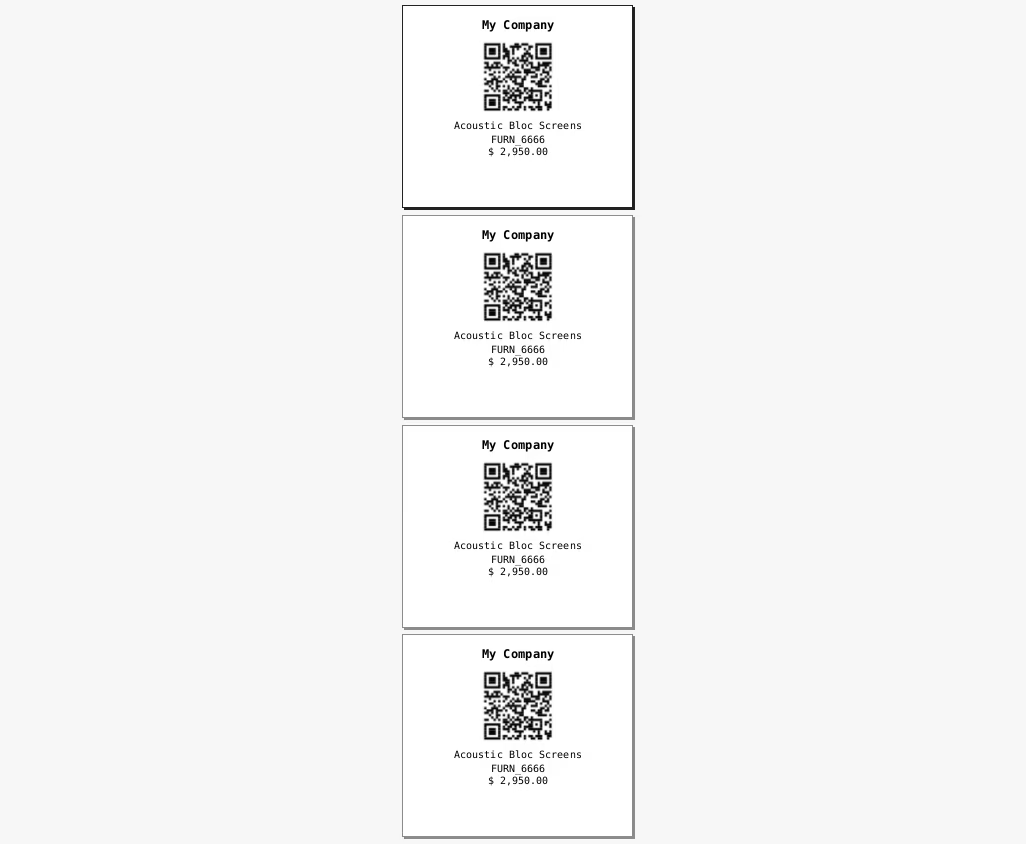
Example QR
Type convert barcode support:
In the template define the type of barcode
- Codabar
- Code11
- Code128
- EAN13
- EAN8
- Extended39
- Extended93
- FIM
- I2of5
- MSI
- POSTNET
- QR
- Standard39
- Standard93
- UPCA
- USPS_4State