This extension enhances document management with advanced features like automated numbering, robust access control, and flexible tagging. It enables structured document directories with unique sequences, document and directory tagging, and configurable security on folders. Designed for organizations that require organized, secure, and searchable document storage, this module streamlines workflow and ensures only authorized users can access or create documents.
Automated sequence numbering for each directory to ensure organized document tracking
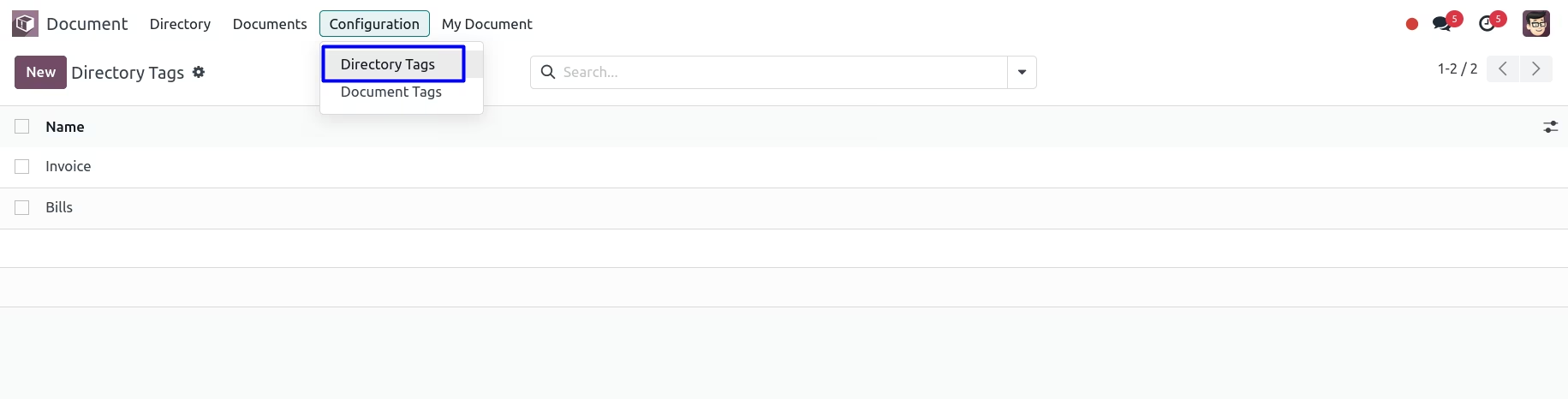
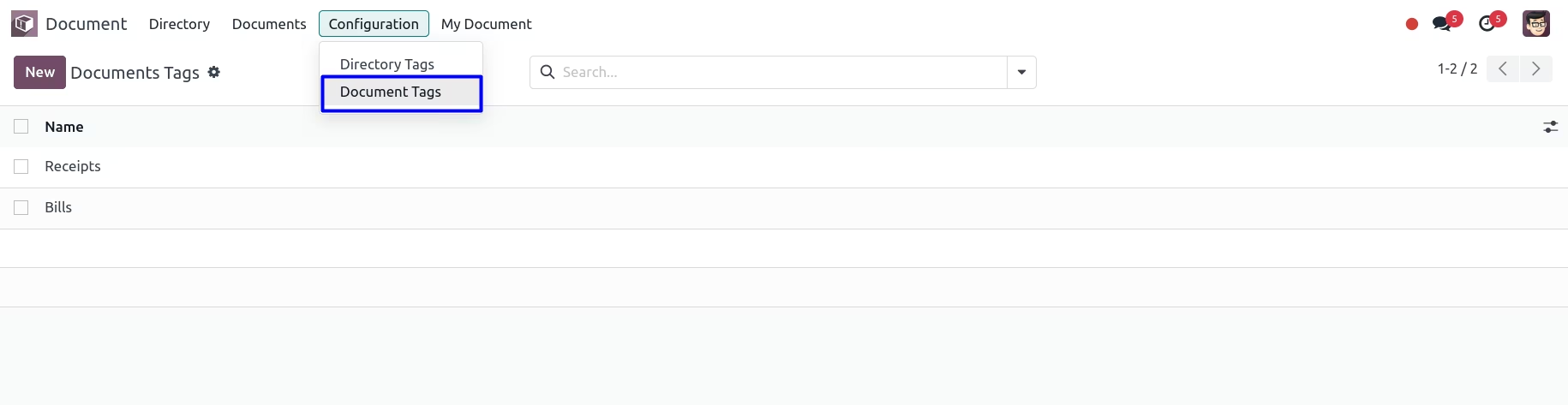
Directory tagging to classify folders and improve discoverability
Document tagging for enhanced search and categorization
Configurable folder-level security to restrict document access to specific user groups
Directory creation per business object for clean document structure
Smart-button access to attached documents directly from directory views
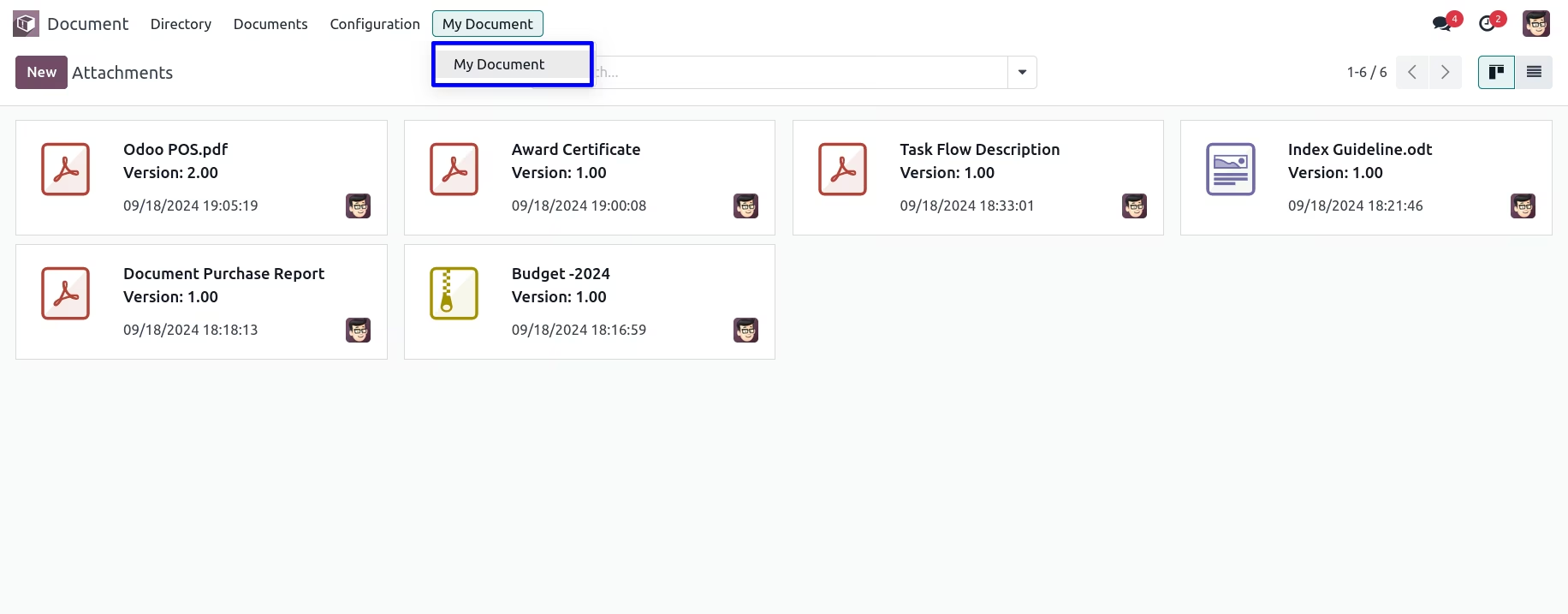
“My Documents” view for employees to access only their own attachments efficiently
Improved organization through automatic numbering within document directories
Enhanced document searchability using tags for both directories and documents
Increased data protection with group-based access control on folders
Streamlined user experience through direct access to relevant documents via smart buttons
Confidentiality maintained by restricting access to only appropriate users or groups
Simple self-service for employees to locate their own documents quickly
Efficient Document Filtering and Grouping in DMS
Secure Document Management with User-Based Access Rights
Organize Attachments with Directories, Tags, and Version Control
Advanced Document Numbering and Tagging System for DMS
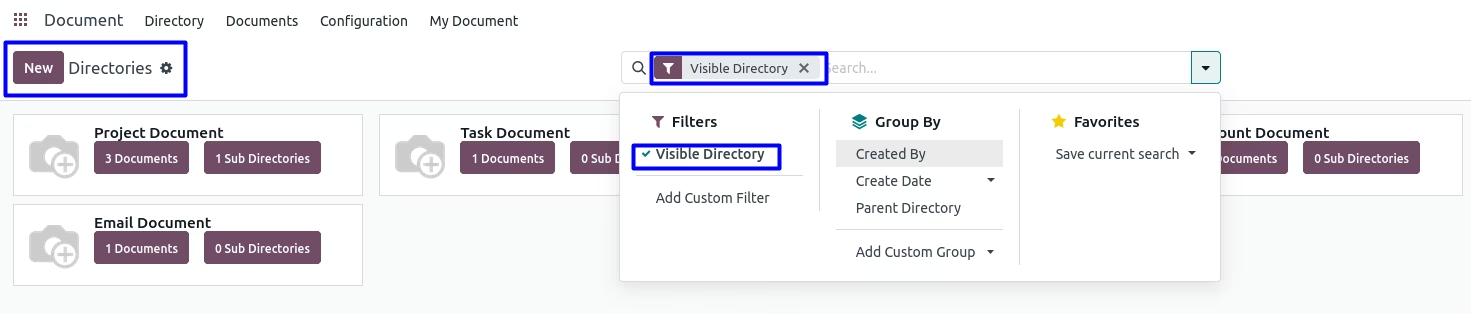
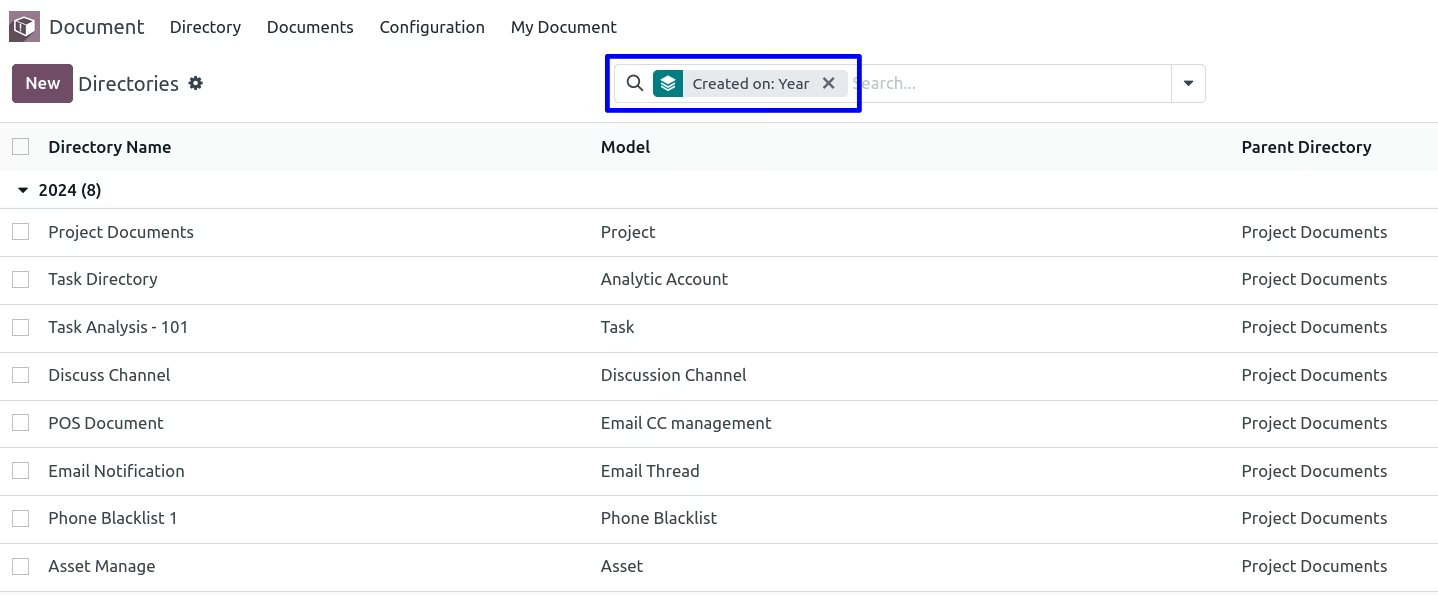
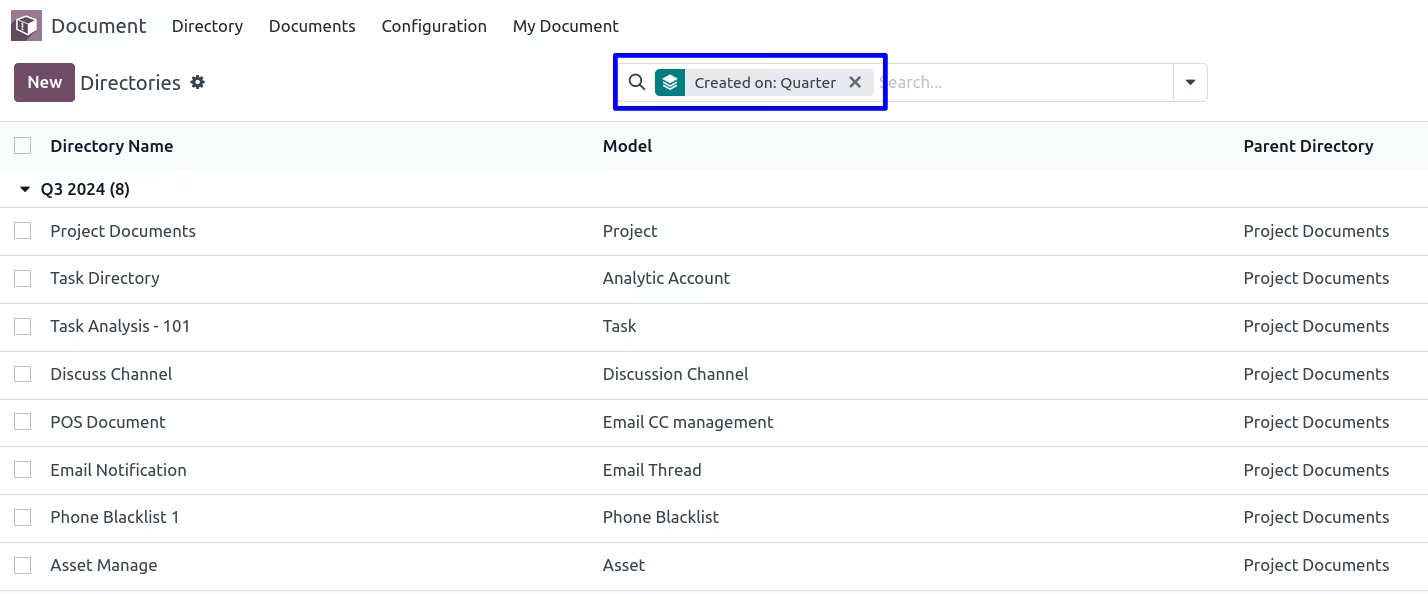
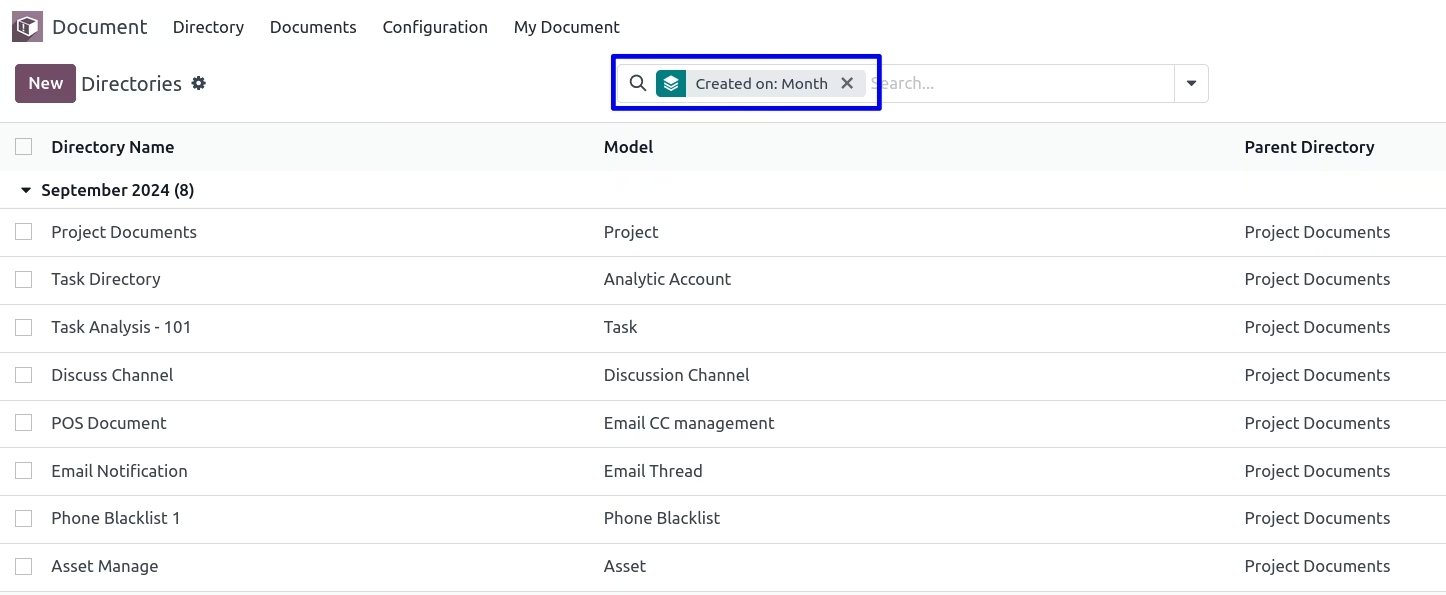
Document Numbering and Document Tags for DMS-Document management and Attachment apps used to manage Document Directory, Document Numbering, Document Security and Document Tags for DMS. This apps provide extension on Document management system with document Numbering and Document tag. Document manager can create separate directory for each model/objects/records and able to create different tags for each attachment of document system. After installing this apps you can see "Document Manager" and "Document User" access rights control. Document manager can access all directory, all documents and attachment but document user can only access his/her own document directory and attachment data. Document manager can create and edit tags but document user can only view and select existing tag for the attachment and documents.This module is complete setup for Document management system which provides DMS for attachment along with document versioning, numbering, directory extension, document tags and document security for document system. Use filter to find visible directory and group by directory with created by, parent directory and create date : day, week, month, quarter, year.
Document Tags
Create an advance salary request for the employee.
Directory form view
User have option to allow 'Visible Directory' for visibility then set parent directory, tags and view smart button of documents and sub directories.
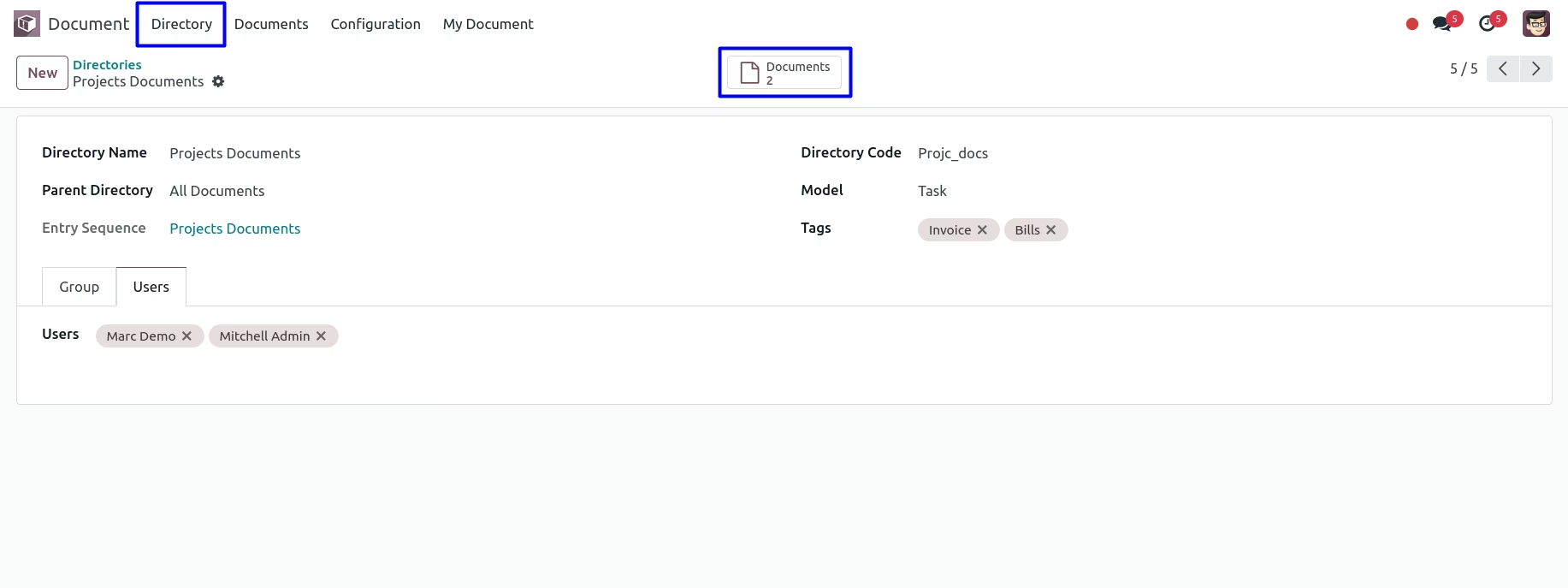
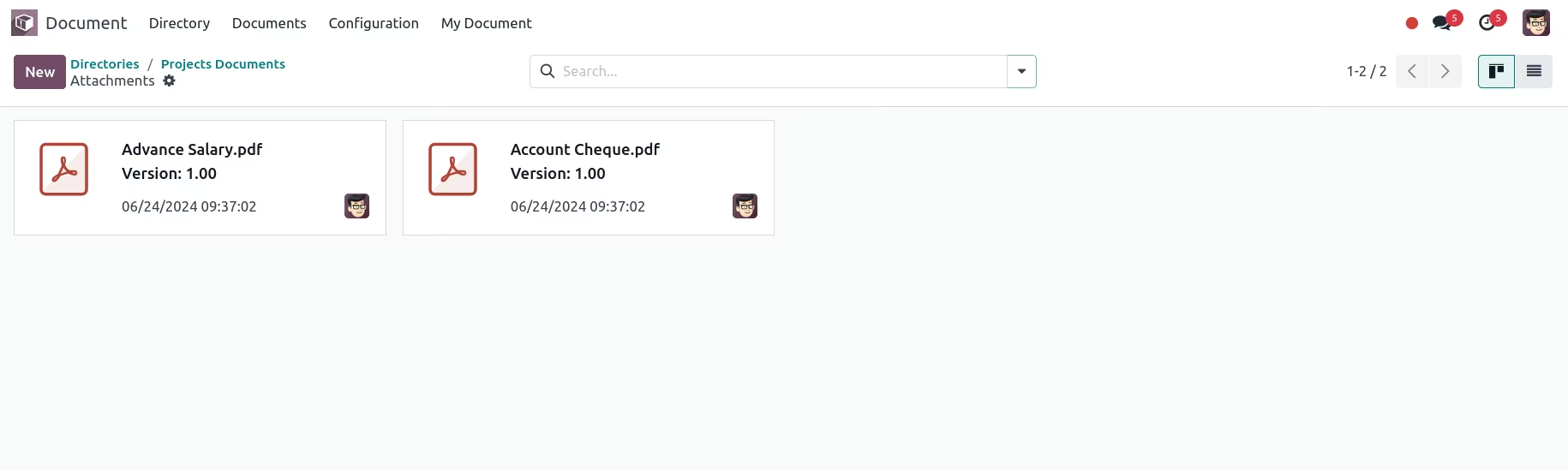
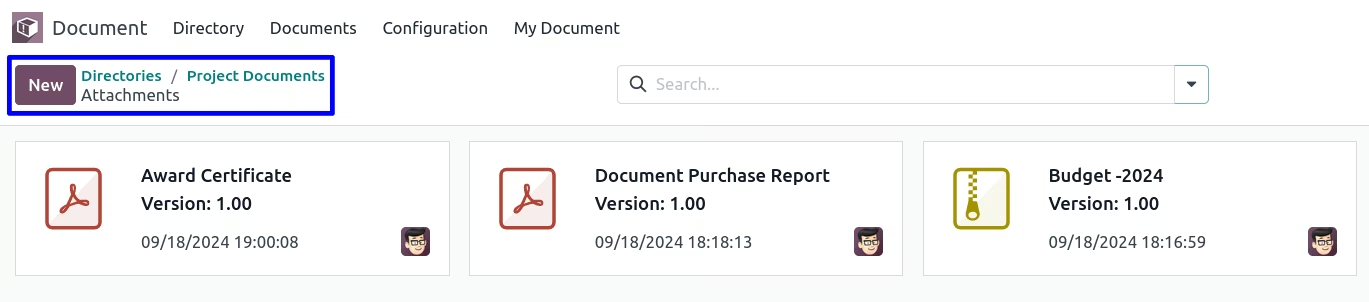
Using the smart button from the directory see the documents with respects to the model selected
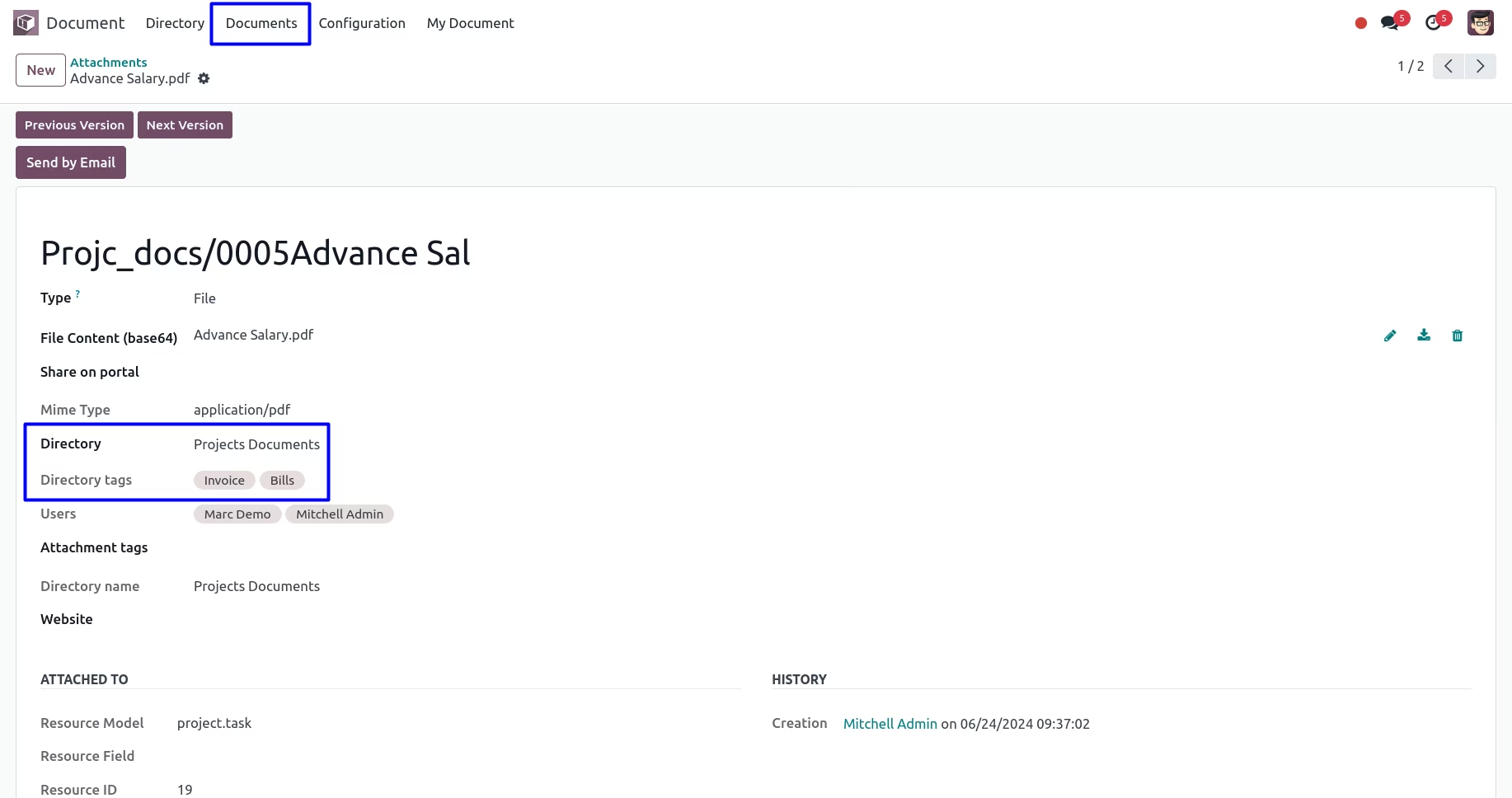
Related Directory and Tags on the Document
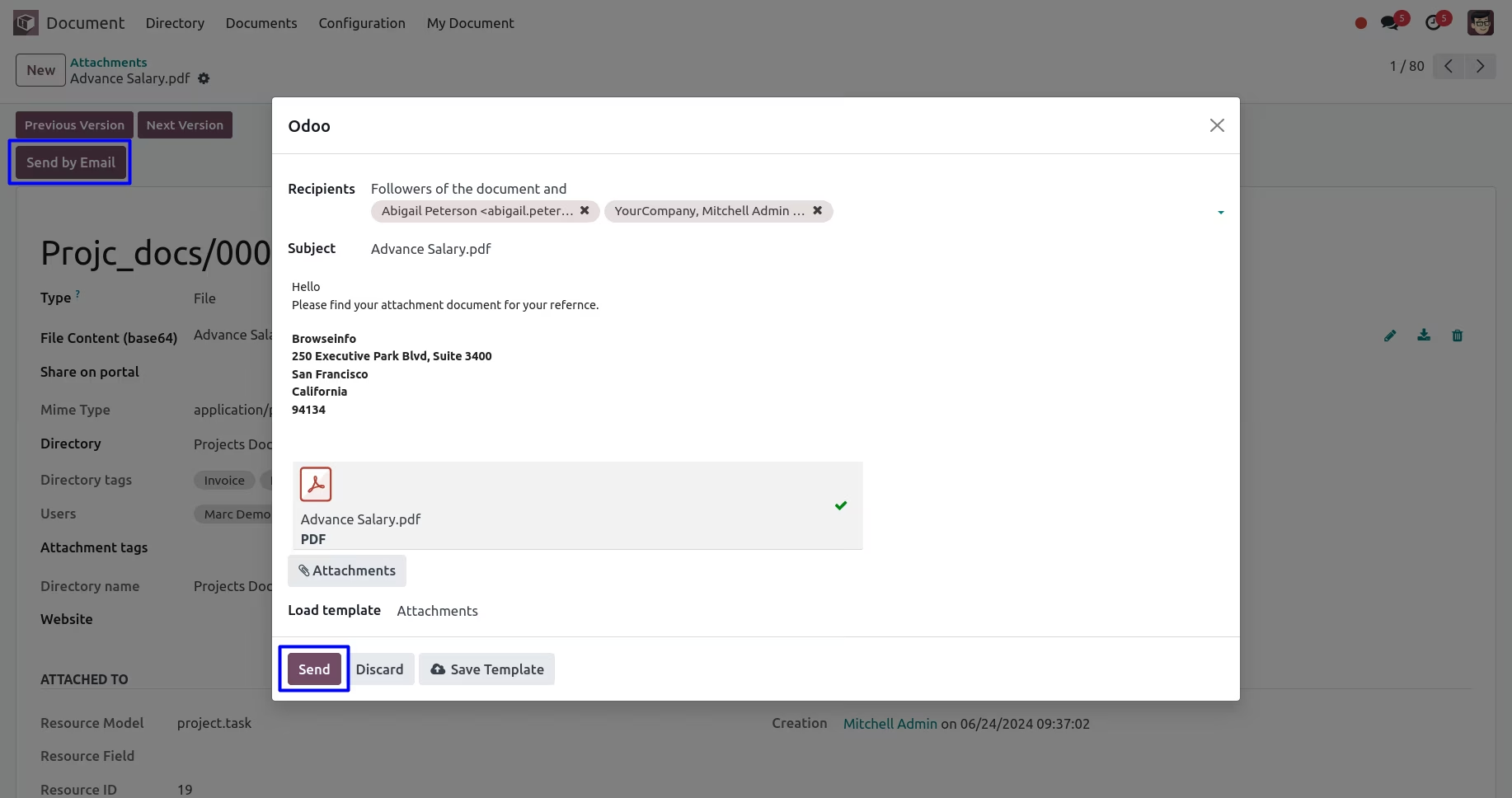
Send Document by Mail
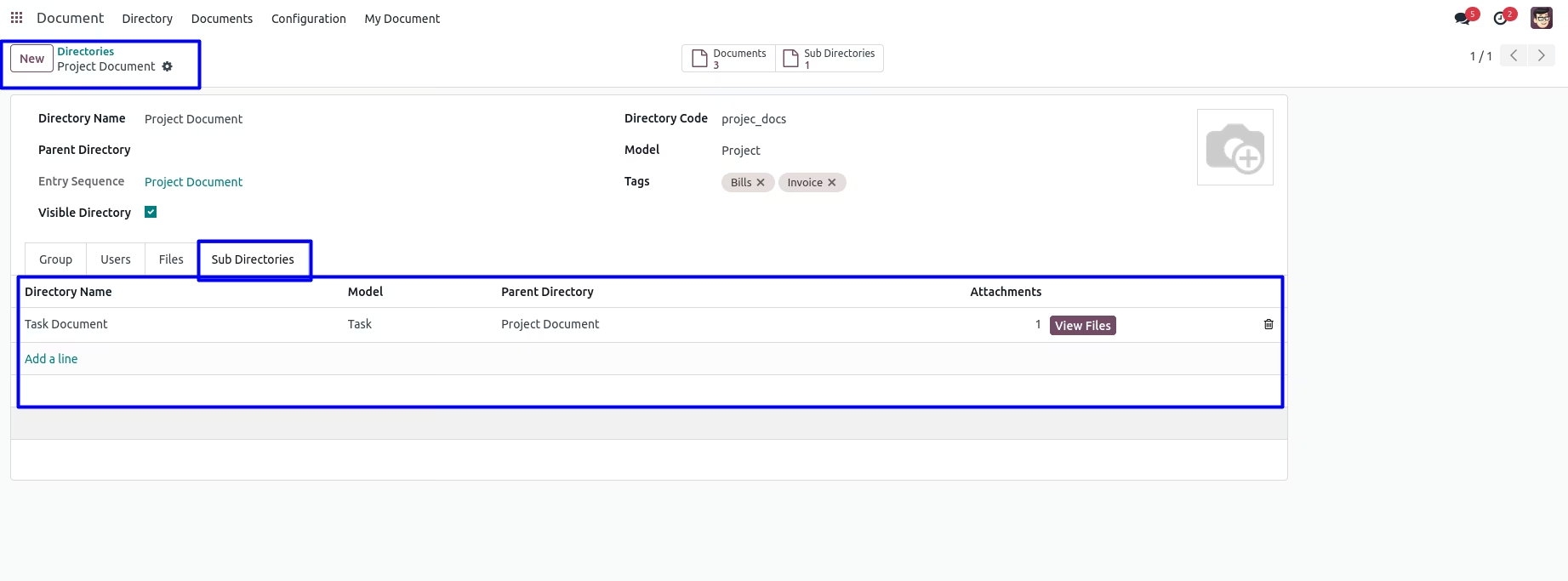
Using the smart button from the directory see the sub directories

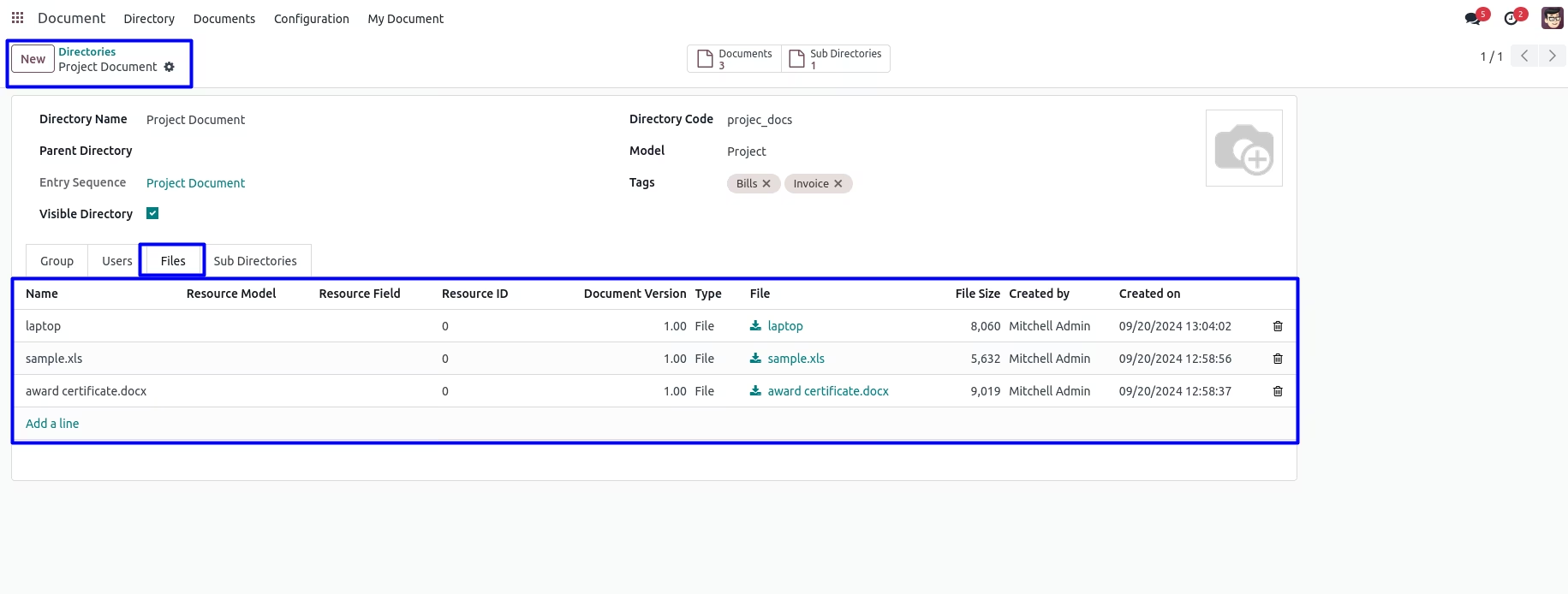
User can view the attached documents in 'Files' tab.
User can view the sub directories in 'Sub Directories' tab and also view the files or attachments by clicking on 'VIEW FILES' button.
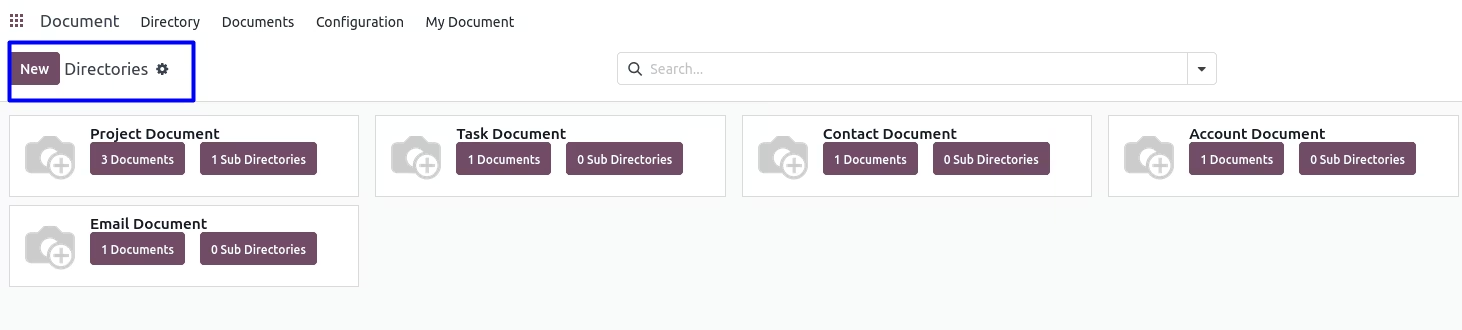
Directories Kanban View
Directories Filter By Visible Directory
Directories Group By : Created By
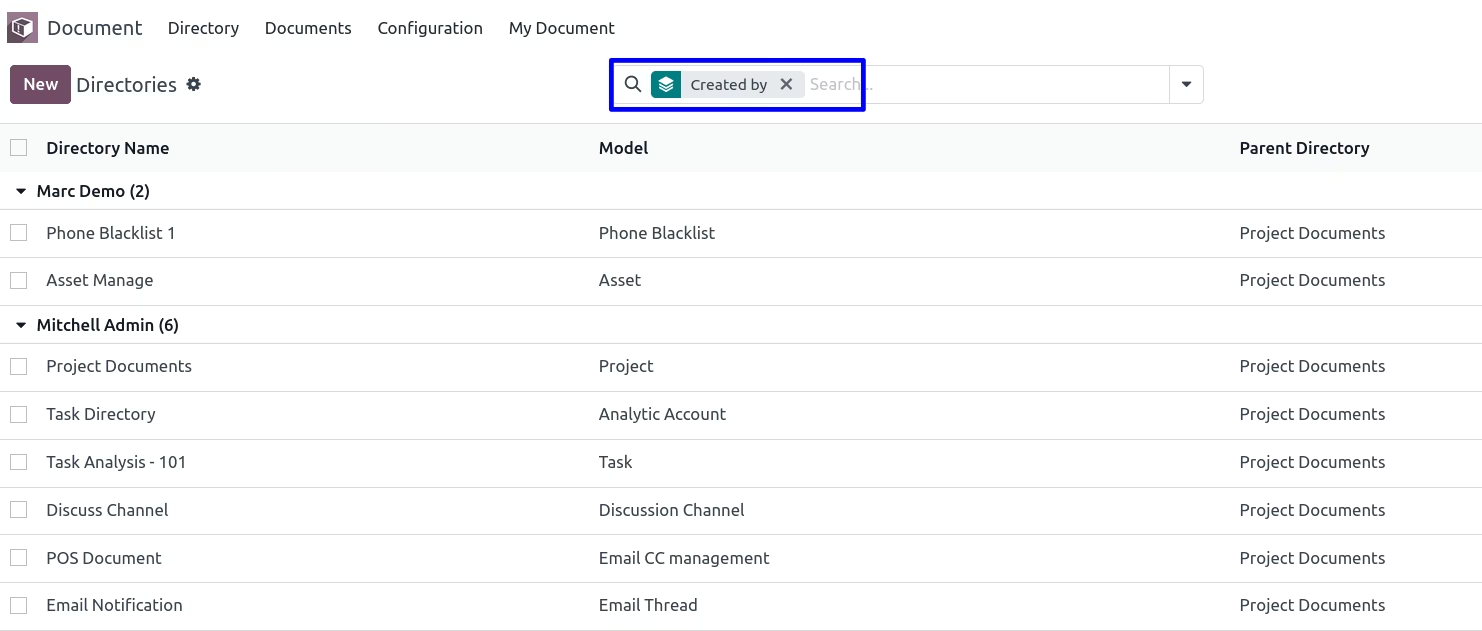
Directories Group By : Year
Directories Group By : Quarter
Directories Group By : Month
Directories Group By : Week
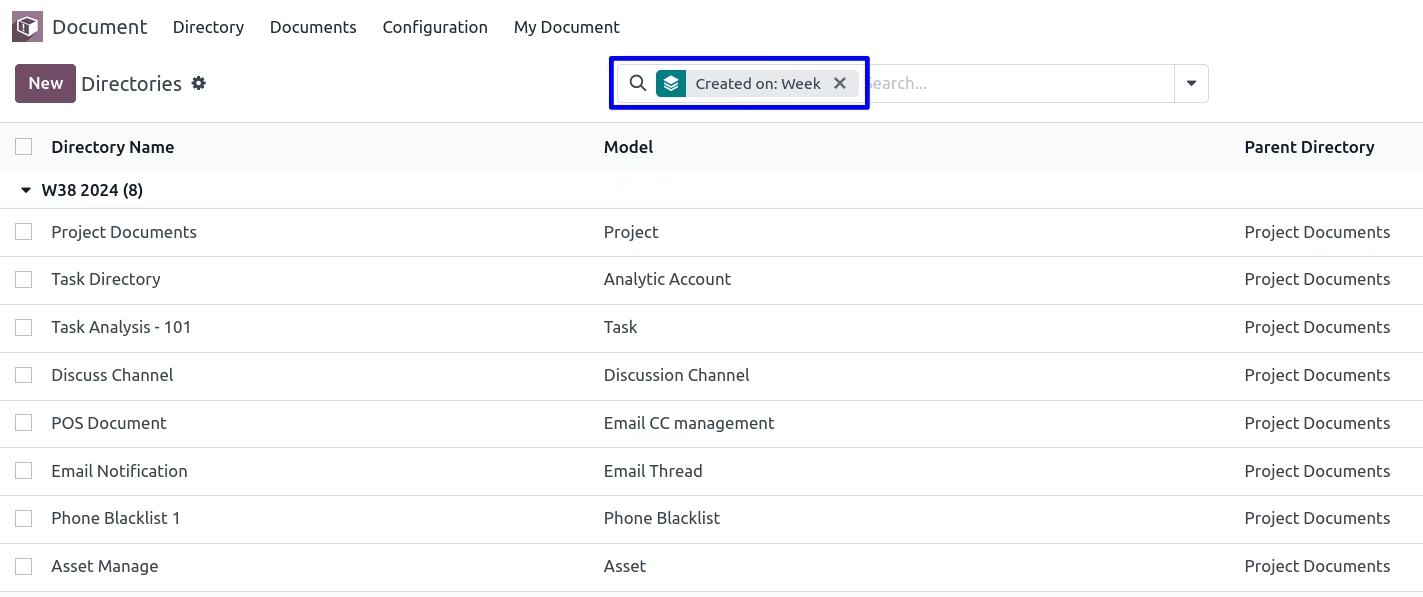
Directories Group By : Day
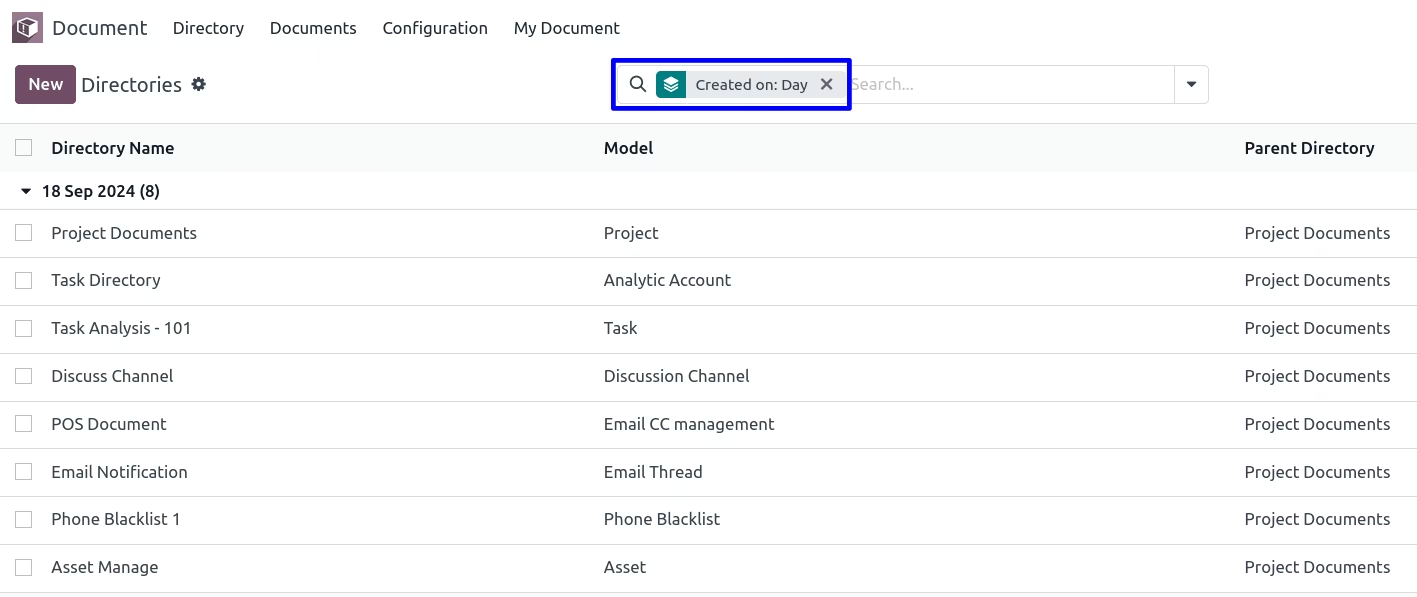
Directories Group By : Parent Directory
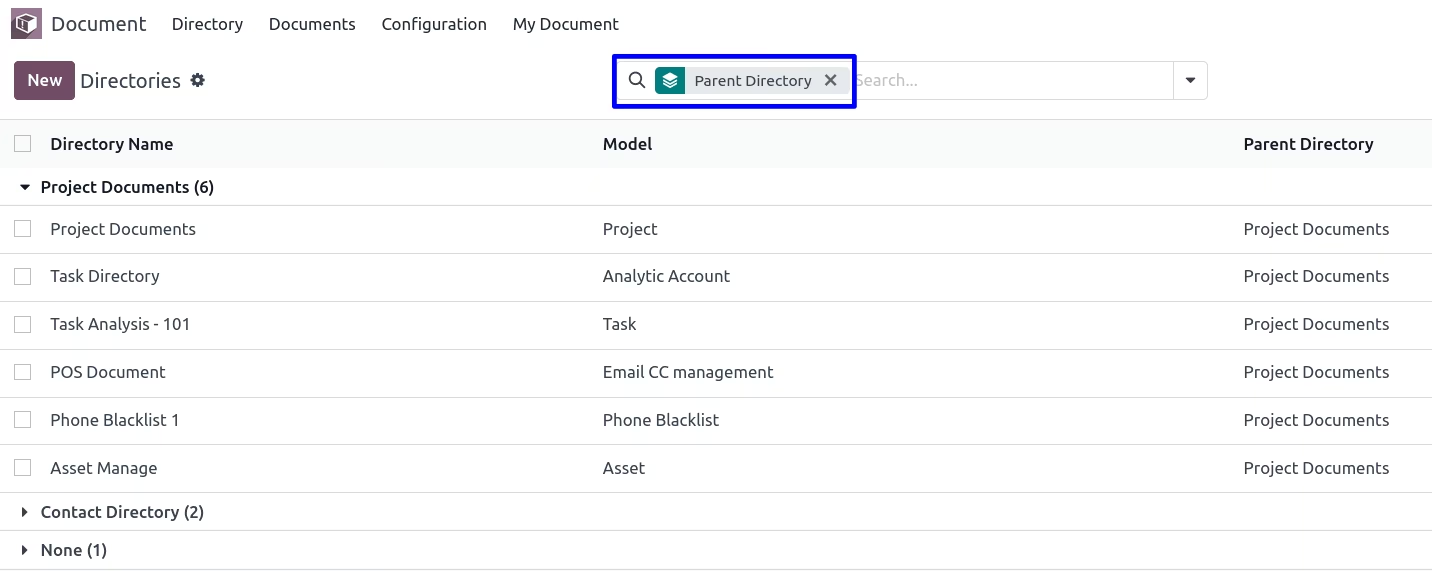
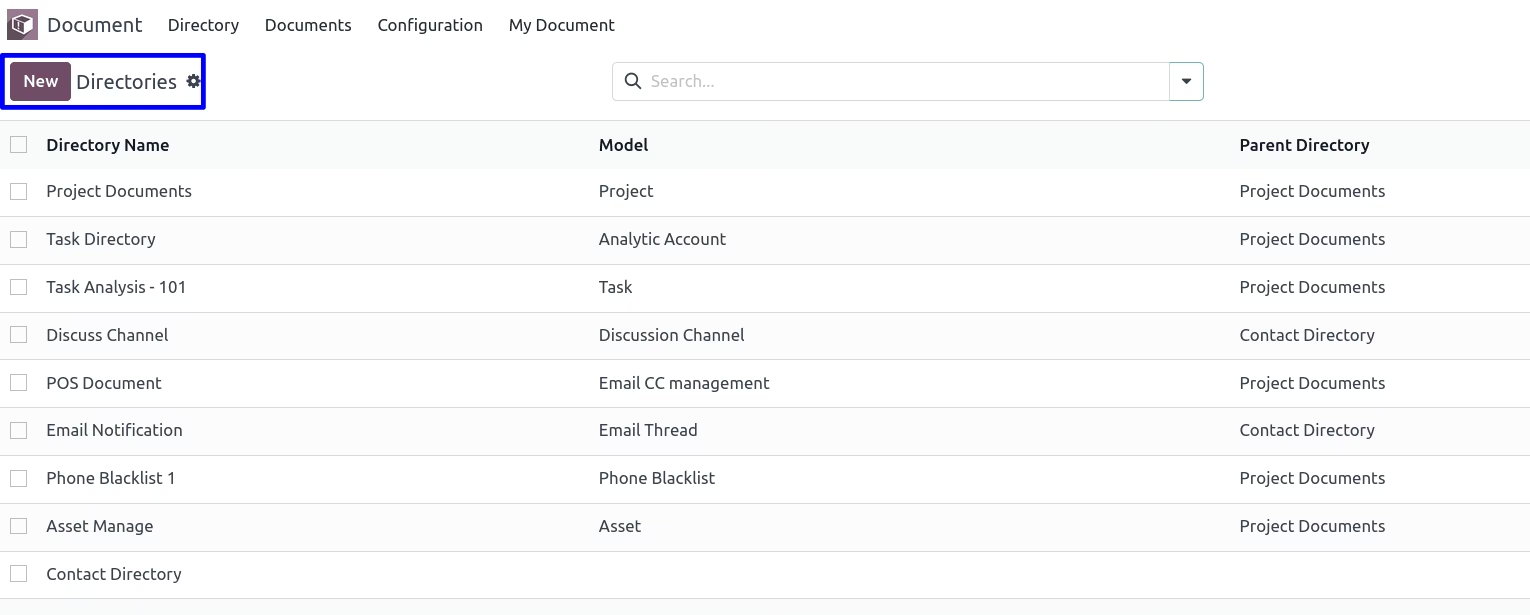
Directories Tree View
In directories tree view, User can view the files or attachments by clicking on 'VIEW FILES' button.
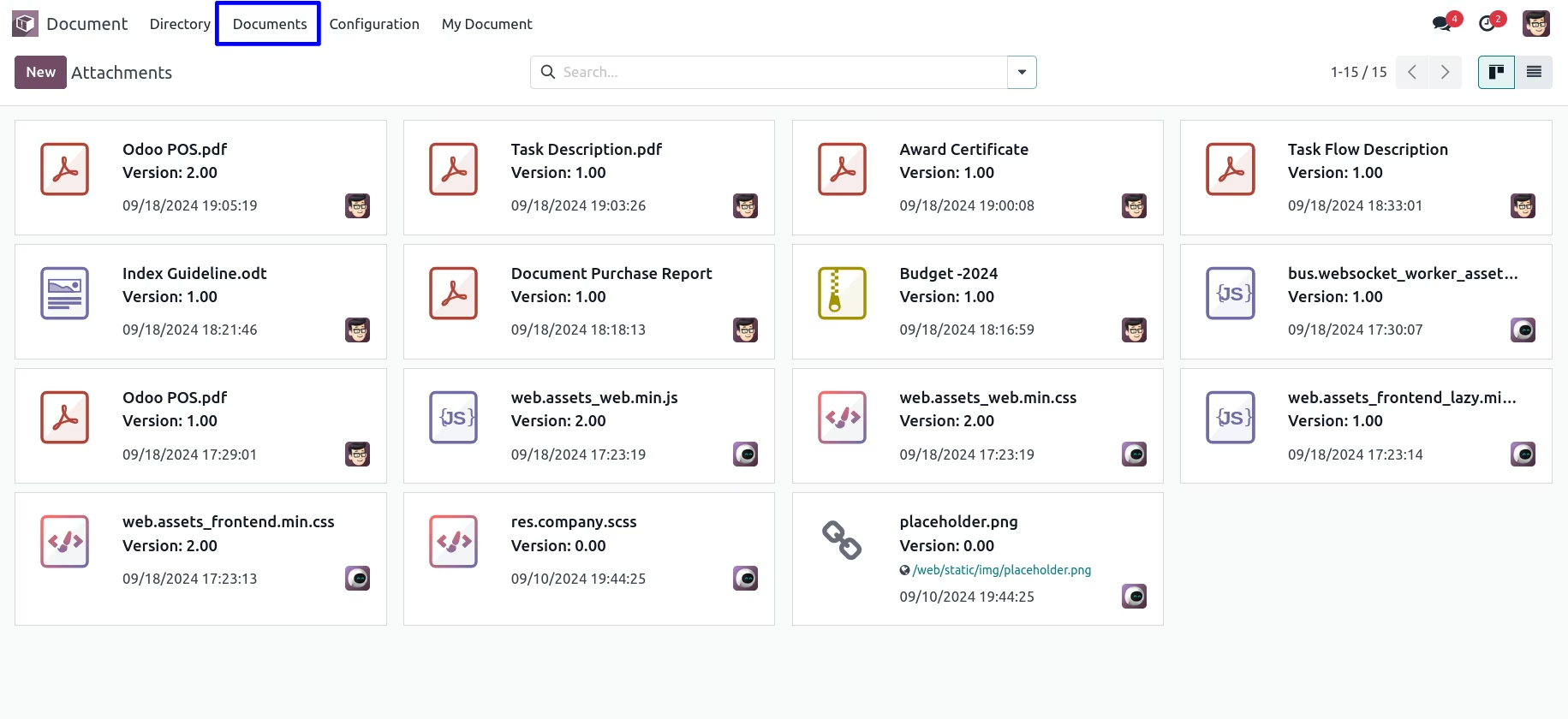
All Documents of the System
Login Employee's Documents in My Document
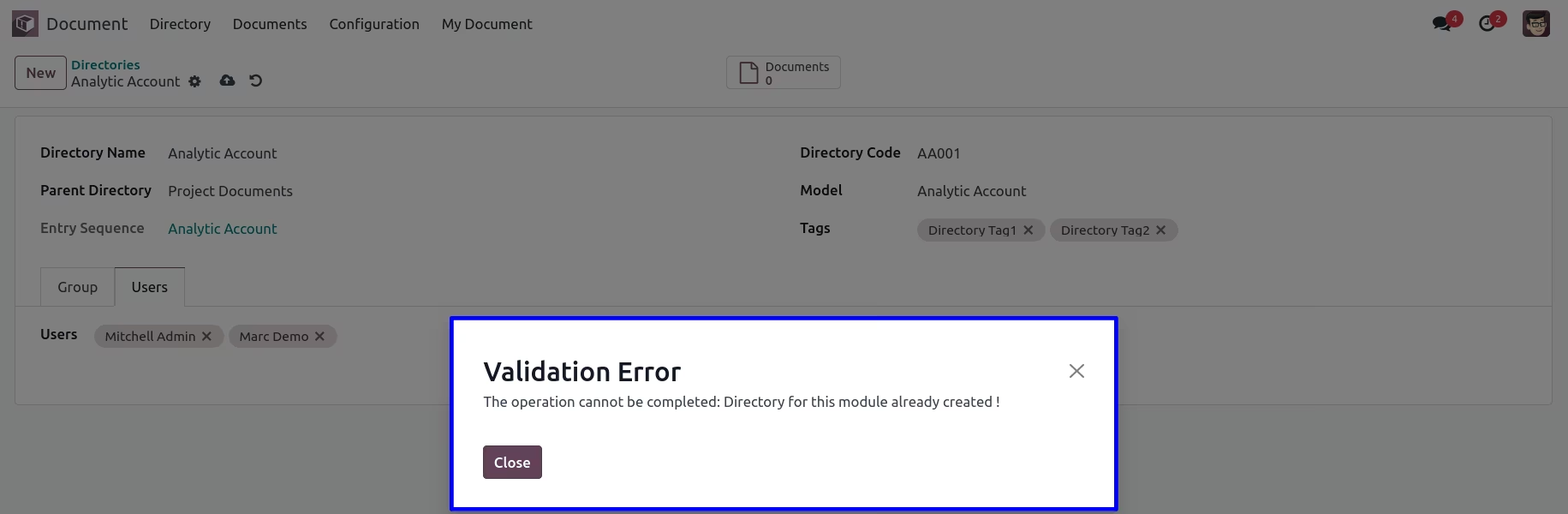
Warning when the Directory already exists having the same Model