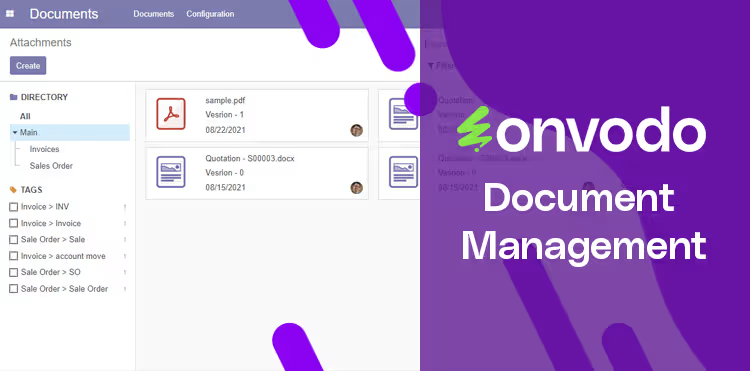
This module delivers a refined document management system, offering a structured directory approach, document tagging, version control, and export functionality. Designed to elevate file organization and collaboration, it integrates numbering, tagging, security, and flexible export options. Ideal for teams seeking efficient, searchable, and secure document handling.
Configurable directory (folder) structure for intuitive organization
Document tagging and directory tagging to enhance searchability
Version control to maintain and manage document revisions
Automatic document numbering for orderly tracking
Secure access control via user group permissions
Export multiple documents or attachments as a zip file
Simplifies file organization by structuring documents in clear directories
Accelerates document retrieval through tagging and version history
Supports compliance and audit needs via version control
Enhances tracking with sequential document numbering
Strengthens data access control through security groups
Saves time by allowing bulk export of documents in a zip archive
This module provide simple and very useful functionality to manage documents with directory (folders), tags, export, numbering, versions and security groups.
- User Group and Manager Group Security
- Folder View Based on Document modules
- Document versions
- Document numbering
- Filter by tags
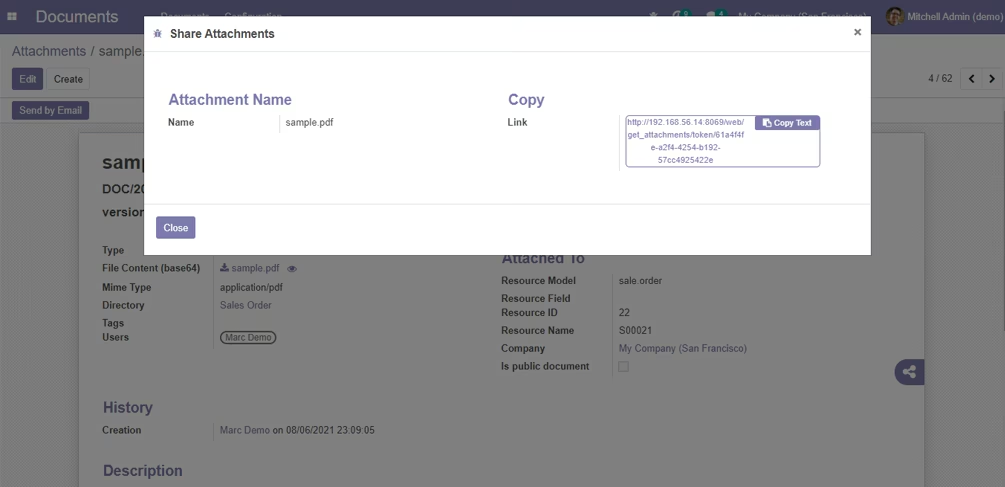
- Document Share
- Document Send by Email
- Export Multiple Documents to Zip
Installation
- Copy documents_management module to addons folder
- Install the module normally like other modules.
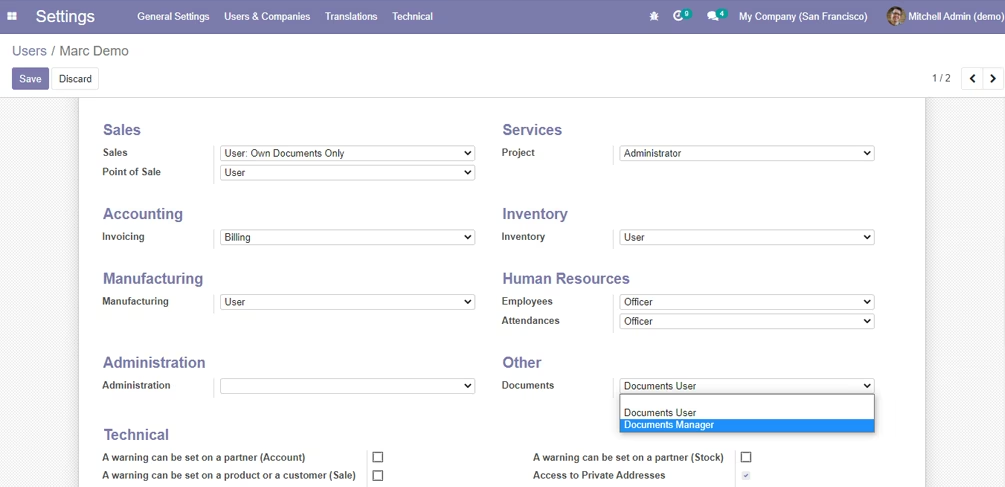
1. User settings (Documents Manager & Documents User)
Settings -> users & companies -> Users -> Documents
1. Document View
Documents -> Documen
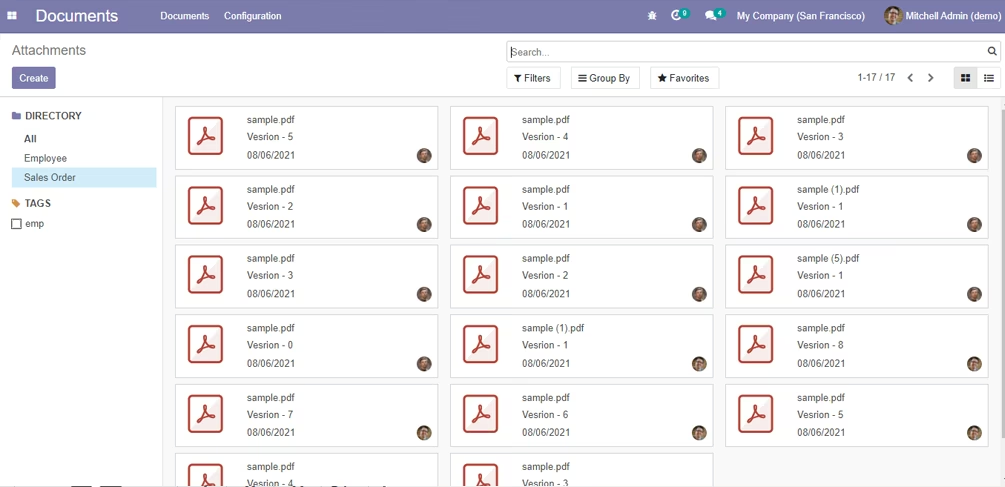
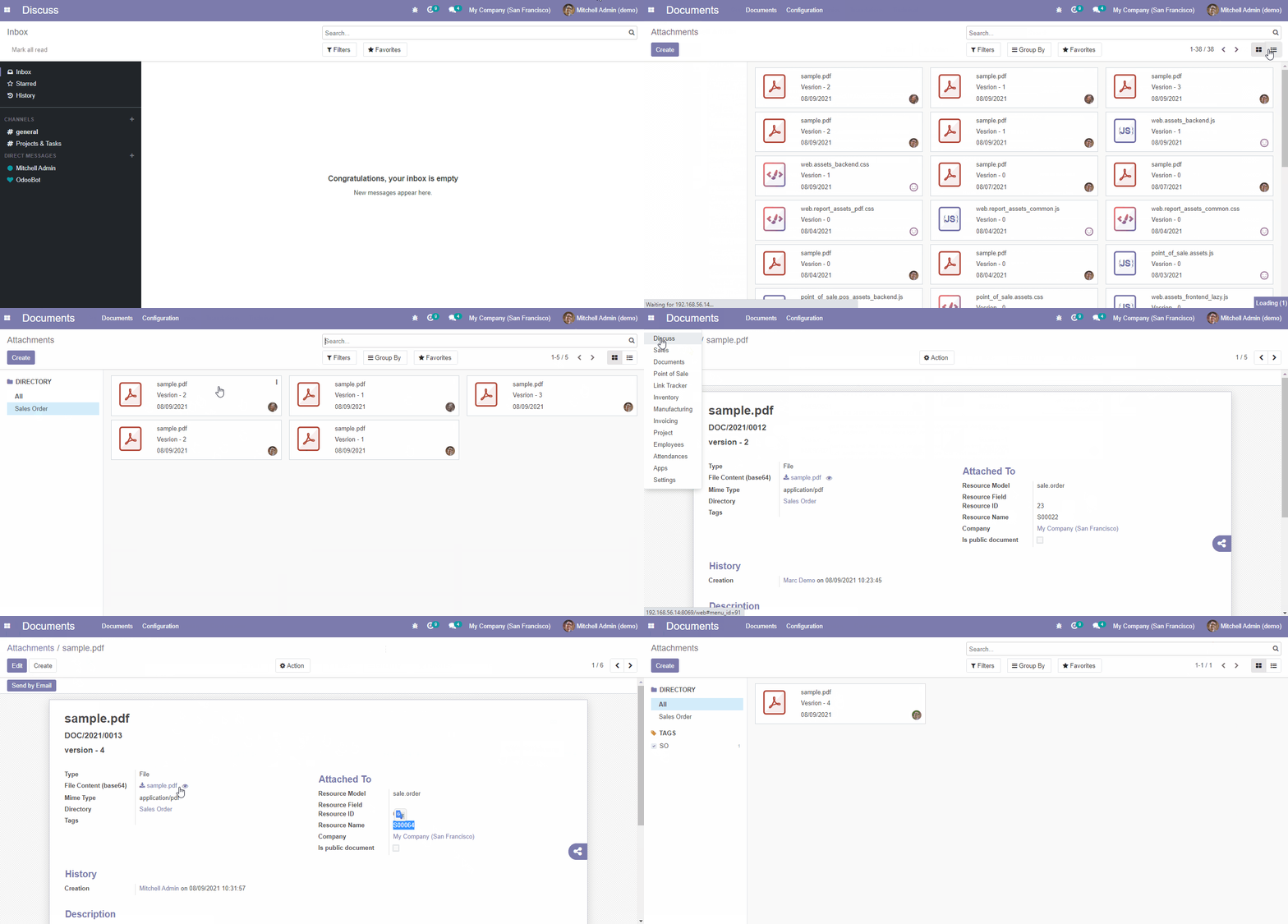
Documents -> Documents
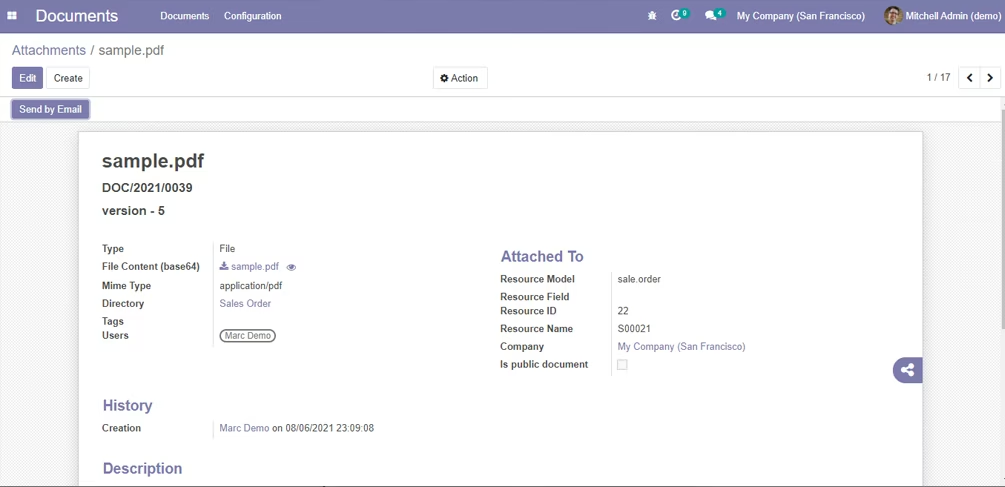
2. Document Preview
Documents -> Documents
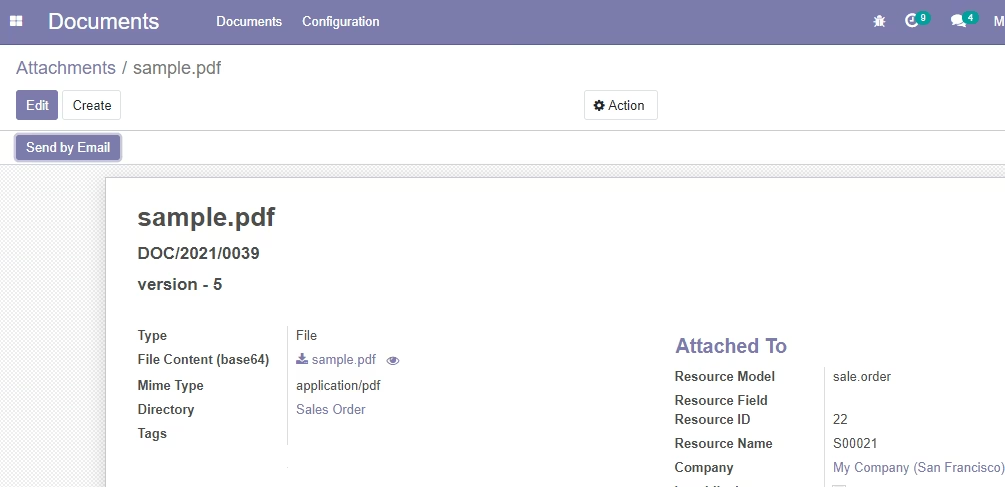
Documents -> Documents -> Eye Icon
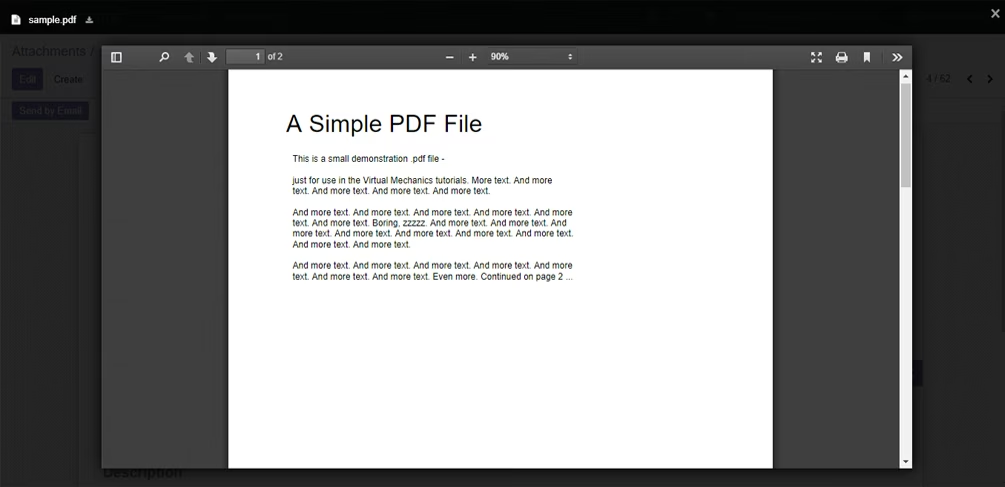
3. Document Share
Documents -> Documents
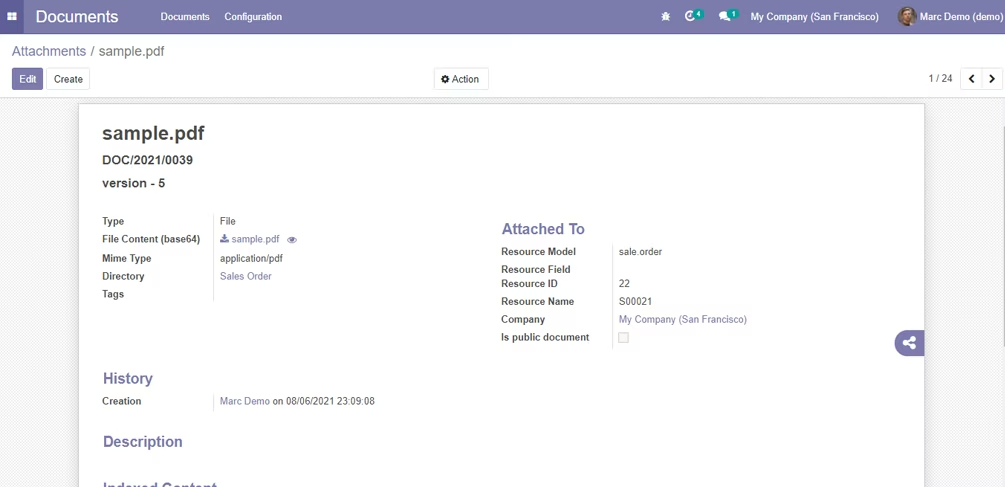
Documents -> Documents -> Eye Icon
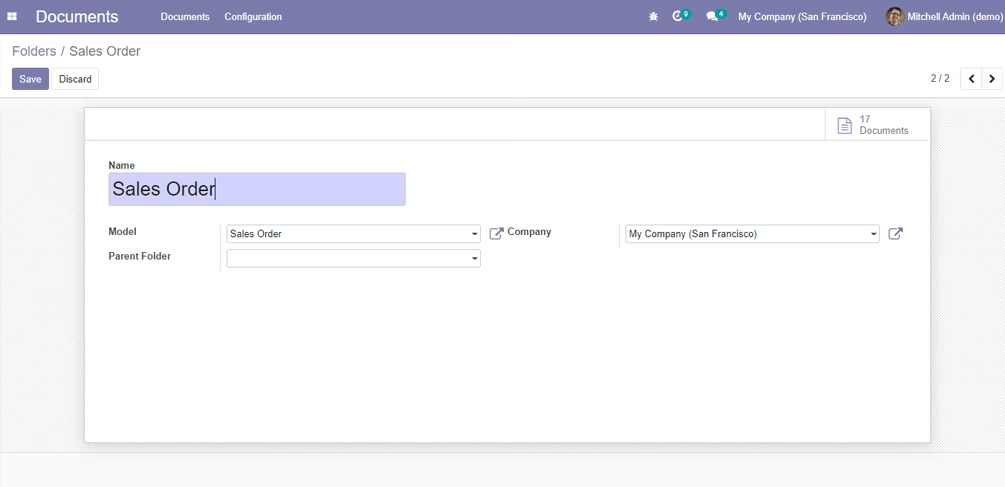
4. Folder (Directory)
Documents -> Configuration -> Folders