This module elevates document management in by offering a streamlined directory structure combined with flexible tagging and advanced filtering tools. It allows users to categorize documents into visible and personal directories, customize filters and groupings, and quickly retrieve files using a powerful search bar. Perfect for teams seeking efficient, organized document workflows, this module supports better file visibility and faster access.
Create and manage structured directories for intuitive document organization
Tag both directories and documents for improved classification
Filter documents by visible directory or personal access
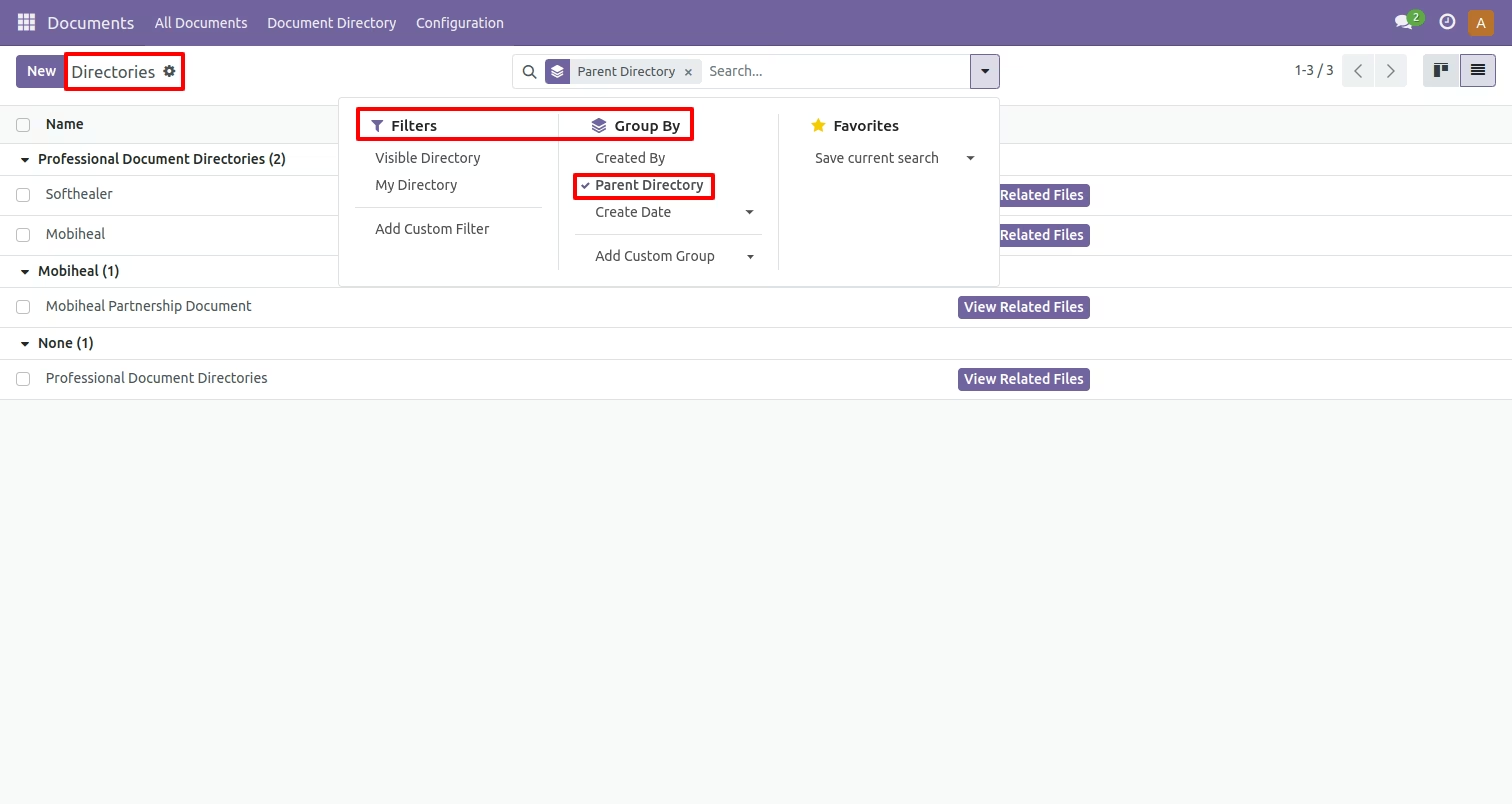
Group documents by directory, creation date, or creator, and add custom grouping
Search bar functionality for fast, precise document retrieval
Navigate easily through related documents, files, and sub-directories via smart directory view
No configuration required install and use immediately
Enhances document navigation with clear directory structures and smart access
Speeds up file discovery through tagging and powerful search tools
Tailors document views using customizable filters and groups
Supports efficient organization by showing related files and sub-directories in context
Allows immediate, hassle-free deployment without additional setup effort
This module helps to manage documents easily. You can create the directory and manage directory wise documents. Users can filter the documents by visible directory & my directory. You can easily group by the documents by directory, custom date & created by. You can easily add custom filters/groups of documents. From the menu bar, the user can see directory tags & document tags. Using a search bar you can search documents details easily. You can download the document from the files in directory. You can see related documents from the sub-directory.
- Easy to create the directory of documents.
- You can manage directory wise documents.
- Easy to filter the documents by visible directory & my directory.
- Easy to group by the documents by directory, custom date & created by.
- You can easily add custom filters/groups of documents.
- Using a search bar you can search documents details easily.
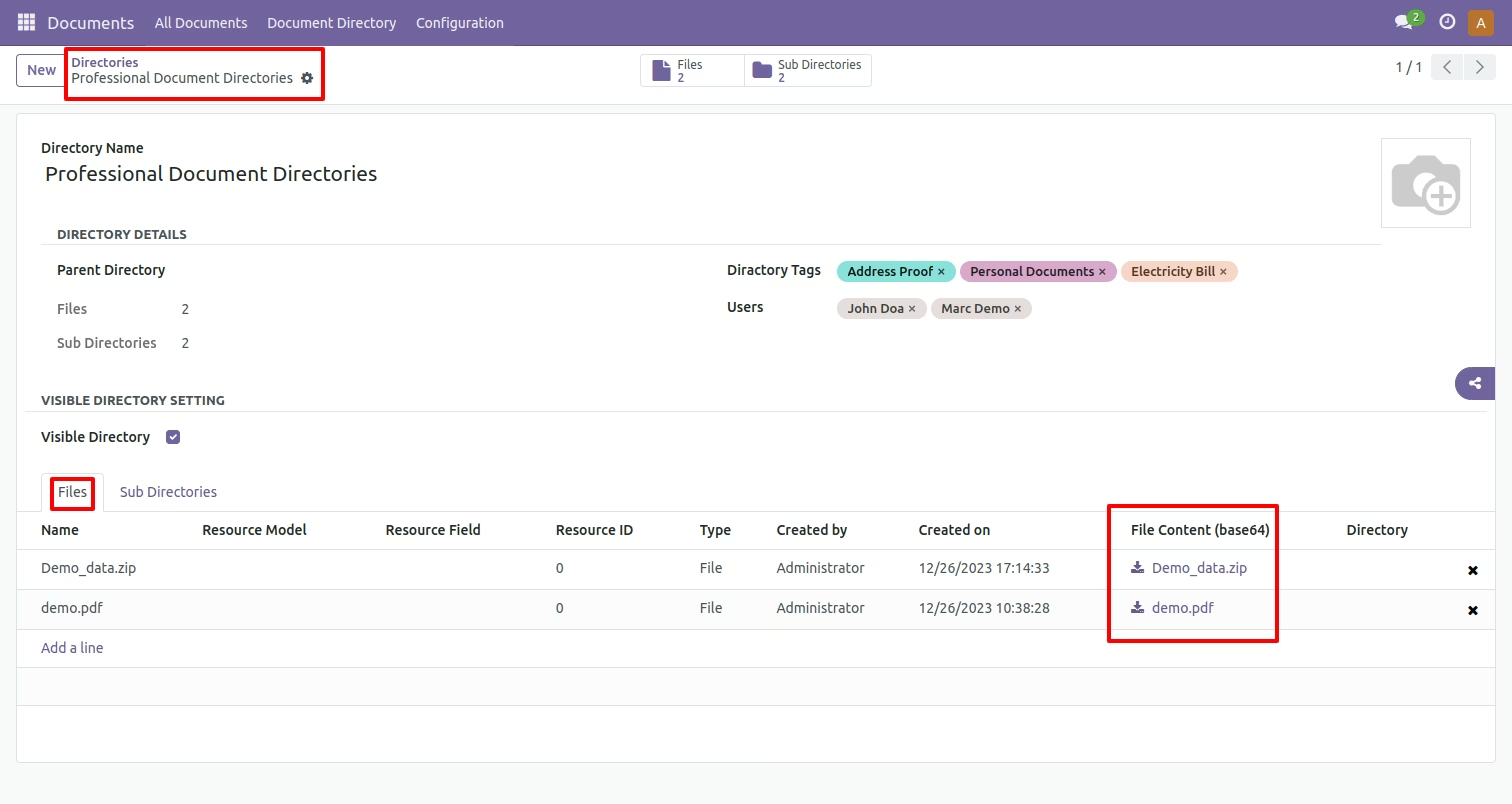
- Easy to download the document from the files in directory.
- Users can see related documents from the directory & sub-directory.
- Easy to see directory tags & document tags from the menu bar.
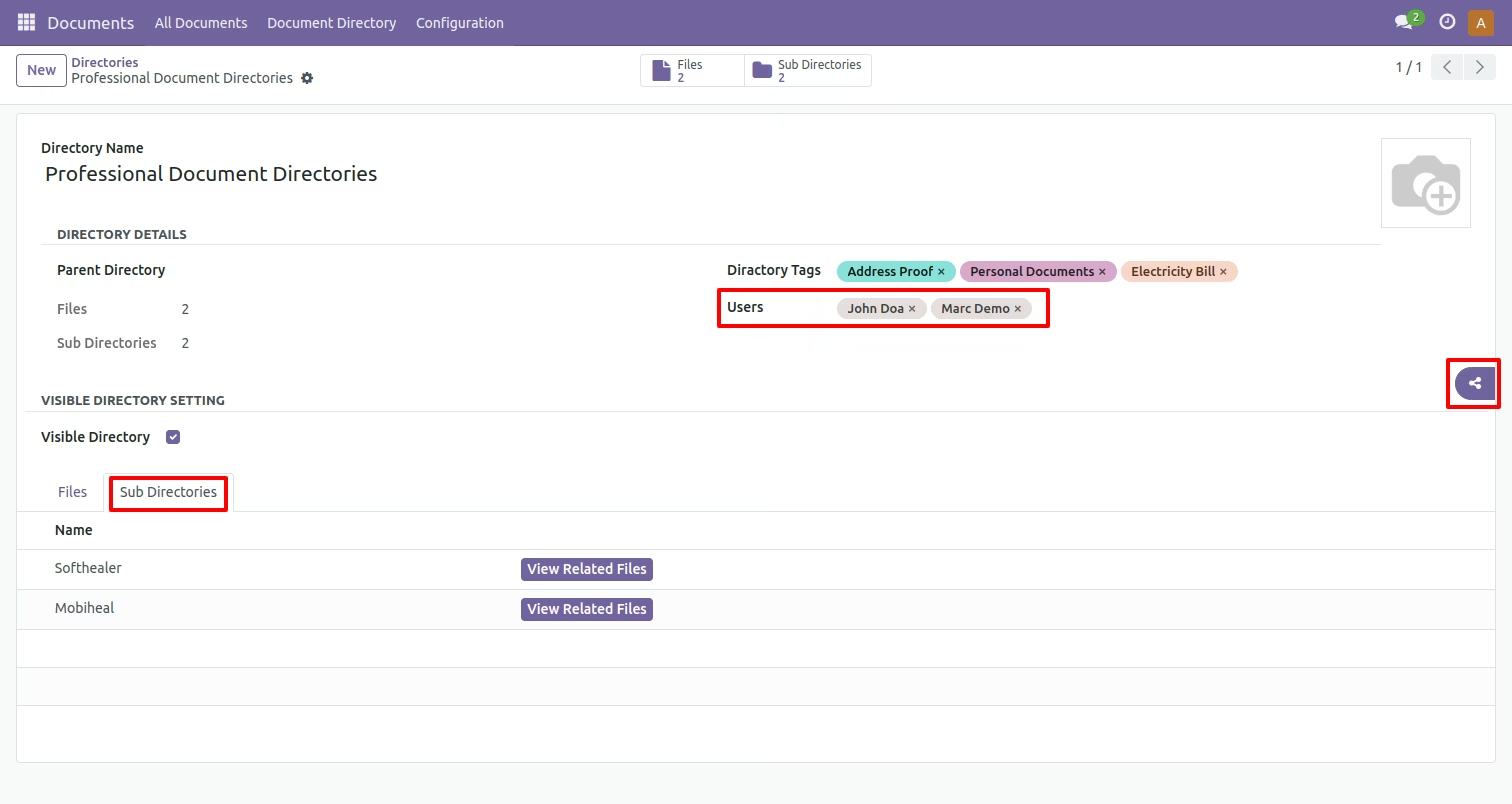
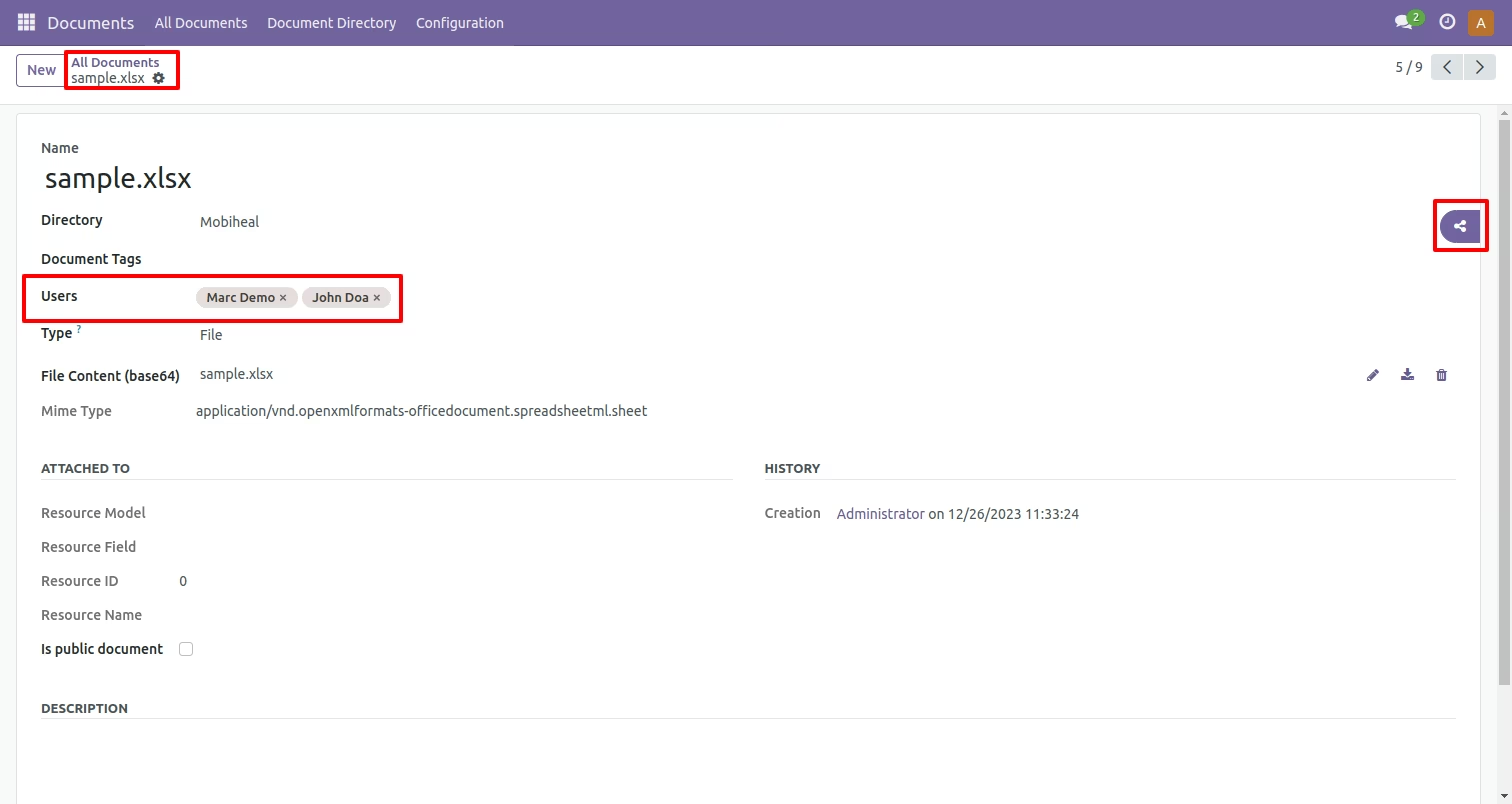
- You can share a directory with more than one user at once using the 'Share' button.
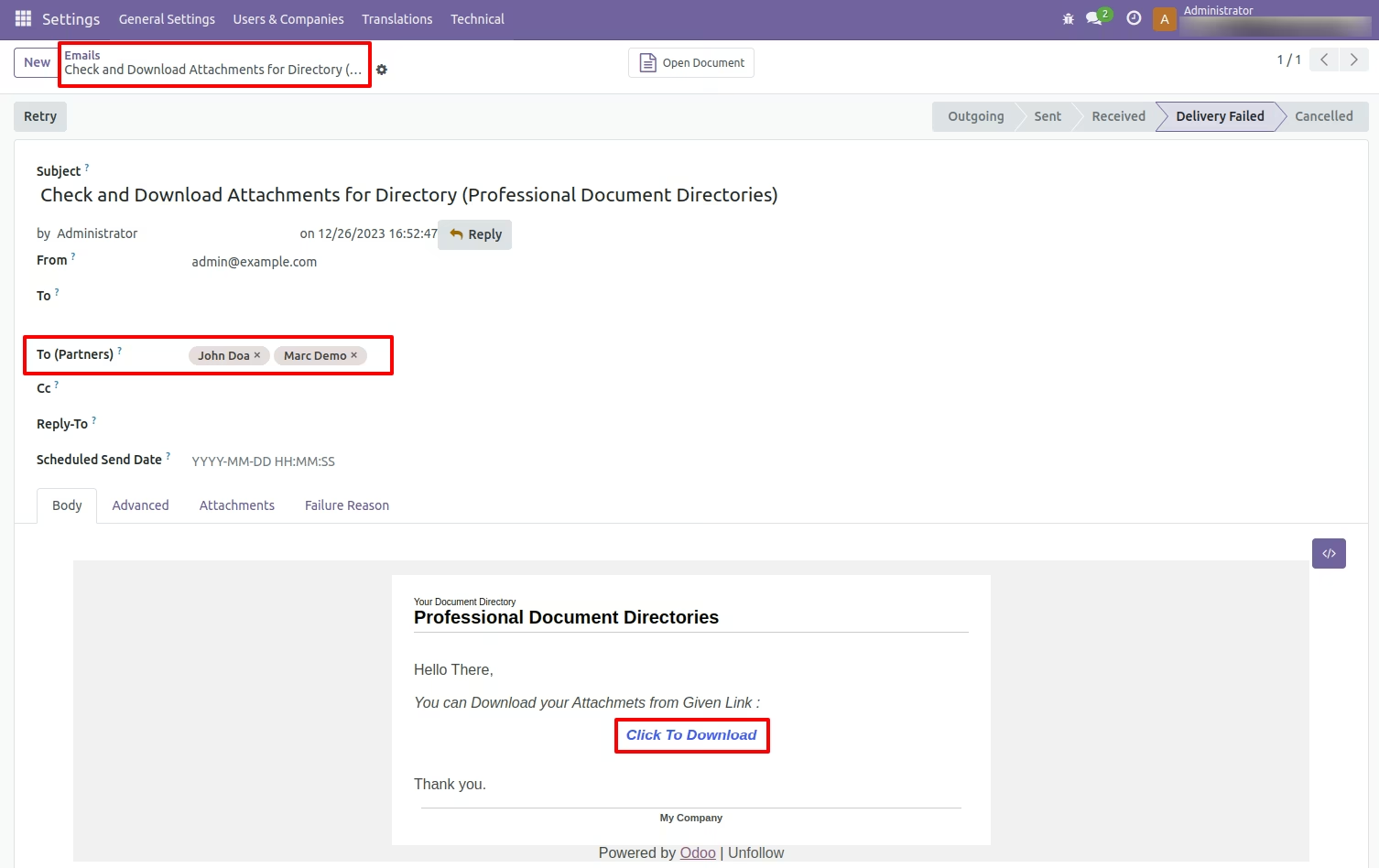
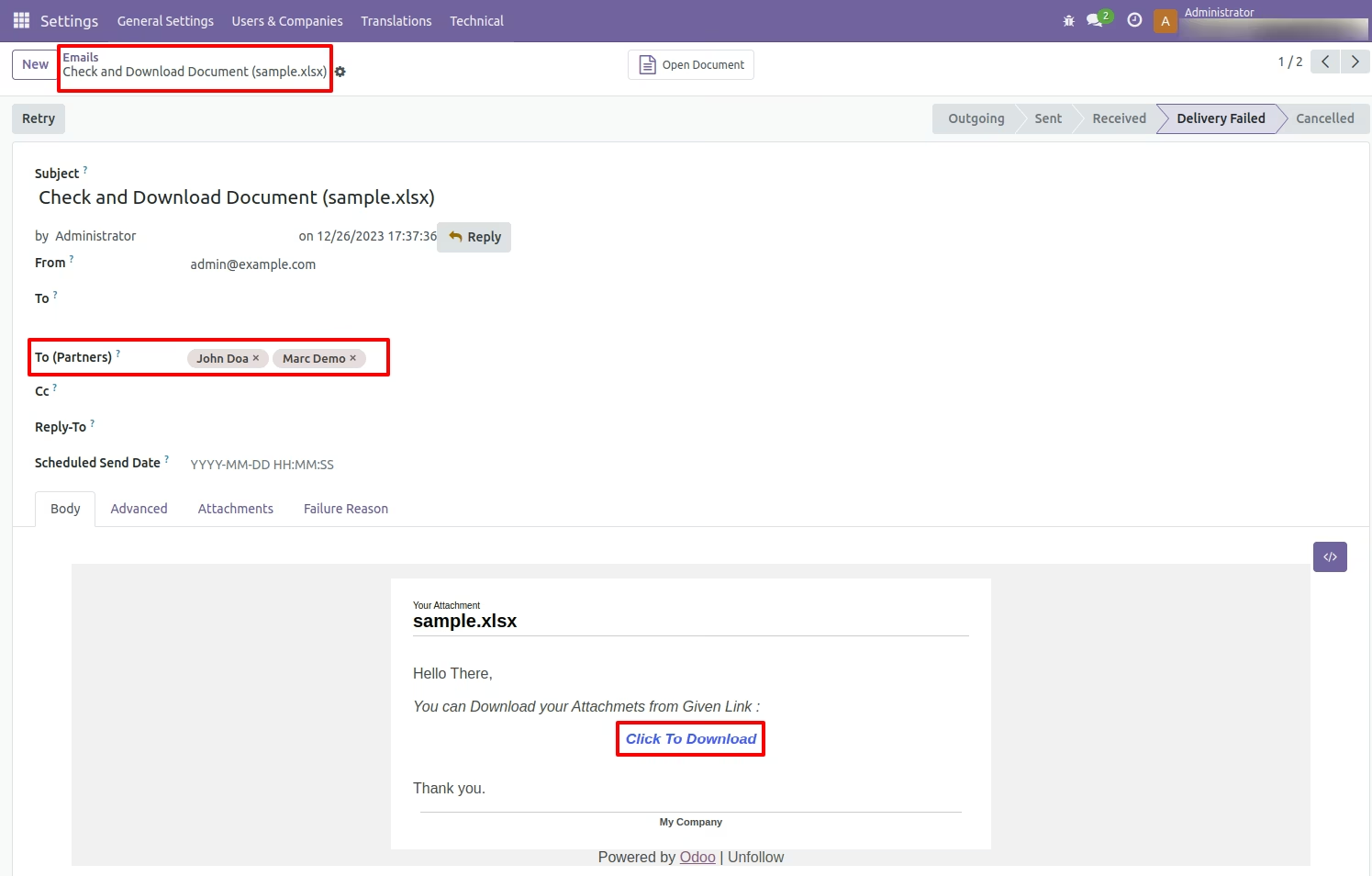
- Email sent with attachments downloads links.
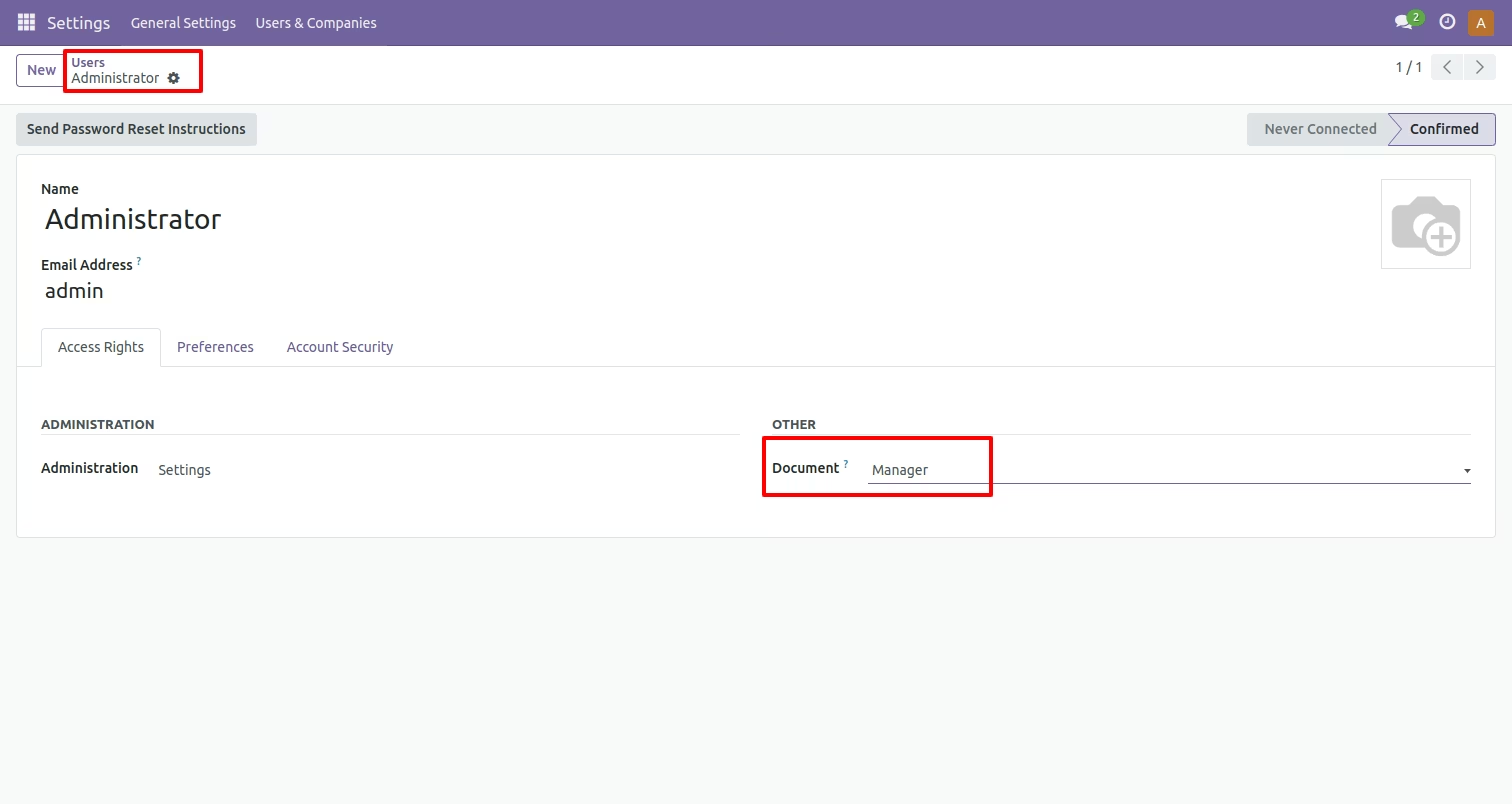
Select user or manager.
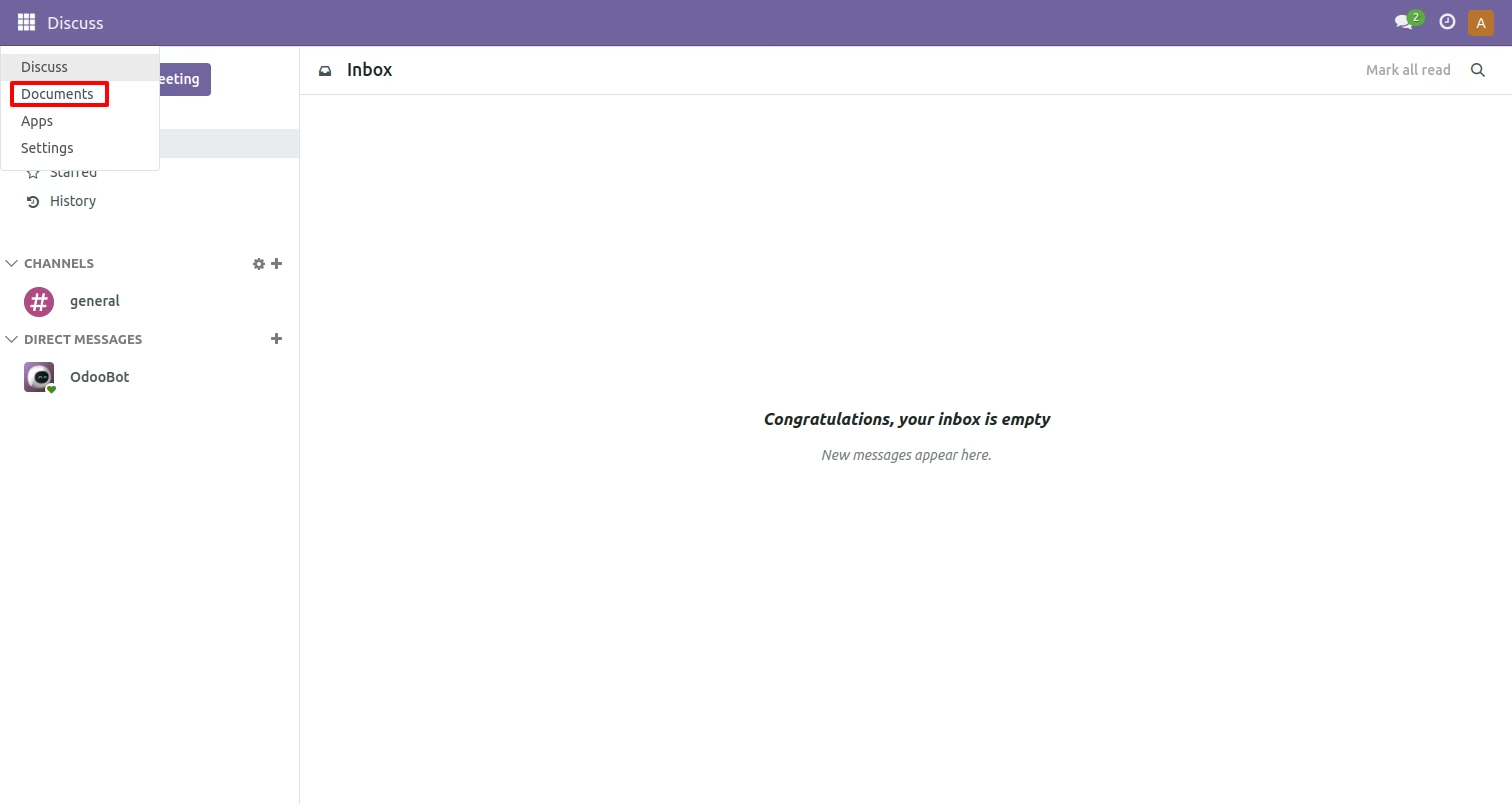
Go to the document menu.
In 'Documents' go to all documents.
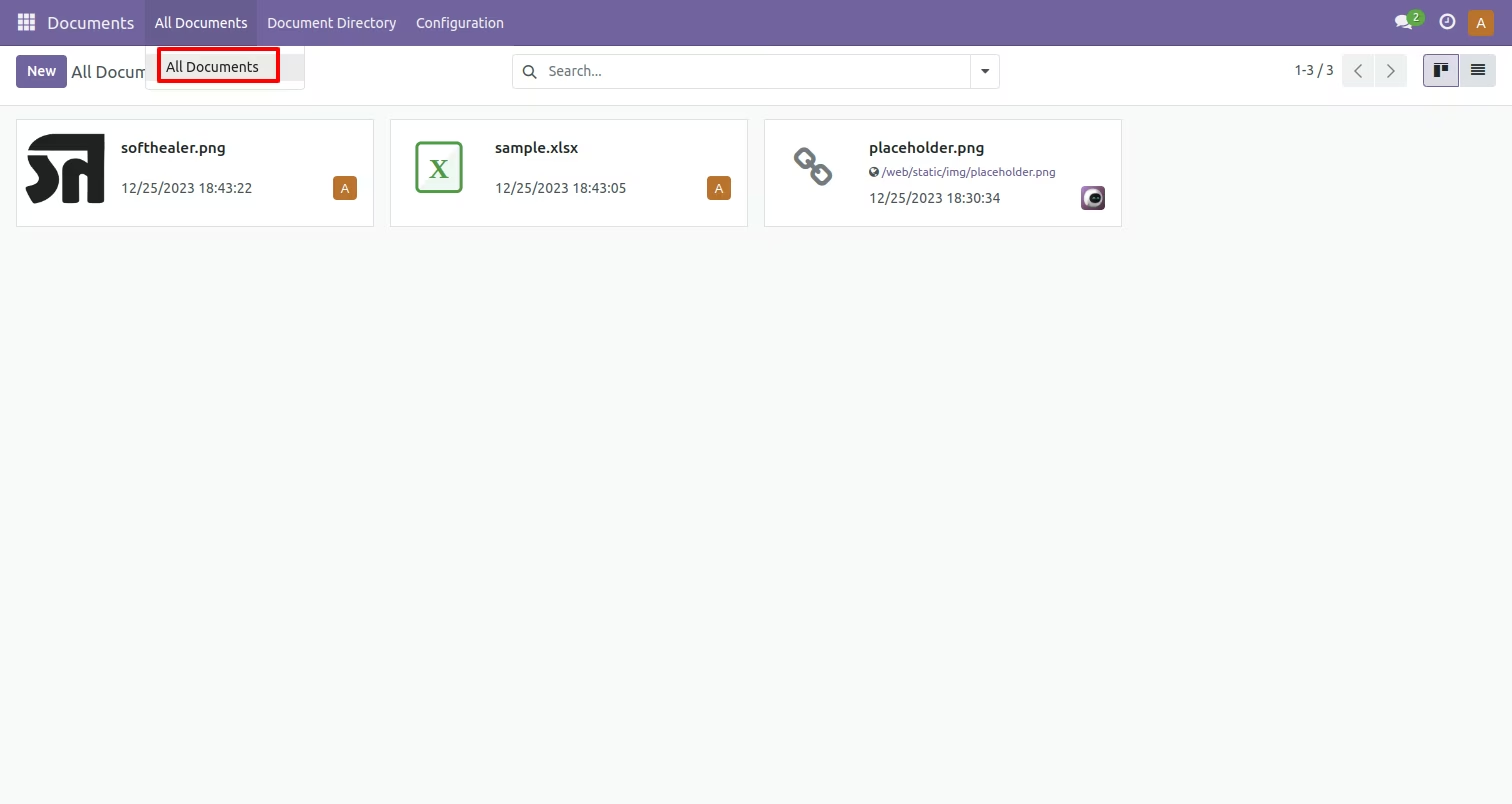
In 'Configuration' go to directory tags, list view of the directory tags look like below.
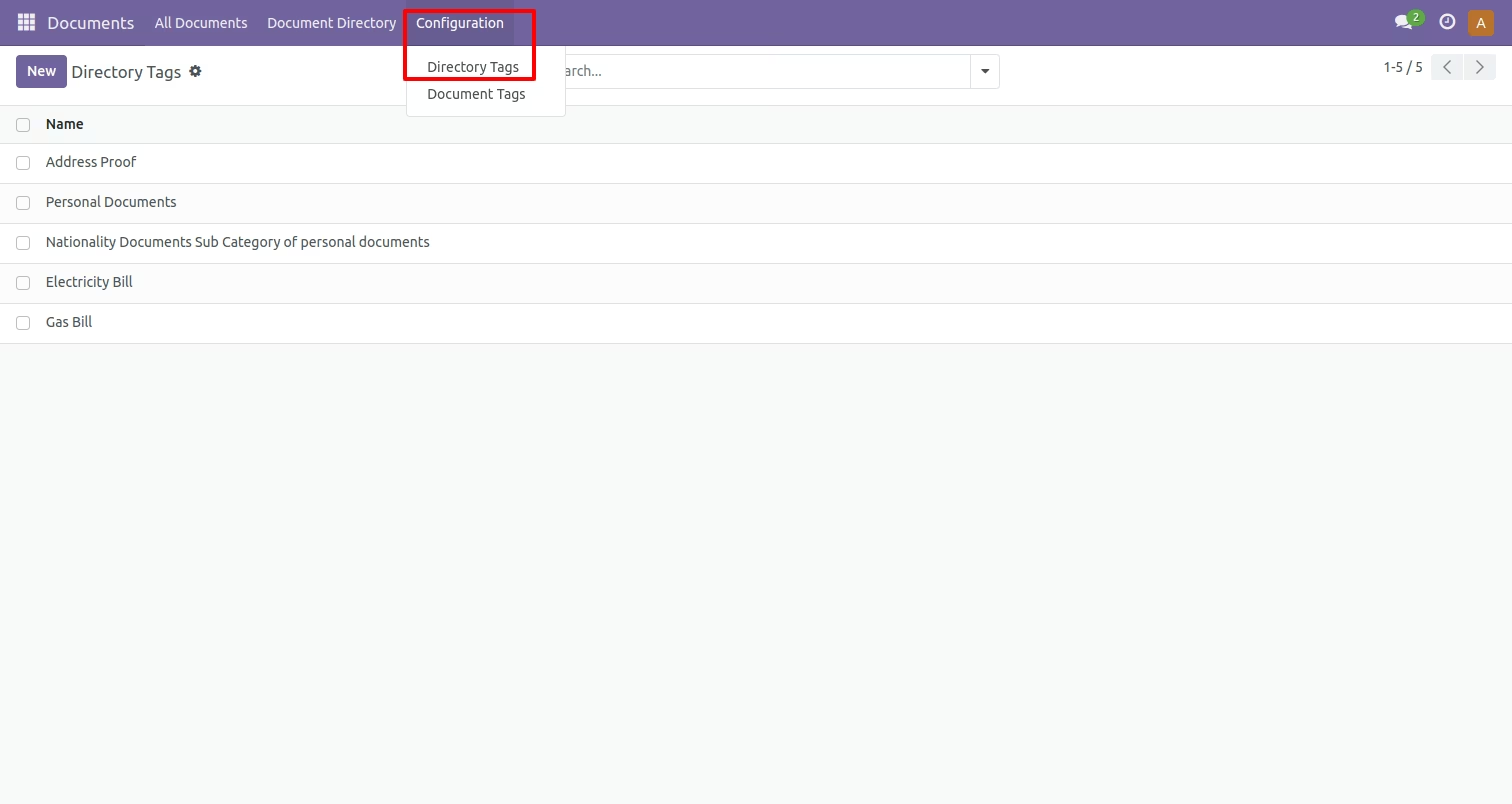
Directory tags form view look like below.
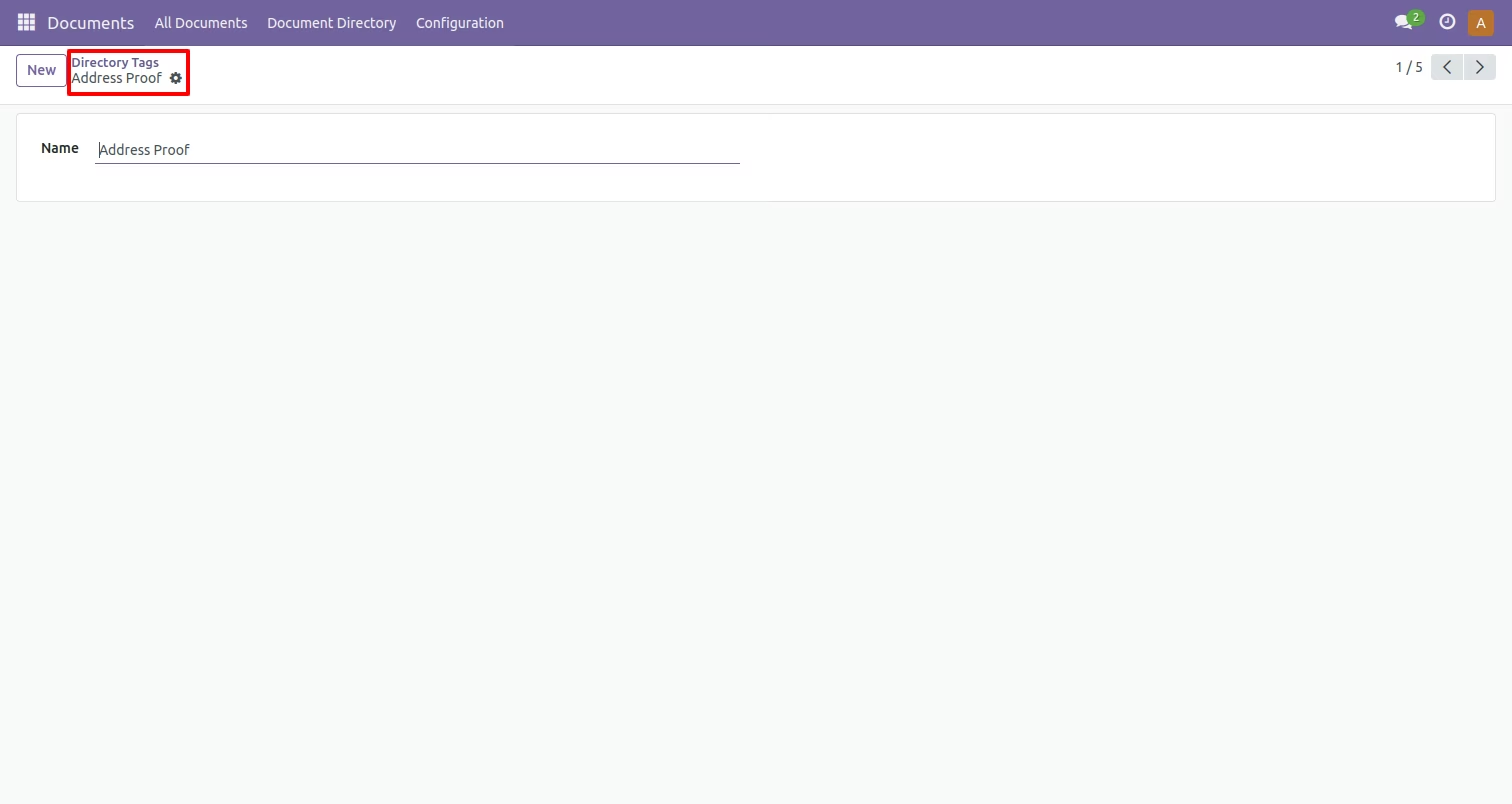
In 'Configuration' go to directory tags, list view of the document tags look like below.
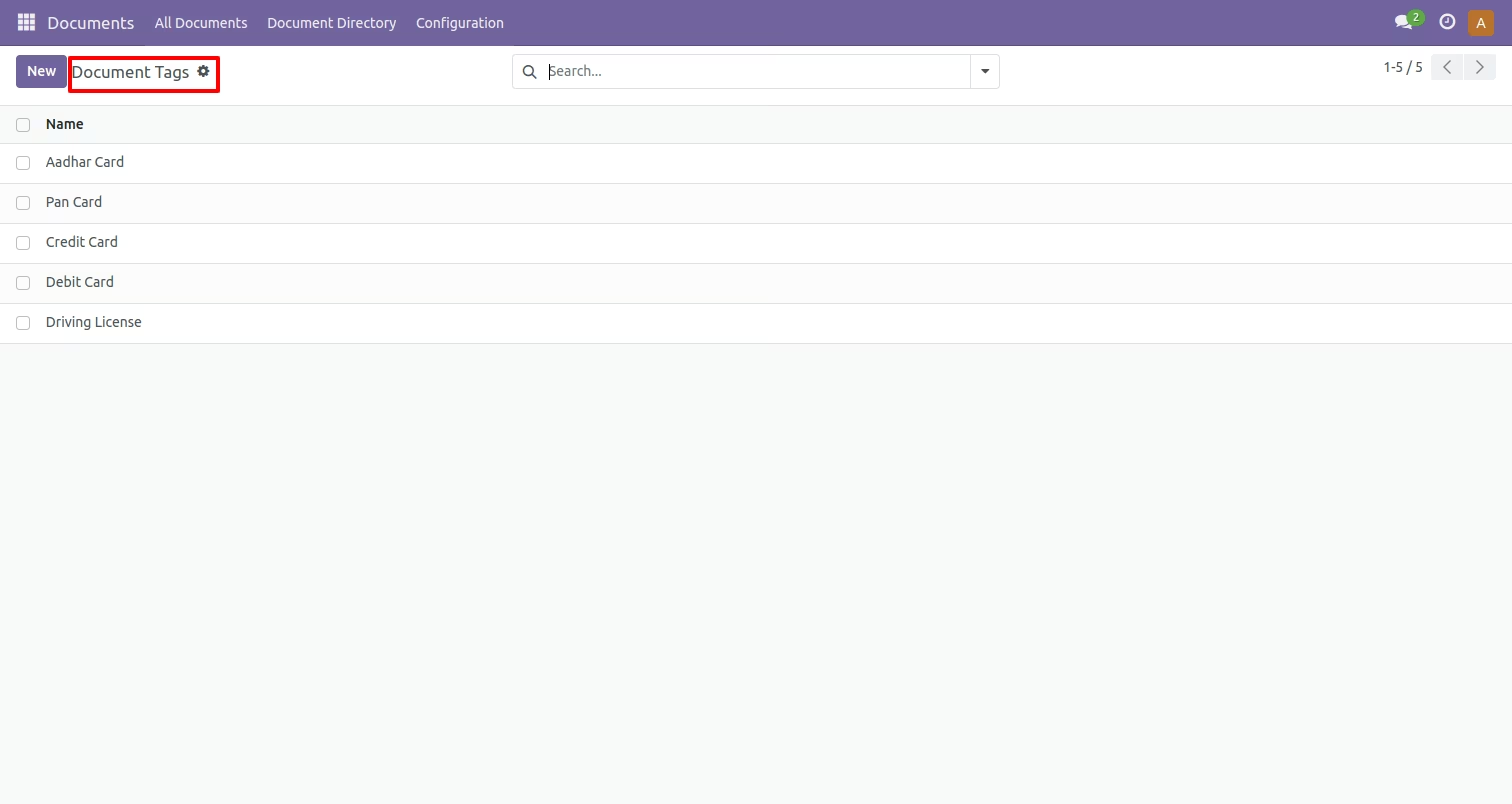
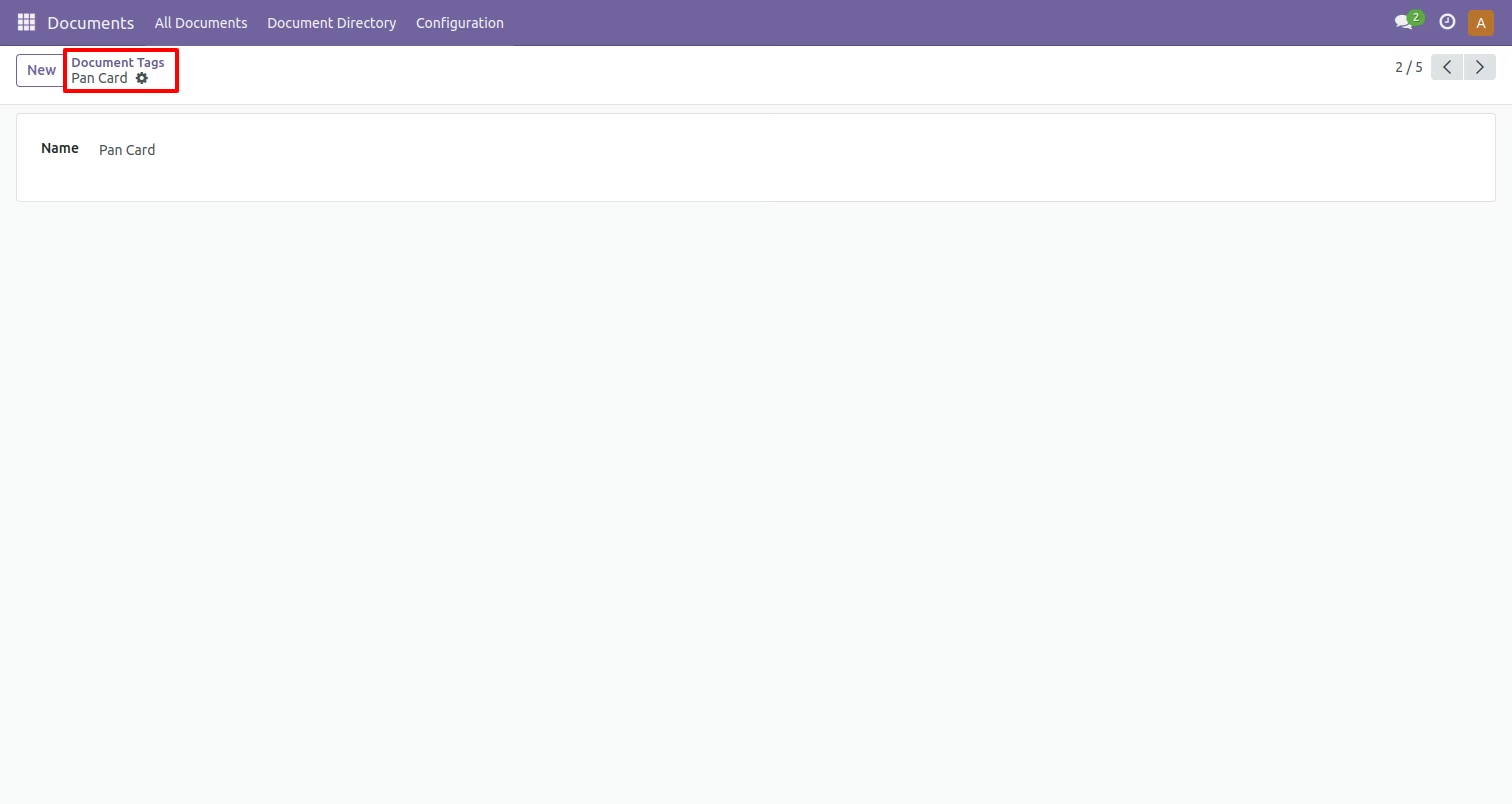
Document tags form view look like below.
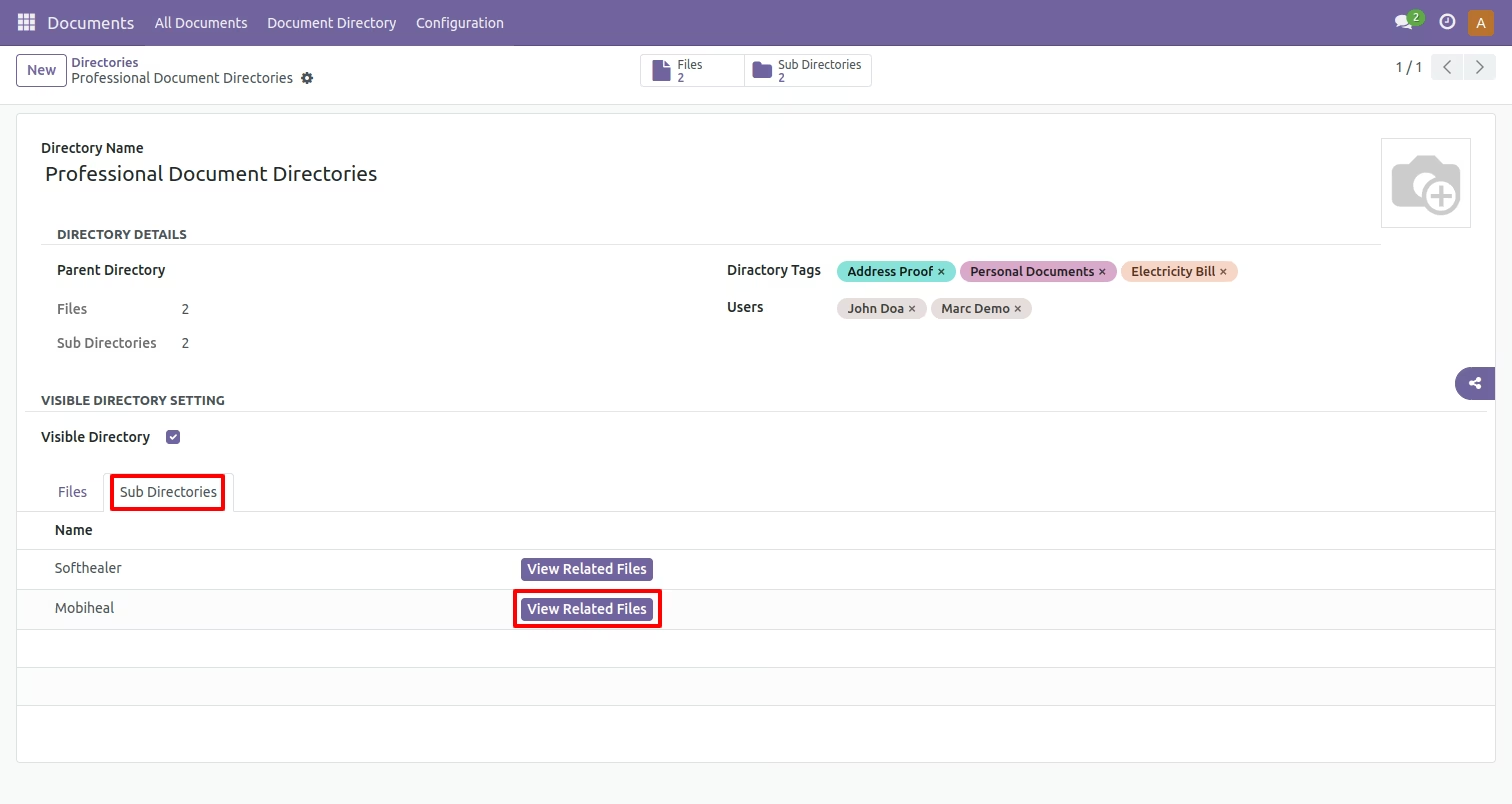
In the directory form view parent directory files, sub-directory, directory tags & you can select a visible directory or not.
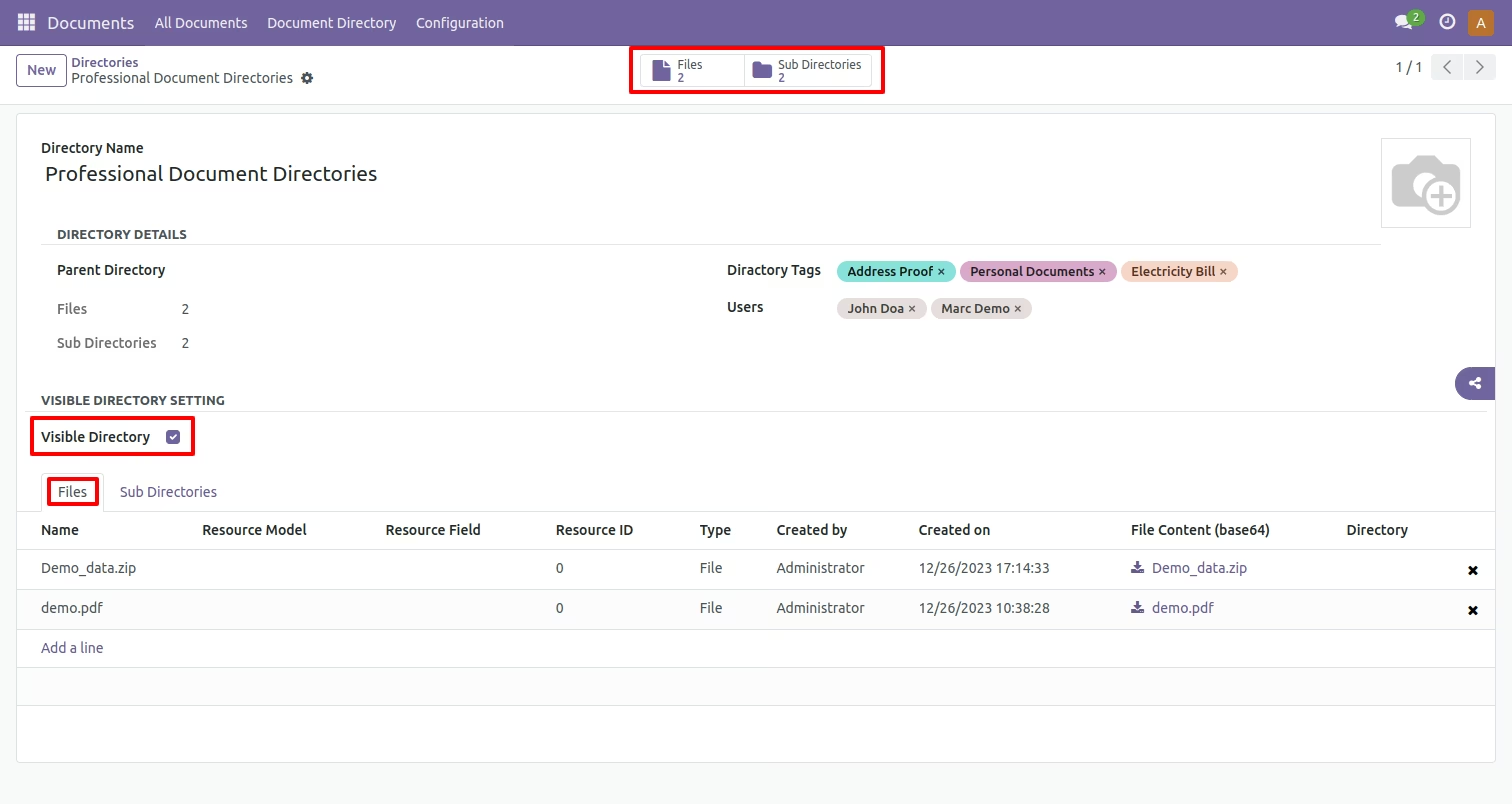
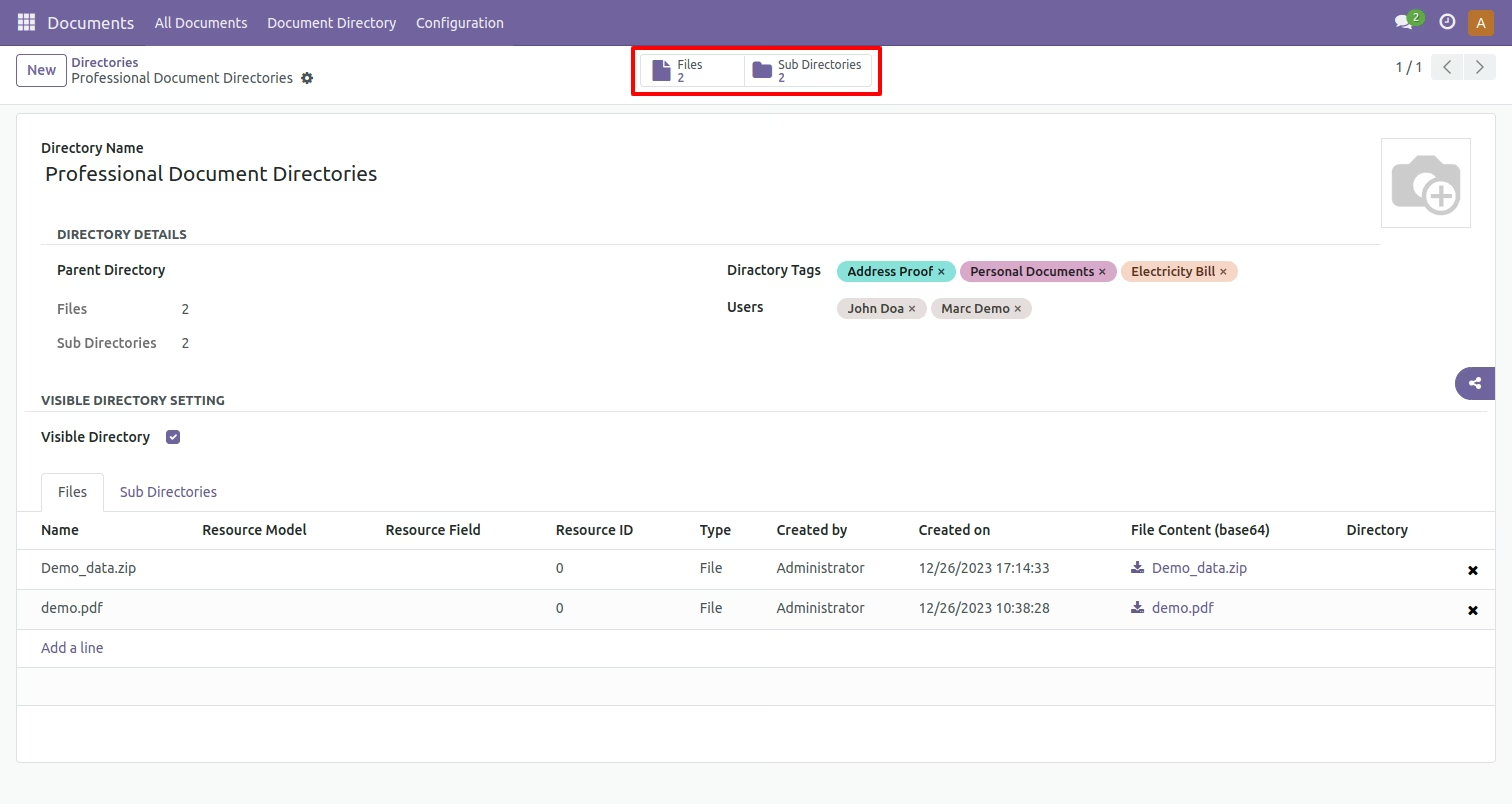
In 'Document Directory' go to the directory, you can create a directory here. Using files & sub-directory users can see details of particular documents. Search bar used for search directory.
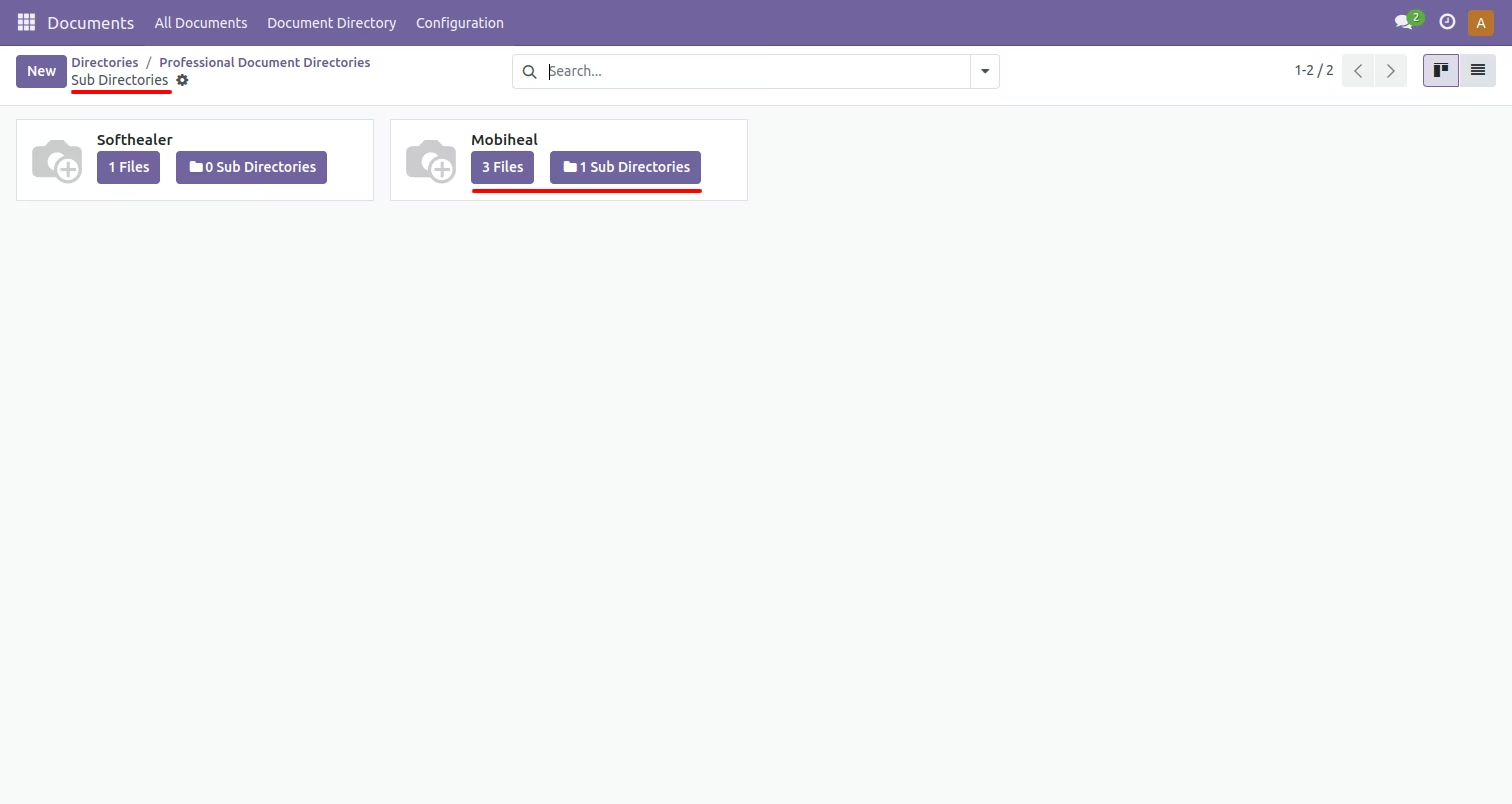
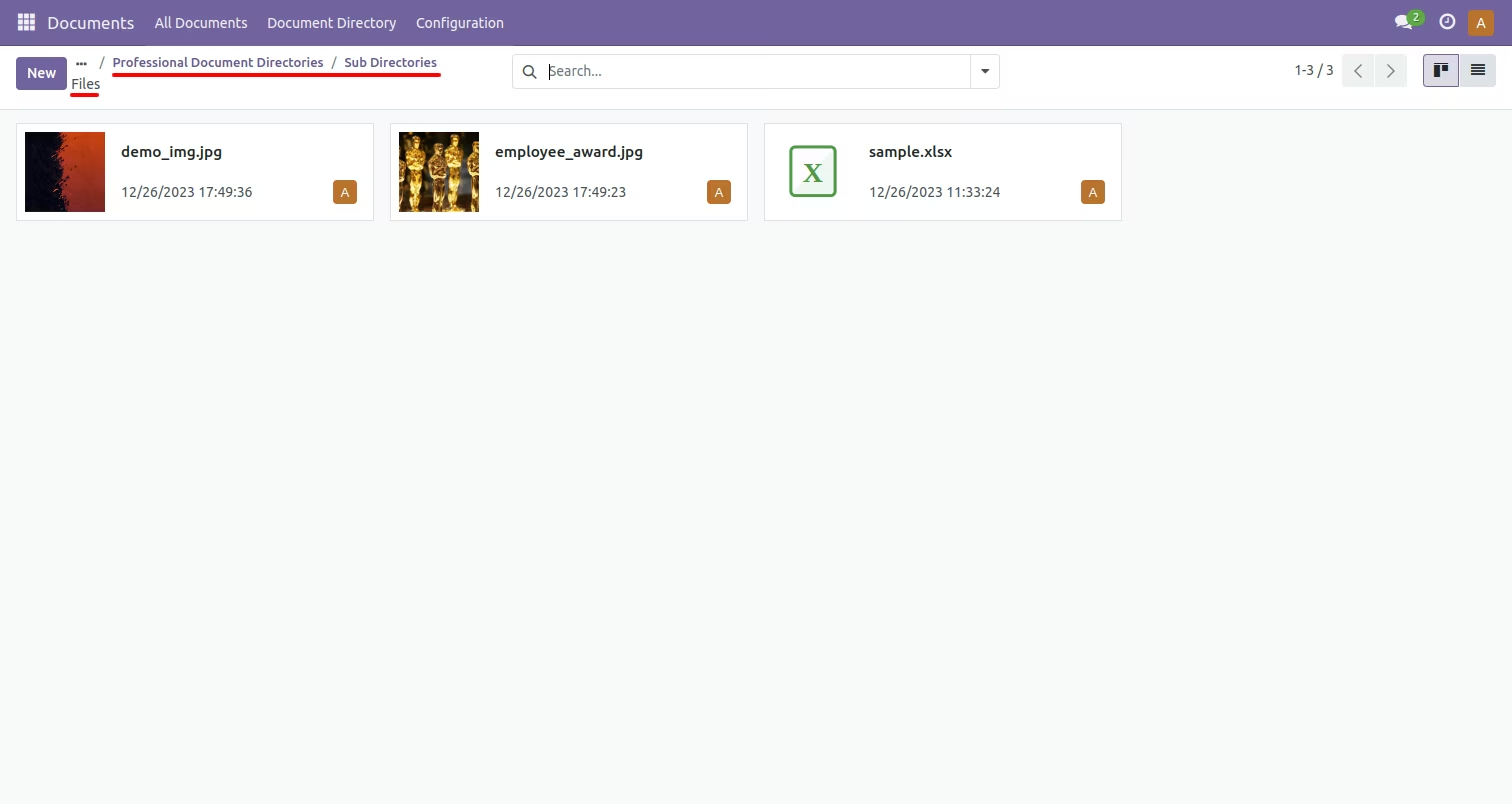
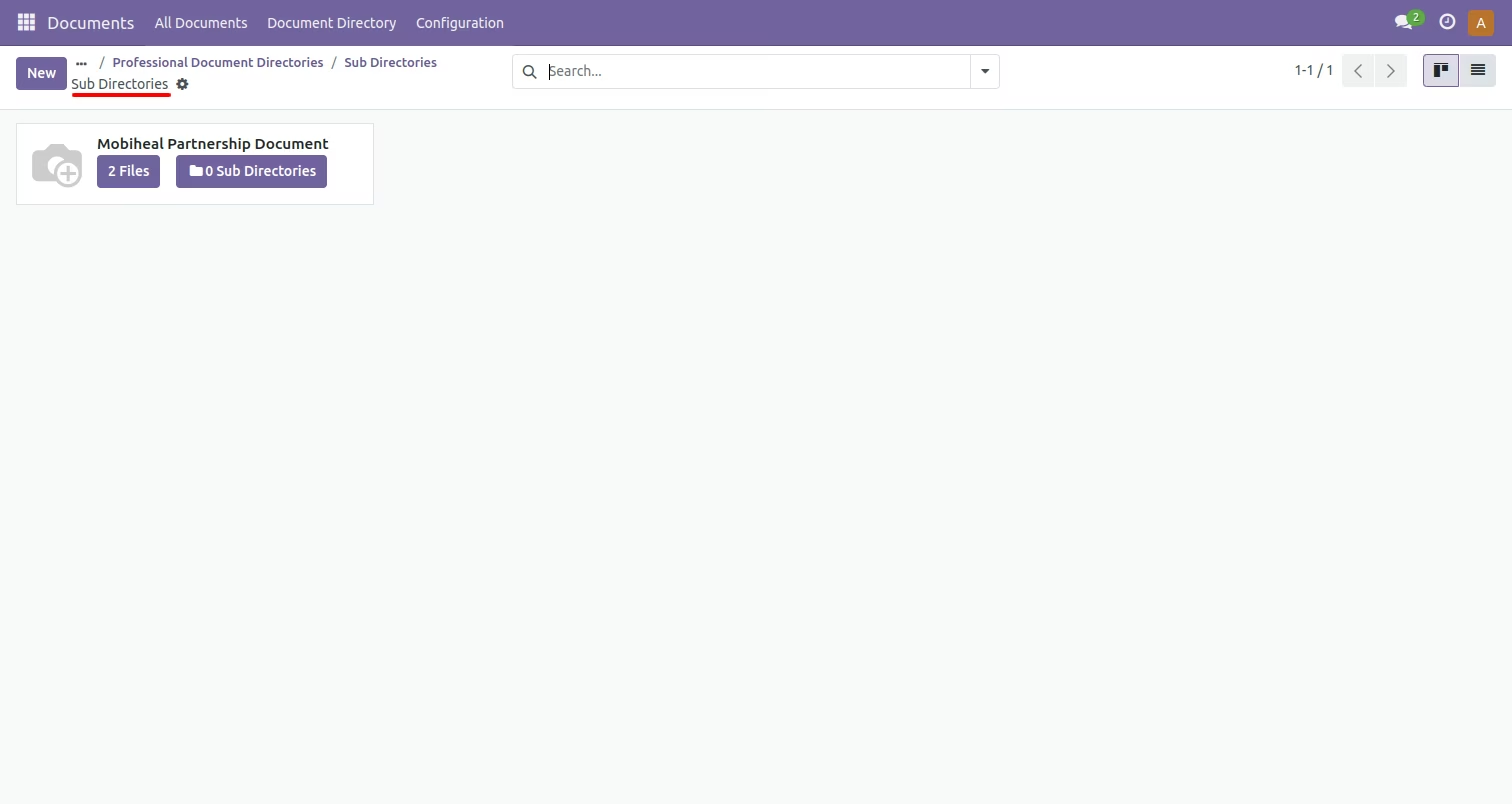
In the directory form view parent directory files, sub-directory tab & you can add users. You can share that directory using share icon.
Email view looks liske below. You can downlod directory document using 'clcik TO Download' button.
Documents form view. Click on the share icon.
Download document.
In the directory form view, in files, you can download your attachment.
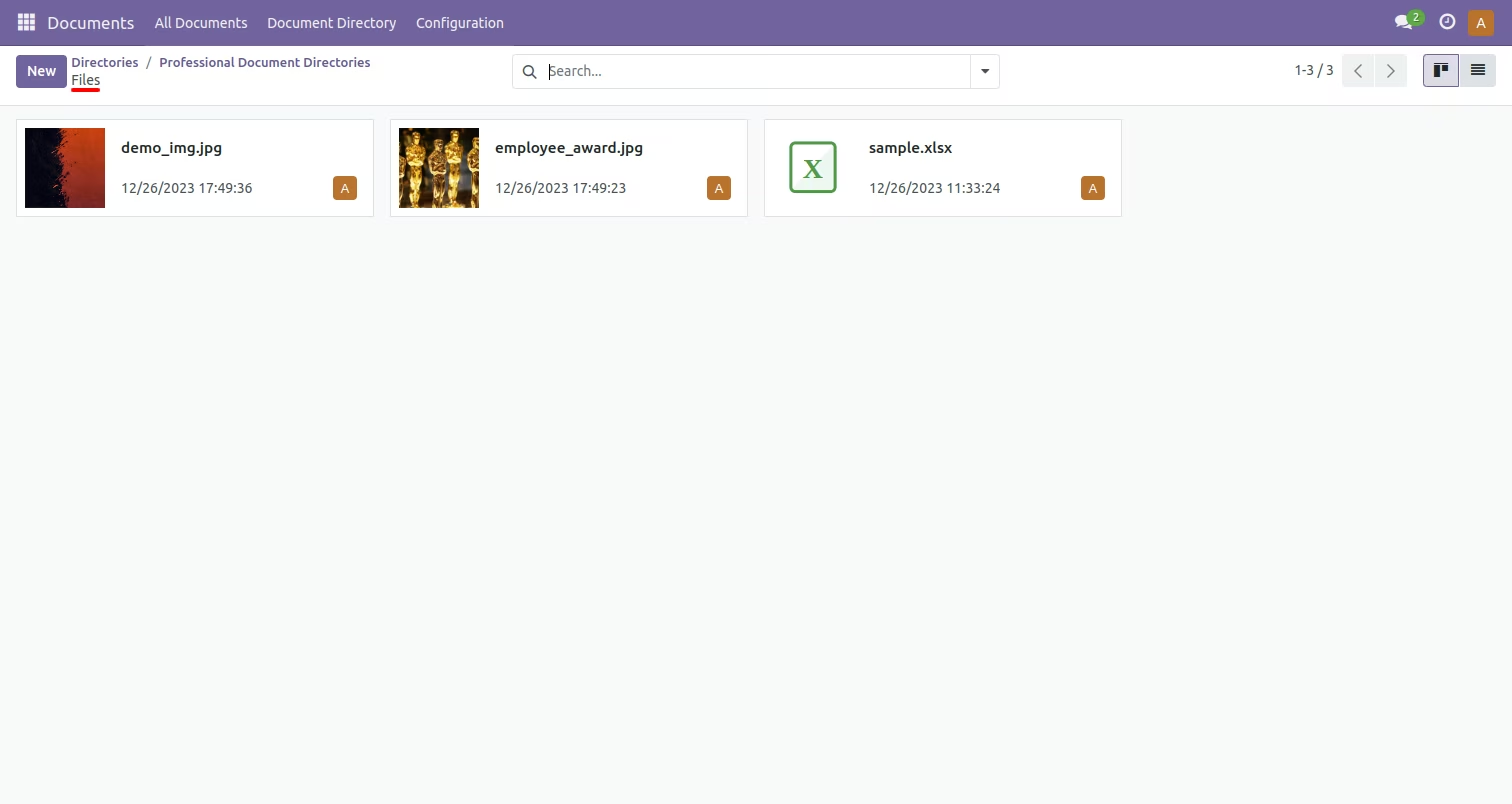
In the directory form view, in sub-directory, you can see related files from the "View Related Files" button.
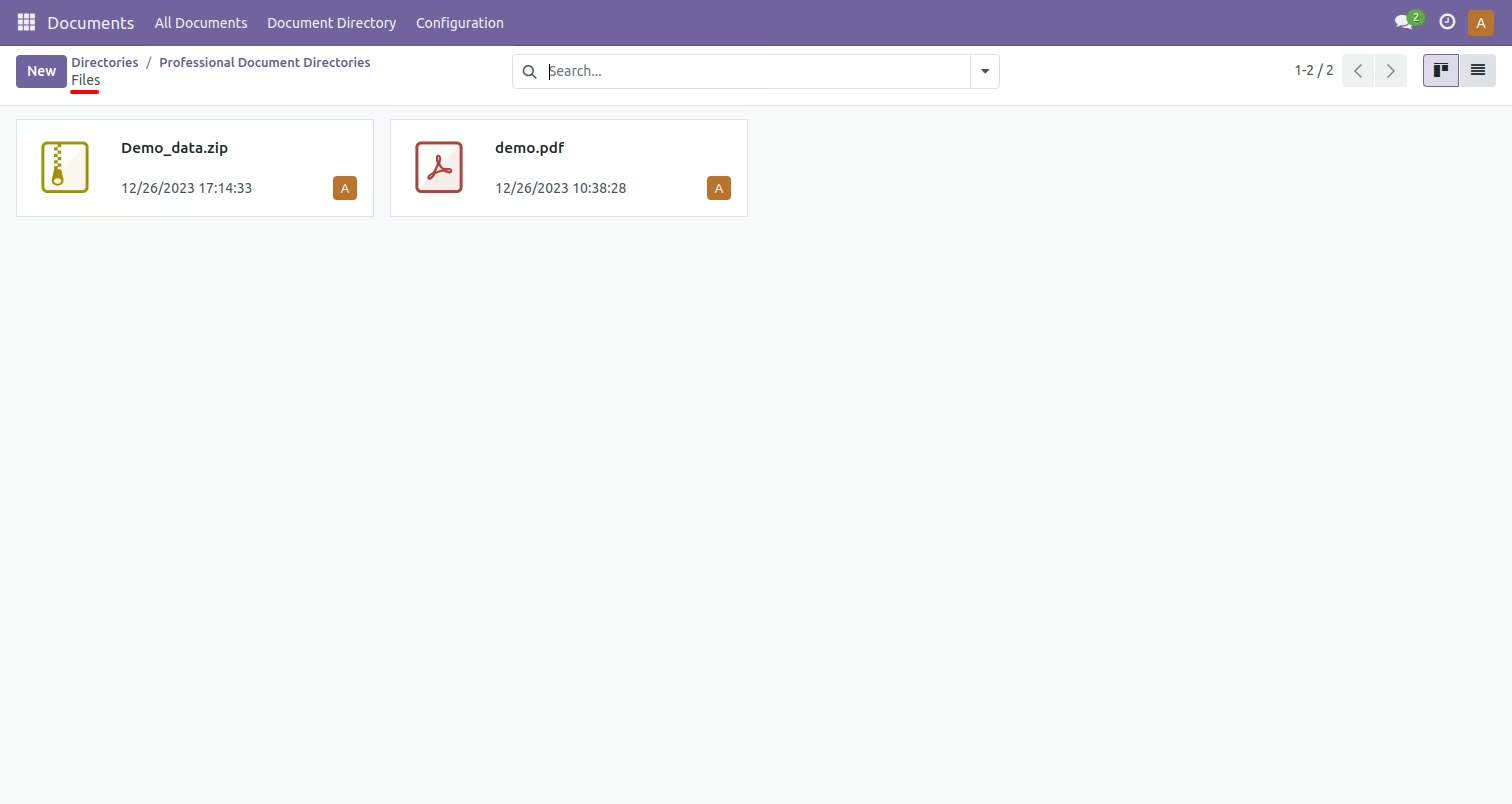
Total files kanban view of the main directory.
You can group by directory using parent directory.