This module improves document attachment handling by introducing structured directories and automatic numbering. It allows businesses to organize attachments by models, apply unique numbering sequences, and manage access efficiently. With its robust foundation, it supports clear document structures and enhances overall efficiency in managing files.
Create structured directories or folders based on business models
Assign unique numbering sequences for documents in each directory
Apply directory-level access control to manage user permissions
View directory hierarchy with intuitive navigation
Introduce a dedicated Document Manager role for better rights management
Default numbering sequence available for attachments outside defined directories
Streamlines document storage through organized directory structures
Simplifies document tracking with automated numbering
Strengthens control with group-based security settings
Improves usability with clear hierarchical directory views
Ensures transparency of permissions with dedicated management roles
Maintains order even when documents are outside predefined directories
Role-Based Access for Document Managers Only
Automated Document Numbering and Version Control
Advanced Document Management with Directory Structure
Streamlined Directory Creation for Object-Specific Attachments
Website Customer Portal Document Management System Odoo Apps allows you to download documents from Online web Portal with My Account page. This Odoo module Allow downloading the documents assigned by the manager DMS for customer/client in Odoo project management. After installing this odoo apps portal user can able to access his/her assigned document from the webportal under my account page such as invoice, sales order, bill etc. This Odoo module works for both customer and supplier both portal. This odoo module is complete setup for DMS - Document management system which provides DMS for attachment along with document versioning, numbering, directory extension, document tags , document security and document web portal access for document system.
Users with Manager access can create and manage document directory.
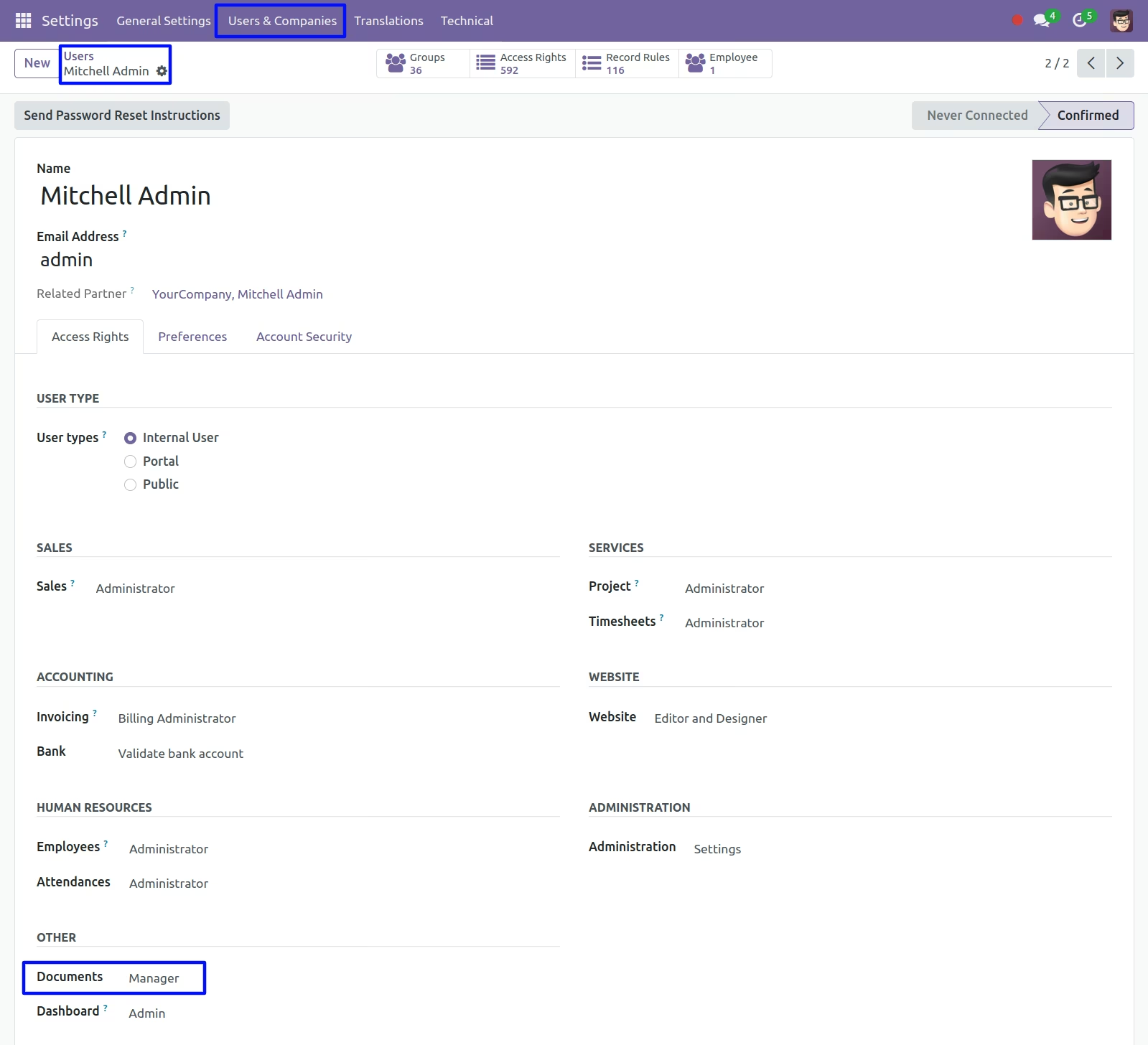
Document Directory
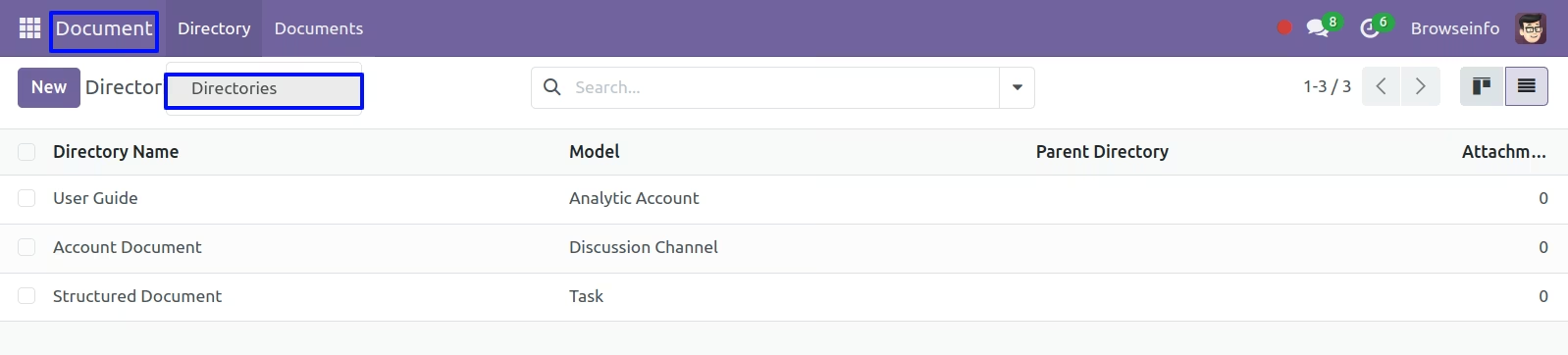
Under Documents > Directory > Directories menu user can create and manage directories.
User can also add directory code and add group.
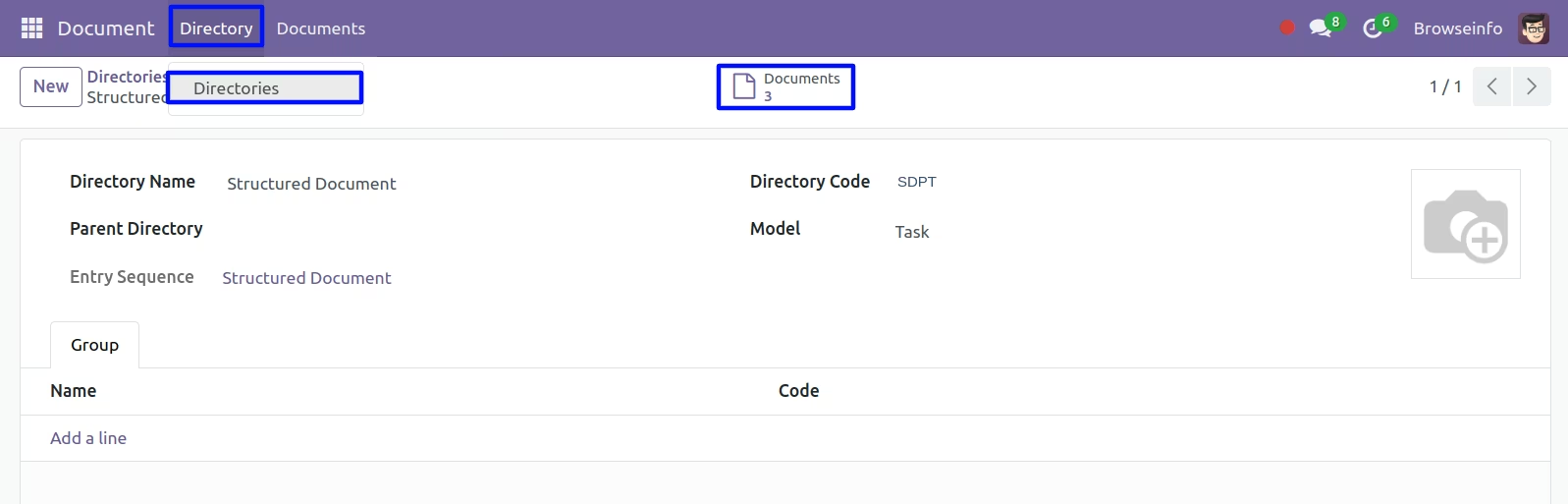
User can access all attached documents from smart button on document directory.
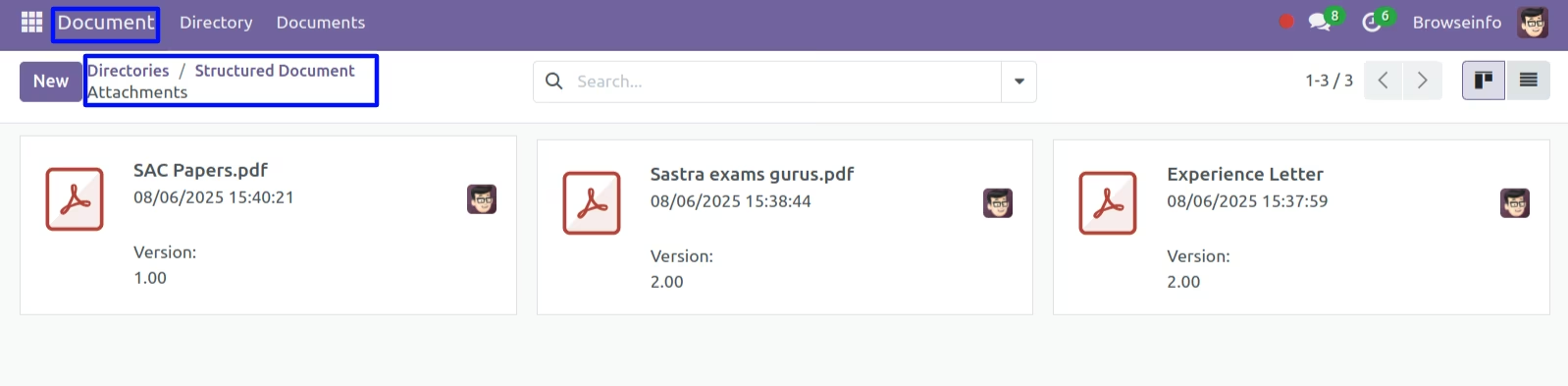
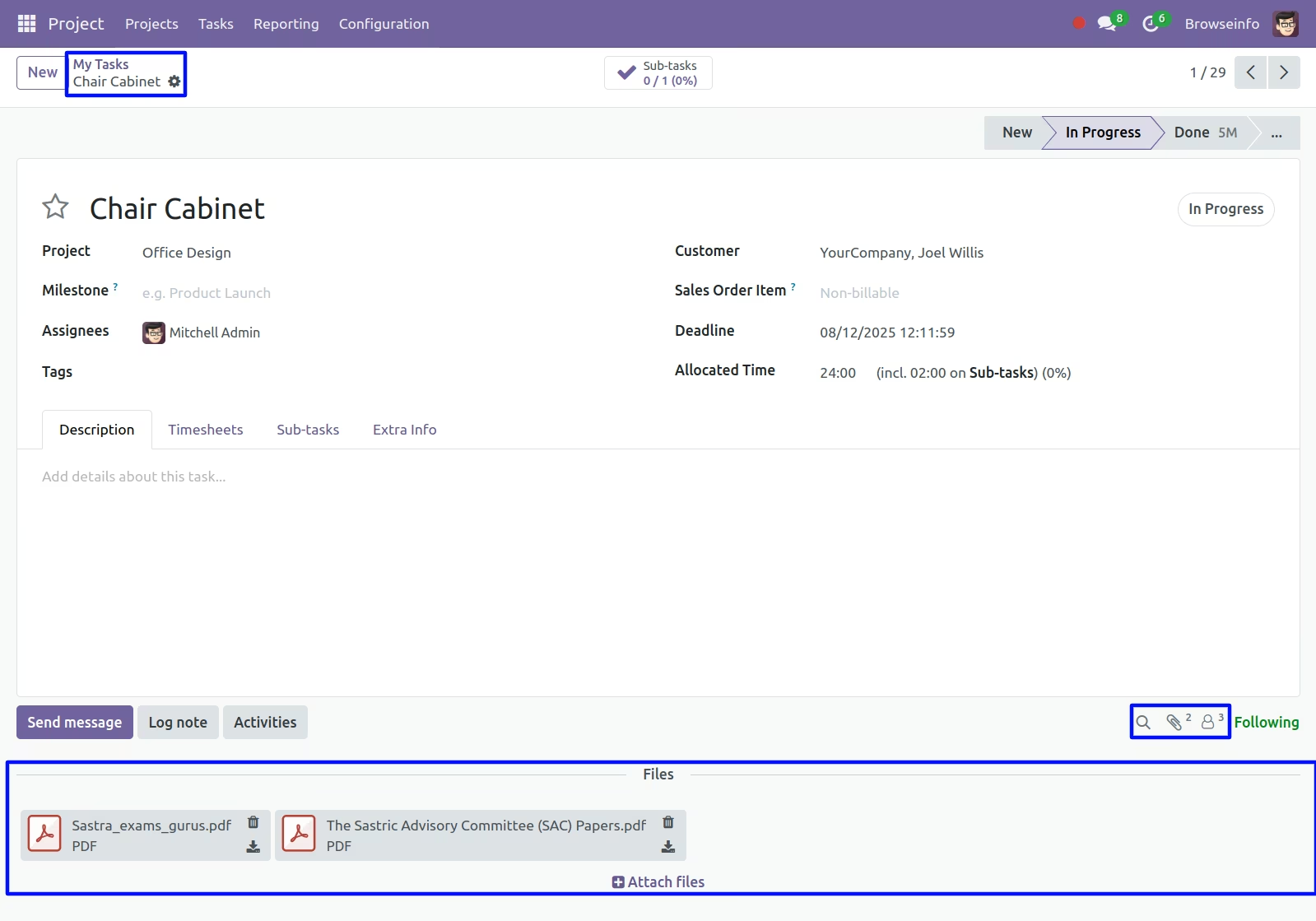
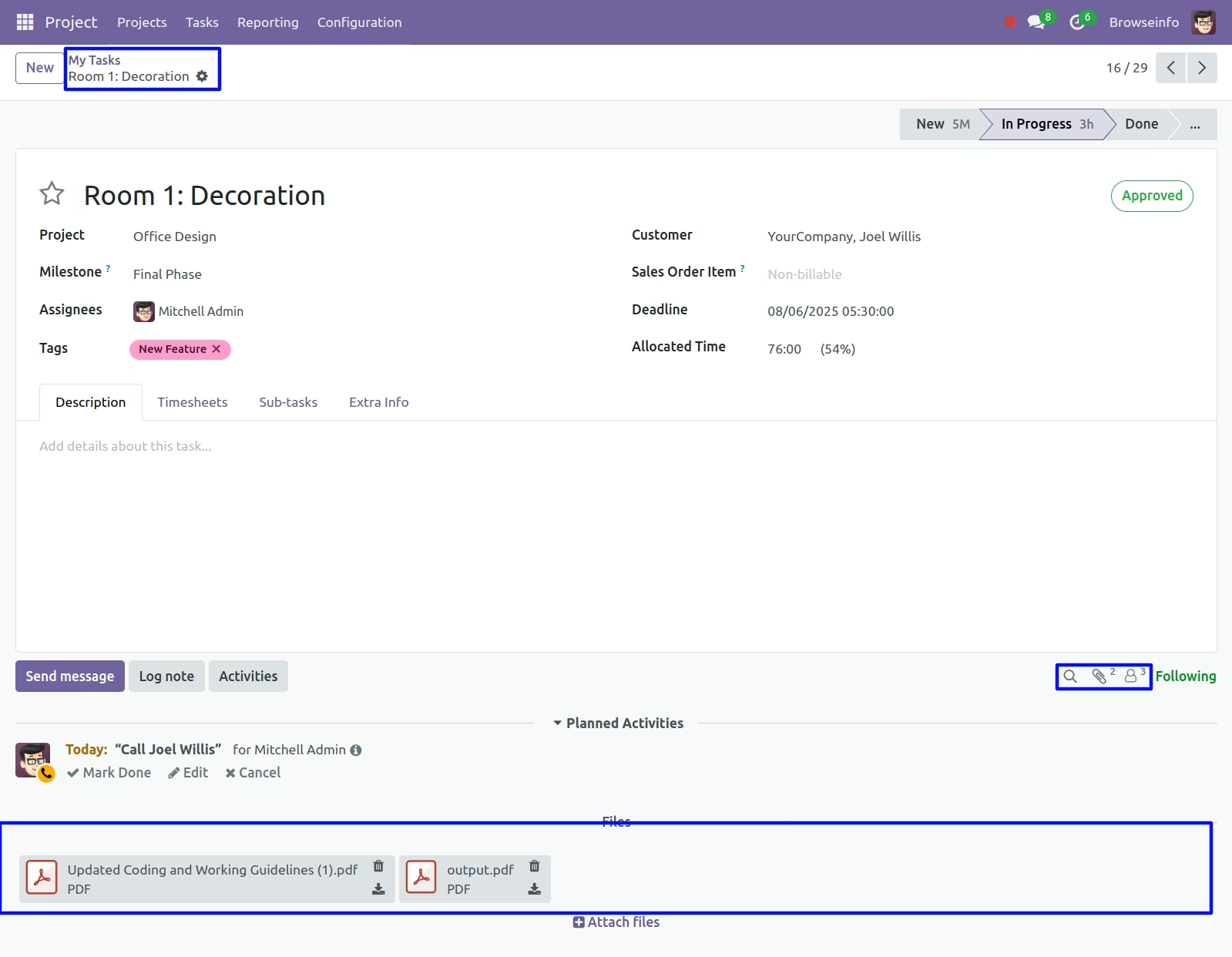
User can see attached documents on task.
Documents Menu
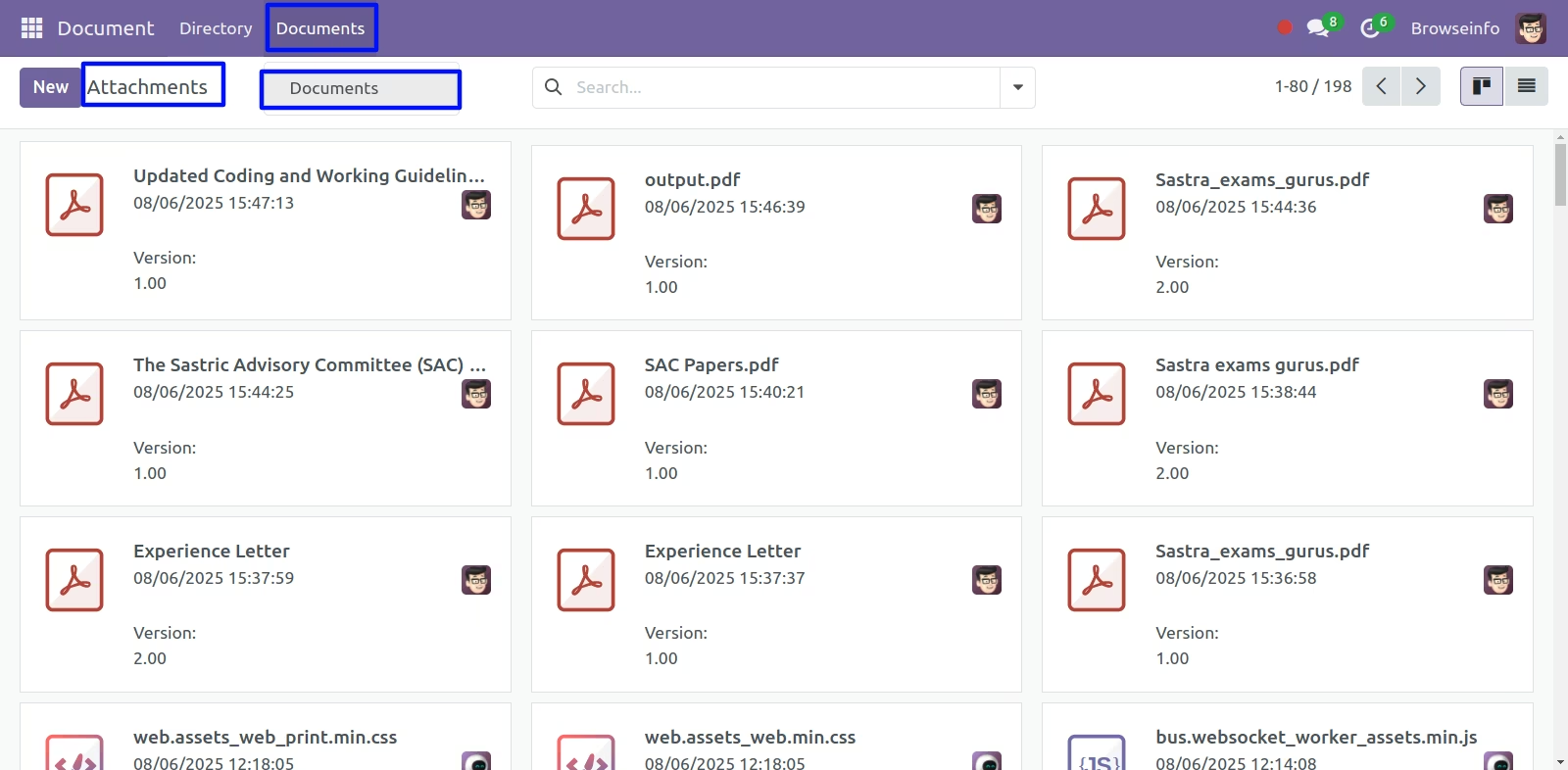
User can see generated sequence and respective directory in the document form view.
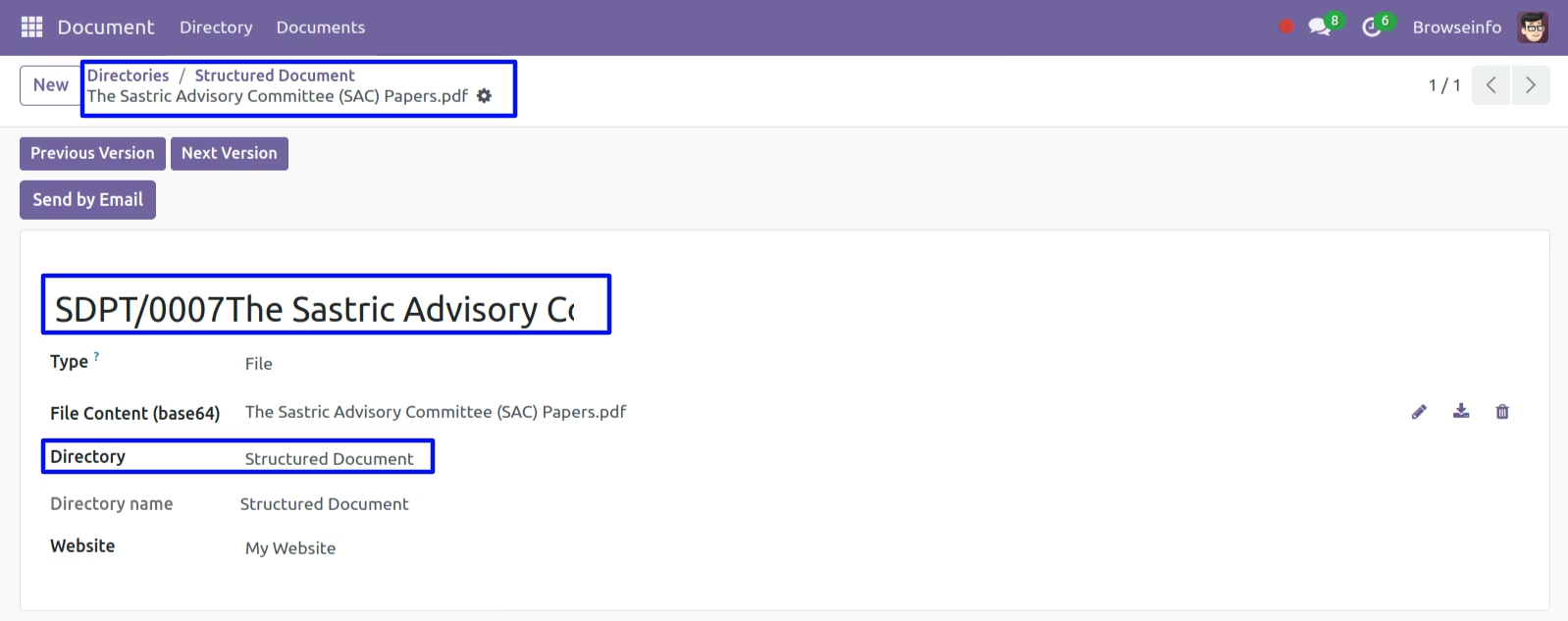
Send Document By Mail
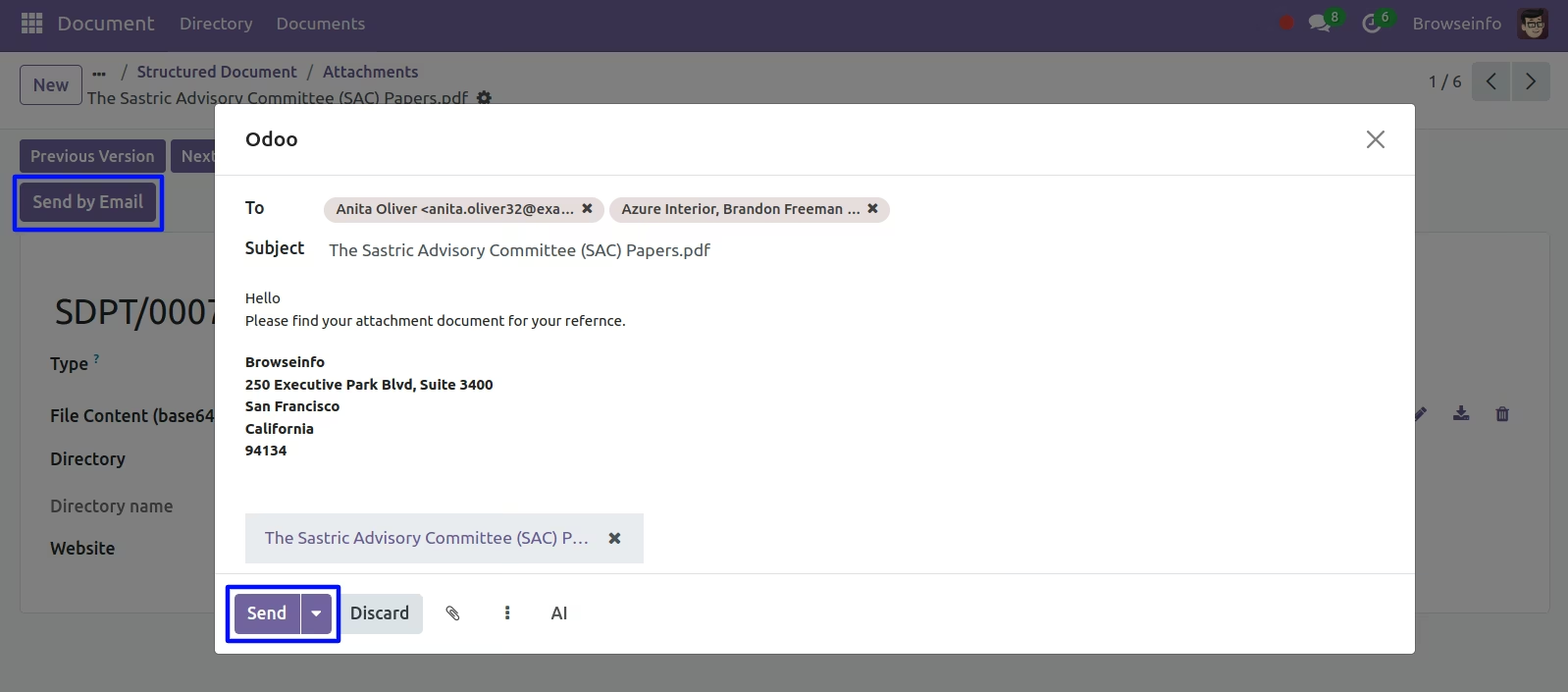
User can send document by email by clicking "SEND BY EMAIL" button on document.
Warning will raise when directory exist with same model.
