This module provides a powerful document approval workflow system, enabling dynamic and flexible approval of individual documents or entire document packages. It supports both parallel and serial approval routes, team-based or custom flows, and multi-level approval stages. Designed for businesses that require structured, secure, and efficient document governance, this module enhances oversight and ensures clear accountability throughout approval processes.
Multi-company support for approval workflows
Full flexibility: initiators can define custom approval routes or use pre-defined teams
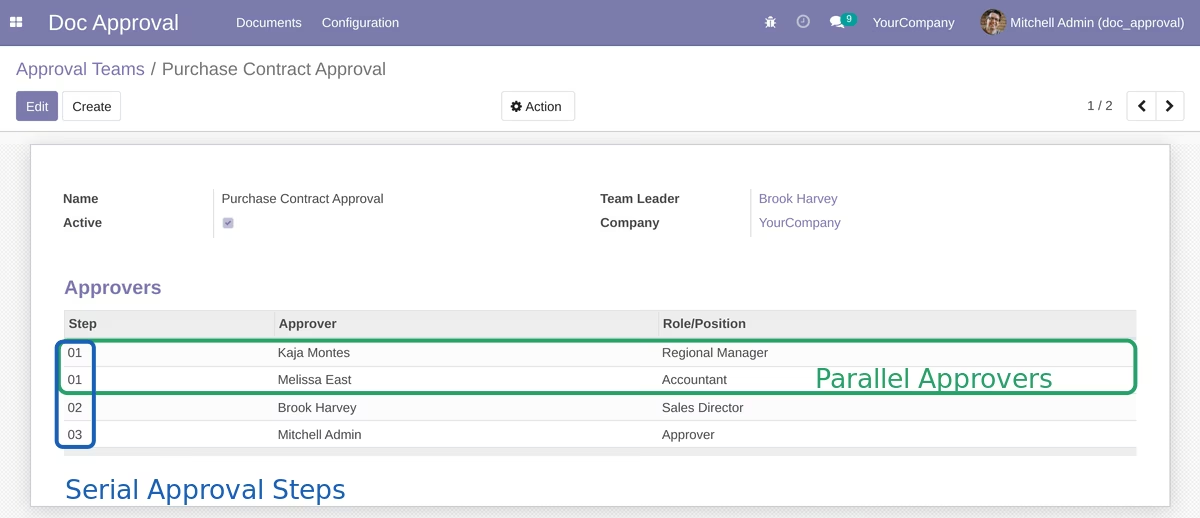
Supports both parallel and serial (step-by-step) approval paths
Multi-level approval for document packages in a single workflow
Approval via button; optional “handwritten signature” sub-module for signed approvals
Streamlined document governance with clear, multi-stage approval structures
Enhanced efficiency through parallel routing and pre-configured approval teams
Increased flexibility allowing custom workflows tailored to organizational needs
Improved compliance via optional signature capture and audit trails
Better user experience through intuitive initiation and approval interfaces
- Multi Company features of Odoo System are supported
- Any user can initiate unlimited approval process for documents
- Pre-defined team of approvers or custom flow specified by the initiator
- Parallel or serial (step-by-step) approval route for documents
- Multi-level approval workflow for document packages
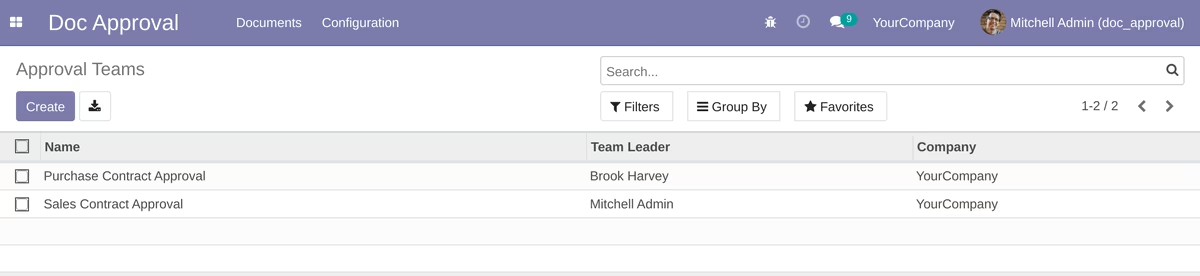
Approval Teams:
Users with role "Team Leader" can create unlimited approval teams for similar workflows:
Using the "step" option you can configure parallel or serial approval flows.
Document Packages:
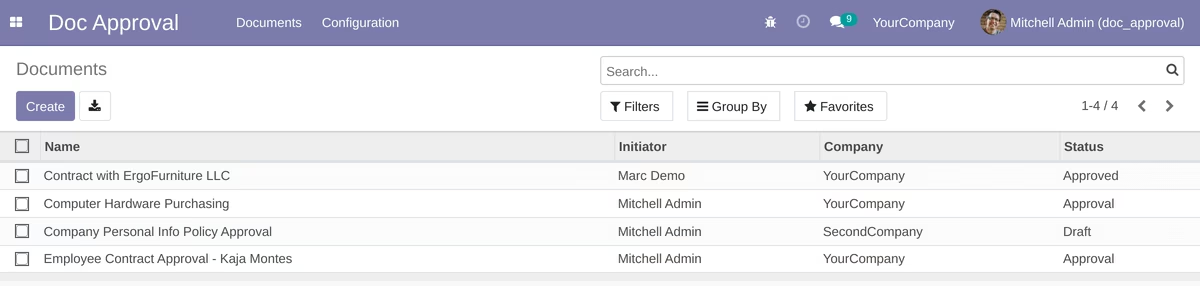
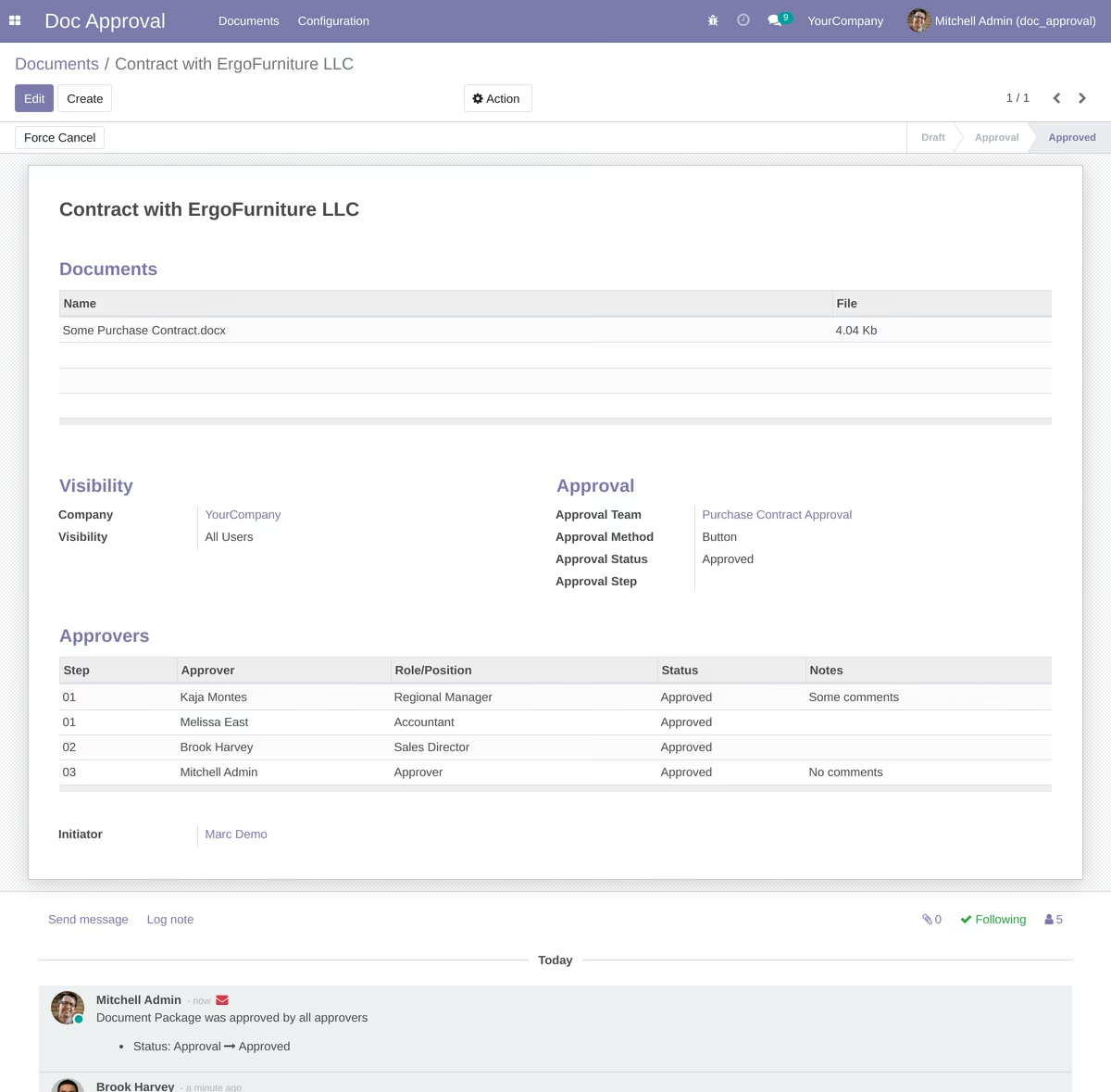
Users with role "Initiator" can initiate document approval process. Each document package can contain one or more documents to approve.
Initiator can build own approval route or use pre-defined approval team (with customization option).
The "Visibility" option helps to display documents only for allowed users. Available options are: All Users, Followers, Approvers
If you use multi-company feature you can select company. Documents are displayed according company settings.
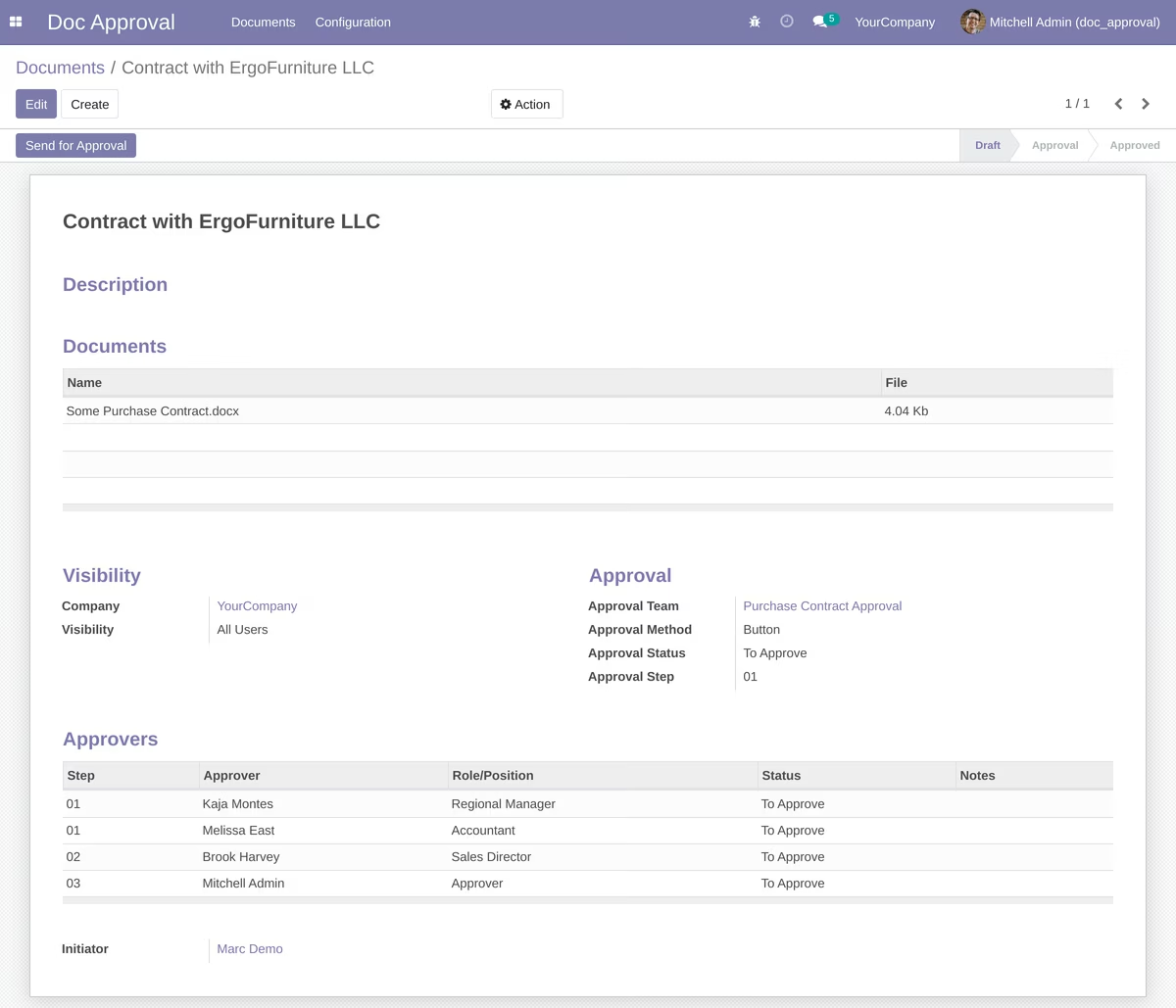
After click to "Send for Approval" the system sends notification for approvers and document package goes to the "Approval" stage.
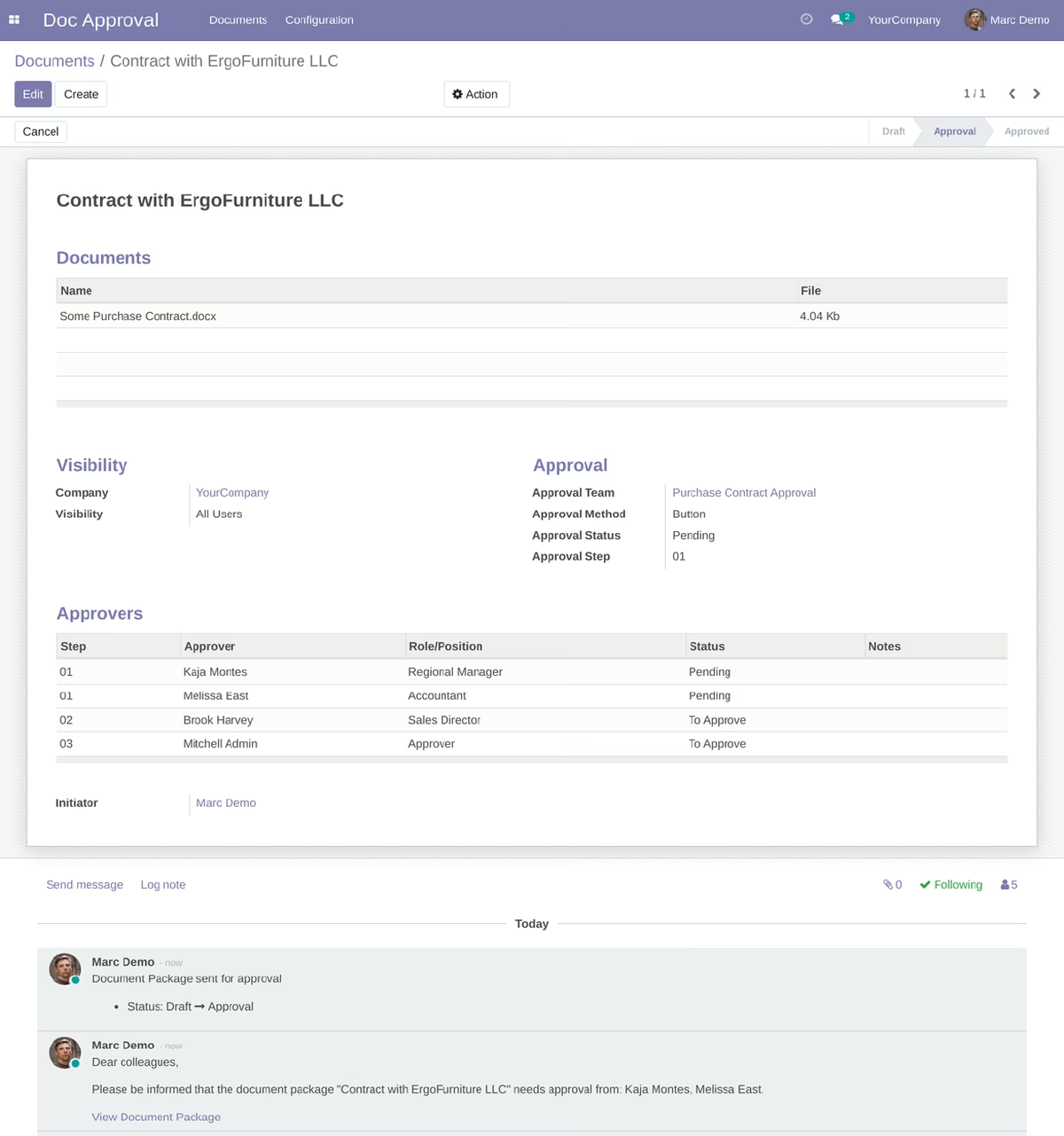
Document Approval Process:
When document is waiting approval from particular user, the user sees the "Approve" and "Reject" buttons
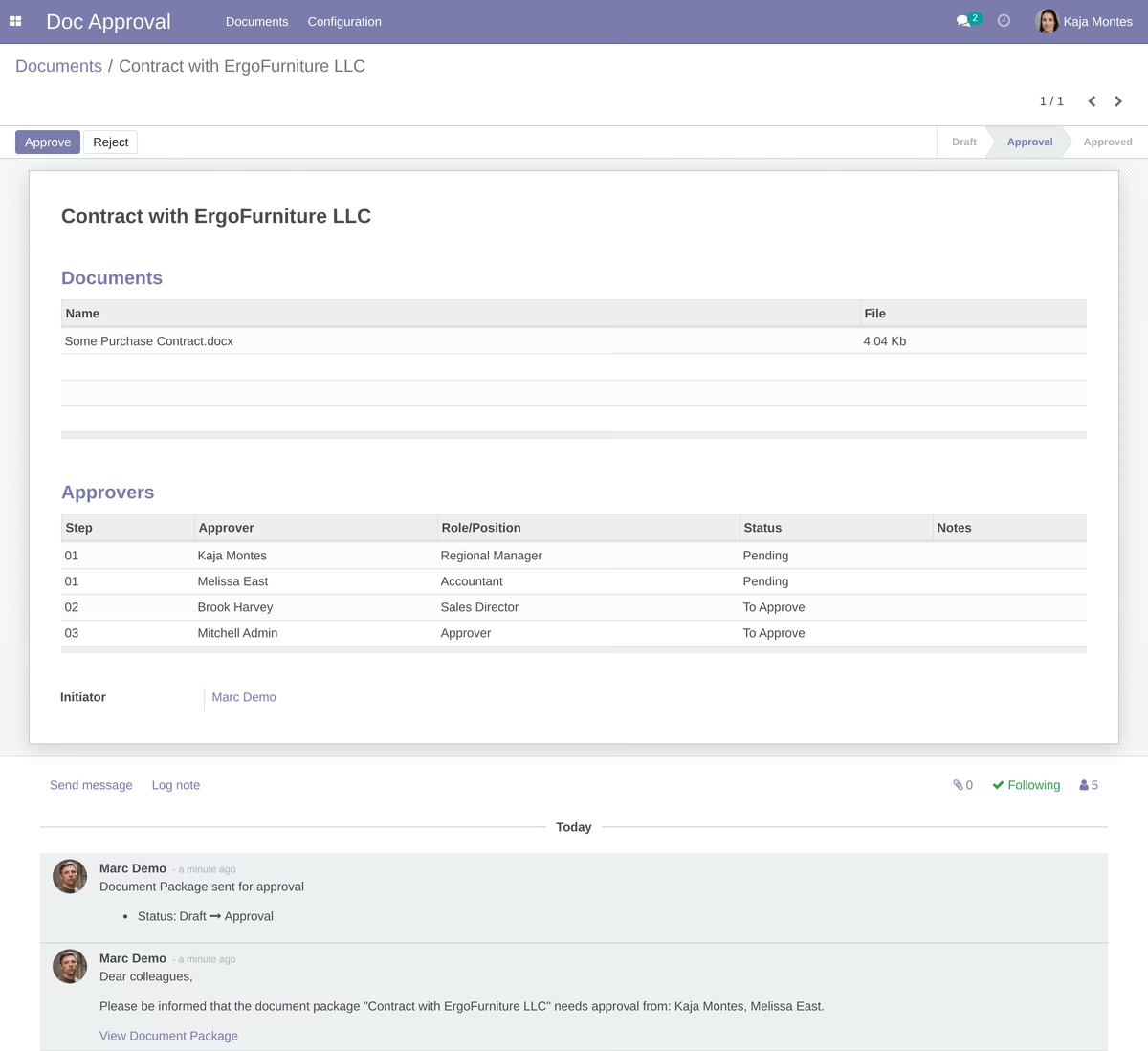
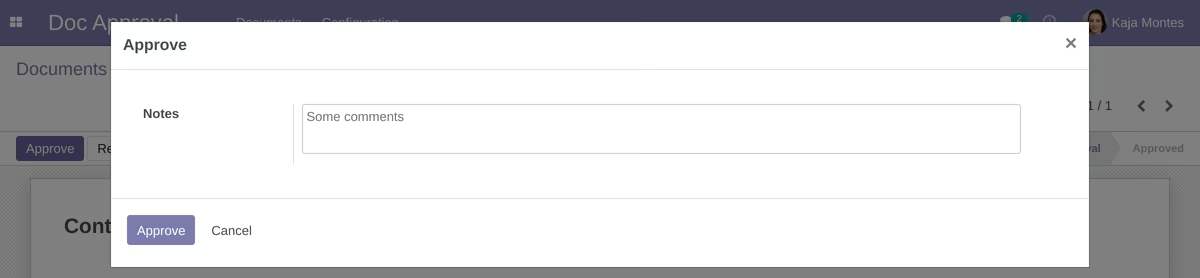
After click to the "Approve" or "Reject" buttons popup window appears. For rejection user's comments are required:
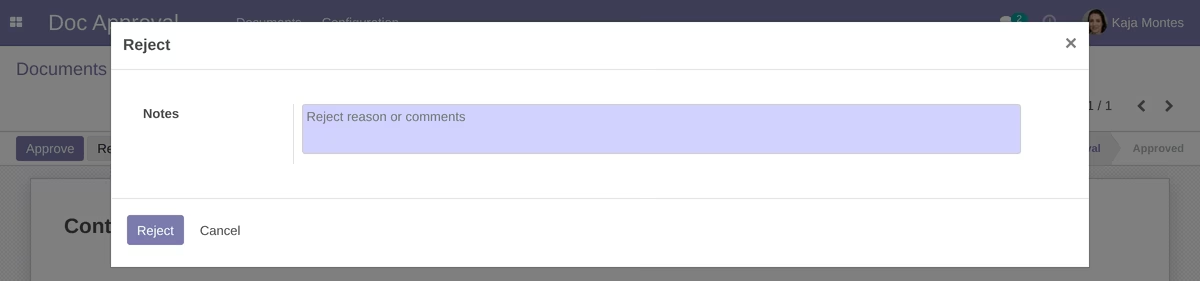
If approver rejects document package, initiator receives notification and can reset document to draft to make corrections.
If approver approves document package, the document goes to next approval stage or will wait for approval from other approvers.
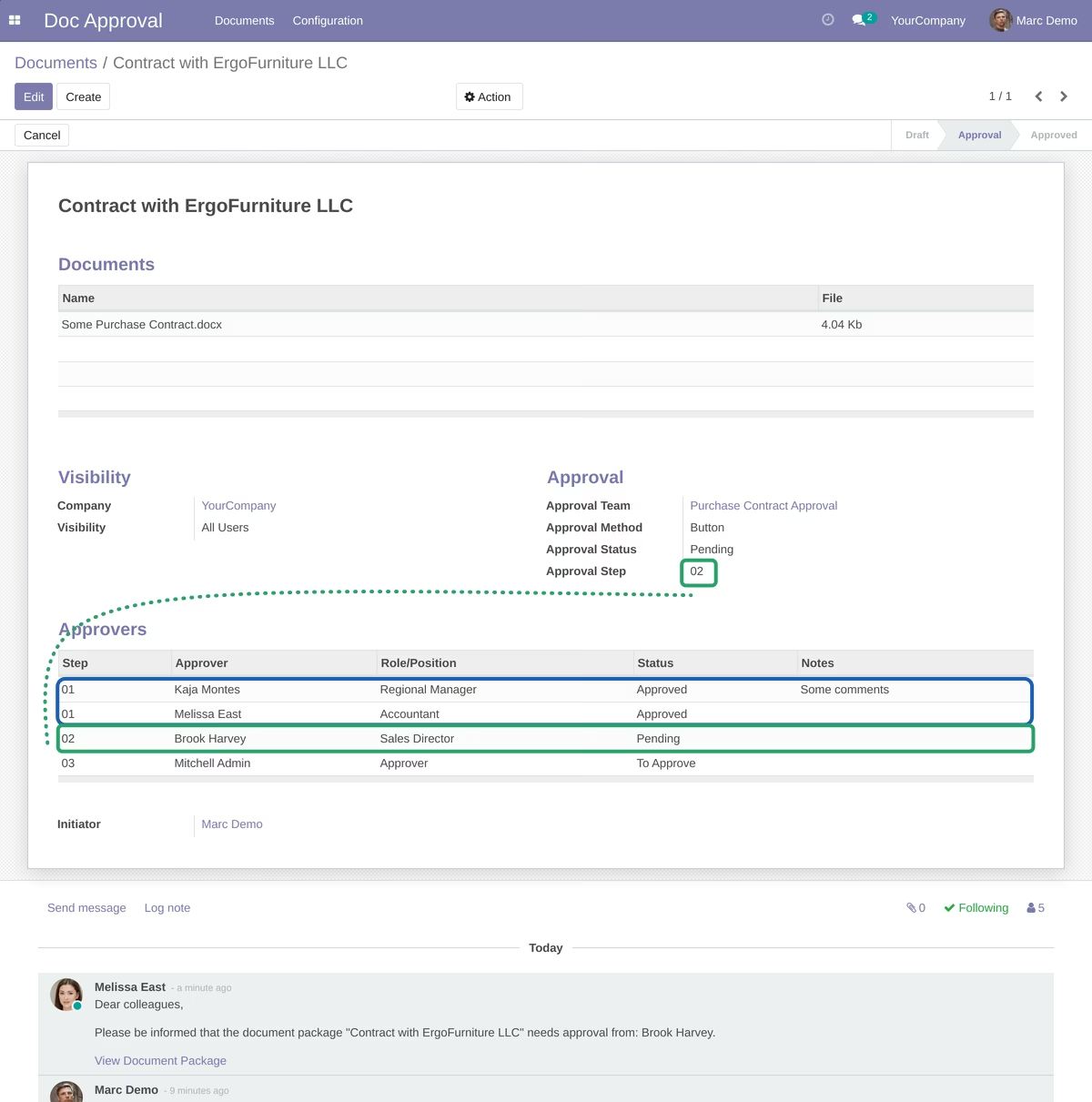
Current approvers have the "Pending" status if the "Approvers" tab.
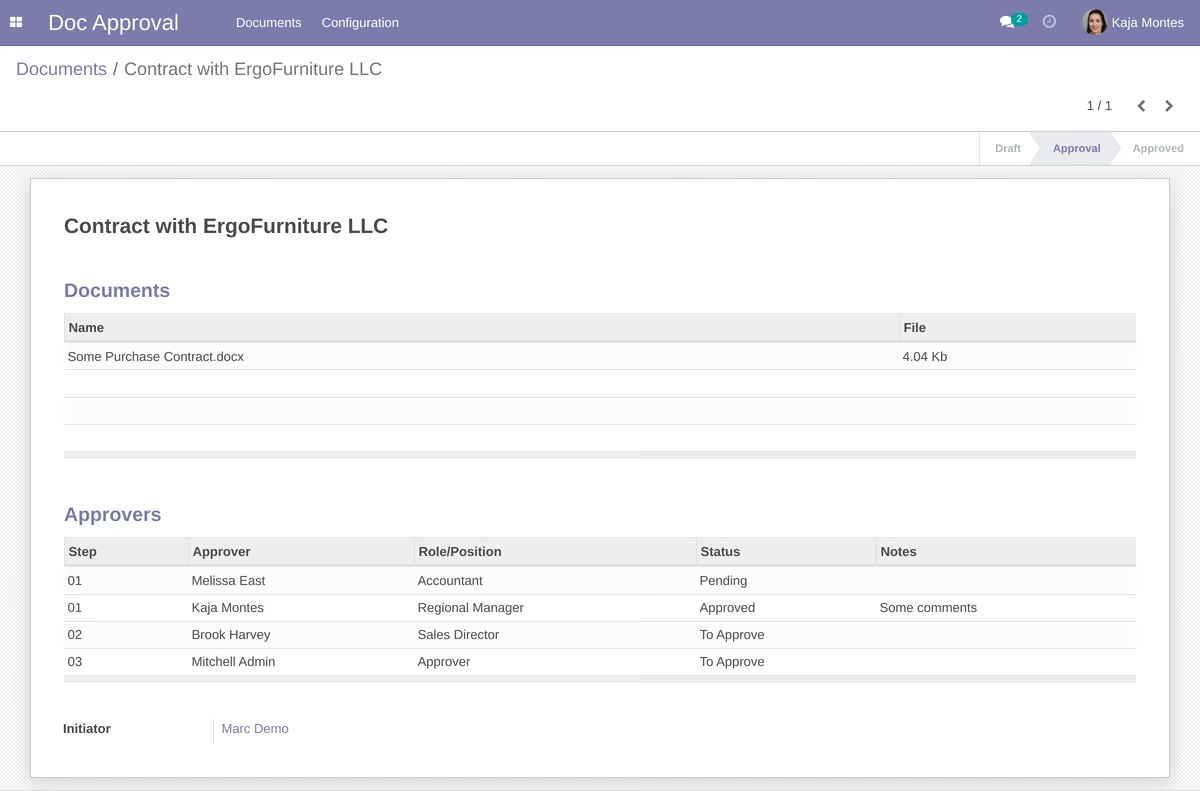
When document package is fully approved the status becomes as "Approved" and all followers receive notification about that.