This module enables administrators to restrict online purchases by greying out or disabling the Add to Cart button on various ecommerce product views. Whether on the product grid, detail view, wishlist, or comparison page, the module helps improve content protection and user experience. It’s especially valuable for businesses that want to control purchase behavior without removing product visibility.
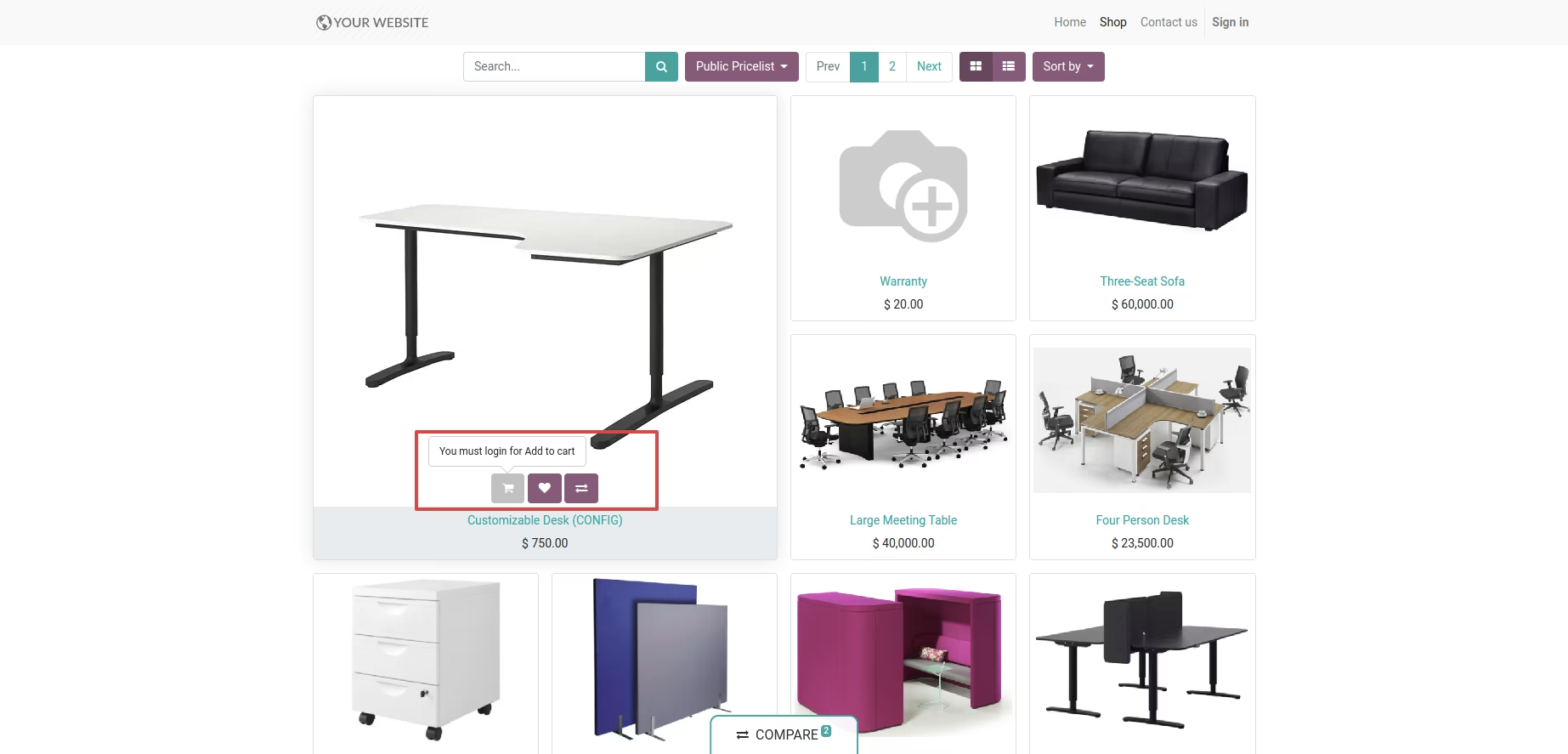
Disable or grey out the Add to Cart button on the product grid
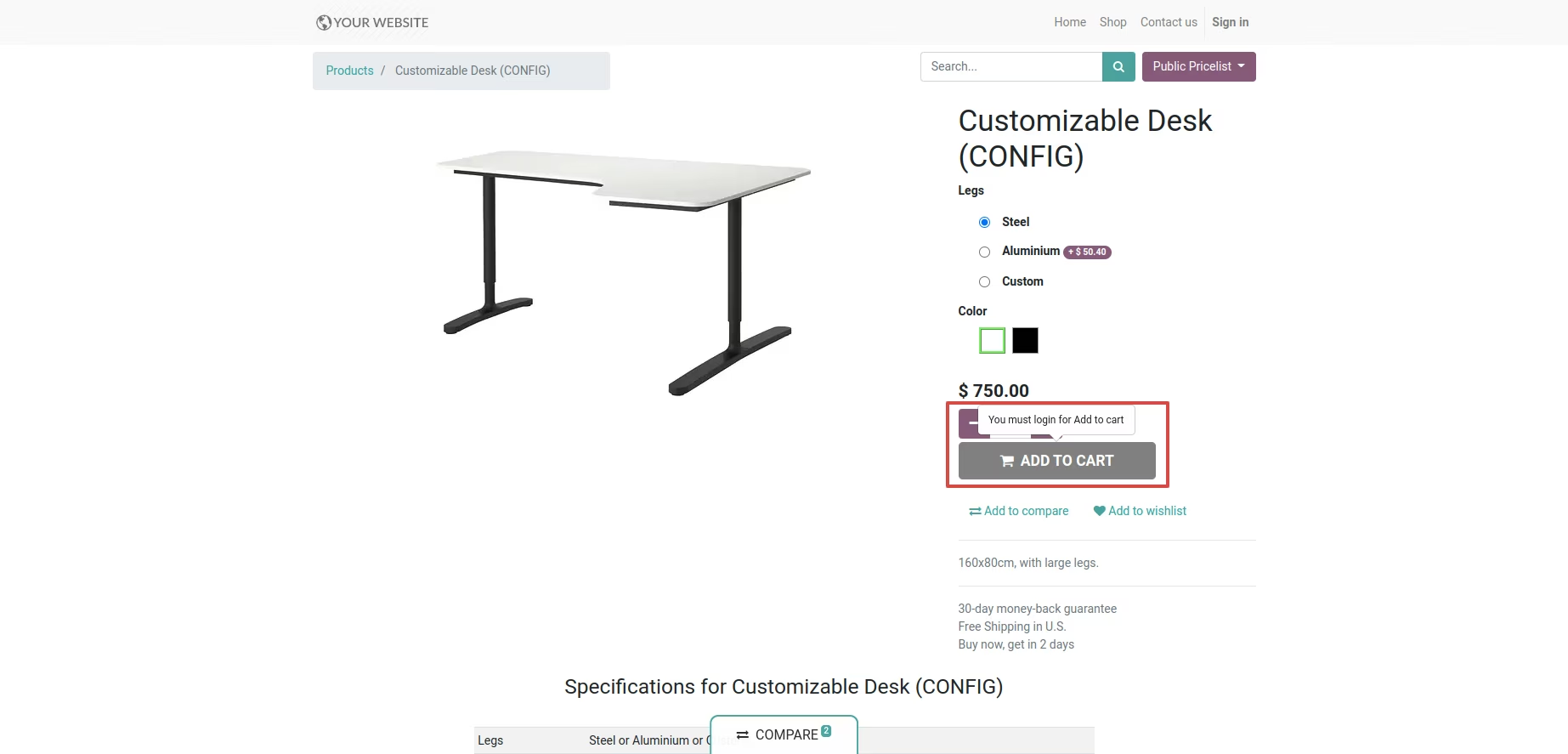
Disable or grey out the Add to Cart button on the product detail page
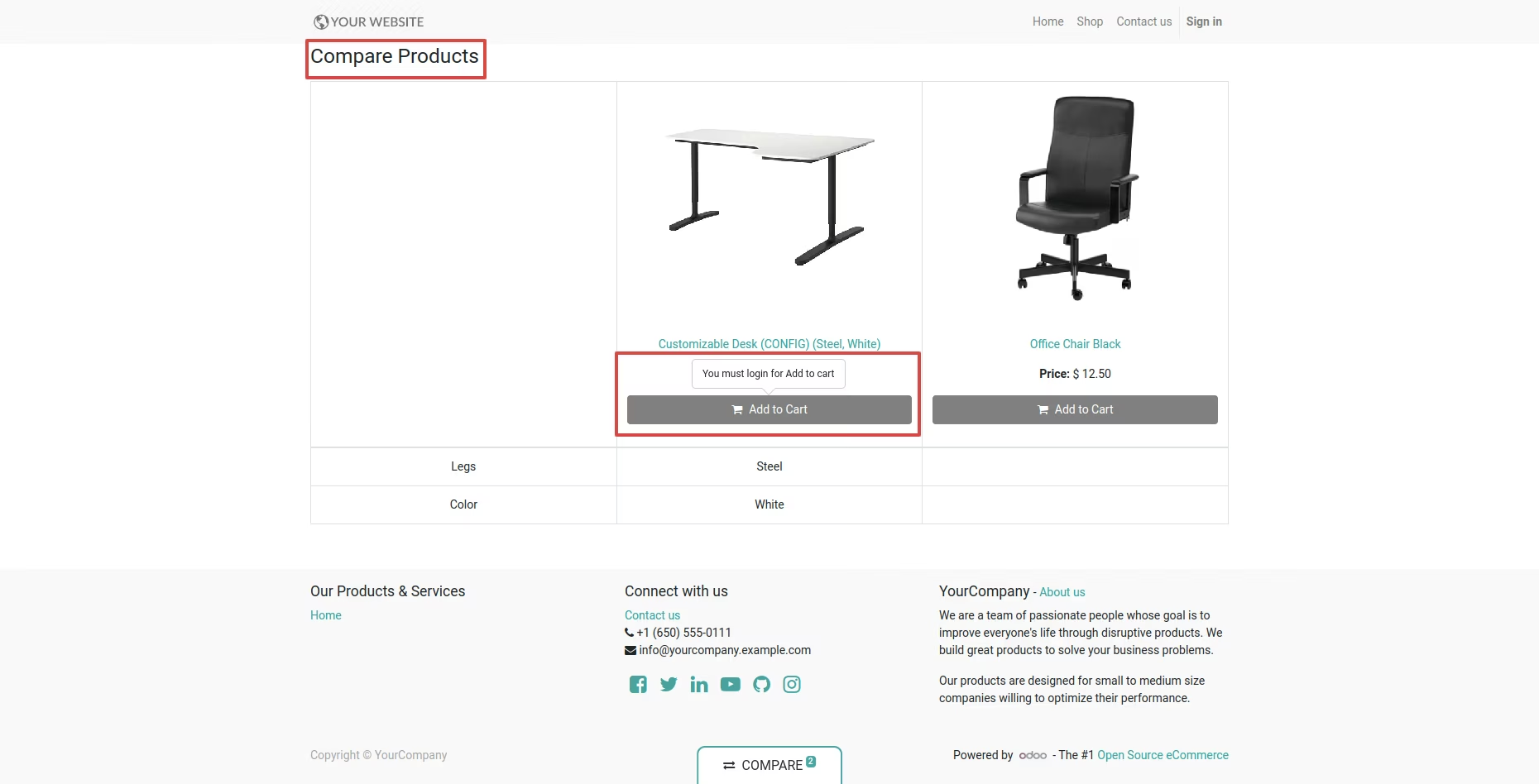
Apply the same behaviour on the compare products page
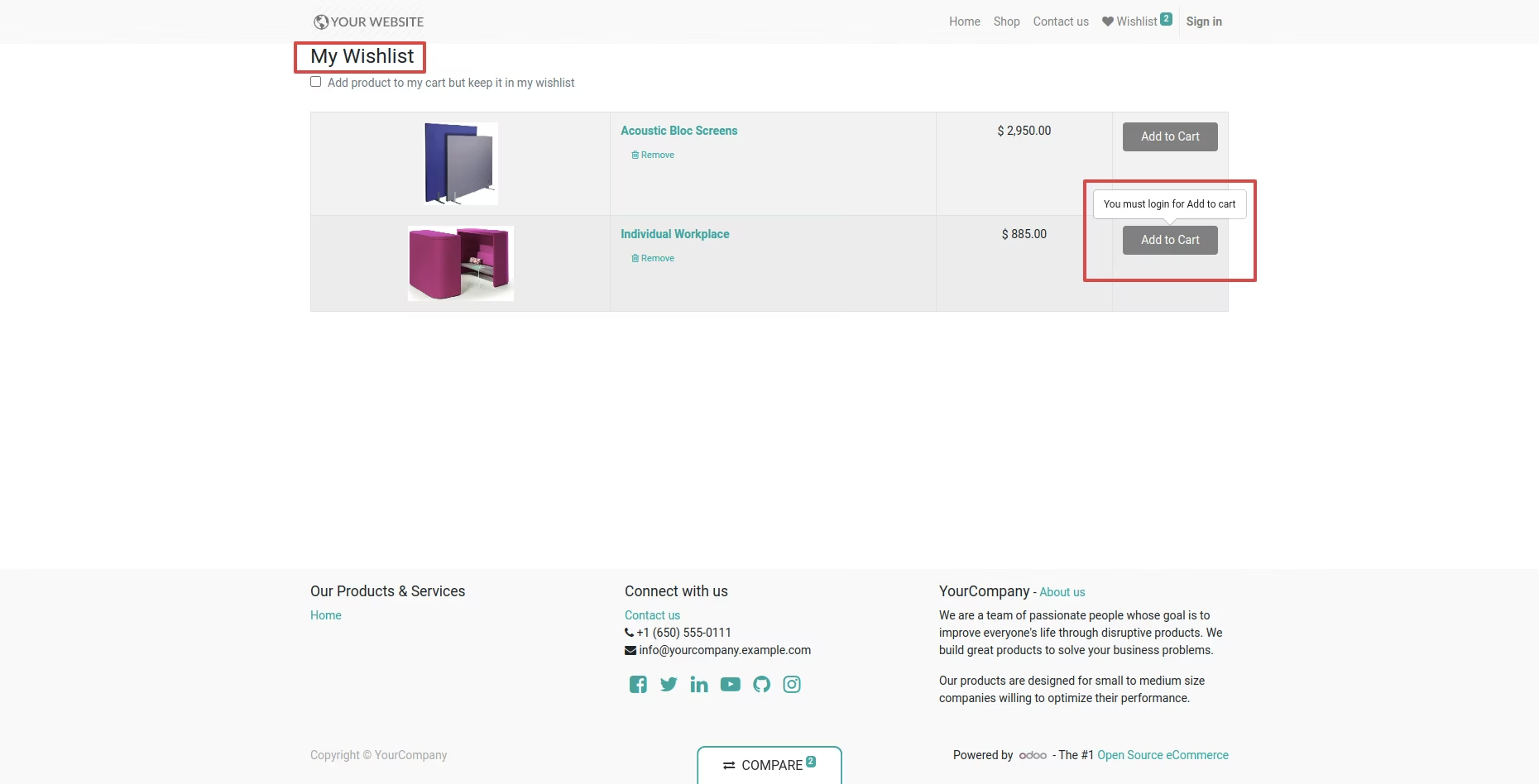
Apply the same behaviour on the wishlist page
Lightweight, focused solution to control ecommerce interactions
Prevents unintended online purchases by restricting purchase actions
Maintains consistent product visibility while limiting actions for specified users
Improves user experience by clearly indicating actionable restrictions
Quick to implement no heavy custom configuration needed
This module helps to disable add to cart button for all products from shop. You can disable add to cart button for public user, who dont login in to the website.
- Easy to disable add to cart button at website.
- You can disable add to cart button from products grid.
- You can disable add to cart button from product detail page.
- You can disable add to cart button from compare products page.
- You can disable add to cart button from wishlist page.
- This module saves your important time.
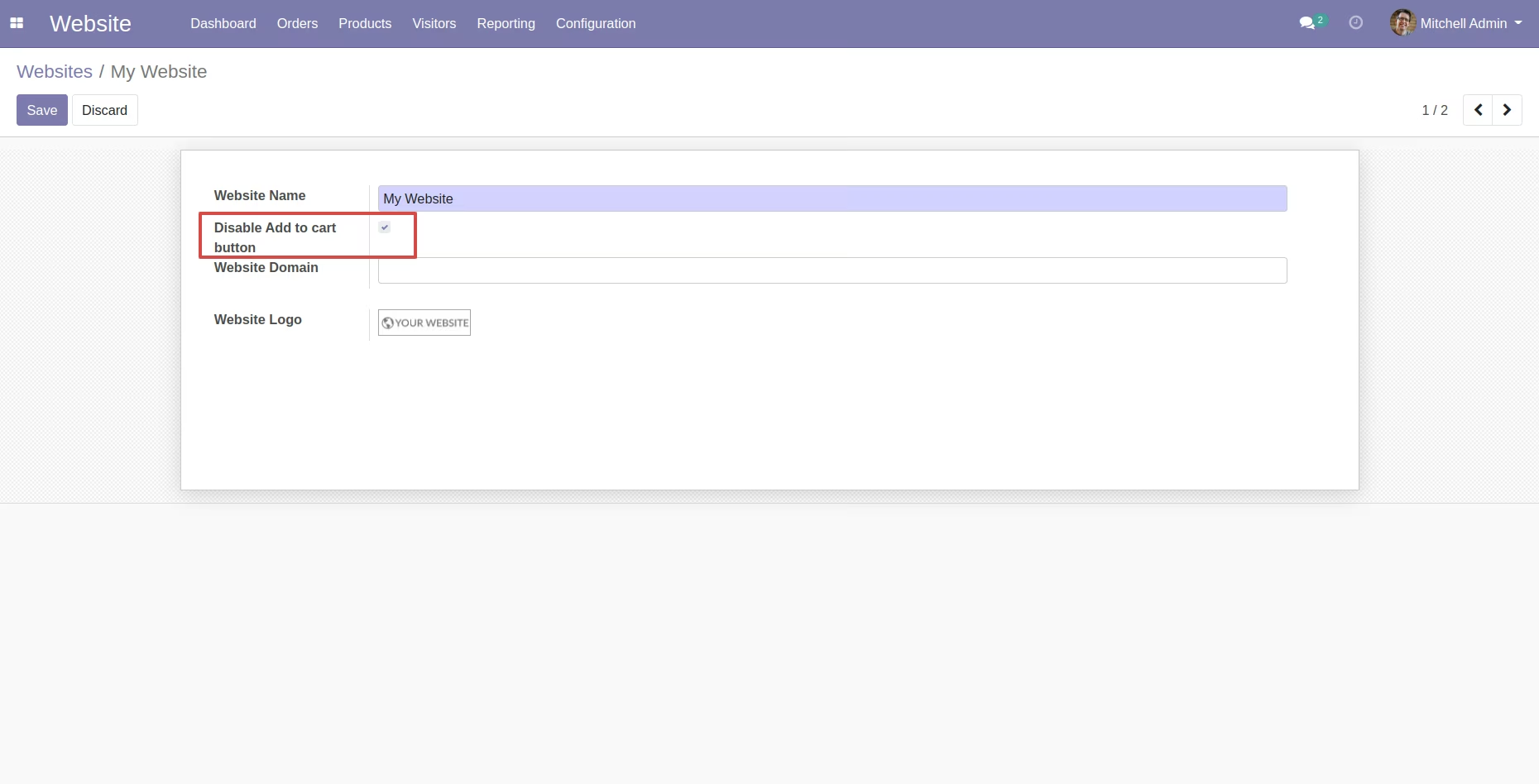
Tick "Disable Add to Cart button" in website.
Add to cart button will be disabled from the products grid.
Add to cart button will be disabled from the product detail page.
Add to cart button will be disabled from the compare products page.
Add to cart button will be disabled from the wishlist page.