This module integrates DHL Parcel DE (Post & Parcel Germany) shipping and returns functionality directly. It enables seamless shipping workflows including real-time rate calculation, automatic label and tracking generation, and efficient return handling. The integration is ideal for businesses operating in Germany or internationally, seeking a unified logistics solution without leaving the environment.
Supports both shipping and return functionality using DHL Parcel DE services
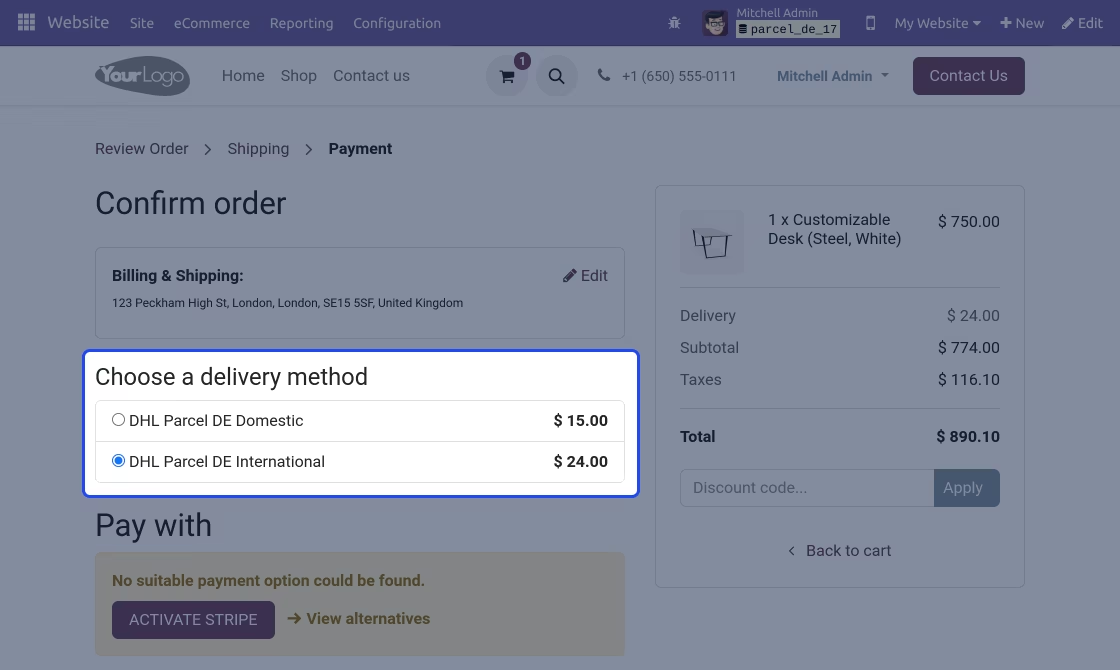
Retrieves live shipping rates directly within sale orders
Automatically generates shipping and return labels upon shipment validation
Fetches tracking references for order and delivery tracking
Manages international shipments with configuration options
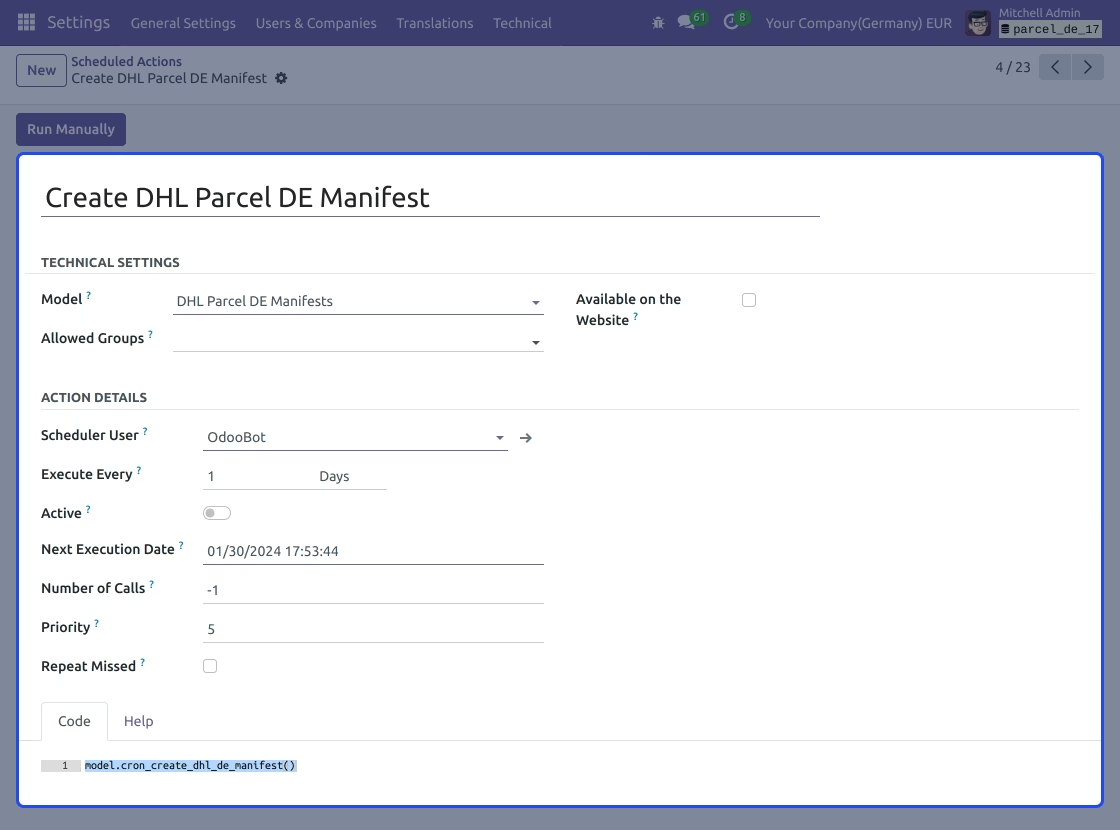
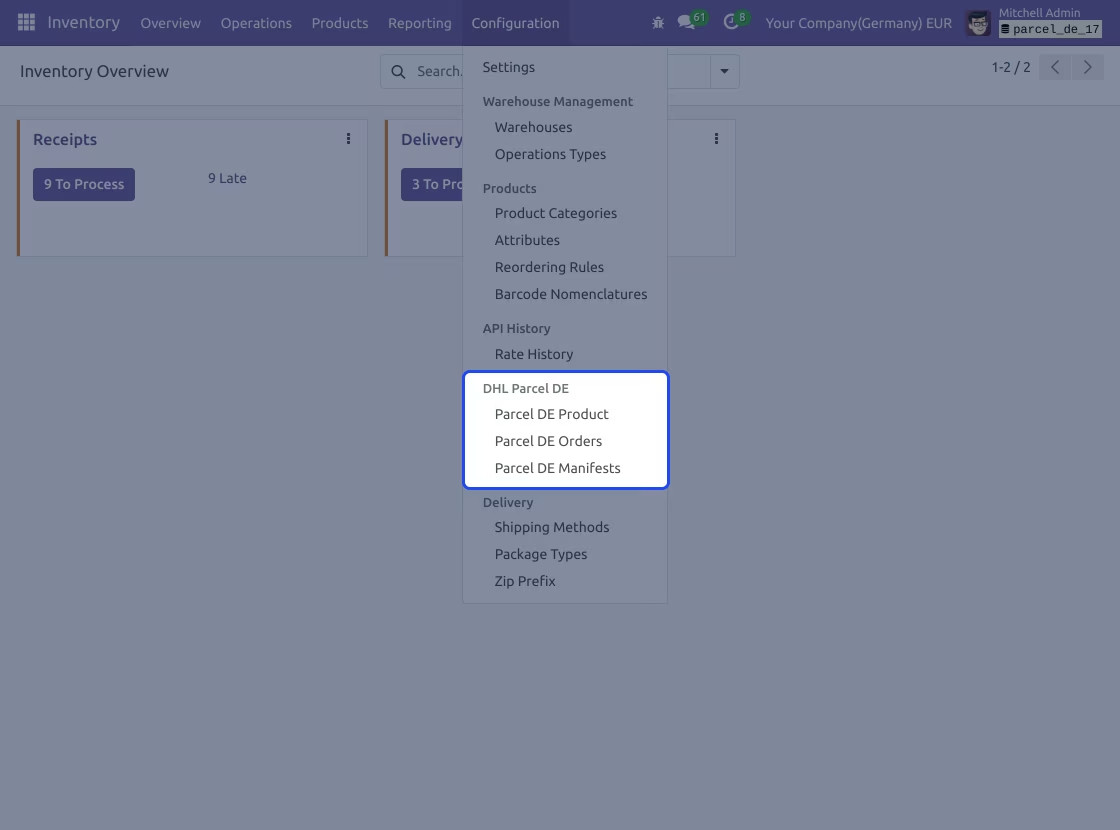
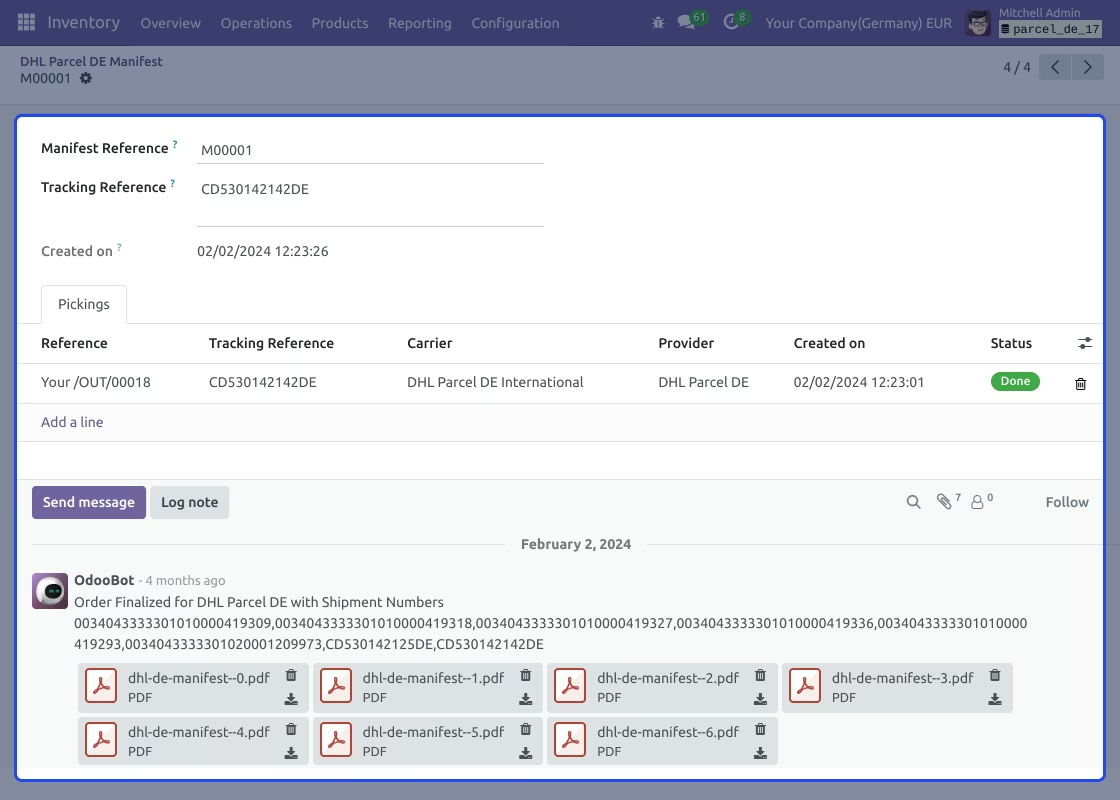
Automates manifest creation via scheduled CRON tasks
Streamlines logistics by centralizing shipping and return management
Reduces manual work through automated rate calculation and label generation
Enhances customer satisfaction with integrated tracking visibility
Simplifies international shipping setup with in-system configurations
Supports efficient returns management directly from the interface
DHL Parcel DE Shipping/Returns helps users handle shipments and returns in Germany. This module works specifically for DHL Parcel DE Shipping (Post & Parcel Germany).

Technical Requirements for DHL Parcel DE Shipping/Return API Integration
-
Provider: DHL
-
Division: Post & Parcel Germany
-
APIs:
- DHL Parcel DE Shipping v 2.1.9
- DHL Parcel DE Returns v1.0.5
-
Region: Germany
-
Used for: Shipping, Return and Tracking
- Get API access:https://developer.dhl.com/user/login?action=create-app&get_access_api=Parcel%20DE%20Shipping%20%28Post%20%26%20Parcel%20Germany%29 Please ensure that you have a valid API credentials to integrate DHL Parcel DE Shipping/Return.

Efficient Shipment Management

Enhanced Customer Experience

Integration with
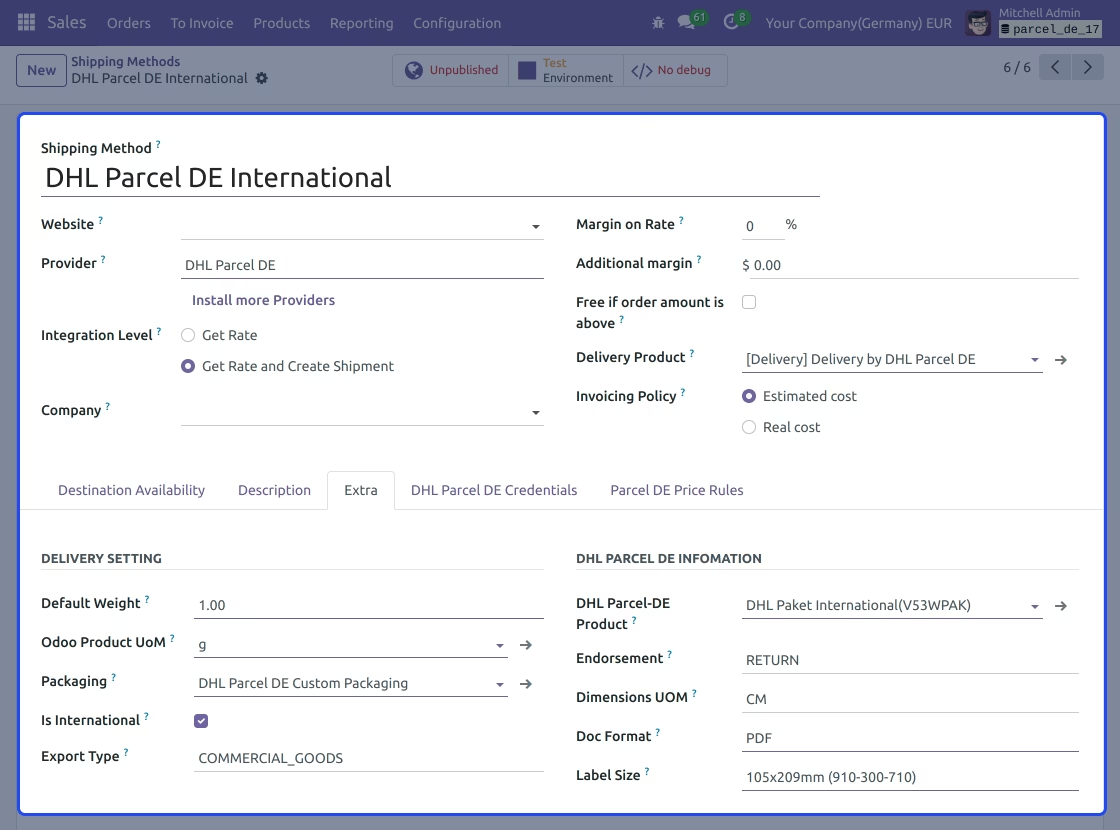
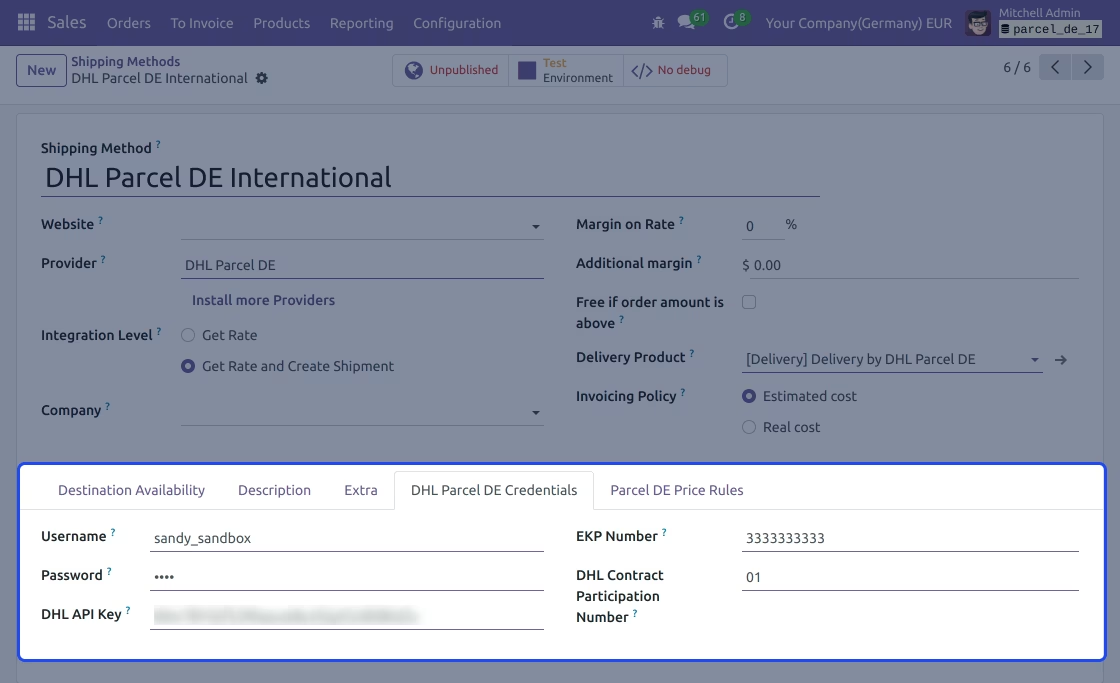
Add shipping method
- Add a new shipping method.
- Choose a provider as DHL Parcel DE.
- Add DHL parcel credentials.
- Add default delivery settings.
- Enable the checkbox "is international" for international shipment.
- Add DHL Parcel information.
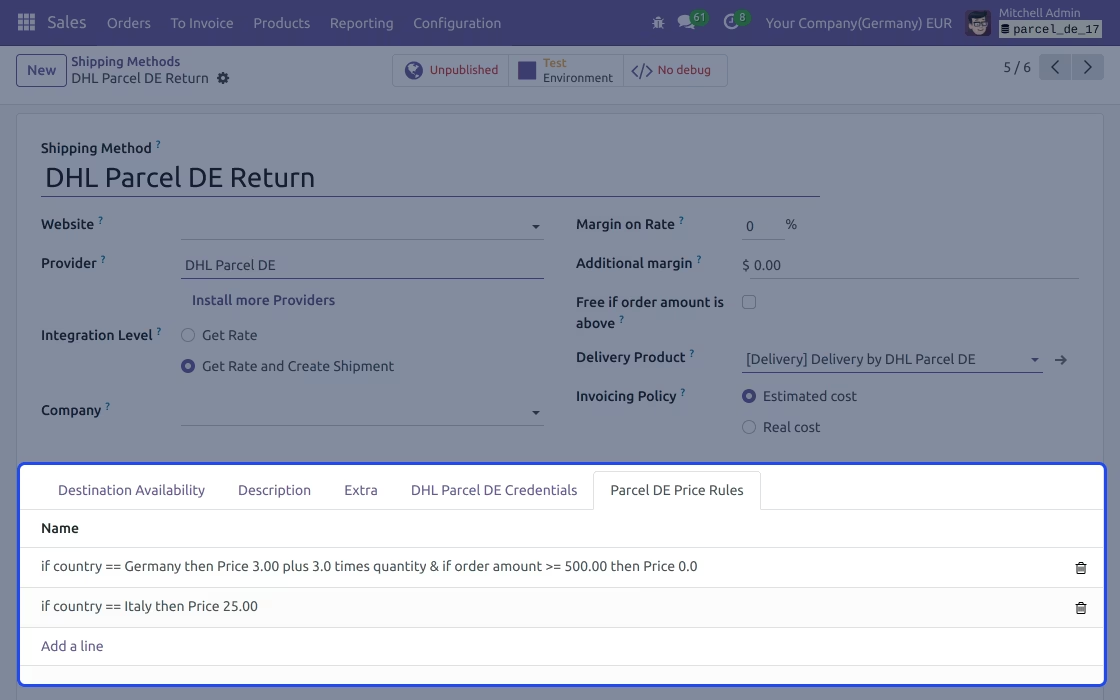
Configure price rules
- Add price rules within the shipping method.
- Set fixed shipping price for a particular country.
- Make free shipping on minimum order amount.
- Add one or more price lists.
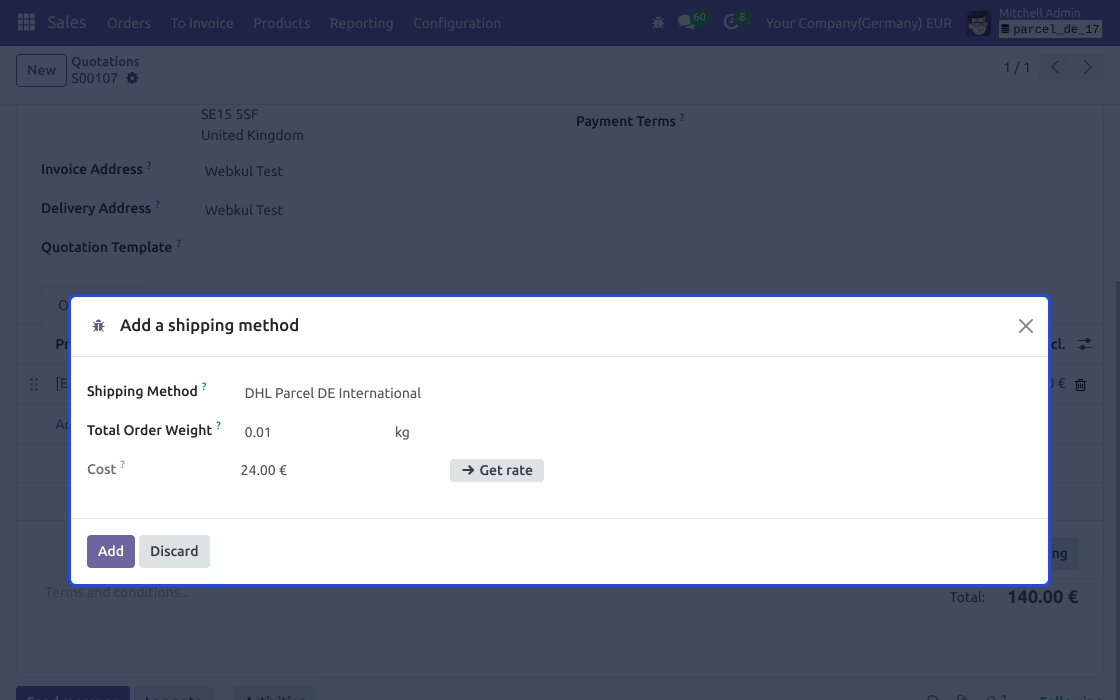
Fetch shipment rate & other details
- Update shipping cost in sale order and automatically fetch shipping rate.
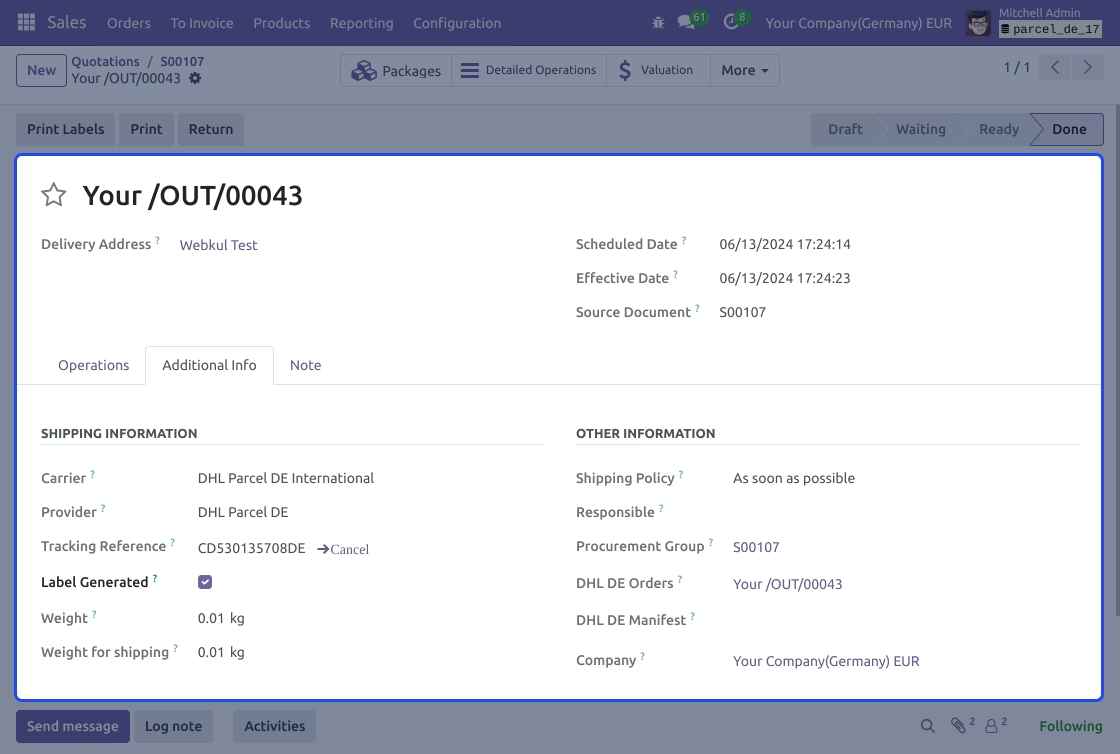
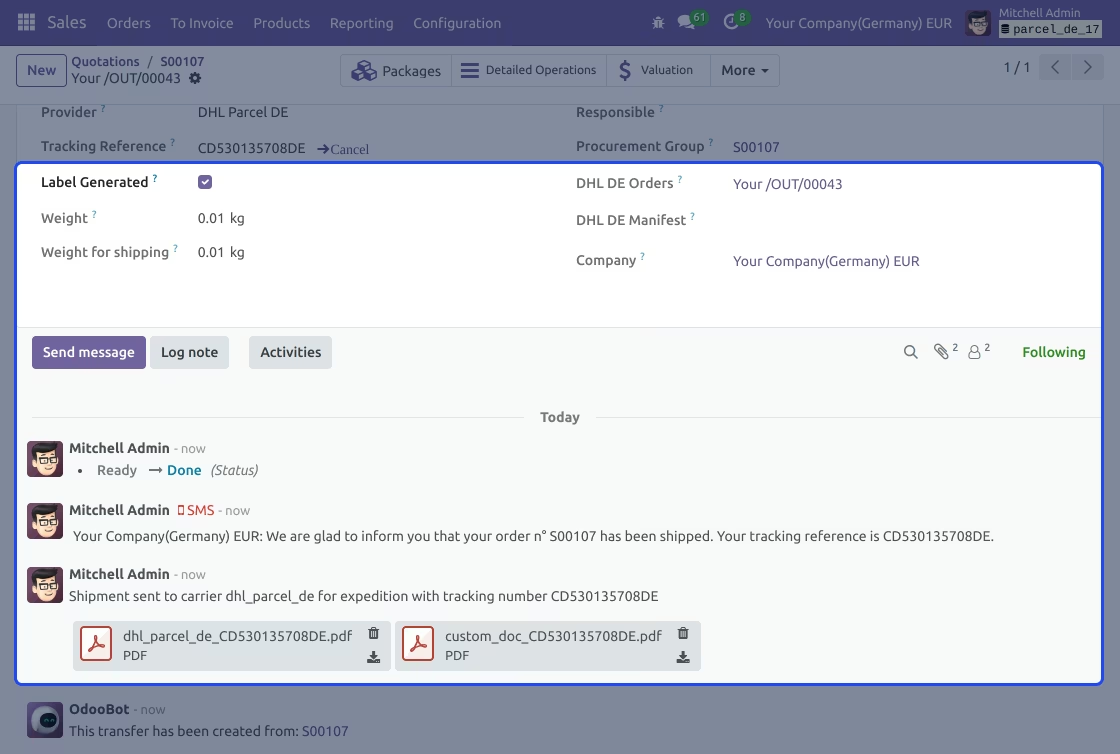
- Once the delivery is generated, a label will automatically be created.
- If the shipping is international, then a custom document will also be generated.
- The tracking reference number will automatically be fetched.
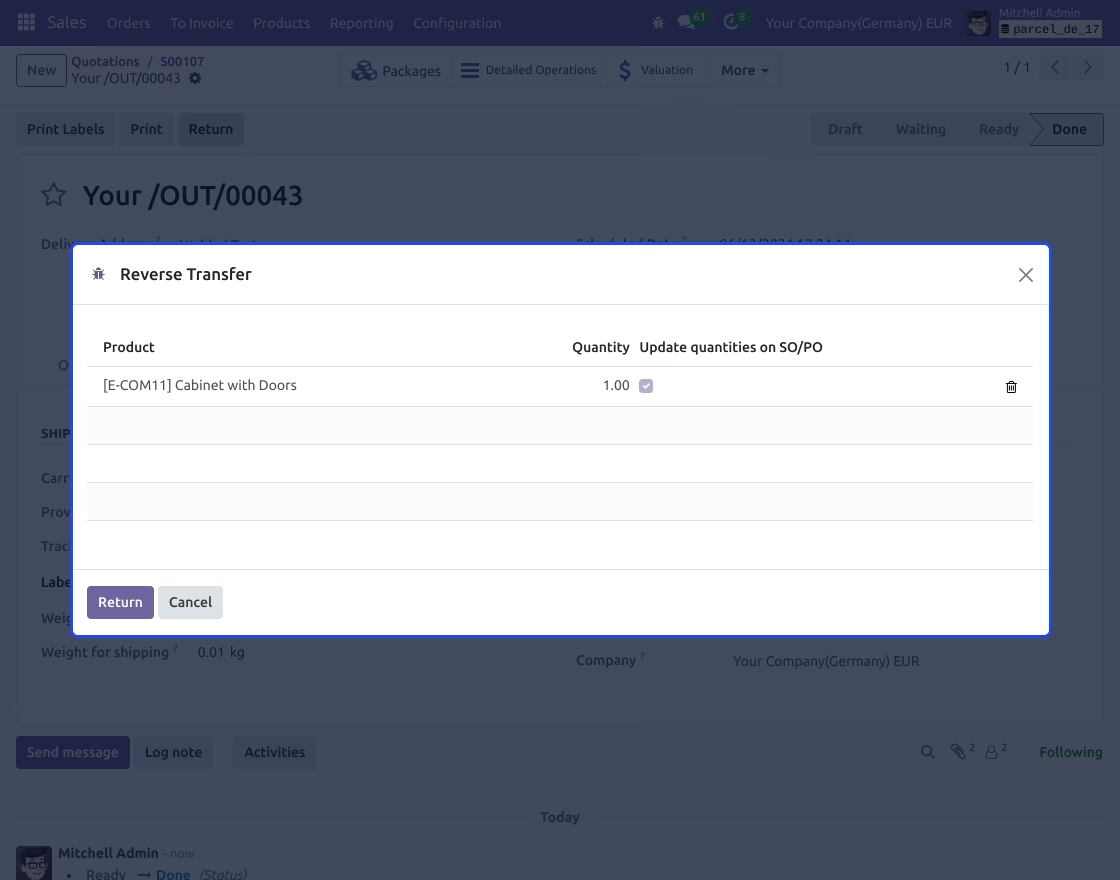
Return Shipment
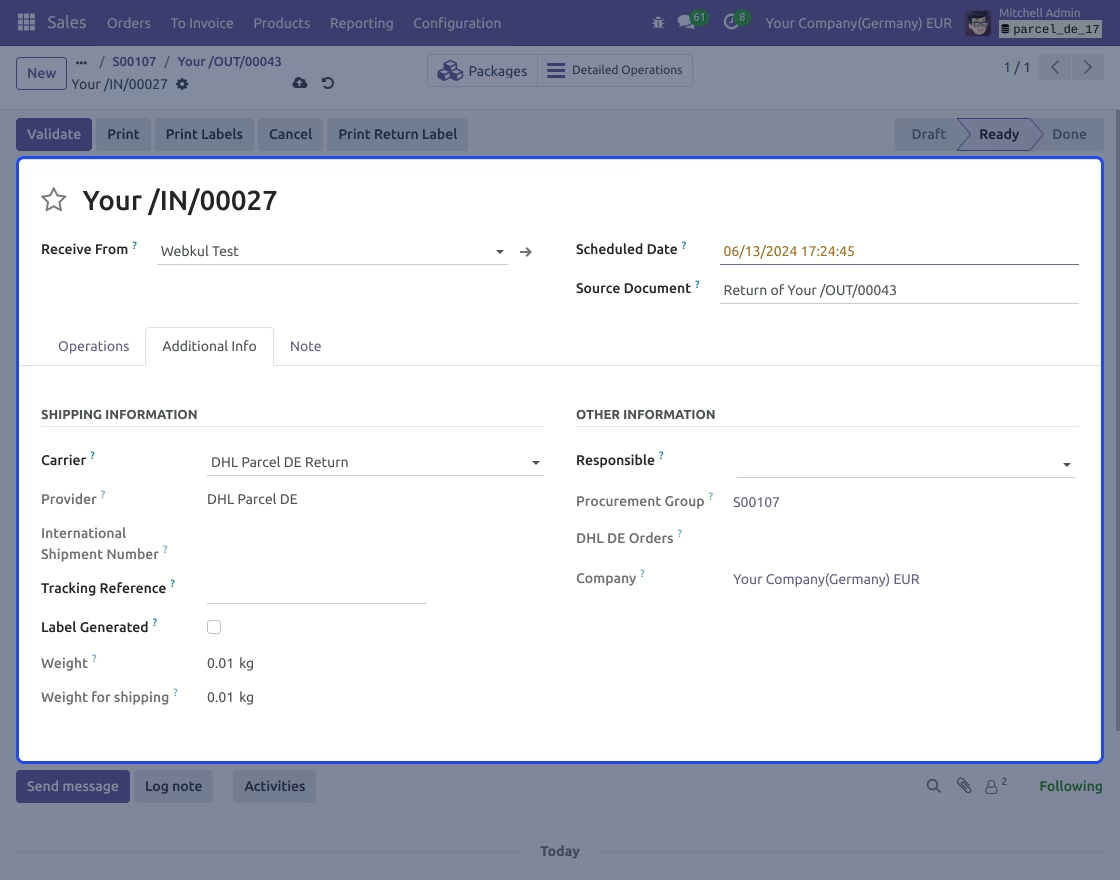
- Choose your return shipping method in "Carrier" under the delivery tab.
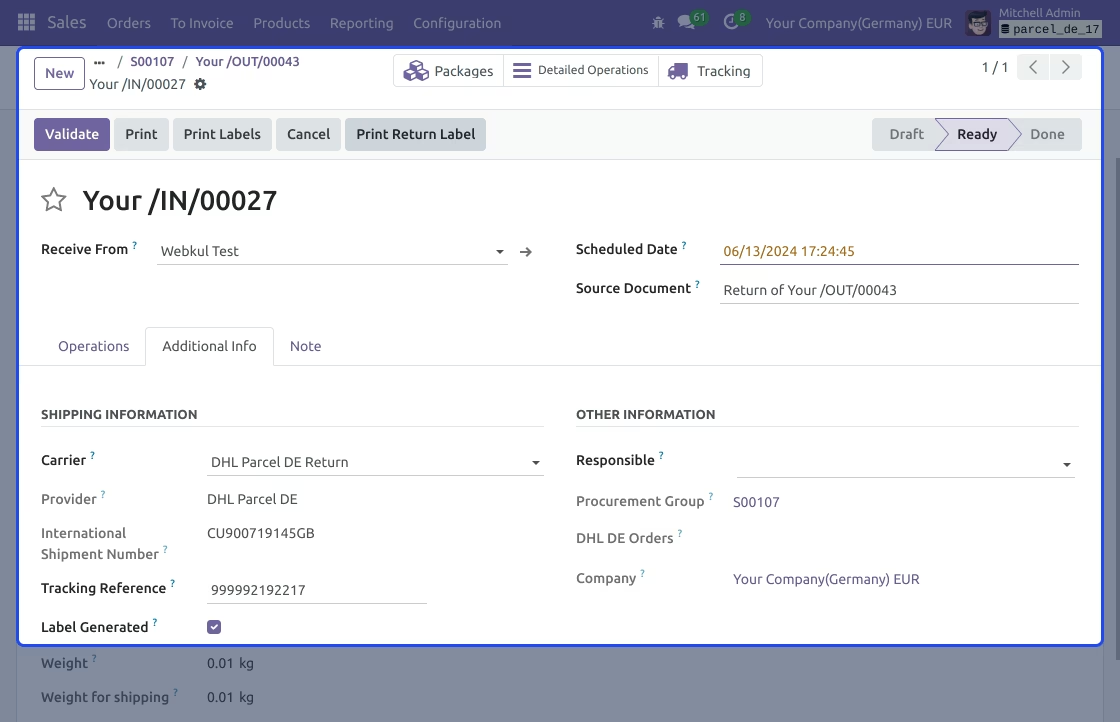
- Click on print return Label.
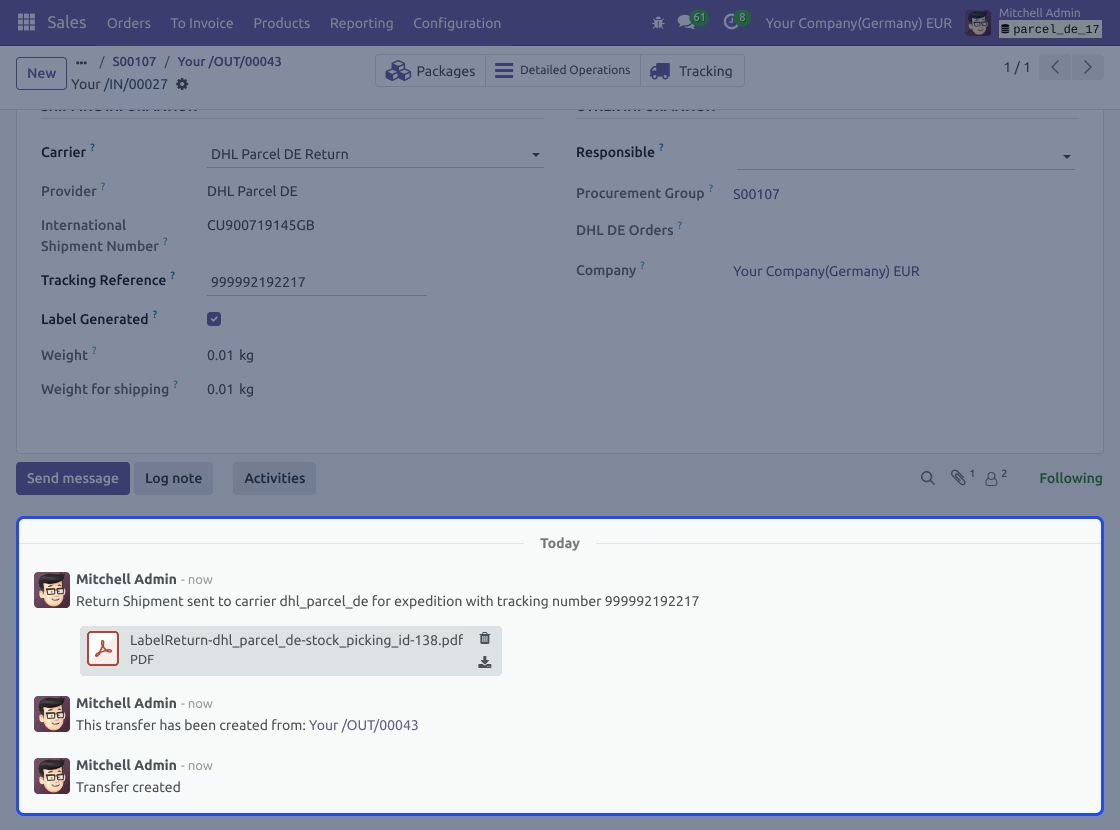
- Tracking ID, Label, and other return information will be generated.