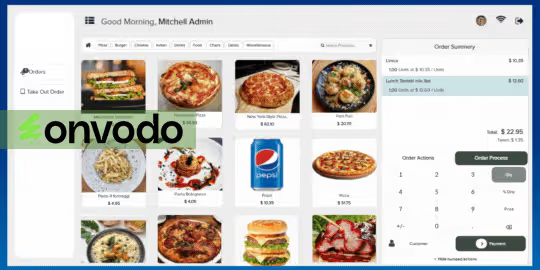
This module elevates the look and usability of POS interface by offering a Delight theme that includes a configurable sidebar menu, customizable color themes, hide/show numpad functionality, and enhanced visual styles for product lists, numpad, and order displays. Especially valuable for businesses aiming to align POS appearance with their brand identity and improve operational efficiency for sales staff.
Custom sidebar menu to streamline navigation and reduce interface clutter
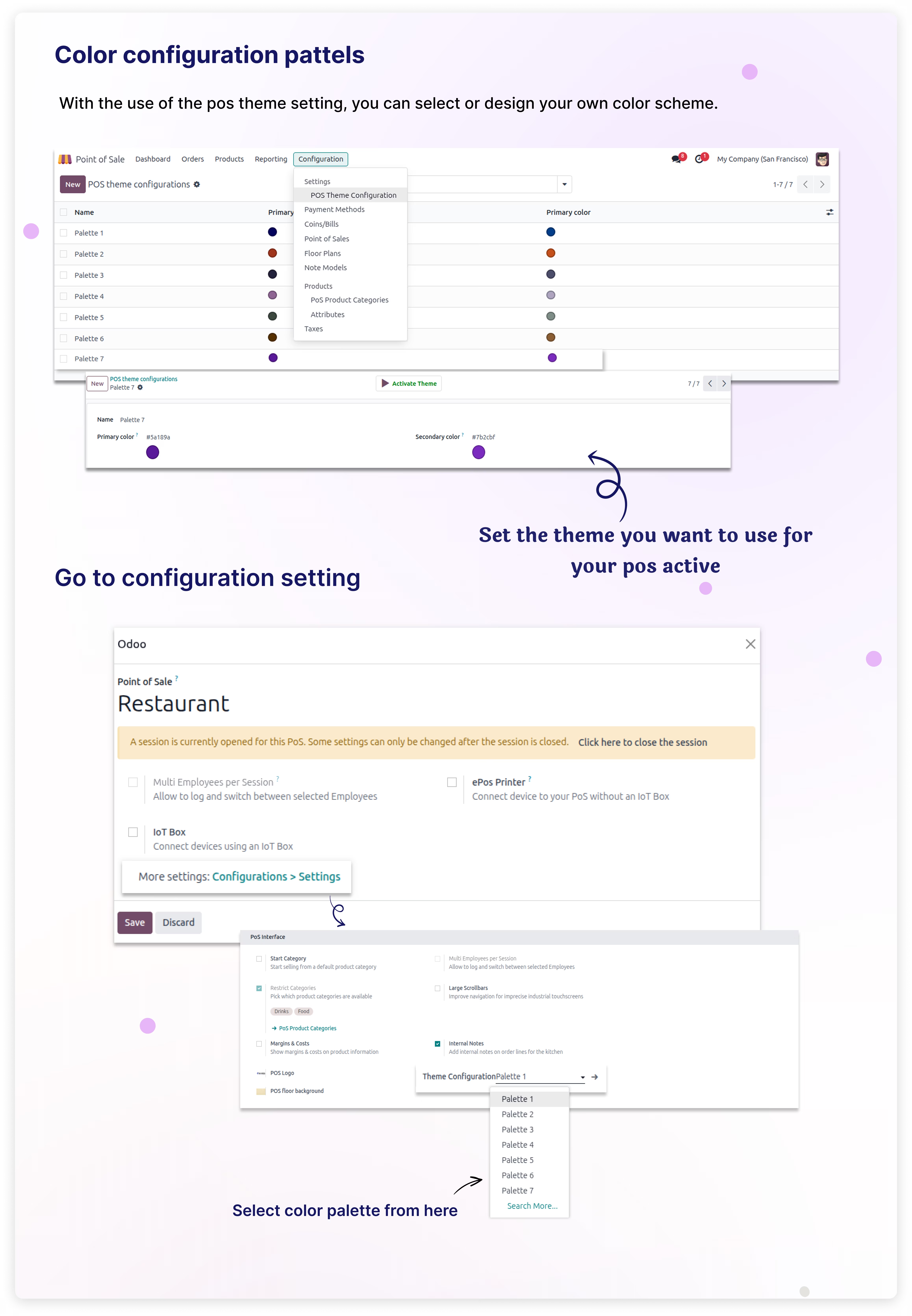
Color palette customization for tailored POS branding
Option to hide or show the numeric keypad (numpad) for flexible display
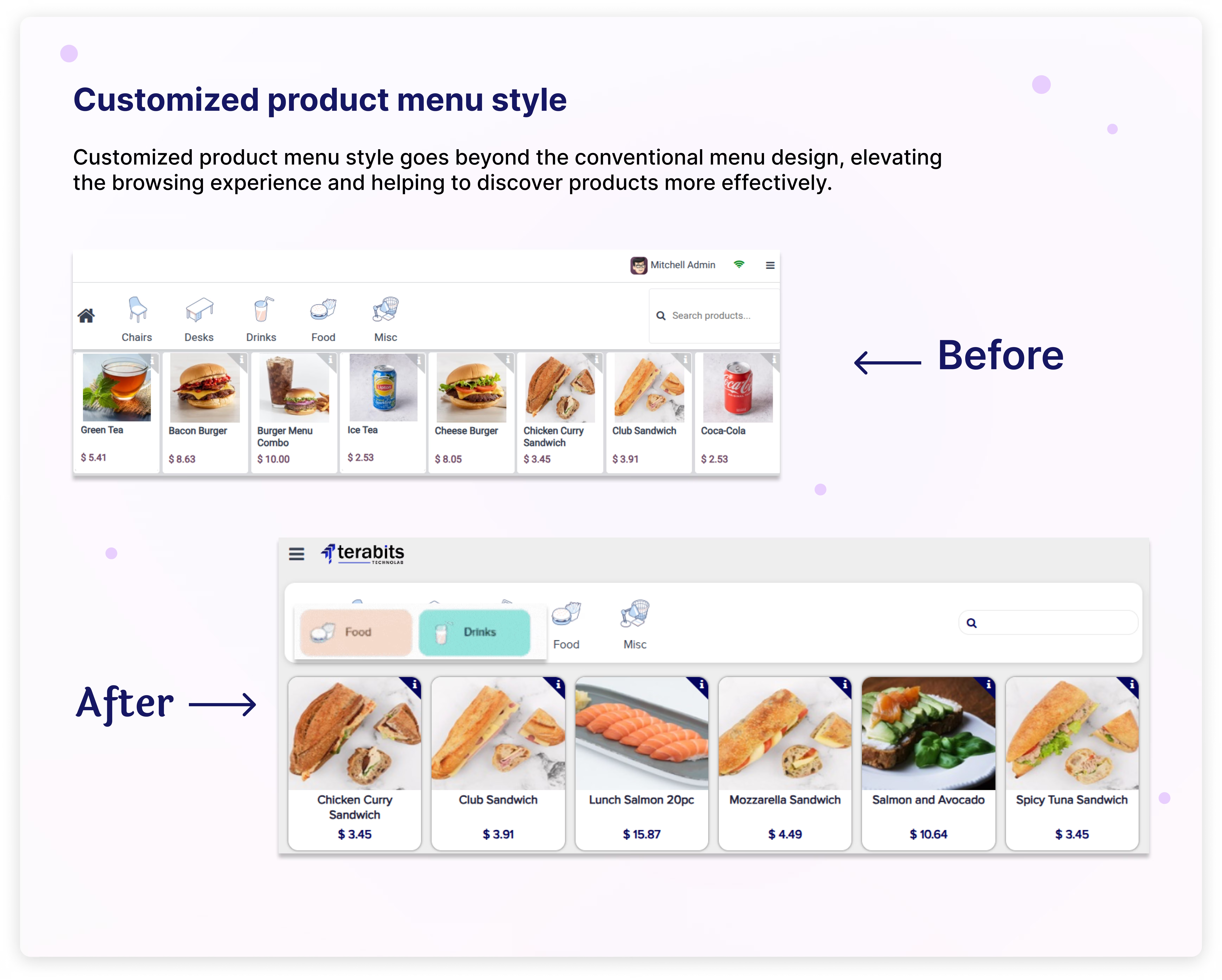
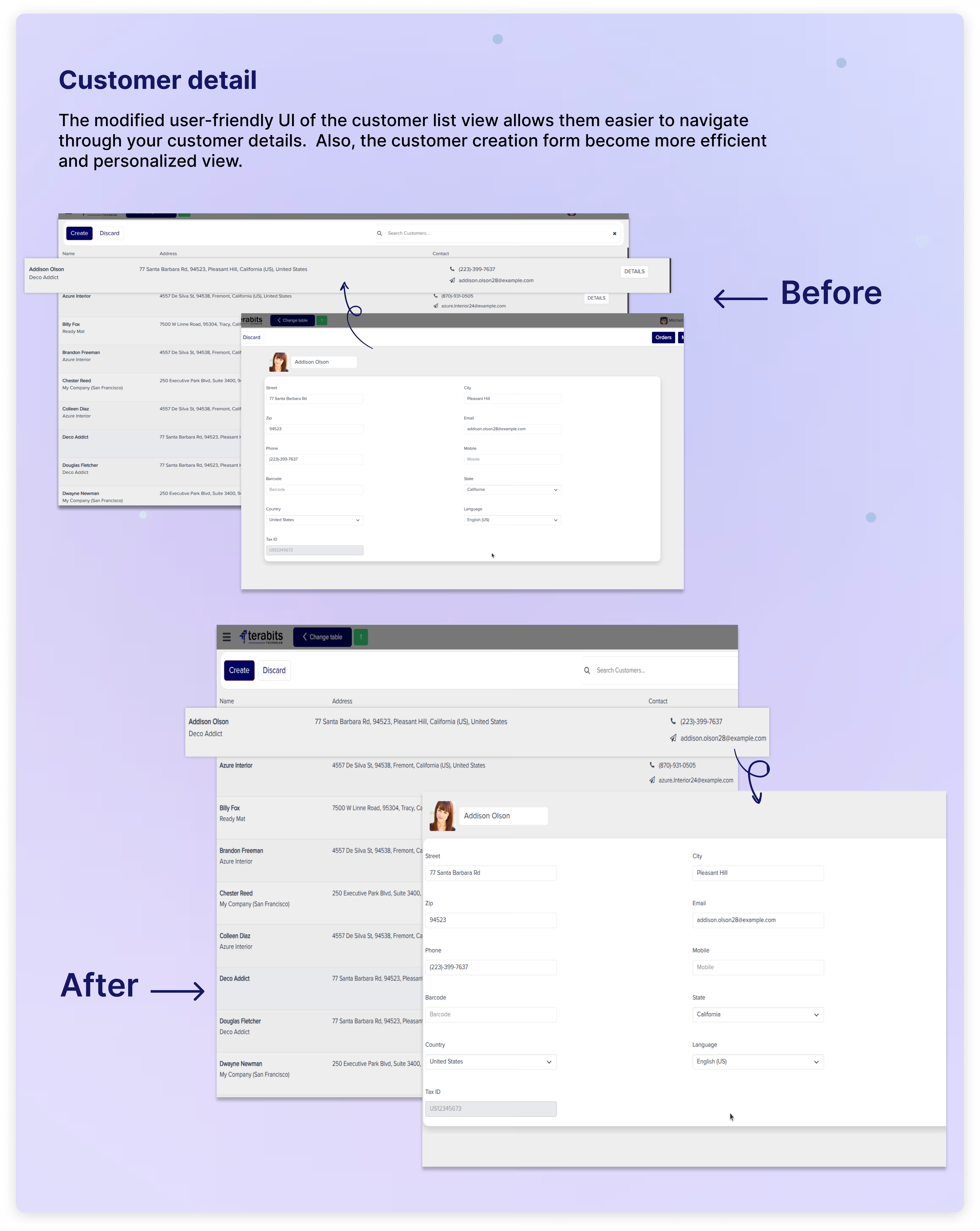
Redesigned POS interface elements: product control widgets, list views, nagivational components, numpad, and customer form styling
Optimized layout for mobile devices with enhanced dashboard functionality
Delivers a cleaner POS interface fitted to brand identity and user preferences
Enhances speed and efficiency through quick-access menus and minimalist UI
Improves user experience across devices, particularly on mobile screens
Elevates overall POS usability, reducing training time and boosting operational speed
Suitable for any industry

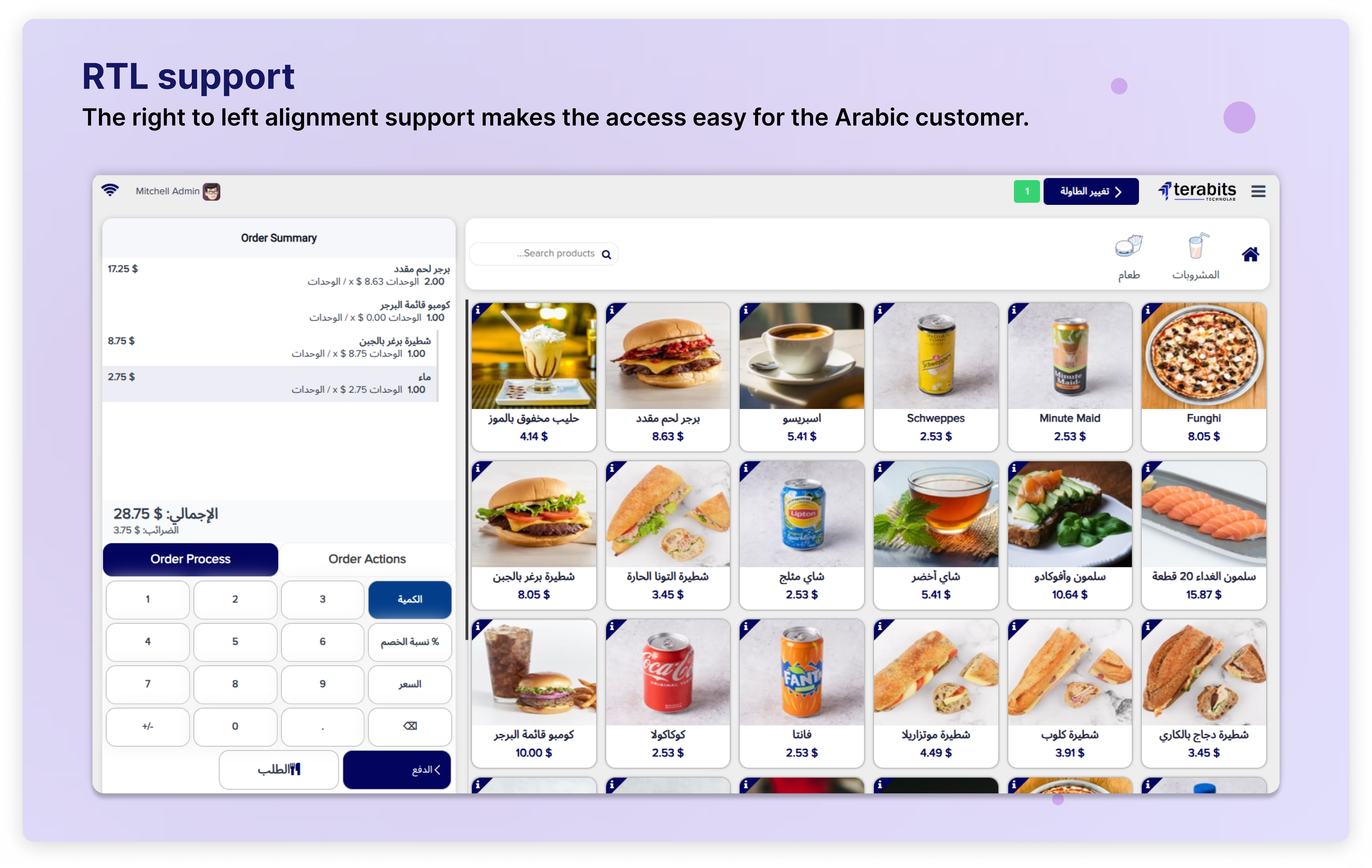
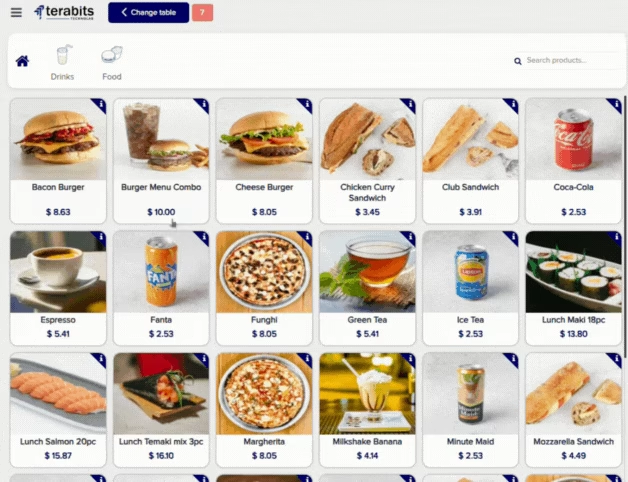
Customized sidebar menu
The Hide/Show Menu functionality is designed to simplify the POS user interface by decluttering the screen when certain functions are not in use. By hiding the menu, the POS screen offers a cleaner and more focused layout, providing a distraction-free environment for faster and more efficient transactions.

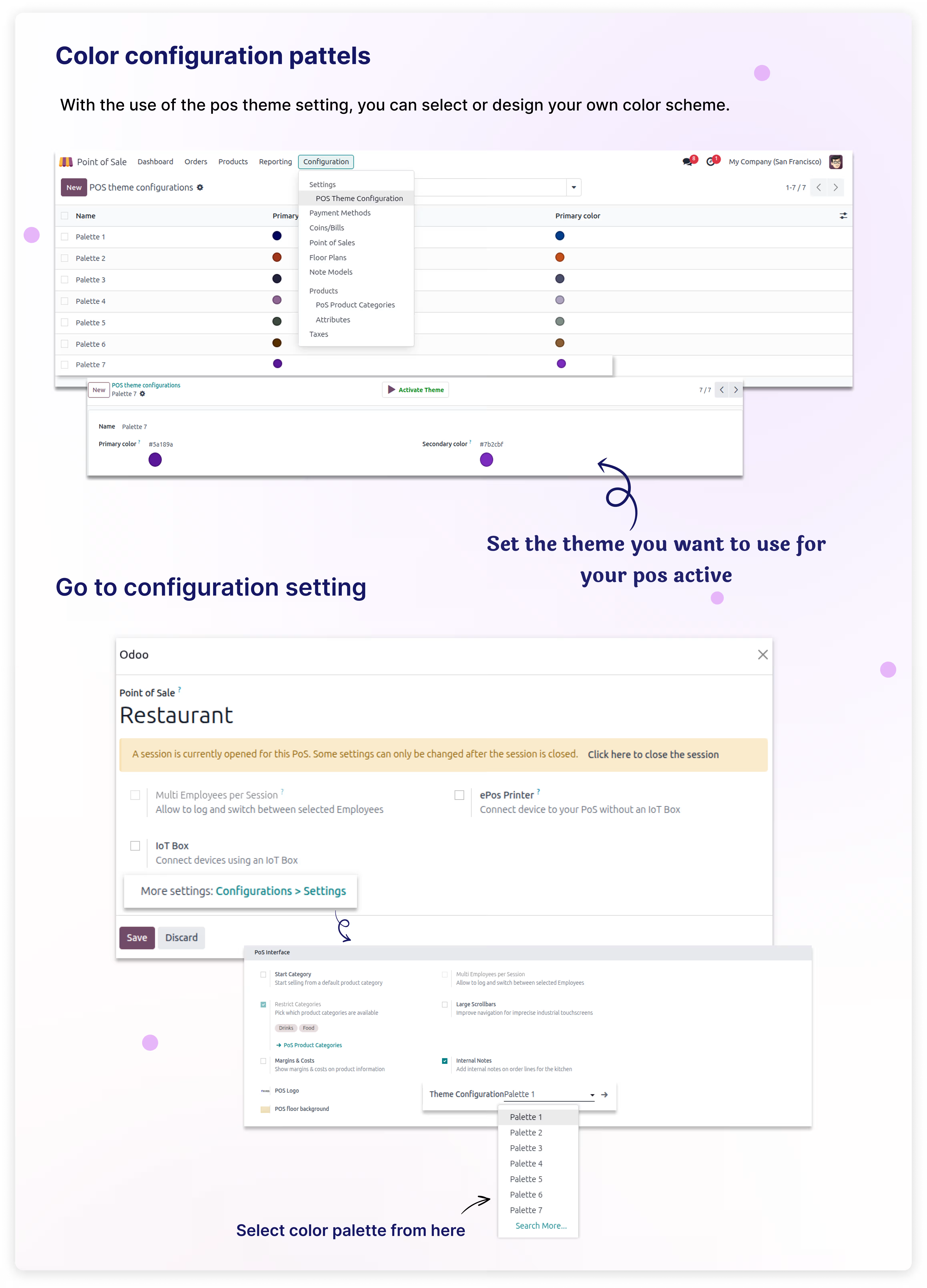
Configurable color theme
Allow you to change and modify the interface's color system, enabling you to customize and tweak
the look of your point-of-sale system according to your brand or personal style.


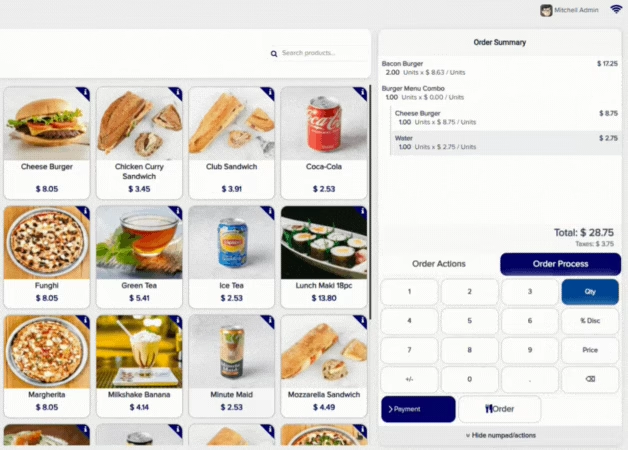
Hide/show numpad
Use this functionality to take control of your point-of-sale interface. It gives you the freedom to quickly hide or reveal the numeric keypad as necessary, resulting in a streamlined and customized user experience.

(1) Create or select a color palette, then make it active.
(2) Go into Pos config setting and select theme you have created.(Make sure that theme is active).
(3) Then start the POS session.