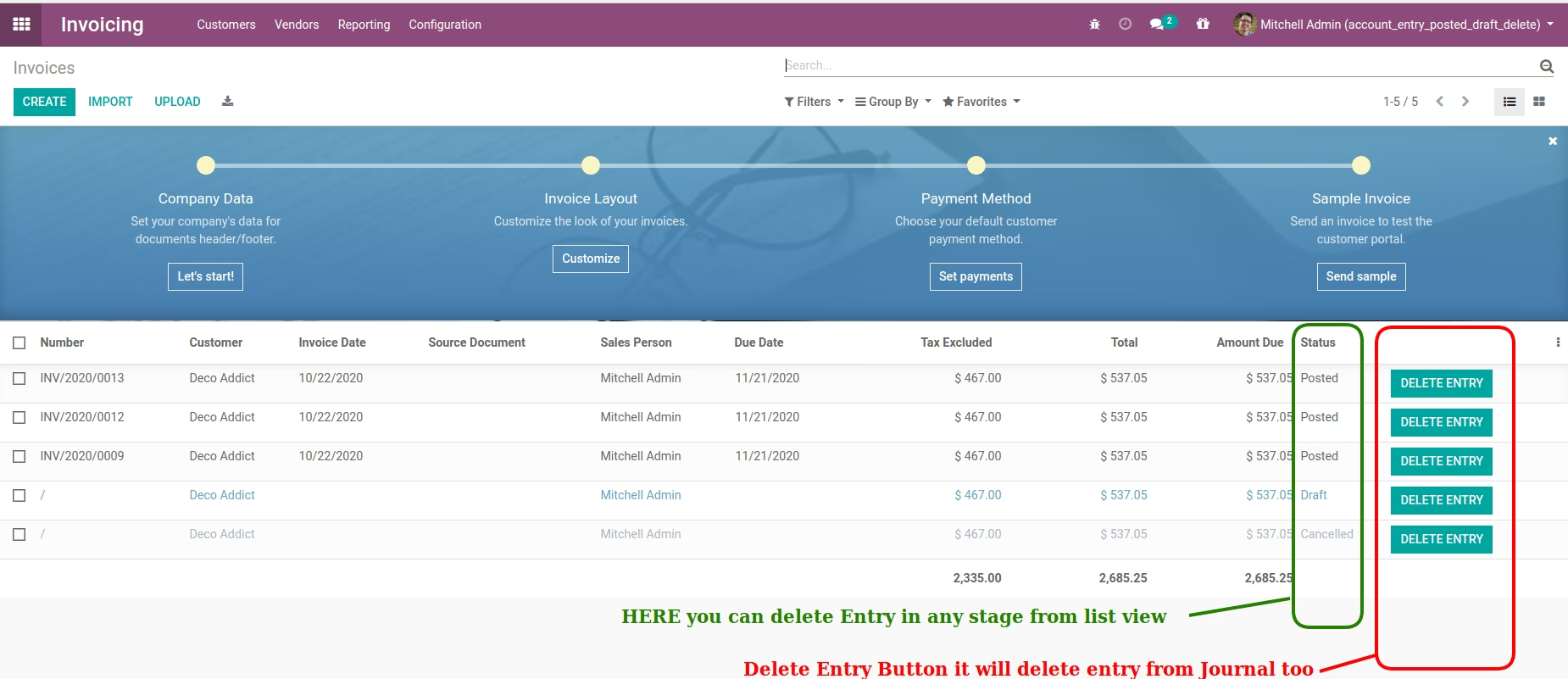
This module enables users to delete posted accounting journal entries directly from list or form views. It supports user-specific permissions and works seamlessly across both Community and Enterprise editions. Designed for clean-up operations or error correction, it offers a straightforward way to manage posted entries without executing complex workflows.
Delete posted journal entries regardless of their state straight from list or form views
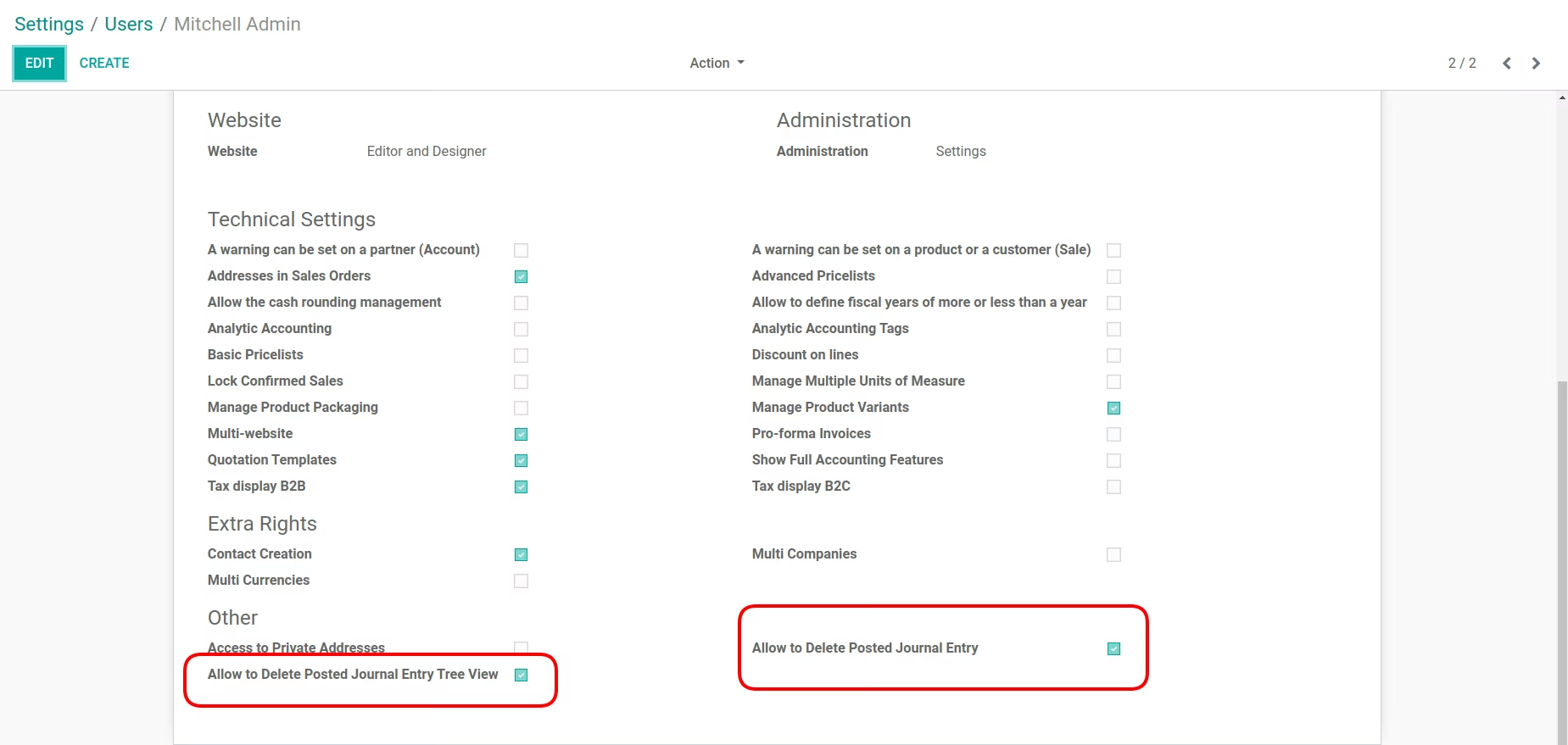
Configurable on a per-user basis to ensure appropriate access control
Compatible with both Community and Enterprise
Delivers quick and efficient record cleanup without navigating through audit trails
Enhances accounting flexibility during testing or data rollback scenarios
Simplifies record maintenance and cleanup workflows
Prevents accidental deletions by enforcing user-based controls
Integrates smoothly with existing configurations and user roles
- Using this module you can Delete Account Journal Posted Entry in any stage of record from for view and list view, user wise.
- Compatible for community and enterprise version of