This module enhances security and access control within Point of Sale interface by allowing administrators to disable or restrict the delete action on POS orders based on user roles. Ideal for businesses that need to enforce data integrity, prevent accidental deletions, and ensure operational compliance in retail or service environments.
Disables or hides the delete button on POS order screens according to access rights
Control delete access by user role to prevent unauthorized actions
Enhances POS data integrity through permission-based restrictions
Prevents accidental or intentional deletion of POS orders
Ensures compliance with organizational policies and audit requirements
Improves control over sales data and maintains transaction history
Seamlessly integrates with existing access rights mechanisms
Delete access restriction in POS Apps
Restrict POS Delete Access by User
Disable Delete Access for POS User Apps
Point of Sales Delete Order Button Disable for Users Apps
Disable Delete Access POS (Point of Sale) app offers users the ability to control the deletion of certain data based on their access rights. This functionality allows users to manage whether the option to delete is available to them or not, thus enhancing security and data integrity.
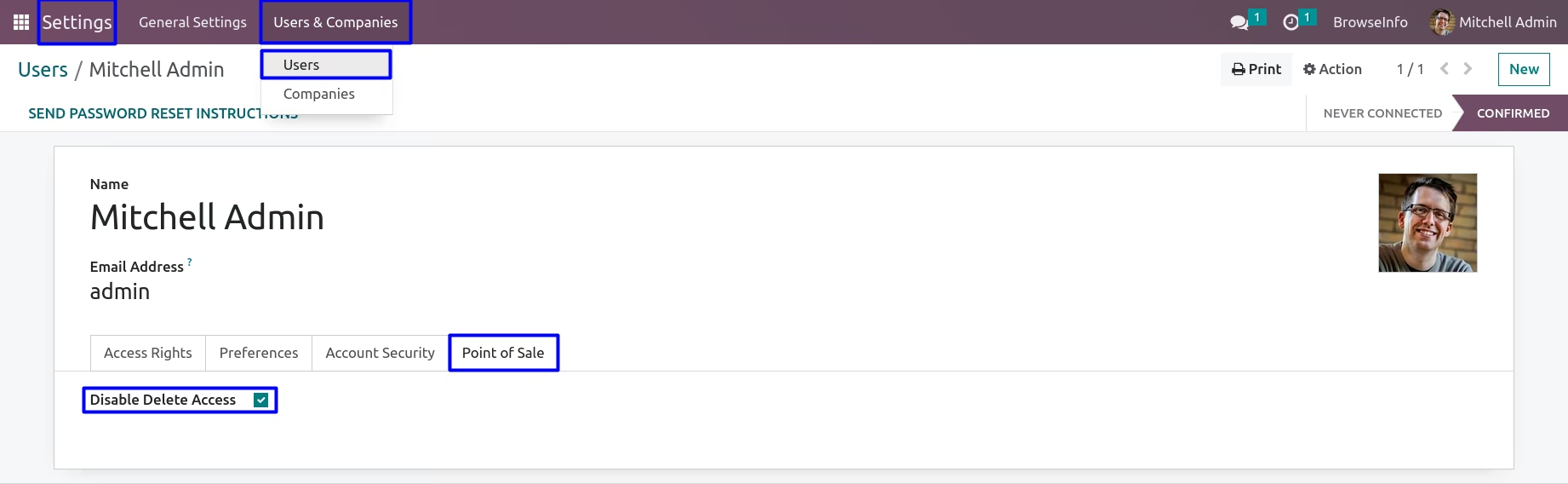
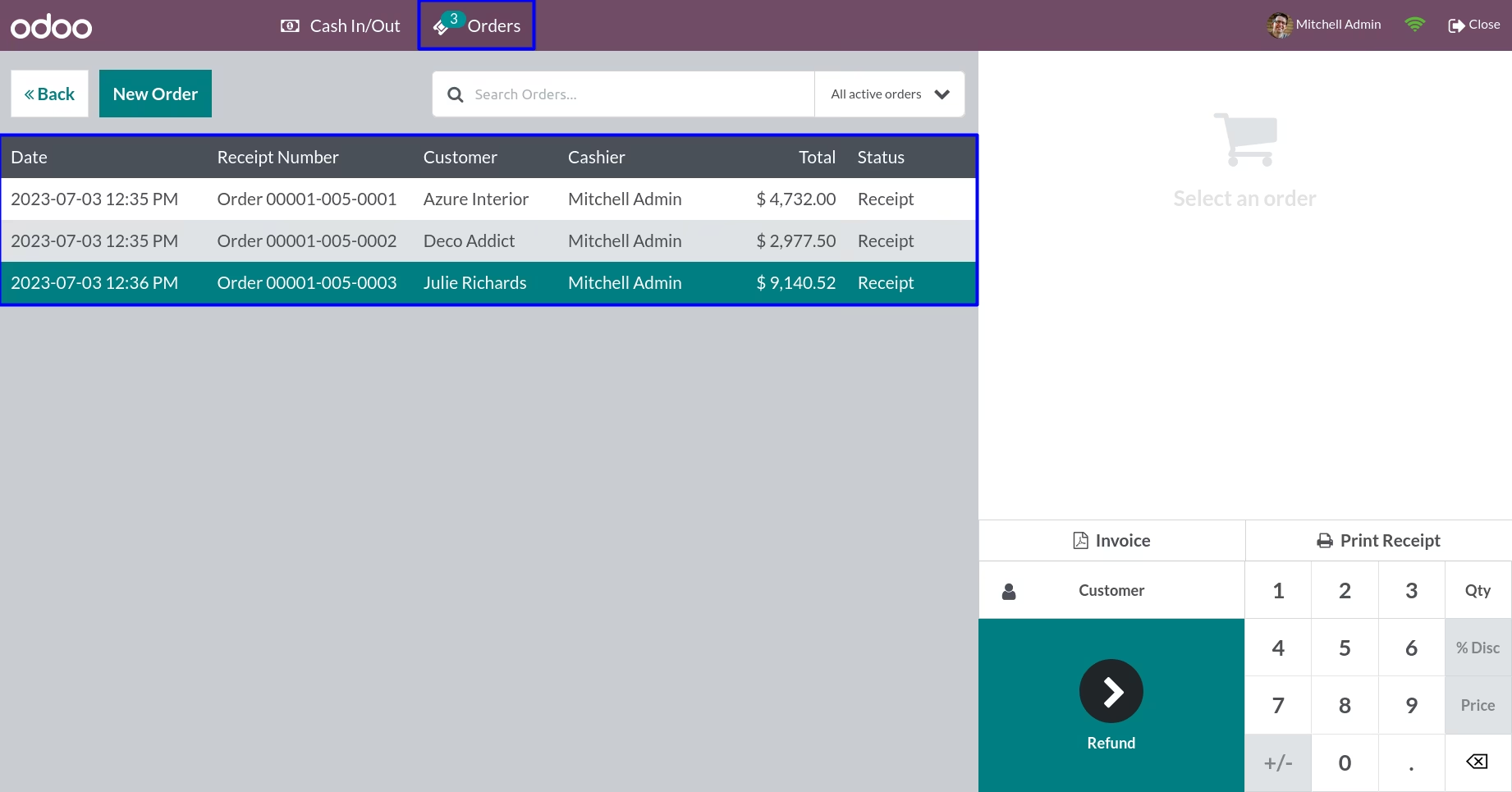
By configuring this app feature, users gain access to disable their own delete access rights, granting them control over their ability to remove data. When a user shows the appropriate access privileges to disable delete actions, they will find that the delete option is not visible within the POS order interface. Conversely, for users lacking this access, the delete option remains accessible, giving them the ability to remove data as needed.
Goto user configuration, Under 'Point of Sale' tab, If user untick 'Disable Delete Access' checkbox, They can view delete icon and access delete functionality in point of sale orders.
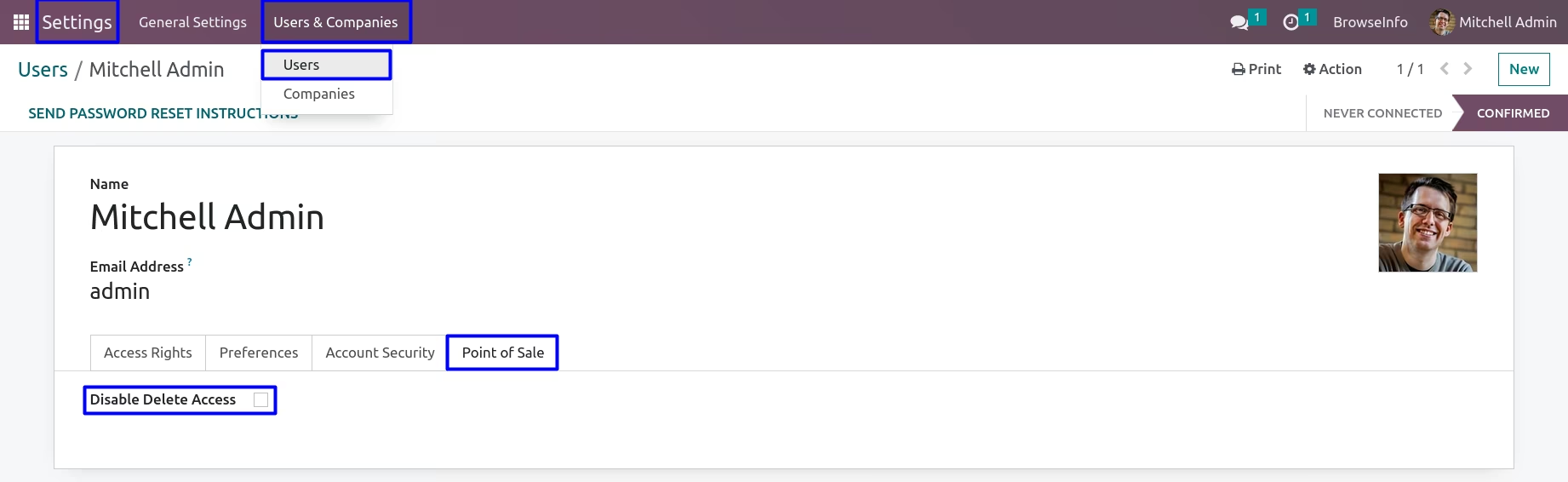
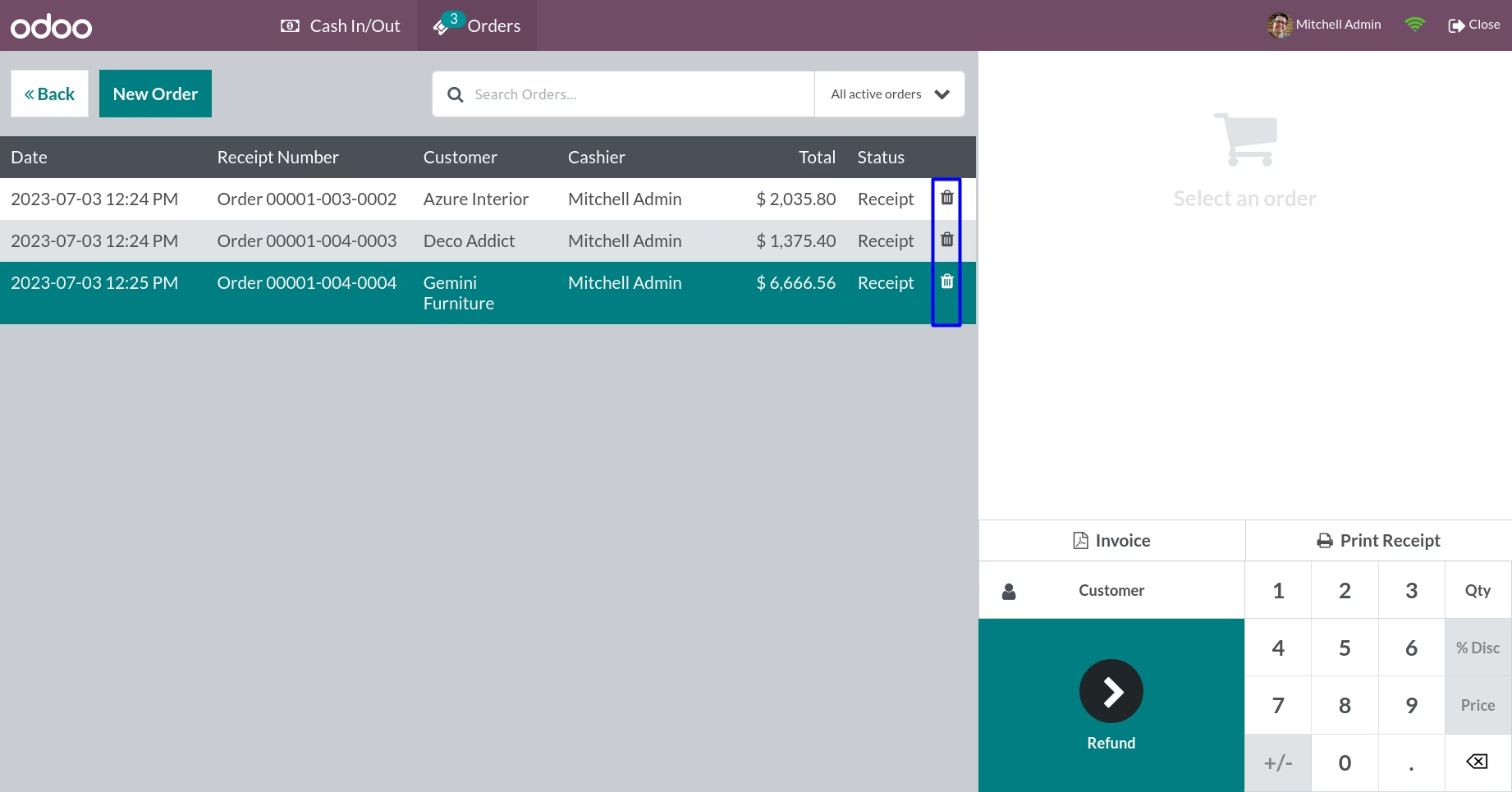
Delete Access Rights for User
If user tick on 'Disable Delete Access' checkbox, User will not have a delete option in the point of sale orders.