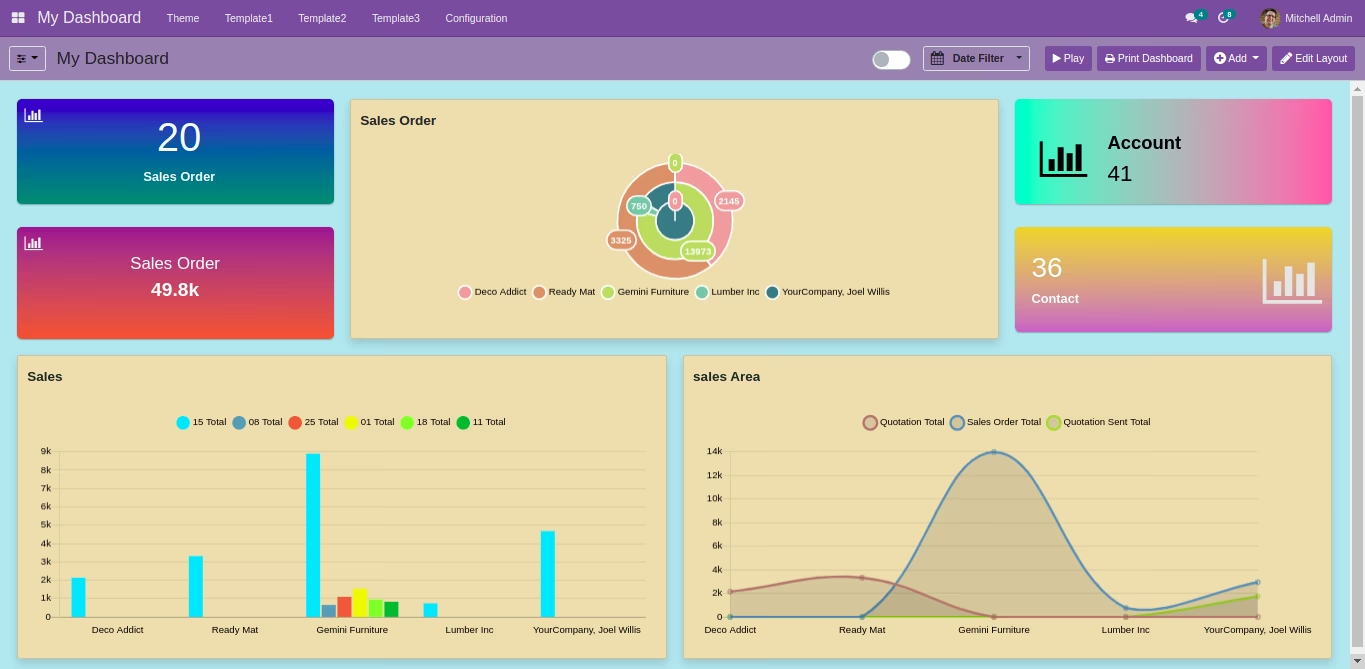
This module empowers users to personalize the look and feel of dashboards with customizable themes, color palettes, layouts, and print-friendly configurations. Tailored for organizations that value branding, visual clarity, and efficient data presentation, it elevates dashboard usability and impact without altering the core reporting mechanics.
Theme designer for customizing dashboard appearance
Configurable color schemes to match branding or user preferences
Layout options for improved data presentation and clarity
Printable and PDF-exportable dashboard views for easy sharing
Seamless integration with existing dashboard widgets and structure
Strengthens visual branding by aligning dashboards with organizational identity
Enhances data readability and presentation through tailored layouts
Empowers users to export visually optimized PDF dashboards
Improves user engagement with a more intuitive and personalized UI
Requires minimal setup maintains core dashboard features while enhancing aesthetics
***The Custom Themes will only be applied on Line Chart, Bar Chart, Horizontal Bar Chart, Area Chart, Polar Area Chart, Pie Chart, Doughnut Charts, Scatter Chart & Radar Chart.

Dashboard Ninja Theme Dashboard Ninja Theme
Make Informed & Rewarding Decisions With Dashboard Ninja Theme
What makes
Dashboard Ninja Theme Unique
The ultimate time and money saving tool for your Business.
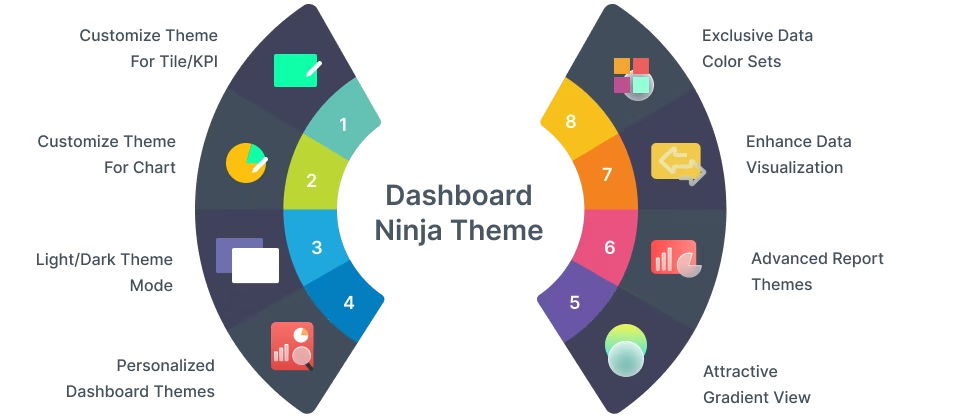


Customize theme for Tile/KPI
Color Picker
A color picker helps a user to choose multiple colors as per the choice or requirement.
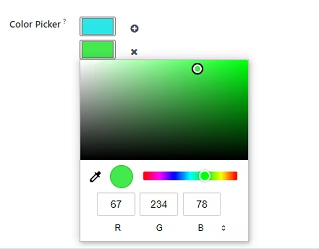
Gradient Angle Slider
With this feature, a user can change the angle of the gradient view. A user can also set gradient angles manually.
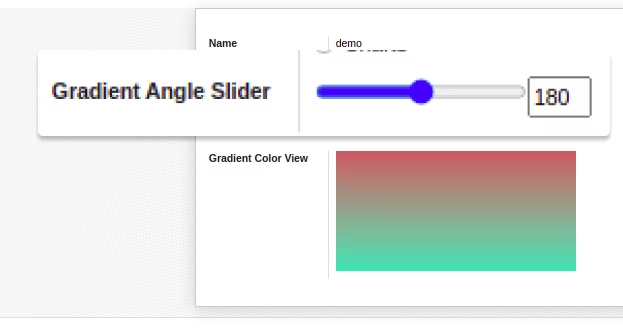
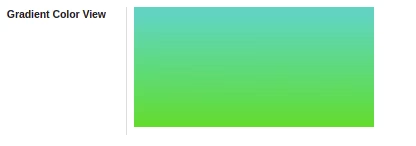
Gradient Color View
Gradient Color View helps a user to see the color pattern of the dashboard items.

Customize theme for Chart
Color Picker
A color picker helps a user to choose multiple colors as per the choice or requirement.
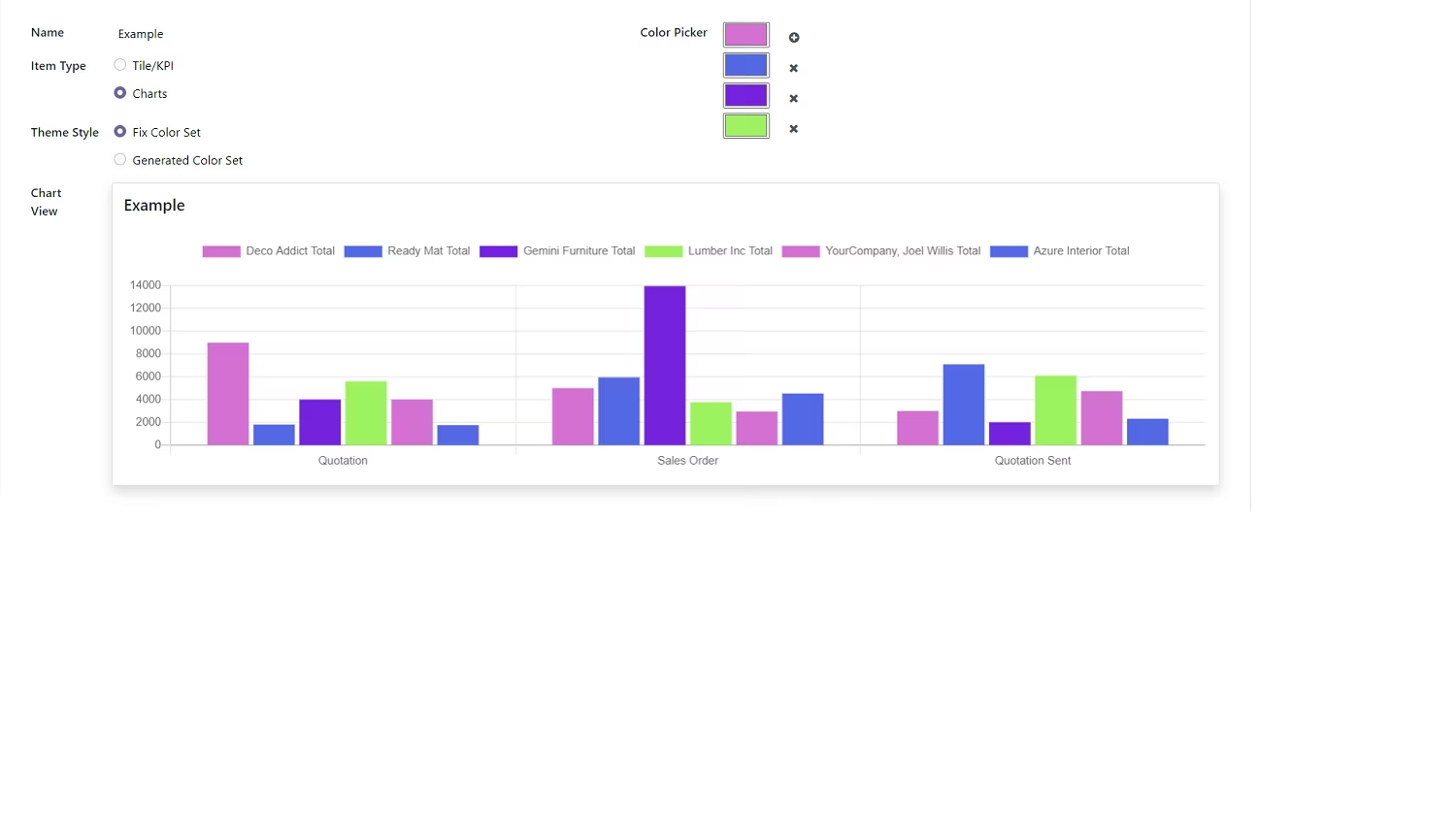
Fixed color set
In a fixed color set, the fixed data color set keeps repeating as it is from the chosen color palette range.
Generated color set
In a Generated color set, multiple data color sets are generated from the chosen color palette range.
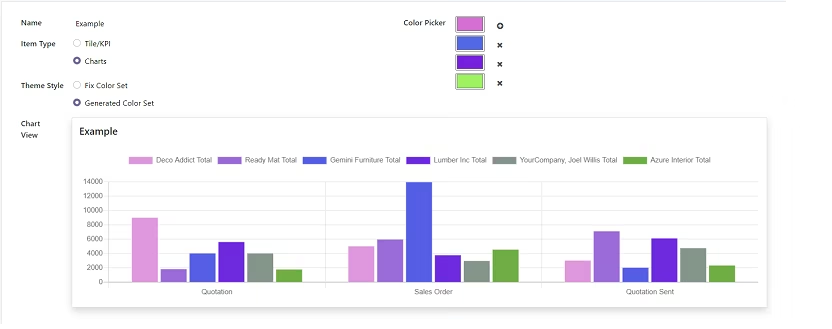
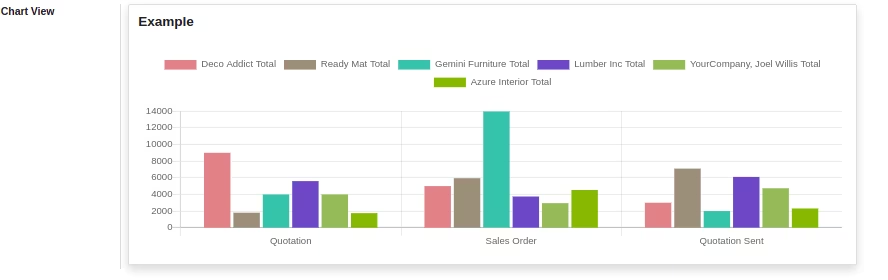
Chart view
It displays graphical representations of data with chosen color patterns for greater visualization.

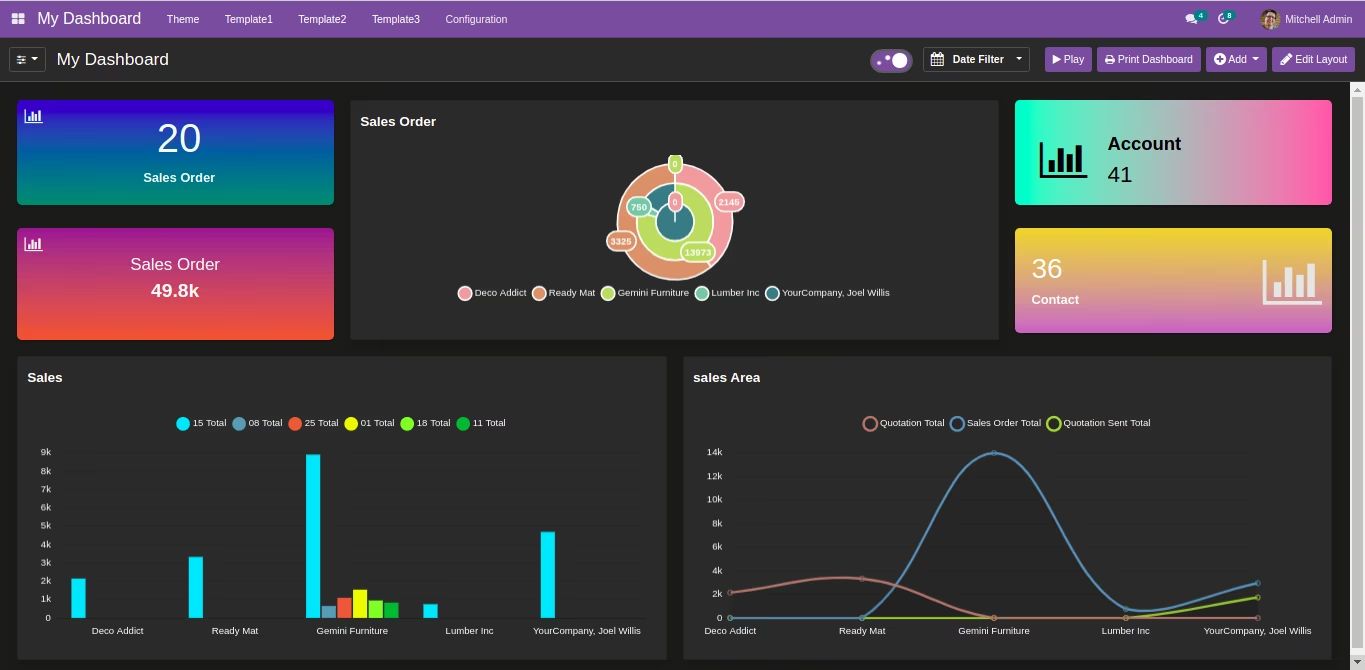
Light/Dark
Toggle Button
With the all-new light and dark theme mode option, a user can change the view of the dashboard from light to dark or vice versa for comfortable reading and visualization.

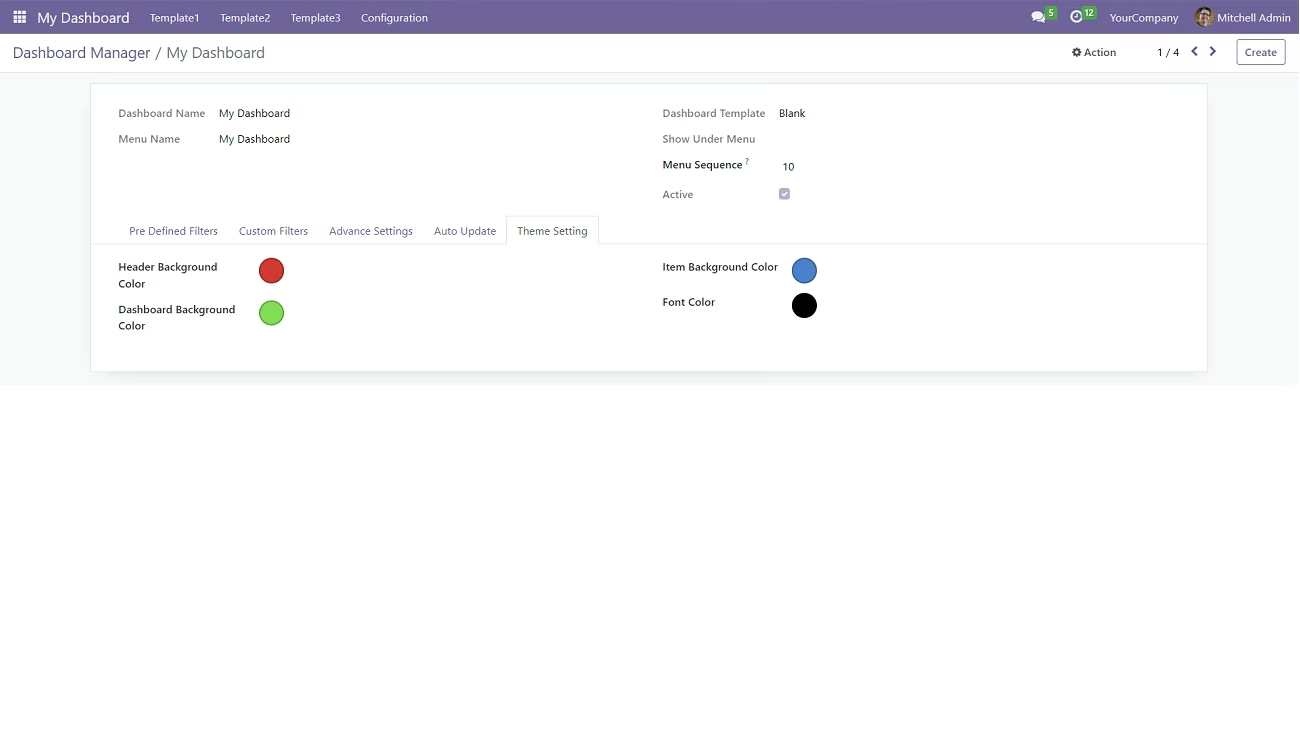
Custom
Dashboard Theme
Now a user can customize the Header background color, Dashboard background color, Item background color, and Font color of the dashboard to improve the visibility of business analytics.
All Features

Dynamic & Animated Reporting Dashboards

Real-Time
Streaming Dashboard

Responsive: Fluid
& Flexible Layout

Advanced
Date Filter

Download Dashboard Items (Excel, CSV, PDF, PNG)

Export & Import Dashboards or Specific Dashboard Items

Access
Control

Predefined
Dashboards

Drill Down/
Drill Up Data

Community/Enterprise/
.sh Support

Duplicate/
Move Dashboard

Customizable
Dashboard Tile Items

Data Filtration -
Group By, Limit & Sort By

Dashboard Item -
2 List View Styles

Design Multiple
Dashboards

Dashboard Personalization
/Configuration

Personalized & Interactive Dashboard Layouts

View Dashboard
Item Data

Multi-Color
Themes

Set Targets

Unique User
ID (%UID)

Authentic
%MYCOMPANY Filter

To do item

Instant
Edit Mode

Number
Systems

Show/Hide
Data Values

Monetary/
Custom Units

Multi-Company
Support

Multi-Language
Support

Multi-Currency
Support