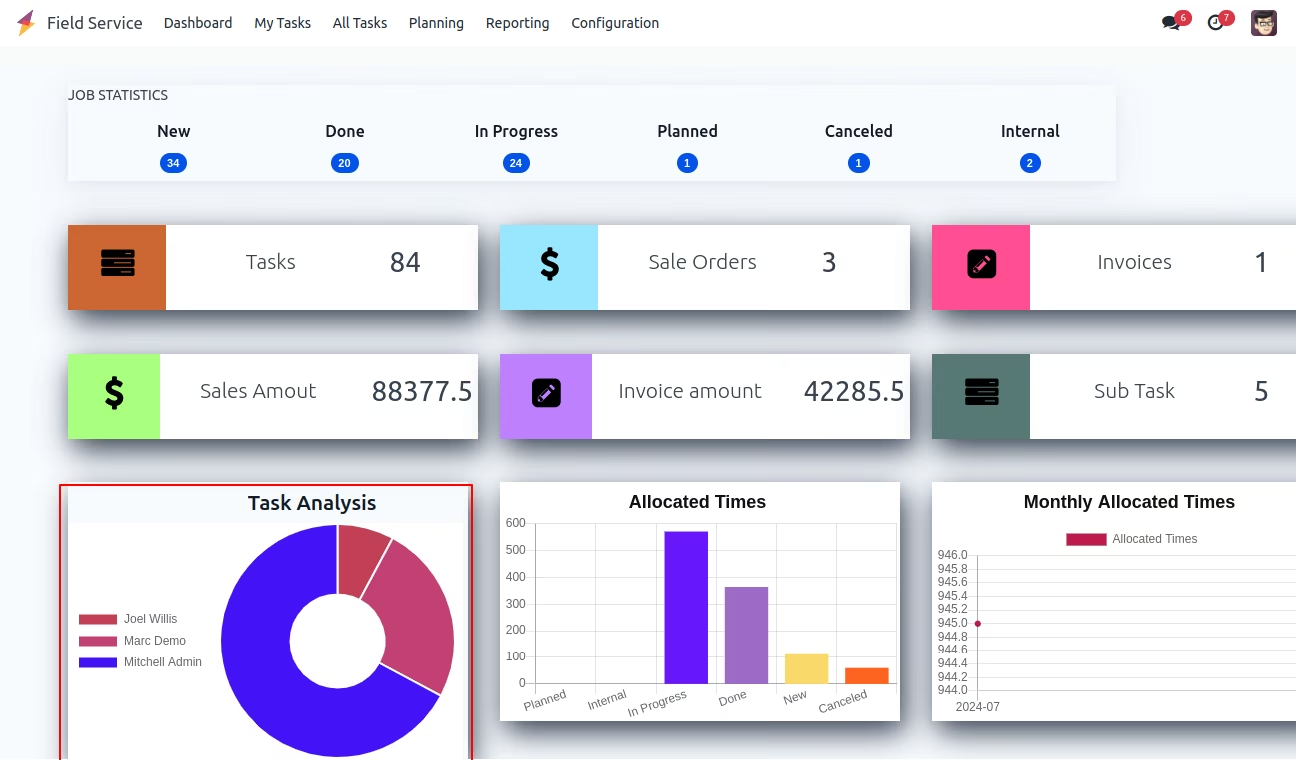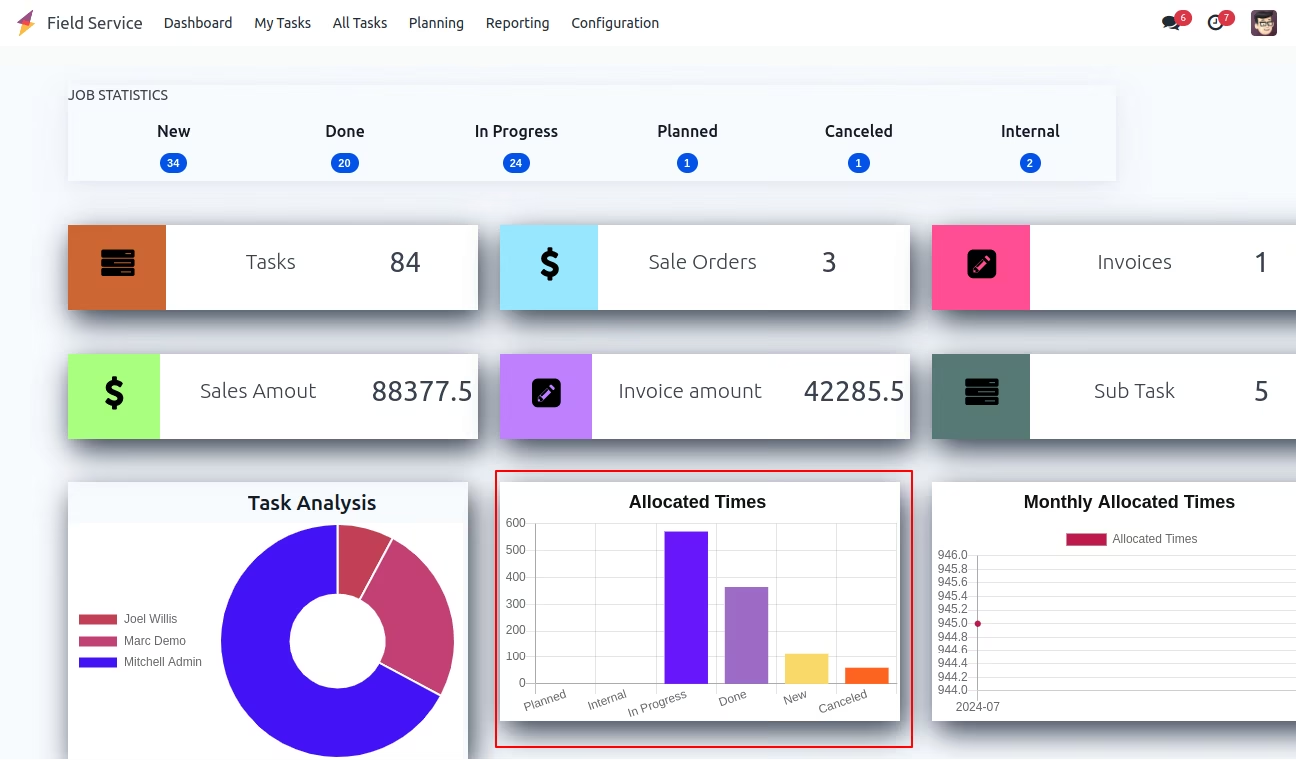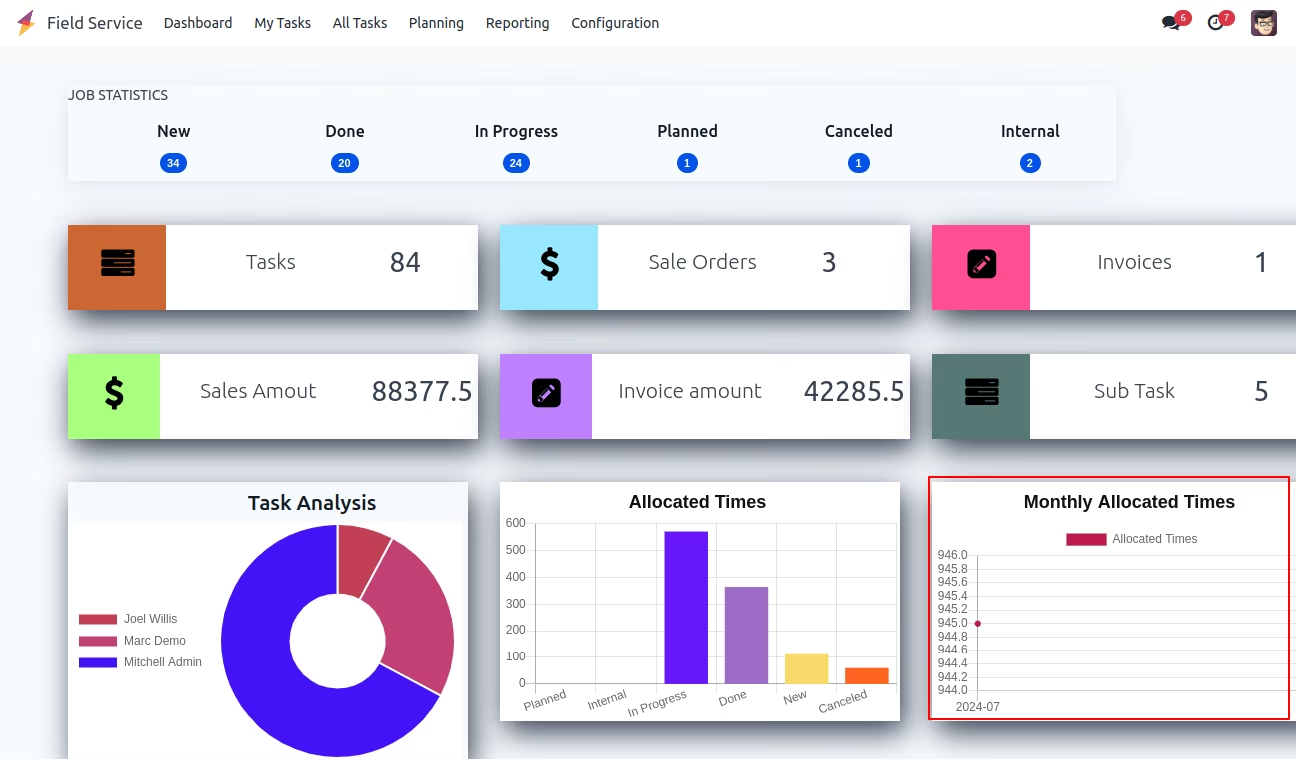
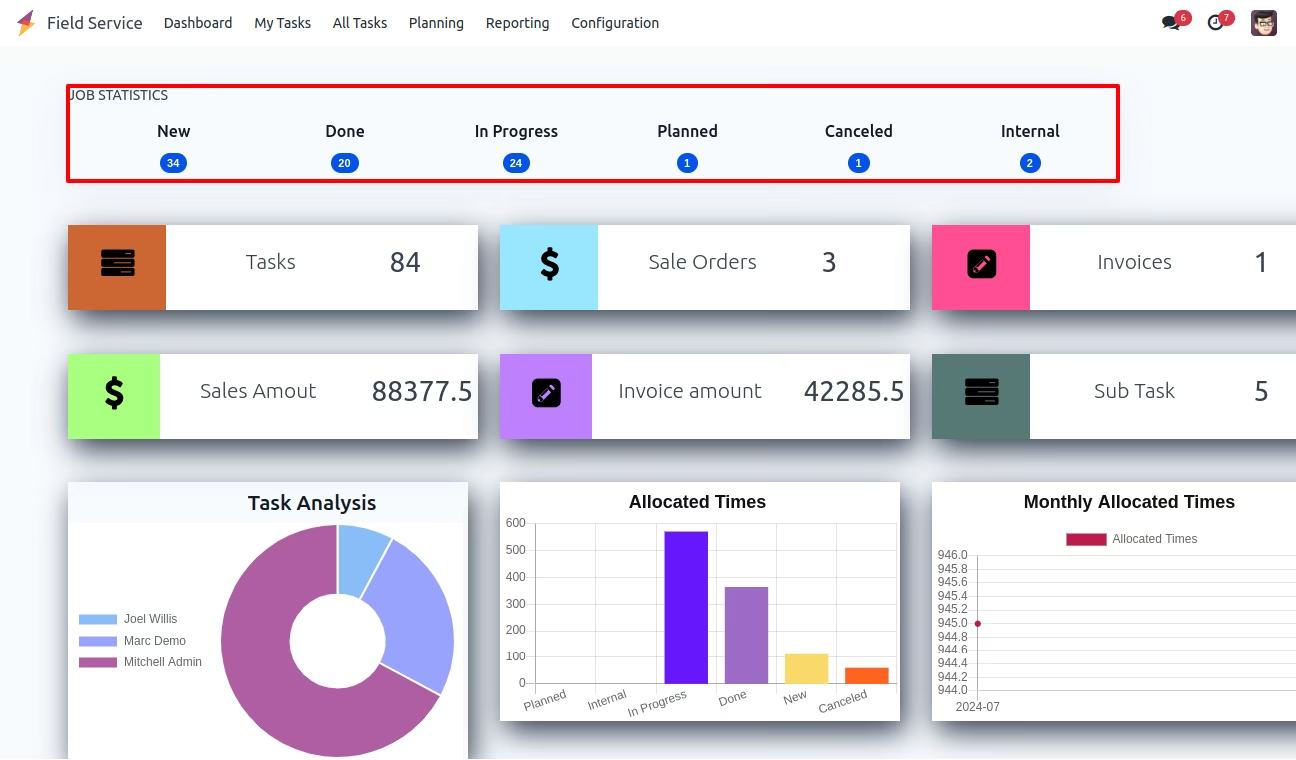
This module empowers users in the field service domain with a consolidated dashboard tailored for operational visibility. It delivers insights into tasks, subtasks, sales orders, and invoice details, alongside analytical charts for fast tracking performance trends. Ideal for teams requiring quick data access and performance monitoring across field service operations.
Dashboard designed specifically for field service workflows
Insights into task and sub-task volumes for efficient task tracking
Clickable summaries of related sales order and invoice information
Visual analytics with pie, bar, and line charts to illustrate trends effectively
Provides immediate visibility into field service operations at a glance
Simplifies access to key business metrics tasks, sales, and billing in one view
Supports better-informed planning, tracking, and decision-making
Enhances operational efficiency by reducing the need for manual data retrieval
Dashboard for Field Service
App for Field Service Dashboard application
This software allows users to access a dashboard specifically designed for field services, providing them with the ability to view task and sub-task information, sales order details, invoice details, and task analysis.
Main Features:
- This software allows users to access a dashboard specifically designed for field services, providing them with the ability to view task and sub-task information, sales order details, invoice details, and task analysis.
- Further information can be found in the screenshots.
Field Service Dashboard
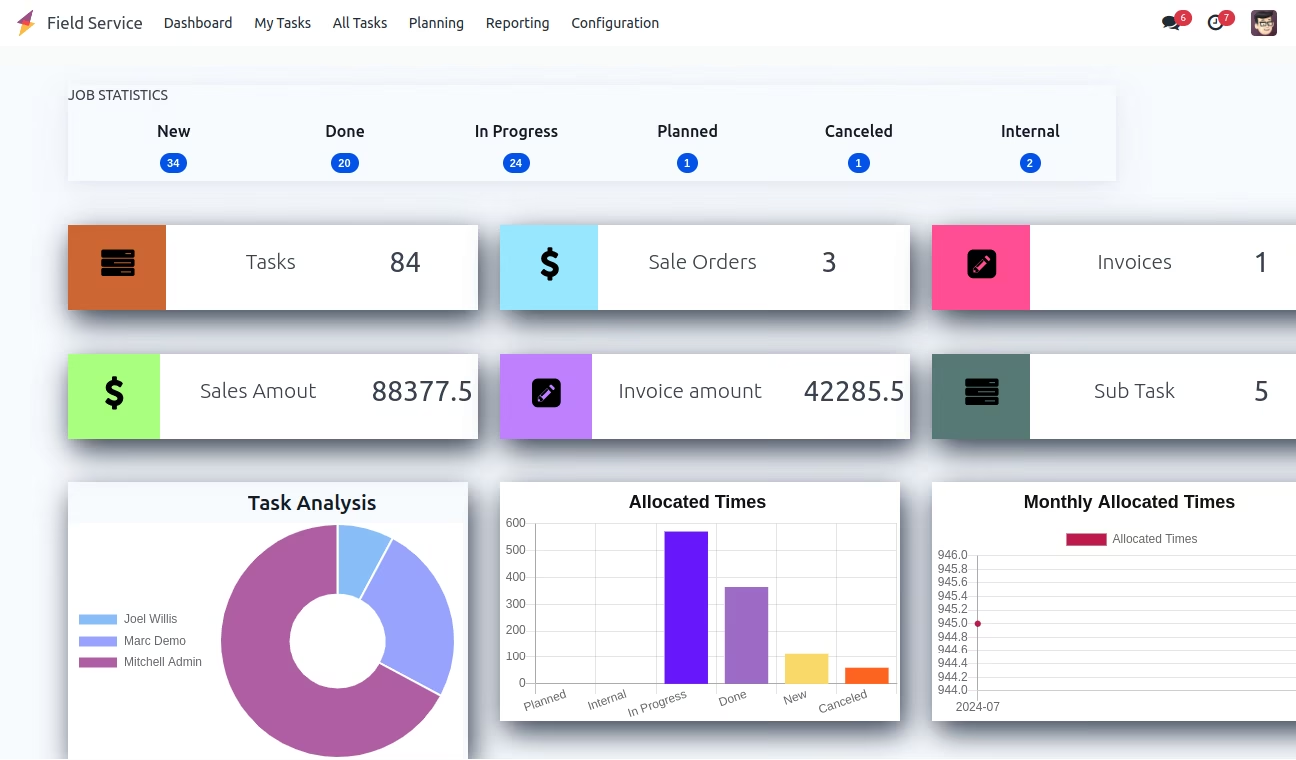
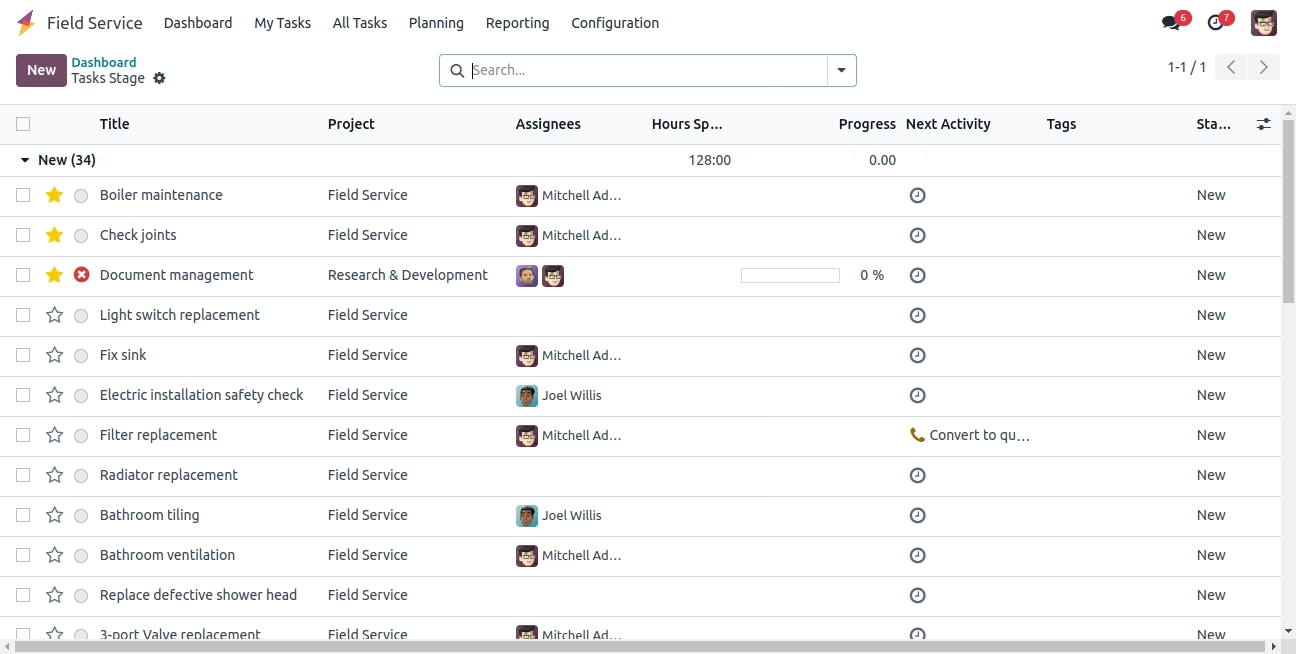
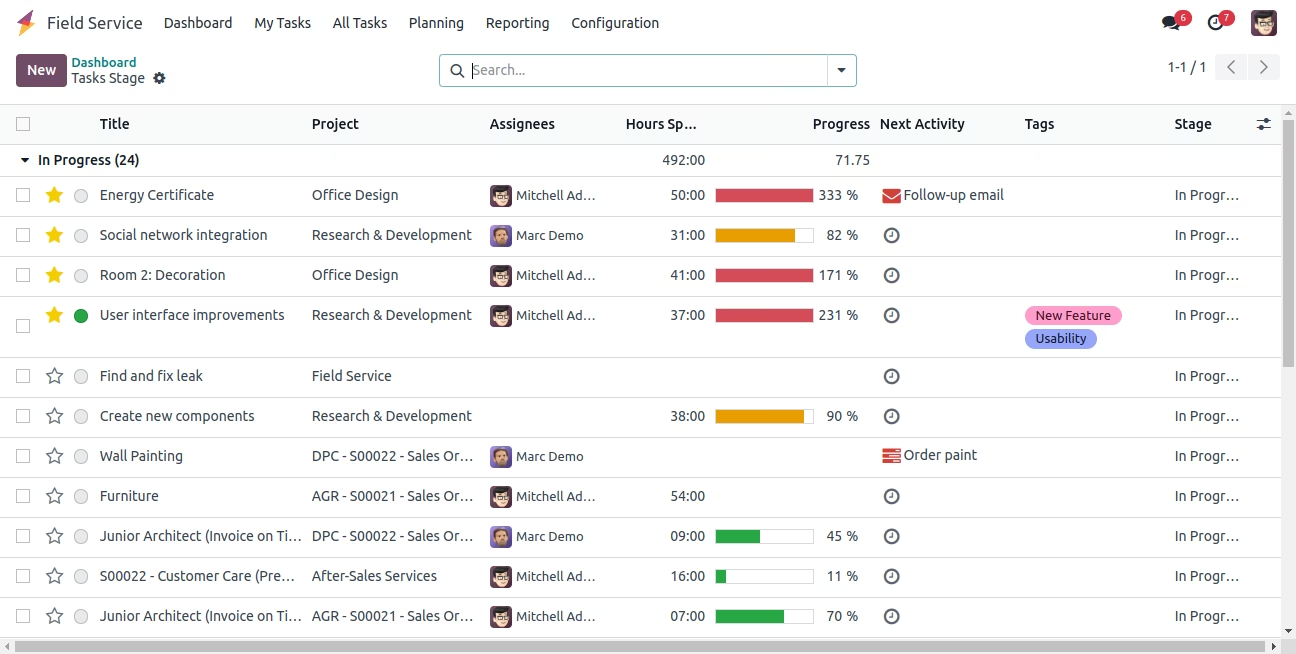
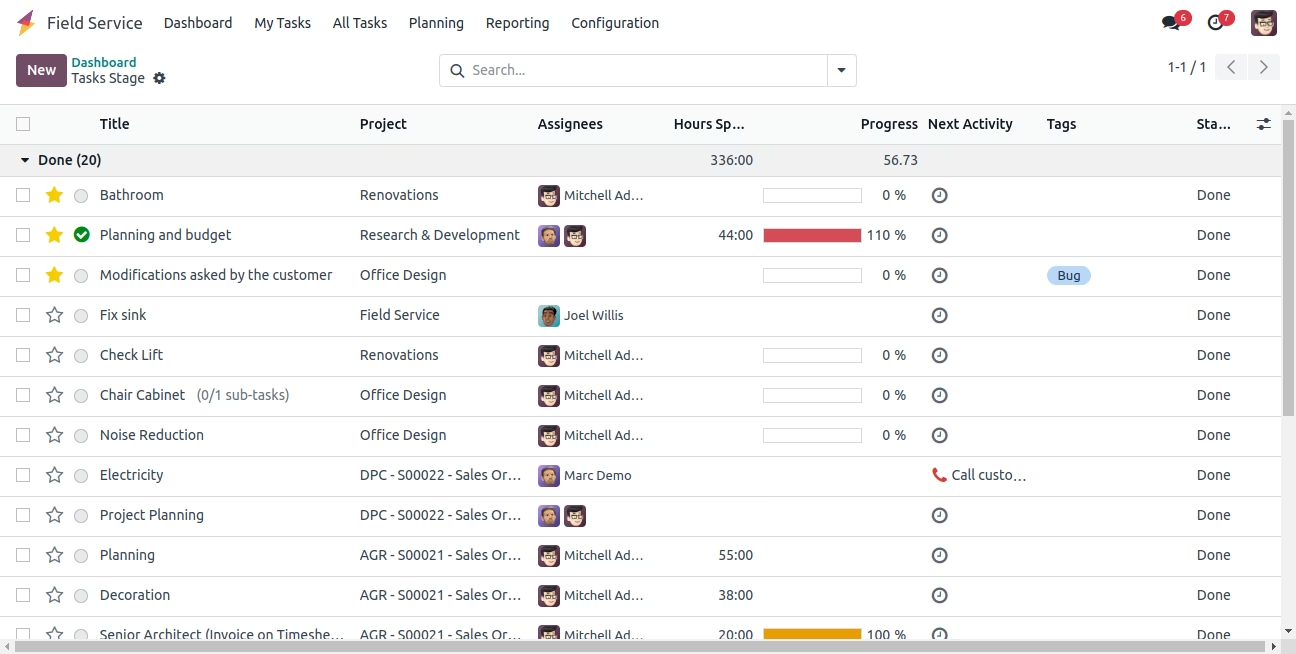
Project Task Stages - Field Service
Open Task Record Click On Stages for Field Service
Tasks Button on Field Service Dashboard
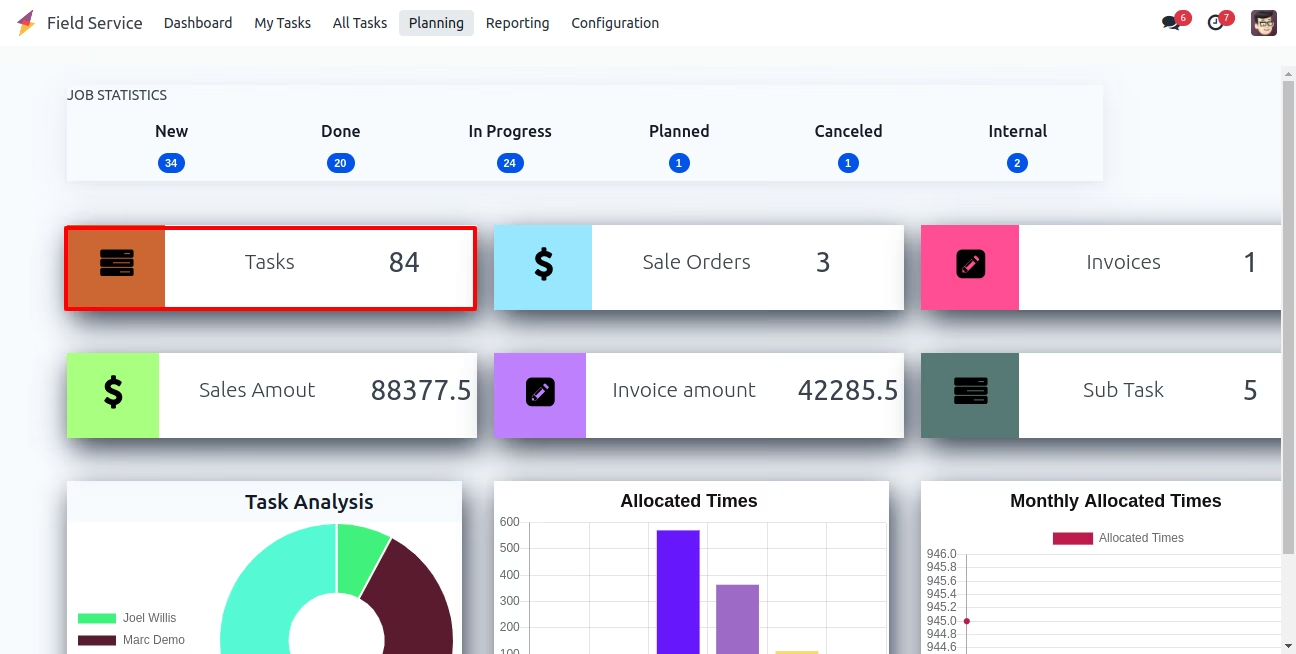
Open Tasks Record - Clicking Task Button on Field Service
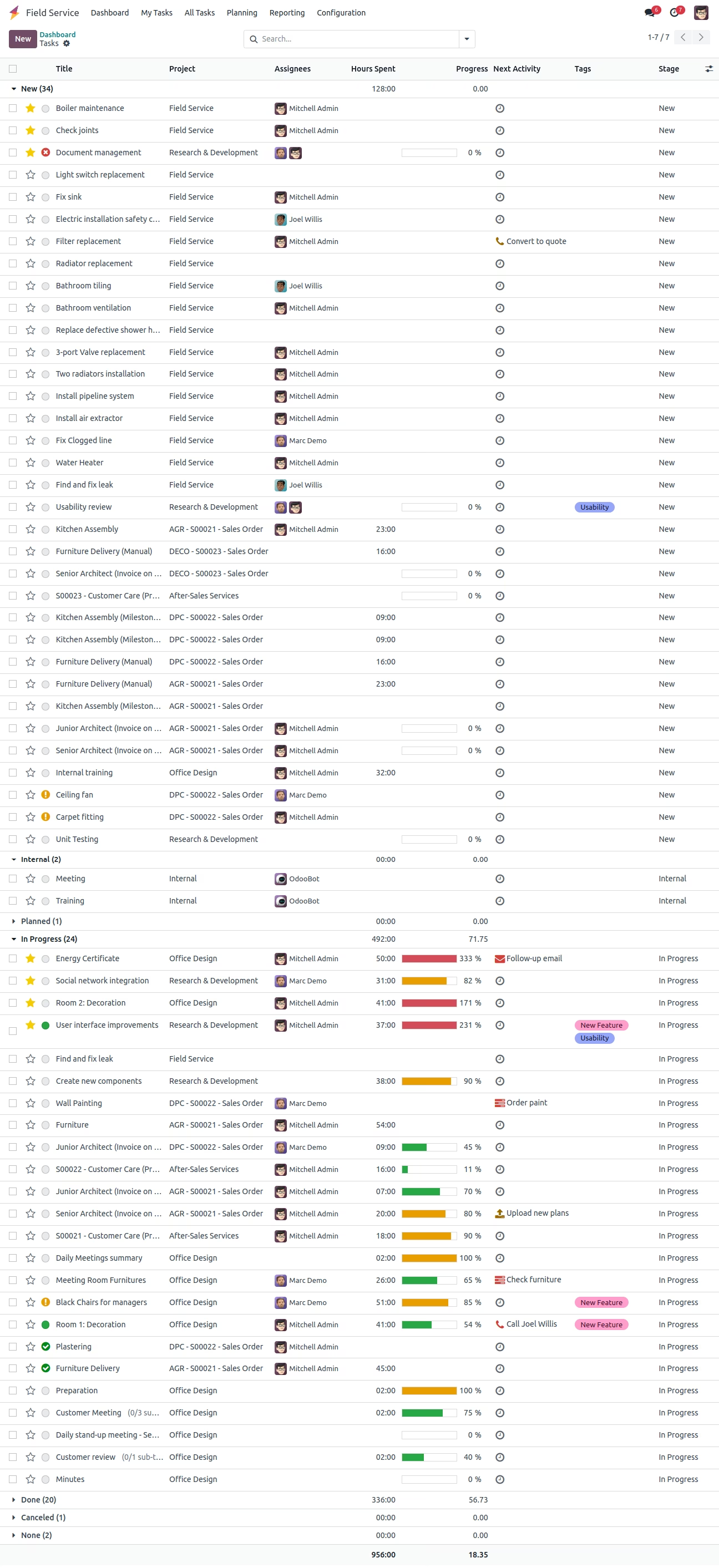
Sale Orders Button on Field Service Dashboard
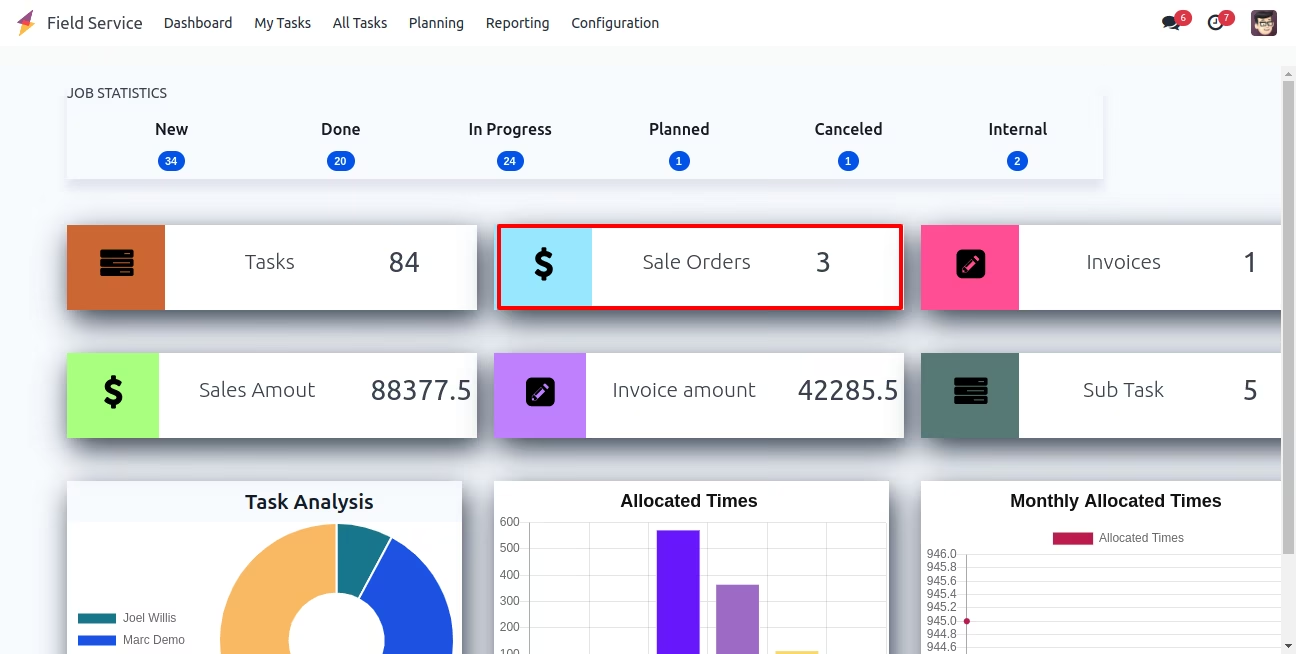
Open Sale Order Record - Clicking Sale Order Button on Field Service
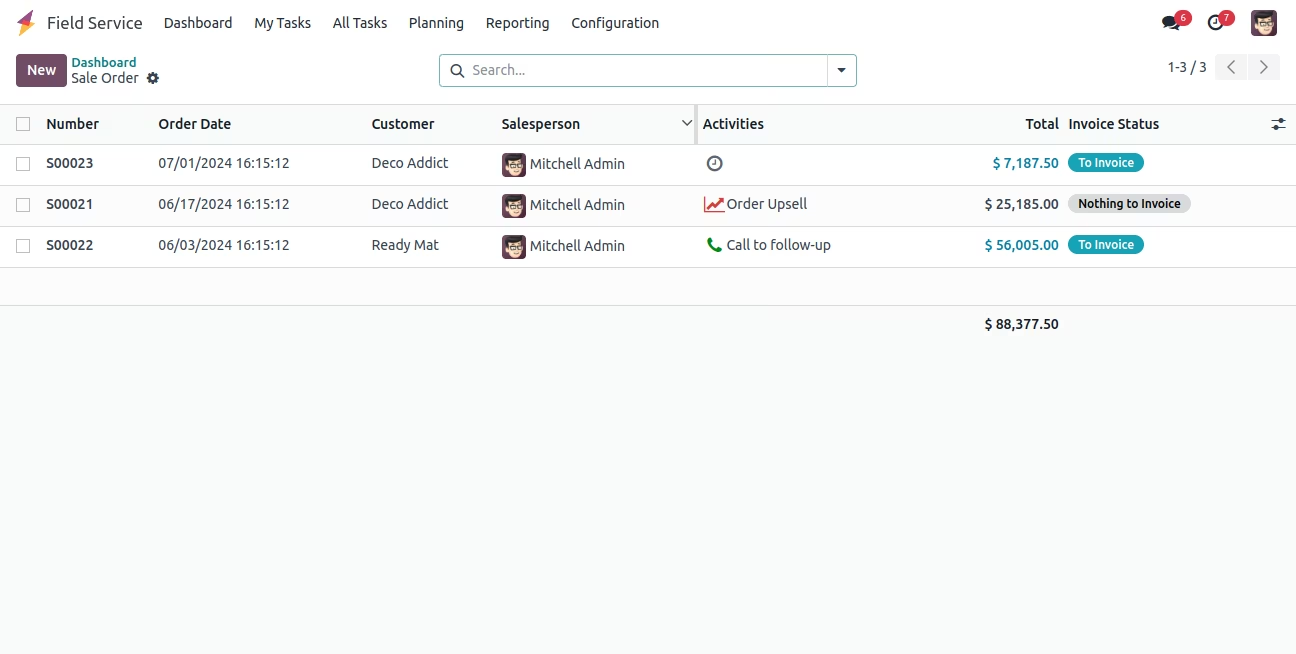
Invoices Button on Field Service Dashboard
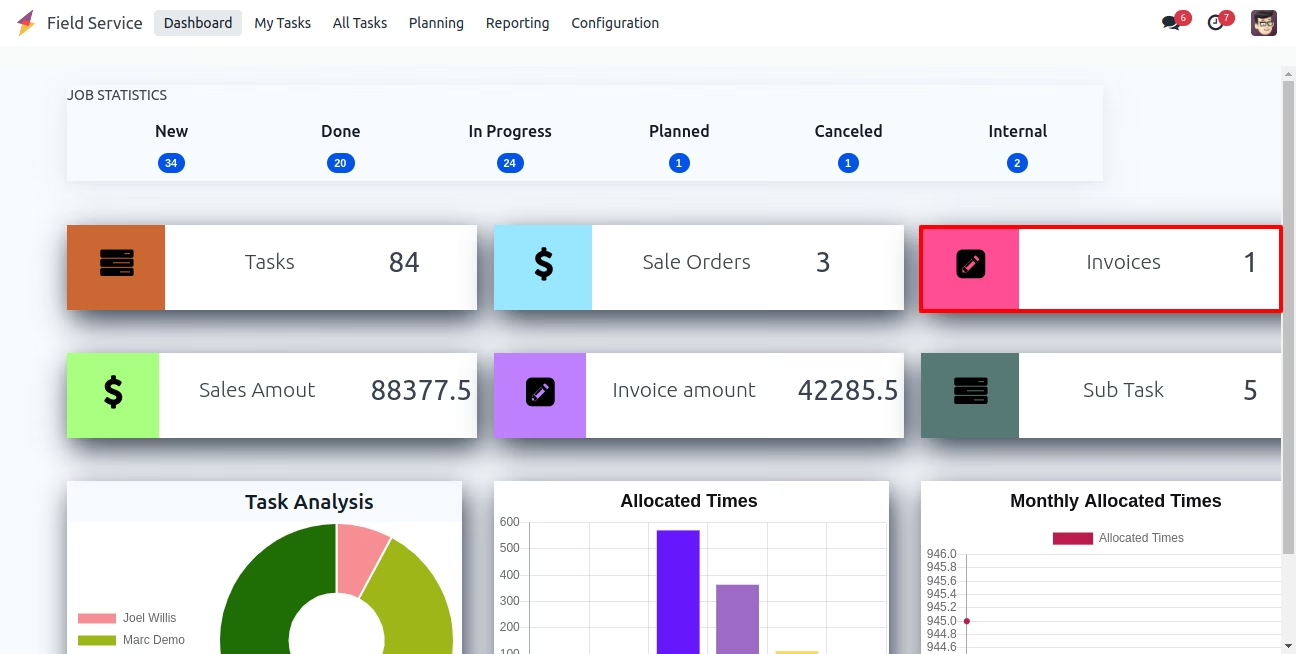
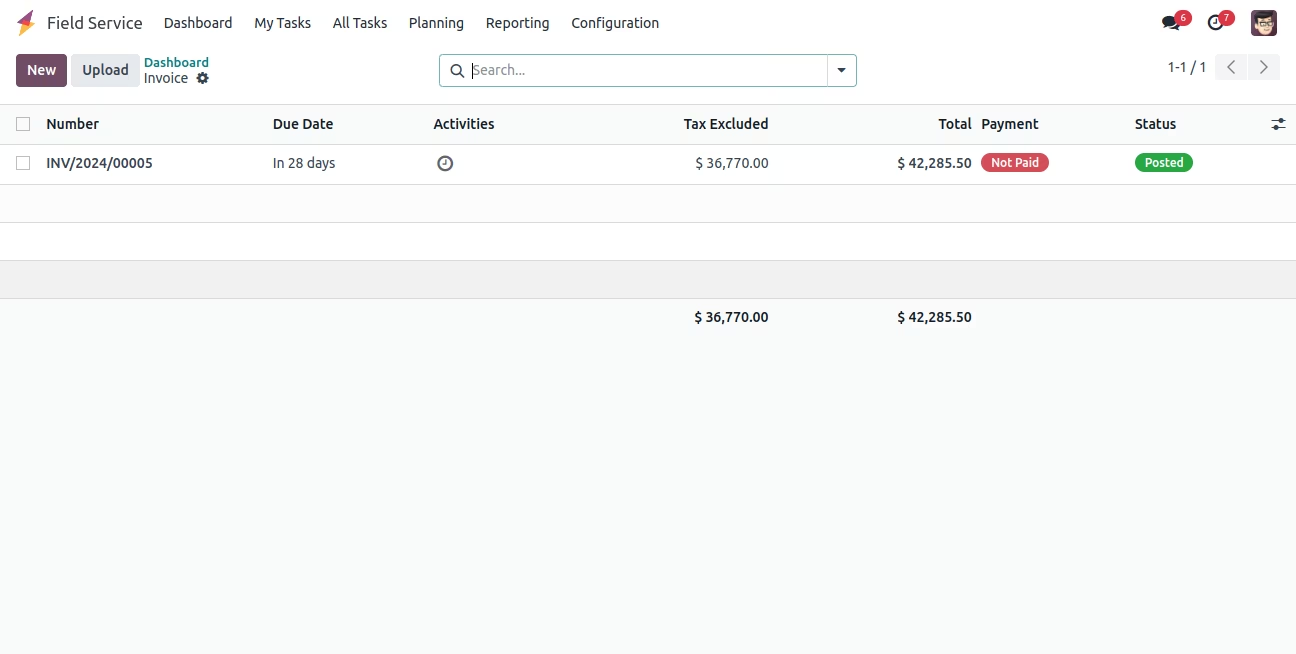
Open Invoices Record - Clicking Invoices Button on Field Service
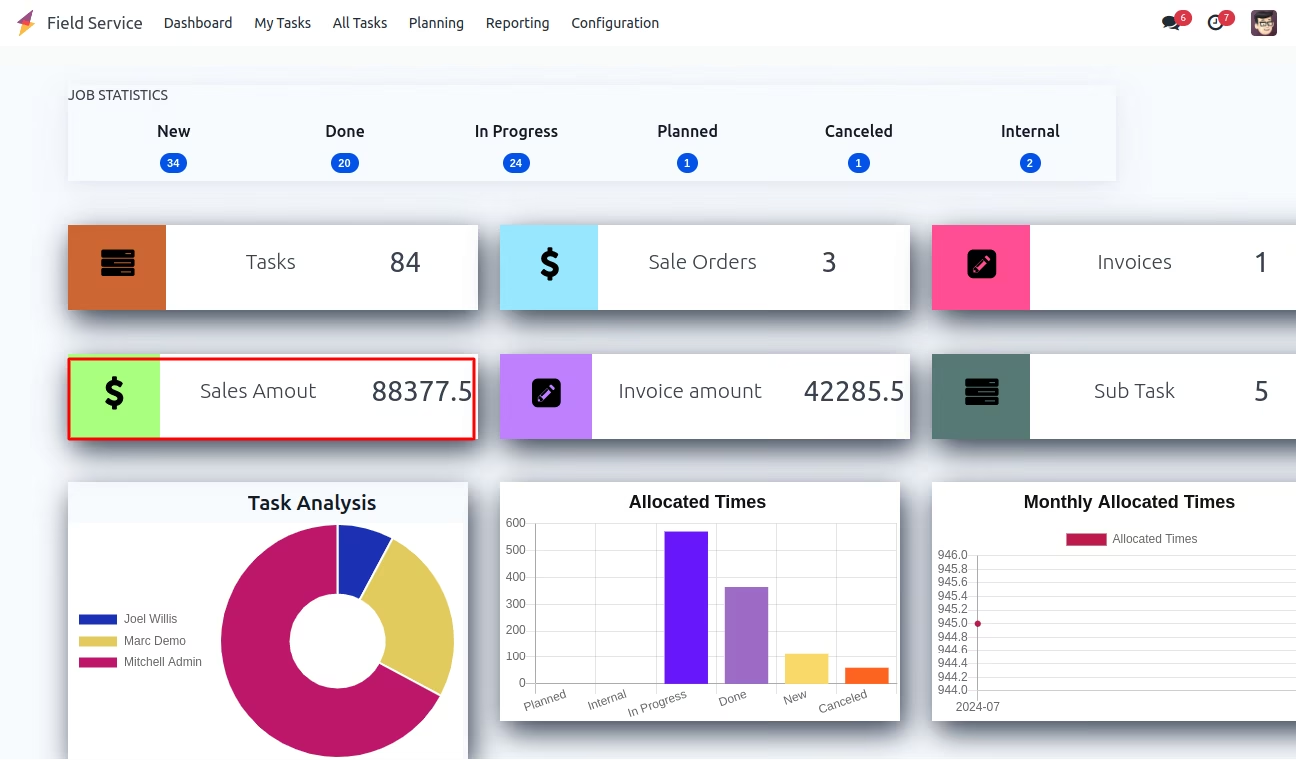
Sale Amount Button on Field Service Dashboard
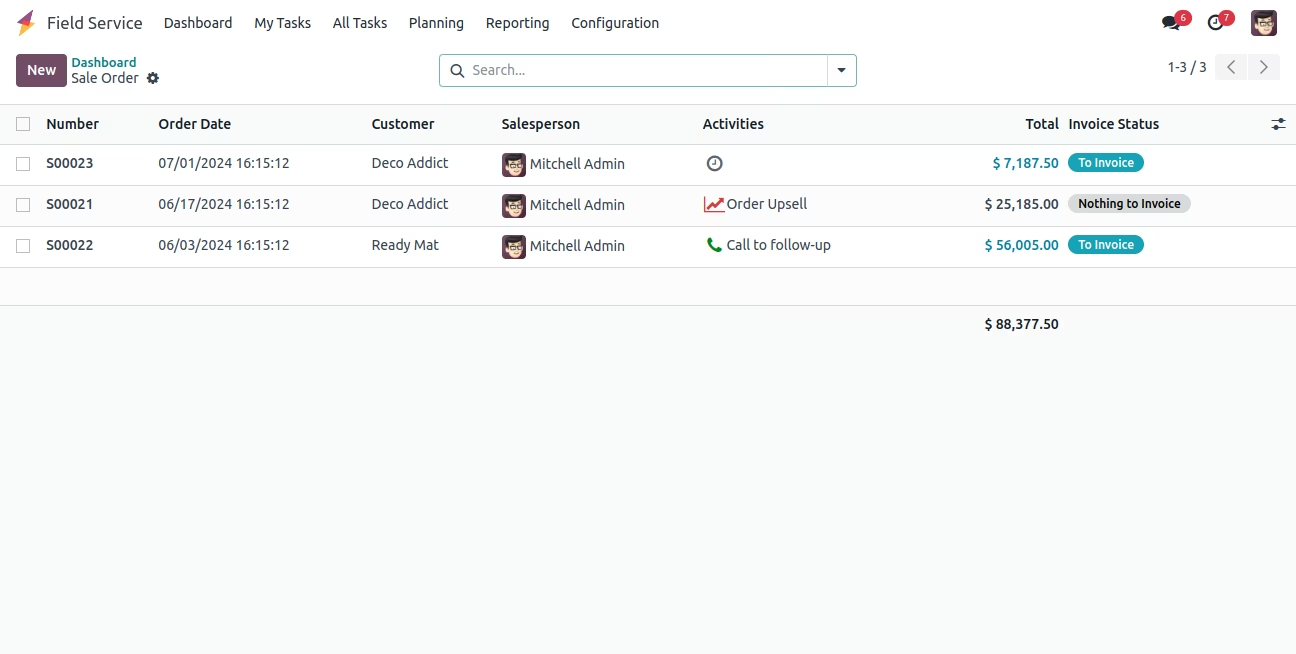
Open Sale Order Record - Clicking Sale Amount Button on Field Service
Invoice Amount Button on Field Service Dashboard
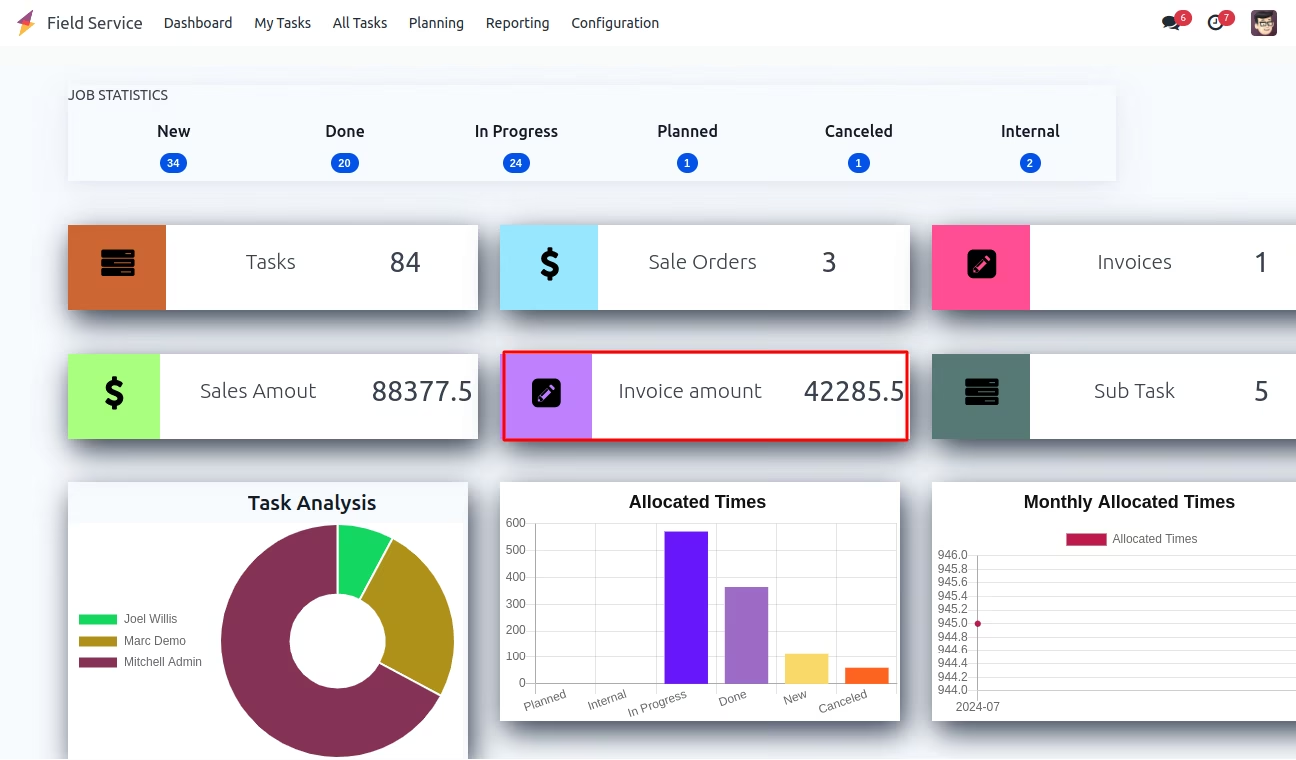
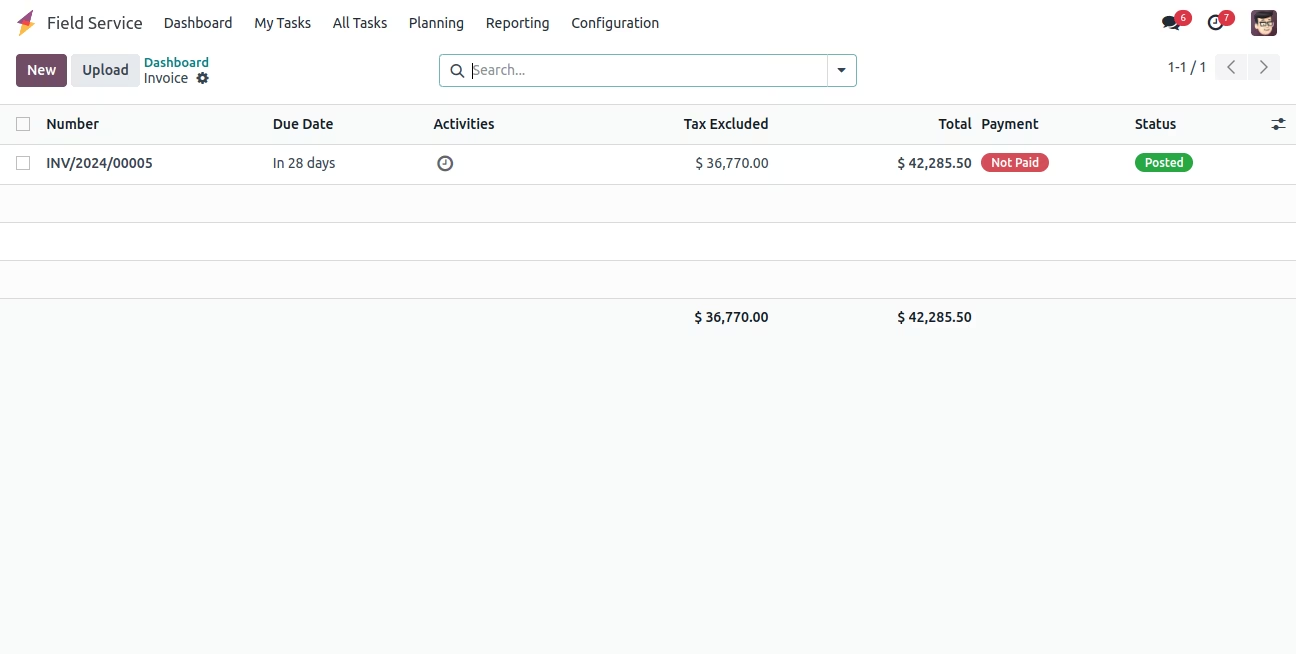
Open Invoices Record - Clicking Invoice Amount Button on Field Service
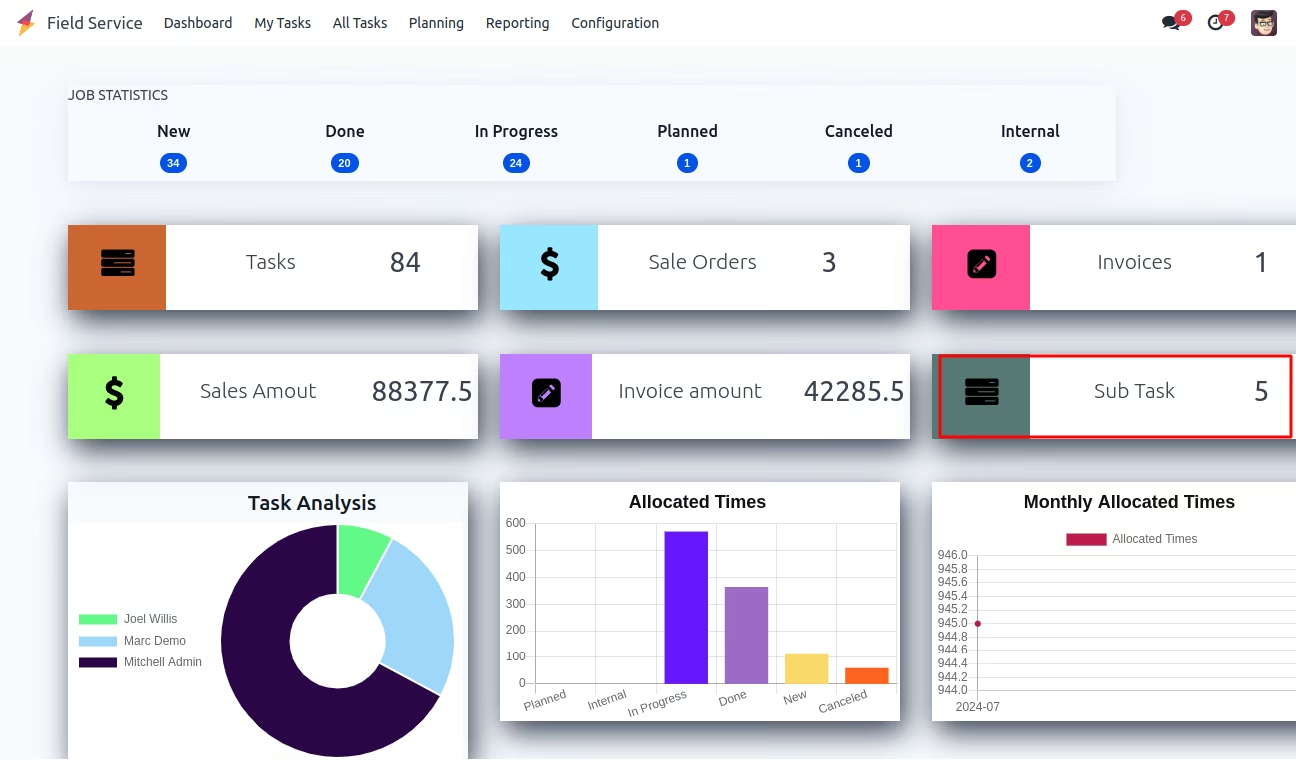
Sub Task Button on Field Service Dashboard
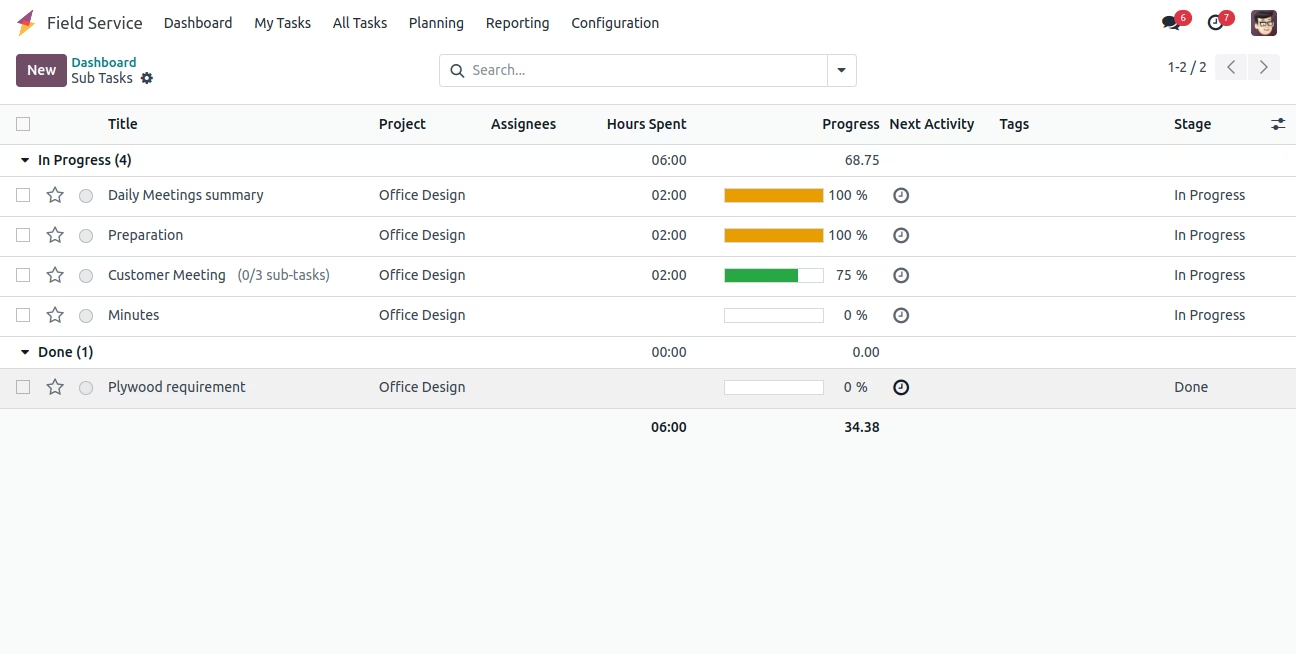
Open Sub Tasks Record - Clicking Sub Task Button on Field Service
Pie Chart, Bar Chart and Line Chart Graph View Show - Field Service Dashboard