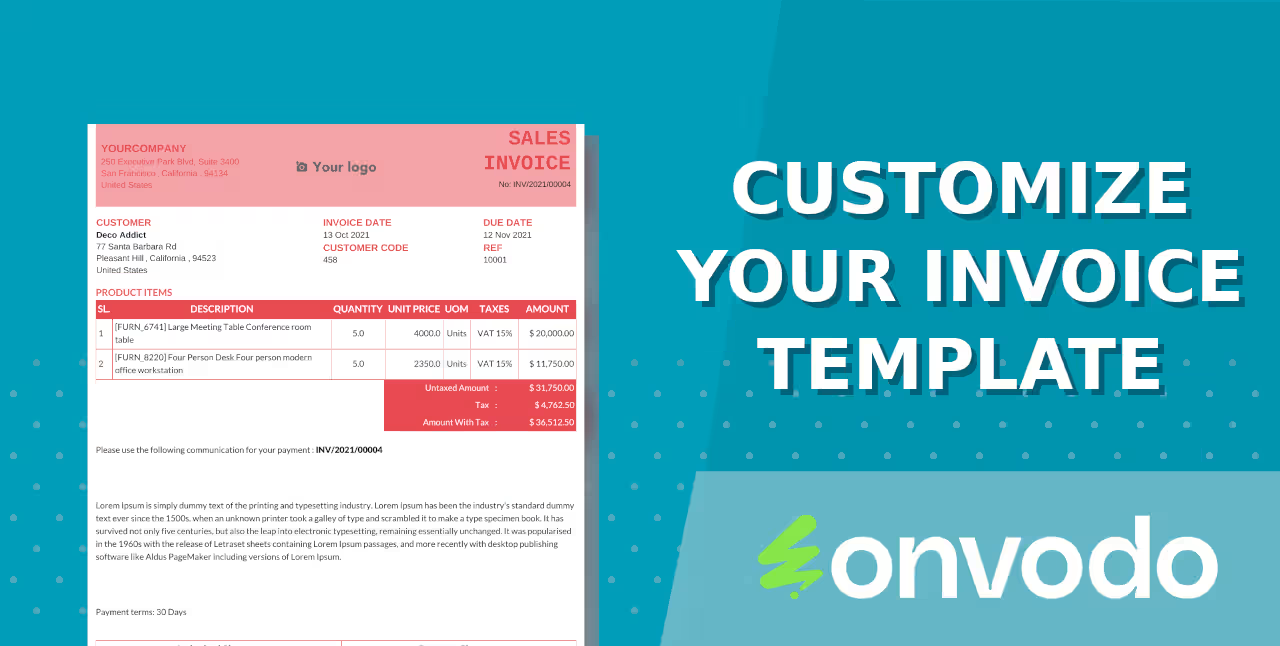
The module for allows businesses to create professional and branded invoice templates. It offers flexibility in layout design, supports multiple languages, and integrates seamlessly with invoicing system.
Customizable Layouts: Design invoices that align with your brand's identity.
Multilingual Support: Generate invoices in different languages to cater to diverse clientele.
Flexible Configuration: Adjust fonts, colors, and sections to meet specific business needs.
Seamless Integration: Works directly with invoicing module for smooth operations.
Enhanced Branding: Present invoices that reflect your company's professional image.
Improved Client Communication: Provide invoices in clients' preferred languages.
Increased Efficiency: Streamline the invoicing process with tailored templates.
Professional Appearance: Ensure invoices are clear, organized, and visually appealing.
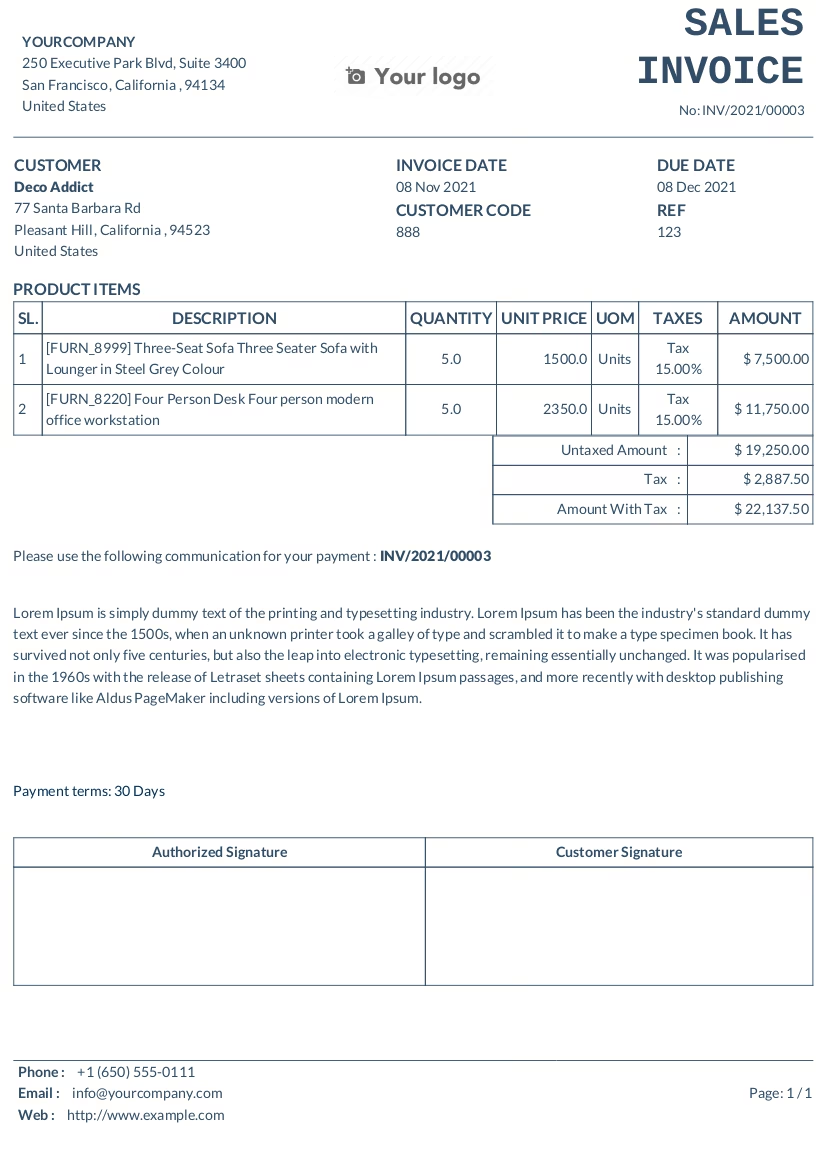
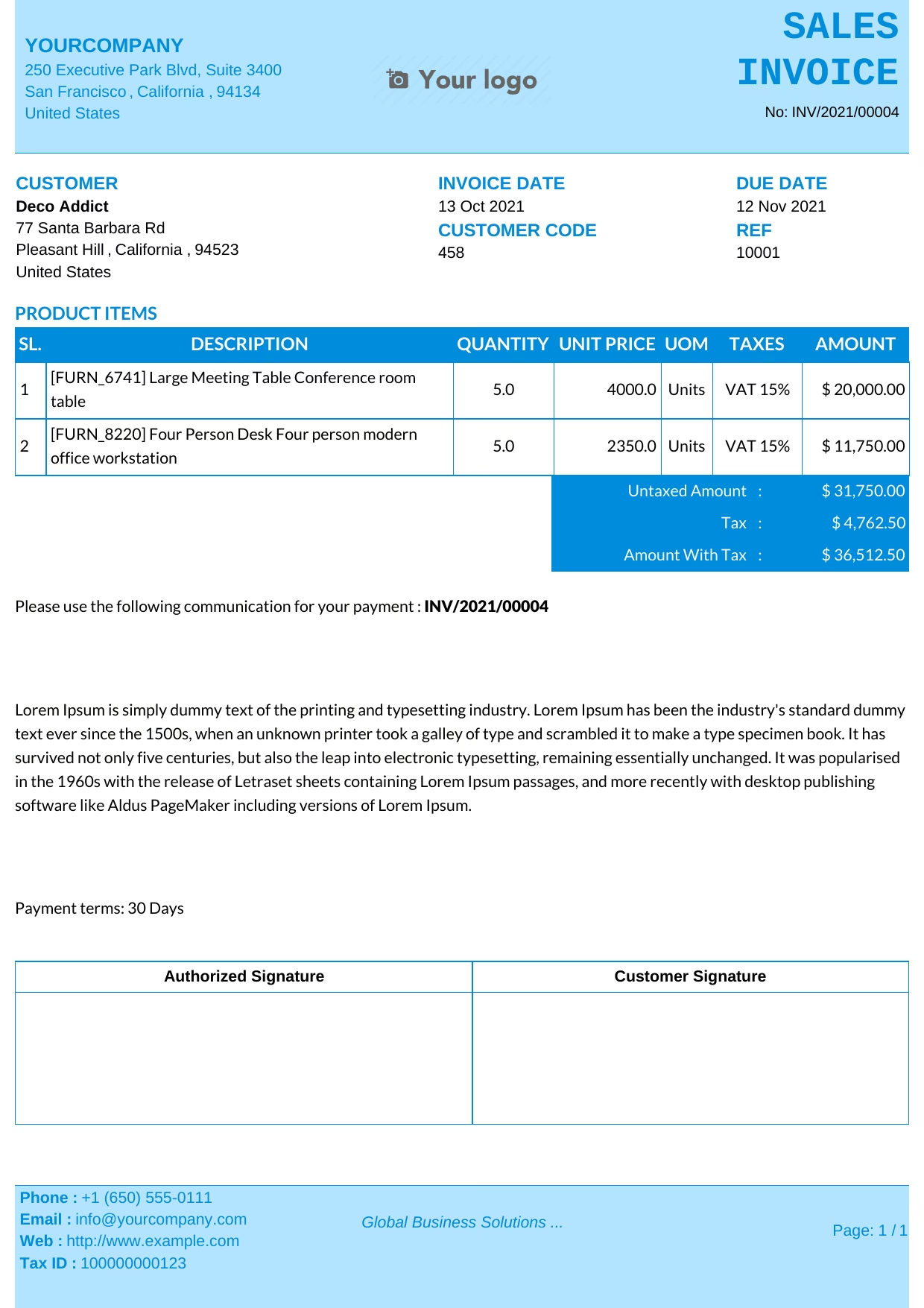 Blue
Blue
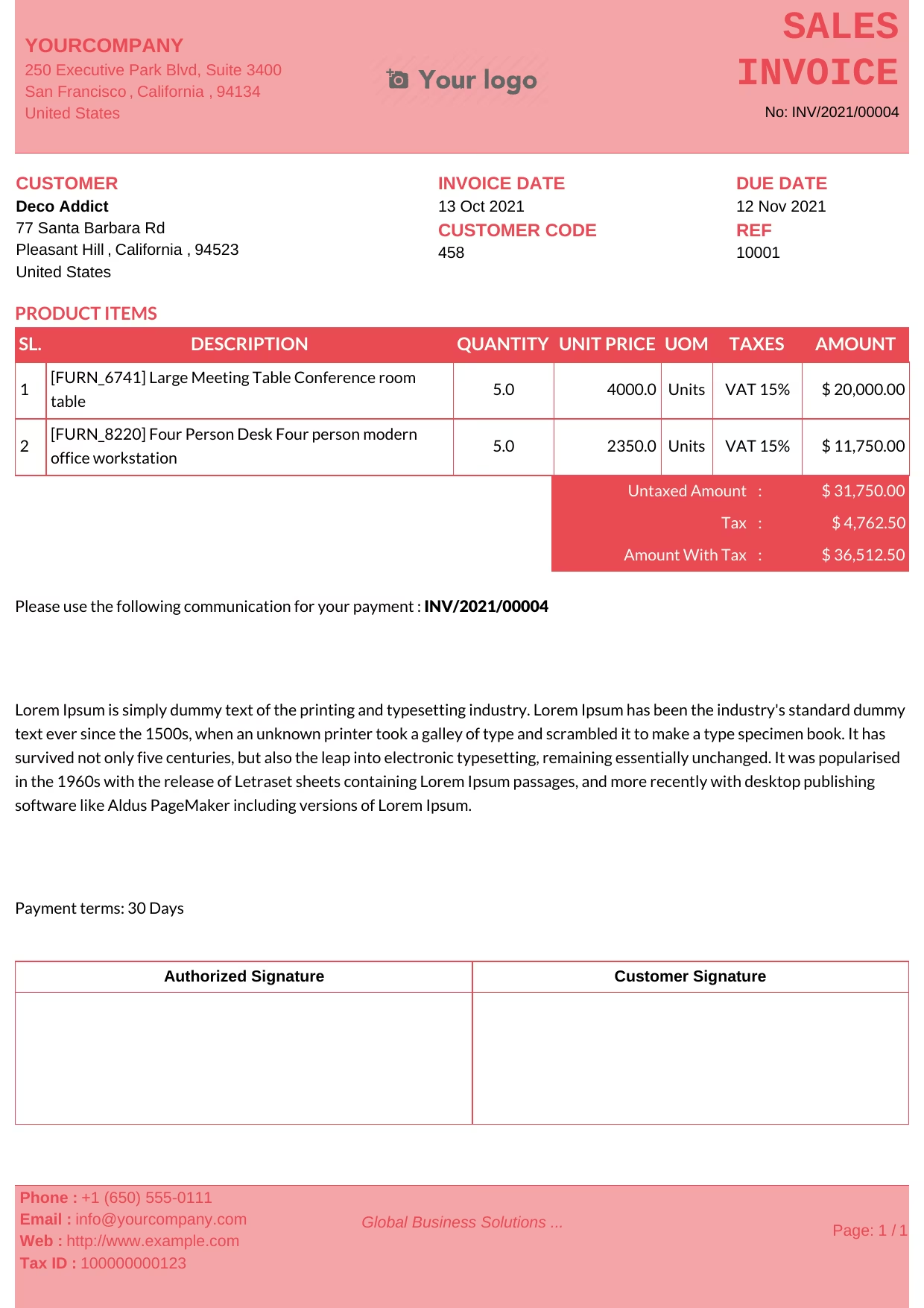 Dark Red
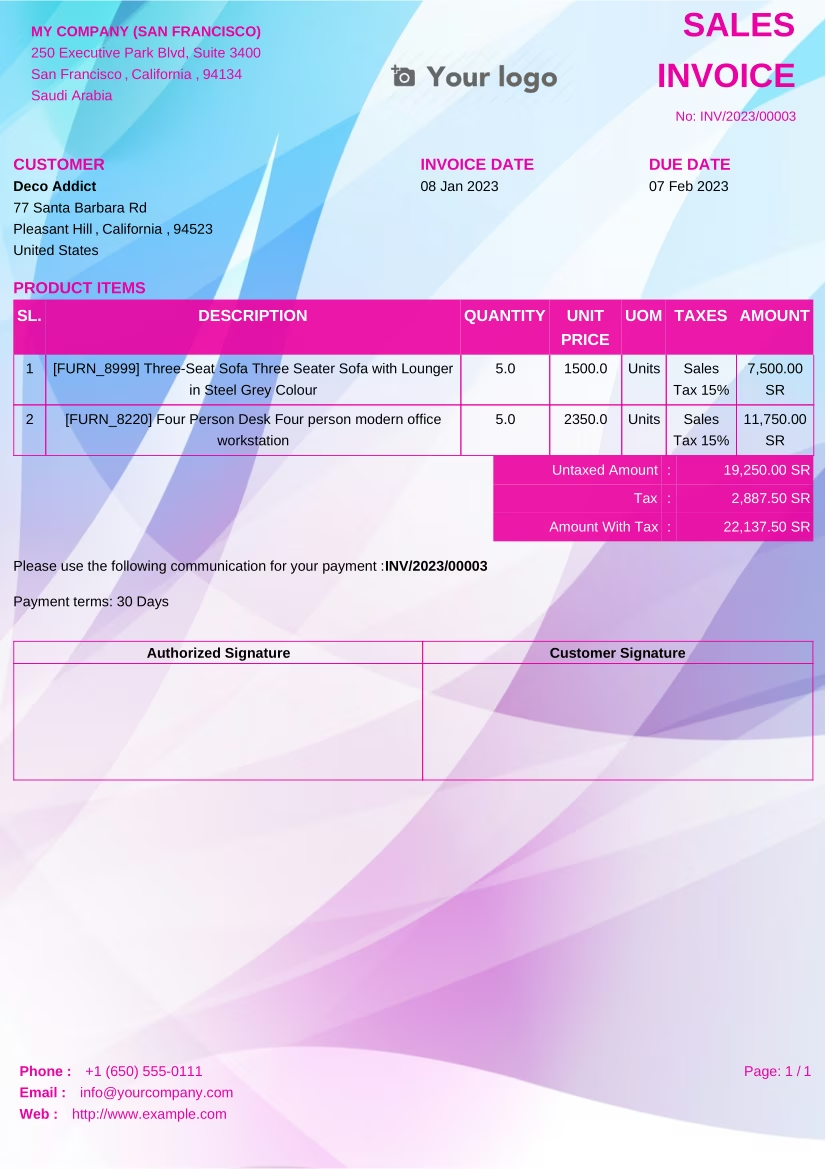
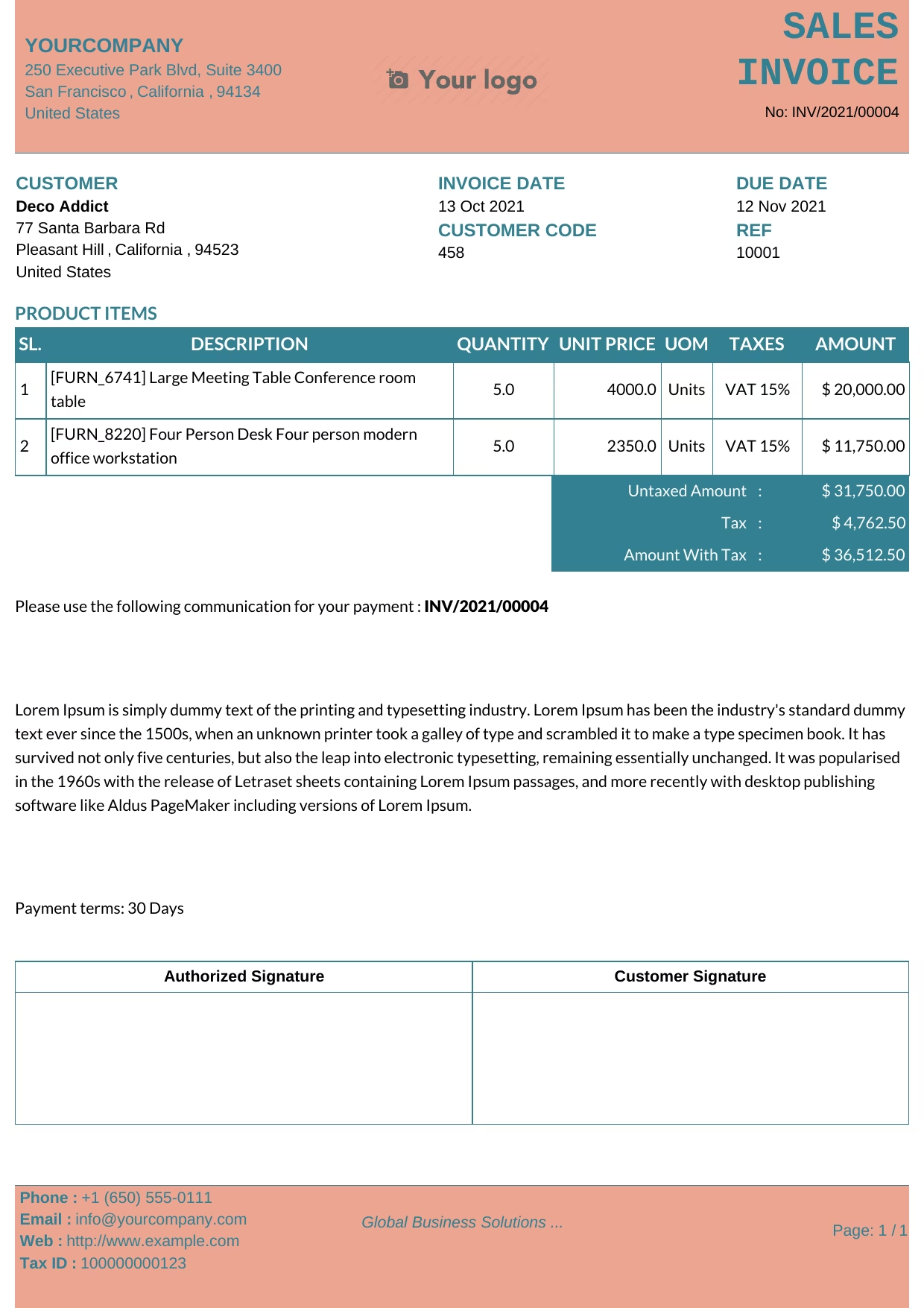 Blue Pink
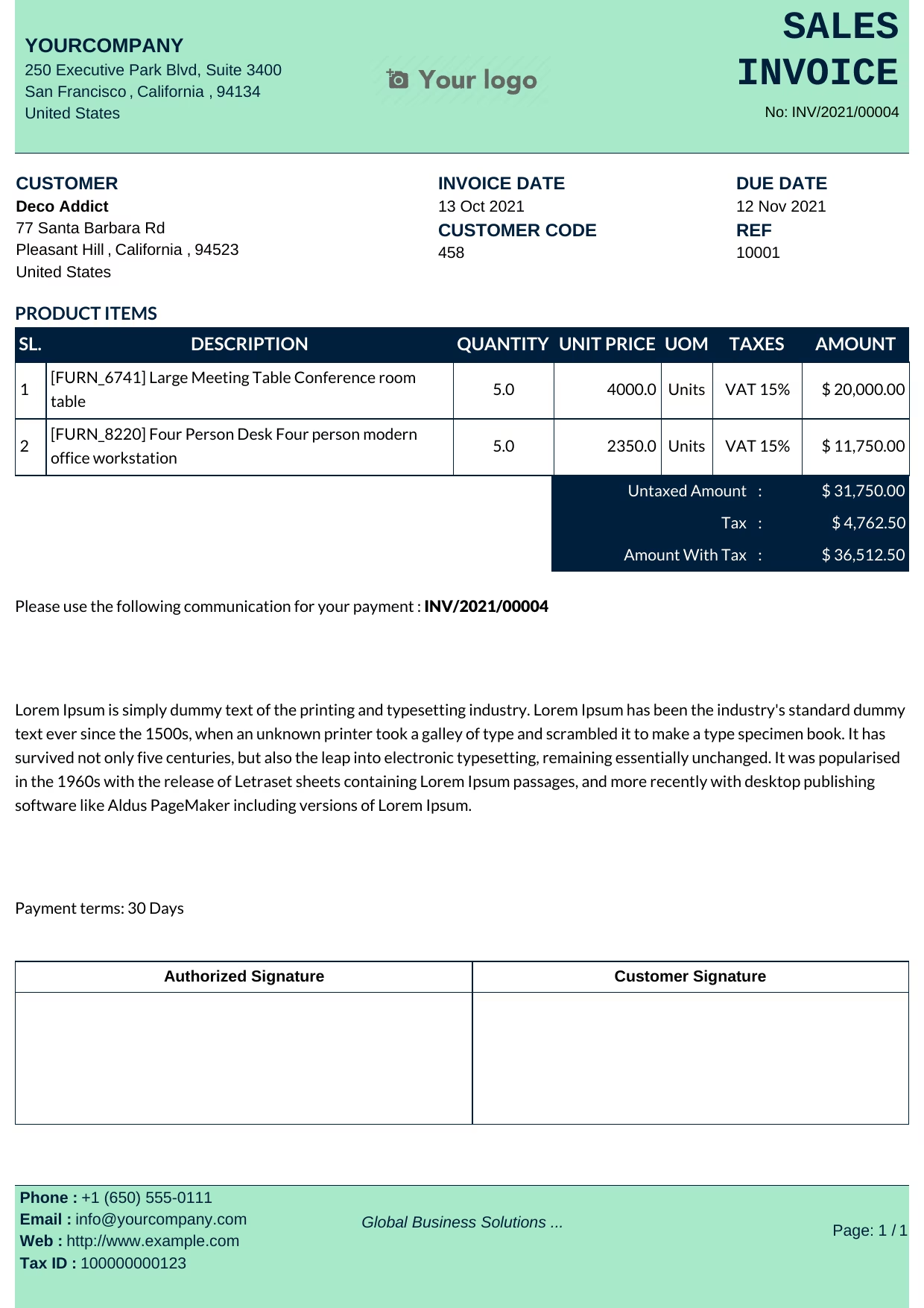 Blue Cyan
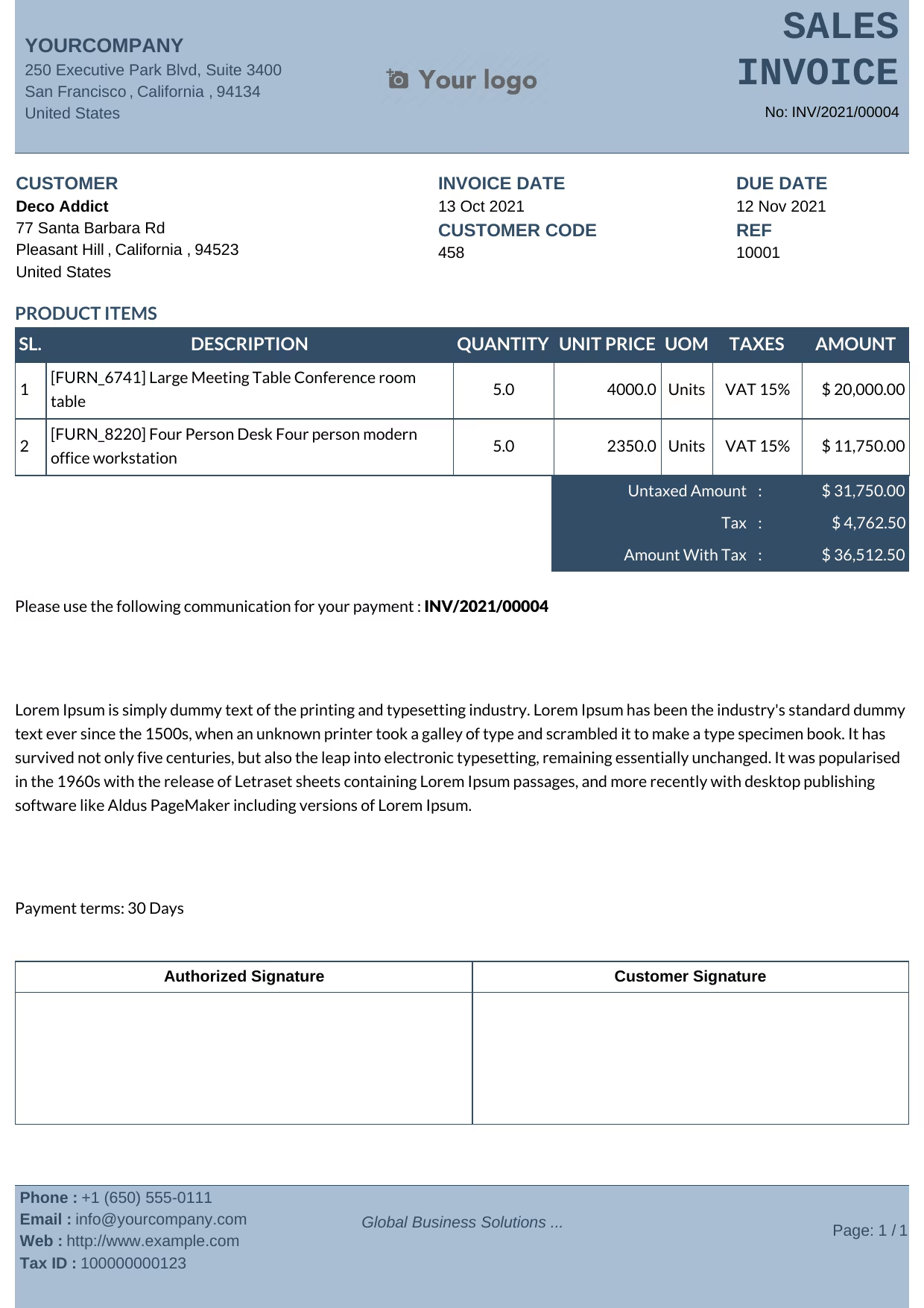 Dark Blue
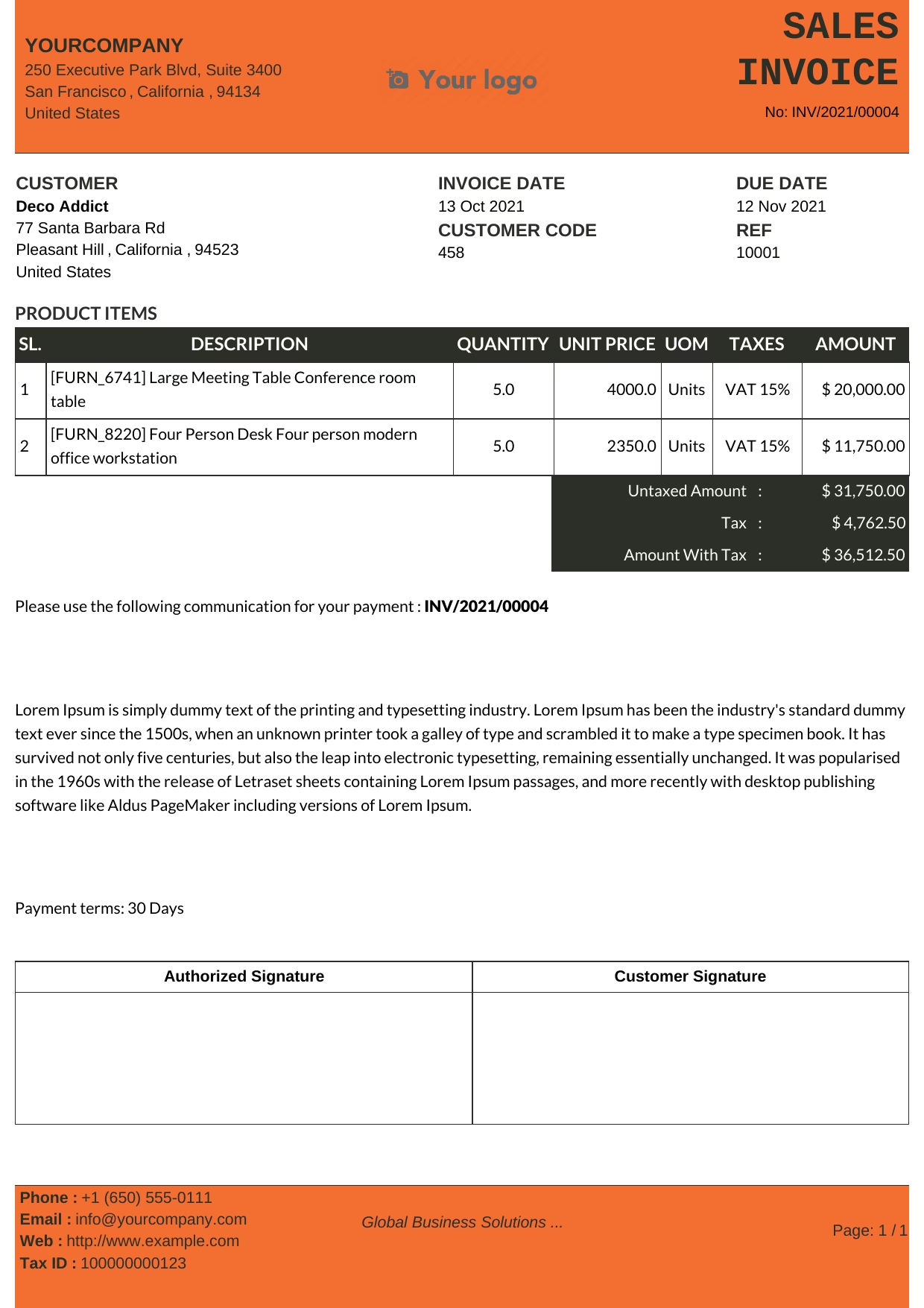 Dark Orange
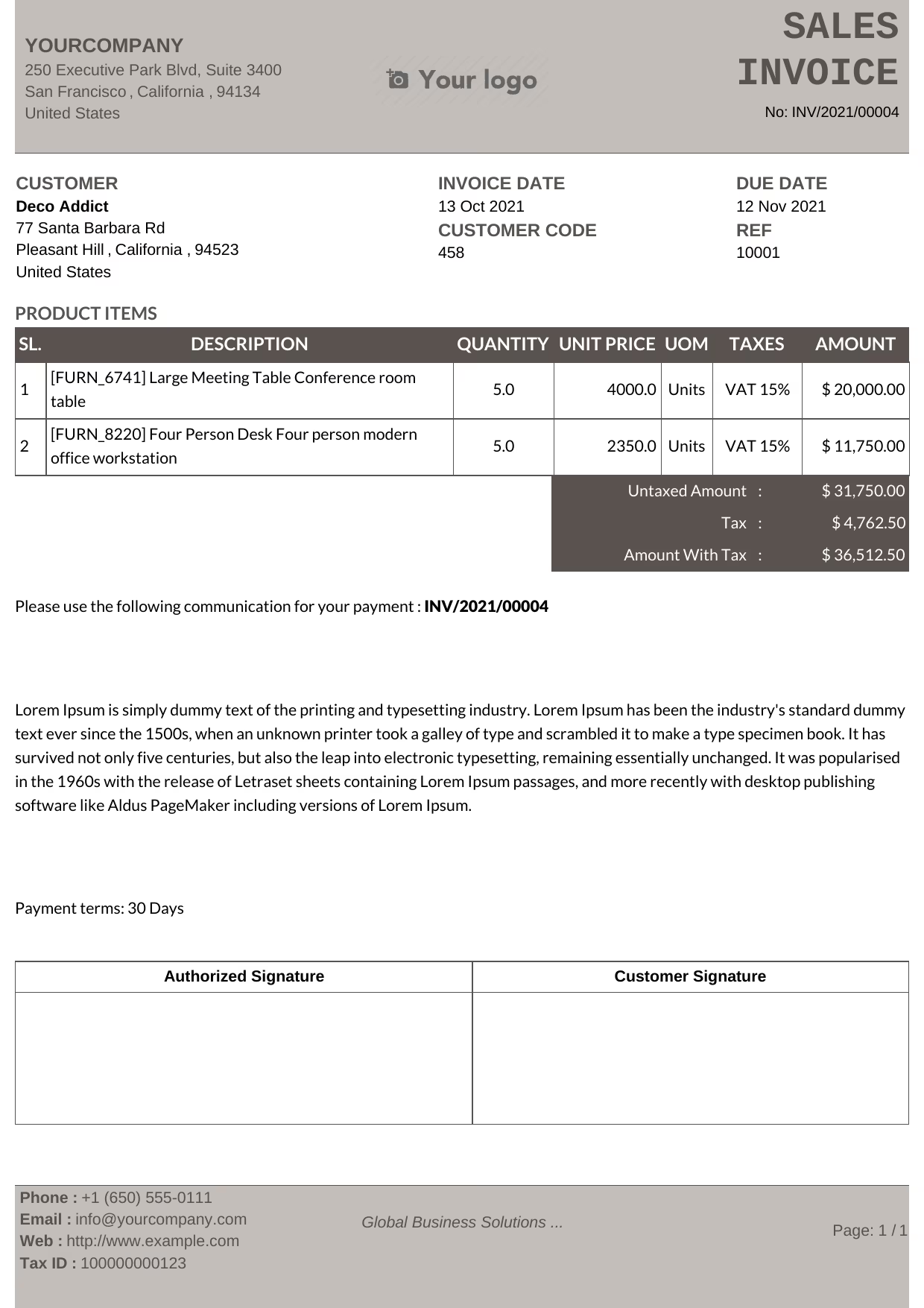 Dark
Dark
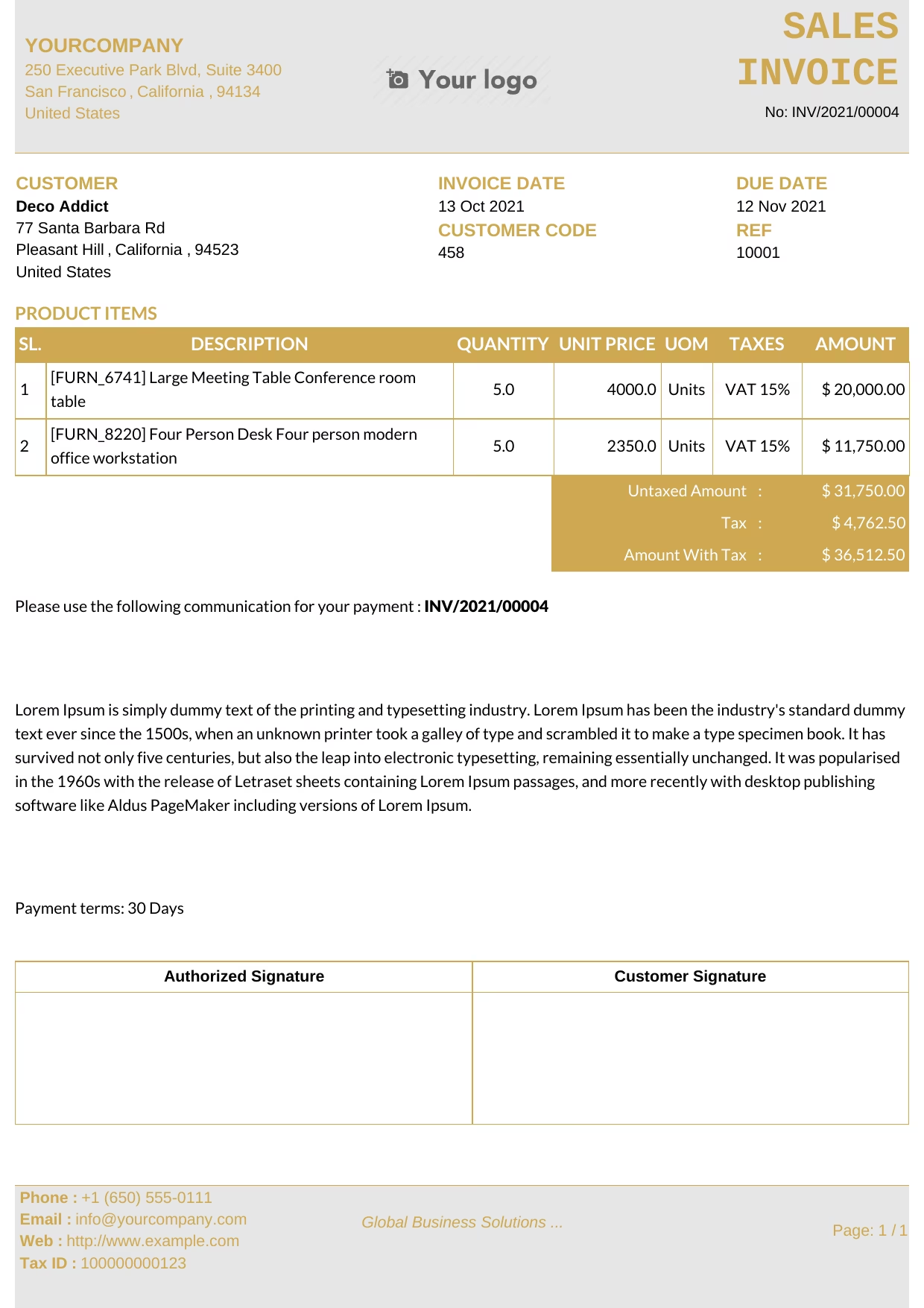 Golden
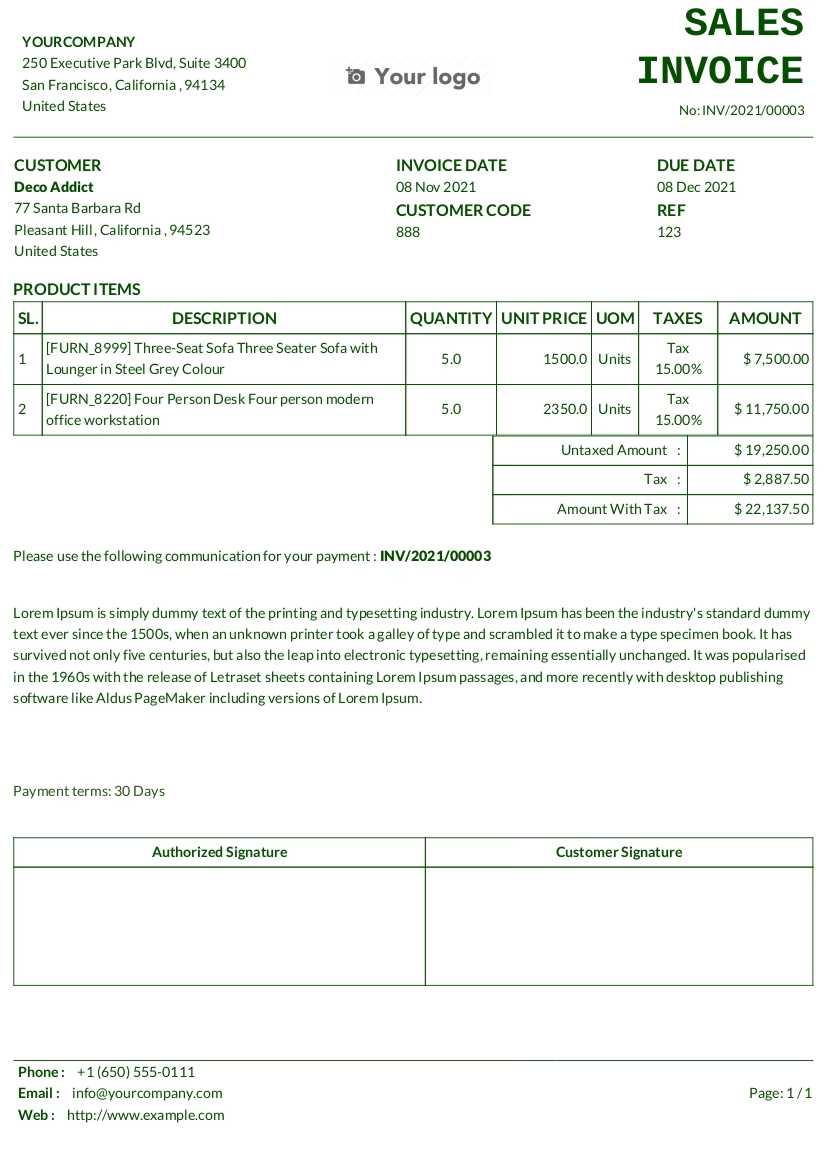
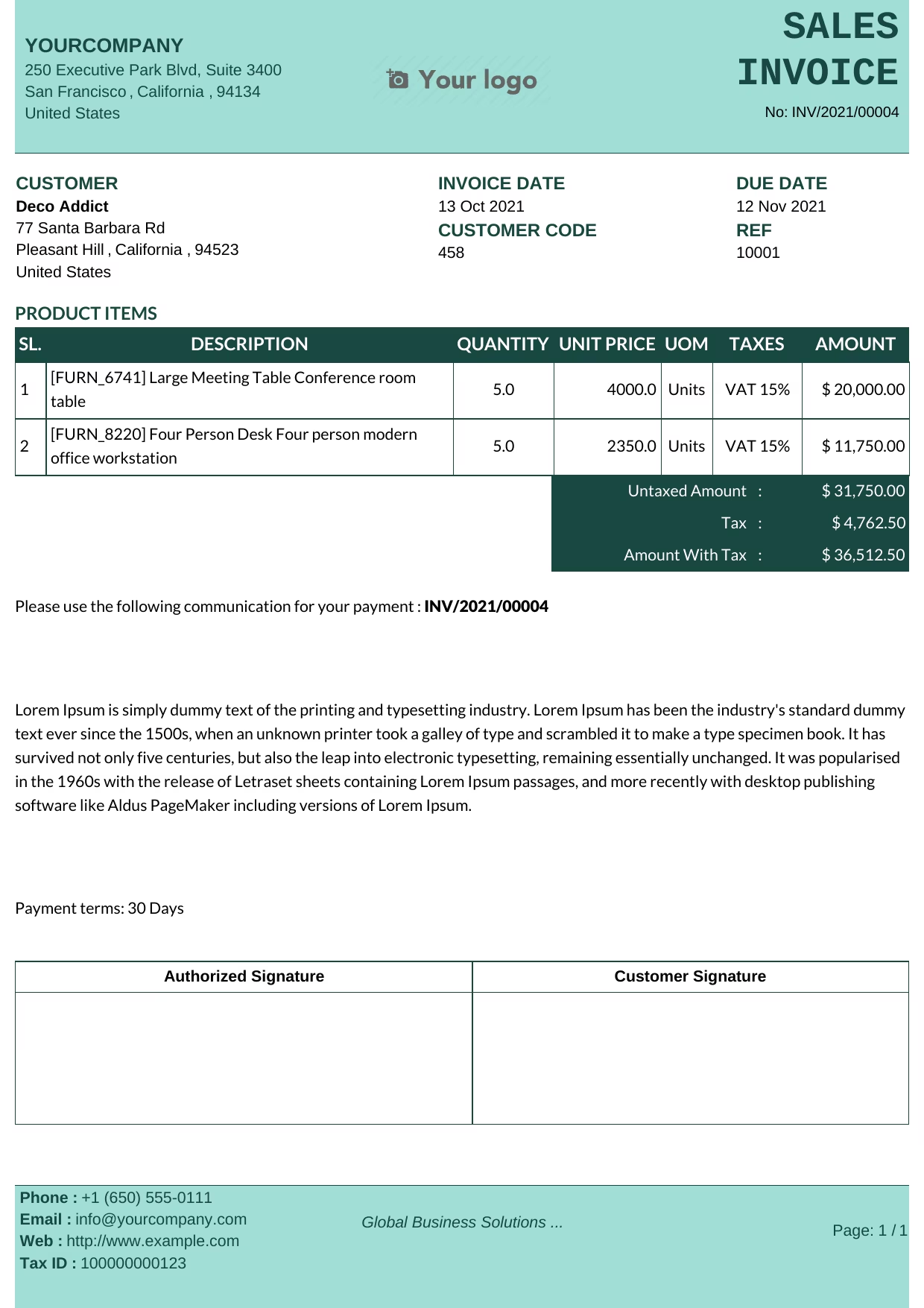 Green
Green
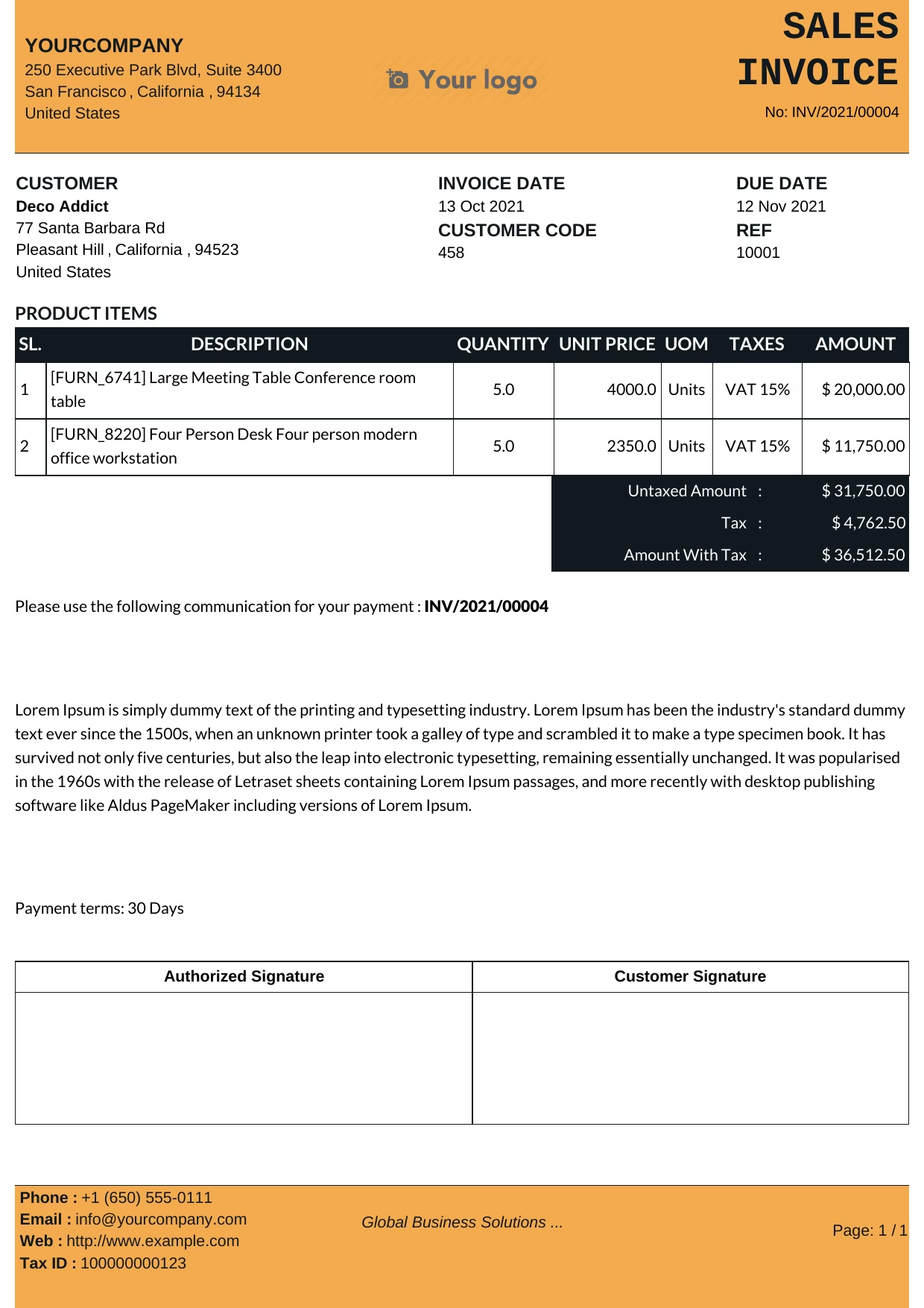 Blue Yellow
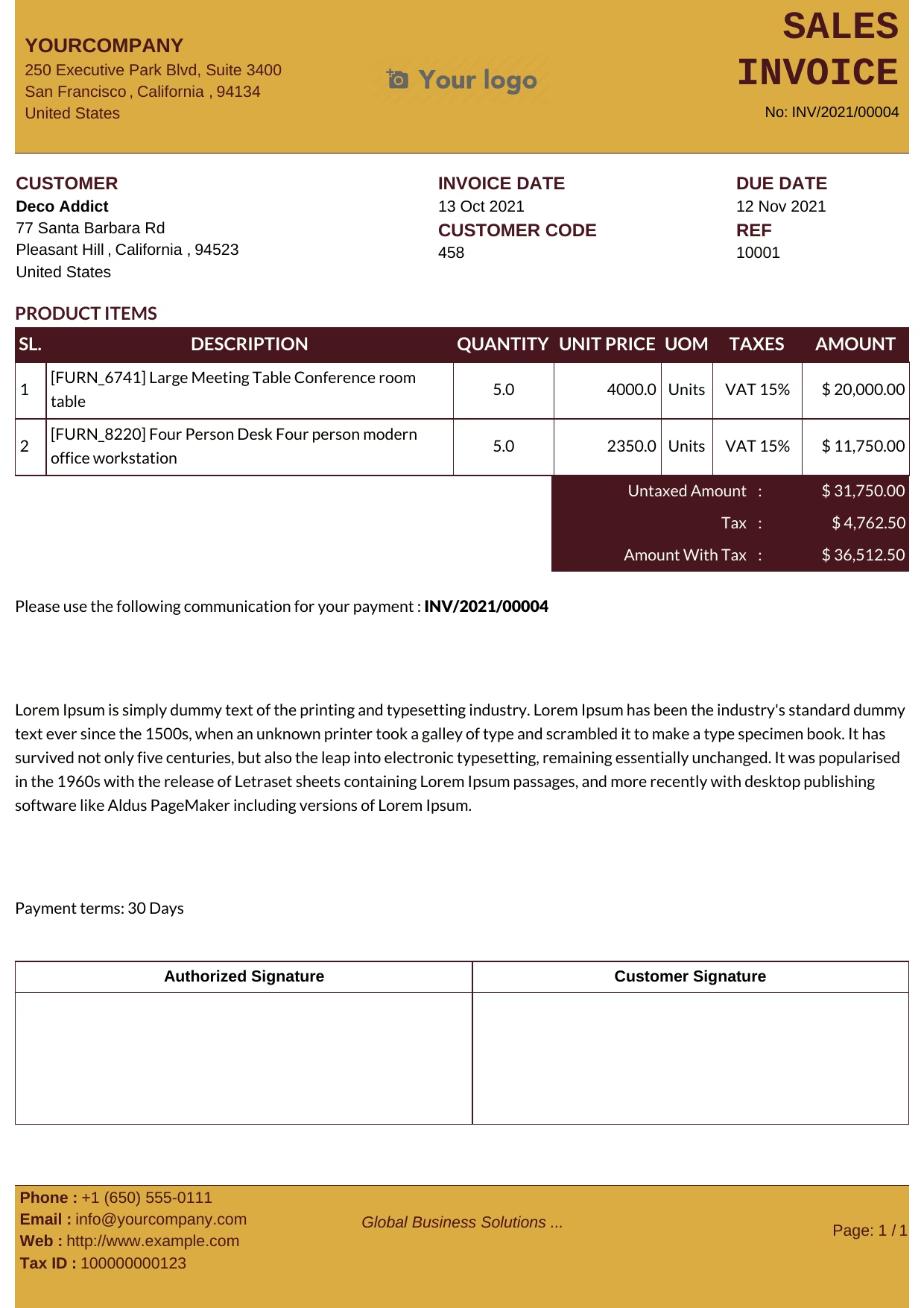 Maroon Yellow
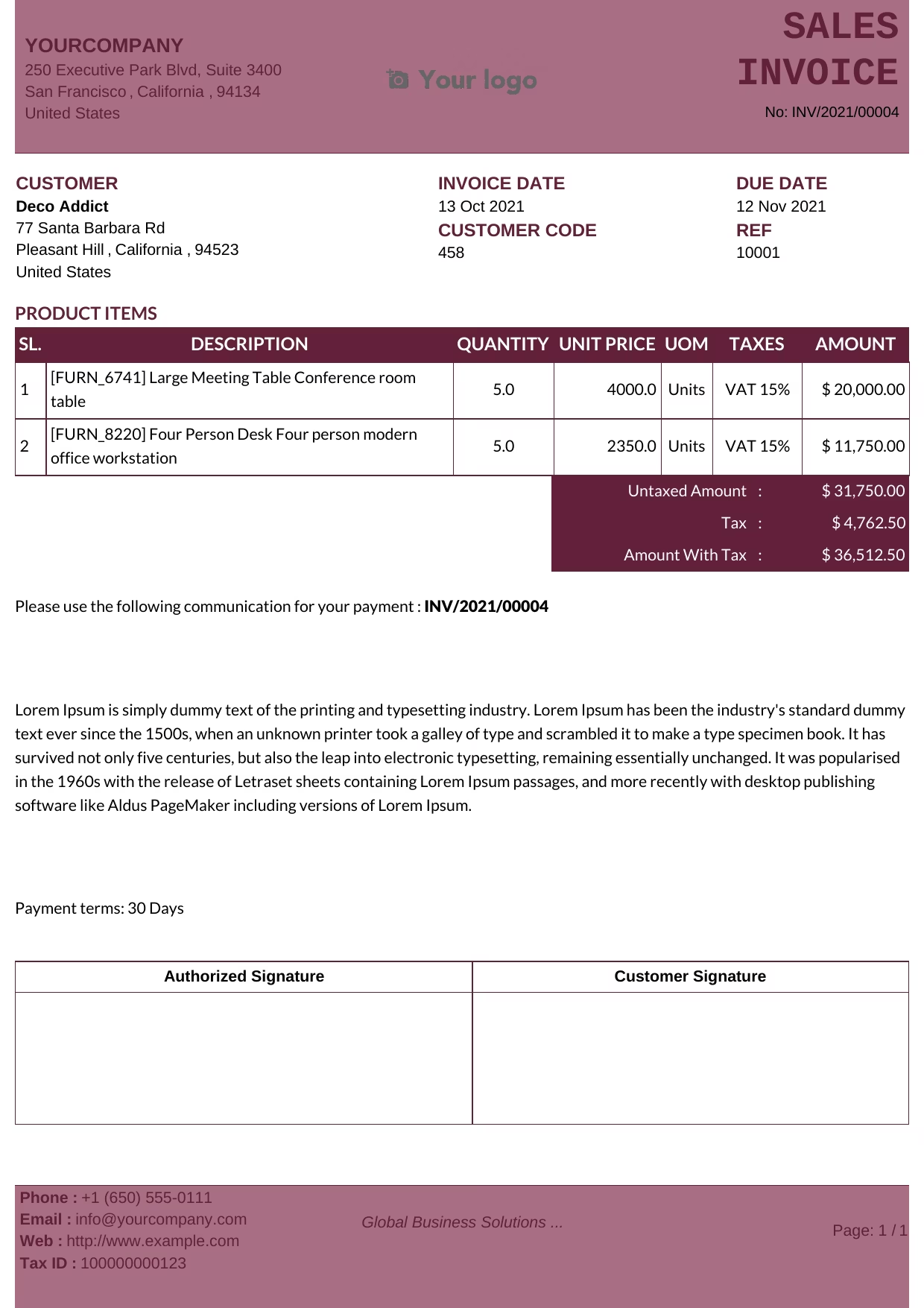 Maroon
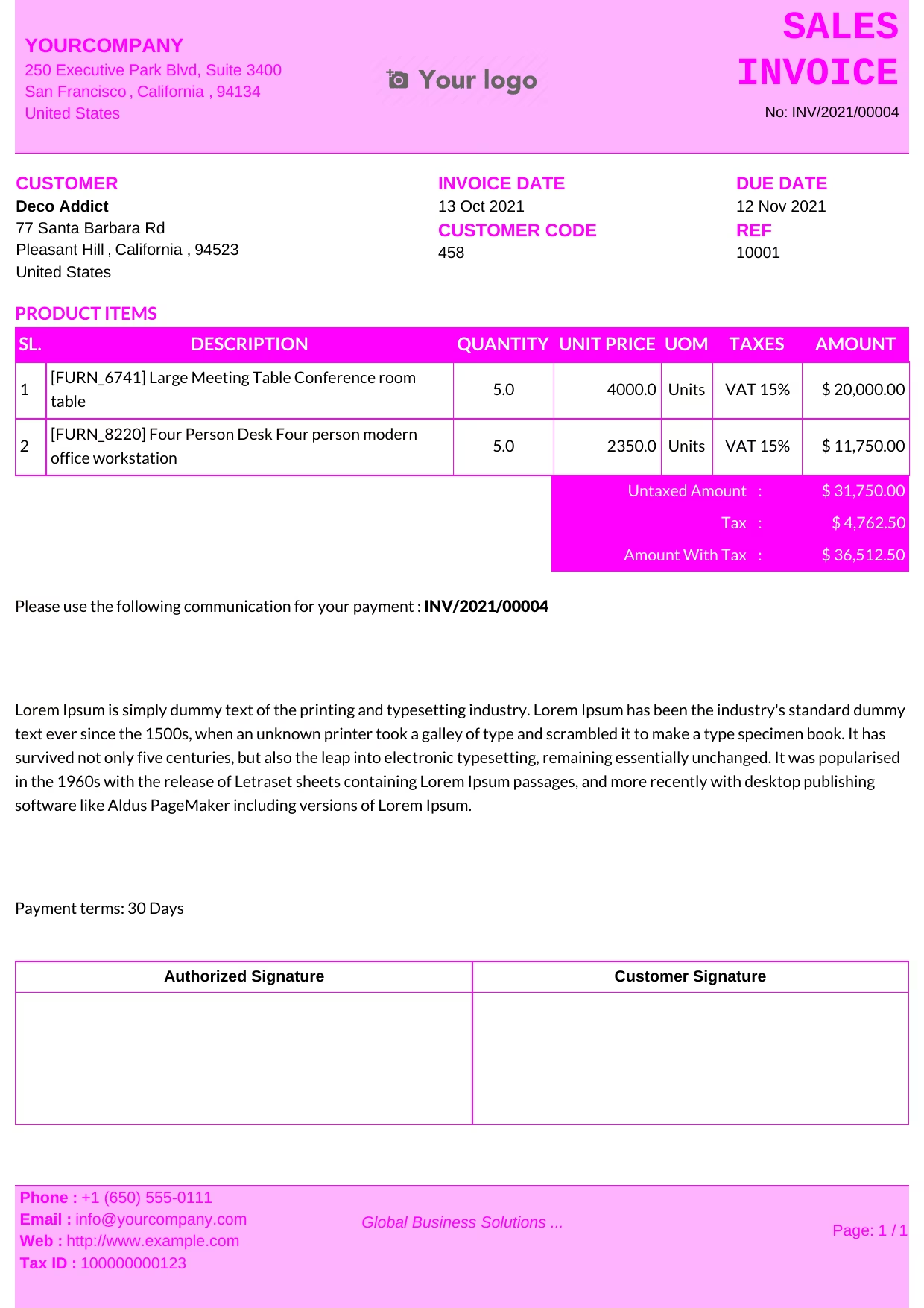 Violet
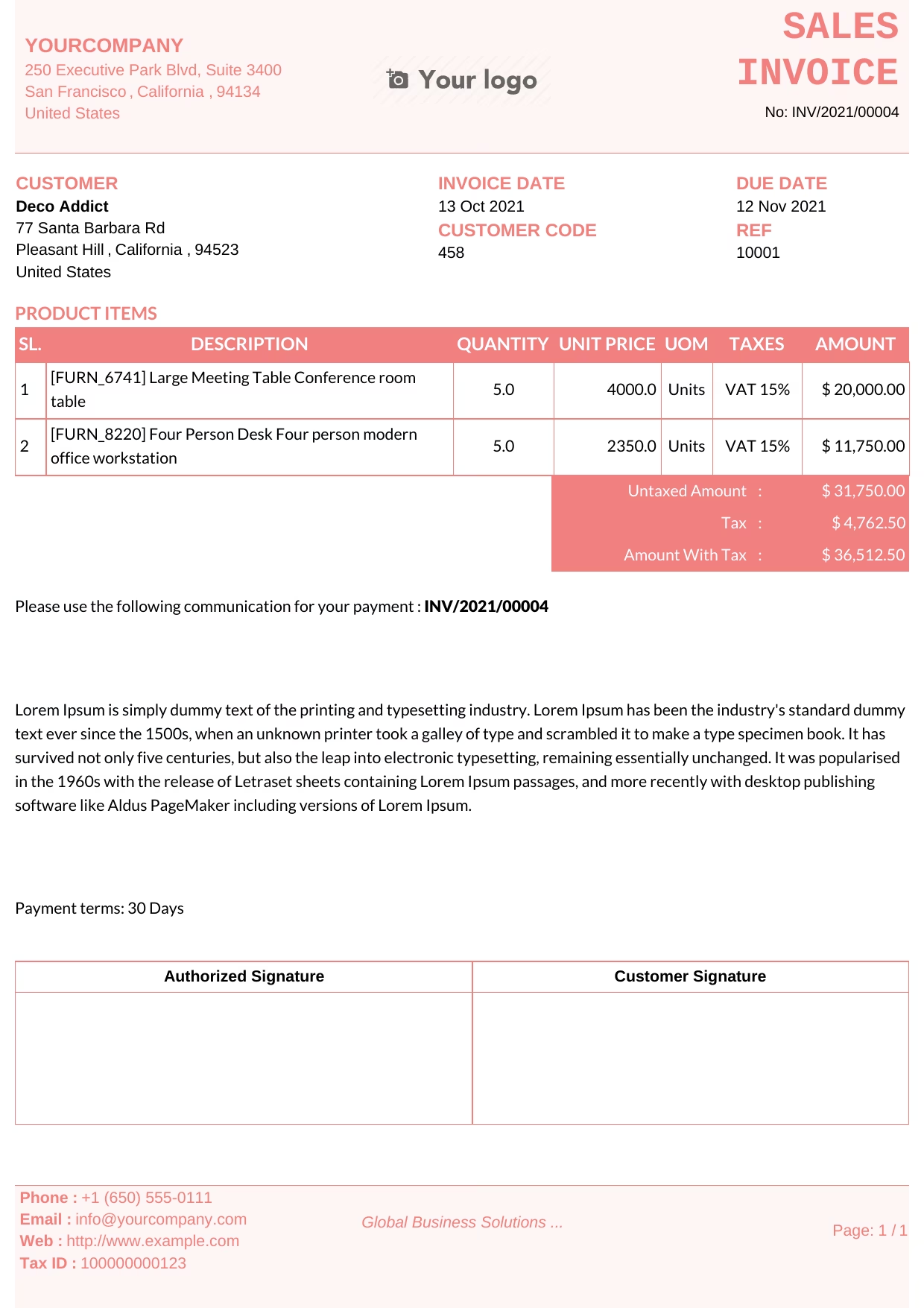 Pink
Pink
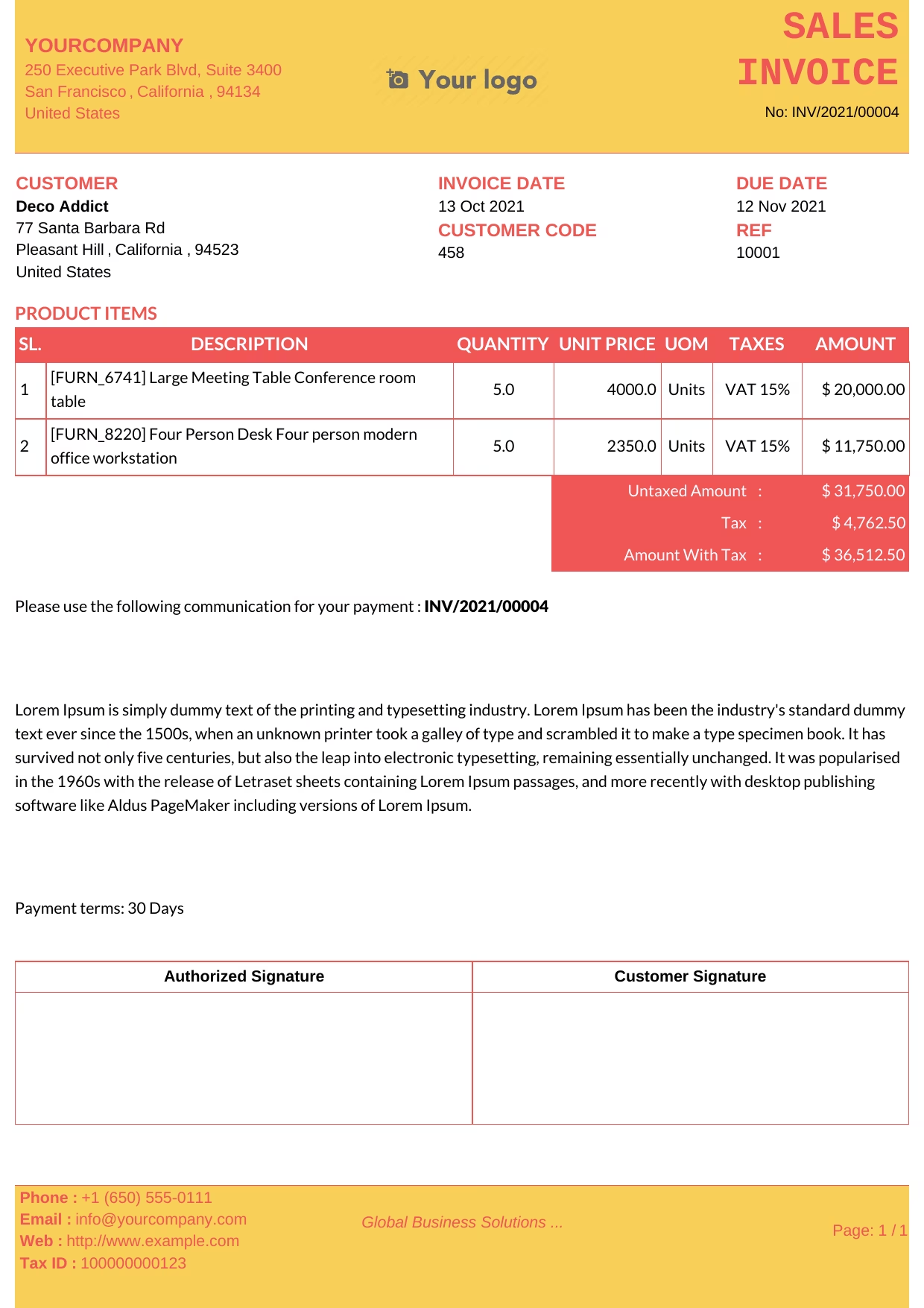 Red Yellow
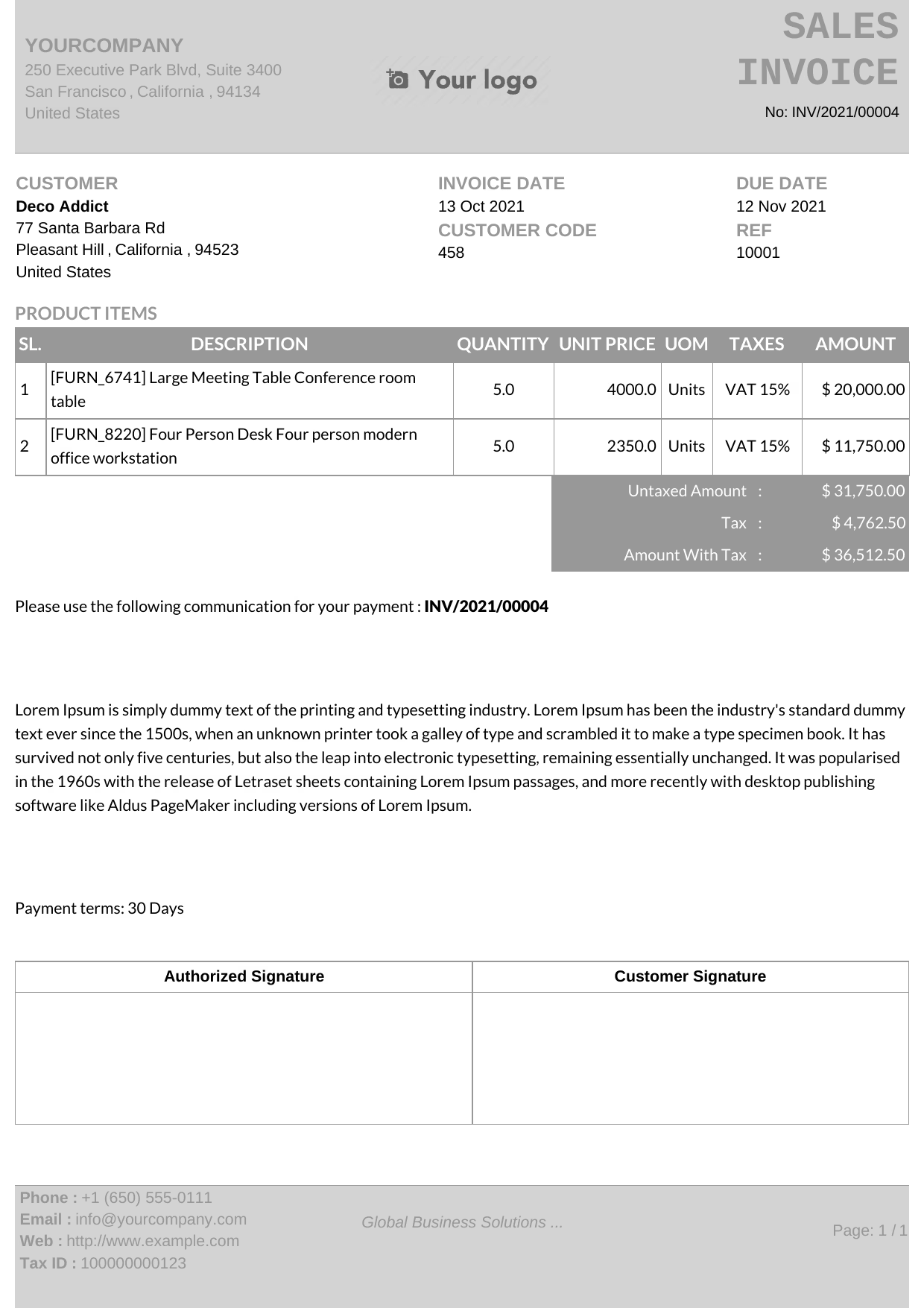 Silver
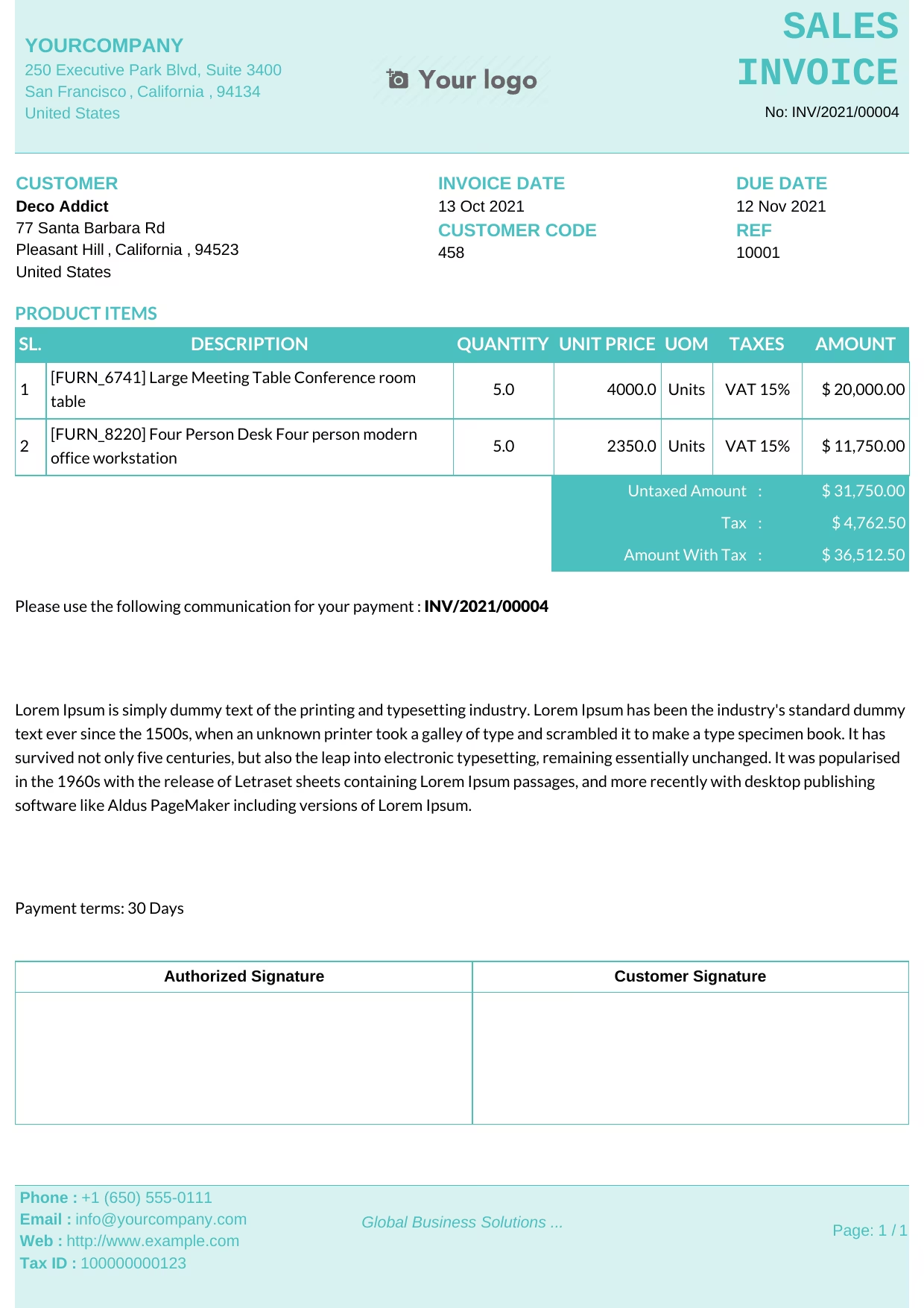 Teal
Teal
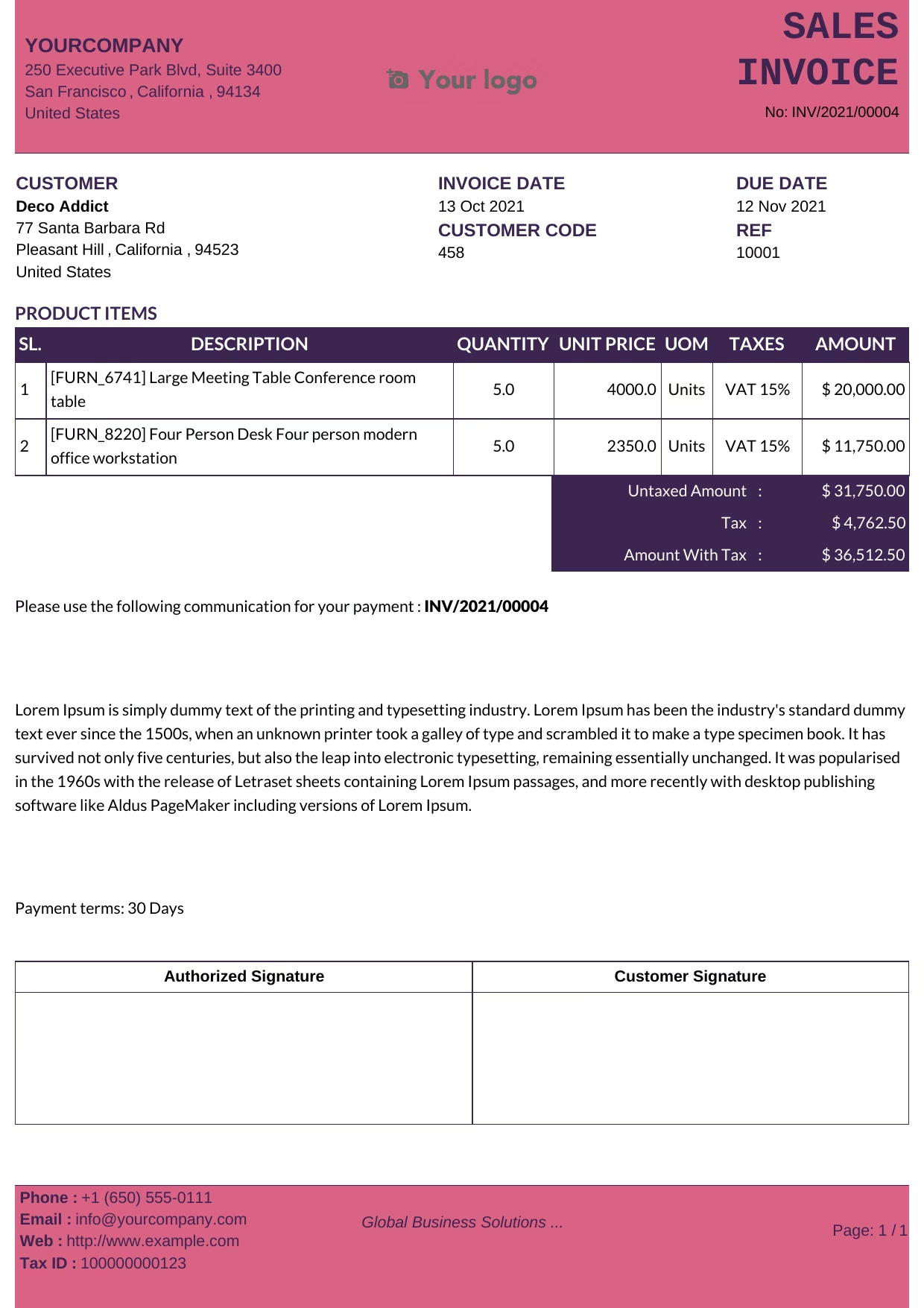 Violet Pink
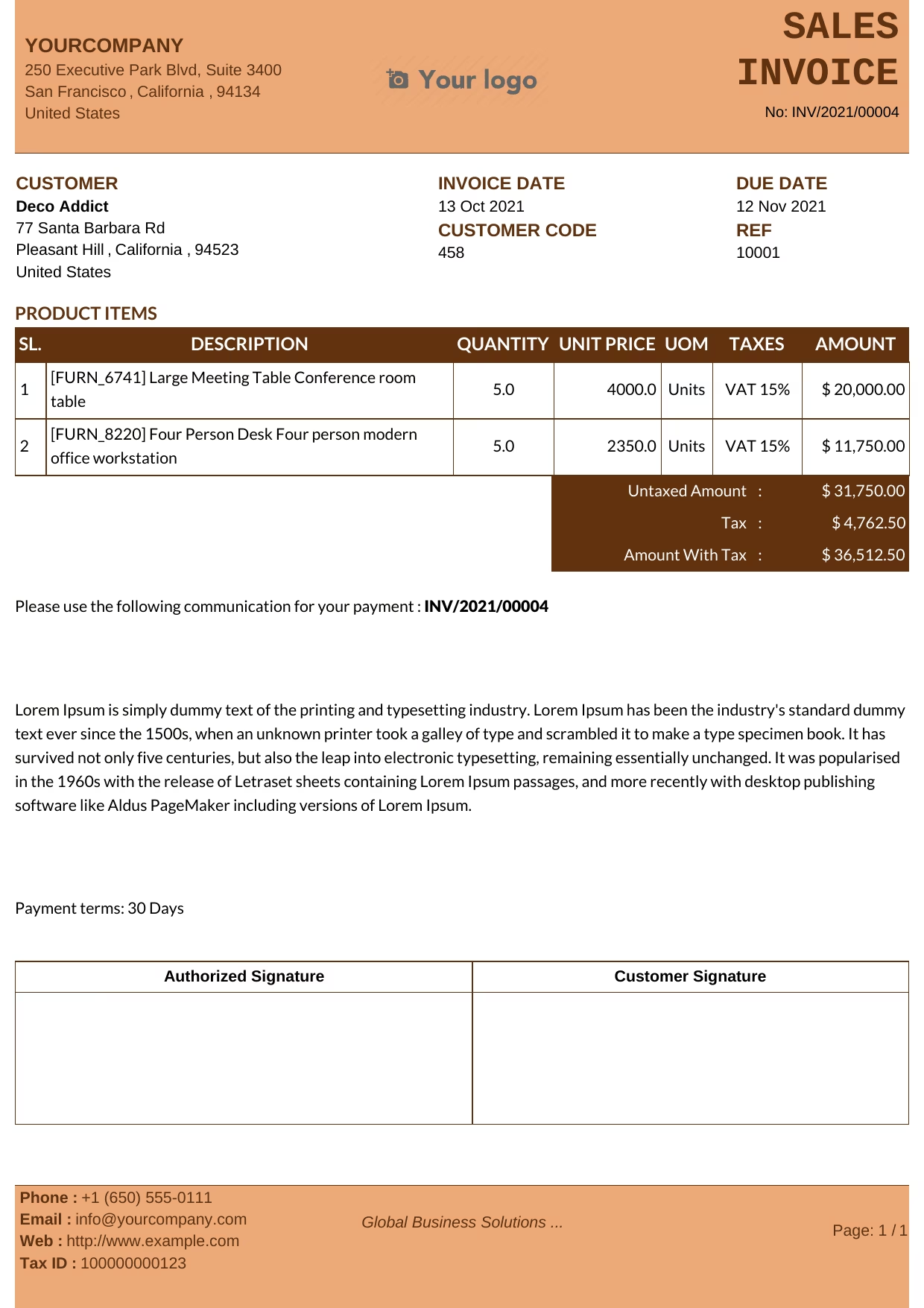 Chocolate
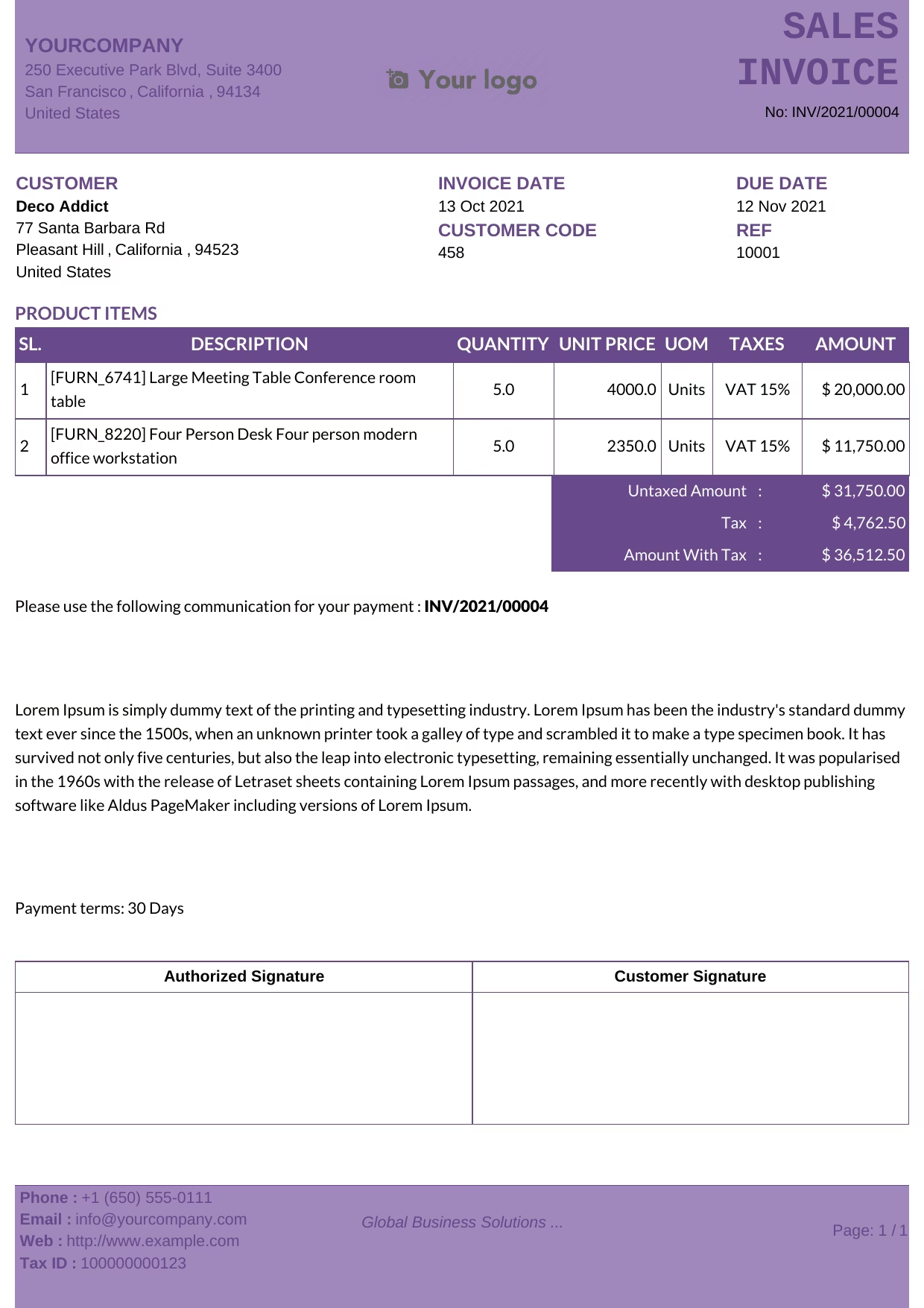 Jacaranda
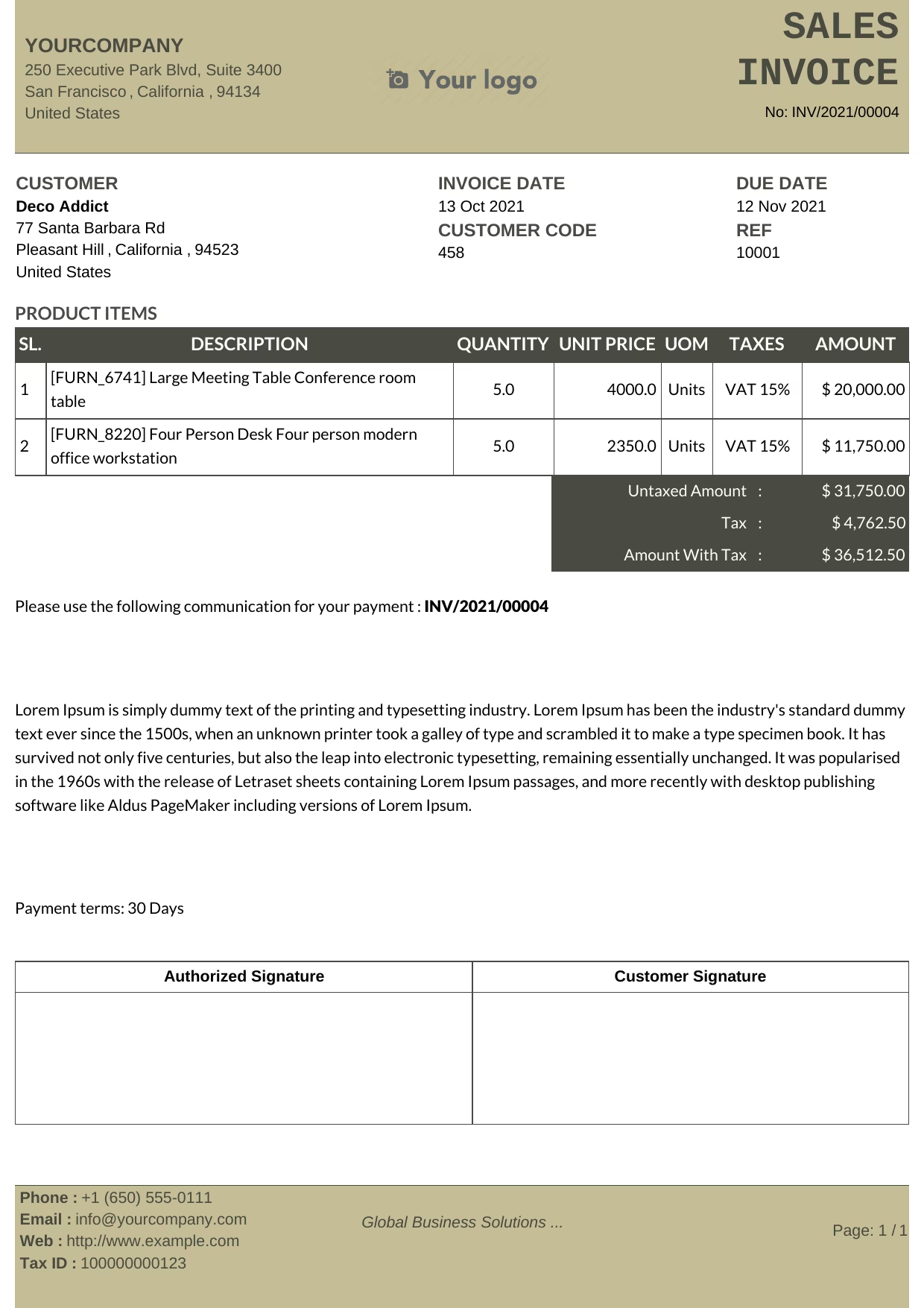 Olive
Olive
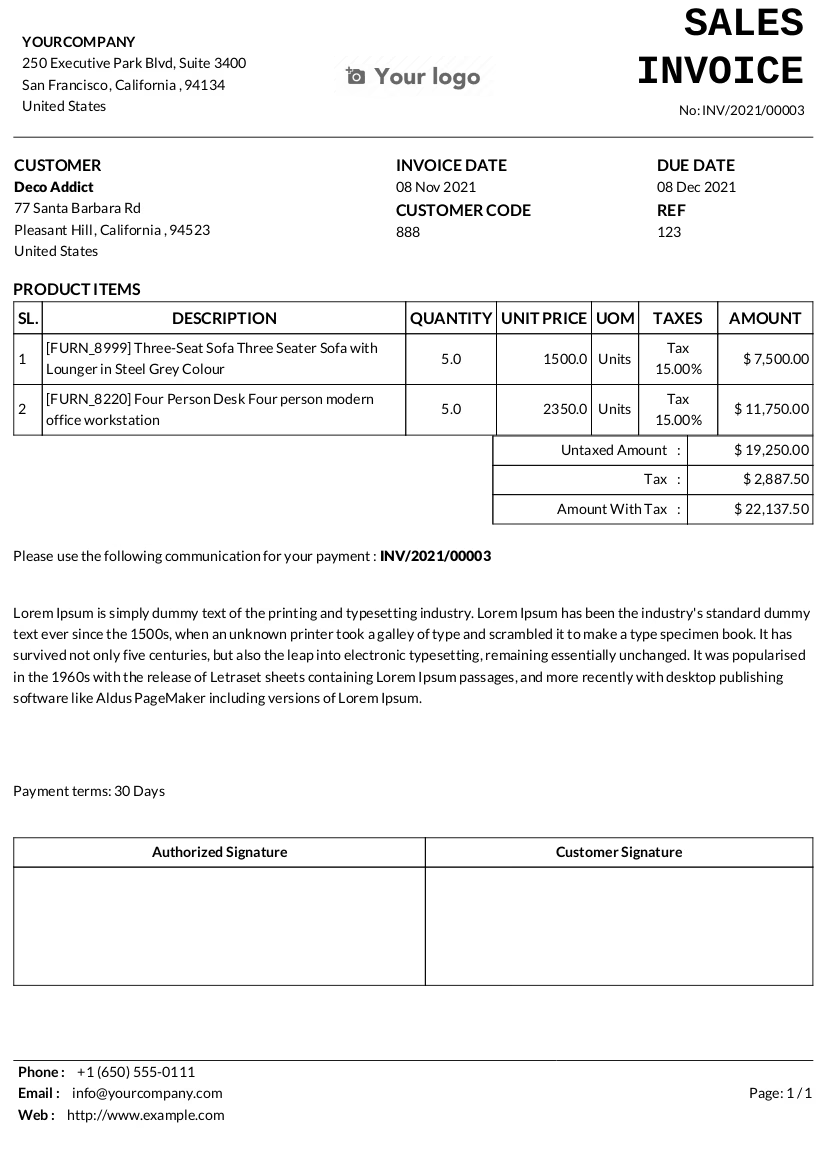 Plain
Plain
 |
 |
 |
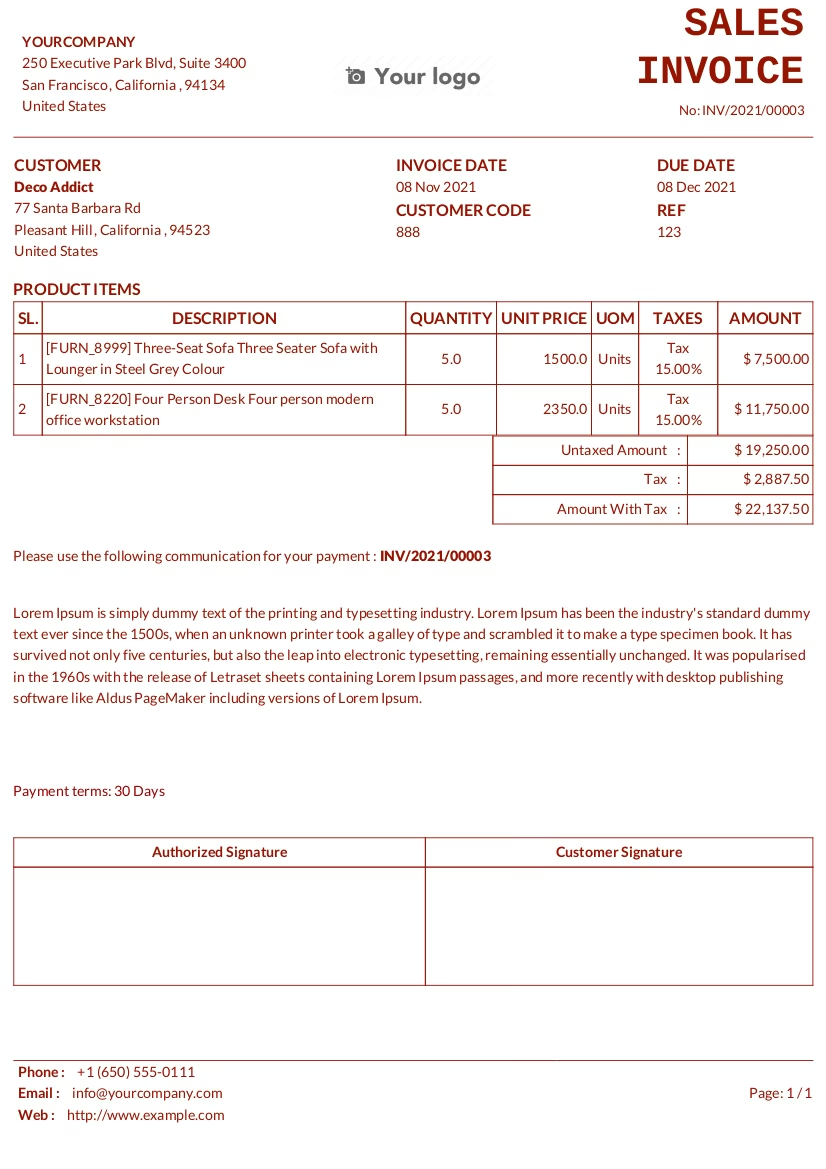
| You can make plain templates with your own color. | ||
 |
 |
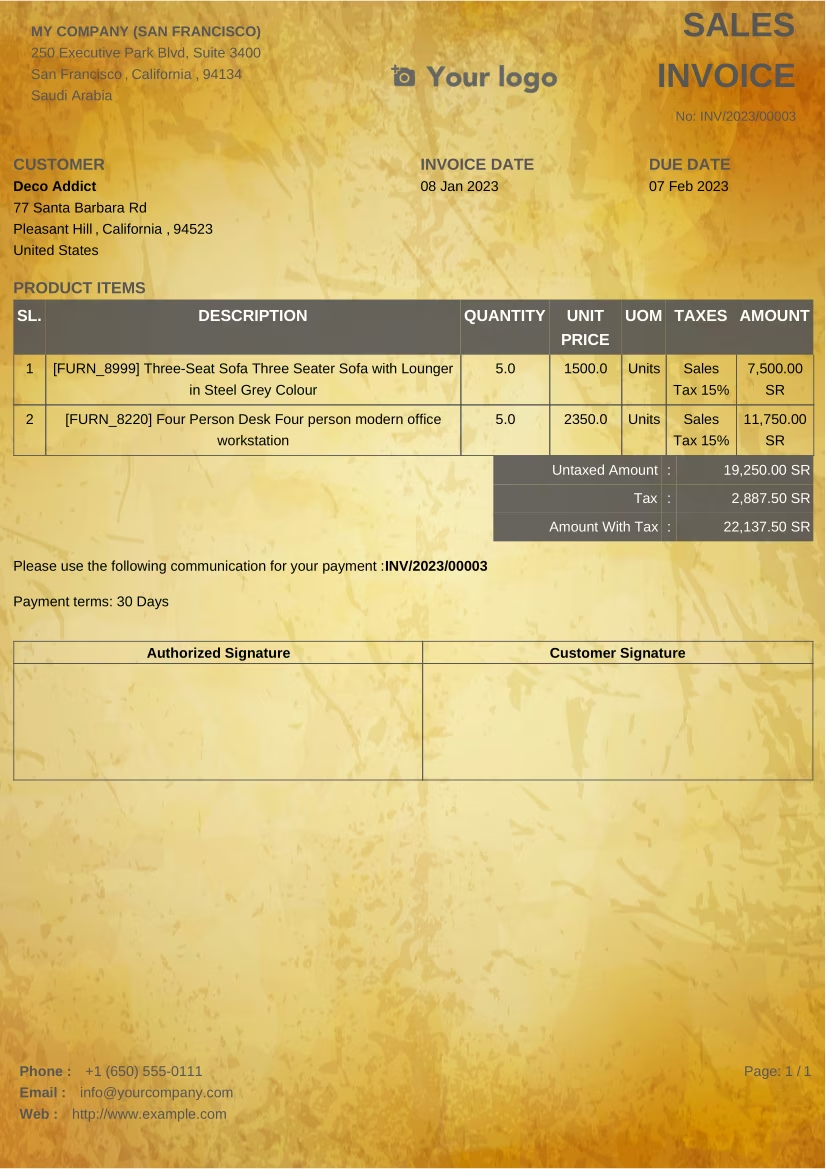 |
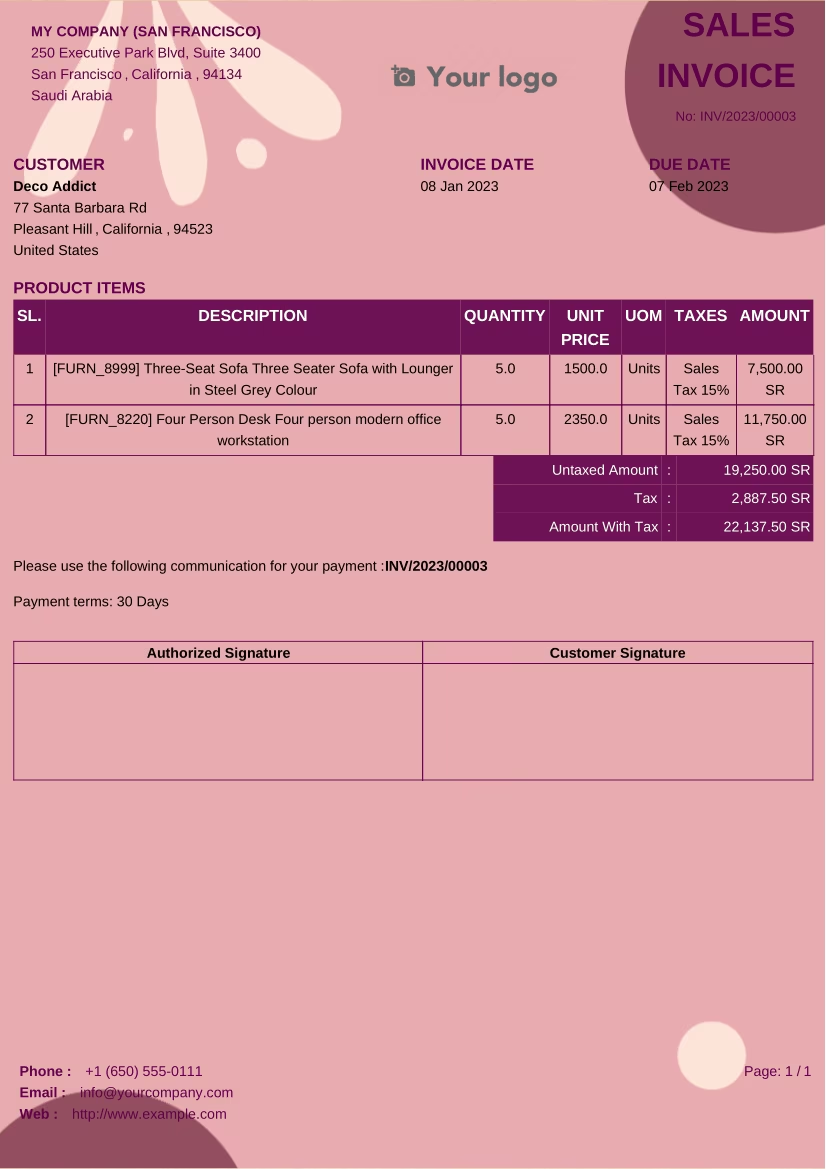
| With watermarks. You can apply your own watermark by attaching pdf file. | ||
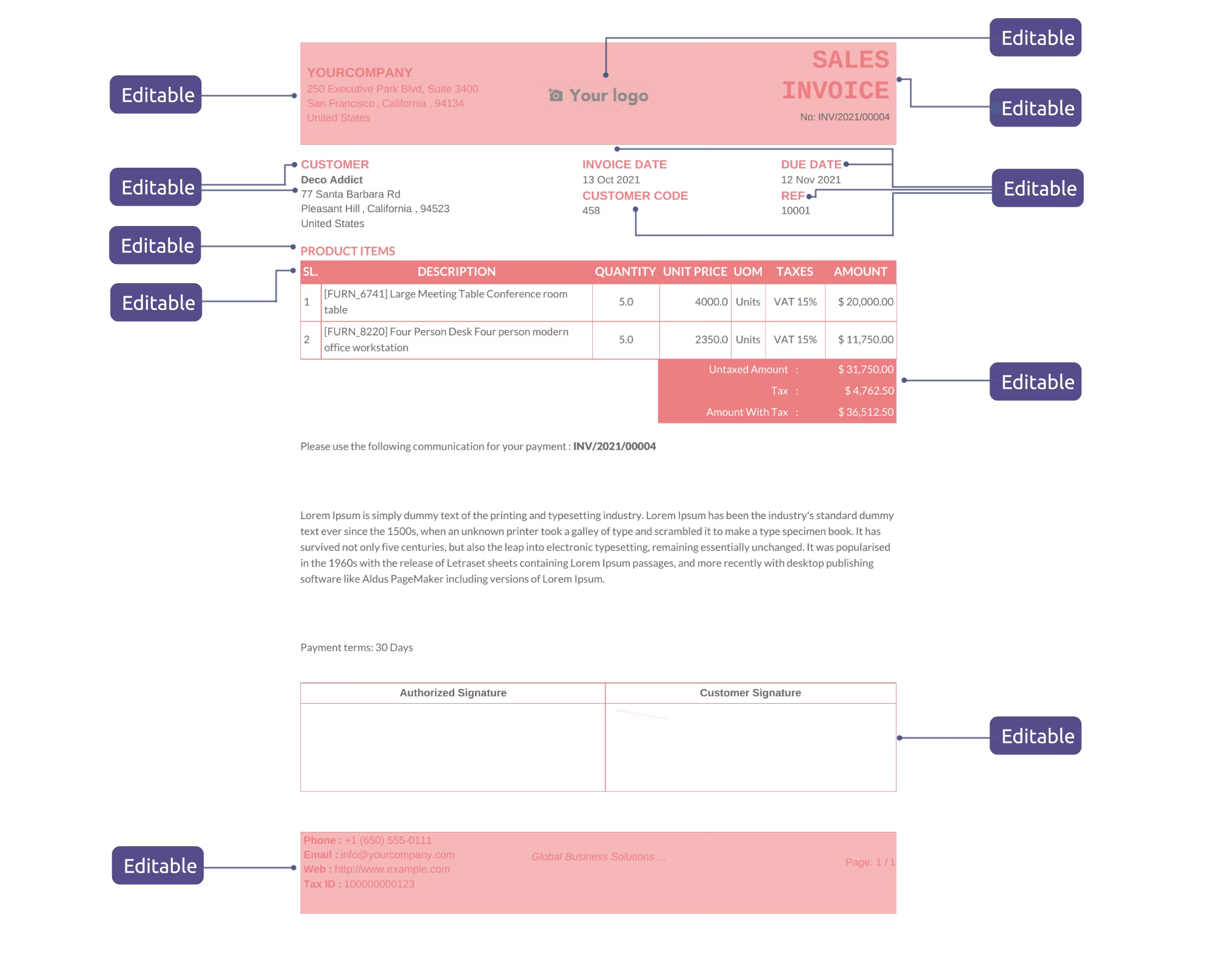 The template is flexible.
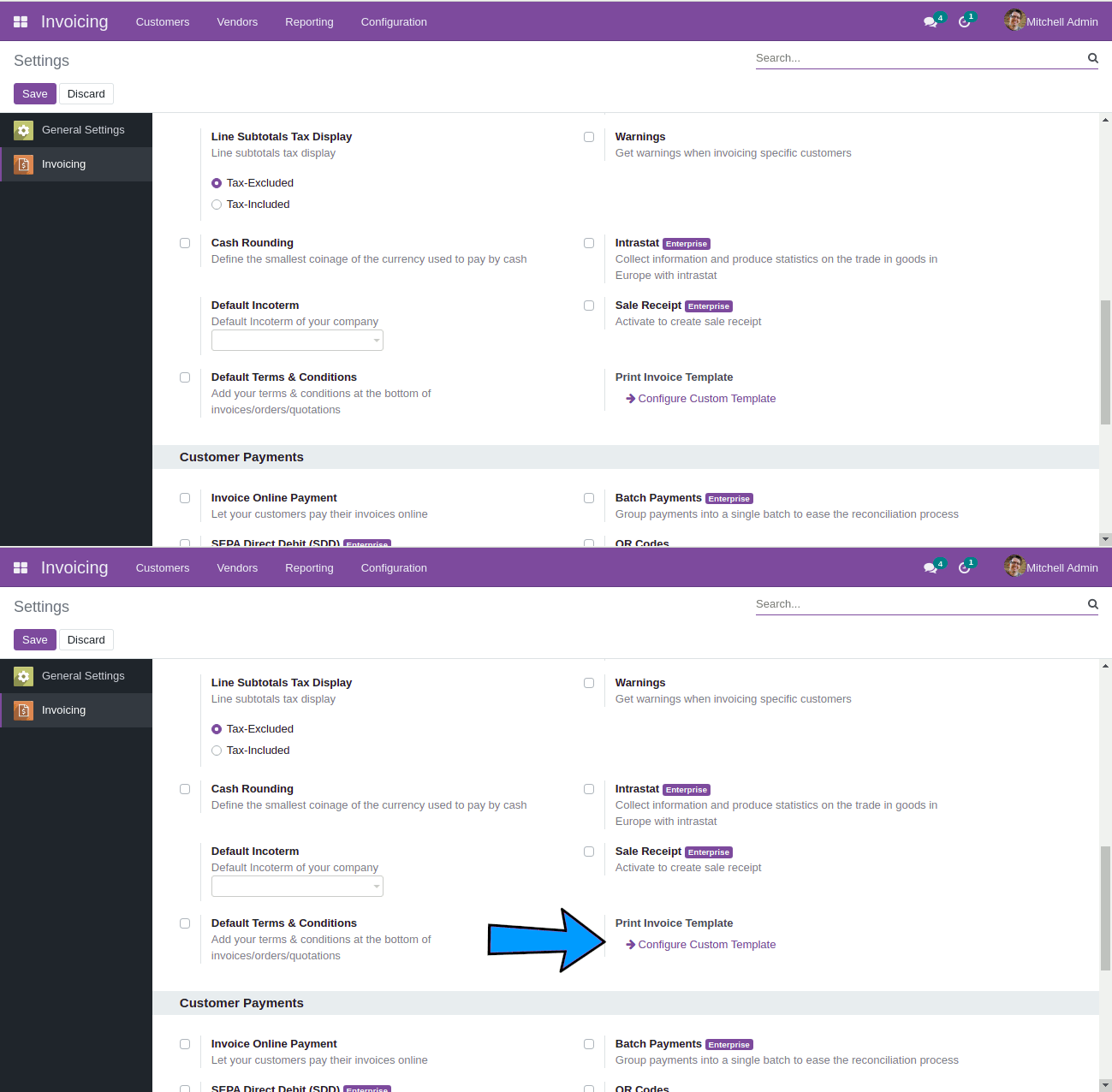 New button in the settings. It will open screen to design the custom template.
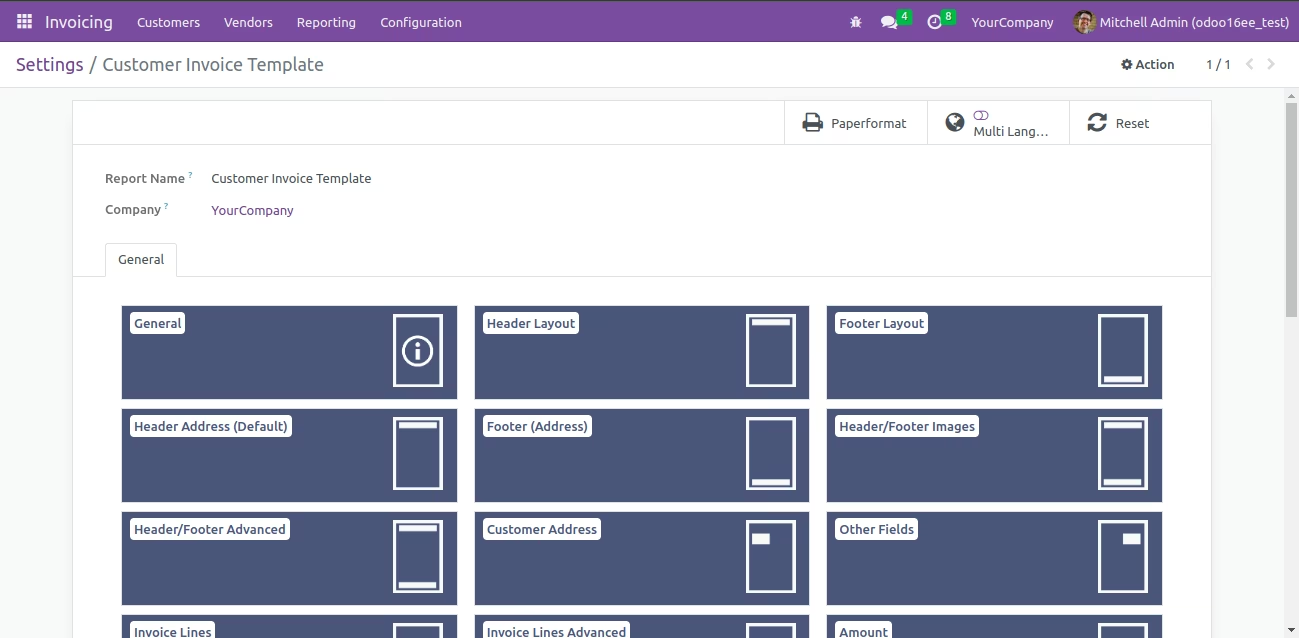 Report Editor Screen
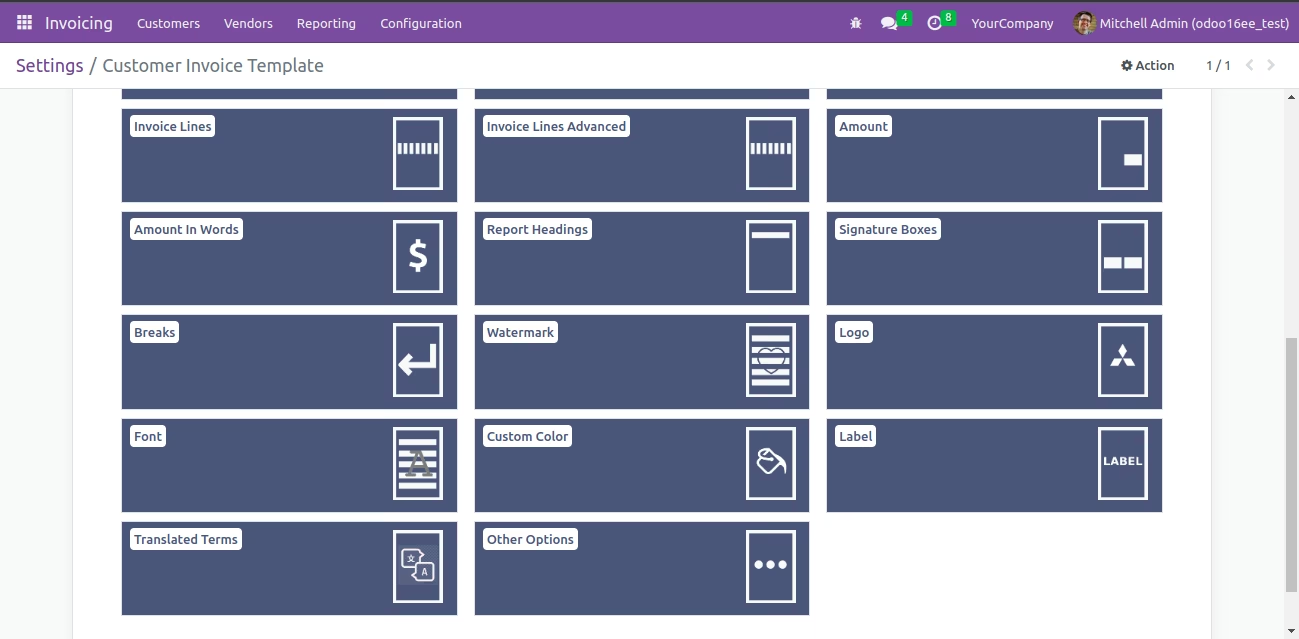 Report Editor Screen
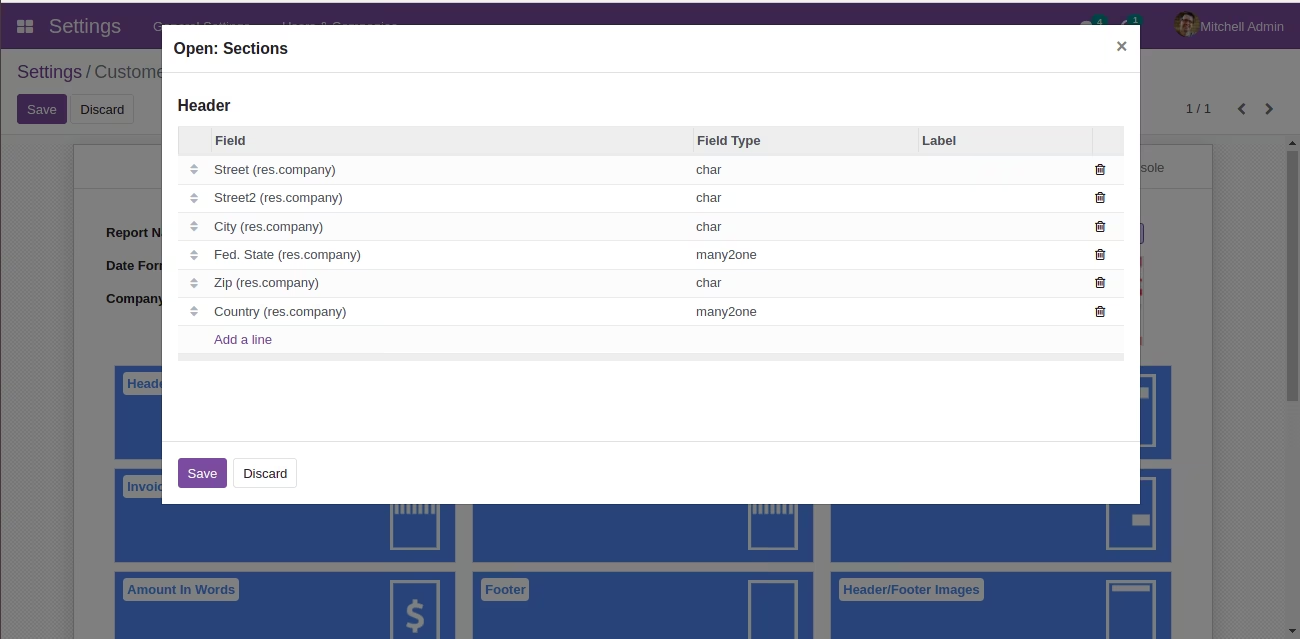
| You can add/remove the company fields which to be displayed in the header (including fields of Odoo-Studio / third-party apps). | |
| You can set field label. | |
| You can set separator (Eg. Comma, New Line etc). | |
| You can change order of the fields. | |
| You can set images too as header and footer. |
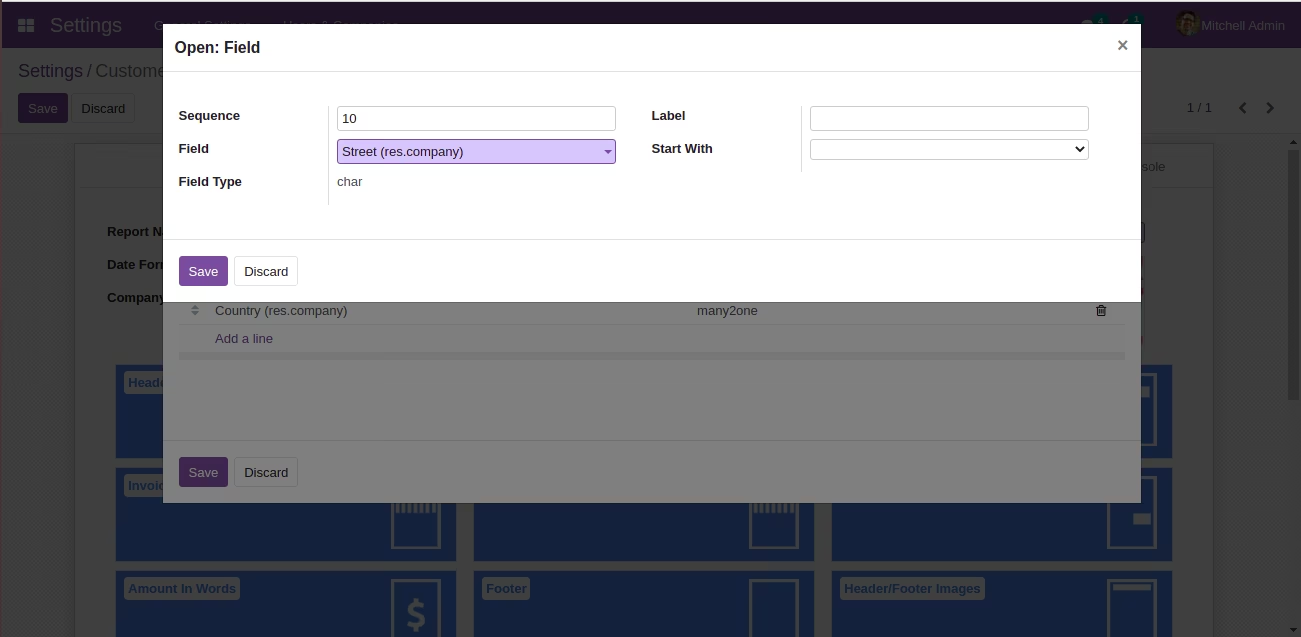
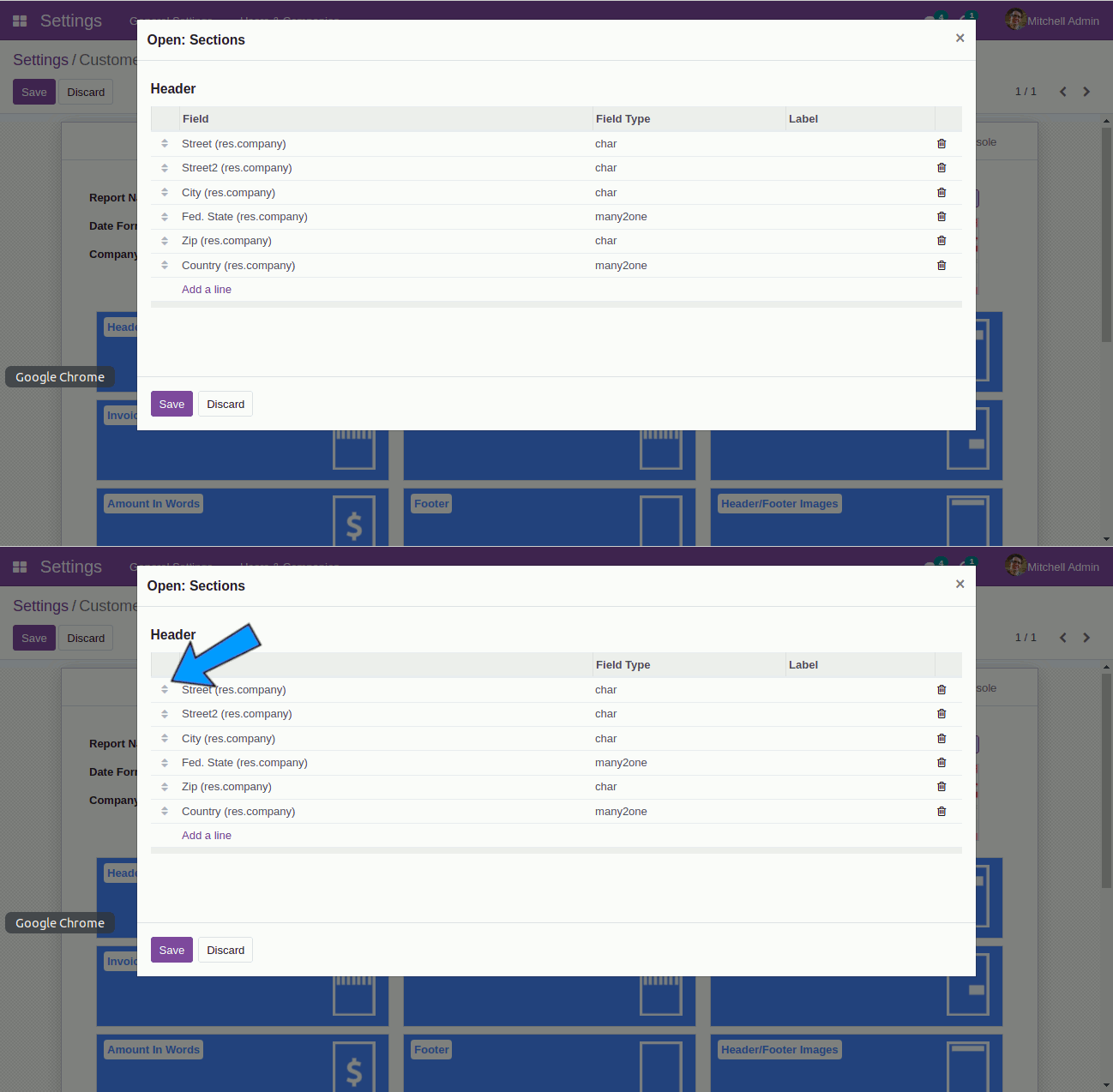 You can set order of the fields by dragging.
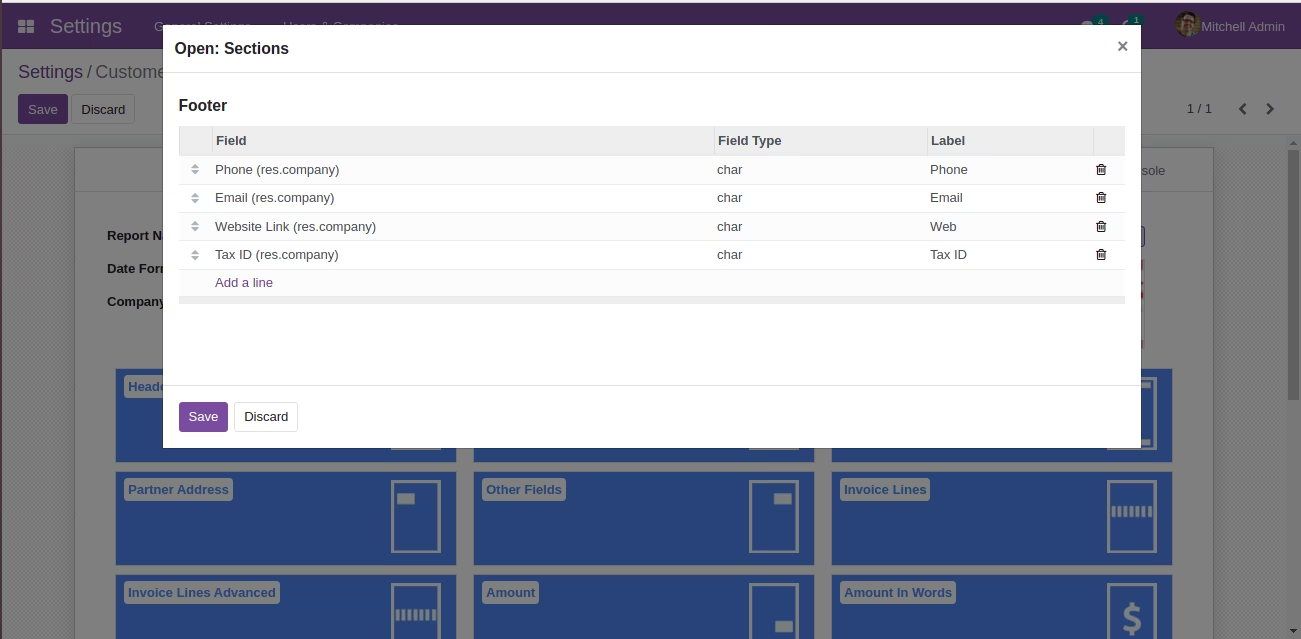
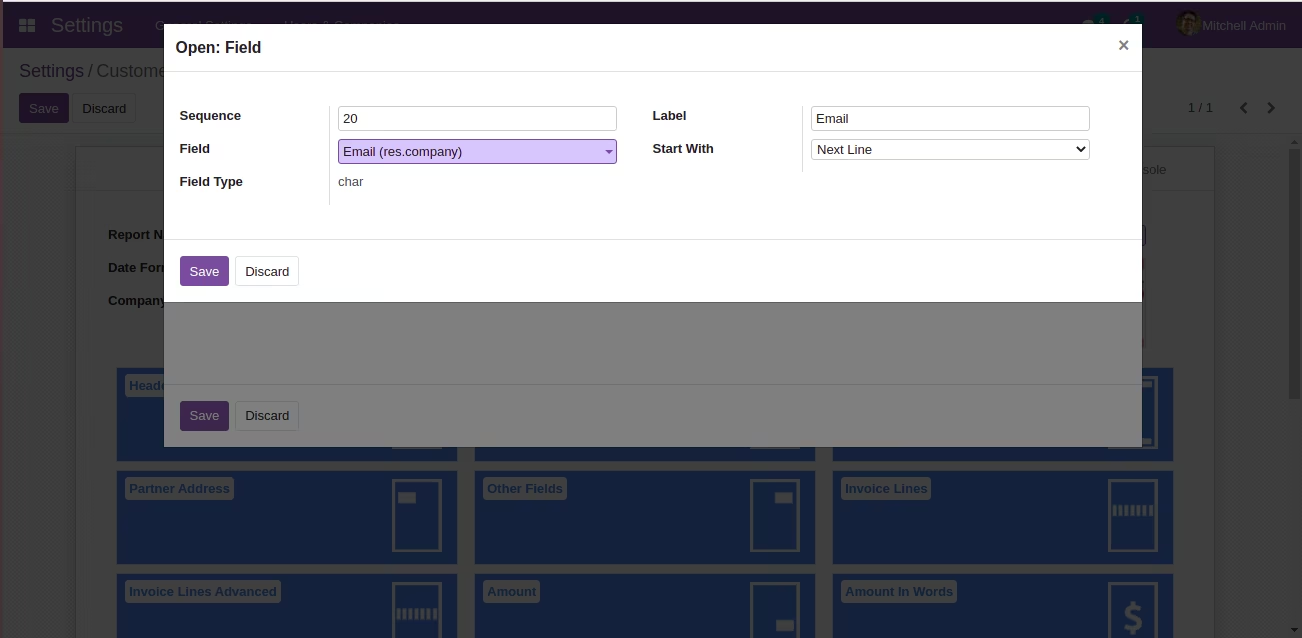
| You can add/remove the company fields which to be displayed in the footer (including fields of Odoo-Studio / third-party apps). | |
| You can set field label. | |
| You can set separator (Eg. Comma, New Line etc). | |
| You can change order of the fields. | |
| You can set images too as header and footer. |
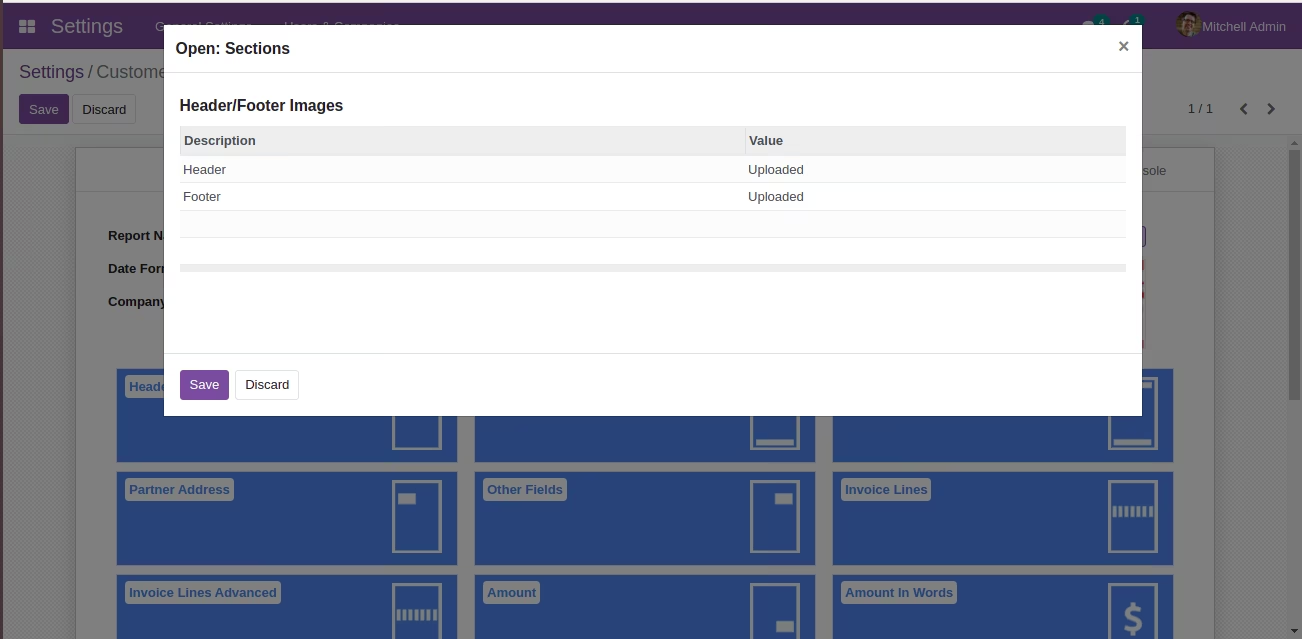
| You can upload images for header/footer. this will replace default. |
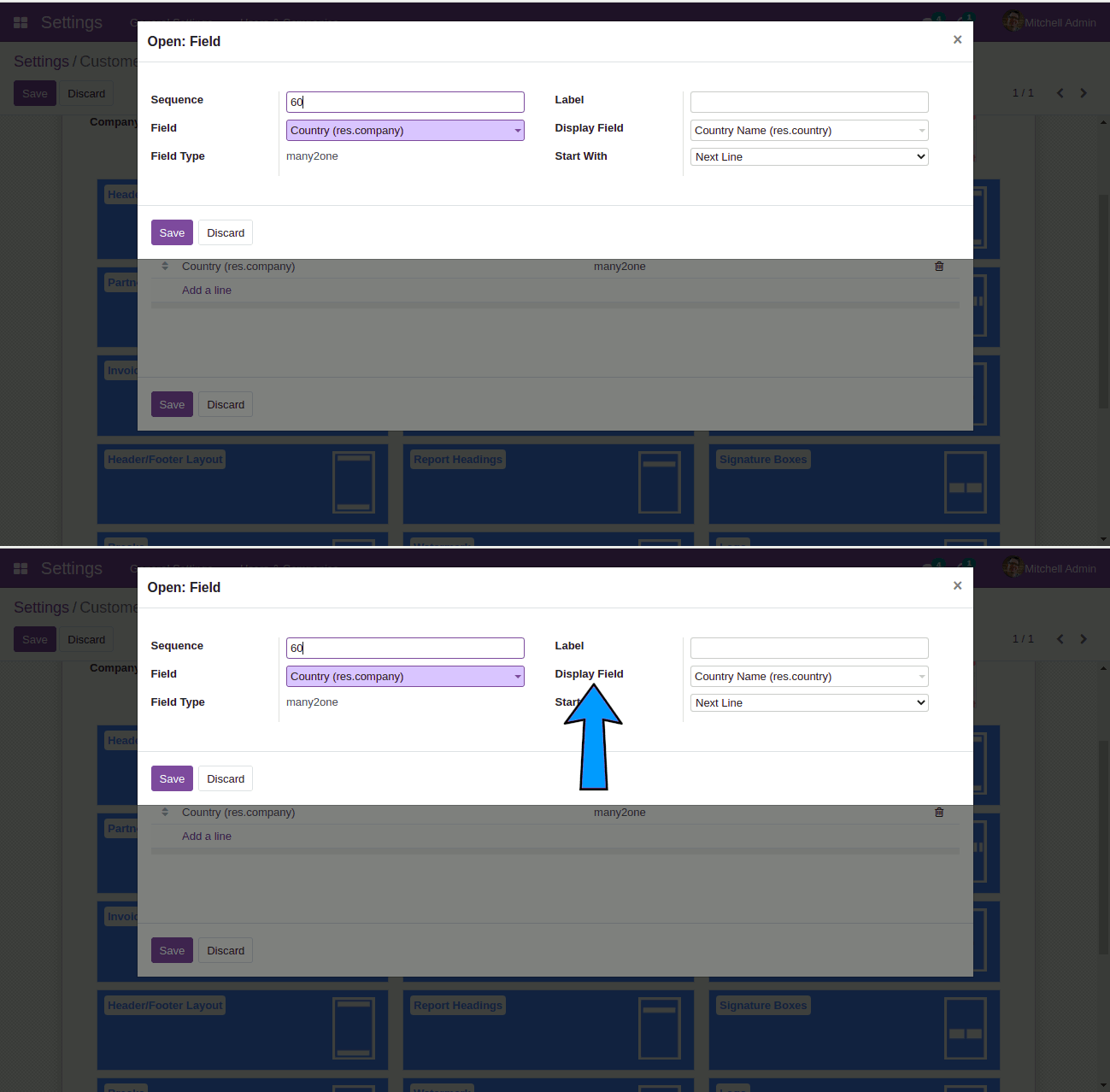 Here
Here Display Field is the field of Many2one dropdown which is used to display content. For example, the default display of Country field is with country code. If you want to display country name only, you can choose Country Name field as display field (as shown in the screenshot).
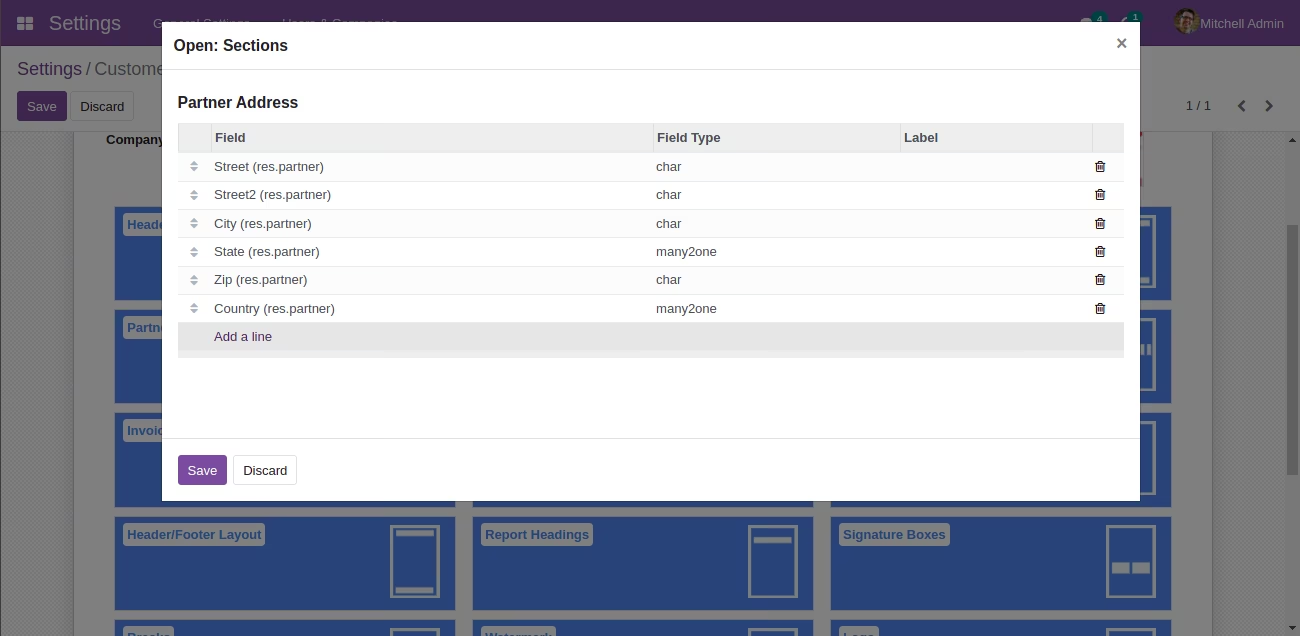
| You can add/remove the customer fields which to be displayed in the customer details (including fields of Odoo-Studio / third-party apps). | |
| You can set field label. | |
| You can set separator (Eg. Comma, New Line etc). | |
| You can change order of the fields. |
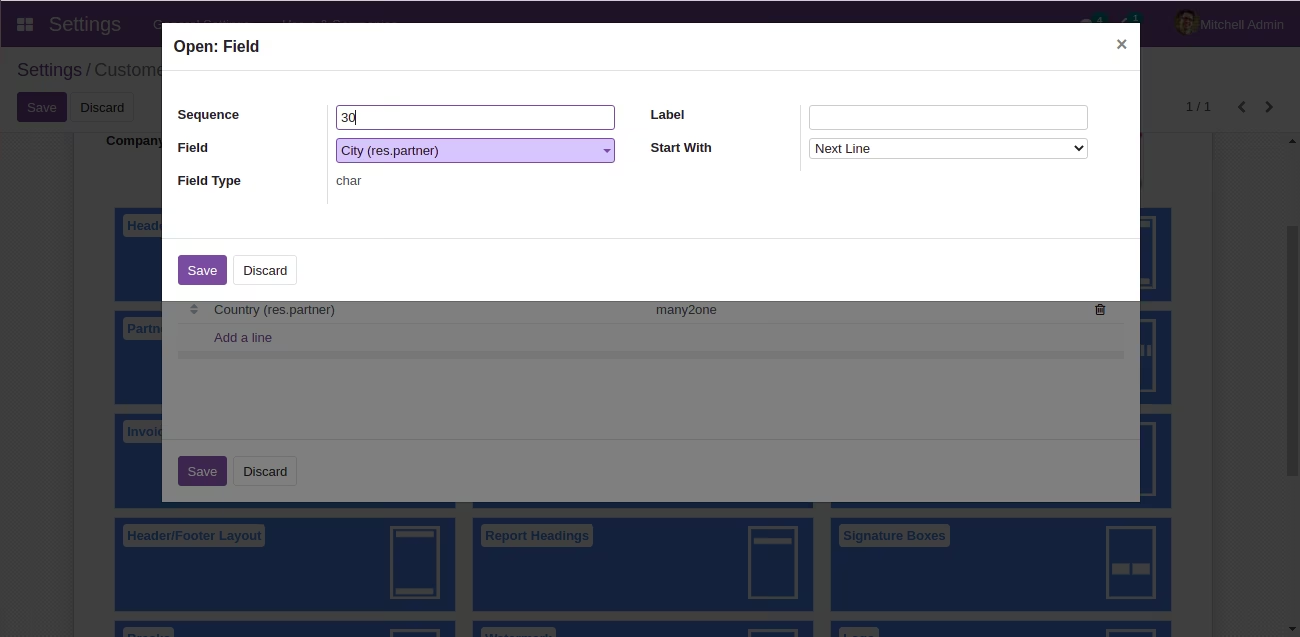
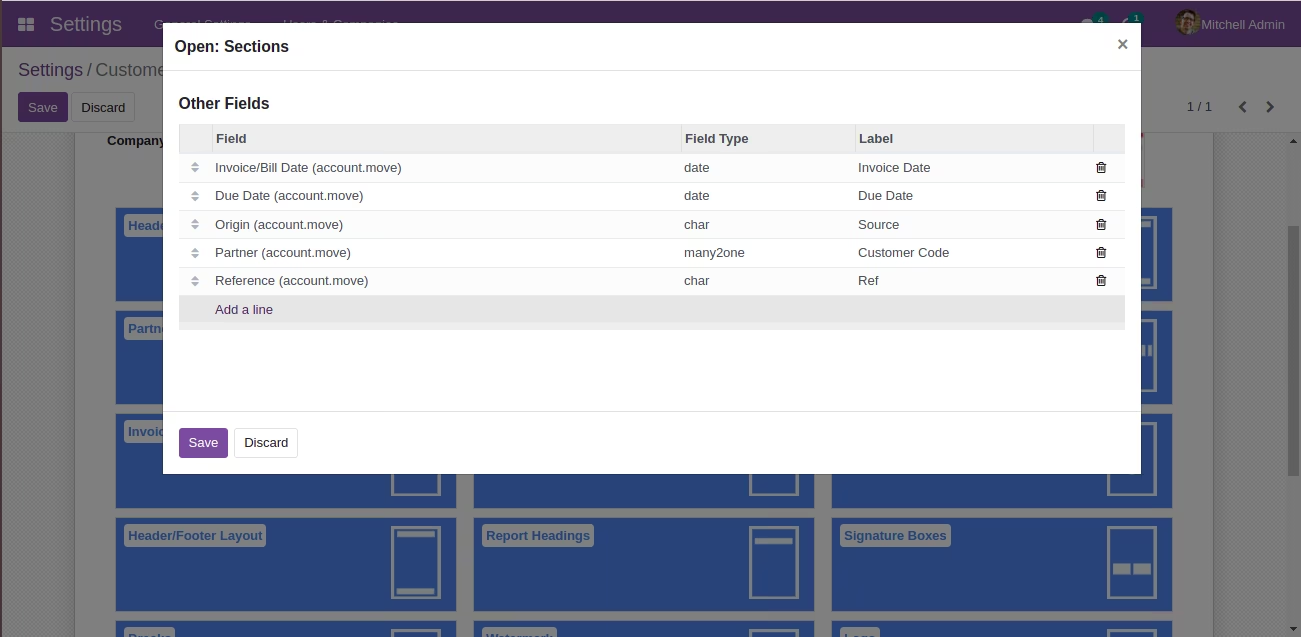
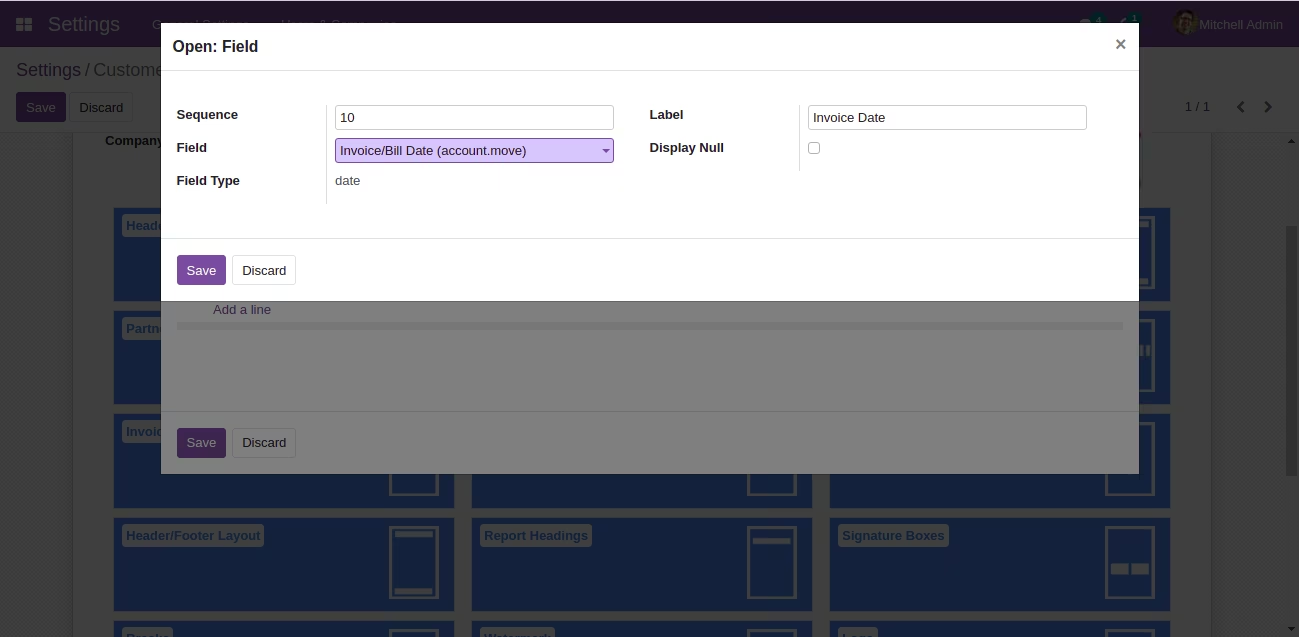
| You can add/remove the other fields which to be displayed in the other details (including fields of Odoo-Studio / third-party apps). | |
| You can set field label. | |
| You can mention that whether the field should be hidden or displayed if value is null. | |
| You can change order of the fields. |
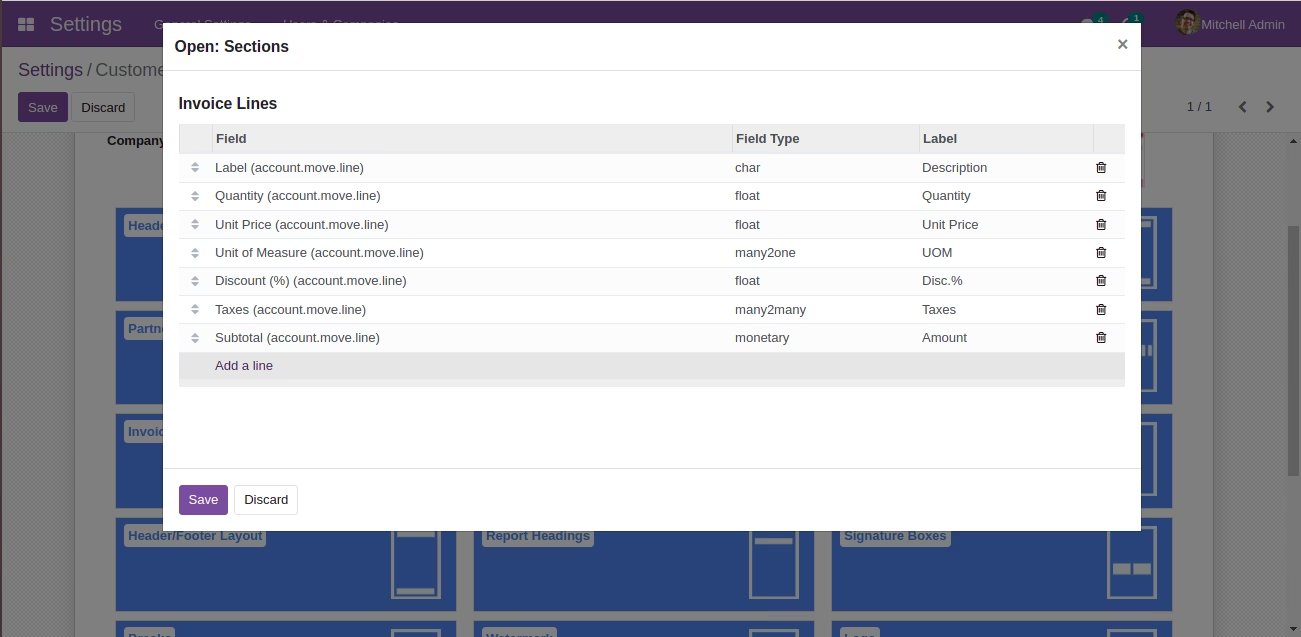
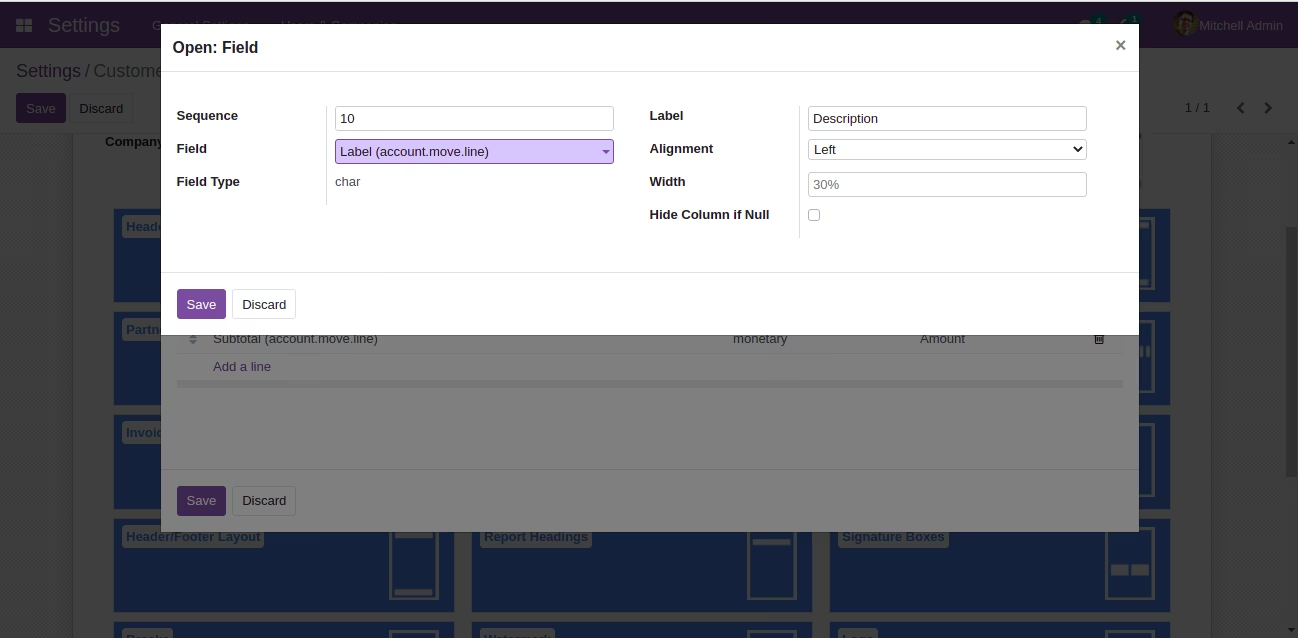
| You can add/remove the columns which to be displayed in the invoice lines (including fields of Odoo-Studio / third-party apps). | |
| You can set field label. | |
| You can set field Alignment. | |
| You can set field Column Width. | |
| You can mention that whether the column should be hidden or displayed if all values are null. | |
| You can change order of the fields. |
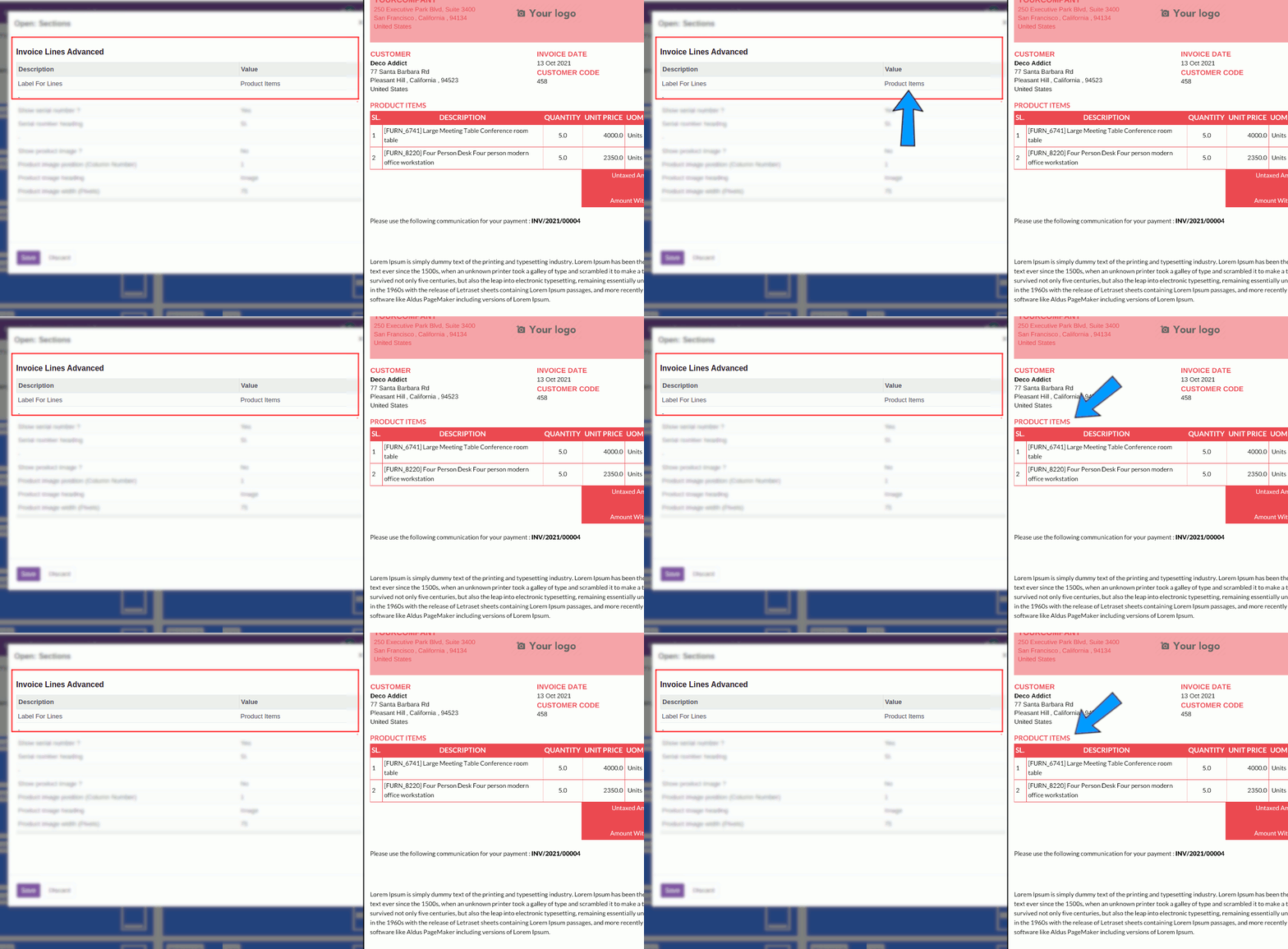 You can change the heading of Invoice Lines.
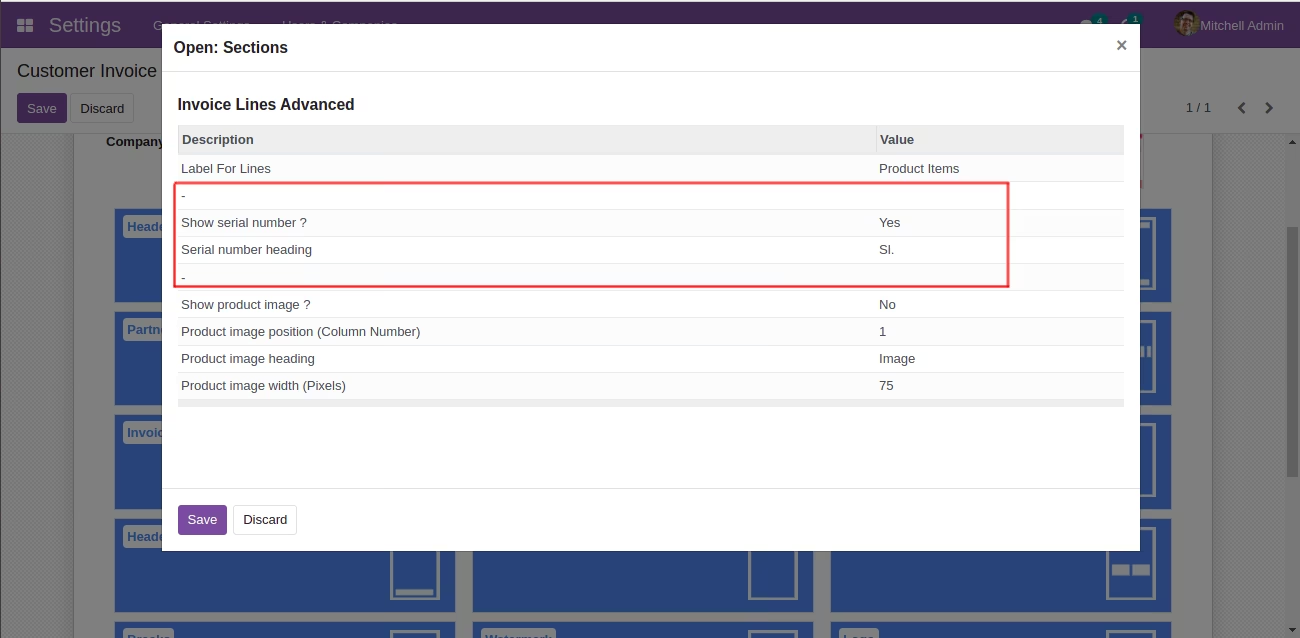
| You can add/remove serial numbers for Invoice Lines. |
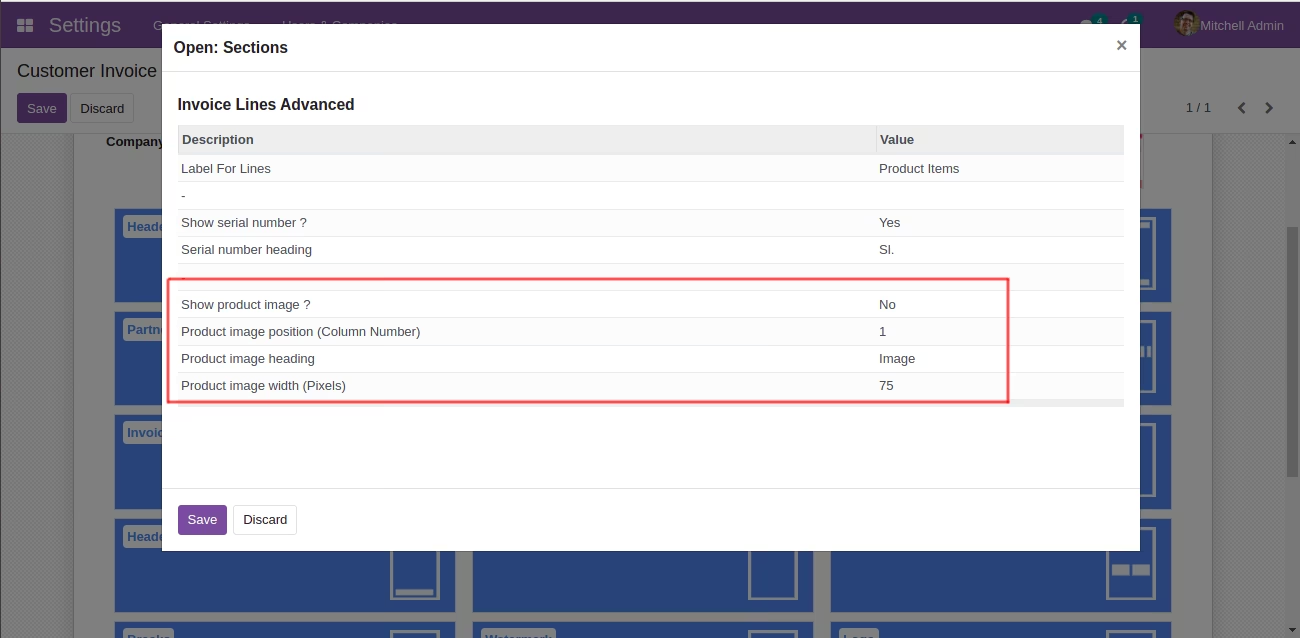
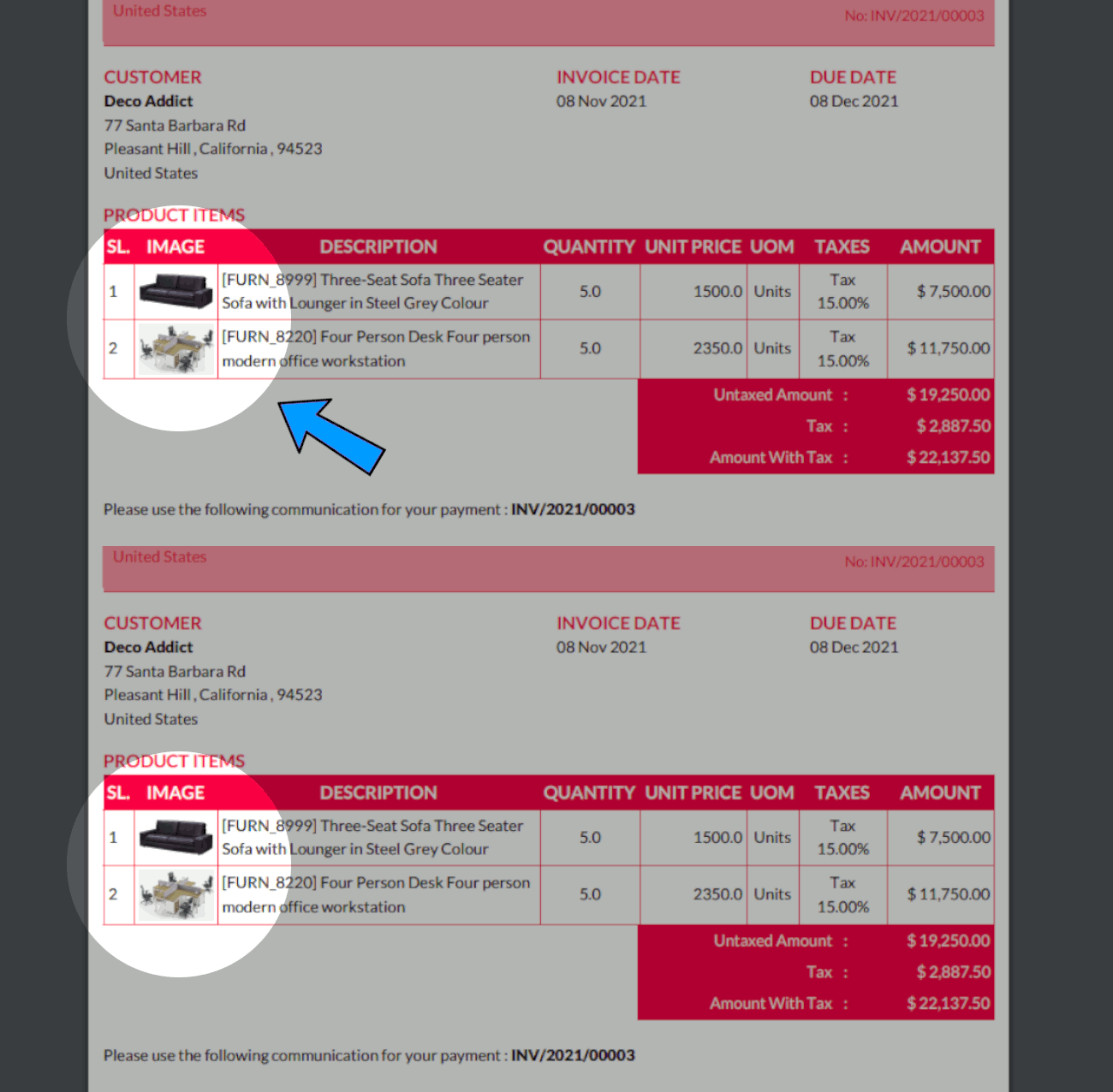
| Display product image in the invoice lines. |
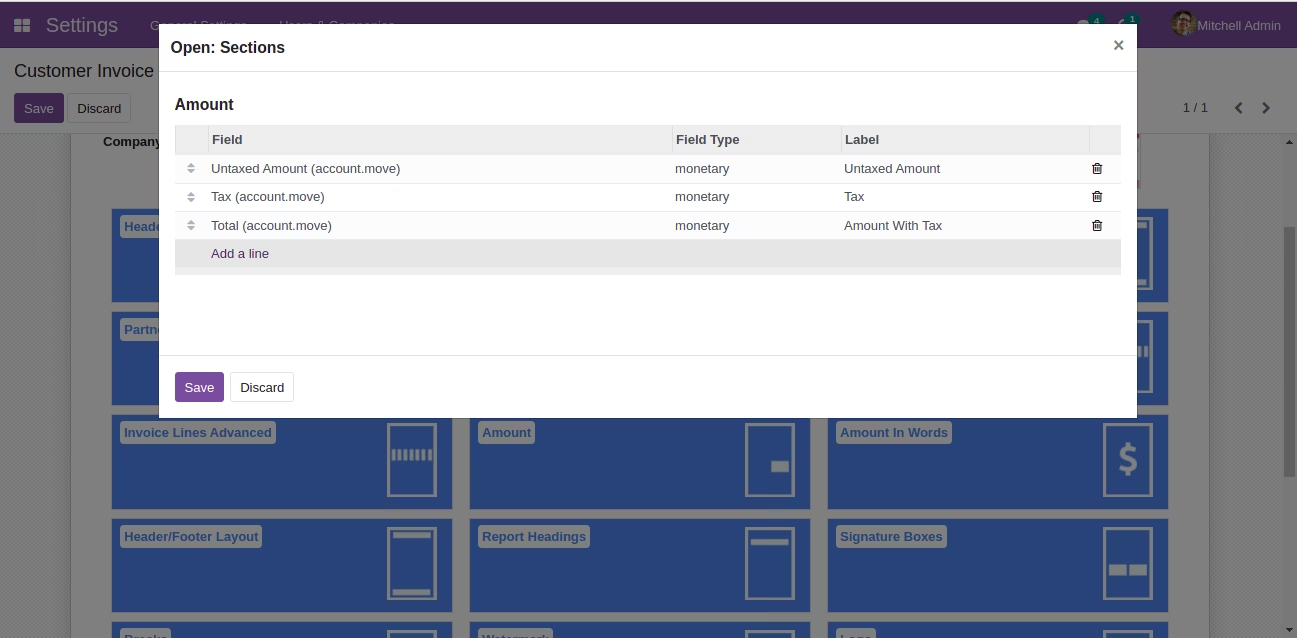
| You can add/remove the company fields which to be displayed in the amount section (including fields of Odoo-Studio / third-party apps). | |
| You can set field label. | |
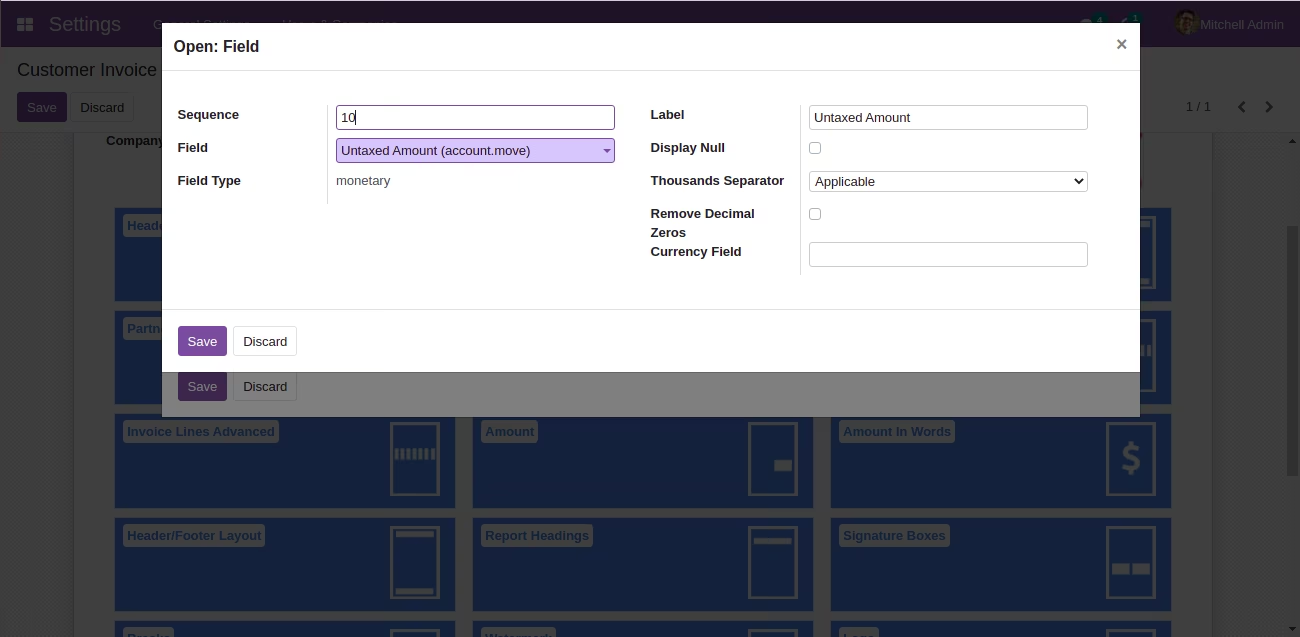
| You can apply Thousand Separators For Numeric Fields. | |
| You can remove unwanted zeros in the Decimal for numeric fields (Eg. 278.00 to 278). | |
| You can mention that whether the field should be hidden/displayed if value is null. | |
| You can change order of the fields. |
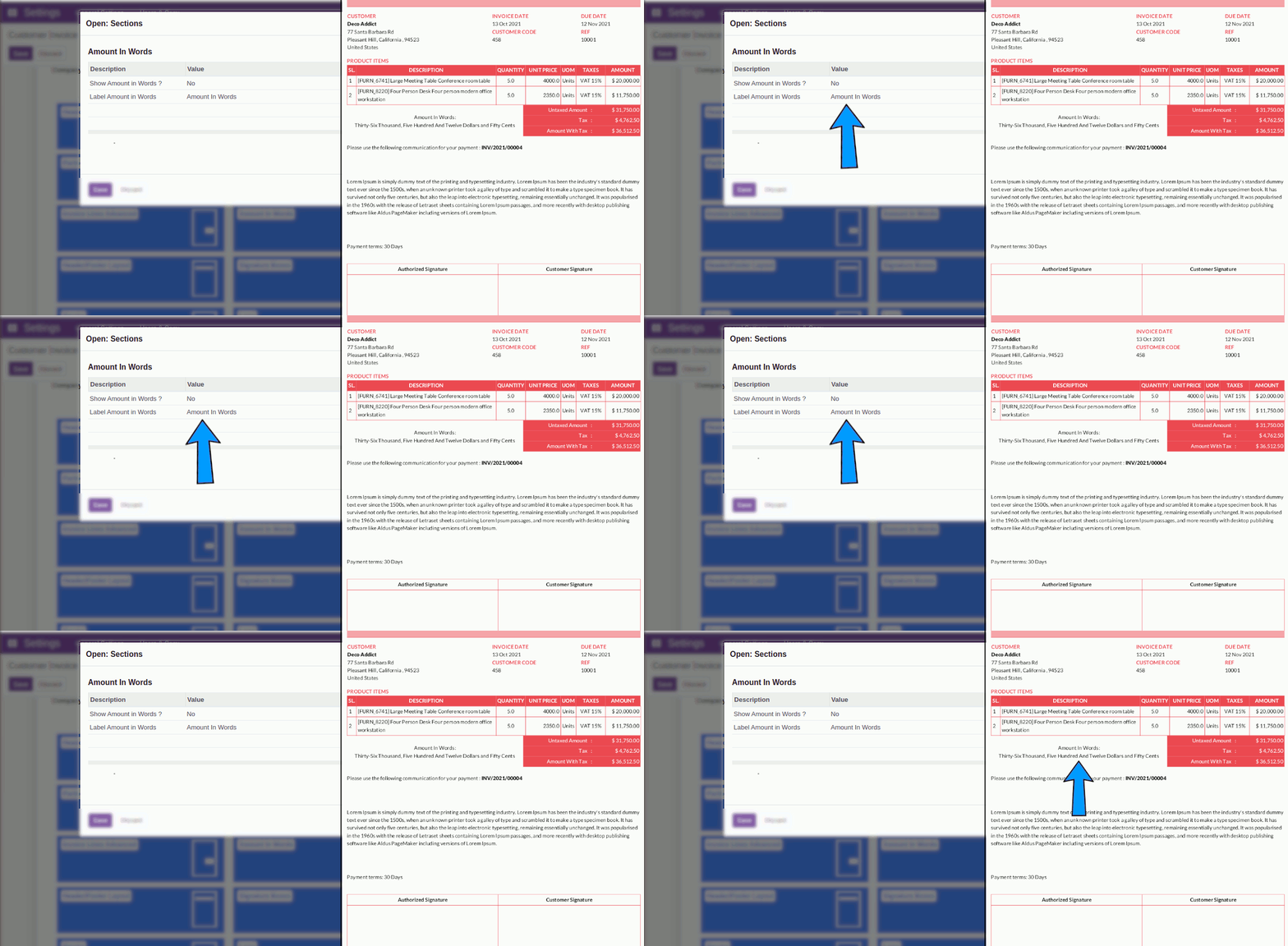
| Amount In Words. (like Odoo standard, the text is generated depending on num2words package installed in your server). |
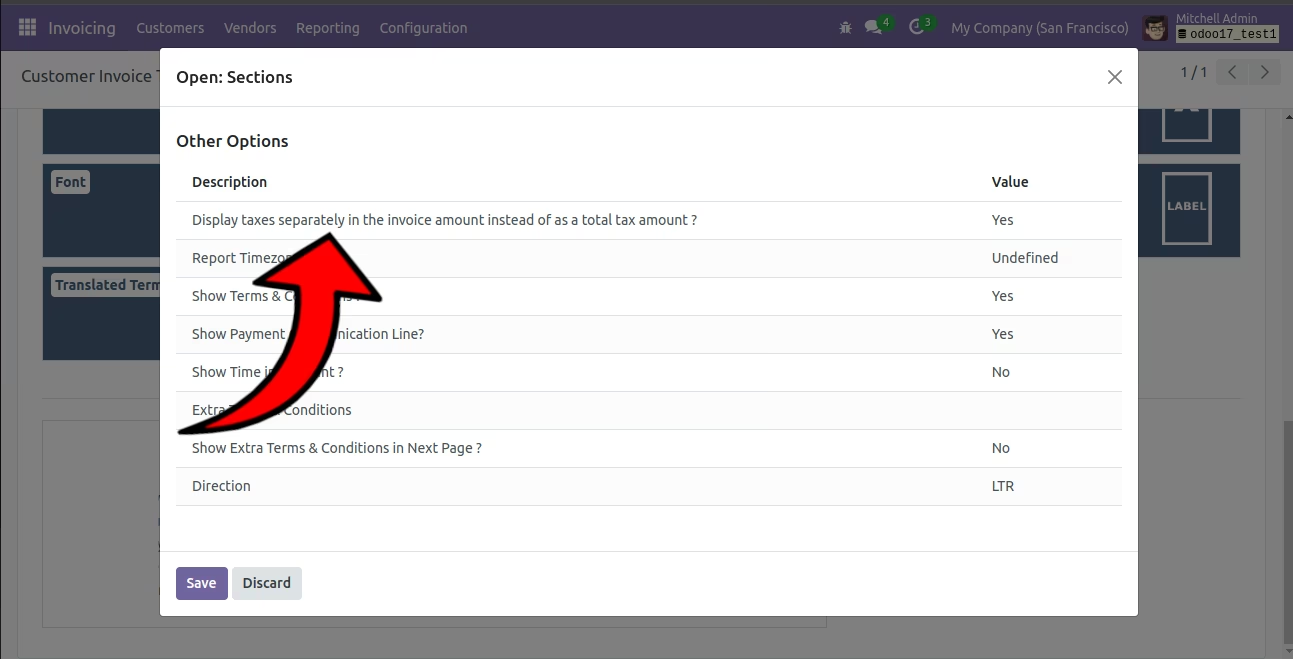
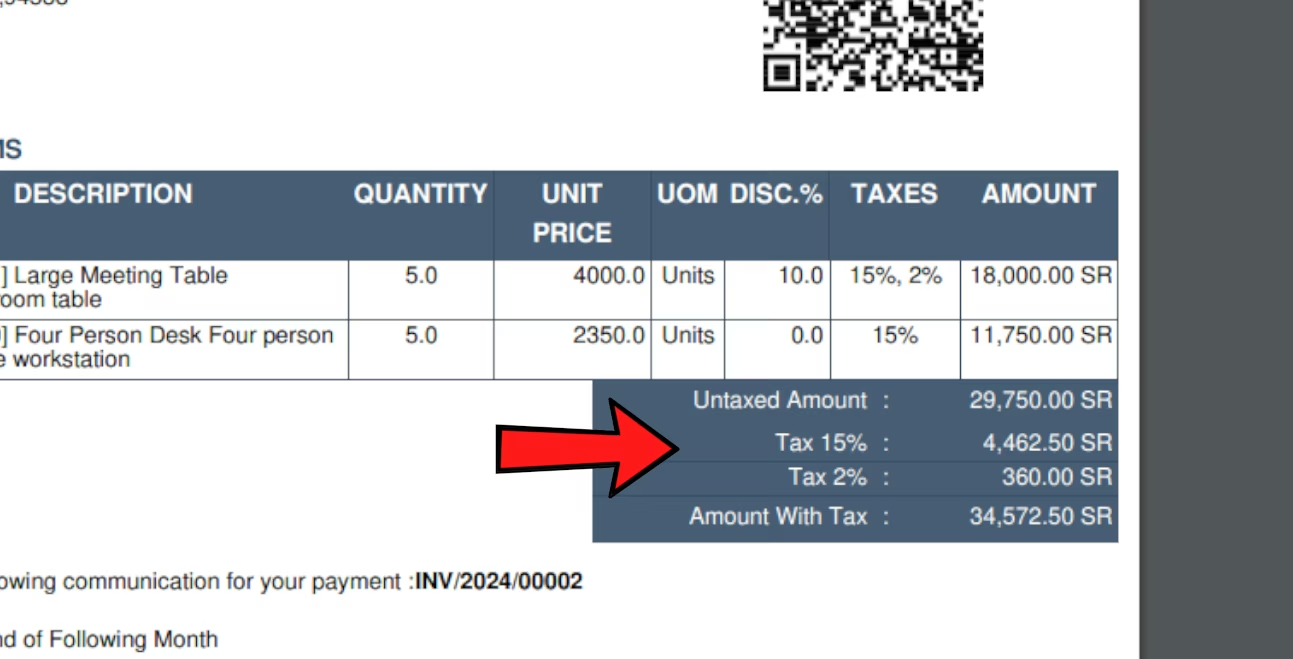
| Option to display taxes separately in the invoice amount instead of as a total tax amount. |
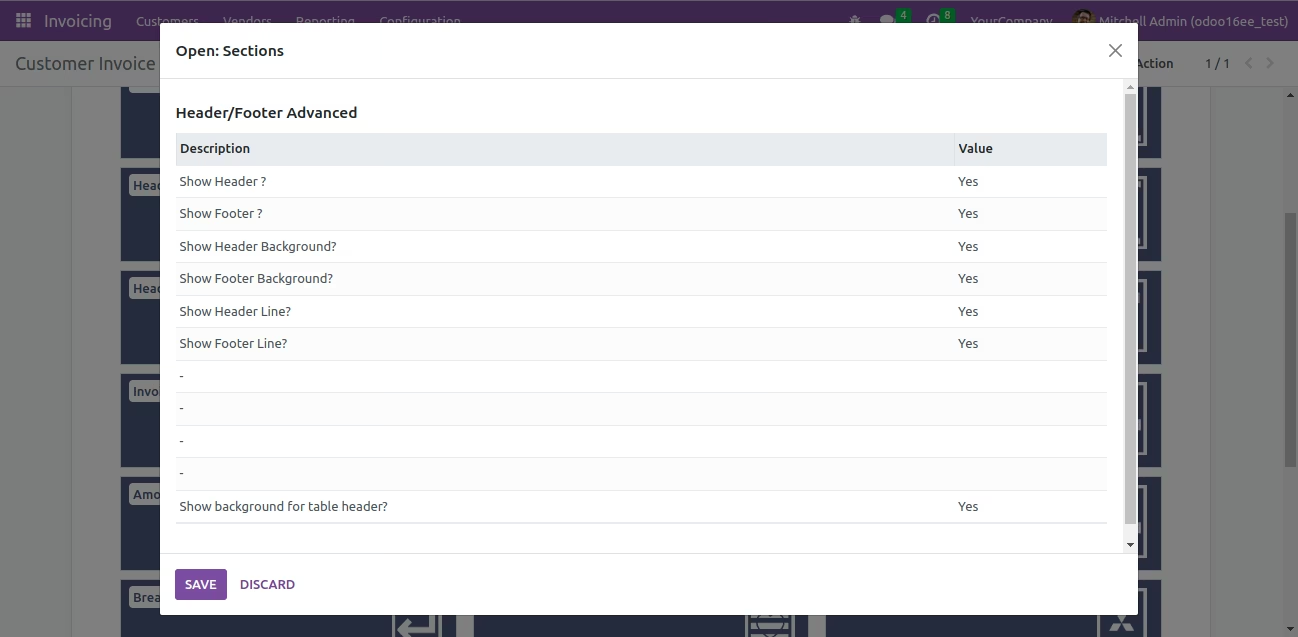
| Activate / Deactivate Header and Footer. |
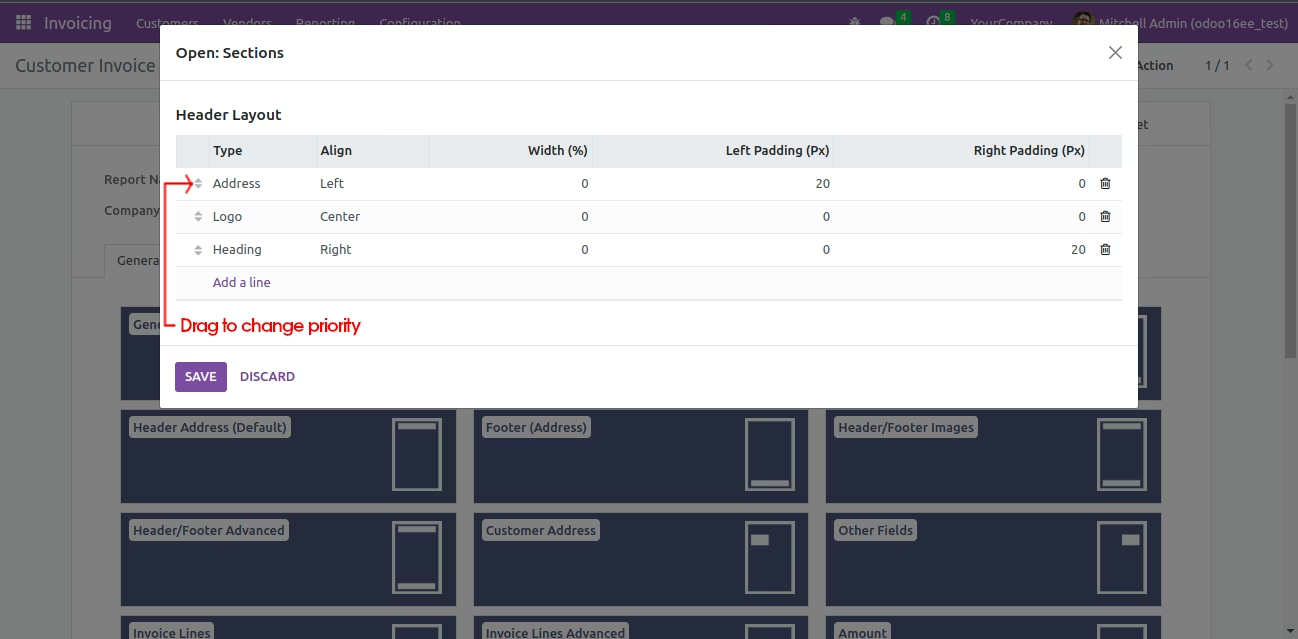
| Adjust Header Layout. |
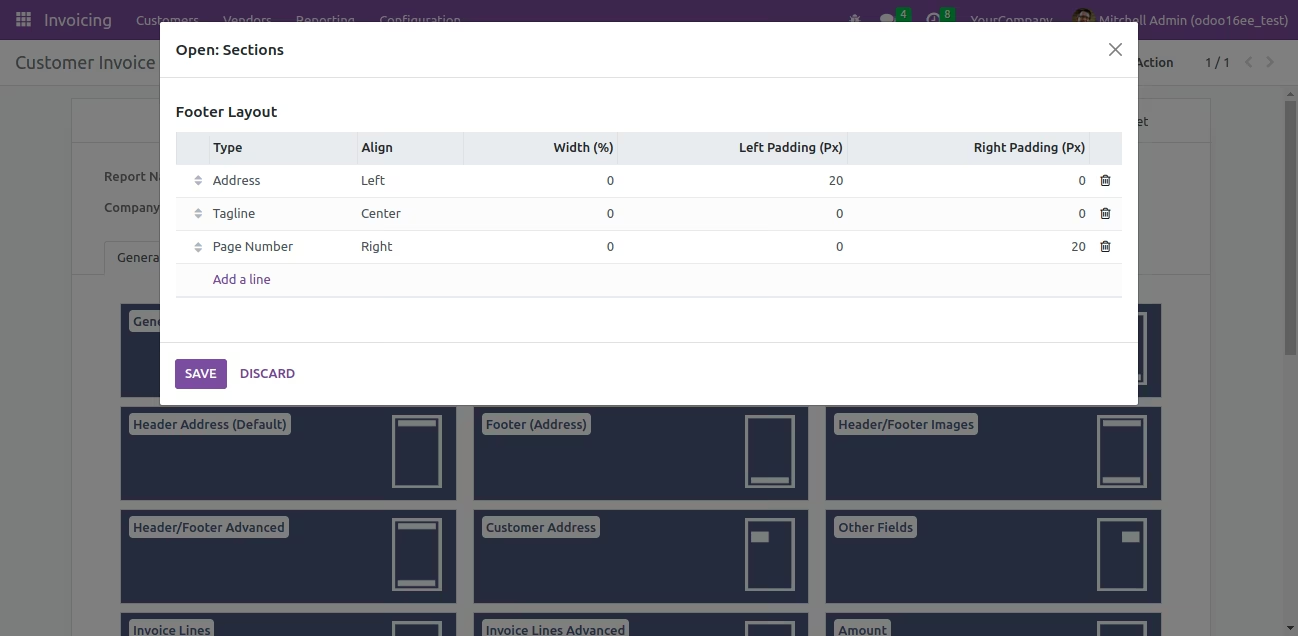
| Adjust Footer Layout. |
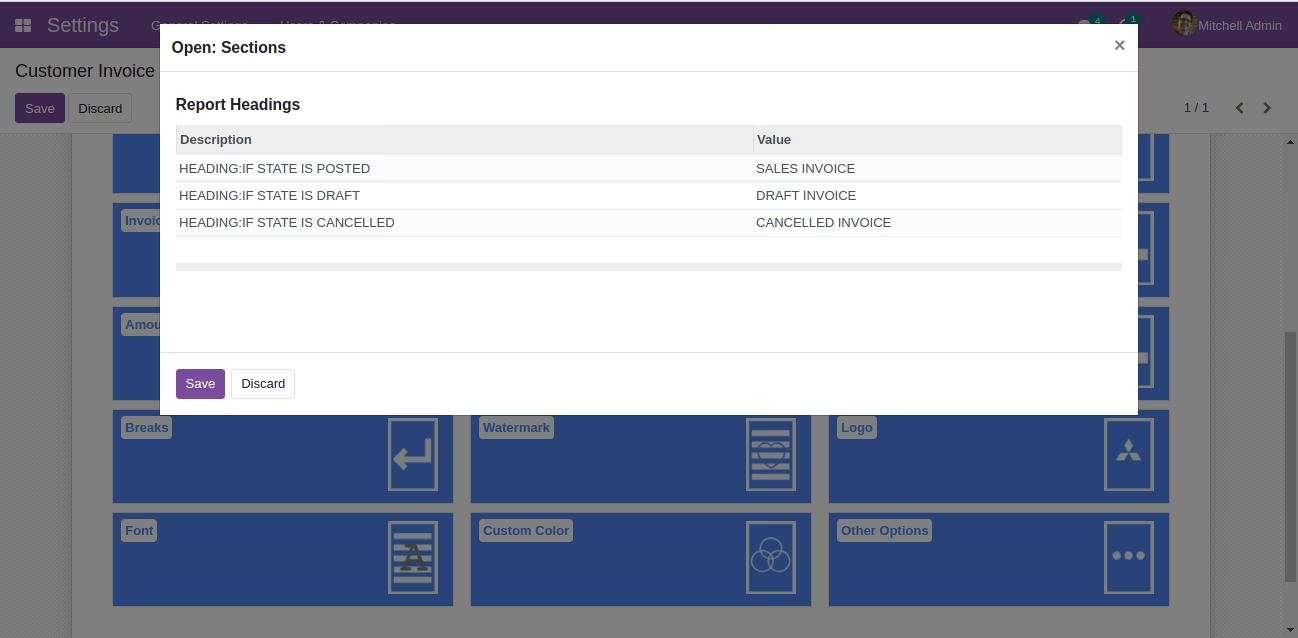
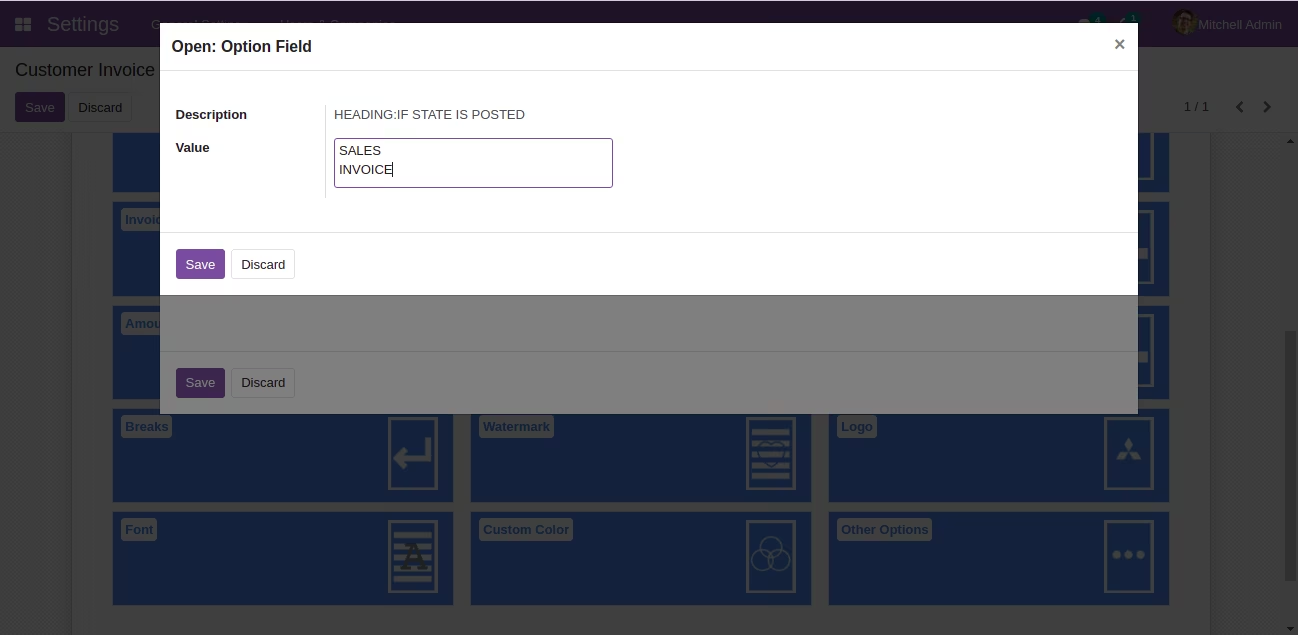
| Option to change Headings. |
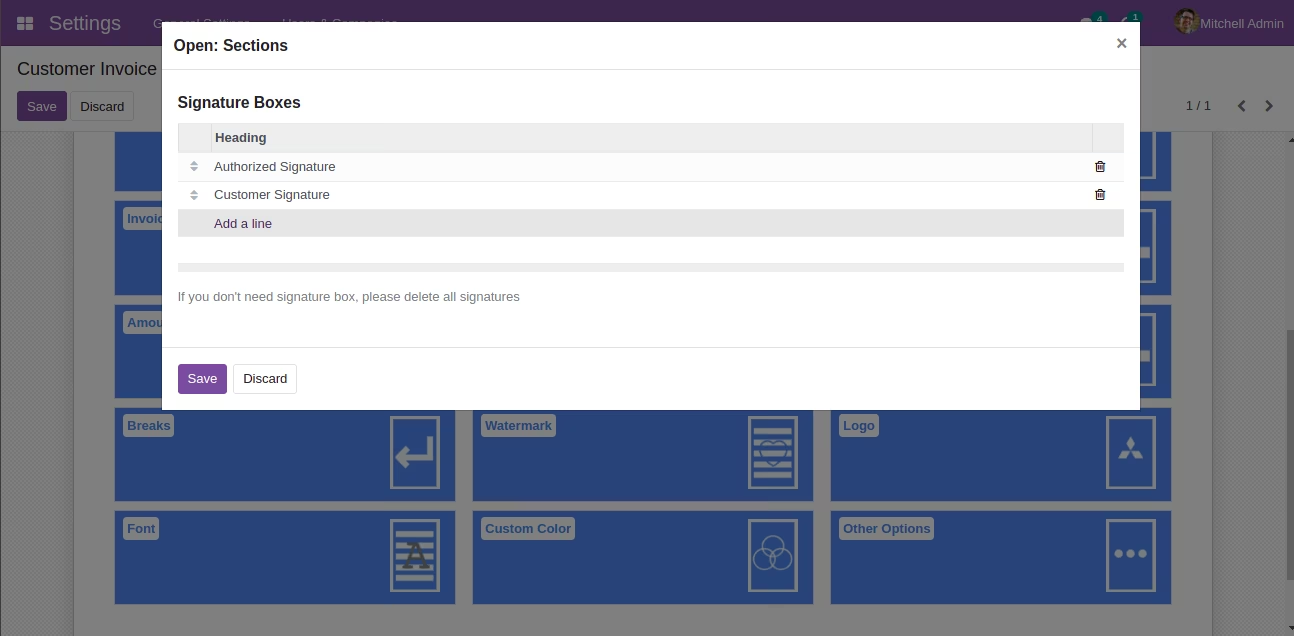
| Add / Remove Signature boxes. Delete all if you don't need signature box. |
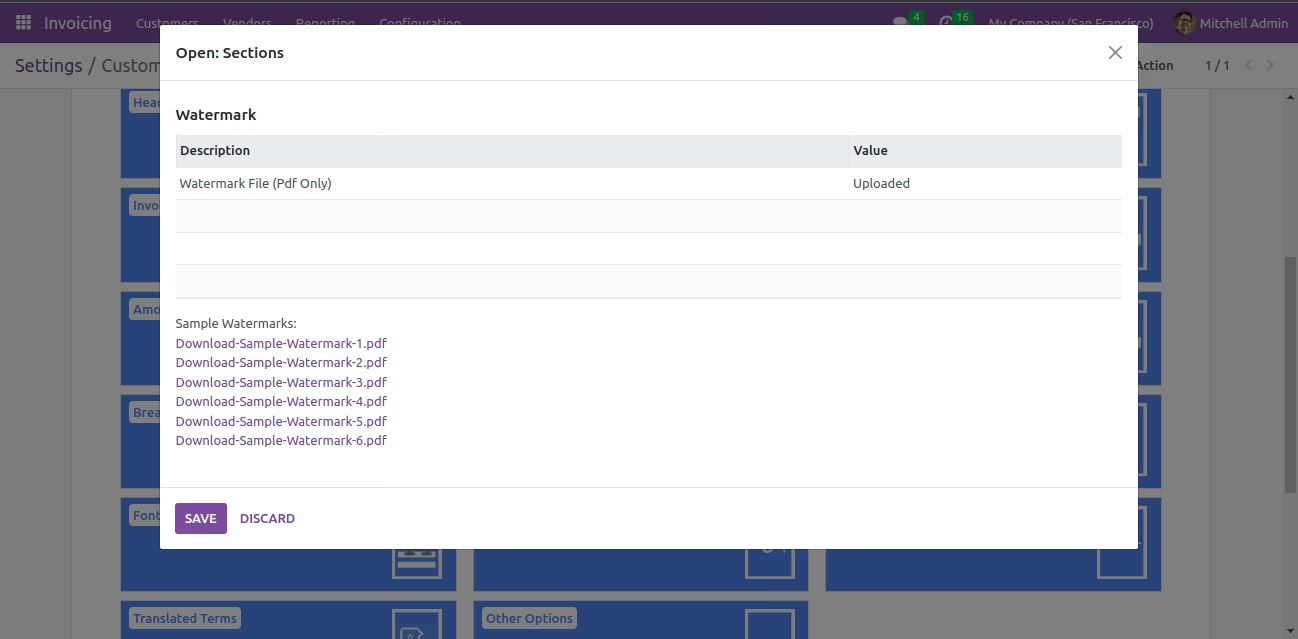
| Set up Watermark. |
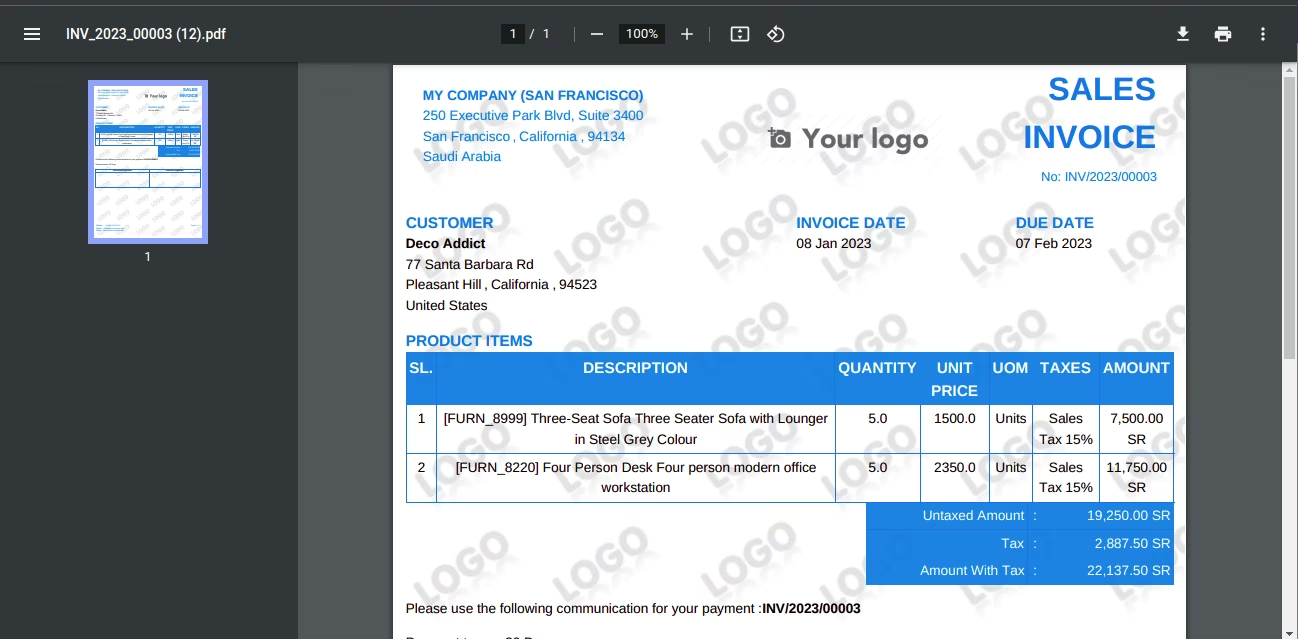
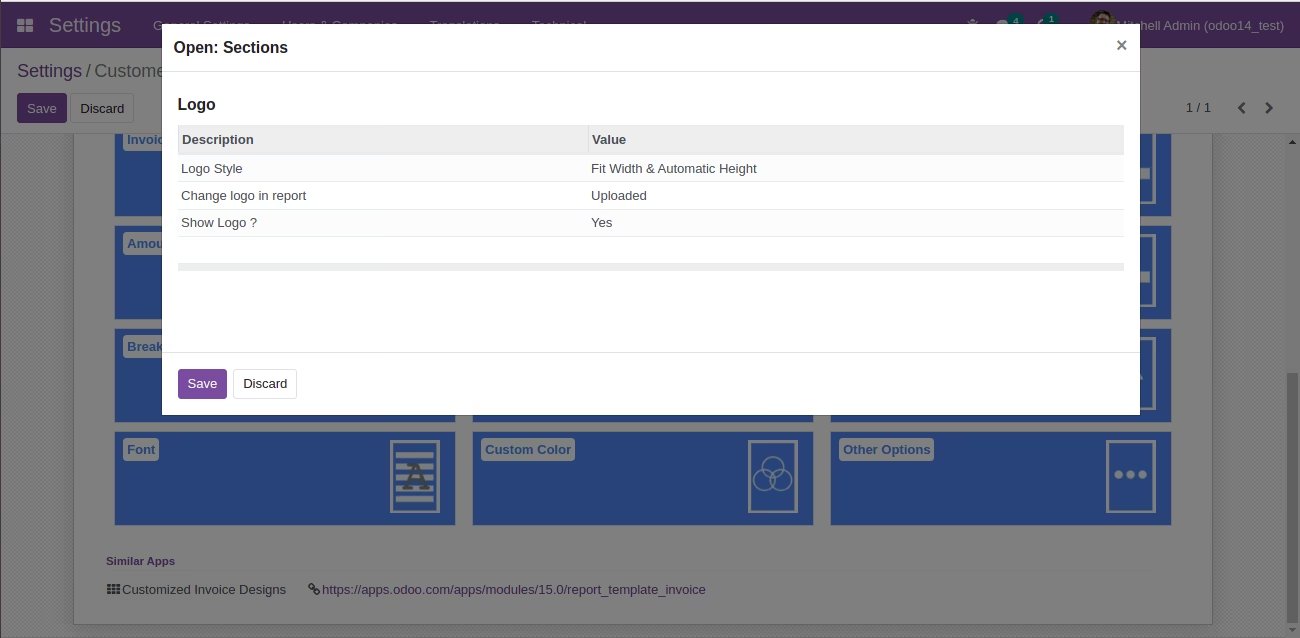
| Set up Logo. |
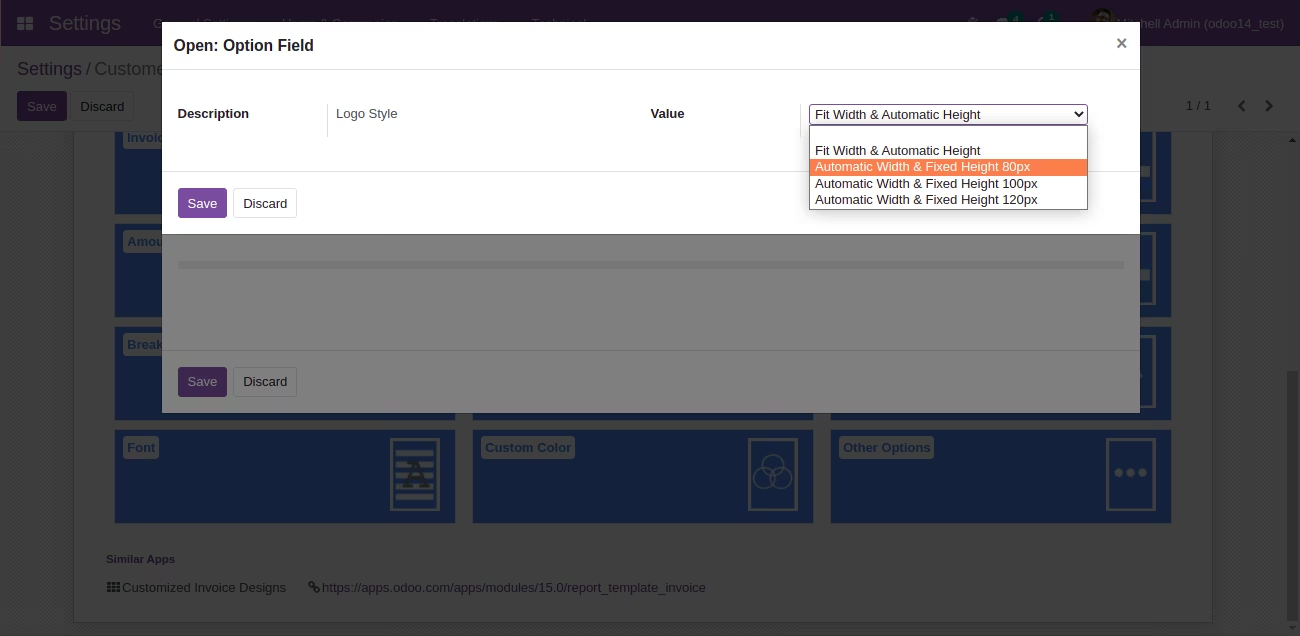
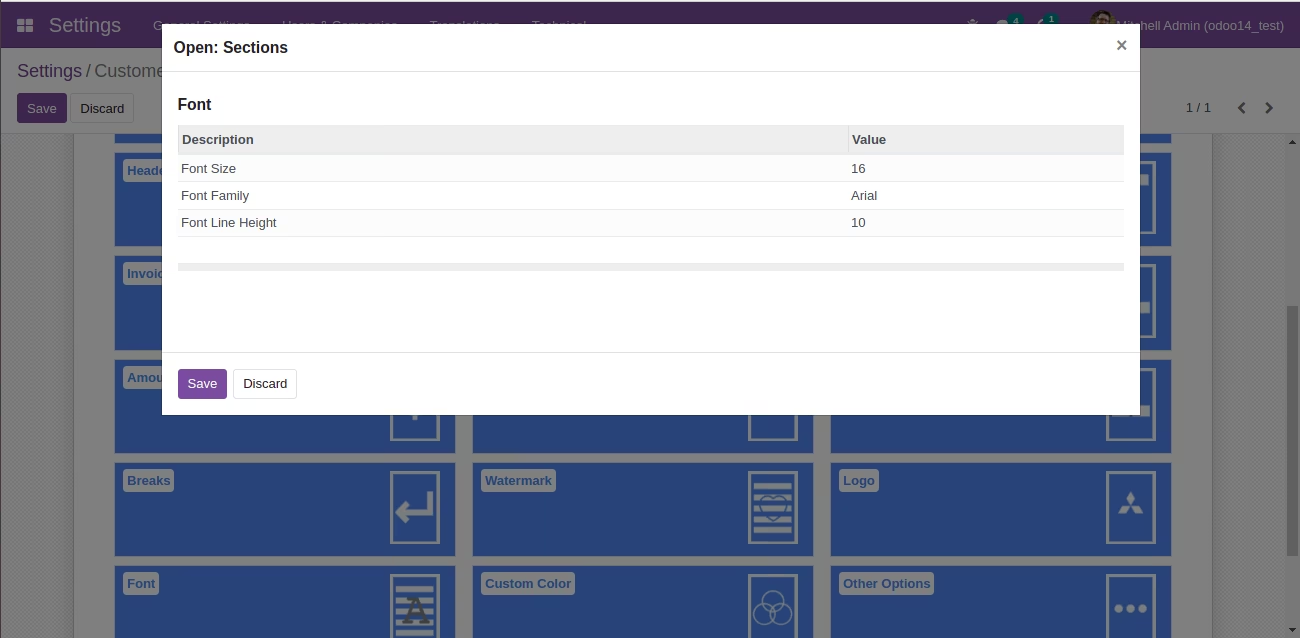
| Set up Font Size, Family and line height. |
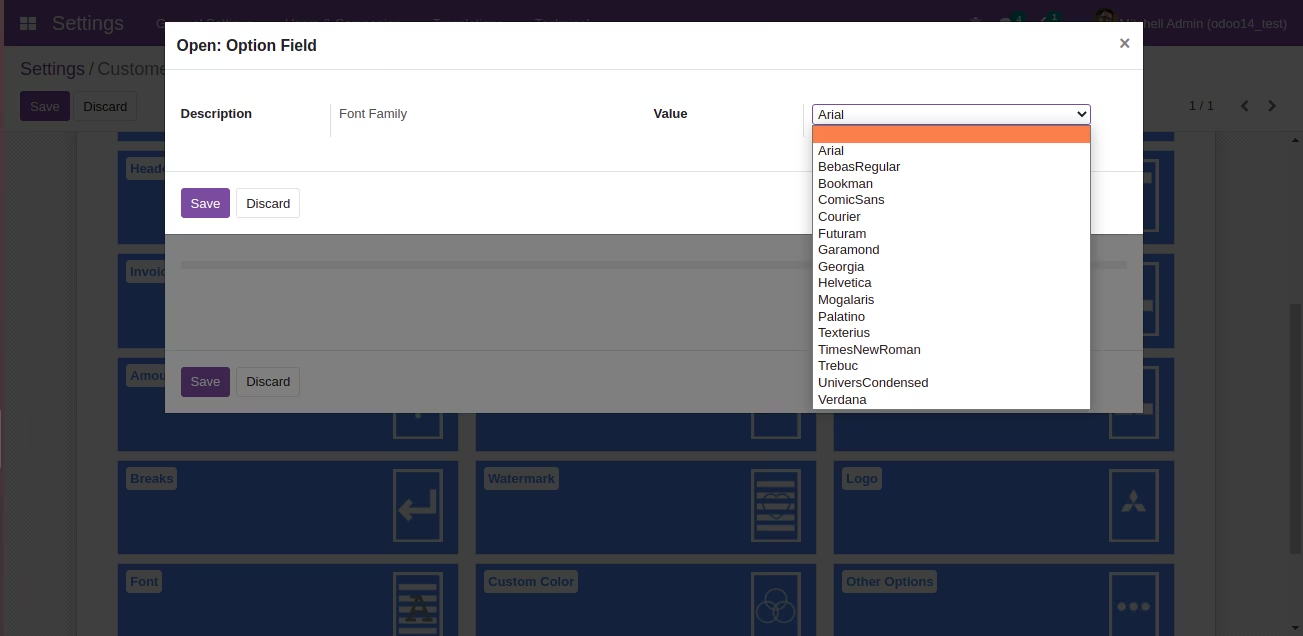
 FONT: Arial
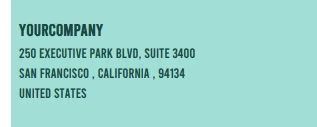 FONT: BebasRegular
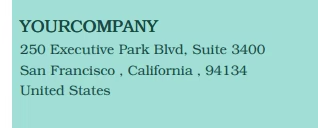 FONT: Bookman
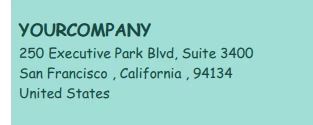 FONT: ComicSans
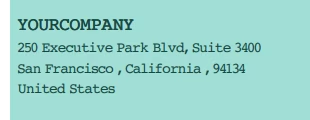 FONT: Courier
 FONT: Futuram
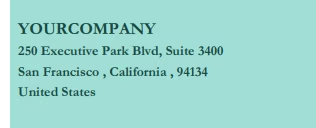 FONT: Garamond
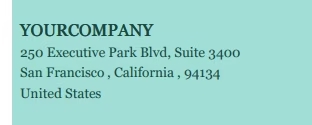 FONT: Georgia
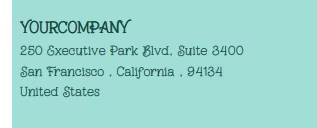 FONT: Mogalaris
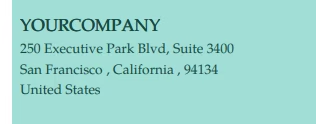 FONT: Palatino
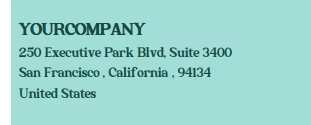 FONT: Texterius
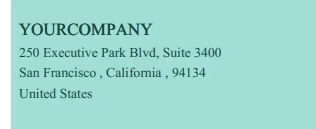 FONT: TimesNewRoman
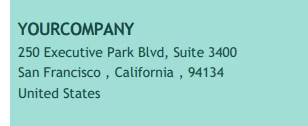 FONT: Trebuc
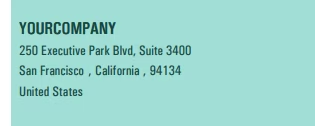 FONT: UniversCondensed
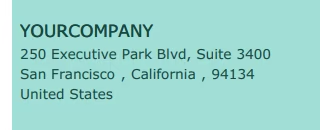 FONT: Verdana
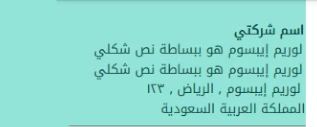 FONT: Arabic DroidKufi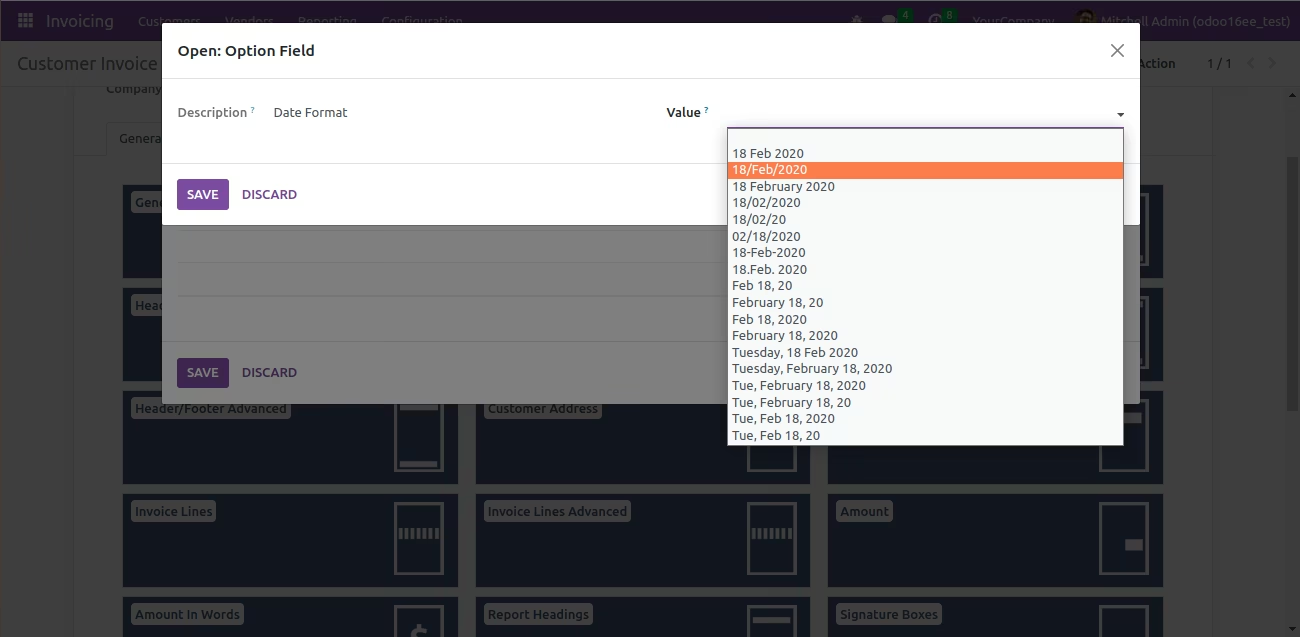
| Change Date Format |
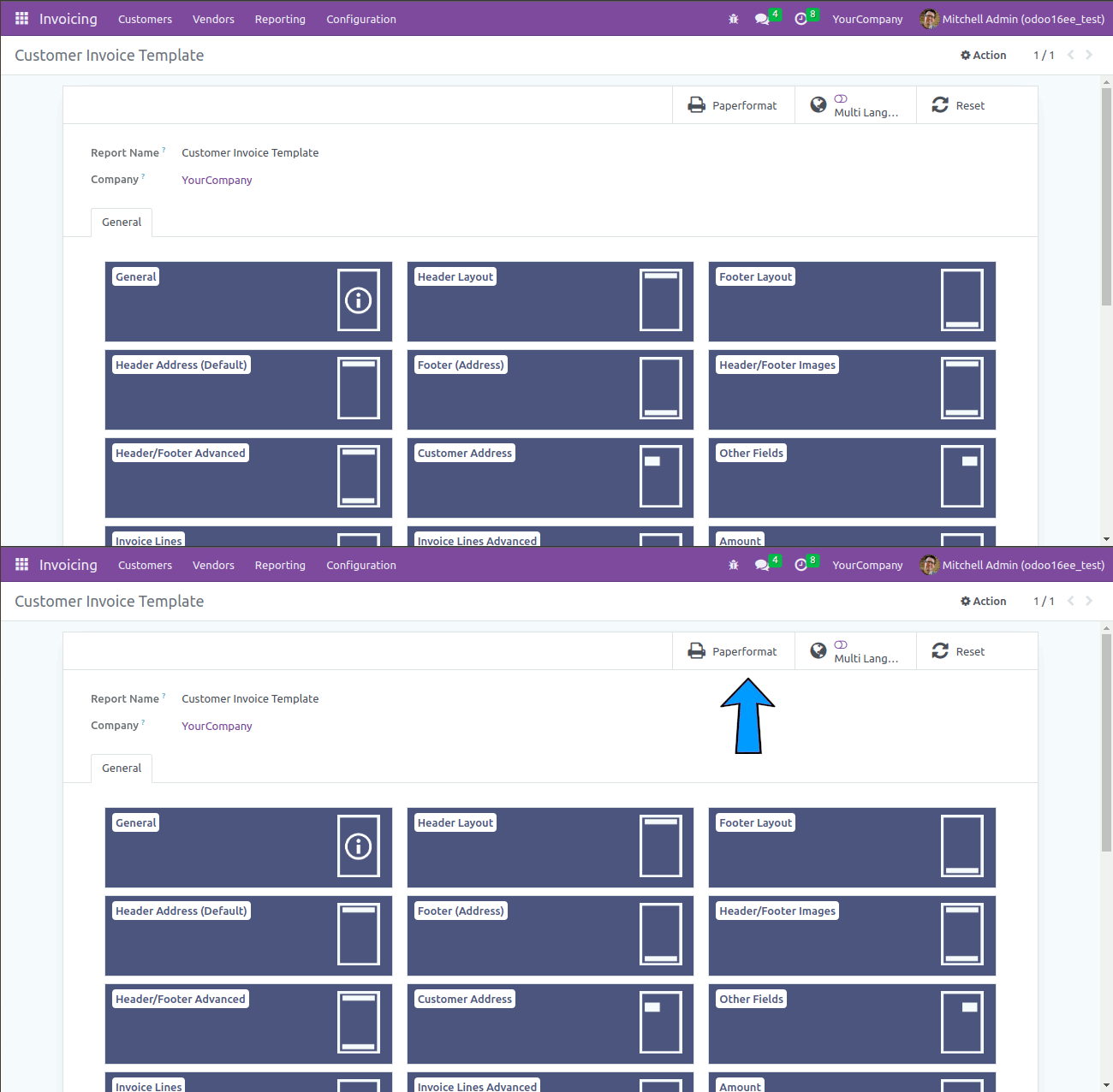
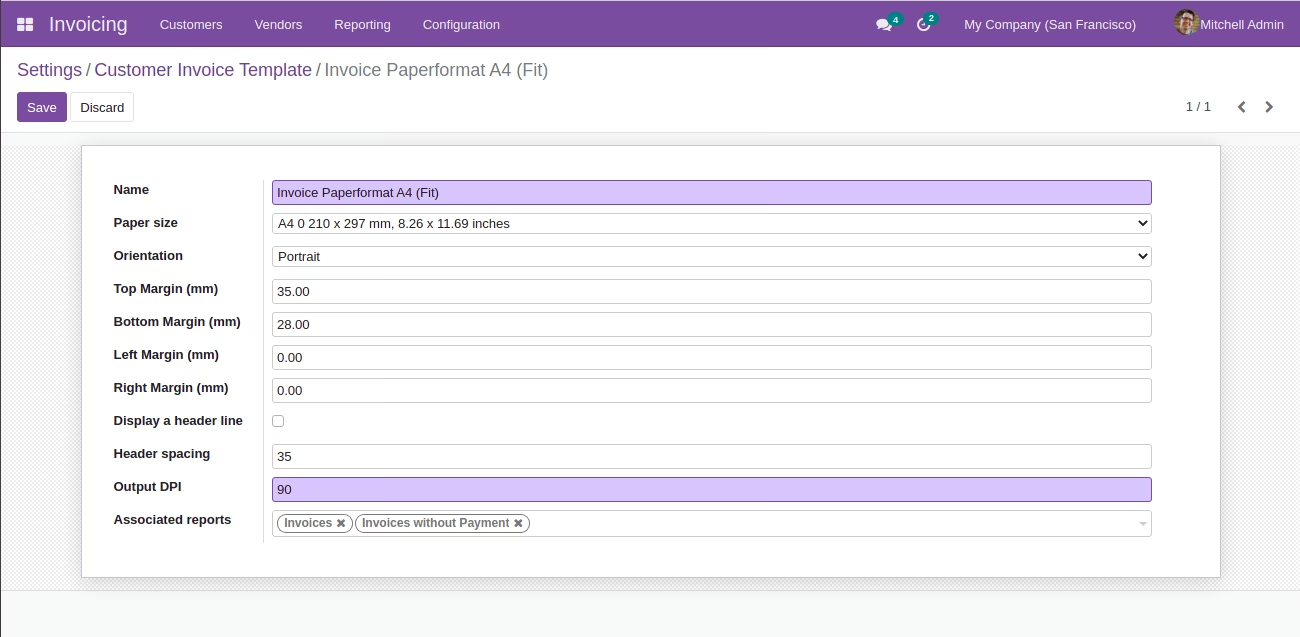
| Setup paperformat. |
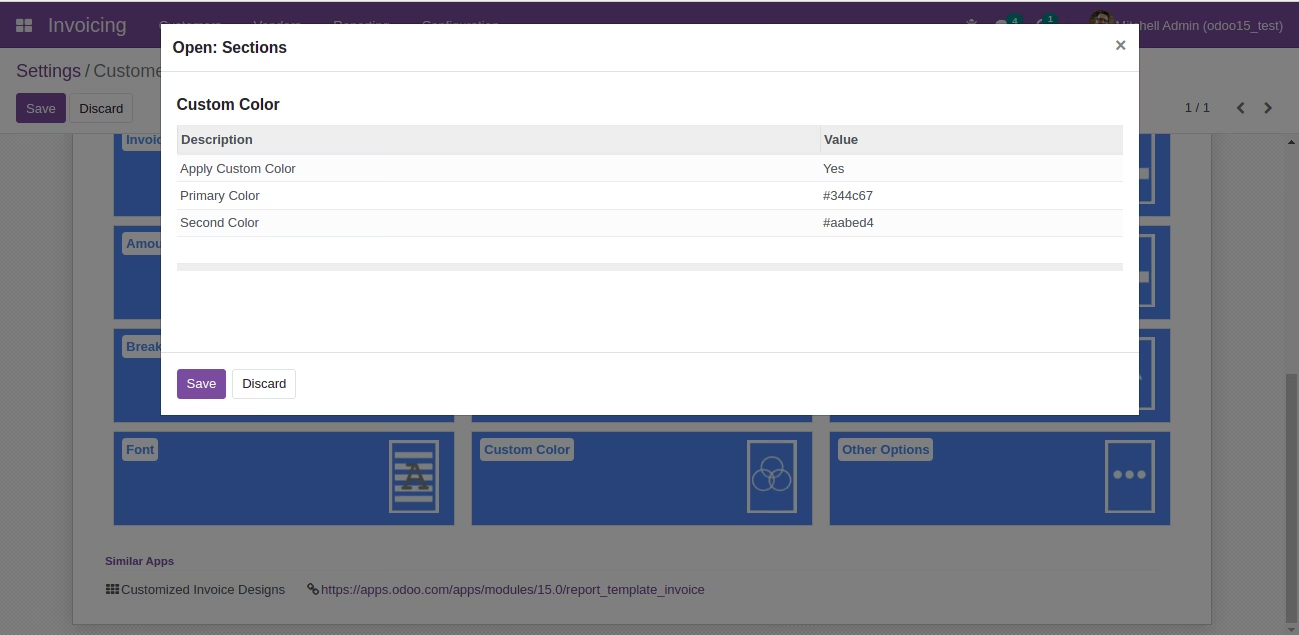
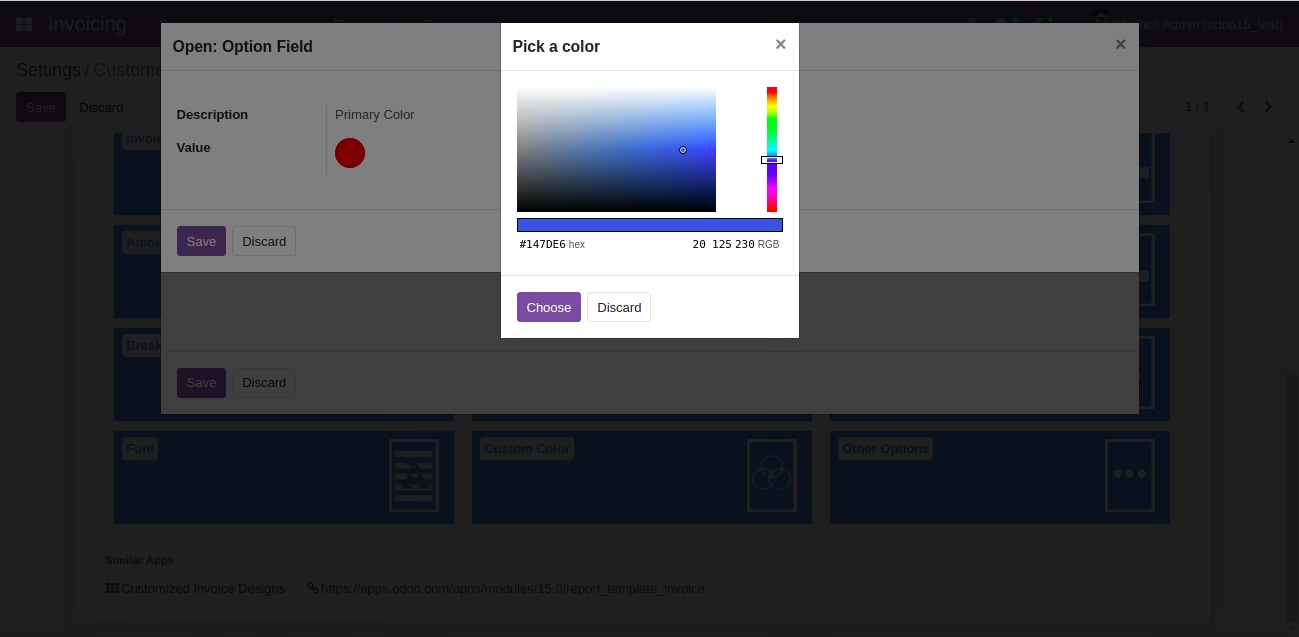
| Custom Color Code |
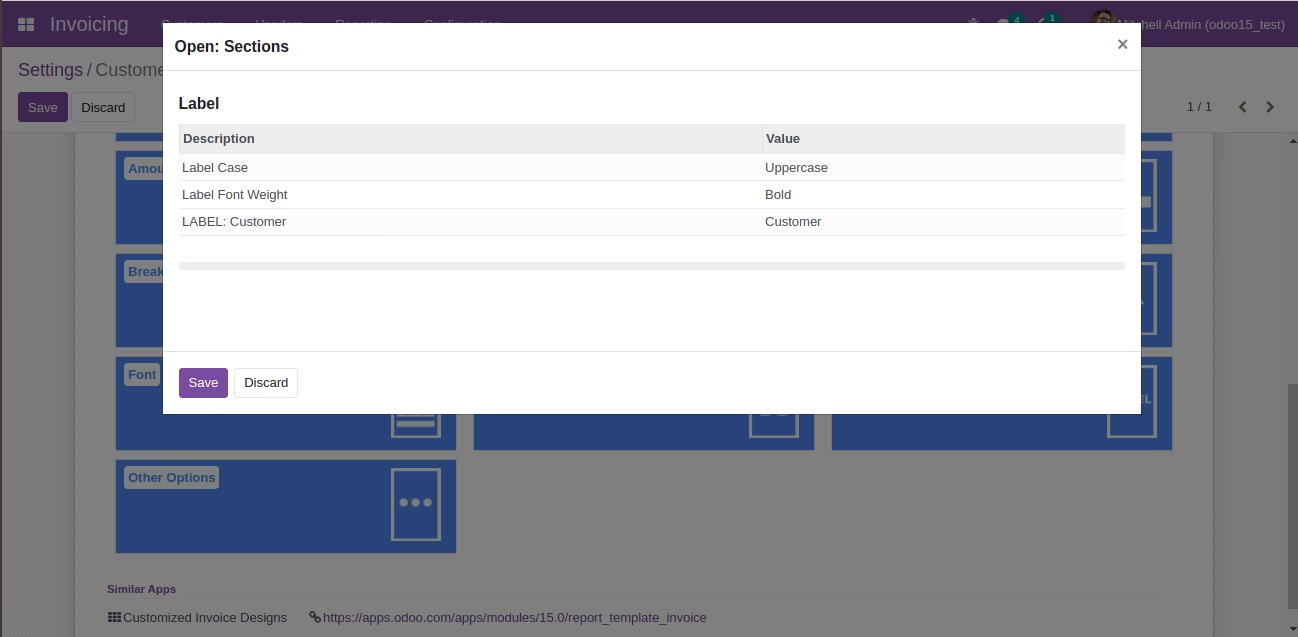
| Label Options |
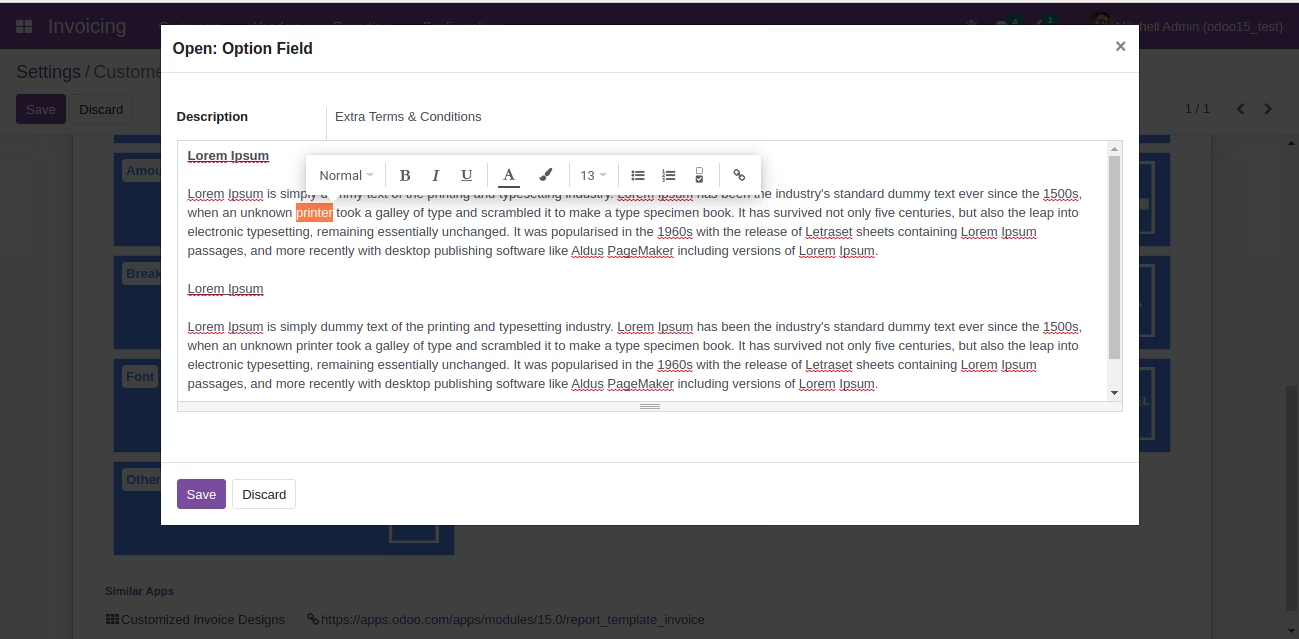 Extra Terms & Conditions
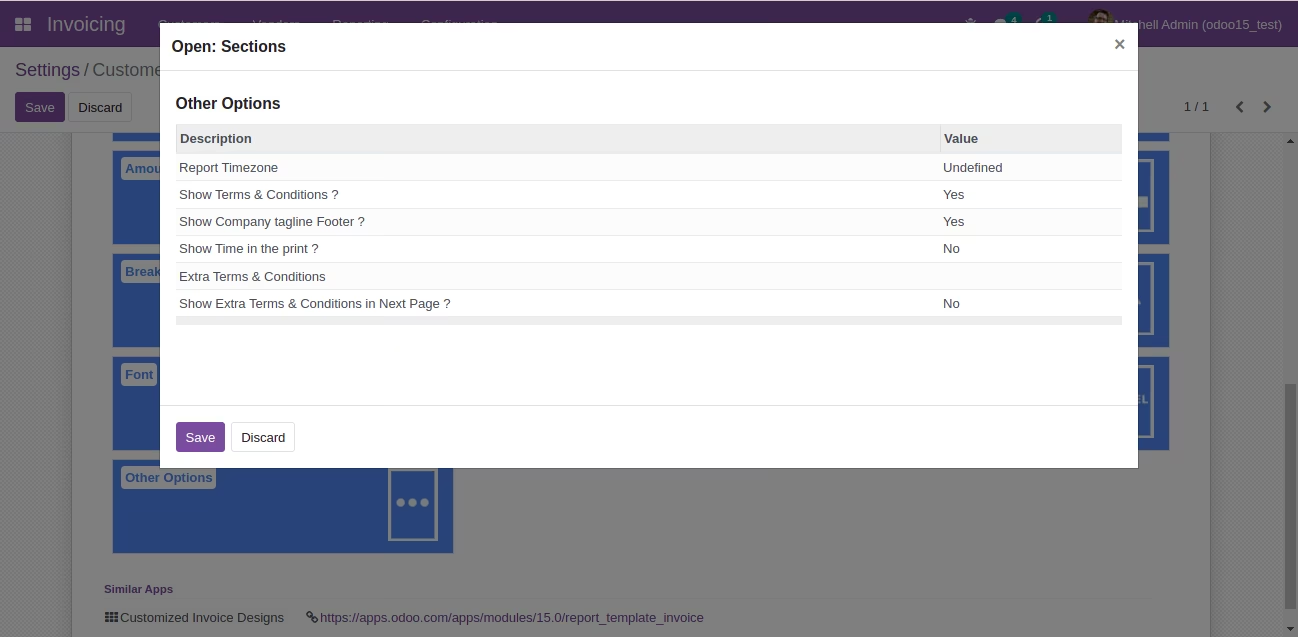 Other Options
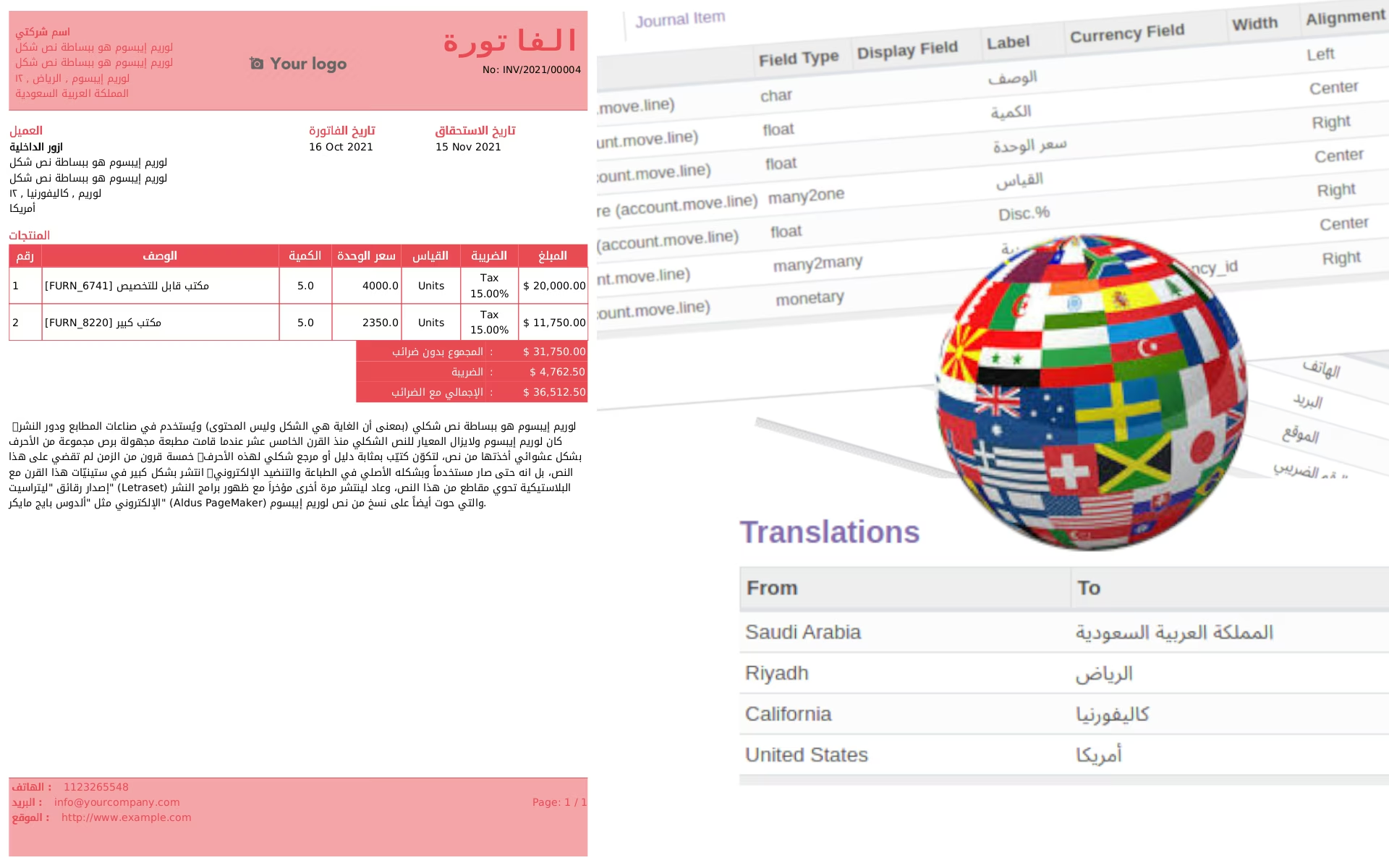 The report is flexible. So you can make in any language. An Arabic sample is given above.
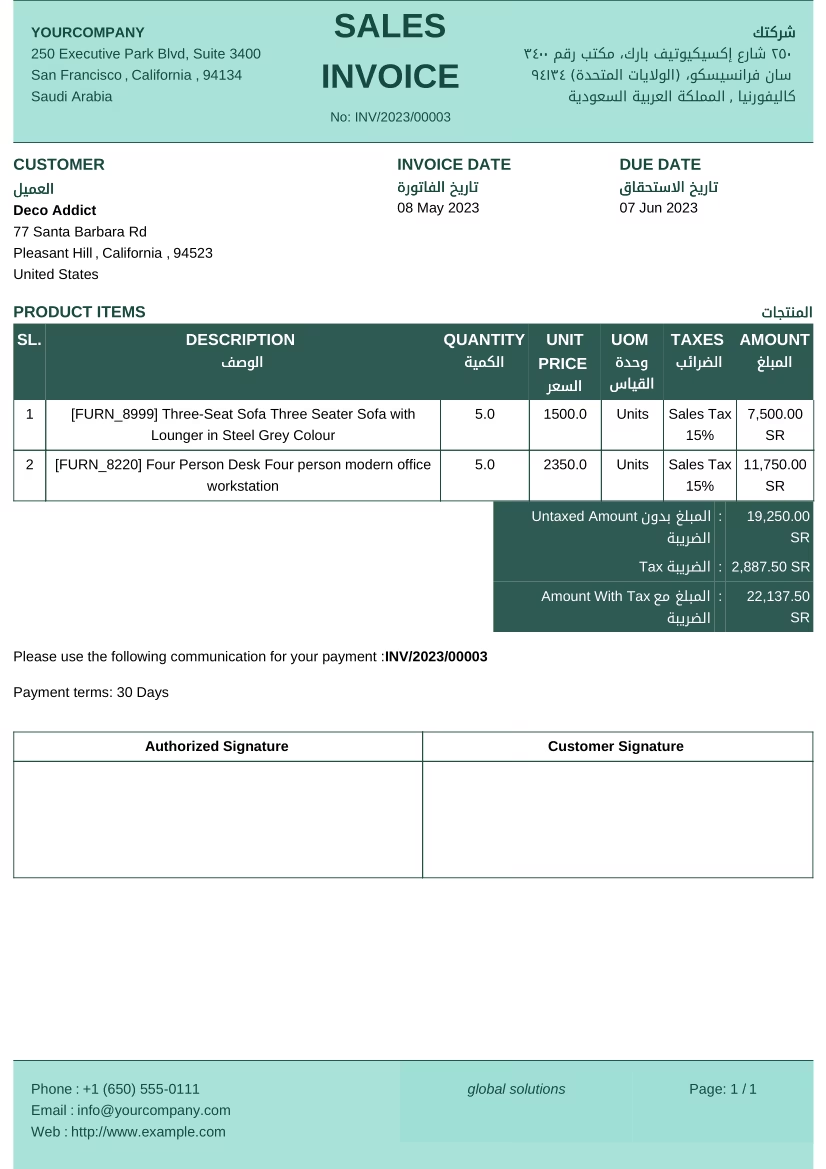 Example of Multi language.