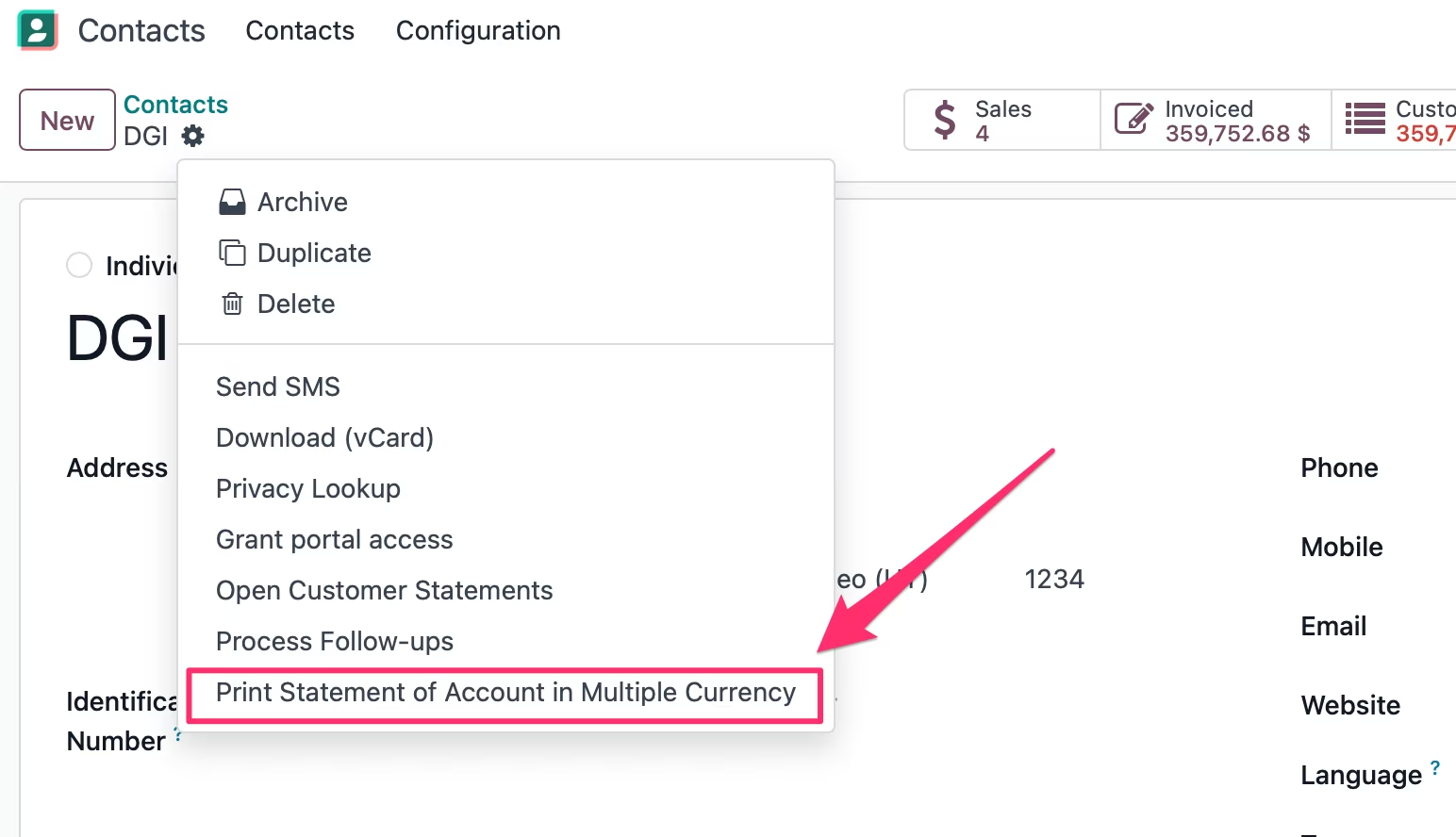
The module for provides a comprehensive solution for generating detailed customer account statements with multi-currency support. This module enhances financial transparency by displaying outstanding invoices, balances due, and ageing periods in multiple currencies, enabling businesses to manage accounts receivable efficiently across different regions.
Generate multi-currency customer account statements with ease.
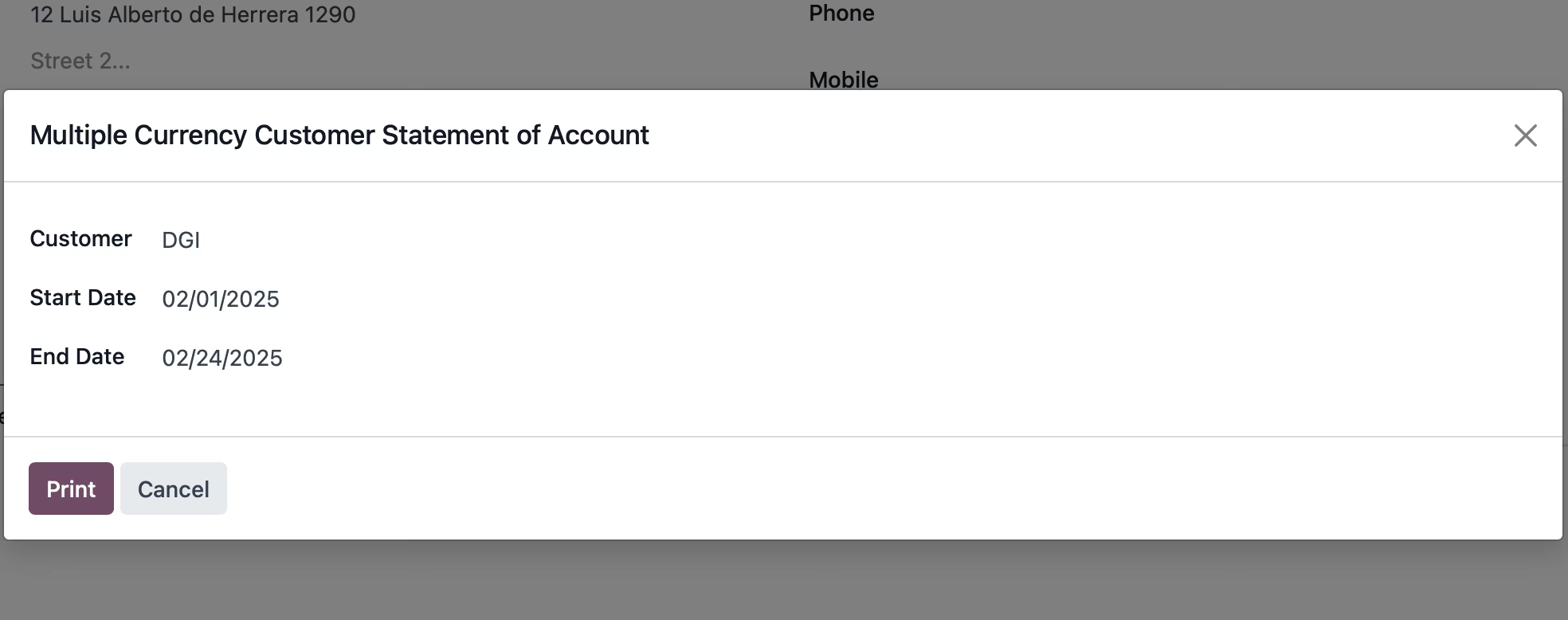
Select a customizable date range for transactions.
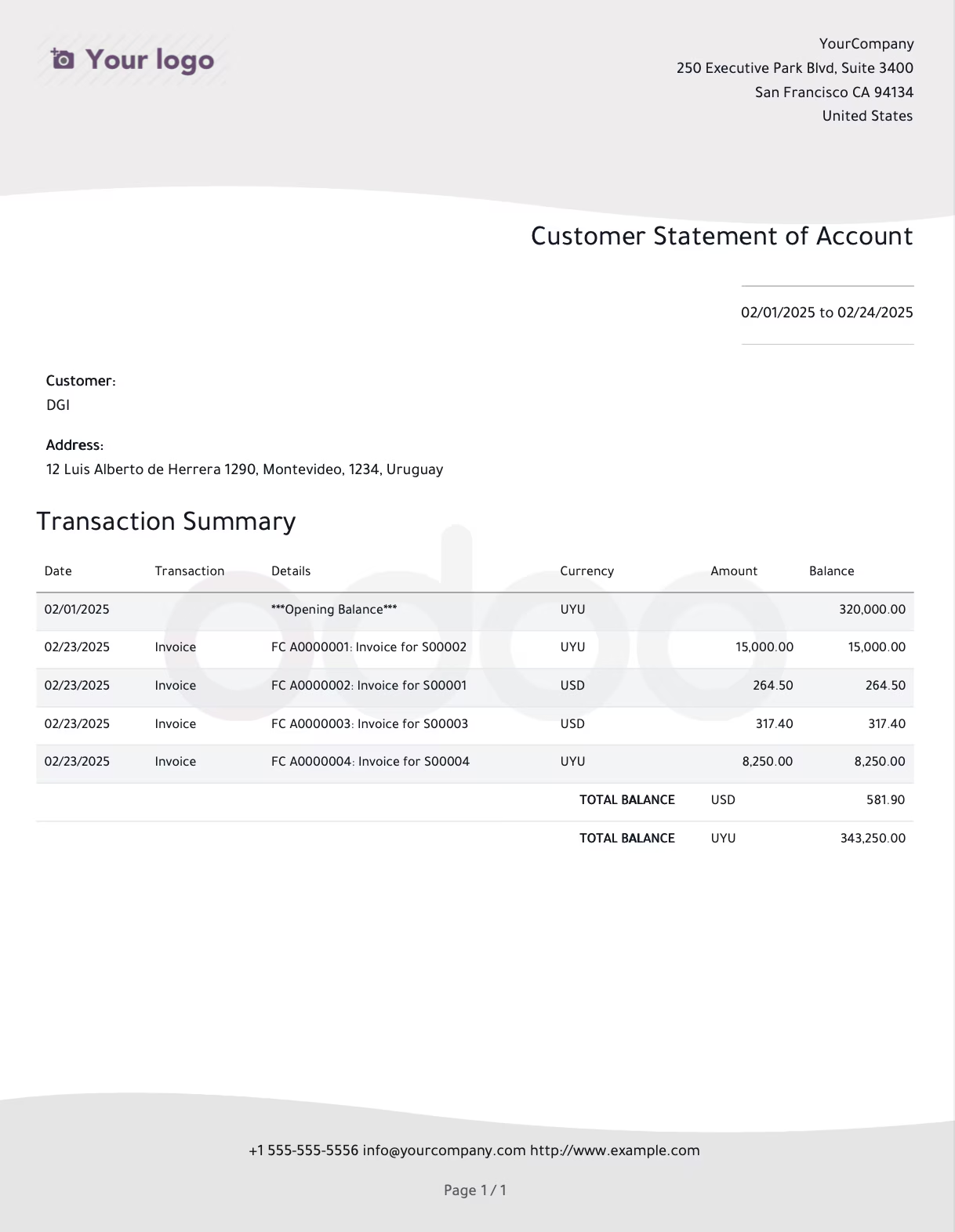
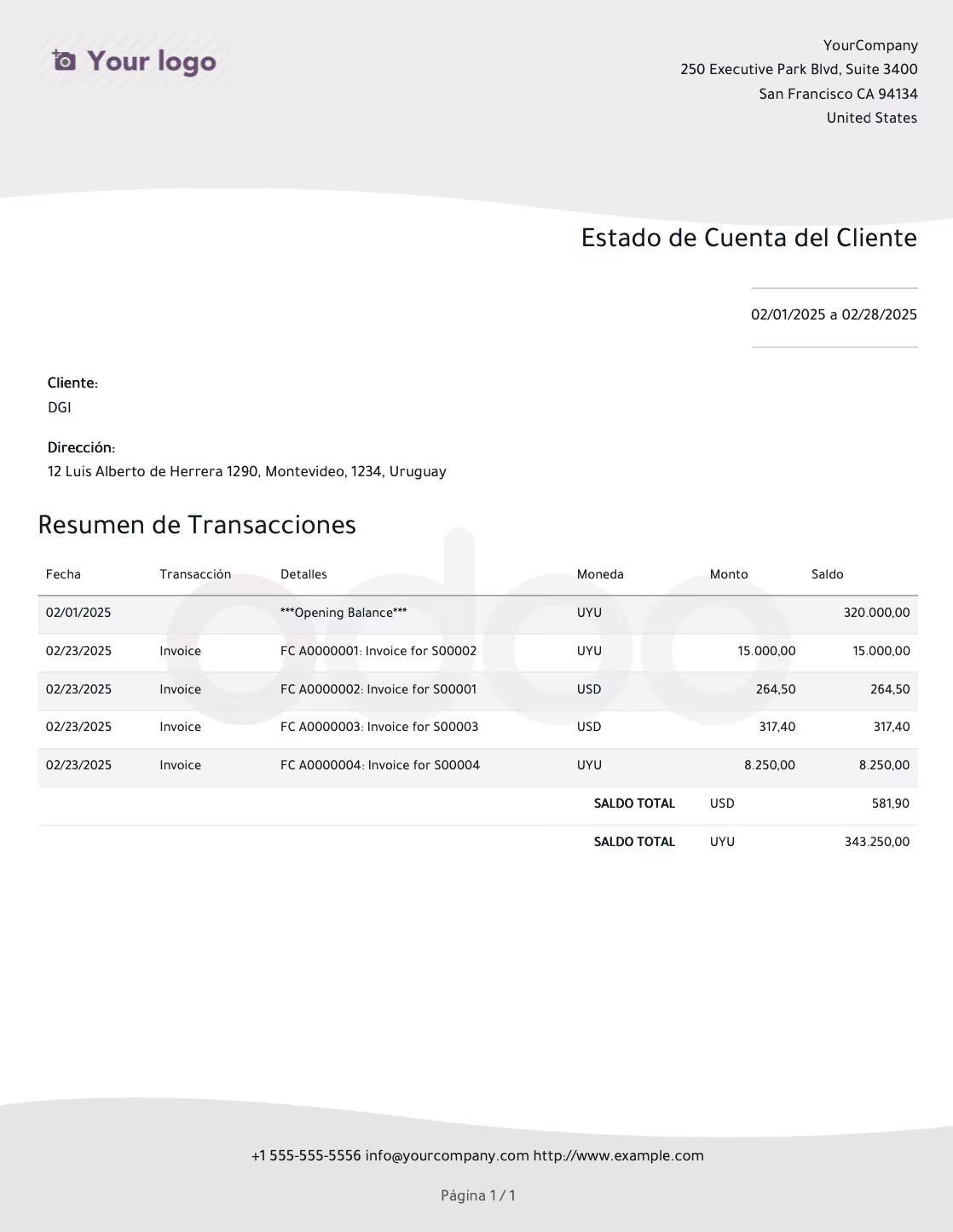
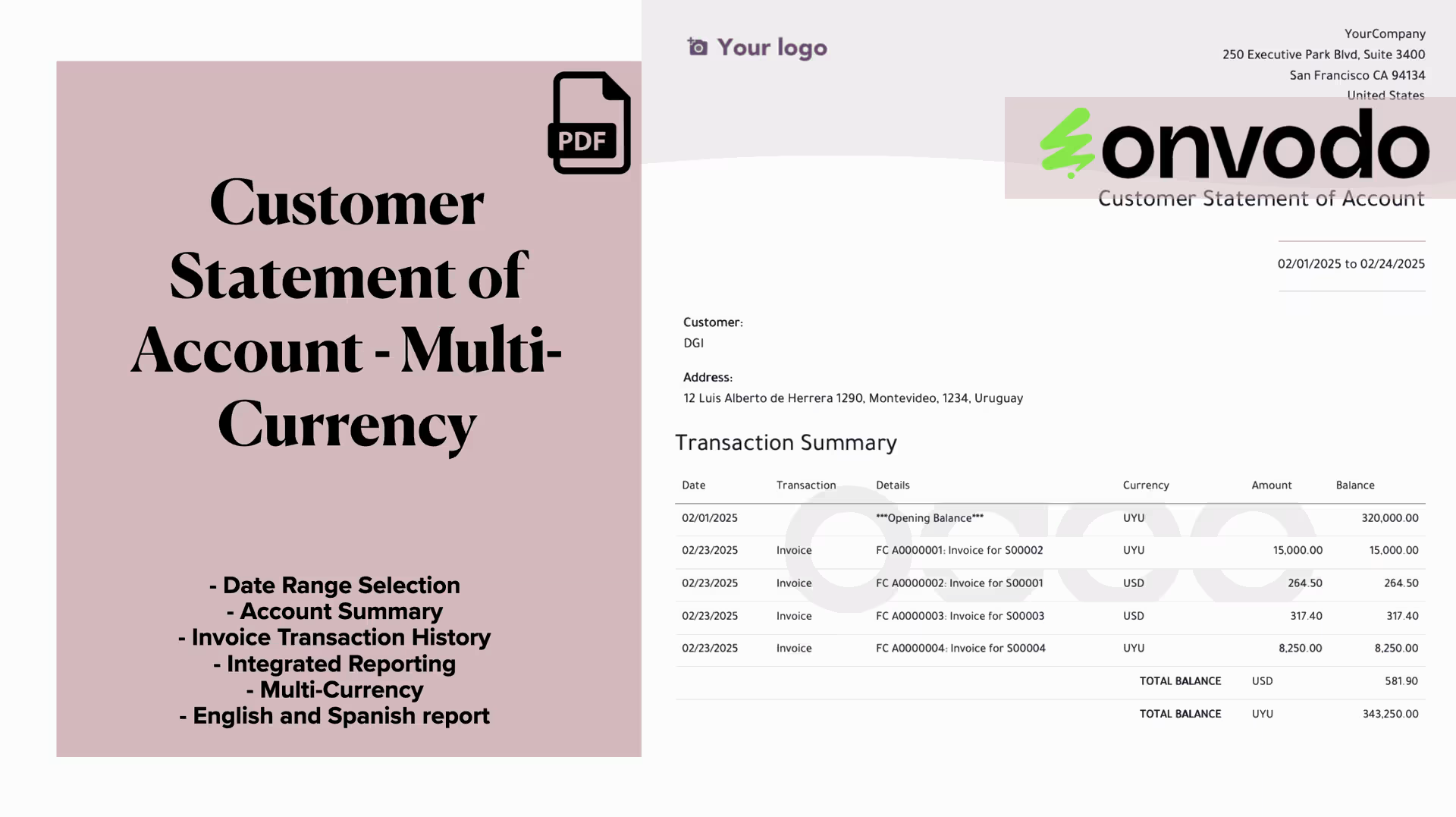
Display opening balances, invoiced amounts, payments, and balances due in multiple currencies.
Provide a detailed transaction summary with amounts and balances.
Support multi-currency and regional formatting for currency symbols.
Enhance customer satisfaction with clear and transparent statements in multiple currencies.
Reduce manual work with automated data fetching and computation.
Ensure accuracy in financial reporting and reconciliation across different currencies.
Improve cash flow management by identifying overdue invoices in various currencies.
Strengthen customer relationships through professional and timely communications.
The Customer Statement of Account module provides a comprehensive solution for generating detailed account statements for your customers. It streamlines and automates the process of tracking customer transactions, improving transparency and customer relationships.
- Generate customer account statements with ease.
- Select a customizable date range for transactions.
- Display opening balances, invoiced amounts, payments, and balances due.
- Detailed transaction summary with amounts and balances.
- Multi-currency transaction and balances.
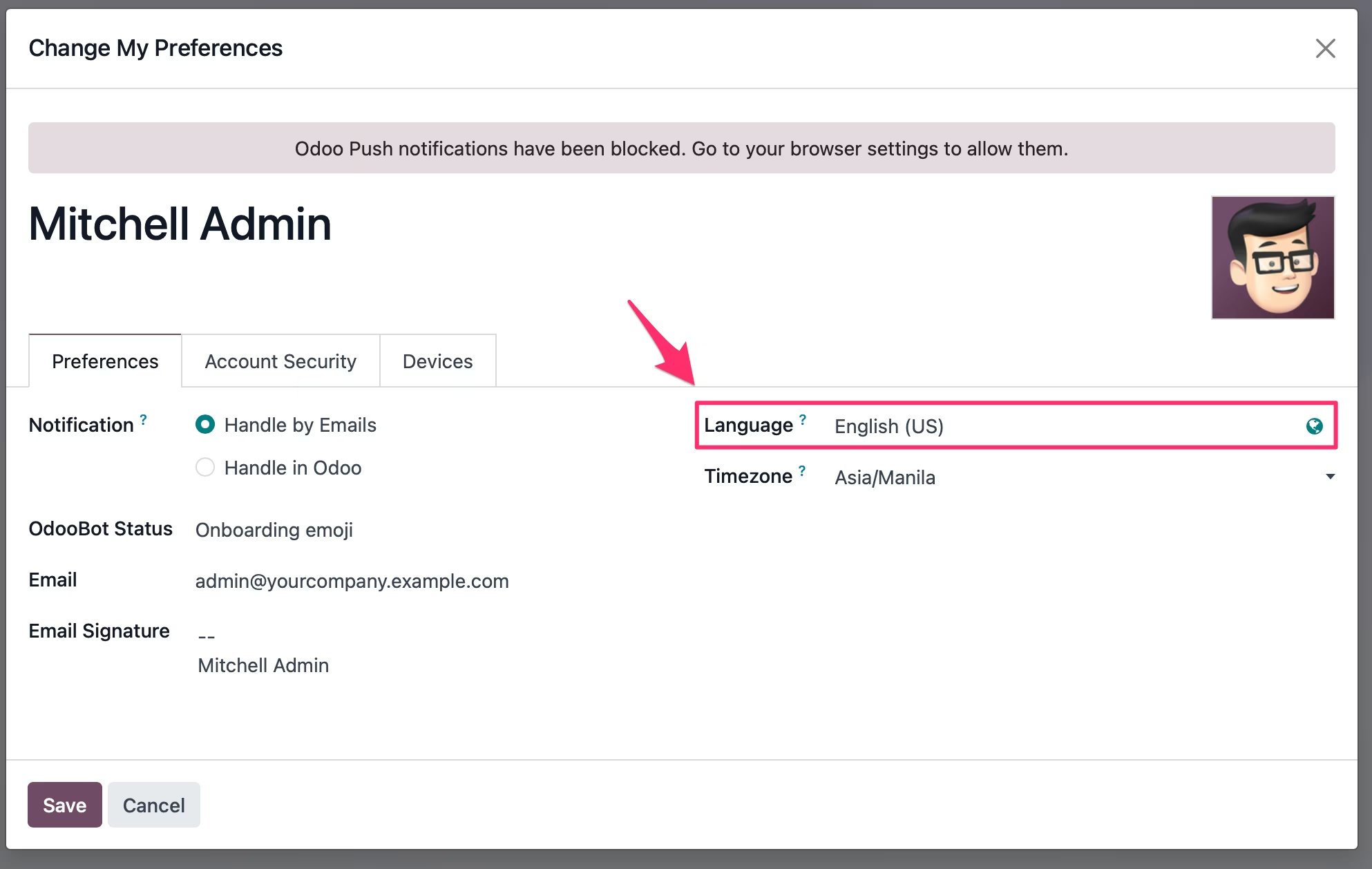
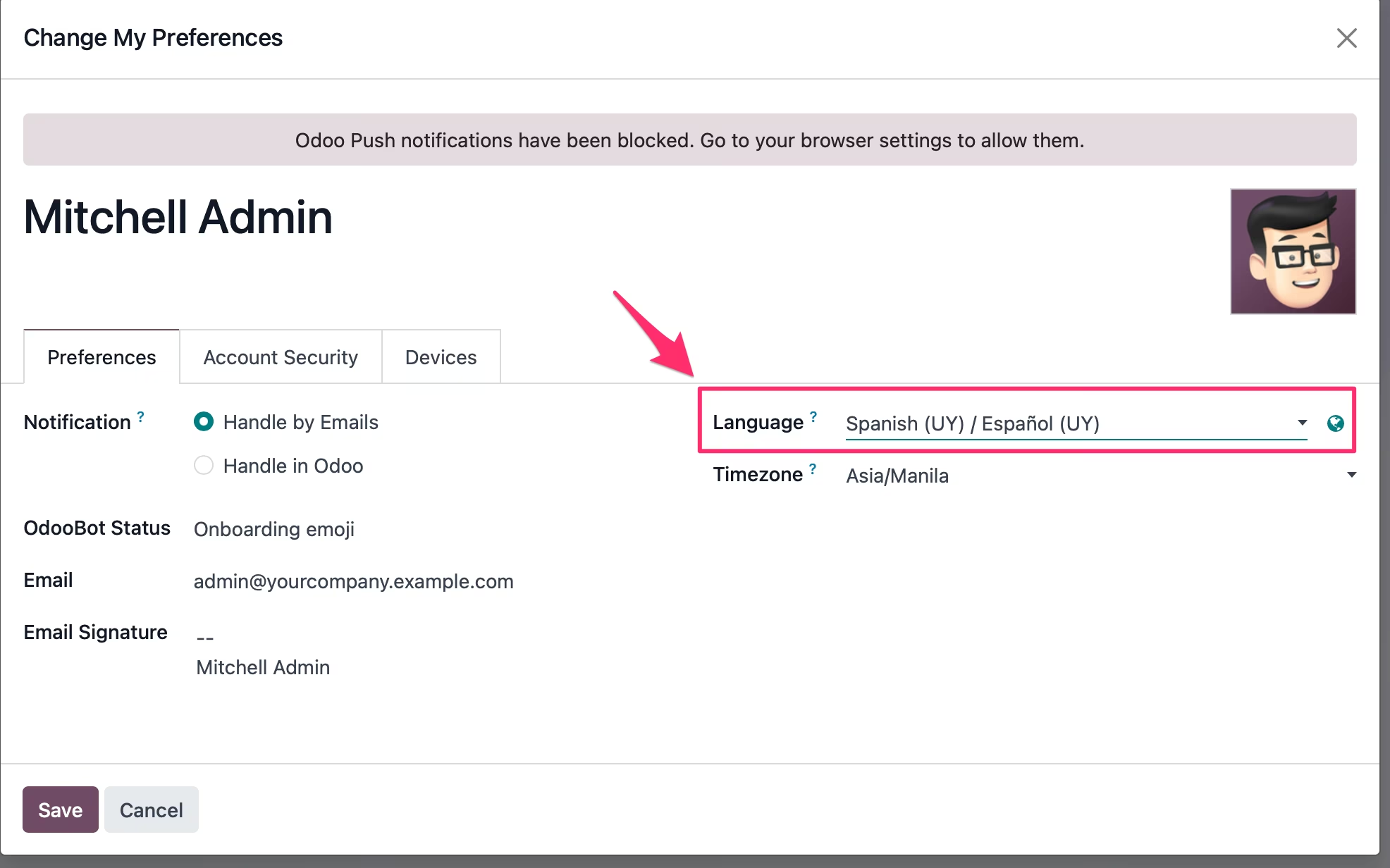
- Supported Language: English and Spanish.
By using this module, businesses can:
- Enhance customer satisfaction with clear and transparent statements.
- Reduce manual work with automated data fetching and computation.
- Ensure accuracy in financial reporting and reconciliation.