The module for simplifies the process of importing lead data into your CRM system. This module allows businesses to efficiently migrate lead information from Excel files into CRM, saving time and reducing manual data entry errors. By supporting various lead attributes such as name, contact details, source, and campaign, the module ensures a seamless integration of external lead data into your environment.
Bulk Import Capability: Import multiple leads simultaneously from Excel files.
Comprehensive Field Mapping: Map Excel columns to CRM fields, including name, email, phone, tags, and more.
Custom Field Support: Import custom fields defined in your CRM setup.
Data Validation: Validate data before import to ensure accuracy and consistency.
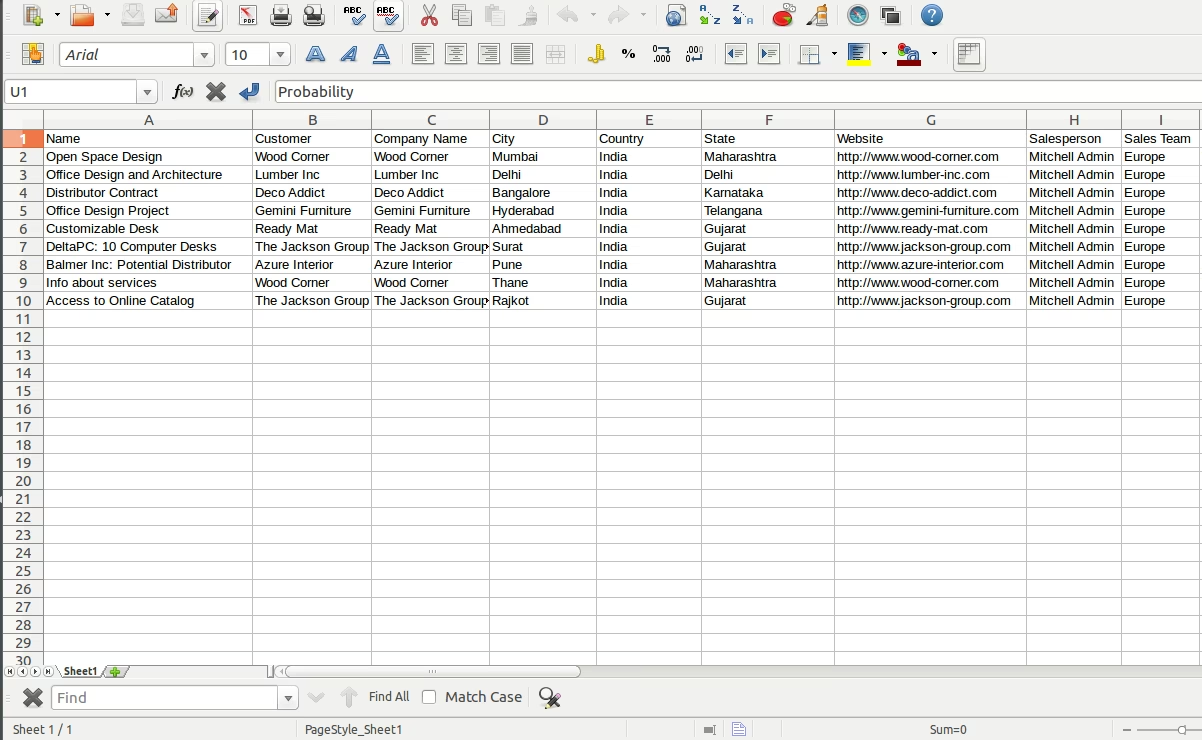
Sample Excel Template: Access a sample Excel file to guide the import process.
User-Friendly Interface: Navigate through an intuitive interface for importing leads.
Error Handling: Receive detailed error messages for any issues encountered during import.
Integration with CRM: Seamlessly integrates with the existing CRM module.
Support for Multiple Languages: Handle lead data in various languages supported.
Time Savings: Reduce the time spent on manual data entry by importing leads in bulk.
Improved Accuracy: Minimize human errors associated with manual data input.
Enhanced Productivity: Allow sales teams to focus on engaging with leads rather than data entry.
Seamless Data Integration: Integrate external lead data into CRM without disruptions.
Scalability: Easily import large volumes of lead data as your business grows.
Customizable Import Process: Tailor the import process to fit your specific business needs.
Data Consistency: Ensure consistent lead data formatting and structure.
Error Identification: Quickly identify and rectify errors during the import process.
Comprehensive Reporting: Generate reports based on imported lead data for analysis.
Cost-Effective Solution: Leverage an affordable tool to enhance your CRM capabilities.
CRM Lead / Pipeline Import from Excel File
Import CRM Leads
This module allows you to import Leads / Pipeline from excel file.
Main Features:- Allow you to Import Leads/Pipeline from excel file
- Make sure you have xlrd Python module installed.
- See below fields list which are allowed in import file.
- Sample Excel is available inside the module.
- For more details please watch the video and see the screenshots below.
- CRM
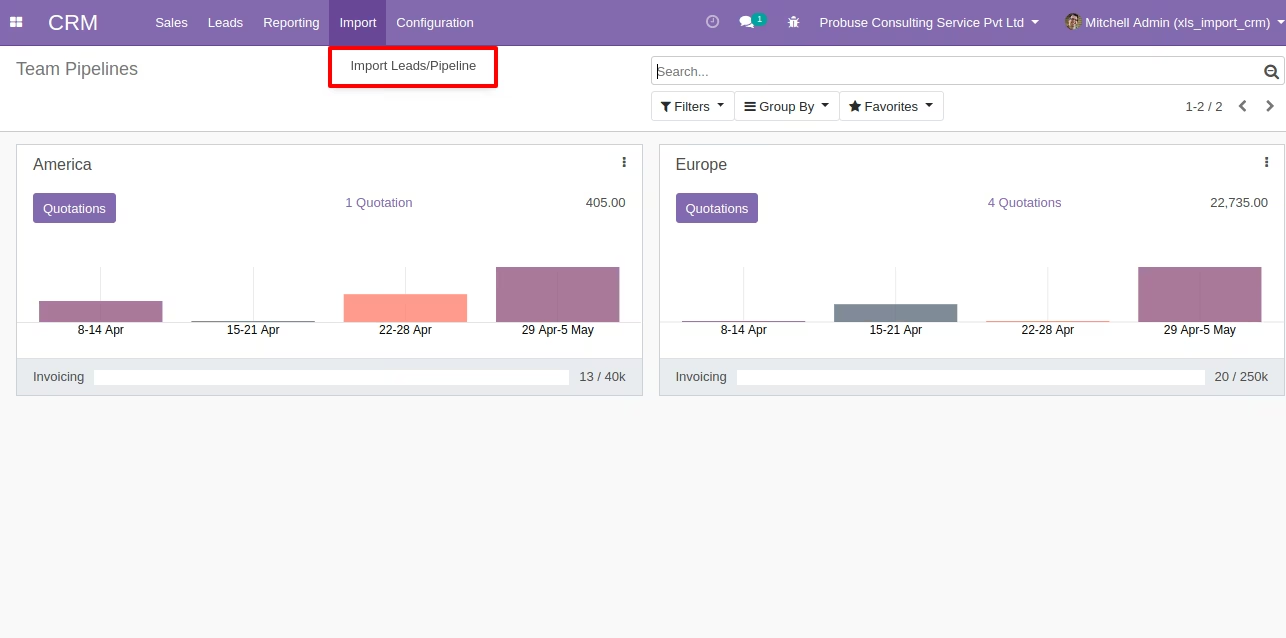
- CRM/Import
- CRM/Import/Import Leads/Pipeline
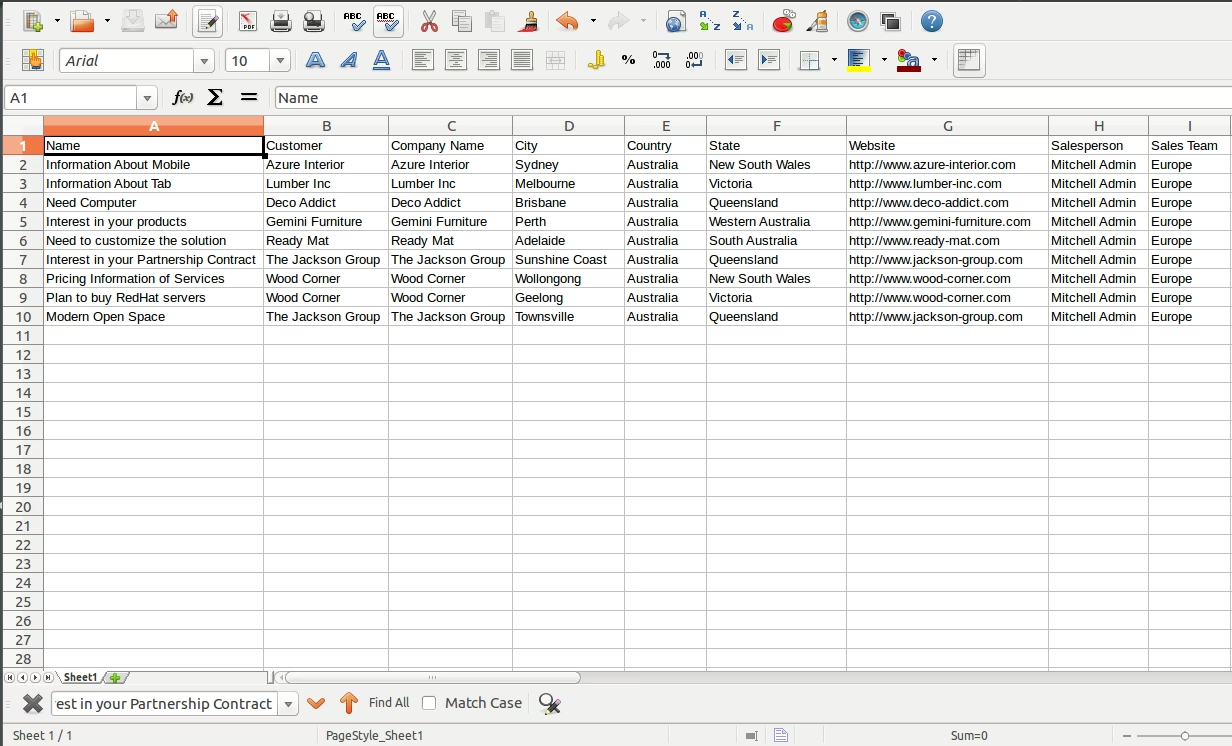
Sample Excel is available inside module.
Sample Excel File for Import Leads
Import Menu
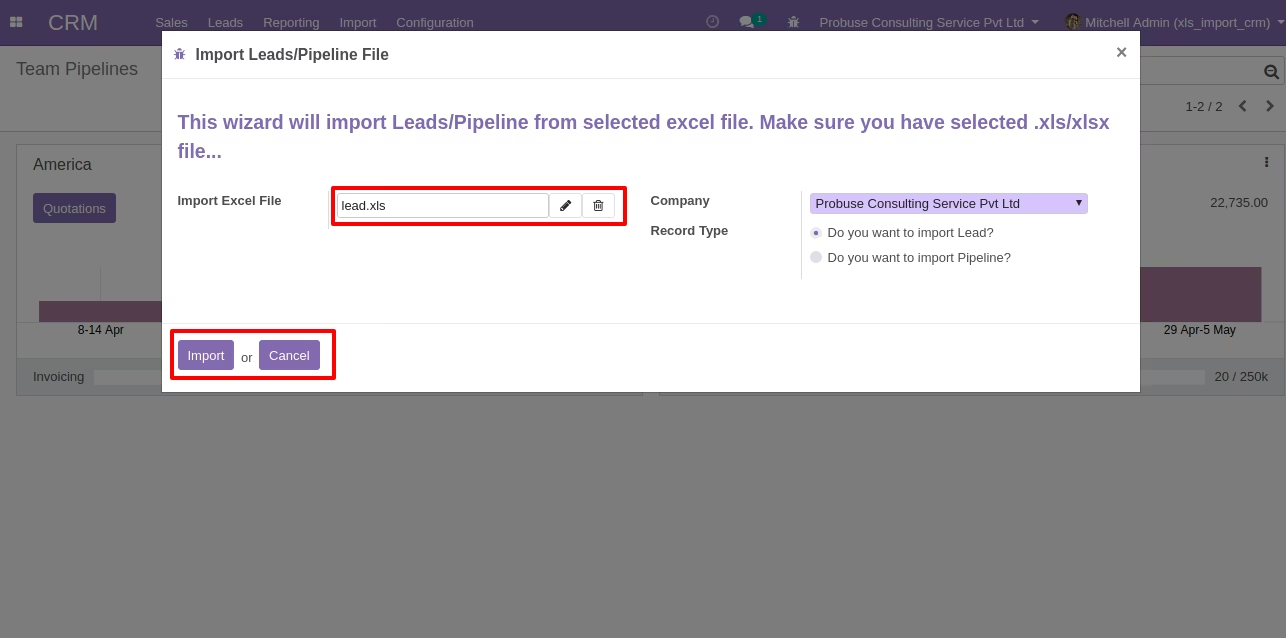
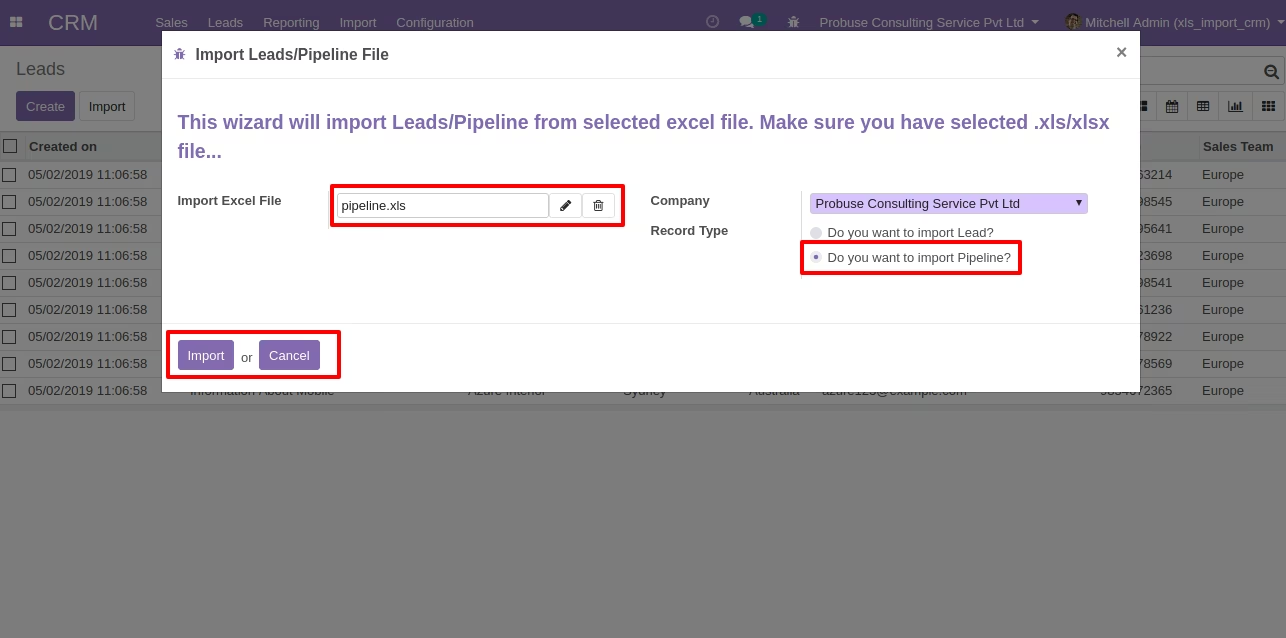
Wizard for Import Lead from Excel
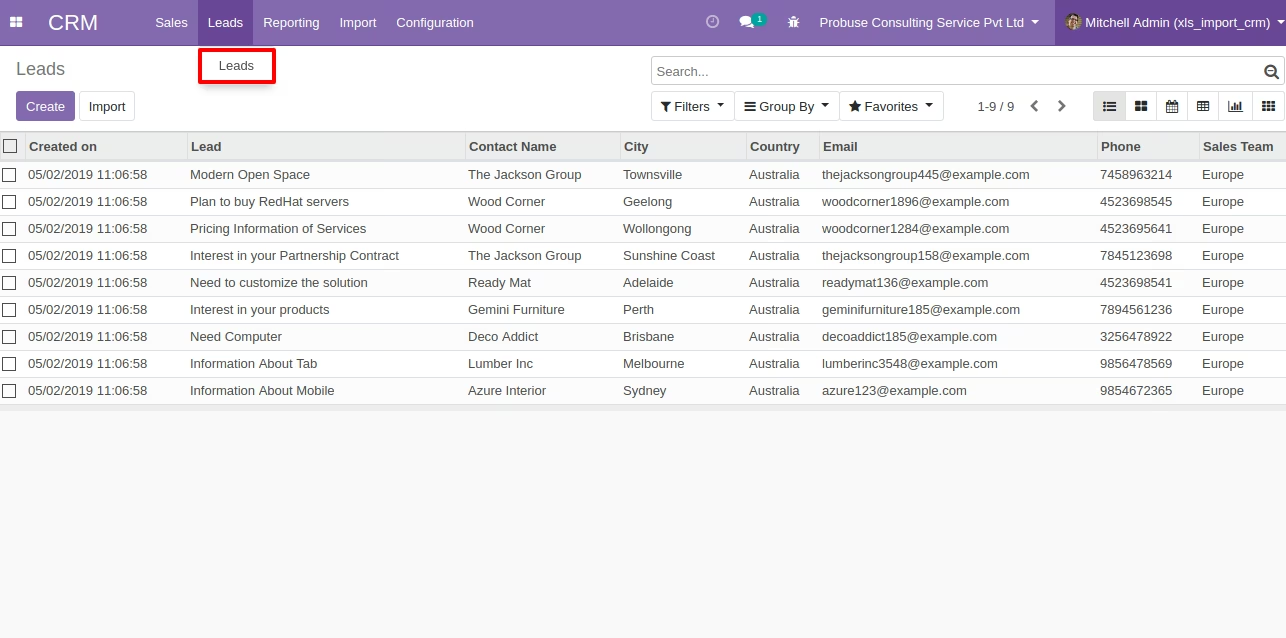
Imported Leads in List View
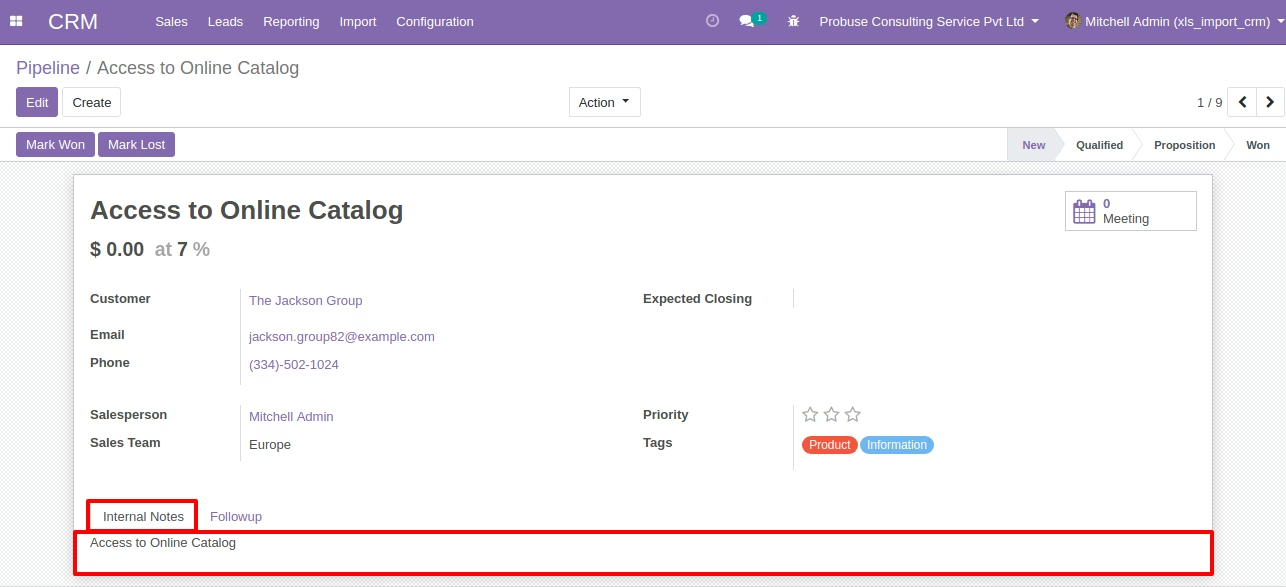
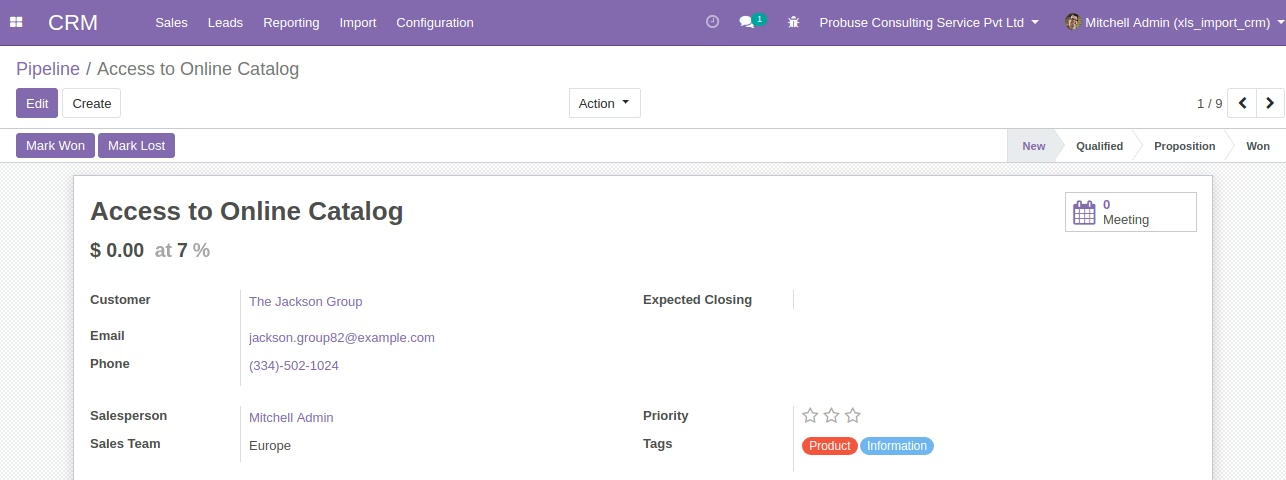
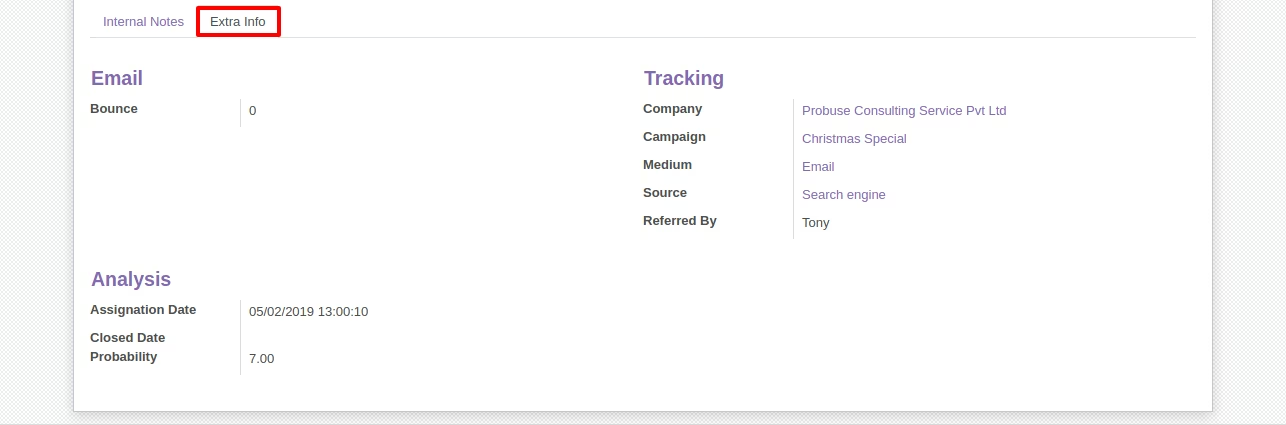
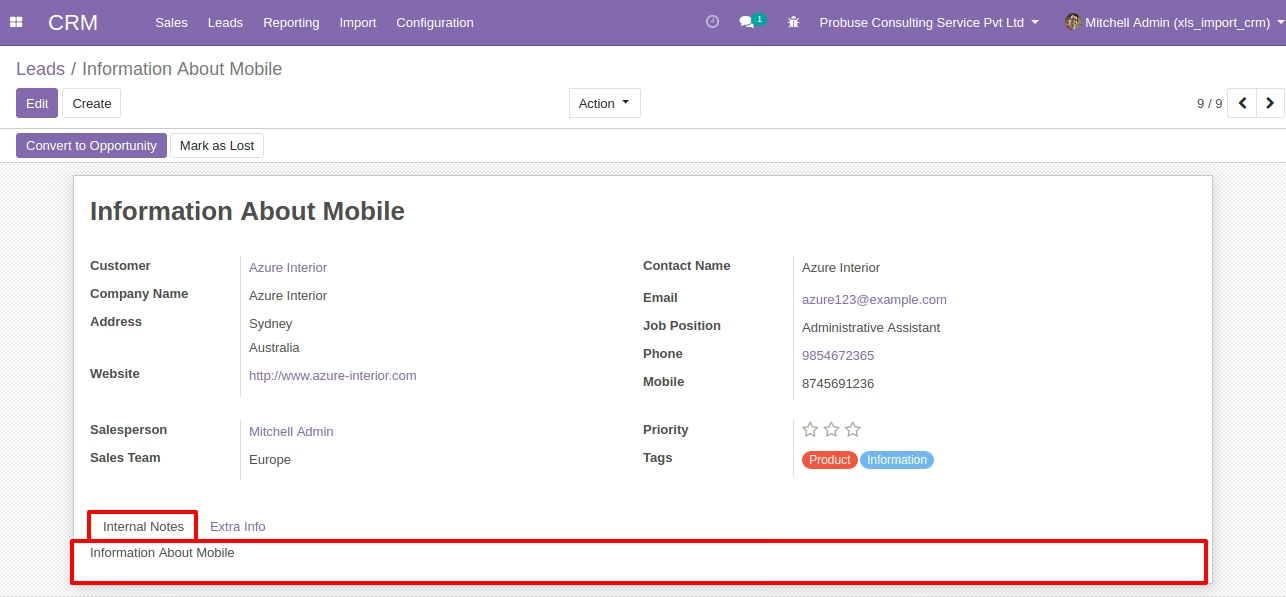
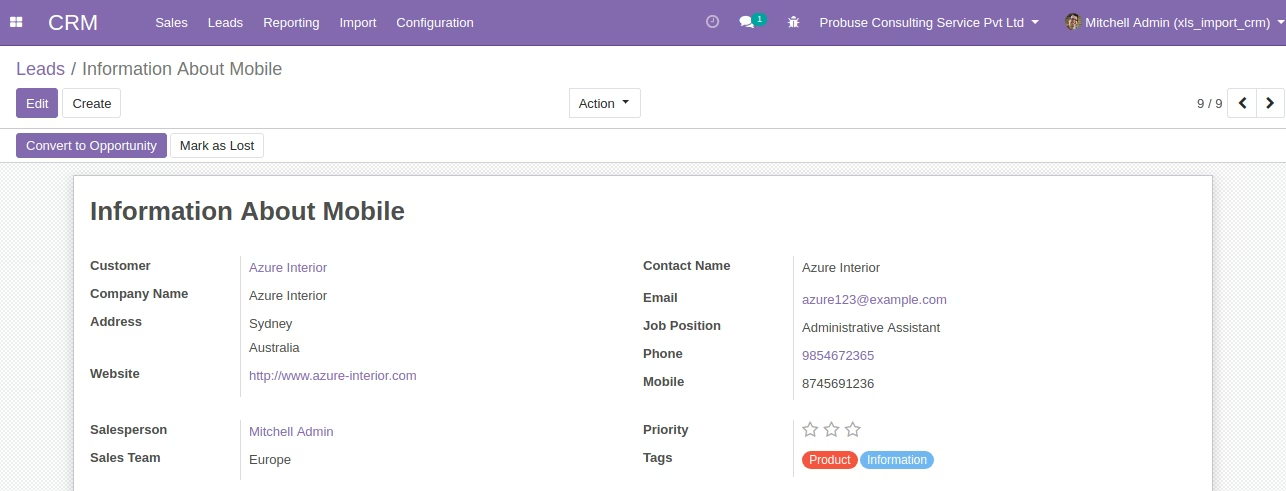
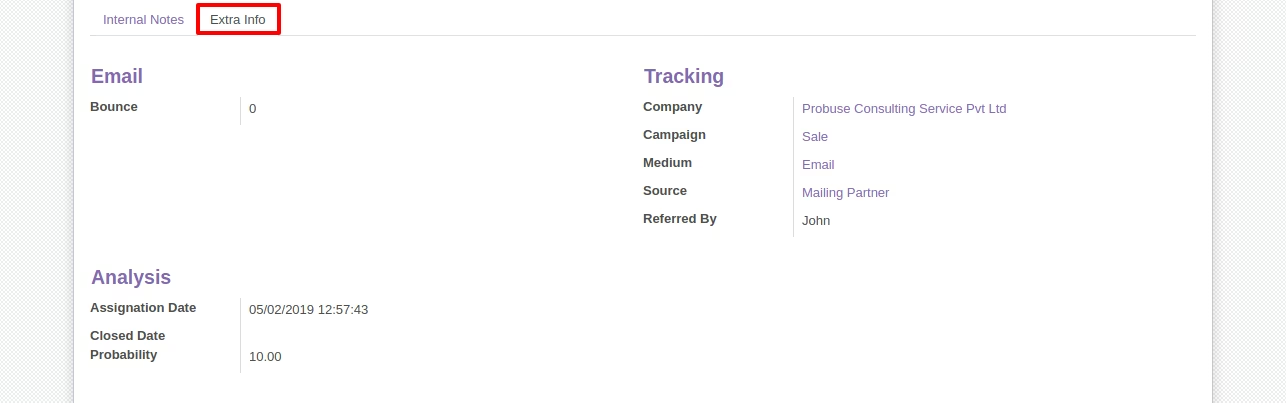
Leads Form View
Sample Excel File for Import Pipeline
Wizard for Import Pipeline from Excel
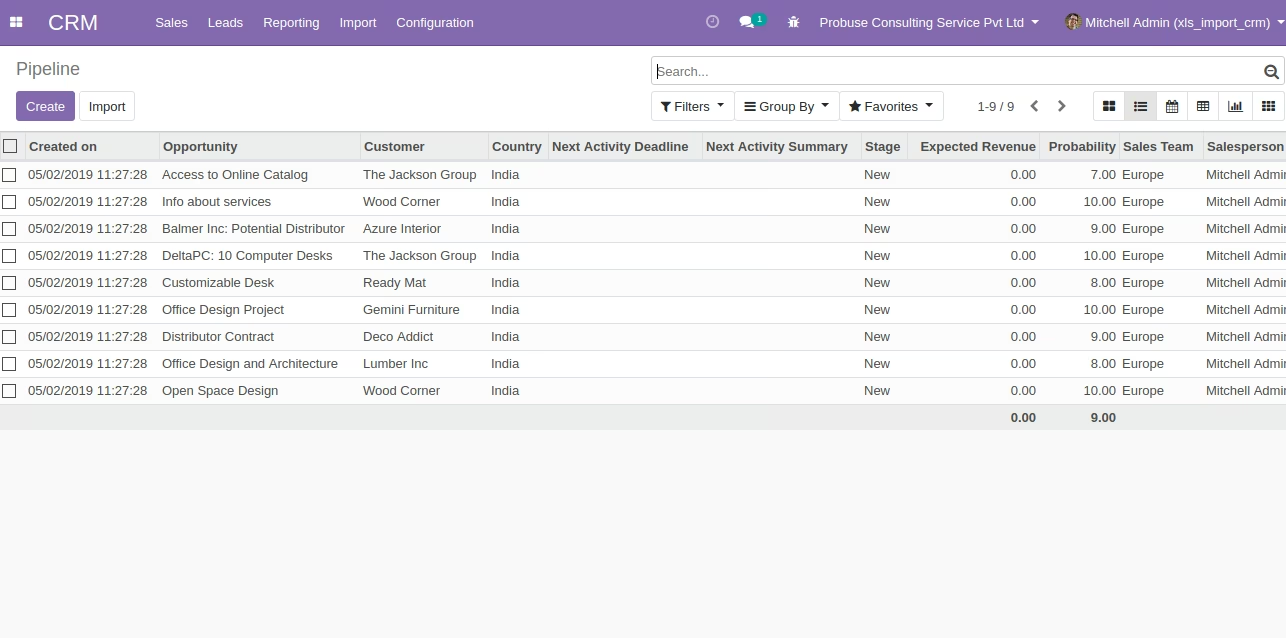
Imported Pipeline in List View
Pipeline Form View