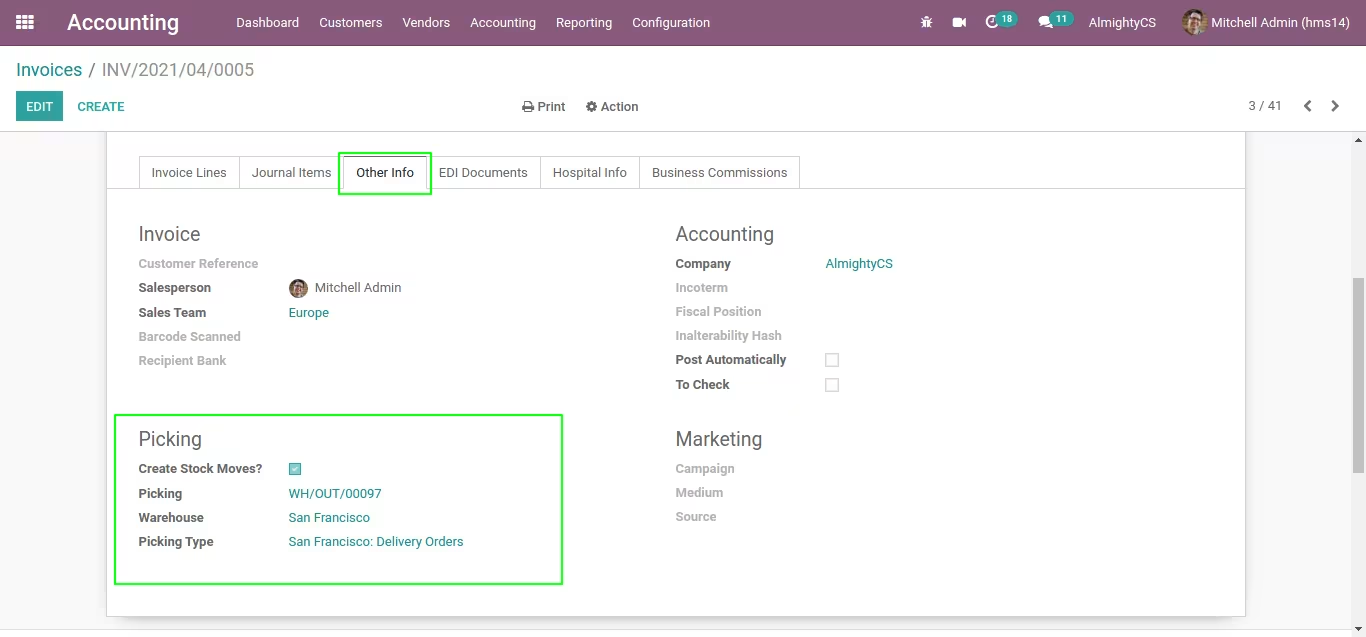
The Invoice with Stock Move module automates the creation of stock movements directly from customer invoices and vendor bills, including refunds. This integration ensures that inventory levels are accurately updated in real-time, aligning financial transactions with physical stock changes. By eliminating manual data entry, businesses can enhance operational efficiency, reduce errors, and maintain synchronized accounting and inventory records.
Key Features
Automatically create stock moves from customer invoices and vendor bills.
Generate stock moves for refunds, ensuring accurate inventory adjustments.
Integrates seamlessly with Sales, Inventory, and Accounting modules.
Supports both outgoing and incoming stock movements.
Provides real-time updates to inventory levels upon invoice validation.
Customizable settings to define stock move behavior per product type.
Enhances traceability with linked stock moves and invoices.
Reduces manual intervention, minimizing the risk of errors.
Improves reporting accuracy by aligning financial and inventory data.
Facilitates compliance with inventory management best practices.
Benefits
Streamline operations by automating stock movements from invoices.
Enhance inventory accuracy with real-time updates.
Reduce manual data entry, saving time and resources.
Maintain synchronized accounting and inventory records.
Improve decision-making with accurate and up-to-date information.
Increase operational efficiency across departments.
Support scalability as business operations grow.
Ensure compliance with inventory management standards.
Enhance customer satisfaction through timely and accurate order fulfillment.
Provide a robust solution for managing complex inventory scenarios.
Community Enterprise
.sh Cloud On Premise App can not be used on odoo online.
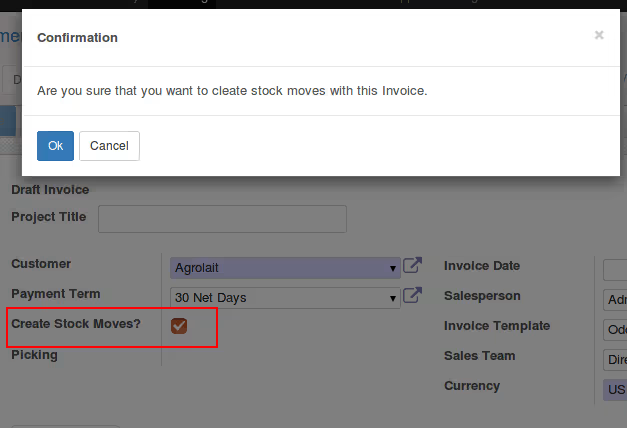
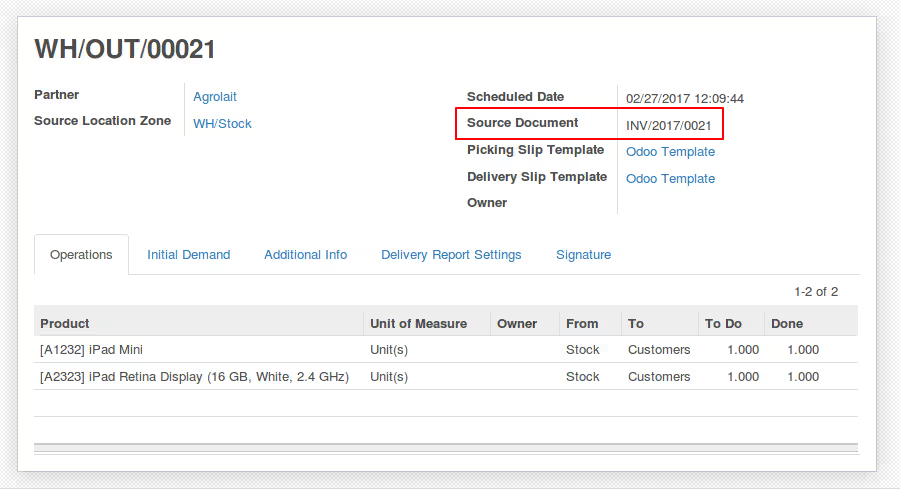
Update Stock Automatically when validate Invoice And Refunds.
Normally we need to create Stock move when we create invoice in odoo but default odoo does not provide such functionality. In major Cases of refund we need to update stock (By Stock Moves) also but in odoo we need to create reverse of piking to update stock when we create refund. It can save your time if stock moves get created automatically with invoice and refund. To make that use-cases simple we have added this module to make work fast and simple.
Functionality Will be available for following Orders
1> Customer Invoice.
2> Vendor Bill
3> Customer Invoice Refund.
4> Vendor Bill Refund
New in: User can select warehouse and picking type manually in case it is needed.
NOTE: In case of Lot used on product it will try to assign available product lots and complete picking else it will be in ready/waiting state only. Picking will be not finished. If proper stock is here it will finish stock picking.
Other Configuration
To use this module no technical knowledge is required even no configuration is needed. Just install module and functionality is ready to use.
For more customization and help contact us.