The module for introduces a structured process to manage and validate customer records within your CRM system. By implementing this workflow, businesses can ensure that only approved contacts are utilized in quotations, opportunities, and other critical sales processes. This module enhances data integrity, reduces errors, and streamlines the customer onboarding process, providing a more organized and efficient approach to contact management.
Approval States for Contacts: Assign approval statuses such as "New" and "Approved" to customer records.
Workflow Enforcement: Restrict the use of unapproved contacts in sales documents like quotations and opportunities.
Customizable Approval Process: Define specific criteria and steps for approving customer records.
Integration with CRM: Seamlessly integrates with CRM module to enforce approval workflows.
Audit Trail: Maintain a history of approval actions for compliance and tracking purposes.
Enhanced Data Integrity: Ensure that only validated contacts are used in critical sales processes.
Streamlined Sales Operations: Reduce errors and confusion by enforcing a clear approval process for customer records.
Improved Compliance: Maintain a structured approach to contact management, aiding in regulatory compliance.
Increased Efficiency: Automate the approval workflow to save time and resources in managing customer records.
Better Reporting and Analysis: Utilize approved contacts for more accurate sales reporting and analysis.
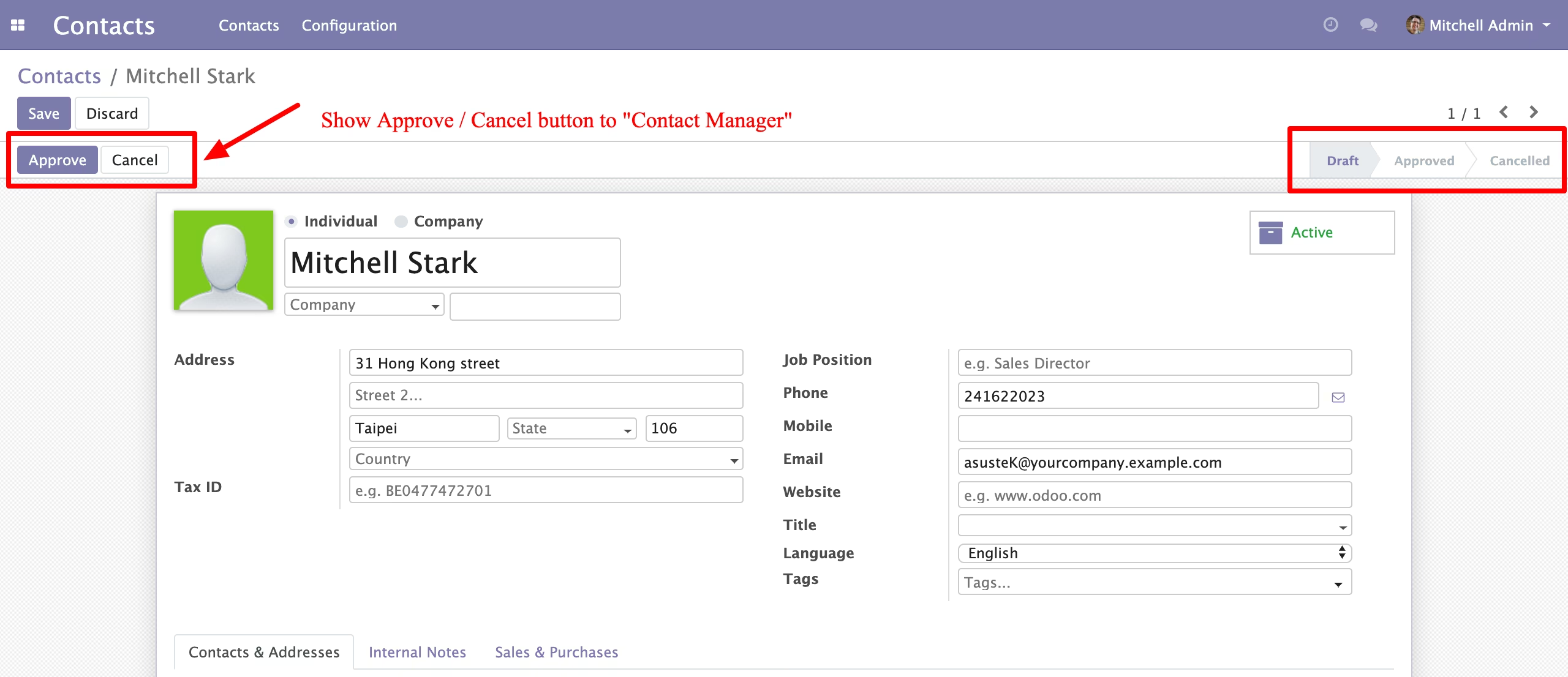
- This module will allows you to approve or refuse Contact only by Contact Manager.
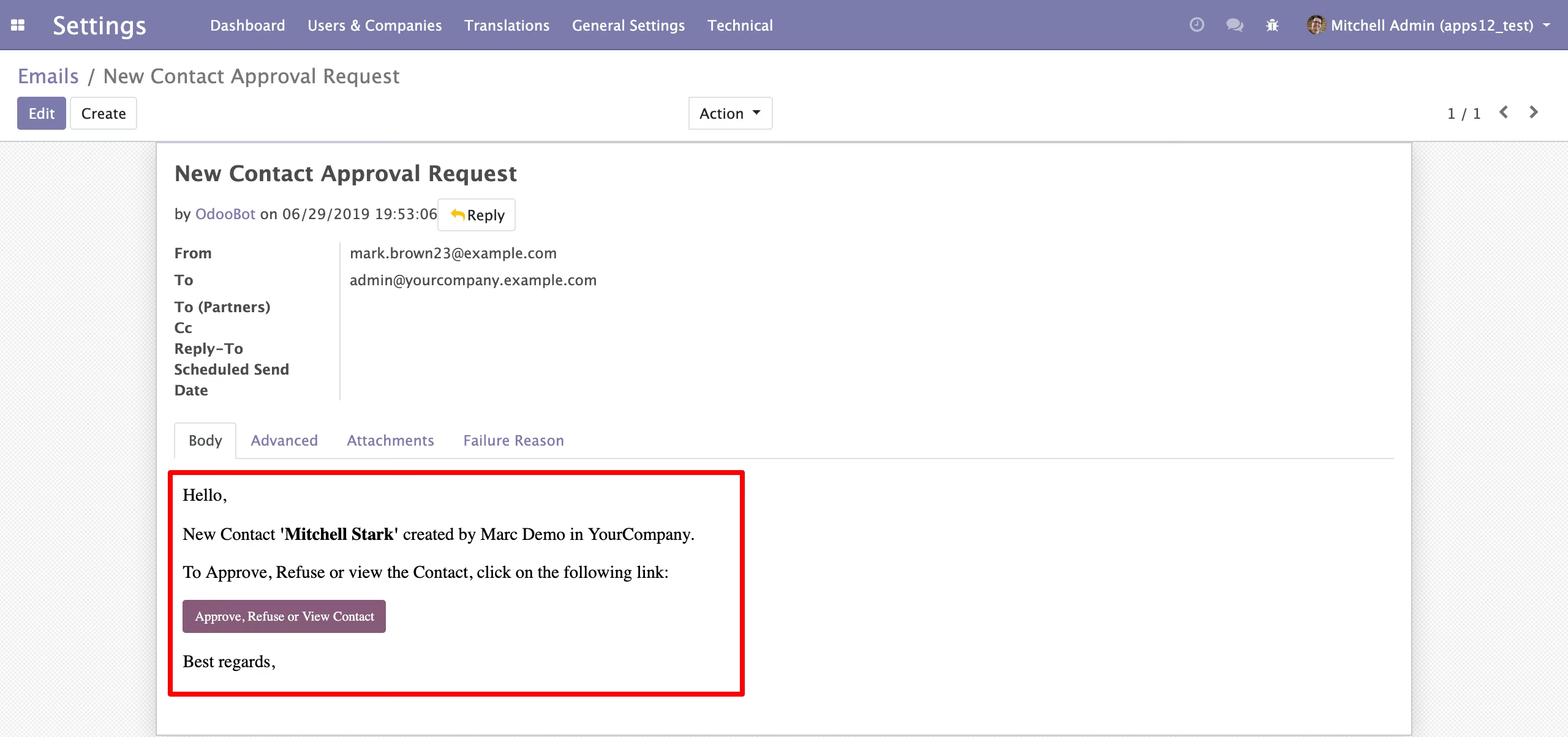
- Email intimation to all Contact manager of company to approve, refuse or view Contact created by user.
- Only confirmed Contact are able to access. For an example in sales order, purchase order and manufacturing etc...
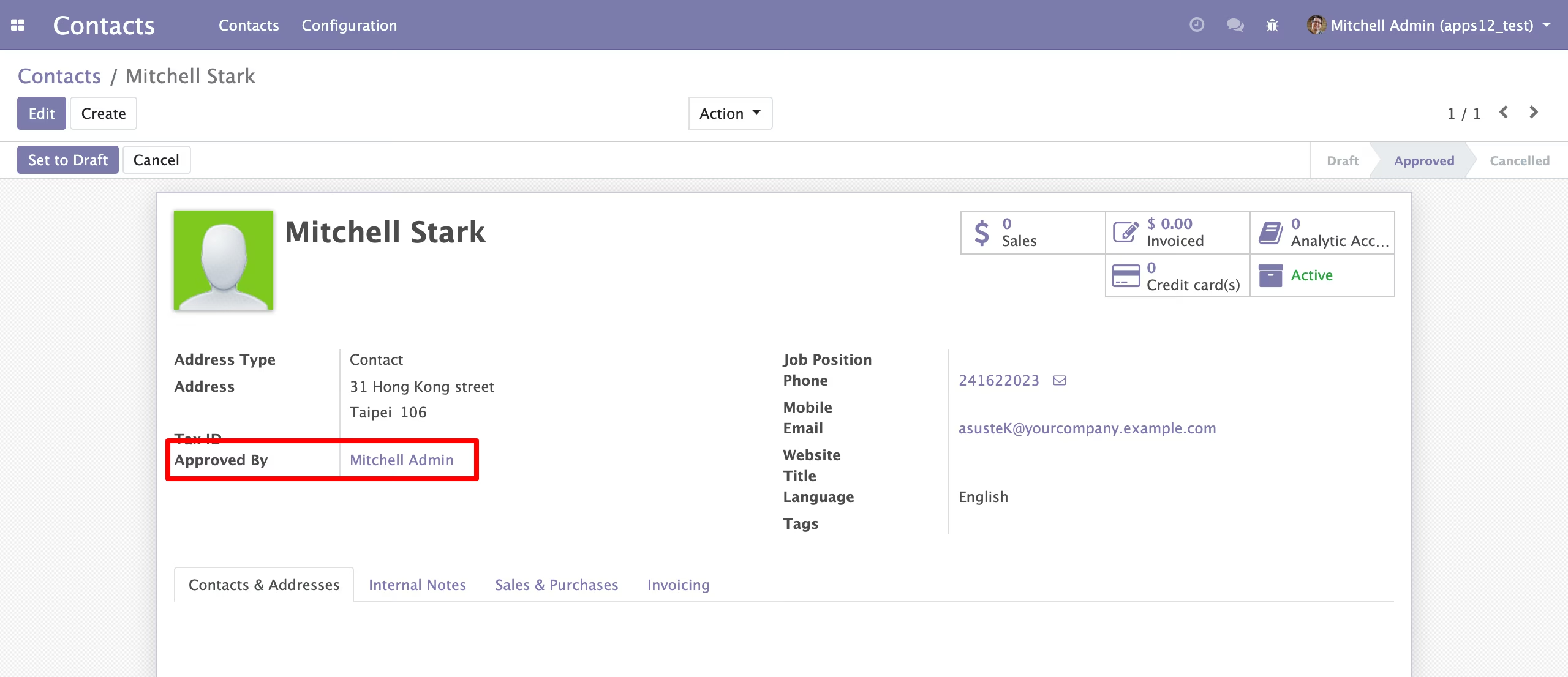
- Once Contact approve user can't update Contact information.
- Contact Approval/ Canceled Filter for all contacts.
- Feasible with multi company environment.
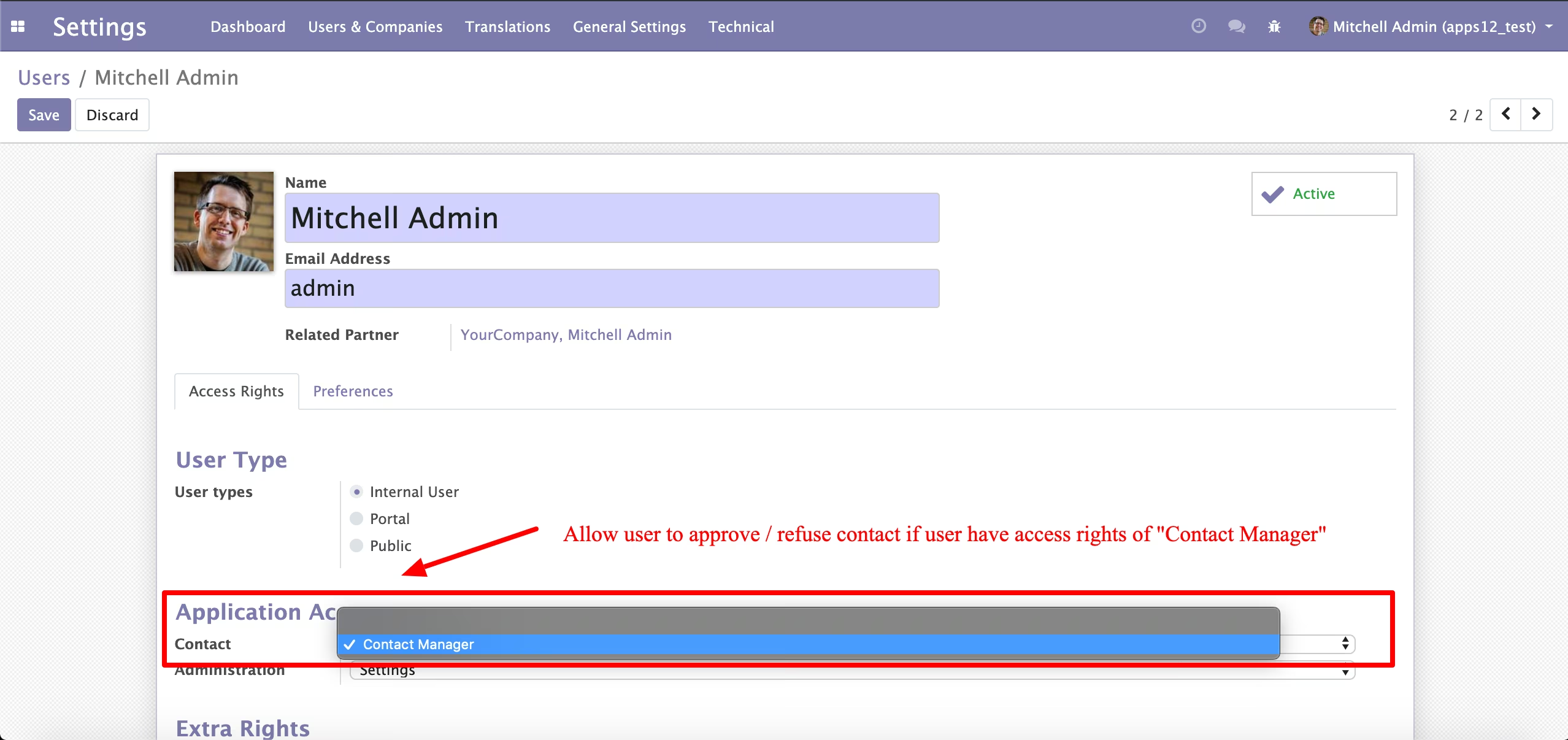
- Once Contact created by user without Contact manager access, send an email for approval / refuse to all Contact managers..
- Email includes Contact name, user detail and Contact direct link to approve / refuse.
- Contact Manager can directly access Contact from button click and approve/ refuse Contact.