The module enables businesses to showcase their construction projects directly on their website. This module integrates seamlessly with Project, Sales, Website, eCommerce, Discuss, and Invoicing modules, providing a comprehensive solution for managing and displaying project information online.
Project Display: Showcase construction projects with categories, descriptions, brochures, images, specifications, and location details.
Contractor & Vendor Management: Manage contractors, agencies, and vendors associated with each project.
Seamless Integration: Integrates with existing modules for a unified experience.
Responsive Design: Ensures that project details are displayed optimally across various devices.
User-Friendly Interface: Allows easy navigation and access to project information for website visitors.
Enhanced Online Presence: Display detailed project information to attract potential clients and partners.
Centralized Management: Manage project details, contractors, and vendors.
Improved Communication: Facilitate better communication with stakeholders through integrated tools.
Increased Efficiency: Streamline project information management and reduce manual efforts.
Display Construction Projects on Website
Web Page for Construction Project Details
Construction Project Details on Your Website
Website Module for Construction Project Info
This Apps is used to view your construction projects on your website under Project menu, where you can manage your contractors, agencies, vendors in ERP. This module helps to show Construction Projects details on website which shows project categories, project description, construction Project brouchers, Project Construction images, Project Specification, location of construction project site with contact details etc in website with this app.
Create Project Categories
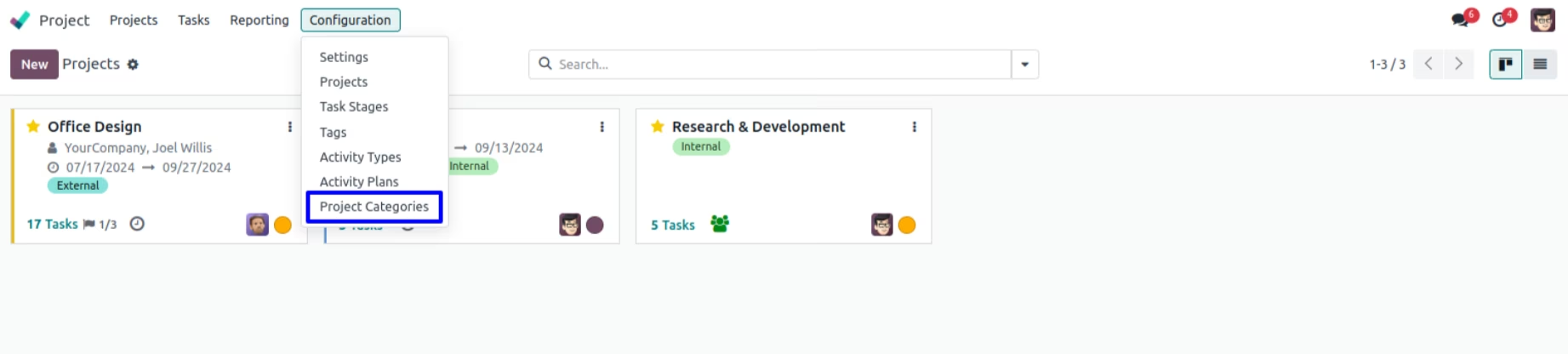
You can create project category goto Project > Configuration > Project Categories.
Project Category in Project
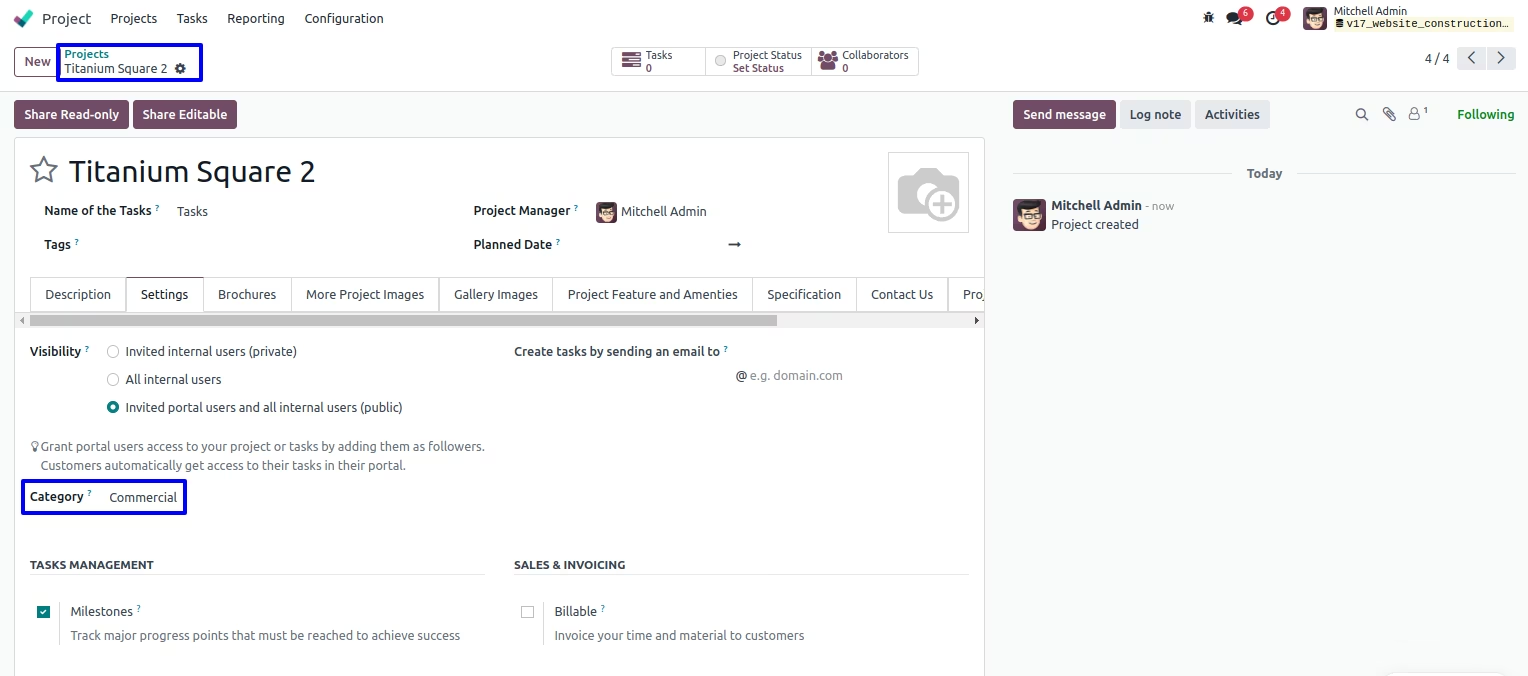
You can set created project category in project. You can also set image for project which is display on website.
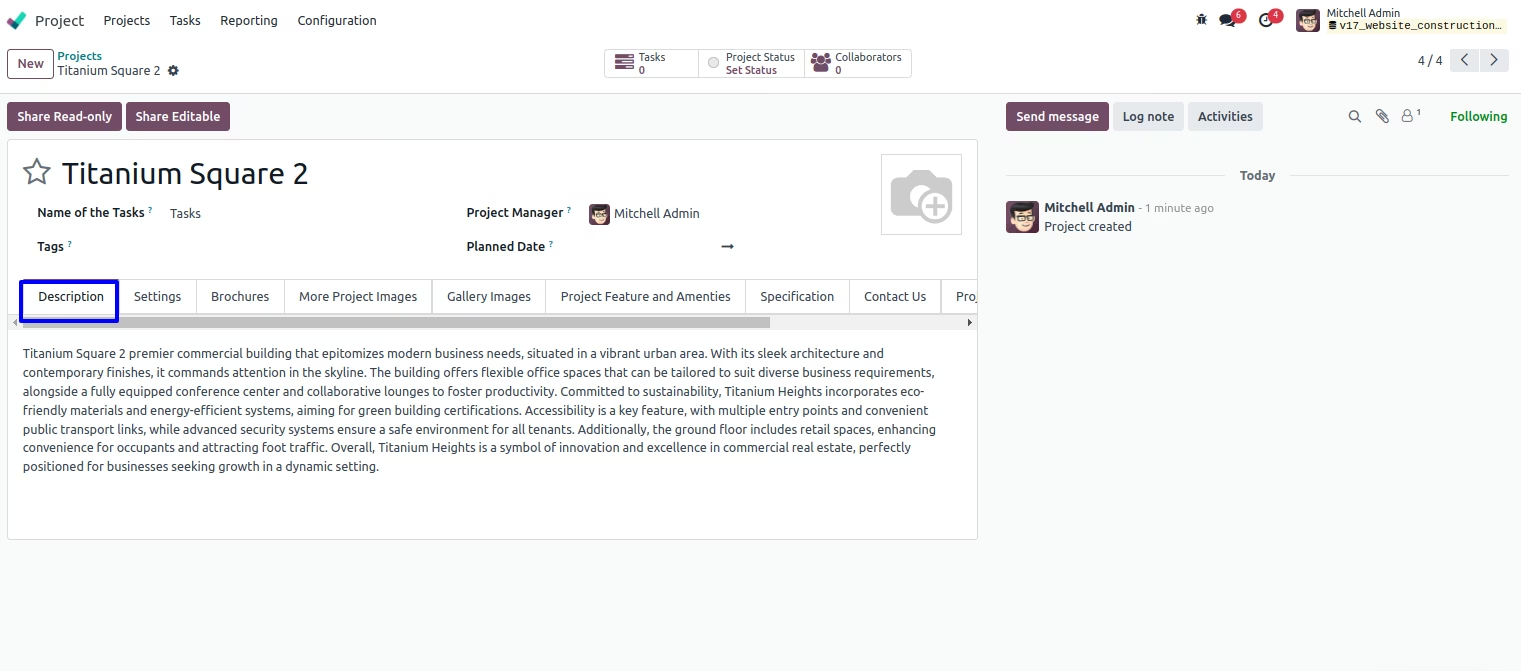
Project Description
You can add project description which is view on website.
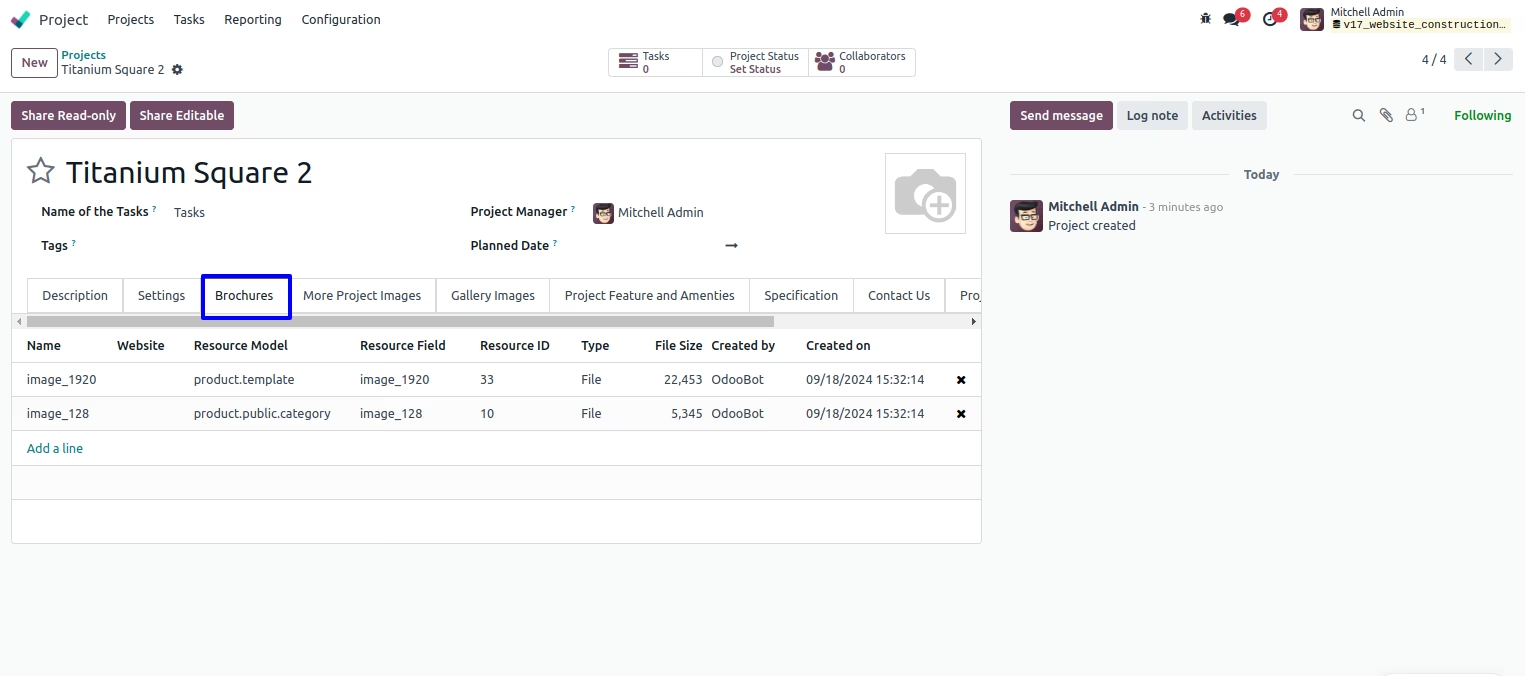
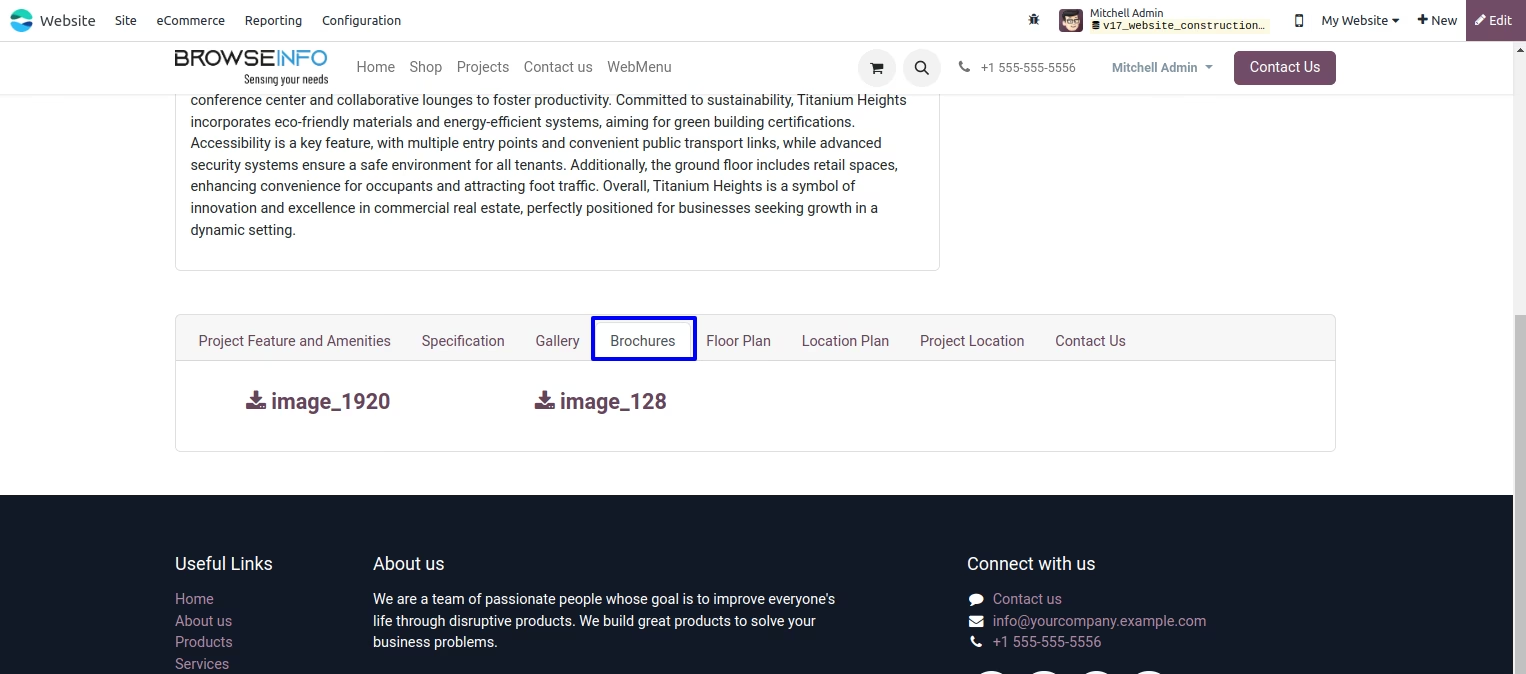
Project Brochures List
You can attach project brochures for customer/visitor Customer/Visitor can download project brouchres from website.
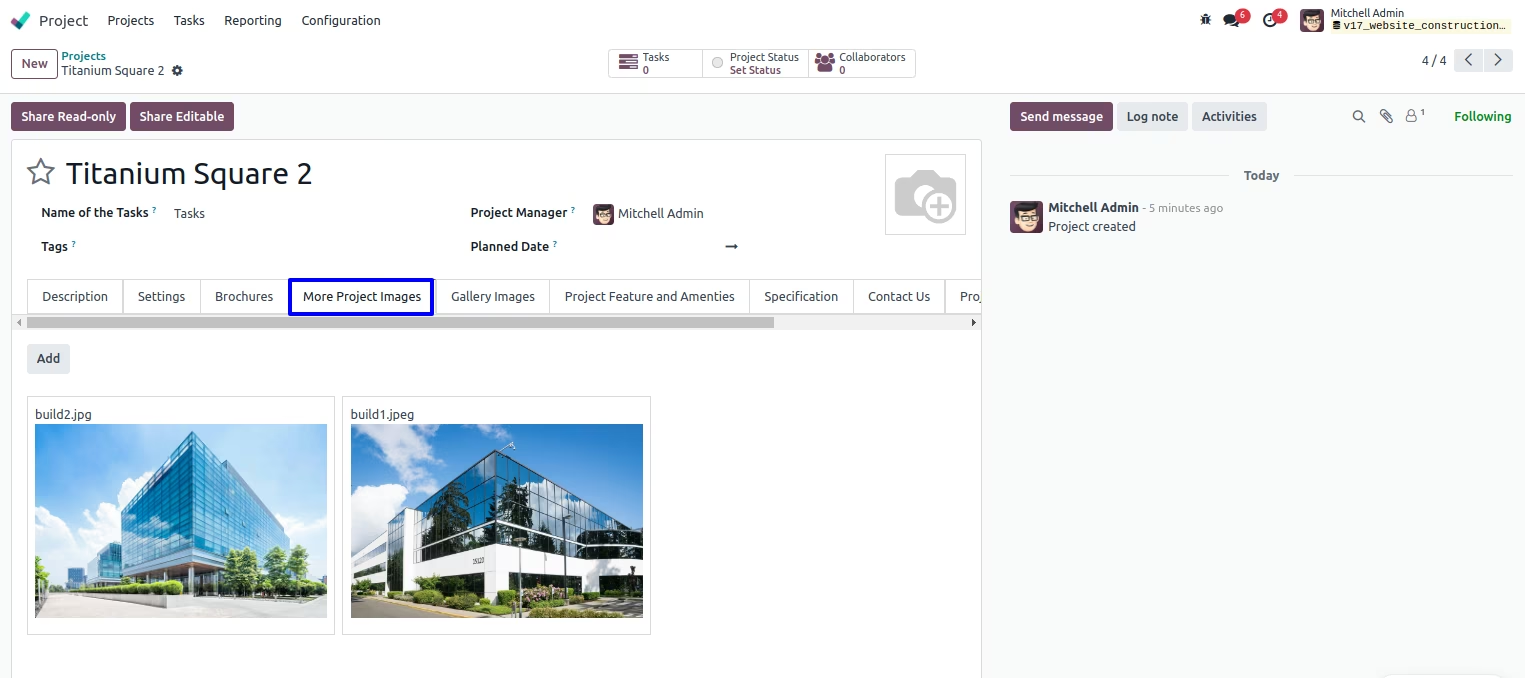
Attach Multiple Project Images
Attach multiple Project images, view on website project detail page.
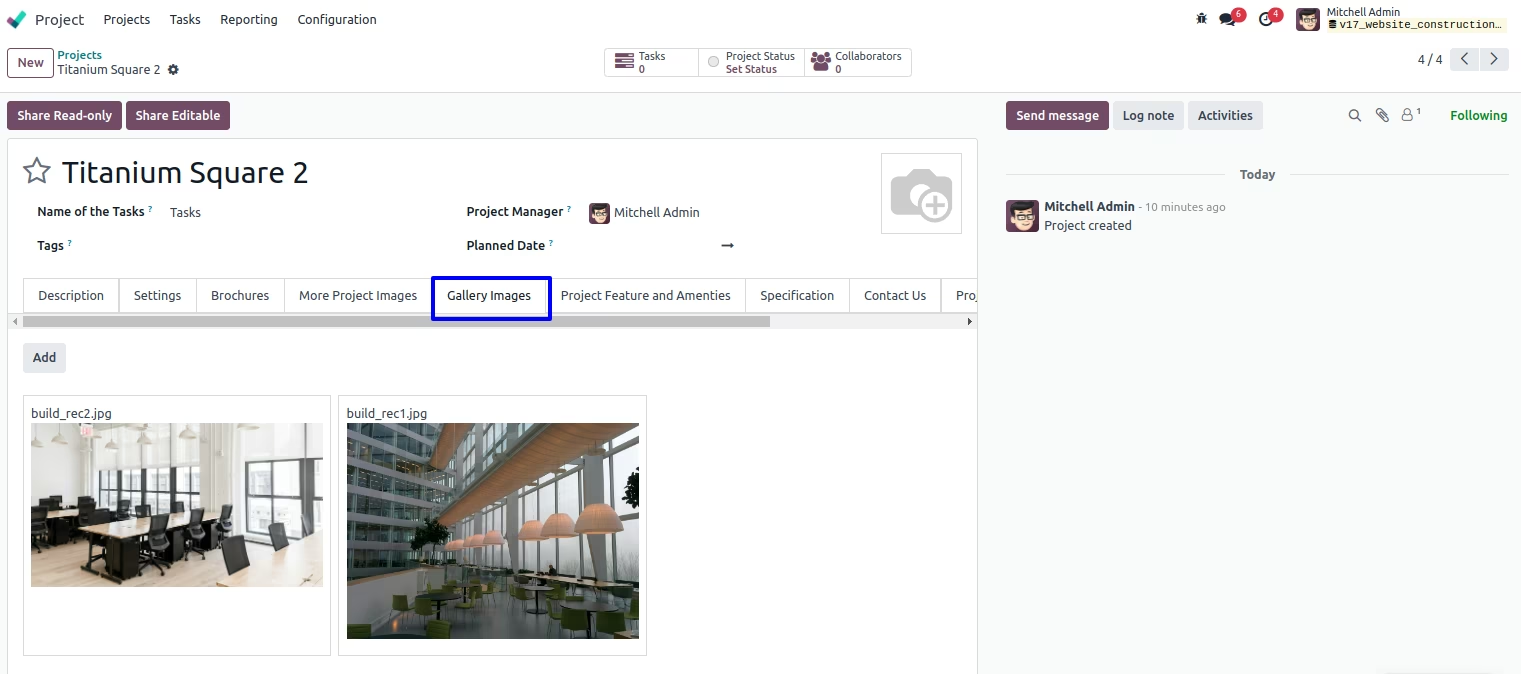
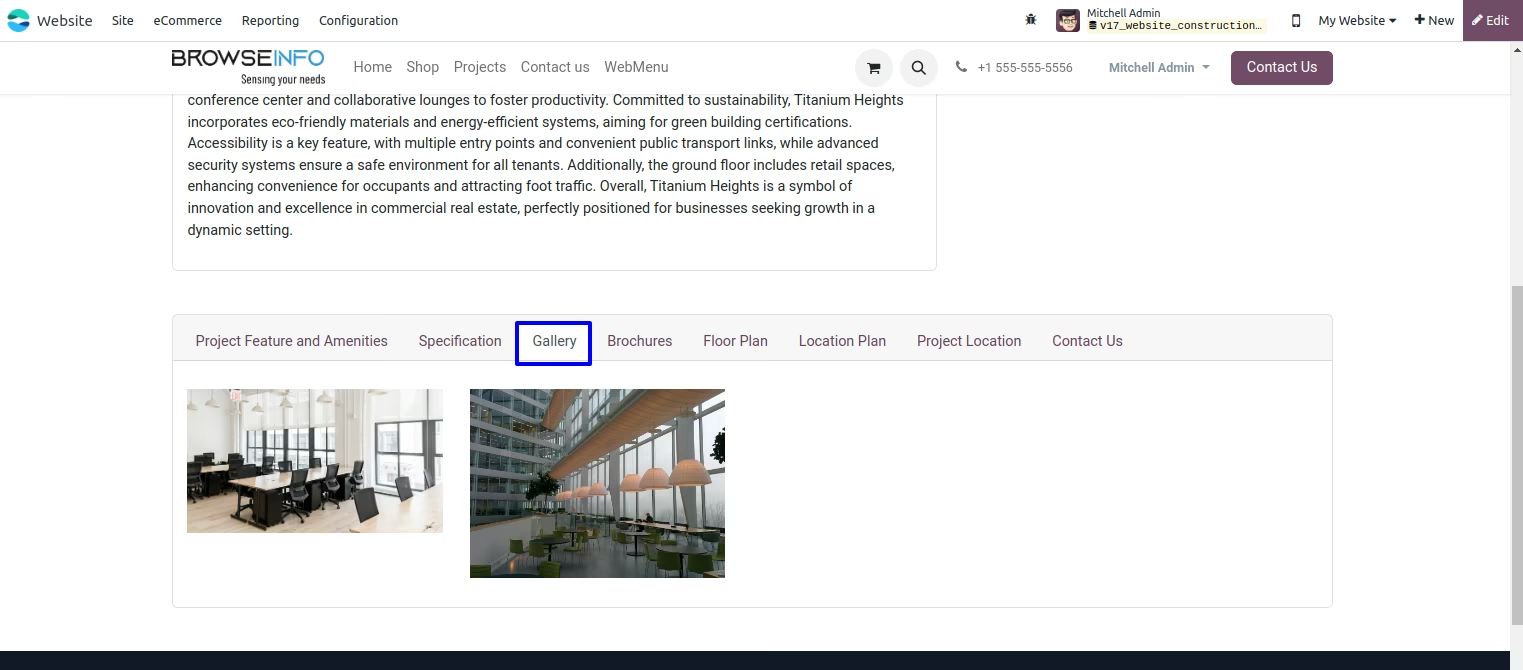
Project Gallery Images
You can add multiple Project images which will be display on website.
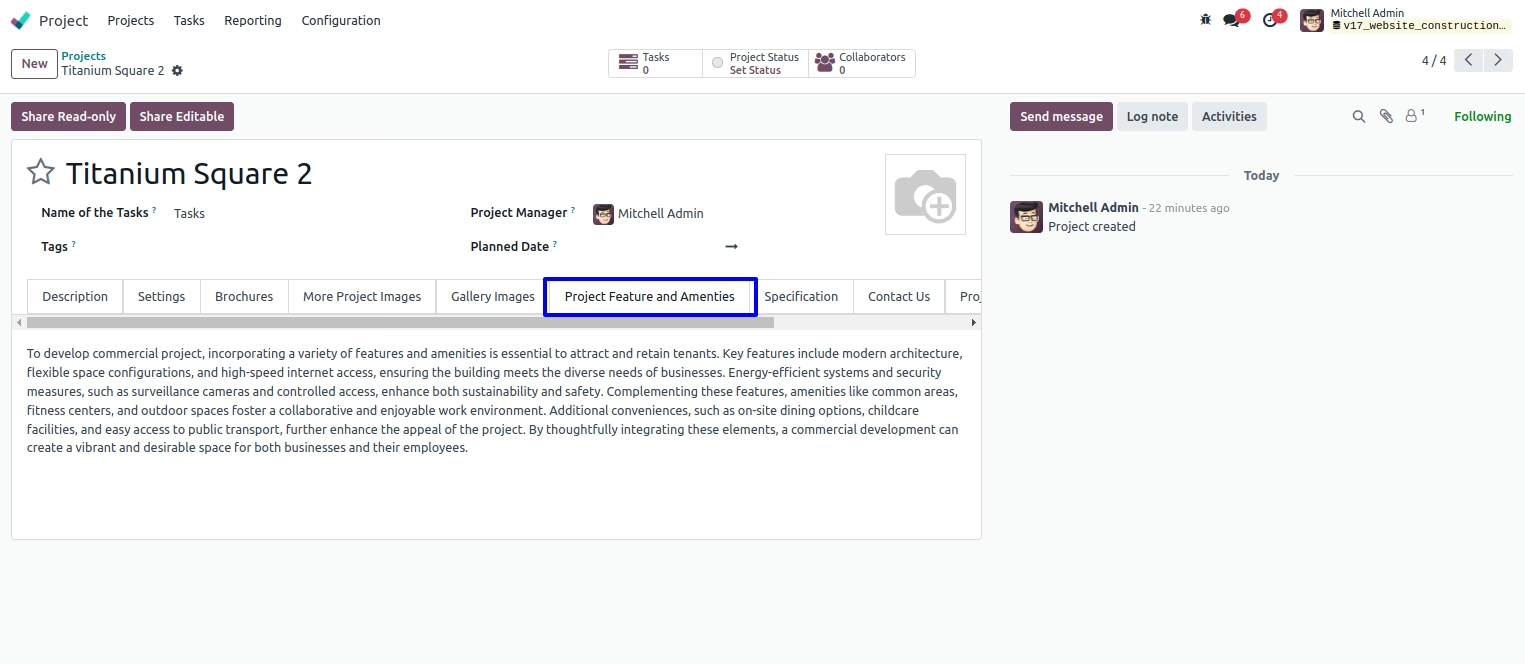
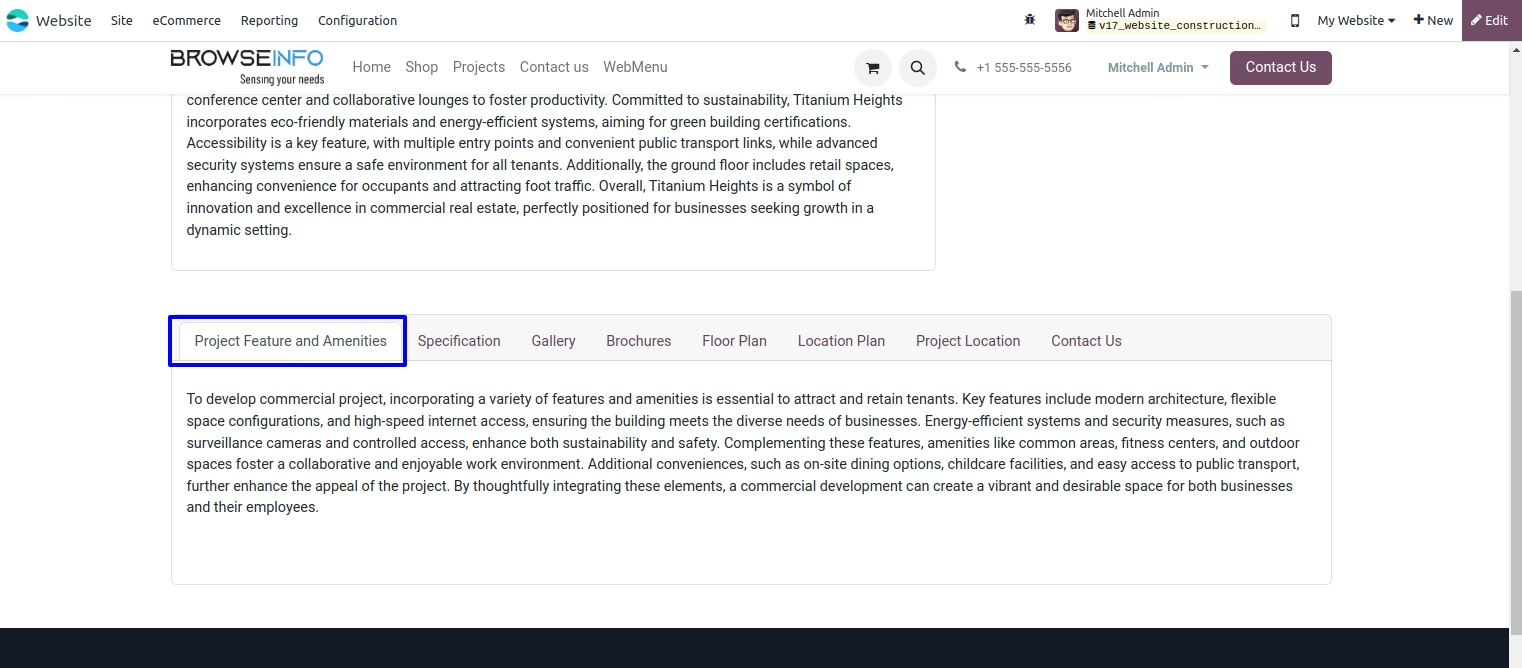
Add Project Feature and Amenities
User can add Project Feature and Amenities.
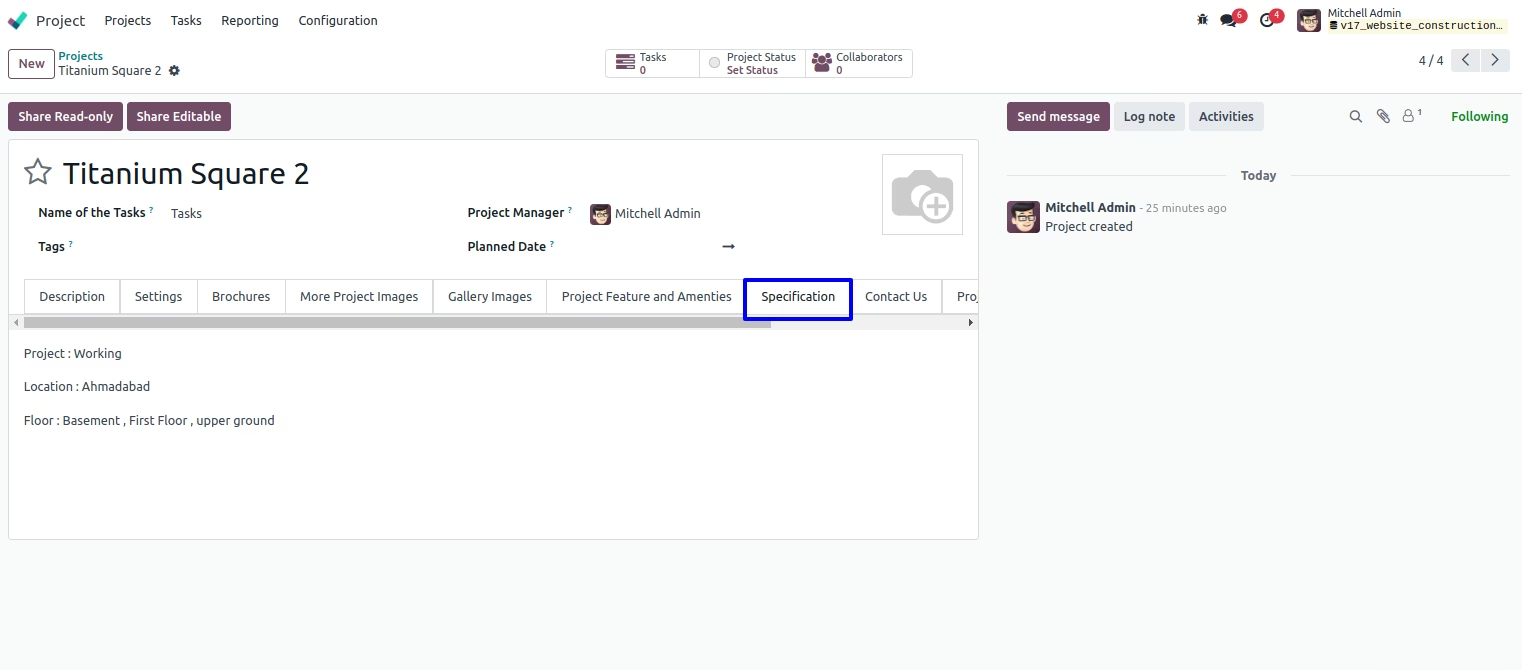
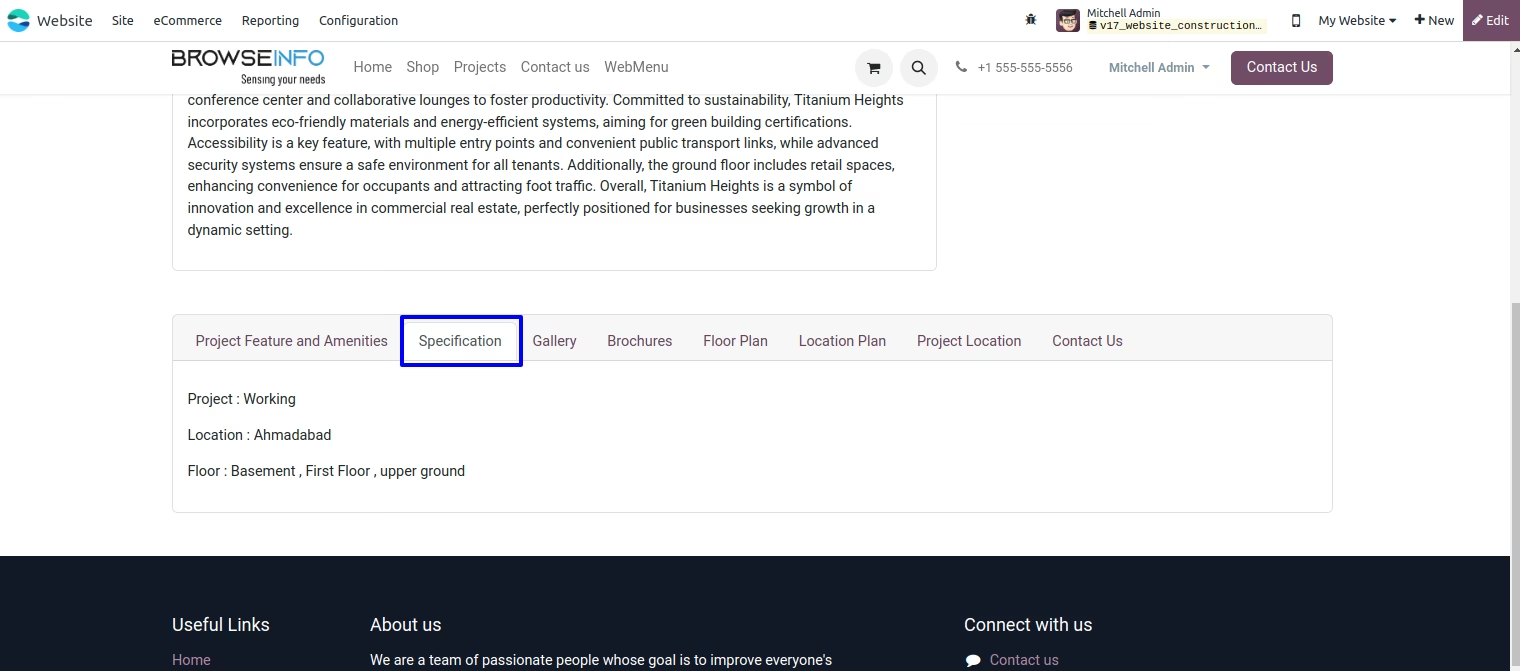
Add Project Specification
User can add Project Specification.
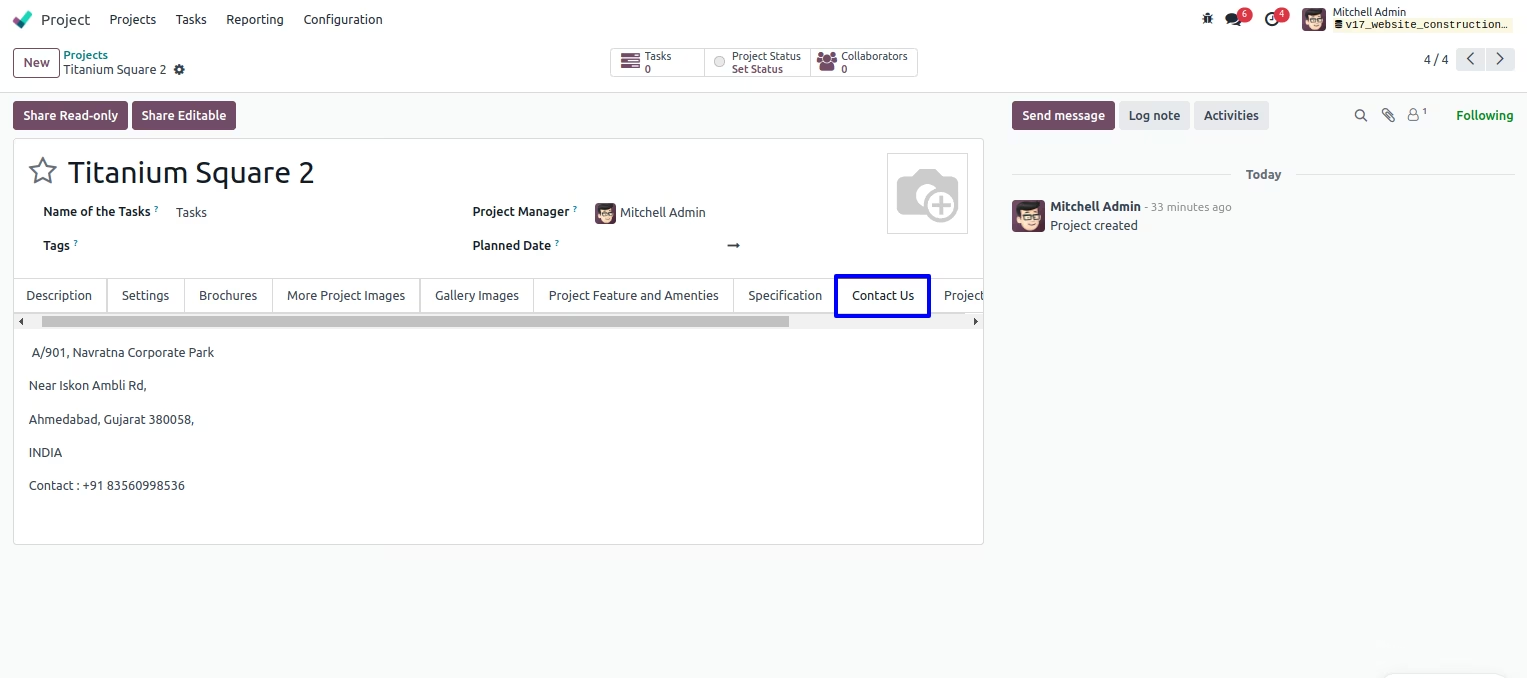
Add Project Contact us Information
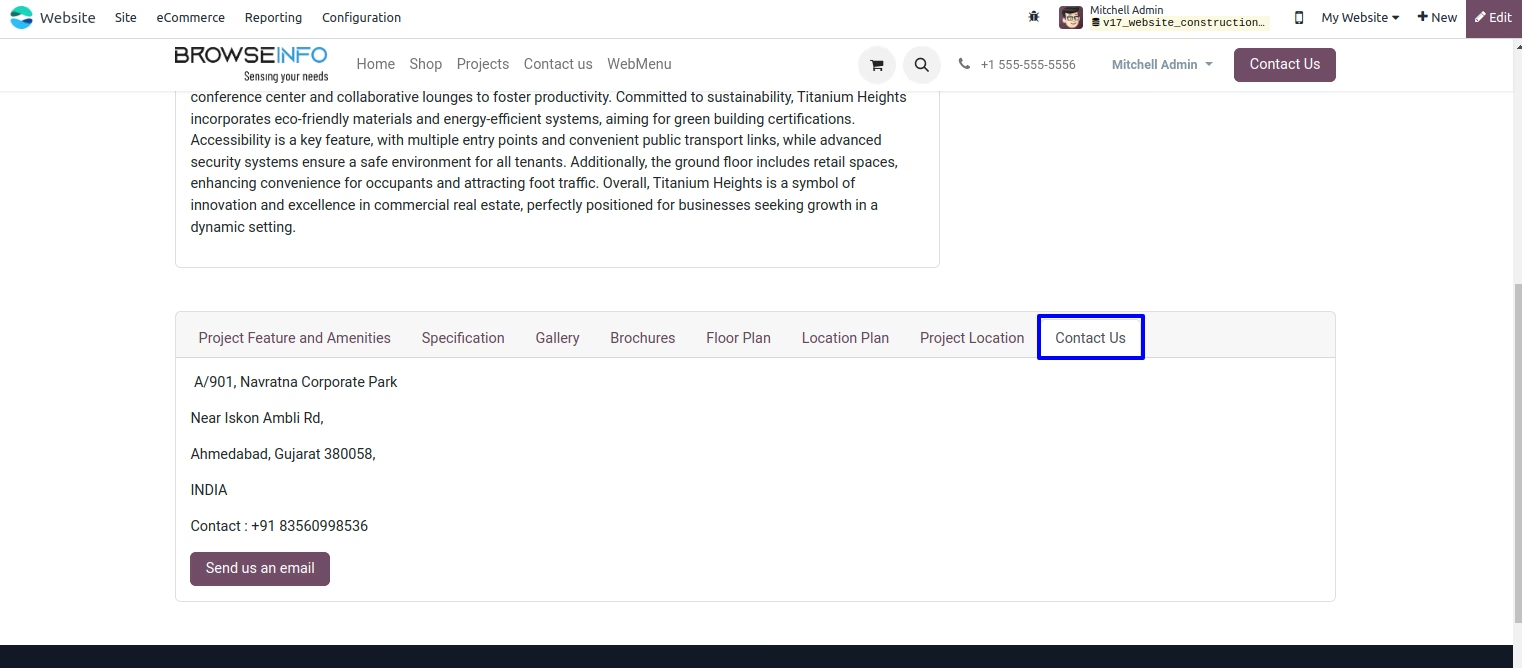
Here you can add contact us information which is display on website.
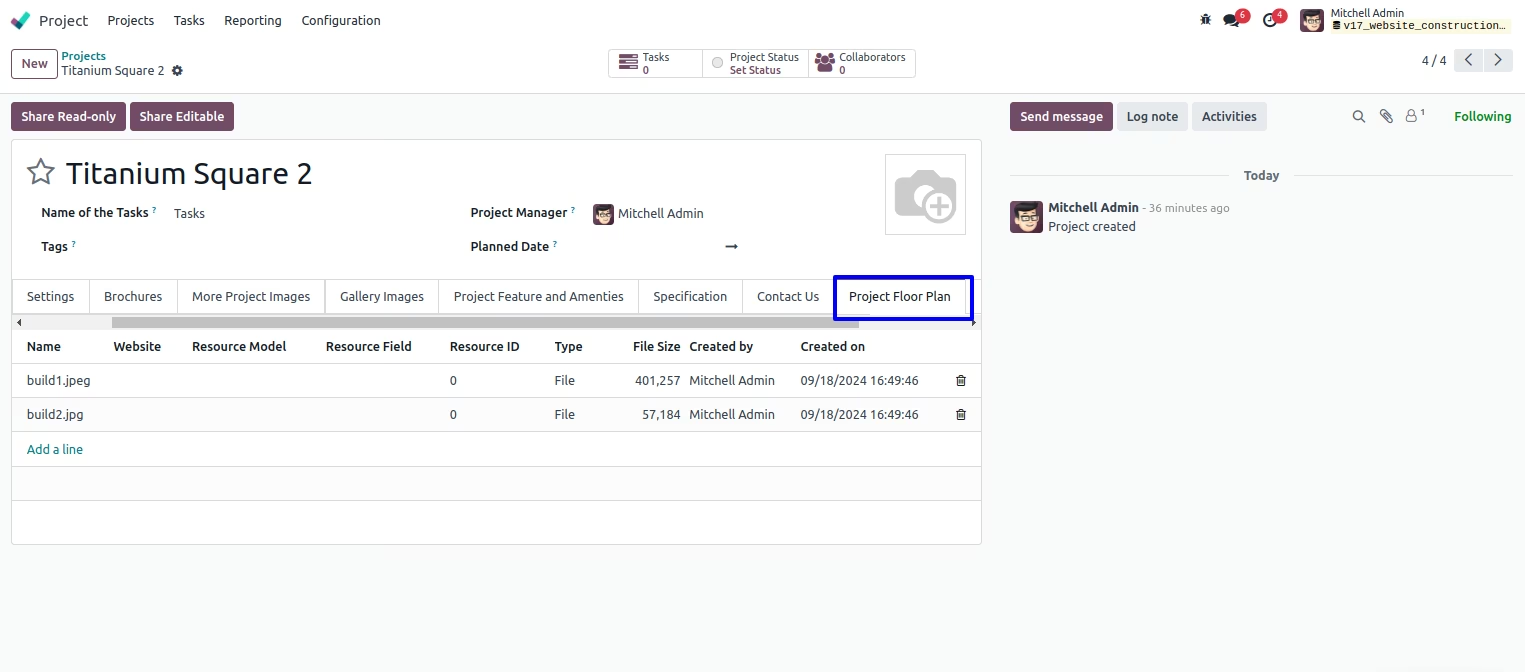
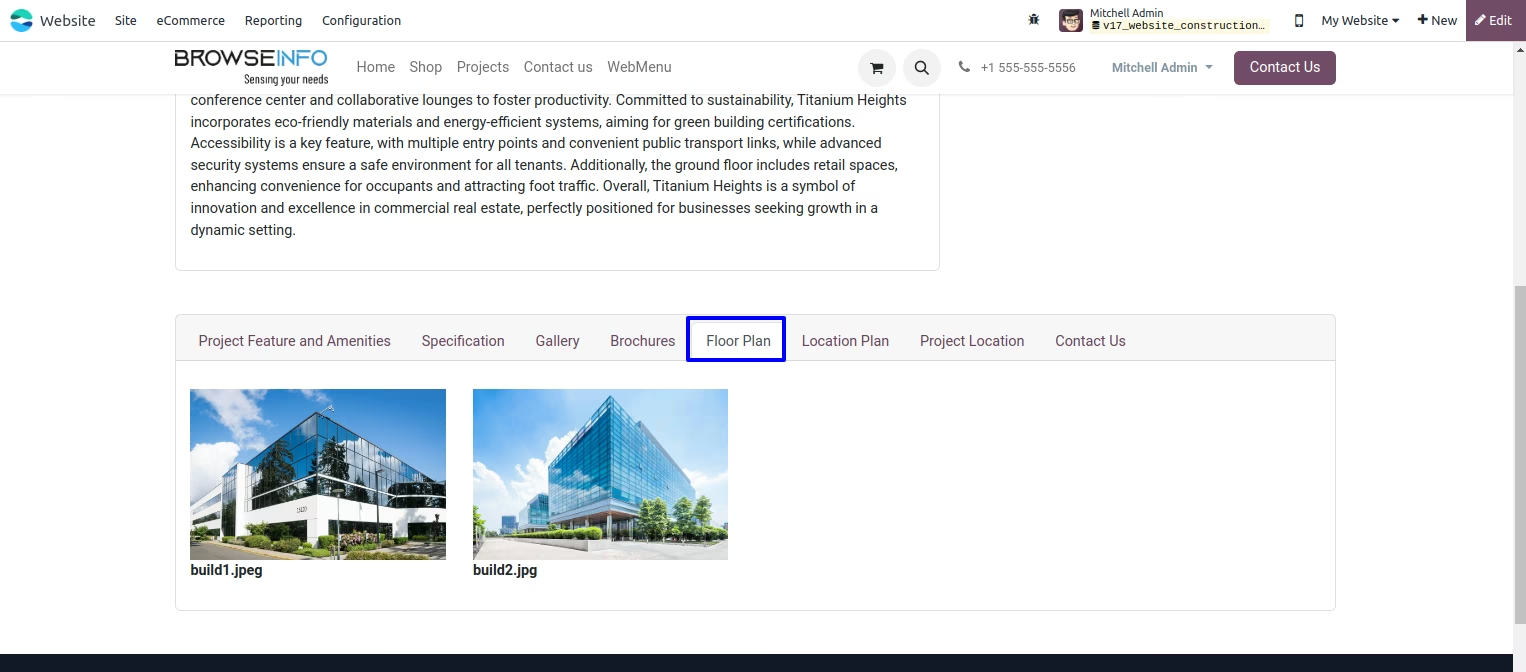
Add Project Floor Plan
You can add project floor plan for customers/visitor which is view on website.
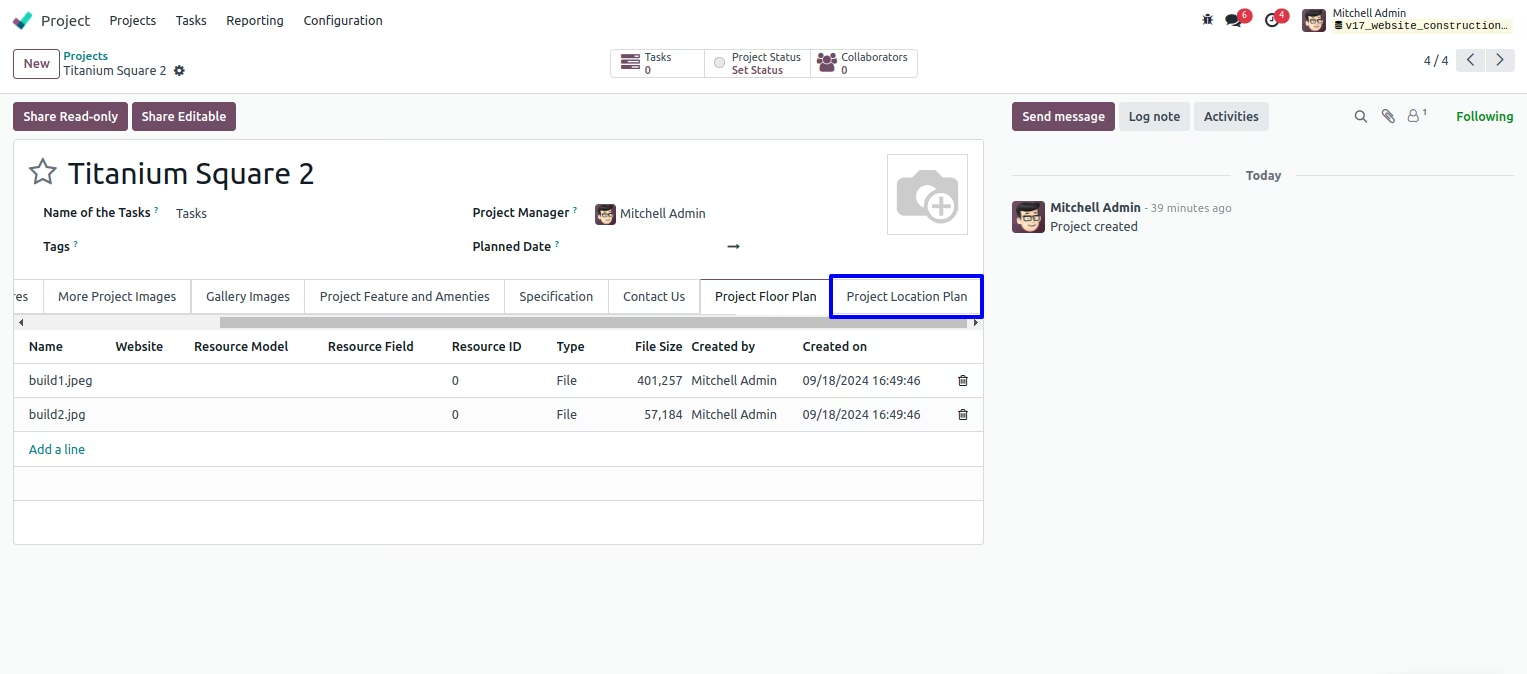
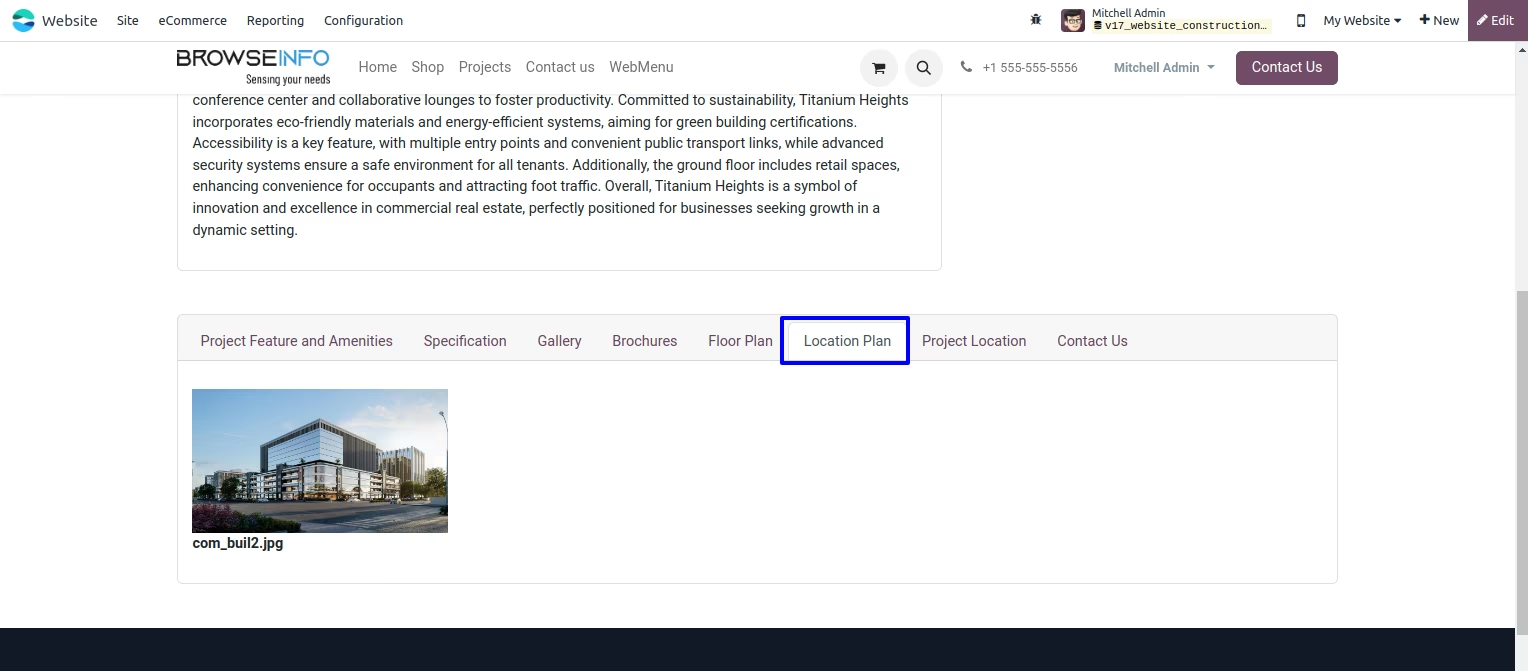
Add Project Location Plan
You can add project location plan for customers/visitor which is view on website.
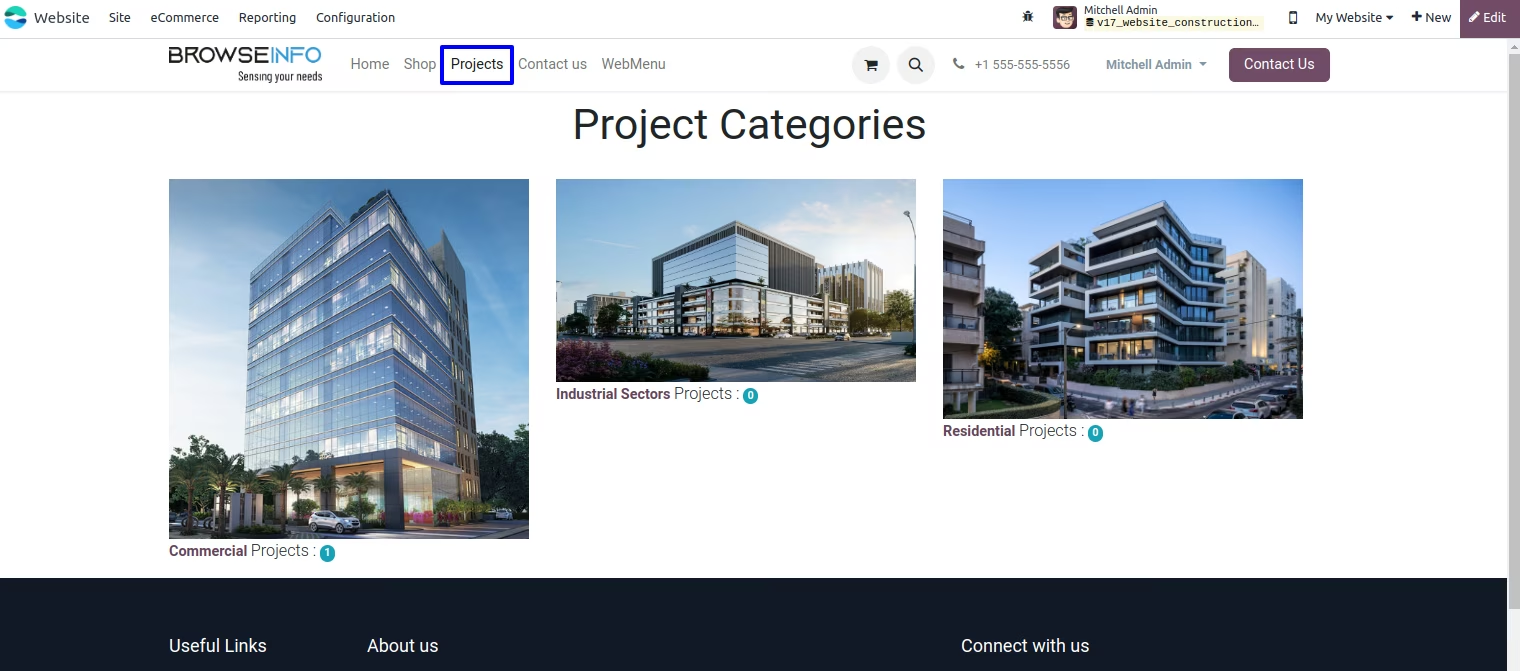
View All Projects On Website
You can see project menu on website, It will display all created projects on backend based on project categories.
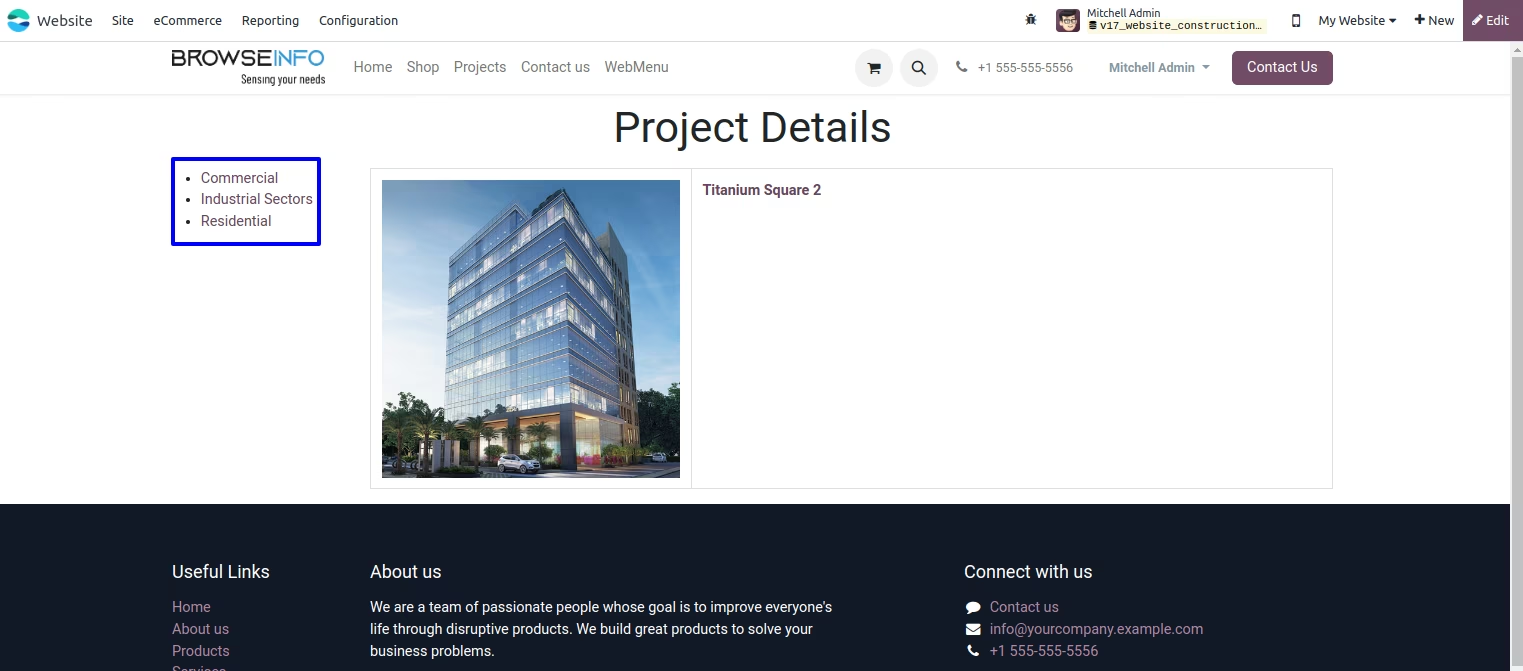
View Category Wise Projects
You can see all projects by project category.
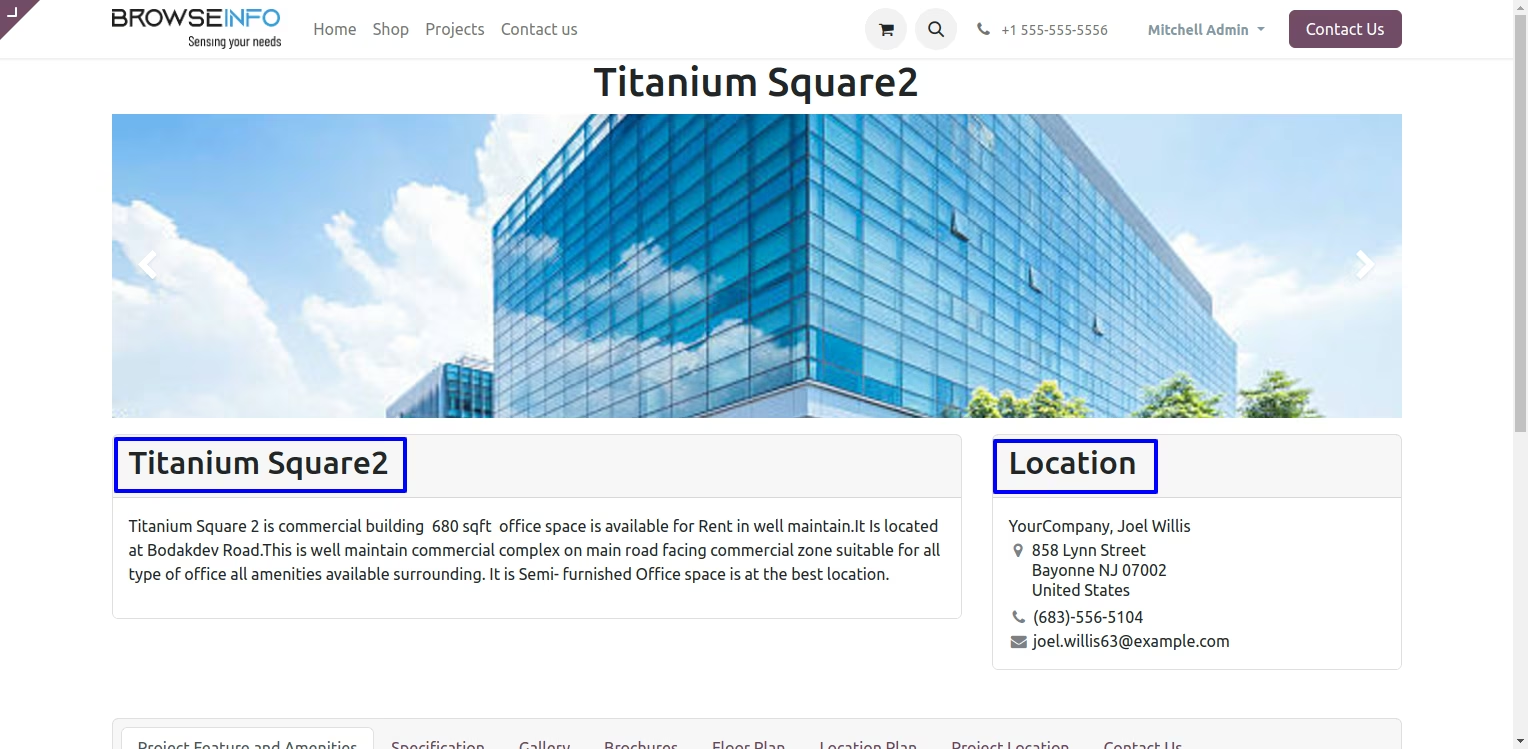
Project Detail View
After Click on any particular project you can see detail view of project. Slider shows images which is set Project More Images at backend side.
Project Features and Amenities On Website Project Page.
Project Specification On Website Project Page.
Project Gallery On Website Project Page.
Project Brochures On Website Project Page.
You can download project brochures by clicking on brochures.
Project Floor Plan On Website Project Page.
Project Location Plan On Website Project Page.
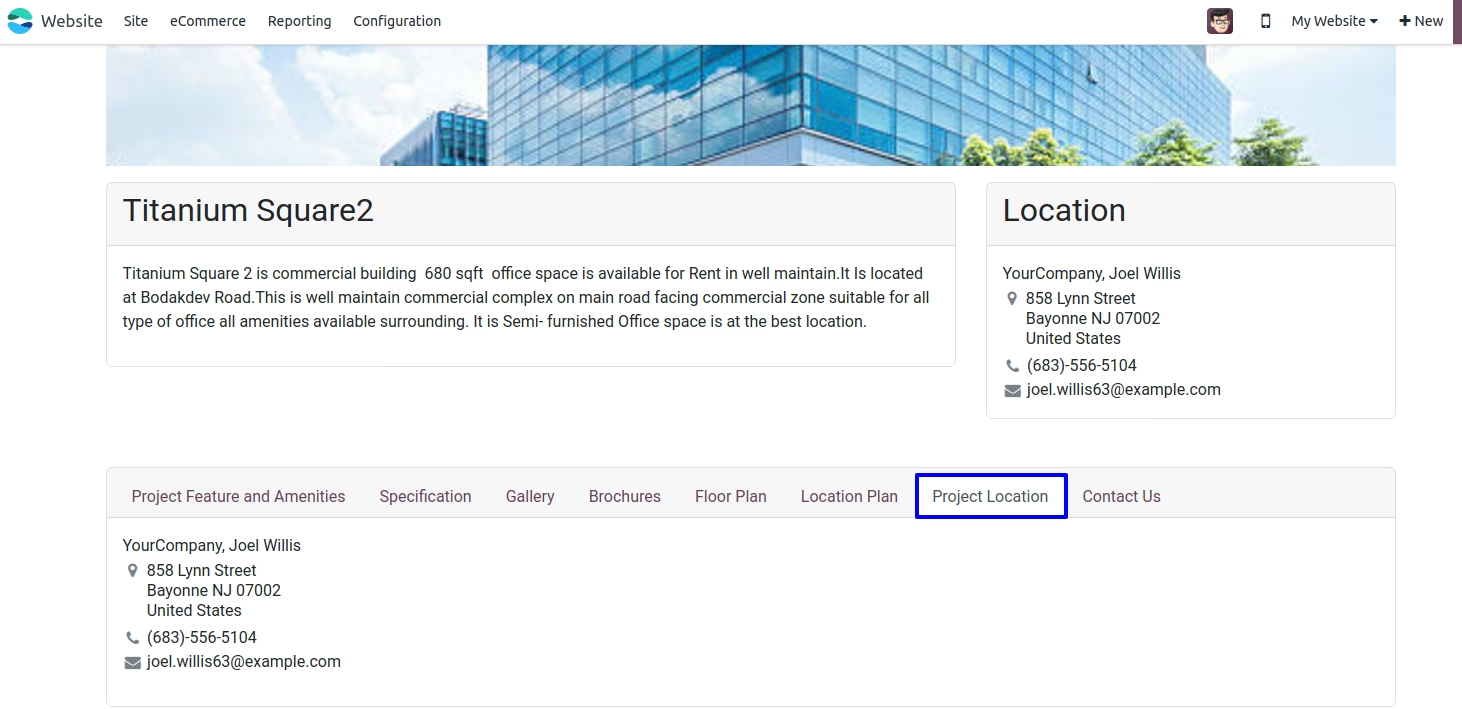
Project Location On Website Project Page.
Project Contact Us On Website Project Page.