The module for integrates with Cloudinary, a cloud-based media management platform. This integration allows businesses to manage and deliver media assets such as images and videos efficiently within the platform. By leveraging Cloudinary's capabilities, users can optimize media delivery, enhance performance, and streamline media workflows.
Cloudinary Integration: Seamlessly integrates with Cloudinary for media management.
Media Optimization: Automatically optimizes images and videos for faster delivery and improved performance.
Responsive Delivery: Delivers media assets in formats and sizes suitable for various devices and screen resolutions.
Secure Media Access: Ensures secure access to media assets stored in Cloudinary.
Media Transformation: Applies transformations to media assets, such as resizing, cropping, and format conversion, on-the-fly.
Version Control: Manages different versions of media assets to maintain consistency and track changes.
Metadata Management: Handles metadata associated with media assets for better organization and searchability.
Seamless User Experience: Provides a user-friendly interface within for managing media assets.
Scalable Storage: Utilizes Cloudinary's scalable storage solutions to accommodate growing media libraries.
Integration with Odoo Modules: Integrates with various modules to enhance media handling across the platform.
Enhanced Performance: Improves website and application performance by delivering optimized media assets.
Cost Savings: Reduces storage and bandwidth costs by leveraging Cloudinary's efficient media management solutions.
Improved User Experience: Provides end-users with faster loading times and a seamless media experience.
Simplified Media Management: Streamlines media workflows, reducing manual tasks and errors.
Scalability: Easily scales to handle increasing volumes of media assets as your business grows.
Advanced Media Capabilities: Access to Cloudinary's advanced media transformation and optimization features.
Secure Media Storage: Ensures the security of media assets with Cloudinary's robust security measures.
Centralized Media Repository: Maintains a centralized repository of media assets for easy access and management.
Enhanced Collaboration: Facilitates collaboration among teams by providing shared access to media assets.
Compliance and Governance: Helps maintain compliance with data governance and privacy regulations through secure media handling.
Seamlessly integrate with Cloudinary to store and manage chatter attachments in the cloud. This module extends the cloud_storage framework to offload files to Cloudinary, offering scalable, secure storage for your attachments. Perfect for businesses handling images, PDFs, and other documents in chatter.
Why This Module Matters?
In today’s fast-paced business environment, managing attachments efficiently is crucial. A bloated database can slow down your system, make backups time-consuming, and hinder scalability. This module leverages Cloudinary—a leading cloud storage platform—to reduce server load, enhance scalability, and secure your data. By offloading chatter attachments to the cloud, you save resources, speed up workflows, and ensure your instance stays lightweight and responsive. Best of all, Cloudinary offers a free tier, making it cost-effective for businesses of all sizes.
Key Features
- Upload attachments directly to Cloudinary from chatter.
- Securely store files with signed URLs.
- Easy configuration via settings.
- Requires the cloud_storage base module.
- Reduce database size by offloading images and documents.
- Ensure faster backups and improved system performance.
- Leverage Cloudinary's free tier for cost-effective storage.
Installation
- Install the cloud_storage module from Apps.
- Install the
cloudinaryPython package:pip install cloudinary. - Install this module (Cloud Storage Cloudinary) via Apps.
Configuration
- Go to Settings > Technical > Cloud Storage.
- Set Cloud Storage Provider to "Cloudinary".
- Enter your Cloudinary Cloud Name, API Key, and API Secret.
- Save the settings to start storing attachments in Cloudinary.
Note: Cloudinary offers a free tier with generous storage and bandwidth limits, making it an affordable solution for small to medium-sized businesses.
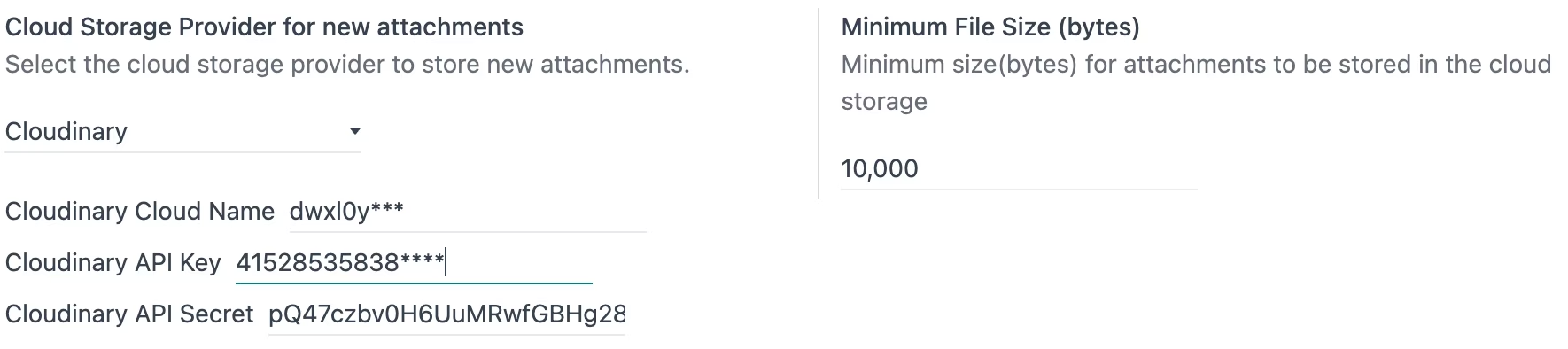
1. Enter Cloudinary Cloud Name, API Key, and API Secret.
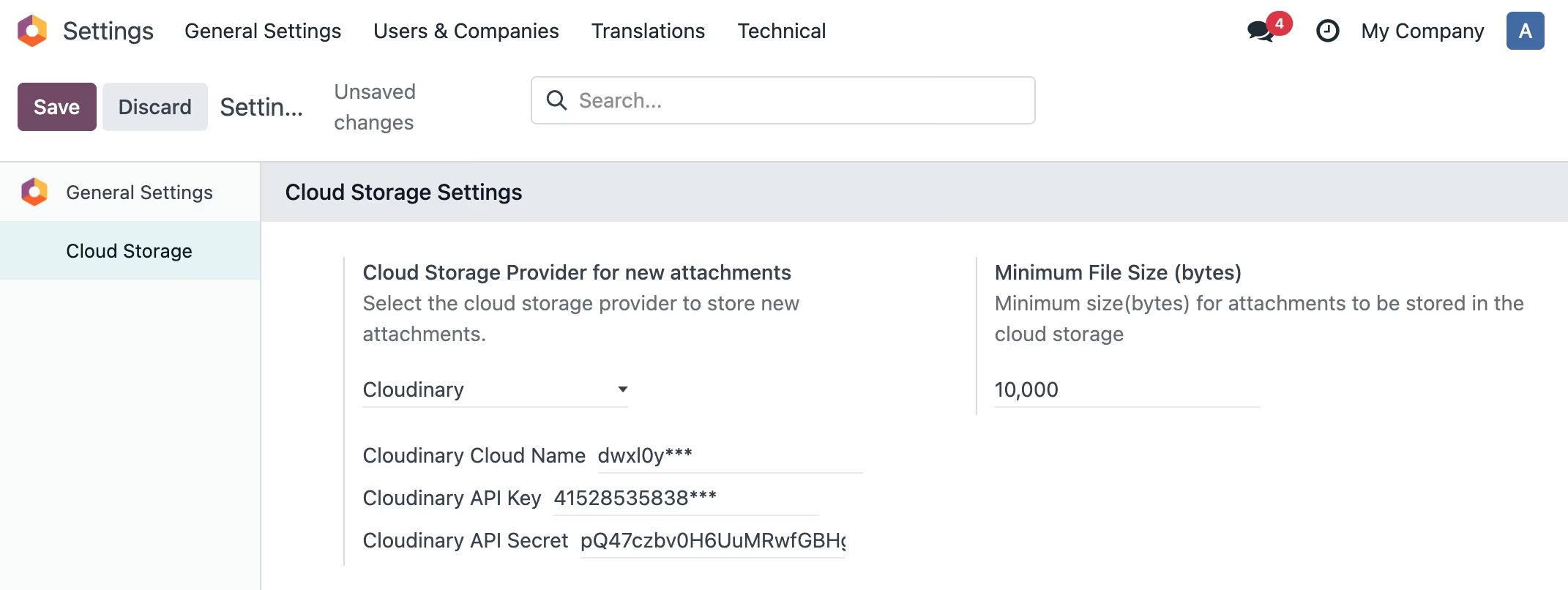
2. Open Document, click attachment, select file to upload
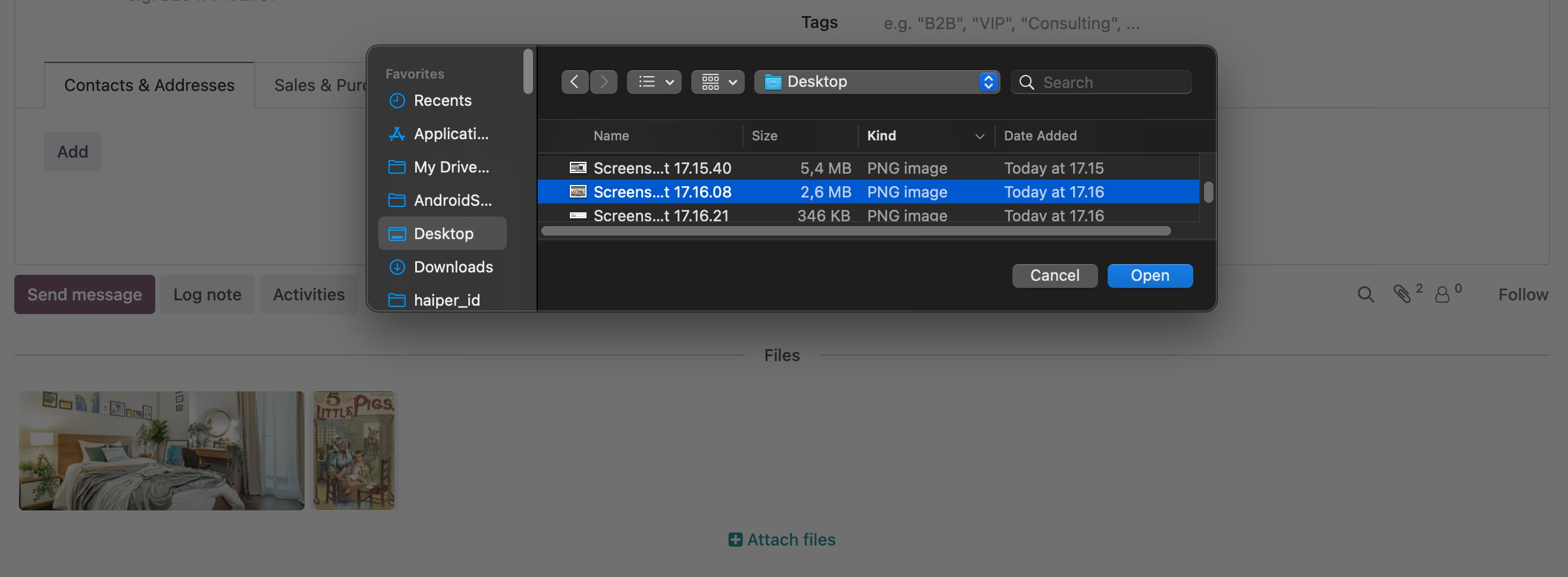
3. All files attached

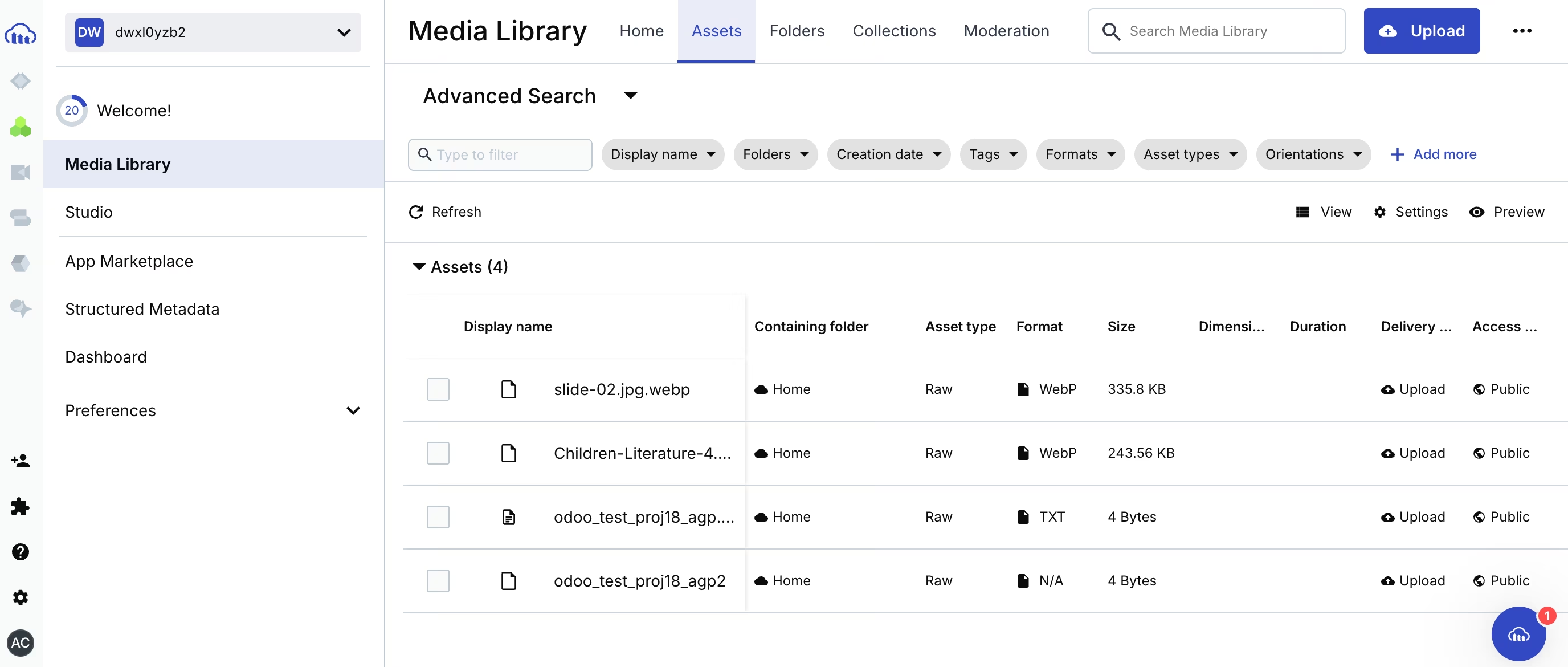
4. Check files on Cloudinary console