The module for empowers businesses to create and manage professional invoices with customizable layouts. It offers multiple pre-designed templates and full flexibility in colors, logos, watermarks, and text styling, allowing companies to align their invoicing process with their brand identity. By simplifying template selection and customization, the module ensures professional and consistent communication with customers.
Provides six built-in invoice templates with unique designs.
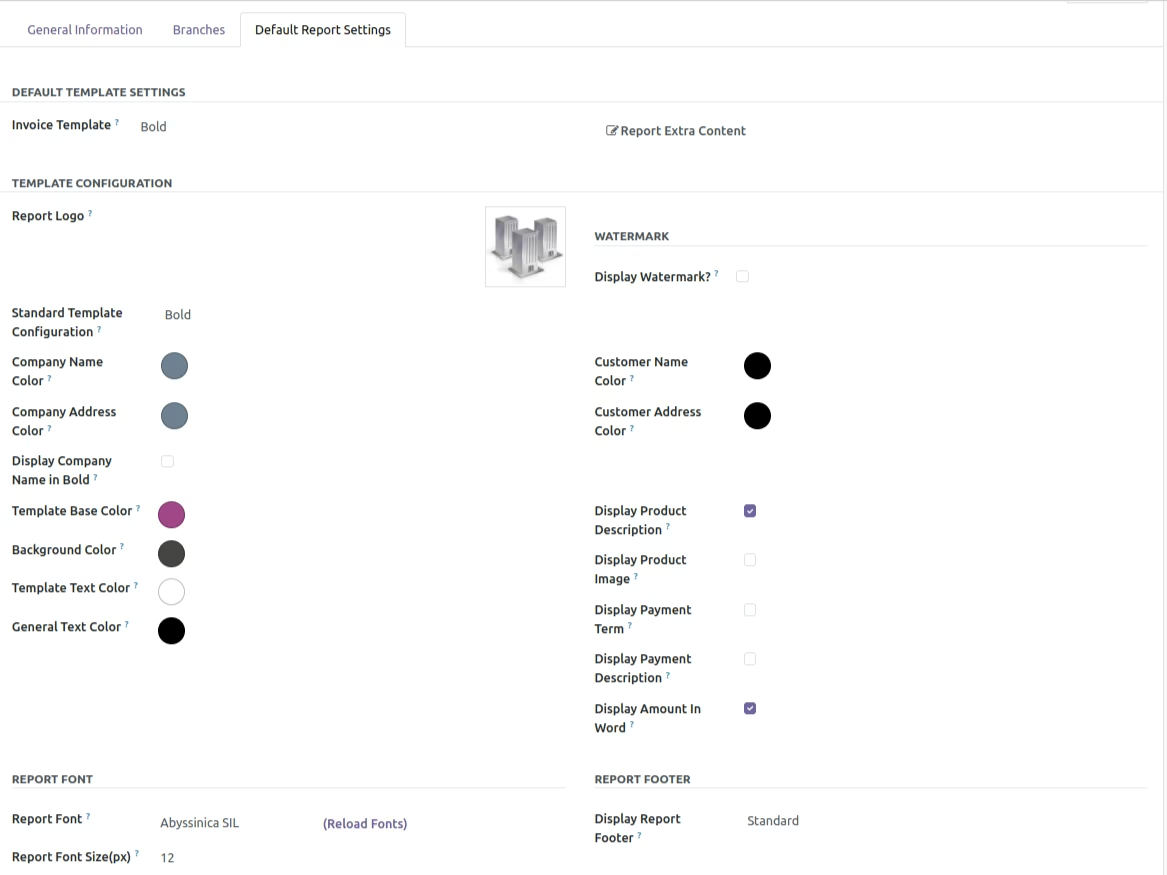
Customizes template colors for base, text, company name, and customer details.
Allows adding company logo and watermark for professional branding.
Supports bold text styling for company and customer names.
Option to display product descriptions on invoices.
Displays payment history directly on invoices.
Automatically labels duplicate invoices for clarity.
Easy PDF generation with applied templates.
Ensures professional and branded invoices across the organization.
Improves customer trust with consistent and polished document design.
Saves time with ready-to-use templates requiring no coding.
Enhances flexibility to adjust invoice appearance as business needs evolve.
Simplifies invoicing for administrators and non-technical staff.
Provides clear communication with customers by including product details and payment history.
Reduces dependency on external customization services.
Strengthens overall business identity with unified invoice layouts.
Get Diverse Invoice Templates In One Go!
AppJetty is introducing an exclusive app to manage Order Invoices and to make them more impressive. Clever Multiple Invoice Templates app will assist you to maintain your invoices in a superior way. Admin can set layout of the invoice in multiple ways. There are inbuilt 6 types of invoices for the references. Admin can manipulate it the way required. Admin can view Payment History in the invoice to keep a check of order details. Admin can manipulate multiple fields of the invoices with Clever Multiple Invoice Templates. Admin can choose different colors with Color Picker. With Clever Multiple Invoice Templates you can print duplicate bills with the prior Duplicate Header. Admin can also set different templates for different customers.
Core Features
- Easy One Time Setup
- The Clever Multiple Invoice Templates app will easily be configured in your store.
- Full admin Control over Multiple Invoice Fields
- Multiple Invoice Templates to Choose From
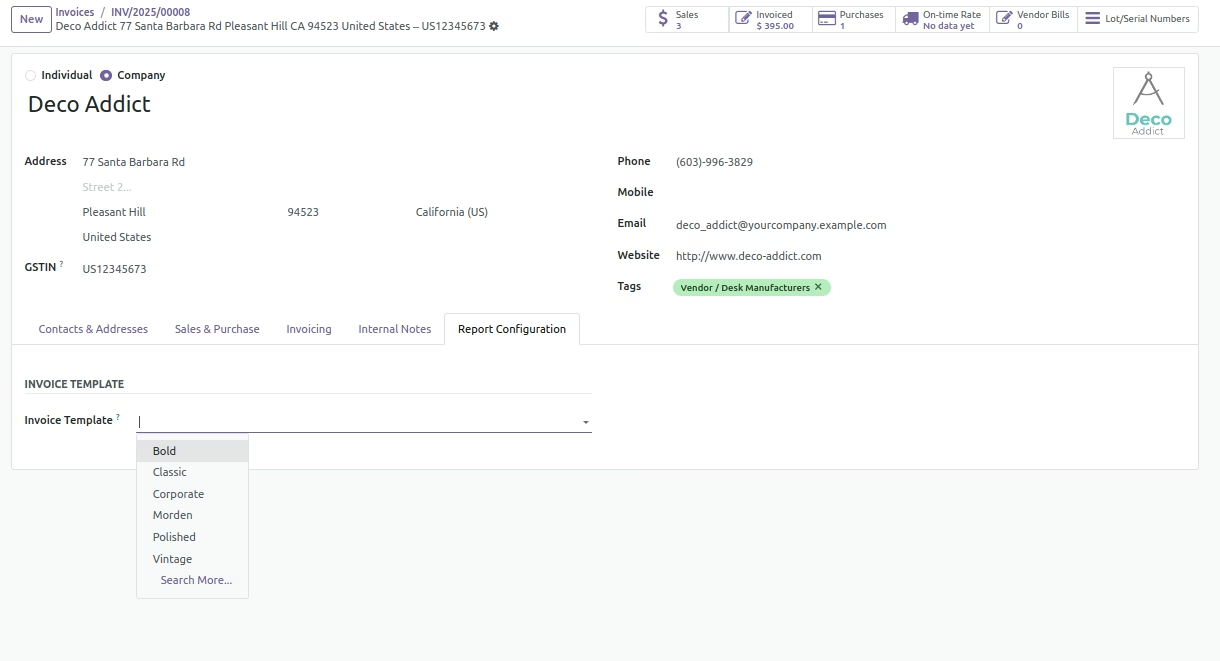
- Admin can choose from 6 eye-catching Invoice templates and can manipulate it as per the requirements.
- For the Templates, First priority for invoice template set on invoice, if not then set on decided for customer and after then set on decided for company. If everything is not set Contemporary Template will be used.
- Different Invoice Template for Different Customers
- Admin can set Different Invoice Template for different Customers with Multiple Invoice Templates.
- Stay Up to Date with Order Payments
- With the Clever Multiple Invoice Templates admin has the facility to keep track of all the payments provided by customer for the products.
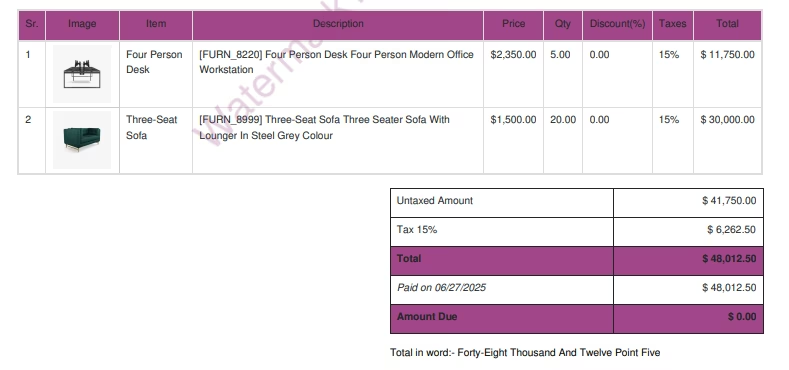
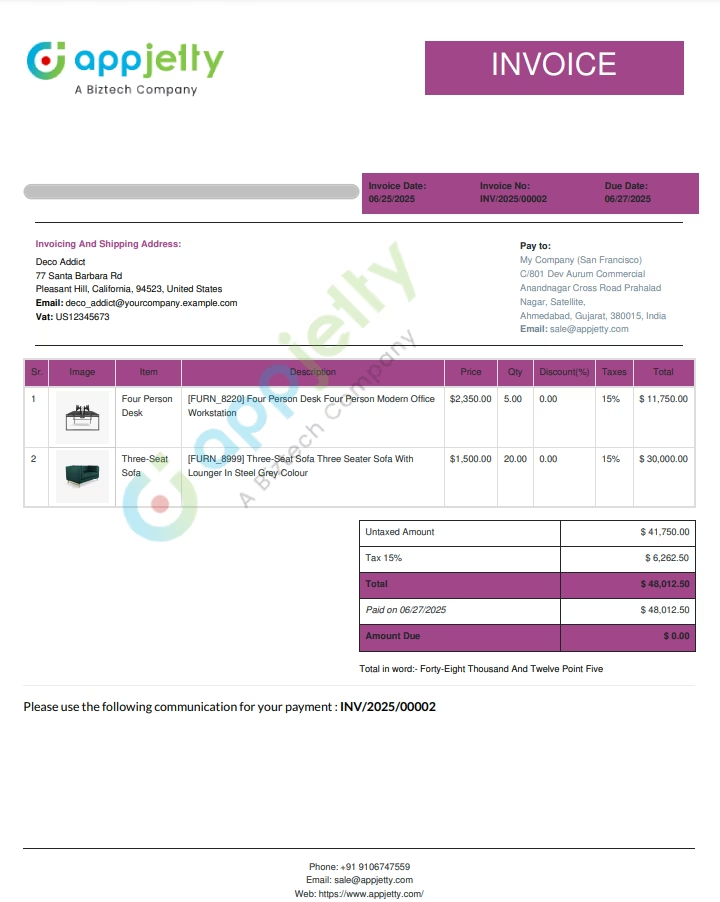
The final Generated invoice with all the set properties would be as below
Customize templates further in terms of font size, font color, company logo, and many other features. Also, you can generate the preview of the final report to get the idea of how it looks before sending it to your customers.
You can set default templates on the individual level based on the customers or types of reports as well as on the global level. And if you have set a default template on the individual level, then that template style will be given priority.
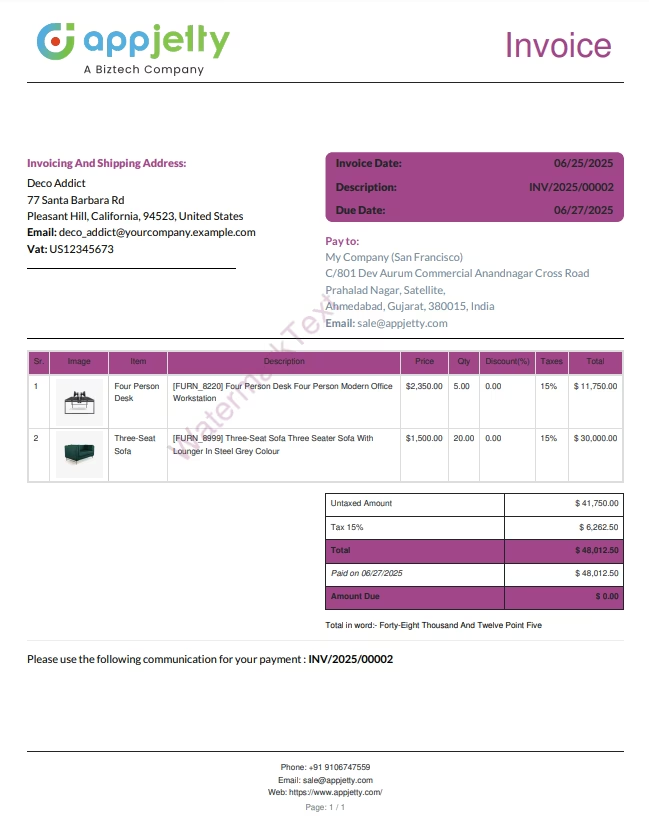 Bold Template
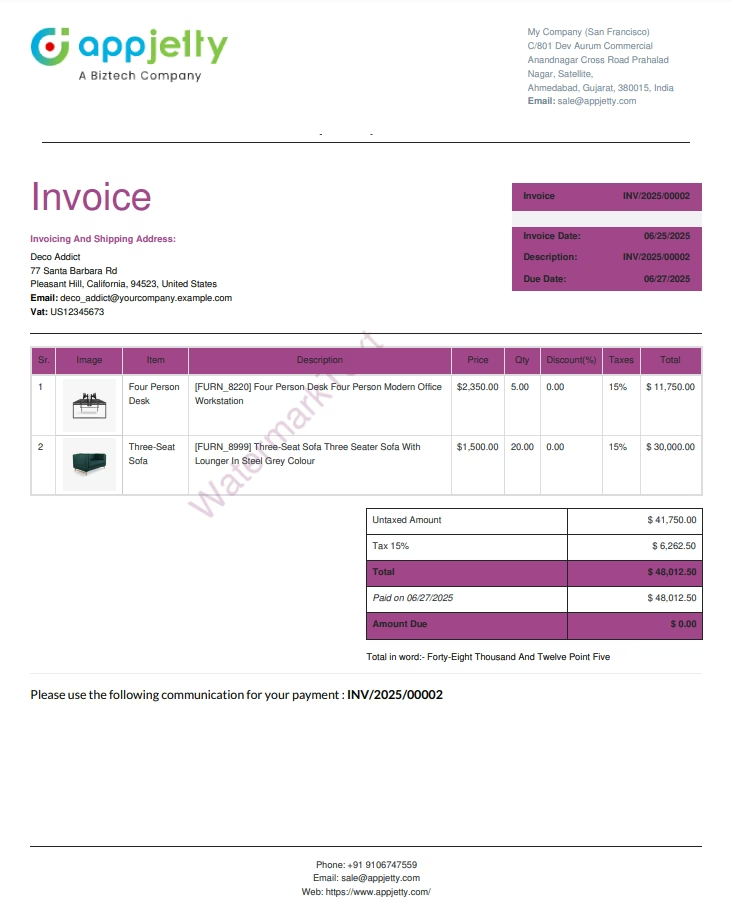 Classic Template
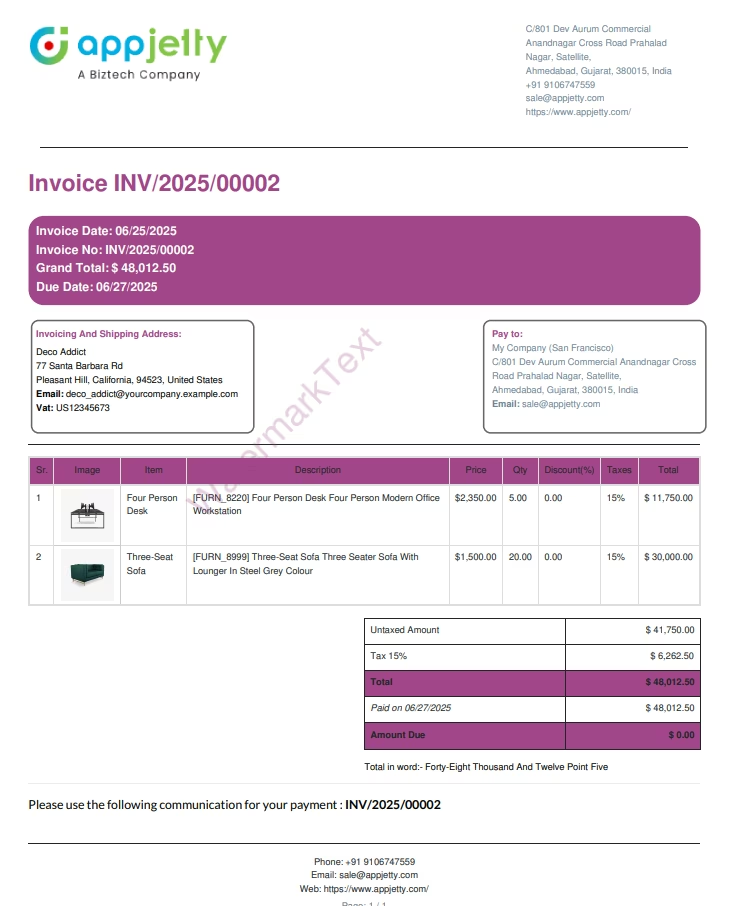 Corporate Template
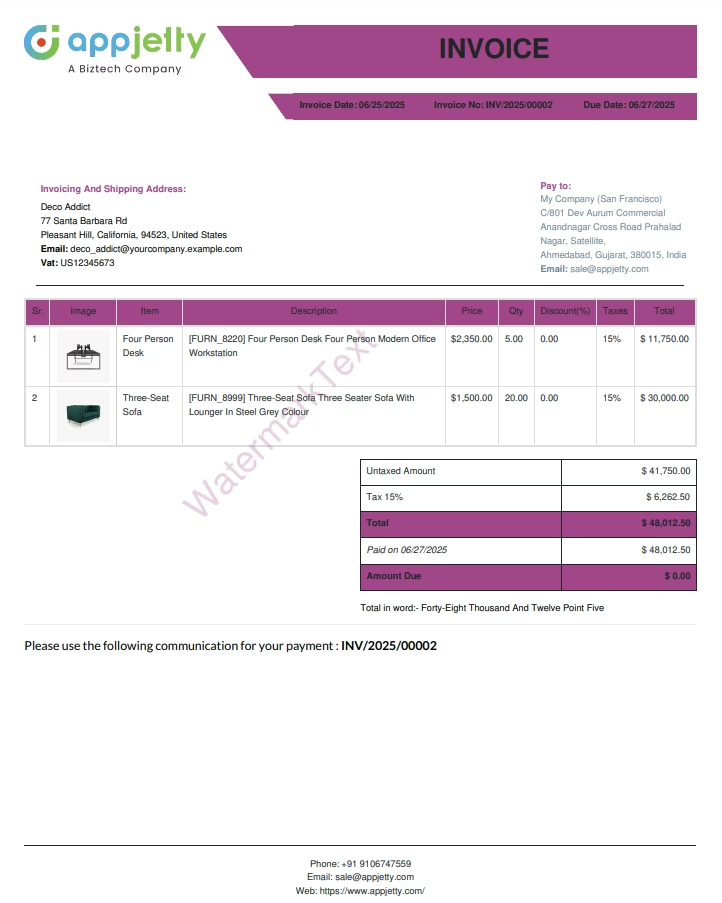 Morden Template
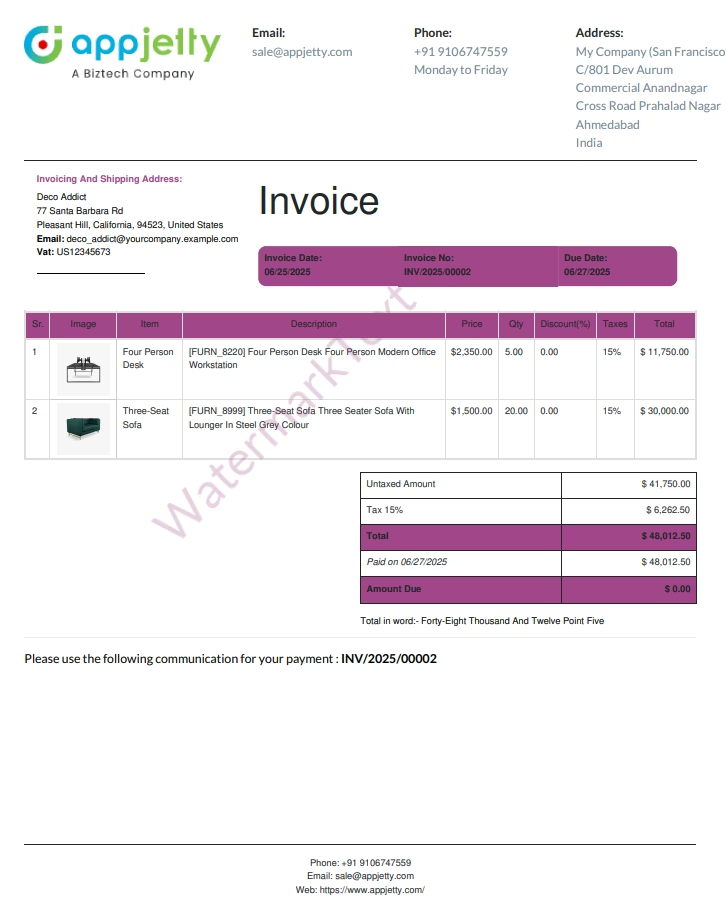 Polished Template
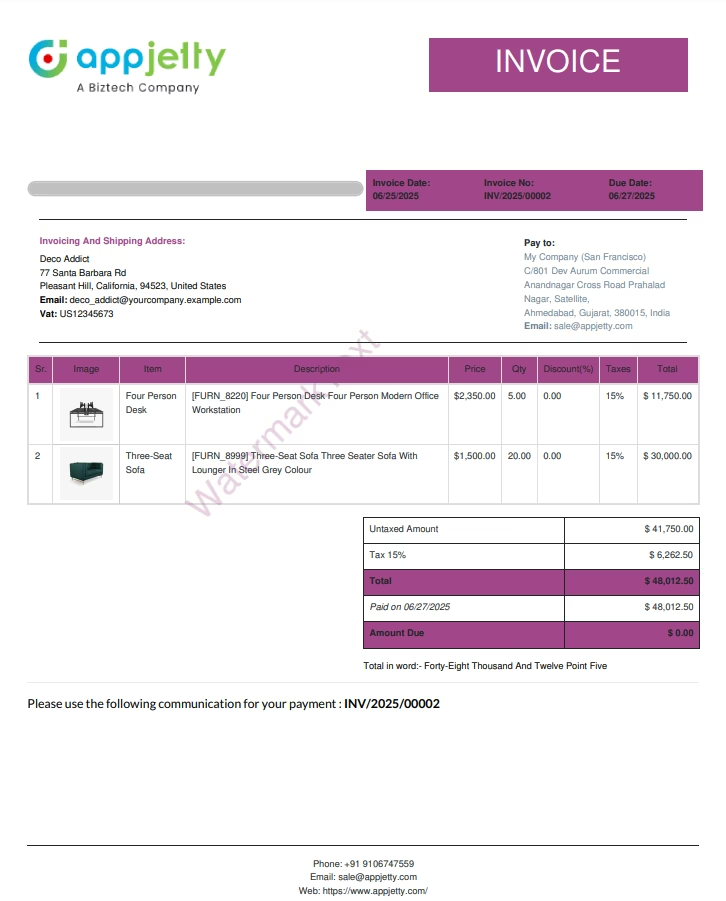 Vintage Template
Watermark Your Reports
Give a professional touch by adding a watermark to your reports. Print anything like a simple expression, timestamp, your company logo, details, user details as a watermark on your report with our all-in-one report app.
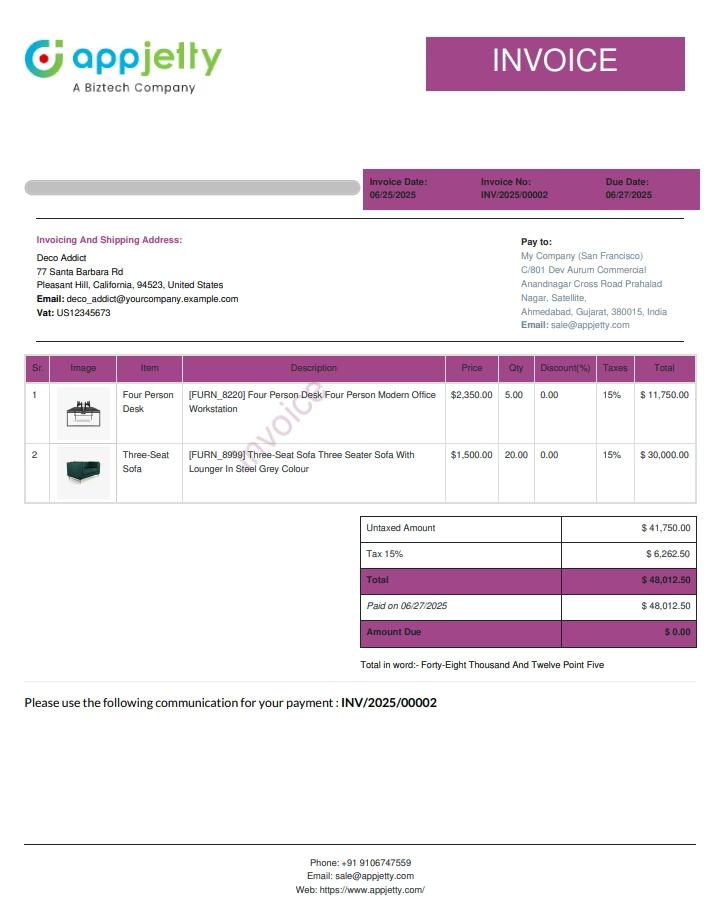
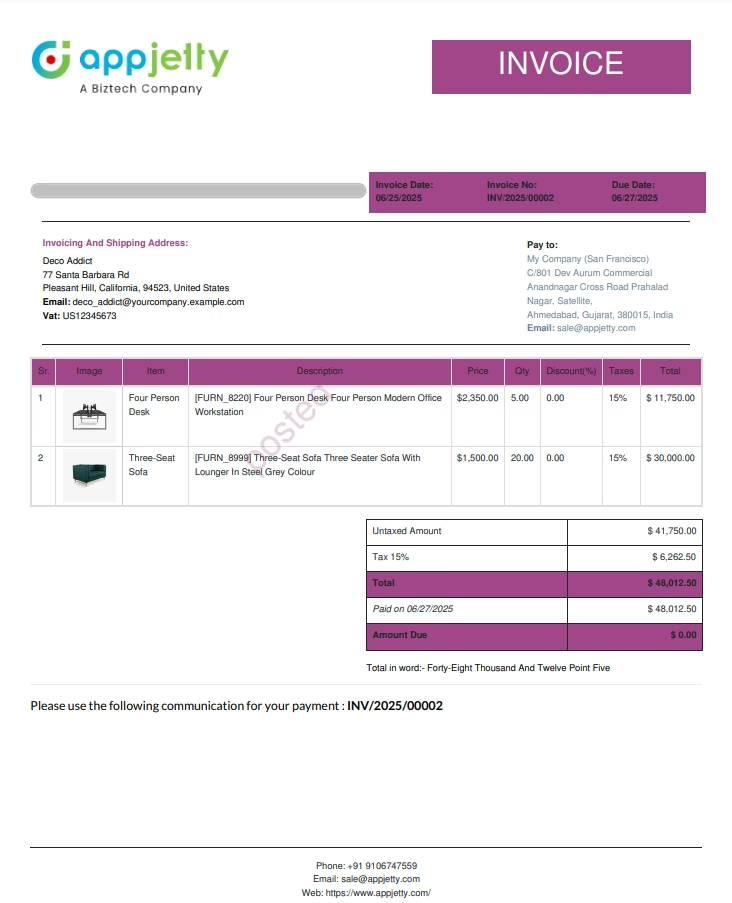
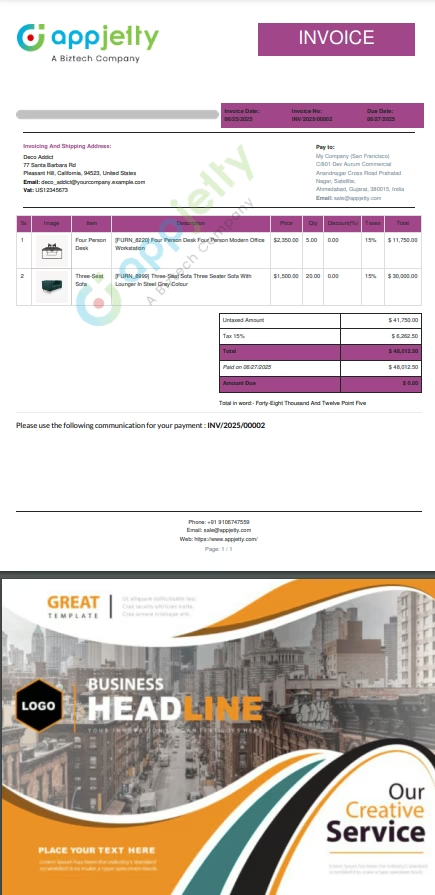
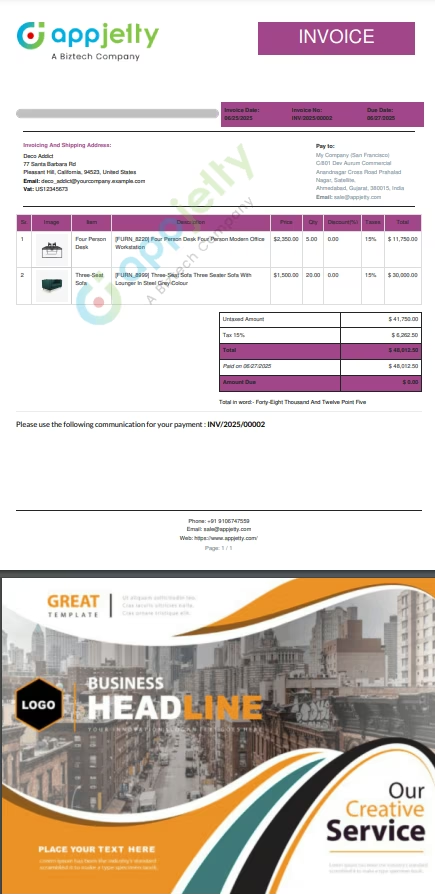
Append Your Extra Content to Reports
Have any extra content like terms and conditions, brochures, advertisements, etc. to add to your reports? Simply upload these details in PDF format and the app will append it to your printed report.Add limitless content as PDF documents to your reports to form a one-page document ready to send to your final customer or supplier.
Building Blocks
Manage Styles of All Report Fields
Admin can choose template configurations for numerous report fields ranging from water mark to company name & colorNumerous Report Templates Styles
Admin will be able to choose printing styles of various report form from 8 different types of attractive template stylesManage Various Report Types
Admin will be able to choose and print various reports of system from Invoices to Picking / Delivery listConfigurable Report Templates
Admin will be able to configure each and every of the eight report templates which are provided with Clever All in One Report TemplatesConfigurable Report Styles for Each Customers
Admin will be able to set default template style for every store customerDefault Template for Every Report
Admin can opt for default template setting for every report and print reports in that stylePrint Reports in Various Languages
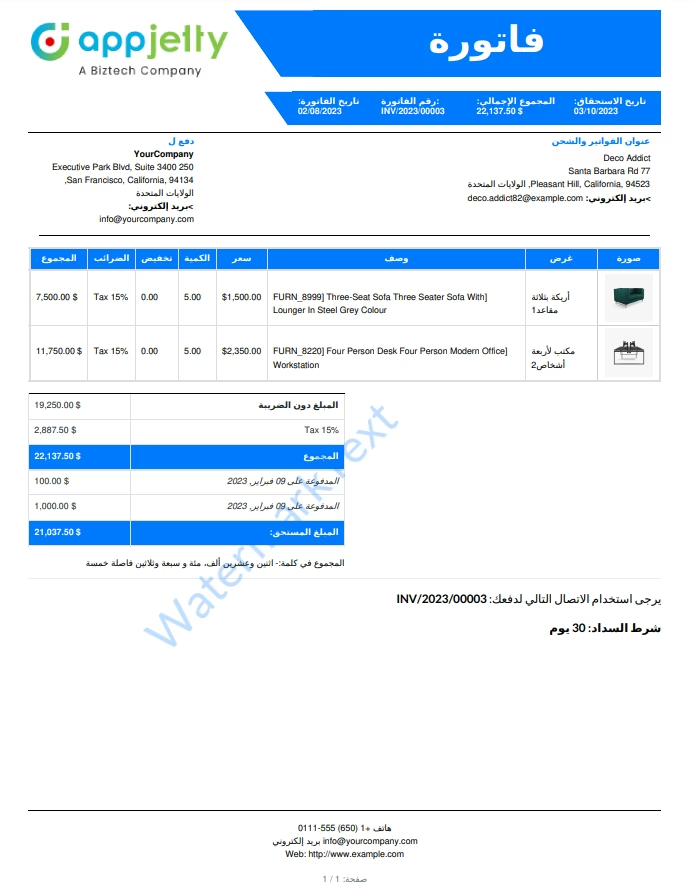
Print reports in various languages like French (Francis), German (Deutsch), Arabic, Dutch / Nederlands and many more...One Time Setup
Just set up this report customization app once in your back end and you are ready to goQuick Support
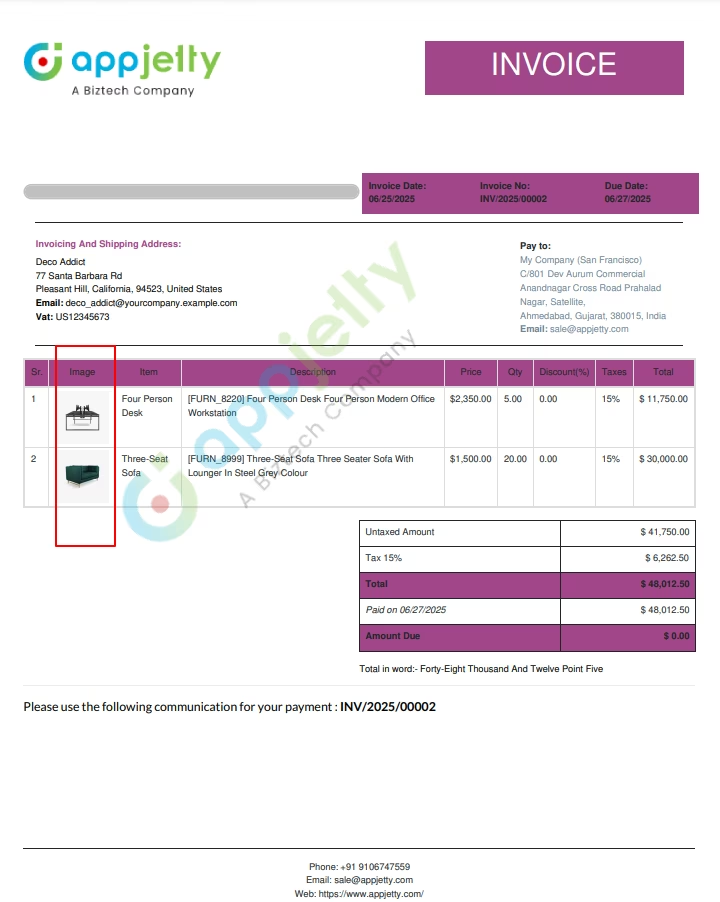
Get quick and reliable support for any issues you face while using this app. Our support team works day in and day out to fix all possible bugs and serve you in the best way possible.Display Product Images on Reports
Add all the required information in reports to give a full picture to your customers and vendors using our all-in-one report app. Display product images on documents including Invoices, Sales Orders, Quotations, Delivery Note, Packing Slips and more.
RTL Support
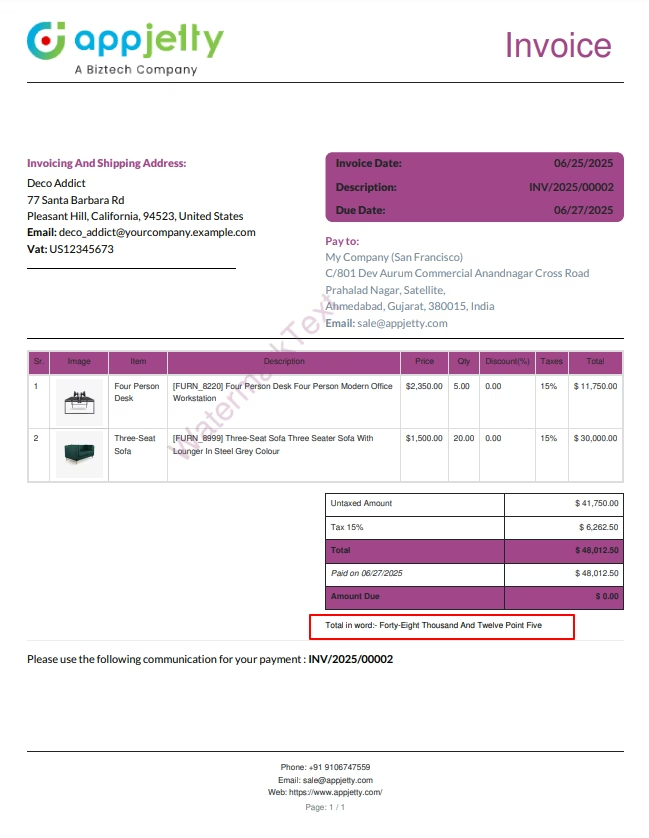
Amount in Words
Display amount in words on all documents with the automatic 'amount to words' conversion feature. Choose from multiple languages including:
Multiple Footer Options, Font Size, Font Family and Signature
Add more details like full company address, VAT number, bank details, contacts, company tagline and more at the end of the report using multiple footers. Use the 'Signature' feature to add a representative signature of your company on all your documents. Do away with the need for manually signing each and every document every time.
How to install external python library?
img2pdf
sudo apt-get install python3-img2pdf
OR
sudo pip3 install img2pdf
fpdf
sudo apt-get install python3-fpdf
OR
sudo pip3 install fpdf