The module for offers a basic framework to support cheque printing workflows. Designed by the Community Association (OCA), it includes a sample layout and provides the foundation for companies to integrate and customize cheque printing functionality, bringing automation and consistency to financial operations.
Provides a sample cheque layout as a starting point for customization.
Offers a framework for cheque printing, enabling modular expansion.
Allows check format configuration per company via the settings interface.
Enables printing of checks from the payment records in purchase or invoicing workflows.
Supports automatic check printing when validating payments via configurable journal options.
Compatible with multiple versions
Fully fostered by the Community Association.
Encourages customization through integration with modules like DLT103 check formats.
Tracks bugs and enhancements via GitHub, supporting collaborative improvement.
Easily extended by third parties to support local check layouts or advanced printing needs.
Accelerates deployment of cheque printing with a ready-to-use layout.
Reduces development effort by offering a modular framework.
Localizes check printing by allowing tailored formats per business need.
Improves operational efficiency in financial workflows.
Ensures consistent and professional check outputs across your organization.
Supports automated printing, reducing manual steps and errors.
Maintained by OCA, ensuring reliability and community support.
Scalable through extensions and add-on modules.
Helps with compliance by managing cheque layouts centrally.
Serves as a foundation for more advanced cheque printing solutions.
This module inherits the account_check_printing module and leverage for PH specific Banks check printing.
Table of contents
Install module, it will require account_check_printing
-
account_check_printing
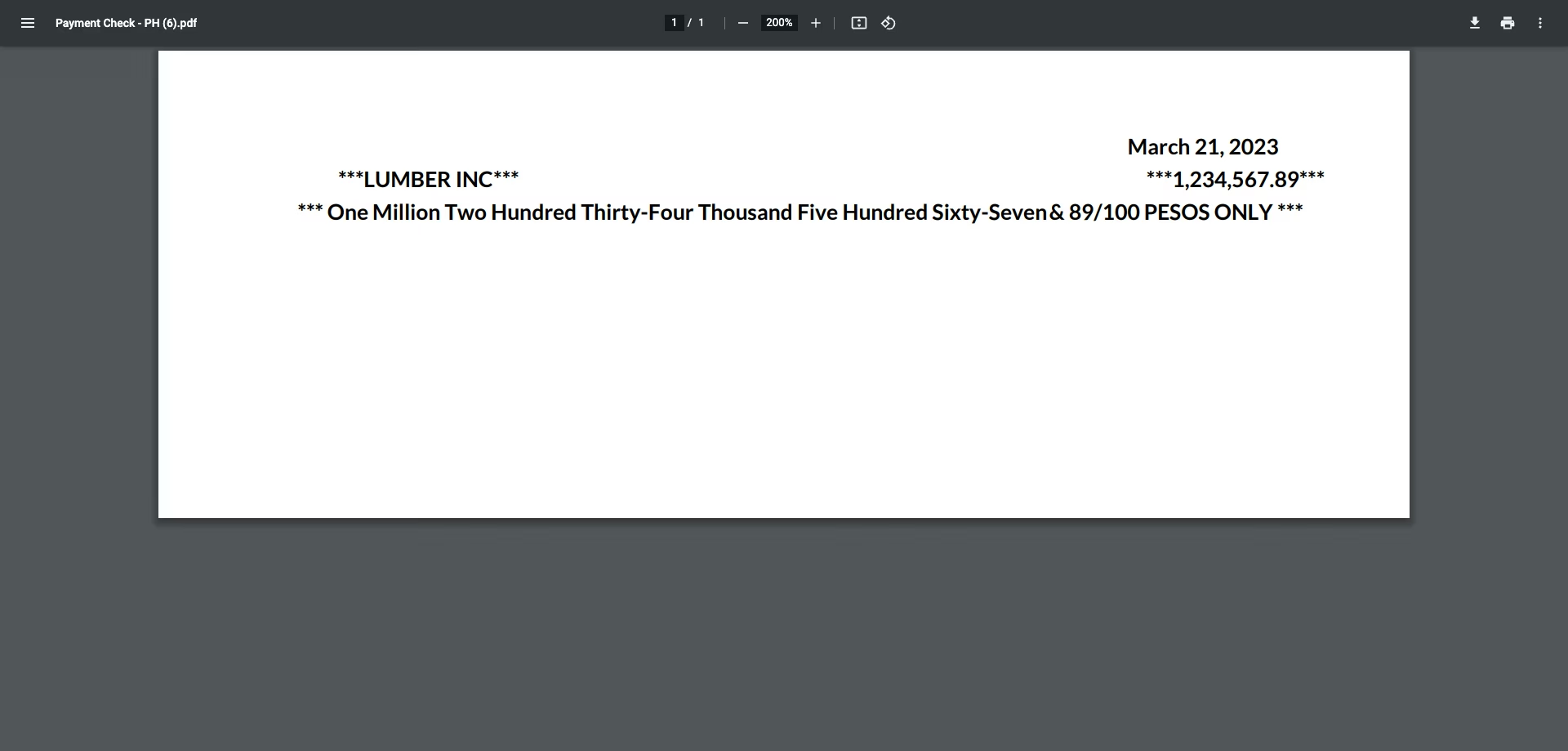
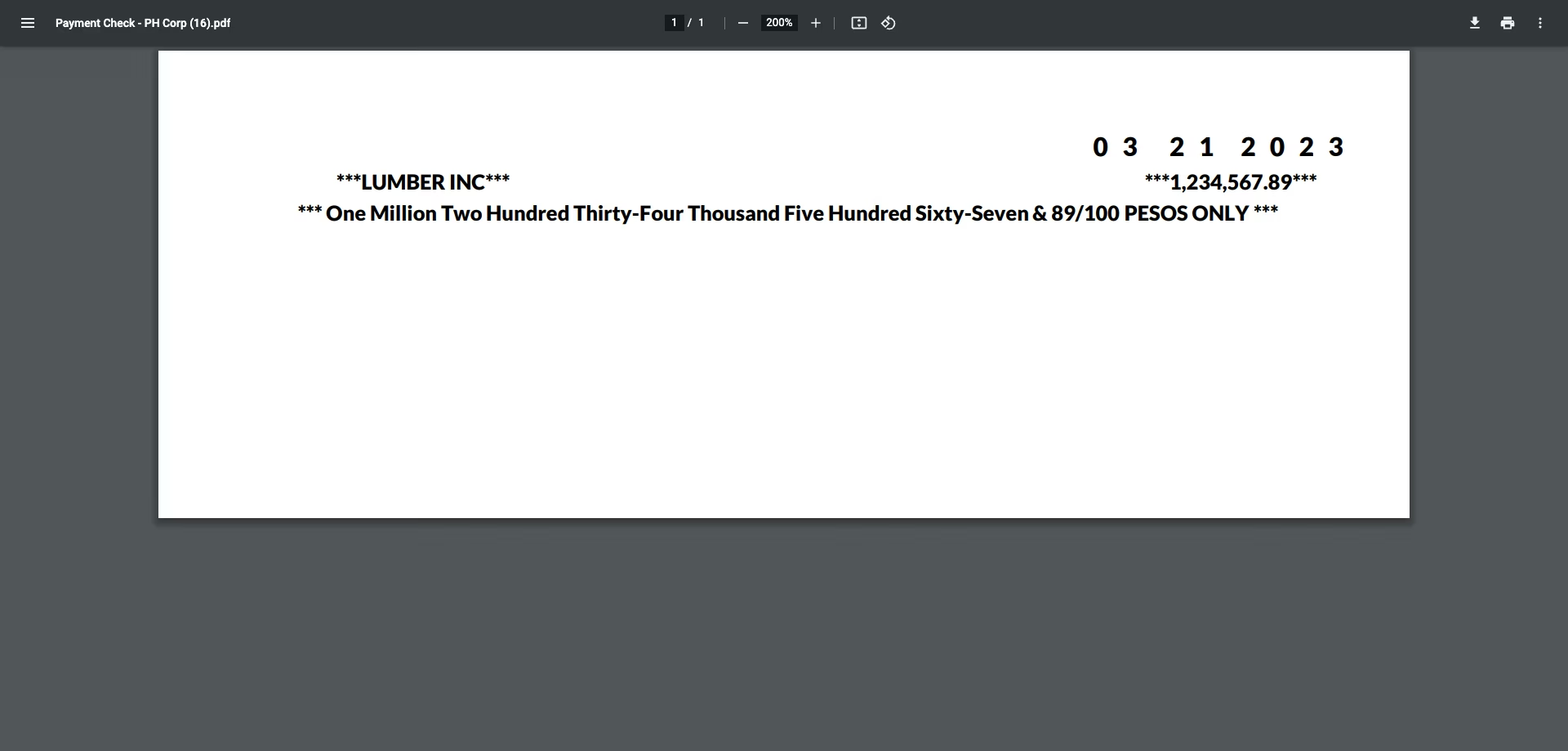
- Update your Company Information and select the required Check Layout
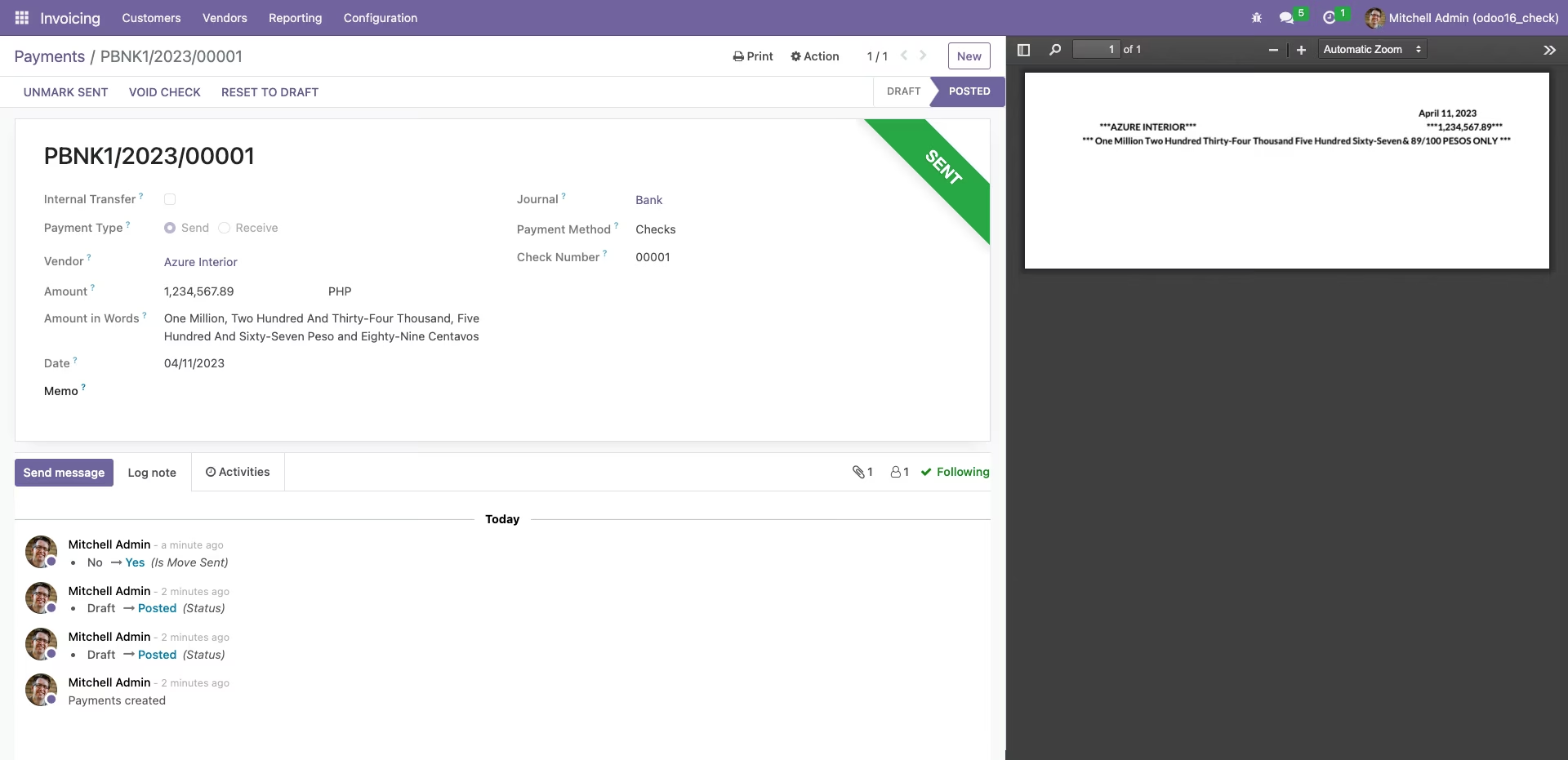
- Go to ‘Invoicing / Vendors / Payments’. Select one of the payments with type ‘Check’ and print the check.
- Configure your Journal to enable "Checks" as a payment method, best to use Manual Numbering
- For automatic check printing when validating payment, mark the field in the journal associated and make sure to select the PH specific layouts