The module for enhances and expands the functionality of the built-in WhatsApp integration. It empowers businesses to send WhatsApp messages from various document types including sales orders, invoices, delivery notes, and more directly. This extension fosters flexibility, improves communication workflows, and allows for deeper integration across the platform.
Enables WhatsApp messaging across multiple models, not limited to CRM.
Supports sending templated and custom messages including product details and pricing from sales, invoicing, and other modules.
Offers model adaptation through configuration menus to define where WhatsApp sends are enabled and how phone numbers are identified.
Manages webhook setup and message template mapping for reliable WhatsApp API interactions.
Seamlessly integrates with mail compose wizard, allowing users to choose WhatsApp instead of email for messaging.
Provides fallback mechanisms such as activity logs when message sending fails.
Significantly expands where WhatsApp messaging can be used within your system.
Improves customer engagement by delivering sales and billing information directly via WhatsApp.
Reduces manual effort with on-the-fly message sending from various business records.
Supports customizable workflows via configuration of models and templates.
Enhances traceability by integrating into communication logs ("chatter").
Enables fallback activity creation for failed sends, improving error monitoring.
Facilitates unified communication across departments from sales to support.
Boosts responsiveness with real-time messaging capabilities.
Send from many Applications with Templates
Separate modules !!
Not forced to install unnecessary Applications
This module contains directory with name: "modules"
Copy content to your "addons" directory.
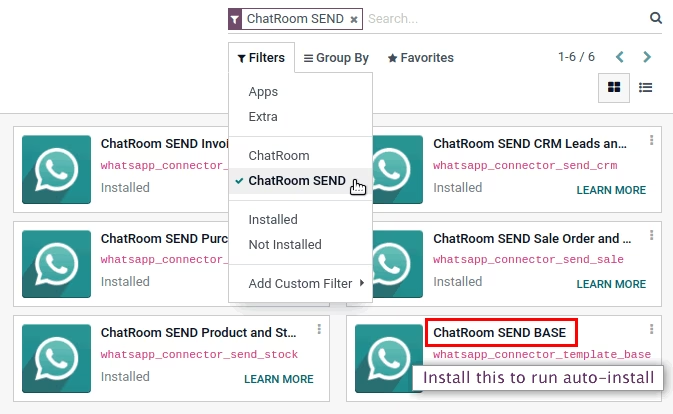
Upload content of directory "modules"
to your server and install "ChatRoom SEND BASE".
Depending on the applications you have, the necessary modules will be installed automatically.
Select the "ChatRoom SEND" option in "Filters" and you will see the installed modules.
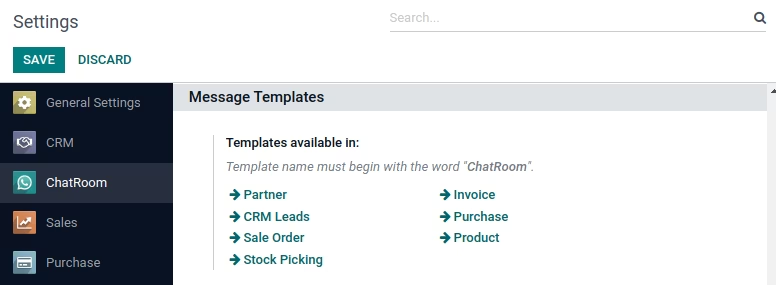
View and manage all your Templates.
From Invoice
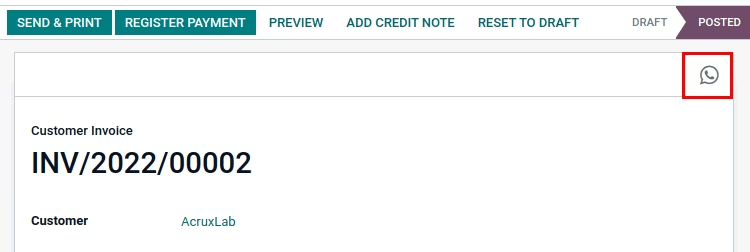
From Customer and Supplier.
Multi Whatsapp per partner, create new.
All Whatsapp contact saved in partner.
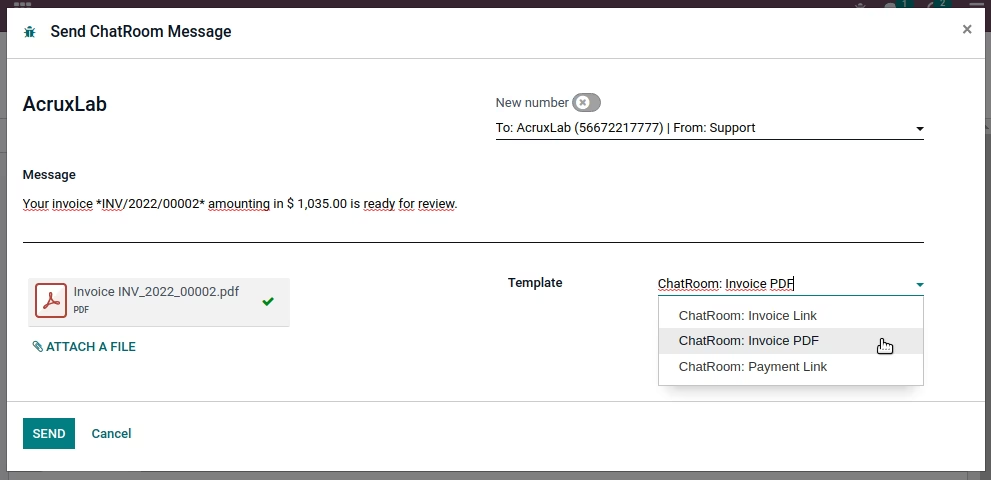
Own templates:
You can modify or create.
Included Templates:
- Invoice PDF report + text.
- Invoice Portal link + text.
- Invoice Payment link + text.
From Partner
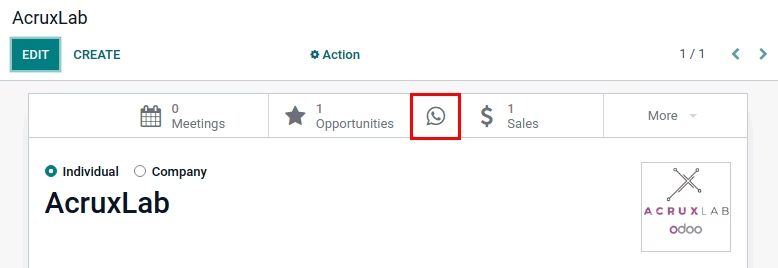
From Customer and Supplier.
Multi Whatsapp per partner, create new.
All Whatsapp contact saved in partner.
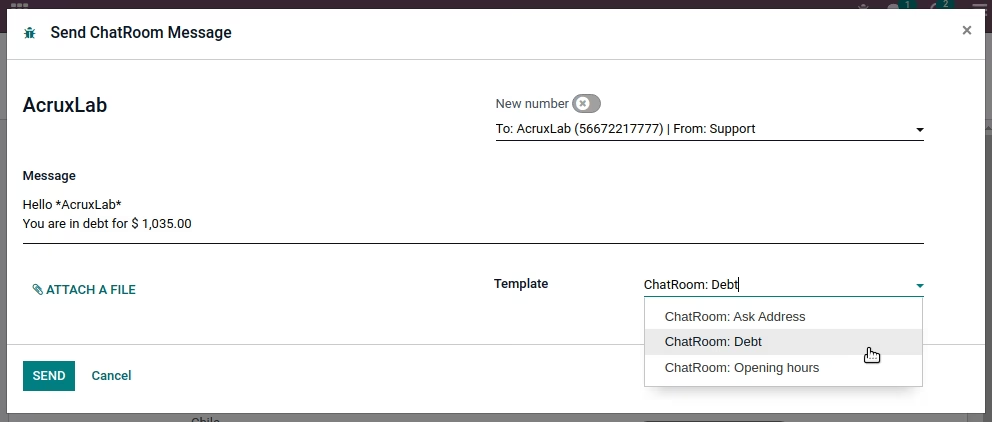
Own templates:
You can modify or create.
Included Templates:
- Ask Address.
- Opening hours.
- Total debt (Unpaid invoices).
From CRM Leads
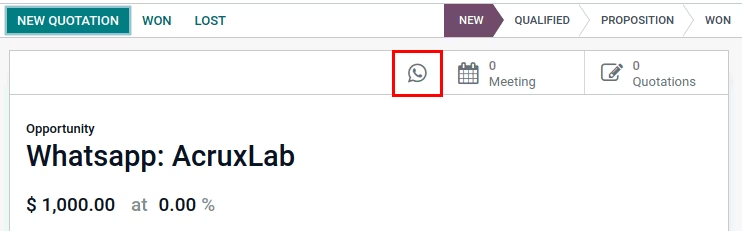
Multi Whatsapp per partner, create new.
All Whatsapp contact saved in partner.
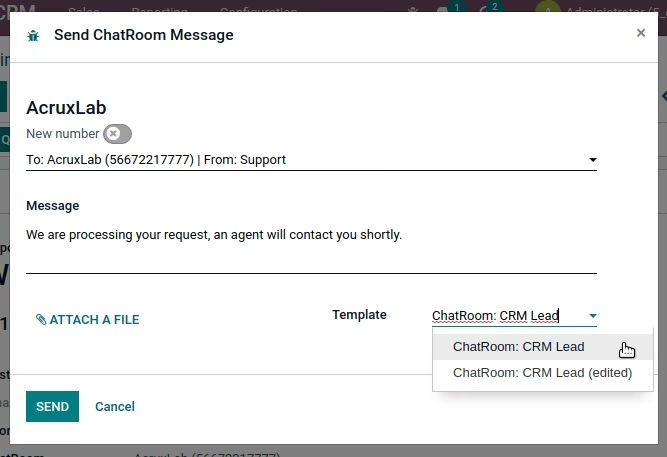
Own templates:
You can modify or create.
Included Templates:
- Processing request.
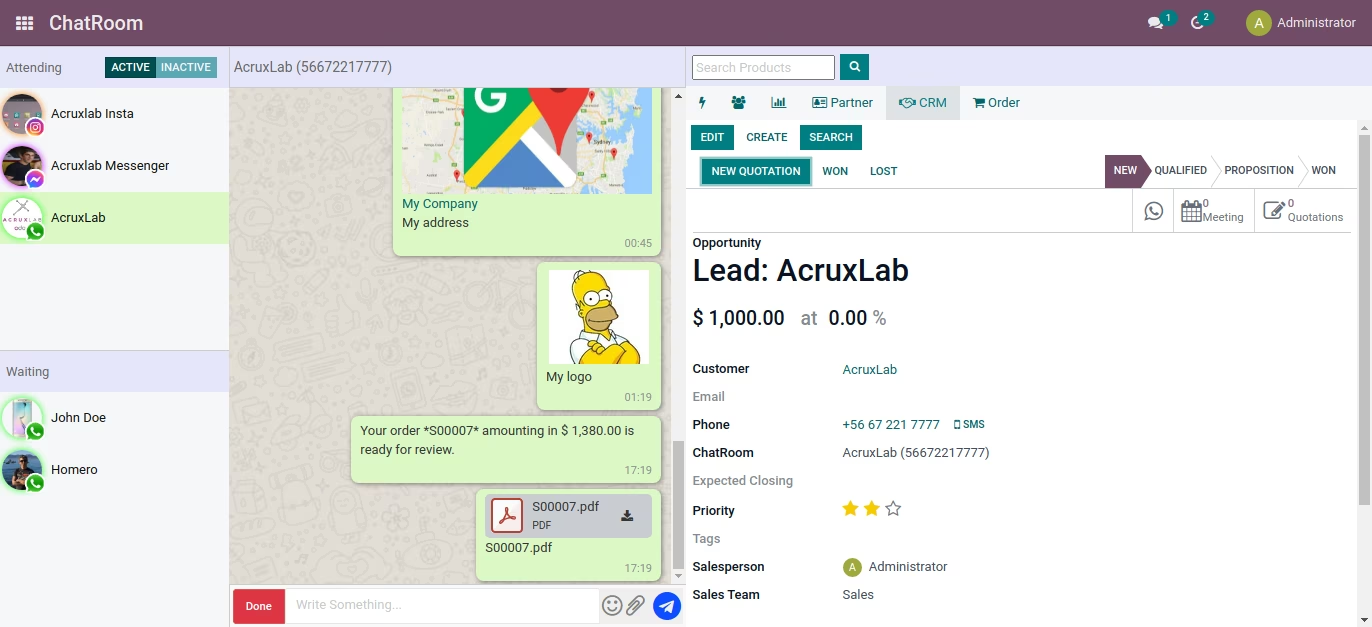
If you want to create leads directly
from main ChatRoom view,
you should buy
this extra module
USD $99 free when you buy this.
From Purchase Order
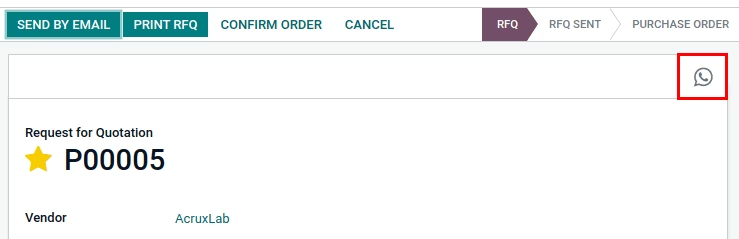
Multi Whatsapp per partner, create new.
All Whatsapp contact saved in partner.
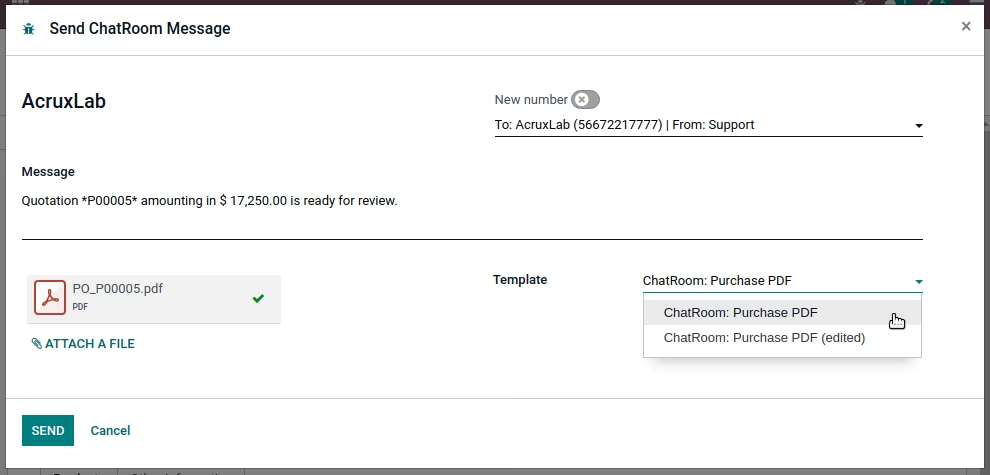
Own templates:
You can modify or create.
Included Templates:
- Purchase Order PDF report + text.
From Sale Order
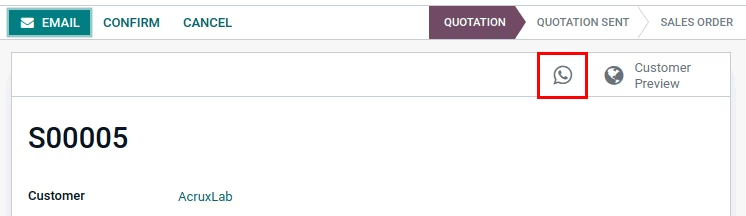
Multi Whatsapp per partner, create new.
All Whatsapp contact saved in partner.
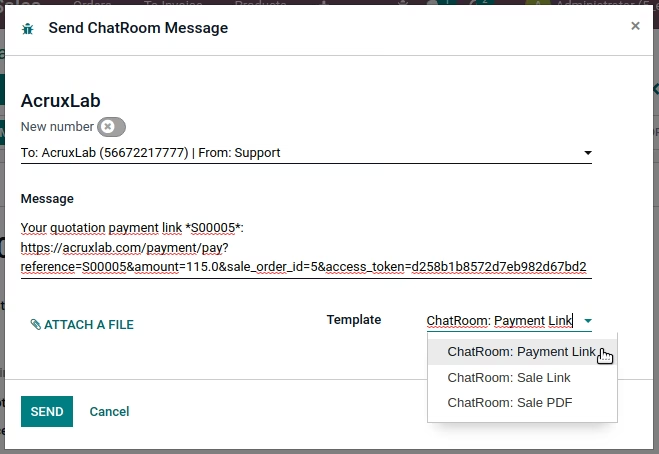
Own templates:
You can modify or create.
Included Templates:
- Sale Order PDF report + text.
- Sale Order Portal link + text.
- Sale Order Payment link + text.
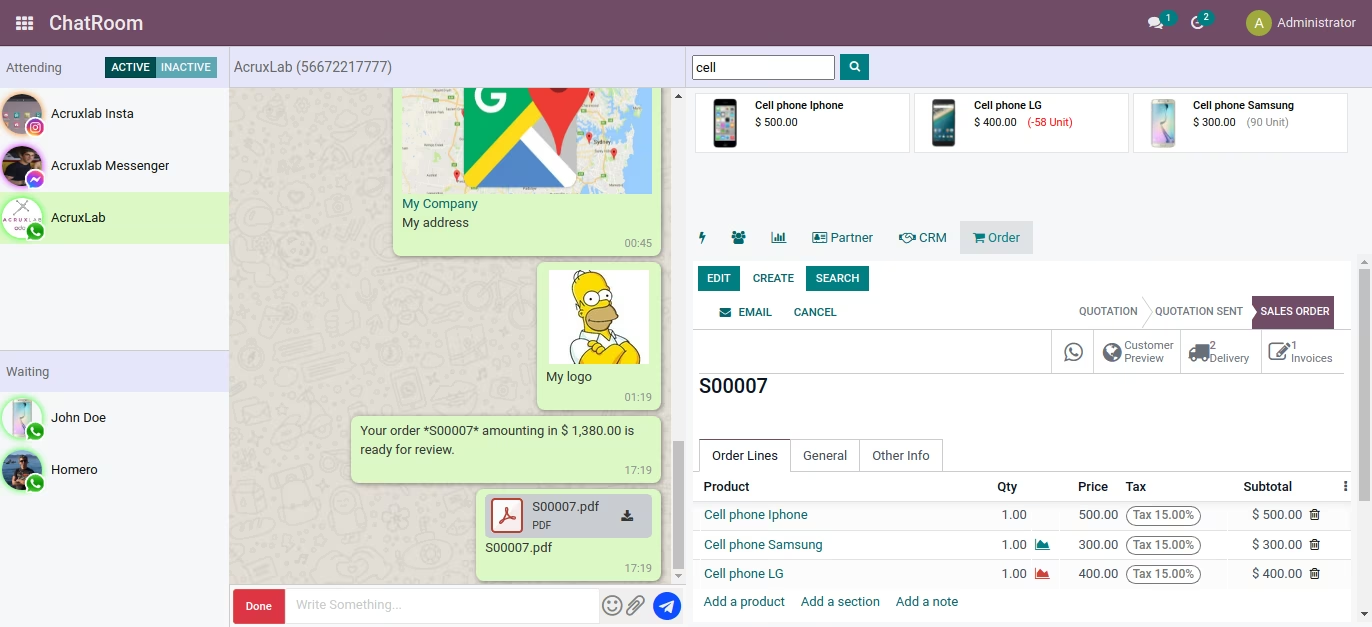
If you want to create Sale Order directly
from main ChatRoom view,
you should buy
this extra module
USD $99 free when you buy this.
From Product and Product Variant
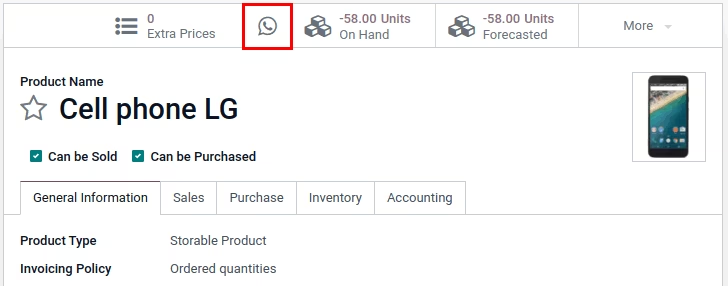
Product and Product Variant
Search contact or create new.
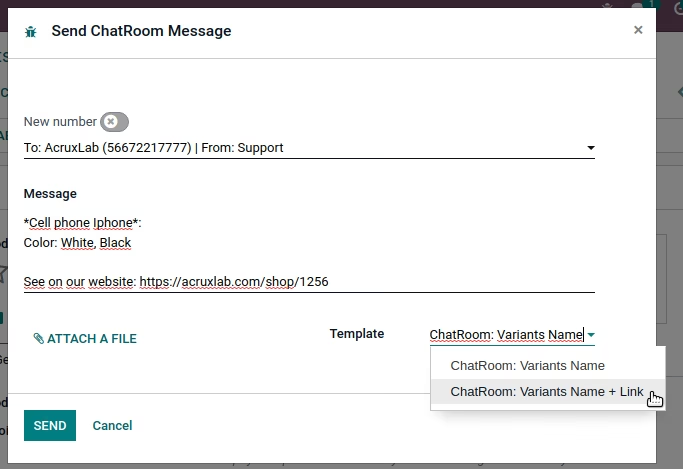
Own templates:
You can modify or create.
Included Templates:
- Product Variants Name + text.
- Product Variants Name + Link + text.
These templates are examples, see Product Variants templates with other cases.
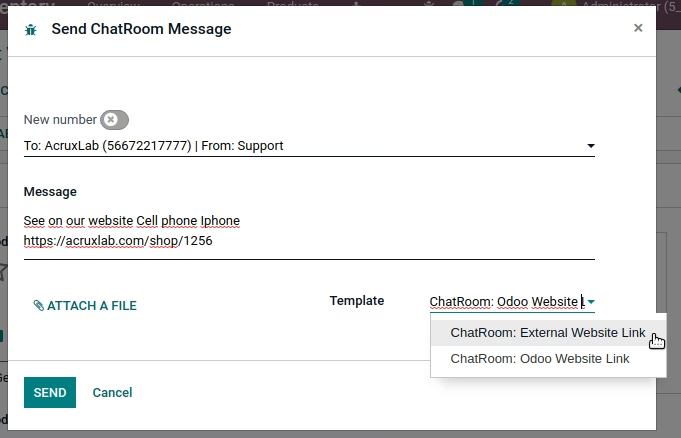
(Product Variant)
Own templates:
You can modify or create.
Included Templates:
- Product Website Link + text.
- Product External Link (Web, Instagram, FaceBook, ...) + text.
These templates are examples, see Product templates with other cases.
From Stock Picking
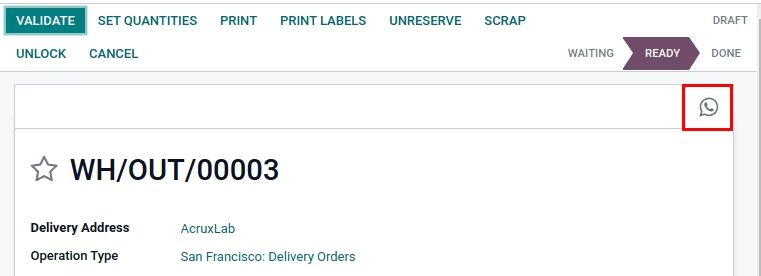
From Receipts and Delivery Orders.
Search contact or create new.
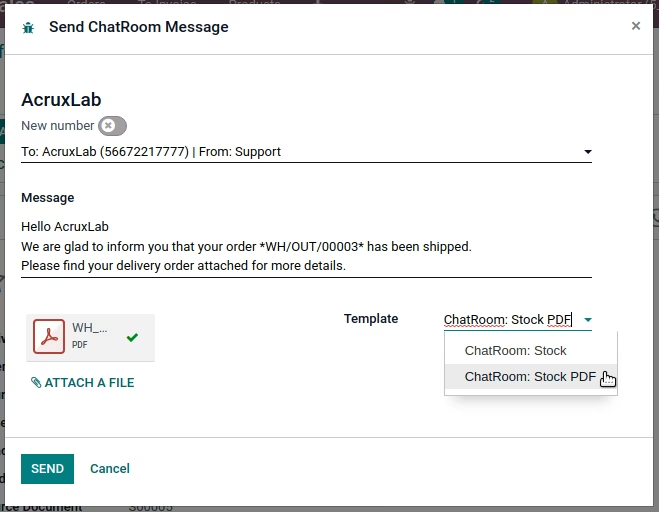
(Stock Picking)
Own templates:
You can modify or create.
From Receipts and Delivery.
Included Templates:
- Stock Picking: Products shipped + text.
- Stock Picking: Report PDF + text.