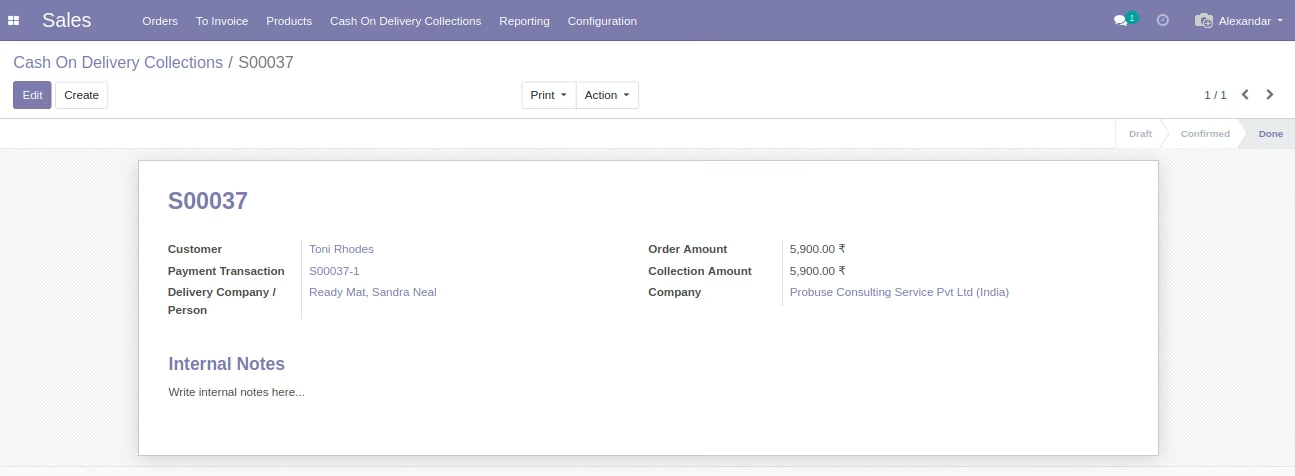
The module introduces a convenient Cash on Delivery (COD) payment option on e-commerce platforms. Customers can place orders without prepayment, paving the way for structured offline payment workflows. This module enhances flexibility and customer trust, especially in regions where online payment methods are limited or less accessible.
Adds Cash on Delivery as a payment option during the checkout process.
Generates unique OTPs for each order to validate payment upon delivery.
Produces cash collection receipts linked directly to sale orders for tracking.
Implements error handling when collected payments do not match the order total.
Supports order cancellation with reason tracking for clarity.
Advances receipt status through stages: collected → validated → finalized.
Automatically creates invoices once cash is collected and validated.
Integrates with delivery workflows, linking receipts to sale orders for seamless follow-up.
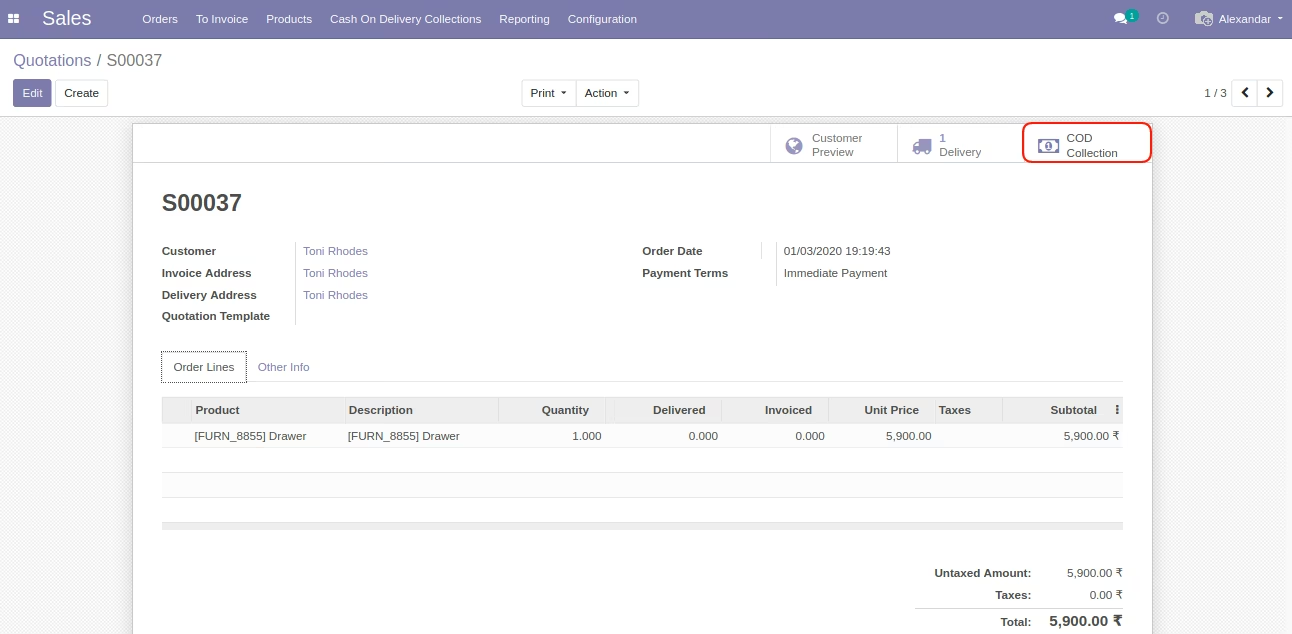
Includes a smart button in sale orders to access COD collection details quickly.
Expands customer payment flexibility with COD support.
Enhances payment accuracy through OTP-based verification.
Strengthens order tracking via linked cash collection processes.
Automates invoicing upon completion of payment collection.
Simplifies backend operations with order-linked cash tracking.
Reduces payment errors by validating amounts against orders.
Builds customer trust with structured COD workflows.
Minimizes delay by automating status transitions from collection to invoice.
Improves operational oversight with stage-based processing.
Enhances auditing capabilities with clear receipt and order records.
Cash On Delivery on Website Ecommerce Shop
Payment Acquire Cash on Delivery (COD) in Odoo
This app allows your customers to choose Cash on Delivery Option on Odoo Shop Payment.
Main Features
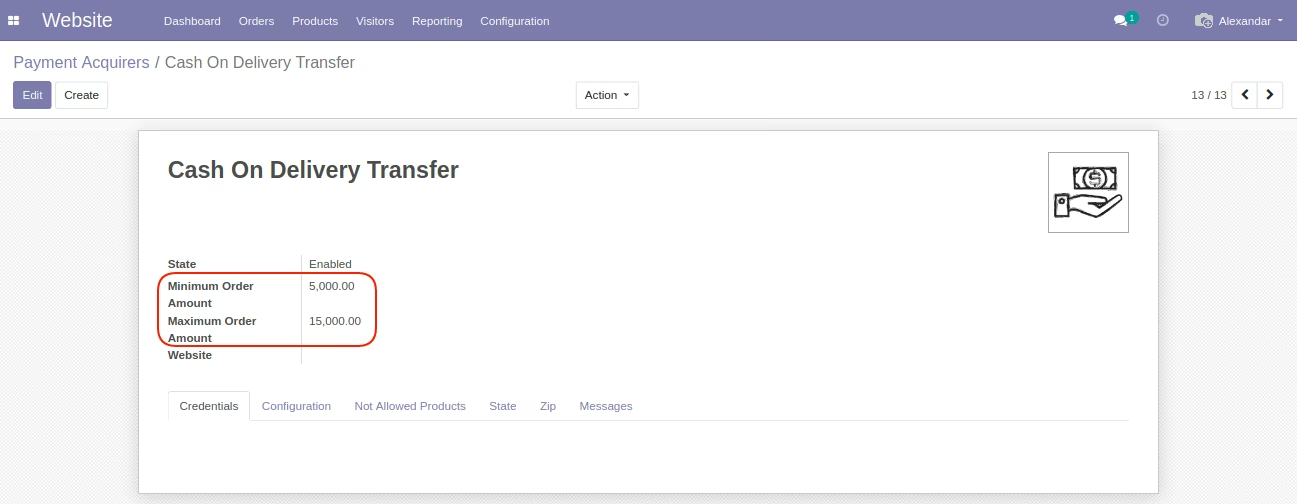
- Allow you to configure Minimum Order Amount and Maximum Order Amount on COD Payment Acquire.
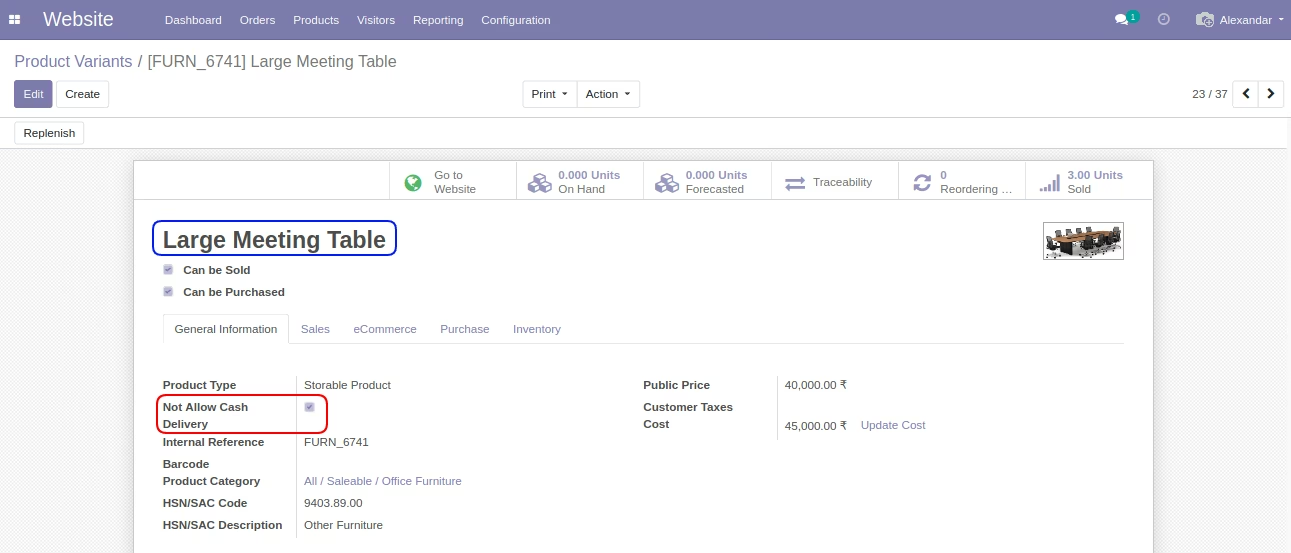
- Allow you to configure Not Allowed Product on Cash on Delivery on COD Payment Acquire.
- Allow you to configure States where Cash on Delivery Available on Payment Acquires.
- Allow you to configure ZIP Where Cash on Delivery Available on Payment Acquire.
- If any conditions do not match then the customer will not be allowed to choose COD option.
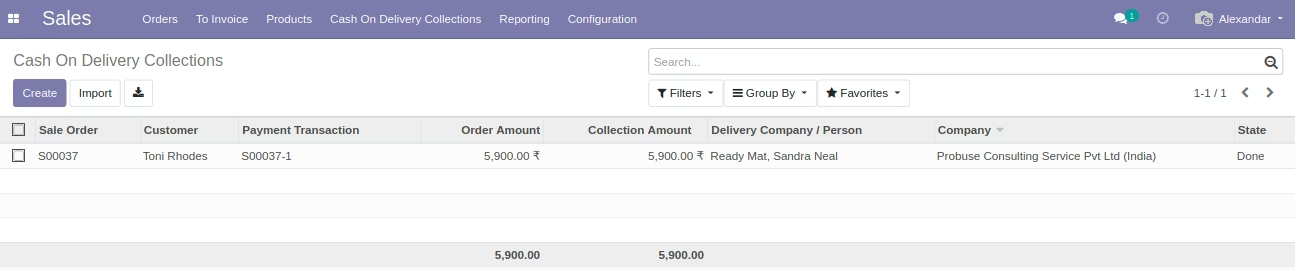
- Cash on delivery collection form and list view and print pdf.
- For more details you can watch the video and check screenshots below.
Menus Available:
- Invoicing
- Cash On Delivery Collections
- Cash On Delivery Collections
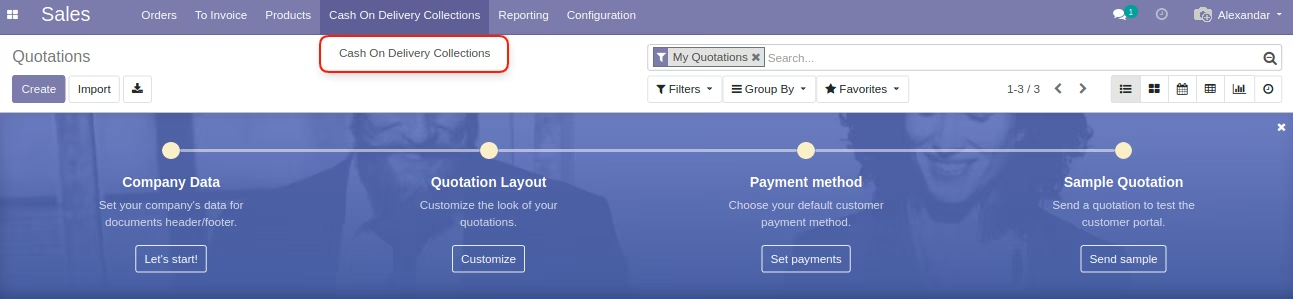
- Sales
- Cash On Delivery Collections
- Cash On Delivery Collections
Website Menu (Backend)
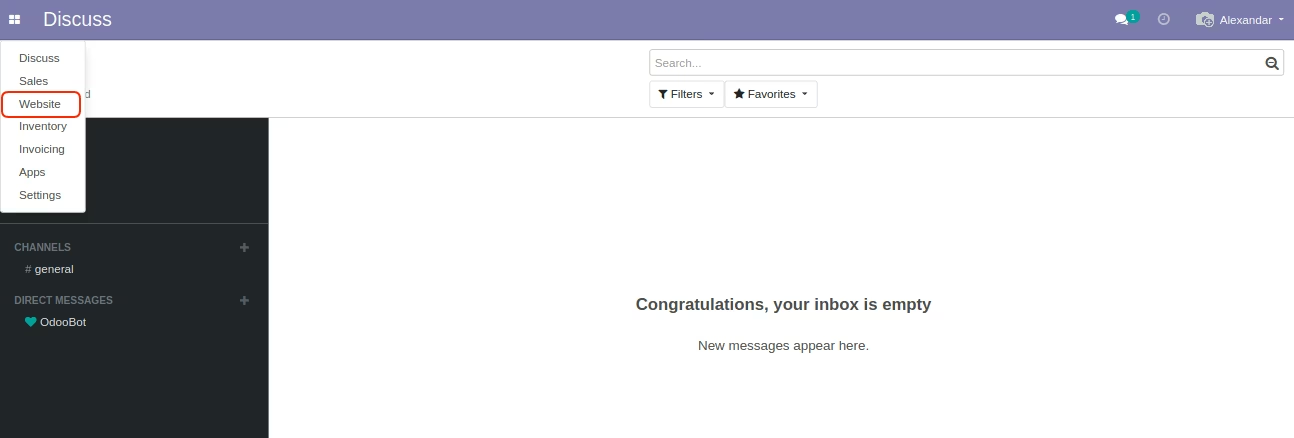
Payment Acquirers Menu
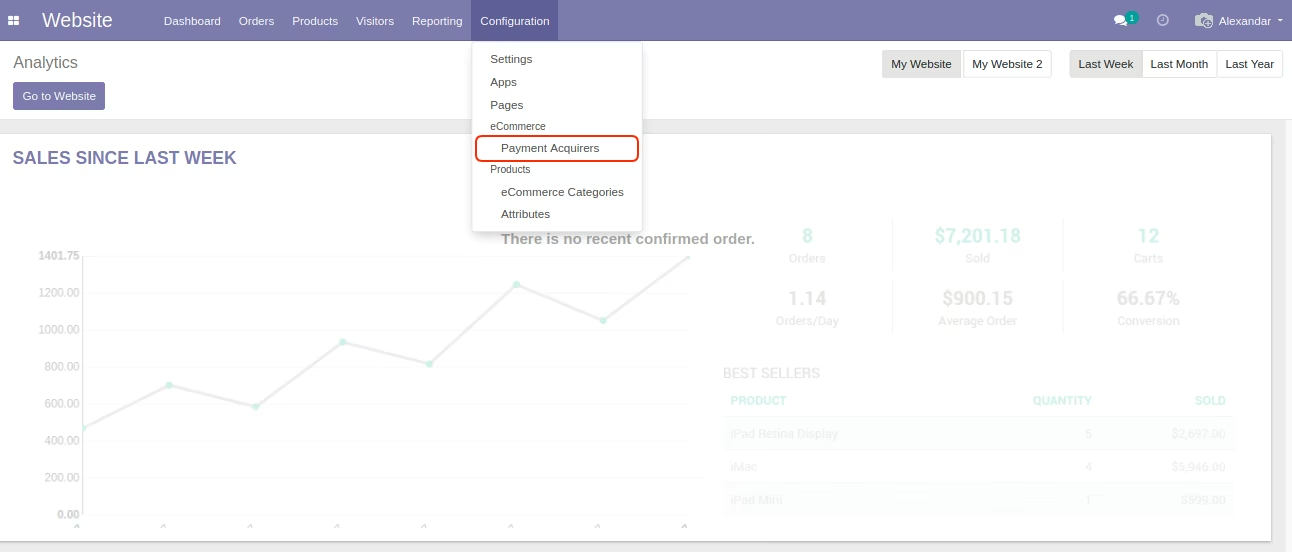
Cash On Delivery Payment Acquire
Minimum and Maximum Order Amount Limit
You can set limit here and system will see if order is come into this limit then only it will allow to proceed with Cash On Delivery payment option to your customer.
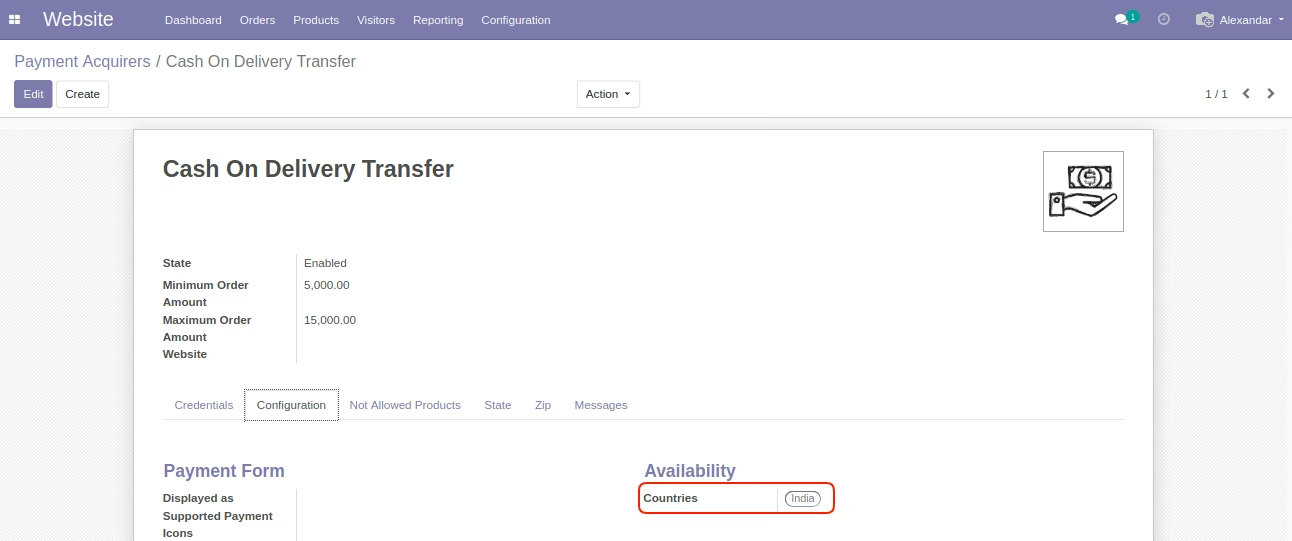
Cash On Delivery Payment Acquire - Countries Filter (Odoo Standard)
This countries filter will hide Cash On Delivery if your customer does not belongs to countries listed here.
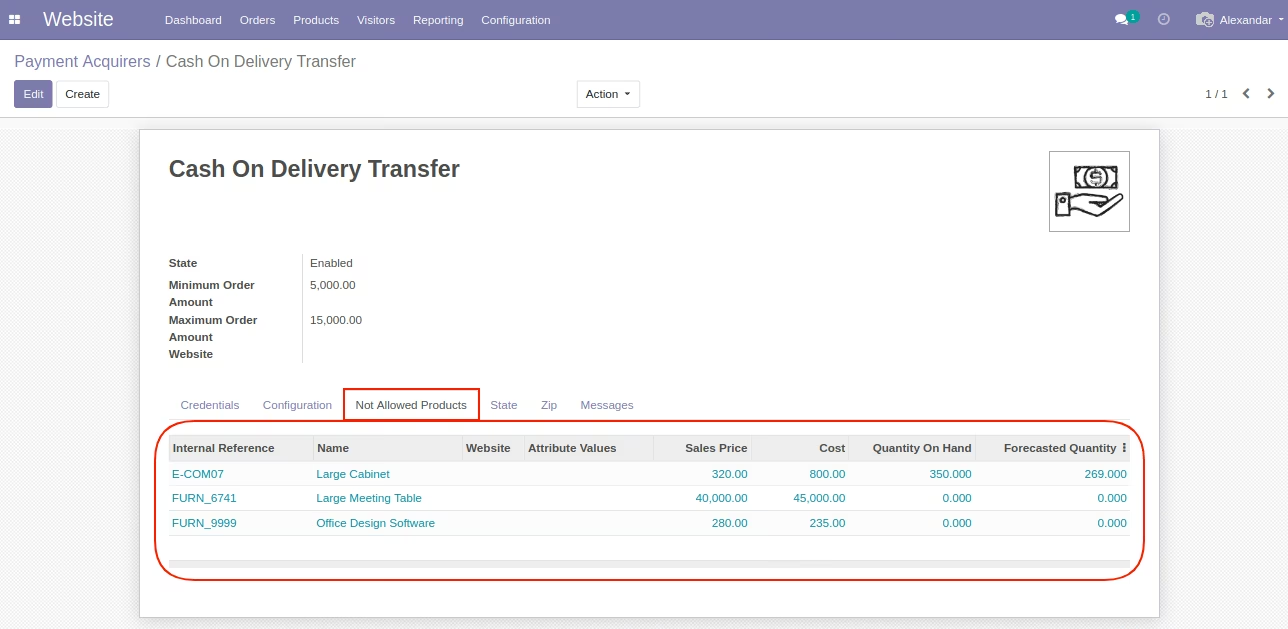
Product Restriction on Cash On Delivery Payment Acquire
Product listed here will not be applicable for Cash On Delivery on website shop. If you customer has choosen any product from this list then customer can not use Cash On Delivery option.
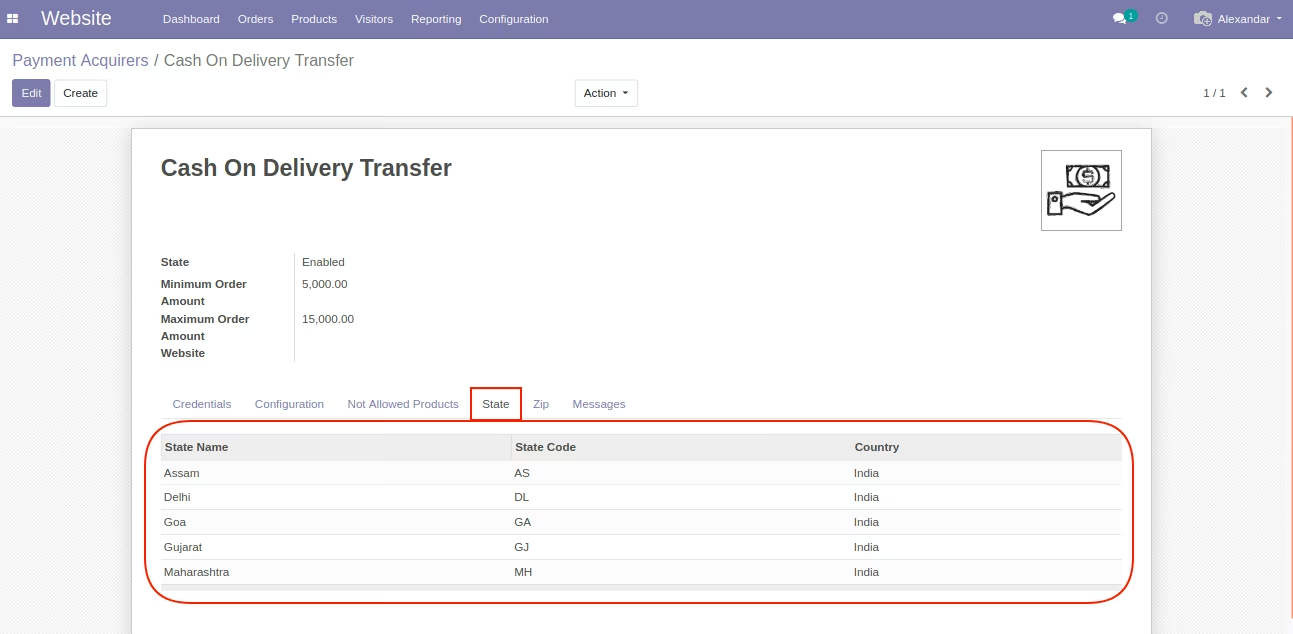
Cash On Delivery Payment Acquire - States Filter
This states filter will hide Cash On Delivery if your customer does not belongs to states listed here.
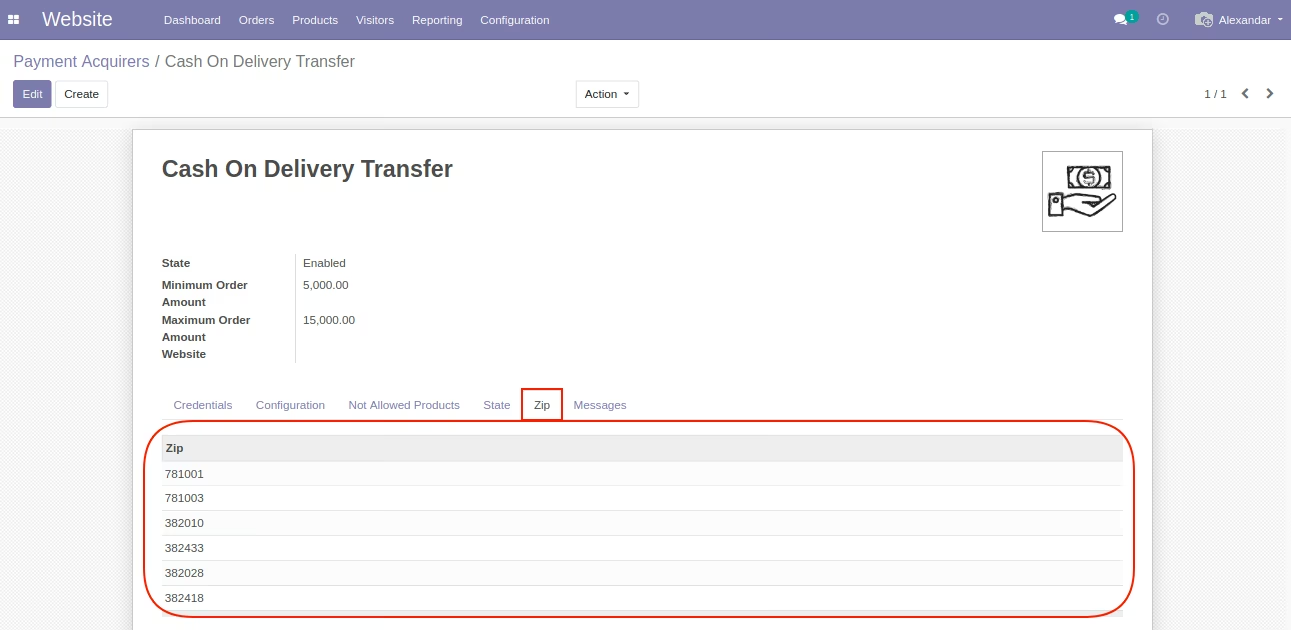
Cash On Delivery Payment Acquire - Zip Code Filter
This Zip code filter will hide Cash On Delivery if your customer does not belongs to zip codes listed here.
Product Variants Menu
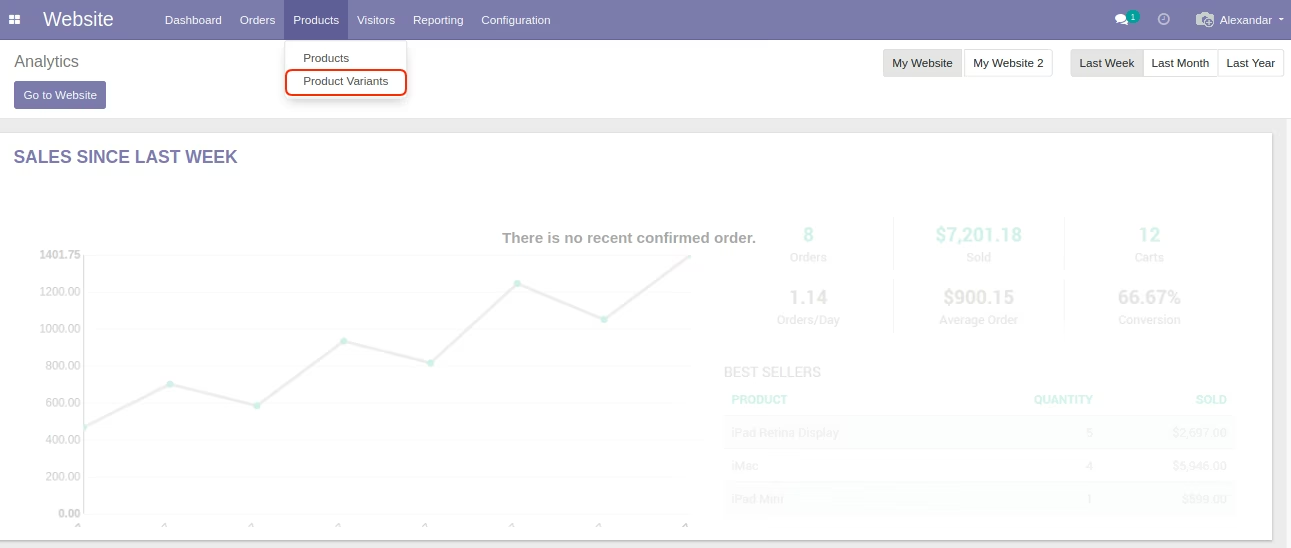
Product Form View- Checkbox Not Allow Cash On Delivery
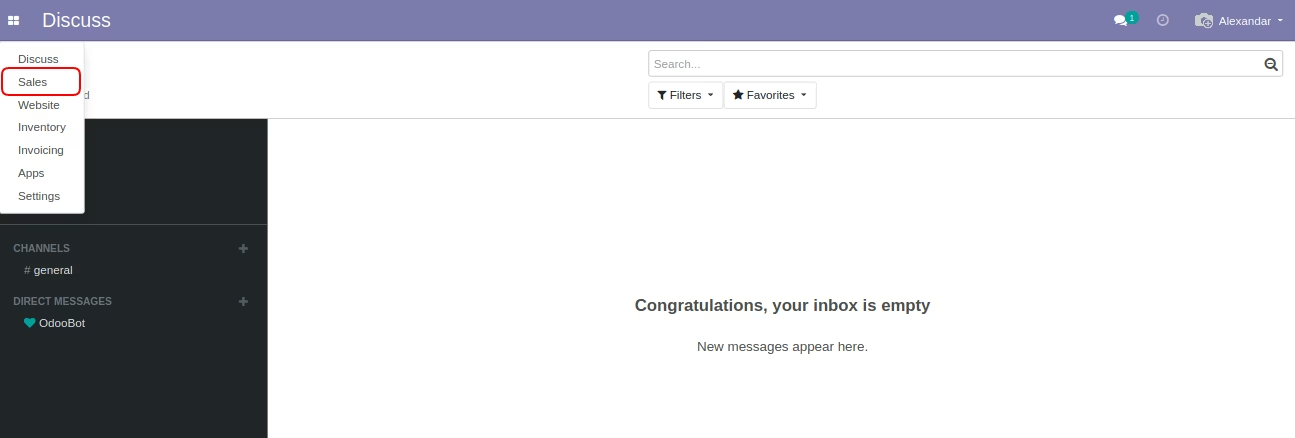
Sales Menu
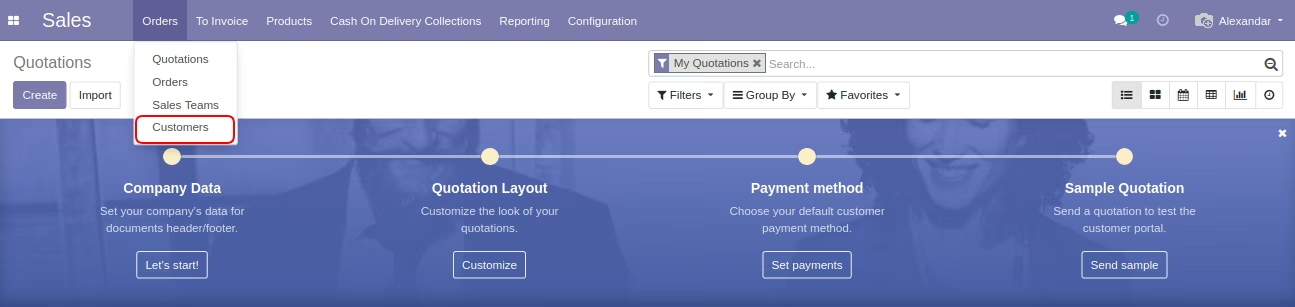
Customers Menu
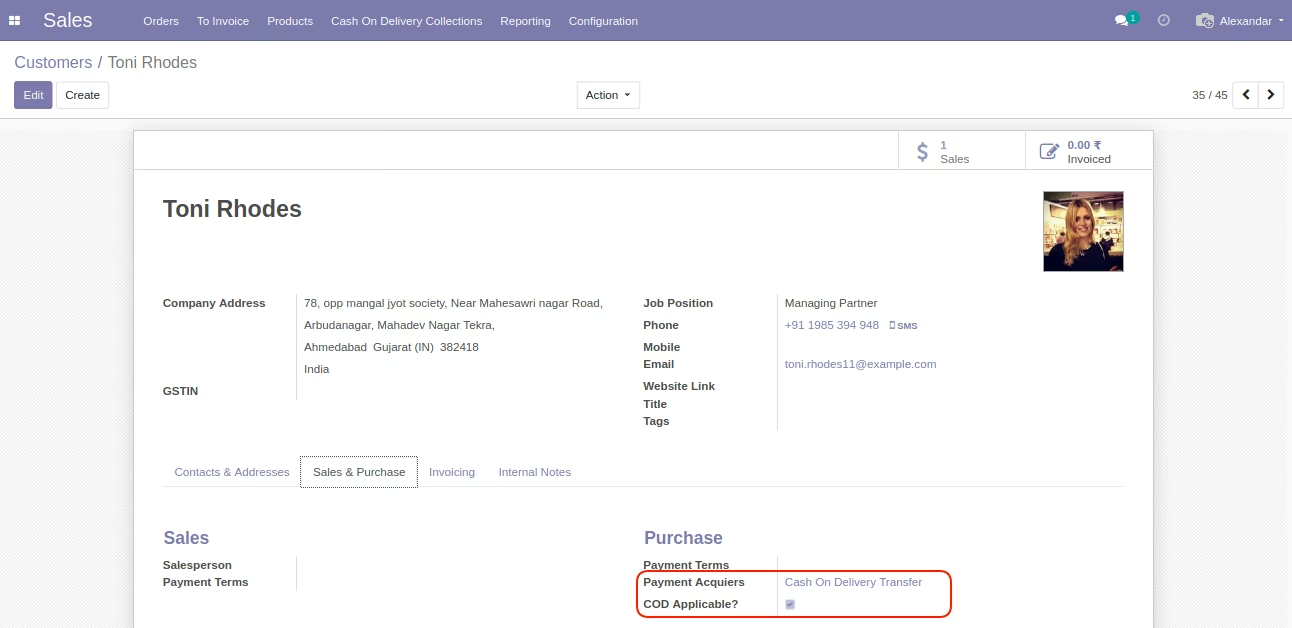
Customer Form - Payment Acquire Automatically Set
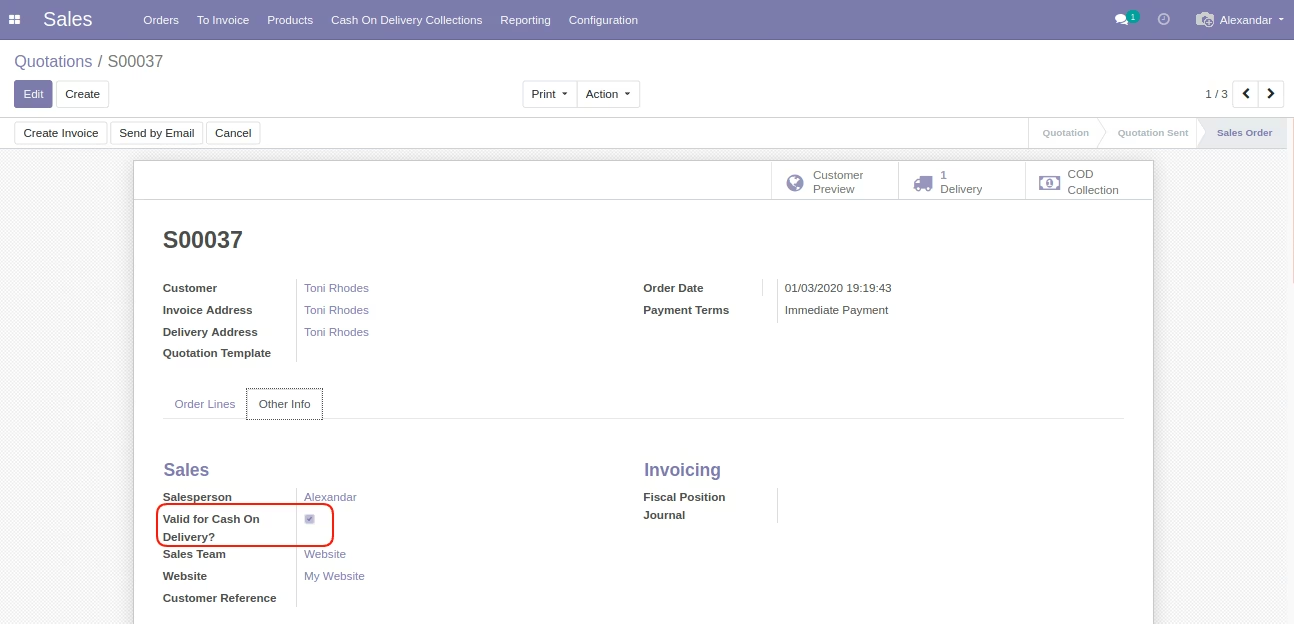
COD Applicable is compute field and it will auto compute by considering all filters on Cash On Delivery Payment Acquire.
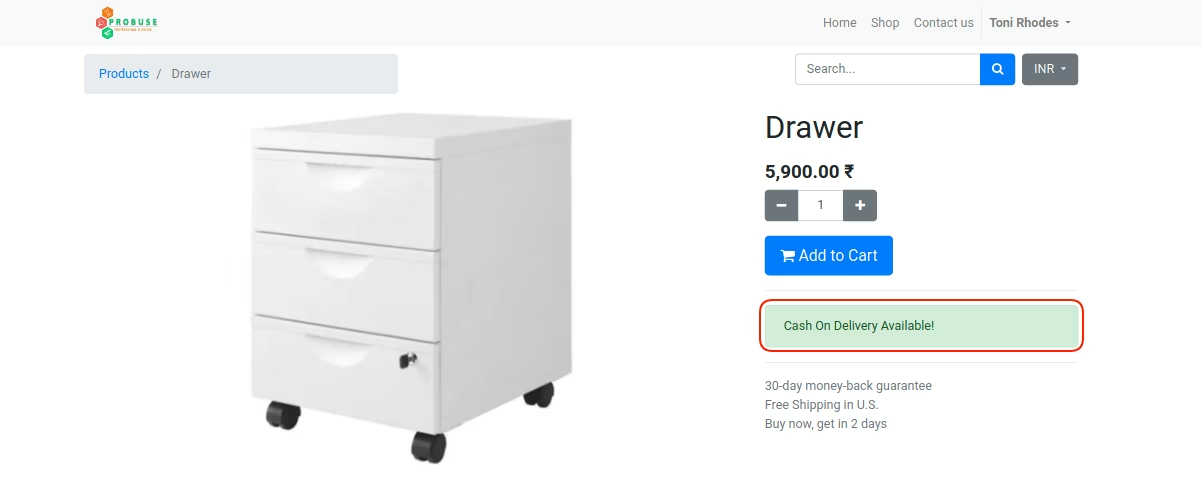
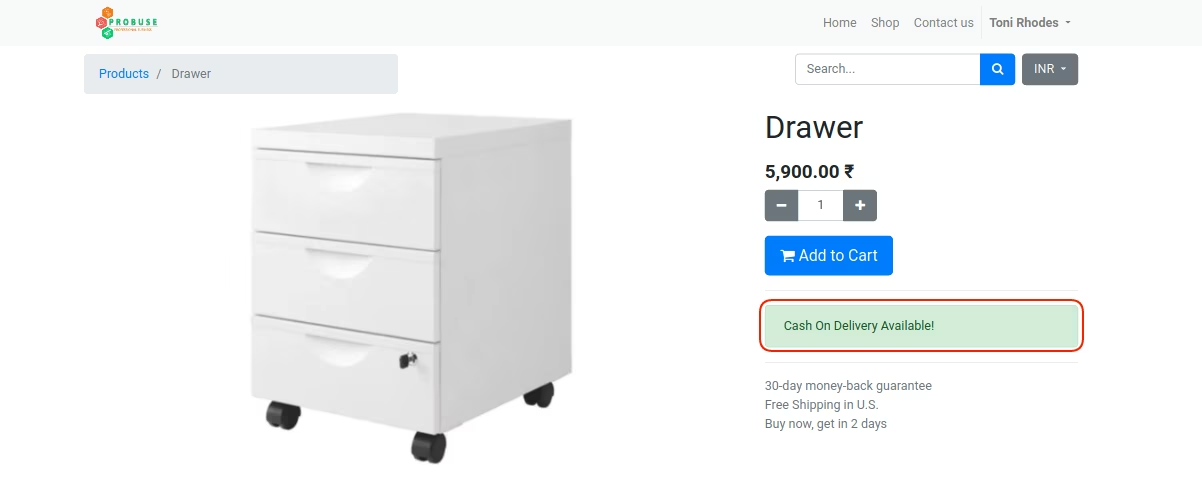
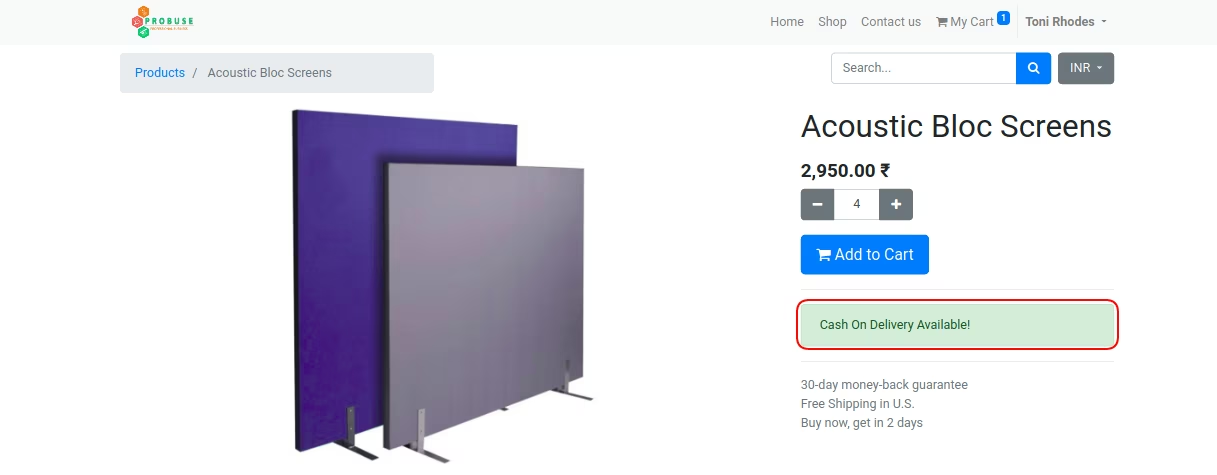
Product on Shop - Cash On Delivery Available
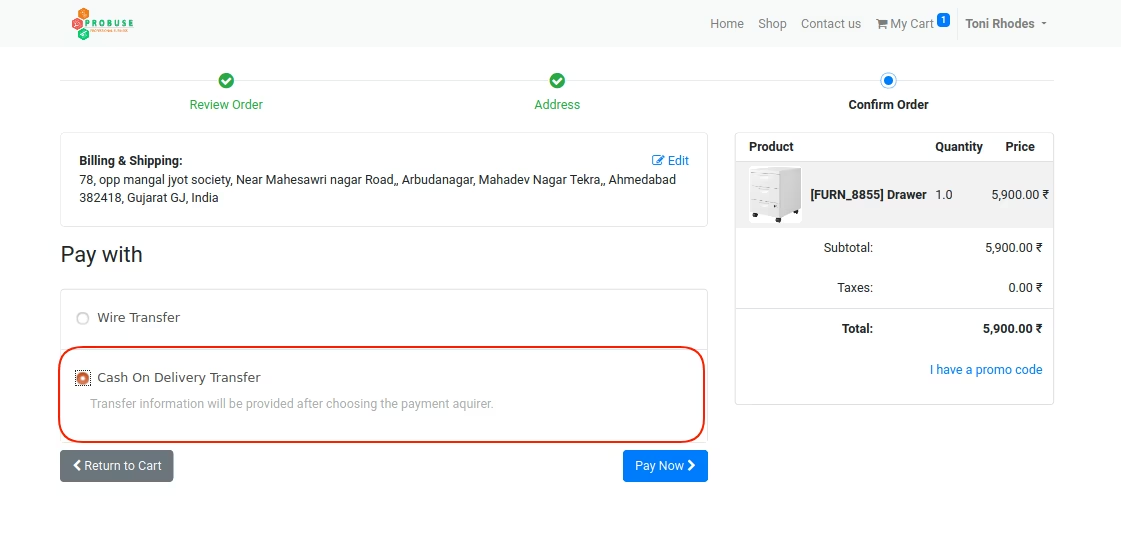
Ecommerce Shop - Select Cash On Delivery Method
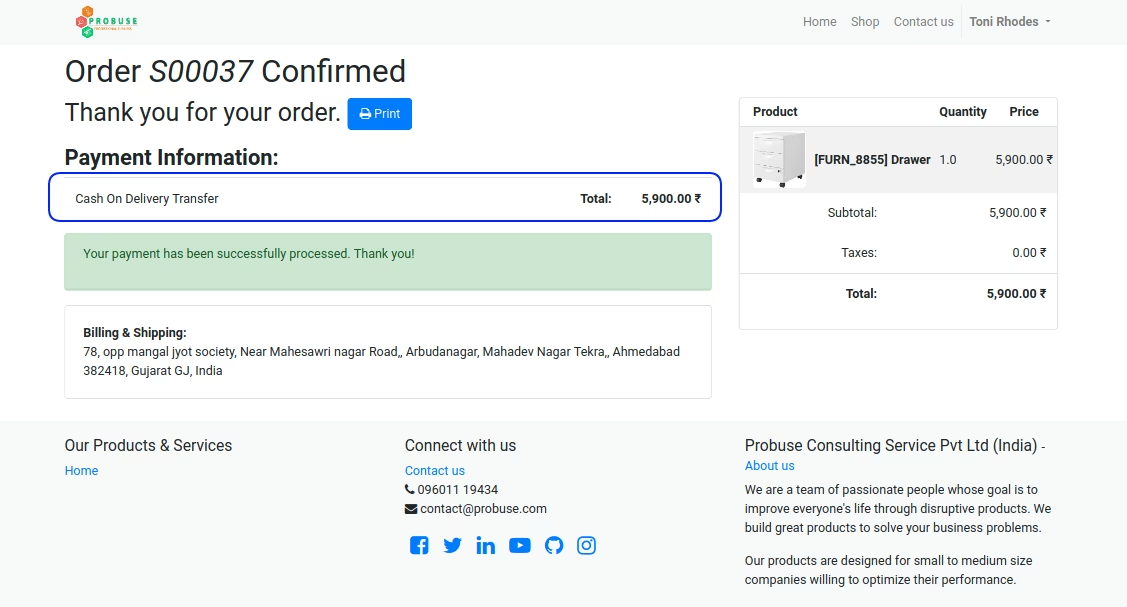
Ecommerce Shop - Cash On Delivery Order successfully
Sales - Quotations List View
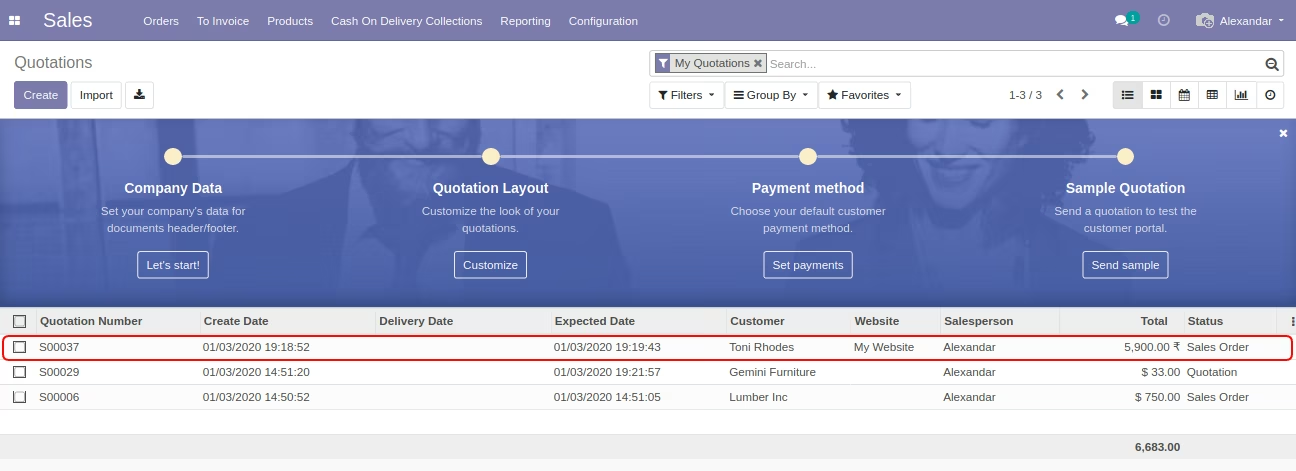
Sale Order in Backend with Option Automatically Set
Sales Order - Cash On Delivery Collections Smart Button
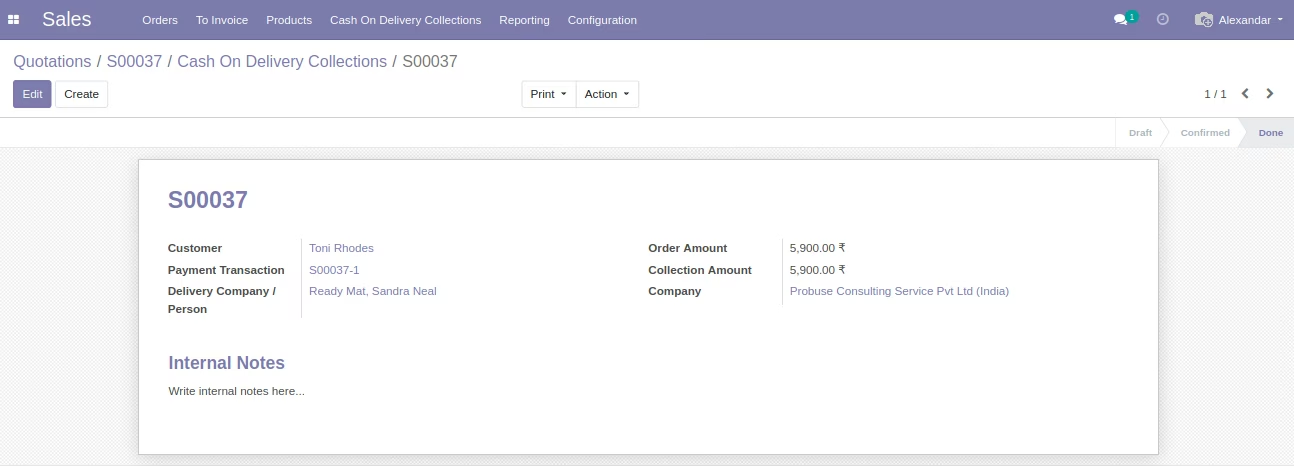
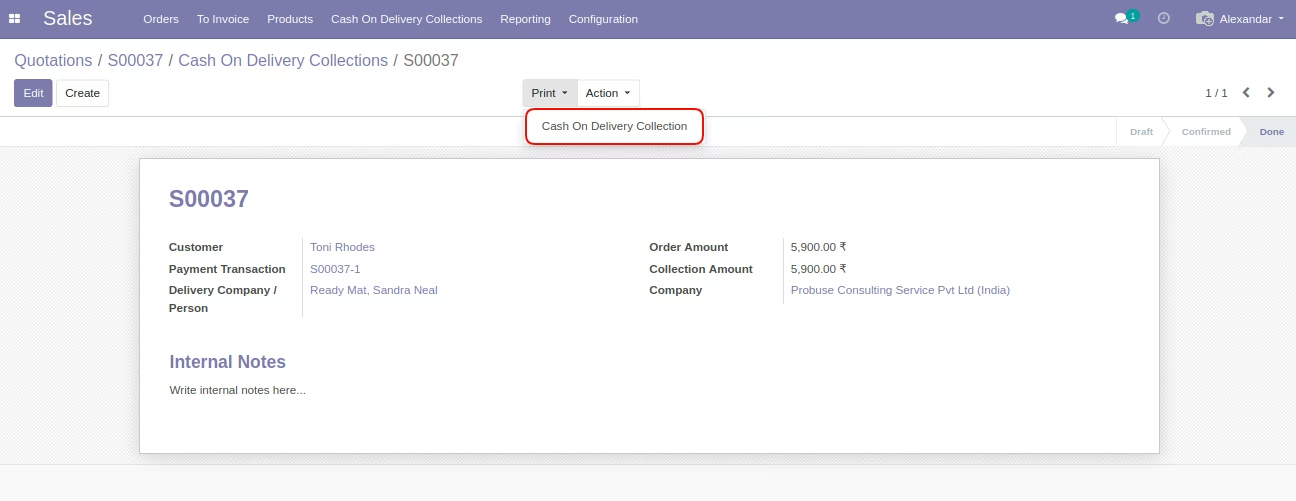
Cash On Delivery Collection Form - After Sales Process
This collection form can be used when your delivery boy will collect money on Cash On Delivery to your customer location and come to your company/warehouse to given money to your cashier/accounting department.
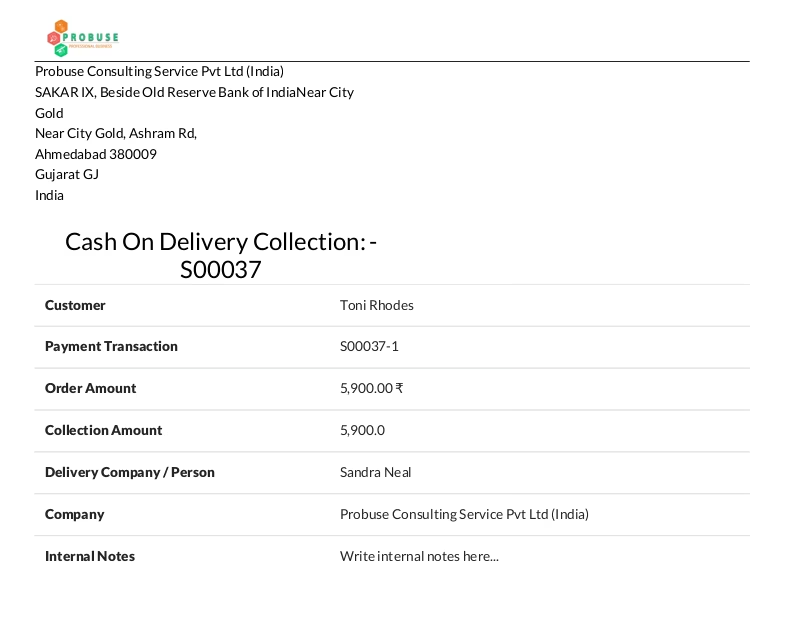
PDF Sample Report - Cash On Delivery Collection
pdf report
~: Not Available on Cash On Delivery Test Case :~
Product on Shop - Cash On Delivery Available (Product-1)
Product on Shop - Cash On Delivery Available (Product-2)
Shop - Order in Not Available on Cash On Delivery
Because the payment amount on this order is more than the maximum order amount on the acquirer configuration.
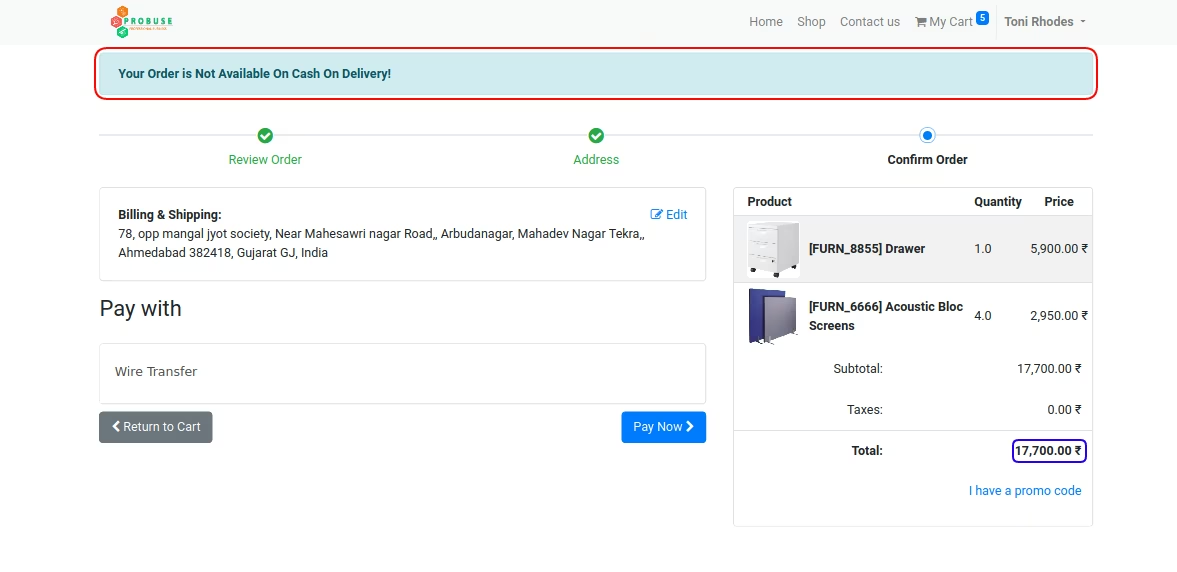
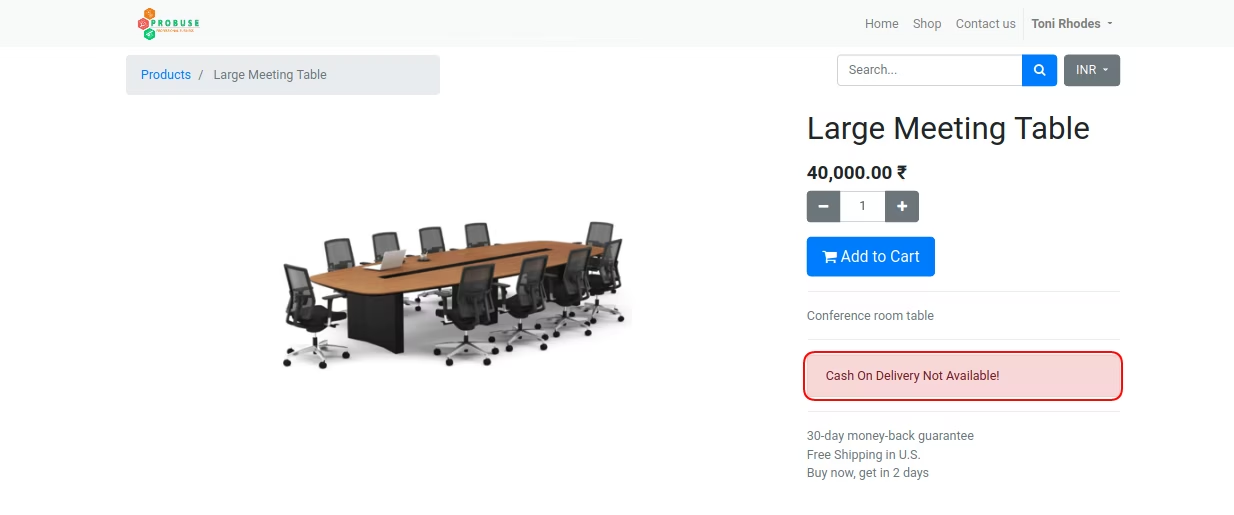
Cash On Delivery Not Available
Because this product available on the acquirer configuration not allowed products.
Sales - Cash On Delivery Collections Menu
Sales - Cash On Delivery Collections List View
Cash On Delivery Collection Form View