Car Repair and Automotive Service Maintenance Management Apps
Repair Order Flow Apps
Website Service Request Apps
Spare Parts & Time Tracking Apps
Diagnosis & Technician Assignment Apps
Fleet Repair and Automotive Service Maintenance Management App app is fantastic solution for vehicle repair industry. In this app provide complete solution for Automotive service workshop management. This app is useful for Garage Management,car service center, Vehicle Service Management System, auto repair shop for spare parts and Body Shop service for cars or any fleets. This app includes All stages of car services starting from Repair Request ticket, Diagnosis, workshop job order assignment of technician or mechanics and supervisor for inspection checks which include Service types and spare part required , even inventory of part are managed along with Accounting invoice which include billing and payment process.
This module provides different access control as Service manager, Technician , Head Technician and Director. After installing this apps service manager can able to create repair order request from customer with different fleet vehicle, this apps integrated with default fleet management app. Repair order creates with serial number along with guarantee type. Once Repair order added head technician will create Diagnosis of repair order and assign it to specific technician. Technician will do the diagnosis and enter result of diagnosis process, they will enter service spent time as well as require consumed materials-parts on diagnosis result based on this result service manager will create Sales Quotation for the repair order and send to the customer.Once Quotation confirmed, workorder for repair order is automatically created and technical can start work on it. Sales process is completely integrated with the repair order , so whenever any process is change repair order stage will change accordingly i.e Quotation Sent, Quotation Approved,Workorder, Invoice etc. It also provides different pdf reports repair order report, Repair label, Diagnosis and workorder report.
Access Rights and Roles
We have four different access groups for machine repair module.
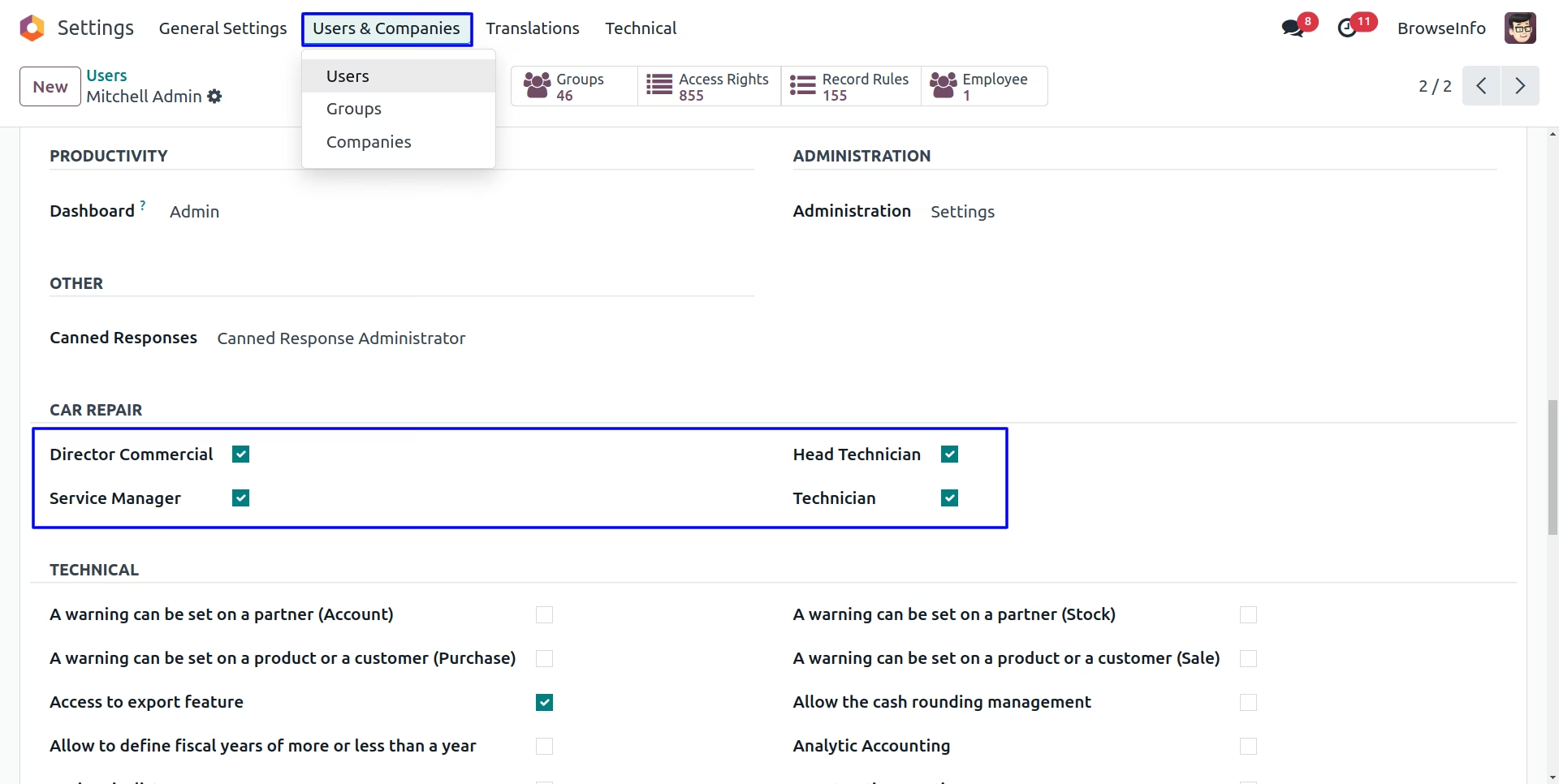
Roles:
- Technician : Technician can work on work order.He/She can only see his/her work order and only work on his/her assigned work order.Technician can only have a read access to diagnosis and repair order.
- Head Technician : Head technician can see all work order also able to assign a technician on a diagnosis and work order. he/she has a access to enter a diagnosis result. He/She can not chnage any thing on a repair order.
- Service Manager : Service Manager ceates repair order.convert it as a diagnosis able to create quotations.
- Director Commercial : Director Commercial is a admin of this system he/she has full access rights of every thing.
Car Repair Menu
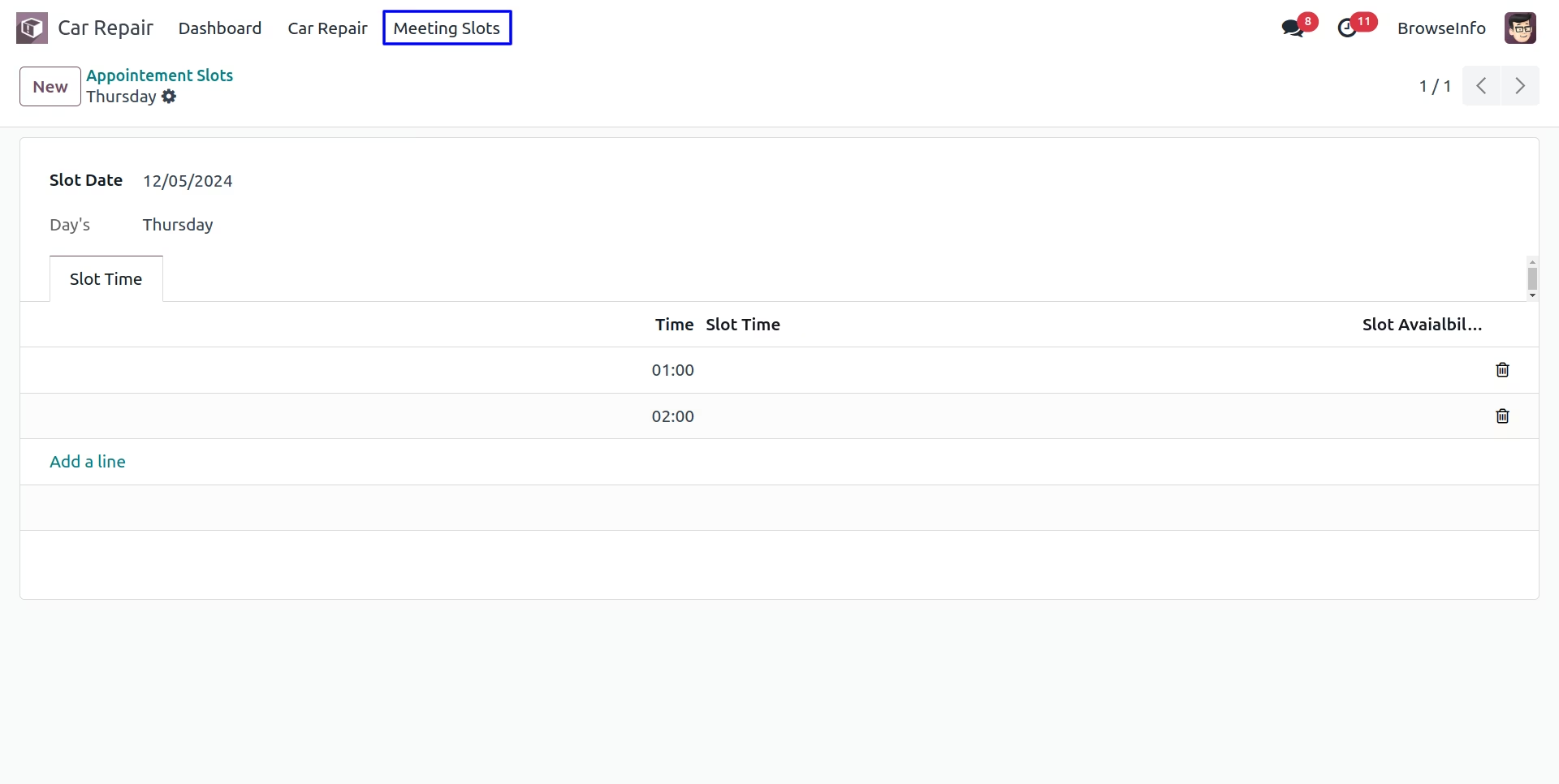
Meeting Slots
User can create appointment time slots.
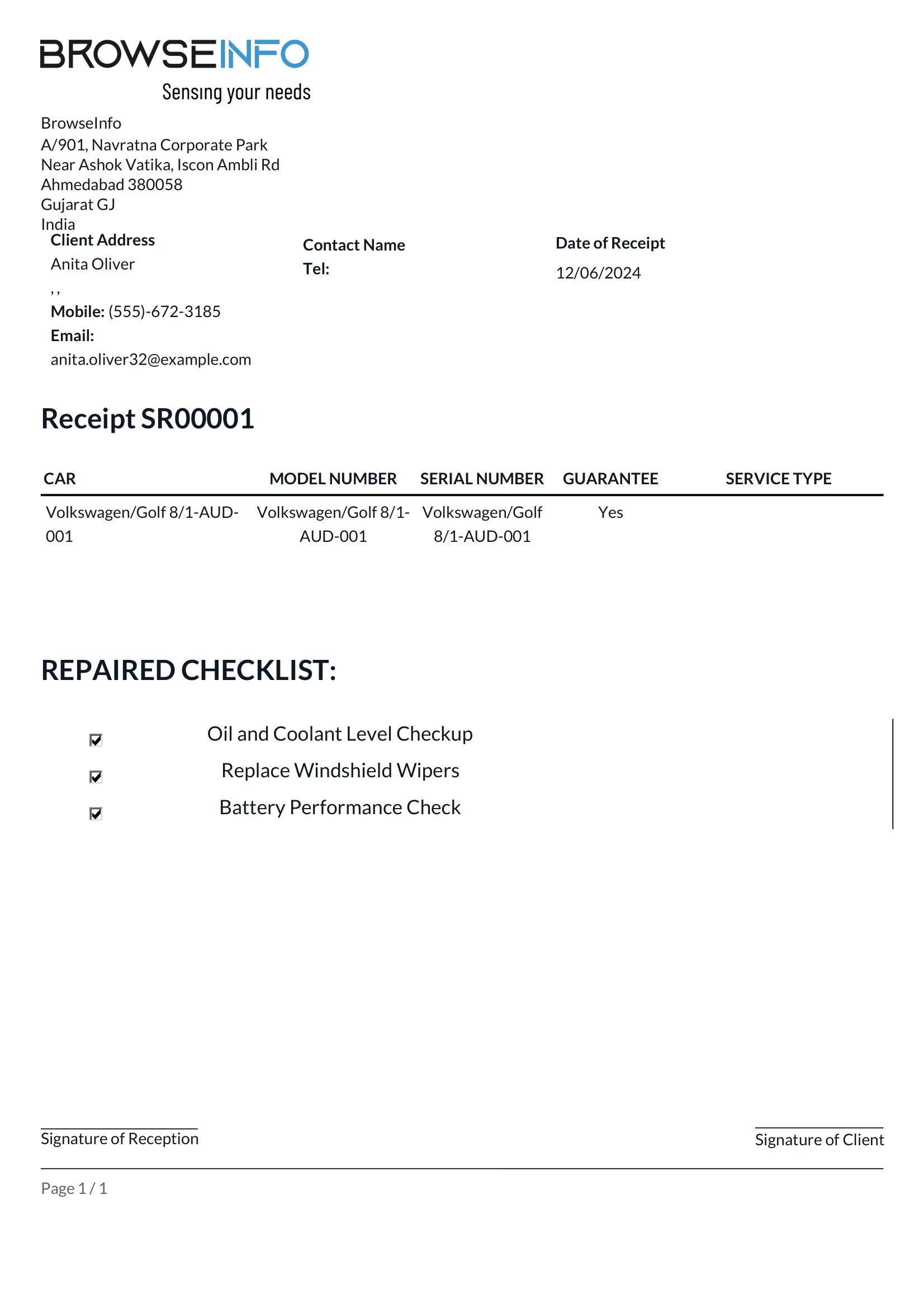
Car Repair Checklist
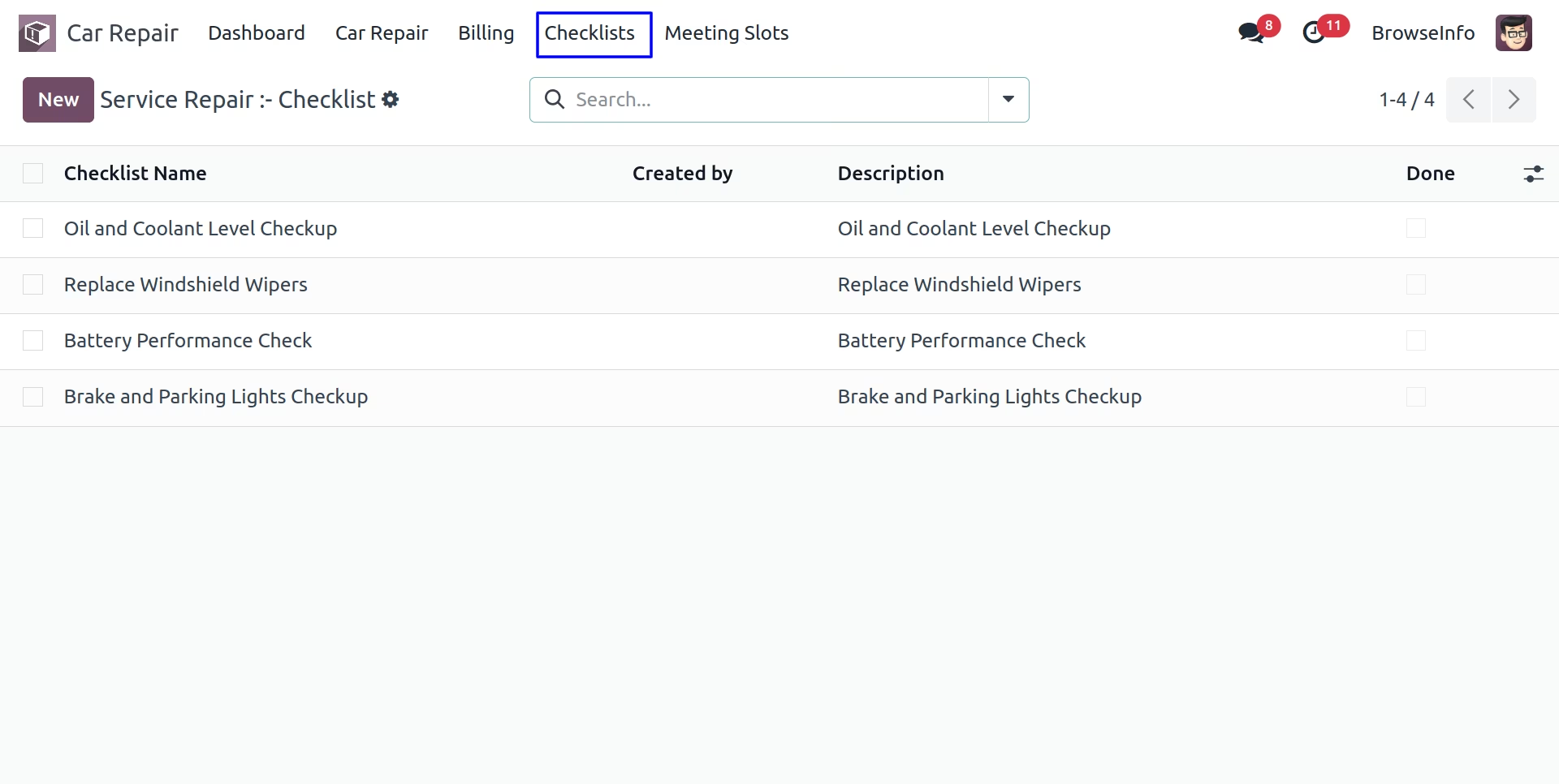
Under Car Repair > Checklists menu user can create checklist and add to car repair order.
Create Appointment from Website
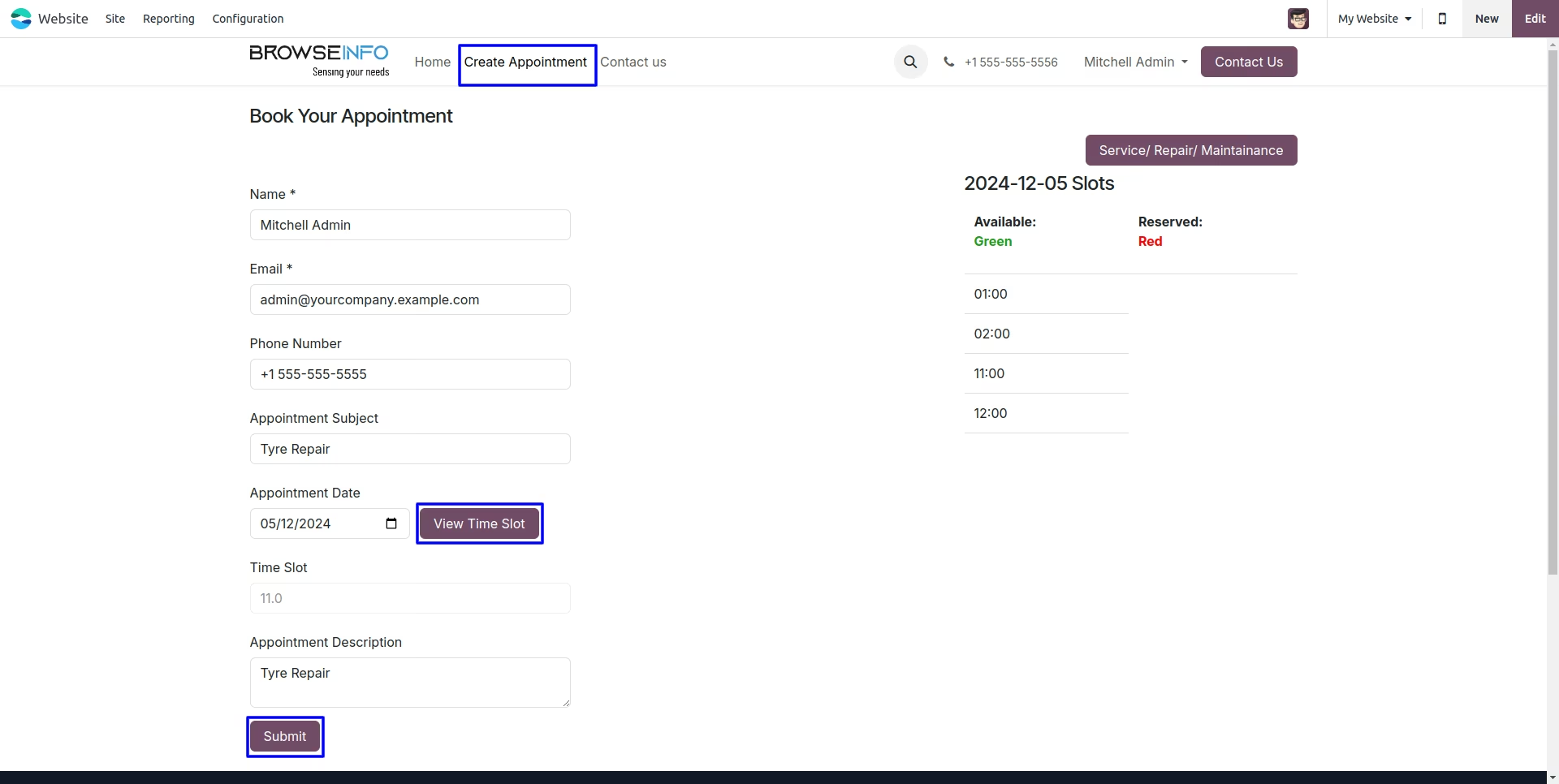
User can create appointment from website by clicking "Create Appointment" menu, user need to enter appointment date and click "View Time Slot" button, and select time slot, Reserved time slot will be visible in Red color.
Appointment
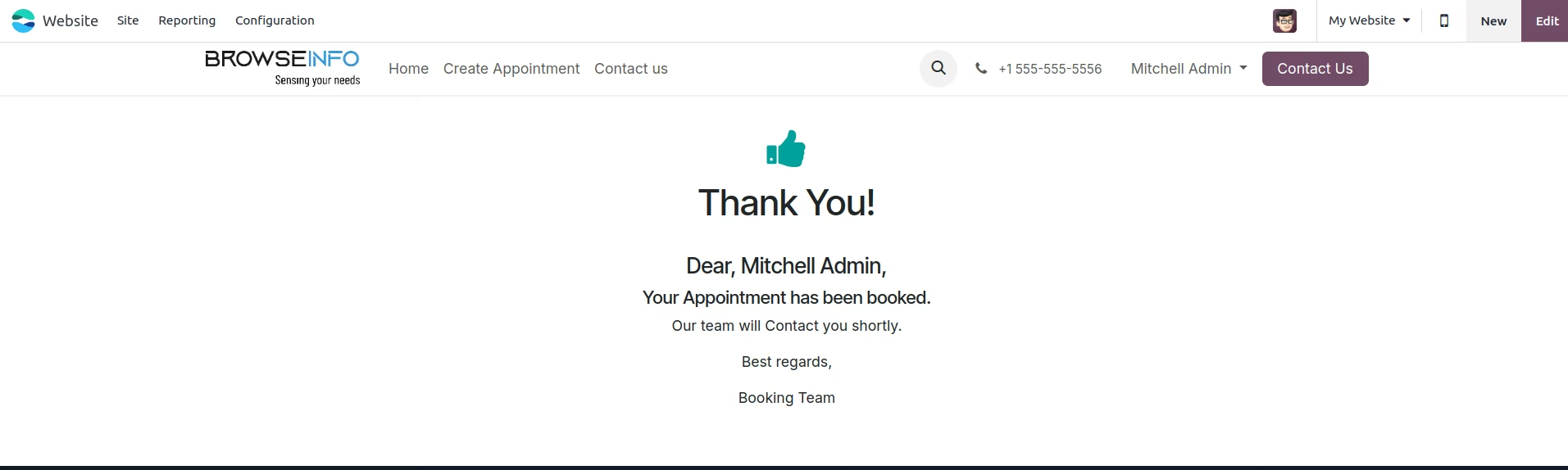
User can see created appointment in calendar with selected time slot.
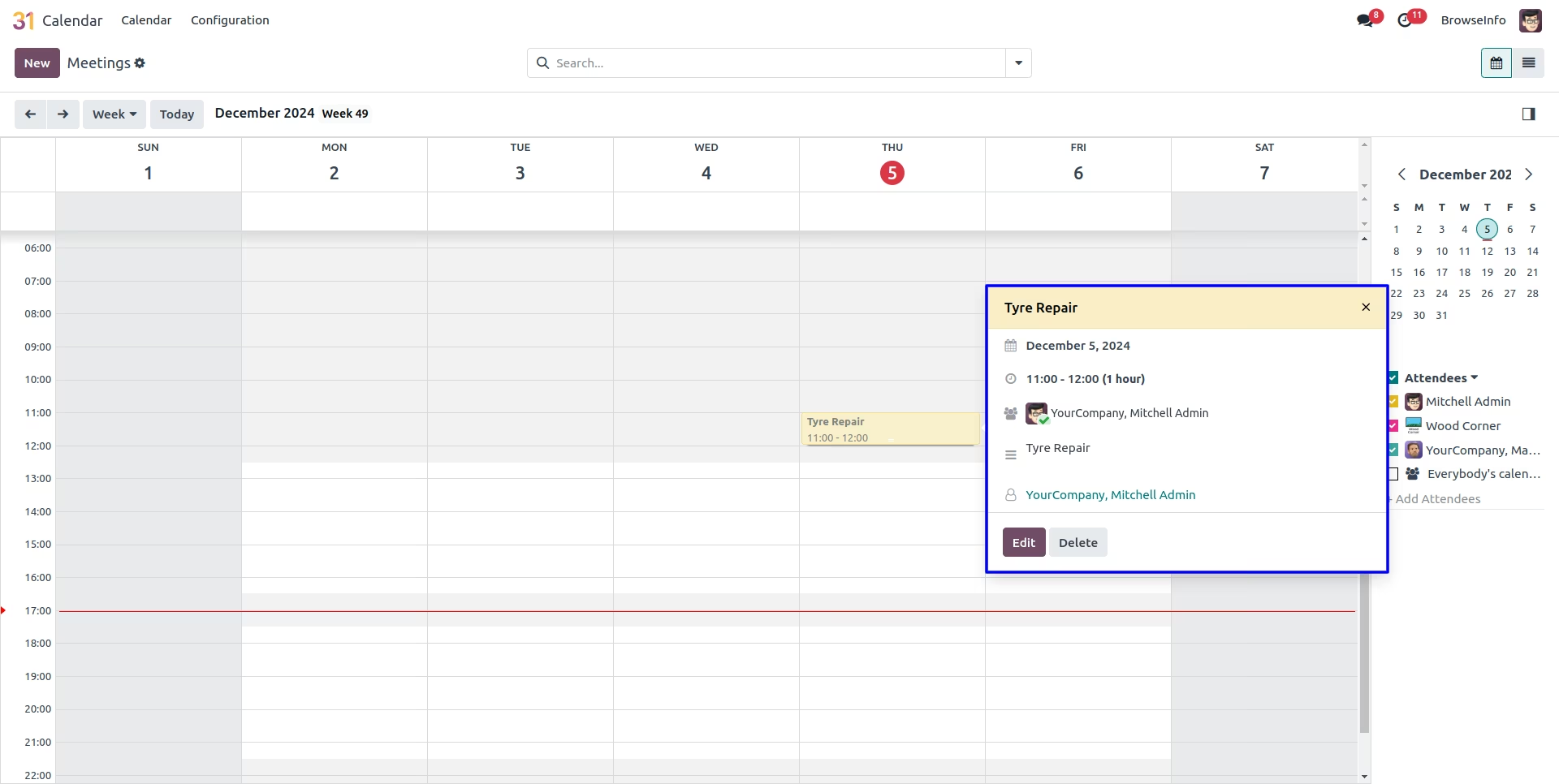
Create Car Repair Appointment
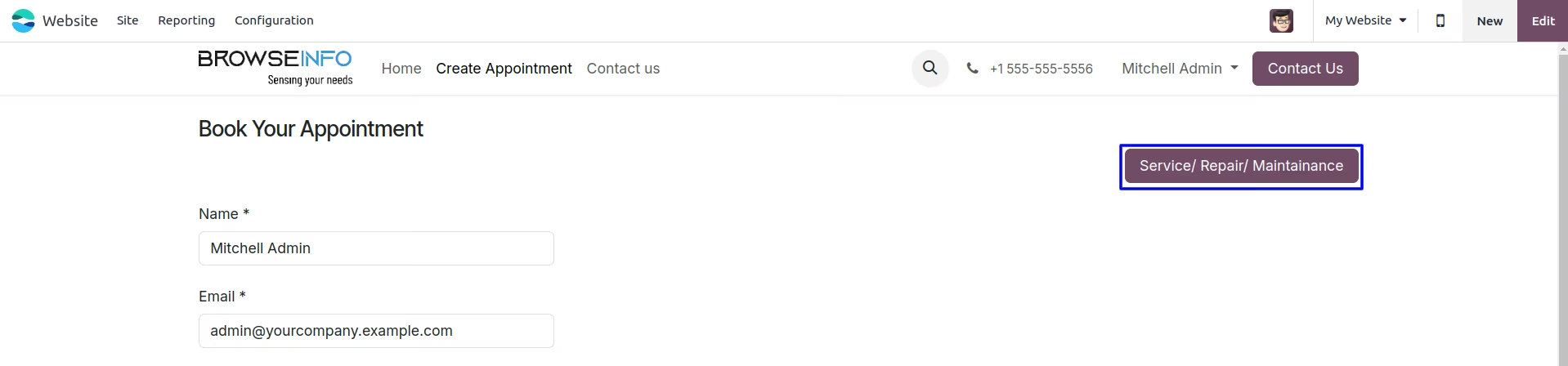
User can create appointment for car repair by clicking "Service/Repair/Maintenance" button on create appointment menu.
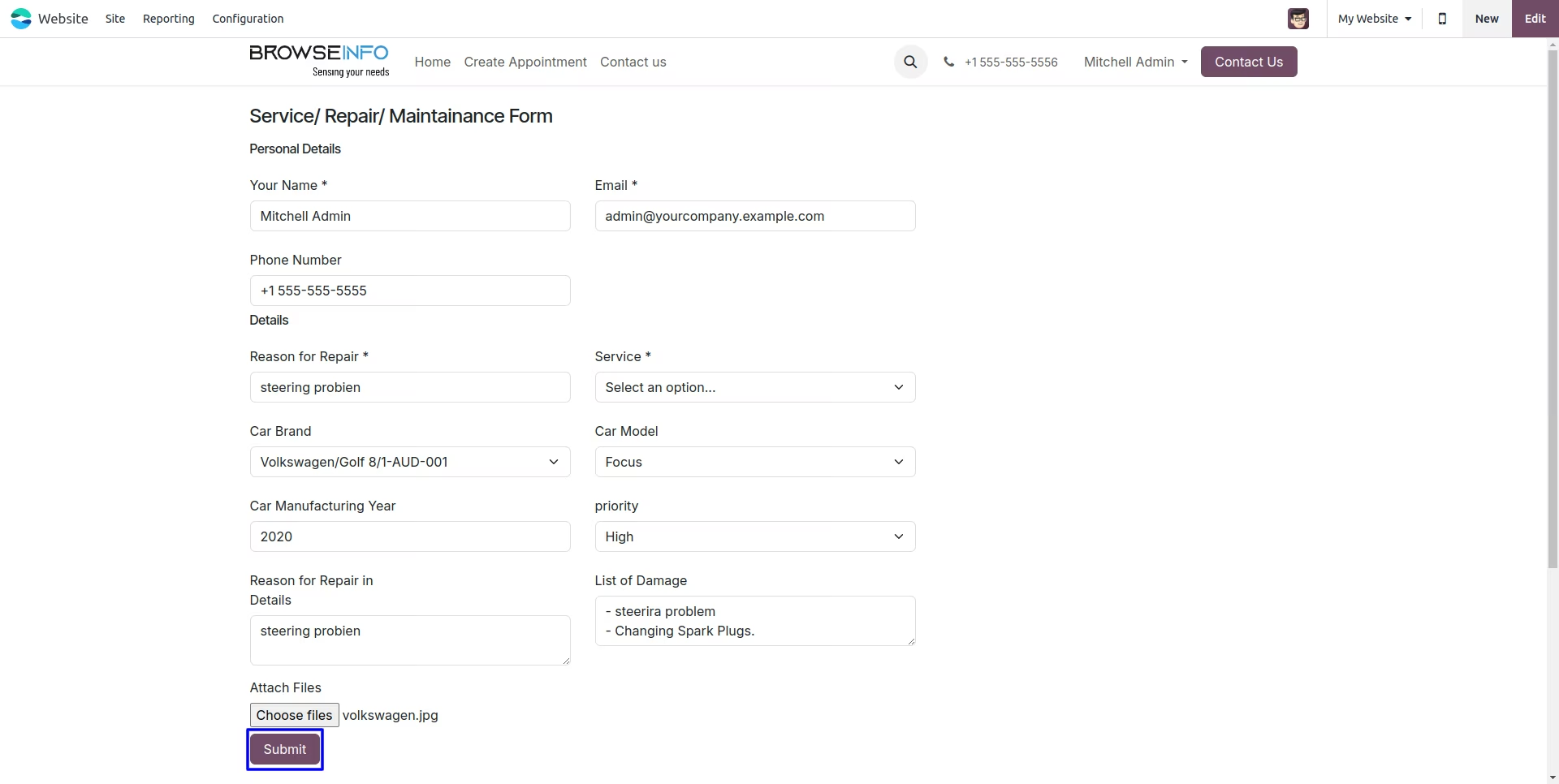
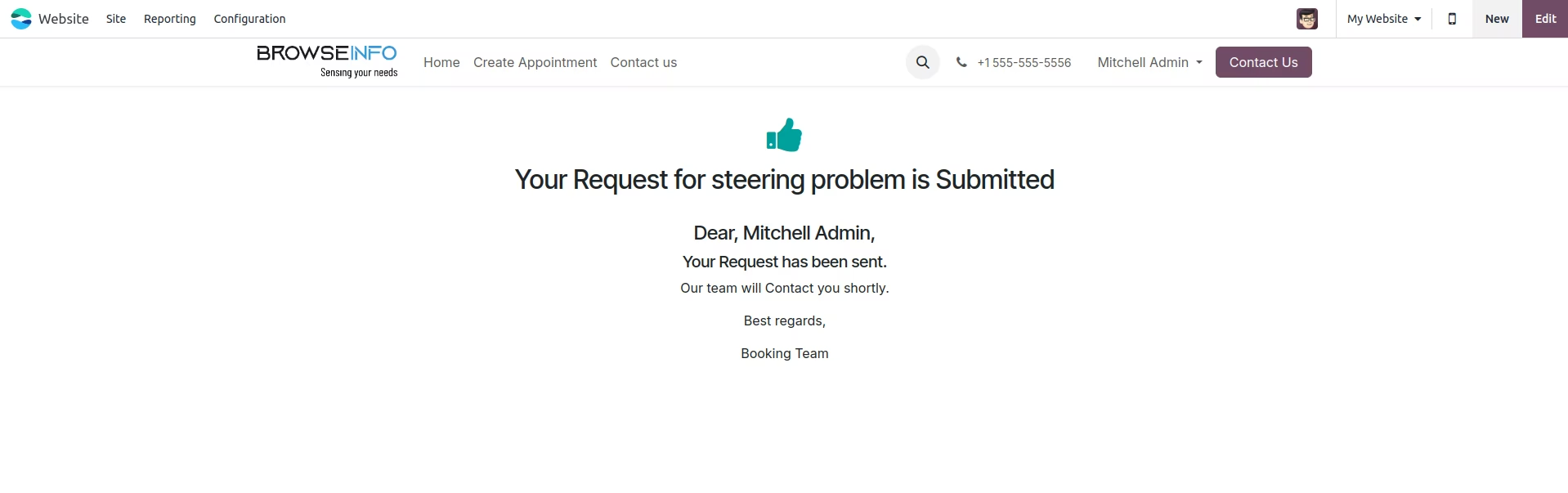
User need to enter "Reason for Repair, Service, Car Brand, Reason for Repair in Details" etc details for repair order and click "Submit" button.
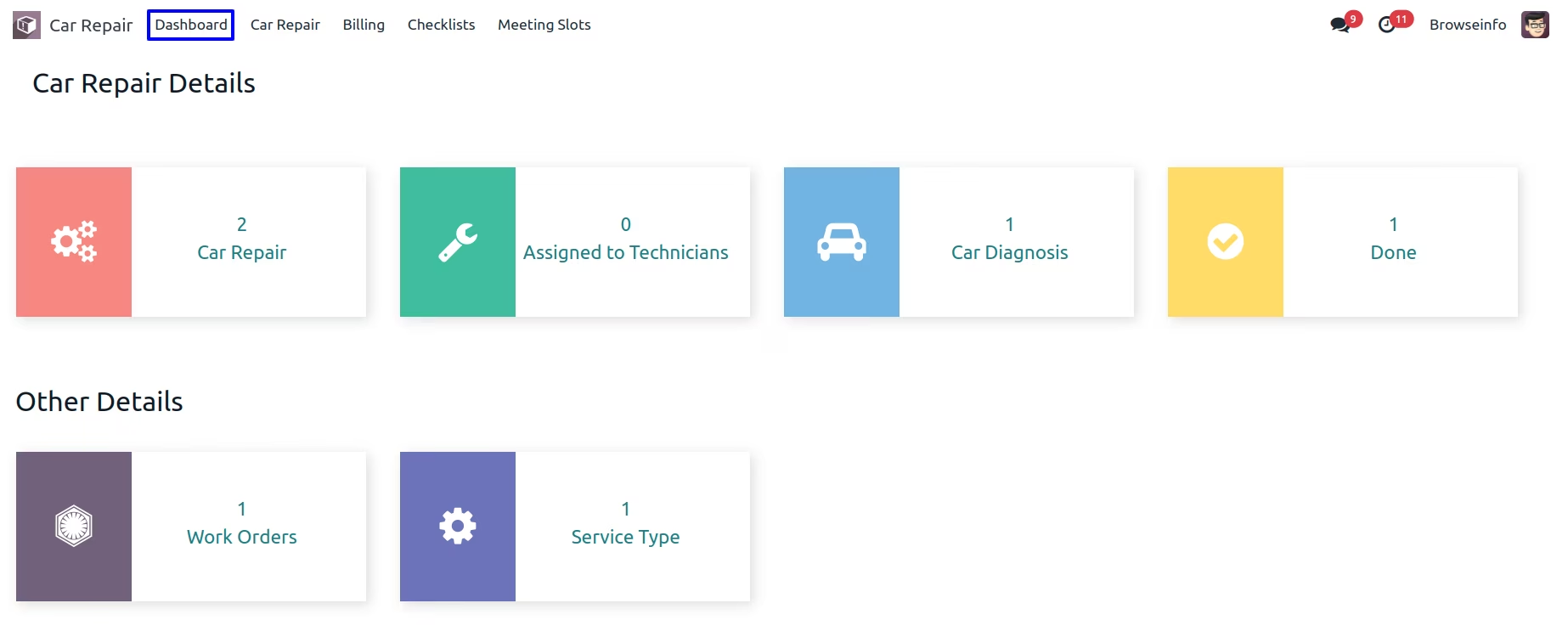
Car Repair Dashboard
User can see car repair dashboard with car repair details and can access from there.
Create Car Repair Order
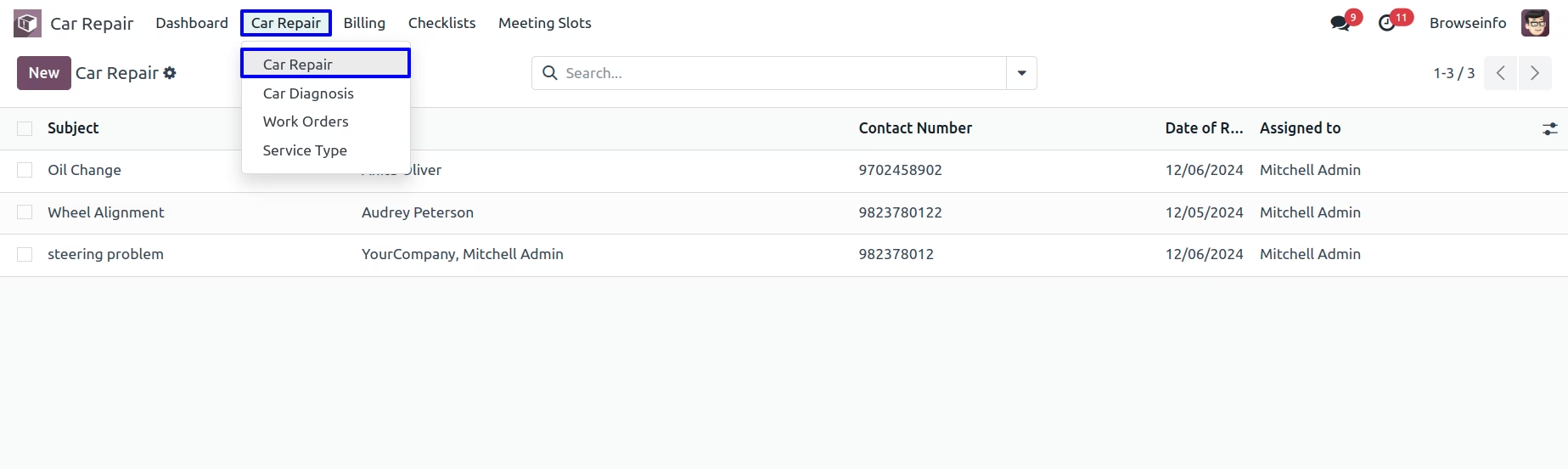
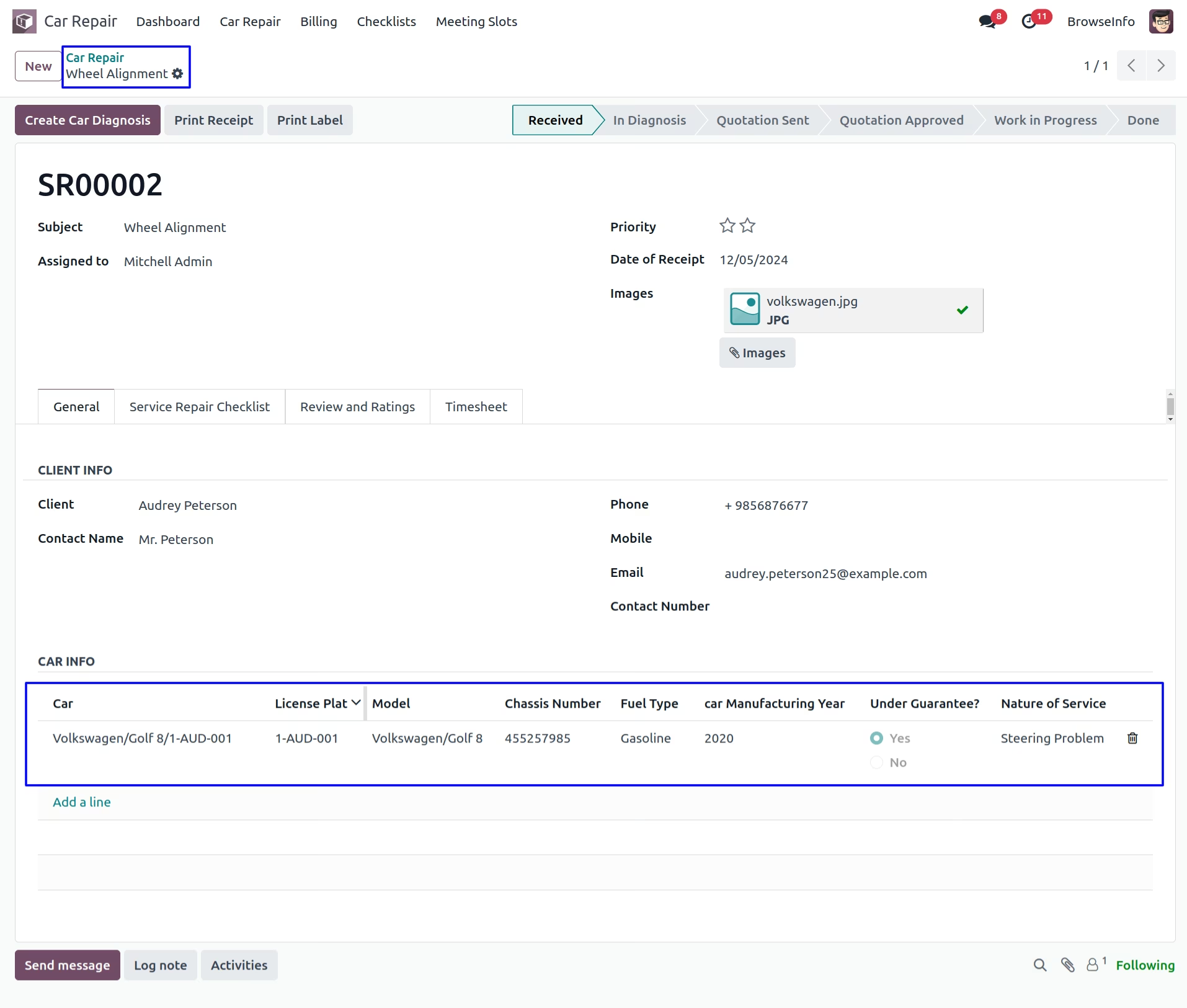
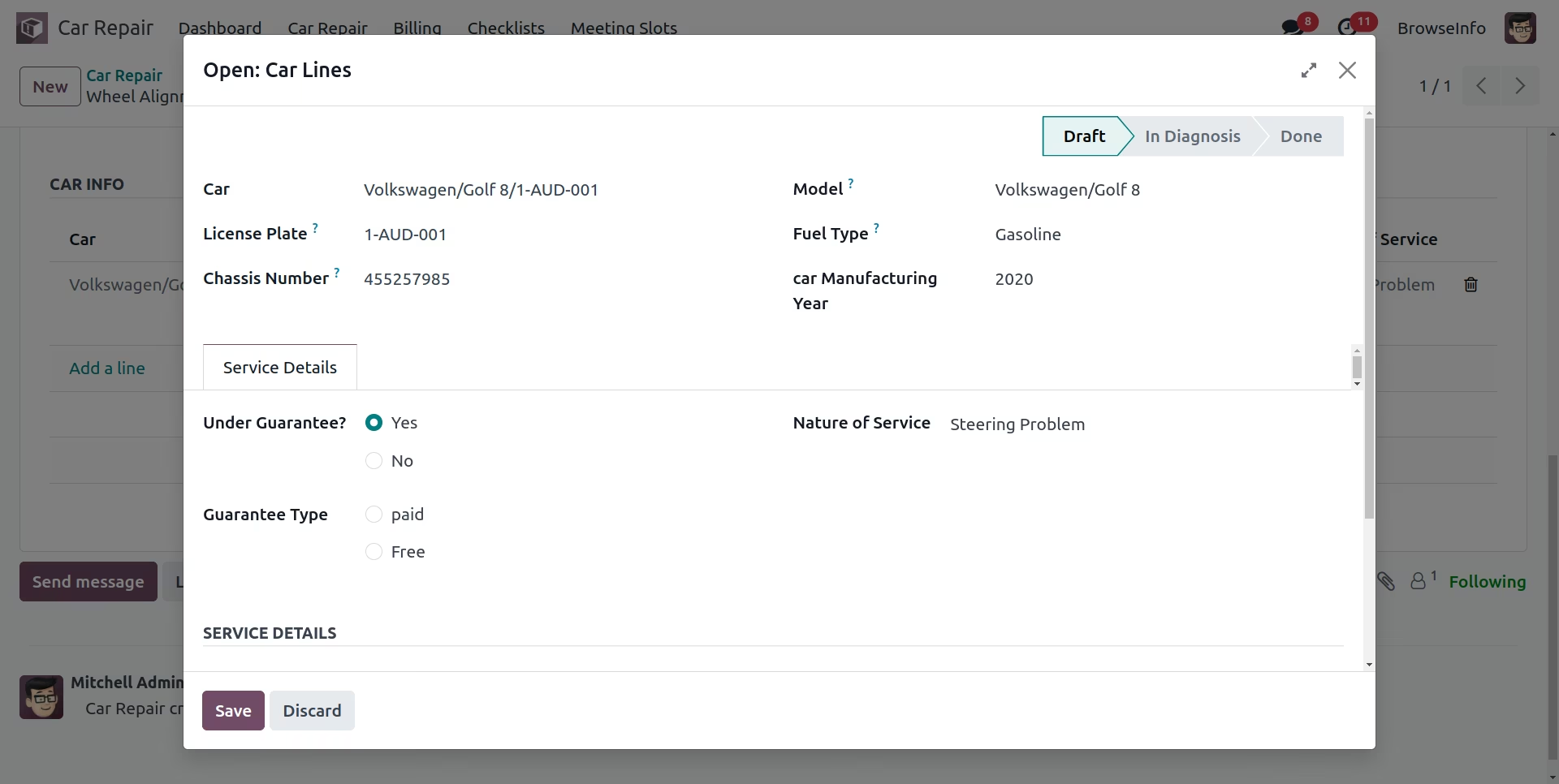
Under Car Repair > Car Repair menu user can create and manage car repair order, also can add client details, car details, repair service details, repair checklist and repair note to car repair order.
Car Repair Order
User can see created car Under Car Repair > Car Repair menu user can create and manage car repair order, also can add client details, car details, repair service details, repair checklist and repair note to car repair order.
Car & Service Details
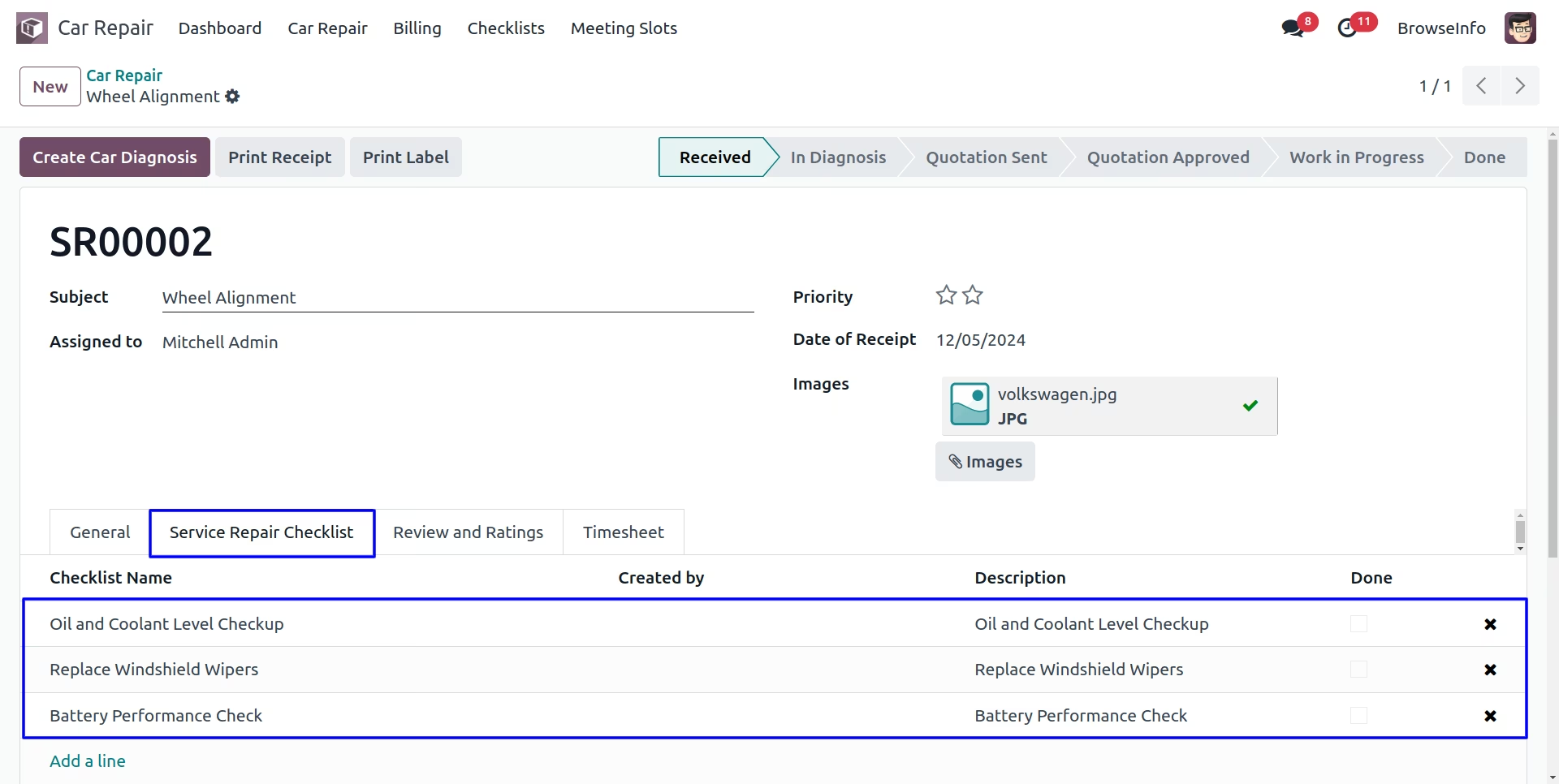
Timesheet in Car Repair
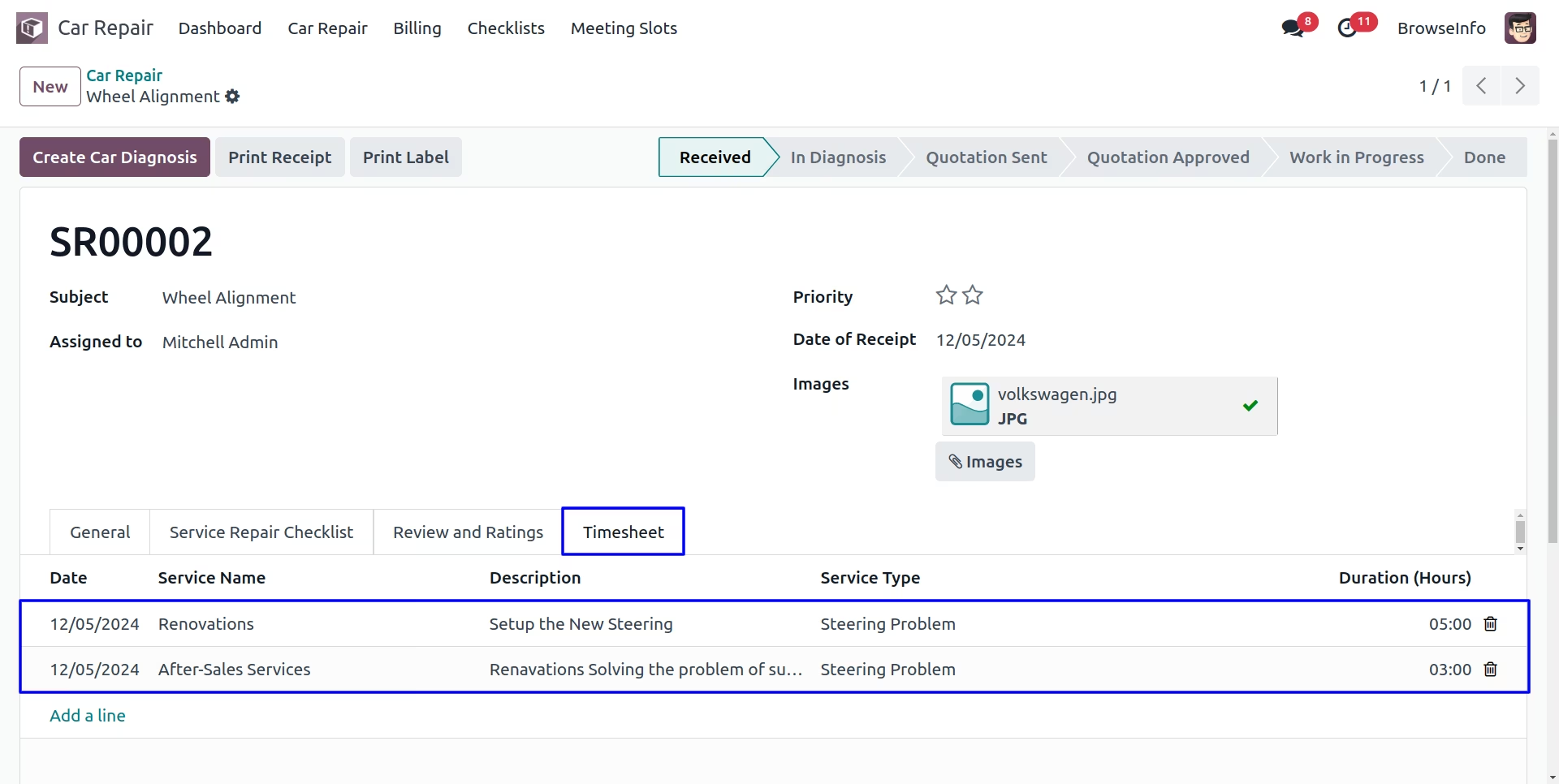
User can add the working hours in the car repair timesheet and it should also be connected with the default timesheet module.
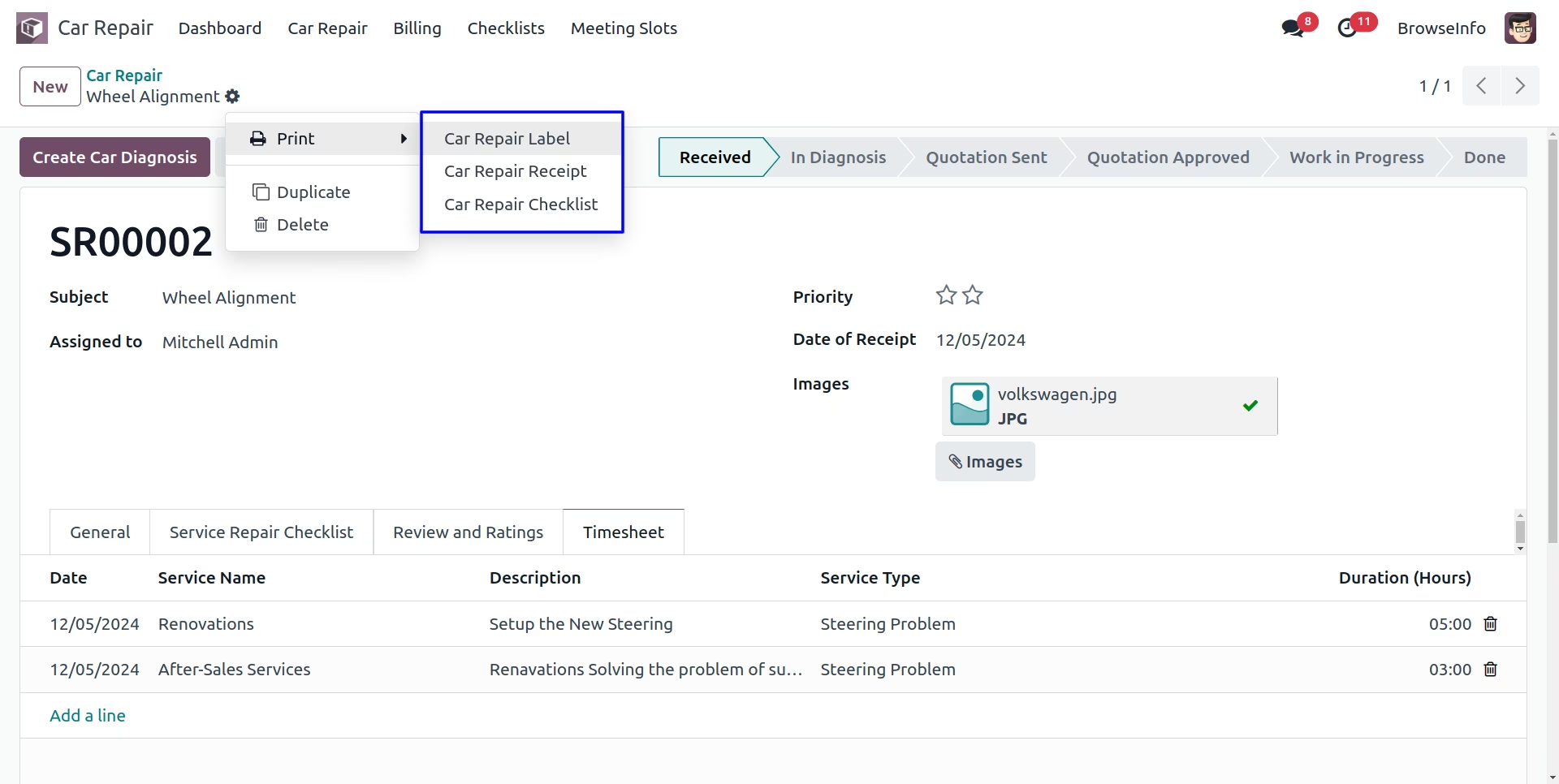
Print Car Order Reports
Car Label Report
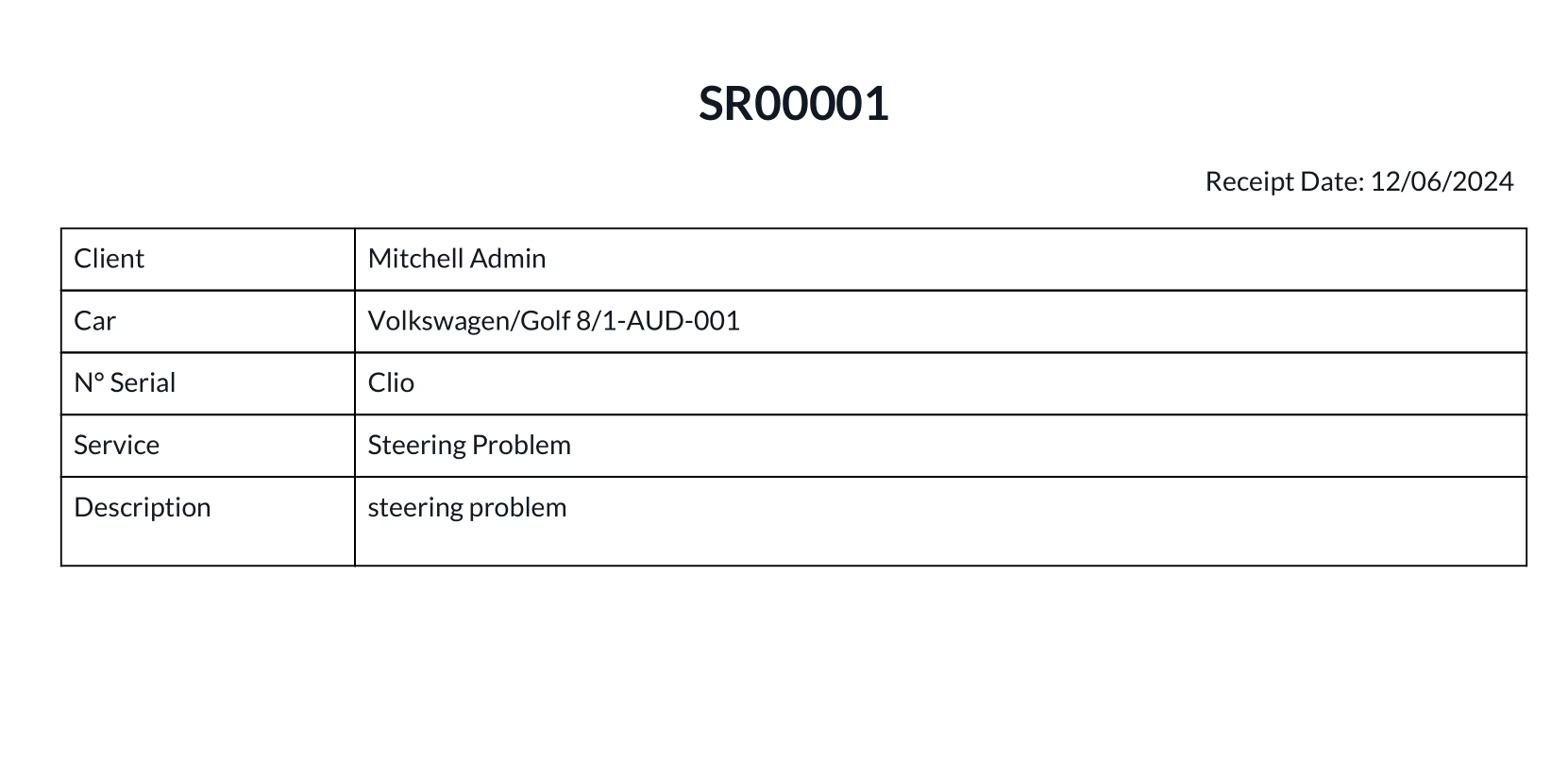
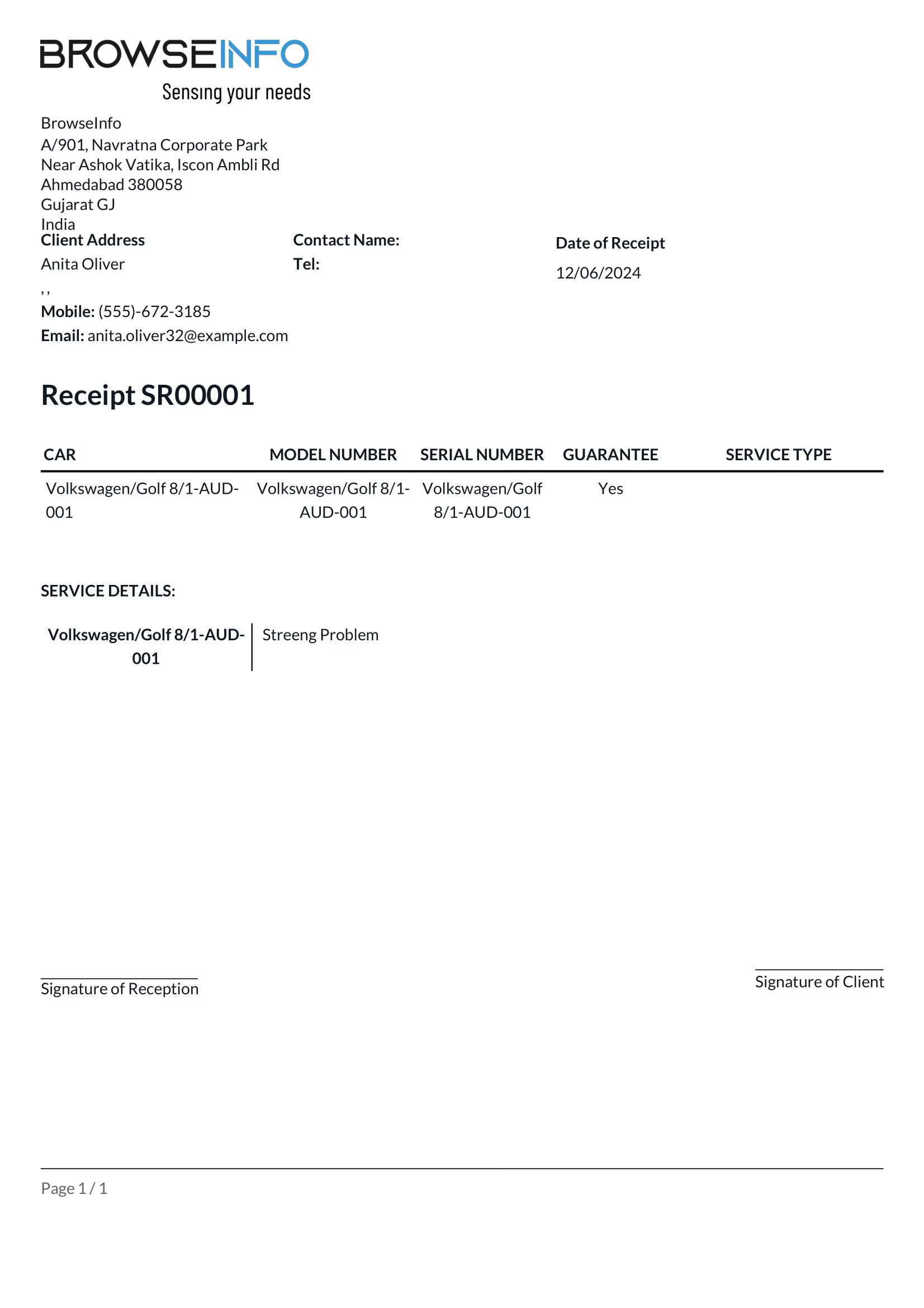
Car Receipt Report
Car Checklist Report
Create Car Diagnosis
Car Diagnosis
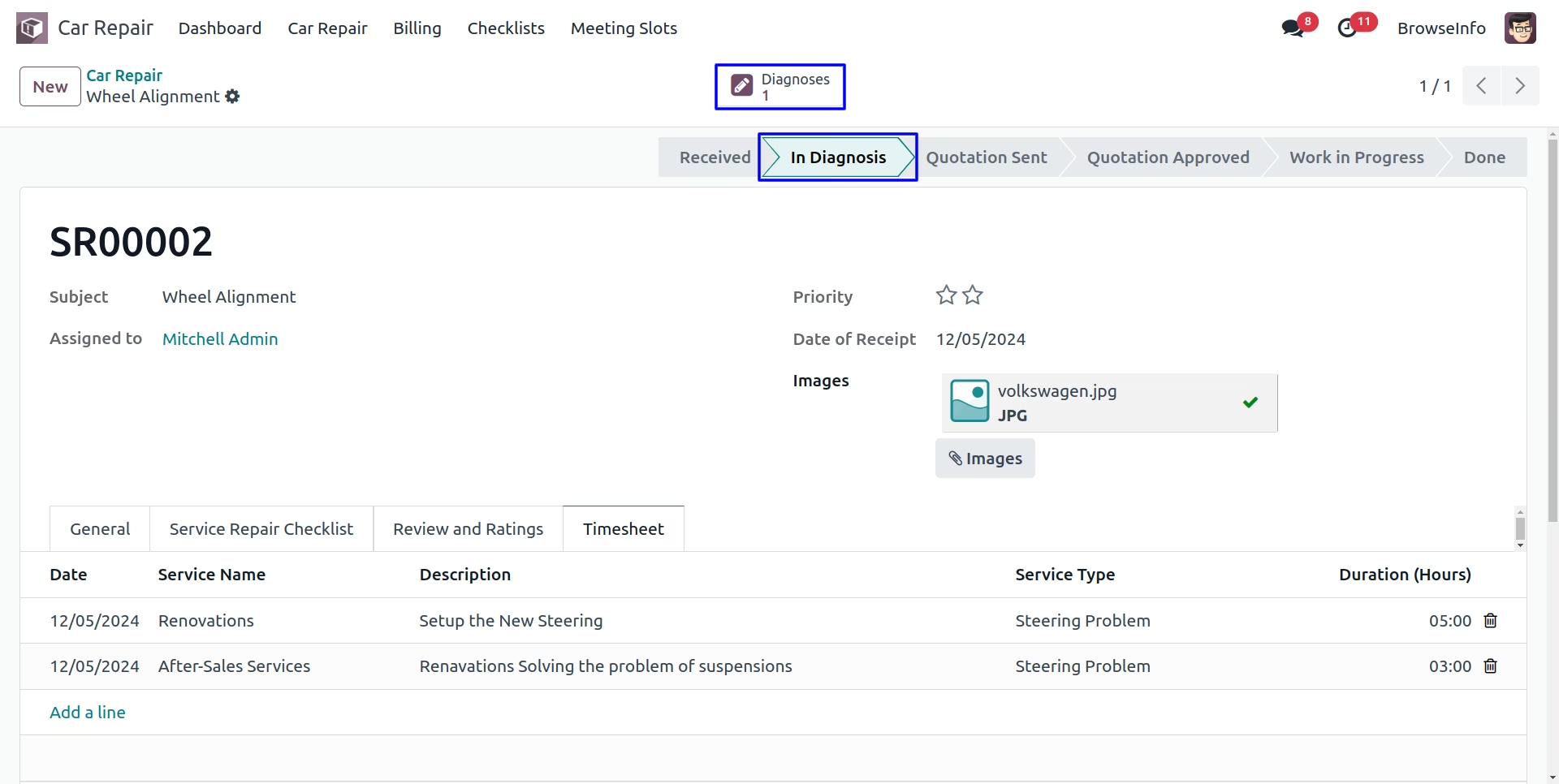
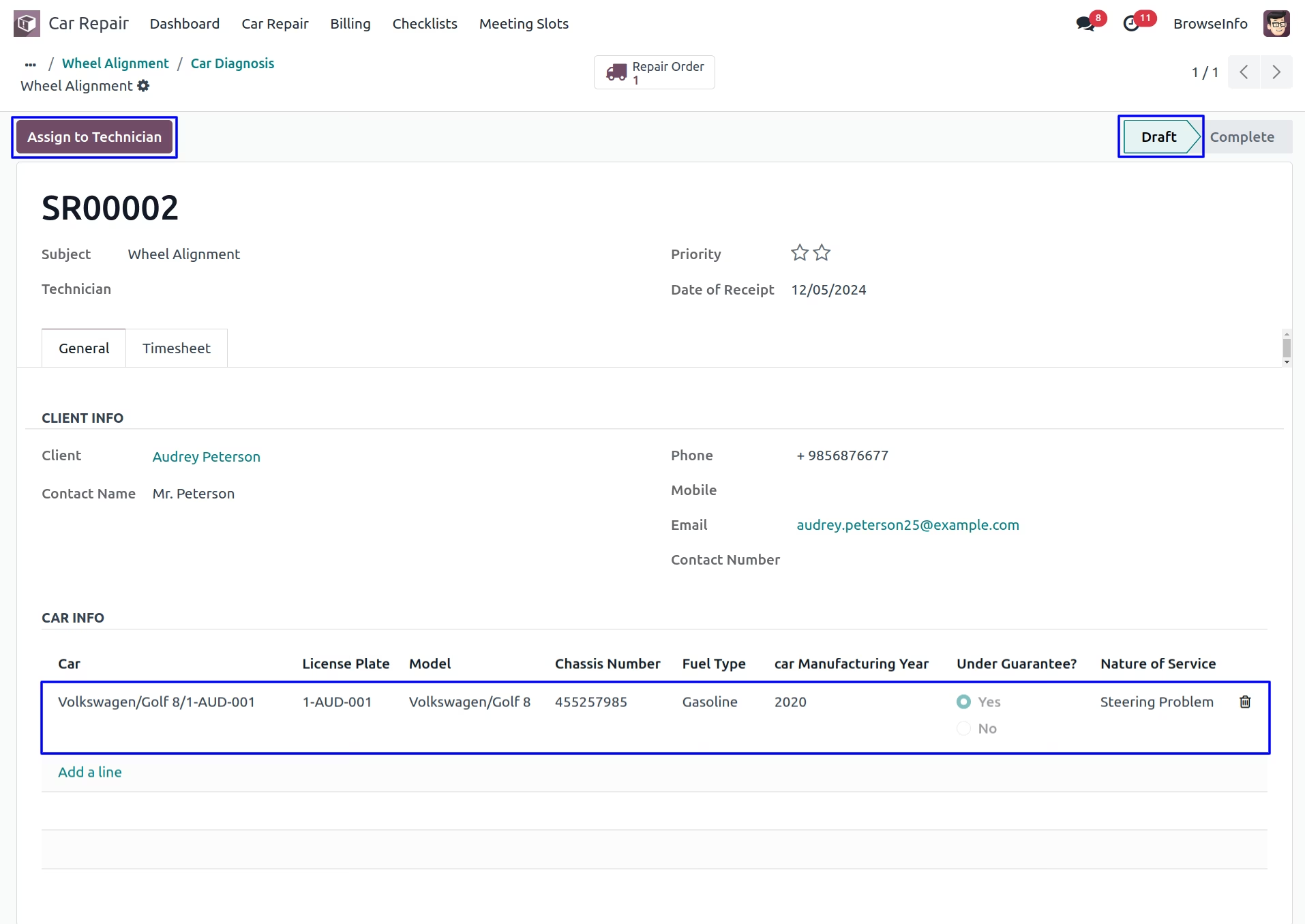
User can see created car diagnosis and assign to car technician.
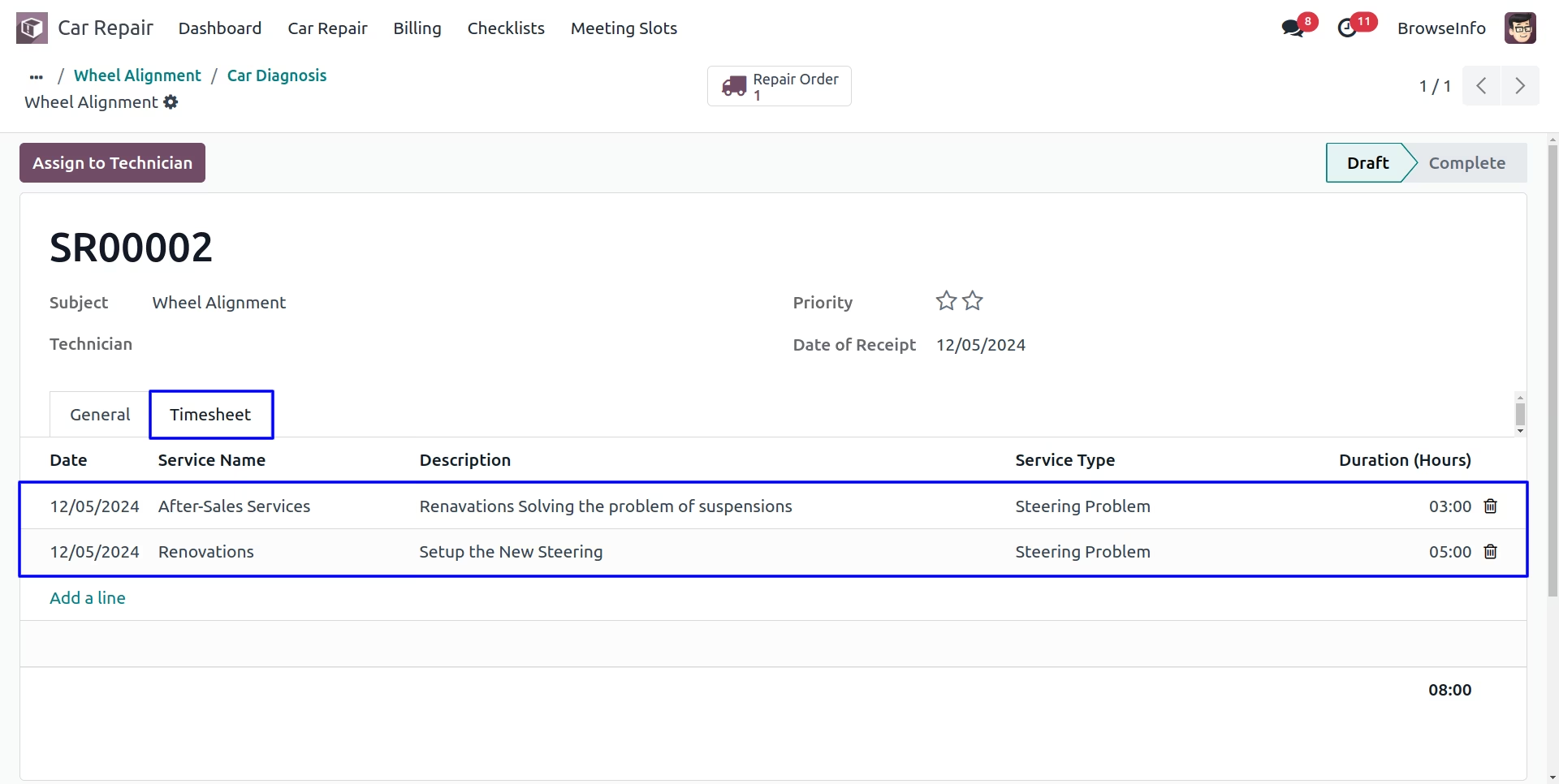
User can add working hours in the car diagnosis timesheet.
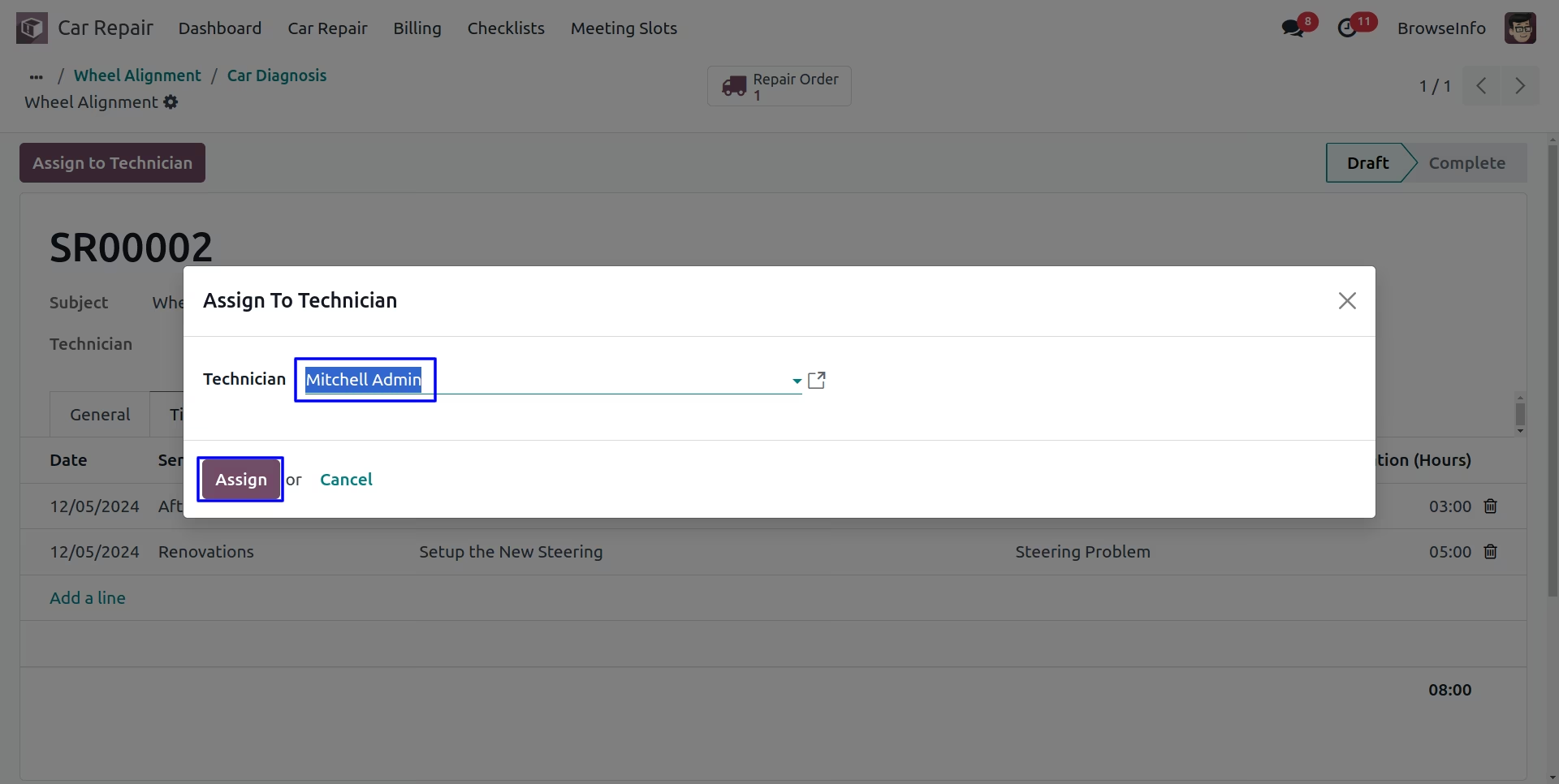
Assign to Technician
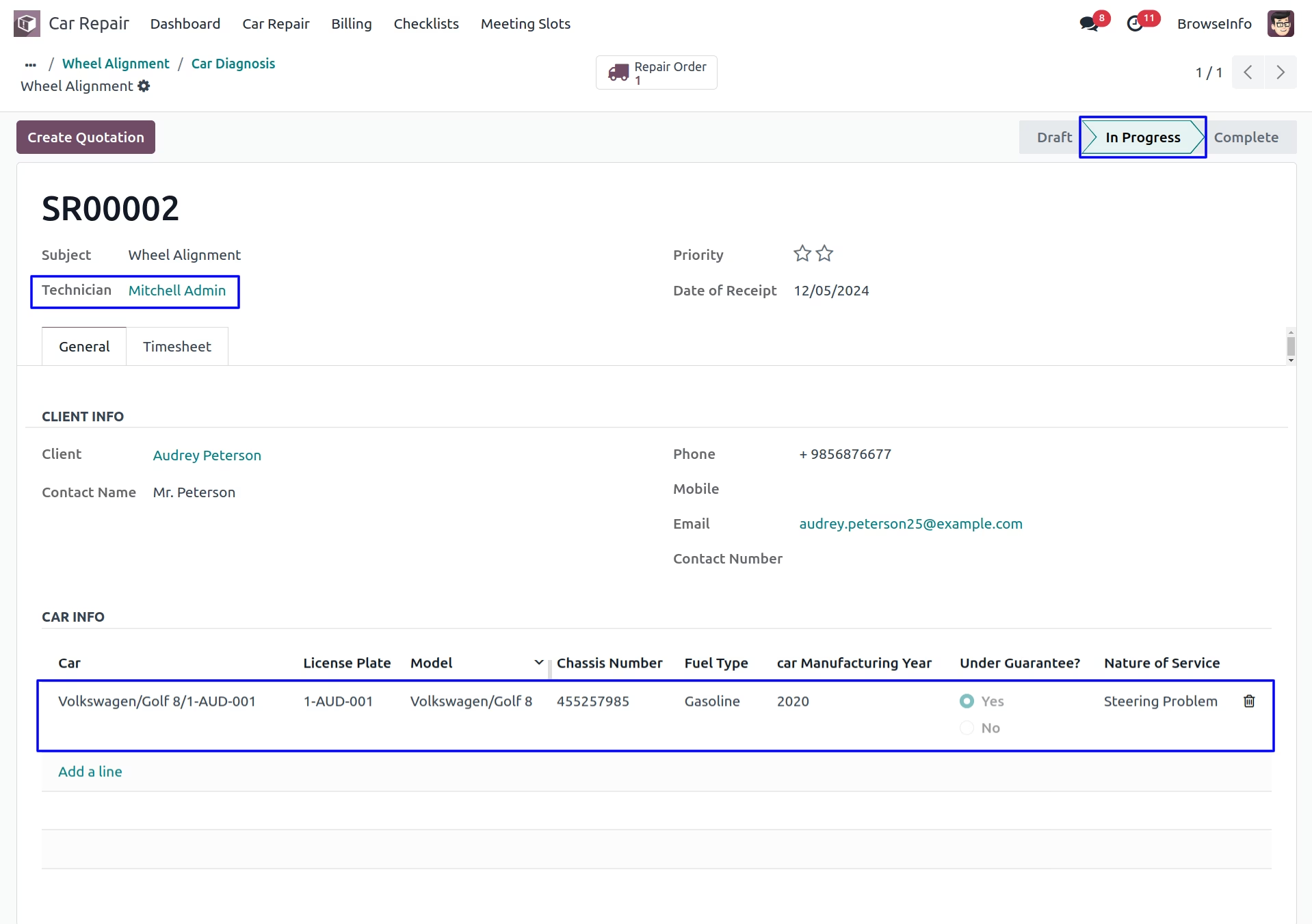
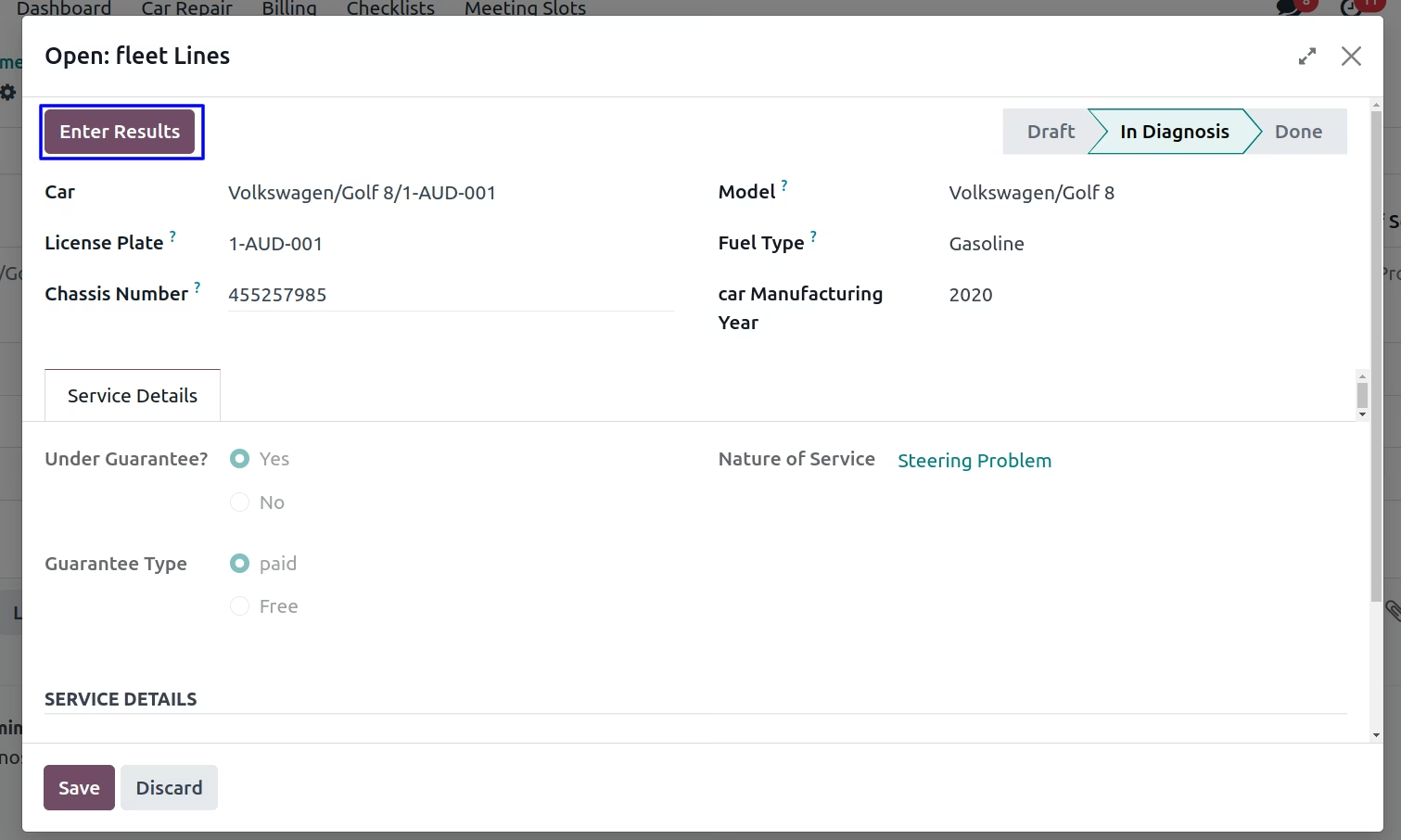
Car Diagnostic Result
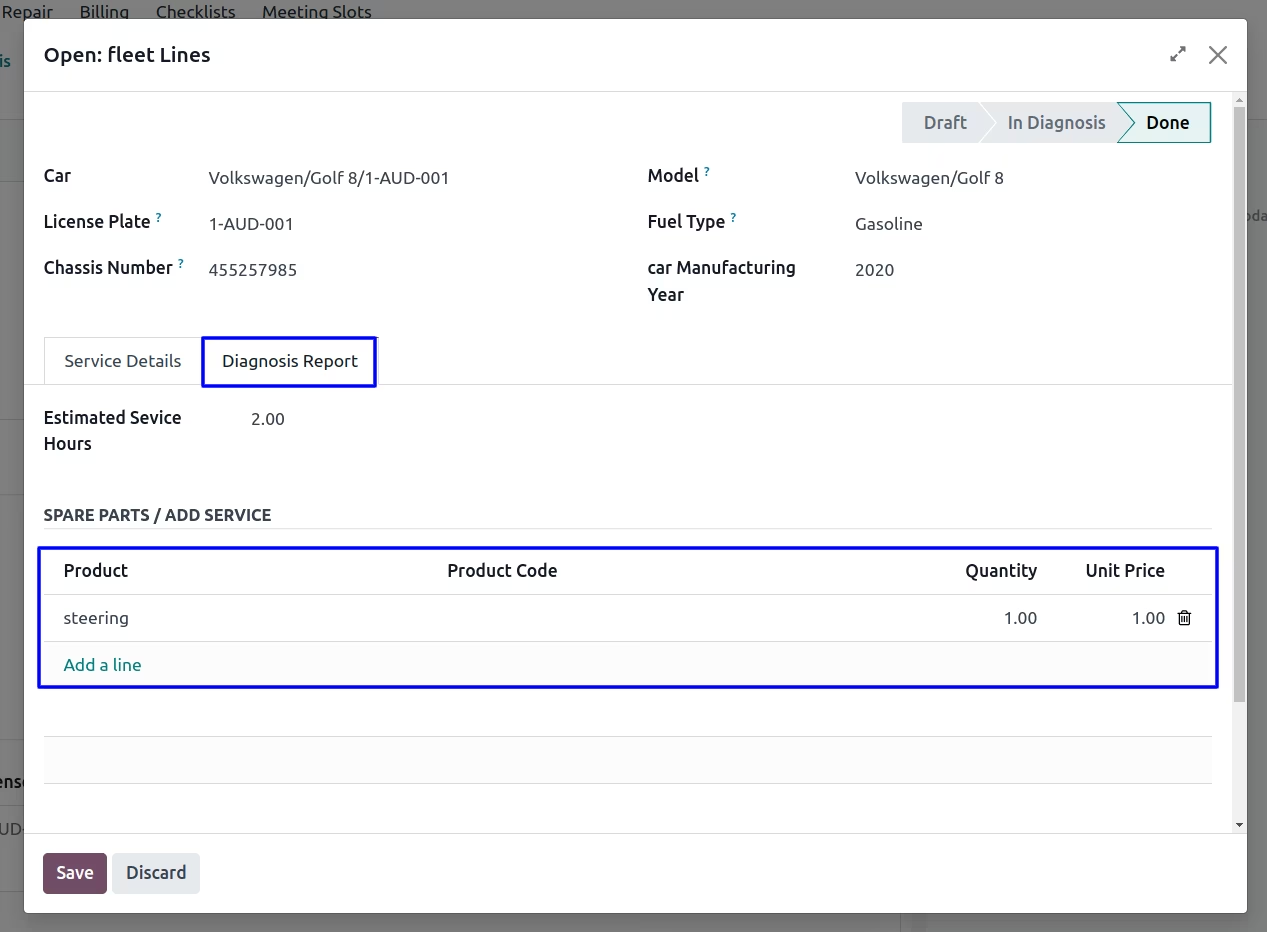
Diagnosis Report
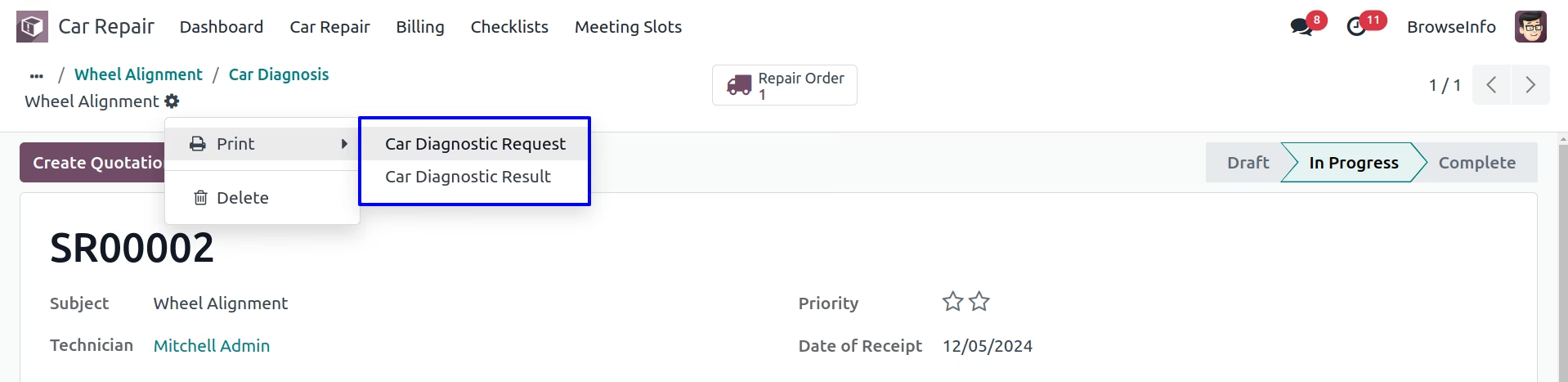
Print Car Diagnosis Reports
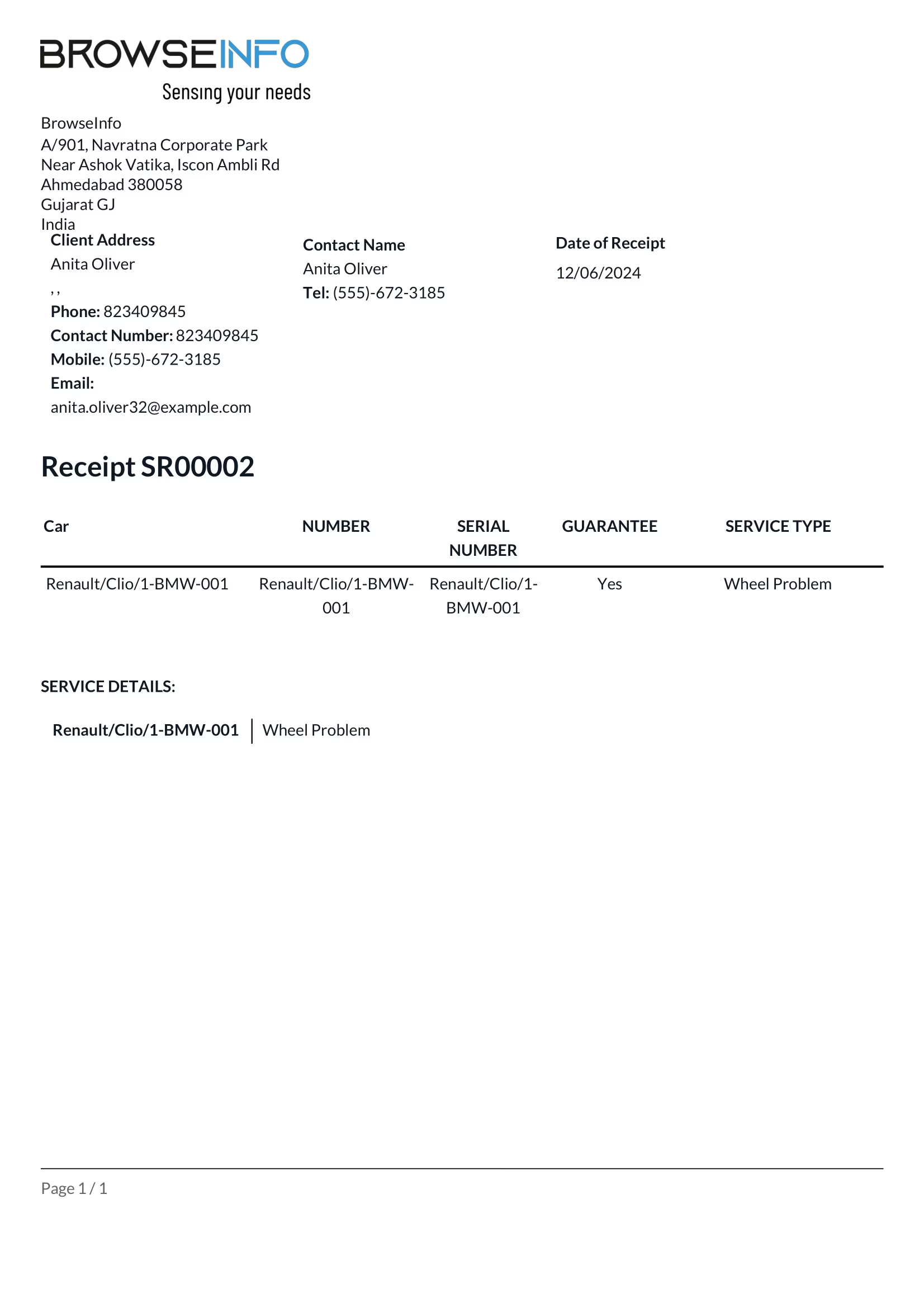
These reports will have all the data about diagnosis of the Car like, diagnosis results, parts details, etc.
Car Diagnosis Request Report
Car Diagnosis Result Report
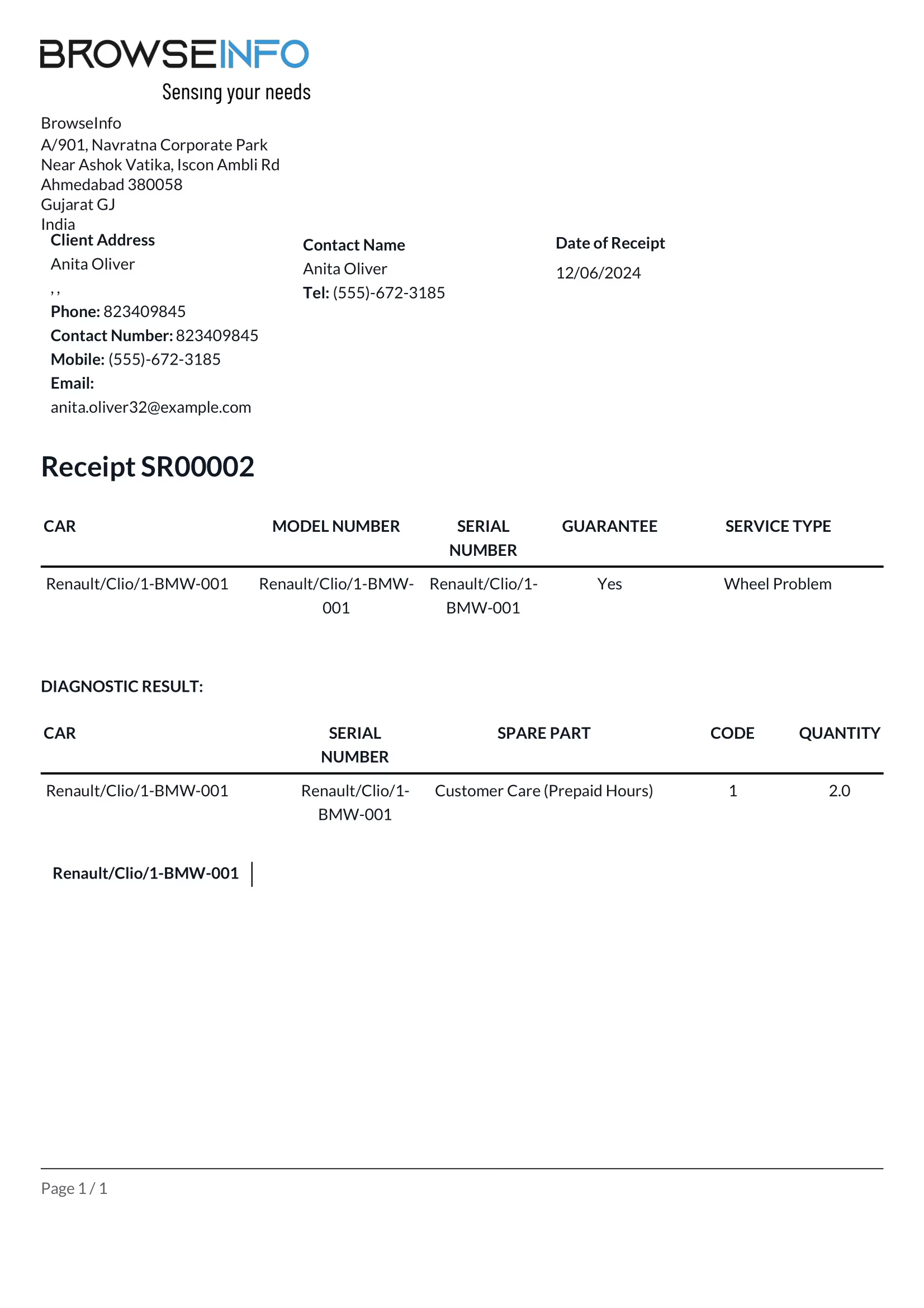
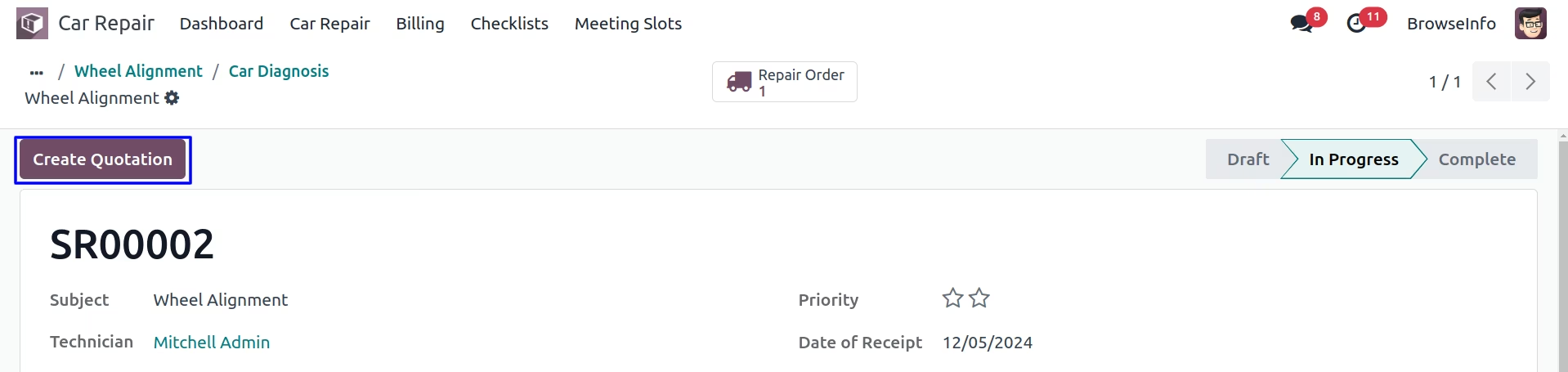
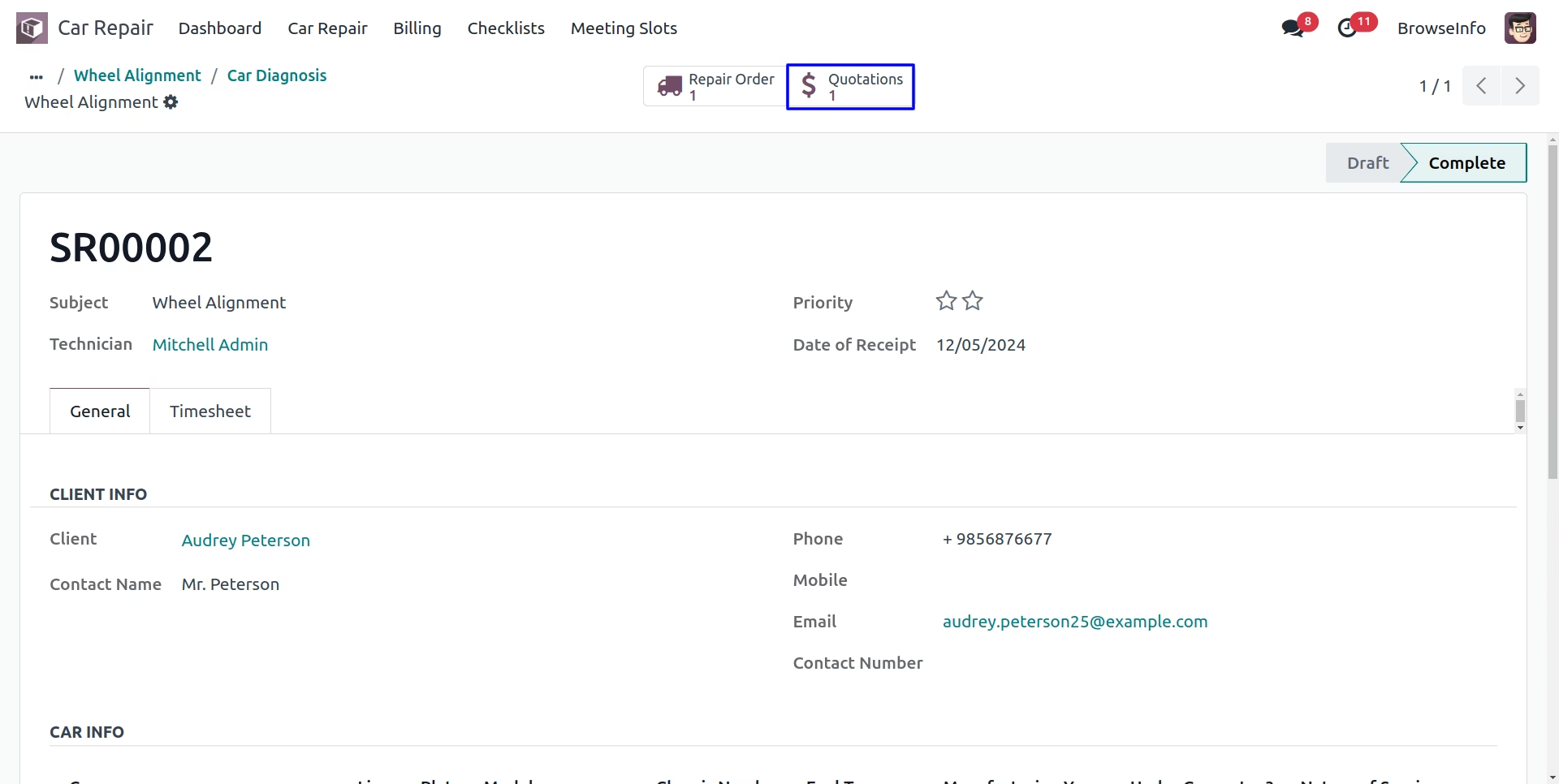
Car Diagnosis and Sale
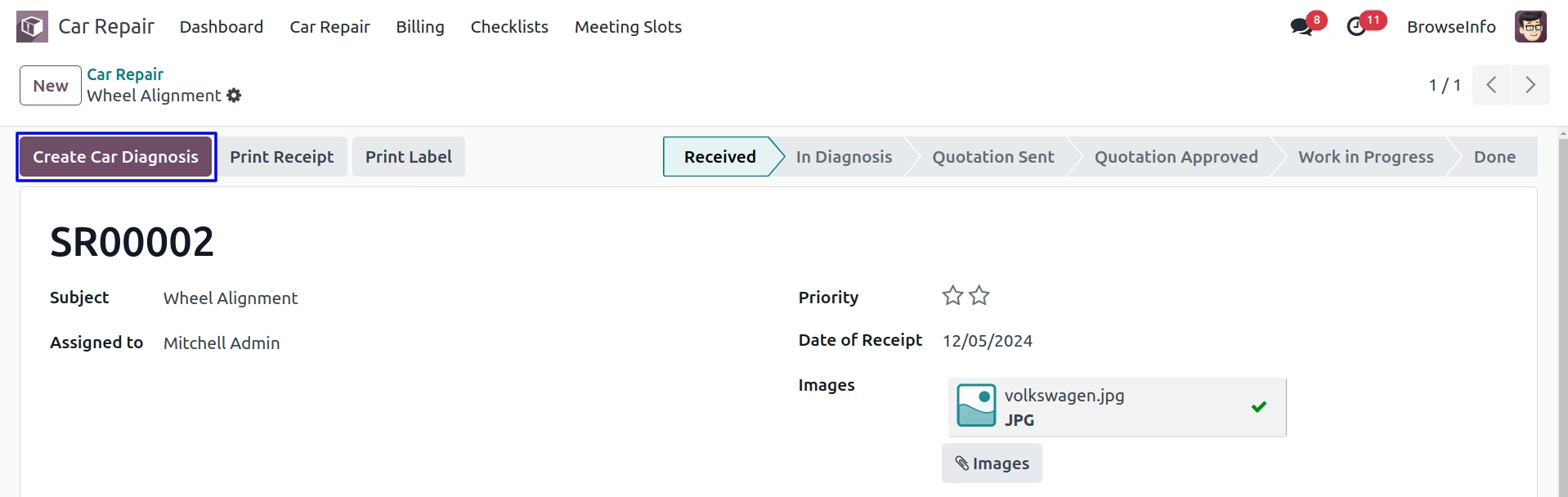
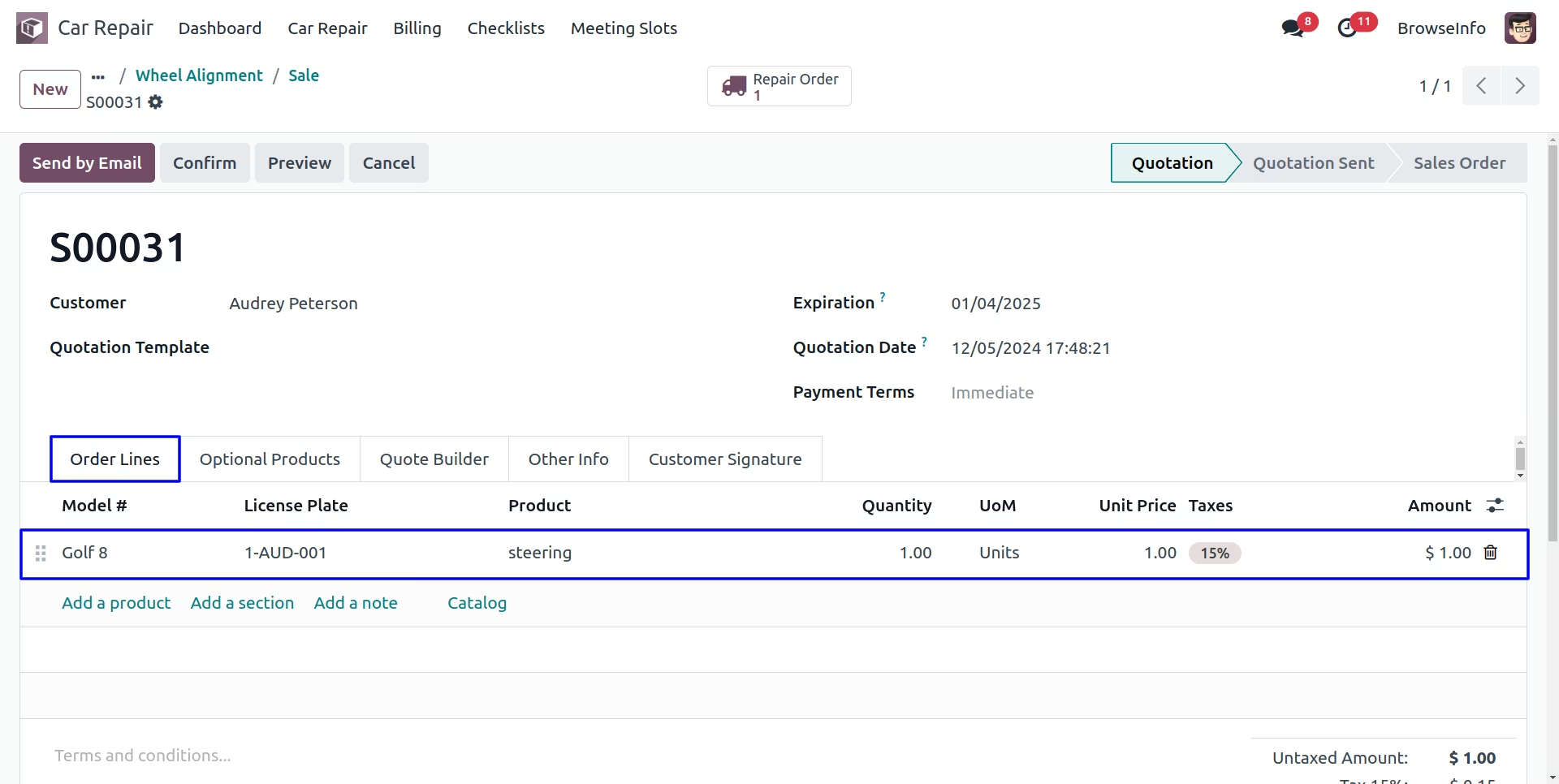
Once Diagnosis create, You will have to create quotation. After confirming it, Work order related to this sale order will be generated.
Confirm Sale
View Work Order
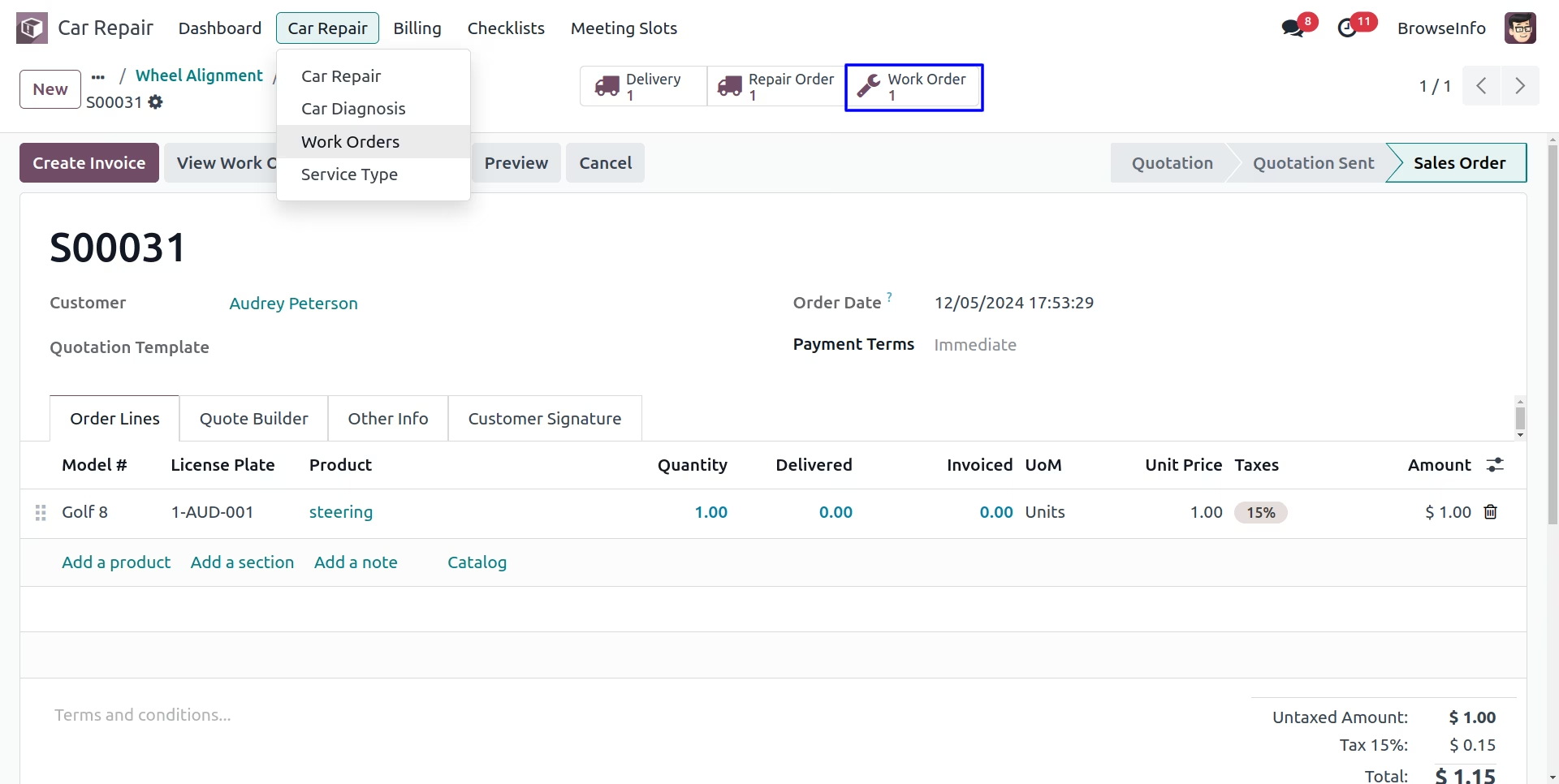
Car Work Orders
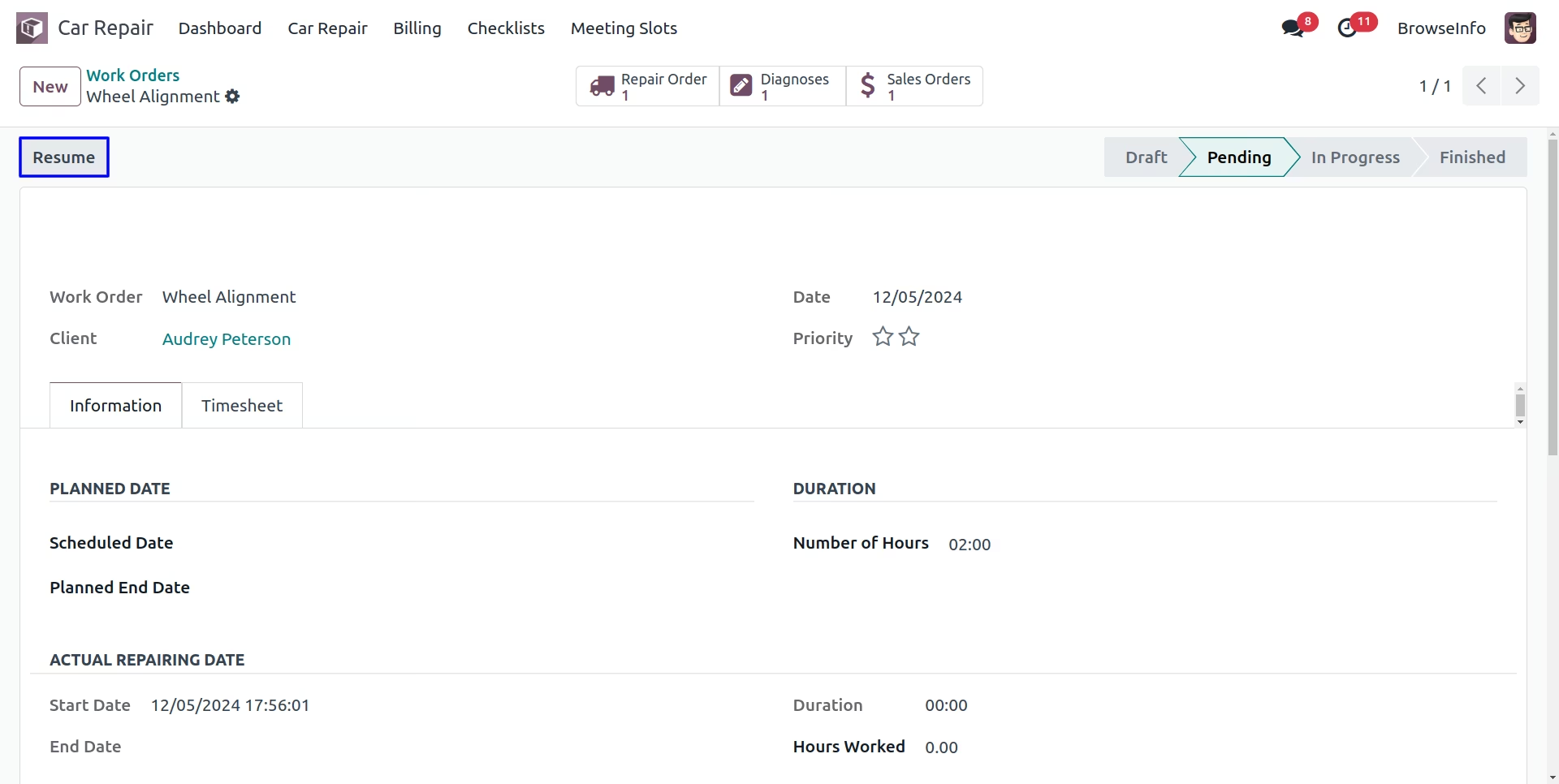
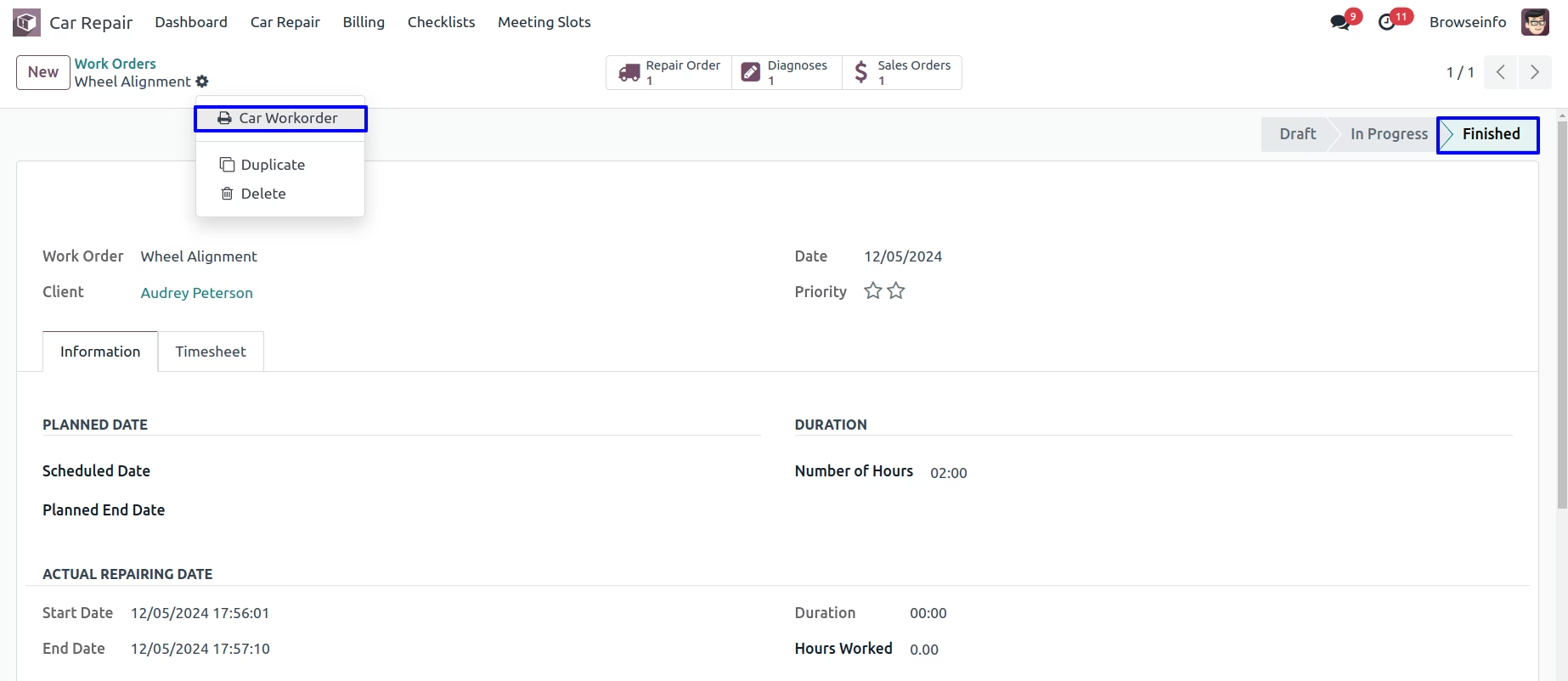
Now, worker will be able to start, pause , put in pending , cancel and finish the work order as per progress of the work on the Car. When work order is done, according to the hours spent on it, You will be given the option to generate the Invoice on related Sale Order.
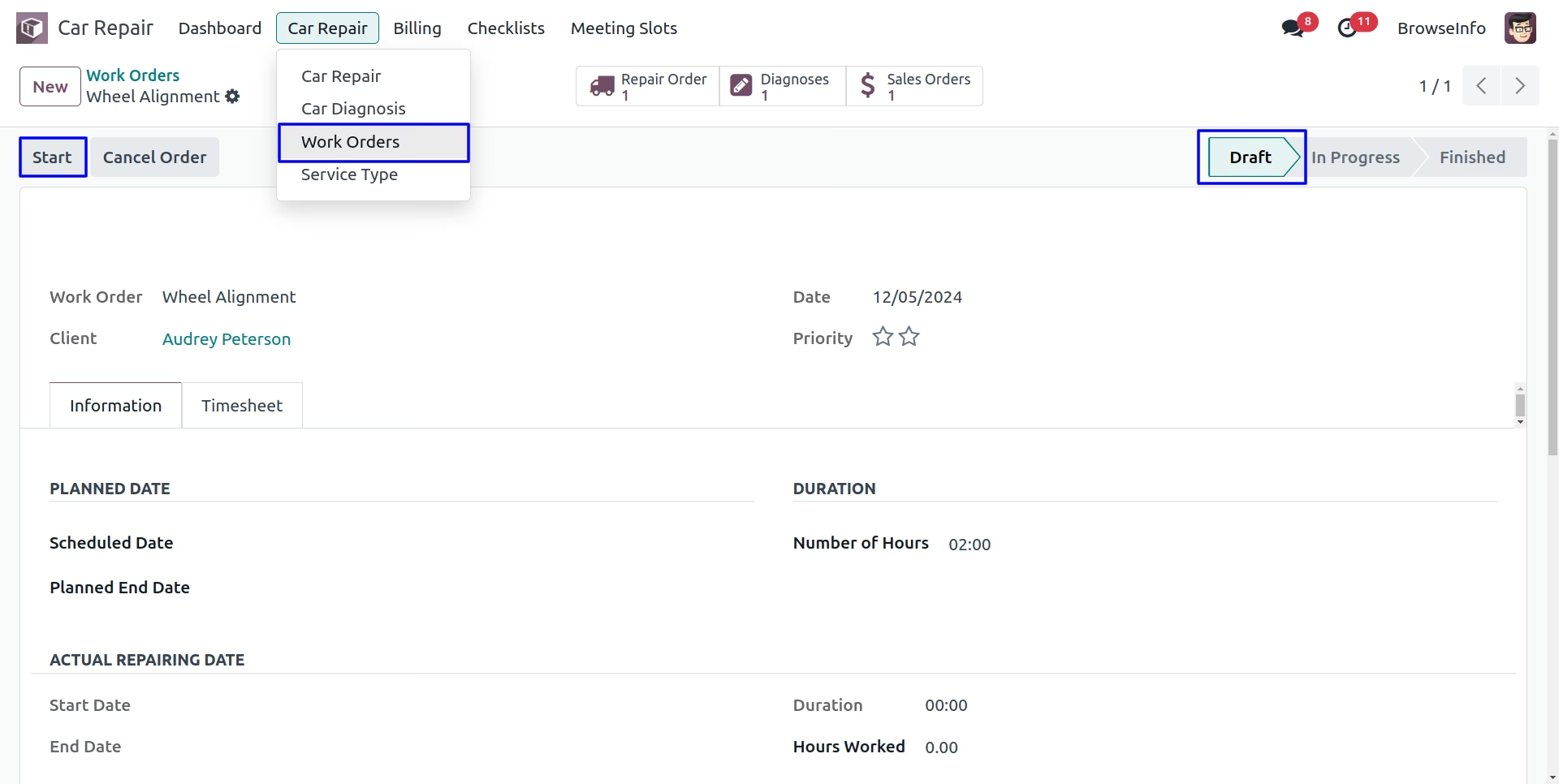
User can add working hours in the work orders timesheet.
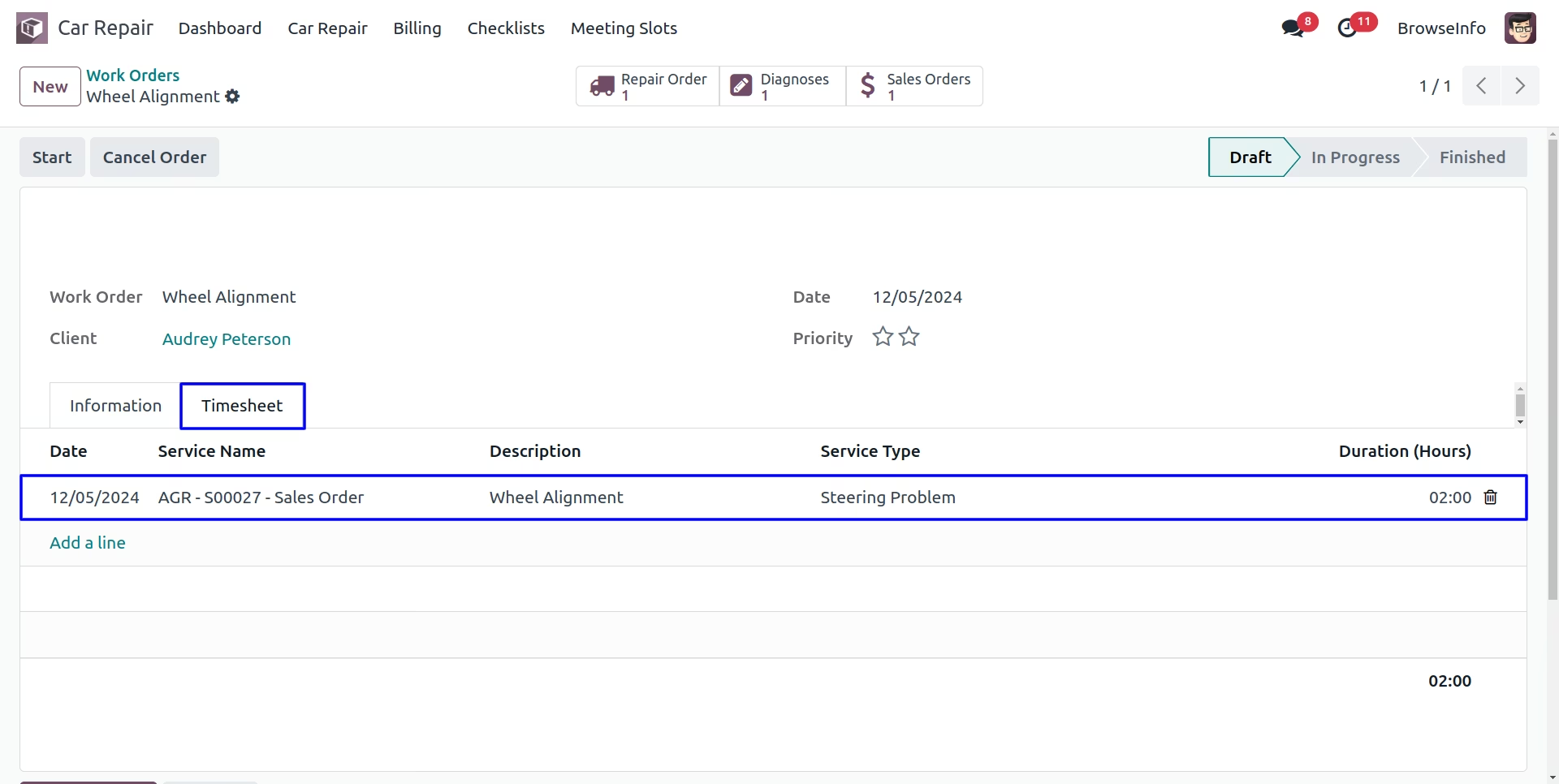
Resume Work Order
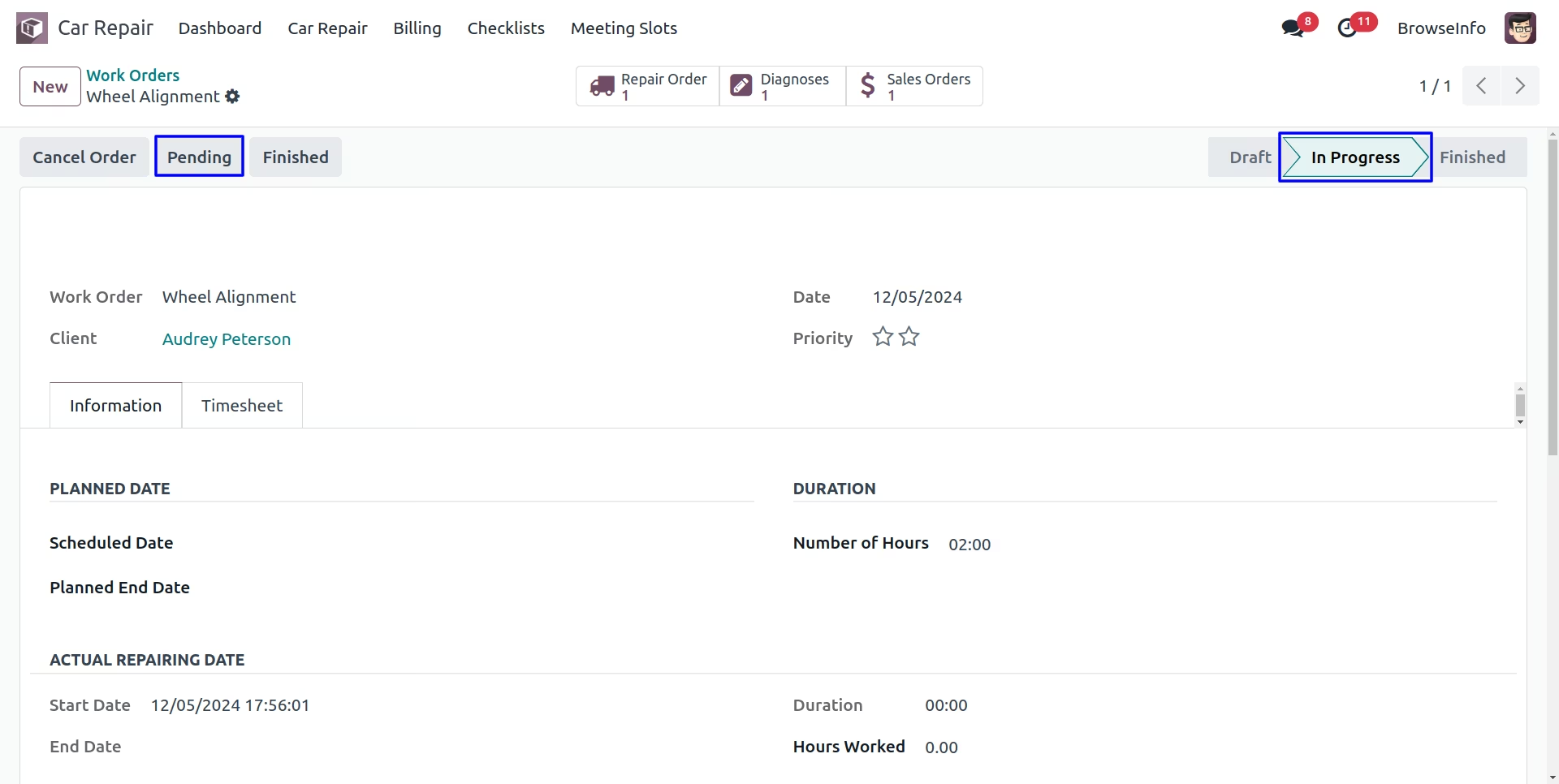
Finish Work Order
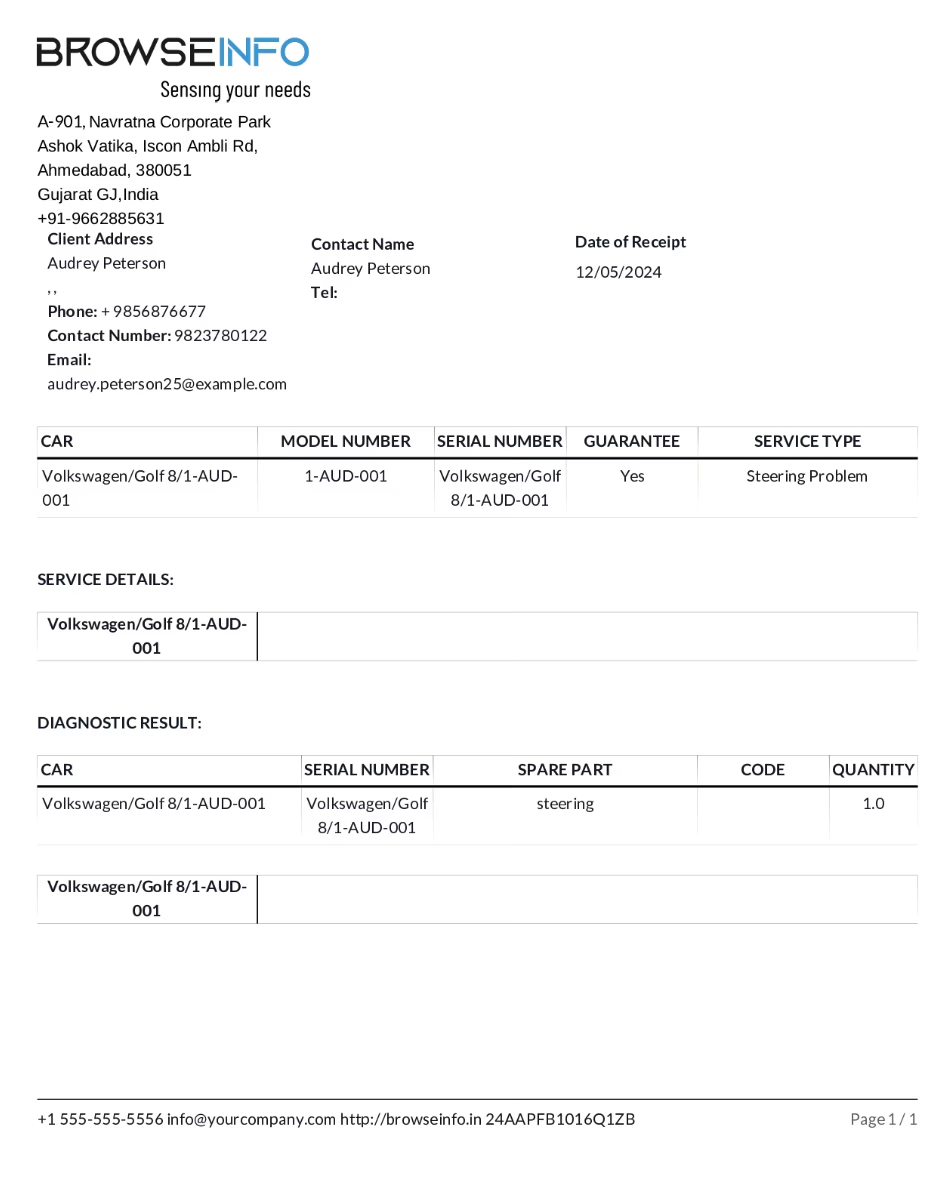
Car Work Orders Report
This report will show information about work done on the Car, generated from work order details.
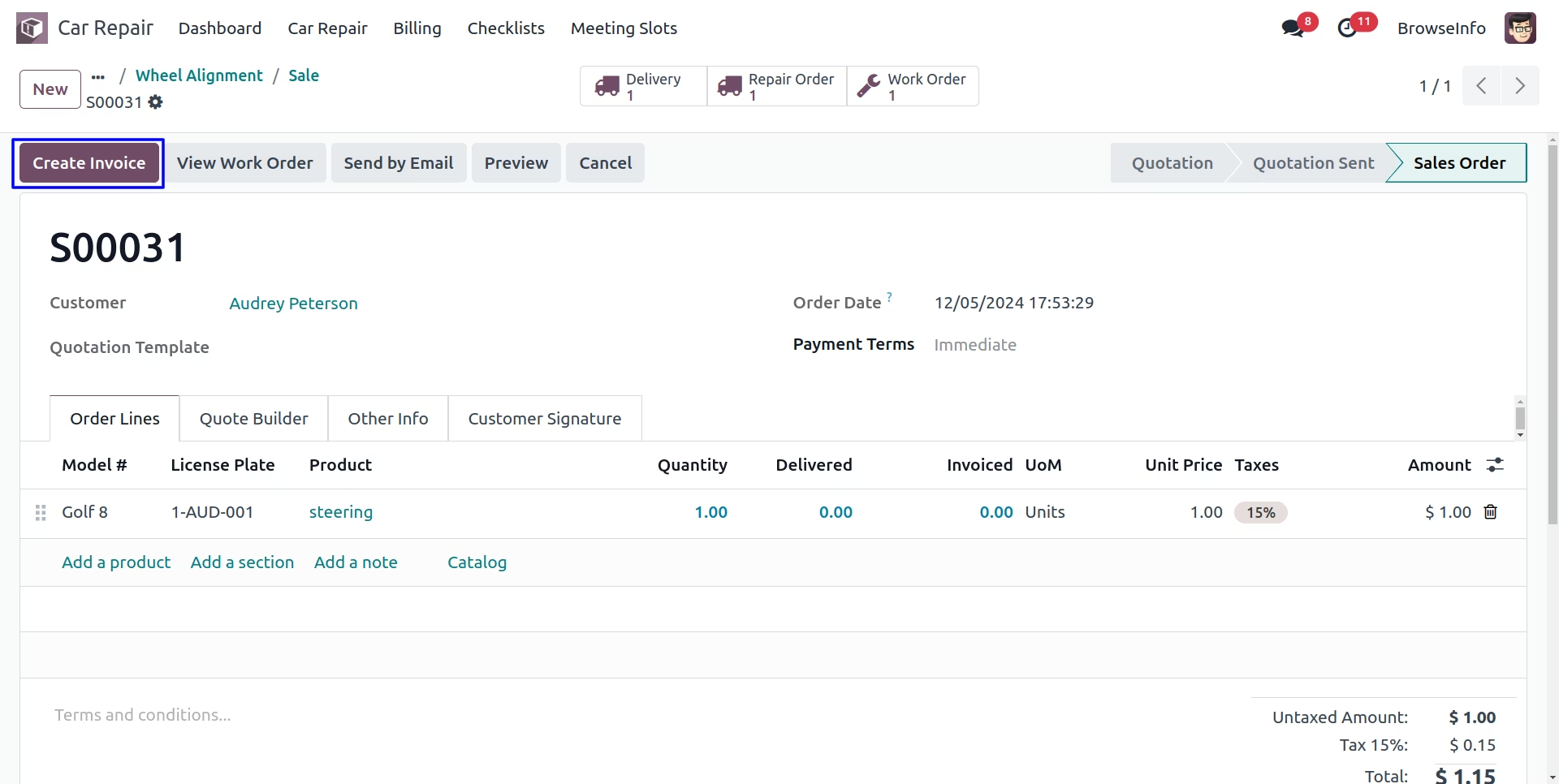
Invoice
Create Invoice button will create Invoice for current Sale Order.
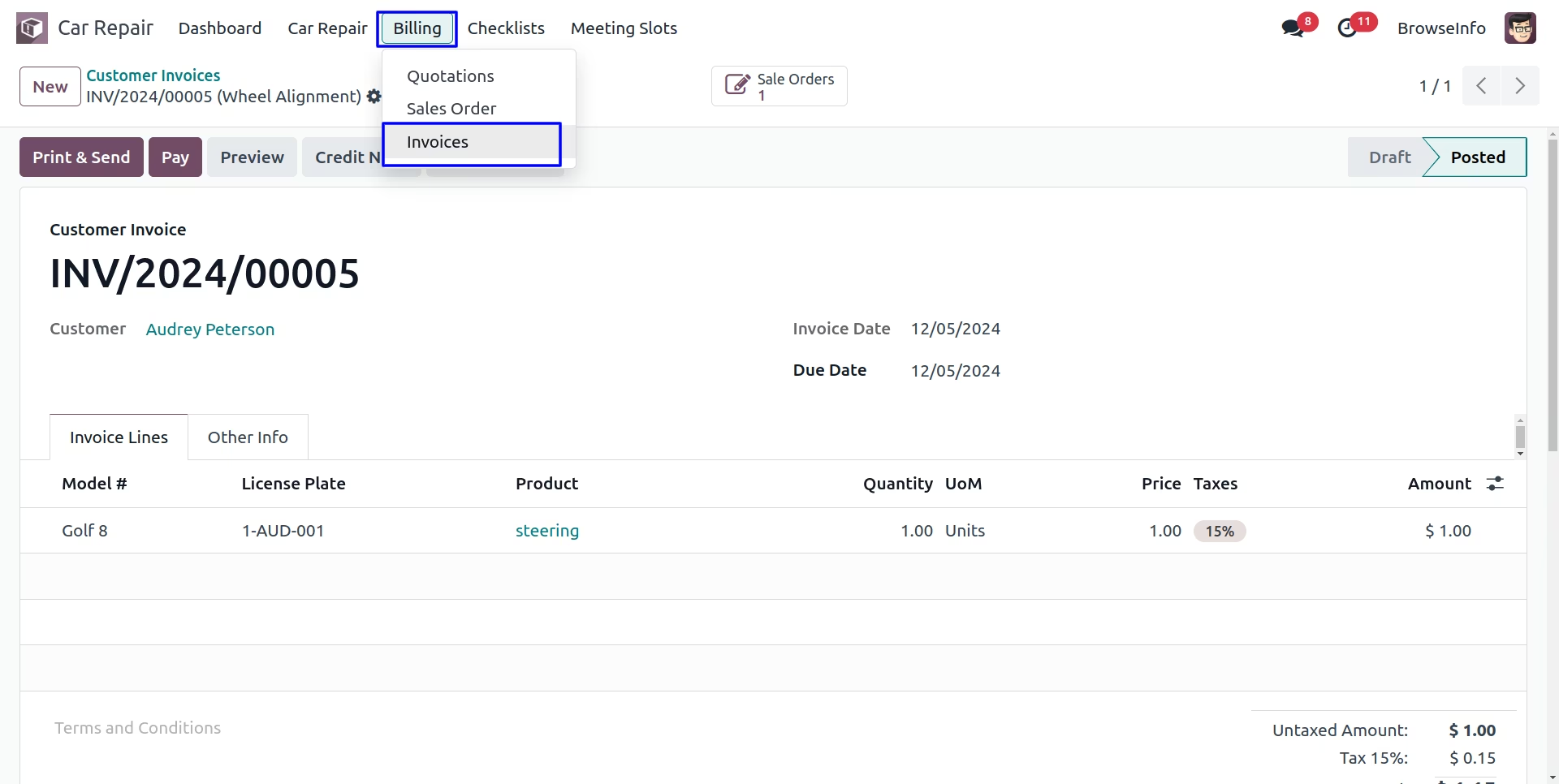
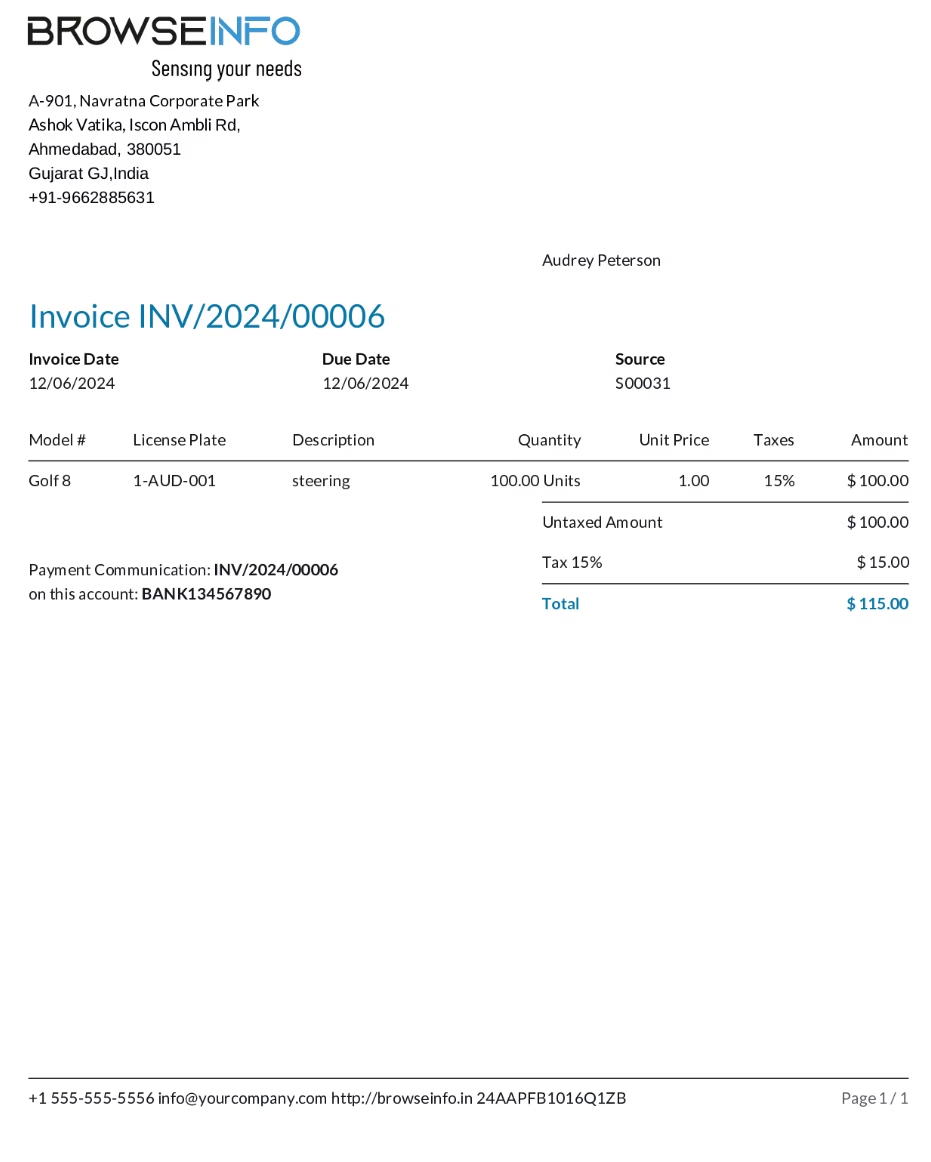
Car Invoice Report
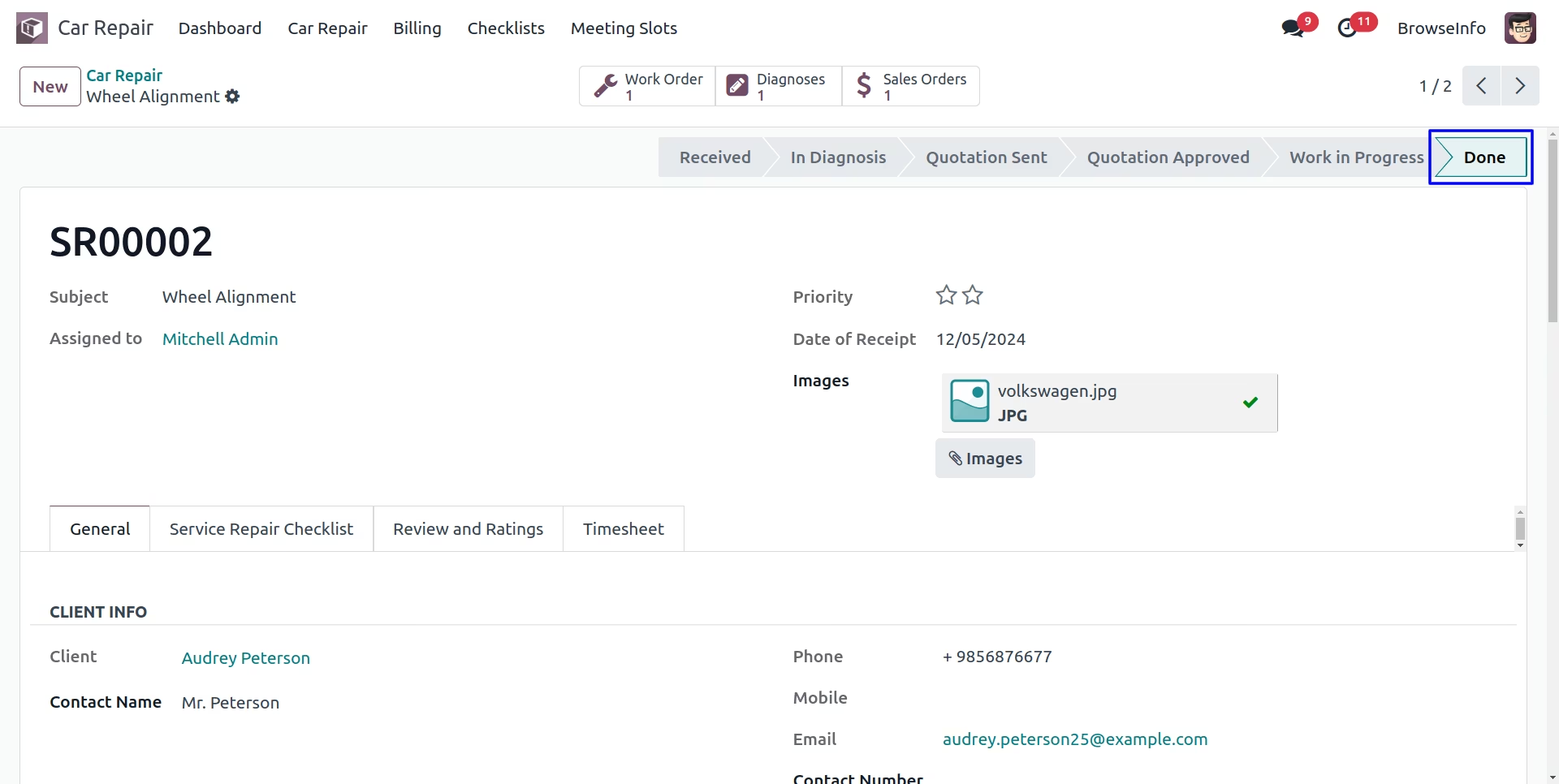
Done Repair Order
User can see done repair order.
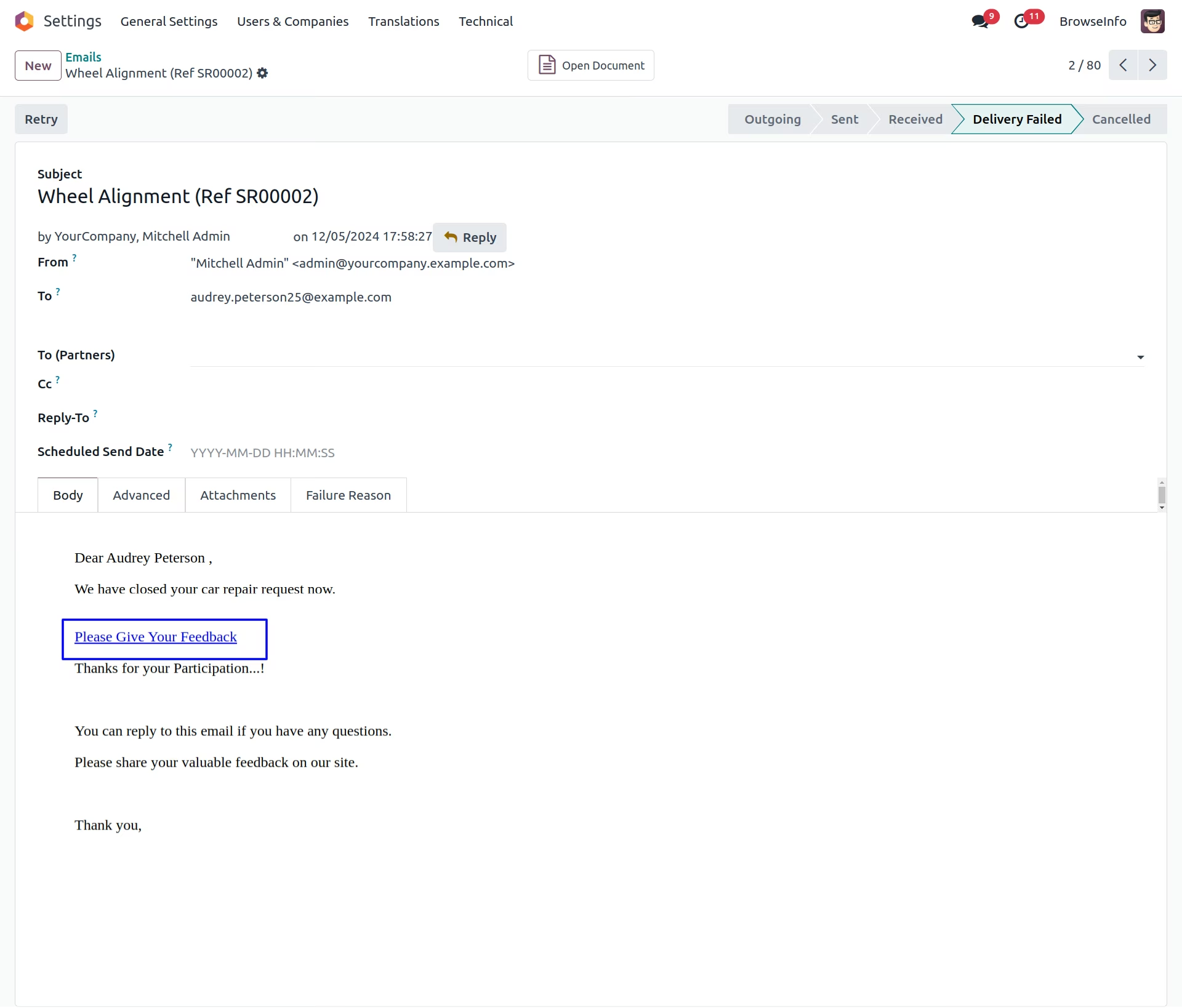
Repair Review Email
Once repair order done, email will sent to customer for review and ratings, user can rate by clicking link on email.
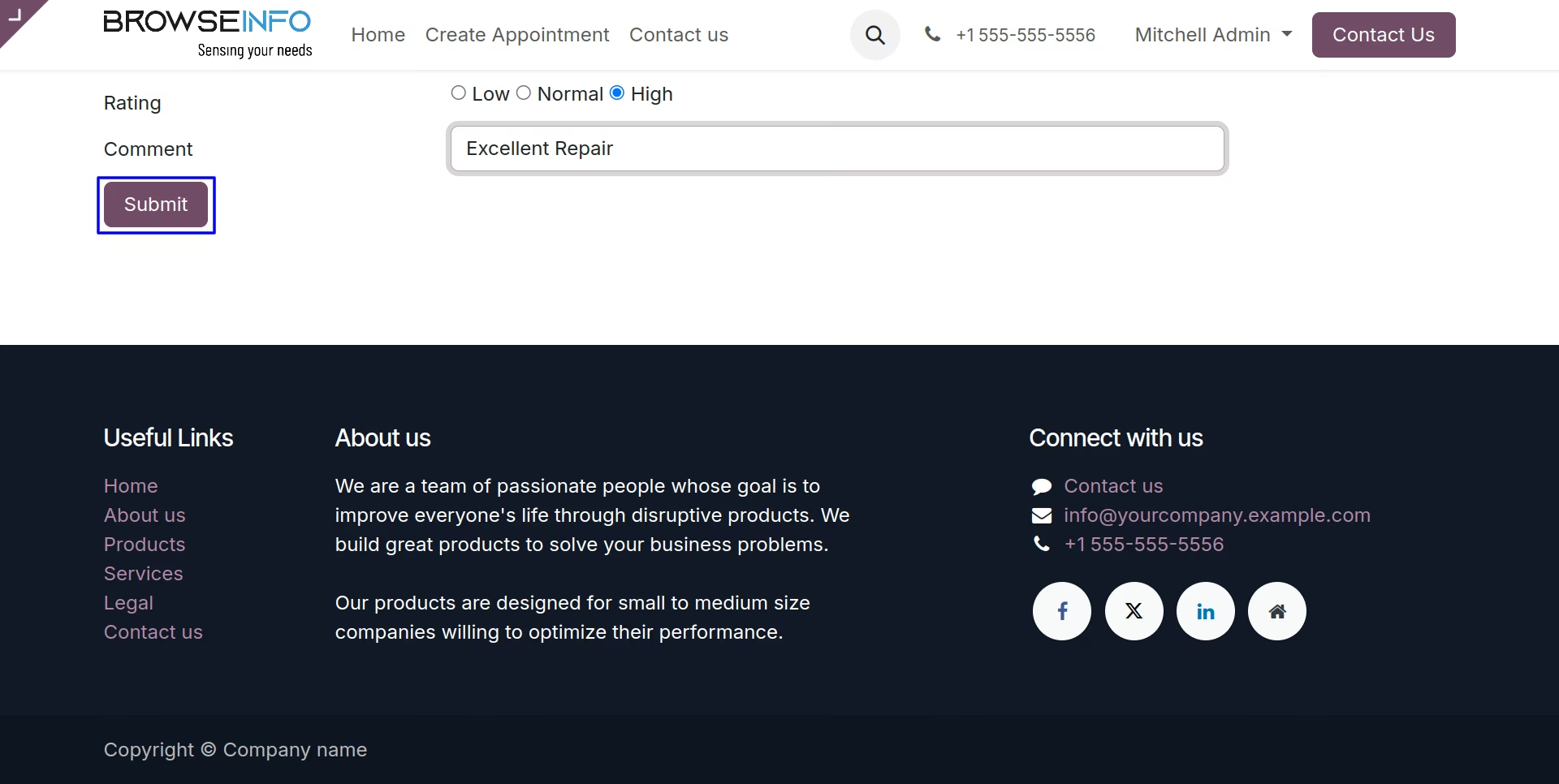
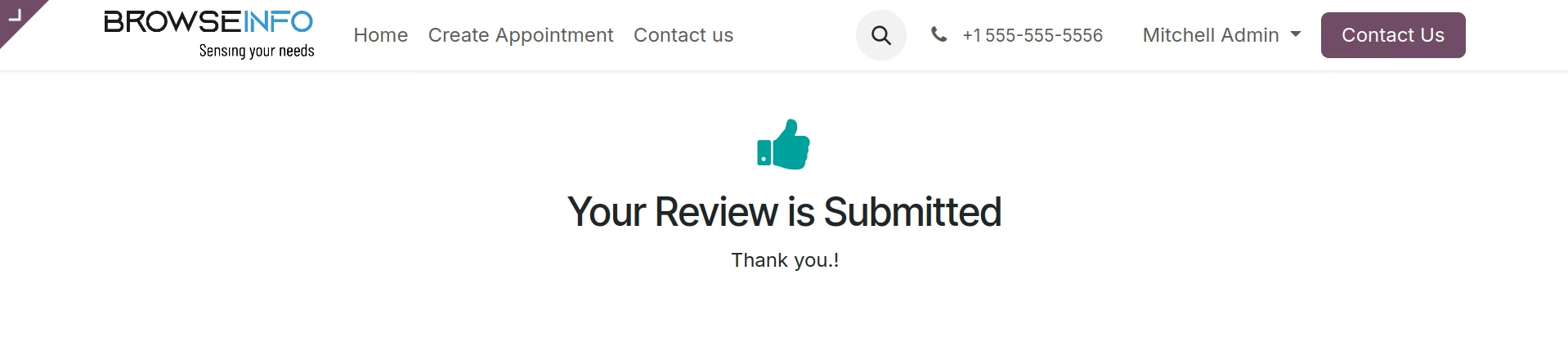
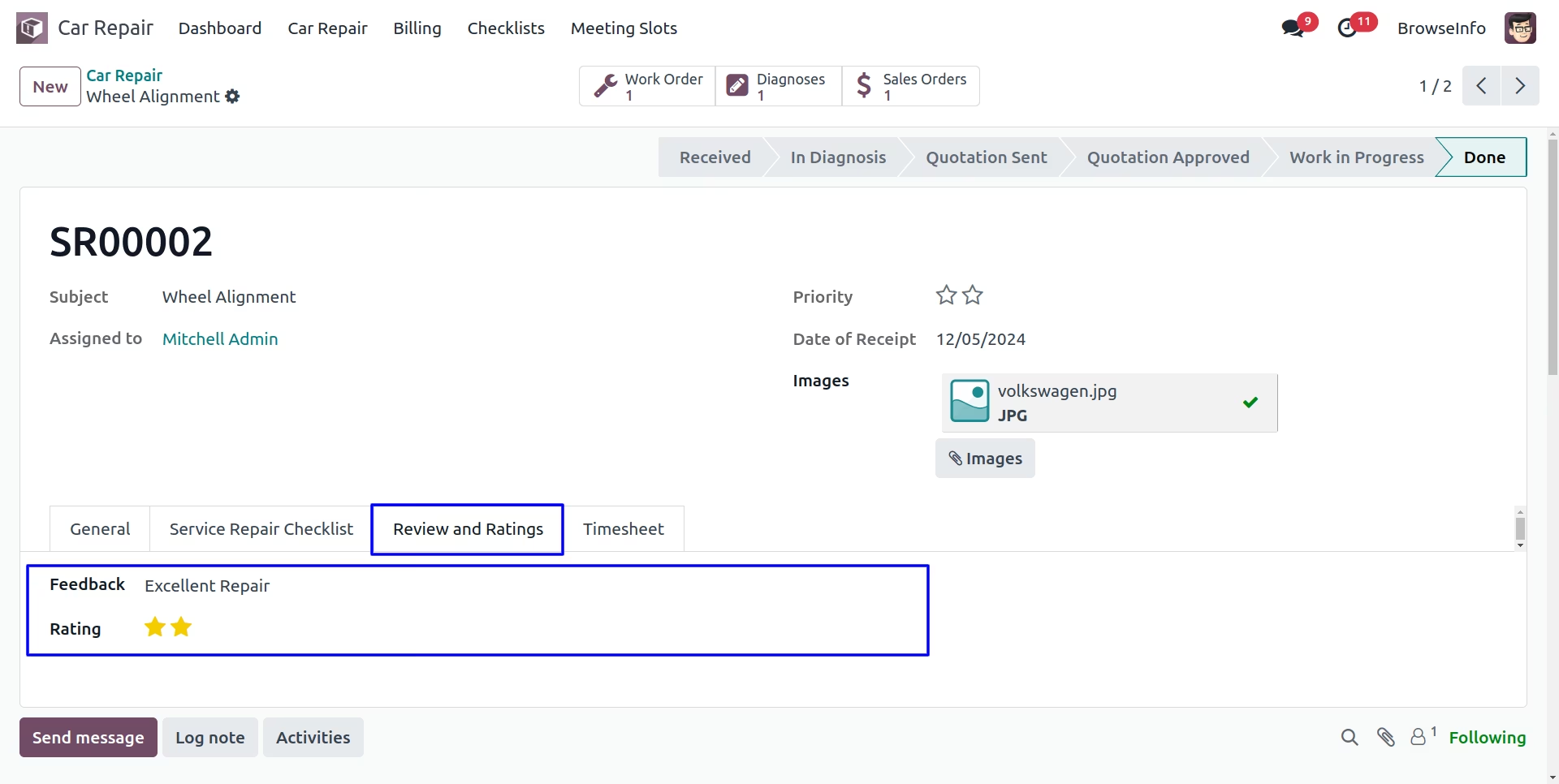
Repair Order Review