The module addresses common challenges when stock operations like pickings or moves have been mistakenly set to “Done.” It offers multiple correction methods: canceling the operation, restoring it to draft status, or deleting it entirely. This flexibility enables accurate inventory adjustments while preserving system integrity and reducing manual intervention.
Allows users to cancel completed (Done) stock pickings or moves.
Offers three modes for correction: Cancel Only, Cancel and Reset to Draft, or Cancel and Delete.
Supports bulk operations apply actions to multiple stock moves or pickings from the list view.
Automatically updates inventory quantities and preserves system consistency during corrections.
Integrates seamlessly into inventory workflows, minimizing disruption to existing processes.
Restores accuracy in stock levels by efficiently correcting completed transactions.
Reduces administrative effort with flexible, multi-option correction workflows.
Mitigates the risk of errors through controlled stock reversal logic.
Enhances auditability by retaining status changes and data visibility.
Supports faster recovery from operational mistakes or testing scenarios.
Empowers non-technical users to handle inventory corrections safely.
Improves confidence in inventory data for financial and operational reporting.
Respects internal quant and valuation mechanisms for integrity.
Scales to handle multiple records quickly for bulk corrections.
Streamlines inventory corrections while maintaining traceability.
All in one stock cancel apps help to cancel and reset all stock operations, it helps to cancel stock picking, cancel inventory adjustment, cancel stock move and cancel scrap order.

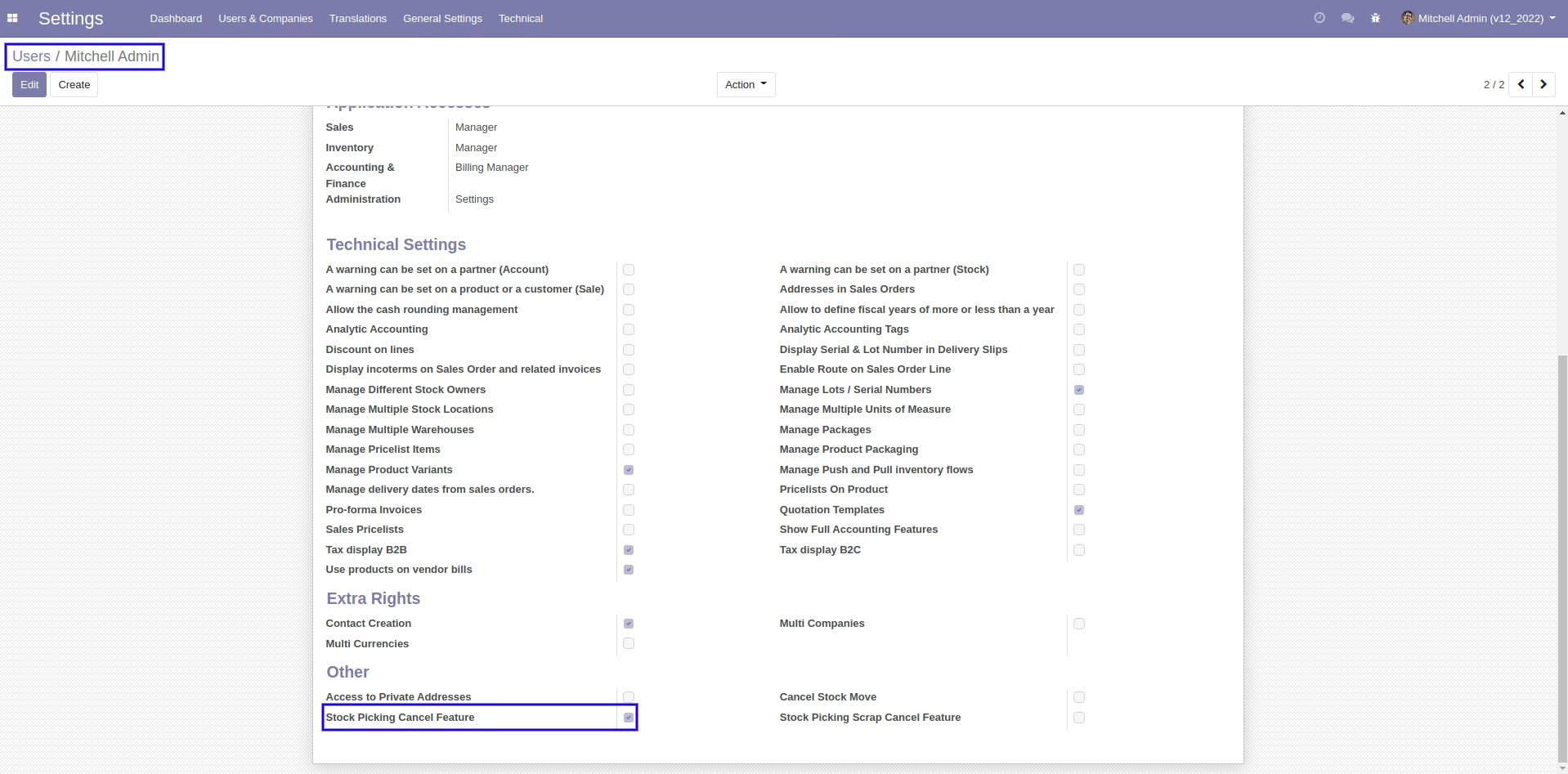
Configure User Access Rights
Configure user access for cancel stock/stock move/scrap order.

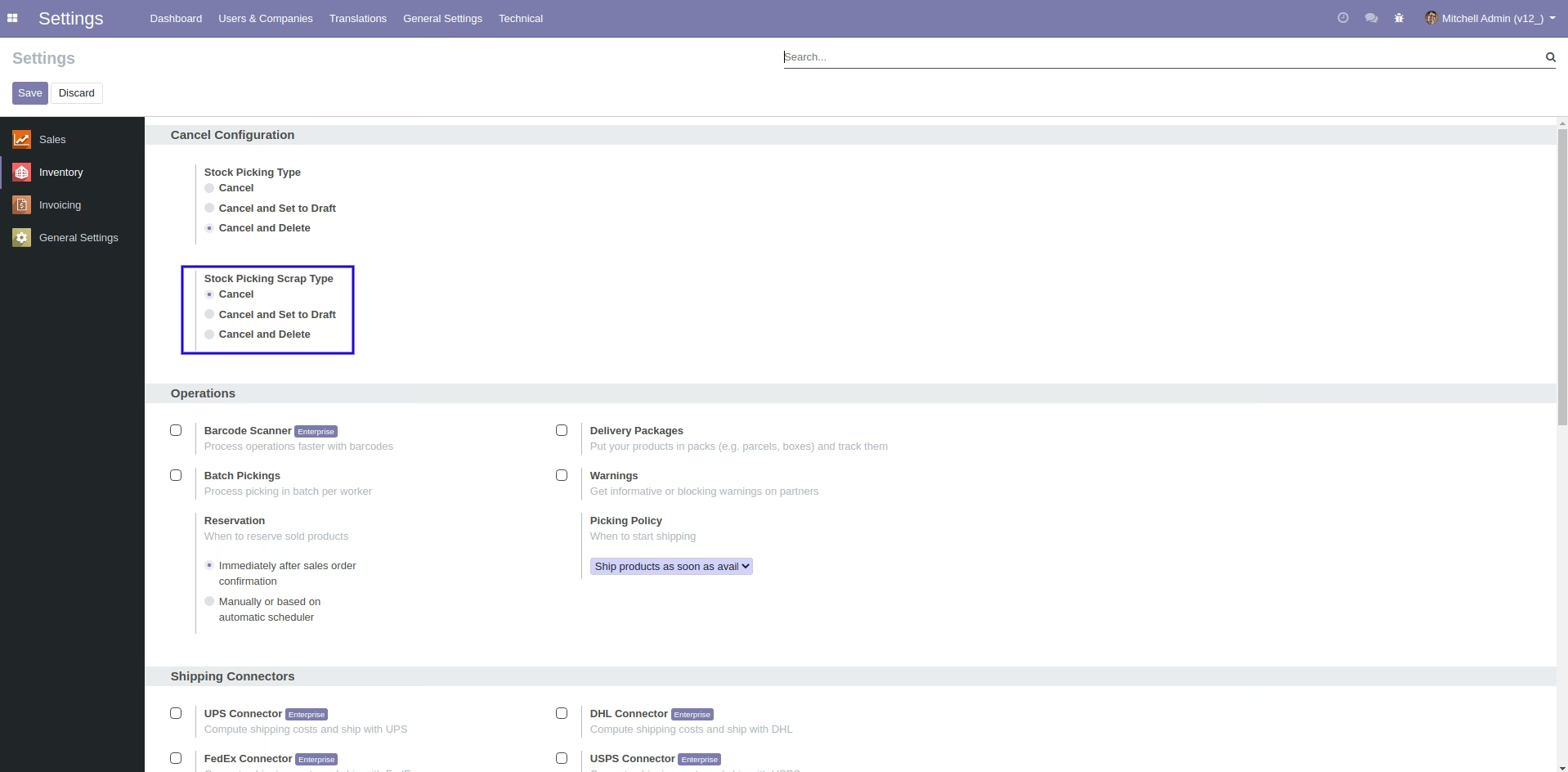
Configuration for Cancel Stock Picking/Scrap Options
Configure cancel/cancel & set to draft/cancel & delete picking.

Cancel Stock Picking with Various Options
Cancel stock picking with set to draft & delete stock picking.

Configuration for Cancel Stock Move Options
Configure cancel/cancel & set to draft/cancel & delete stock move.

Cancel Stock Move with Various Options
Cancel stock move with set to draft & delete stock move.
Cancel Scrap Order with Various Options
Cancel scrap order with set to draft & delete options.
Tick the "Stock Picking Cancel Feature" to cancel stock-picking.
When you want to cancel the stock-picking only then choose the "cancel" option.
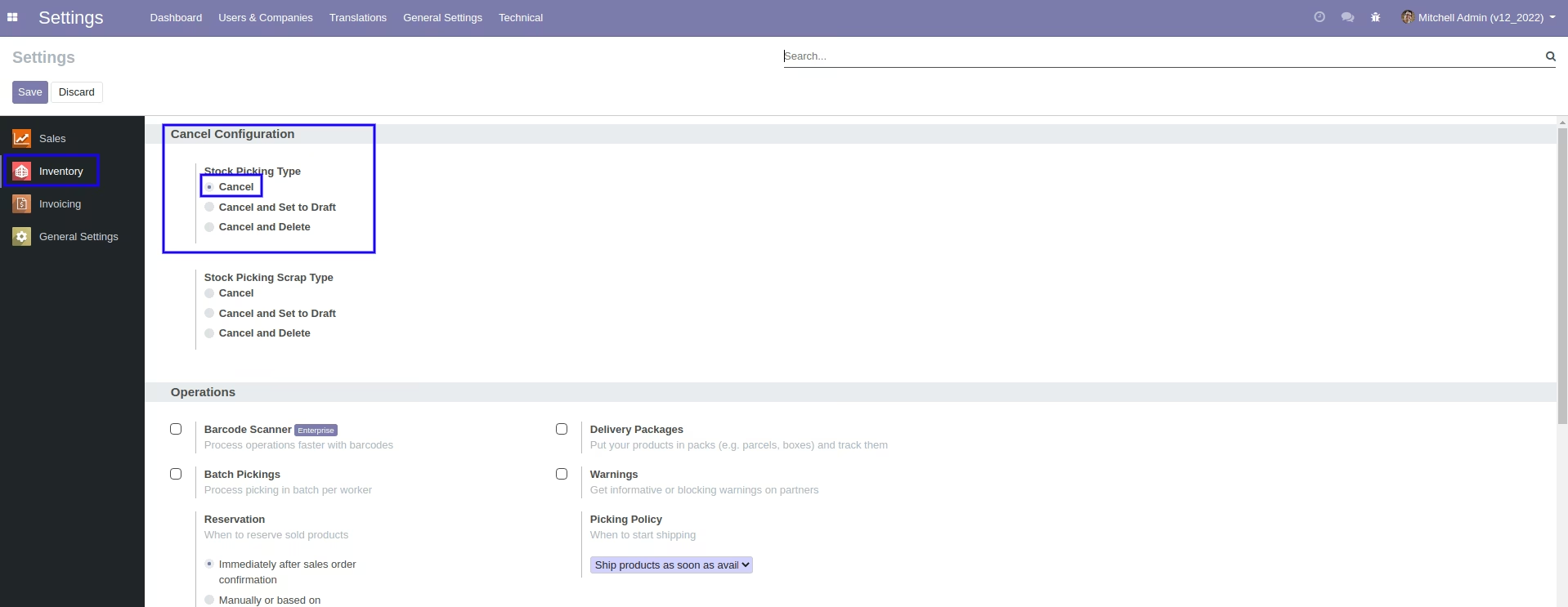
Now we cancel picking.
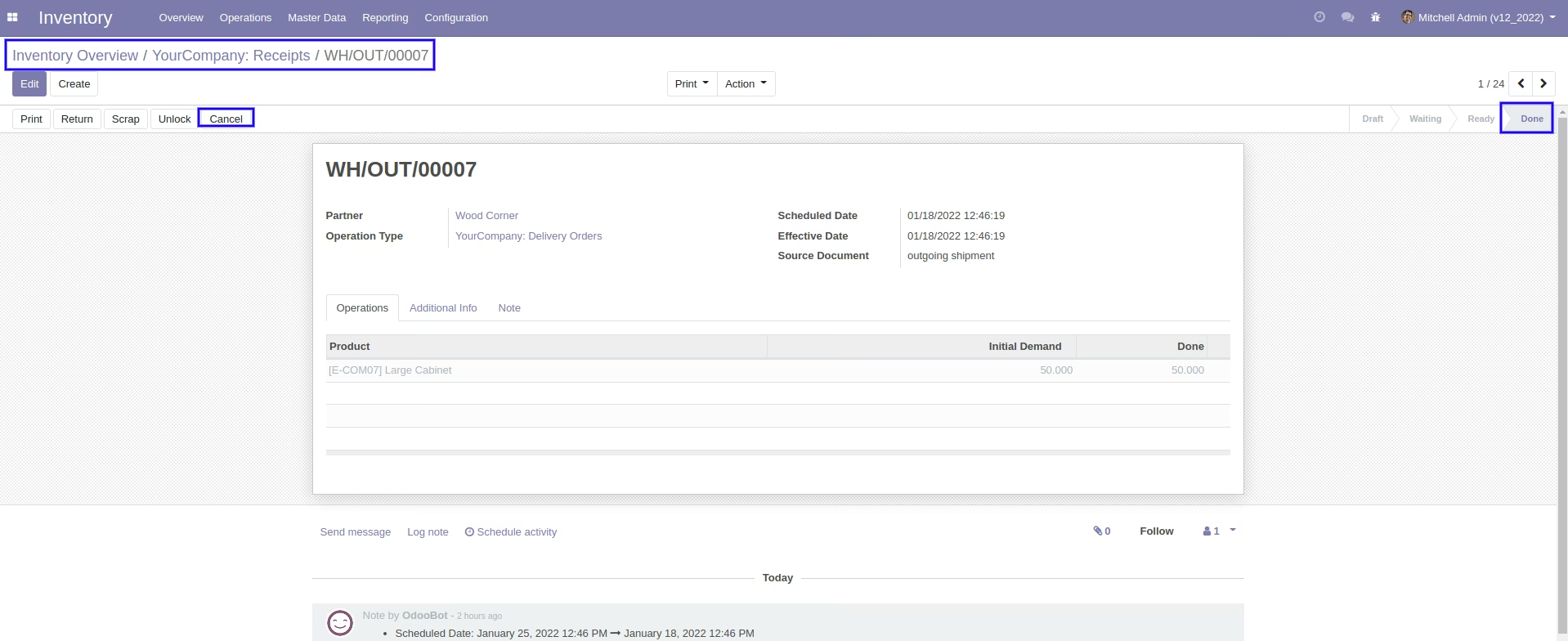
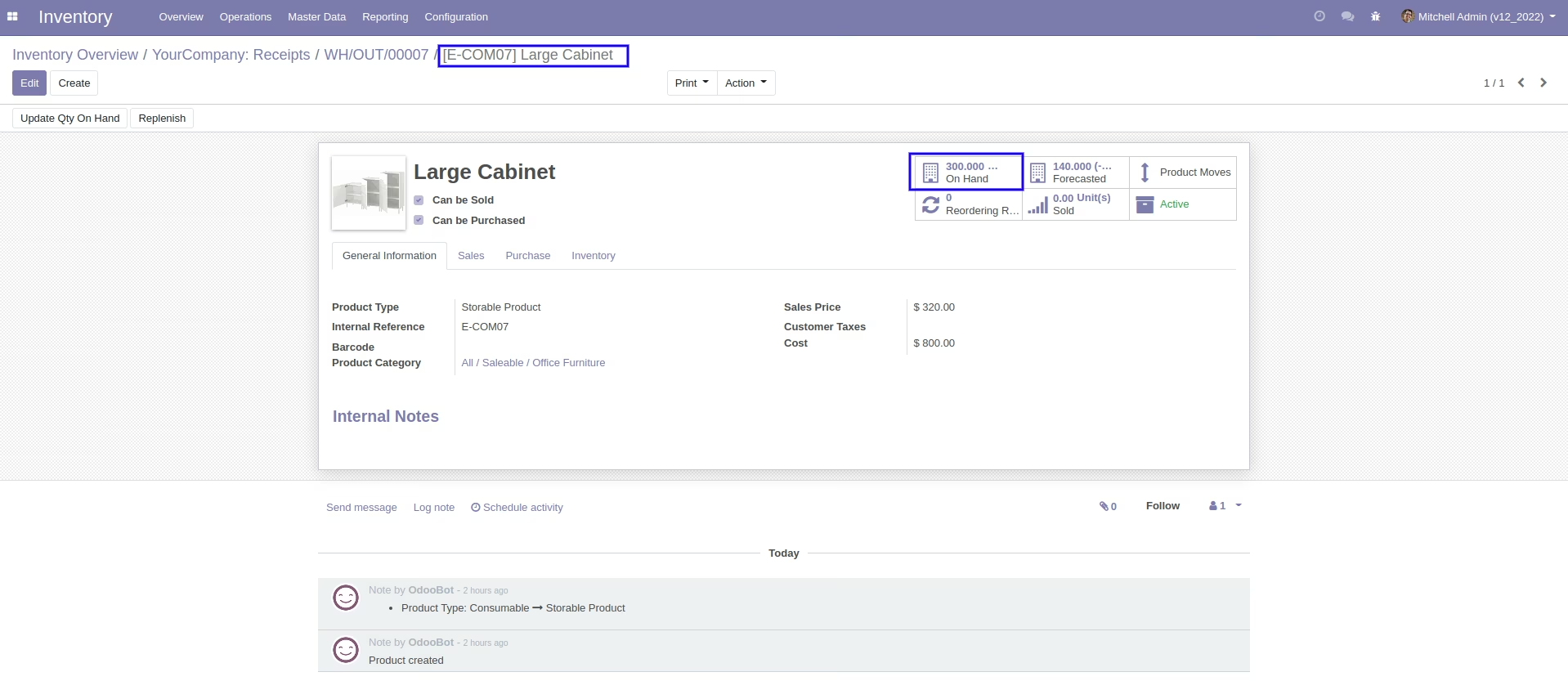
Our on-hand qty is now 250.00 units.
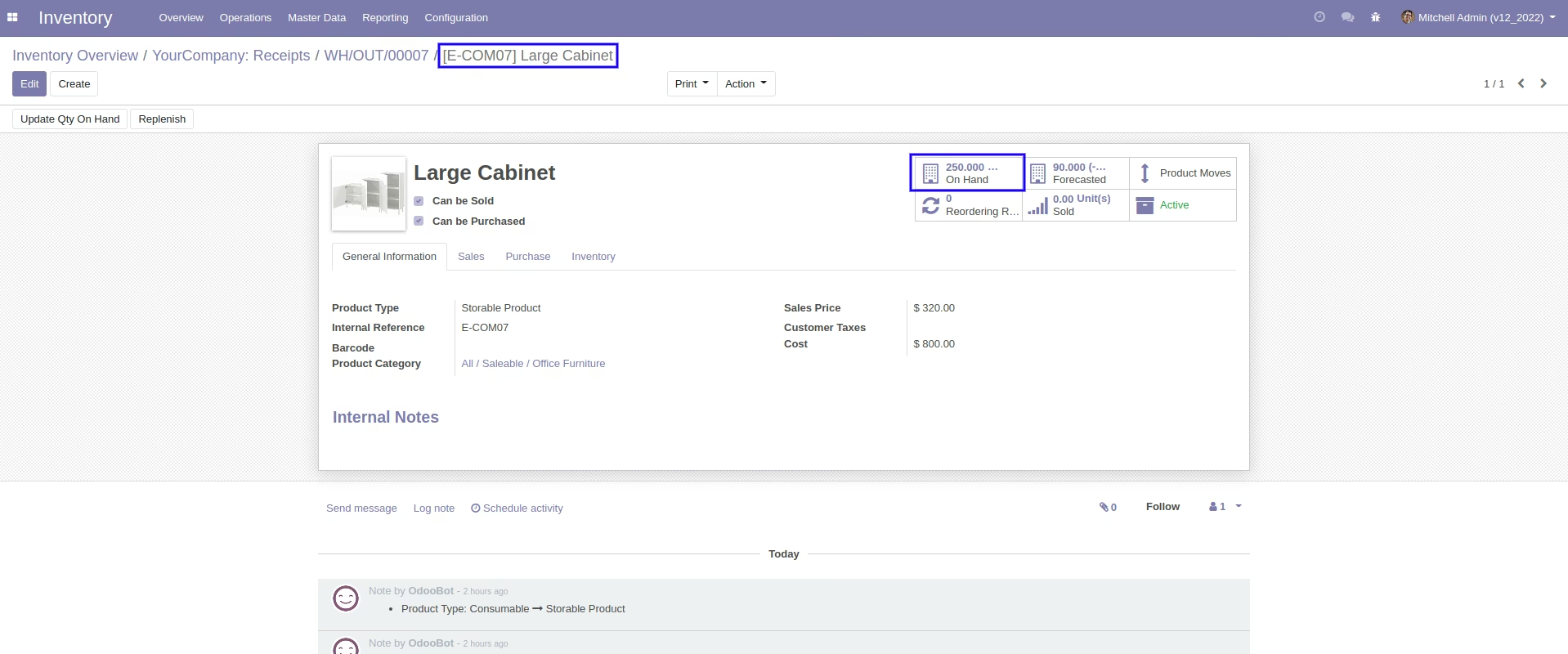
When you cancel the picking then the picking is cancelled and the state is changed to "cancelled".
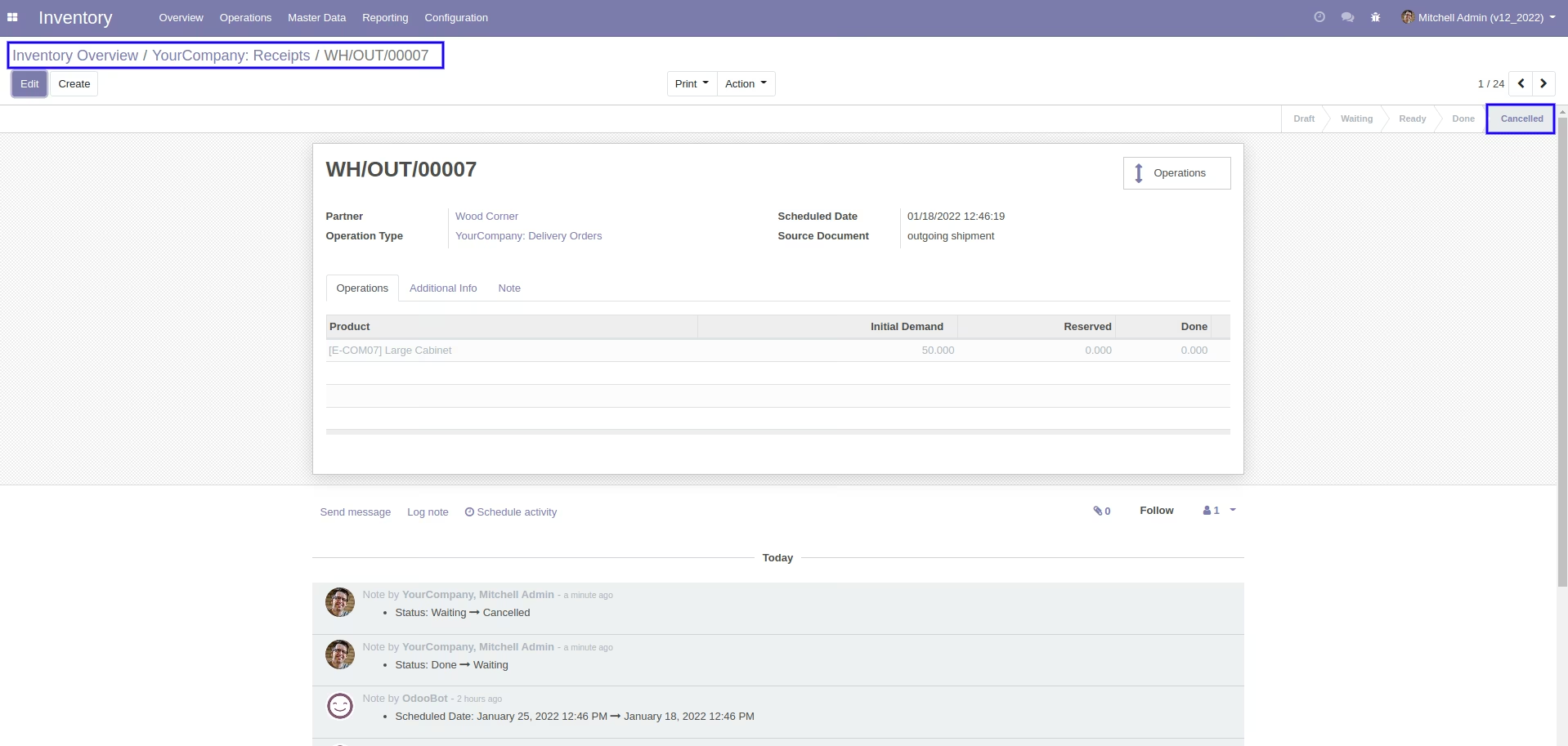
After cancelled picking our on-hand qty is updated.
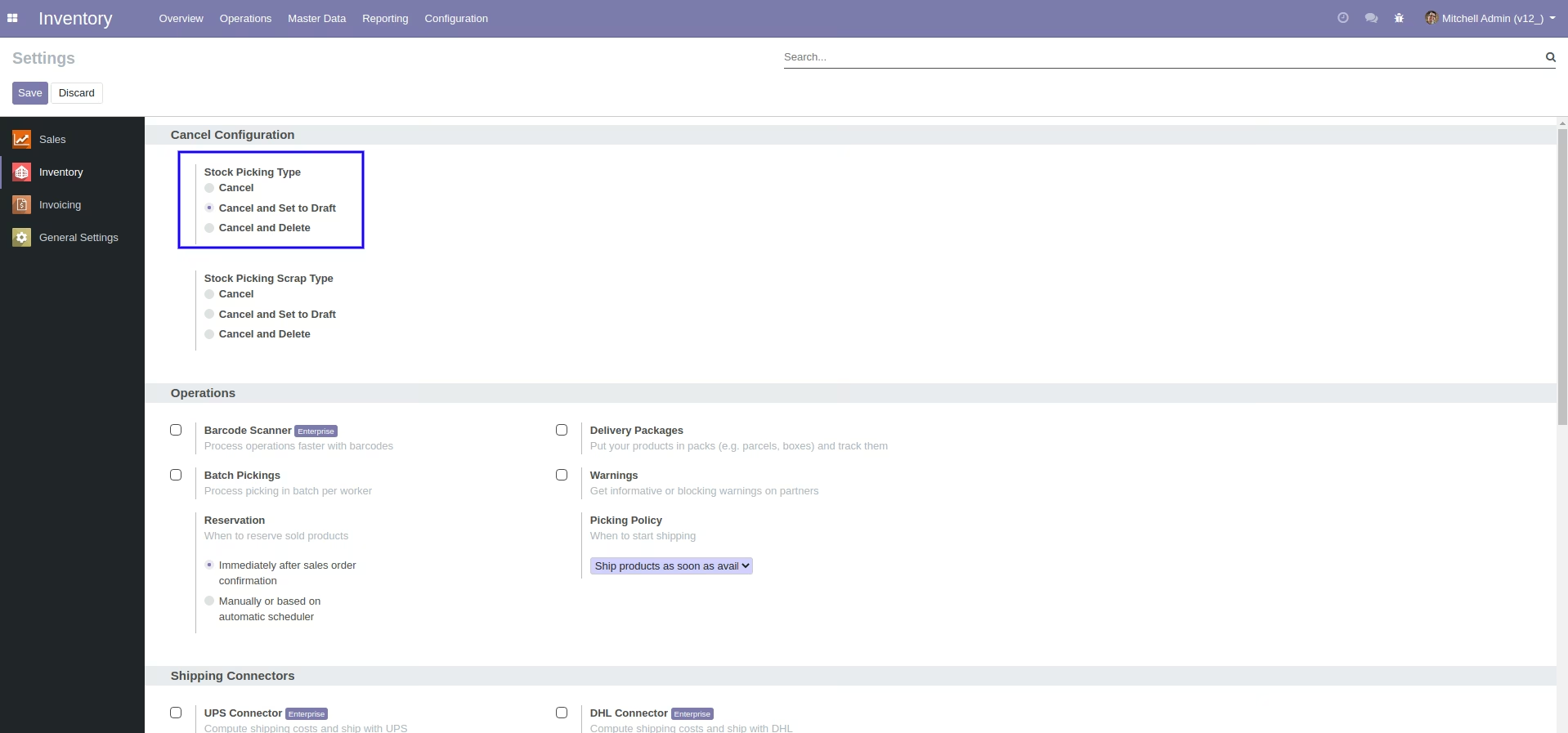
When you want to cancel the stock-picking and reset to the draft state tick "cancel and reset to draft".
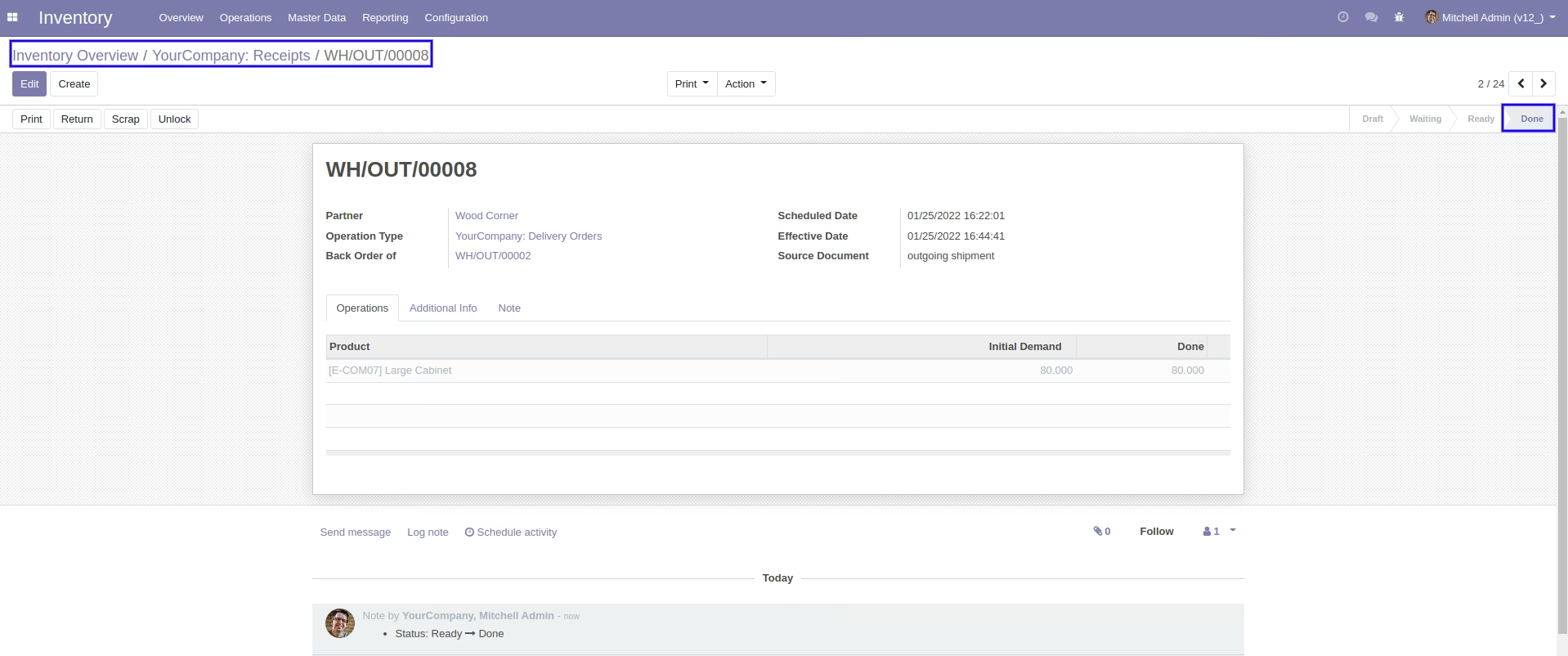
Our stock-picking in the done state.
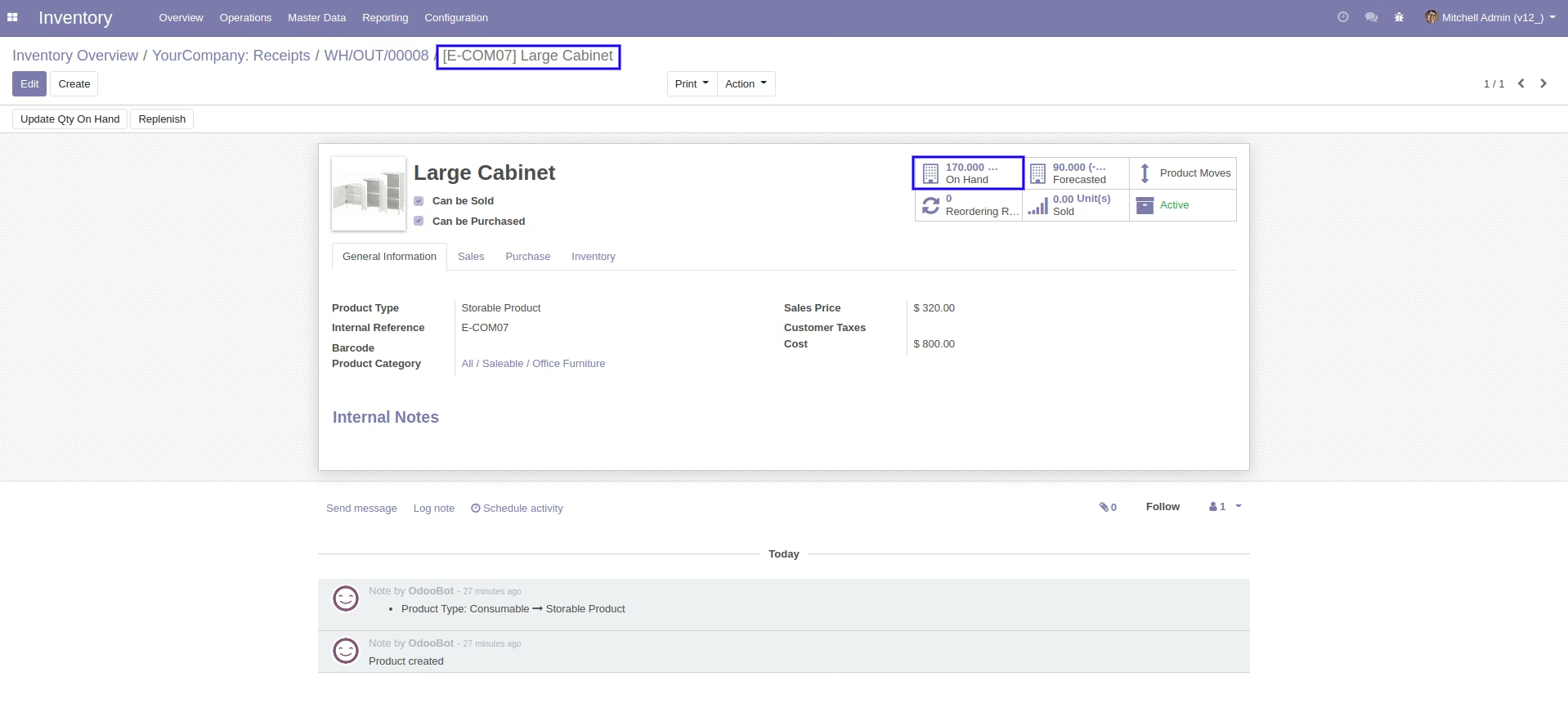
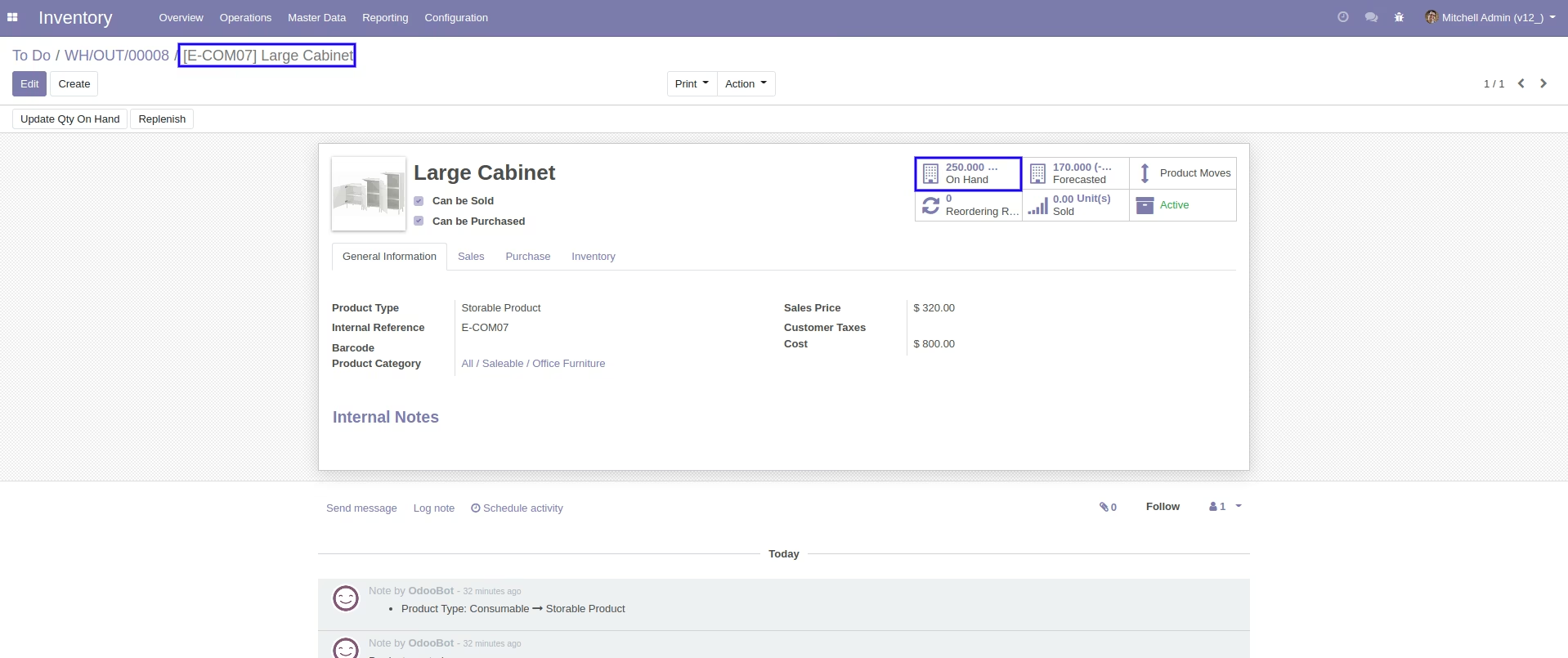
Our on-hand qty is now 170.00 units.
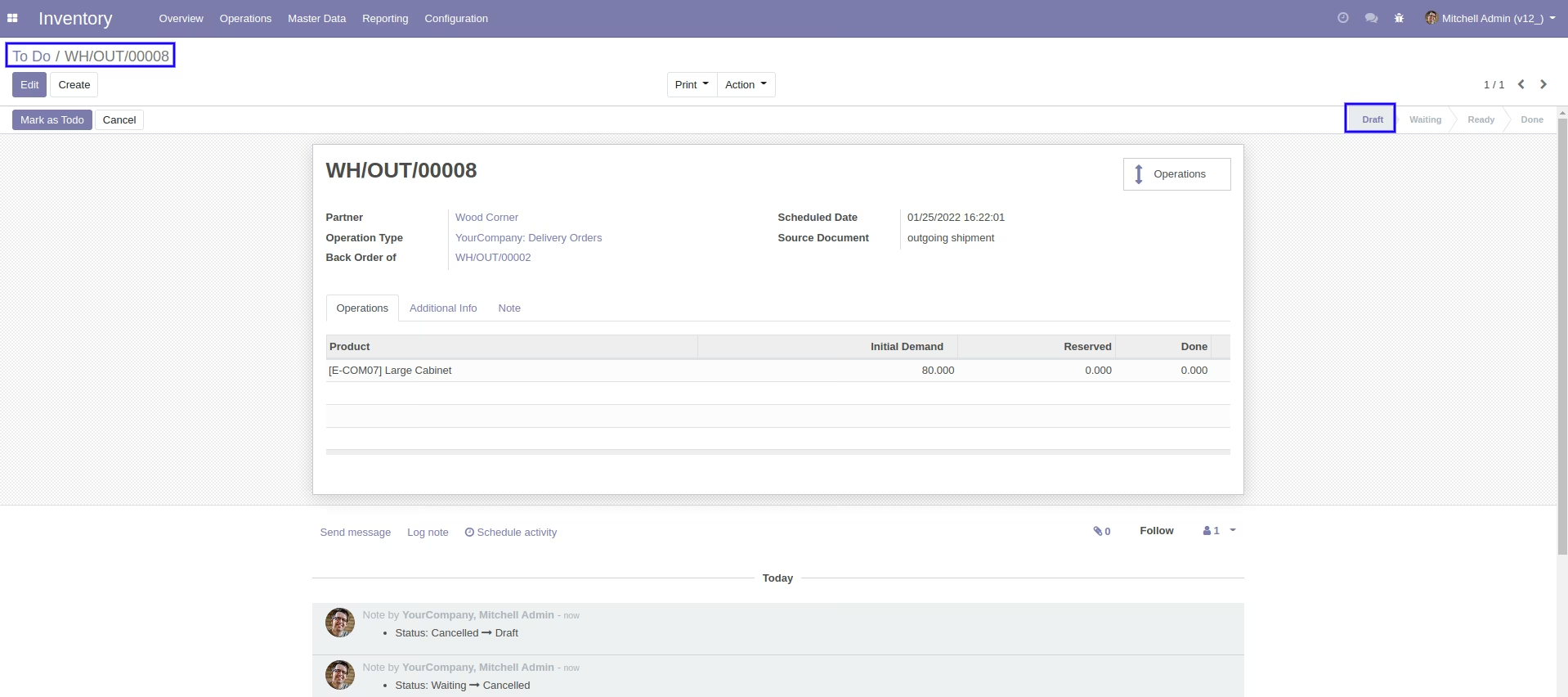
When you cancel the picking then the picking is cancelled and reset to the draft.
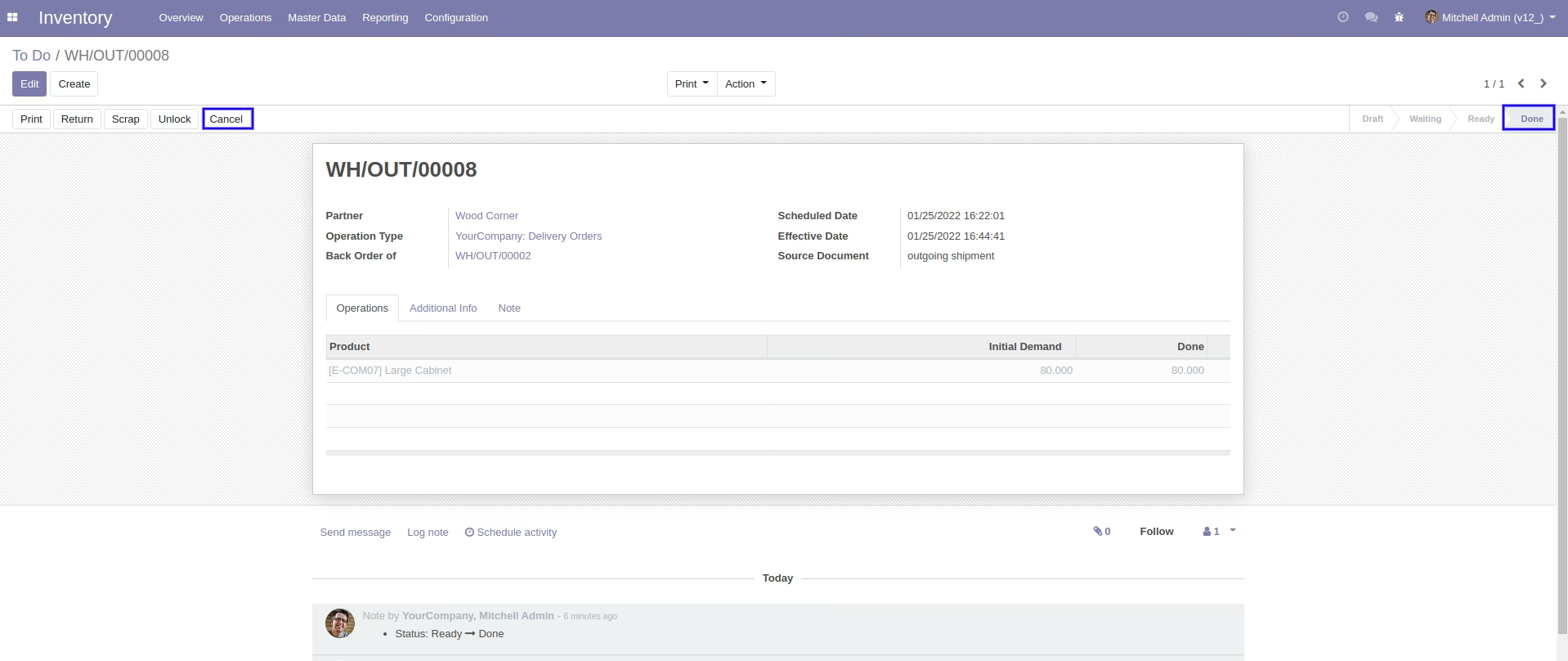
So our state is changed to the draft state.
After cancelled picking our on-hand qty is updated.
When you want to cancel & delete the stock-picking then choose the "cancel and delete" option.
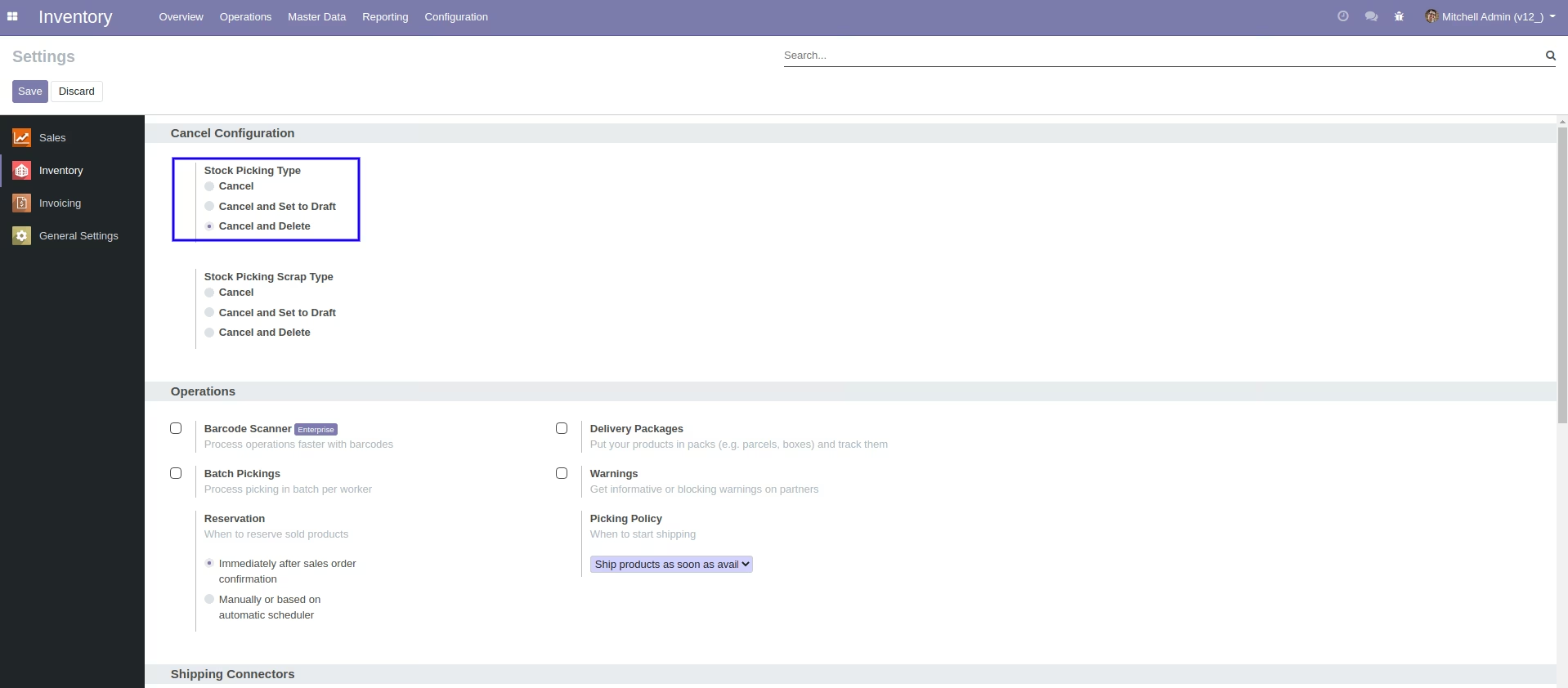
We cancel stock-picking.
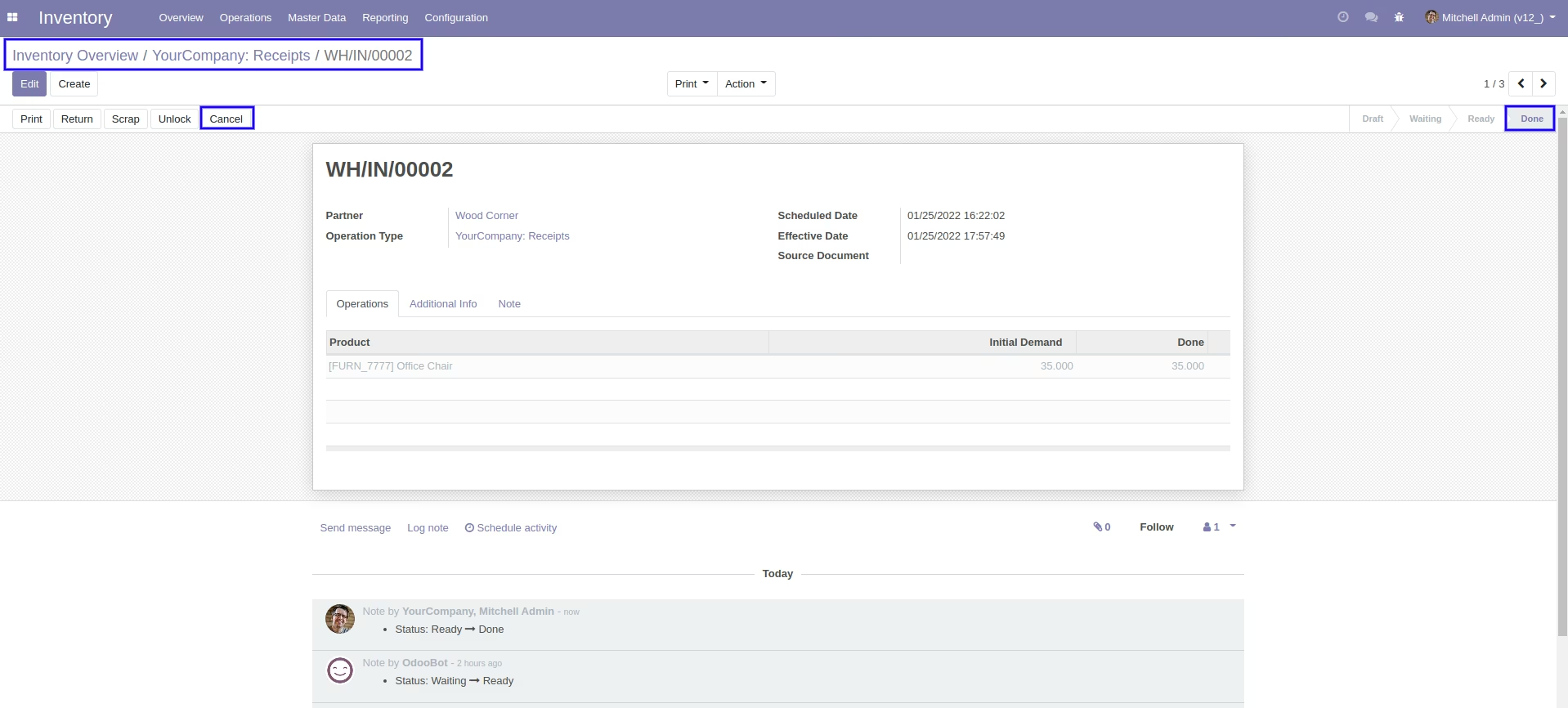
After the "cancel" the stock-picking will be deleted.
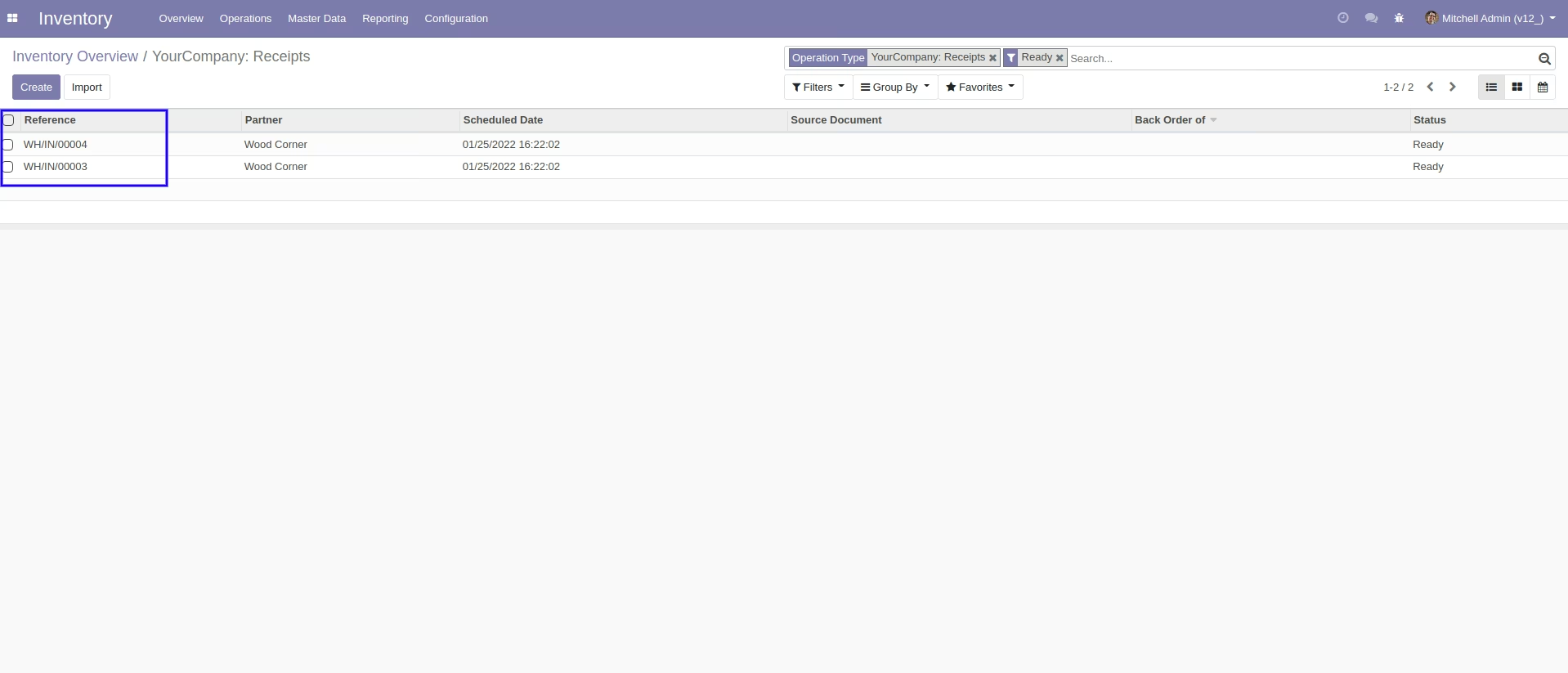
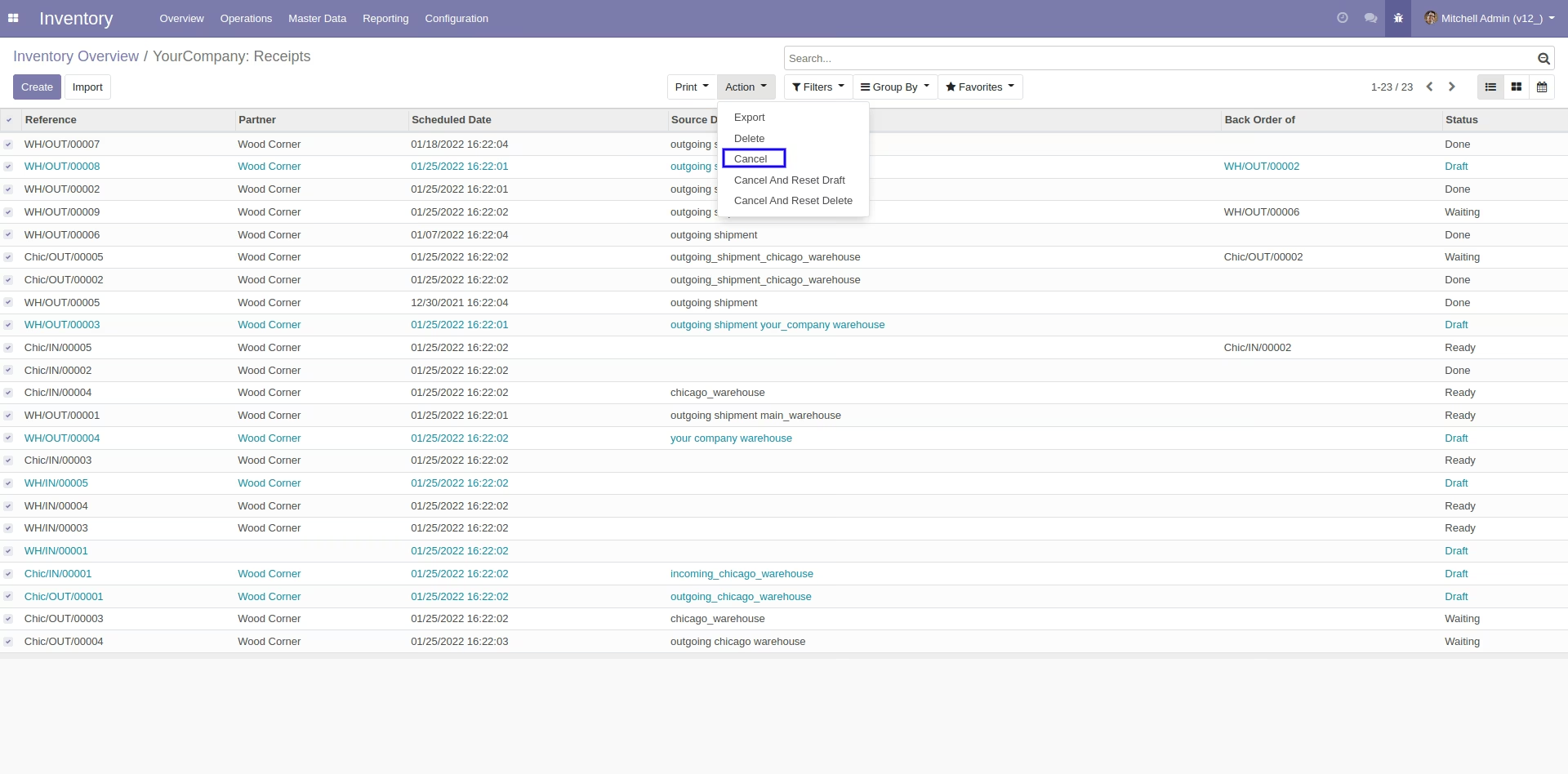
Now we cancel multiple pickings from the tree view.
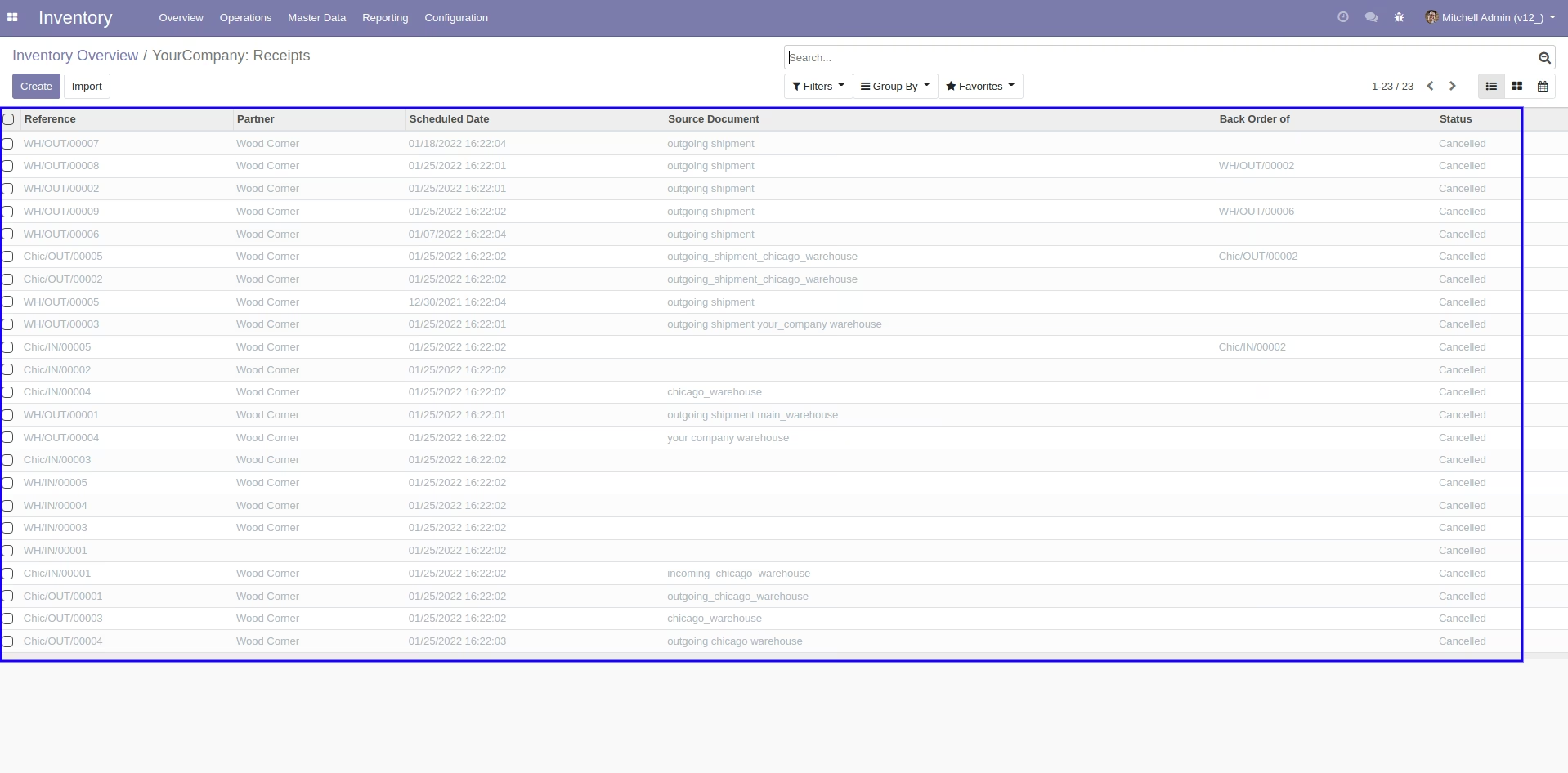
All selected pickings are cancelled.
Now we "cancel & reset draft" multiple pickings from the tree view.
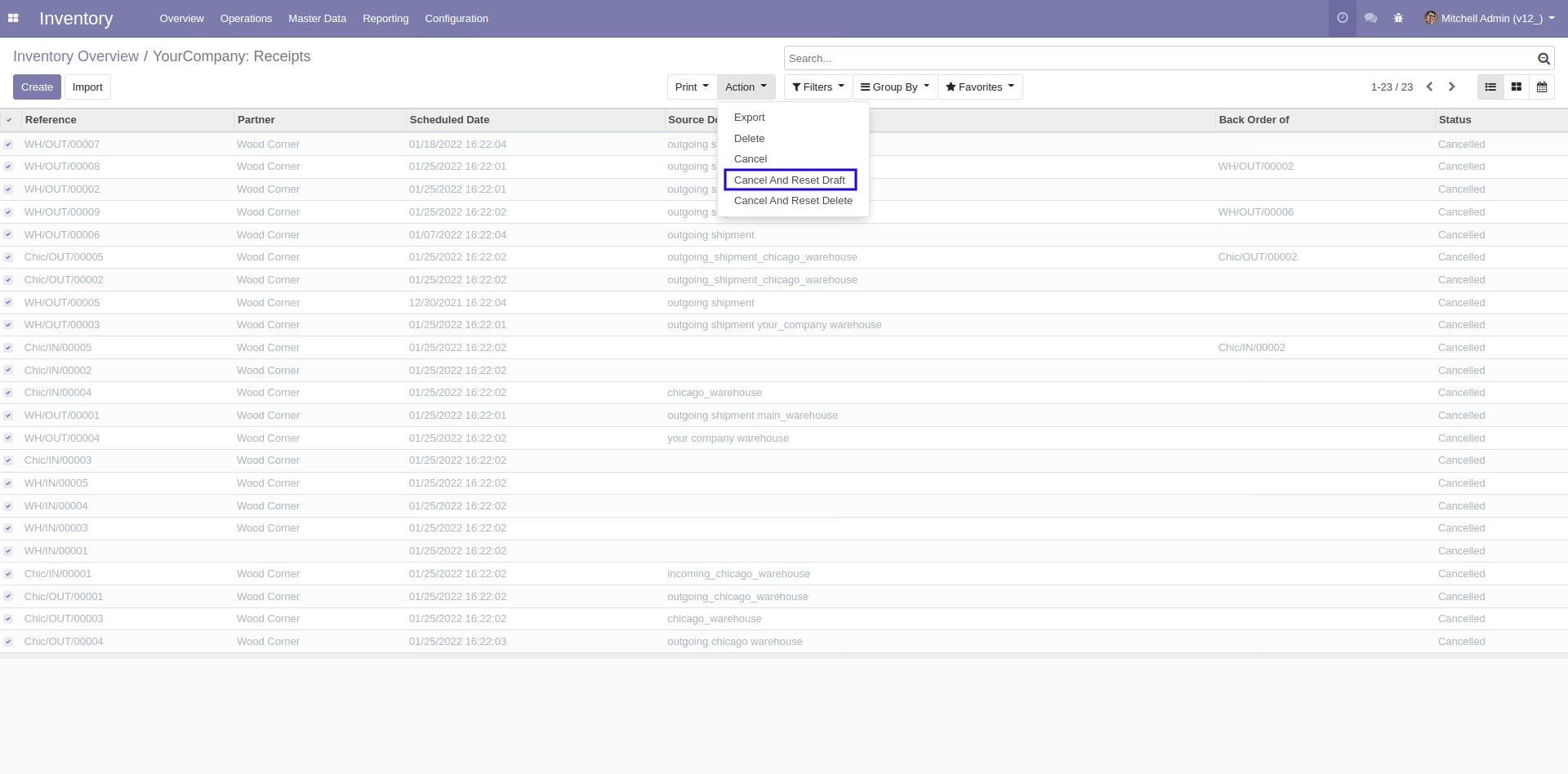
All selected pickings are cancelled and reset to the draft.
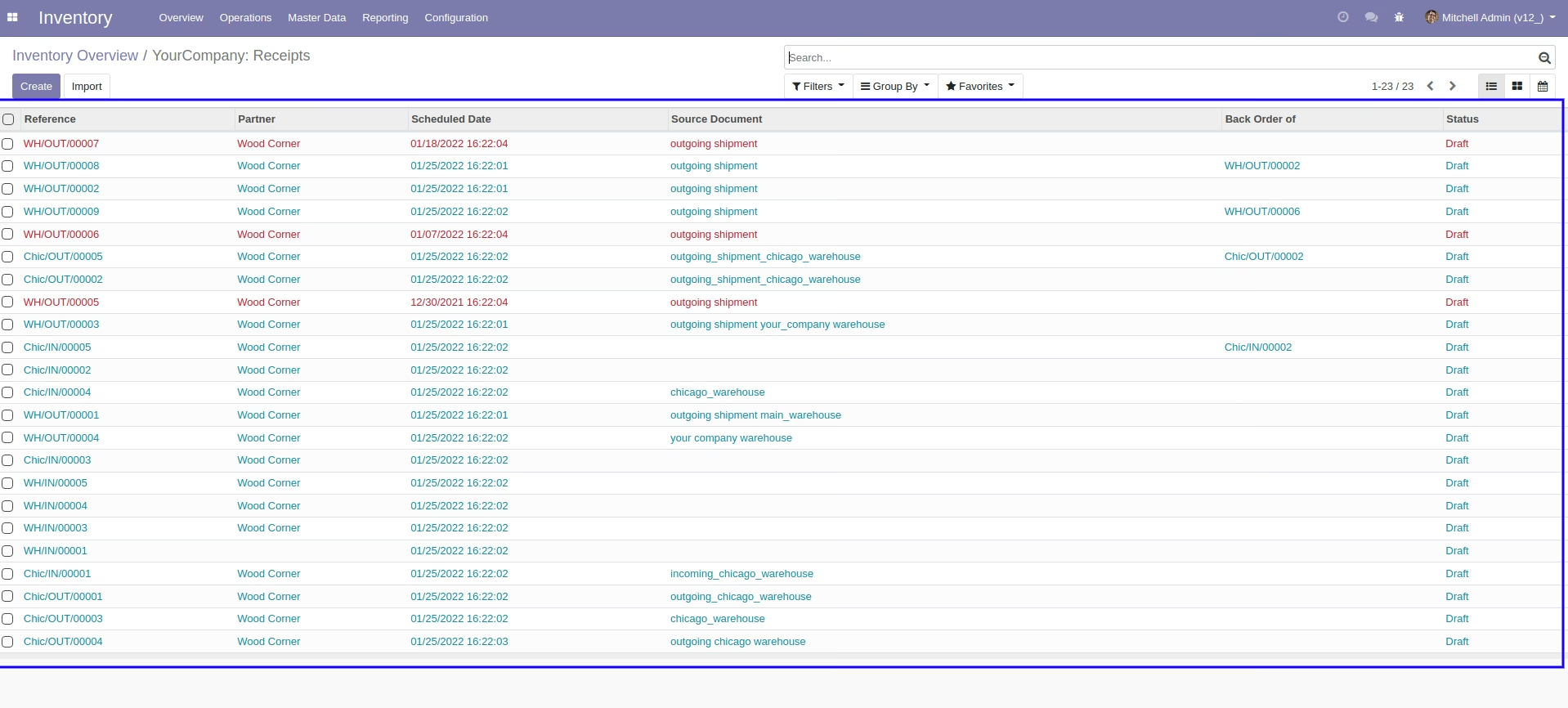
Now we "cancel & delete" multiple pickings from the tree view.
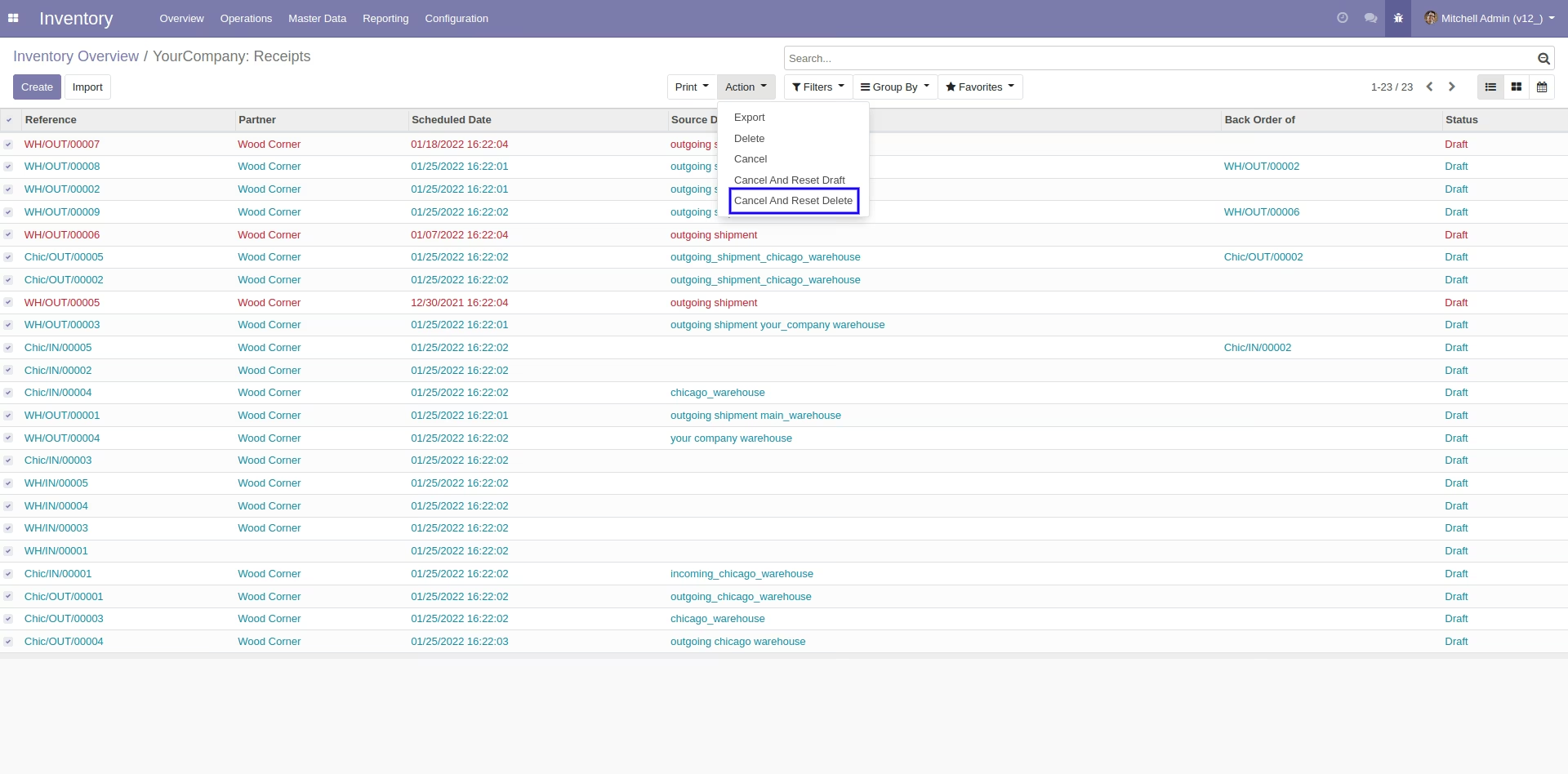
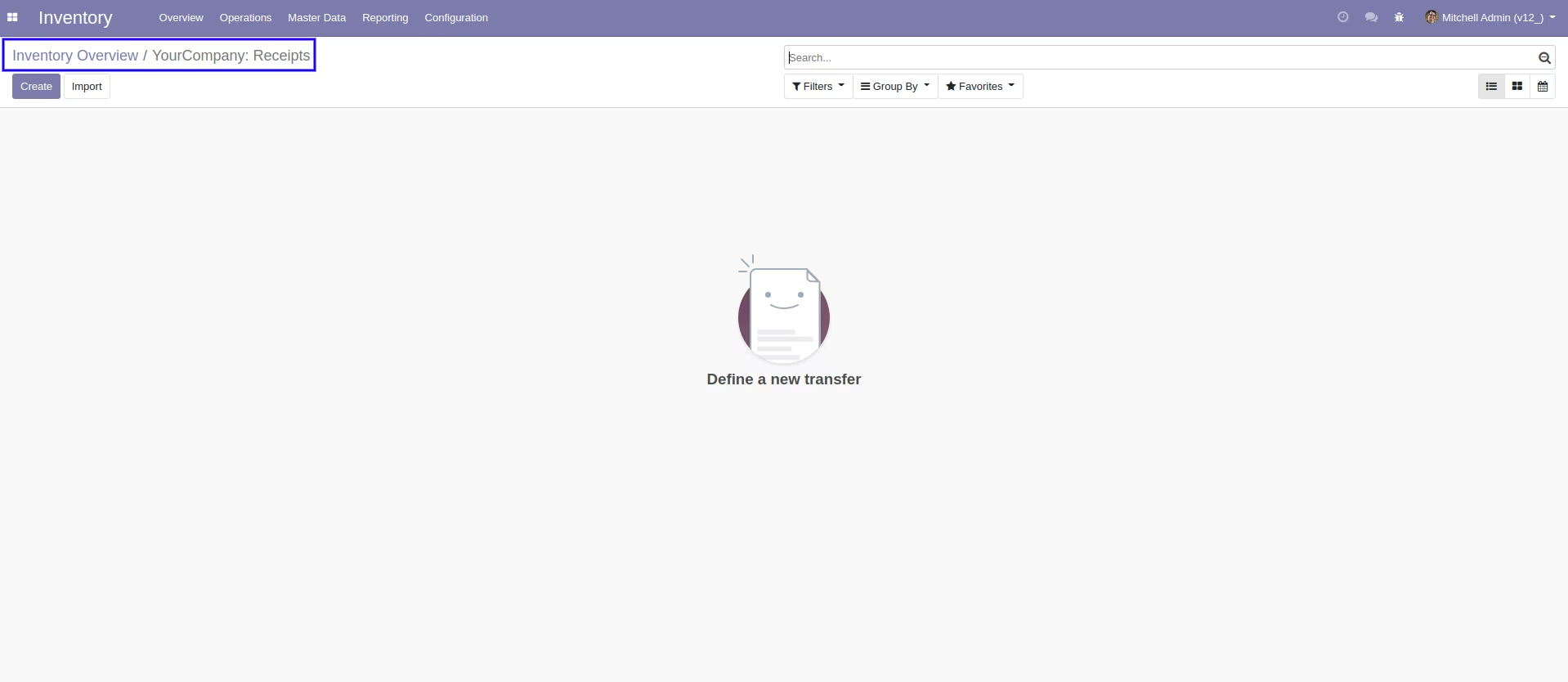
All pickings will be deleted after cancelled
Tick the "Stock Picking Scrap Cancel Feature" to cancel scrap orders.
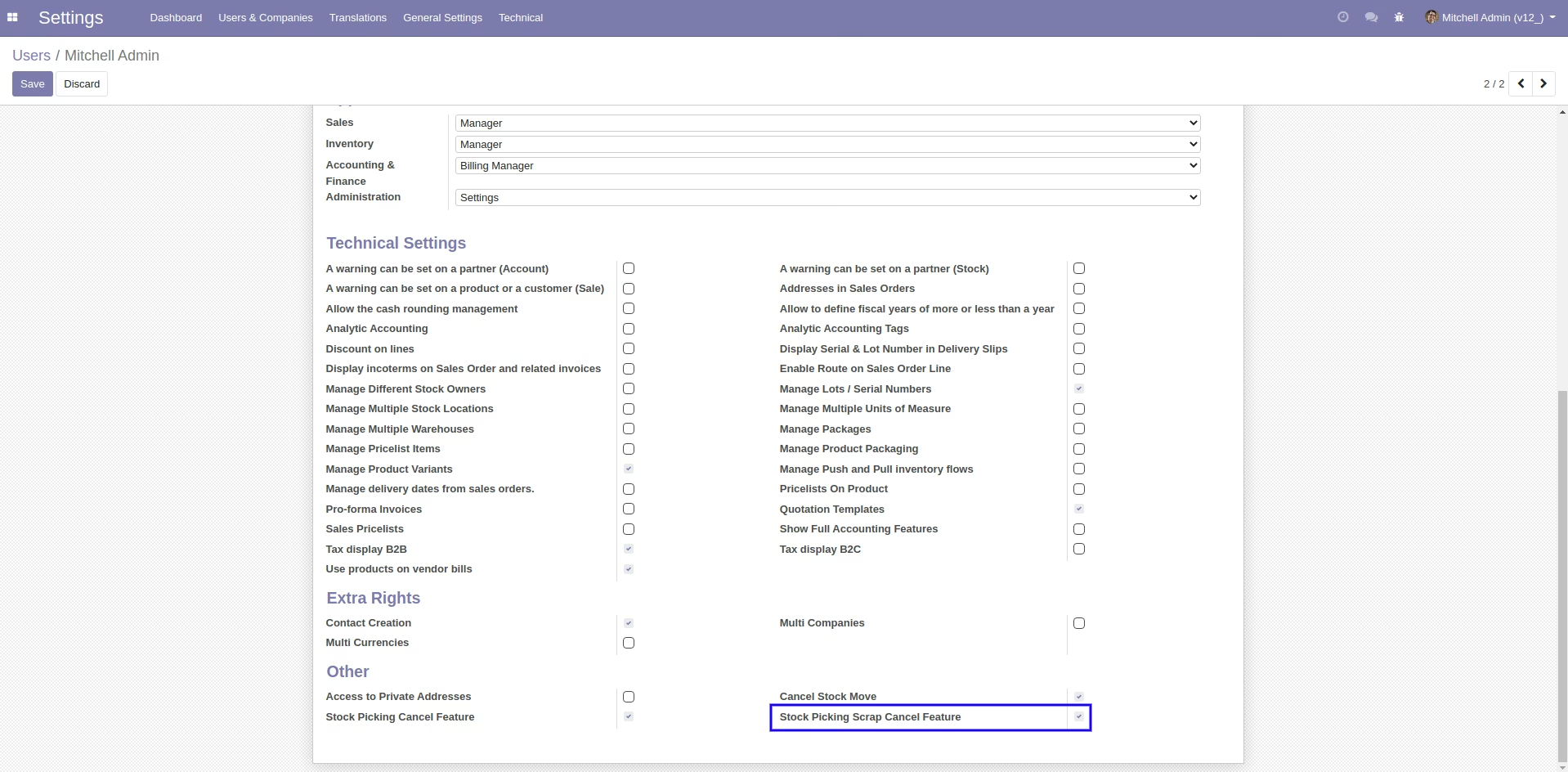
When you want to cancel the scrap ordrs only then choose the "cancel" option.
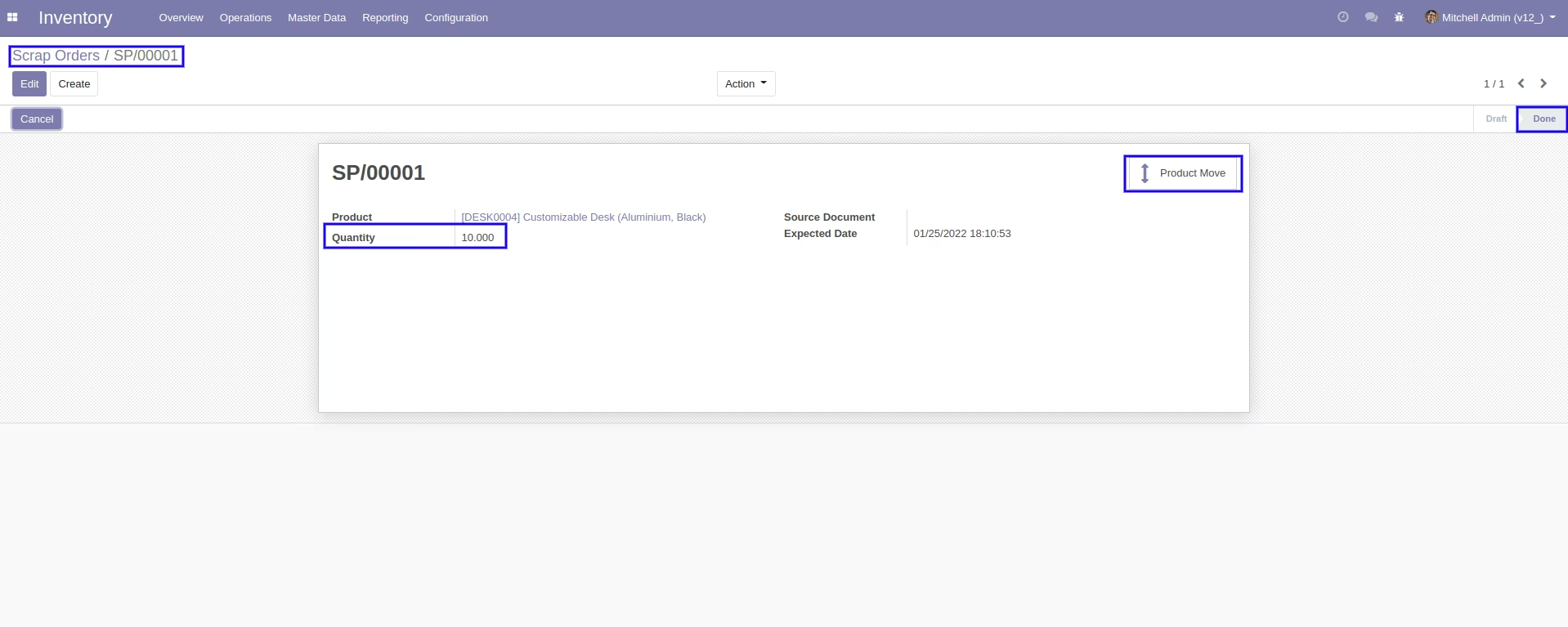
Our scrap order is in the "Done" state.
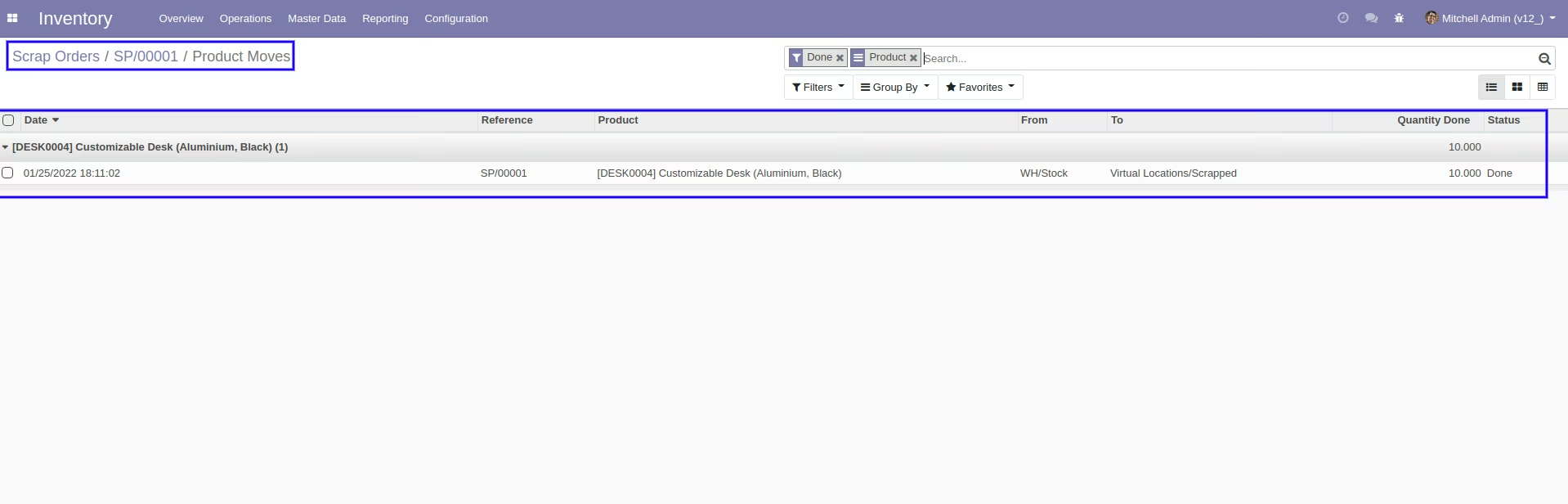
Our scrap order product move status is "Done".
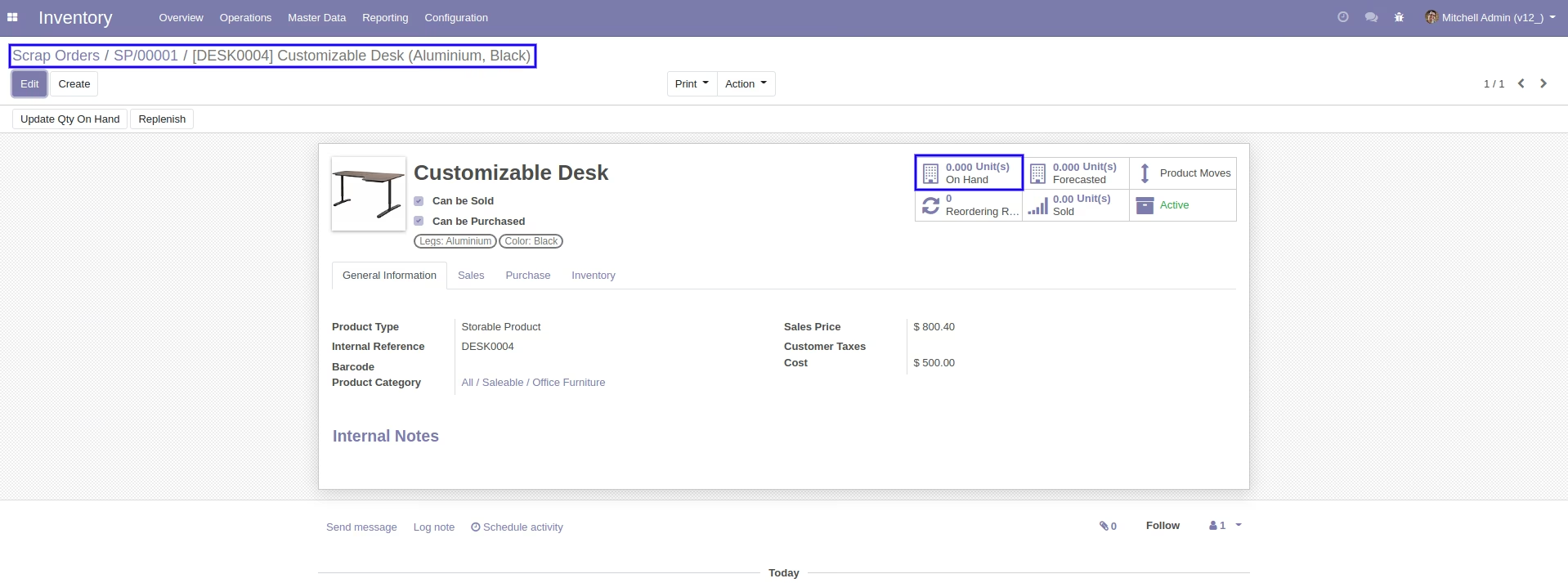
Our on-hand qty is now -10.00 Units.
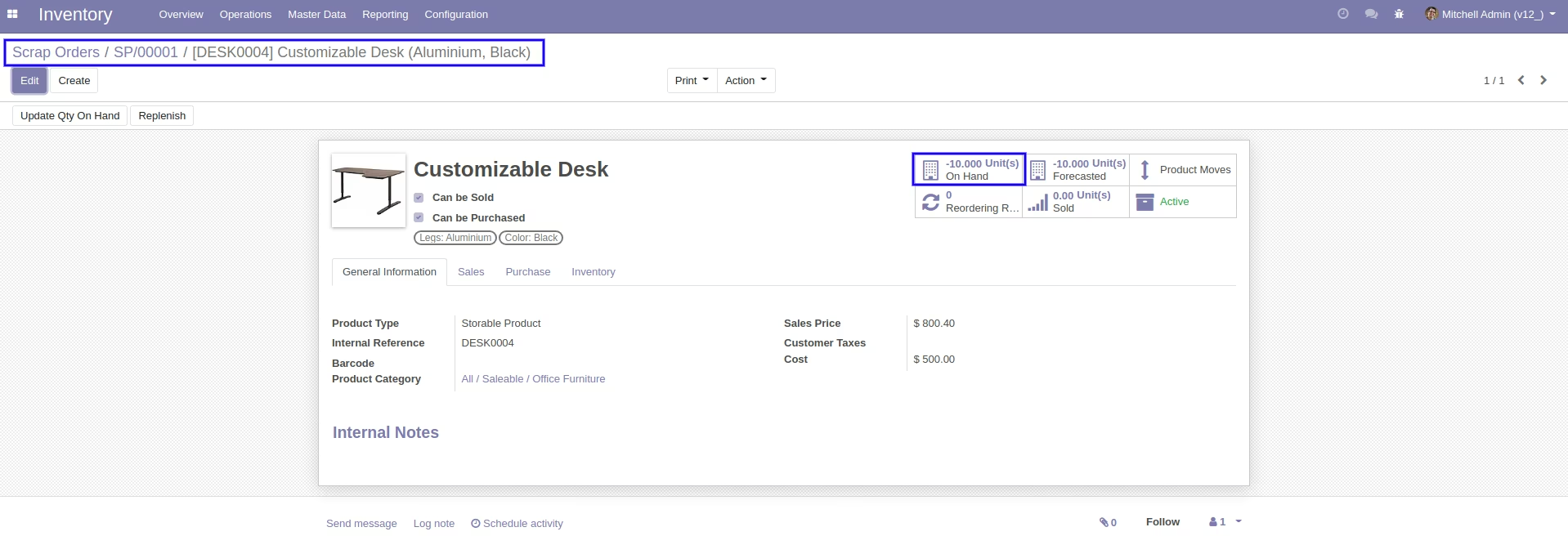
Now we cancel the scrap order.
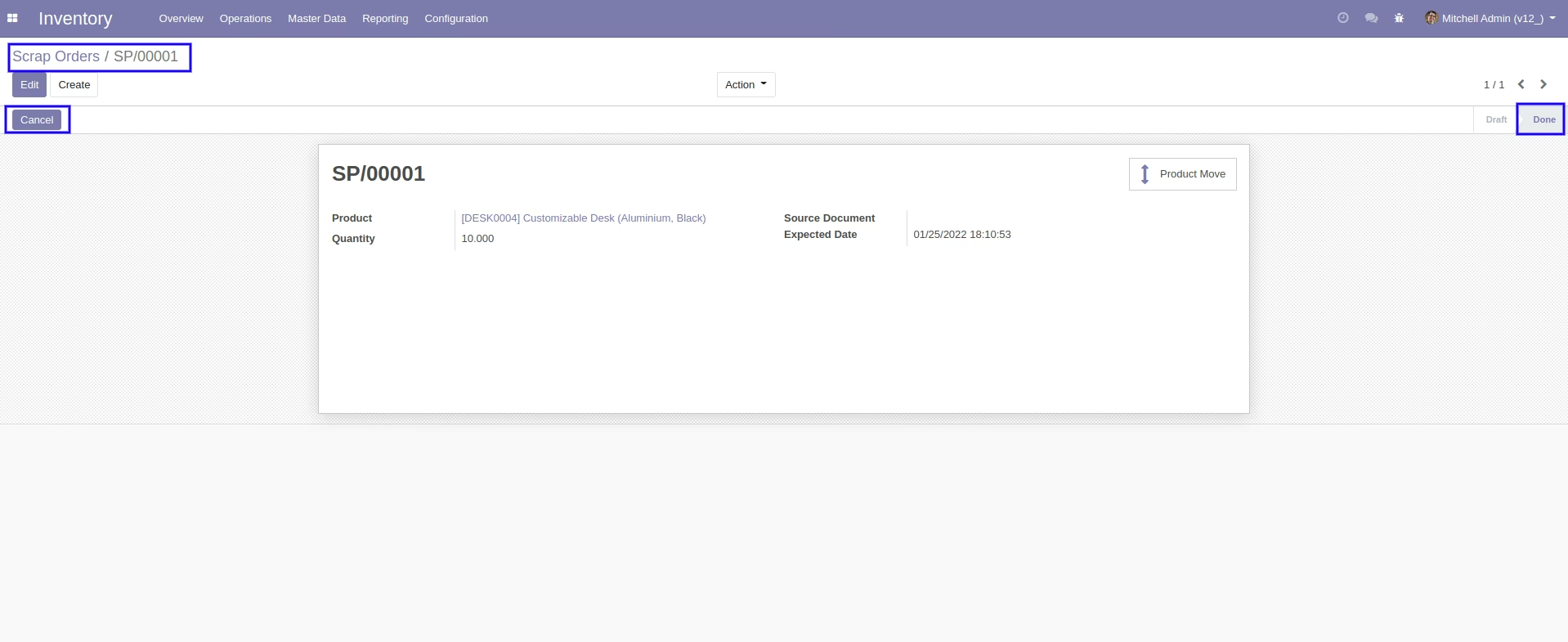
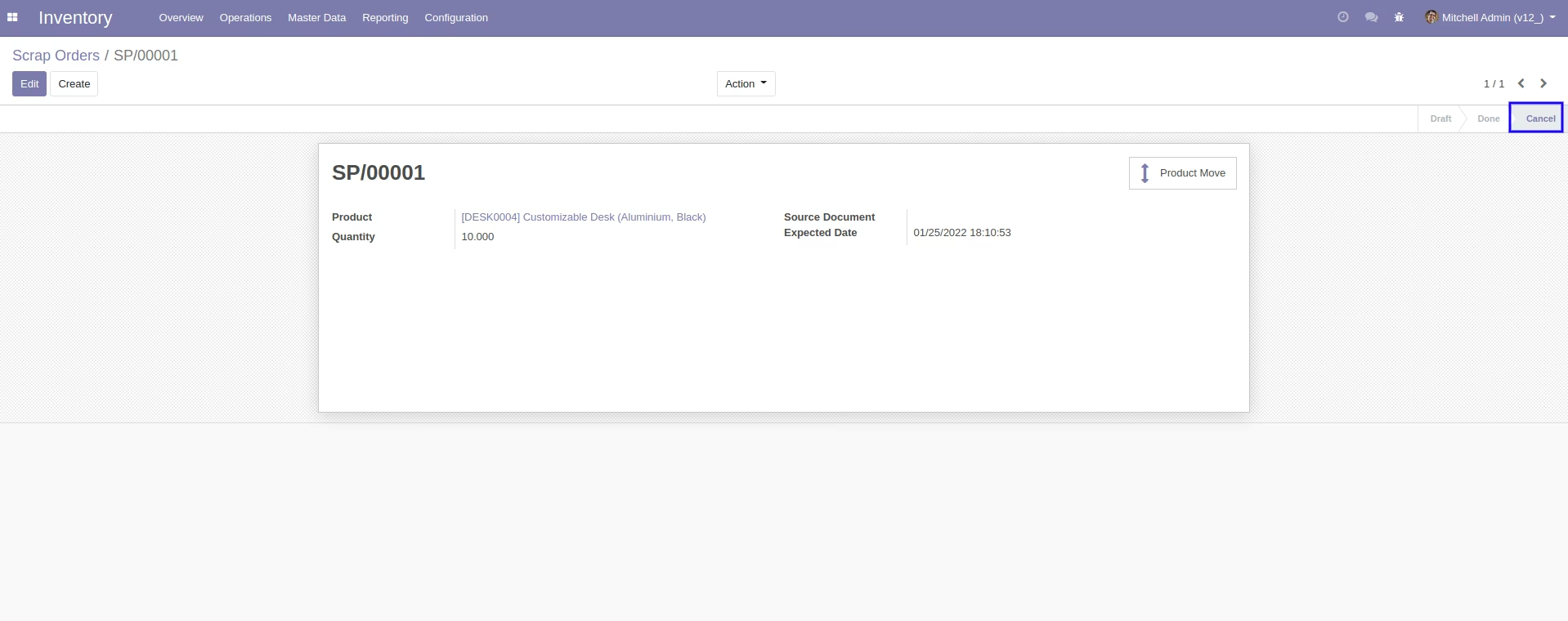
So scrap order is canceled and the state is changed to "Cancel".
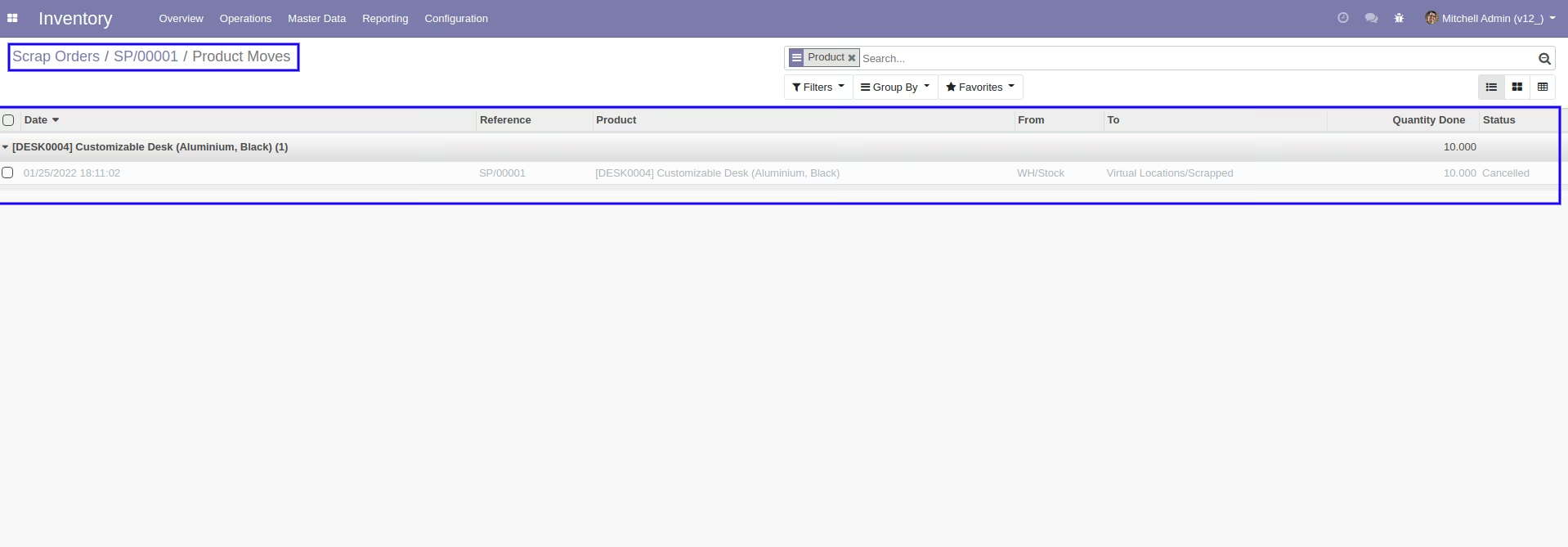
Now our scrap order product move status is "Cancelled".
After cancelled scrap order our on-hand qty is updated.
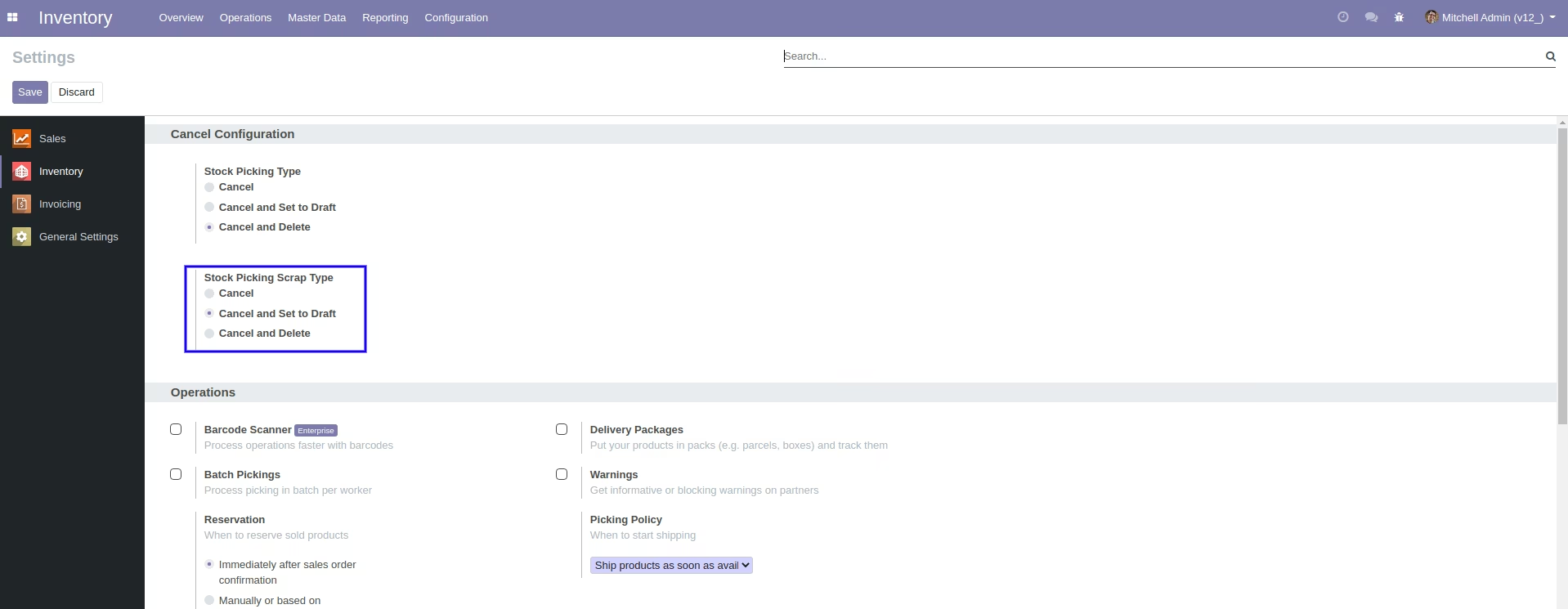
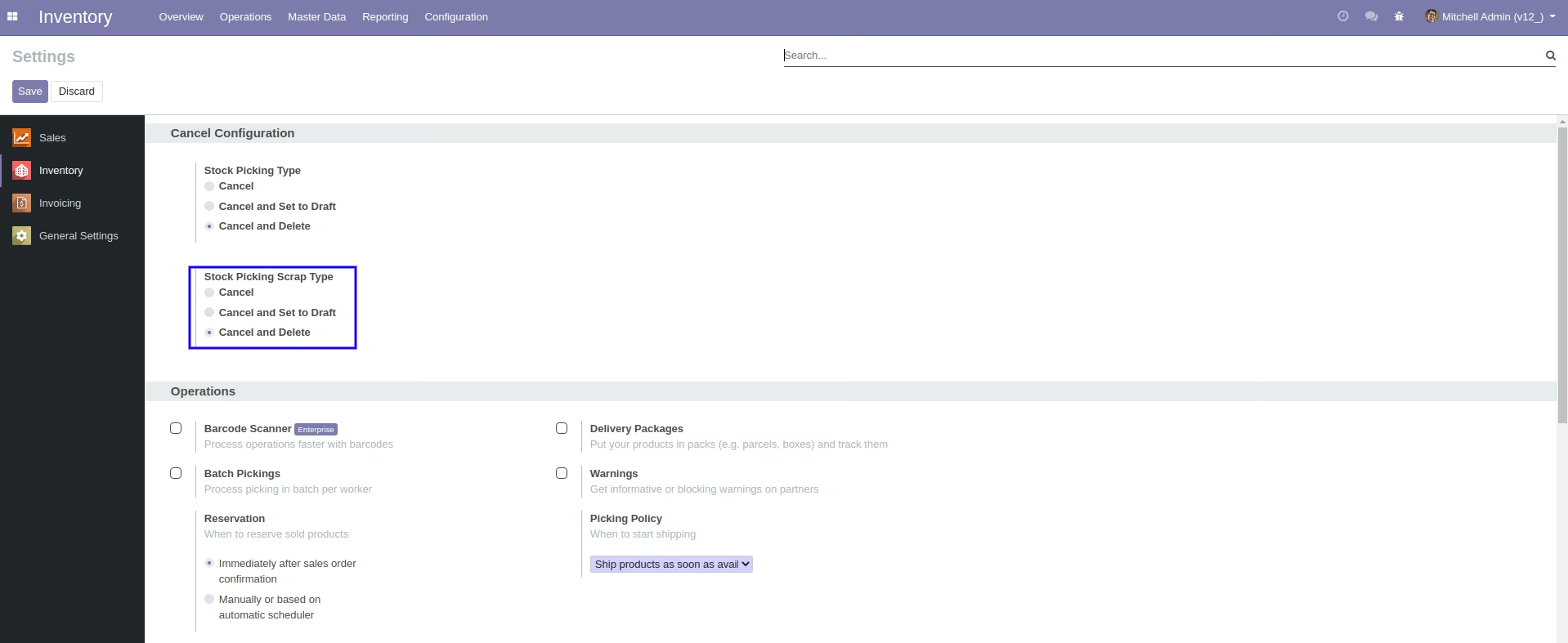
When you want to cancel the scrap ordrs and reset to the draft state tick "cancel and Reset to Draft"
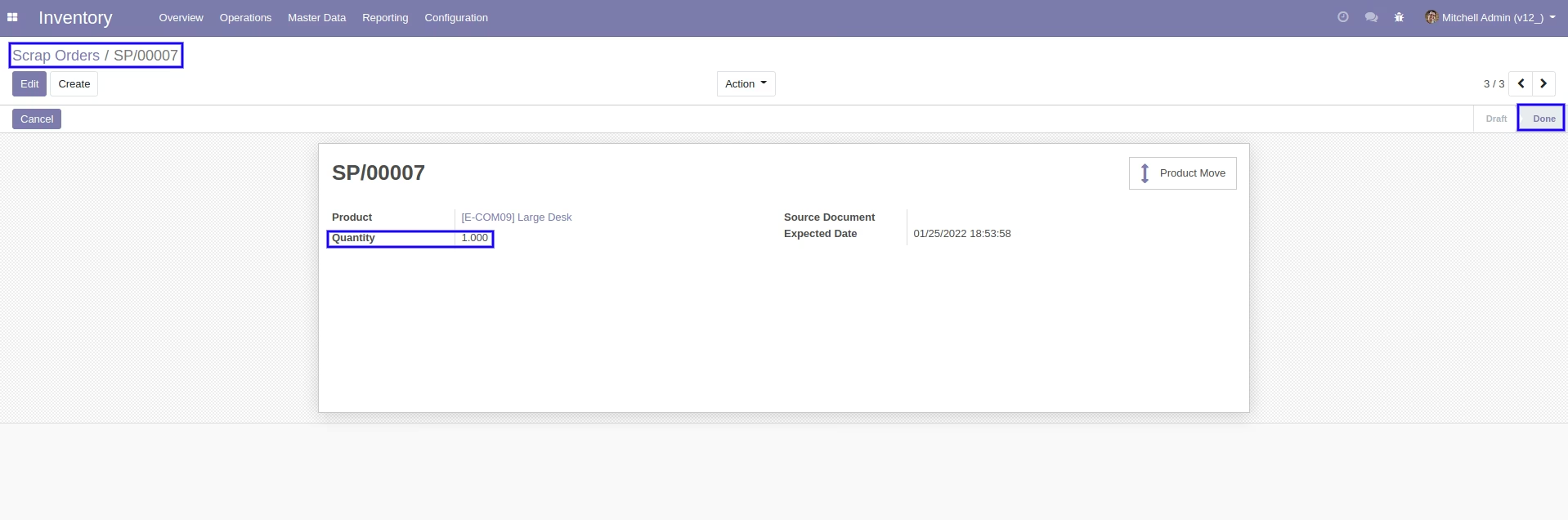
Our scrap order is in the "Done" state.
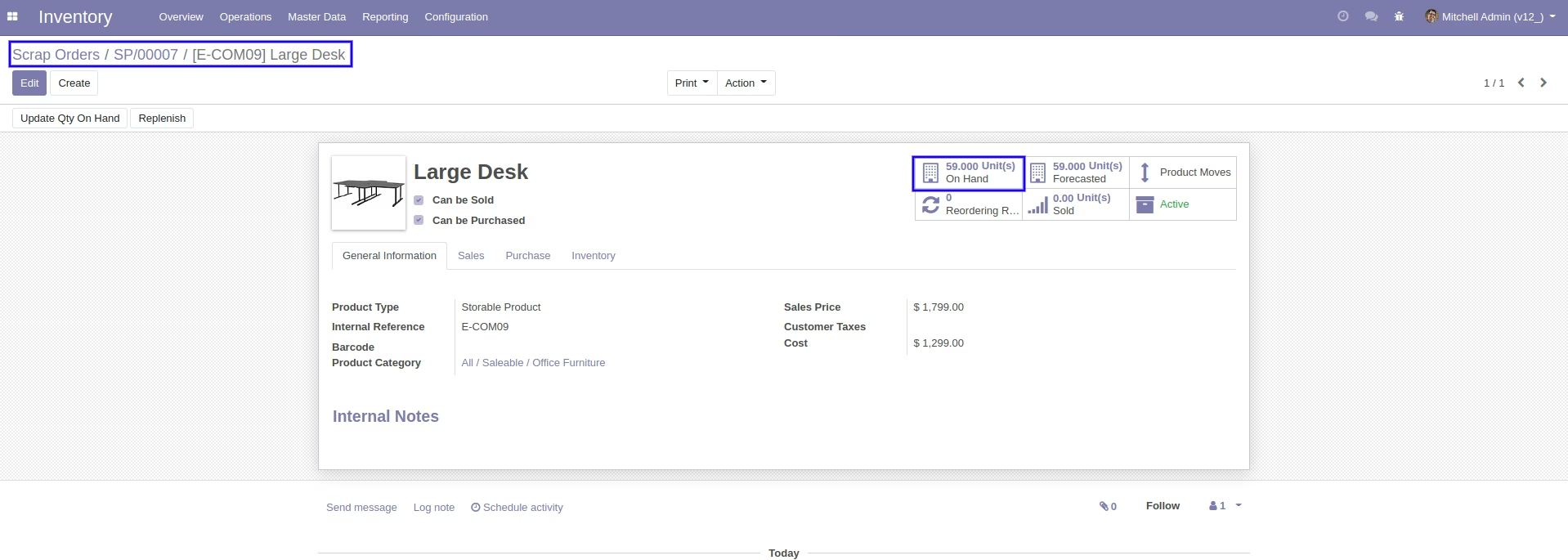
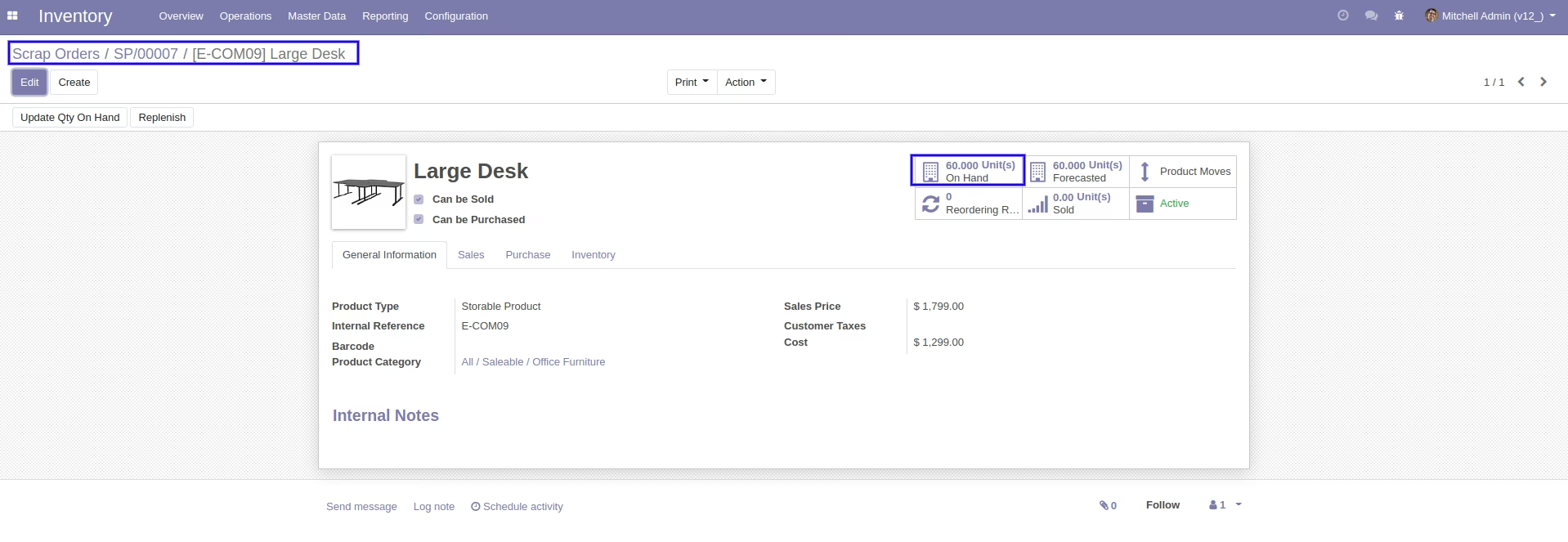
Our on-hand qty is now 59.00 units.
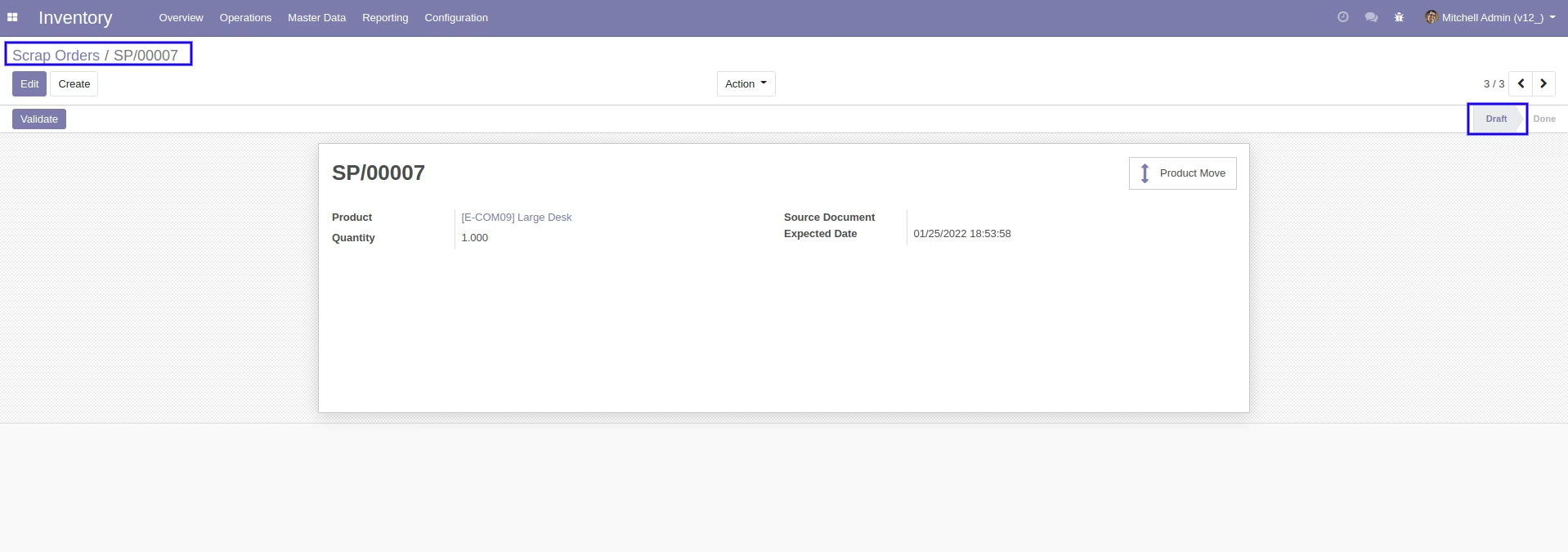
Now we cancel the scrap order.
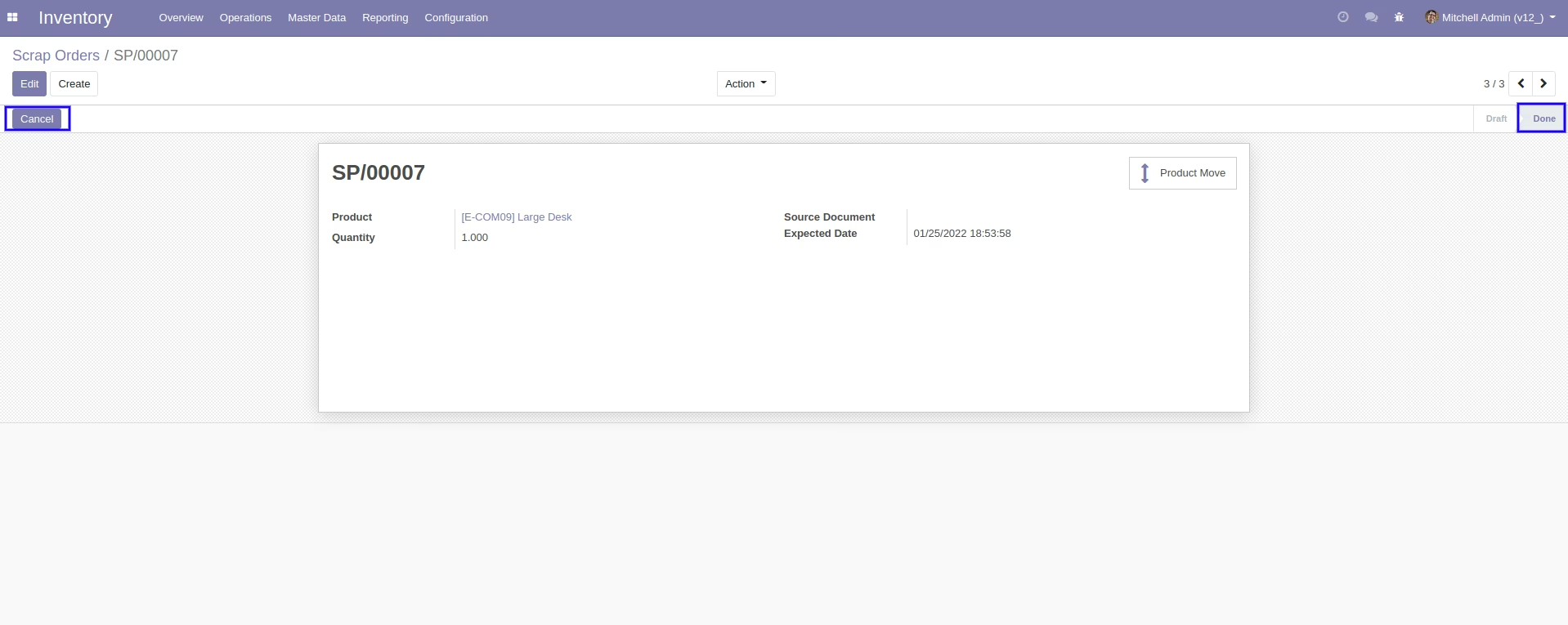
So scrap order is cancelled and reset to the draft.
After cancelled scrap order our on-hand qty is updated.
When you want to cancel & delete the scrap ordrs then choose the "cancel and delete" option.
Our scrap order is in the "Done" state.
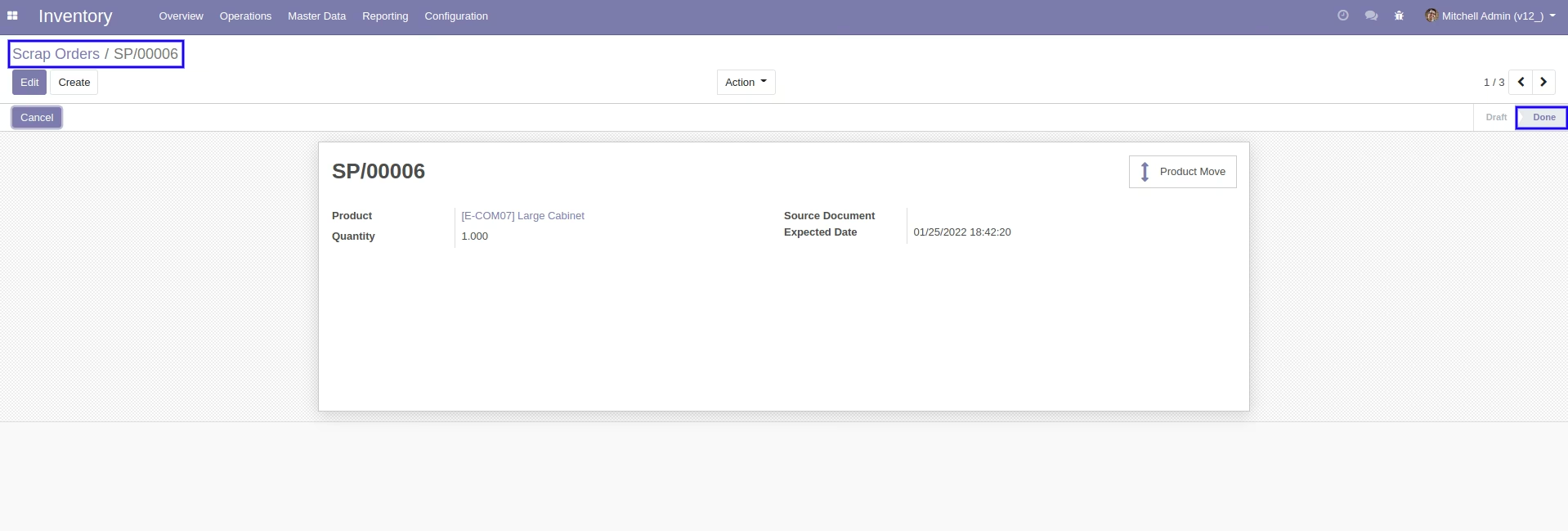
Now we cancel the scrap order.
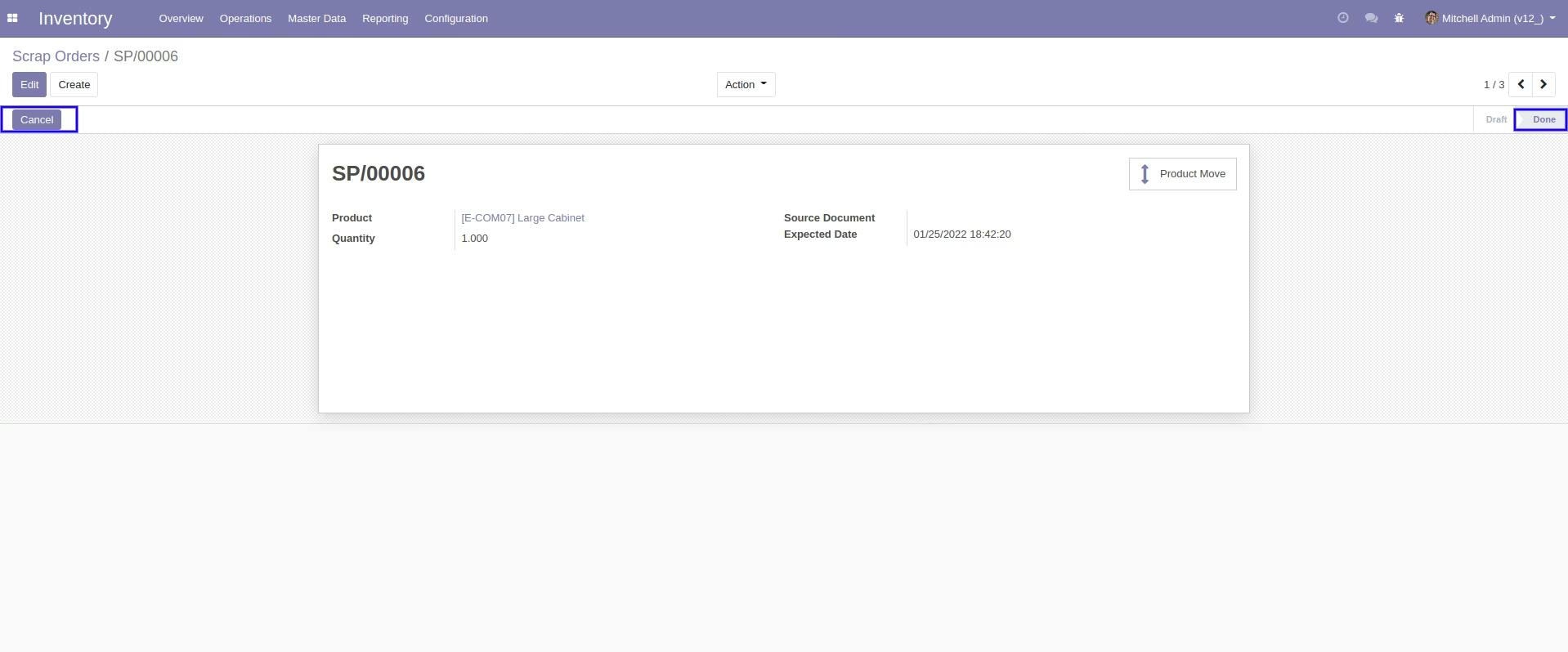
After the "Cancel" the scrap order will be deleted.
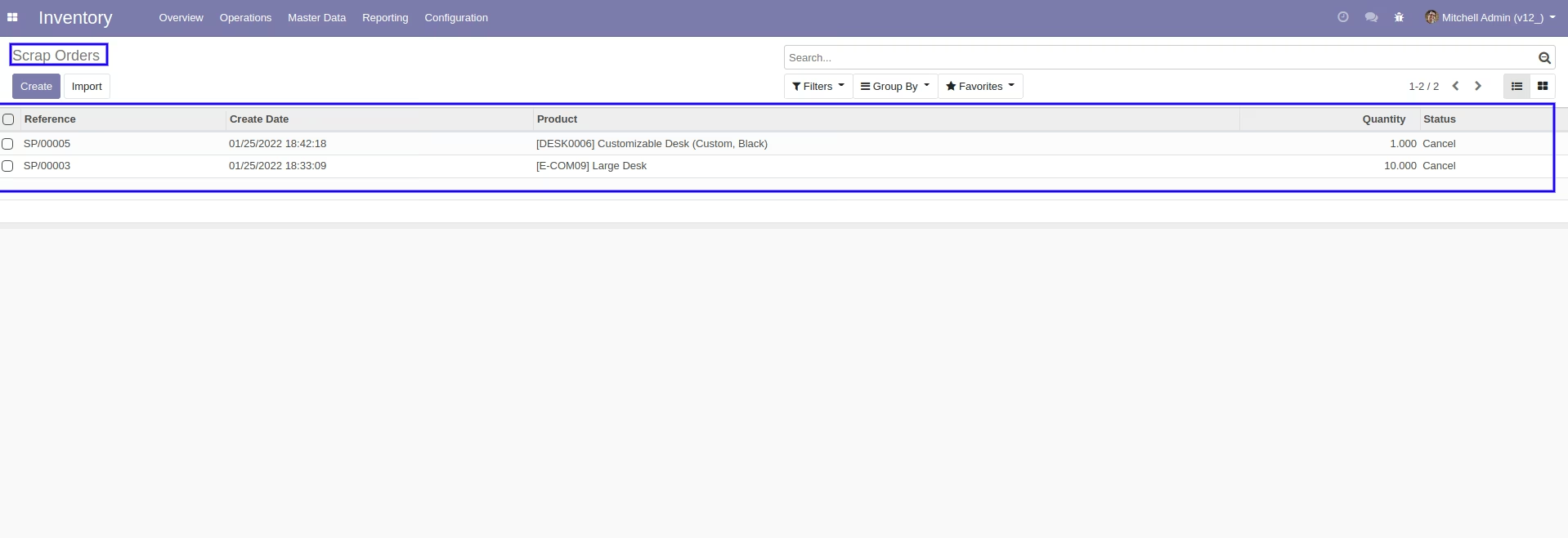
After cancelled scrap order our on-hand qty is updated.
Tick the "Cancel Stock Move" to cancel stock moves.
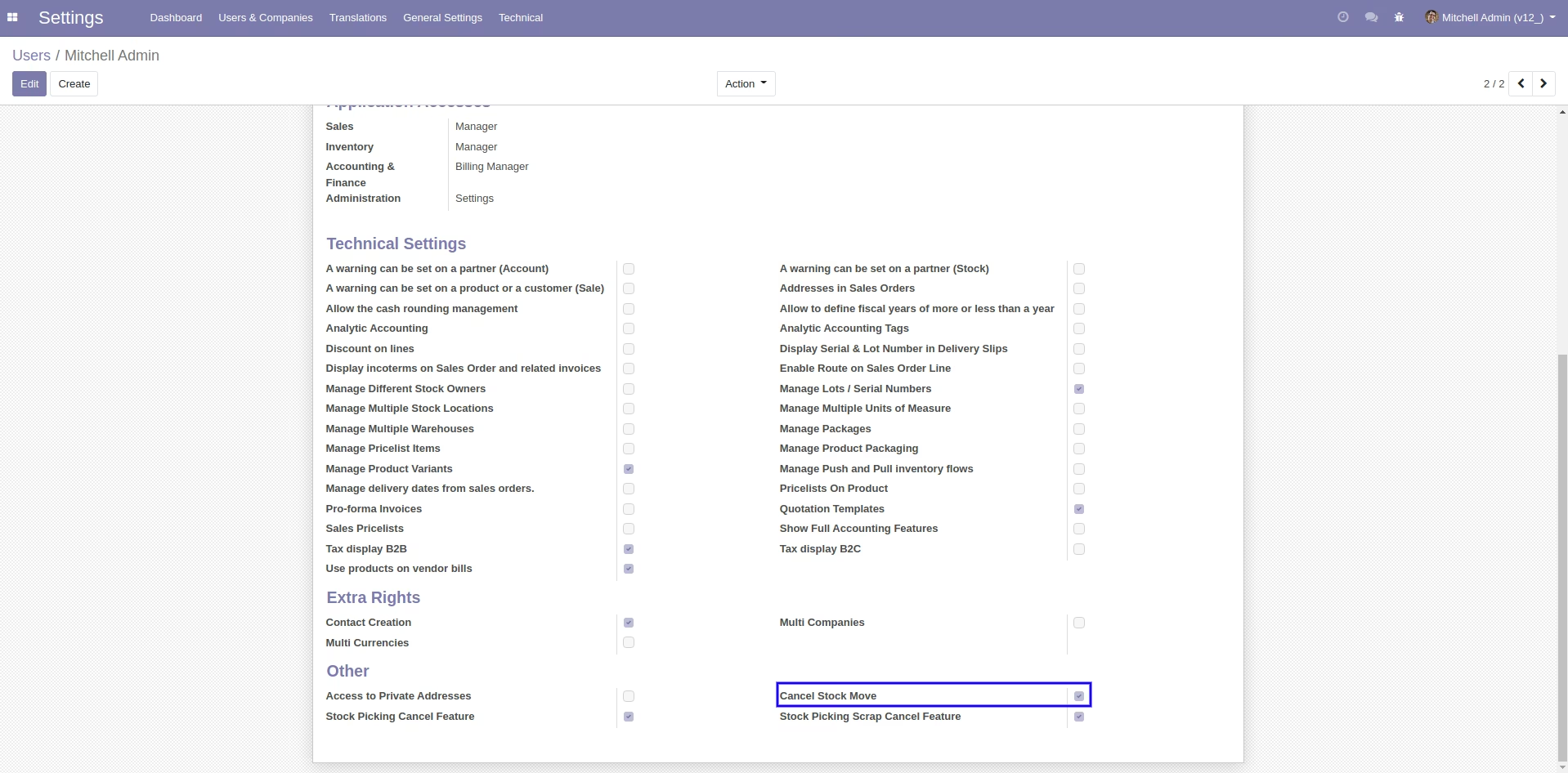
Now we cancel multiple stock moves from the tree view.
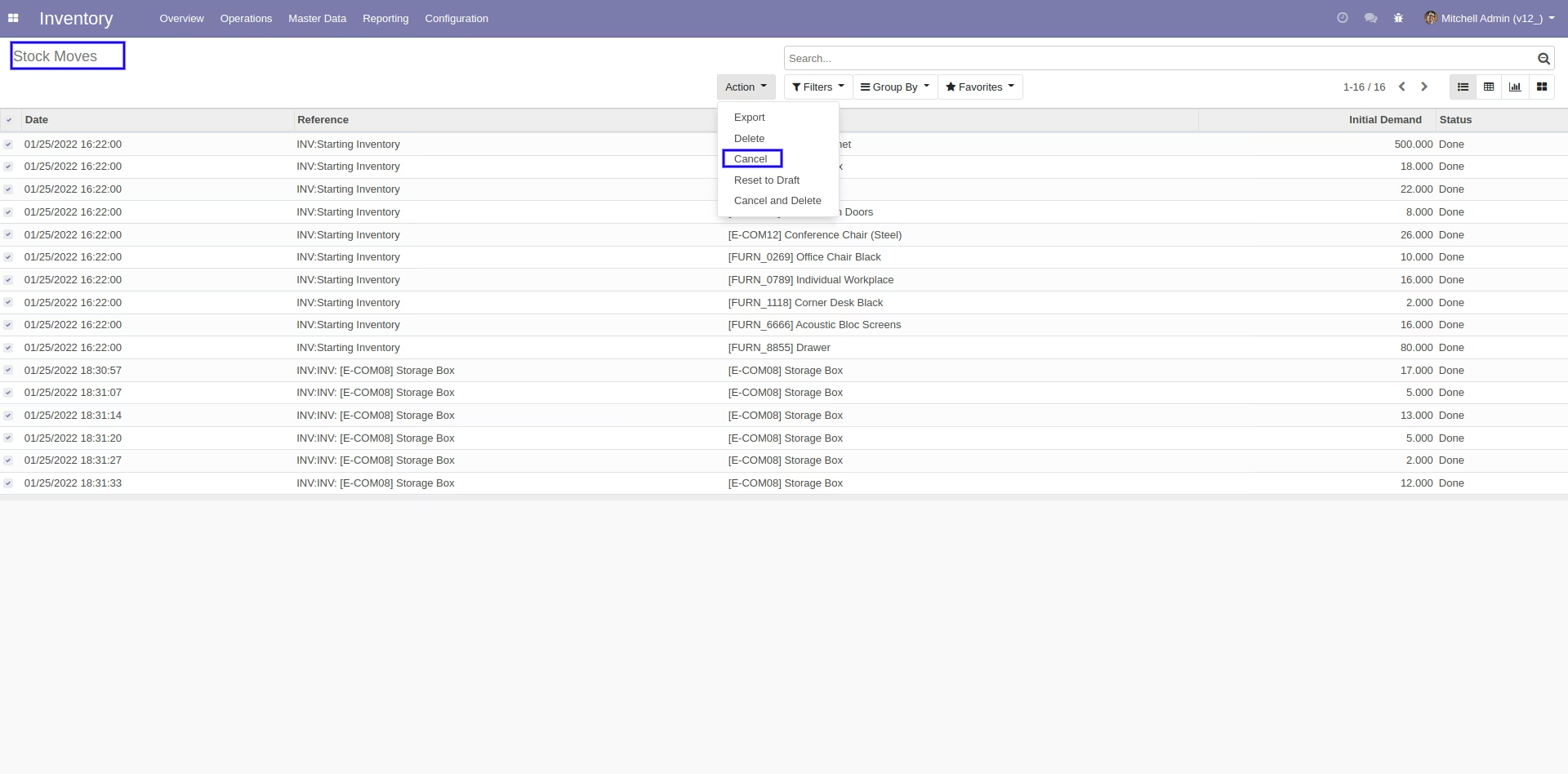
All selected stock moves are cancelled.
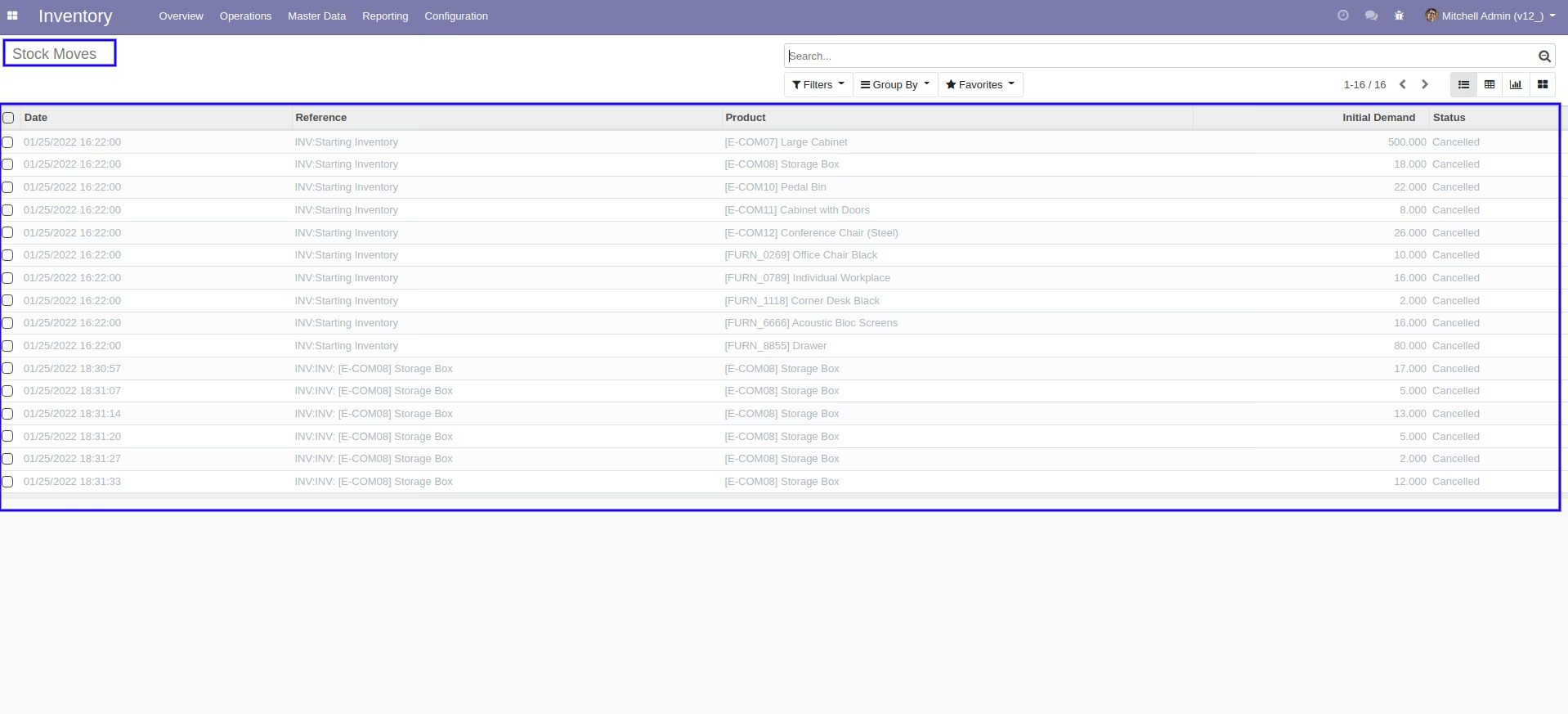
Now we "Cancel & Reset Draft" multiple stock moves from the tree view.
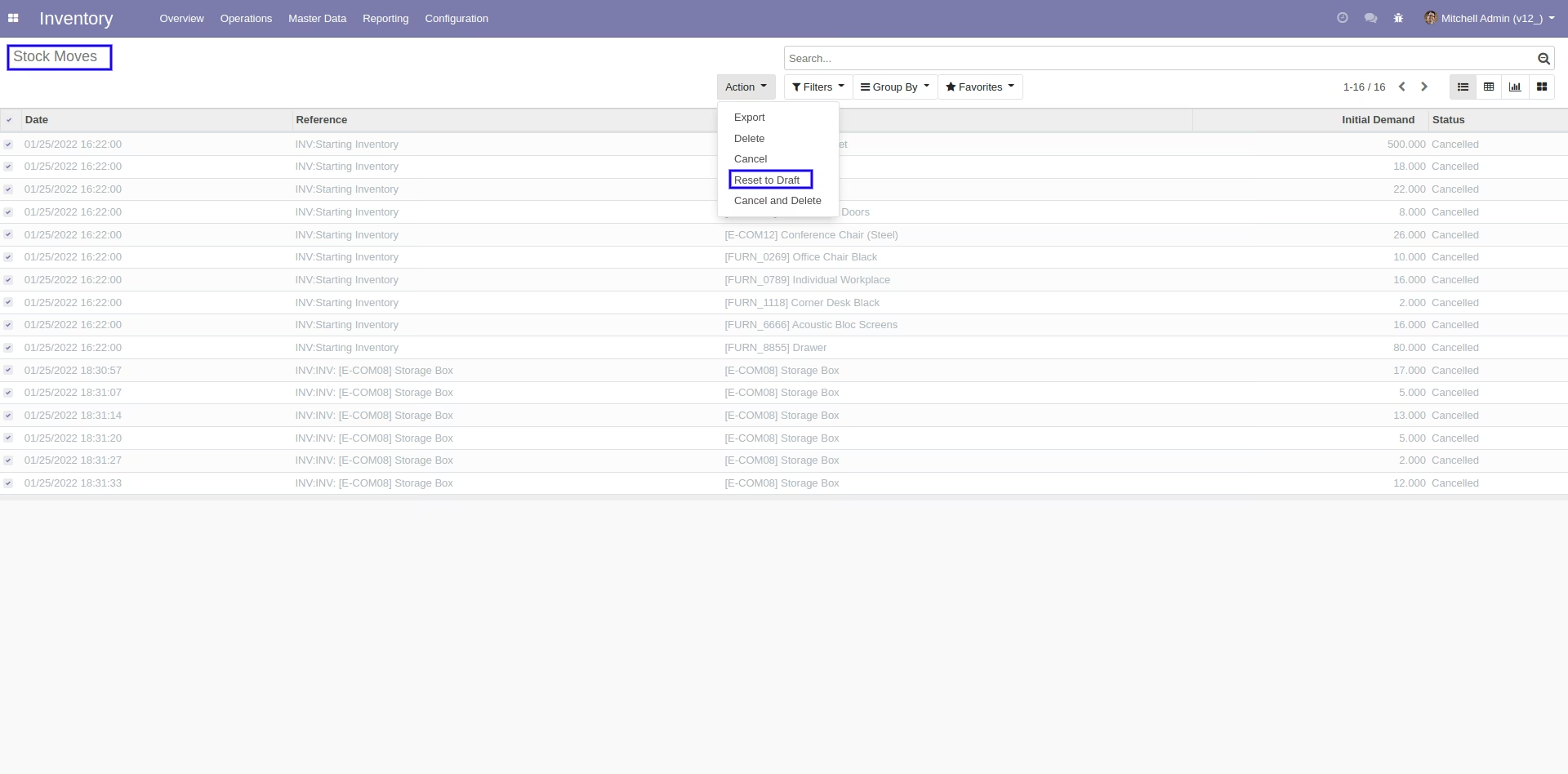
All selected stock moves are cancelled and reset to the draft.
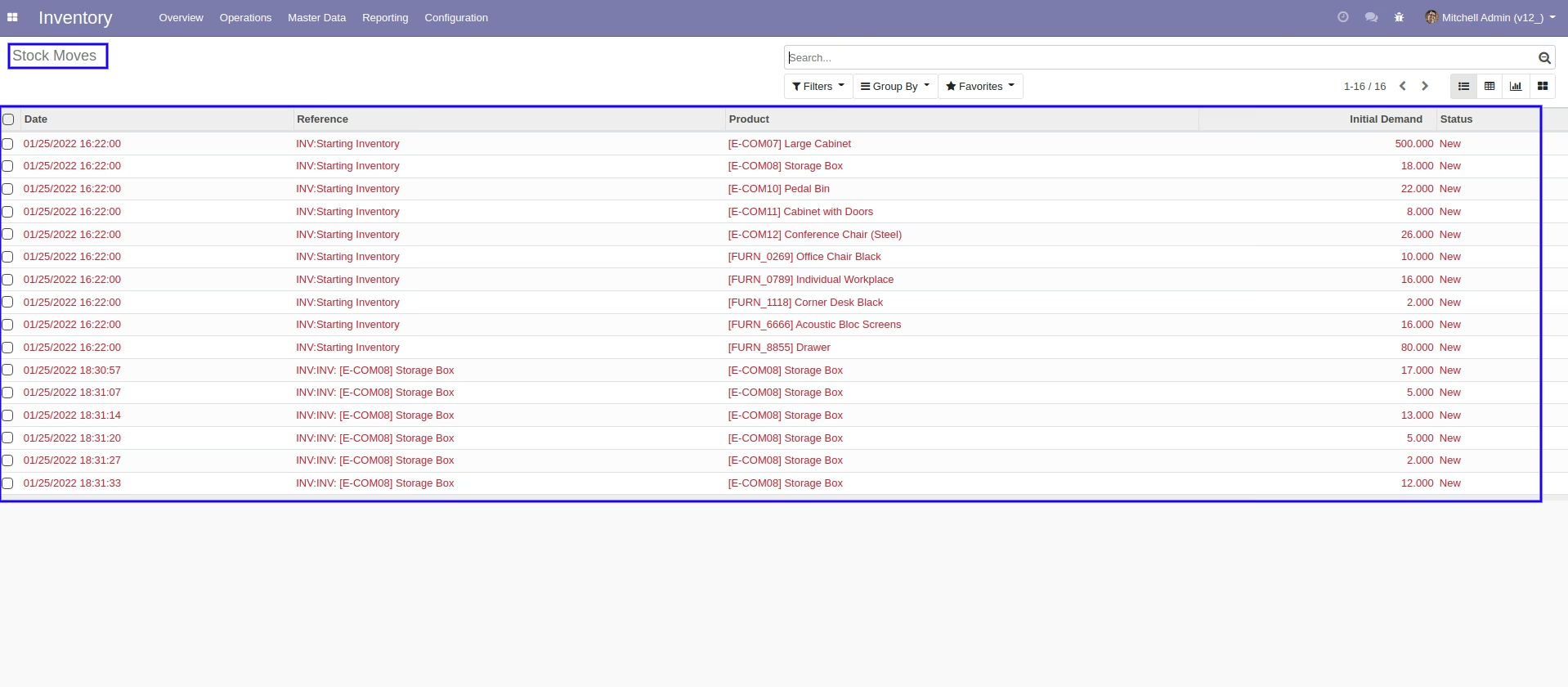
Now we "Cancel & Delete" multiple stock moves from the tree view.
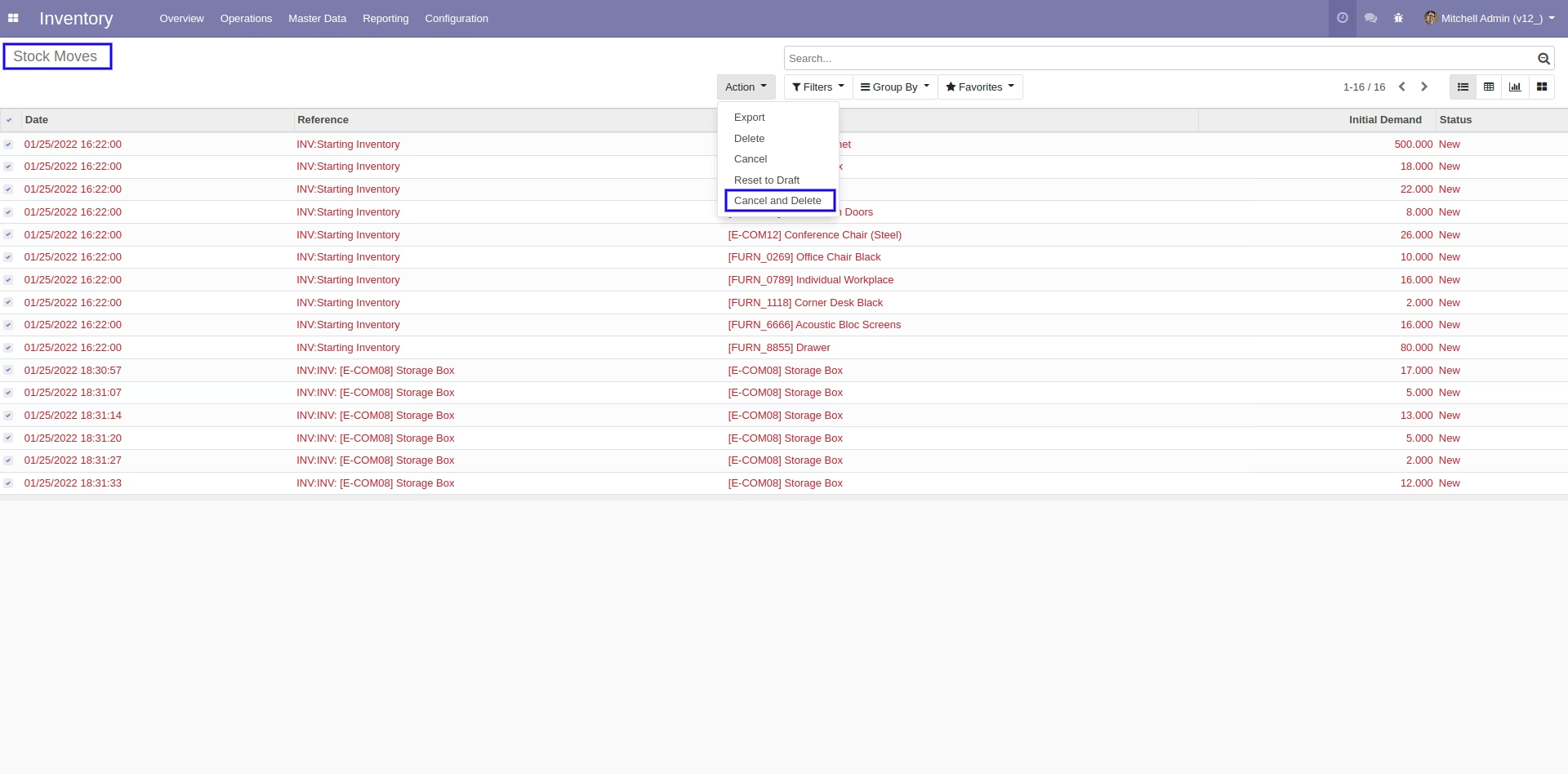
All stock moves will be deleted after cancelled.