The module enhances financial workflow by allowing the cancellation of supplier/vendor invoices and their associated payments options include a simple cancellation or resetting the entries to draft status for further editing. This flexibility helps teams manage corrections efficiently and maintain financial data accuracy.
Provides Cancel Only action: marks both invoice and payment as “Cancelled.”
Offers Cancel and Reset to Draft action: cancels the invoice/payment and resets them to draft for editing or revalidation.
Embeds cancellation actions seamlessly within the invoice and payment forms for easy access.
Supports streamlined workflows for resolving mistakes like incorrect amounts or entries.
Simplifies corrections in invoicing and payment entries without recreating documents.
Enhances financial data integrity by providing controlled reversal workflows.
Saves time by combining cancellation and reset in one step.
Supports audit processes by clearly marking reversed records.
Increases flexibility in handling supplier-related financial errors.
Minimizes manual reconciliation efforts post-cancellation.
Empowers users with non-technical abilities to manage accounting corrections safely.
Aligns with UI, maintaining workflow consistency.
Reduces administrative overhead in processing supplier corrections.
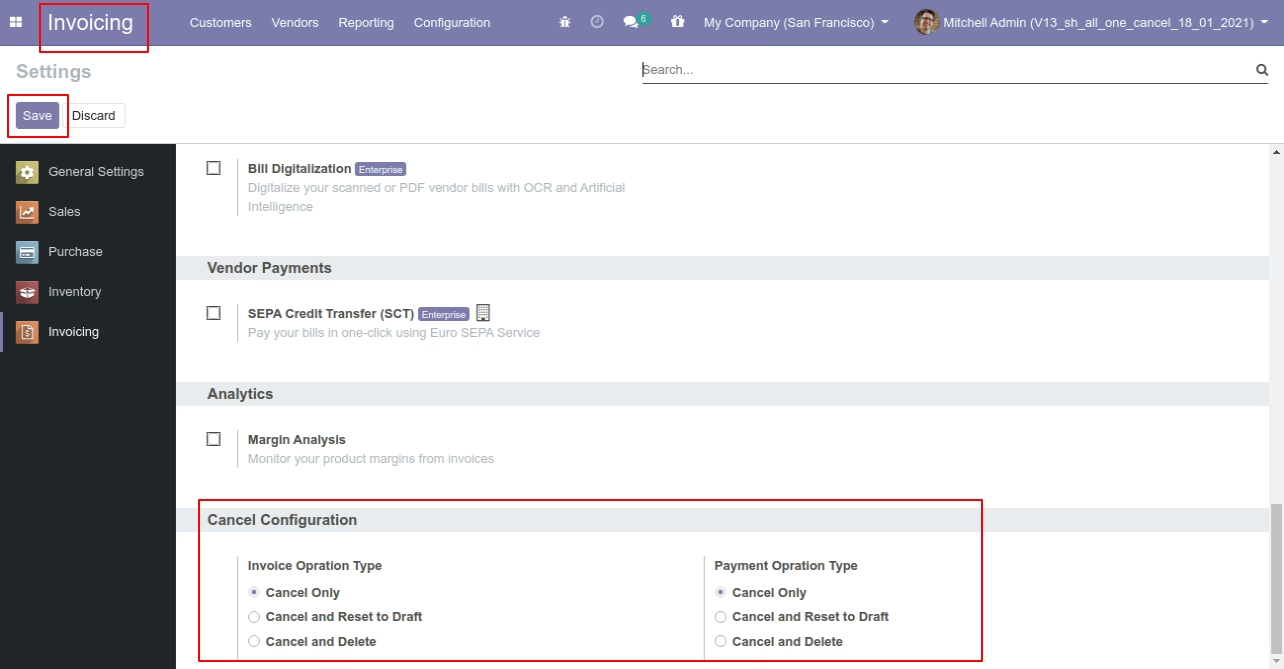
This module helps to cancel invoice & payment. You can also cancel multiple invoices & payments from the tree view. You can cancel the invoice & payment in 3 ways,
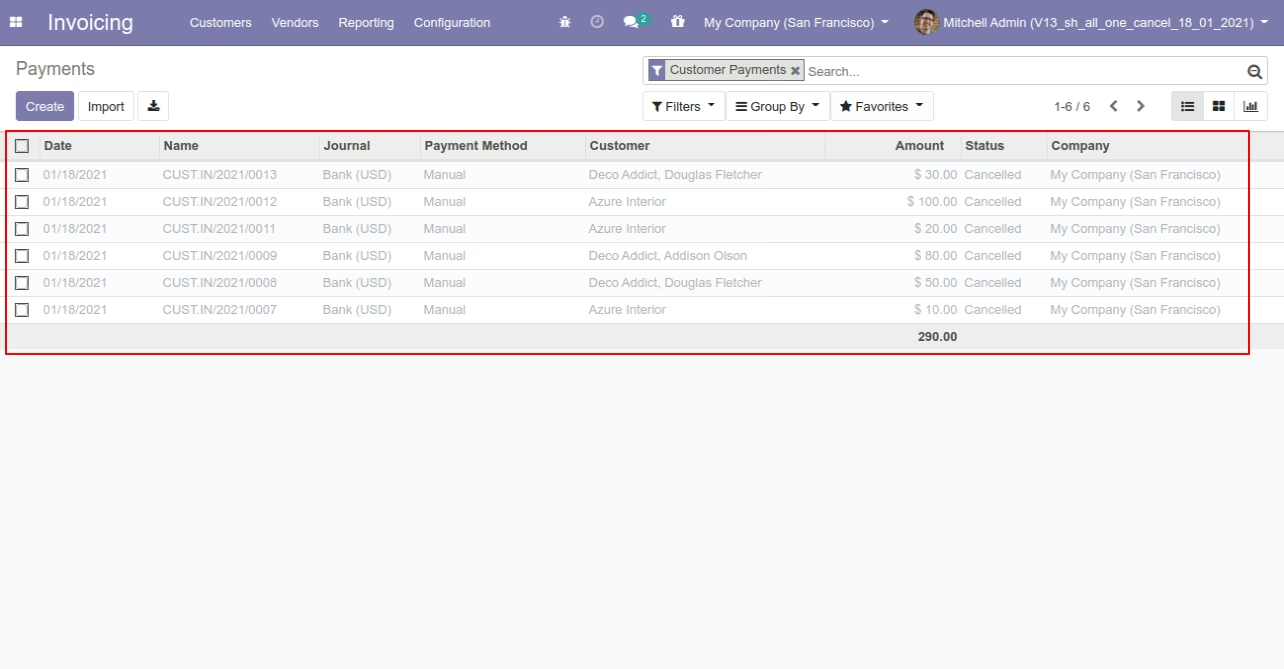
1) Cancel Only: When you cancel an invoice & payment then the invoice & payment are cancelled and the state is changed to "cancelled".
2) Cancel and Reset to Draft: When you cancel the invoice & payment, first invoice & payment are cancelled and then reset to the draft state.
3) Cancel and Delete: When you cancel the invoice & payment then first the invoice & payment are cancelled and then the invoice & payment will be deleted.
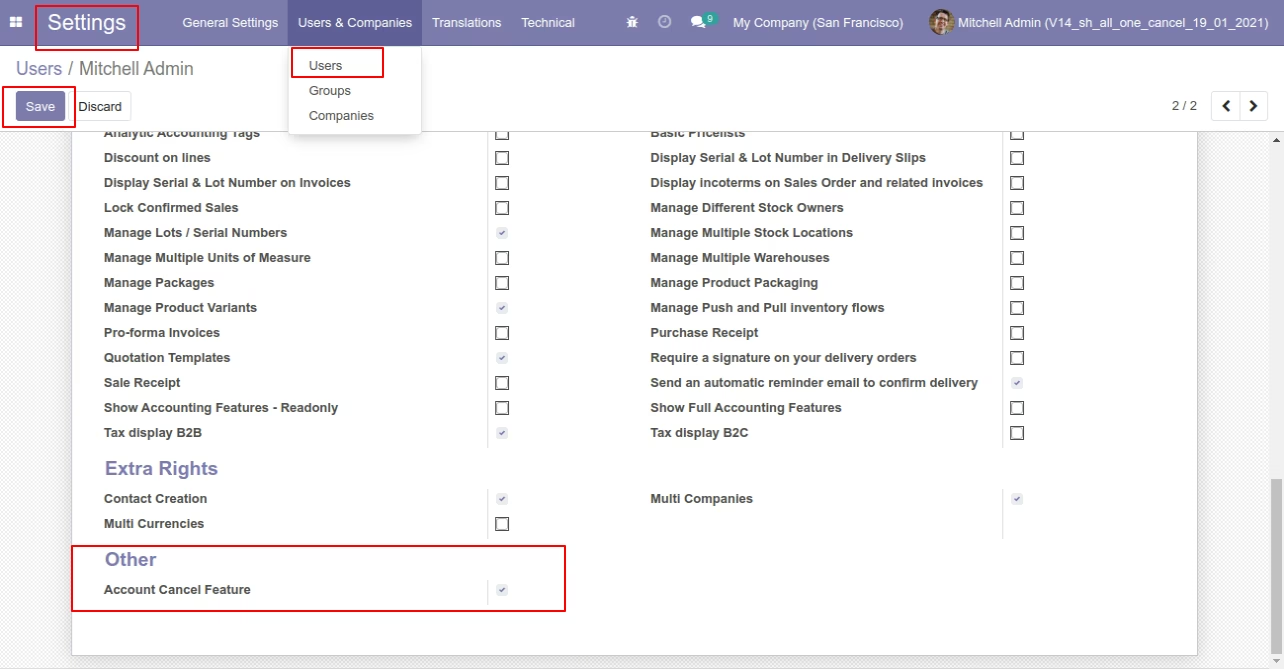
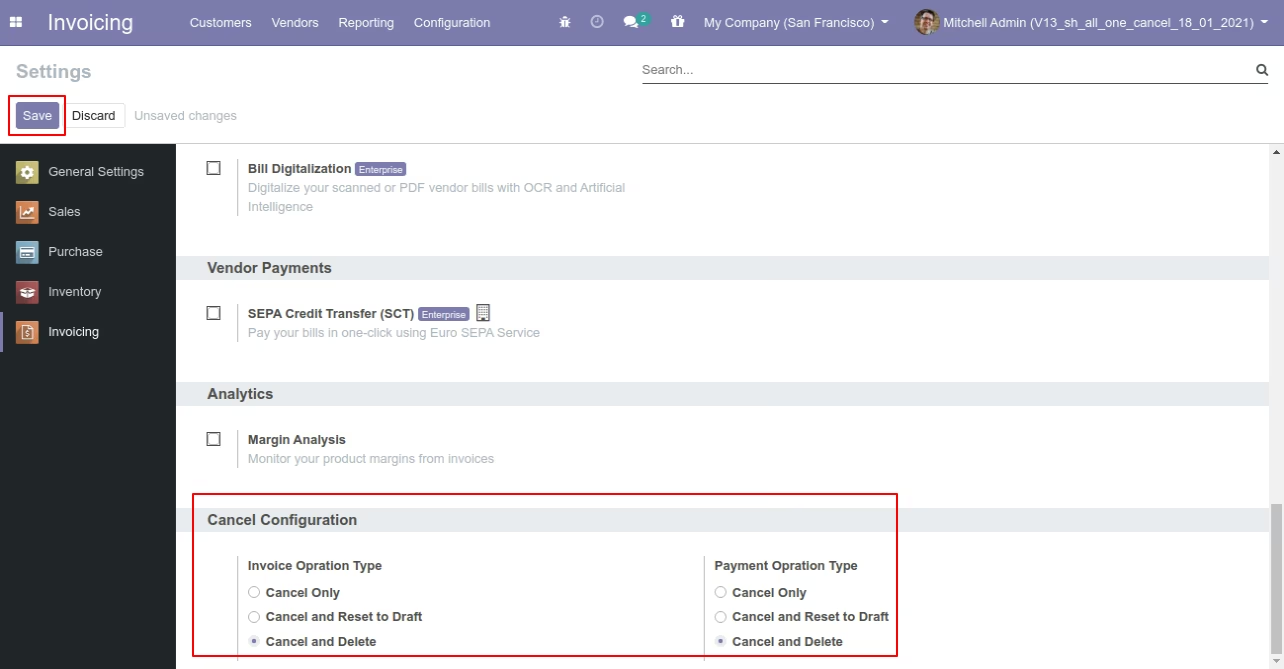
Tick the "Account Cancel Feature" to cancel invoice & payment.
Flow - 1

When you want to cancel the invoice & payment only then choose the "Cancel Only" option.
We cancel posted invoice.
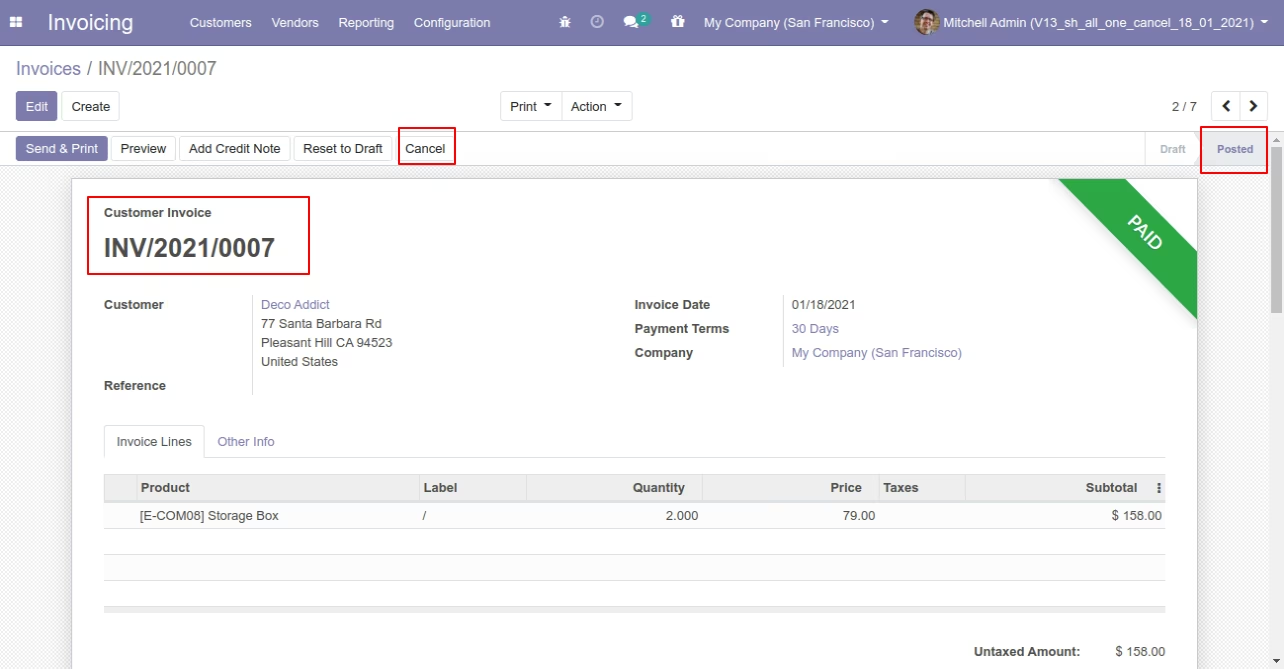
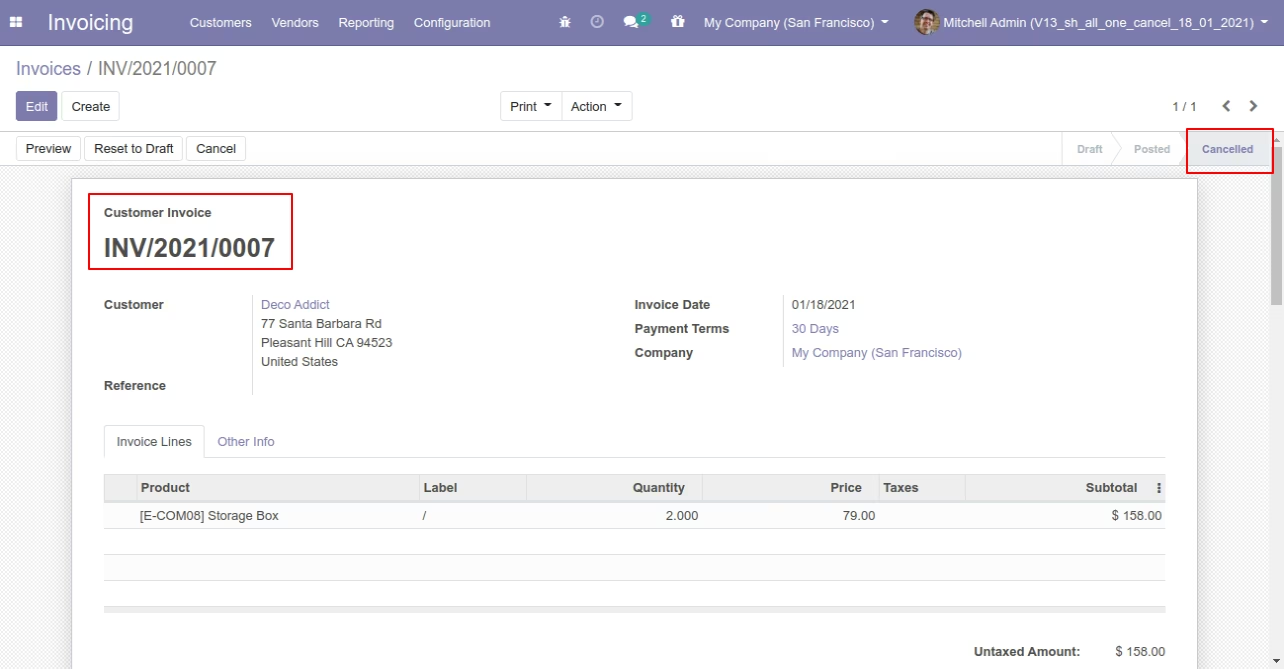
When you cancel the invoice then the invoice is cancelled and the state is changed to "cancelled".
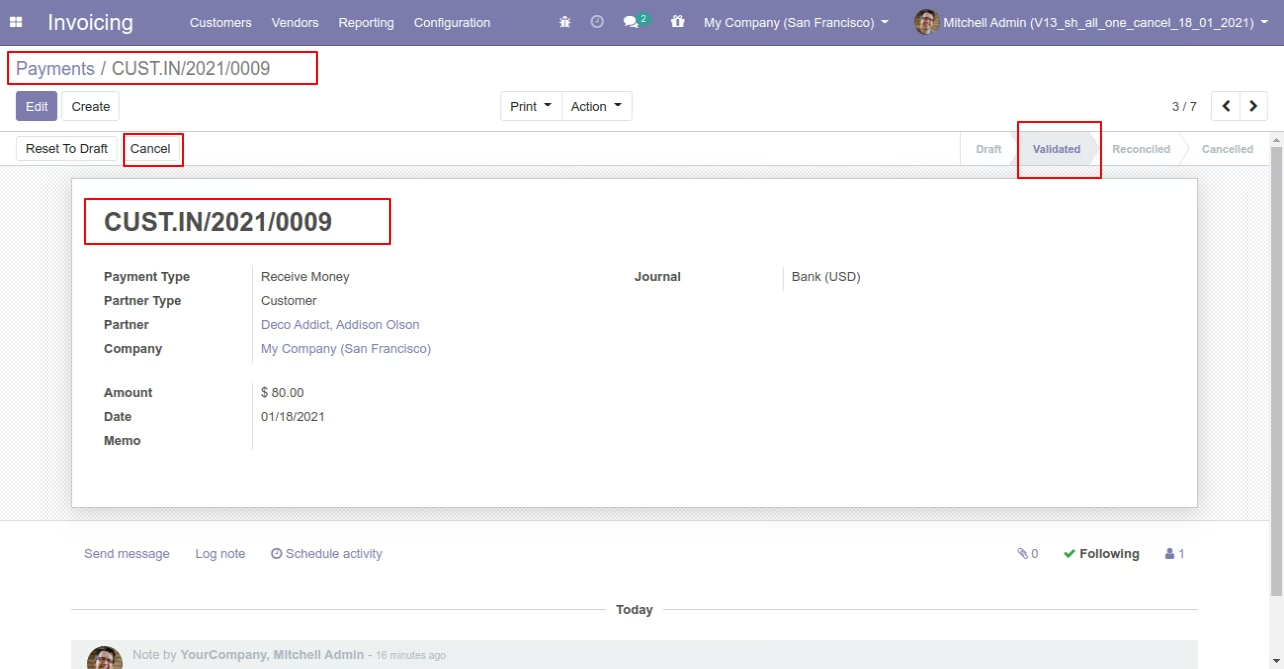
We cancel validate payment.
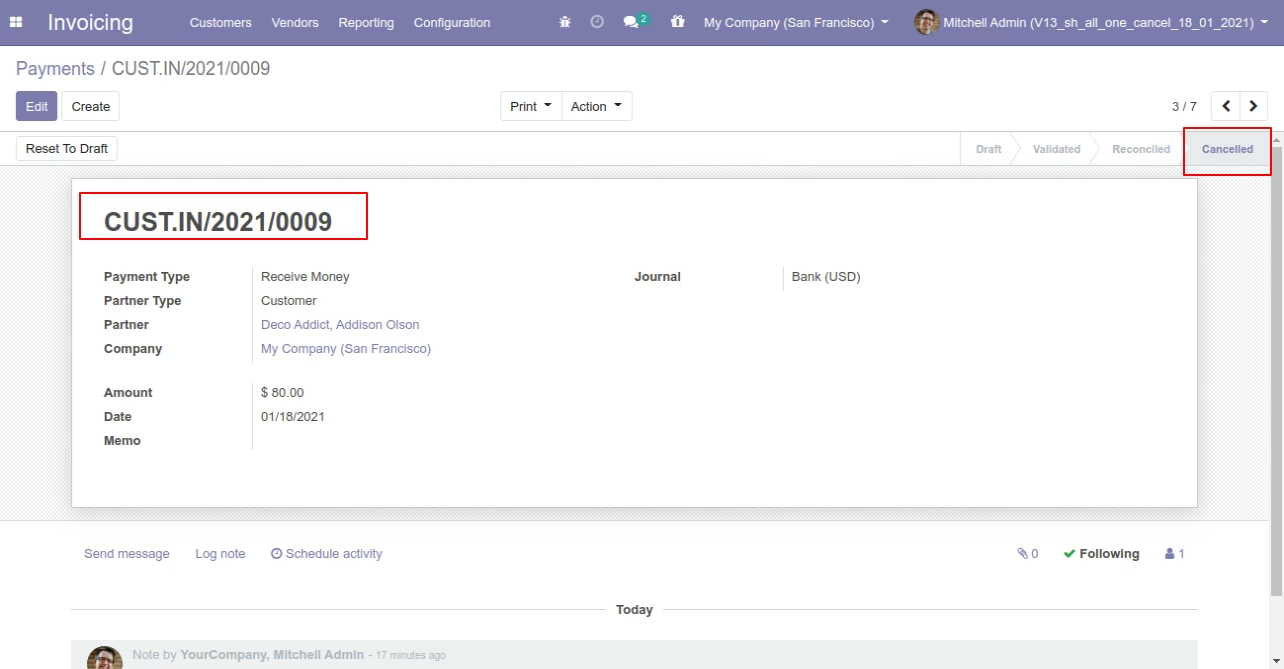
When you cancel the payment then the payment is cancelled and the state is changed to "cancelled".
Flow - 2
When you want to cancel the invoice & payment and reset to the draft state tick "Cancel and Reset to Draft".
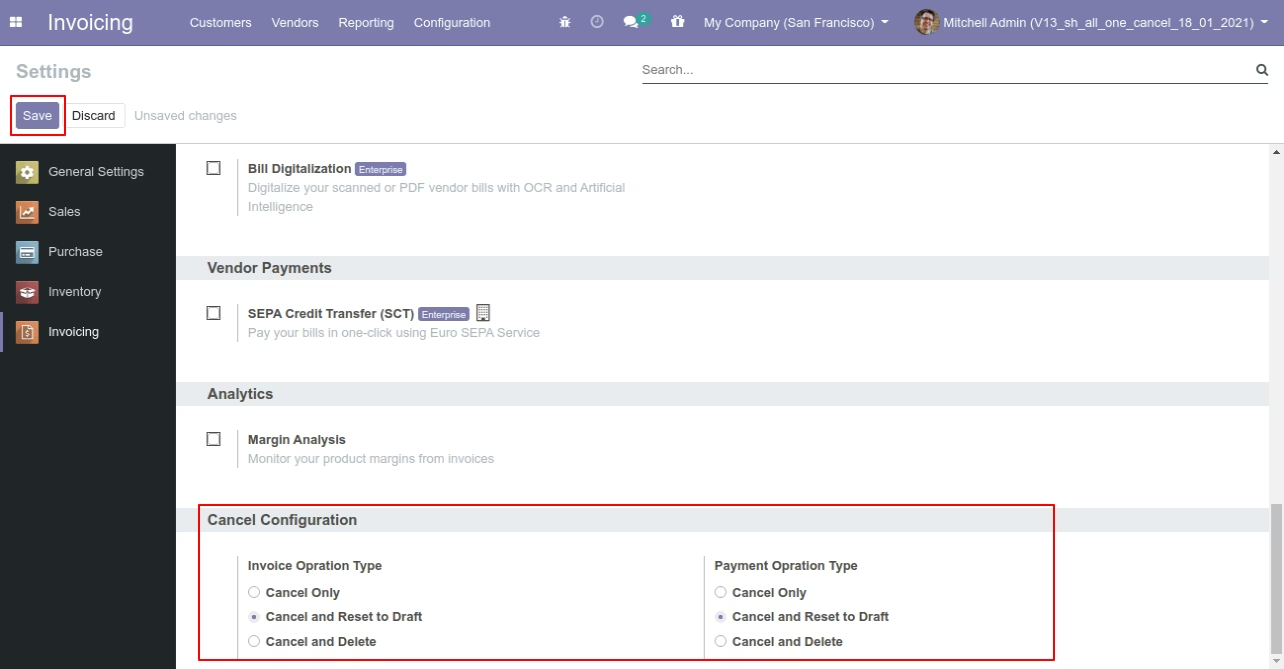
We cancel posted invoice.
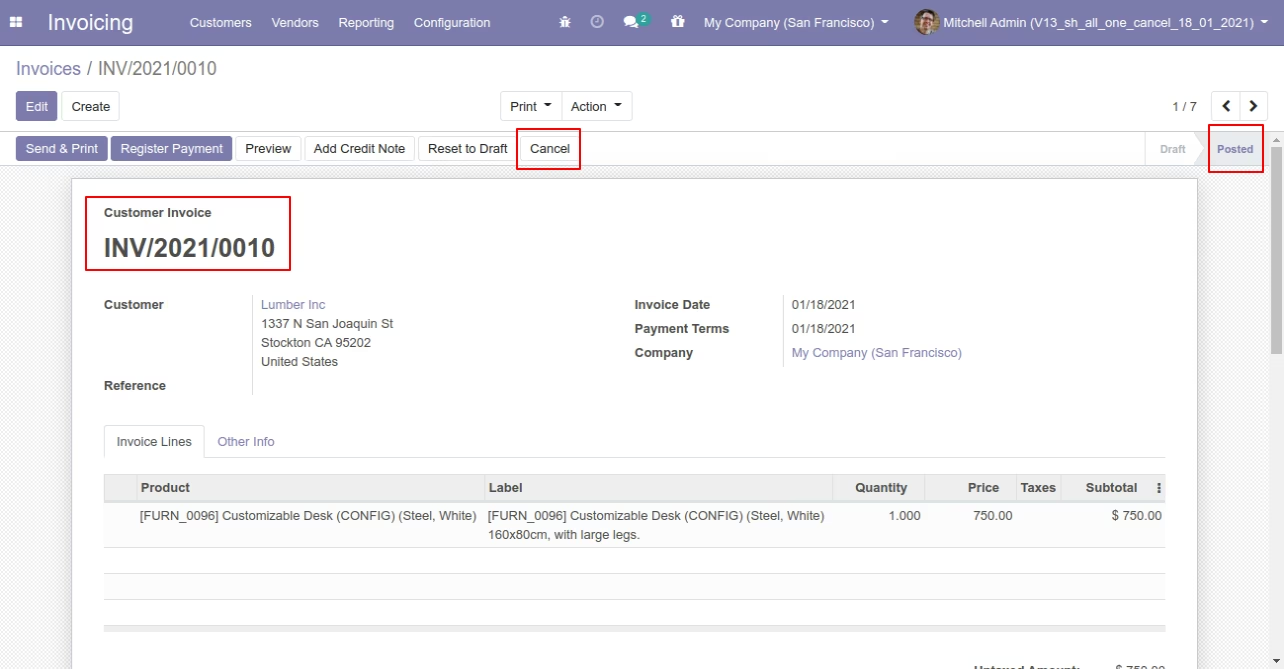
Now we cancel invoice so After canceling the invoice is reset to the draft.
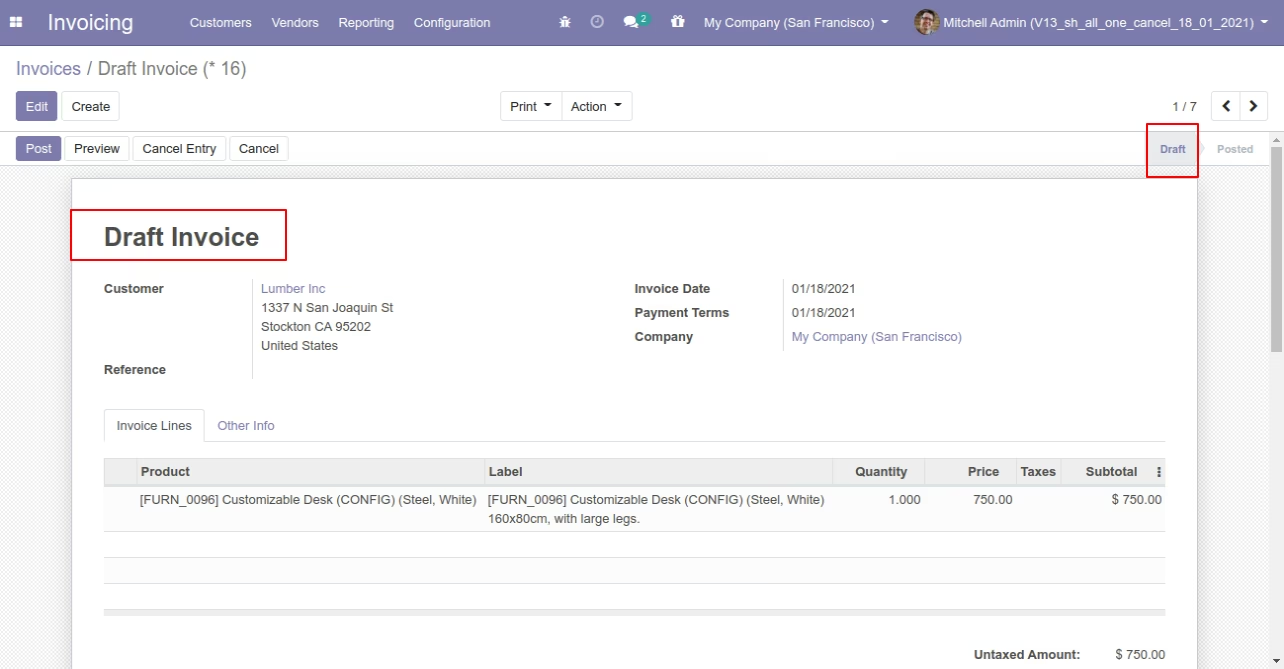
We cancel validate payment.
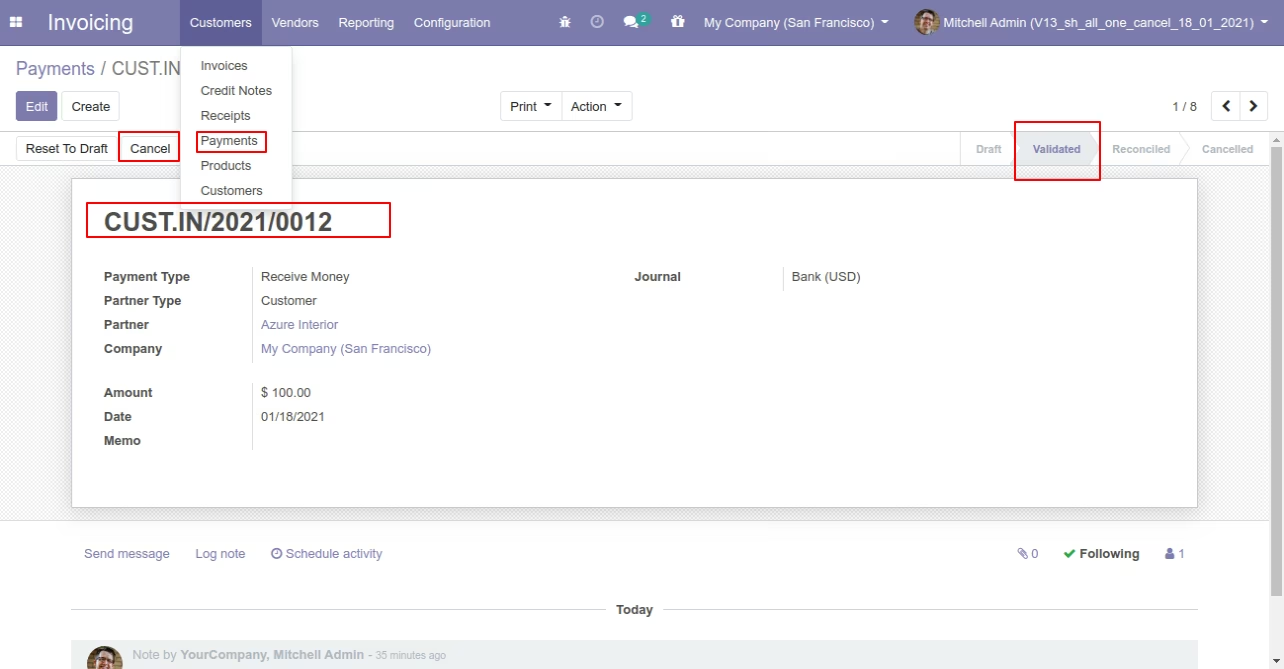
Now we cancel payment so After canceling the payment is reset to the draft.
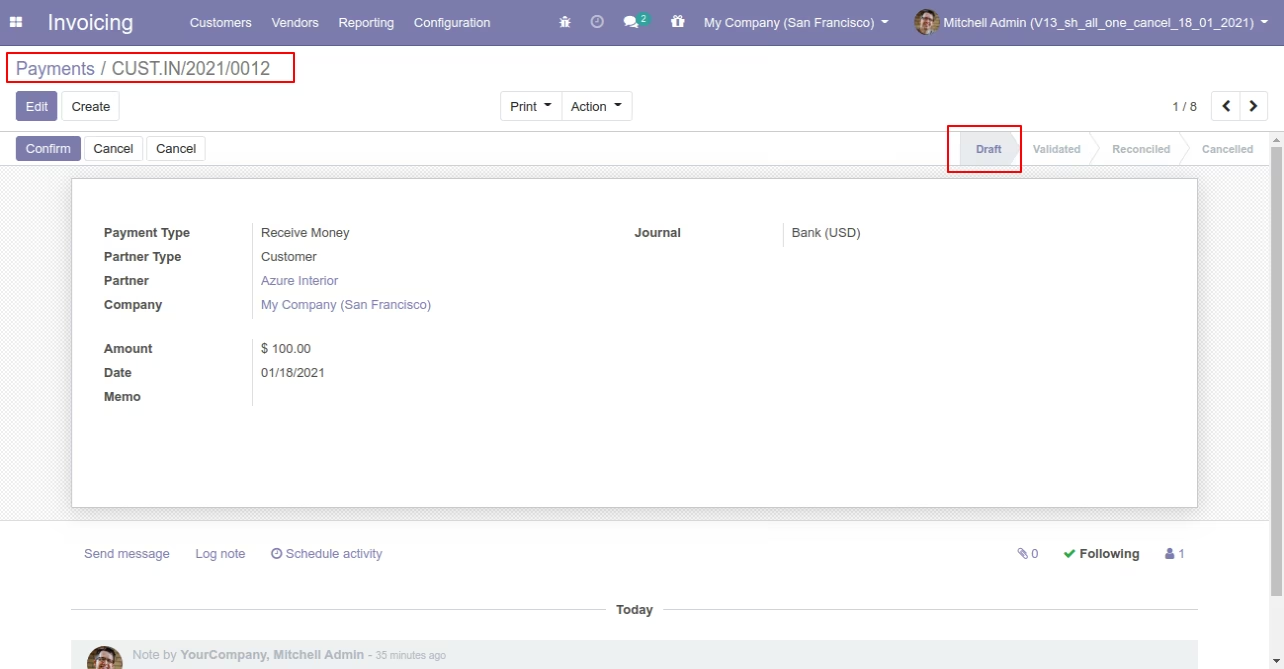
Flow - 3
When you want to cancel & delete the invoice & payment then choose the "Cancel and Delete" option.
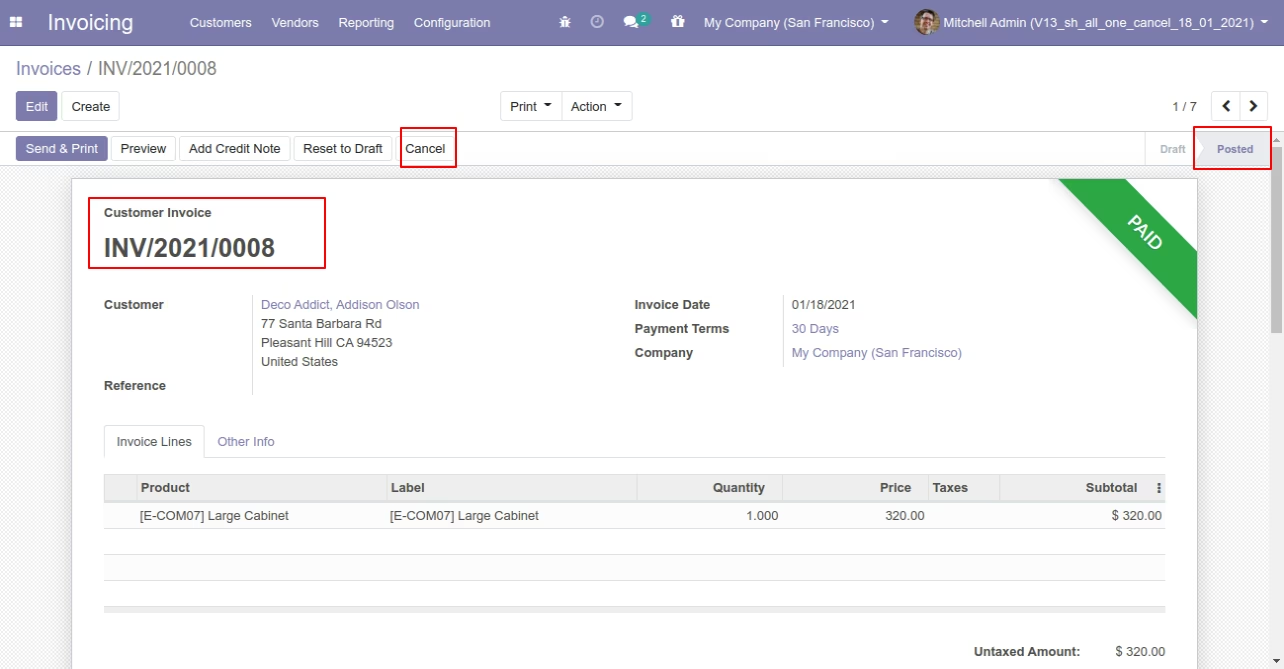
We cancel posted invoice.
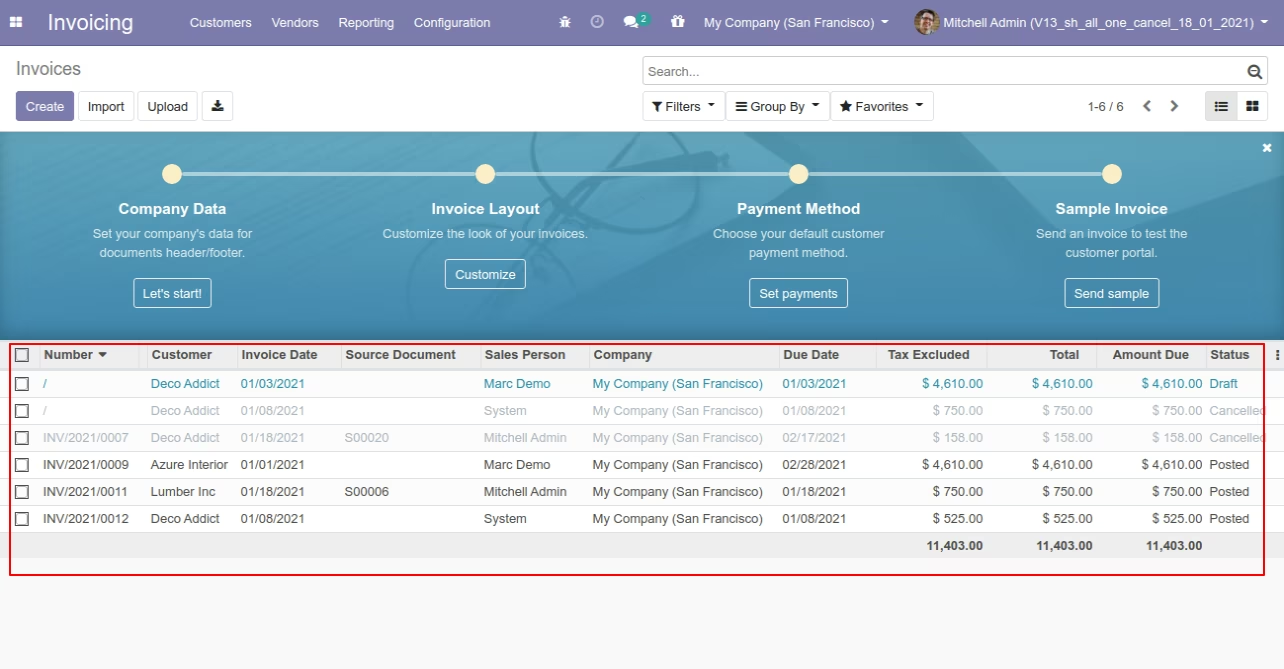
After the "Cancel" the invoice will be deleted.
We cancel validate payment.
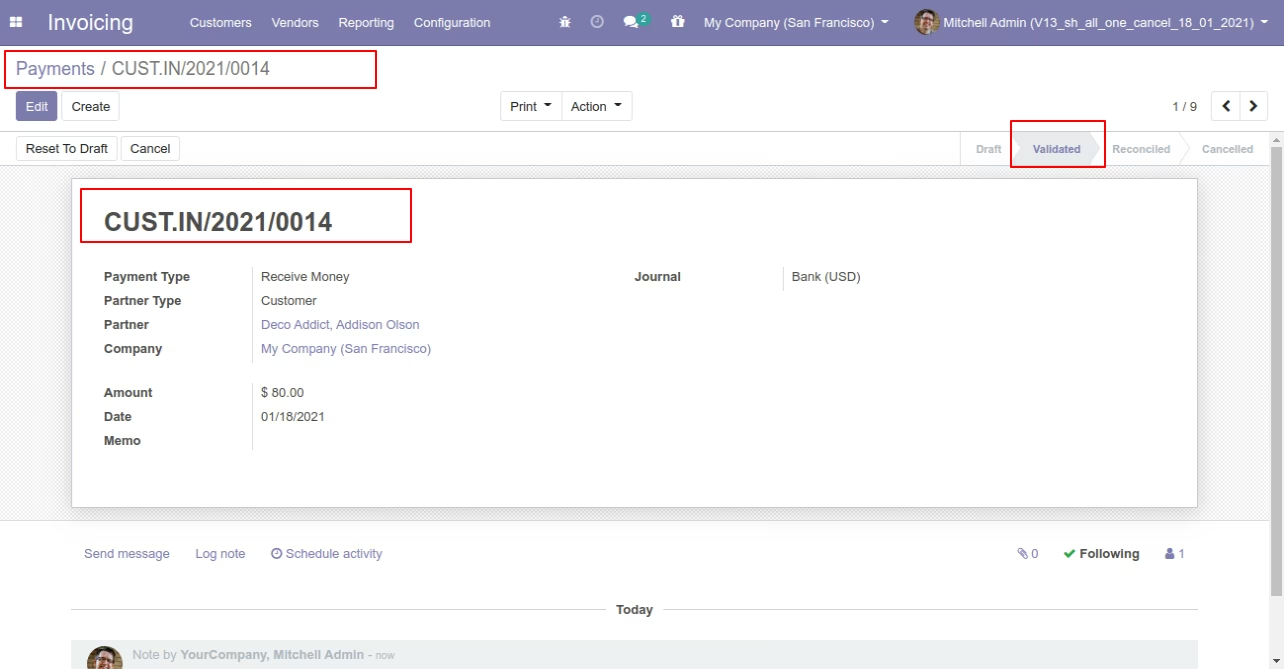
After the "Cancel" the payment will be deleted.
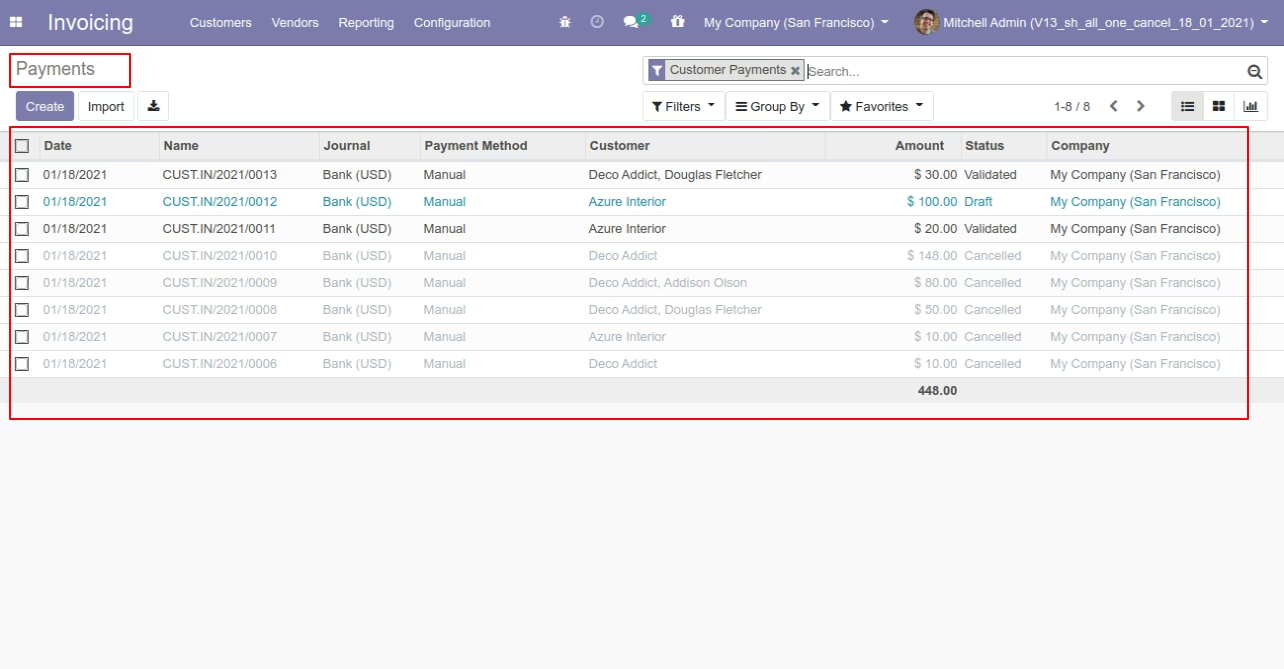
Now we cancel multiple invoices from the tree view.
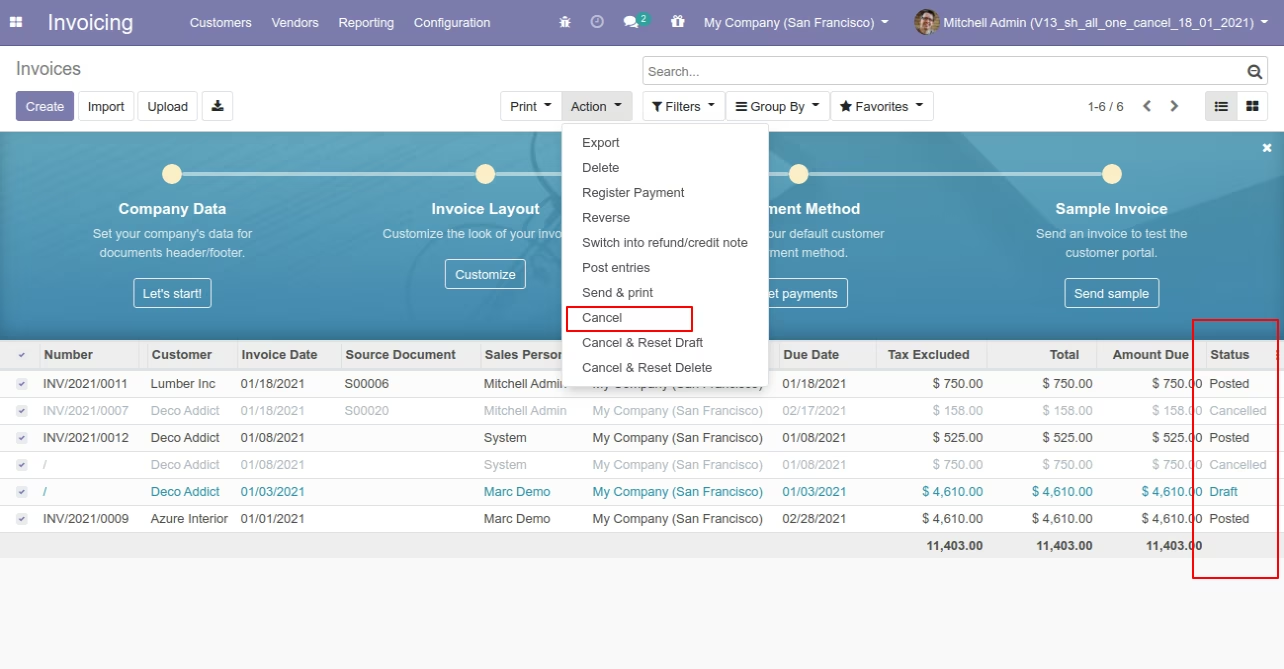
All selected invoices are cancelled.
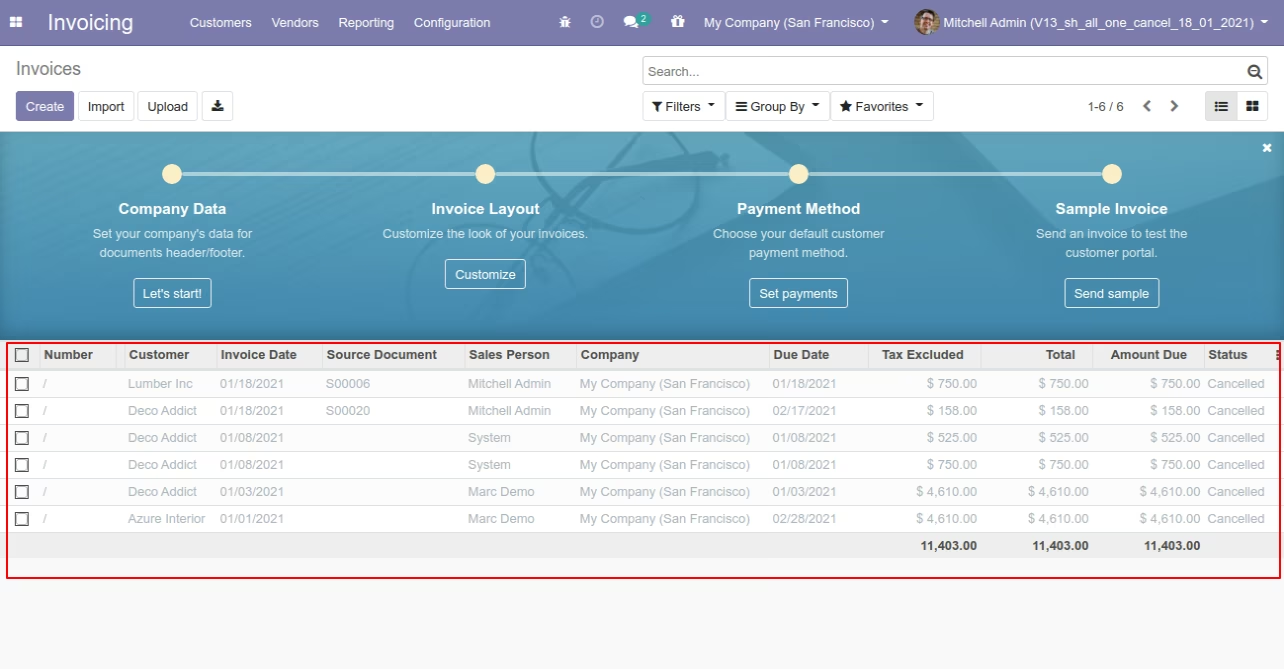
Now we "cancel & reset draft" multiple invoices from the tree view.
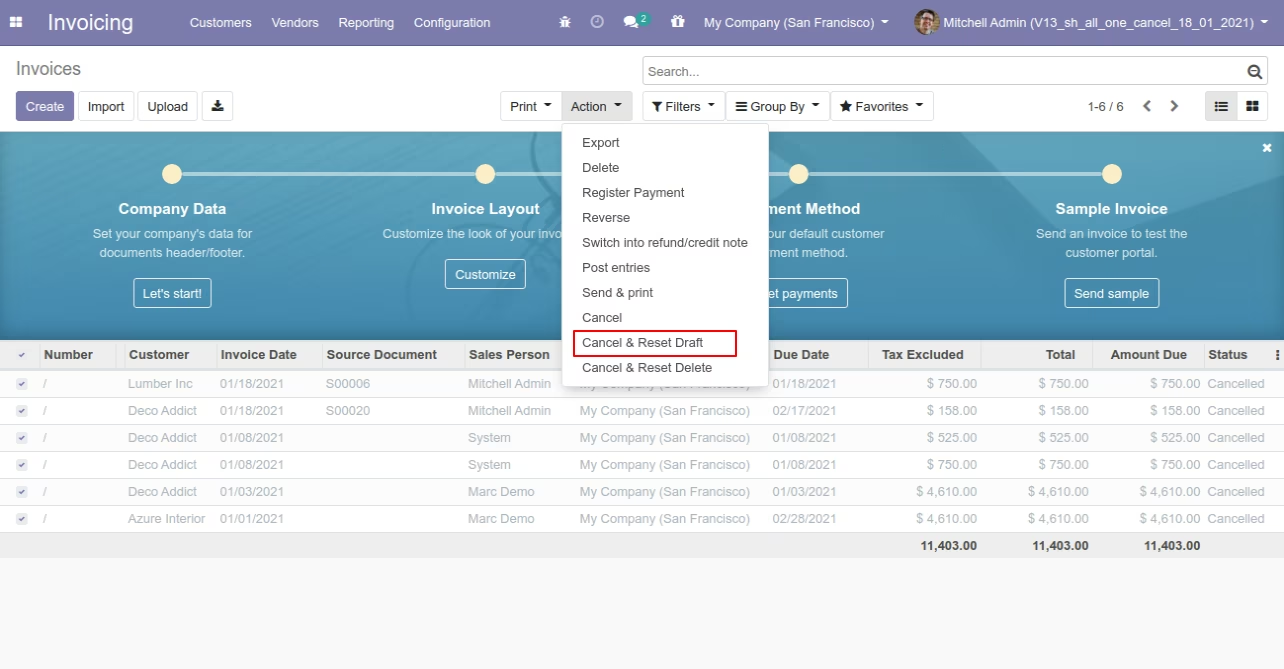
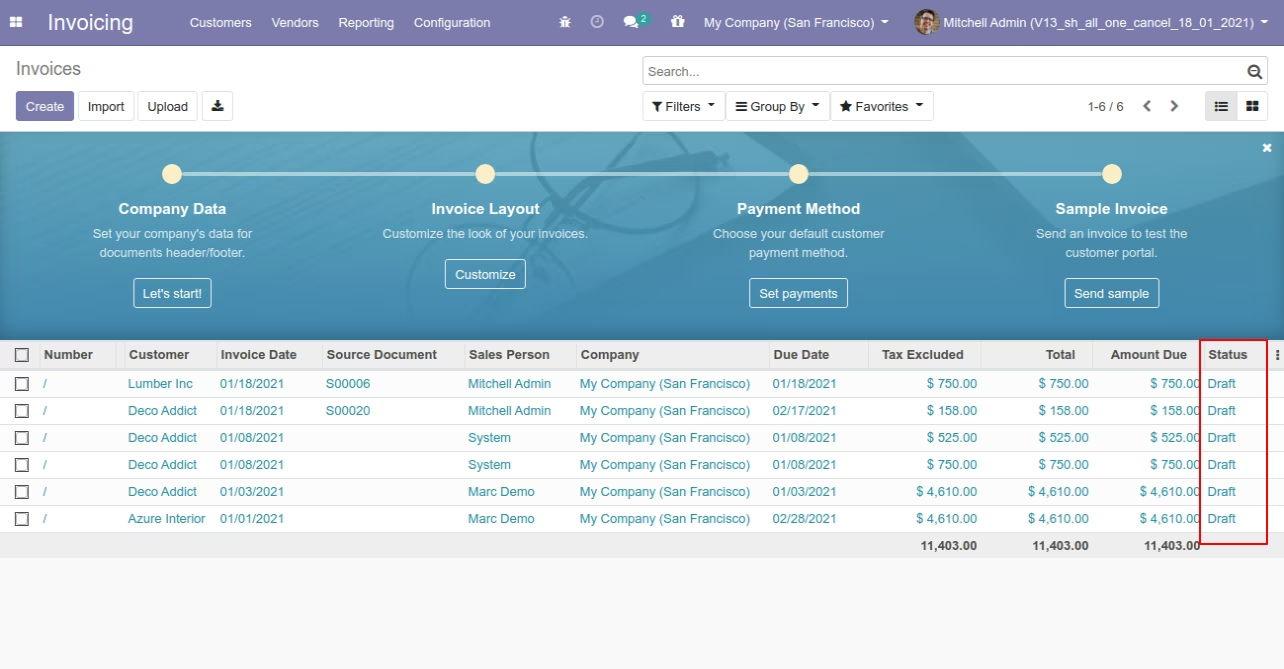
All selected invoices are cancelled and reset to the draft.
Now we "cancel & delete" multiple invoices from the tree view.
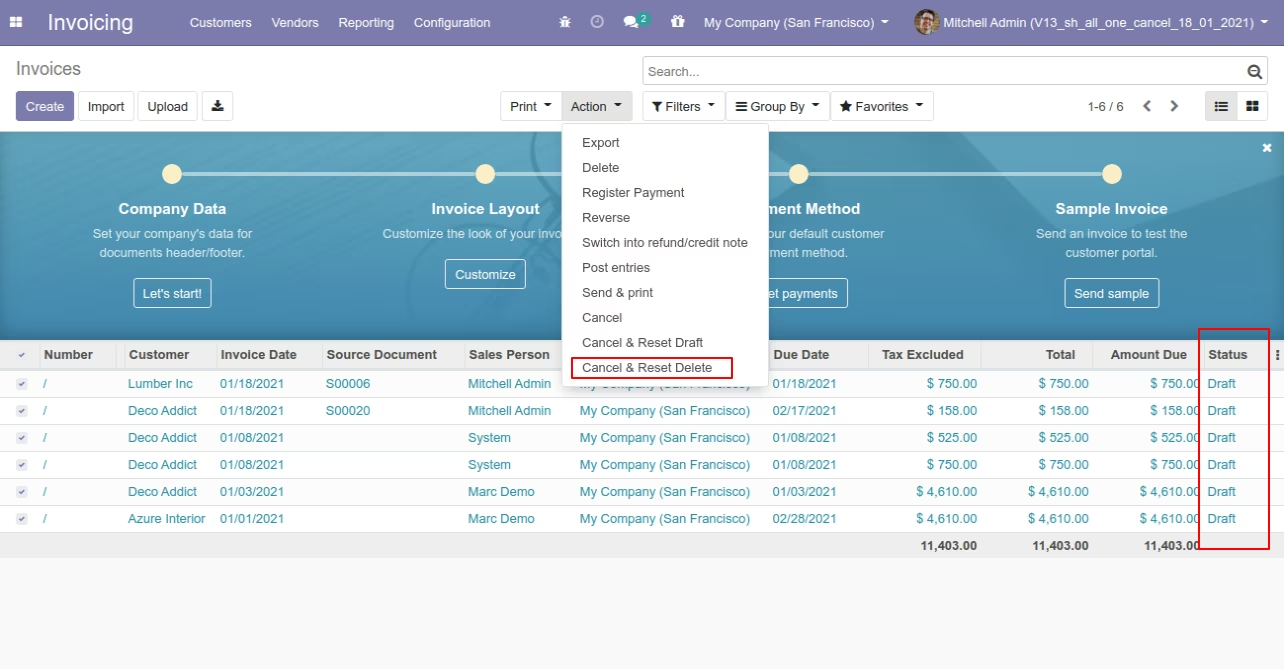
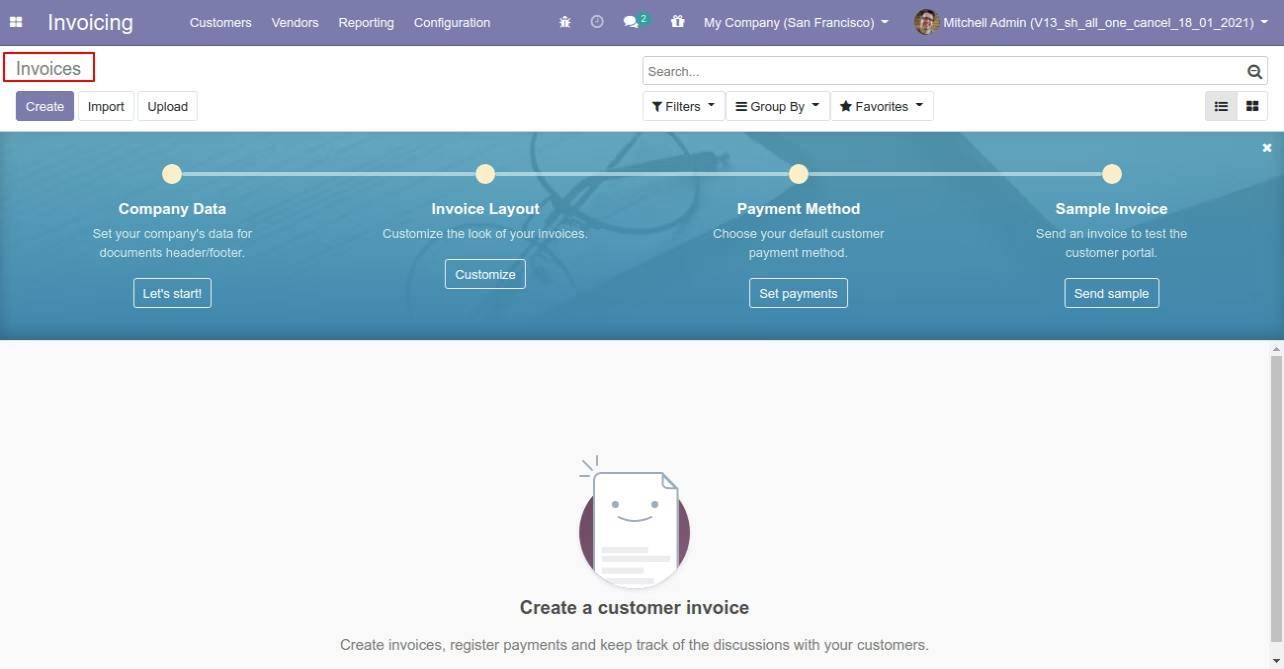
All invoices will be deleted after cancelled.
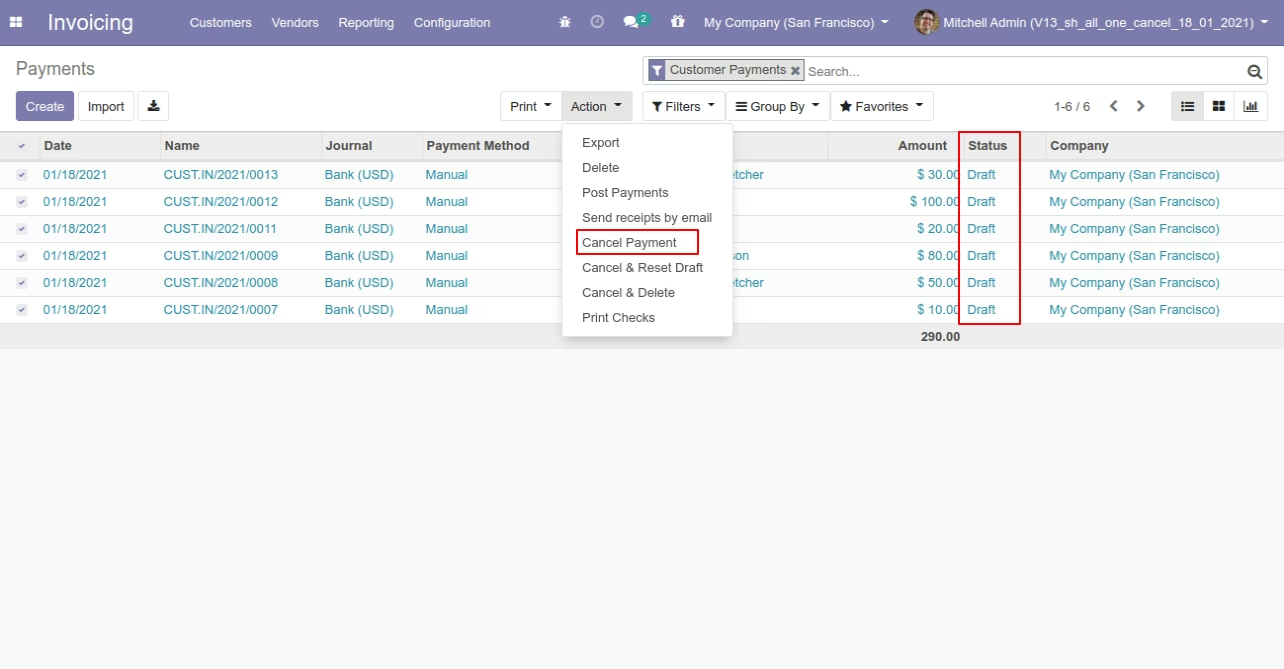
Now we "cancel & reset draft" multiple payments from the tree view.
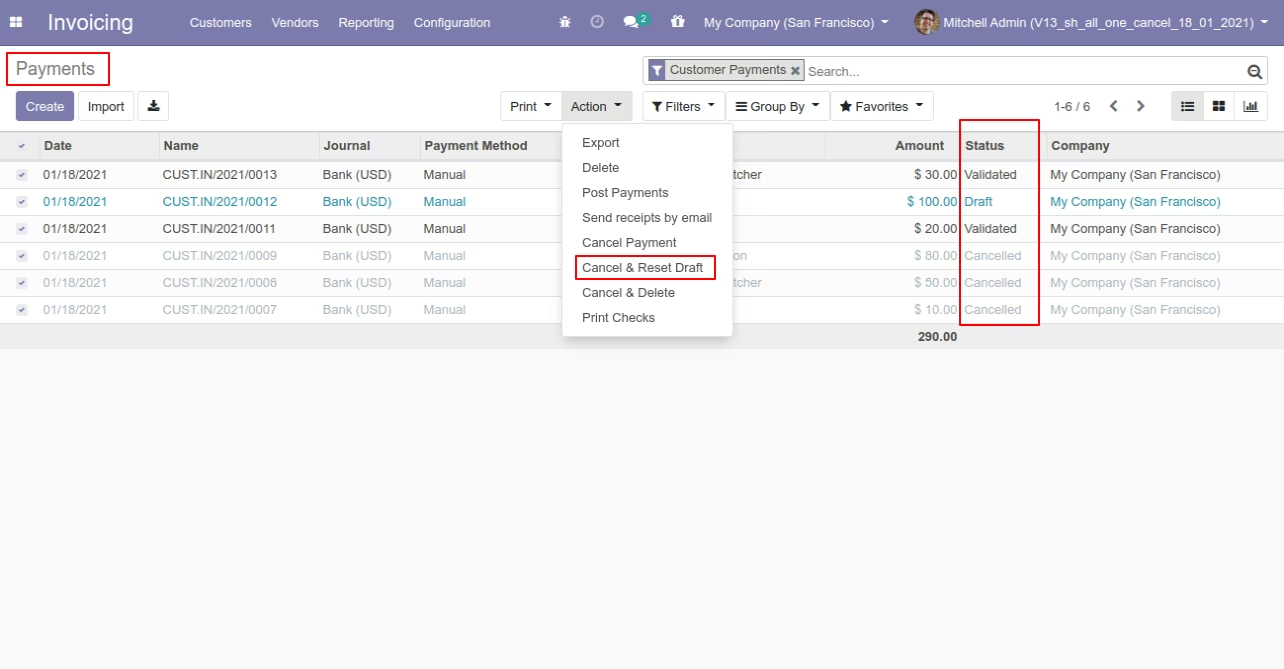
All selected payments are cancelled.
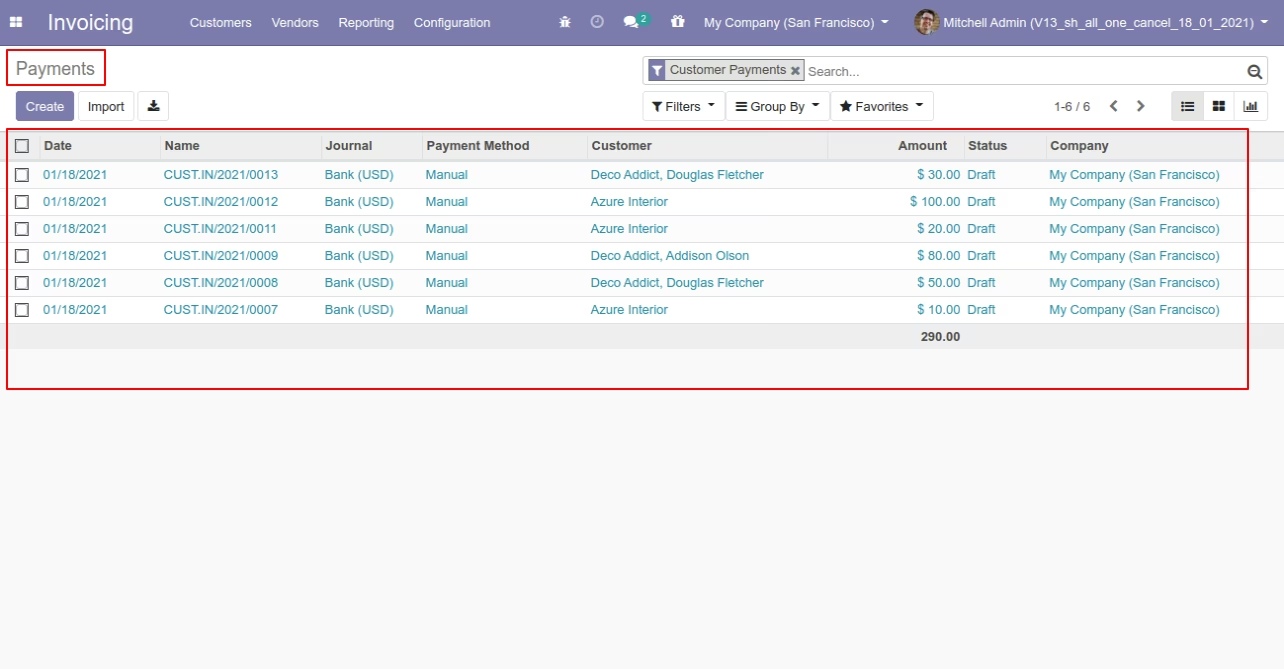
Now we "cancel & delete" multiple payments from the tree view.
All payments will be deleted after cancelled.