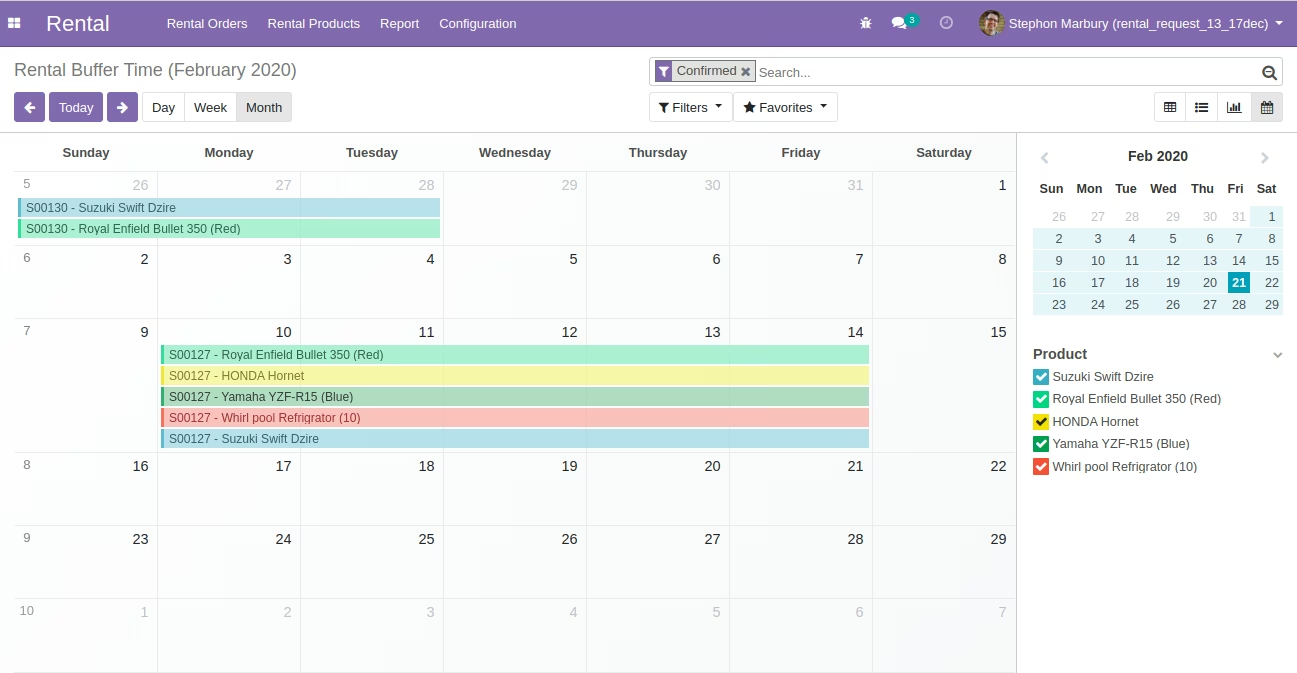
The extension helps businesses prevent back-to-back rentals without downtime by introducing configurable buffer intervals before or after booked rental periods. It builds on standard rental workflow enhancing service quality by automating mandatory downtime between rentals to ensure readiness and reduce operational friction.
Define buffer times before rental start and/or after rental end.
Apply buffer settings globally or per product or category, offering flexible availability control.
Automatically block out buffer periods on calendars and booking interfaces for cleaner scheduling.
Integrates seamlessly with Rental module and availability logic.
Enhances preparation workflows by reserving time for cleaning, inspections, or charging before the next rental.
Reduces risk of service quality issues by preventing rushed turnover.
Automates operational readiness between rentals for efficient workflows.
Lowers maintenance risks with organized downtime scheduling.
Improves customer fulfillment by avoiding scheduling overlaps.
Enhances website availability display with accurate blocked-out buffer time.
Supports smoother back-office rental operations with built-in pauses.
Product Rental Buffer Timings - App
Rental Buffer Start Time and Buffer End Time for rental products. Mainly used in case if you are renting items and before renting any item if you want to for example wash/clean products or if you want to reserve some time for previous customer return gap.. Same for buffer end time if you want to reservice product for next customer untill previous customer returns it and then you do some processing like cleaning, washing and ready for next order.
Main Features:
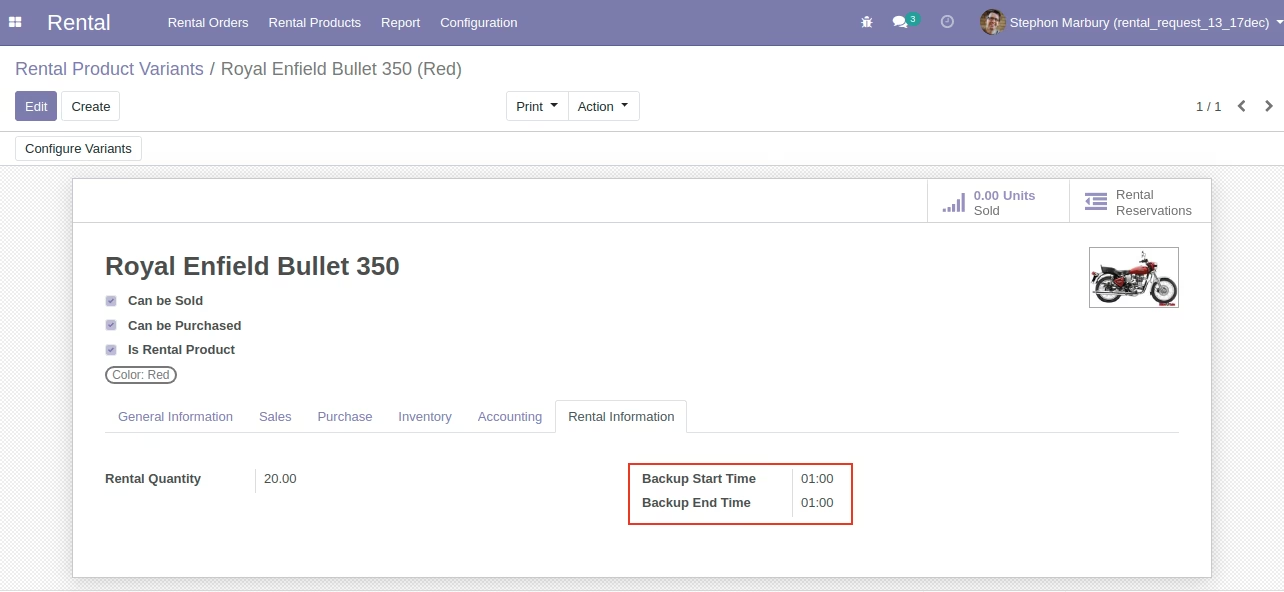
- If you set for example Buffer Start Time as 30 mins then your Reservation Backup Start Date Time will be reserve till 30 mins.
- If you set for example Buffer End Time as 30 mins then your Reservation Backup End Date Time will be reserve till 30 mins.
Menu Items:
- Rental
- Report
- Rental Buffer Time
- Report
- For more details on rental managment please see dependant app odoo_rental_request_management.
- For more details please see below screenshots and video
Product - Configure Backup Start time, Backup End time
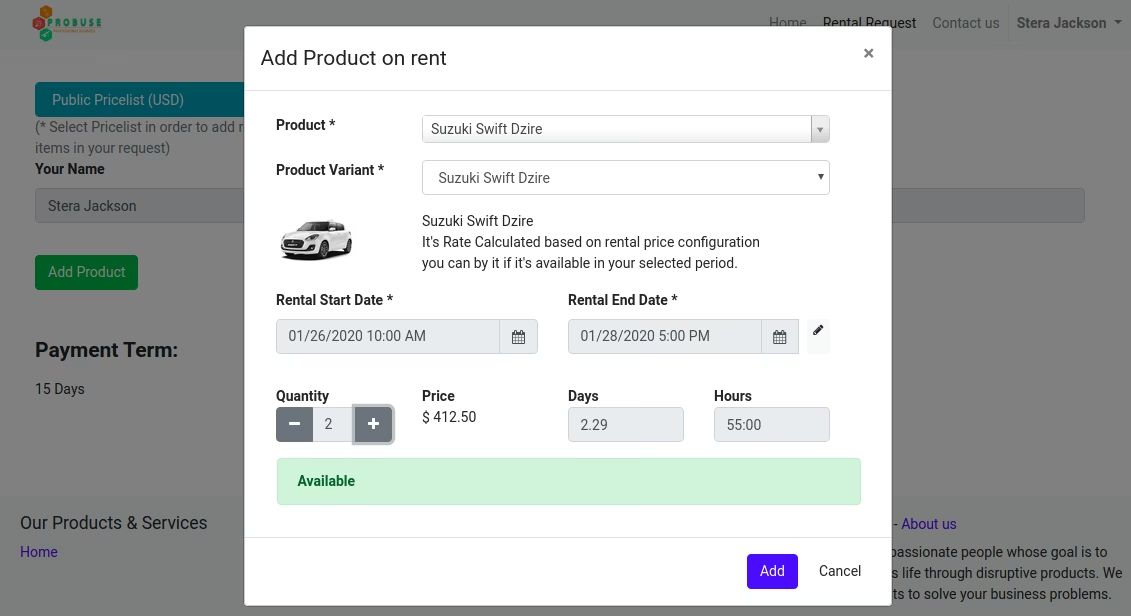
Rental Product Screen on Rental Request Web Page
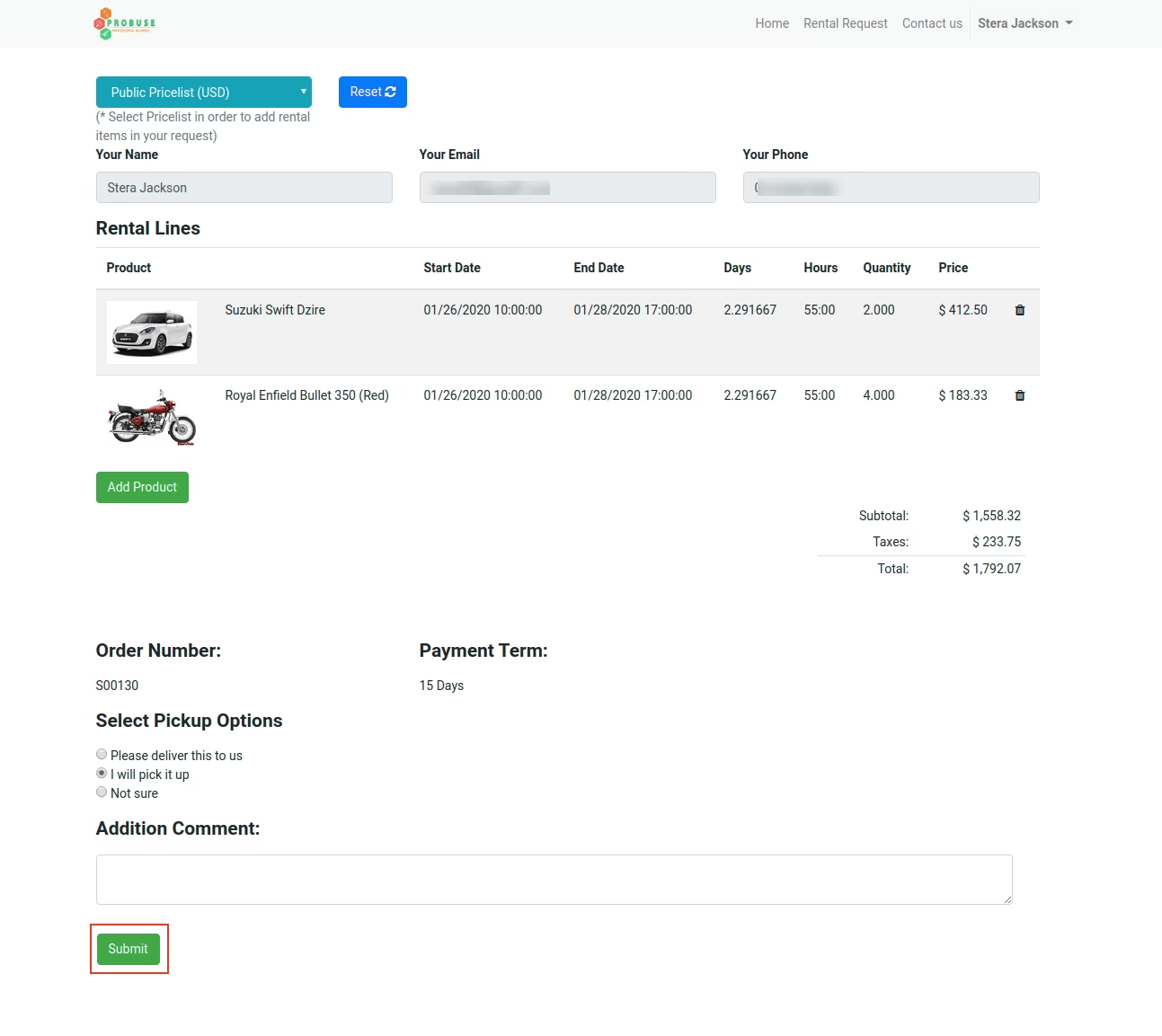
Submit Rental request after submitting Rental Request it will add buffer backup time
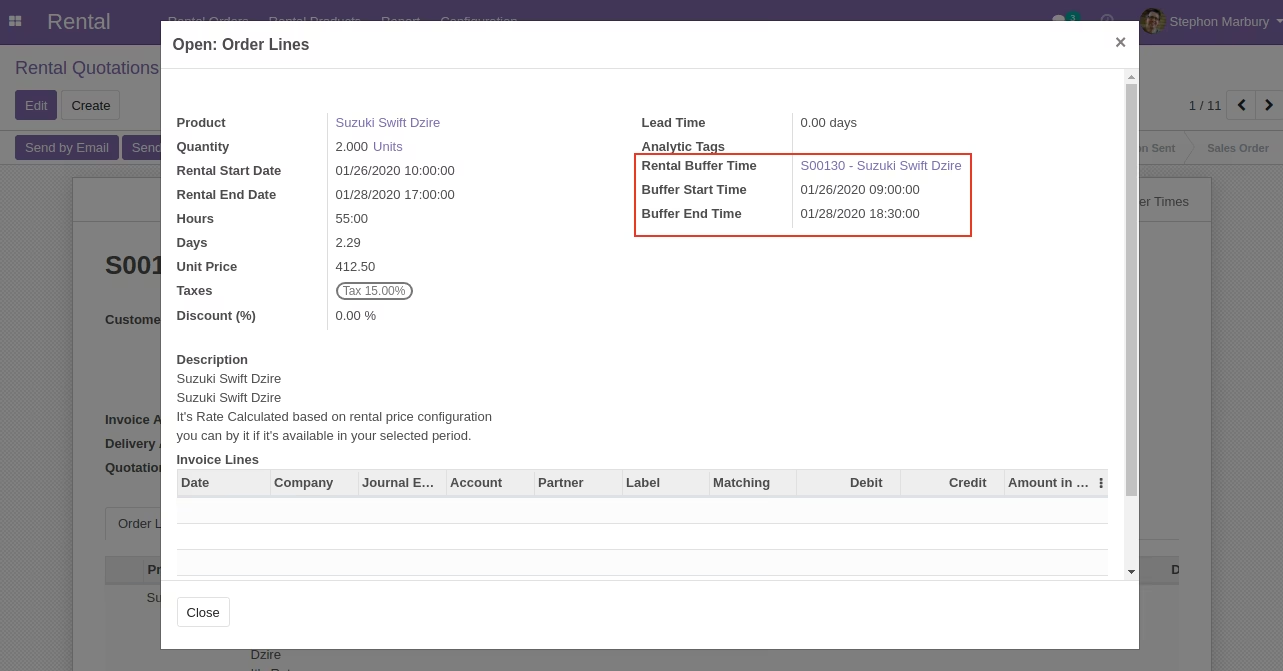
Showing Backup Start Datetime, Backup End Datetime on Sale Order Line
Added Backup Start Datetime, Backup End Datetime on Sale order line based on configured on product
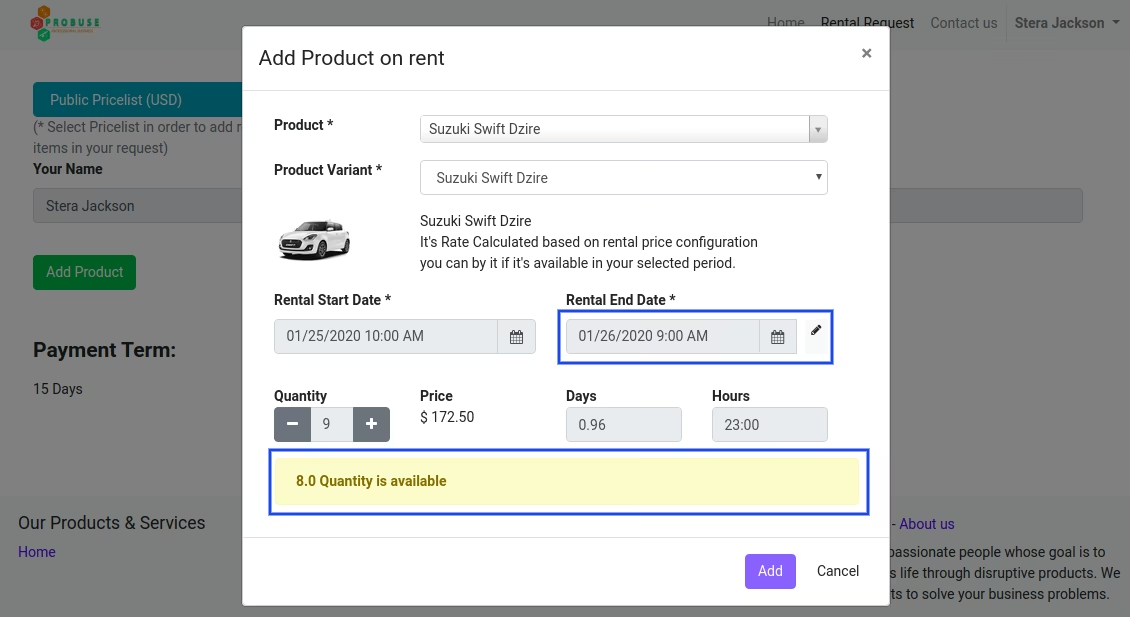
Show Reserved Quantity Warning Message
System will display Warning On Product Page when customer try to add quantity on Backup Start Datetime, Backup End Datetime for product. This will respect Backup Periods records on rental periods.
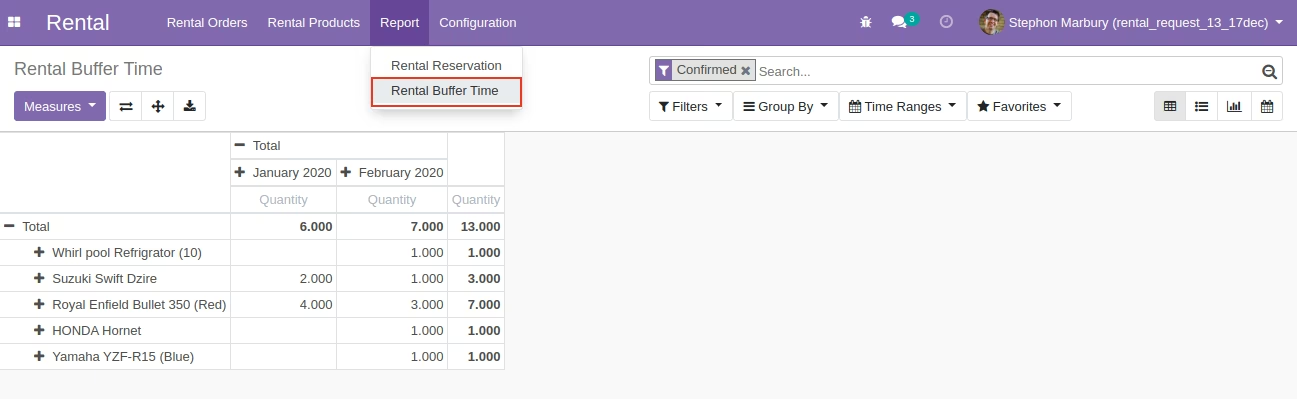
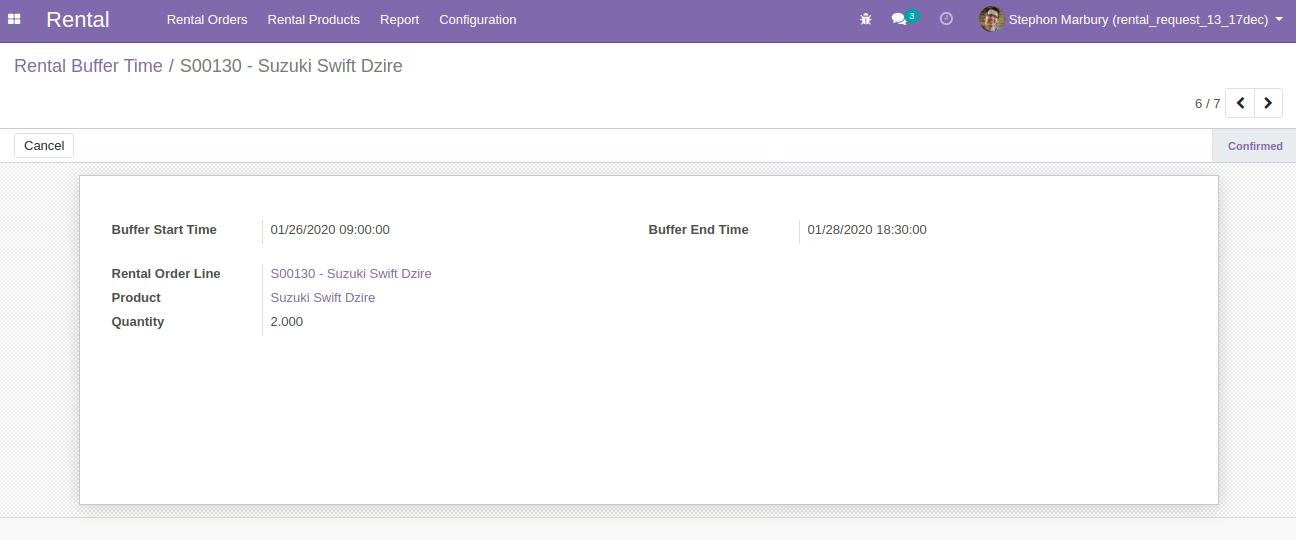
Buffer Time History
Rental Buffer Time Pivot Report
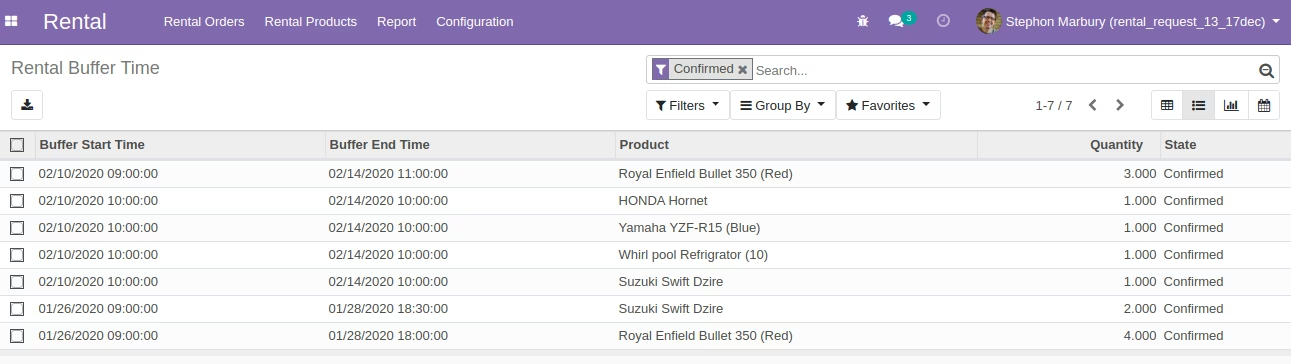
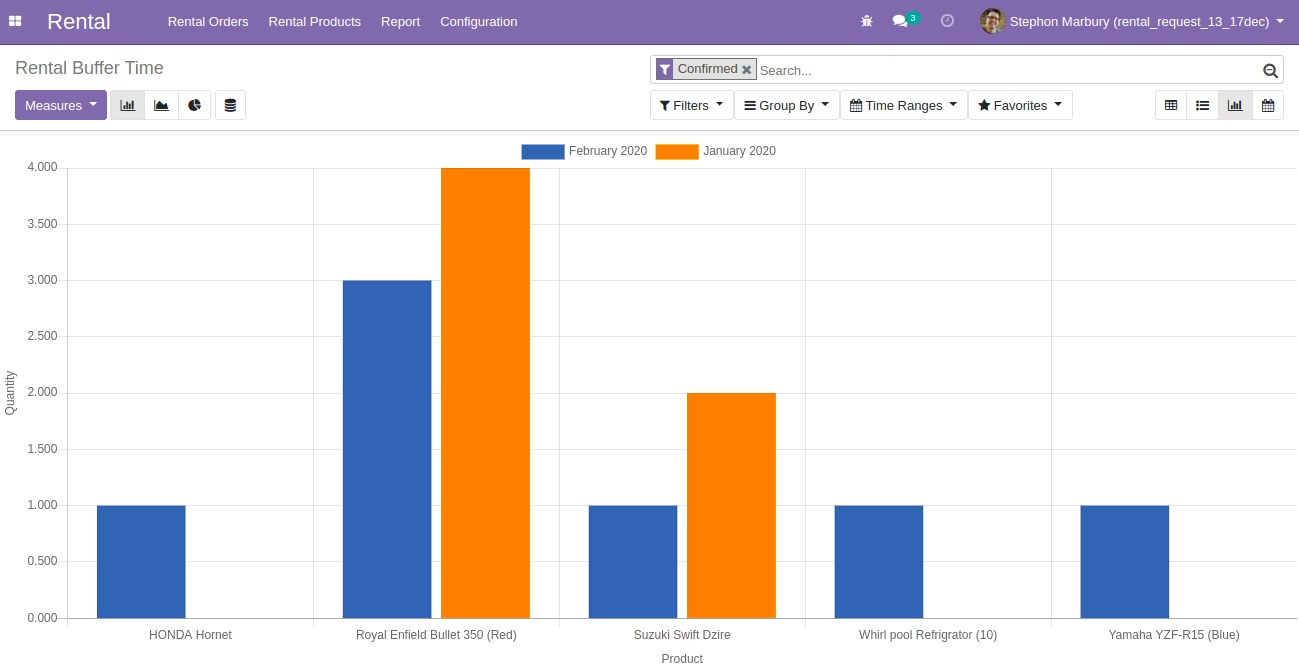
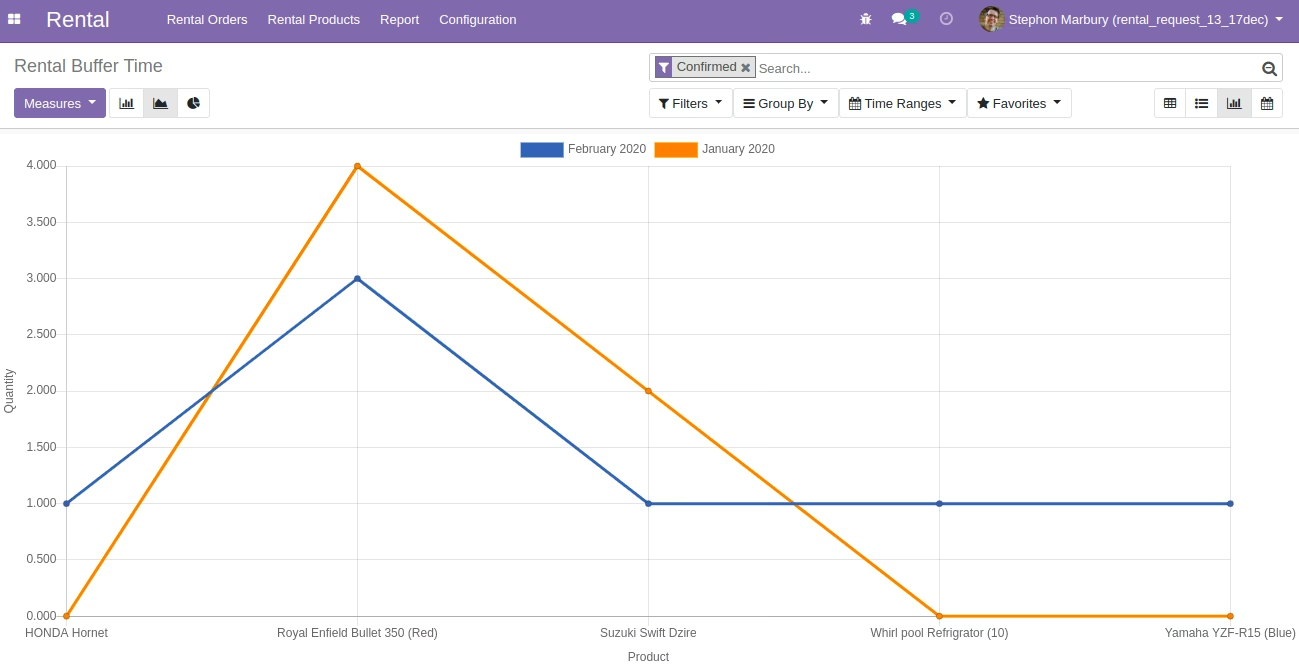
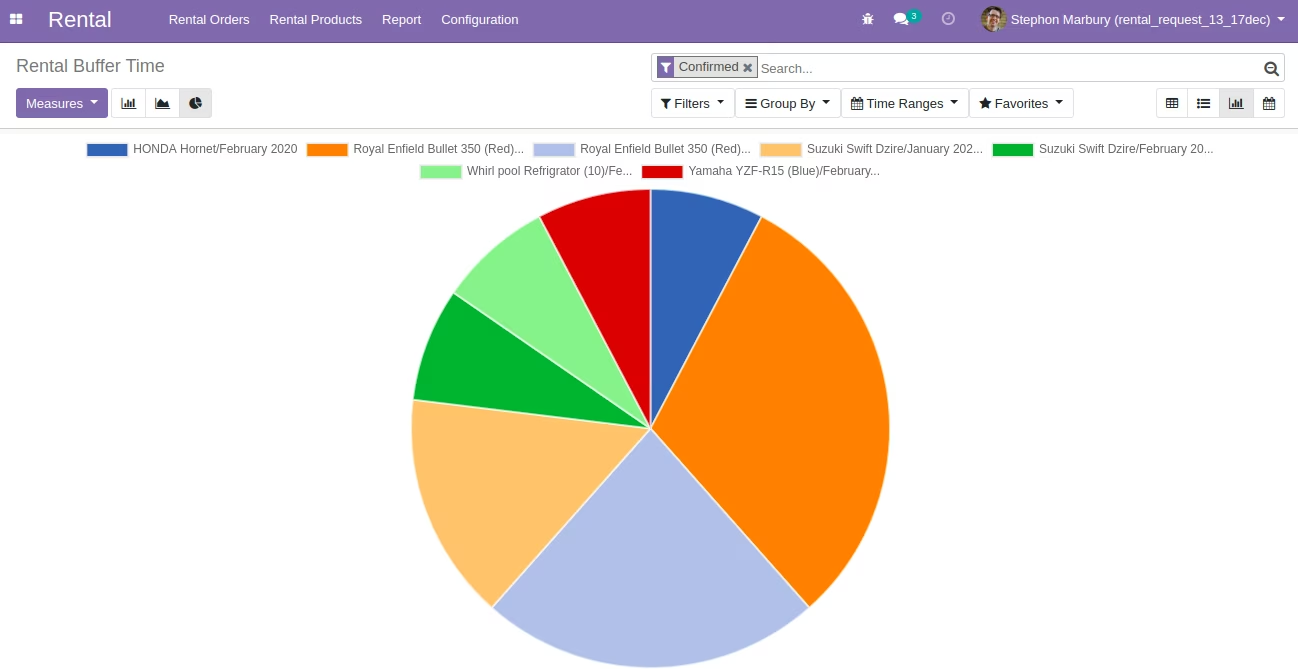
Rental Buffer Time Views
Rental Buffer Time Bar Graph View
Rental Buffer Time Line Graph View
Rental Buffer Time PIE Graph View
Rental Buffer Time Calendar View