The module enhances accounting capabilities by introducing a clean, intuitive reconciliation interface modeled after QuickBooks. It brings manual control back to reconciliation by enabling users to set opening and closing balances, manually mark matching transactions, and edit entries on the fly. This approach streamlines complex matching workflows and delivers clarity and accuracy in financial closing processes.
Present a QuickBooks style manual reconciliation interface for intuitive matching
Allow setup of reconciliation period by selecting opening and closing balances
Enable manual check-marking of matching entries for flexibility and precision
Provide filters, sorting, and search options to quickly locate transactions
Display running difference that clears to zero when entries are balanced
Offer the ability to save incomplete reconciliation sessions and resume later
Simplify reconciliation workflows with a clean, accountant-friendly interface
Improve accuracy by letting users manually validate matches and revise discrepancies
Enhance visibility and navigation through search, filters, and sorting functionalities
Support multi-step reconciliation with “save and continue” flow for large volumes
Ensure reconciliation completeness by zeroing differences when entries align perfectly

Manual Reconciliation Manual Reconciliation
Our Manual Reconciliation module offers a Quickbooks-inspired, user-friendly view, ensuring accuracy and efficiency in every transaction.
Experience seamless reconciliation with Manual Reconciliation module. Transforming complexity into simplicity, our Quickbooks-inspired interface ensures an intuitive and efficient reconciliation process. Boost productivity and accuracy effortlessly.
Choose Marketplace
A QuickBooks-like interface offers simple tools for invoicing, expense tracking, and financial reporting with a clean, intuitive dashboard.
Multi company & multi currency support
Supports multi-company management and multi-currency transactions for seamless global operations.
Filters, Search & Sorting
A QuickBooks-like interface provides filters, search, and sorting features for seamless data management across invoices, expenses, and reports.
Save for later
Save unfinished reconciliation and finish later
Core Functionality

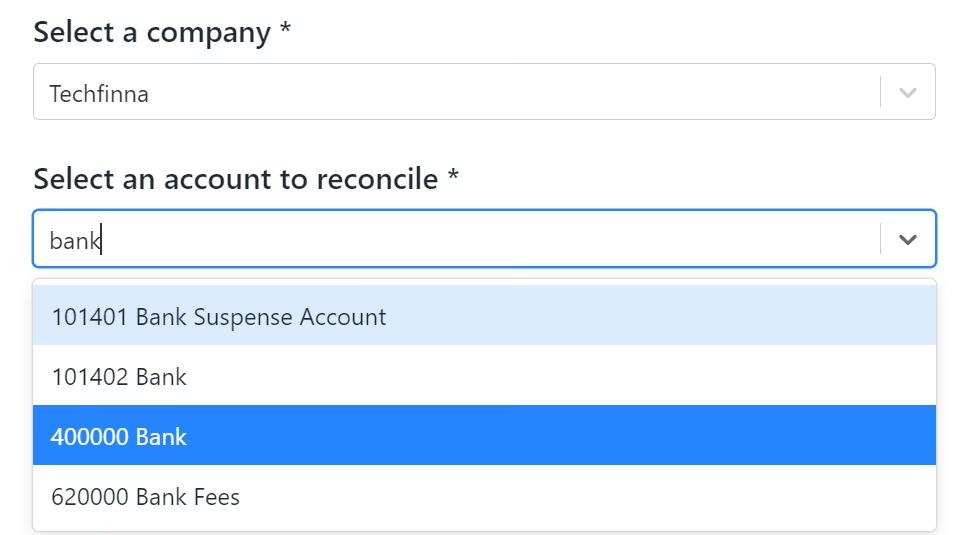
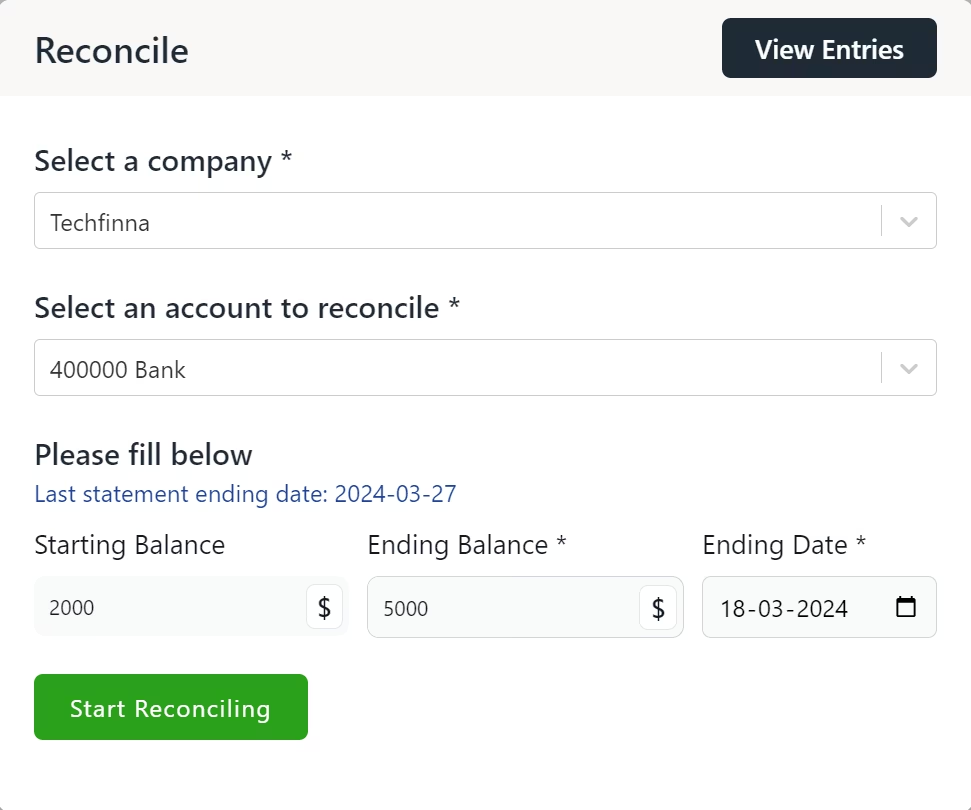
Easily select company and its accounts.
Very easy to select company and accounts thanks to inbuilt search functionality
Set Opening & Closing Balance for Reconciliation
Select Opening and closing balance and date till you want to reconcile.
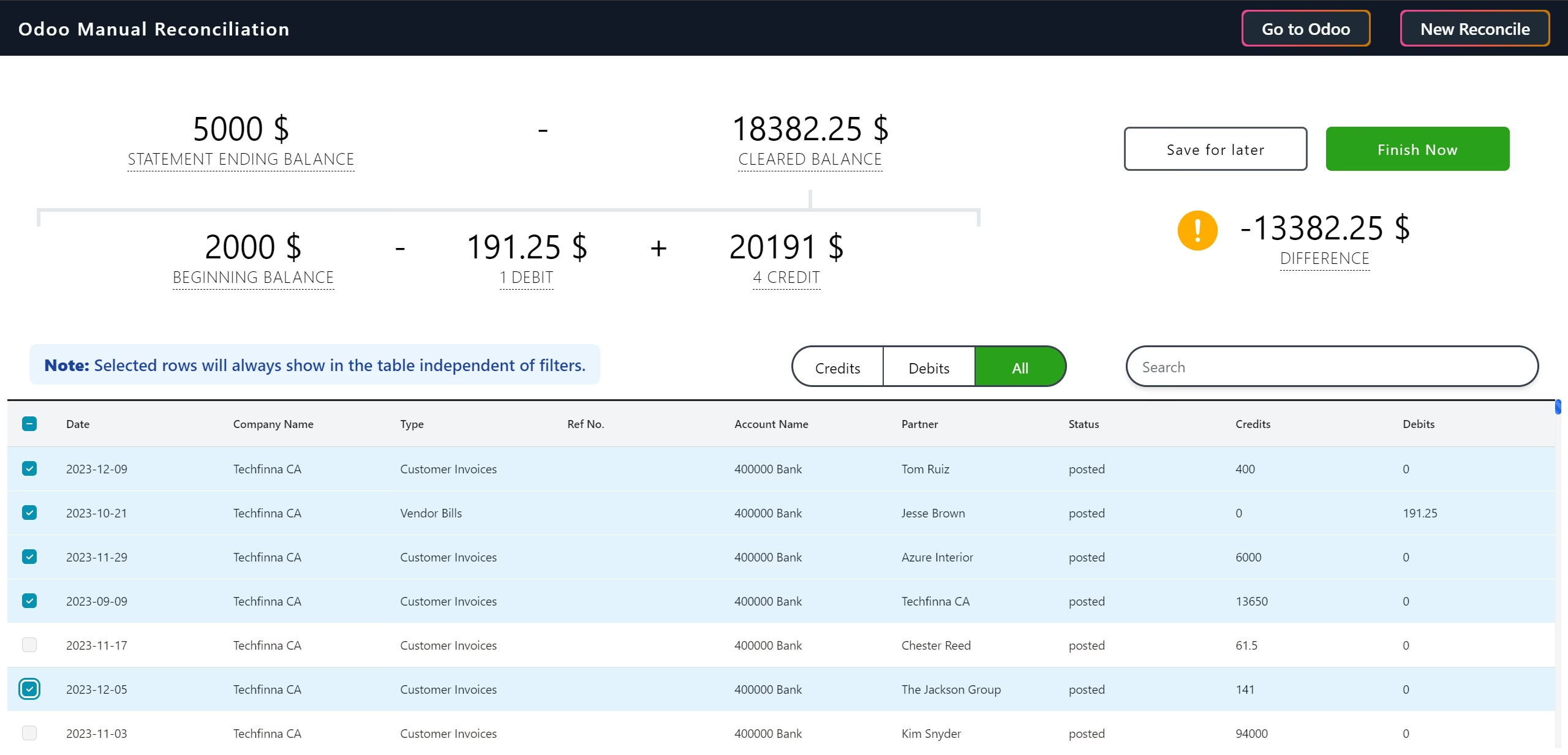
Manually checkmark the entries that match.
Highlighted selections makes it easy to keep track.
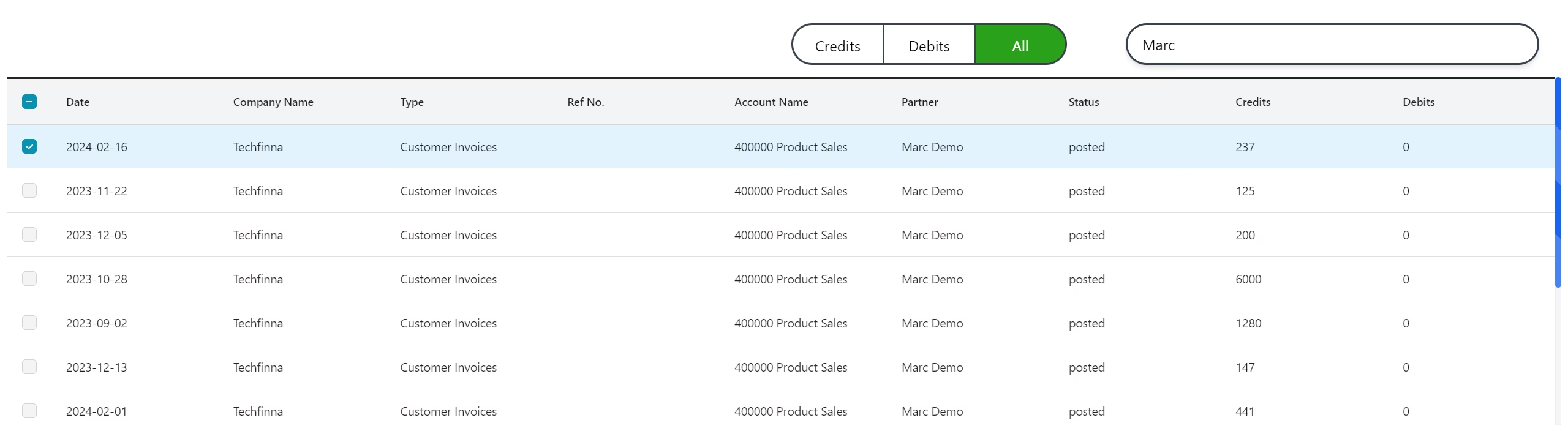
Use filters and search to easily find invoices.
find invoices easily using global search, filters and sorting
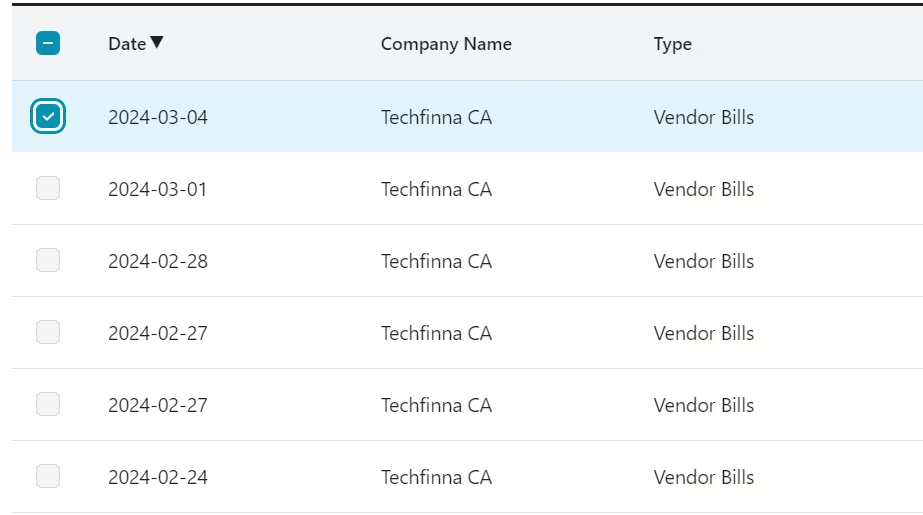
Sort by columns of the tables.
Quick sort by date, ref no, credits & debits.
Save session and continue later
Too much invoices to check? Just click on save for now and continue it from here next time.
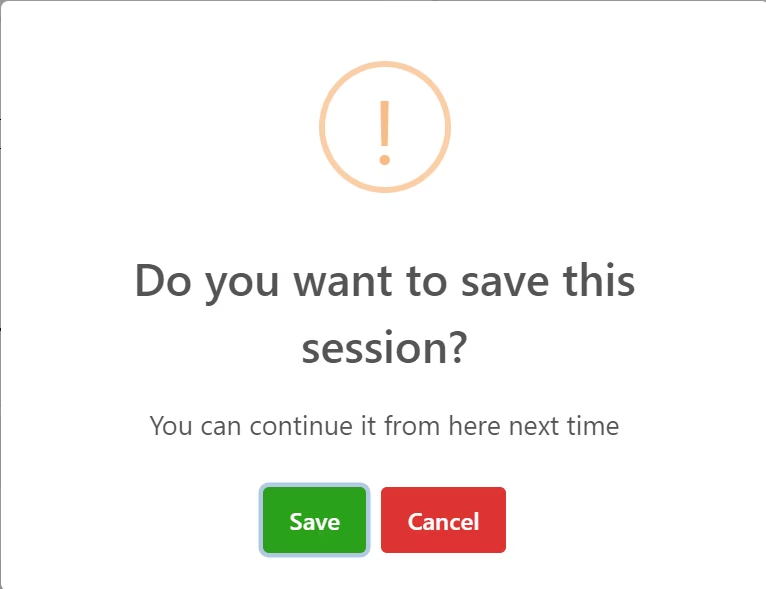
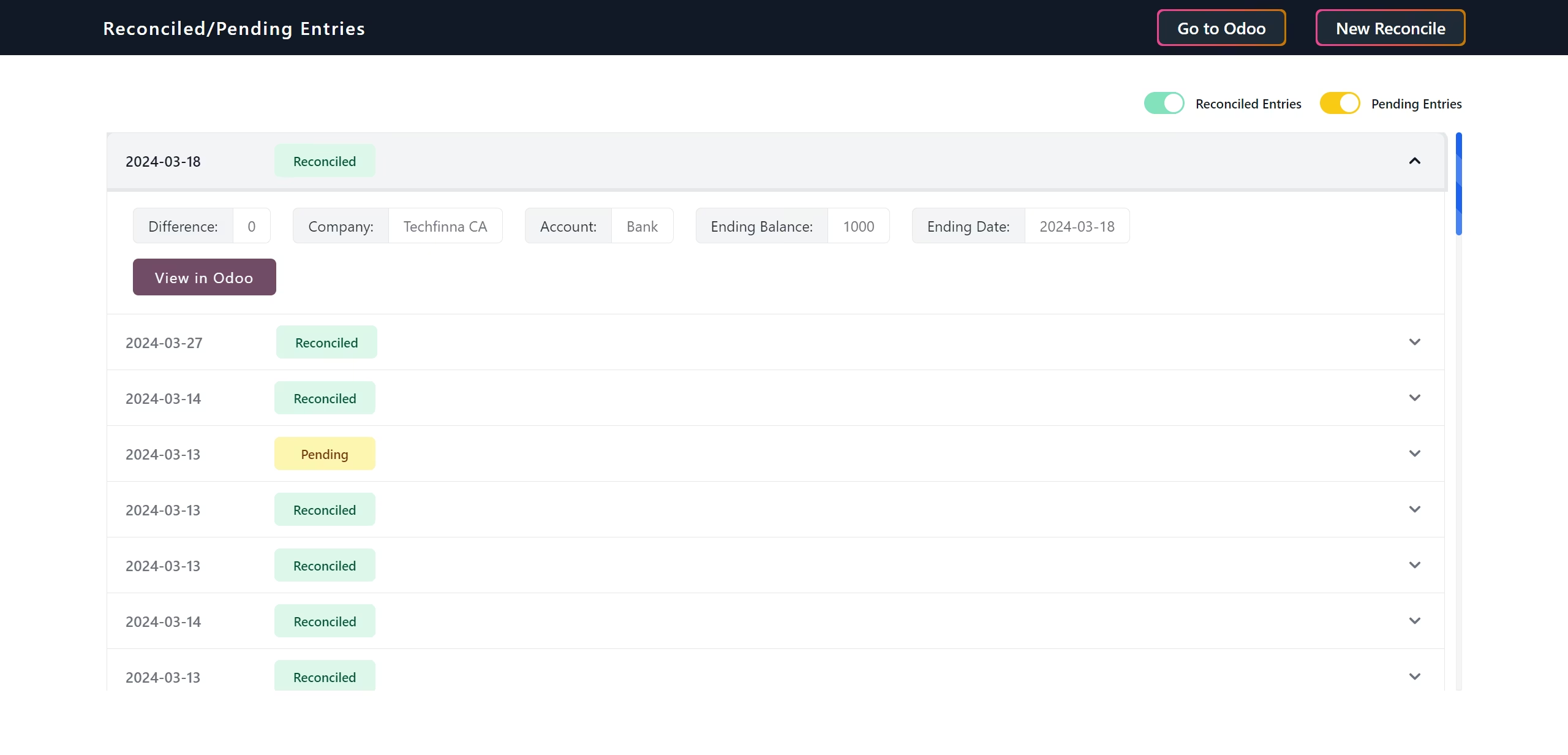
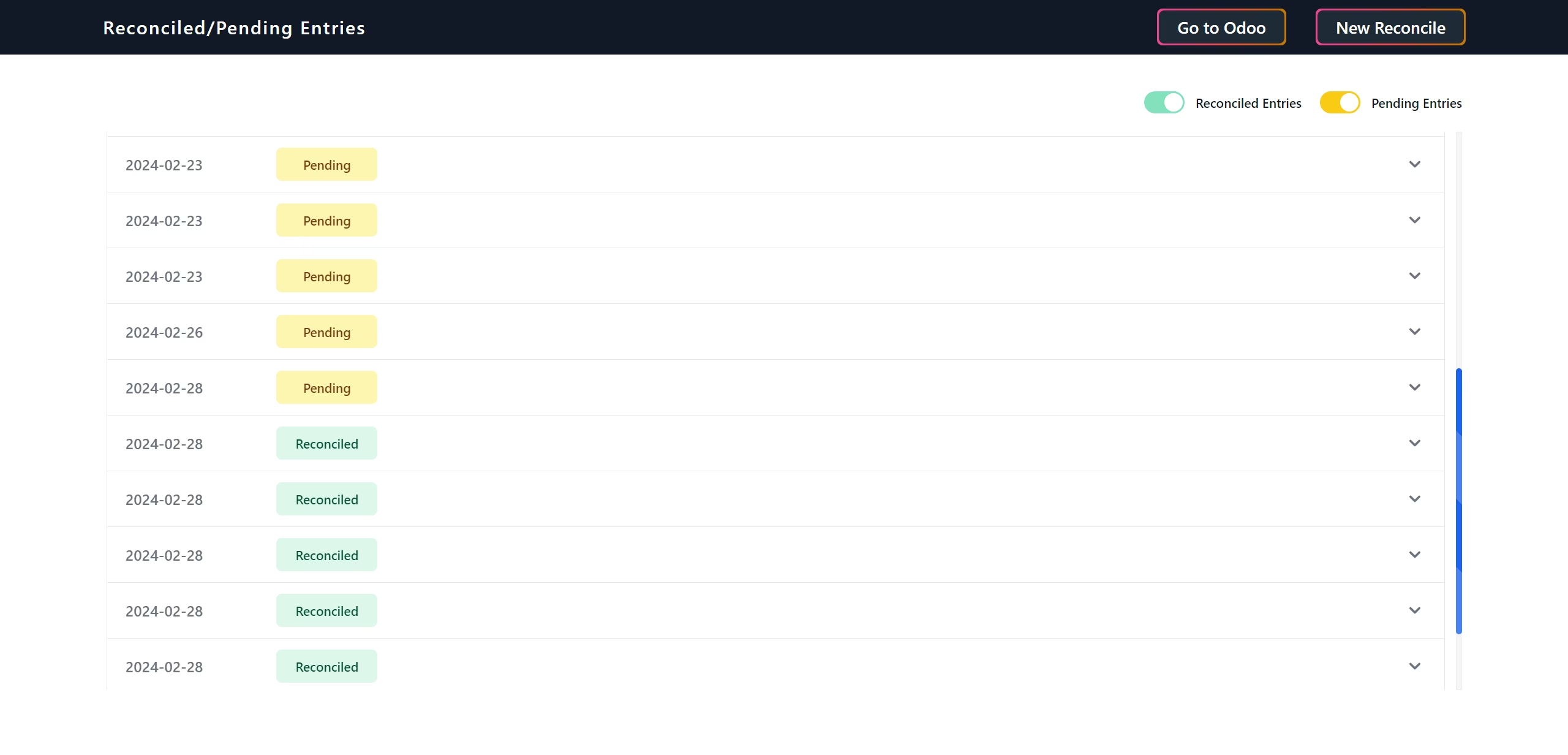
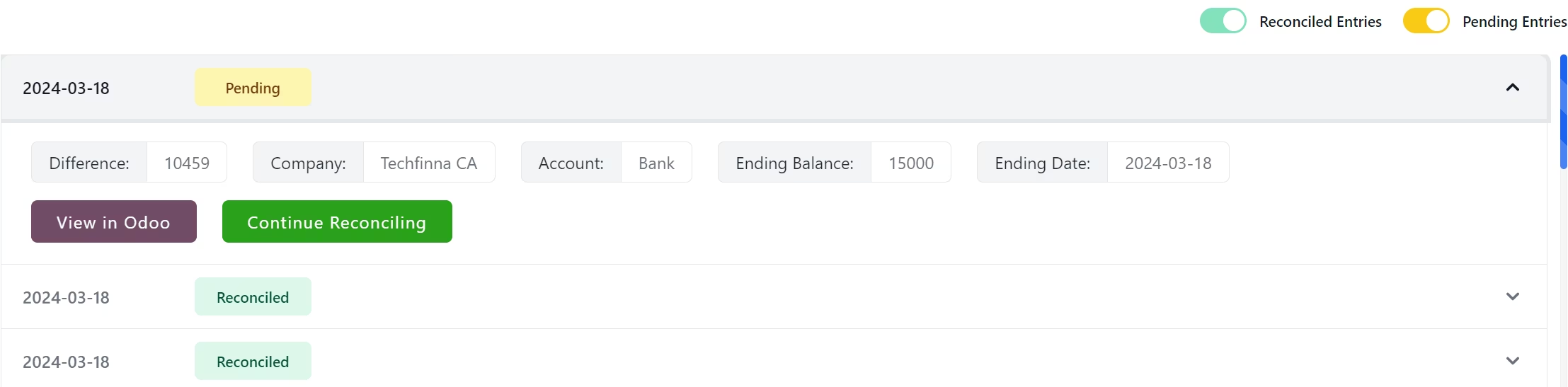
Continue unfinished reconciliation
Click on continue to reconicle to finish pending entries anytime you want.
Make the difference zero
The difference will become ZERO when transactions match for the period.
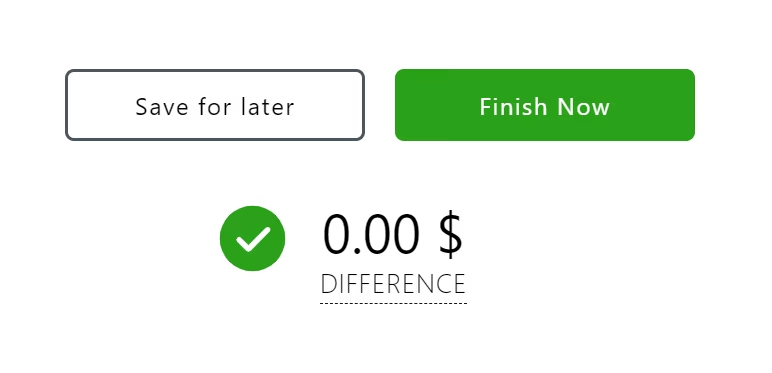
Finish to reconcile.

Get reports in module.
Get finished and pending entries. Click on View in to show detailed report.