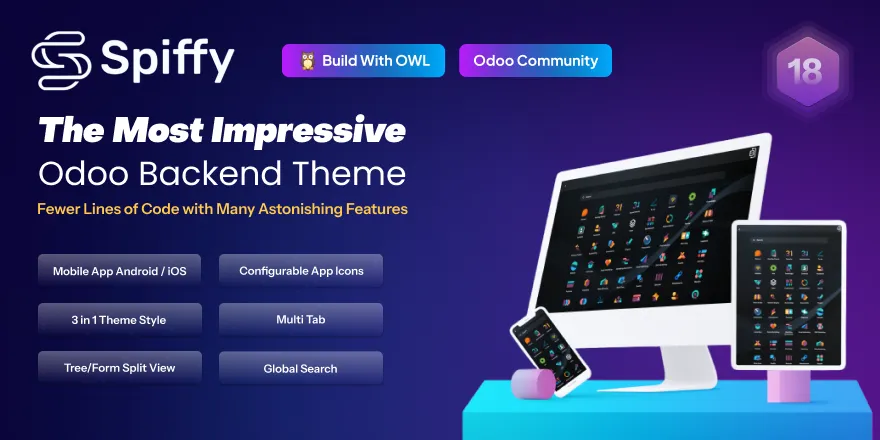
The Backend Community Theme is a powerful administrative UI theme for Community Edition that completely transforms your backend experience. Designed to improve usability, readability, and productivity, enhances the native interface with versatile layout options, responsive design and intuitive tools.
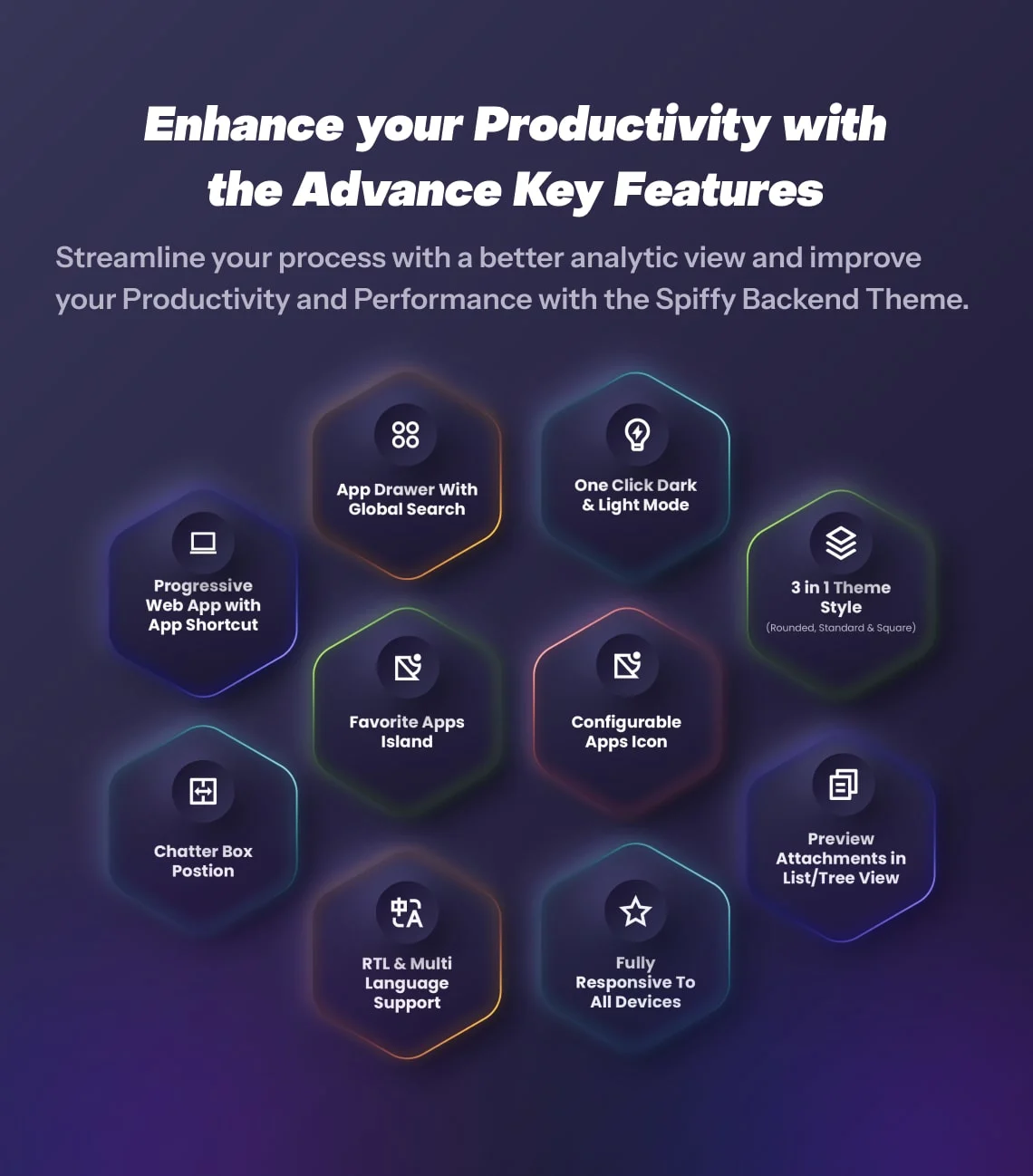
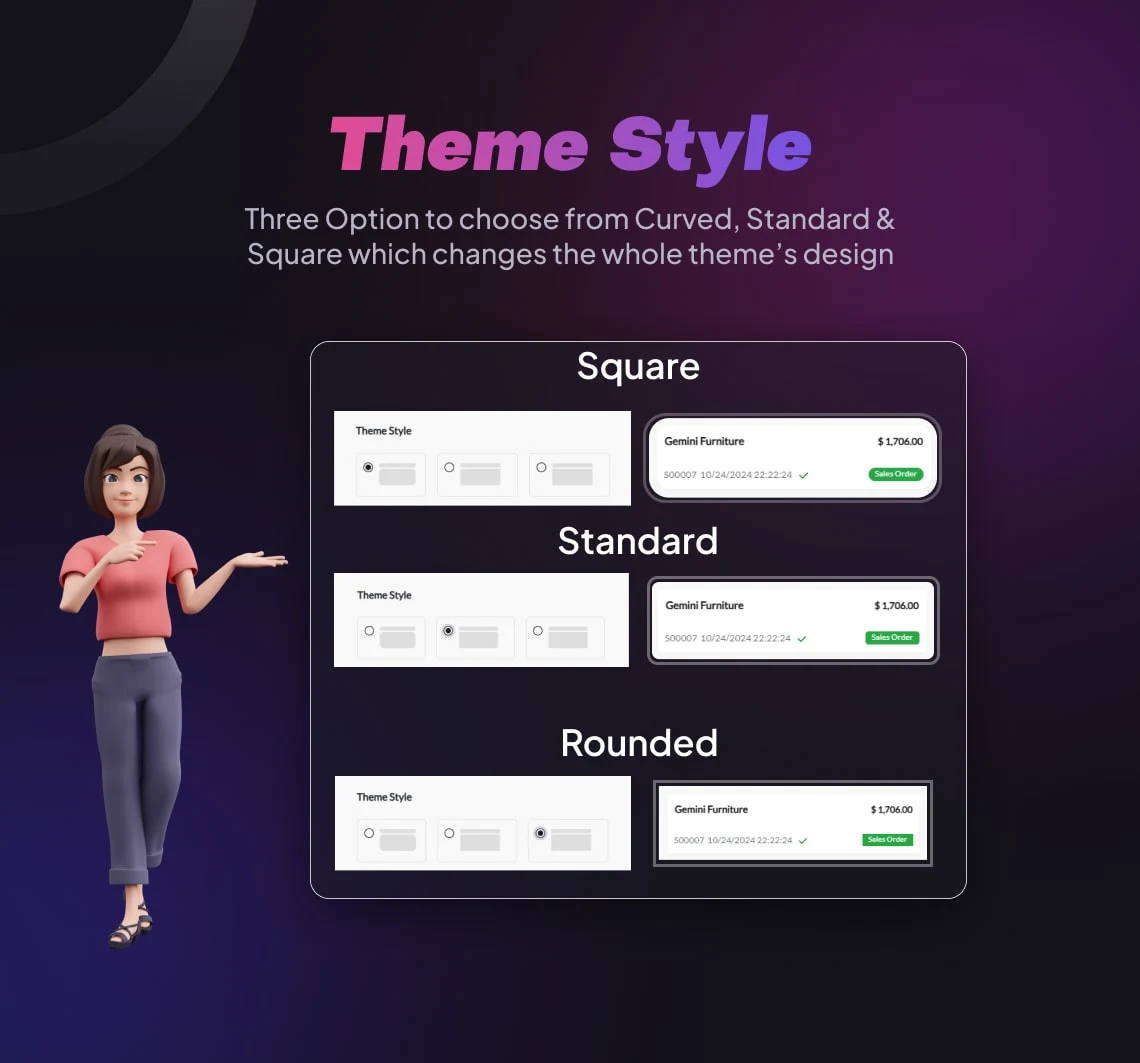
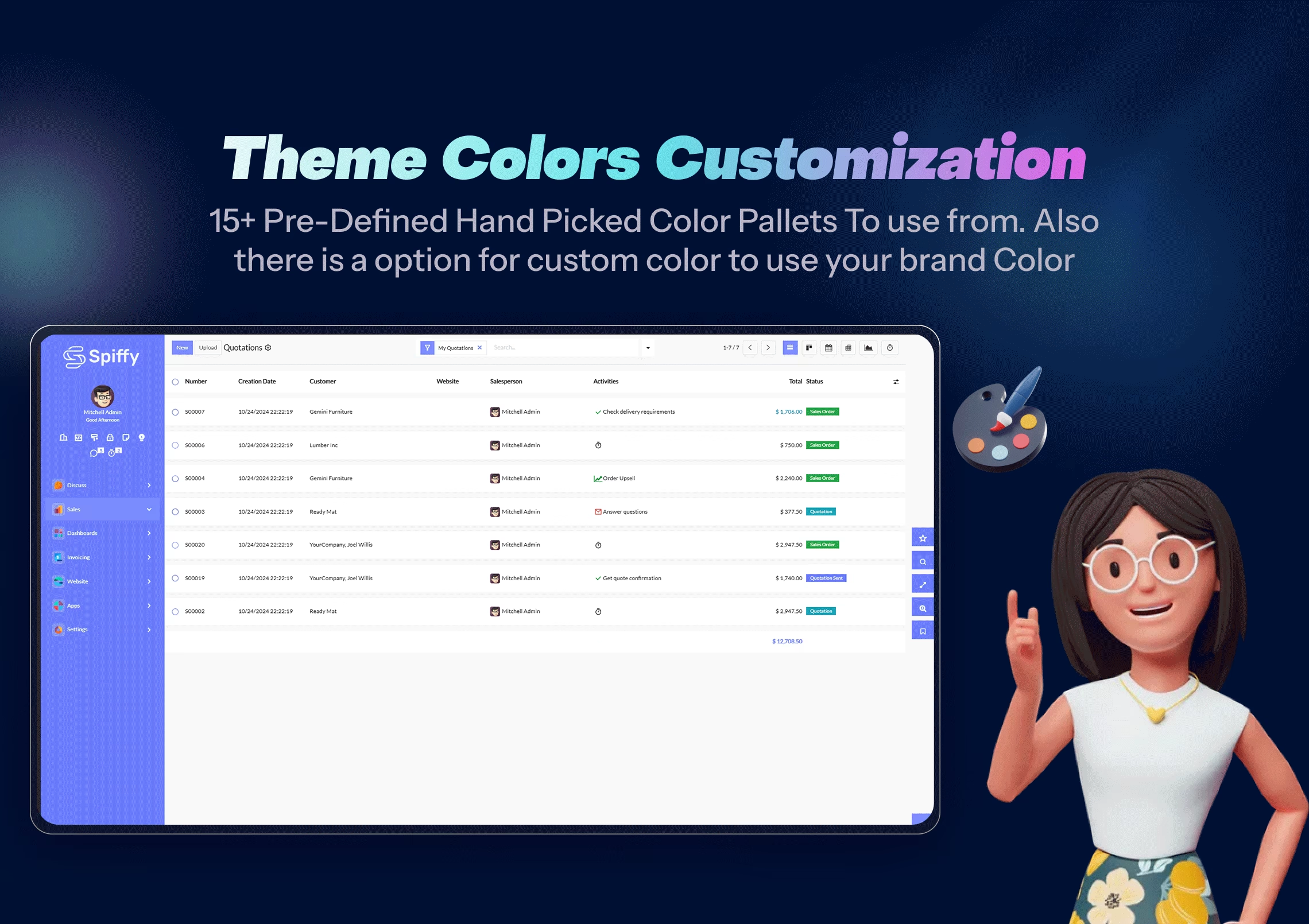
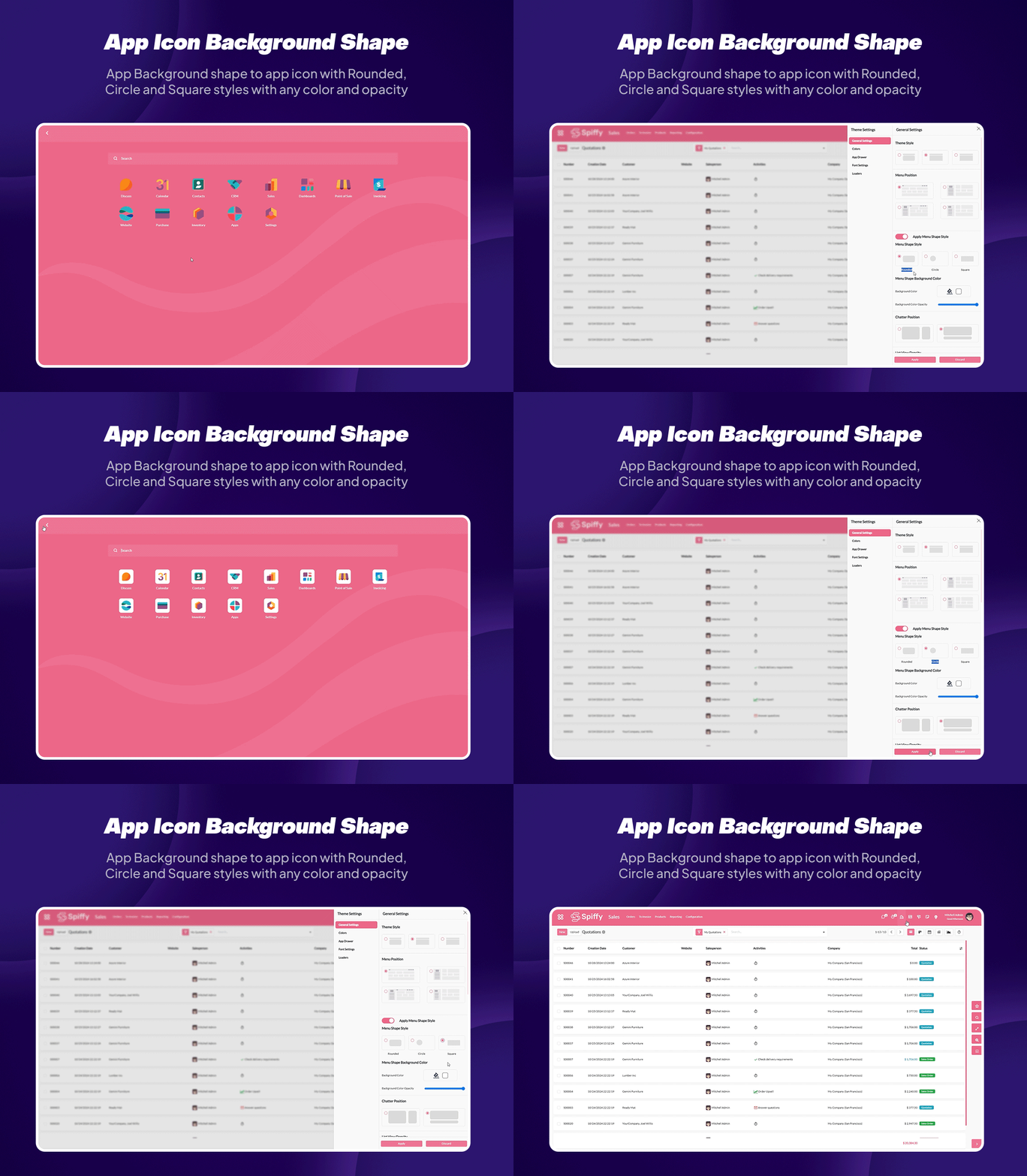
Customizable Theme Styles & Colors: Choose from multiple theme styles and color pallets, or create your own dynamic appearance to match your brand and preferences.
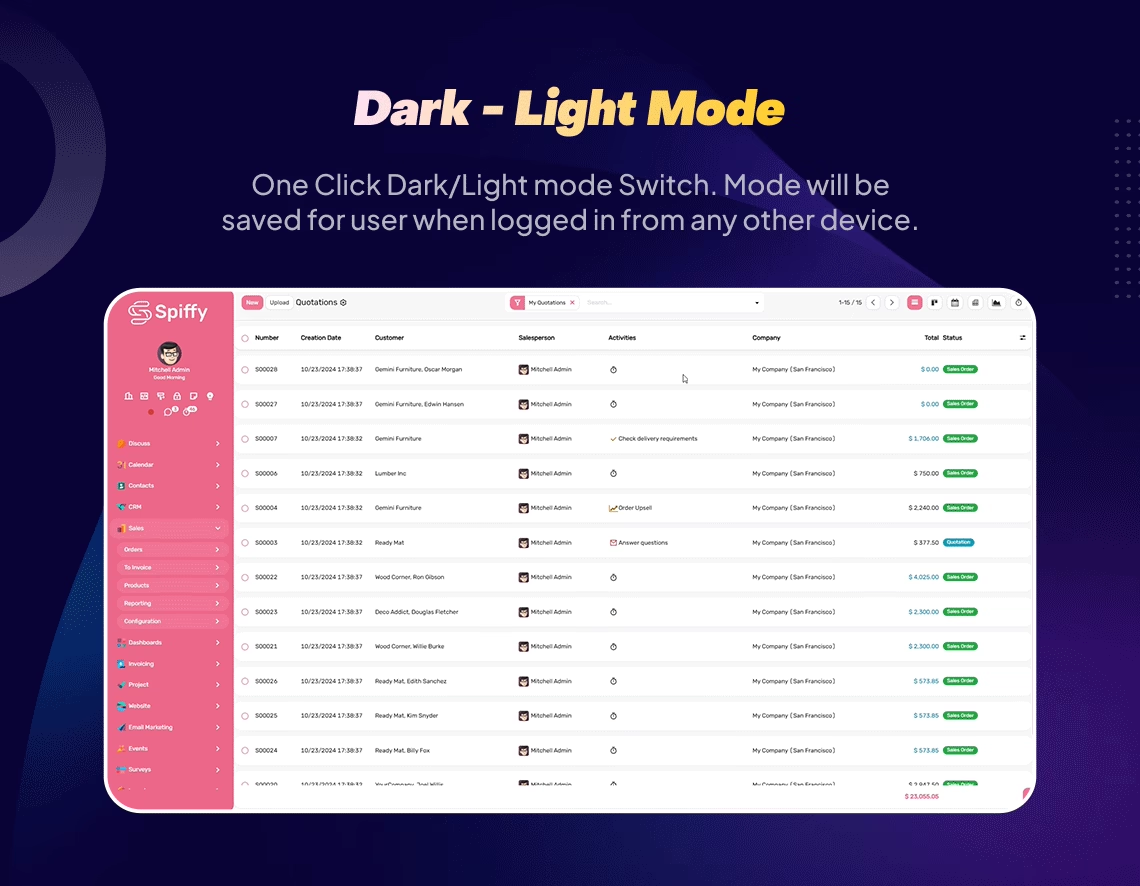
Dark/Light Mode Switch: Work comfortably day or night with instant switching between dark and light themes.

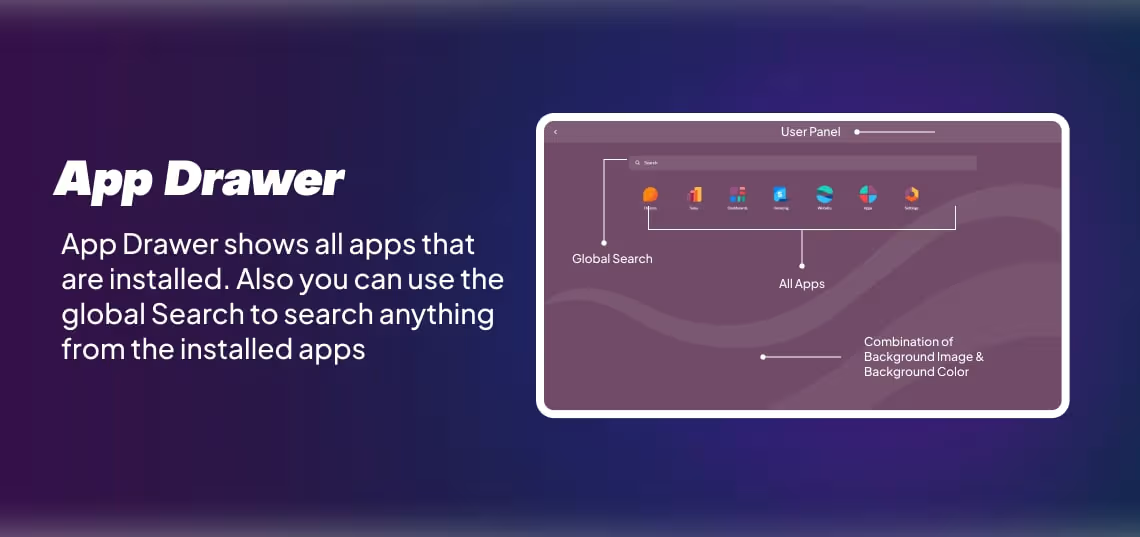
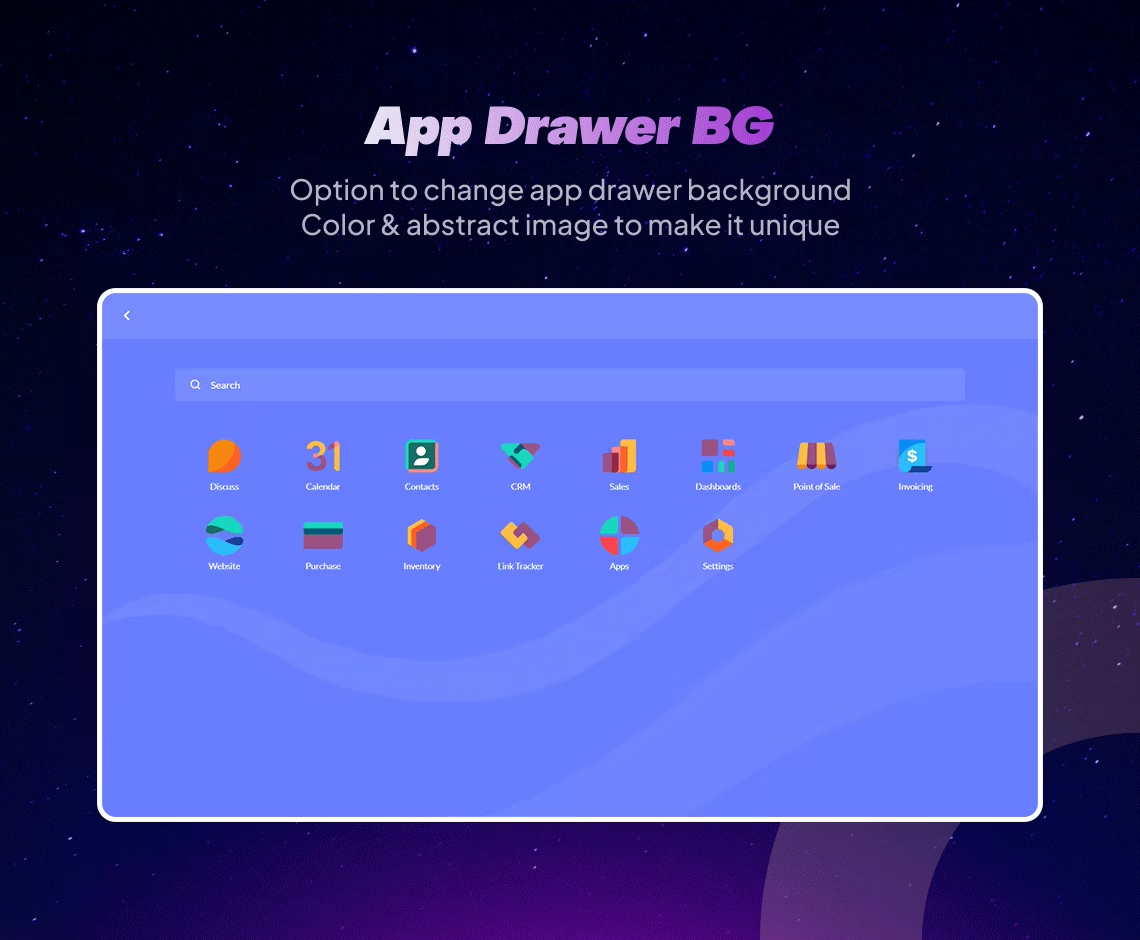
Global Search & App Drawer: Quickly find apps, records or actions and access all modules via a streamlined app drawer.
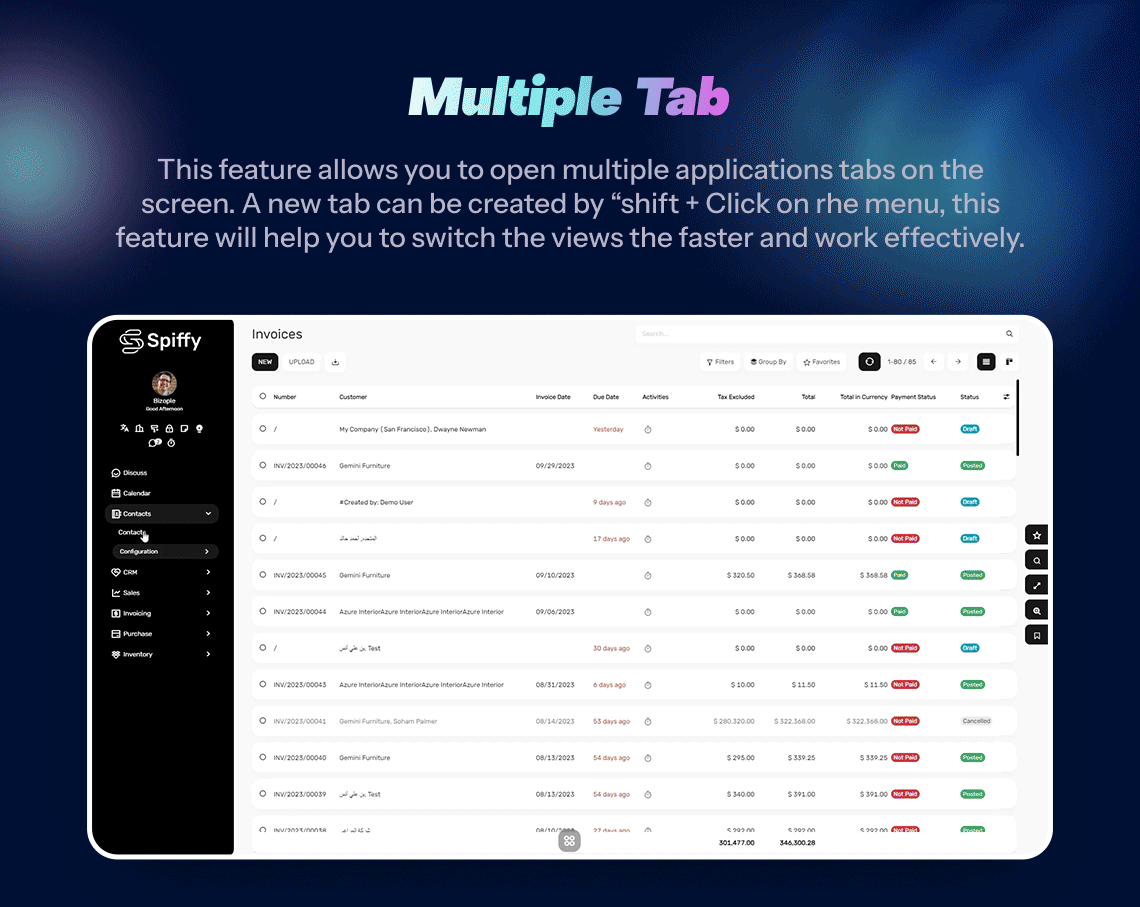
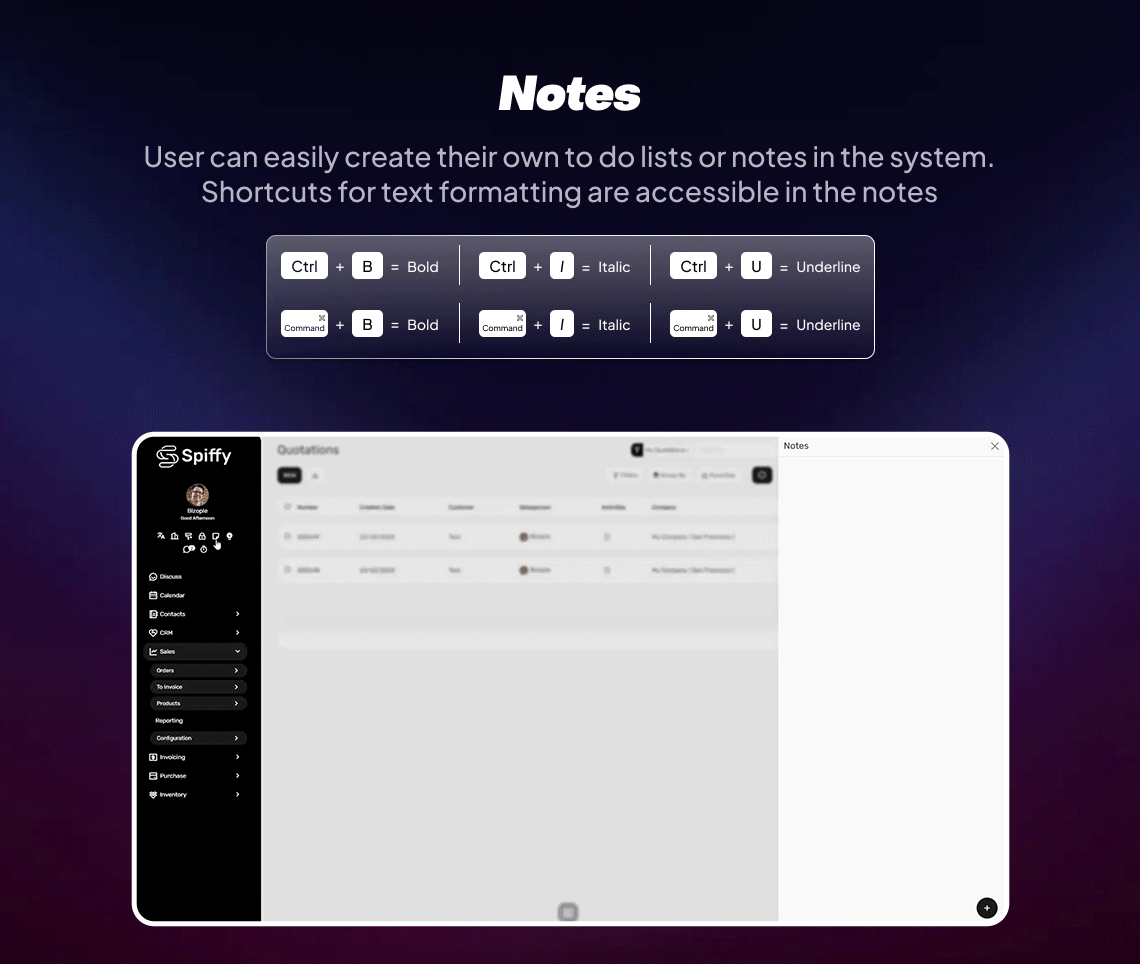
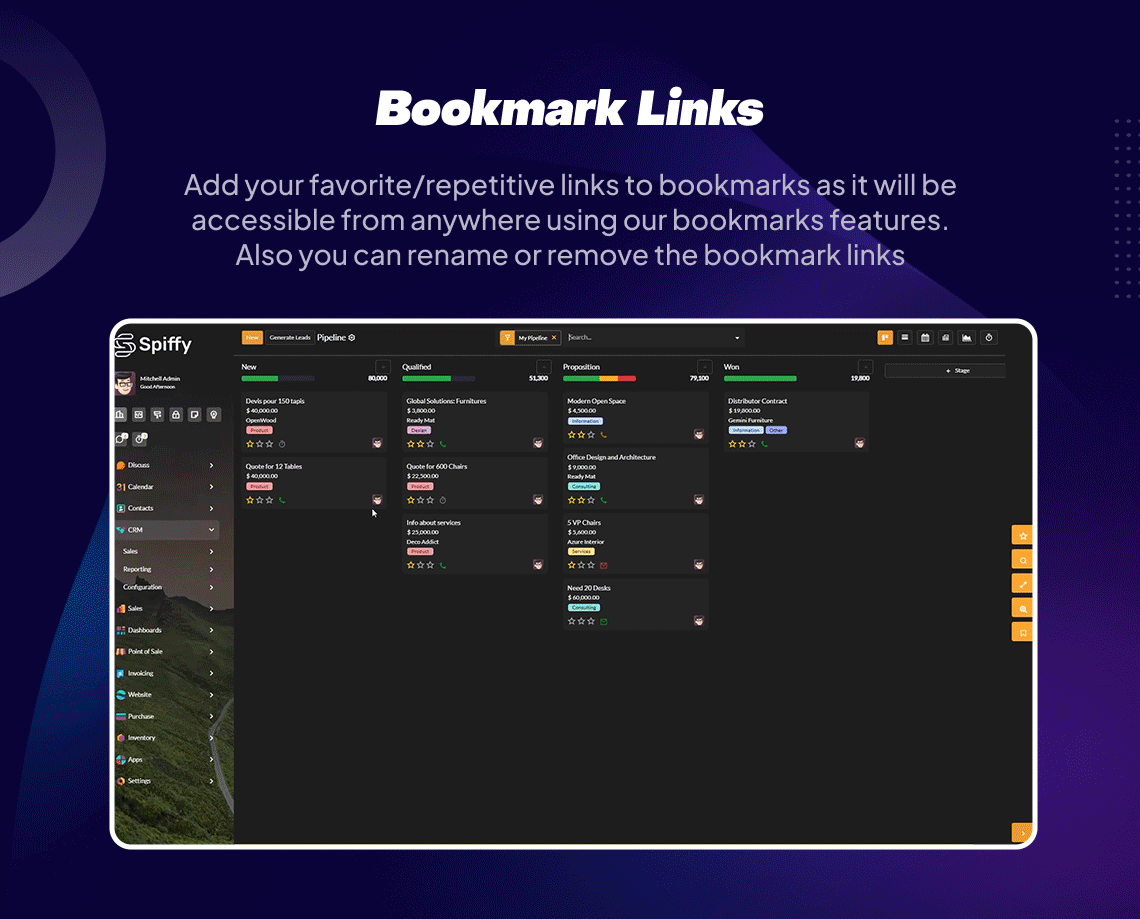
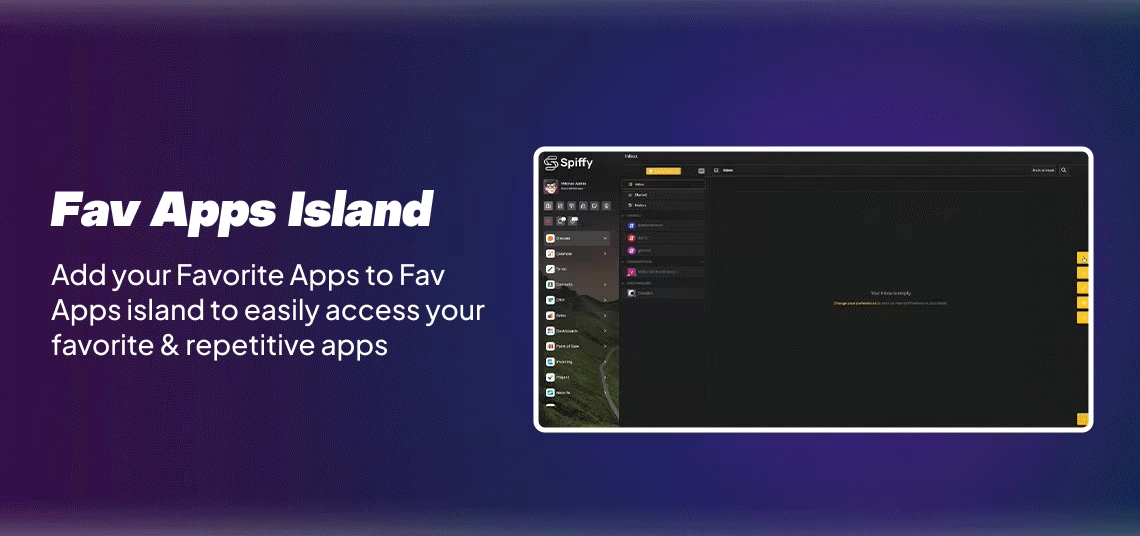
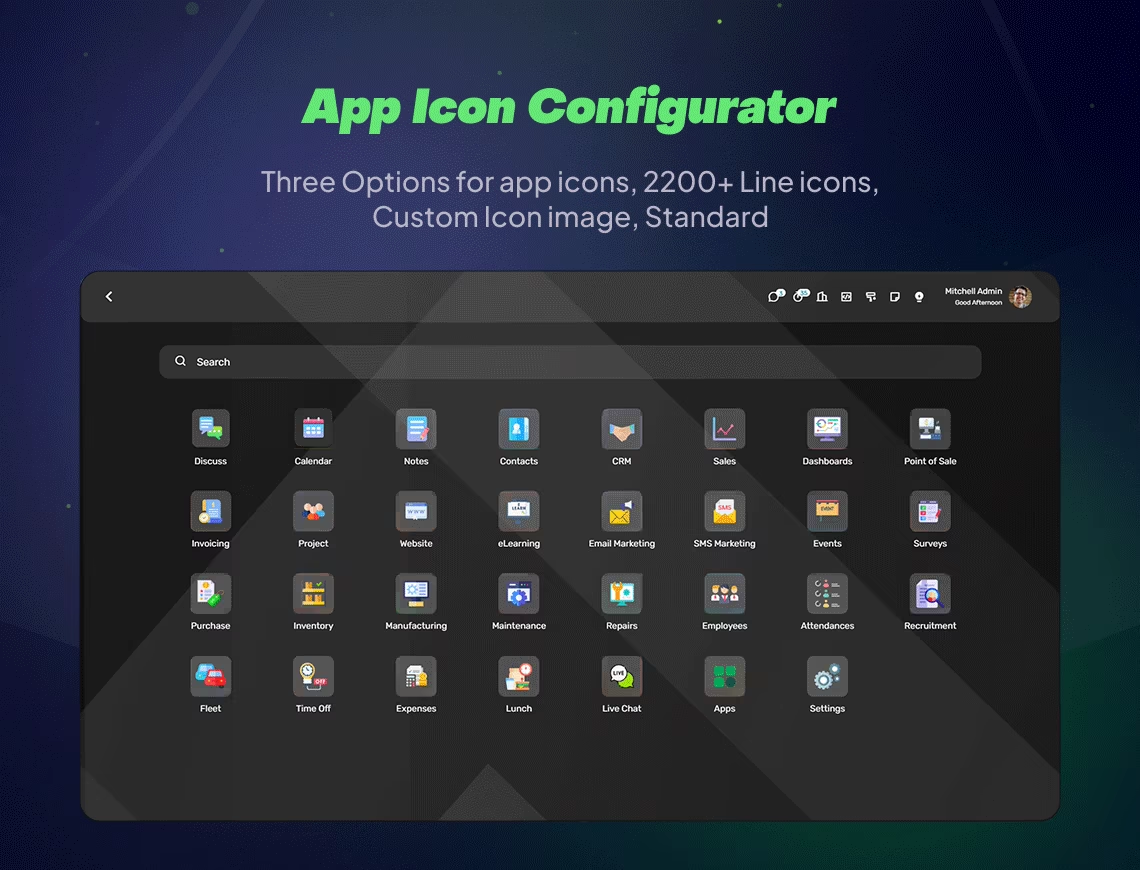
Enhanced Navigation: Vertical or horizontal menus, customizable app icons, bookmarks, favorites and notes support make backend navigation faster and more organized.
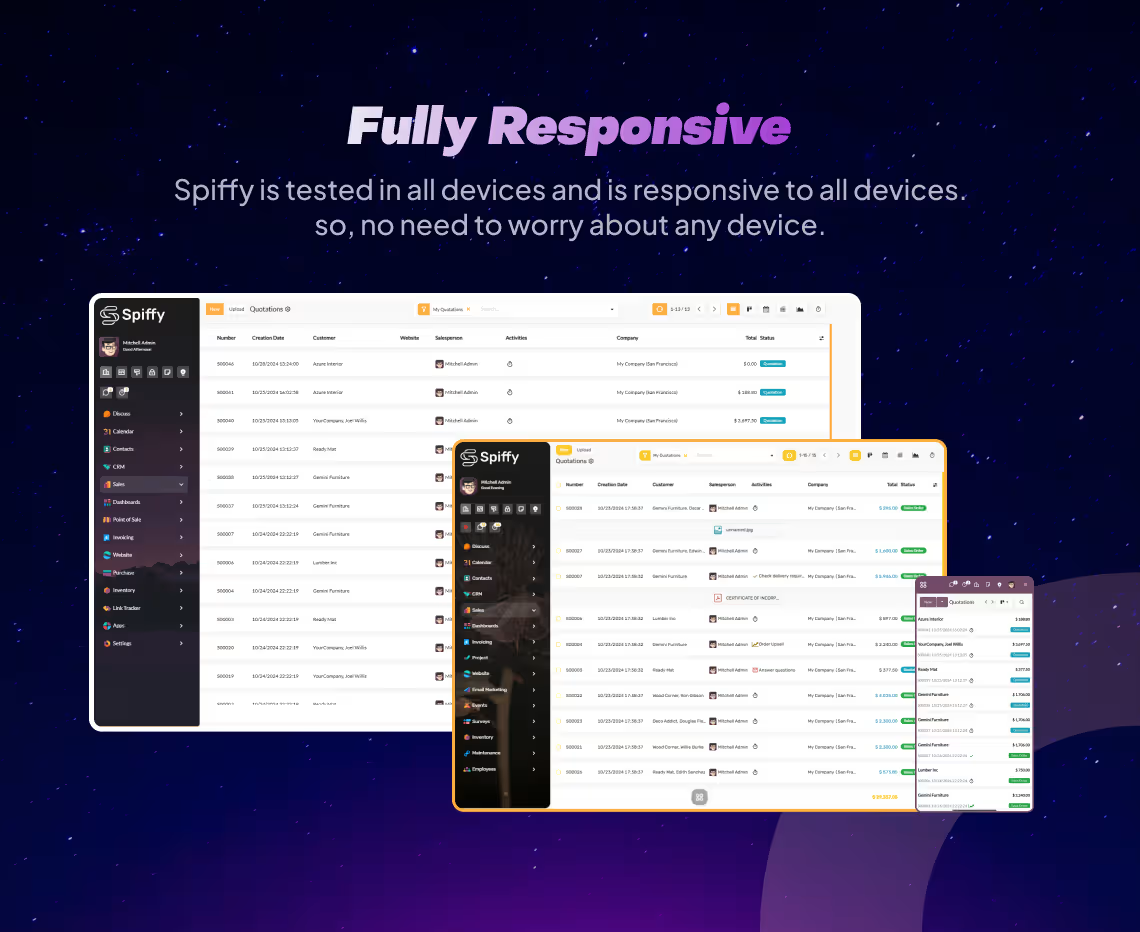
Responsive & RTL Support: Fully responsive across desktops and tablets, and supports right-to-left languages like Arabic and Hebrew.
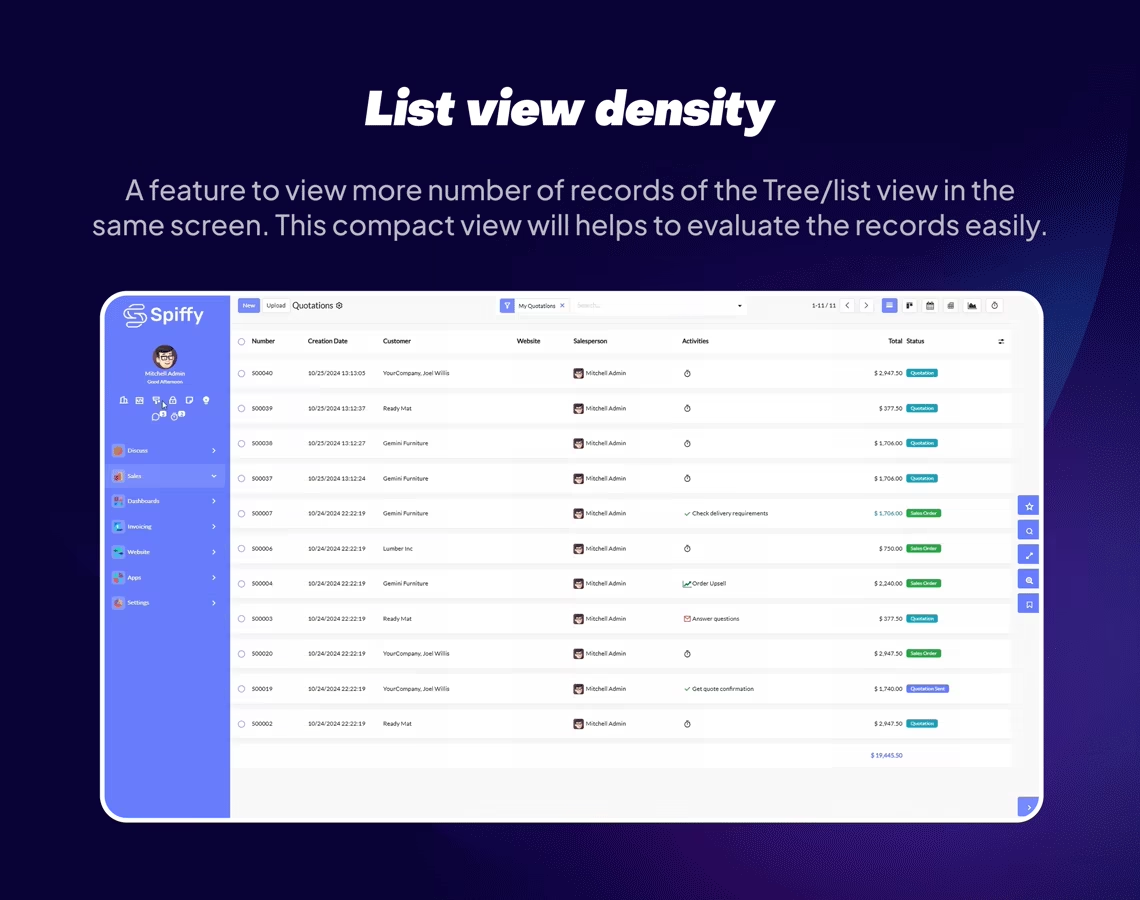
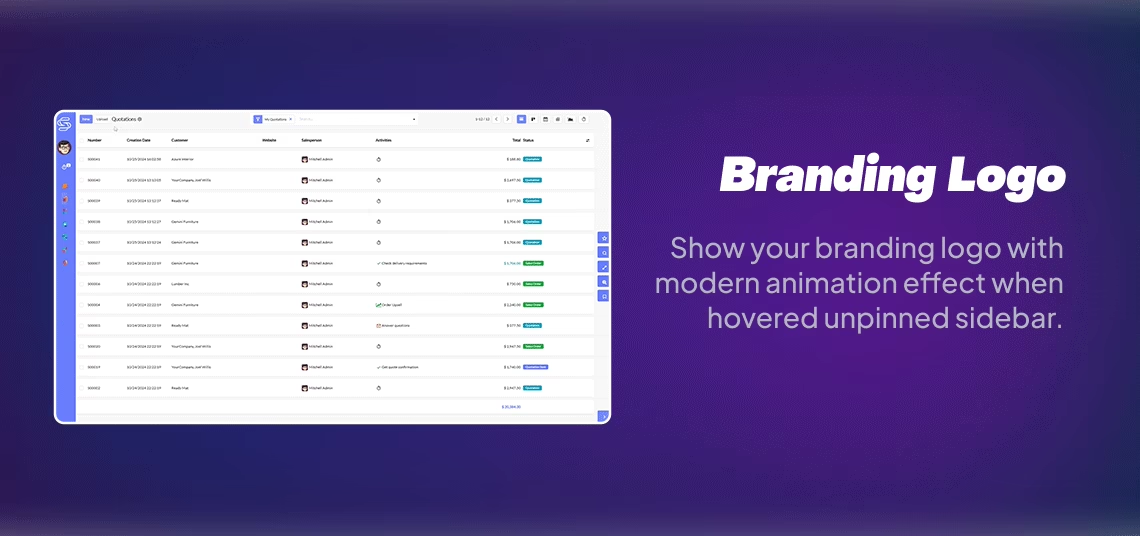
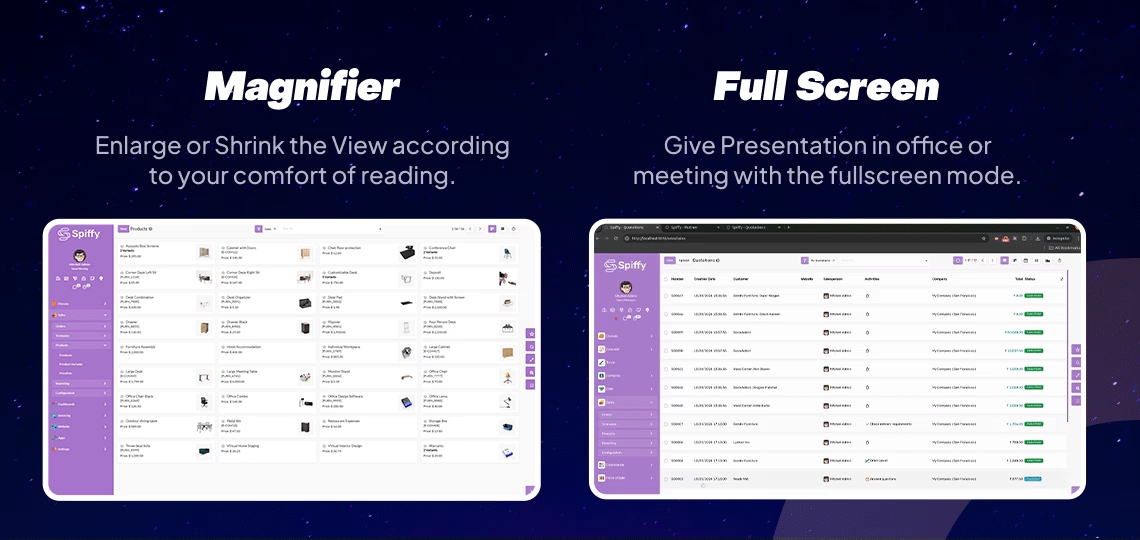
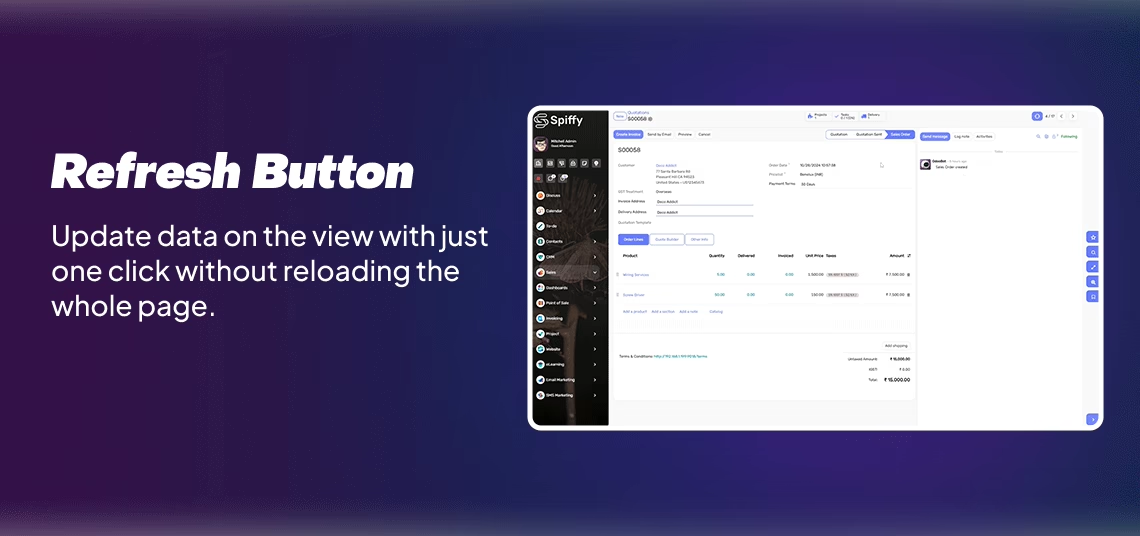
Productivity Tools: Sticky headers, zoom in/out, quick settings panel, language selector and lock/unlock sidebar for smooth workflow efficiency.
Improved Visual Clarity & Usability: Cleanly organized UI that reduces cognitive load.
Faster Task Execution: Tools like global search and bookmarks reduce clicks and speed up workflows.
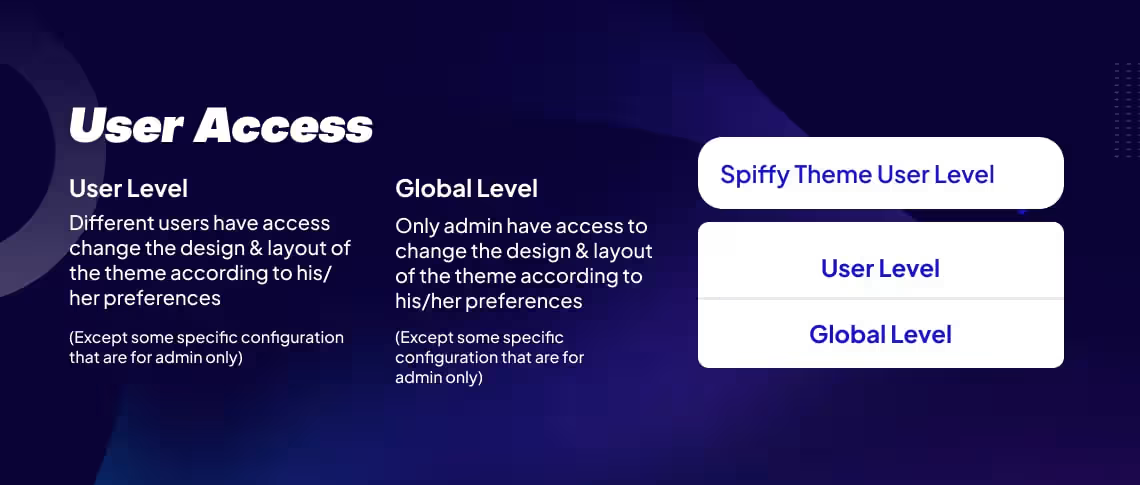
Personalized Control: Customize layouts and colors to improve comfort and adoption.
Multi-Region Friendly: With RTL and multi-language support, manage global teams seamlessly.
makes your backend more intuitive, efficient, and adaptable for everyday operations — ideal for administrators, power users, and teams aiming for high productivity.
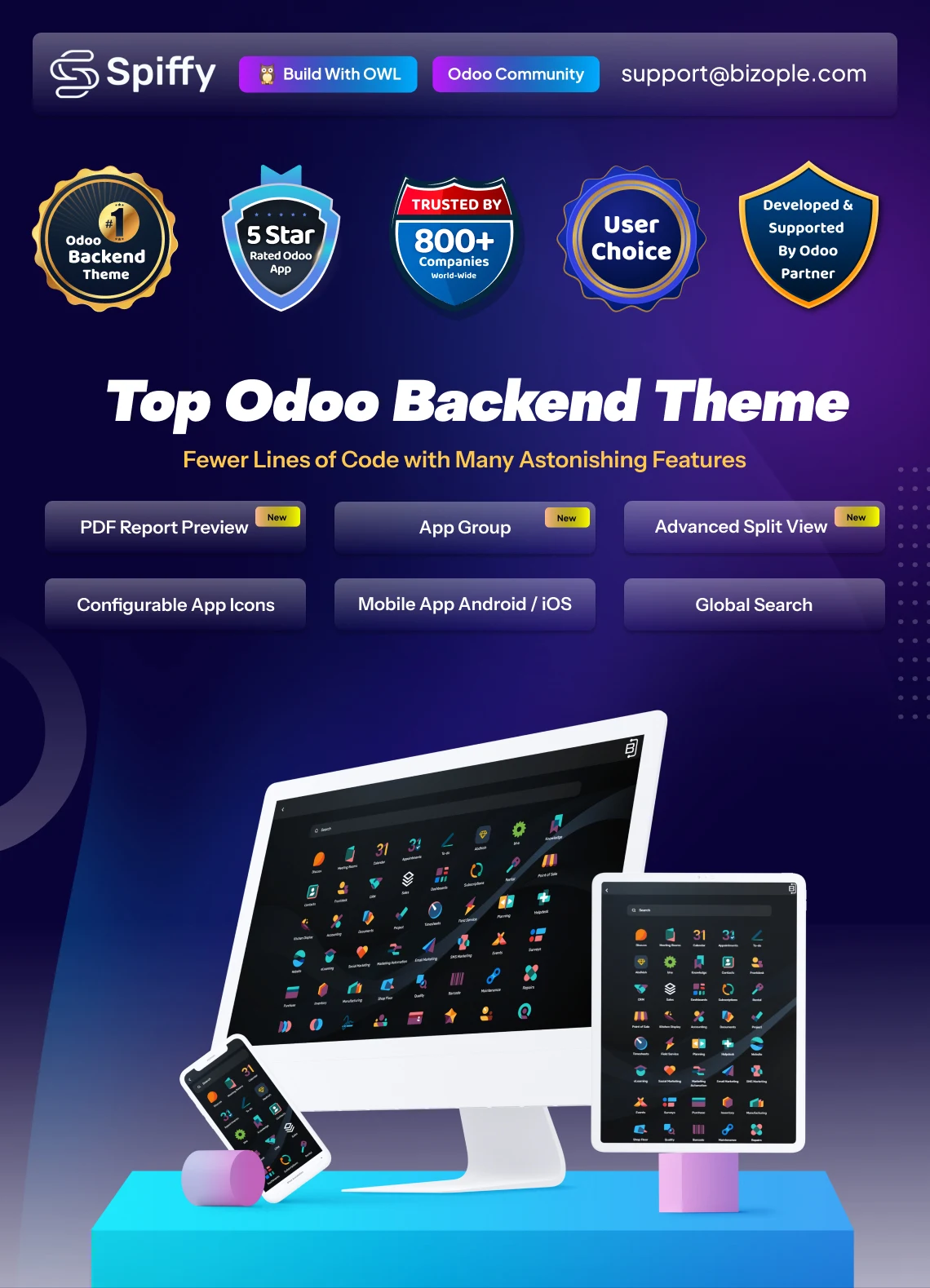
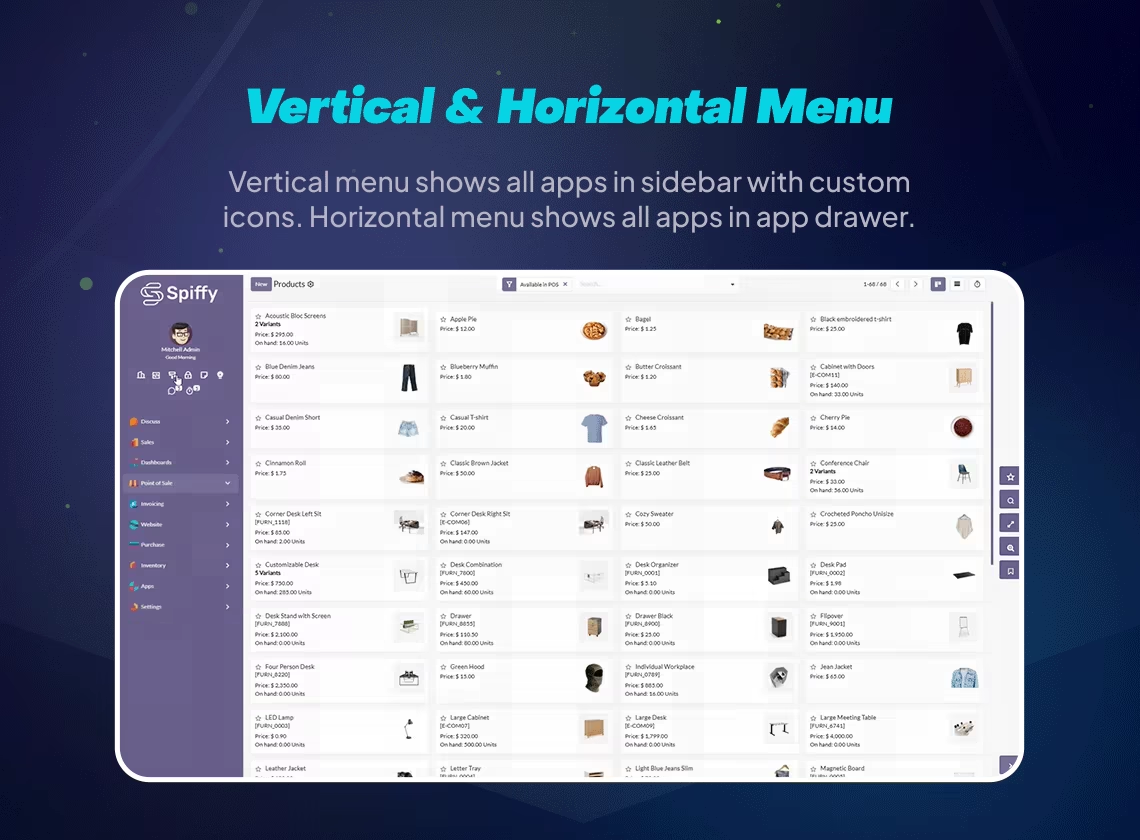
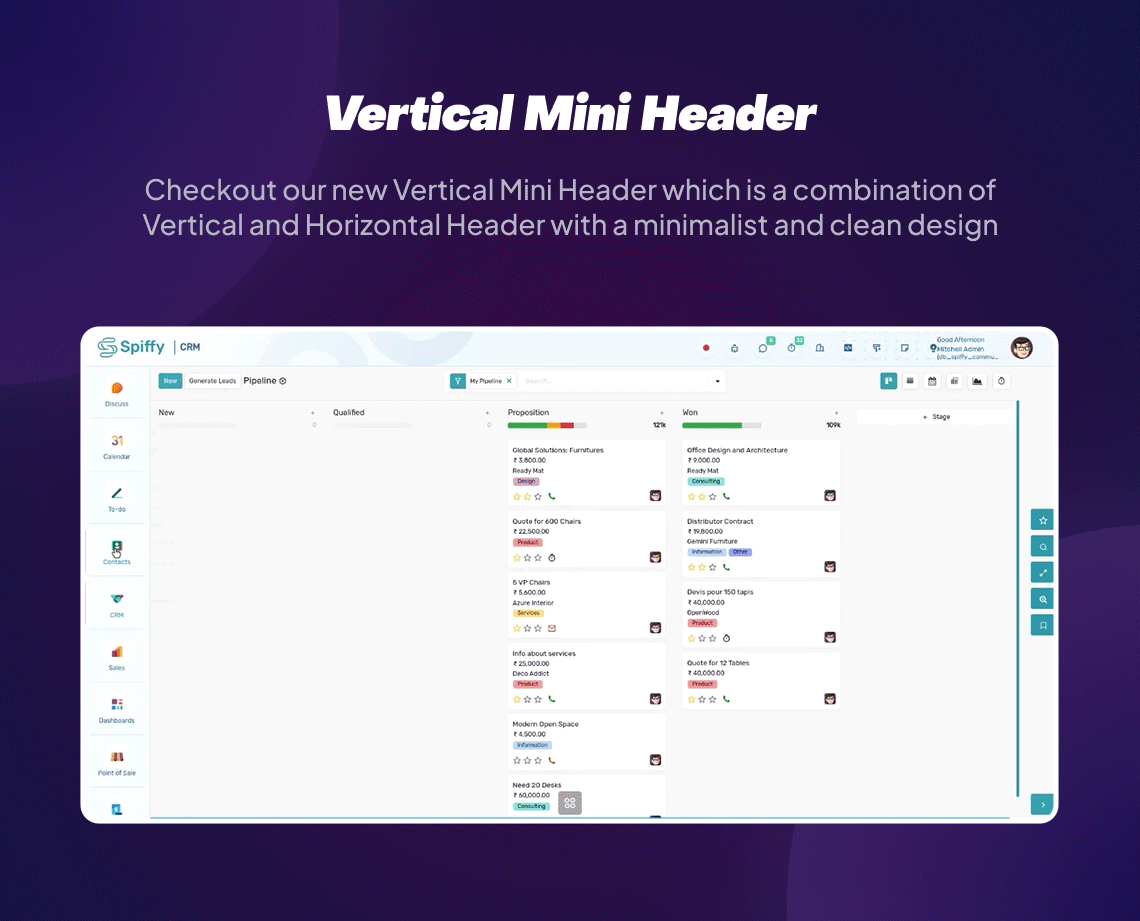
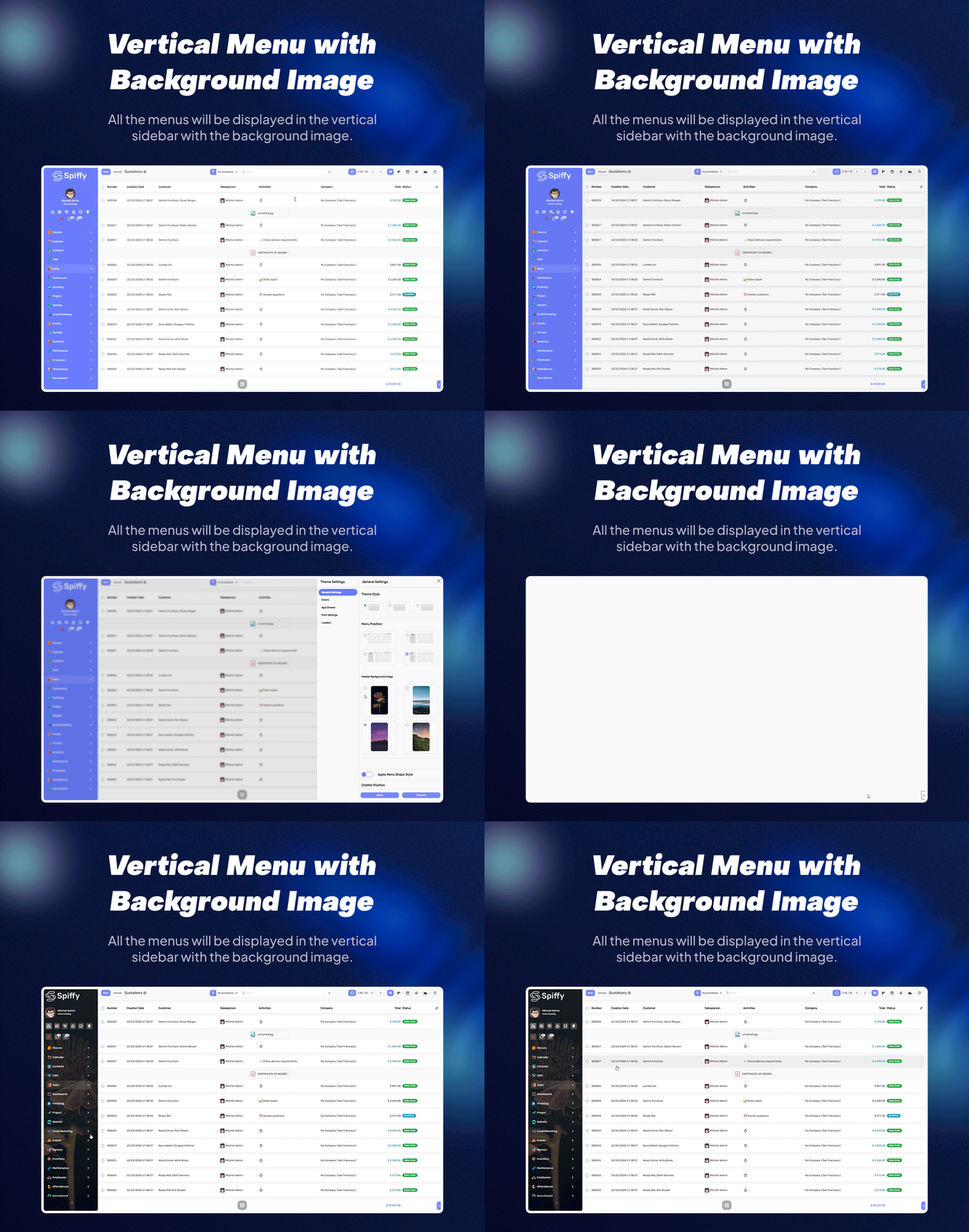
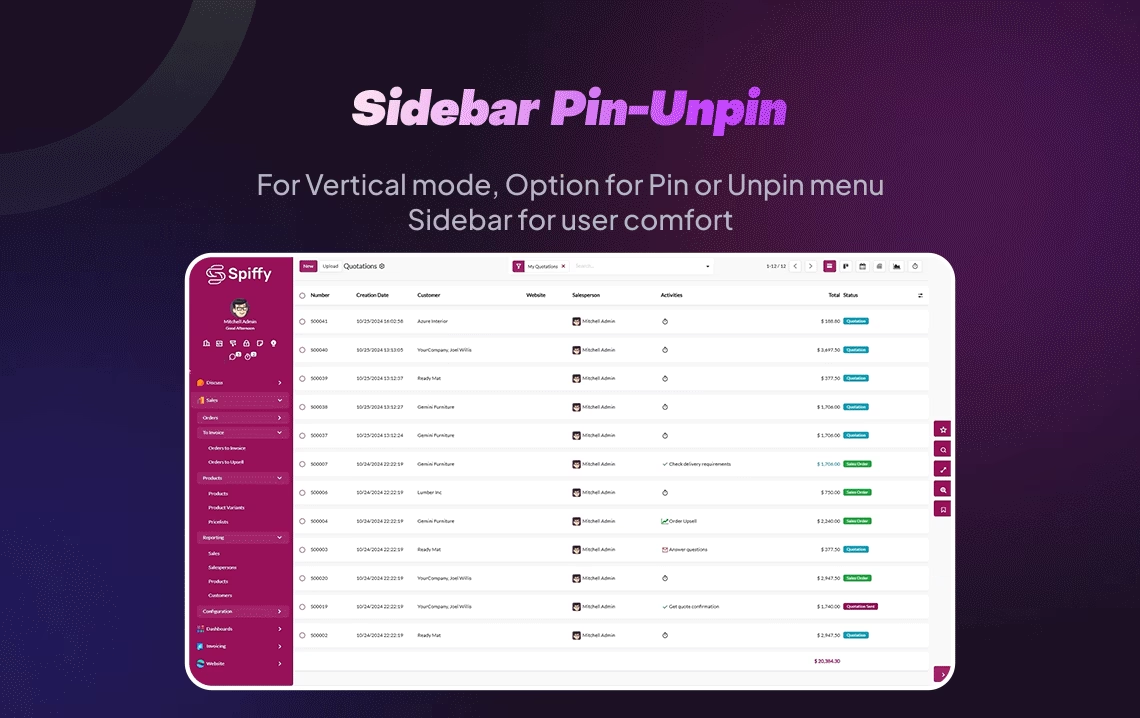
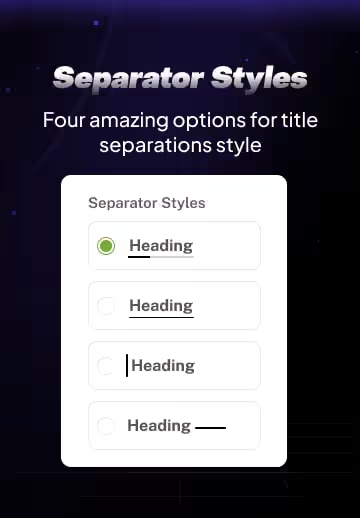
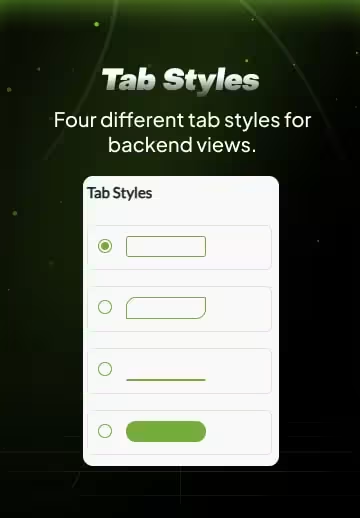
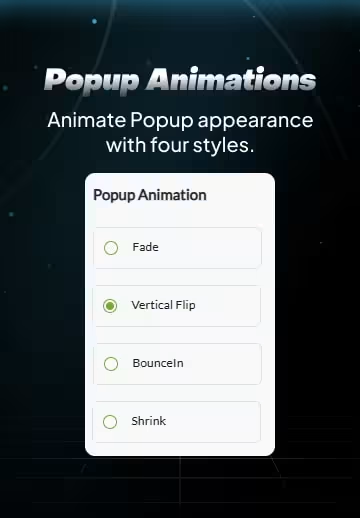
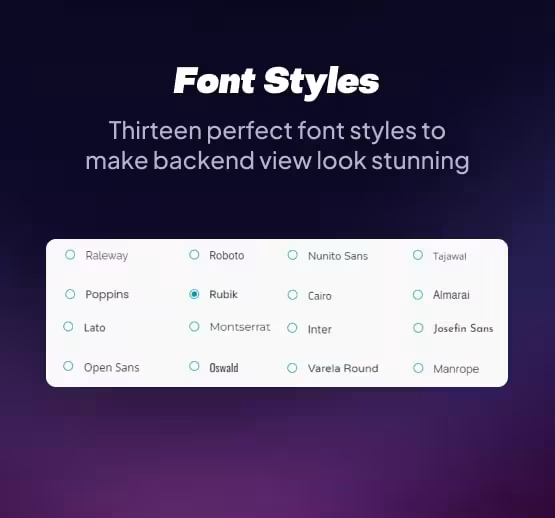
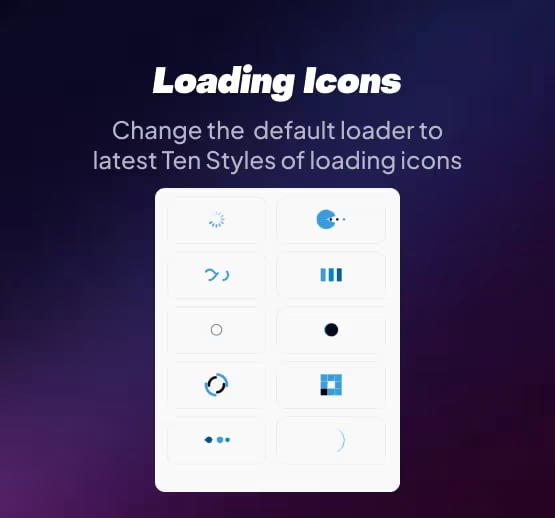
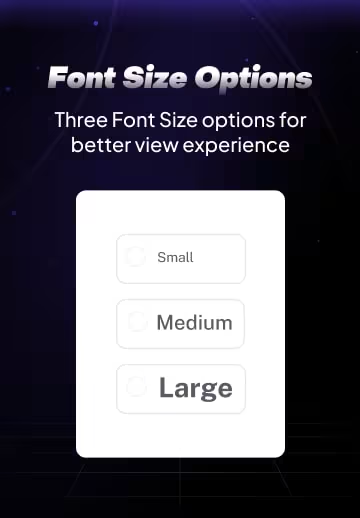
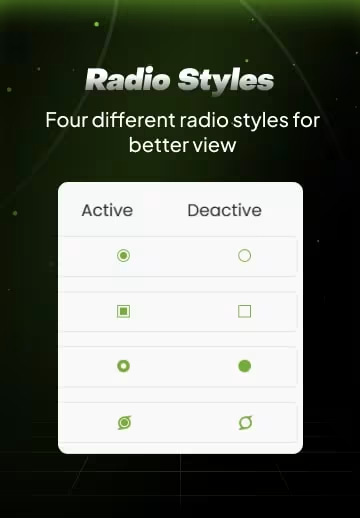
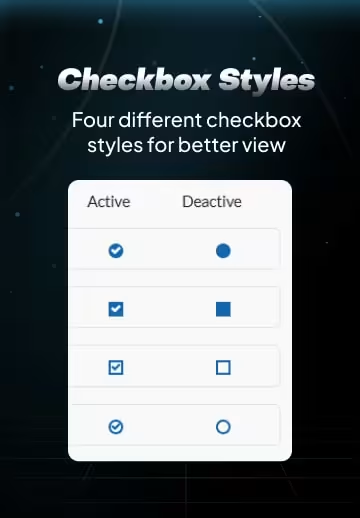
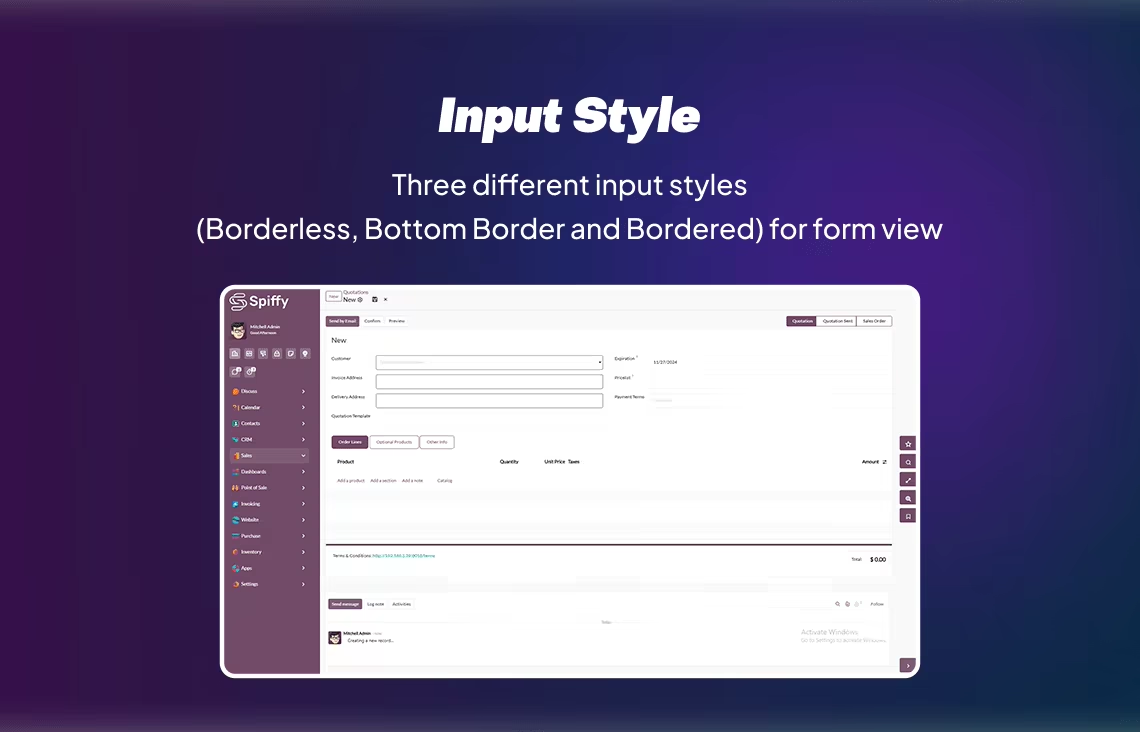
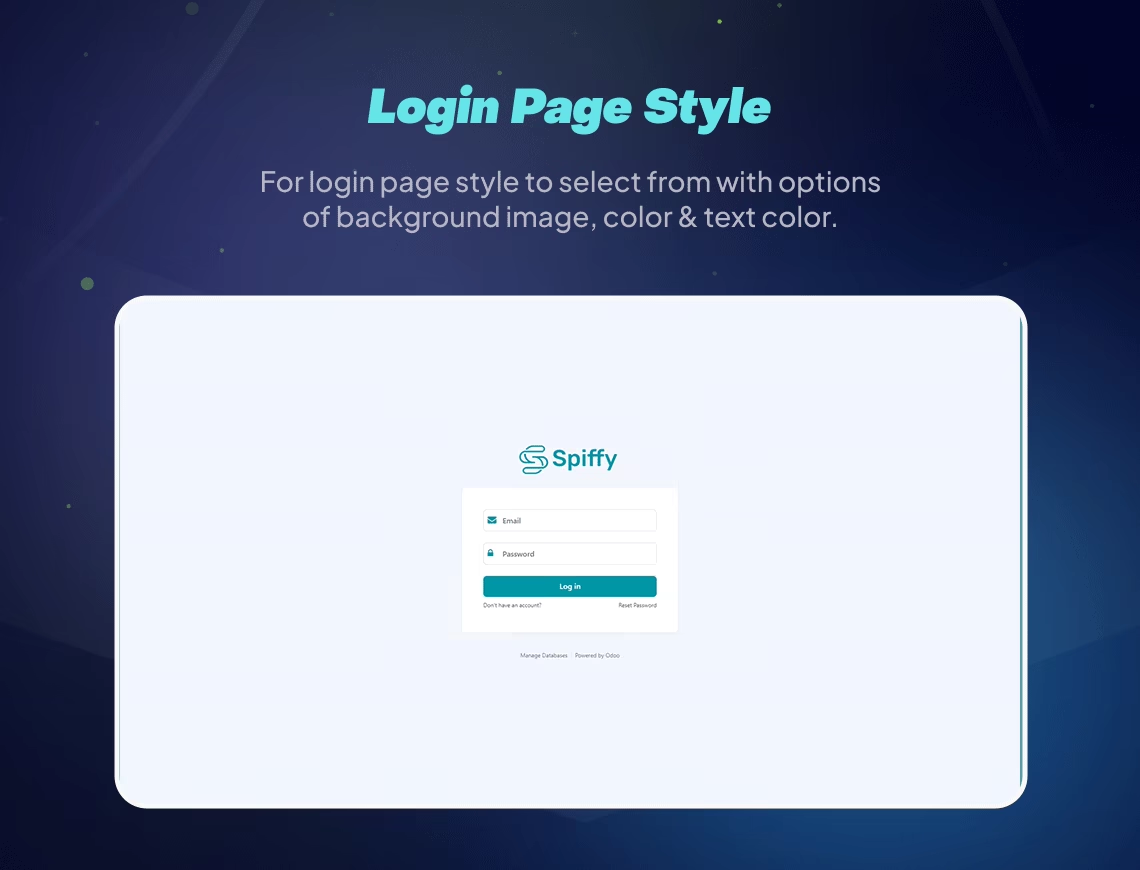
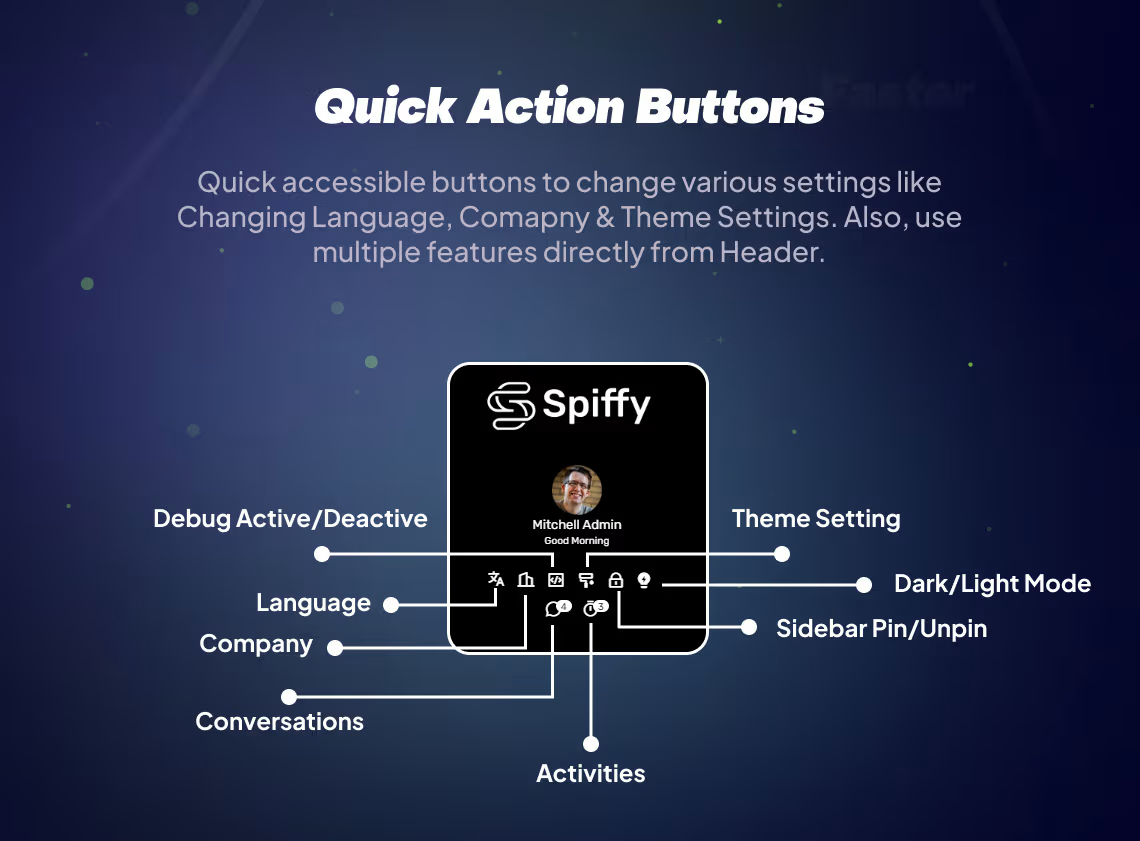
All Features

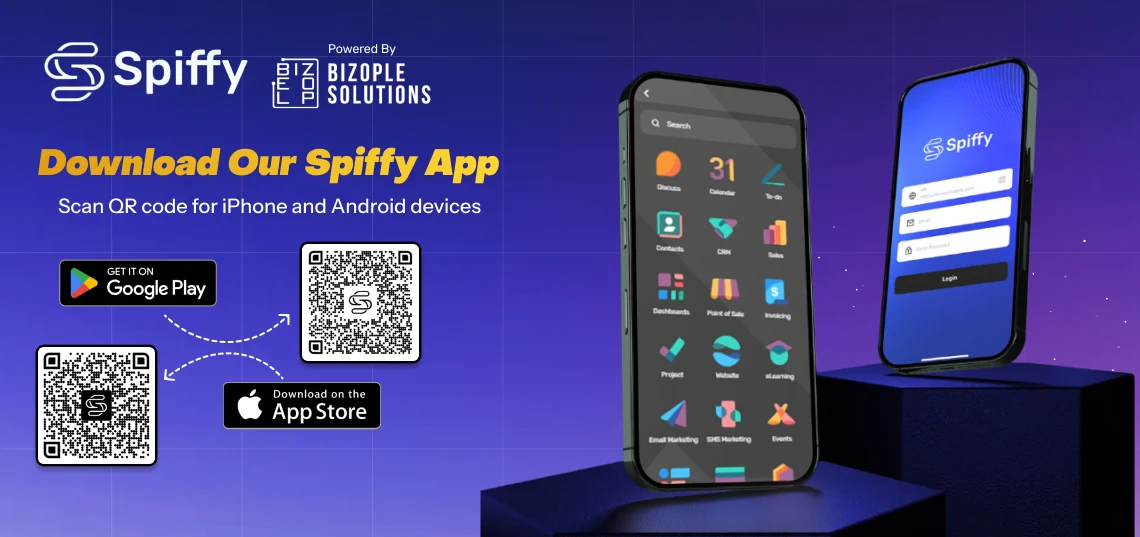
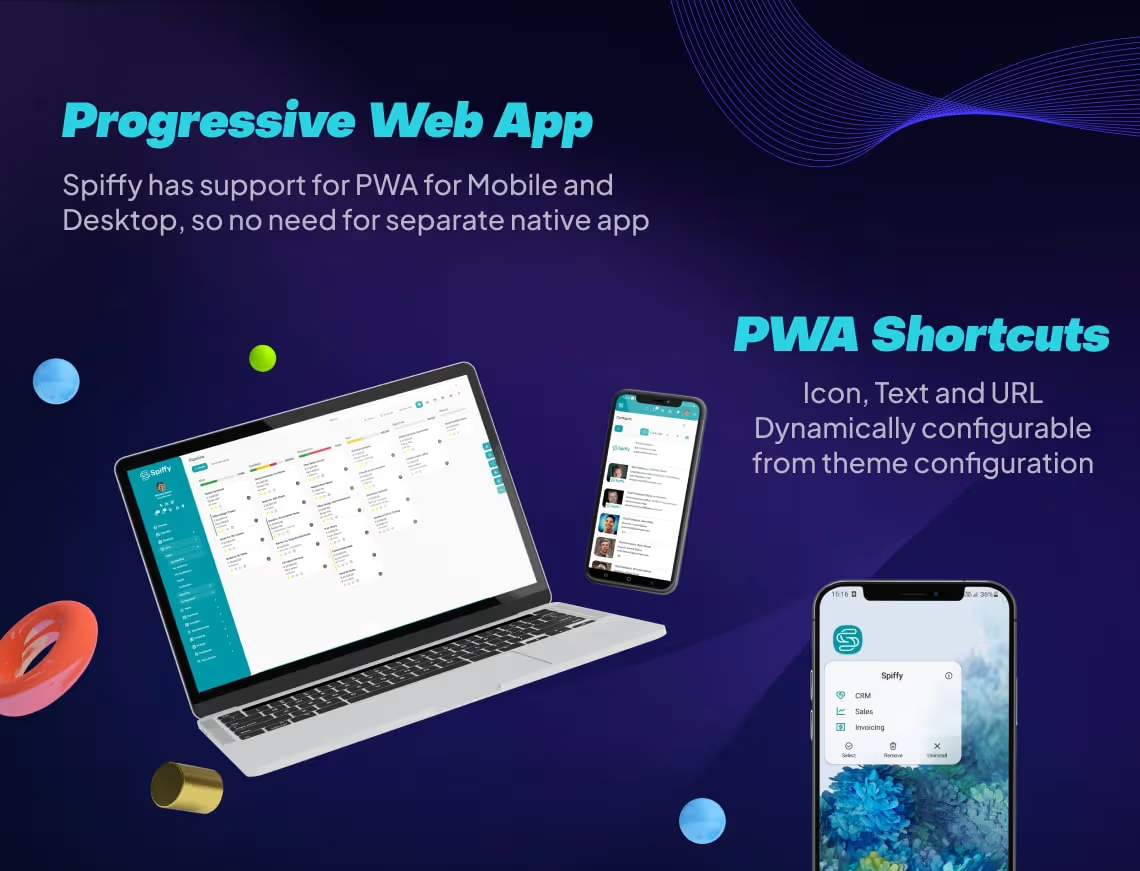
- Spiffy Mobile App is an Android and iOS application works with the Spiffy Backend Theme.
- It is a complementary / FREE application with the Spiffy Backend Theme and it has no relation with the theme working.
- The Application works well but is not satisfying the customer's specific needs it would not be considered to claim a refund for the Spiffy Backend Theme.
- 2-Factor Authentication functionalities are in process and will be available in the future version of Spiffy mobile Application.



Release Notes
1.0
Initial Release