
The module enables smooth integration your financial institutions through the Plaid API. It automates the retrieval of bank account information and transaction data into , enhancing reconciliation workflows and ensuring up-to-date financial visibility. This module is ideal for businesses that prioritize real-time cashflow oversight and efficient accounting automation.
Securely connect bank journals to user bank accounts using Plaid client credentials
Automatically fetch bank accounts and transaction history within defined date ranges
Schedule regular synchronization for ongoing updates to account balances
Operate directly from the accounting dashboard with intuitive database-level controls
Enable manual fetch on demand to capture recent or missing transactions
Eliminate time-consuming manual bank statement imports
Enhance financial accuracy and control with timely bank transaction updates
Simplify reconciliation workflows through automated bank feed imports
Strengthen data governance with secure API-based integration
Improve cashflow transparency and accounting efficiency
Automatic Plaid Integration Apps
Bank Synchronization by Plaid Apps
Plaid Account and Transaction Sync App
Automated Plaid Banking Integration App
Integrate Plaid Bank Synchronization Apps
Automatic Plaid Synchronization App helps users to bank synchronization via Plaid. User needs to configure Plaid integration with a given client ID, secret key, and selection of an environment. User needs to create an account via Plaid and link to Plaid by using its credentials. Also, users can easily get plaid transactions as per the selection of plaid accounts, bank journals, and date ranges.
Plaid Integration Configuration
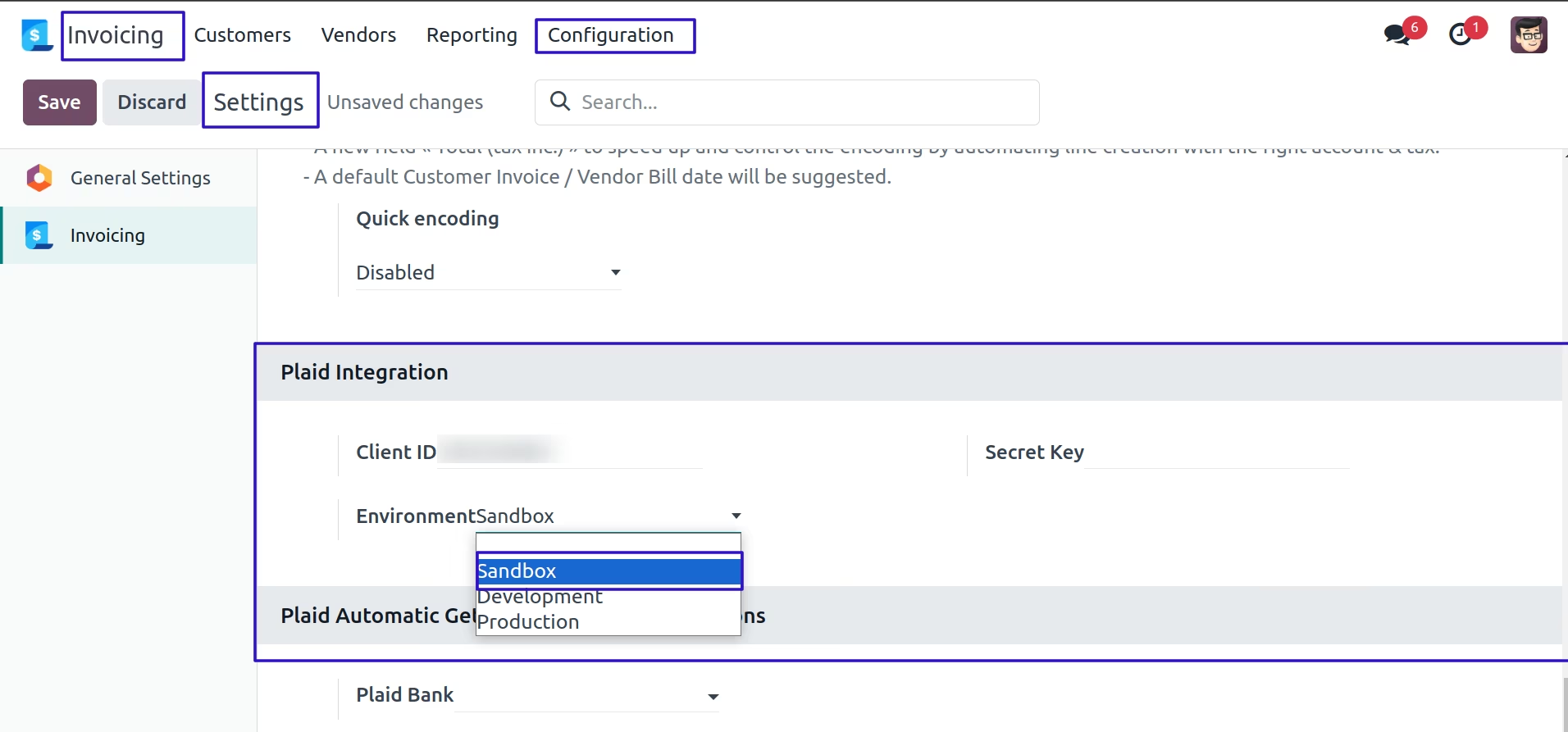
Goto Invoicing -> Configuration -> Settings in that set client id, secret key and select an environment for plaid integration.
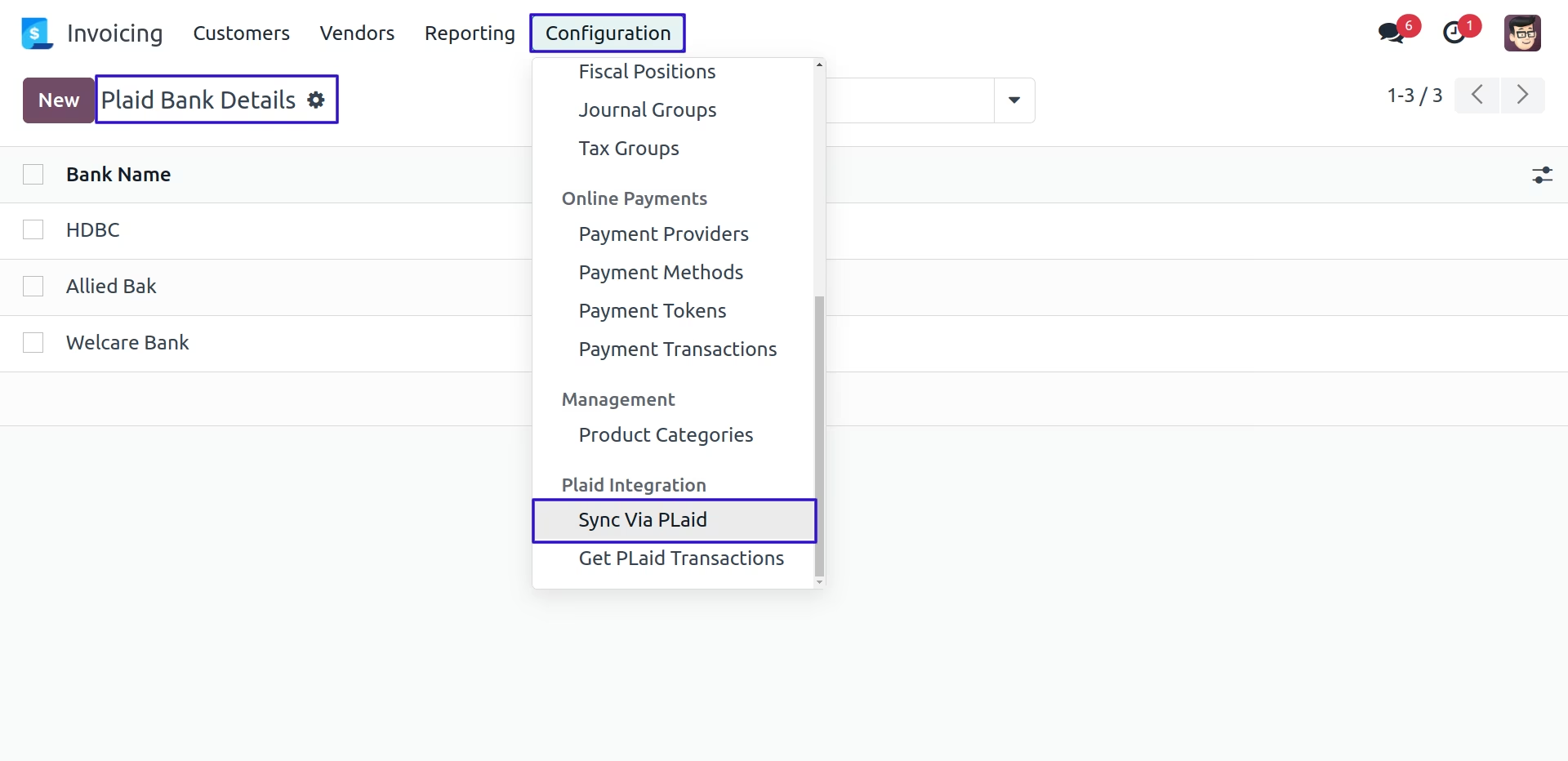
Sync Via Plaid Menu
User can create a bank to sync via plaid.
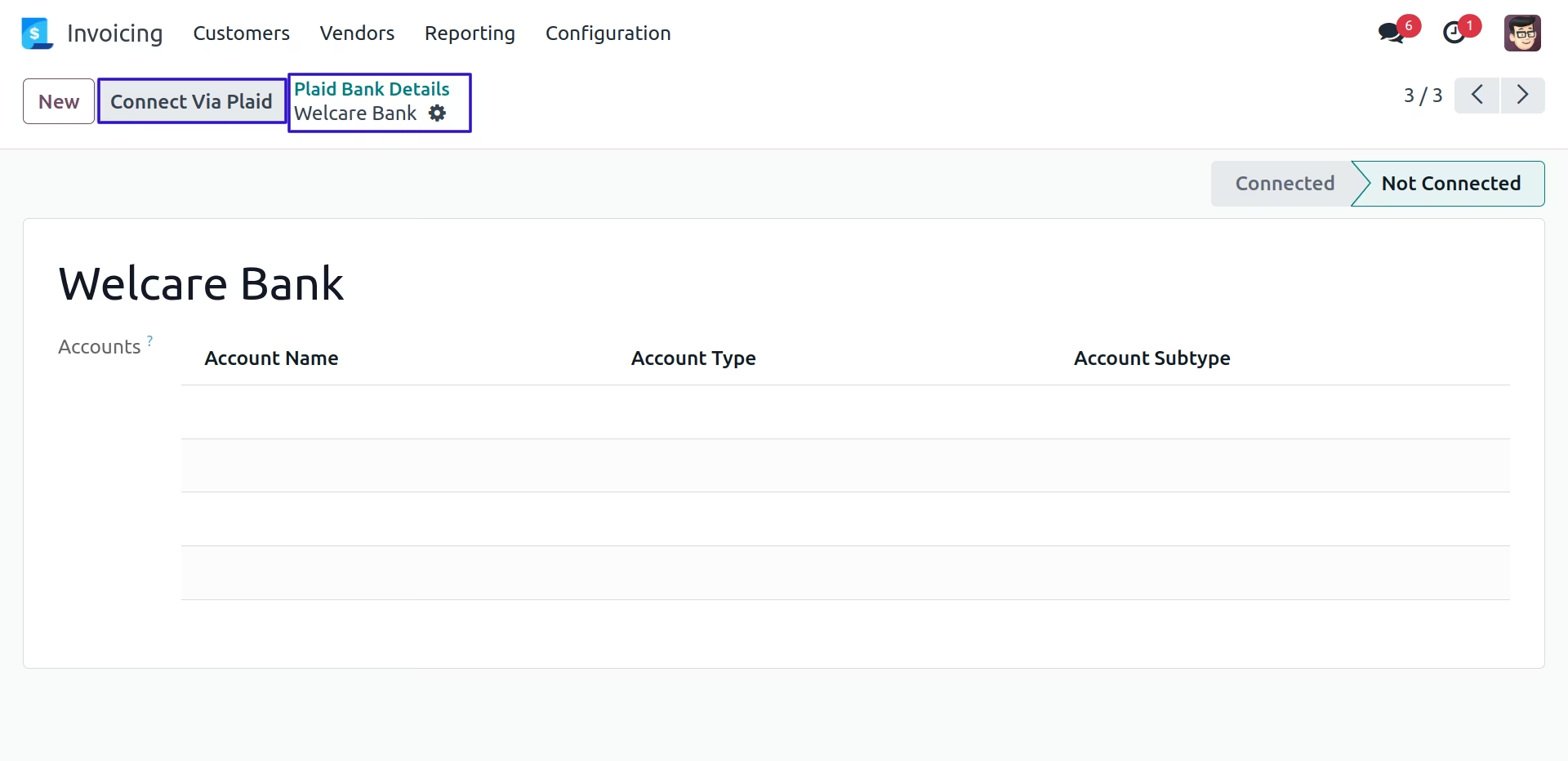
Connect Via Plaid Button
In plaid bank form, User can click on 'CONNECT VIA PLAID' button.
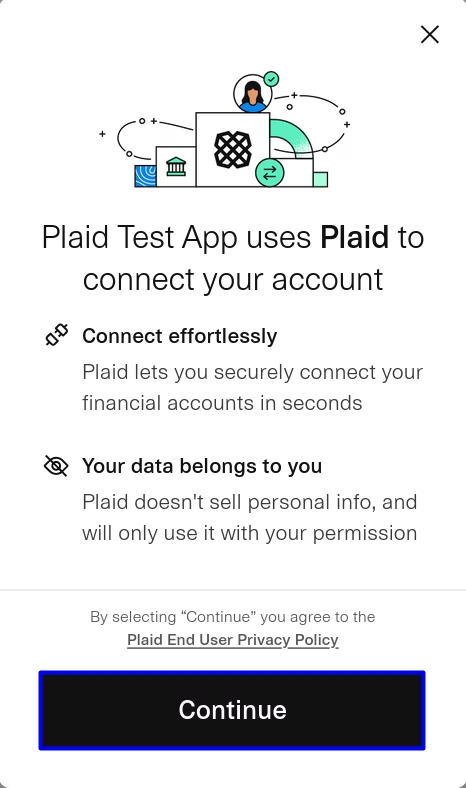
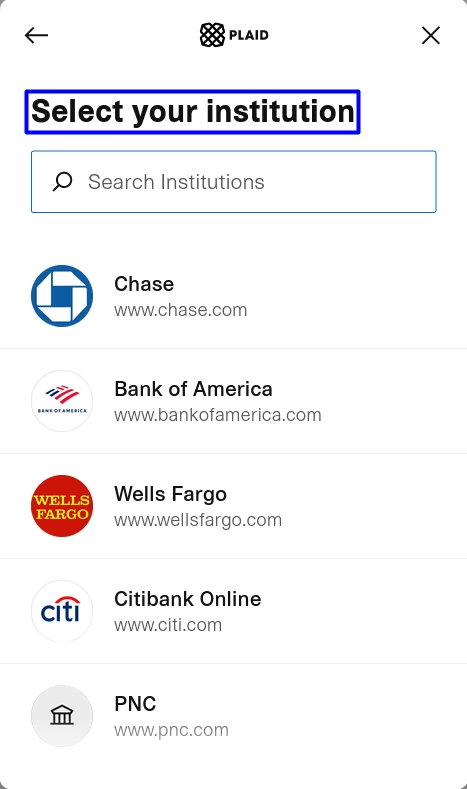
Select Your Bank
User can get the list of bank then select the bank(associated with journal).
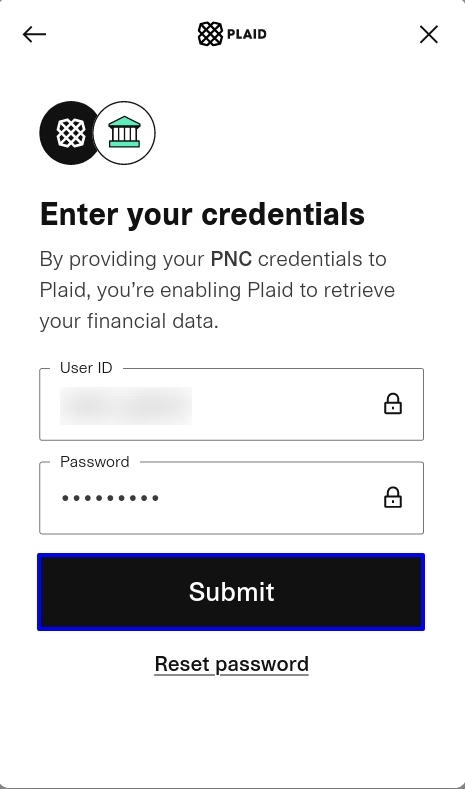
Enter Your Credentials
User can enter login details and user will be connected to plaid then select the bank account to get the transactions.
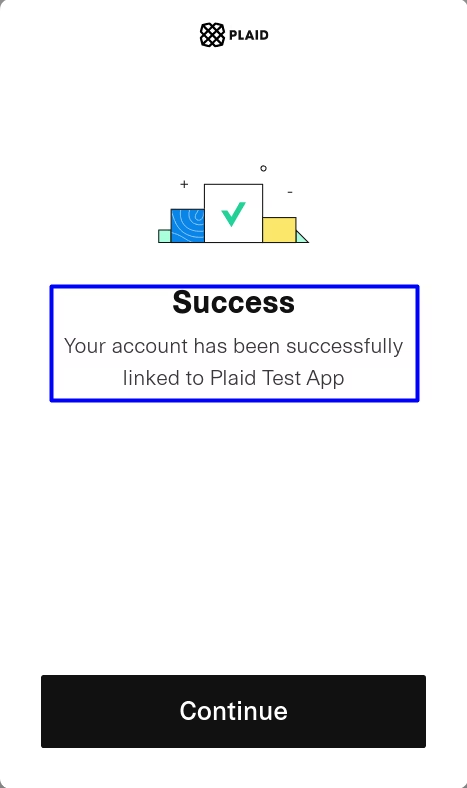
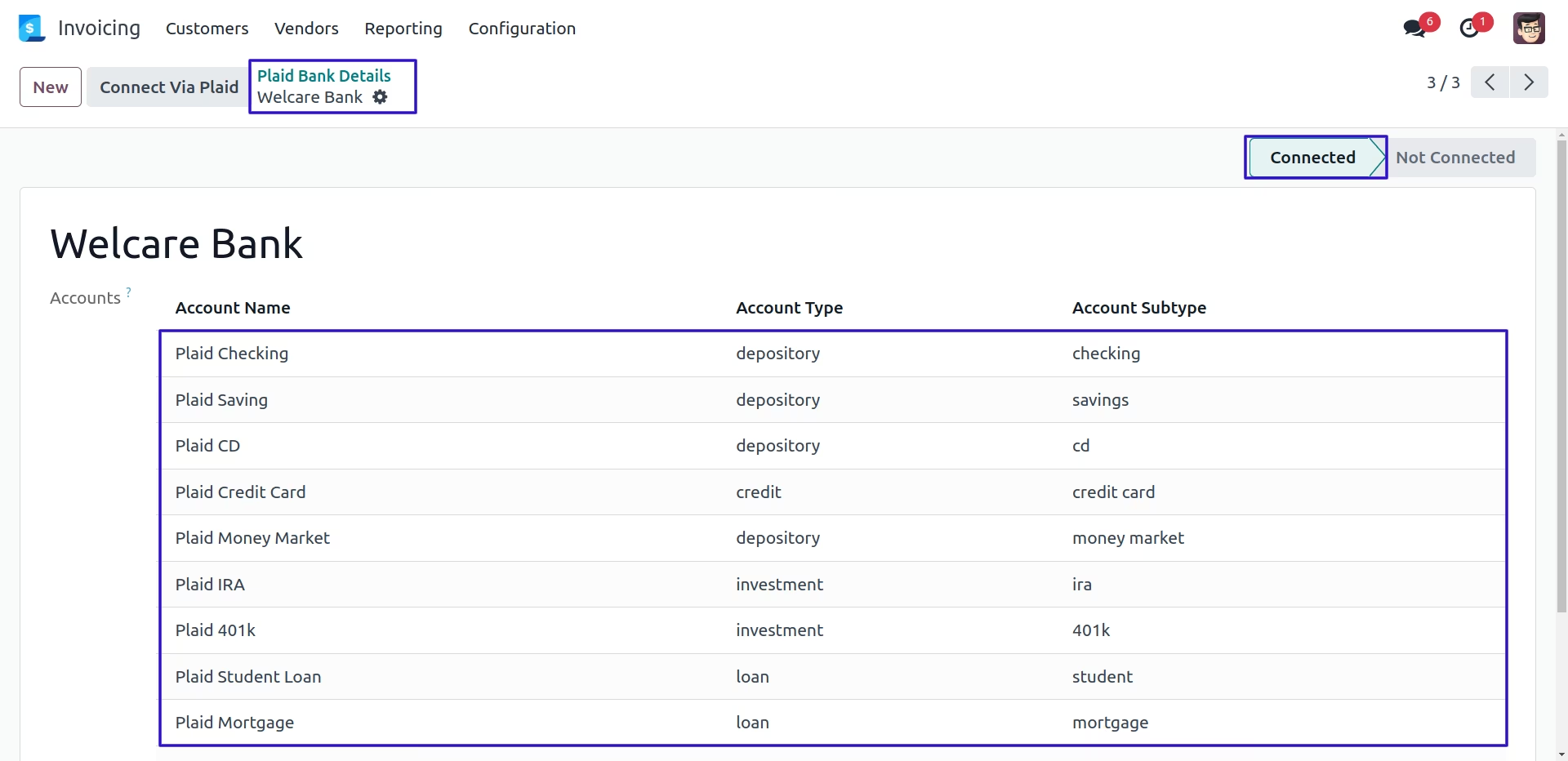
Linked Selected Bank Accounts
User can see the selected bank accounts are linked into the bank.
Get Plaid Transactions Menu
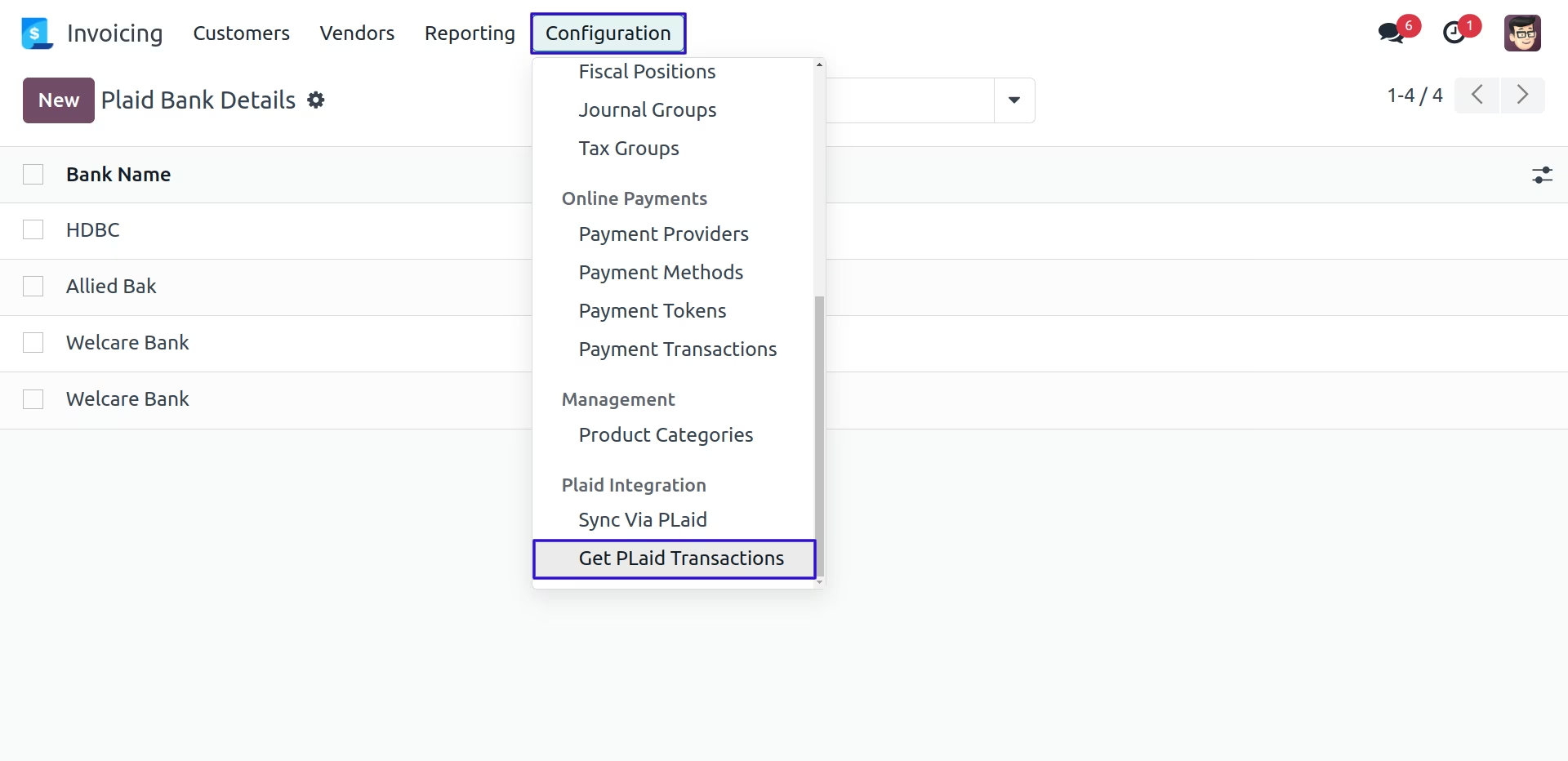
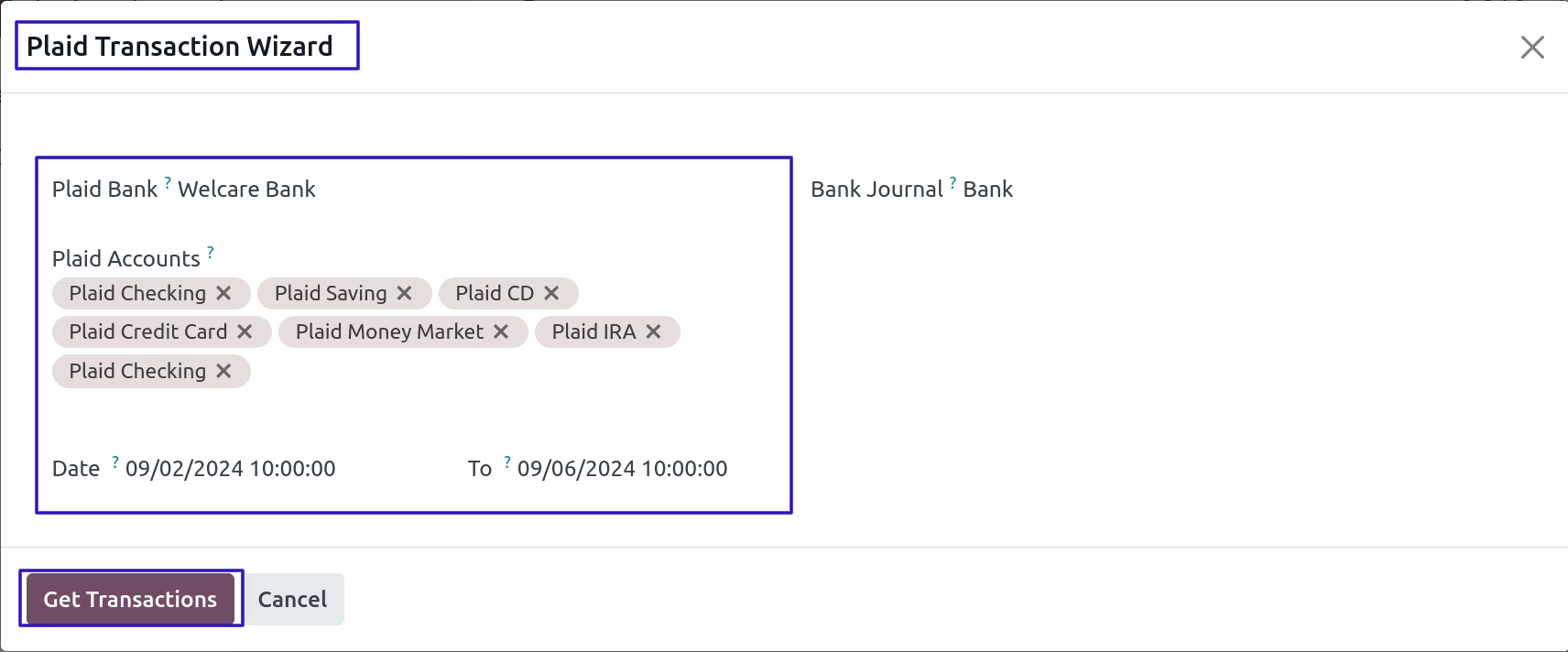
Plaid Transactions Wizard
Once open 'Plaid Transactions Wizard', User can select the plaid bank, plaid accounts, bank journal and set date range to get plaid transactions.
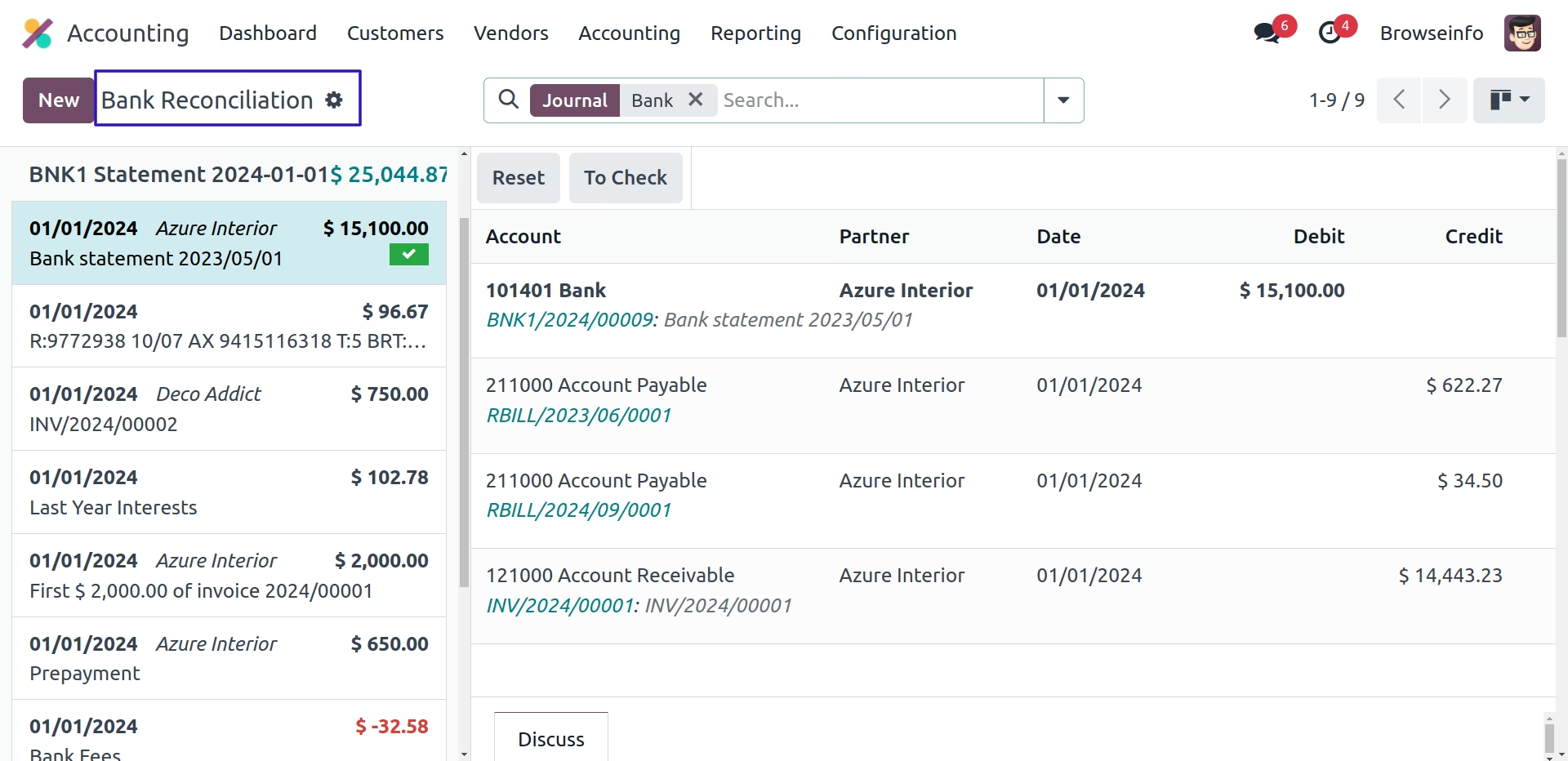
Synchronized Bank Statements Via Plaid
Installation Guide
Before installing this module you have to install following packages in your system.
sudo pip install plaid-python