The module empowers users with sophisticated automation for sales workflows. By setting up rule-based triggers, you can automate the progression of sales orders from quotation through confirmation, invoicing, payment, and delivery without manual intervention. This module dramatically reduces processing time, eliminates repetitive tasks, and enhances efficiency in sales operations.
Automate confirmation of sales orders at the click of a button
Generate and validate invoices automatically based on configured workflow
Enable auto-registration of payments upon invoice validation
Choose shipping and invoice policies per order for tailored automation
Configure sales and payment journals to guide automated entries
Streamline sales workflows with minimal manual effort
Reduce human error by automating repetitive sales tasks
Accelerate order-to-cash cycles for improved cashflow and customer satisfaction
Standardize processing with consistent automated logic
Empower sales teams to focus on exceptions rather than routine steps
Automated Sale Order Processing Workflow
Define Rules for Smart Order Generation
Eliminate Manual Sales Order Processing
Automate Sales Order Creation from Quotations
Improve Workflow Efficiency with Automate Sales Order
Sales Order requires many actions, such as converting a quotation to an order, creating an invoice, validating an invoice, registering payment for an invoice. Normally, one need to perform these actions manually to complete a Sales Order. Automated Sales Order Processing app provides configuration workflow to automate all or some of these specific processes and action. Once the workflow is configured, it is to be linked with sales order and then all these process will manage accordingly on just one click . Based on the configuration setup automatic workflow will call for each sales order which reduce the lots of time and work.
Auto Sale Workflow configuration
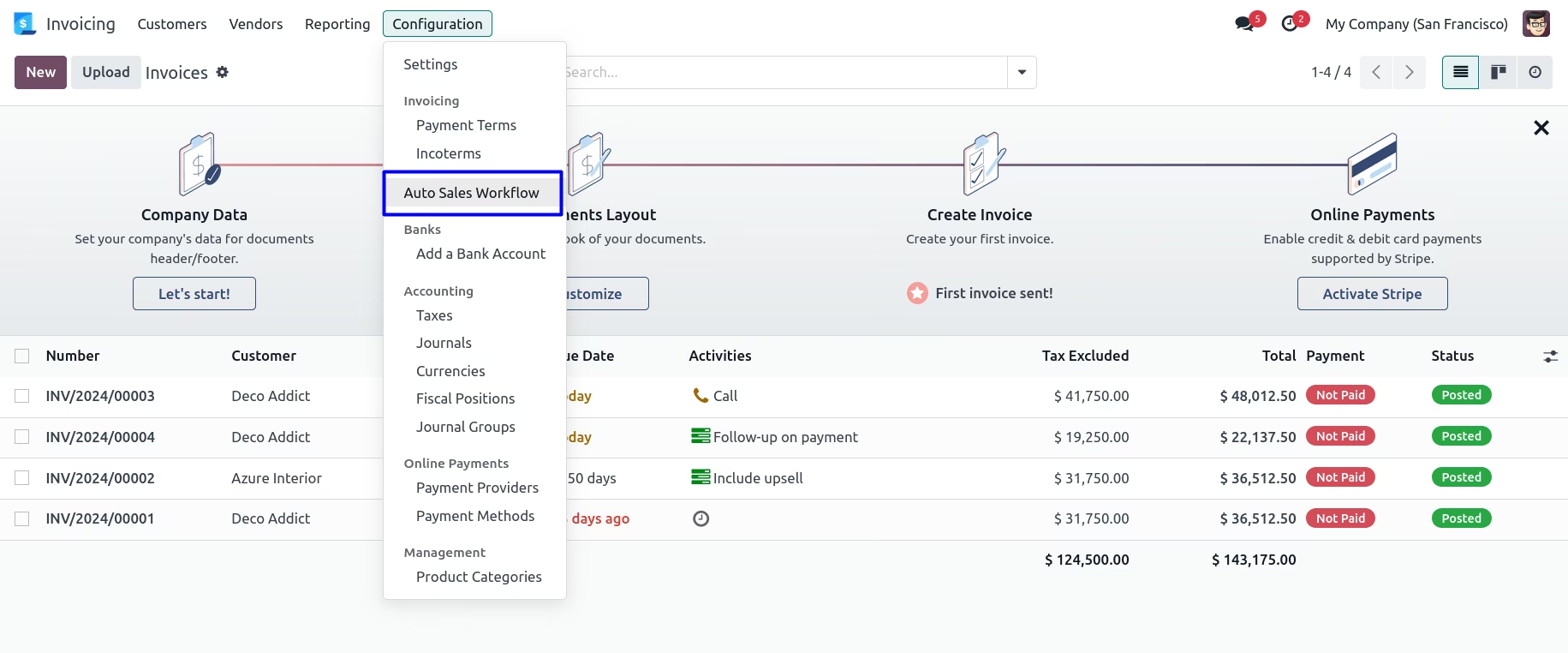
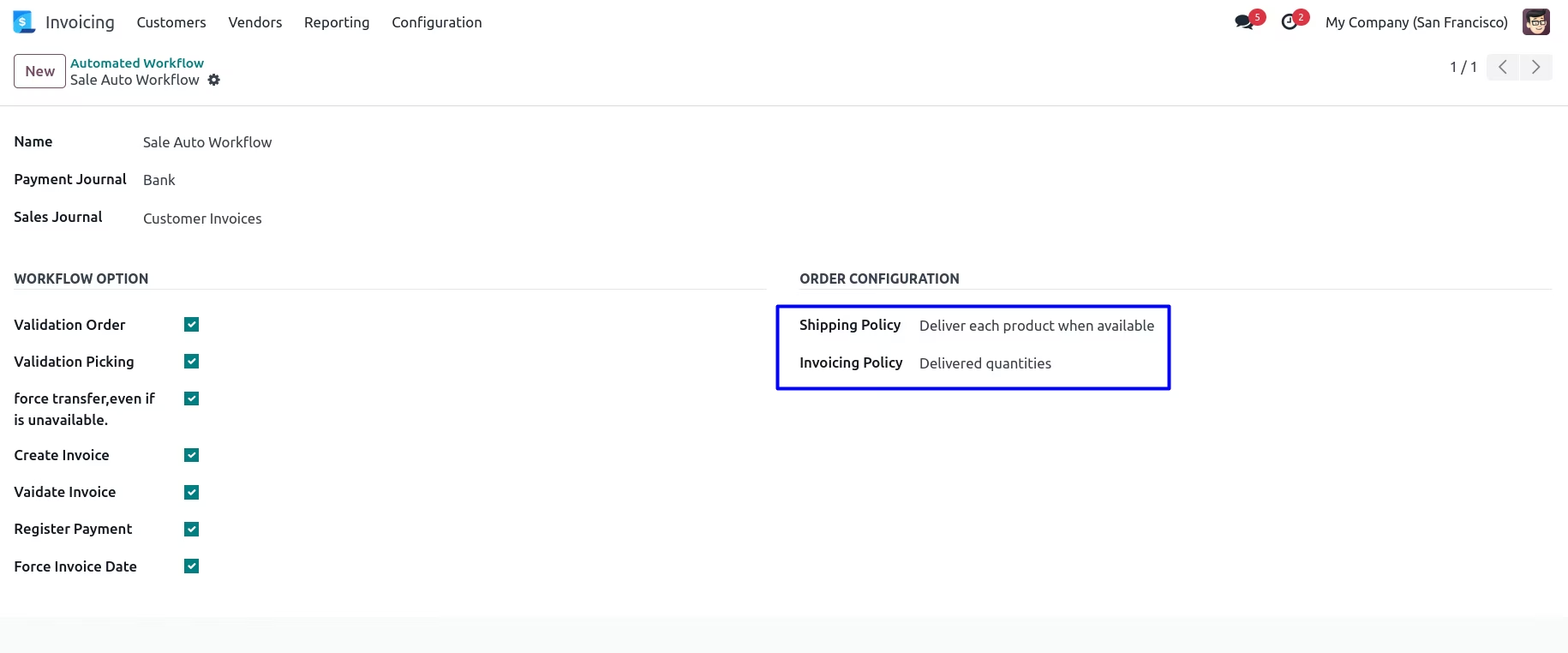
Create Auto Sale Workflow
Workflow setup from Customer side
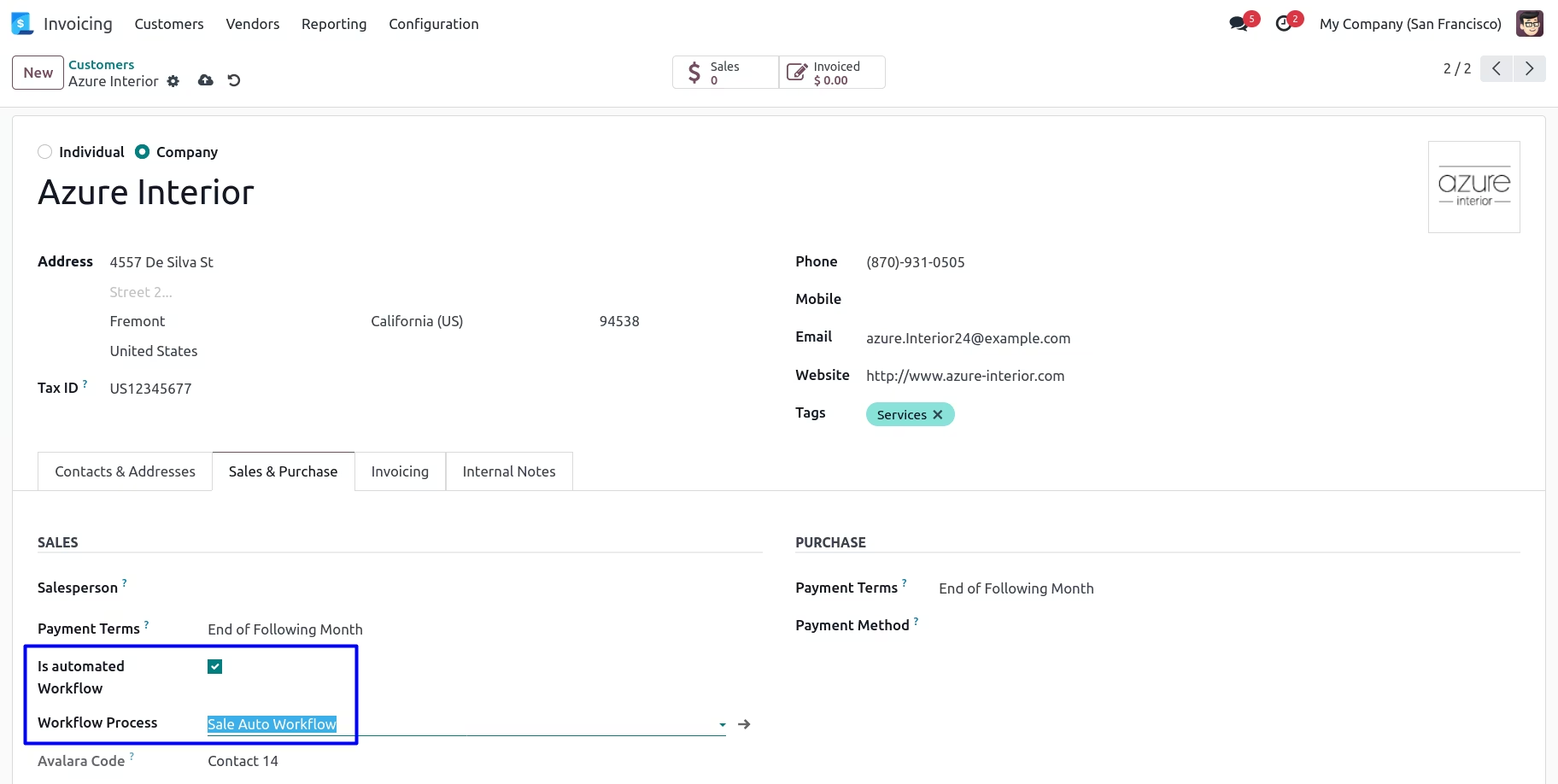
Set auto workflow in Sales order
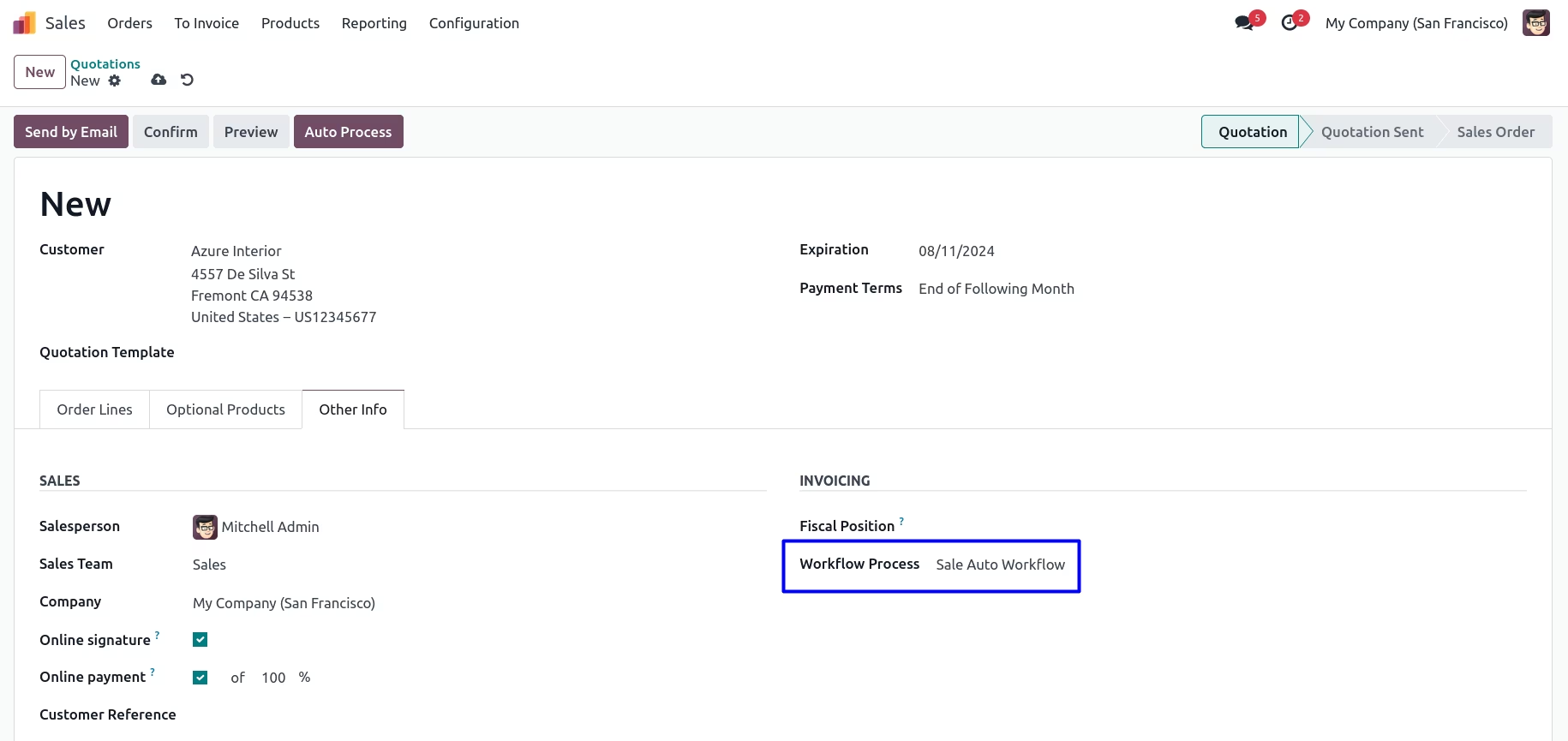
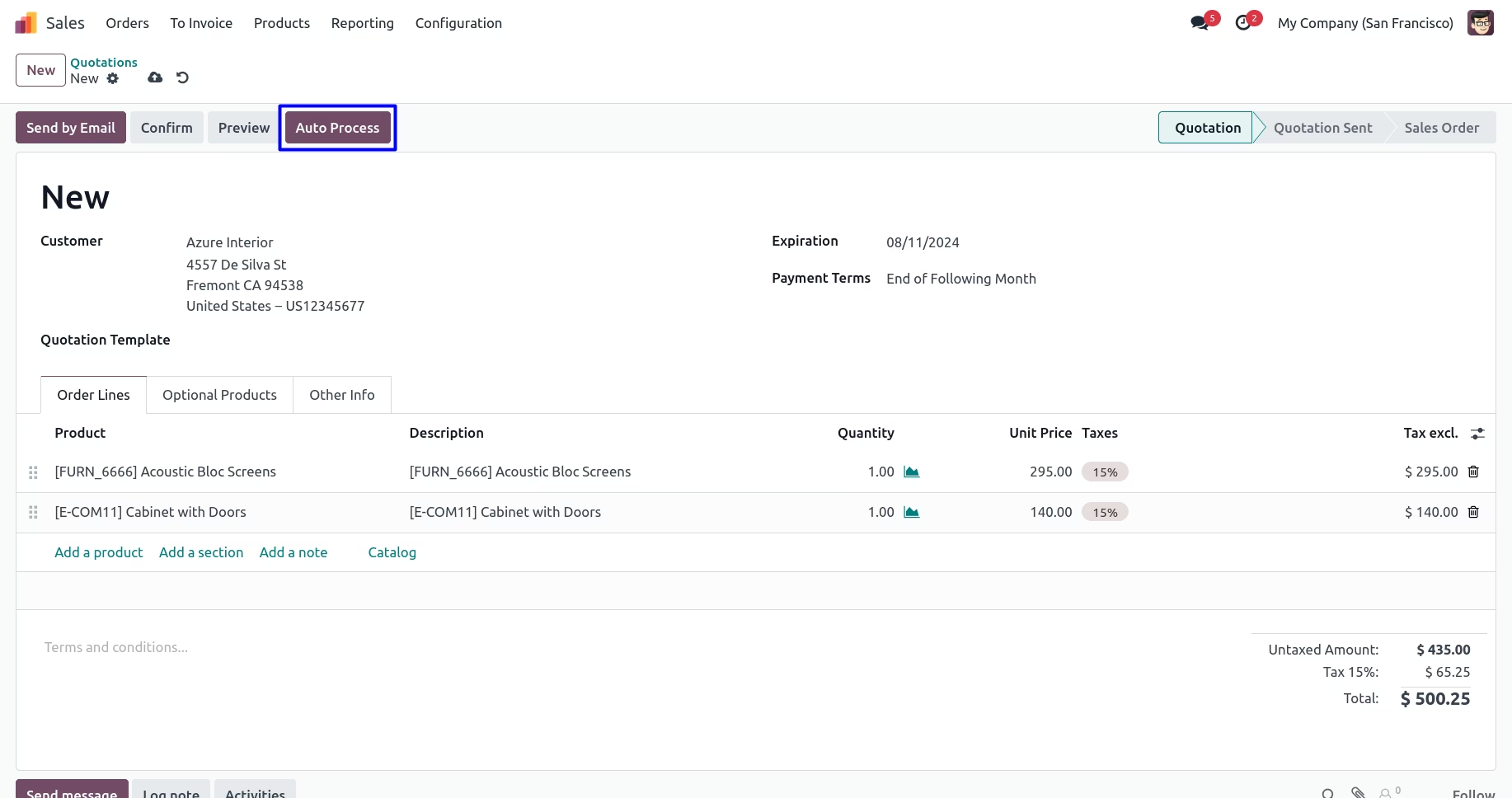
Process Sale Order with the click of button Auto process
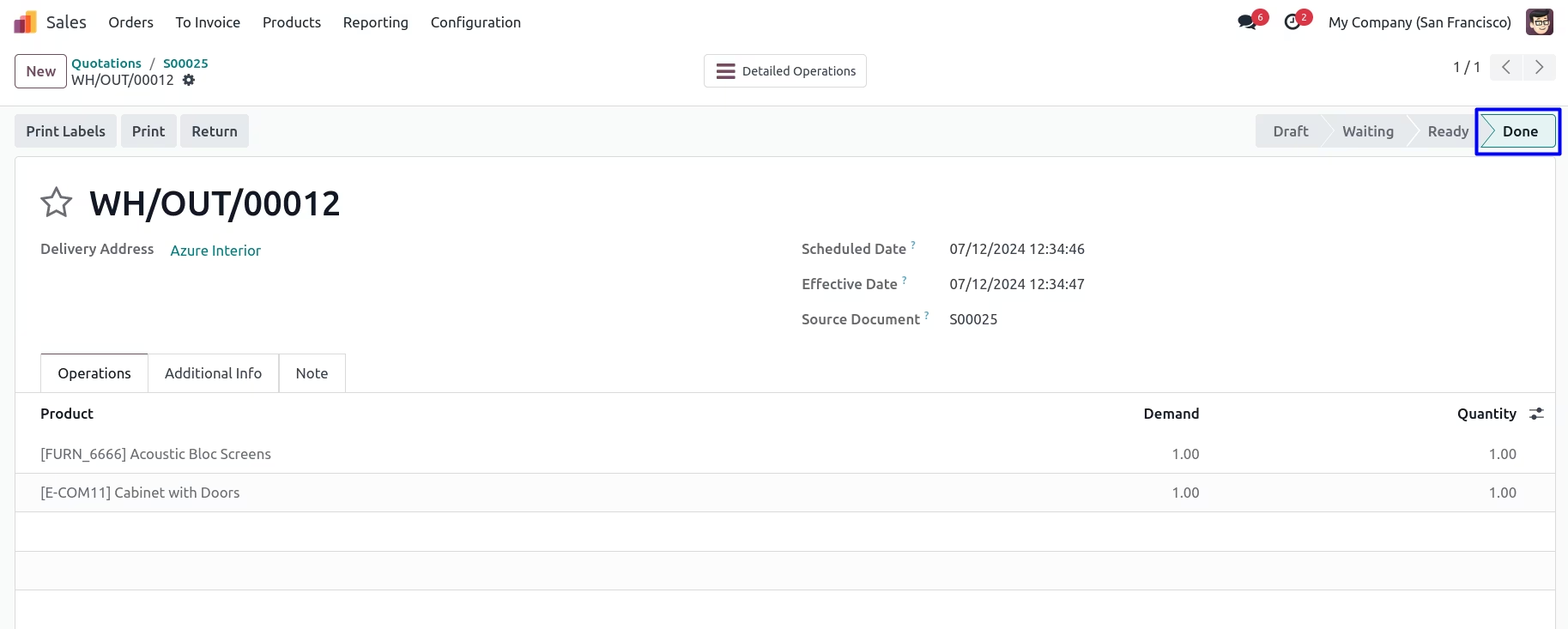
After clicking picking and invoice will get generated
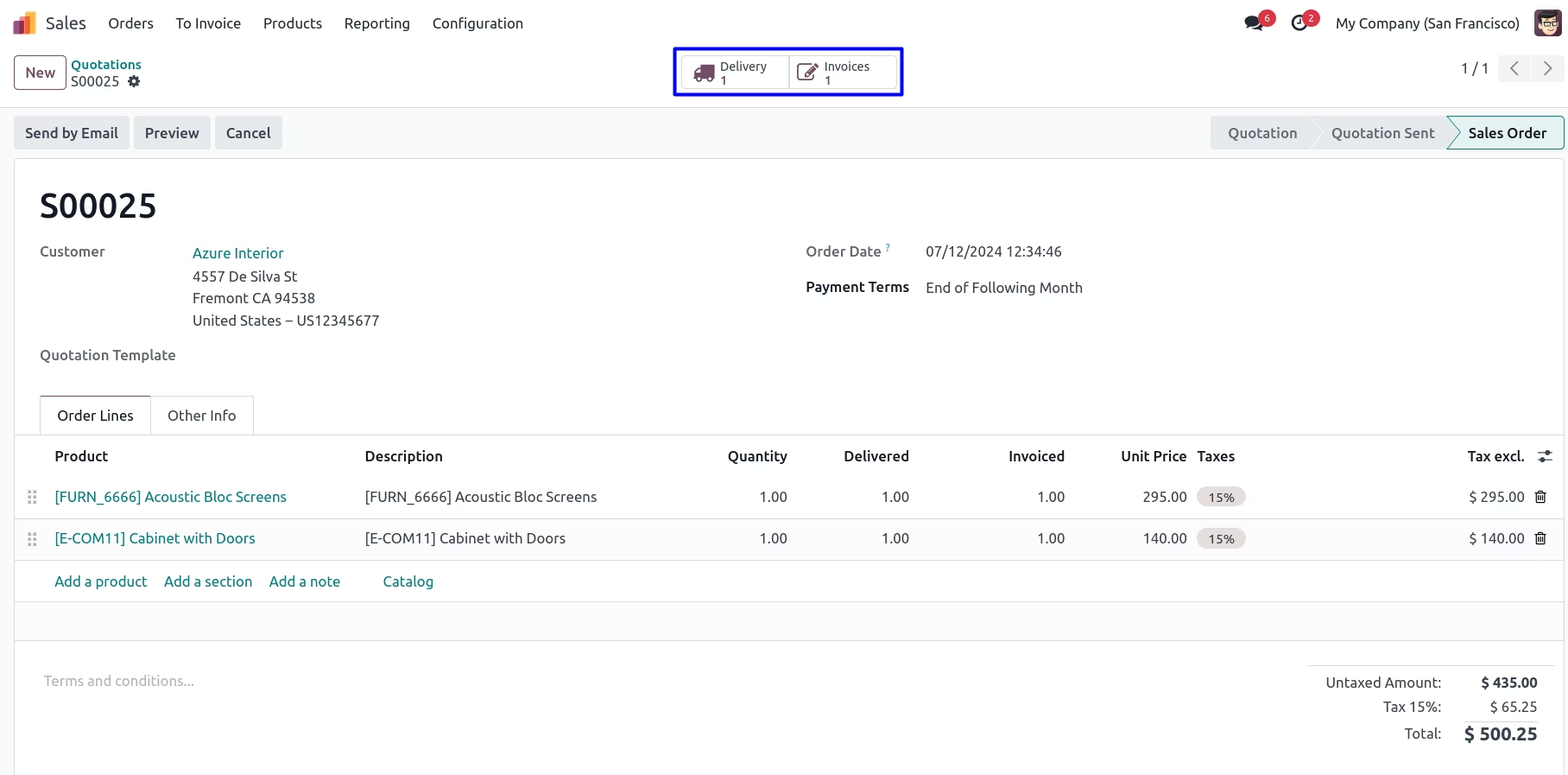
Auto Processed Picking
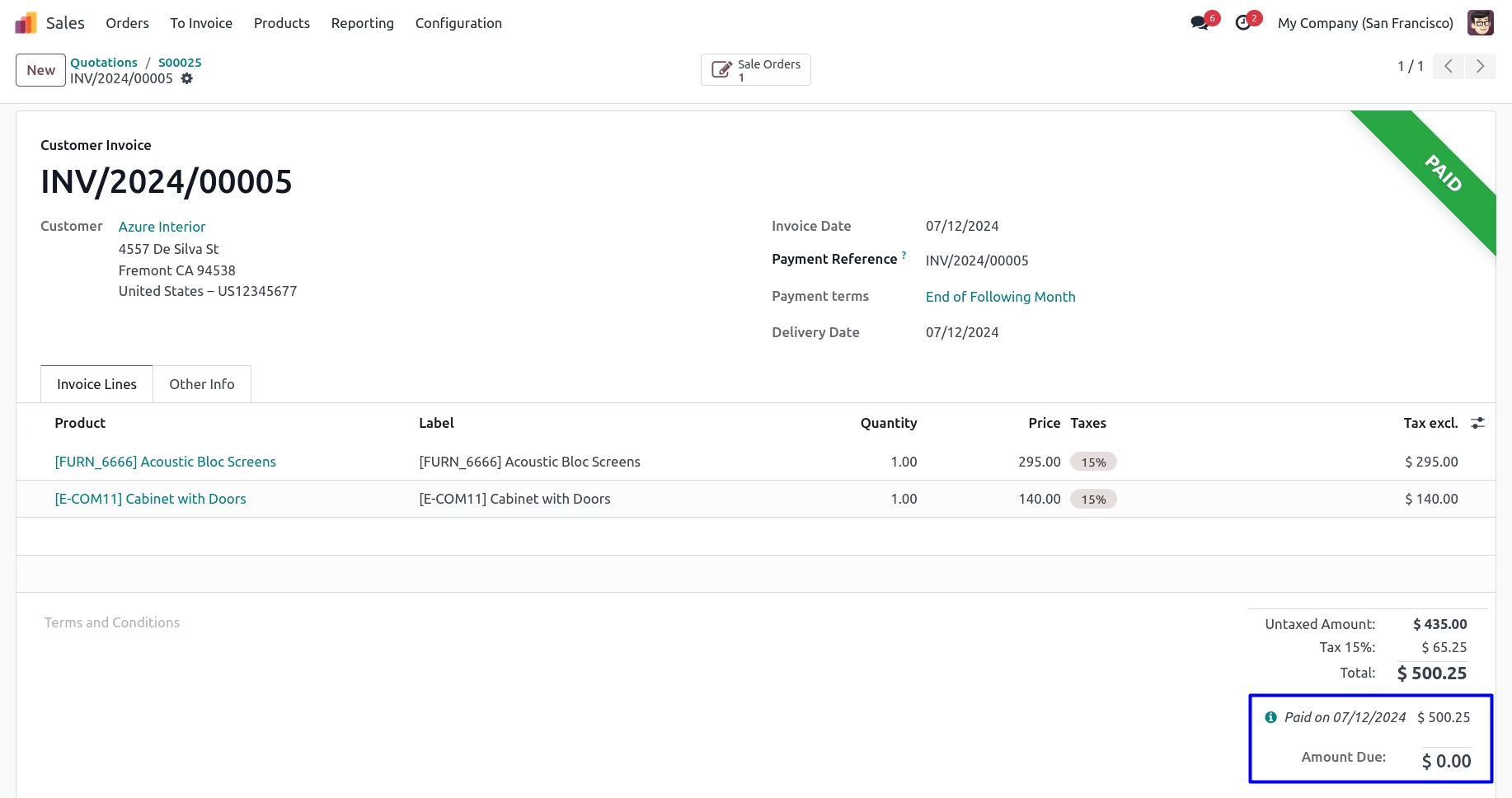
Auto Processed Invoicing