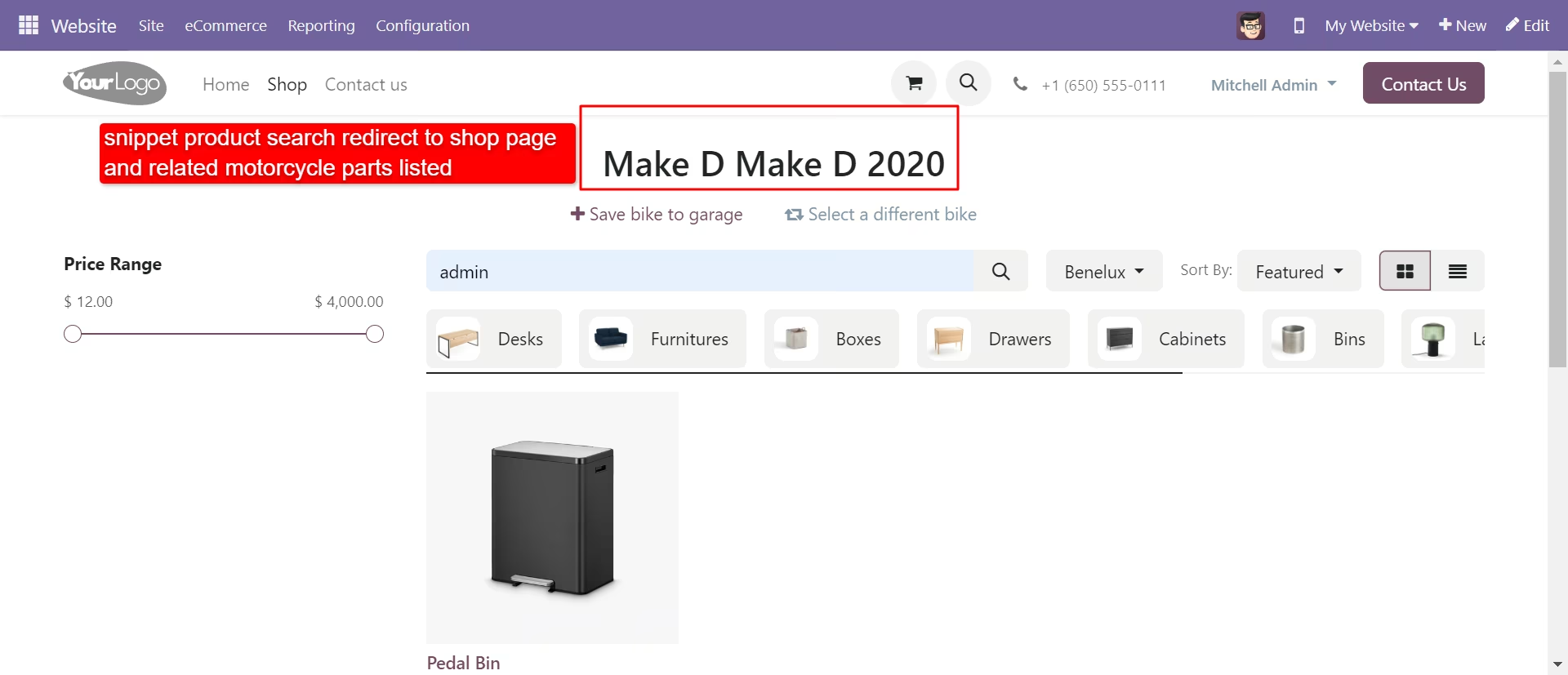
The module empowers your website with a seamless auto parts browsing experience tailored for motorcycle users. Shoppers can filter products by vehicle attributes like make, model, type, and year, view common parts, and save favorites in a personalized "My Garage." Ideal for auto parts retailers, this enhances user engagement, simplifies navigation, and streamlines product discovery on your e-commerce platform.
Search auto parts by vehicle make, model, type, and year
Display "common products" applicable across multiple vehicle types
Save and manage favorite parts through a "My Garage" feature
Sort search results for improved user navigation
No additional configuration required—easy to install and use
Elevate user experience with fast and filtered auto parts discovery
Enhance customer retention through personalized saved garages
Reduce browsing time and increase conversion probability
Maintain a clean product interface with intuitive sorting and filtering
Streamline user interaction on the website with minimal setup
Auto Parts Website
This module makes searching for auto parts it's as easy peasy.
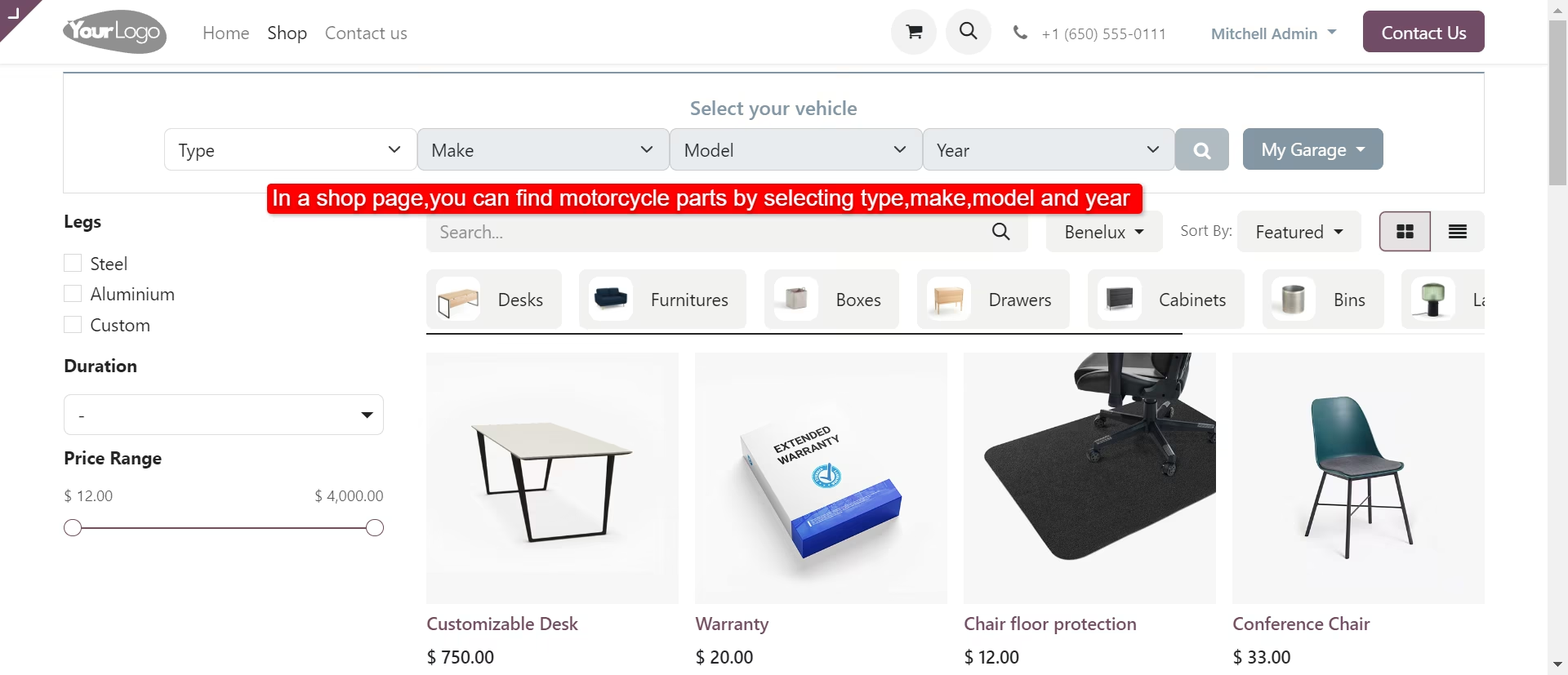
Auto Parts Website: In website search tool helps in choosing your auto parts base on vehicle make, vehicle model, type and model year very easily. Enter the vehicle details in the search field, click the SEARCH button so it will display available auto parts. You can easily set button size, Ecommerce Category. Users can save searched auto parts. Logged users can also see the saved item list in 'My Garage' Dropdown list. User can save search items and remove from 'My Garage'. Users can sort search results. This website is very perspicuous to the user and easy to interact with the site.
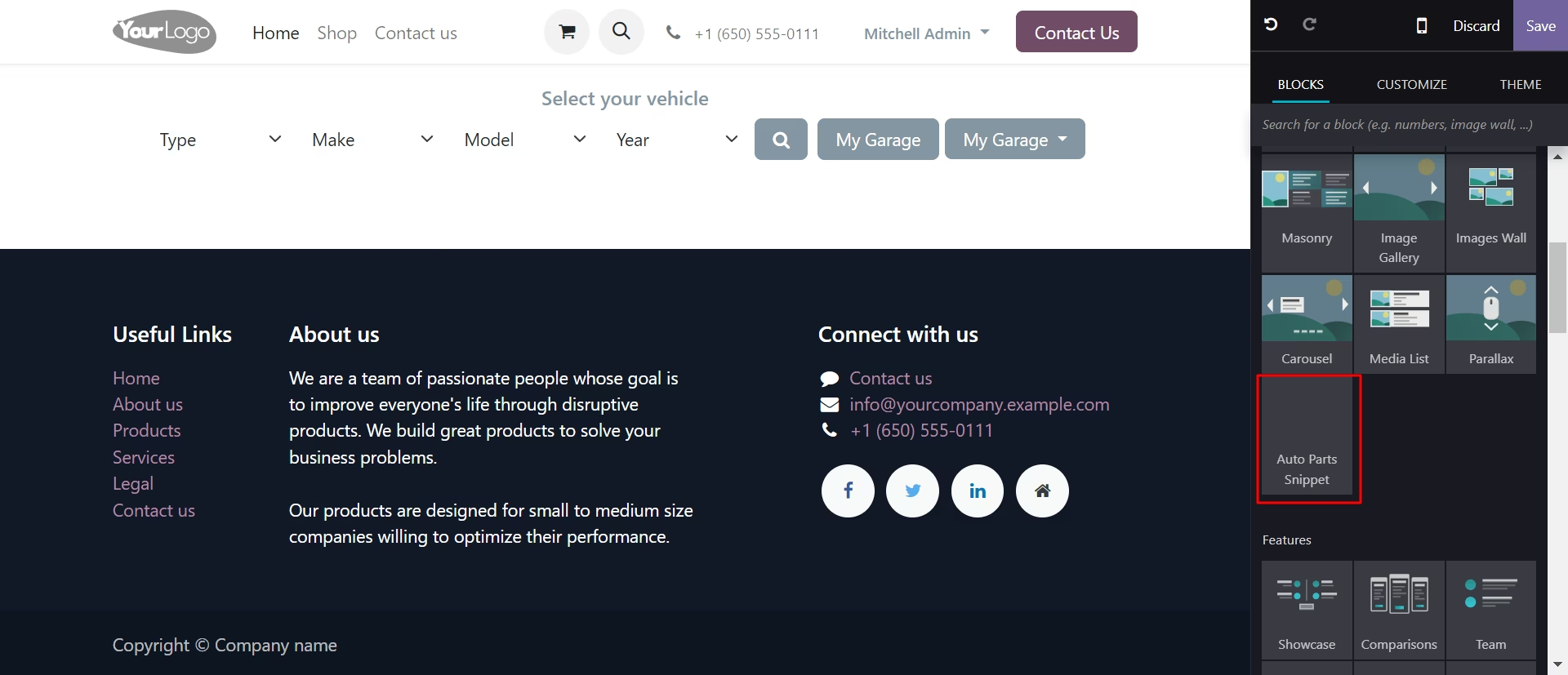
Auto Parts Search Snippet: All search features allow for a fast and easy auto part lookup. Enter the auto part you need in the search option you prefer. Click the SEARCH button and locate available auto parts. You can easily set button size, Ecommerce Category. Logged users can also see the saved item list in 'My Garage' Dropdown list. This snippet is very perspicuous to the user and easy to interact with the site.
- Easily manage vehicle with related vehicle option.
- You can add common products for all vehicles.
- Easy to search auto parts using make, model, type and also year filters.
- You can manage vehicle with vehicle filtering options.
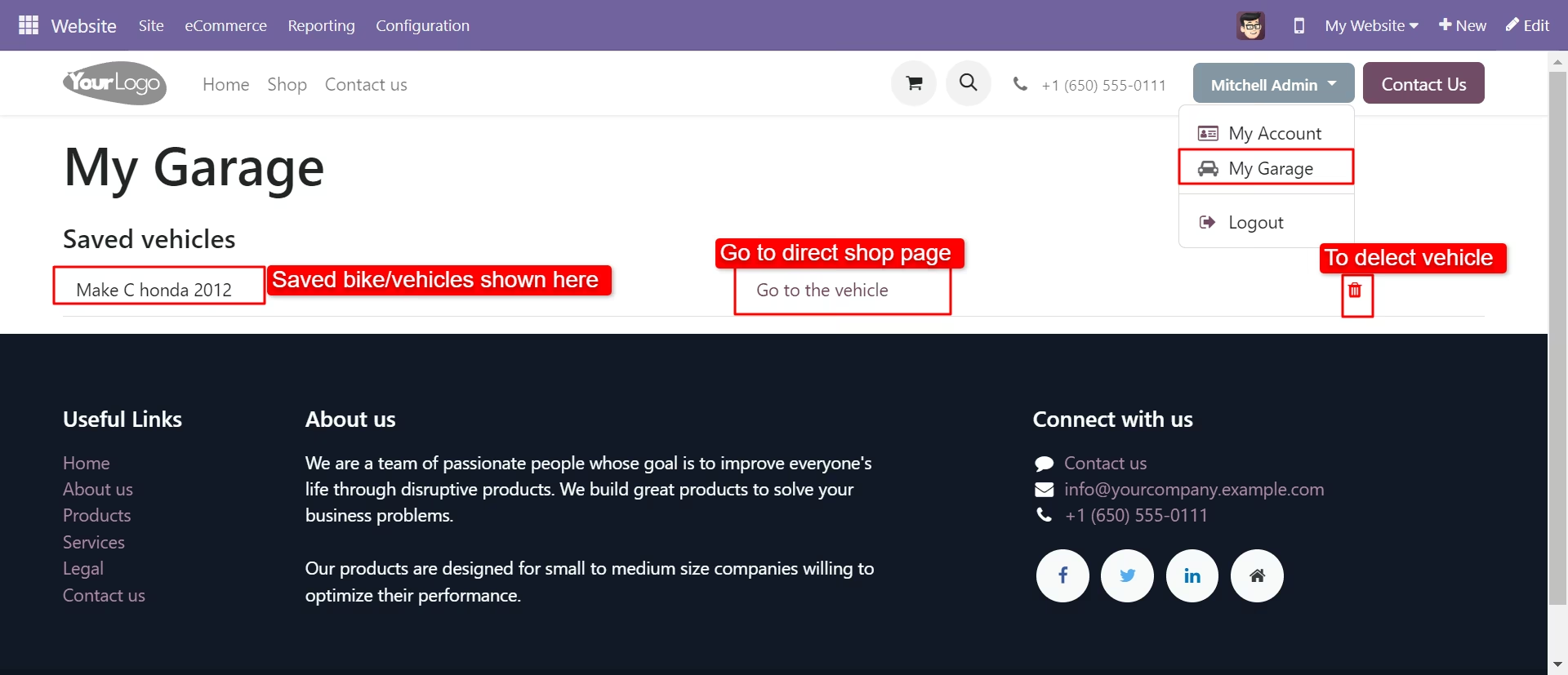
- Logged user can save, delete items and see his saved item in 'My Garage'.
- Users can save search auto parts in 'My Garage'.
- In 'My Garage'(favorite) users can save favorite auto parts and remove them.
- 'Auto part Search Snippet' is very transparent to the user/client.
- Easy to Understand the flow of search and user easily interact with the snippet.
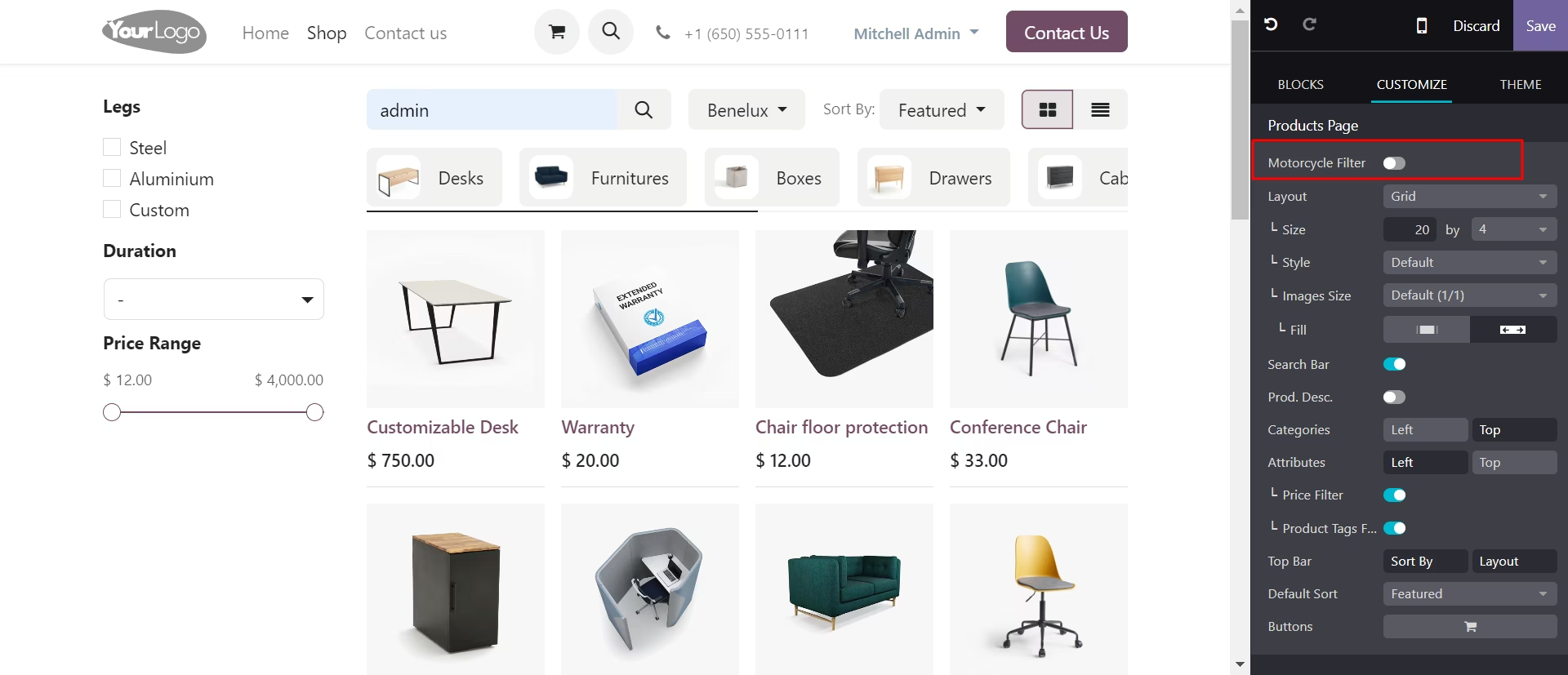
- Motorcycle filter can be enabled/disabled via a toggle button.
Tick 'Common Products' to add common products for all vehicles.
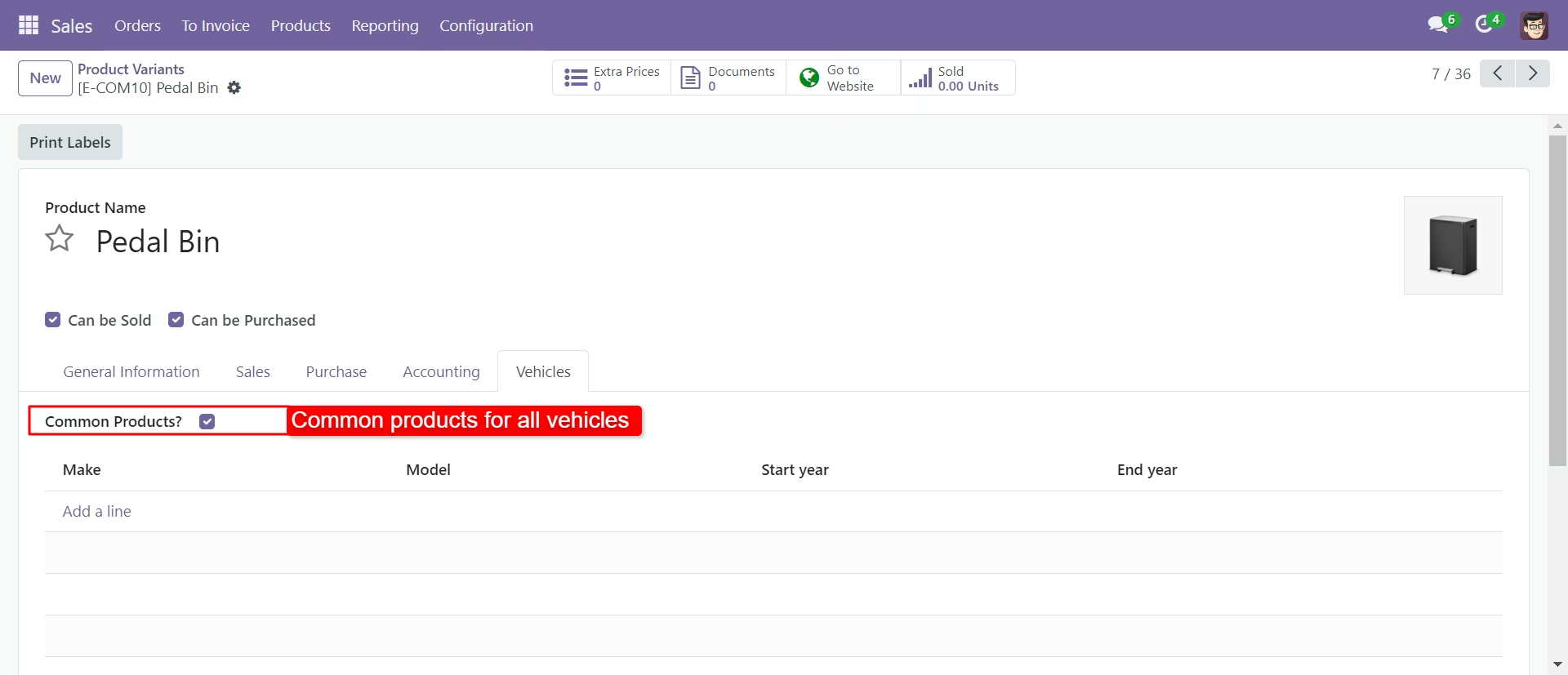
The common products at the website.
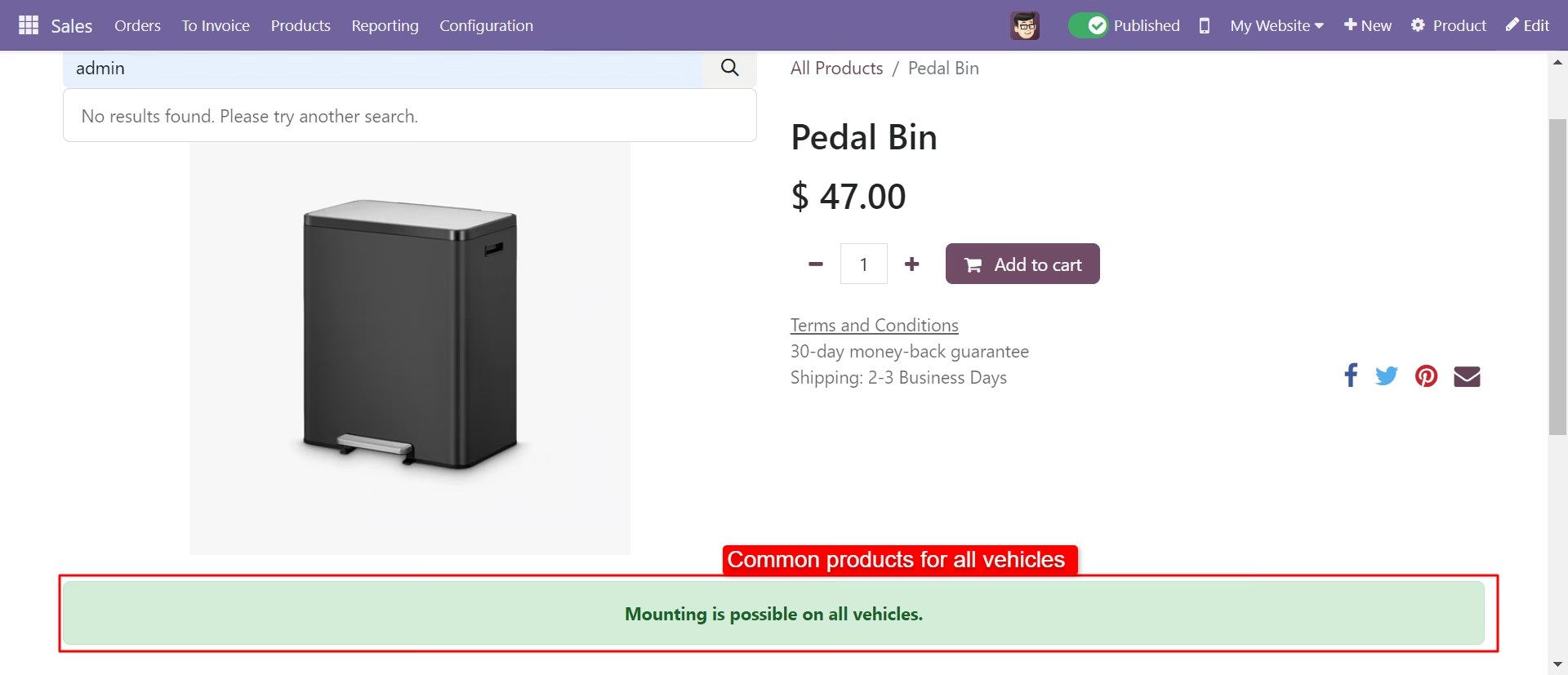
You can add common products in auto parts.
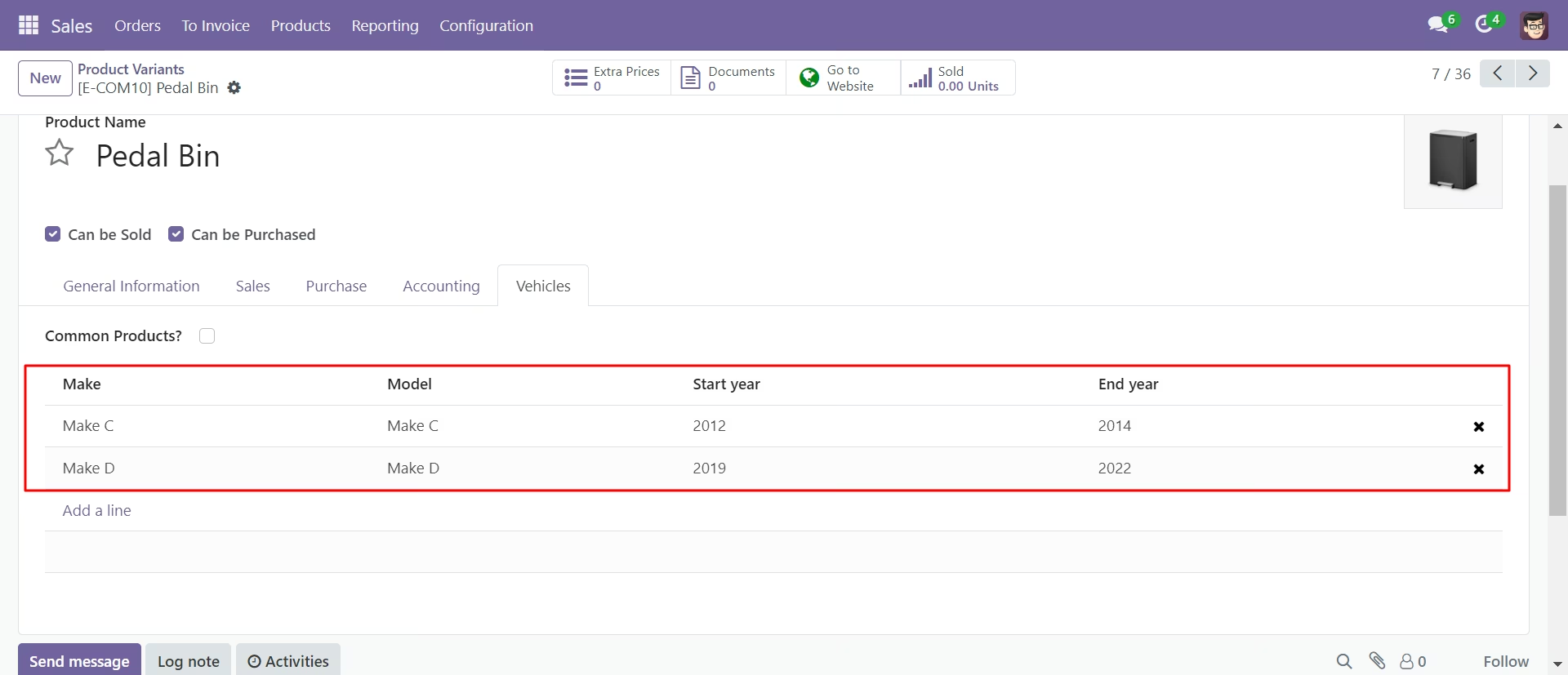 \
\ 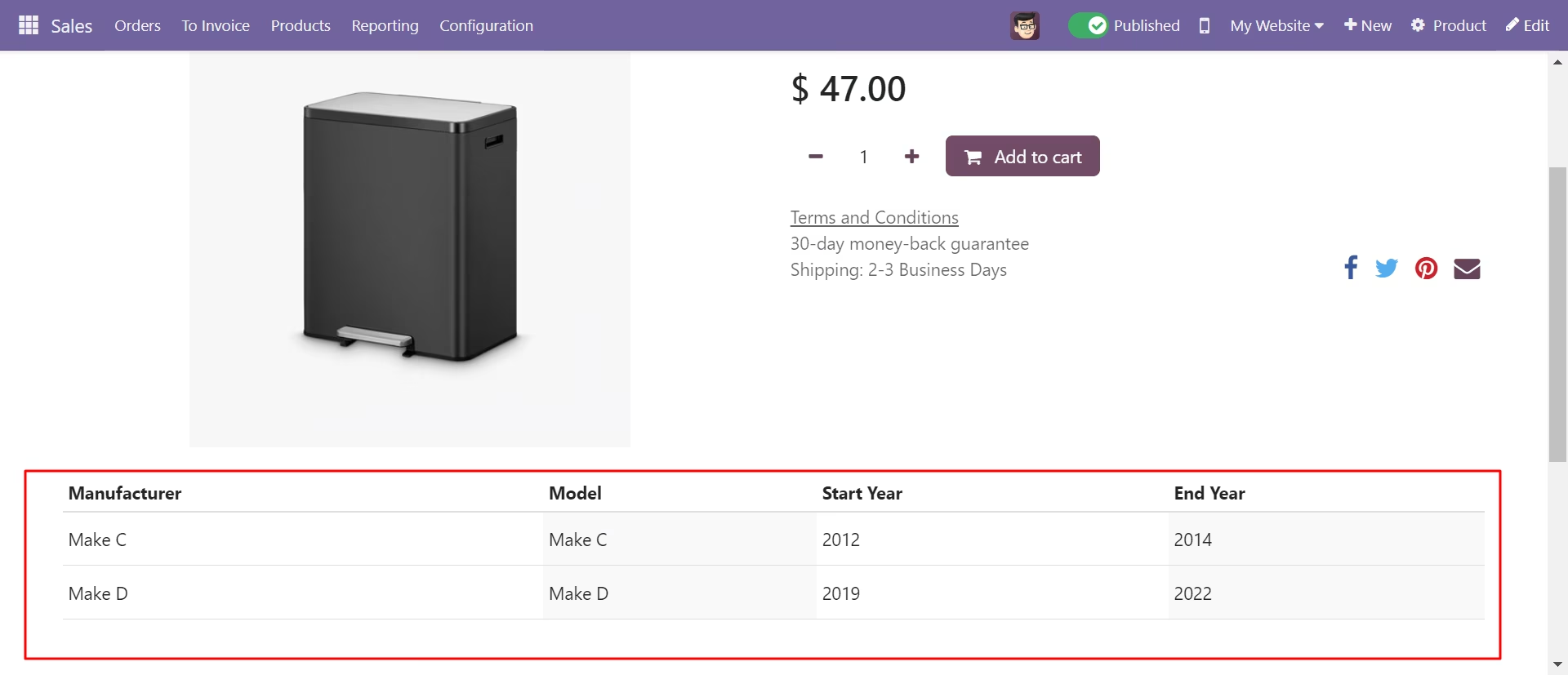
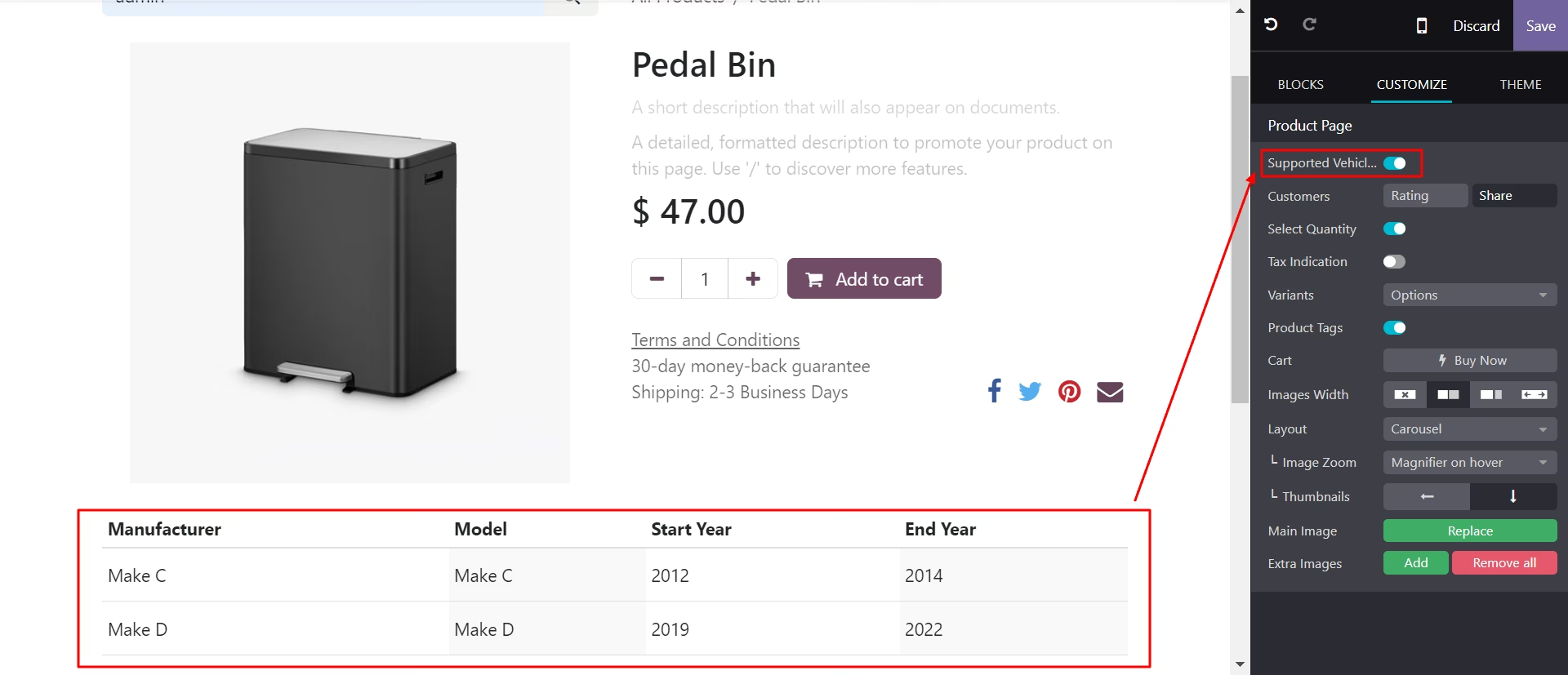
Supported vehicles help to add related vehicles in the products.
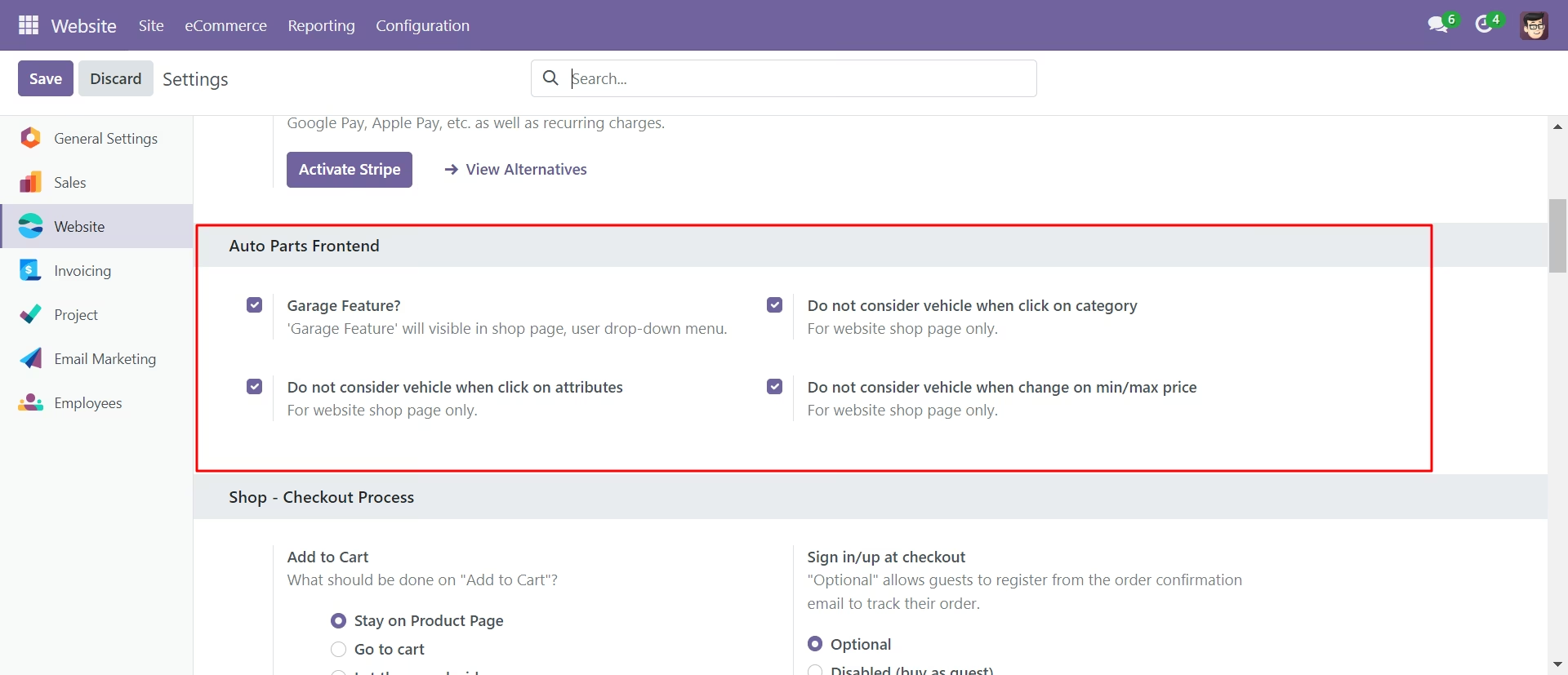
Configuration for auto parts website.
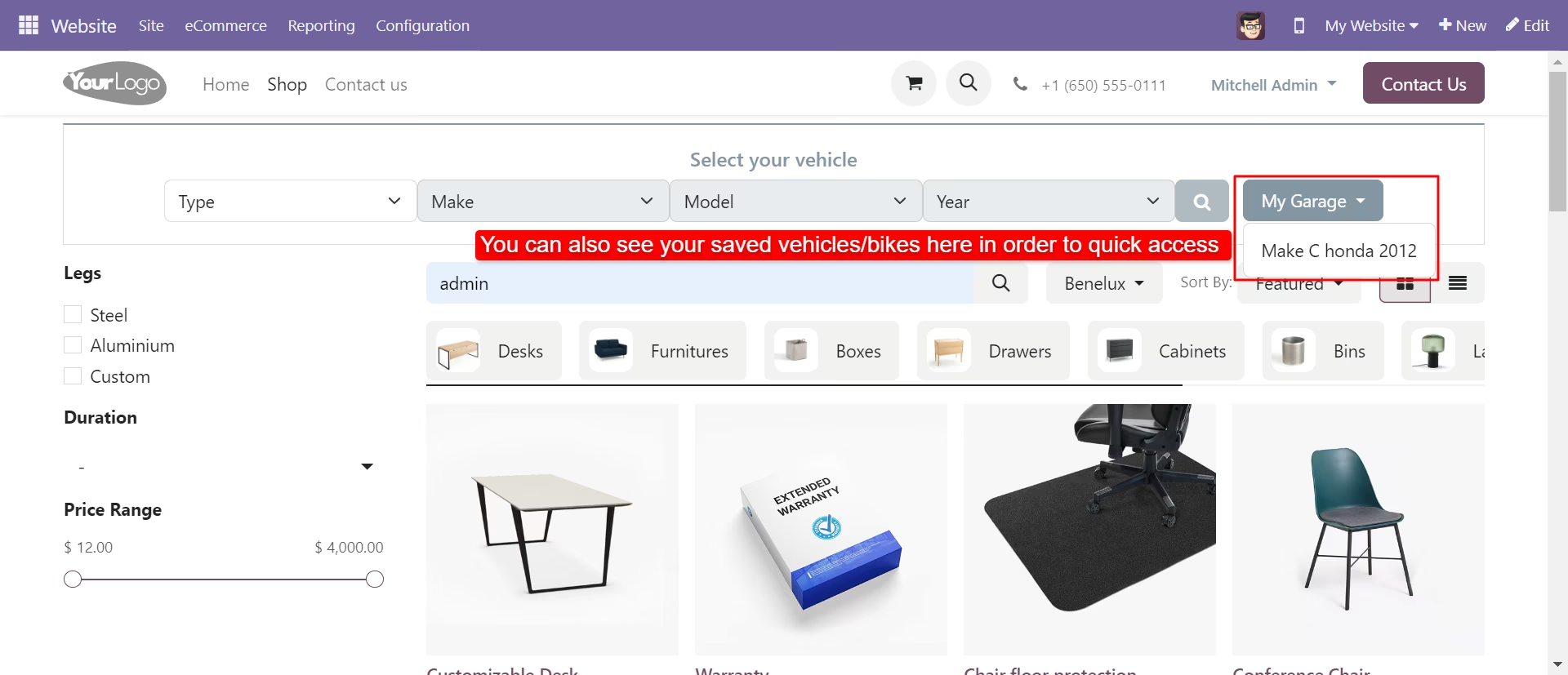
'My Garage' feature on the website.
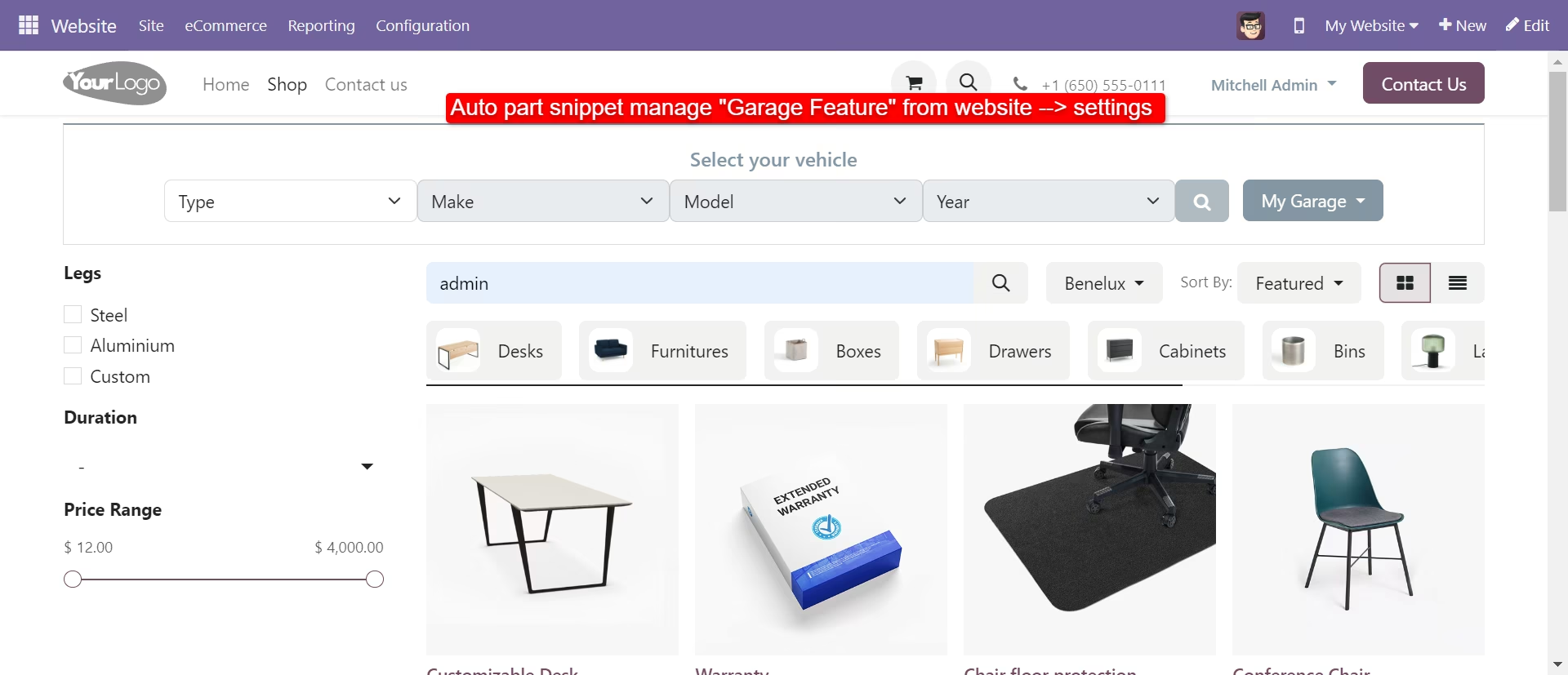
Select your vehicle section in the shop page.
Saved bikes/vehicles list.
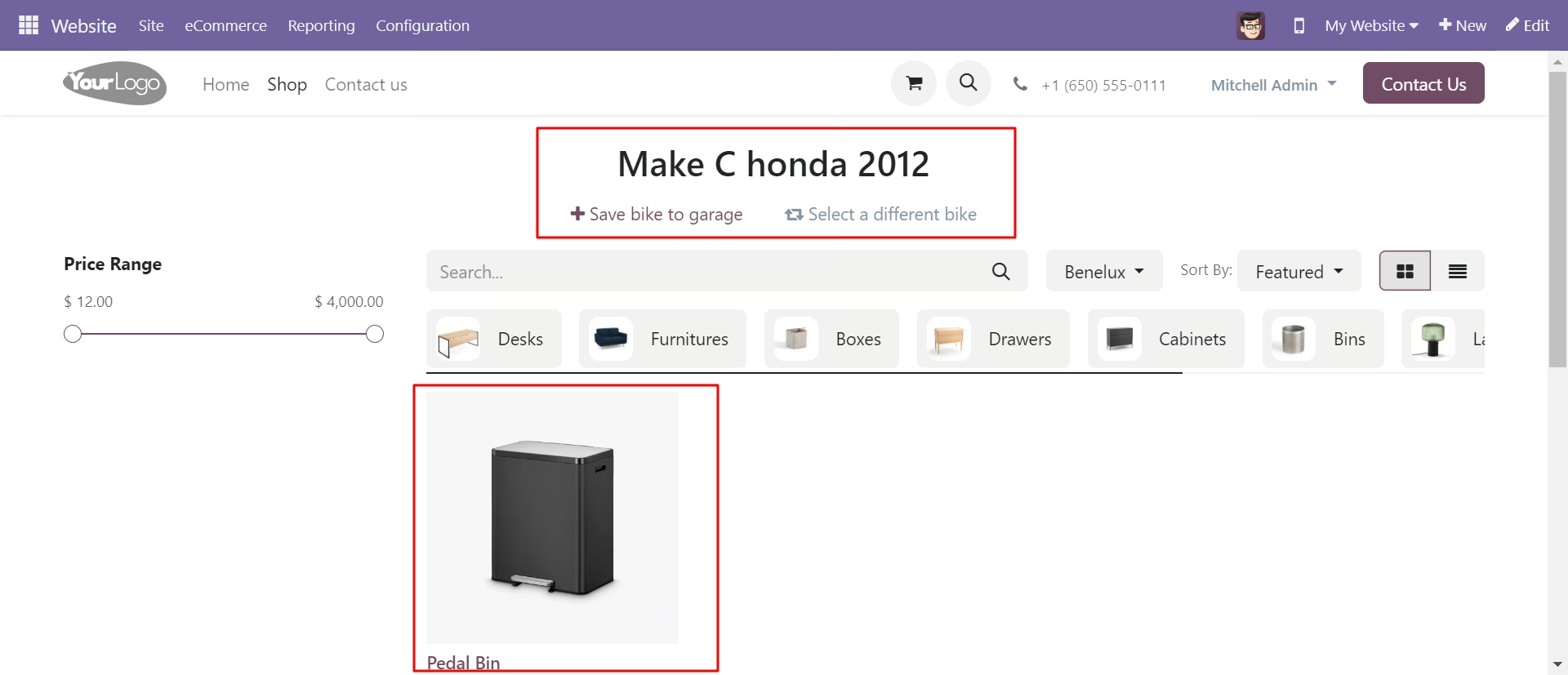
Saved specific bike in your garage.
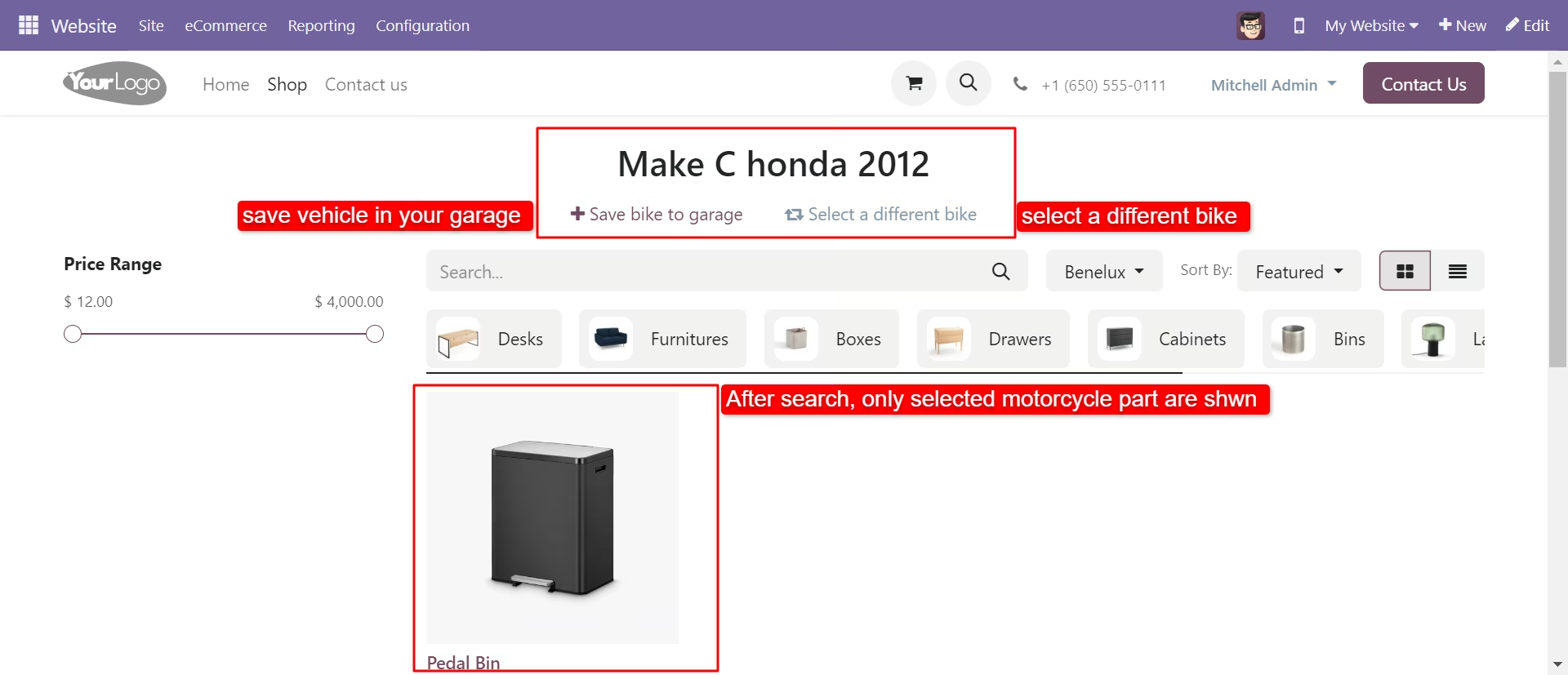
Select a different bike section.
Through the toggle button, you can enable/disable the motorcycle filter.
My garage page.
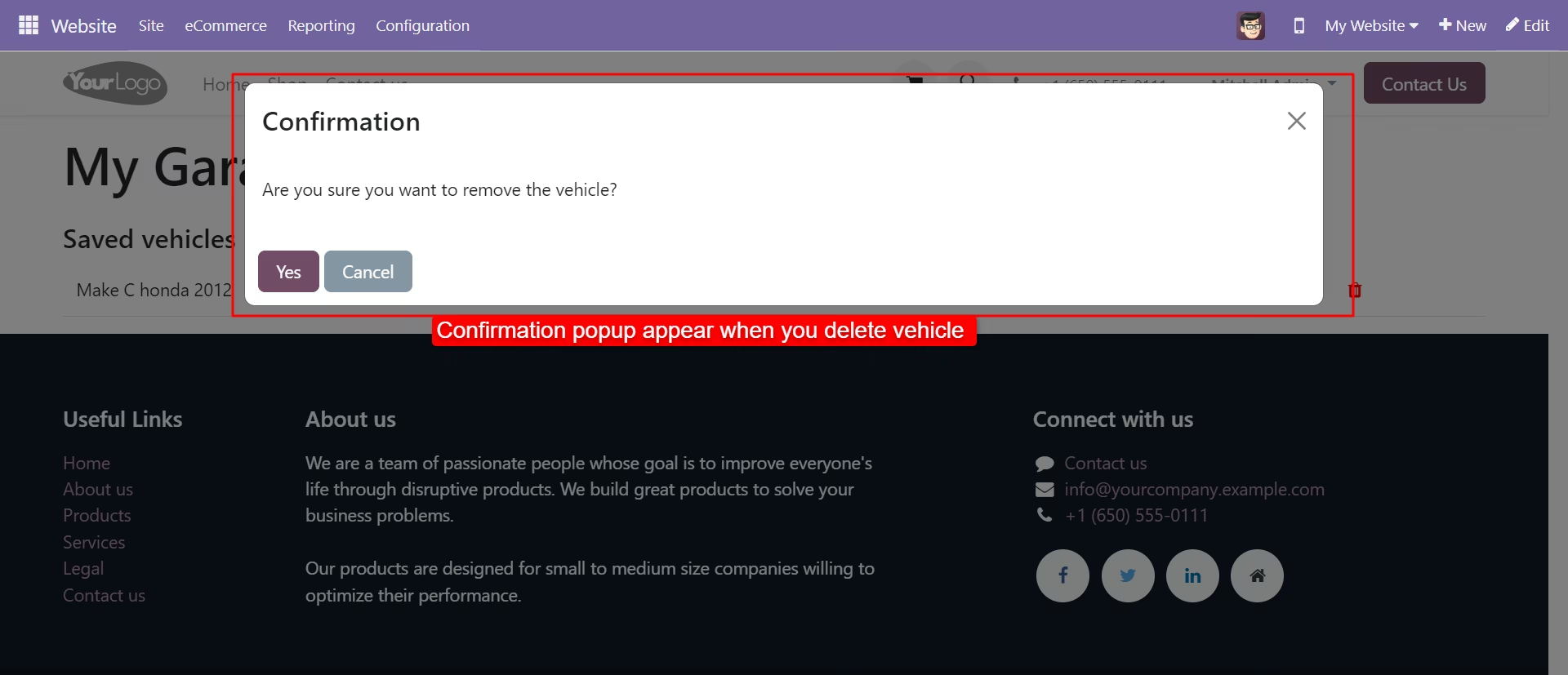
Delete bike from my garage.
AAuto Parts snippet.
Ecommerce categories snippet options from where you can choose a specific category and Button size snippet option.
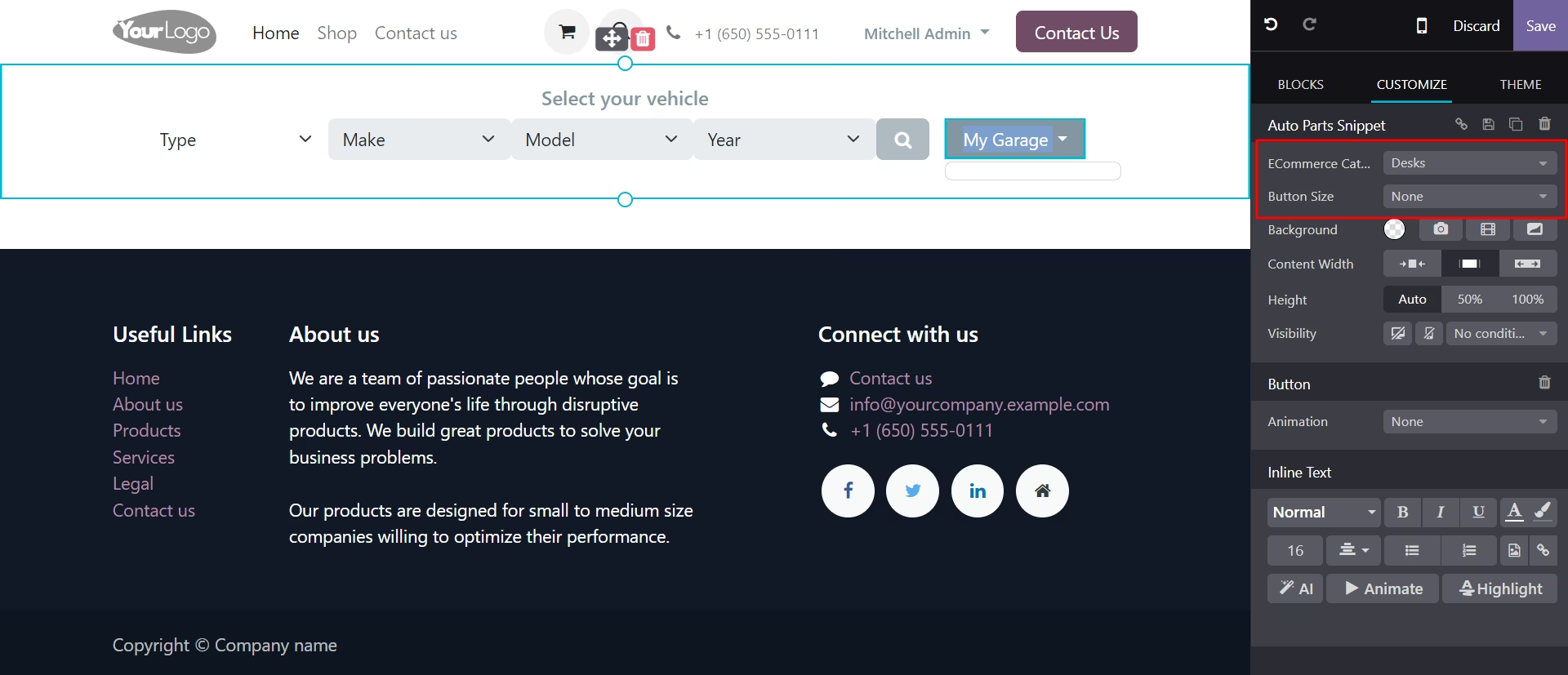
Find the vehicle by selecting the type, make, model and year in the snippet.
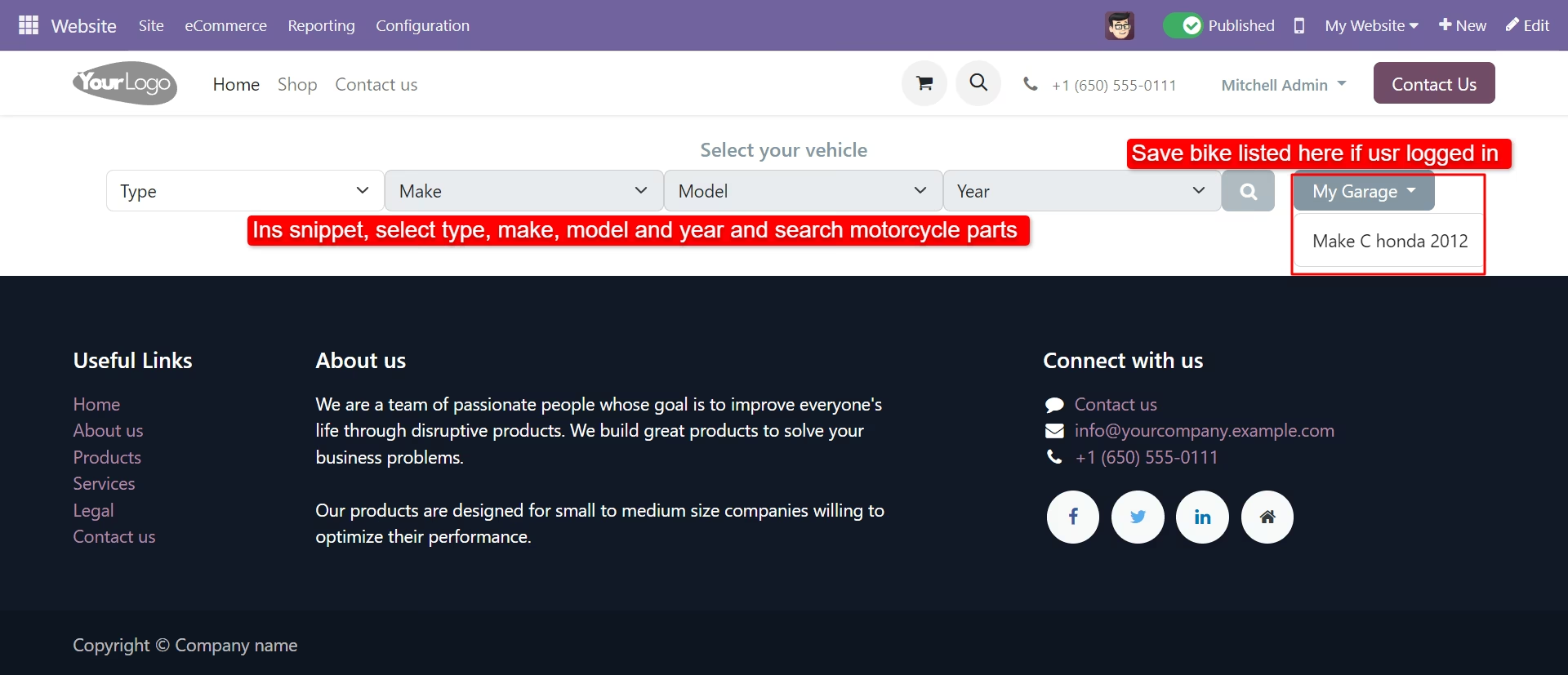
Snippet product search redirects to the shop page and related motorcycle parts filtered.